Upgrade to Pro — share decks privately, control downloads, hide ads and more …

Tips when coding for Pebble

Tips when coding for Pebble

A lighting talk I gave at the first german Pebble meetup with some tips that are not commonly known.

Avatar for Marcel Jackwerth

Marcel Jackwerth

March 03, 2015

Other Decks in Programming

Transcript

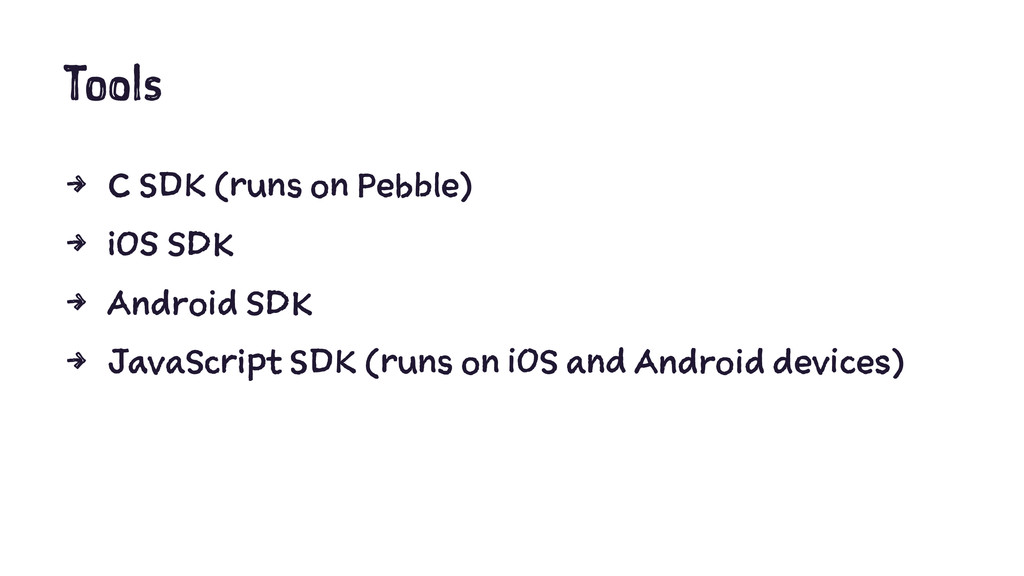
  1. Tools 4 C SDK (runs on Pebble) 4 iOS SDK

    4 Android SDK 4 JavaScript SDK (runs on iOS and Android devices)
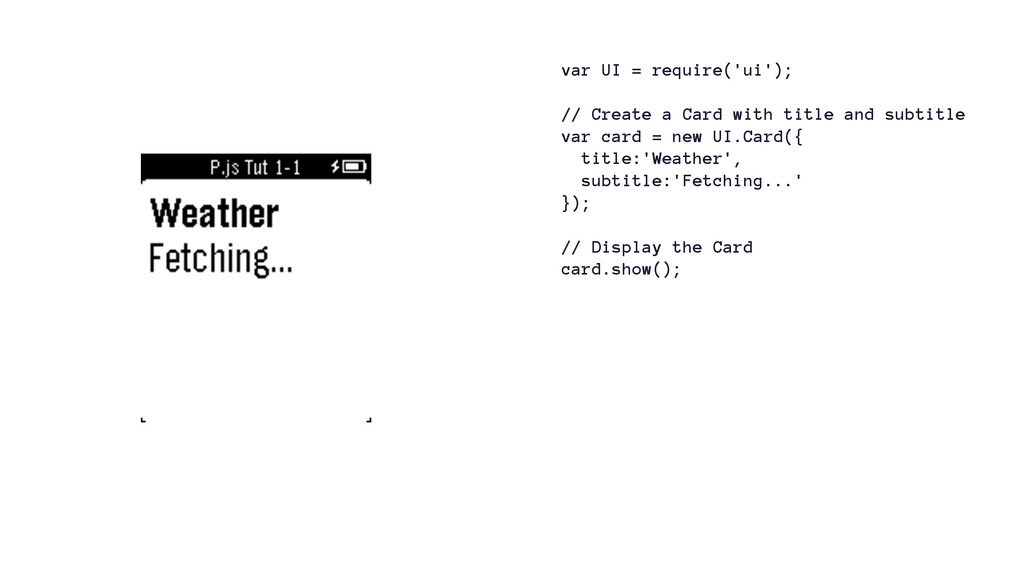
  2. var UI = require('ui'); // Create a Card with title

    and subtitle var card = new UI.Card({ title:'Weather', subtitle:'Fetching...' }); // Display the Card card.show();
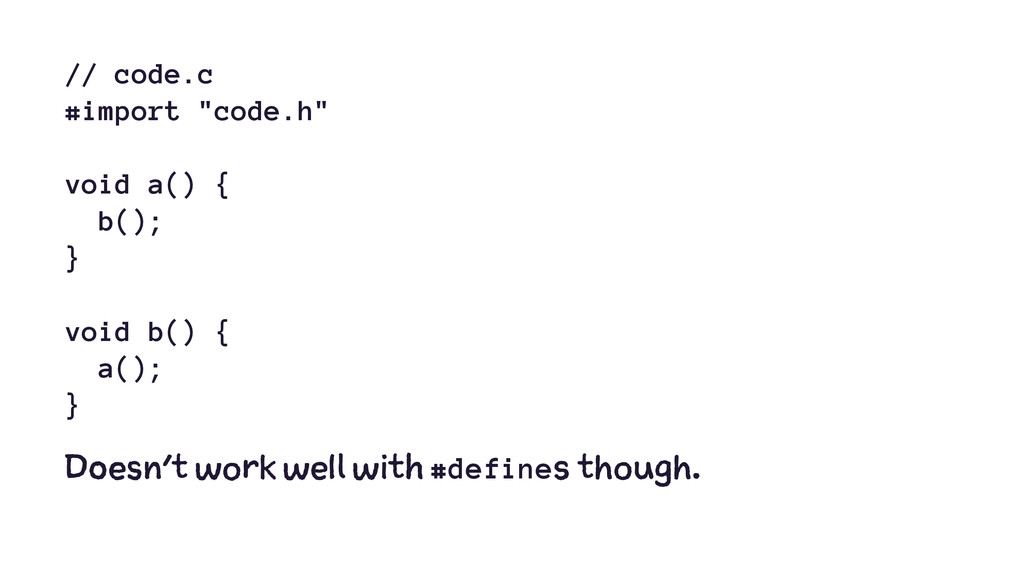
  3. // code.c #import "code.h" void a() { b(); } void

    b() { a(); } Doesn't work well with #defines though.
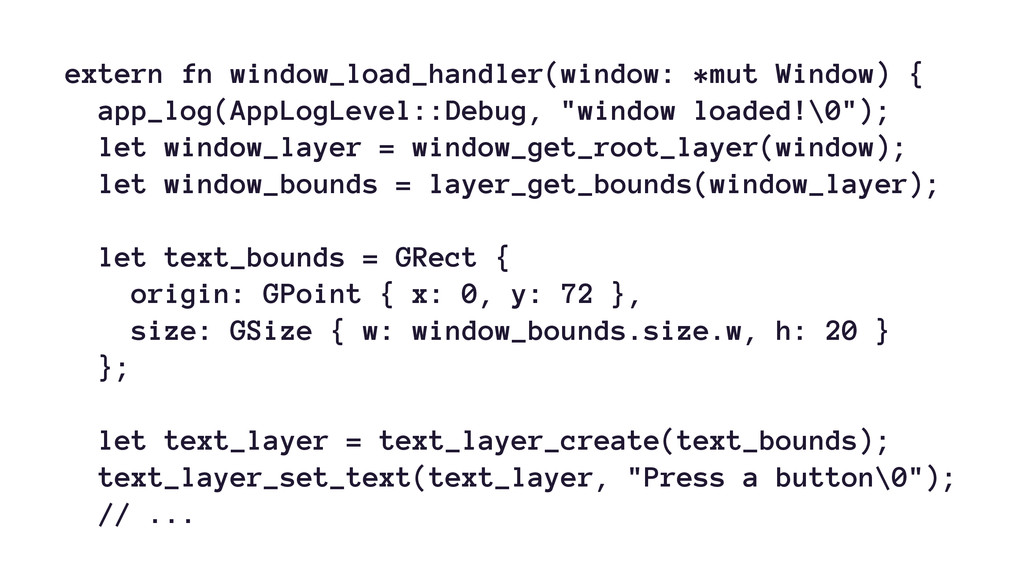
  4. extern fn window_load_handler(window: *mut Window) { app_log(AppLogLevel::Debug, "window loaded!\0"); let

    window_layer = window_get_root_layer(window); let window_bounds = layer_get_bounds(window_layer); let text_bounds = GRect { origin: GPoint { x: 0, y: 72 }, size: GSize { w: window_bounds.size.w, h: 20 } }; let text_layer = text_layer_create(text_bounds); text_layer_set_text(text_layer, "Press a button\0"); // ...
  5. Nim(rod)5 But you have to disable a few features. 5

    https://github.com/sirlantis/pebble-nim
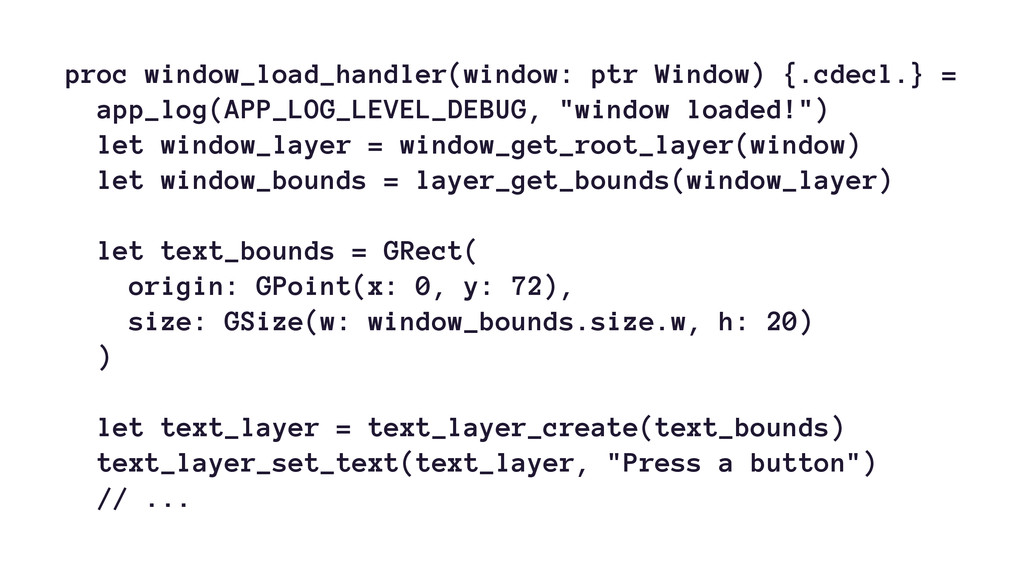
  6. proc window_load_handler(window: ptr Window) {.cdecl.} = app_log(APP_LOG_LEVEL_DEBUG, "window loaded!") let

    window_layer = window_get_root_layer(window) let window_bounds = layer_get_bounds(window_layer) let text_bounds = GRect( origin: GPoint(x: 0, y: 72), size: GSize(w: window_bounds.size.w, h: 20) ) let text_layer = text_layer_create(text_bounds) text_layer_set_text(text_layer, "Press a button") // ...
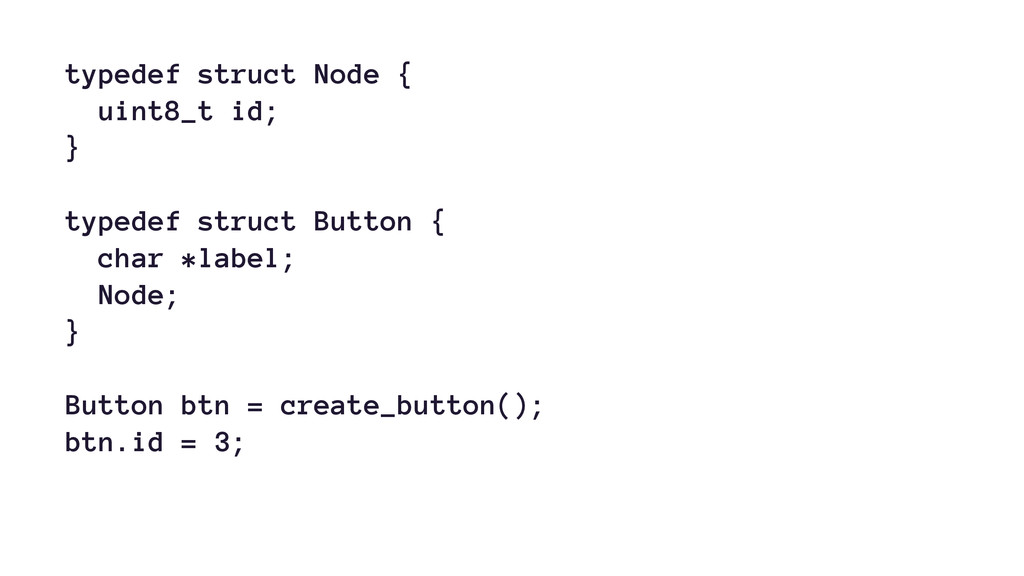
  7. typedef struct Node { uint8_t id; } typedef struct Button

    { char *label; Node; } Button btn = create_button(); btn.id = 3;
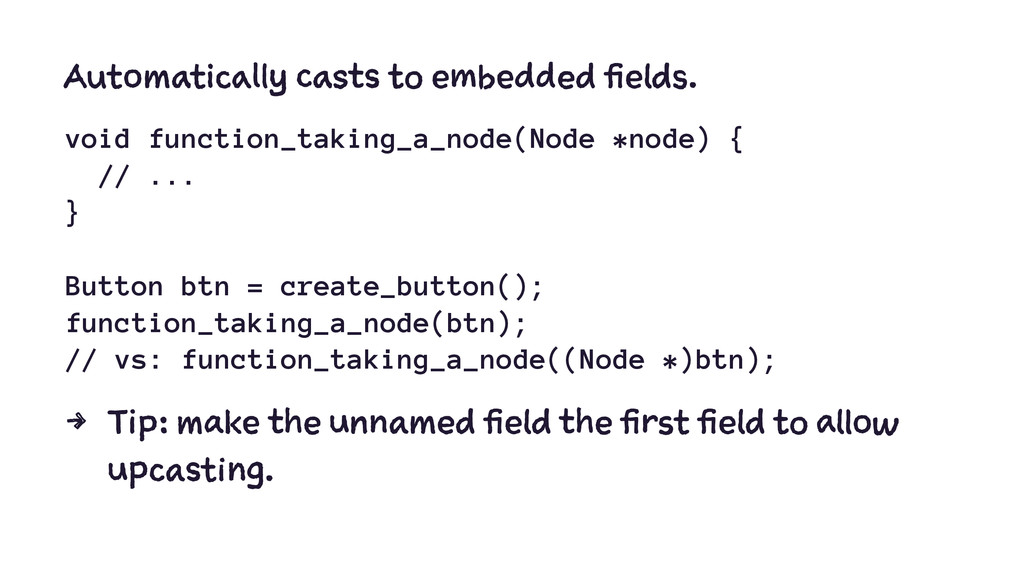
  8. Automatically casts to embedded fields. void function_taking_a_node(Node *node) { //

    ... } Button btn = create_button(); function_taking_a_node(btn); // vs: function_taking_a_node((Node *)btn); 4 Tip: make the unnamed field the first field to allow upcasting.
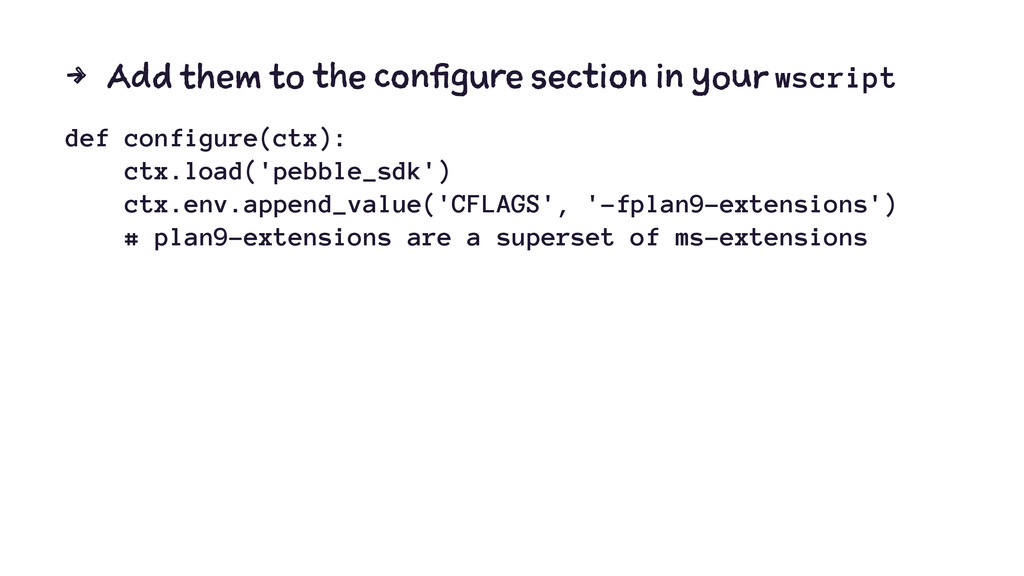
  9. 4 Add them to the configure section in your wscript

    def configure(ctx): ctx.load('pebble_sdk') ctx.env.append_value('CFLAGS', '-fplan9-extensions') # plan9-extensions are a superset of ms-extensions
  10. if [ -f .phone-env ]; then source .phone-env; fi export

    PEBBLE_PHONE=${PEBBLE_PHONE:-127.0.0.1} export PEBBLE_PORT=${PEBBLE_PORT:-9000} if ! nc -w2 -z "$PEBBLE_PHONE" "$PEBBLE_PORT" &> /dev/null; then phone=$(bin/prompt) # uses `osascript` if [ -n "$phone" ]; then echo "PEBBLE_PHONE=$phone" > .phone-env export PEBBLE_PHONE=$phone else exit "No phone IP set." fi fi echo "Installing app..." exec pebble install --logs