Upgrade to Pro — share decks privately, control downloads, hide ads and more …

Prevent PDF Duplicate Content in Search: Releas...

Prevent PDF Duplicate Content in Search: Release Checklist

Your PDF and its HTML version carry the same material — which one should rank, and how do you tell Google without breaking the other? This deck is a release checklist that shows how to prevent PDF duplicate content in search: define the duplicate set, choose the preferred version, and send that decision through HTTP signals crawlers can read.

Inside: the canonical Link header for PDF files, X-Robots-Tag rules that block indexing by accident, Yandex text-layer and file-size limits, and a final sign-off list for duplicate URL consolidation before release. Each slide is one item to verify, with the response fields and status codes to check, plus edge cases the standard guides skip — crawl-blocked directives, image-only scans, and conflicting canonical targets.

When the cleanup ships, confirm which URL search engines picked with the Bulk Index Checker by SpeedyIndex: https://en.speedyindex.com/google-index-checker/

Avatar for Linda Bjorkvin

Linda Bjorkvin PRO

October 07, 2026

More Decks by Linda Bjorkvin

Other Decks in Marketing & SEO

Transcript

  1. SPEEDYINDEX · PDF INDEXING CHECKLIST Prevent PDF duplicate content in

    search To prevent PDF duplicate content in search, choose a preferred version, express that choice through supported HTTP signals, and keep redirects, sitemaps, and internal links consistent. This deck is a checklist: each slide is one item to tick off before you release. HOW TO USE THIS DECK Each slide is one item to verify before release — tick them off in order. Prepared by the SpeedyIndex team speedyindex.com
  2. SPEEDYINDEX · PDF INDEXING CHECKLIST · 1/12 1 Define the

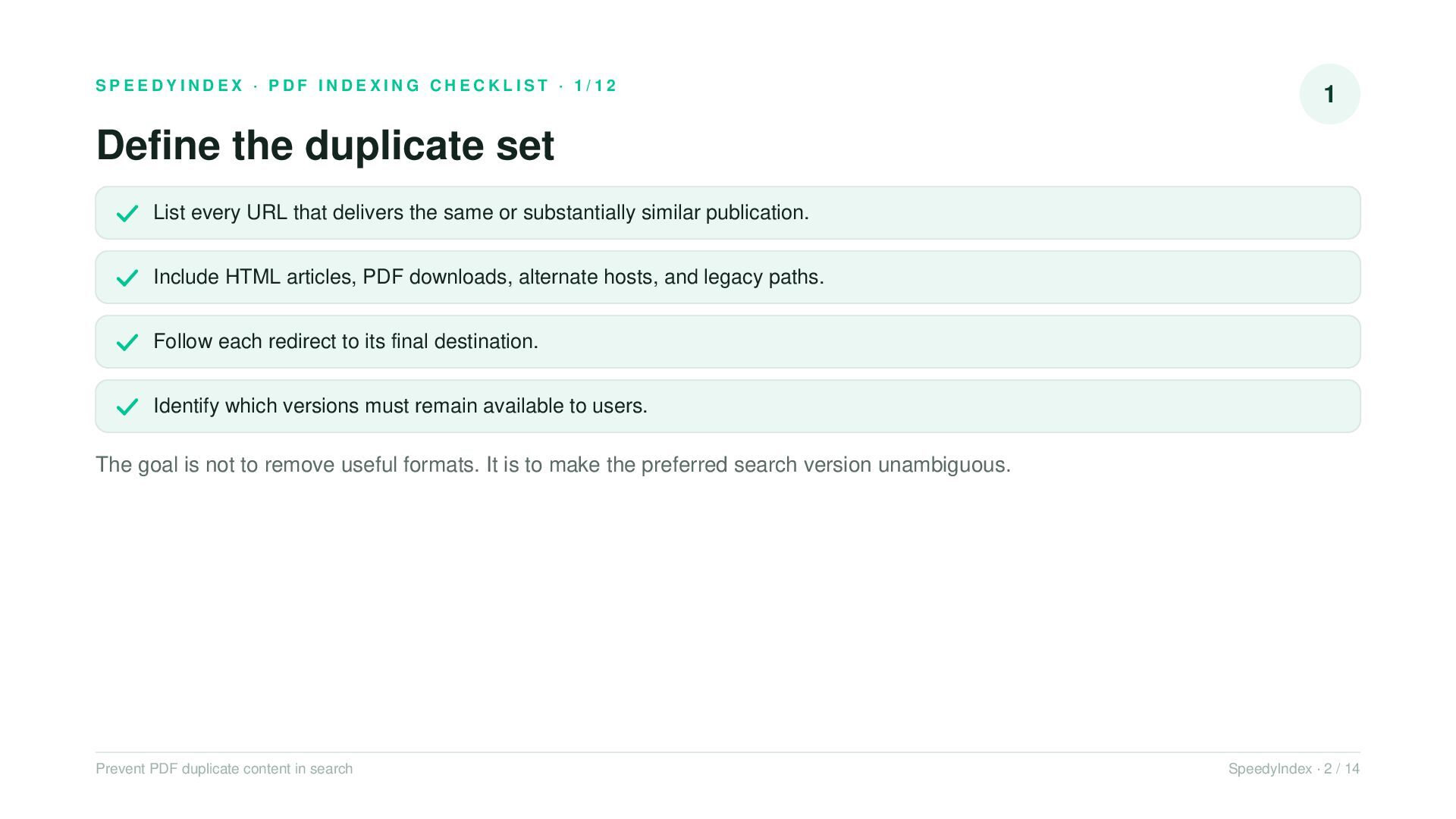
    duplicate set List every URL that delivers the same or substantially similar publication. Include HTML articles, PDF downloads, alternate hosts, and legacy paths. Follow each redirect to its final destination. Identify which versions must remain available to users. The goal is not to remove useful formats. It is to make the preferred search version unambiguous. Prevent PDF duplicate content in search SpeedyIndex · 2 / 14
  3. SPEEDYINDEX · PDF INDEXING CHECKLIST · 2/12 2 Choose the

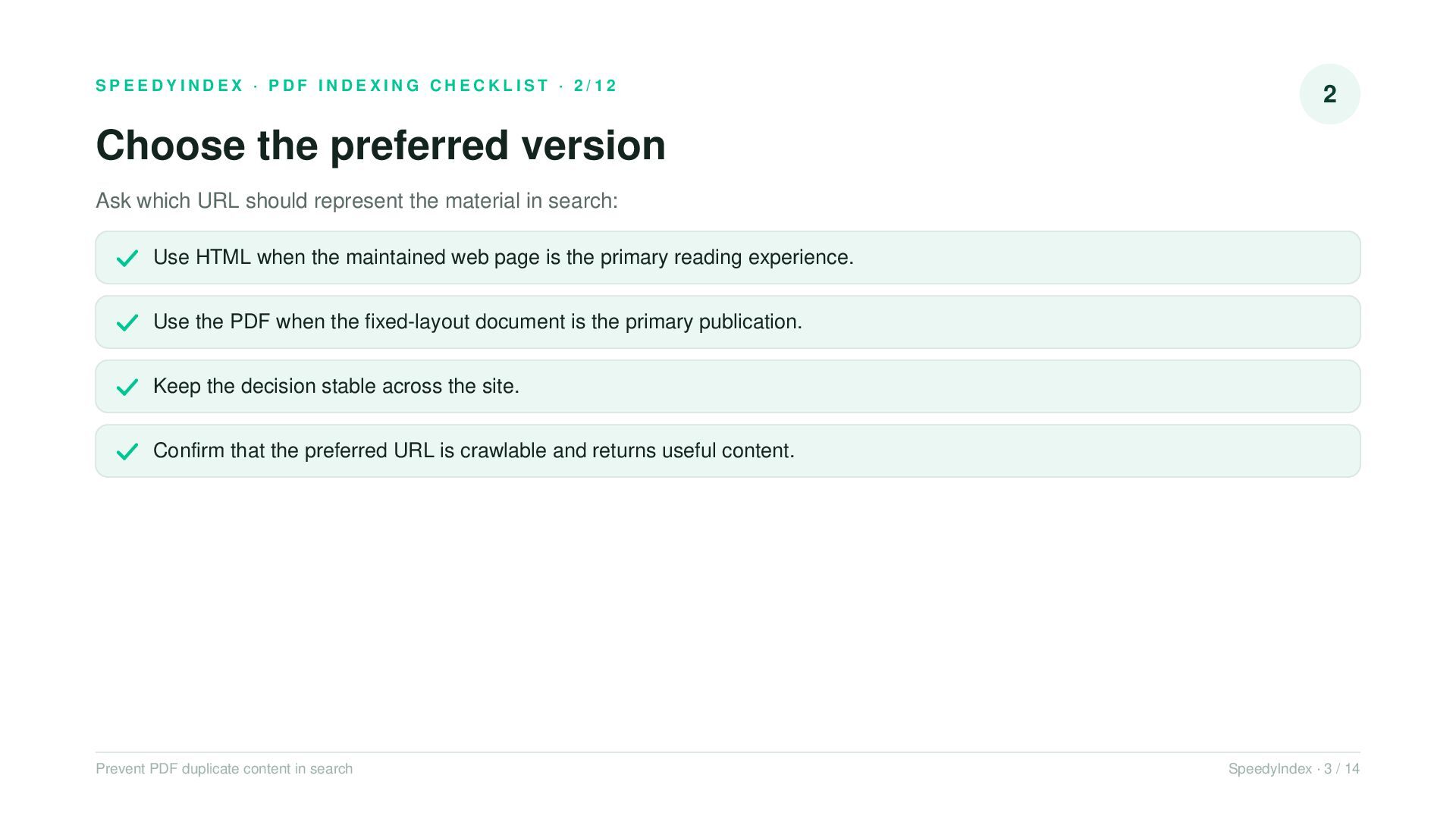
    preferred version Ask which URL should represent the material in search: Use HTML when the maintained web page is the primary reading experience. Use the PDF when the fixed-layout document is the primary publication. Keep the decision stable across the site. Confirm that the preferred URL is crawlable and returns useful content. Prevent PDF duplicate content in search SpeedyIndex · 3 / 14
  4. SPEEDYINDEX · PDF INDEXING CHECKLIST · 3/12 3 Know Google's

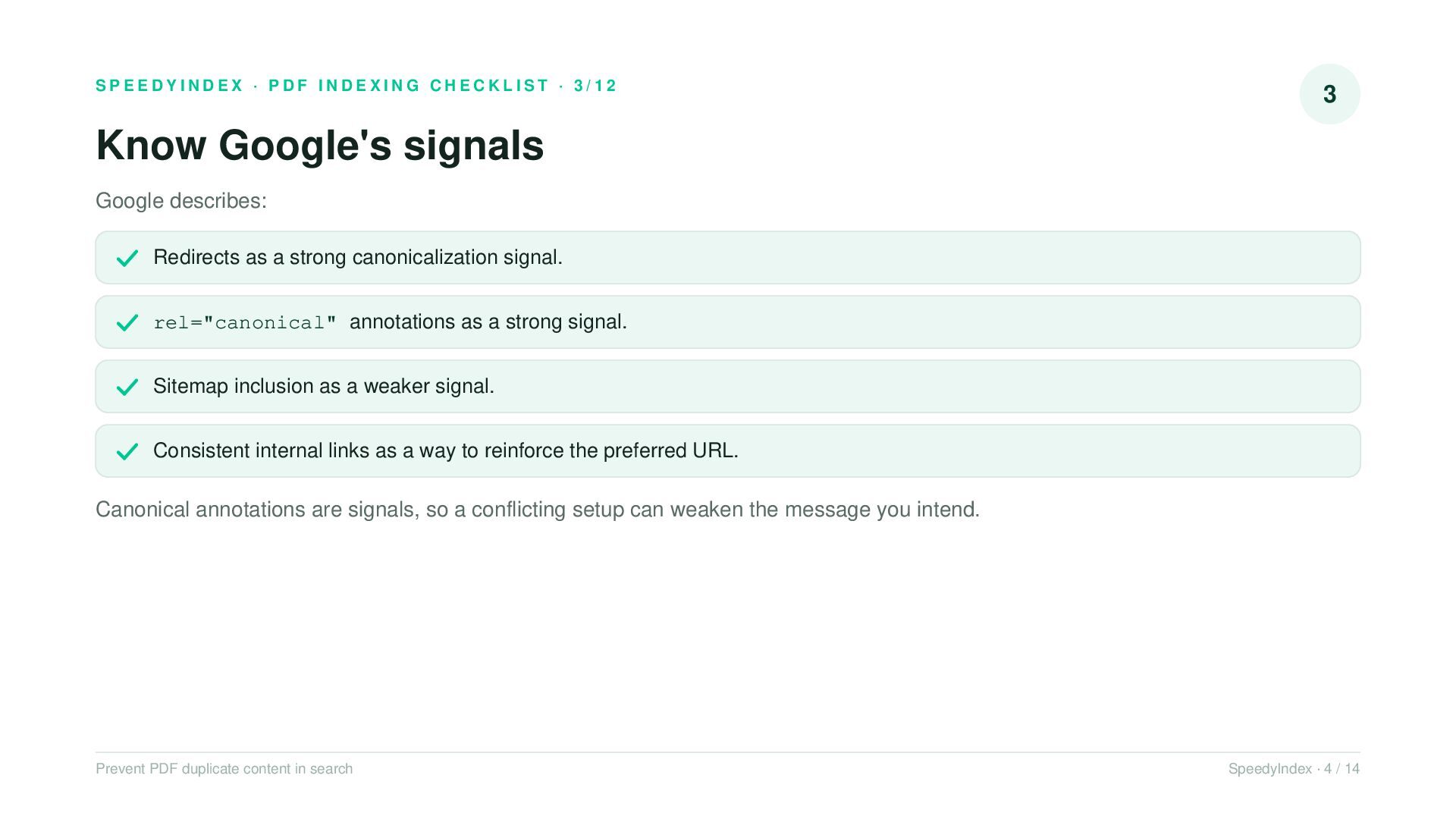
    signals Google describes: Redirects as a strong canonicalization signal. rel="canonical" annotations as a strong signal. Sitemap inclusion as a weaker signal. Consistent internal links as a way to reinforce the preferred URL. Canonical annotations are signals, so a conflicting setup can weaken the message you intend. Prevent PDF duplicate content in search SpeedyIndex · 4 / 14
  5. SPEEDYINDEX · PDF INDEXING CHECKLIST · 4/12 4 Canonicalize a

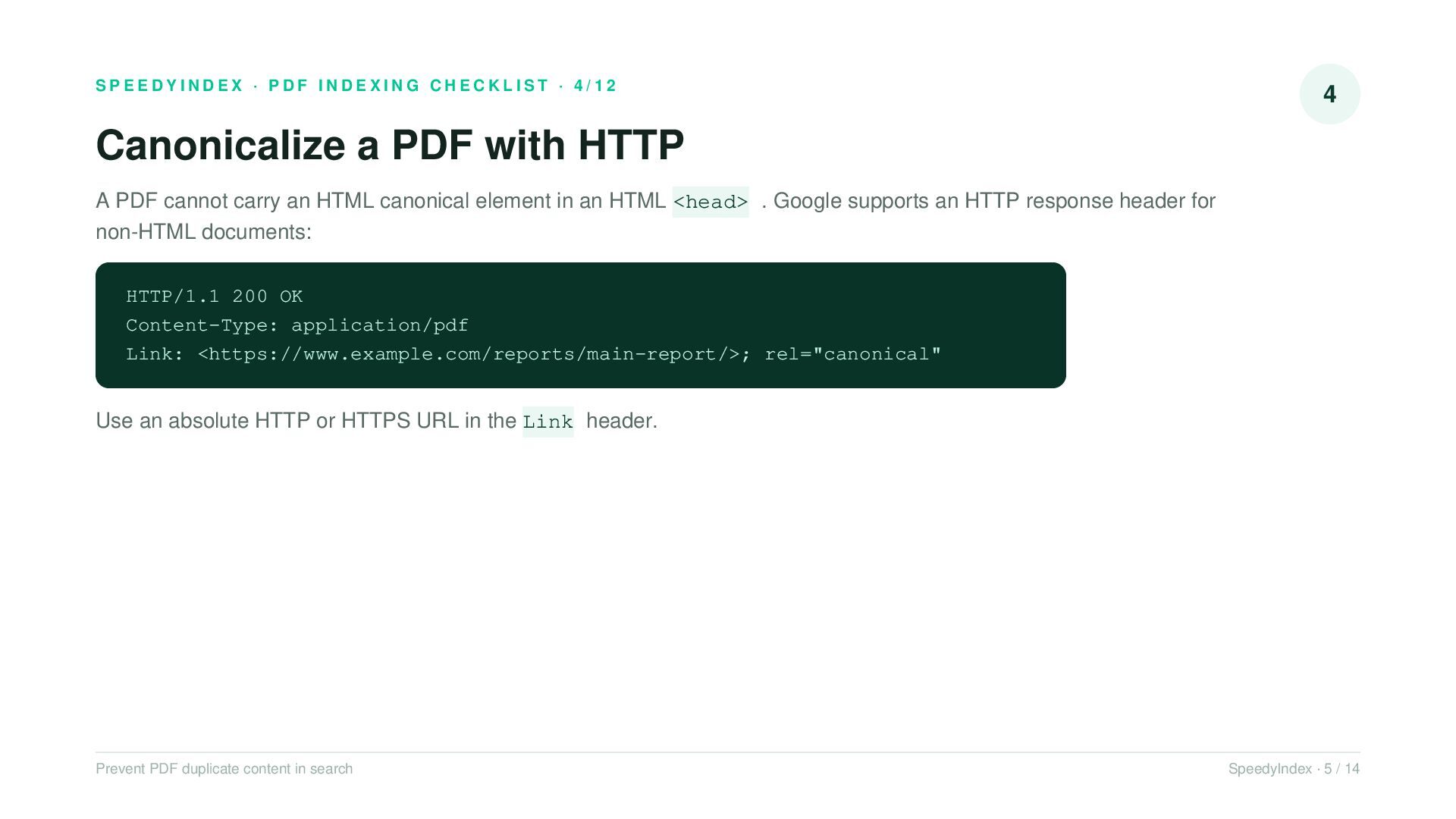
    PDF with HTTP A PDF cannot carry an HTML canonical element in an HTML <head> . Google supports an HTTP response header for non-HTML documents: HTTP/1.1 200 OK Content-Type: application/pdf Link: <https://www.example.com/reports/main-report/>; rel="canonical" Use an absolute HTTP or HTTPS URL in the Link header. Prevent PDF duplicate content in search SpeedyIndex · 5 / 14
  6. SPEEDYINDEX · PDF INDEXING CHECKLIST · 5/12 5 Keep every

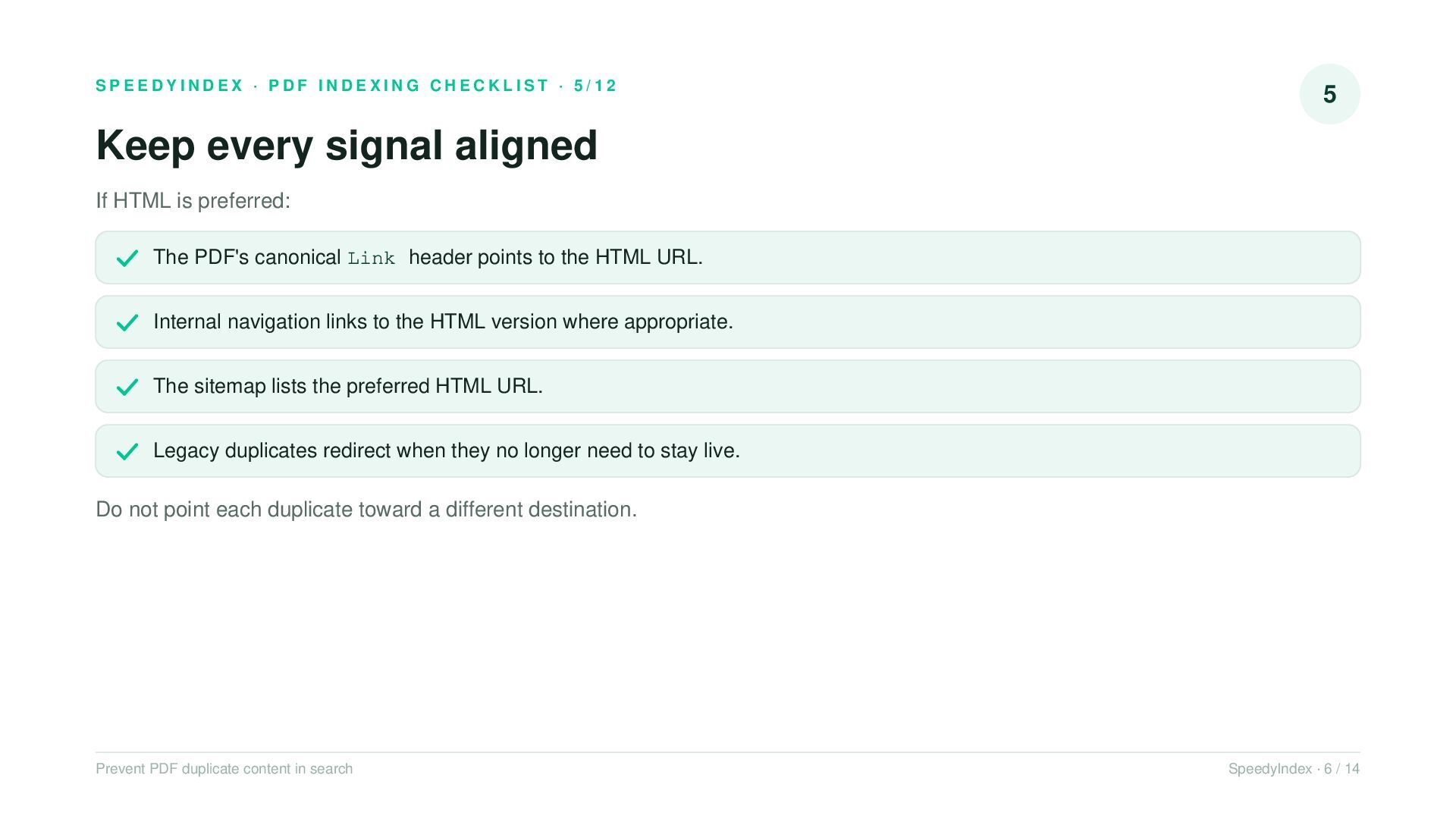
    signal aligned If HTML is preferred: The PDF's canonical Link header points to the HTML URL. Internal navigation links to the HTML version where appropriate. The sitemap lists the preferred HTML URL. Legacy duplicates redirect when they no longer need to stay live. Do not point each duplicate toward a different destination. Prevent PDF duplicate content in search SpeedyIndex · 6 / 14
  7. SPEEDYINDEX · PDF INDEXING CHECKLIST · 6/12 6 Do not

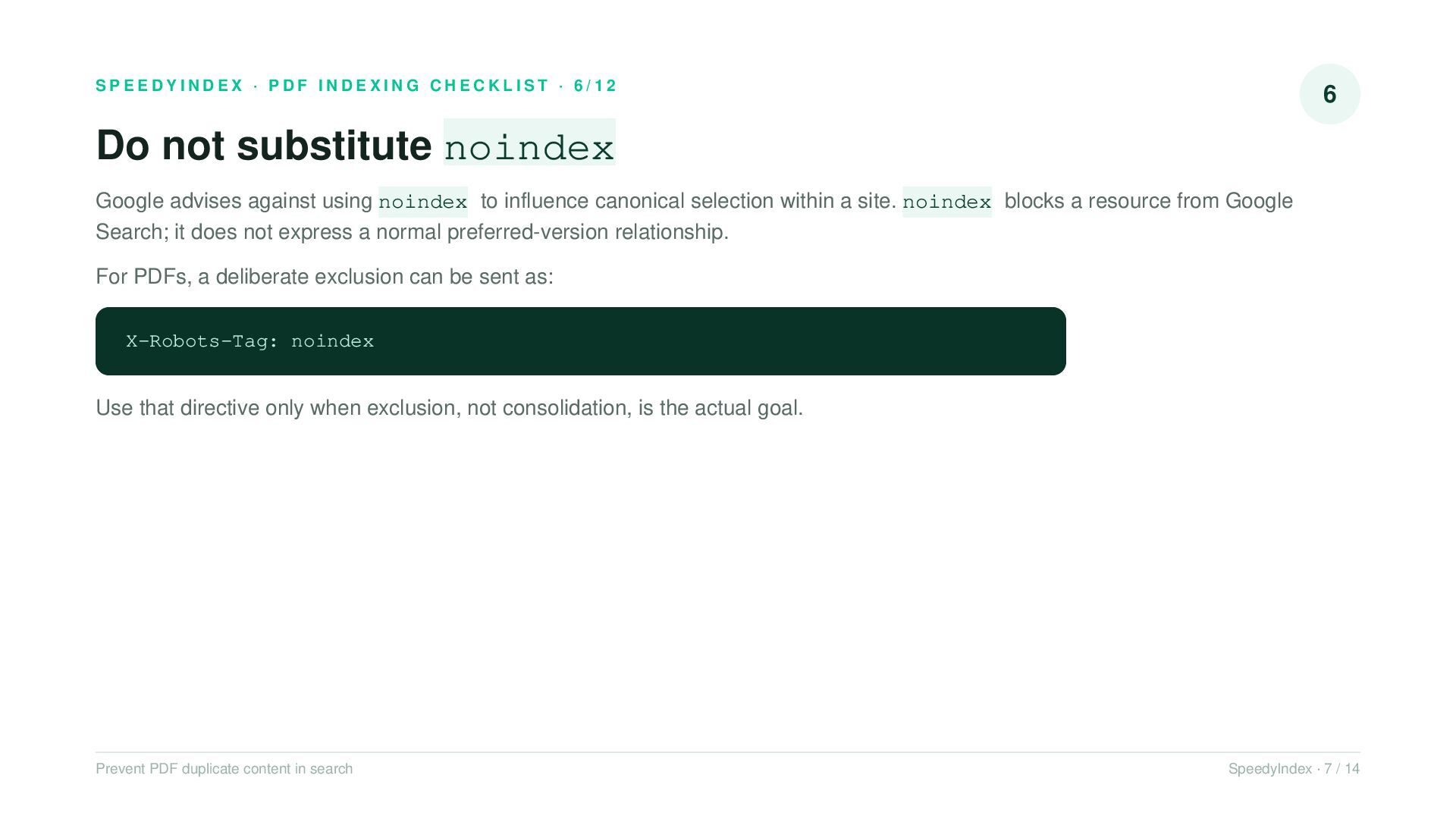
    substitute noindex Google advises against using noindex to influence canonical selection within a site. noindex blocks a resource from Google Search; it does not express a normal preferred-version relationship. For PDFs, a deliberate exclusion can be sent as: X-Robots-Tag: noindex Use that directive only when exclusion, not consolidation, is the actual goal. Prevent PDF duplicate content in search SpeedyIndex · 7 / 14
  8. SPEEDYINDEX · PDF INDEXING CHECKLIST · 7/12 7 Make directives

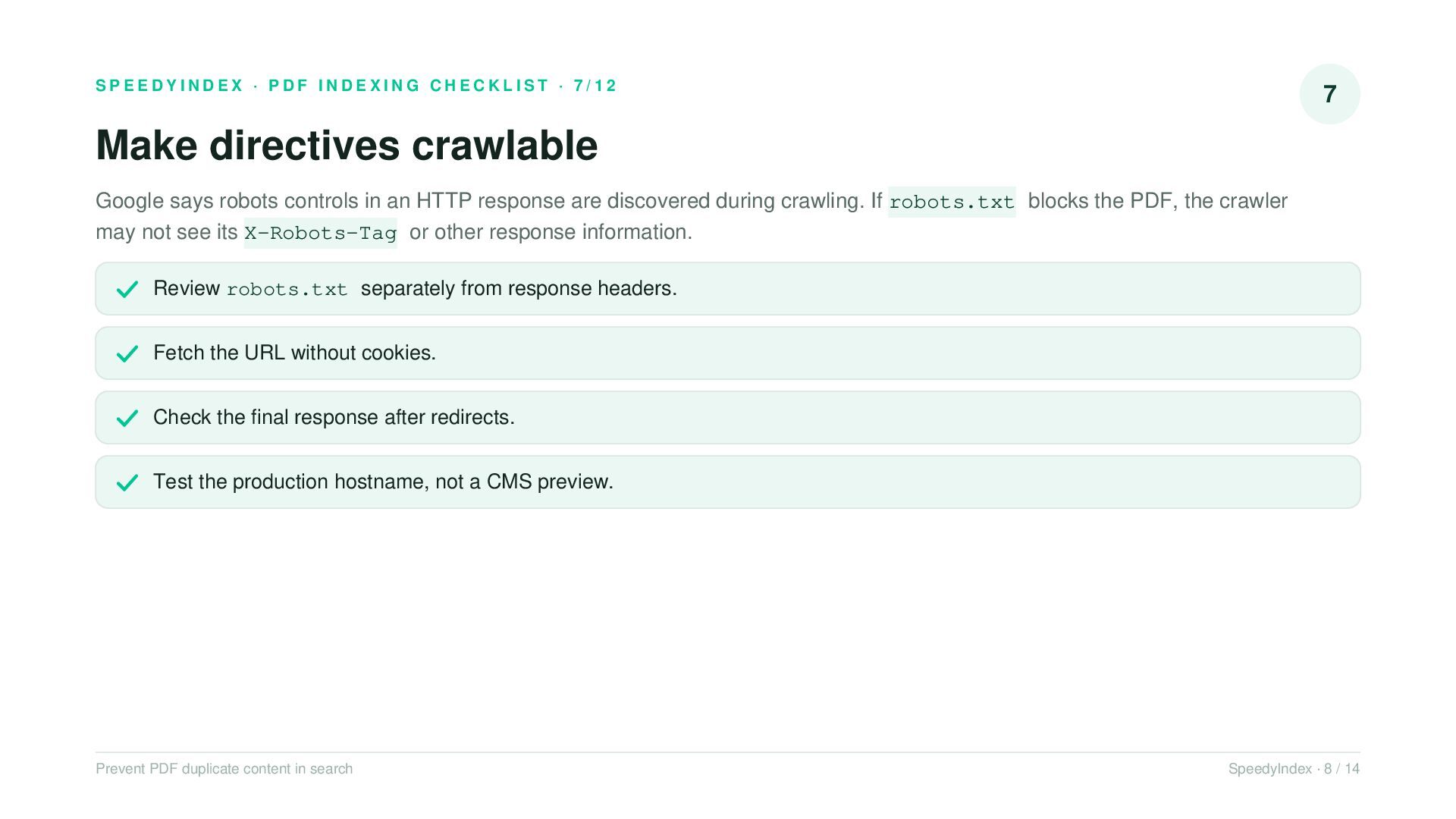
    crawlable Google says robots controls in an HTTP response are discovered during crawling. If robots.txt blocks the PDF, the crawler may not see its X-Robots-Tag or other response information. Review robots.txt separately from response headers. Fetch the URL without cookies. Check the final response after redirects. Test the production hostname, not a CMS preview. Prevent PDF duplicate content in search SpeedyIndex · 8 / 14
  9. SPEEDYINDEX · PDF INDEXING CHECKLIST · 8/12 8 Keep the

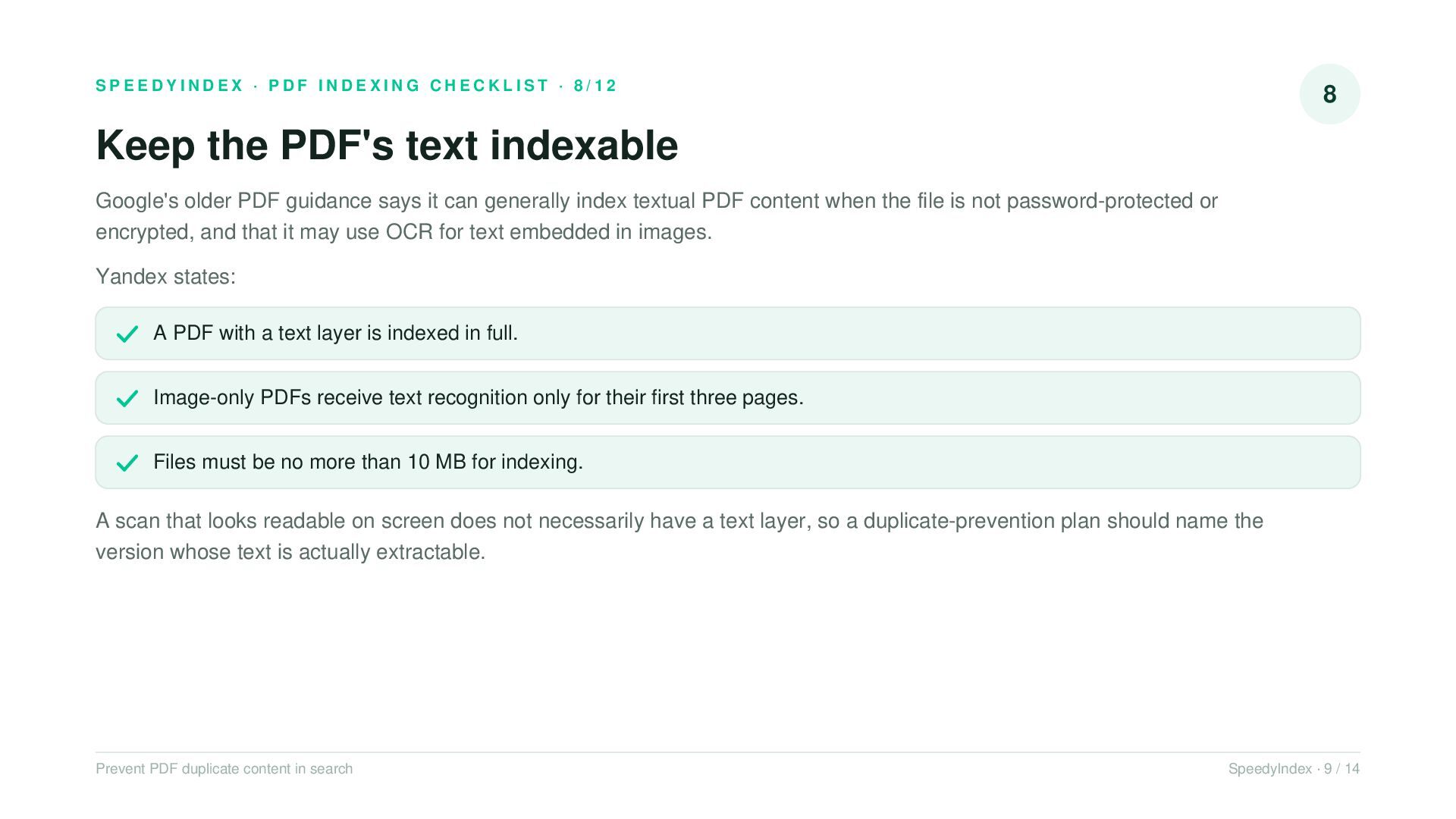
    PDF's text indexable Google's older PDF guidance says it can generally index textual PDF content when the file is not password-protected or encrypted, and that it may use OCR for text embedded in images. Yandex states: A PDF with a text layer is indexed in full. Image-only PDFs receive text recognition only for their first three pages. Files must be no more than 10 MB for indexing. A scan that looks readable on screen does not necessarily have a text layer, so a duplicate-prevention plan should name the version whose text is actually extractable. Prevent PDF duplicate content in search SpeedyIndex · 9 / 14
  10. SPEEDYINDEX · PDF INDEXING CHECKLIST · 9/12 9 Give the

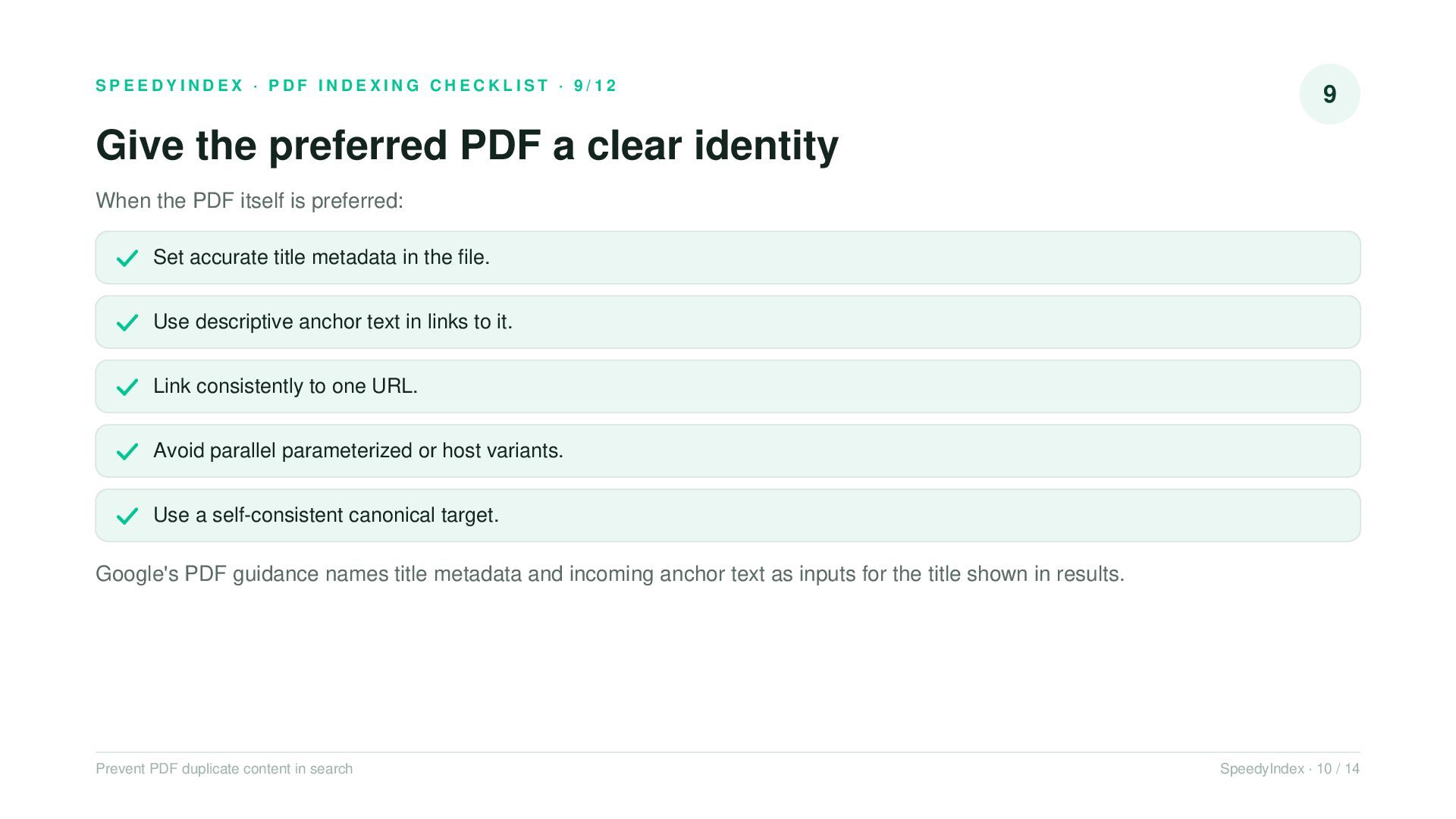
    preferred PDF a clear identity When the PDF itself is preferred: Set accurate title metadata in the file. Use descriptive anchor text in links to it. Link consistently to one URL. Avoid parallel parameterized or host variants. Use a self-consistent canonical target. Google's PDF guidance names title metadata and incoming anchor text as inputs for the title shown in results. Prevent PDF duplicate content in search SpeedyIndex · 10 / 14
  11. SPEEDYINDEX · PDF INDEXING CHECKLIST · 10/12 10 Validate the

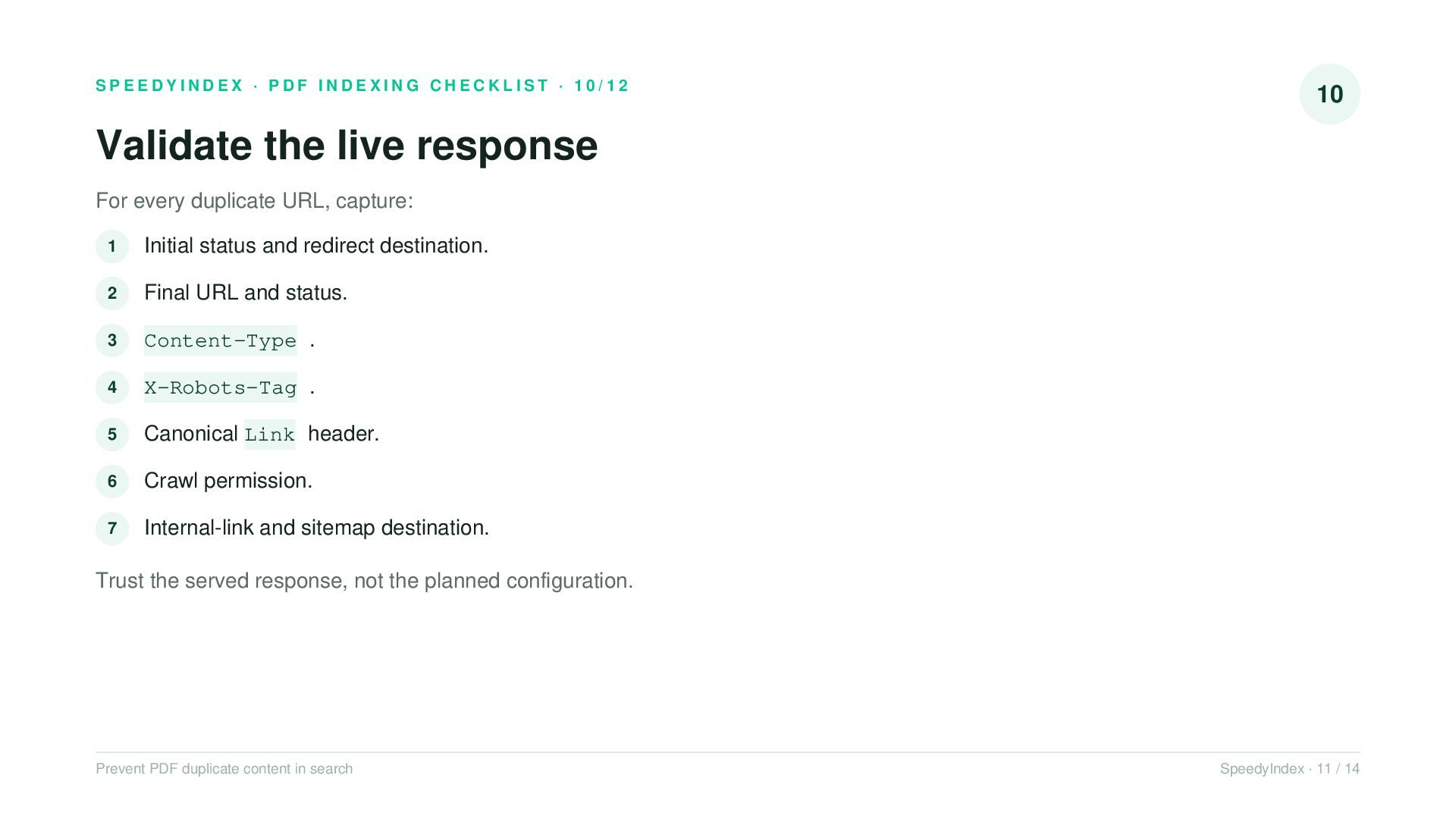
    live response For every duplicate URL, capture: 1 Initial status and redirect destination. 2 Final URL and status. 3 Content-Type . 4 X-Robots-Tag . 5 Canonical Link header. 6 Crawl permission. 7 Internal-link and sitemap destination. Trust the served response, not the planned configuration. Prevent PDF duplicate content in search SpeedyIndex · 11 / 14
  12. SPEEDYINDEX · PDF INDEXING CHECKLIST · 11/12 11 Release checklist

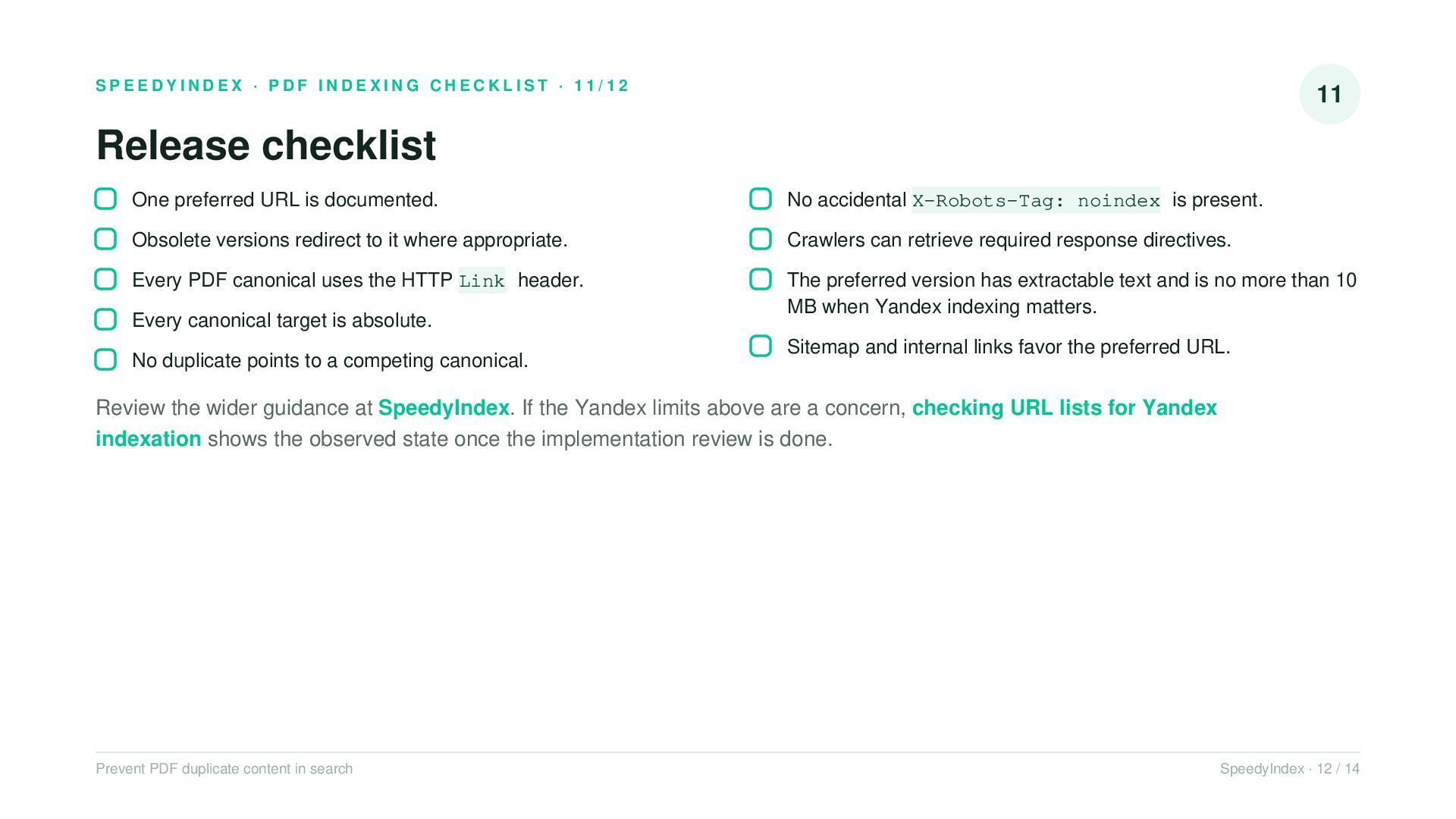
    One preferred URL is documented. No accidental X-Robots-Tag: noindex is present. Obsolete versions redirect to it where appropriate. Crawlers can retrieve required response directives. Every PDF canonical uses the HTTP Link header. The preferred version has extractable text and is no more than 10 MB when Yandex indexing matters. Every canonical target is absolute. No duplicate points to a competing canonical. Sitemap and internal links favor the preferred URL. Review the wider guidance at SpeedyIndex. If the Yandex limits above are a concern, checking URL lists for Yandex indexation shows the observed state once the implementation review is done. Prevent PDF duplicate content in search SpeedyIndex · 12 / 14
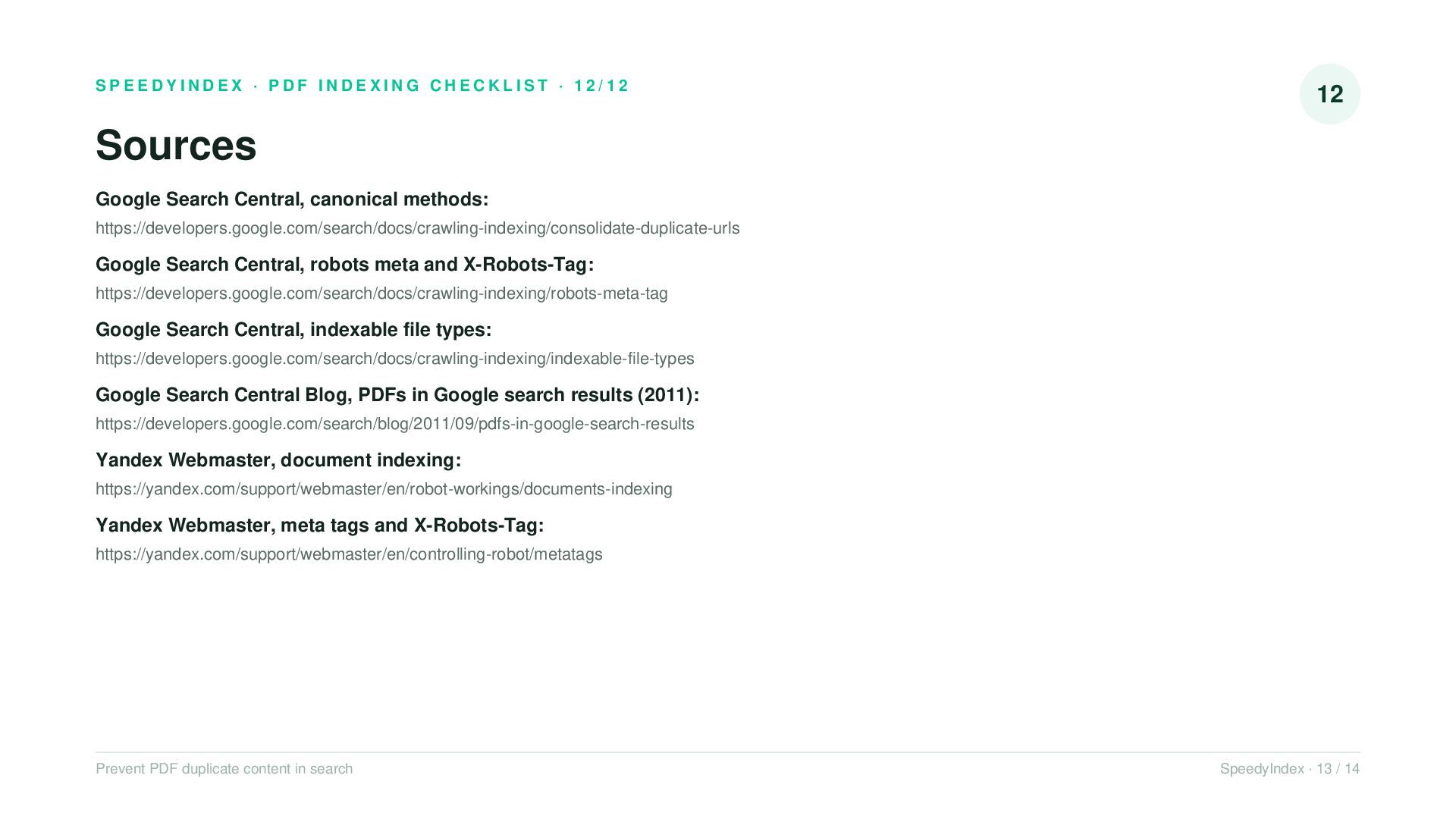
  13. SPEEDYINDEX · PDF INDEXING CHECKLIST · 12/12 12 Sources Google

    Search Central, canonical methods: https://developers.google.com/search/docs/crawling-indexing/consolidate-duplicate-urls Google Search Central, robots meta and X-Robots-Tag: https://developers.google.com/search/docs/crawling-indexing/robots-meta-tag Google Search Central, indexable file types: https://developers.google.com/search/docs/crawling-indexing/indexable-file-types Google Search Central Blog, PDFs in Google search results (2011): https://developers.google.com/search/blog/2011/09/pdfs-in-google-search-results Yandex Webmaster, document indexing: https://yandex.com/support/webmaster/en/robot-workings/documents-indexing Yandex Webmaster, meta tags and X-Robots-Tag: https://yandex.com/support/webmaster/en/controlling-robot/metatags Prevent PDF duplicate content in search SpeedyIndex · 13 / 14
  14. SPEEDYINDEX TOOLS Keep every published URL visible in search Field

    guide: fix PDF indexing problems in Google The hub this checklist belongs to — diagnosis flow, headers, and recovery steps. Yandex Index Checker Bulk-check whether Yandex indexed your URLs once the duplicate cleanup ships. en.speedyindex.com → Follow SpeedyIndex: Blog · Telegram · Bot · X · Facebook · YouTube Prevent PDF duplicate content in search SpeedyIndex · 14 / 14