Upgrade to Pro — share decks privately, control downloads, hide ads and more …

Lessons from spanner-autoscaler: CRD Design Pat...

Avatar for tkuchiki tkuchiki
September 26, 2026

Lessons from spanner-autoscaler: CRD Design Patterns — Building a Kubernetes Controller that Balances Automation and Emergency Response —

Avatar for tkuchiki

tkuchiki

September 26, 2026

More Decks by tkuchiki

Other Decks in Technology

Transcript

  1. Lessons from spanner-autoscaler: CRD Design Patterns — Building a Kubernetes

    Controller that Balances Automation and Emergency Response — Platform Engineering Kaigi 2026 / tkuchiki
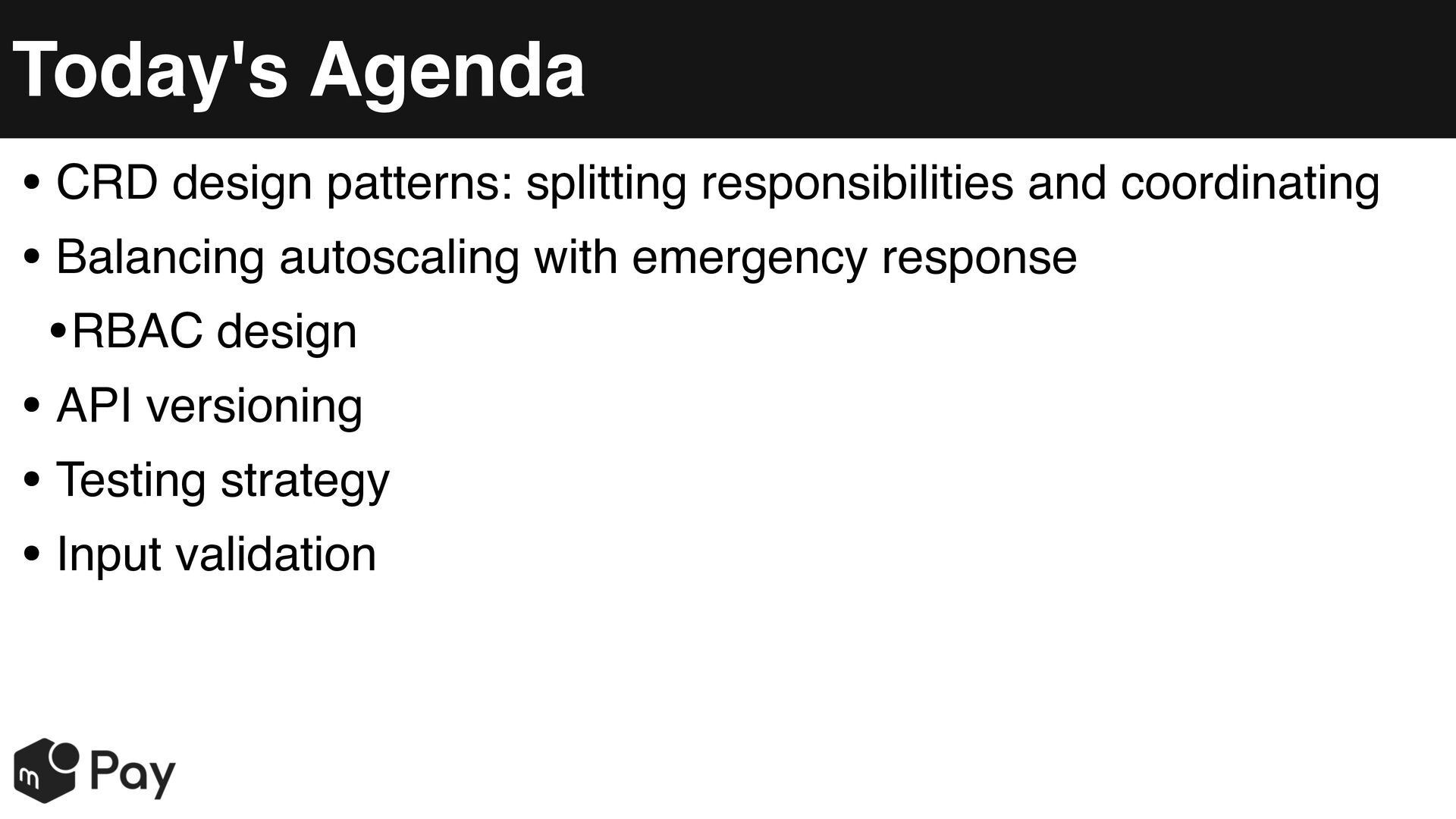
  2. Today's Agenda • CRD design patterns: splitting responsibilities and coordinating

    • Balancing autoscaling with emergency response •RBAC design • API versioning • Testing strategy • Input validation
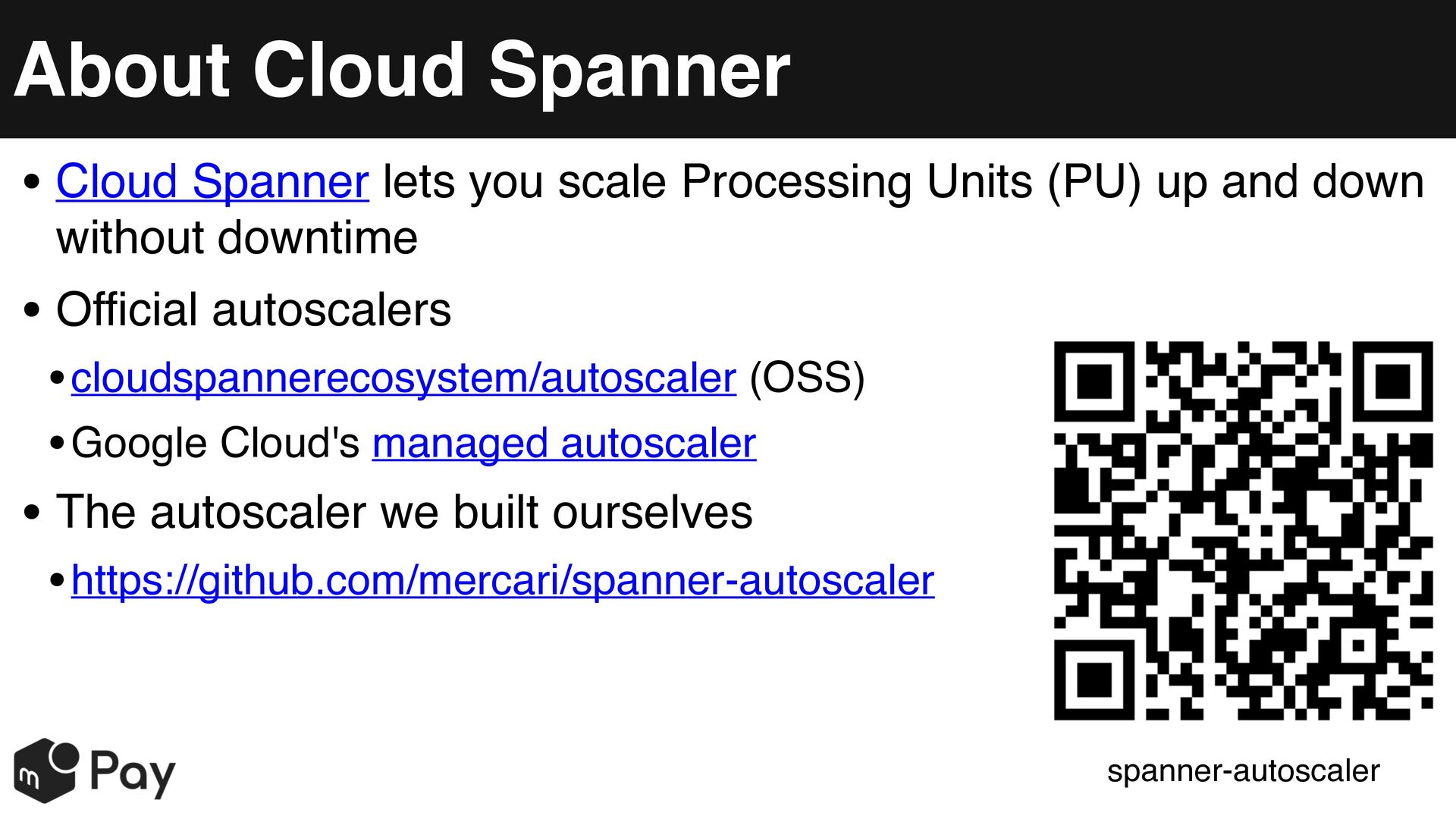
  3. About Cloud Spanner • Cloud Spanner lets you scale Processing

    Units (PU) up and down without downtime • Official autoscalers • cloudspannerecosystem/autoscaler (OSS) • Google Cloud's managed autoscaler • The autoscaler we built ourselves • https://github.com/mercari/spanner-autoscaler spanner-autoscaler
  4. Why We Implemented It as a Kubernetes Controller • We

    run our applications on Kubernetes • 200+ microservices, 50+ Spanner instances • SpannerAutoscaler adoption rate: 90+% • Provides an operational experience similar to Deployments • Manageable with YAML/CUE • Can leverage existing Kubernetes-native tooling • Terraform modules and CUE-based abstraction make adoption easy [1][2]
  5. How Kubernetes Controllers Work • A Controller is a control

    loop that keeps watching cluster state via the apiserver • It compares Spec (desired state) with Status (current state), and if they differ, moves the current state toward the desired one • This diffing process (Reconcile) looks only at "what the state is now," not "what happened," so even if an event is missed, the next watch naturally catches up • controller-runtime and kubebuilder are commonly used to implement this
  6. CRD and CR • CustomResourceDefinition (CRD) • A type definition

    that adds a new kind of resource (Kind) to Kubernetes • Example: registering a resource kind called "SpannerAutoscaler" with the apiserver • CustomResource (CR) • An actual instance of the type defined by a CRD • What you actually create with kubectl apply • Stored in etcd, just like standard Pods/Deployments
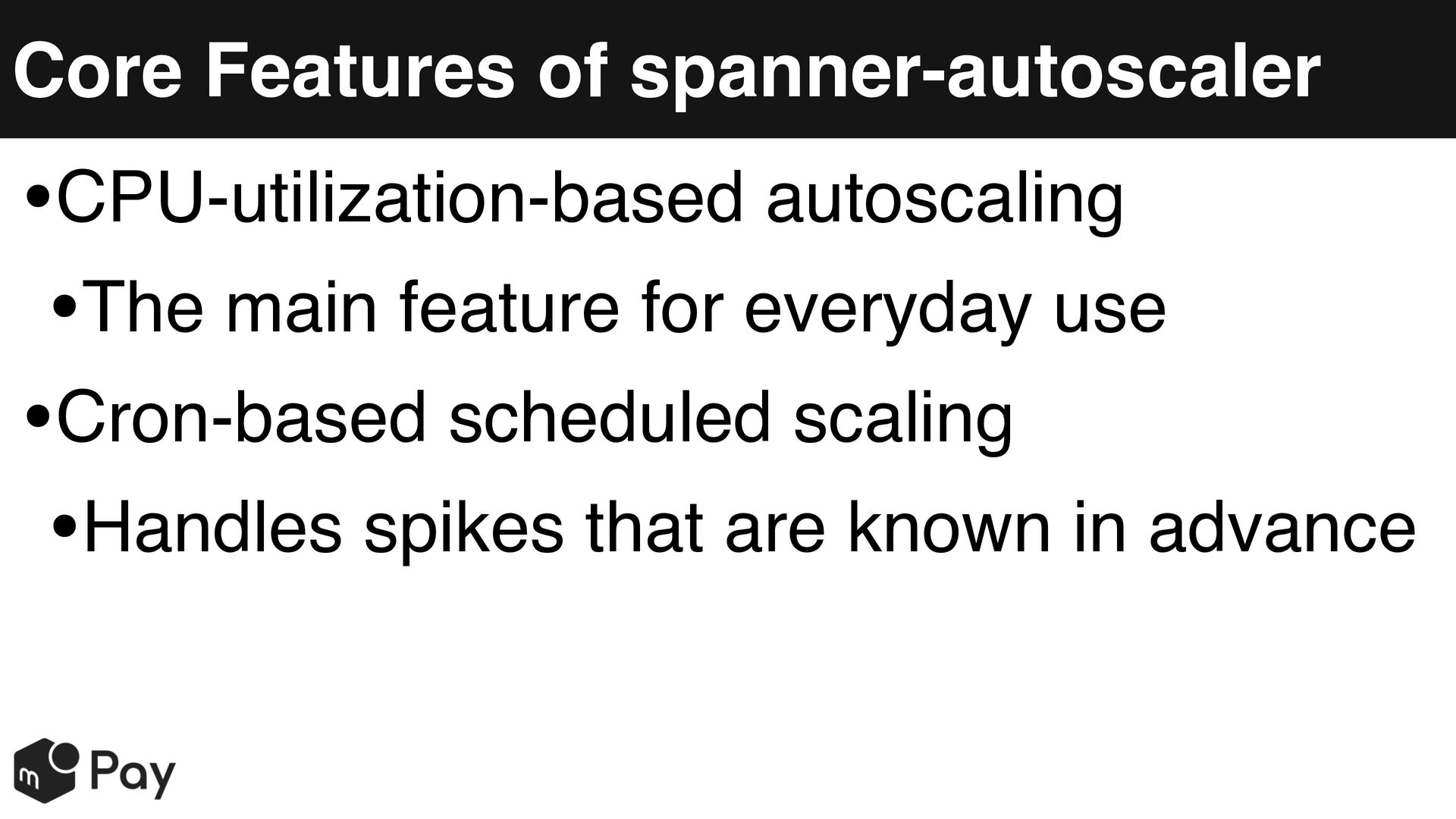
  7. Core Features of spanner-autoscaler CPU-utilization-based autoscaling • The main feature

    for everyday use • Cron-based scheduled scaling • Handles spikes that are known in advance •
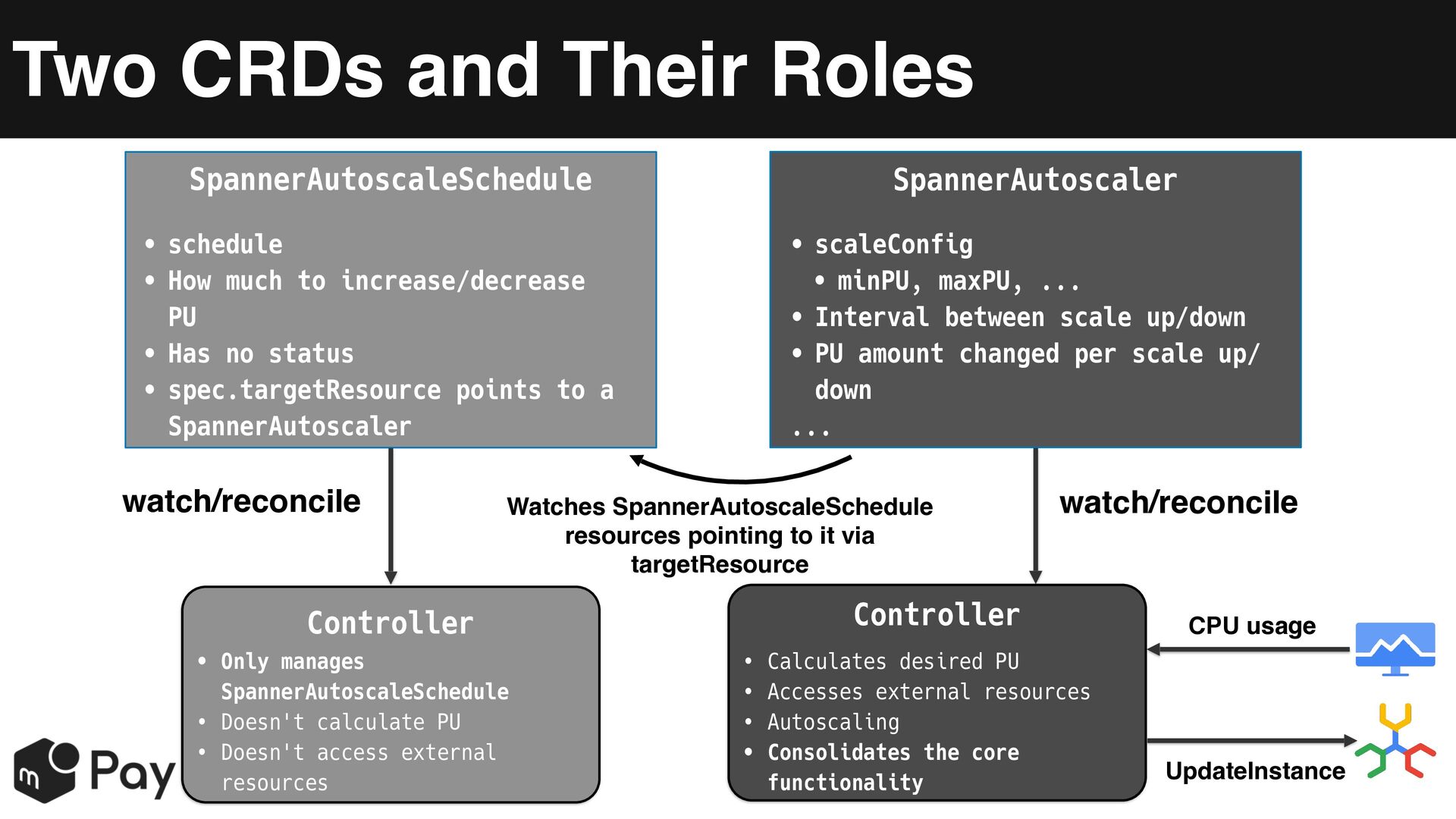
  8. Two CRDs and Their Roles SpannerAutoscaleSchedule SpannerAutoscaler • schedule •

    How much to increase/decrease PU • Has no status • spec.targetResource points to a SpannerAutoscaler • scaleConfig • minPU, maxPU, ... • Interval between scale up/down • PU amount changed per scale up/ down ... watch/reconcile Watches SpannerAutoscaleSchedule resources pointing to it via targetResource Controller • Only manages SpannerAutoscaleSchedule • Doesn't calculate PU • Doesn't access external resources watch/reconcile Controller • Calculates desired PU • Accesses external resources • Autoscaling • Consolidates the core functionality CPU usage UpdateInstance
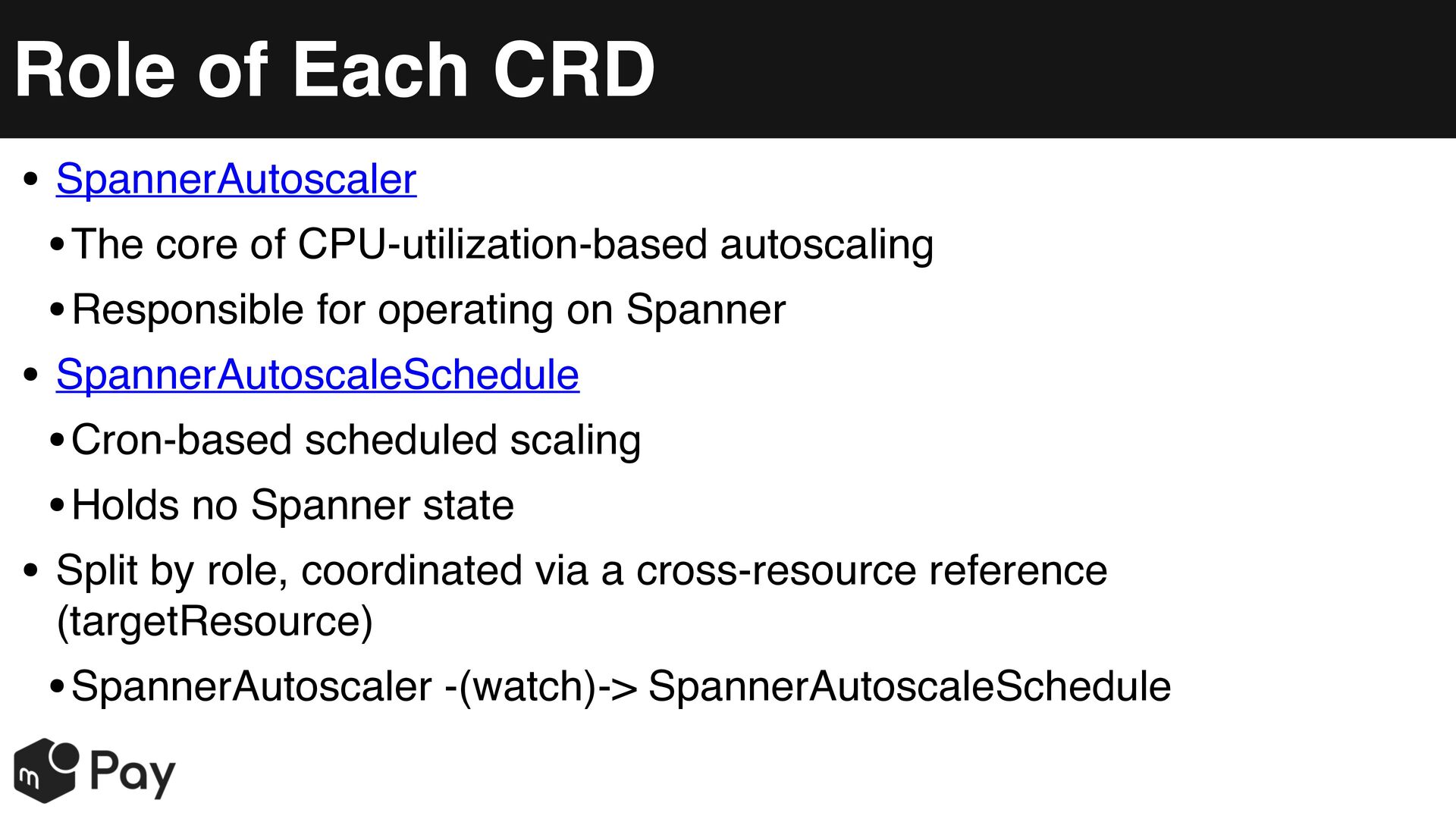
  9. Role of Each CRD • SpannerAutoscaler • The core of

    CPU-utilization-based autoscaling • Responsible for operating on Spanner • SpannerAutoscaleSchedule • Cron-based scheduled scaling • Holds no Spanner state • Split by role, coordinated via a cross-resource reference (targetResource) • SpannerAutoscaler -(watch)-> SpannerAutoscaleSchedule
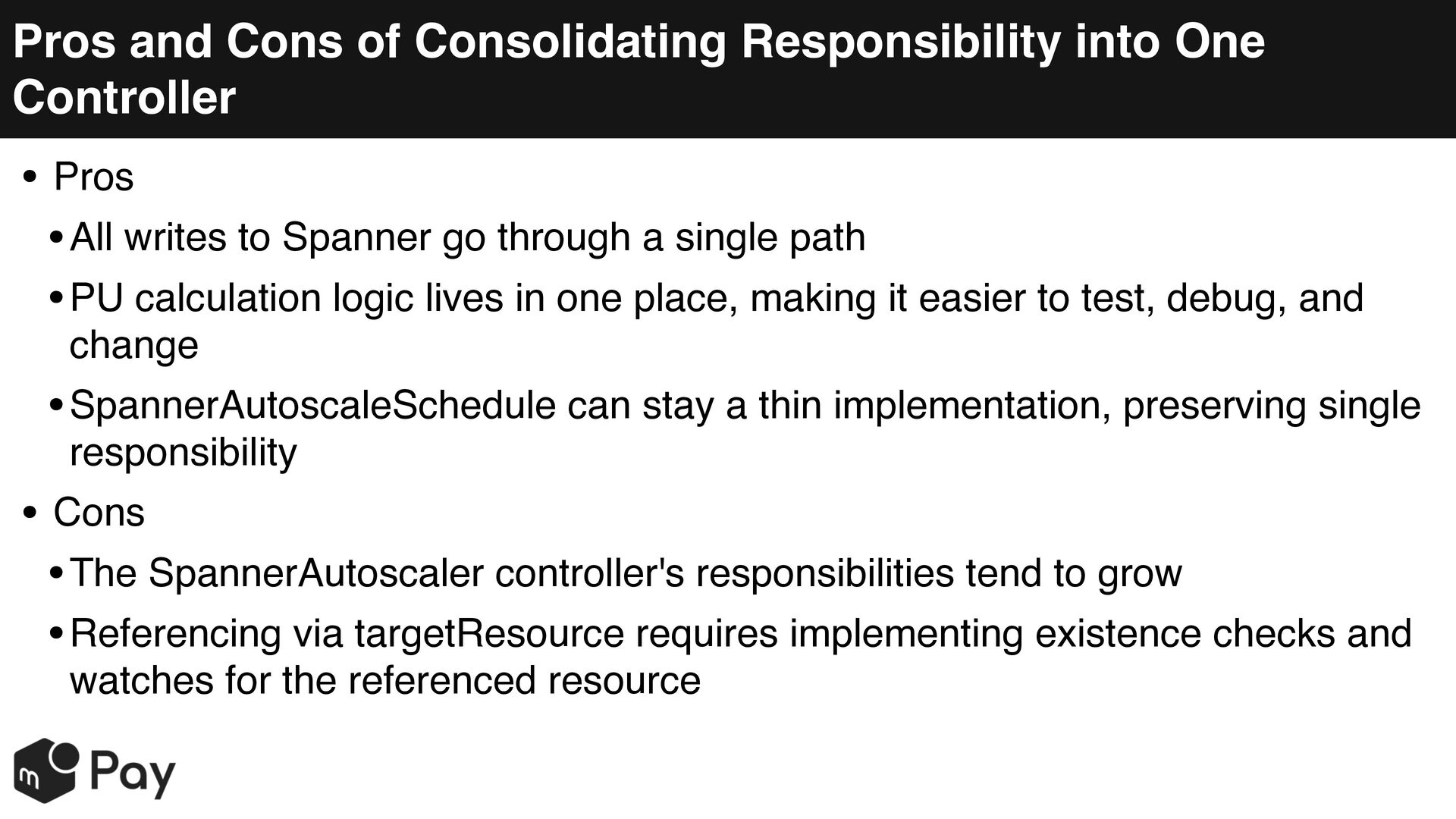
  10. Pros and Cons of Consolidating Responsibility into One Controller •

    Pros • All writes to Spanner go through a single path • PU calculation logic lives in one place, making it easier to test, debug, and change • SpannerAutoscaleSchedule can stay a thin implementation, preserving single responsibility • Cons • The SpannerAutoscaler controller's responsibilities tend to grow • Referencing via targetResource requires implementing existence checks and watches for the referenced resource
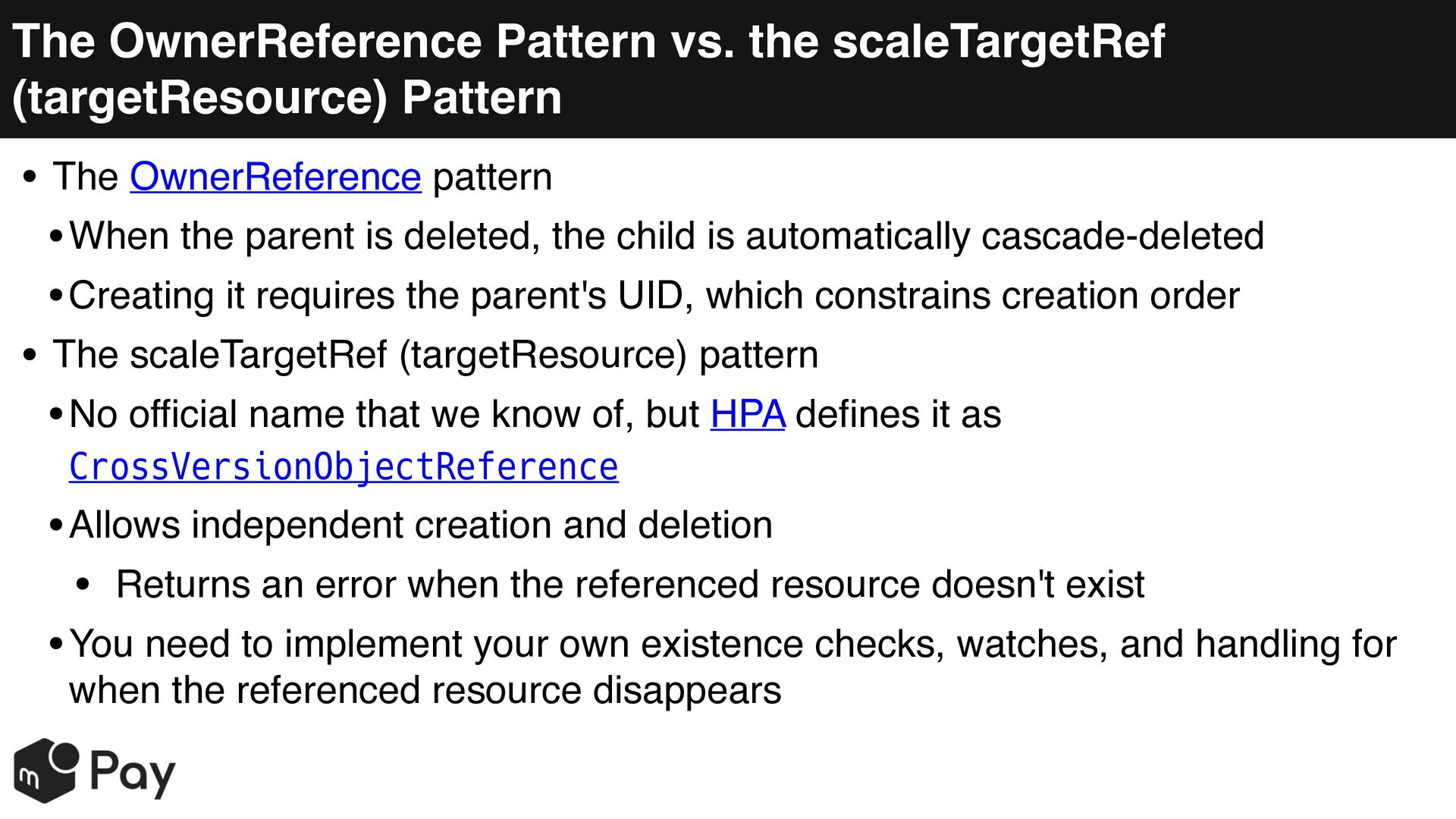
  11. The OwnerReference Pattern vs. the scaleTargetRef (targetResource) Pattern • The

    OwnerReference pattern • When the parent is deleted, the child is automatically cascade-deleted • Creating it requires the parent's UID, which constrains creation order • The scaleTargetRef (targetResource) pattern • No official name that we know of, but HPA defines it as CrossVersionObjectReference • Allows independent creation and deletion • Returns an error when the referenced resource doesn't exist • You need to implement your own existence checks, watches, and handling for when the referenced resource disappears
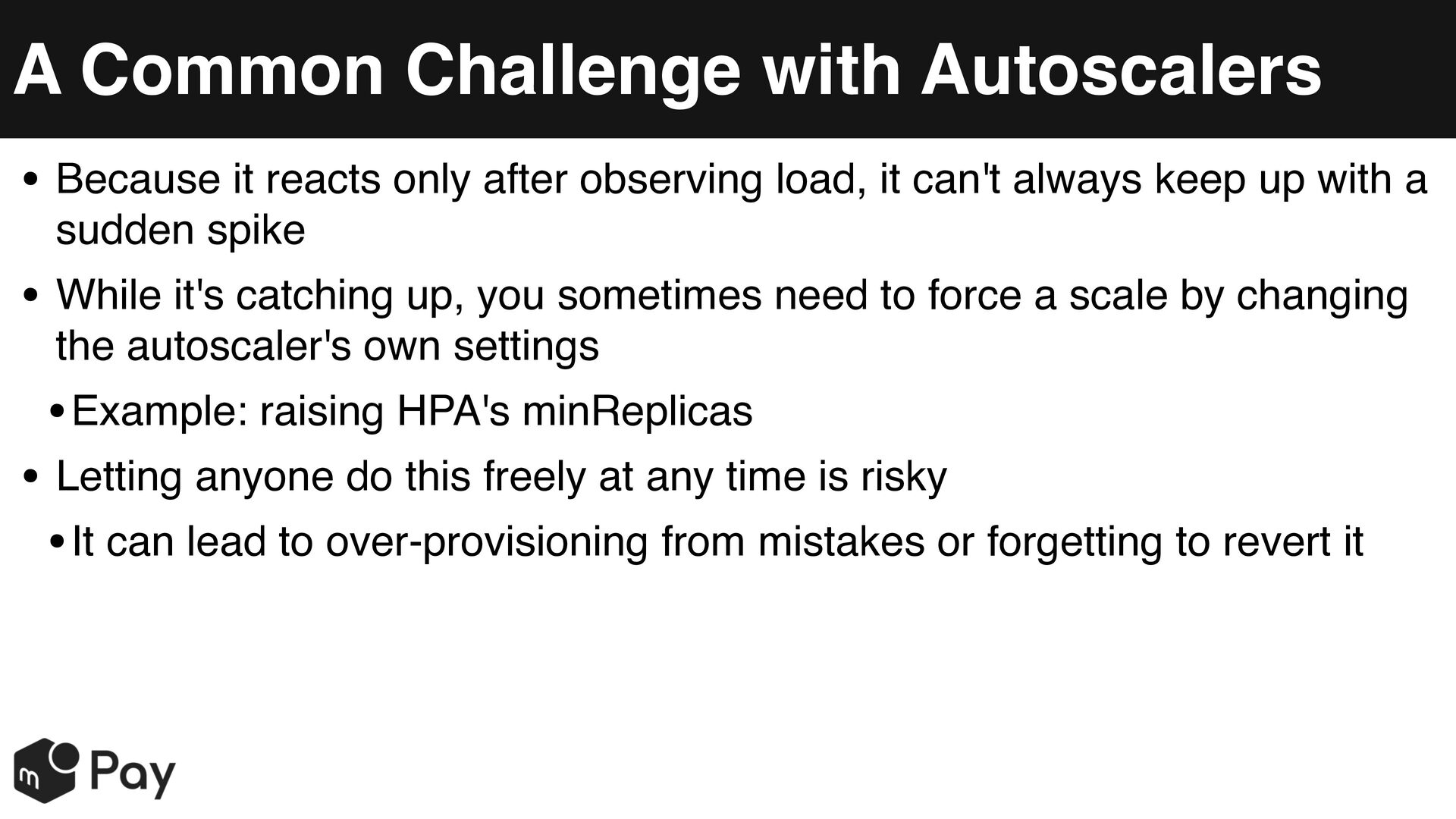
  12. A Common Challenge with Autoscalers • Because it reacts only

    after observing load, it can't always keep up with a sudden spike • While it's catching up, you sometimes need to force a scale by changing the autoscaler's own settings • Example: raising HPA's minReplicas • Letting anyone do this freely at any time is risky • It can lead to over-provisioning from mistakes or forgetting to revert it
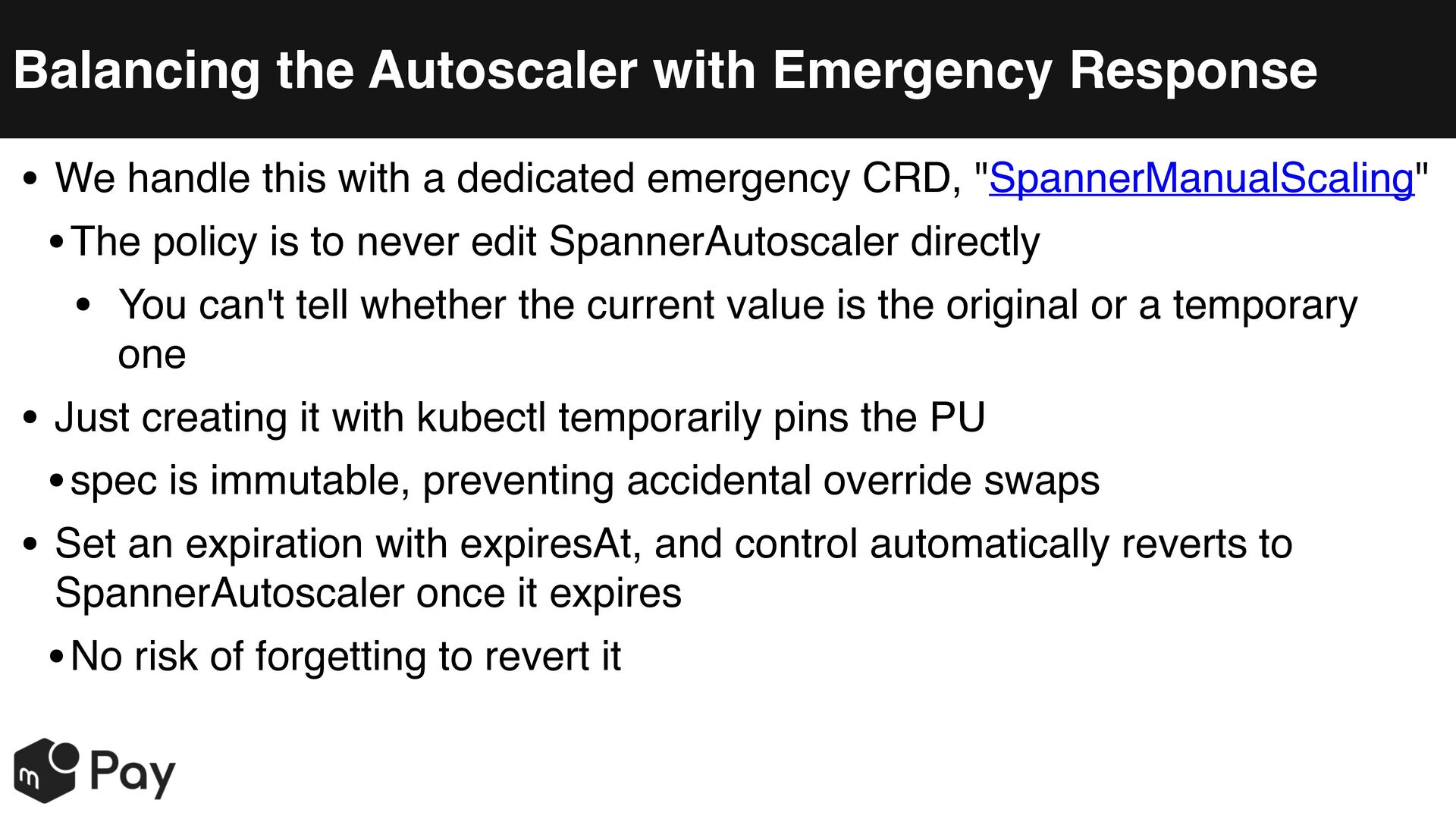
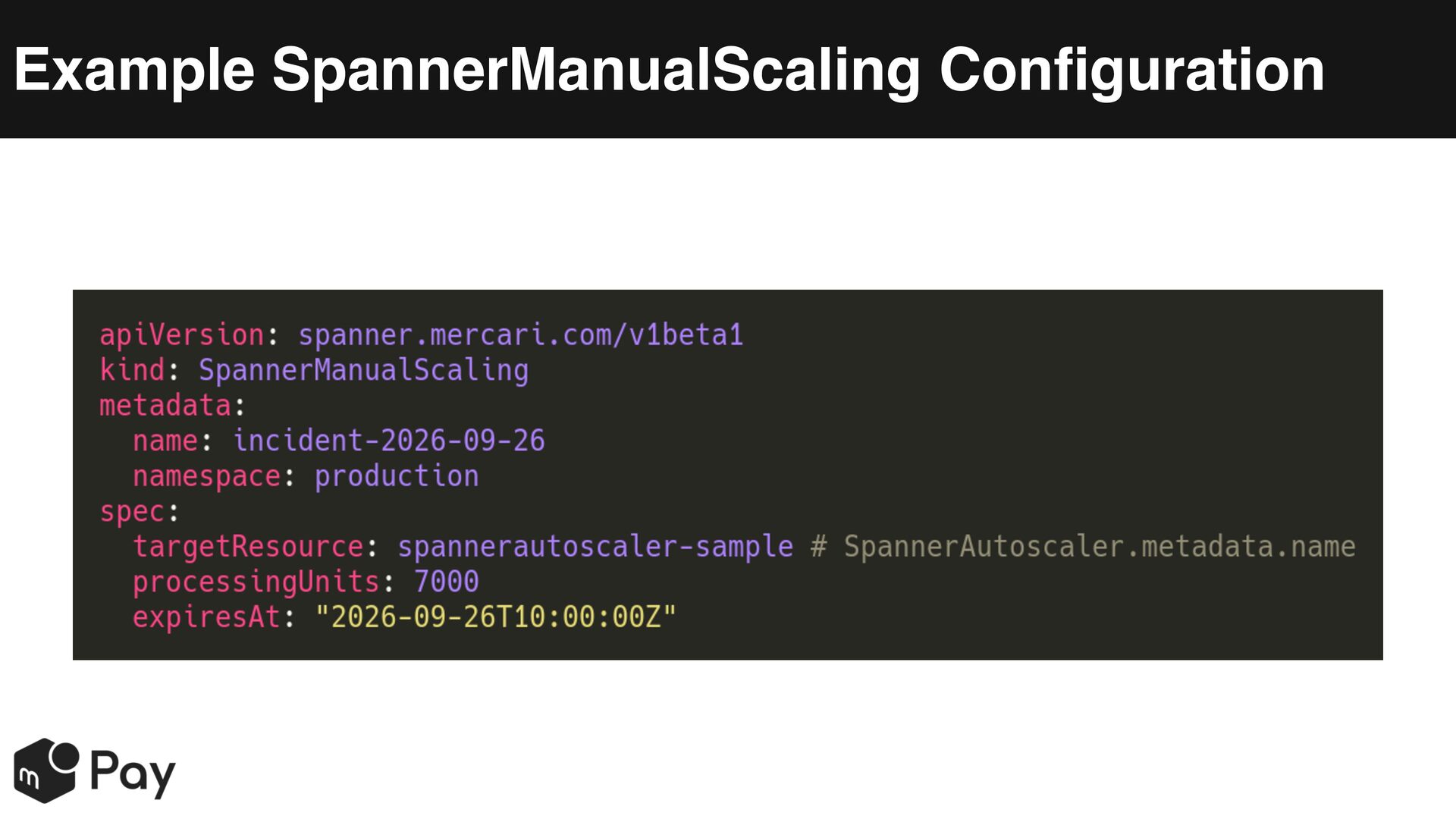
  13. Balancing the Autoscaler with Emergency Response • We handle this

    with a dedicated emergency CRD, "SpannerManualScaling" • The policy is to never edit SpannerAutoscaler directly • You can't tell whether the current value is the original or a temporary one • Just creating it with kubectl temporarily pins the PU • spec is immutable, preventing accidental override swaps • Set an expiration with expiresAt, and control automatically reverts to SpannerAutoscaler once it expires • No risk of forgetting to revert it
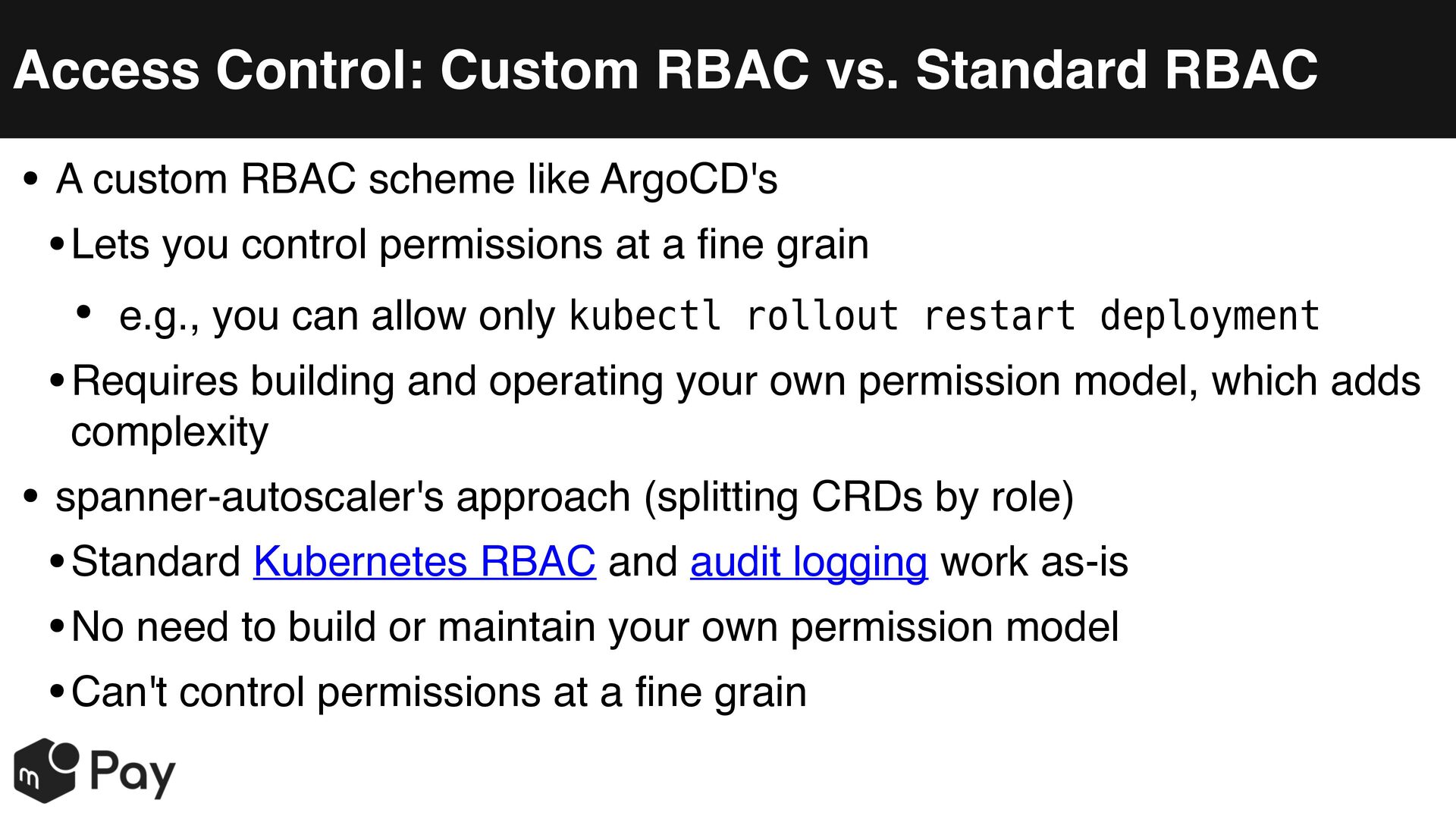
  14. Access Control: Custom RBAC vs. Standard RBAC • A custom

    RBAC scheme like ArgoCD's • Lets you control permissions at a fine grain • e.g., you can allow only kubectl rollout restart deployment • Requires building and operating your own permission model, which adds complexity • spanner-autoscaler's approach (splitting CRDs by role) • Standard Kubernetes RBAC and audit logging work as-is • No need to build or maintain your own permission model • Can't control permissions at a fine grain
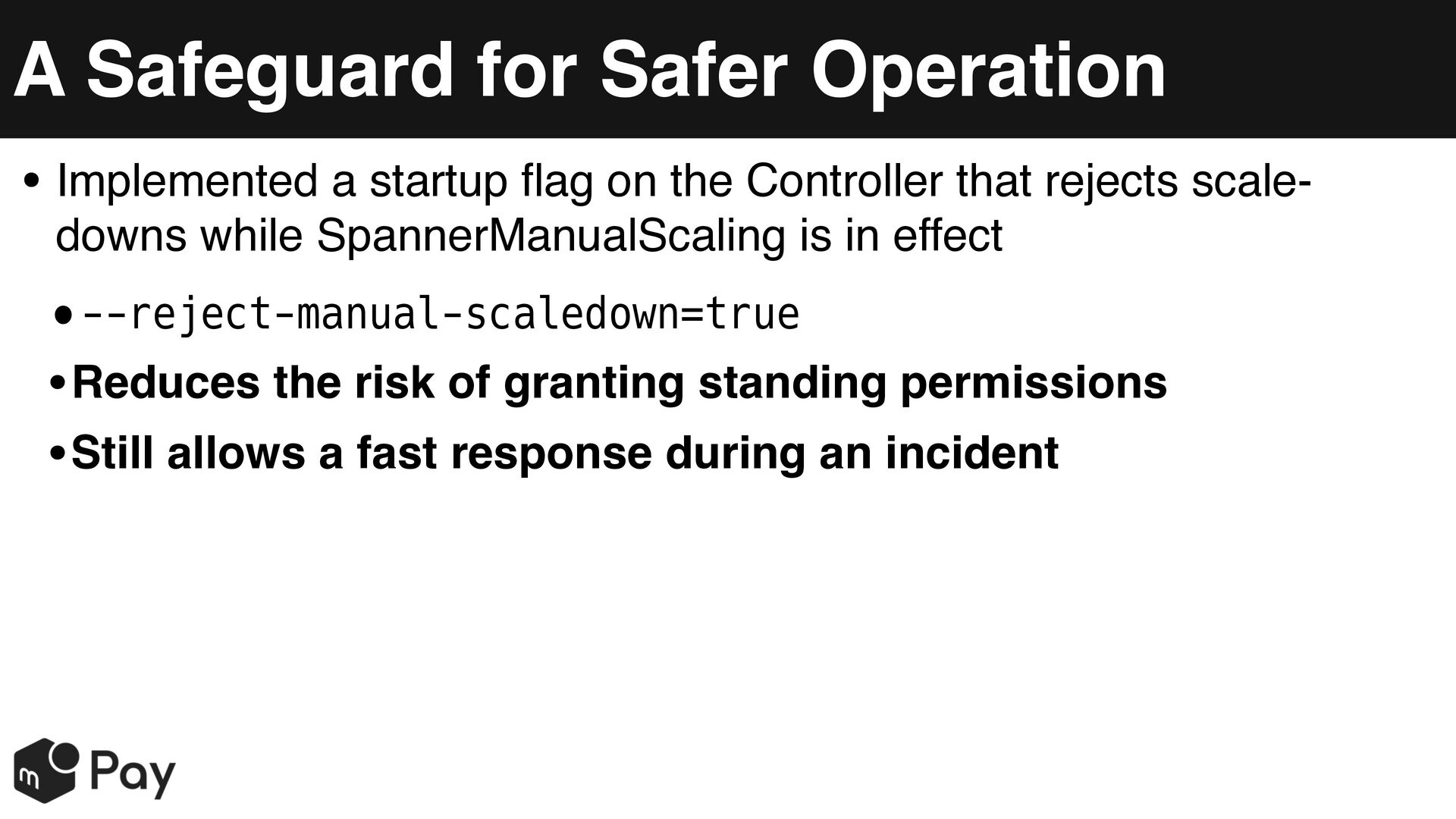
  15. A Safeguard for Safer Operation • Implemented a startup flag

    on the Controller that rejects scaledowns while SpannerManualScaling is in effect •--reject-manual-scaledown=true • Reduces the risk of granting standing permissions • Still allows a fast response during an incident
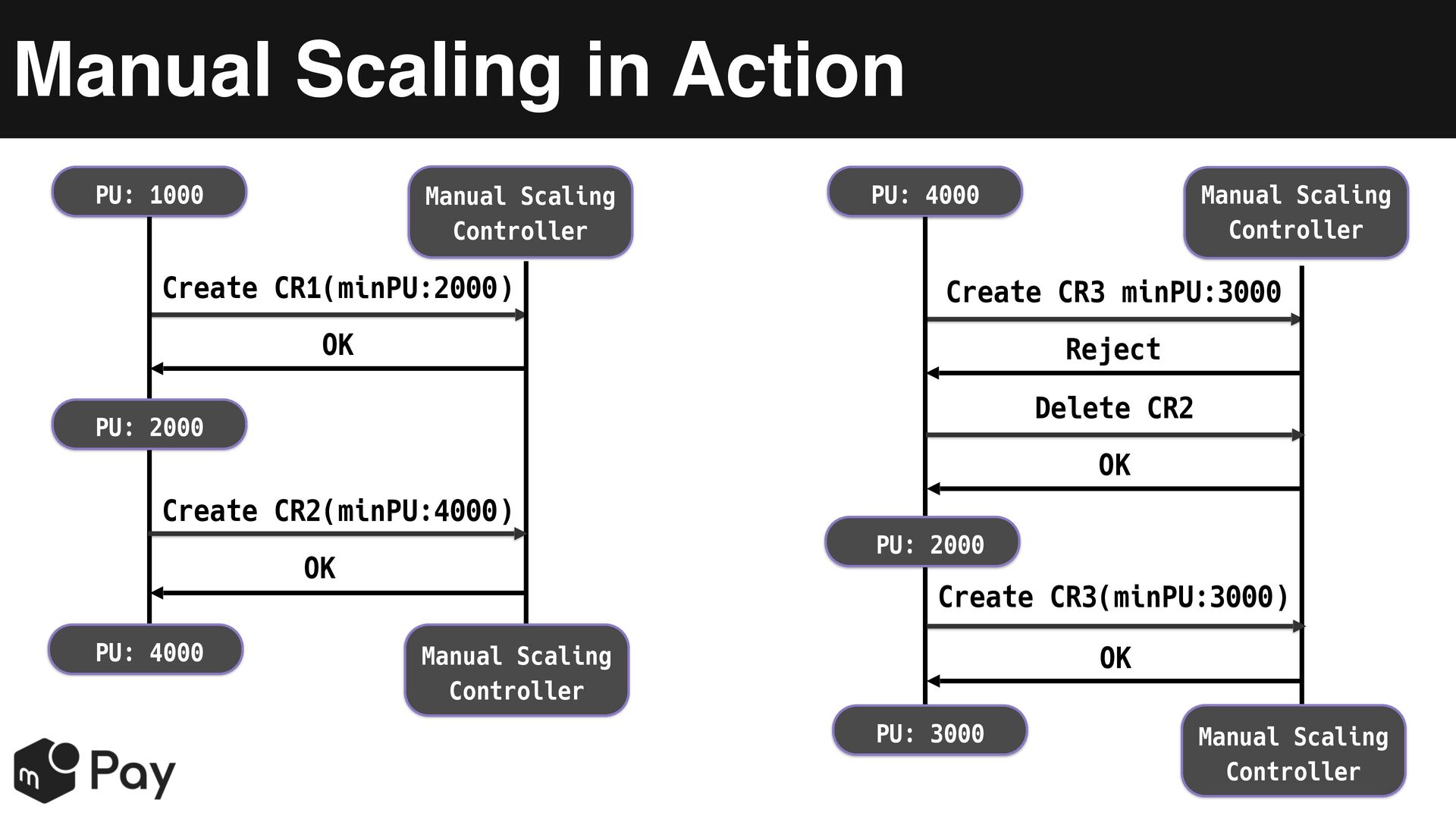
  16. Manual Scaling in Action PU: 1000 Manual Scaling Controller PU:

    4000 Manual Scaling Controller Create CR1(minPU:2000) Create CR3 minPU:3000 OK Reject Delete CR2 PU: 2000 OK Create CR2(minPU:4000) PU: 2000 OK PU: 4000 Create CR3(minPU:3000) OK Manual Scaling Controller PU: 3000 Manual Scaling Controller
  17. The Potential for AI-Driven Operations • Restricting AI to create-only

    access is achievable with plain standard RBAC • Example: trigger an alert when scale-out events fire repeatedly at night and CPU usage stays above 90% for N minutes • Have the AI scale out when that alert fires • Treat it as a sign that the autoscaler's own scale-out isn't keeping up • Actions show up in standard audit logs, so they're easy to trace • For something more robust, you might need a dedicated CRD plus custom RBAC
  18. Implementation Tip: Handling Overrides • A generalizable technique for implementing

    a "manual override" like ManualScaling • Don't compare two desired values and pick the larger one • The logic tends to get complicated, and you end up writing more tests • Inside Reconcile, check first whether a valid override exists, and return early if it does • Only fall through to the normal logic when there's no override
  19. API Versioning (v1alpha1 → v1beta1) • Bump the version when

    making a change that breaks backward compatibility, such as altering an existing field's type or meaning • The Hub-and-Spoke model • Make v1beta1 the Hub; v1alpha1 only implements conversion to/from the Hub (avoids a combinatorial explosion) • We deliberately allow some information loss when converting from a newer version back to an older one • Example: a percentage-based scale-down setting gets replaced with a fixed node count on the old version
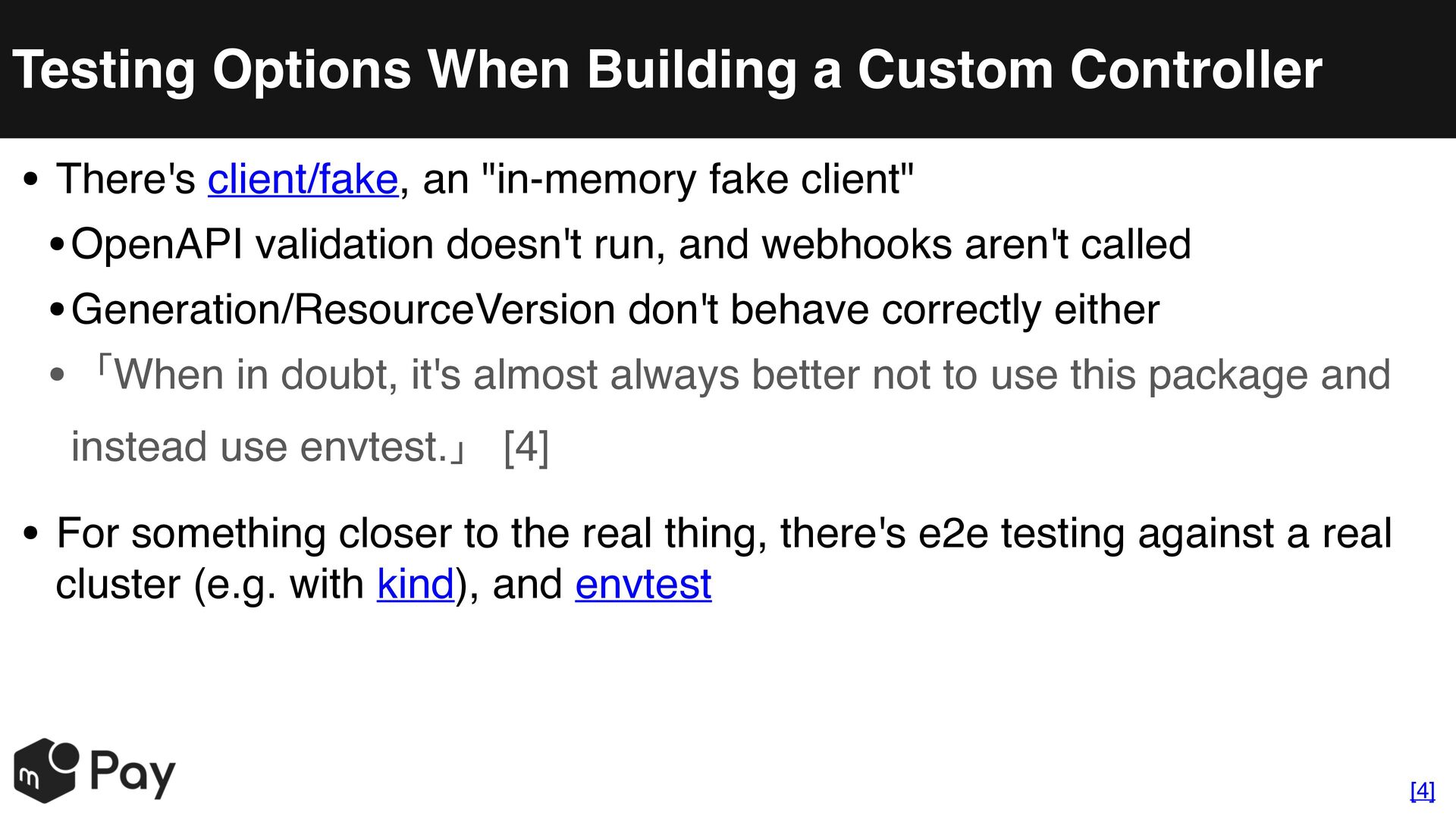
  20. Testing Options When Building a Custom Controller • There's client/fake,

    an "in-memory fake client" • OpenAPI validation doesn't run, and webhooks aren't called • Generation/ResourceVersion don't behave correctly either • 「When in doubt, it's almost always better not to use this package and instead use envtest.」 [4] • For something closer to the real thing, there's e2e testing against a real cluster (e.g. with kind), and envtest [4]
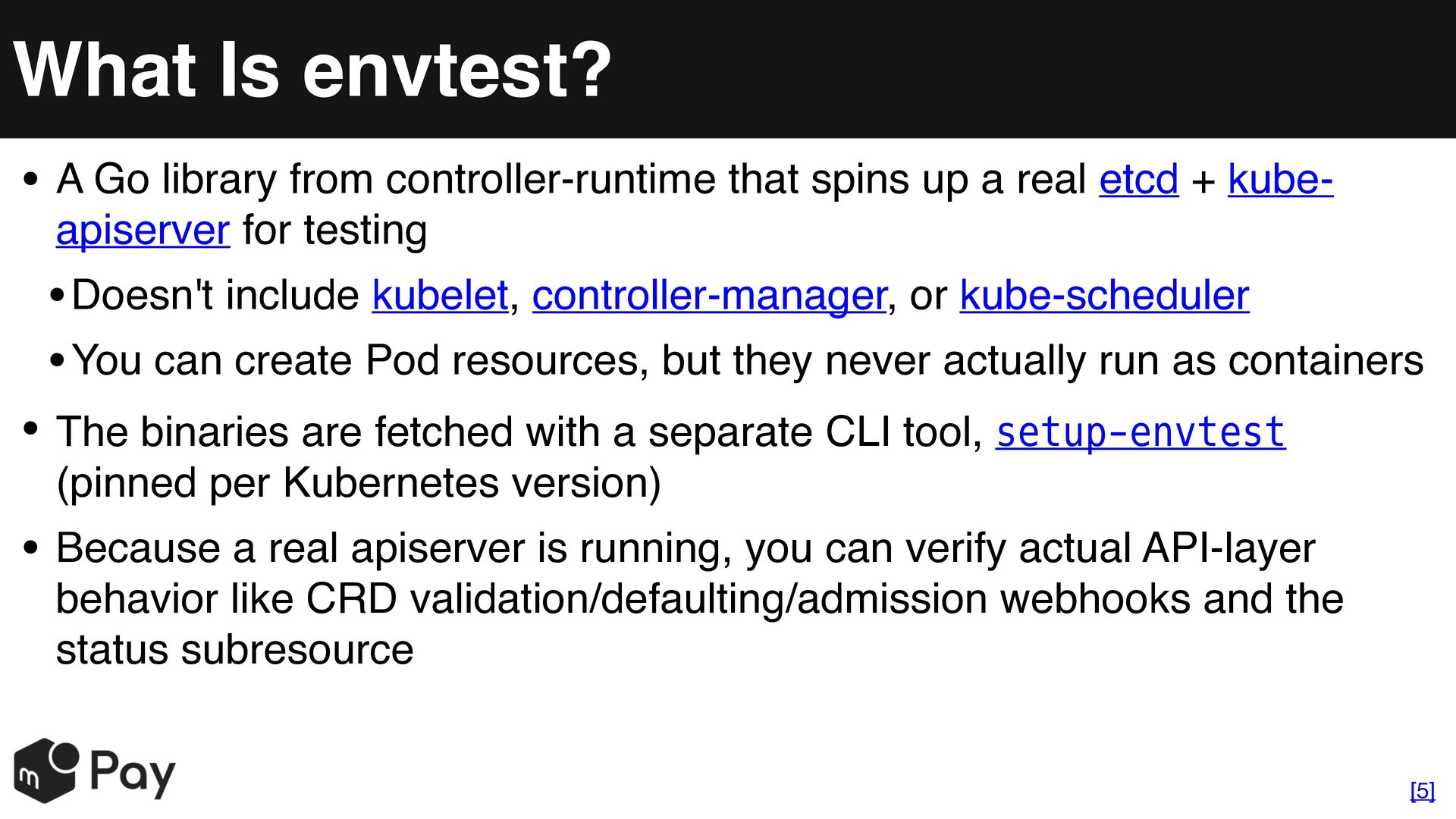
  21. What Is envtest? • A Go library from controller-runtime that

    spins up a real etcd + kubeapiserver for testing • Doesn't include kubelet, controller-manager, or kube-scheduler • You can create Pod resources, but they never actually run as containers • The binaries are fetched with a separate CLI tool, setup-envtest (pinned per Kubernetes version) • Because a real apiserver is running, you can verify actual API-layer behavior like CRD validation/defaulting/admission webhooks and the status subresource [5]
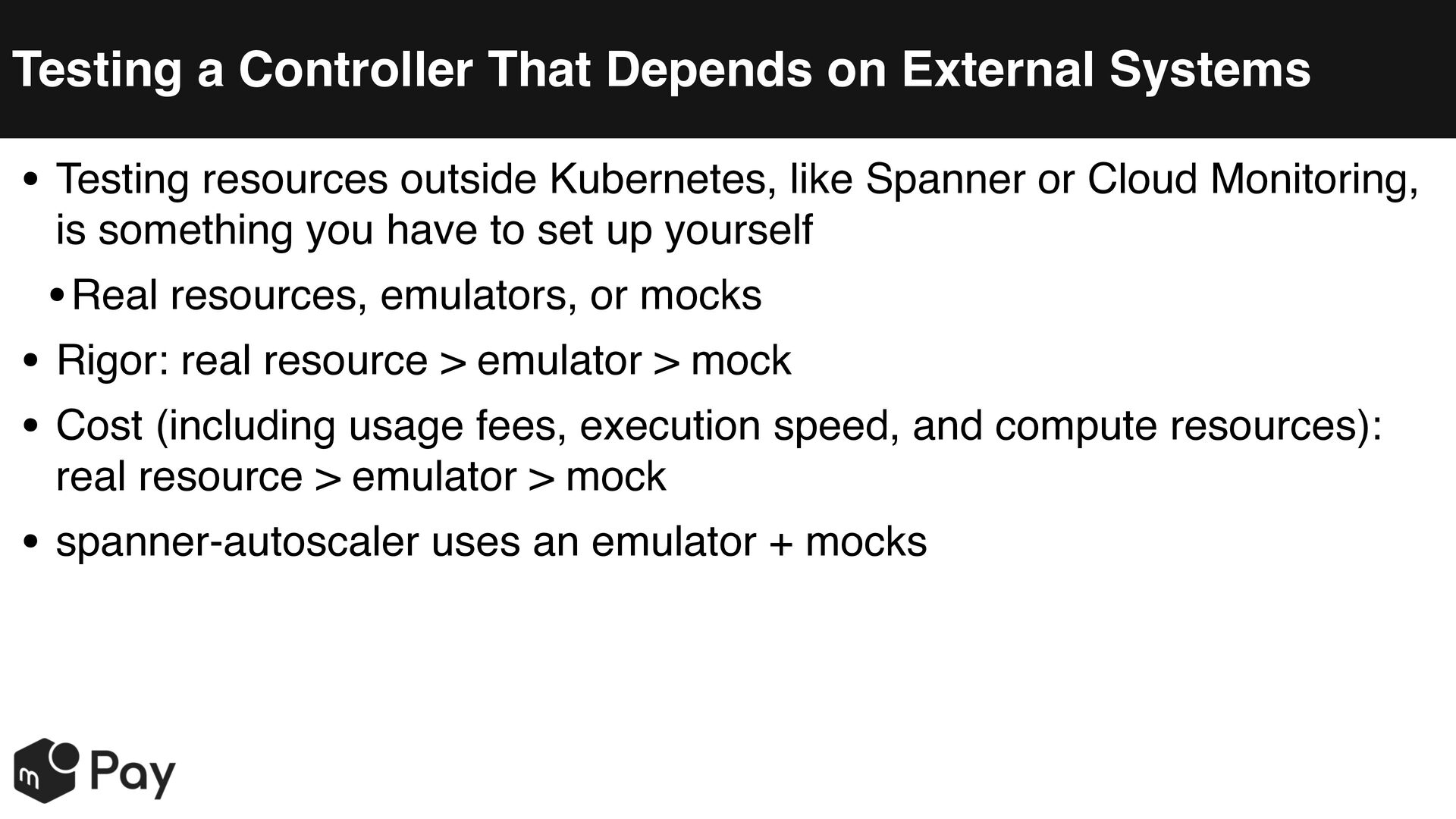
  22. Testing a Controller That Depends on External Systems • Testing

    resources outside Kubernetes, like Spanner or Cloud Monitoring, is something you have to set up yourself • Real resources, emulators, or mocks • Rigor: real resource > emulator > mock • Cost (including usage fees, execution speed, and compute resources): real resource > emulator > mock • spanner-autoscaler uses an emulator + mocks
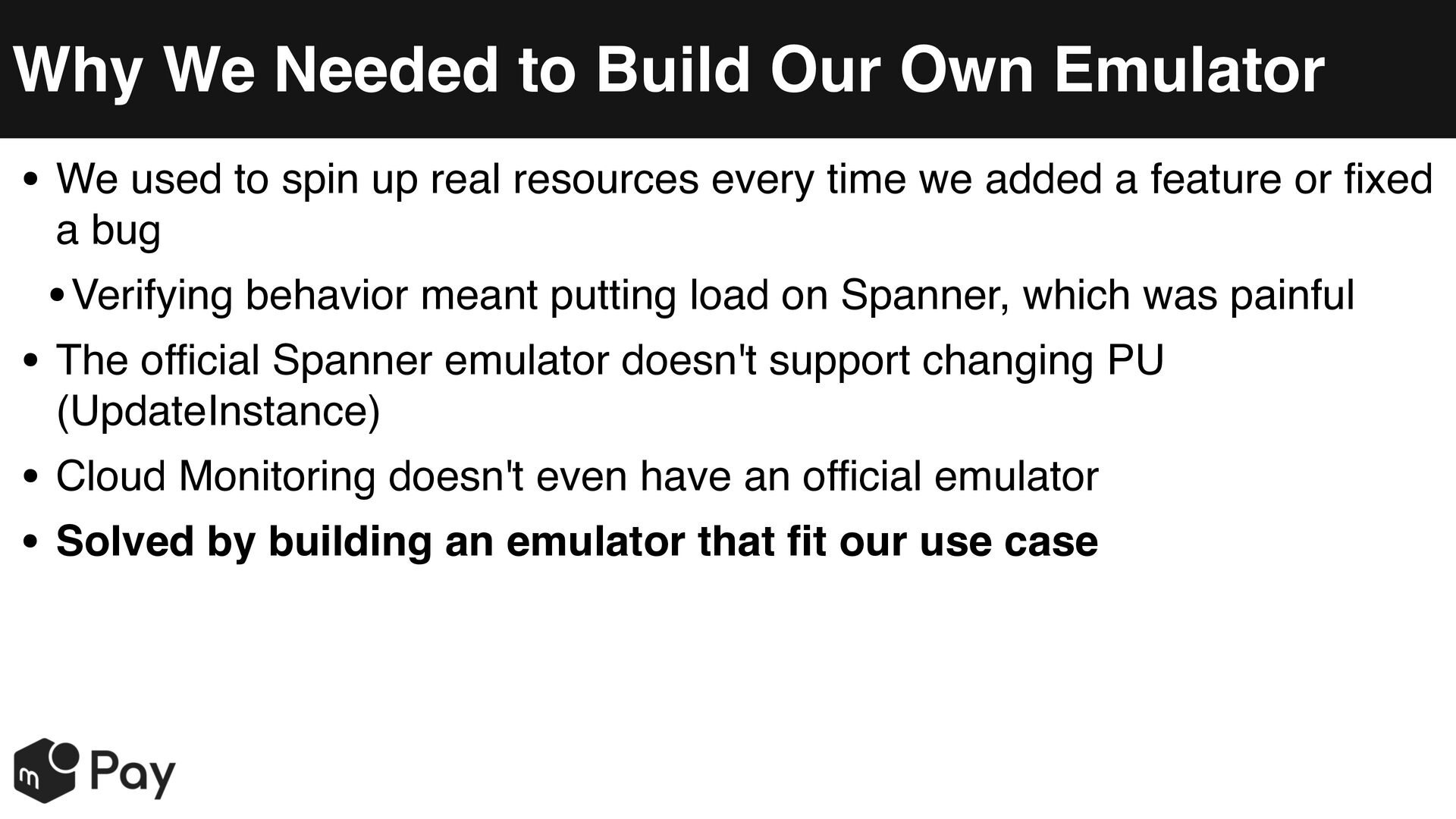
  23. Why We Needed to Build Our Own Emulator • We

    used to spin up real resources every time we added a feature or fixed a bug • Verifying behavior meant putting load on Spanner, which was painful • The official Spanner emulator doesn't support changing PU (UpdateInstance) • Cloud Monitoring doesn't even have an official emulator • Solved by building an emulator that fit our use case
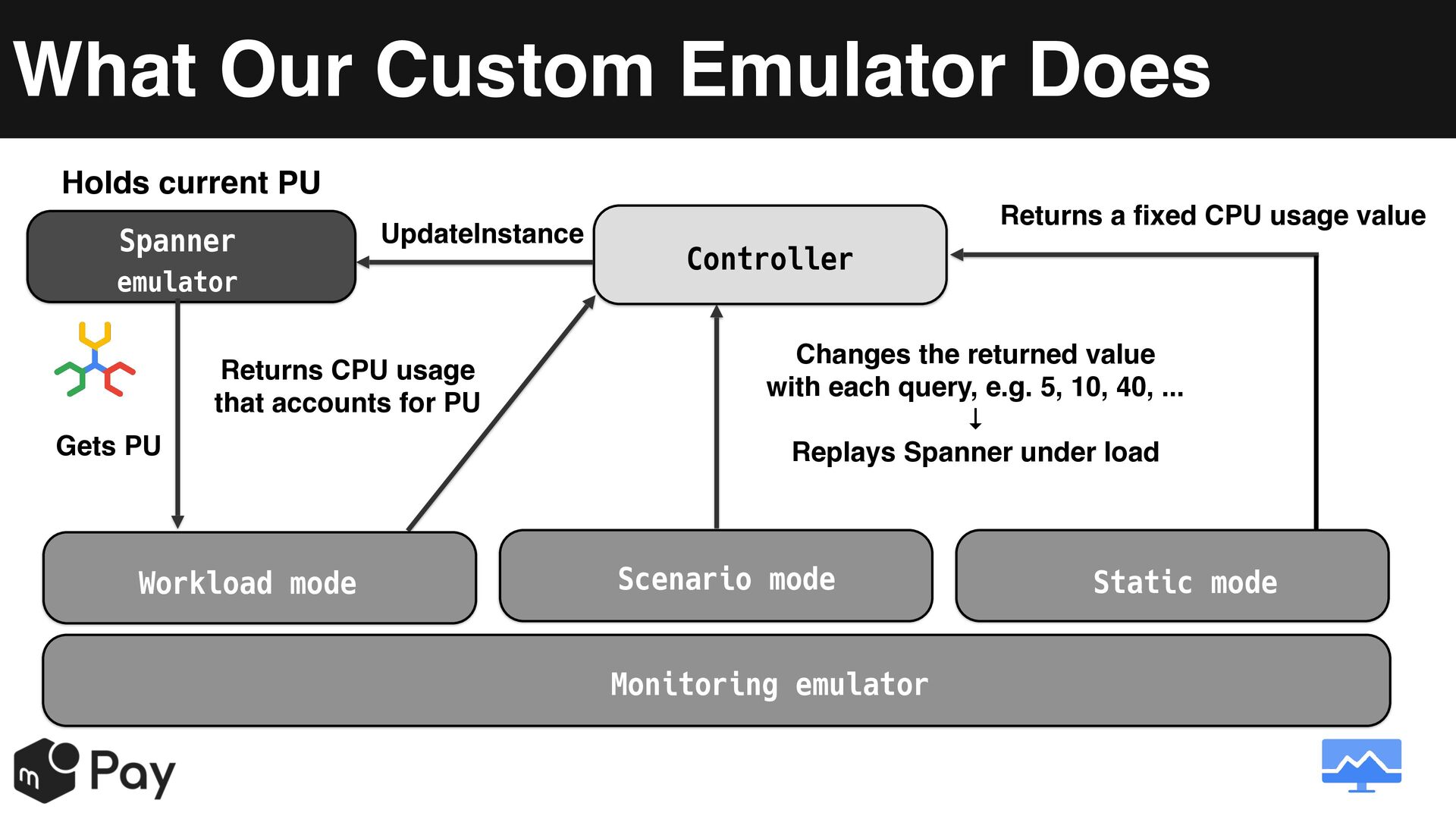
  24. What Our Custom Emulator Does Holds current PU Spanner UpdateInstance

    emulator Returns CPU usage that accounts for PU Gets PU Workload mode Returns a fixed CPU usage value Controller Changes the returned value with each query, e.g. 5, 10, 40, ... ↓ Replays Spanner under load Scenario mode Monitoring emulator Static mode
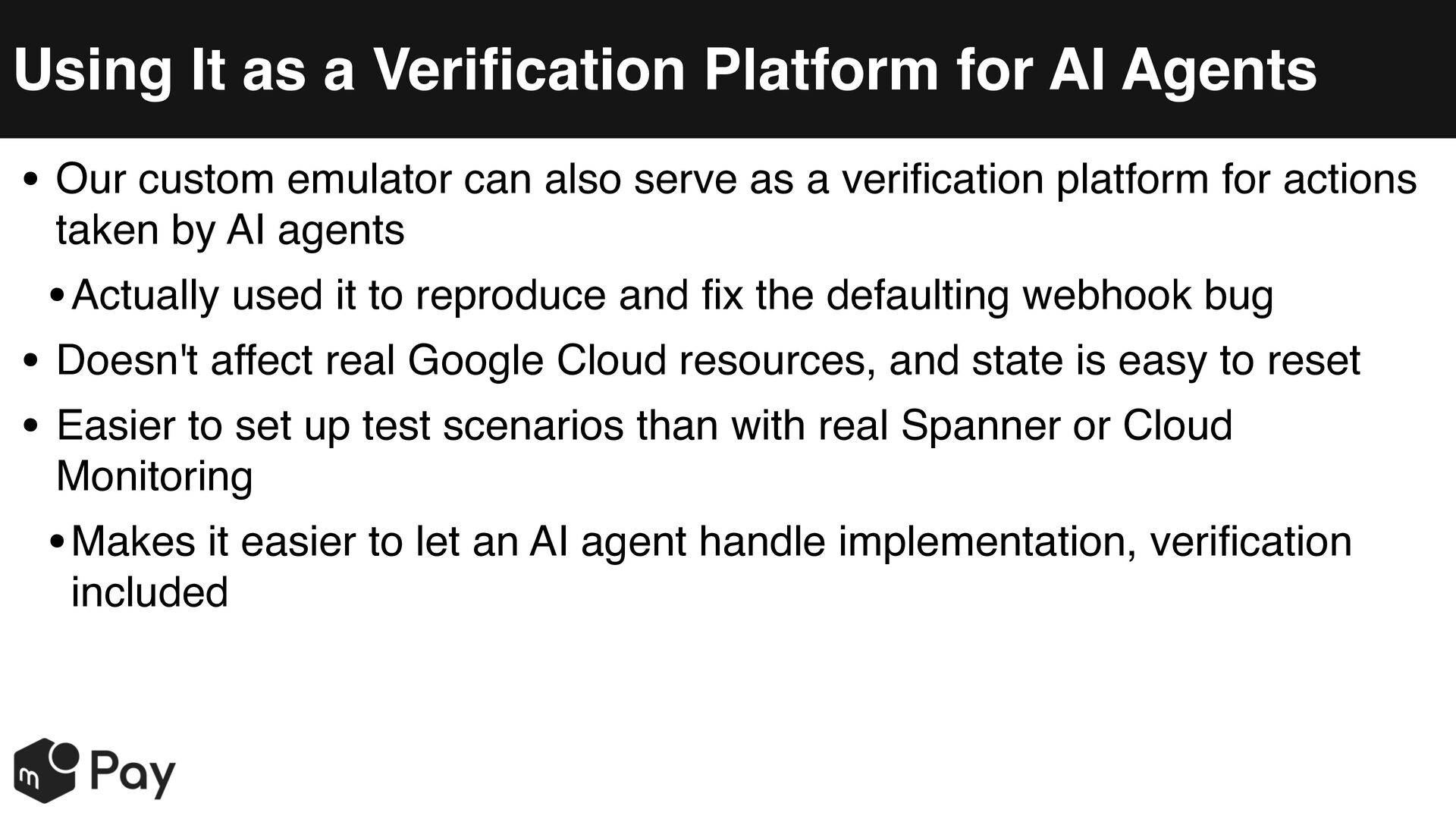
  25. Using It as a Verification Platform for AI Agents •

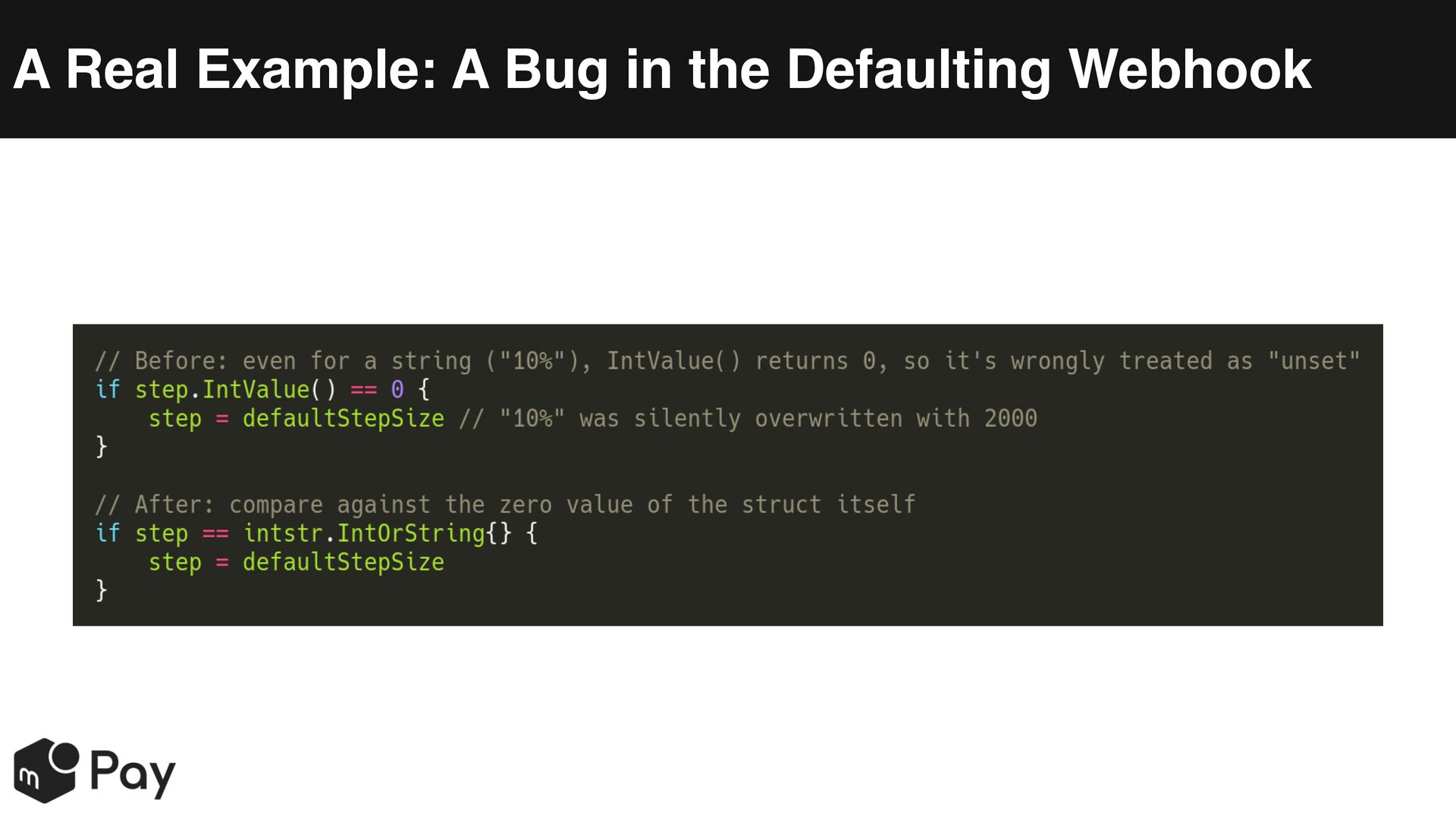
    Our custom emulator can also serve as a verification platform for actions taken by AI agents • Actually used it to reproduce and fix the defaulting webhook bug • Doesn't affect real Google Cloud resources, and state is easy to reset • Easier to set up test scenarios than with real Spanner or Cloud Monitoring • Makes it easier to let an AI agent handle implementation, verification included
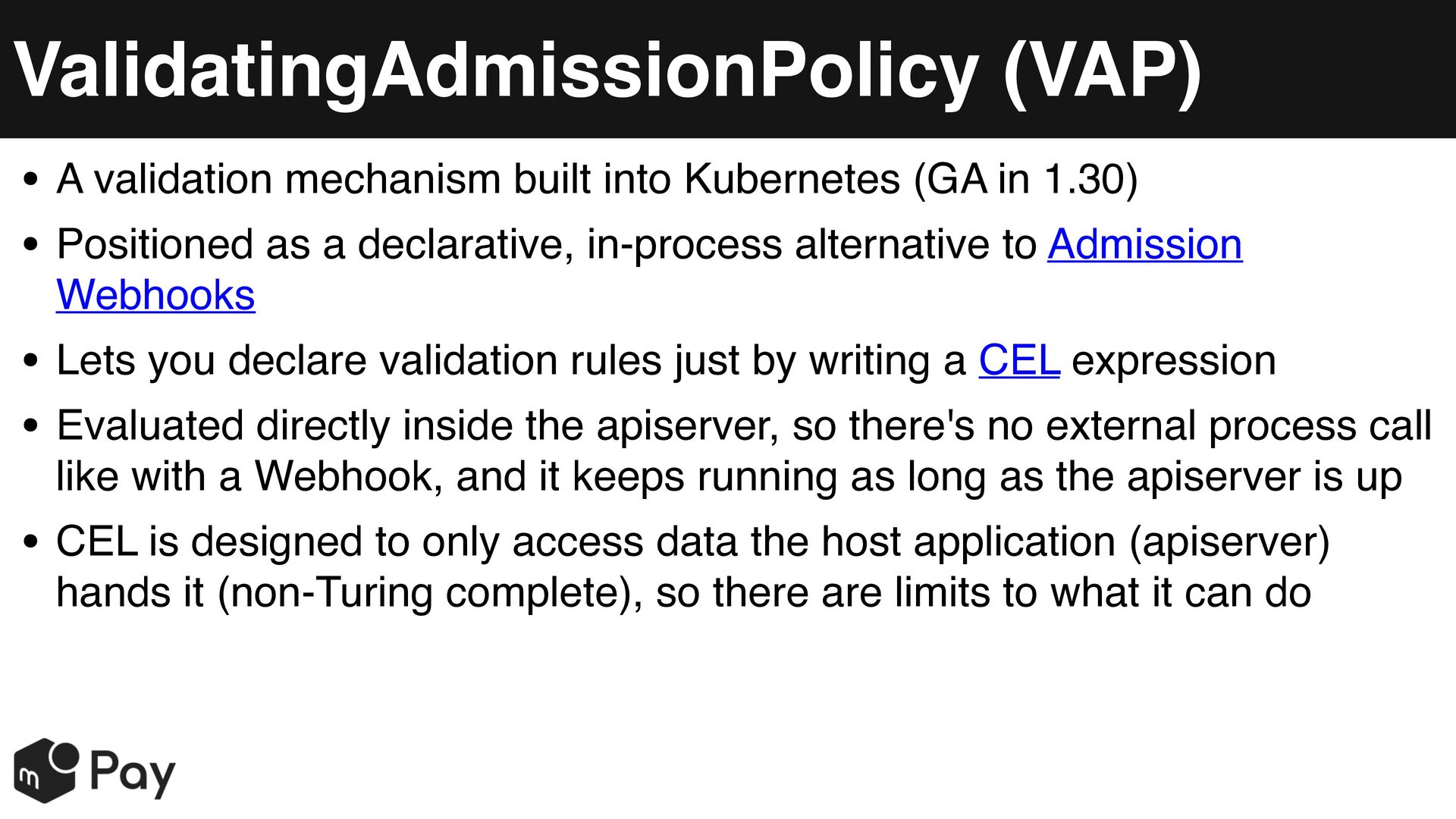
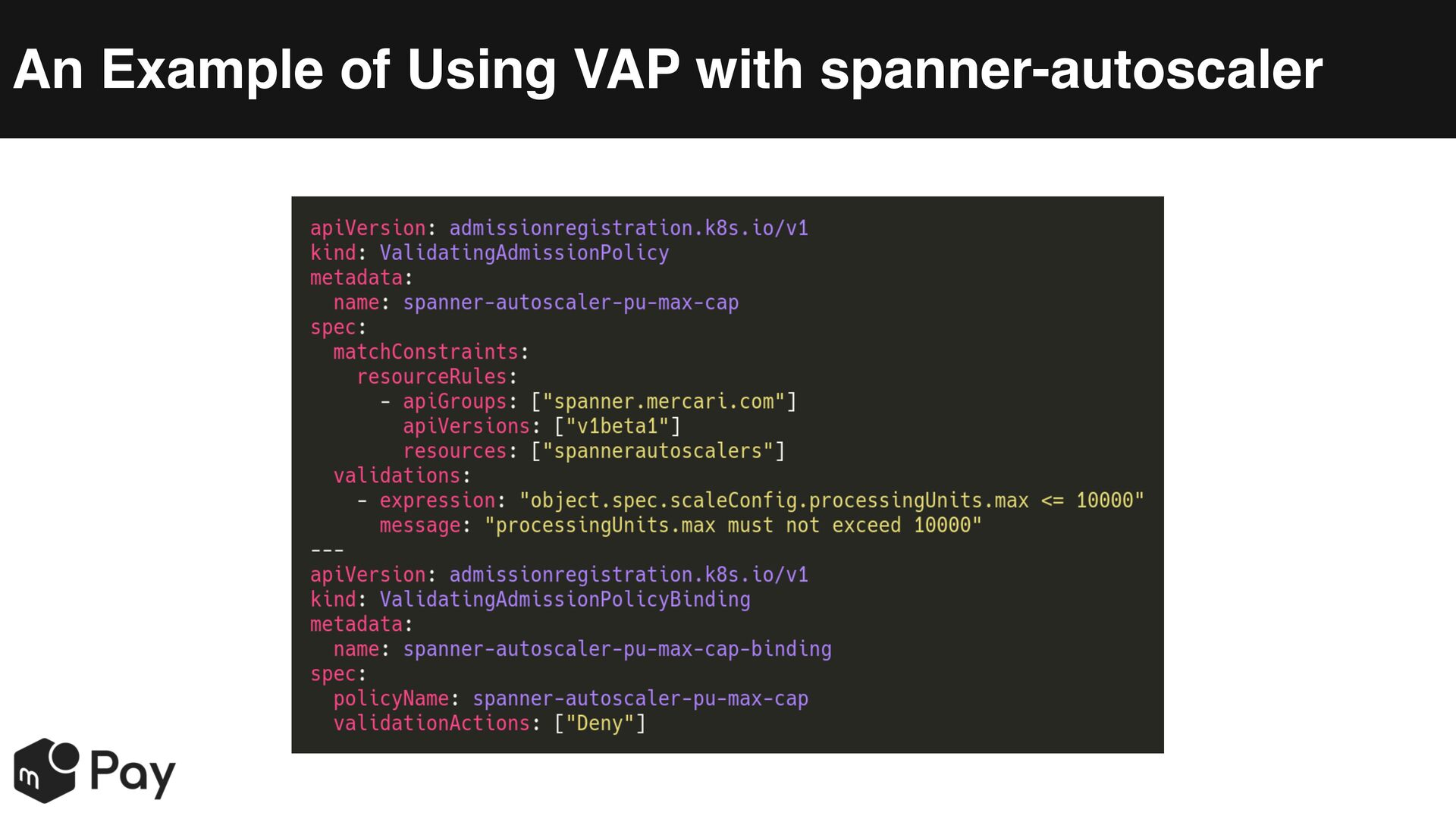
  26. ValidatingAdmissionPolicy (VAP) • A validation mechanism built into Kubernetes (GA

    in 1.30) • Positioned as a declarative, in-process alternative to Admission Webhooks • Lets you declare validation rules just by writing a CEL expression • Evaluated directly inside the apiserver, so there's no external process call like with a Webhook, and it keeps running as long as the apiserver is up • CEL is designed to only access data the host application (apiserver) hands it (non-Turing complete), so there are limits to what it can do
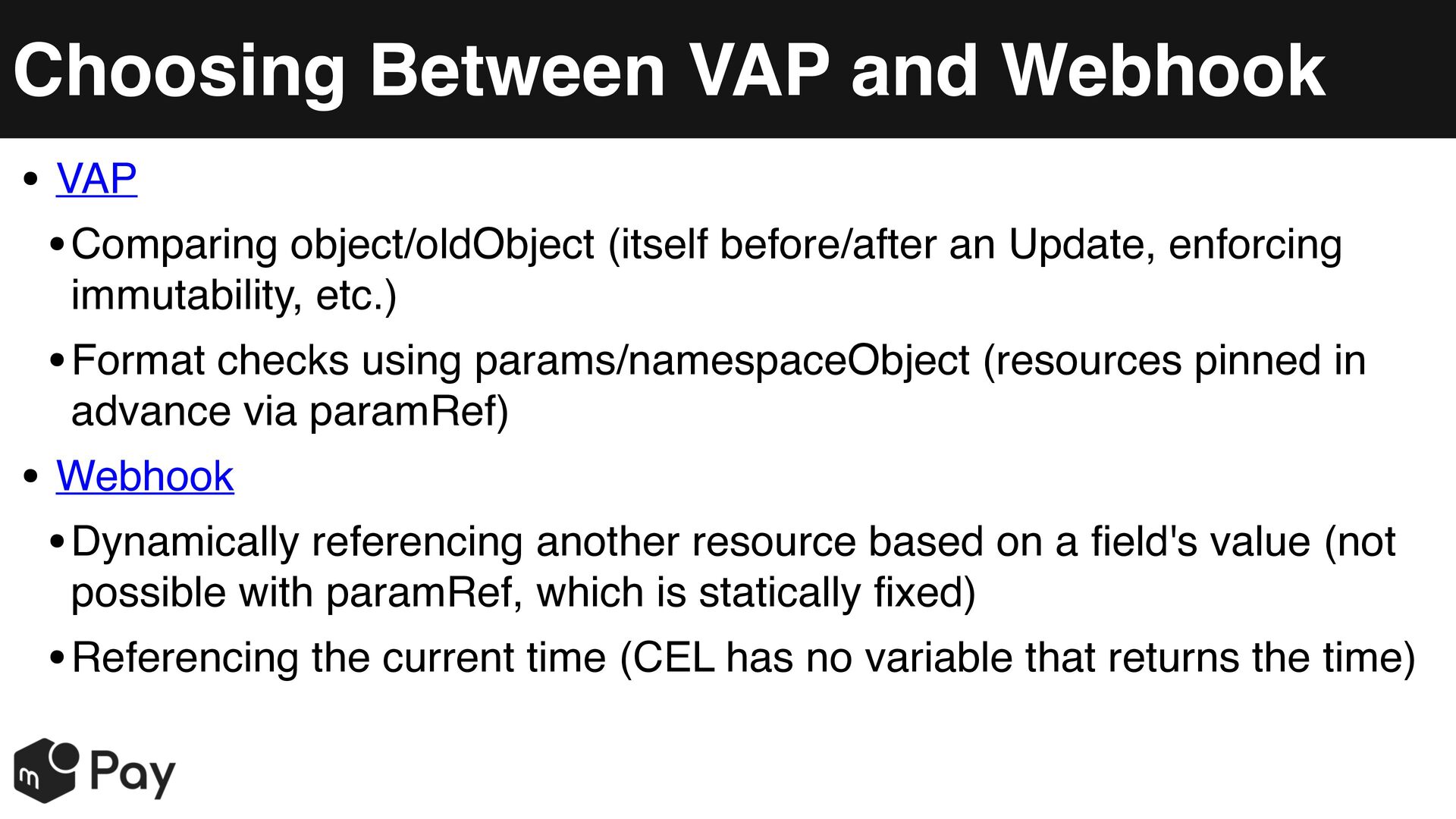
  27. Choosing Between VAP and Webhook • VAP • Comparing object/oldObject

    (itself before/after an Update, enforcing immutability, etc.) • Format checks using params/namespaceObject (resources pinned in advance via paramRef) • Webhook • Dynamically referencing another resource based on a field's value (not possible with paramRef, which is statically fixed) • Referencing the current time (CEL has no variable that returns the time)
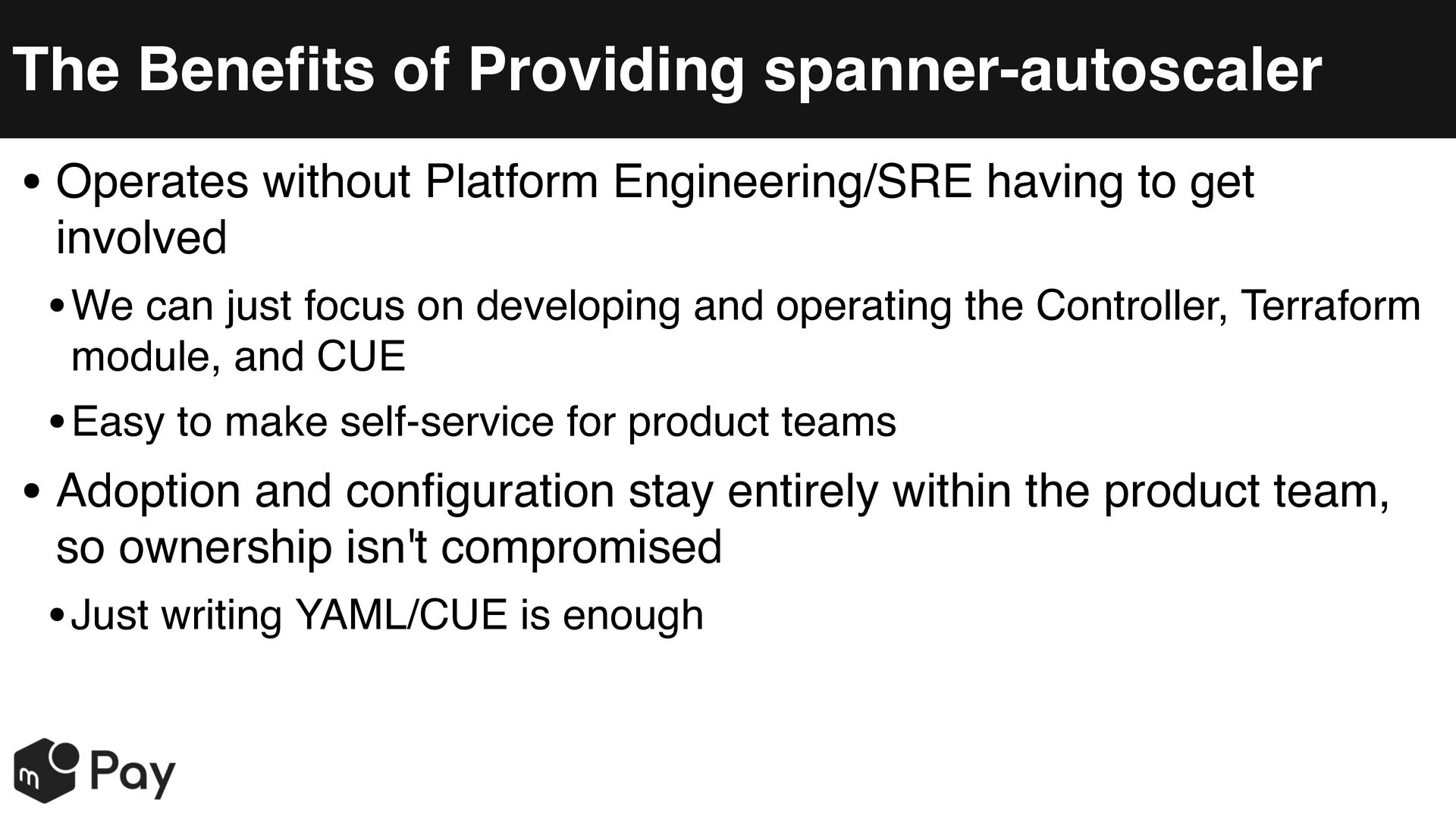
  28. The Benefits of Providing spanner-autoscaler • Operates without Platform Engineering/SRE

    having to get involved • We can just focus on developing and operating the Controller, Terraform module, and CUE • Easy to make self-service for product teams • Adoption and configuration stay entirely within the product team, so ownership isn't compromised • Just writing YAML/CUE is enough
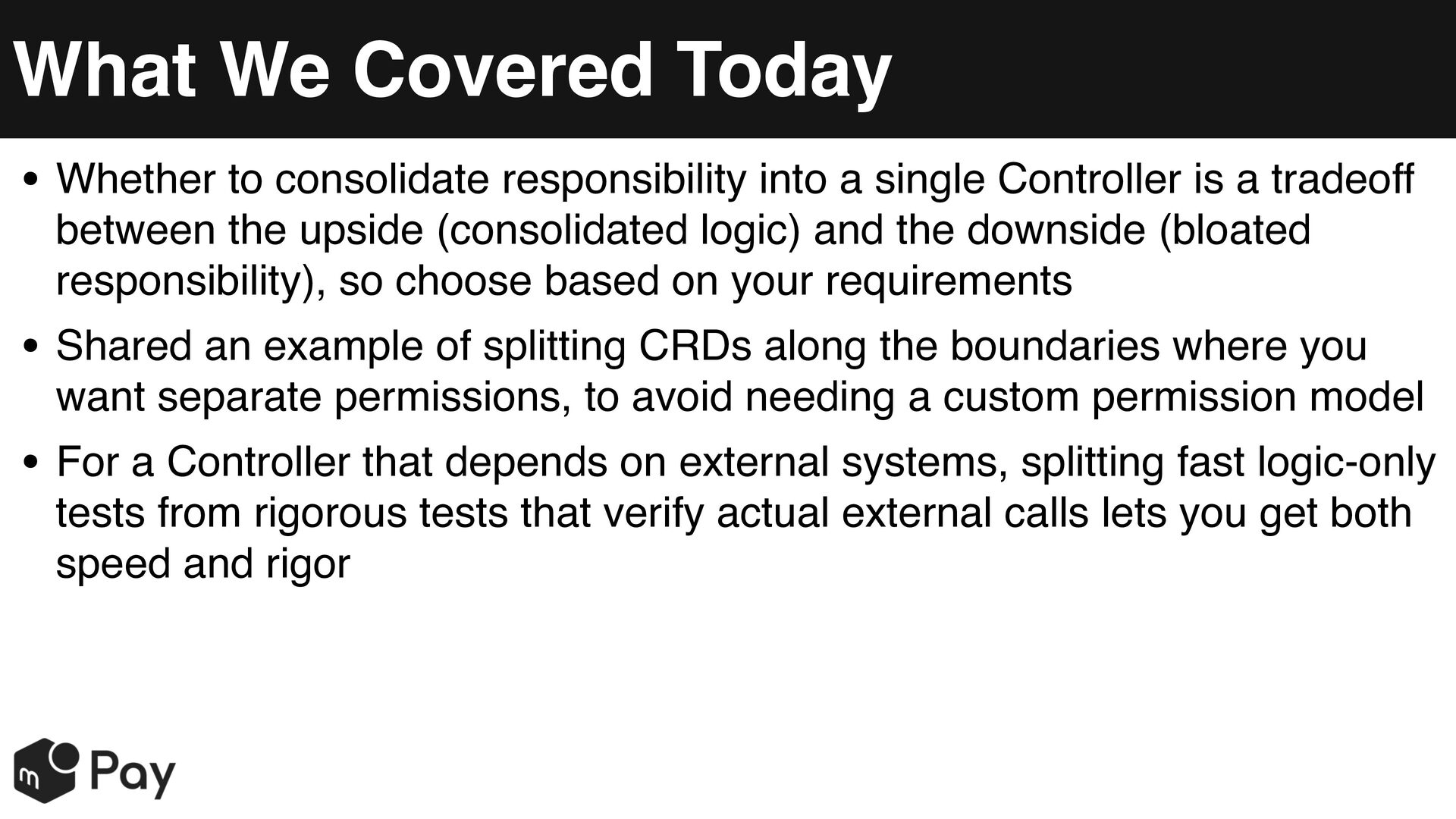
  29. What We Covered Today • Whether to consolidate responsibility into

    a single Controller is a tradeoff between the upside (consolidated logic) and the downside (bloated responsibility), so choose based on your requirements • Shared an example of splitting CRDs along the boundaries where you want separate permissions, to avoid needing a custom permission model • For a Controller that depends on external systems, splitting fast logic-only tests from rigorous tests that verify actual external calls lets you get both speed and rigor
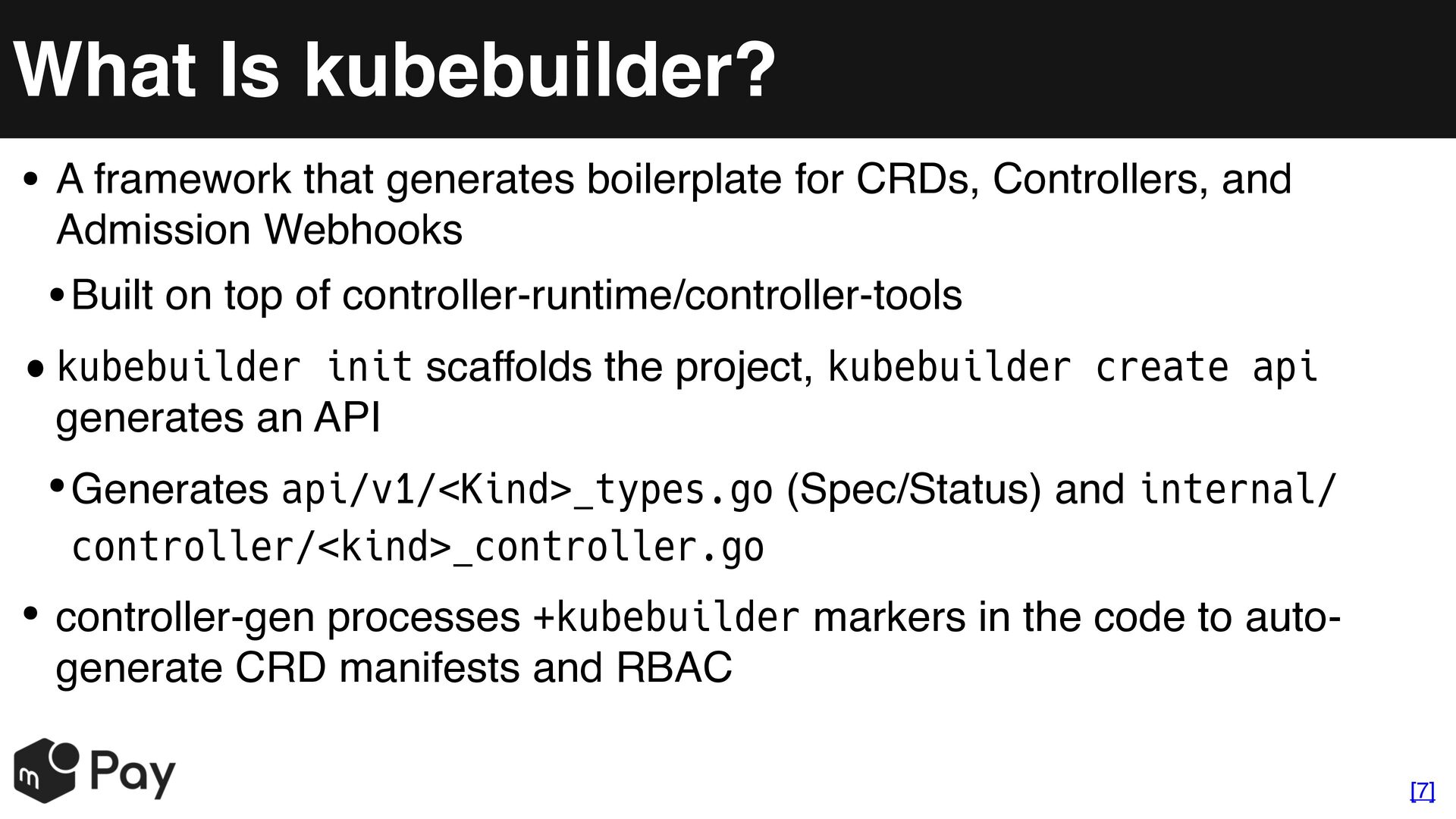
  30. What Is kubebuilder? • A framework that generates boilerplate for

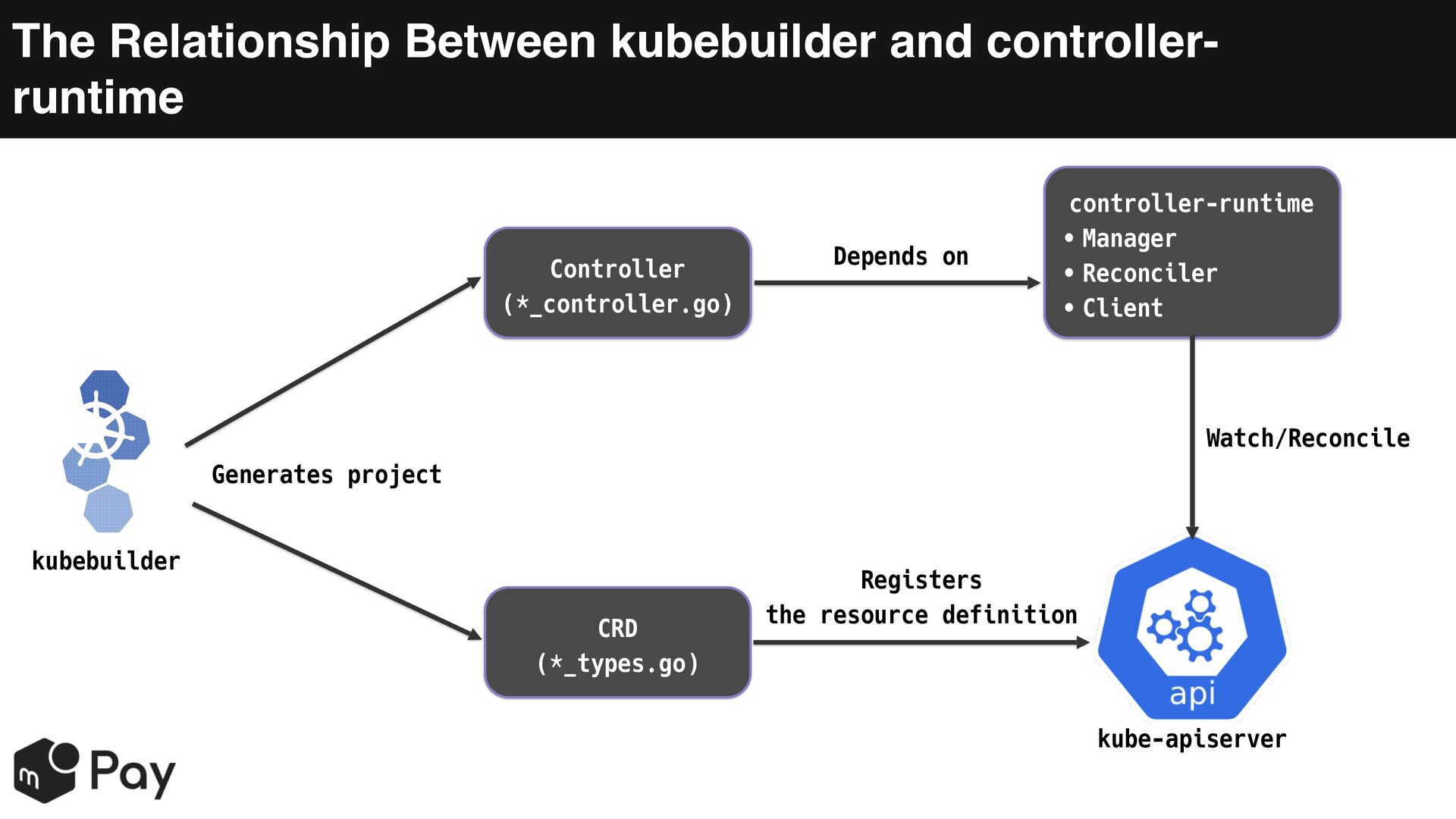
    CRDs, Controllers, and Admission Webhooks • Built on top of controller-runtime/controller-tools • kubebuilder init scaffolds the project, kubebuilder create api generates an API • Generates api/v1/<Kind>_types.go (Spec/Status) and internal/ controller/<kind>_controller.go • controller-gen processes +kubebuilder markers in the code to autogenerate CRD manifests and RBAC [7]
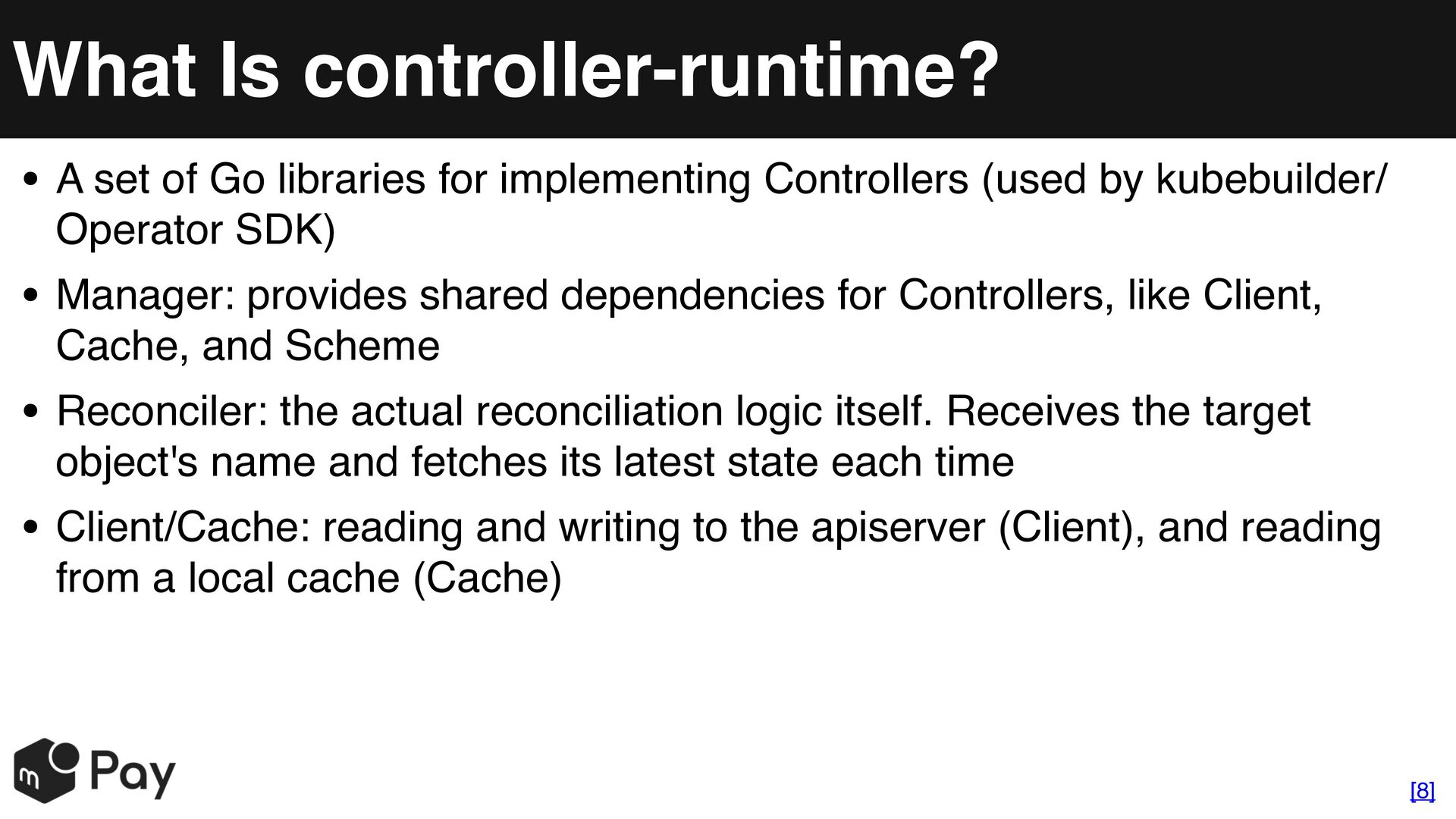
  31. What Is controller-runtime? • A set of Go libraries for

    implementing Controllers (used by kubebuilder/ Operator SDK) • Manager: provides shared dependencies for Controllers, like Client, Cache, and Scheme • Reconciler: the actual reconciliation logic itself. Receives the target object's name and fetches its latest state each time • Client/Cache: reading and writing to the apiserver (Client), and reading from a local cache (Cache) [8]
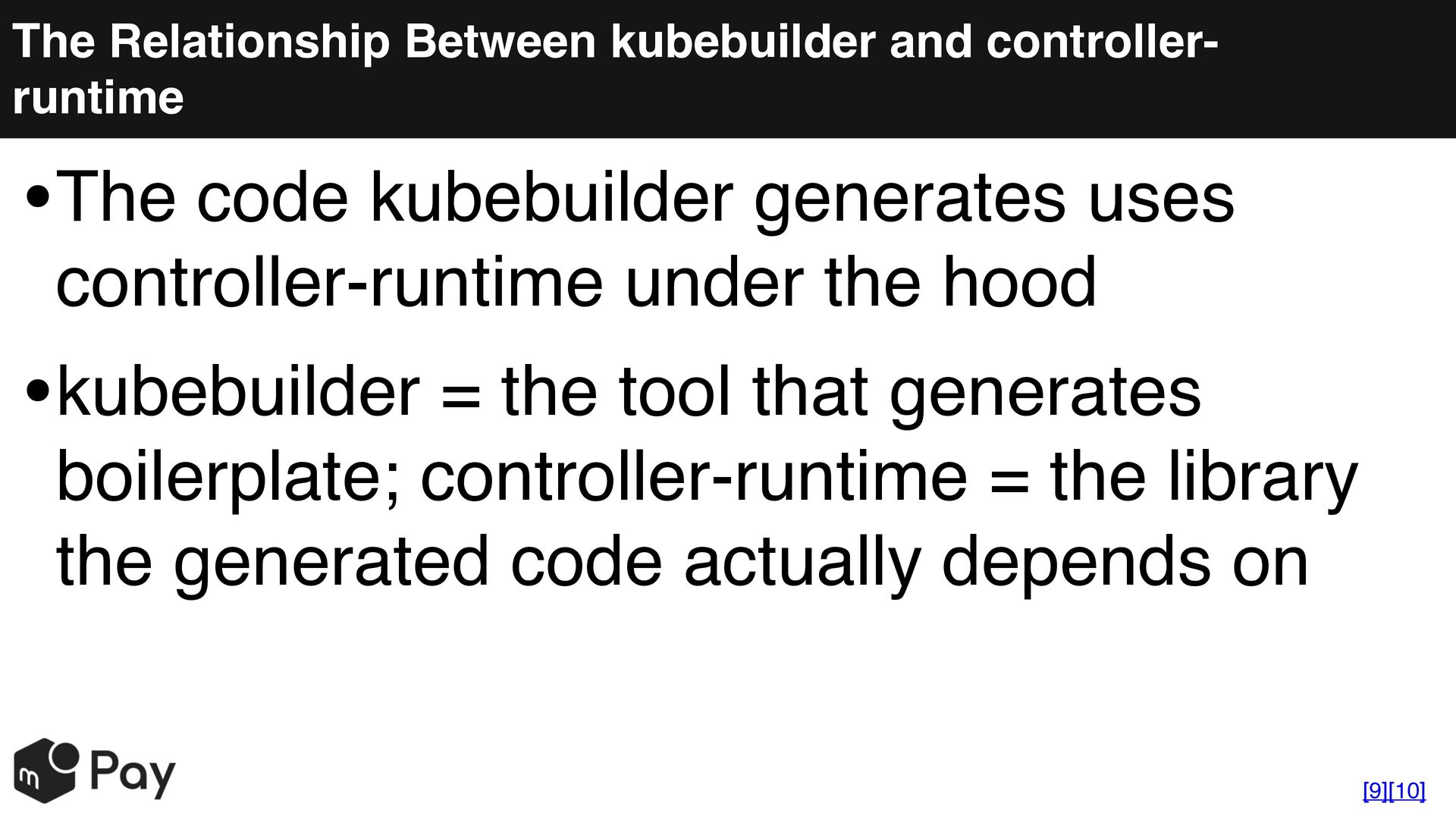
  32. The Relationship Between kubebuilder and controllerruntime The code kubebuilder generates

    uses • controller-runtime under the hood kubebuilder = the tool that generates • boilerplate; controller-runtime = the library the generated code actually depends on [9][10]
  33. The Relationship Between kubebuilder and controllerruntime Controller (*_controller.go) Depends on

    controller-runtime • Manager • Reconciler • Client Watch/Reconcile Generates project kubebuilder CRD (*_types.go) Registers the resource definition kube-apiserver
  34. References (1/3) • [1] Terraformモジュールを使ったCloud Spannerの設定標準化の取り組み • https://engineering.mercari.com/blog/entry/20230615-cloudspanner-configurationstandardization/ • [2]

    Kubernetes Configuration Management with CUE • https://engineering.mercari.com/en/blog/entry/20220127-kubernetesconfiguration-management-with-cue/ • [3] Kubebuilder Book: Hubs, spokes, and other wheel metaphors • https://book.kubebuilder.io/multiversion-tutorial/conversion-concepts.html • [4] controller-runtime: fake client package docs • https://pkg.go.dev/sigs.k8s.io/controller-runtime/pkg/client/fake
  35. References (2/3) • [5] Kubebuilder Book: Configuring envtest for integration

    tests • https://book.kubebuilder.io/reference/envtest.html • [6] sample-controller: client-go controller interaction diagram • https://github.com/kubernetes/sample-controller/blob/master/docs/ controller-client-go.md • [7] Kubebuilder Book: Quick Start • https://book.kubebuilder.io/quick-start.html • [8] Kubebuilder Book: Controller Overview • https://book.kubebuilder.io/cronjob-tutorial/controller-overview.html
  36. References (3/3) • [9] kubebuilder: GitHub README •https://github.com/kubernetes-sigs/kubebuilder • [10]

    controller-runtime: GitHub README •https://github.com/kubernetes-sigs/controller-runtime