Upgrade to Pro — share decks privately, control downloads, hide ads and more …

ESaaS - Managing Distributed Teams - Week 2

Sponsored · Your Podcast. Everywhere. Effortlessly. Share. Educate. Inspire. Entertain. You do you. We'll handle the rest.

ESaaS - Managing Distributed Teams - Week 2

Slides from week 2 of BerkeleyX: AV102 ESaaS: Managing Distributed Teams - mini-MOOC.

Avatar for Thomas Ochman

Thomas Ochman

October 03, 2014
Tweet

More Decks by Thomas Ochman

Other Decks in Education

Transcript

  1. Foreword • Many techniques presented just as valuable for centralized

    software development • Particularly valuable in distributed settings • Some of this is simply review of topics covered in the ESaaS MOOC ◦ Refresher for 169 Alumni ◦ Also you’ll be explaining these to students ◦ Really understanding all of these critical for managing distributed teams
  2. Overview • User Stories - critical that work is directed

    to real customer needs • Chores - got to be done • Acceptance/Unit test cycle - quality control and communications • Version control - git and github • Deploy to the Cloud - PaaS/IaaS • Spiking
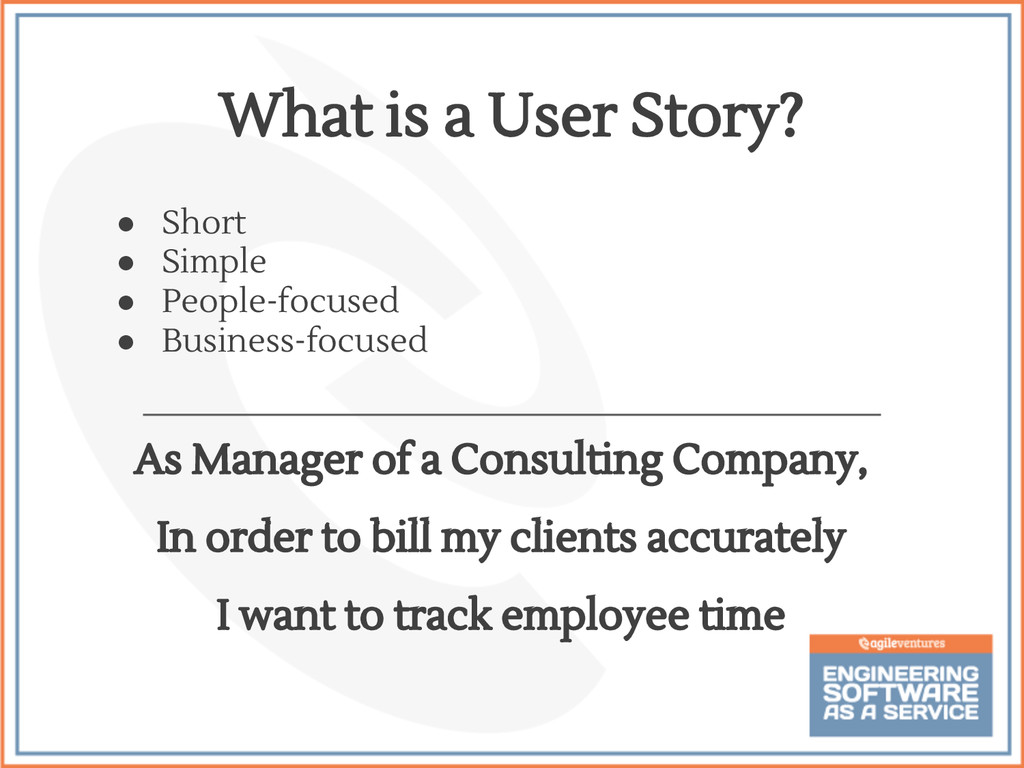
  3. • Short • Simple • People-focused • Business-focused What is

    a User Story? As Manager of a Consulting Company, In order to bill my clients accurately I want to track employee time
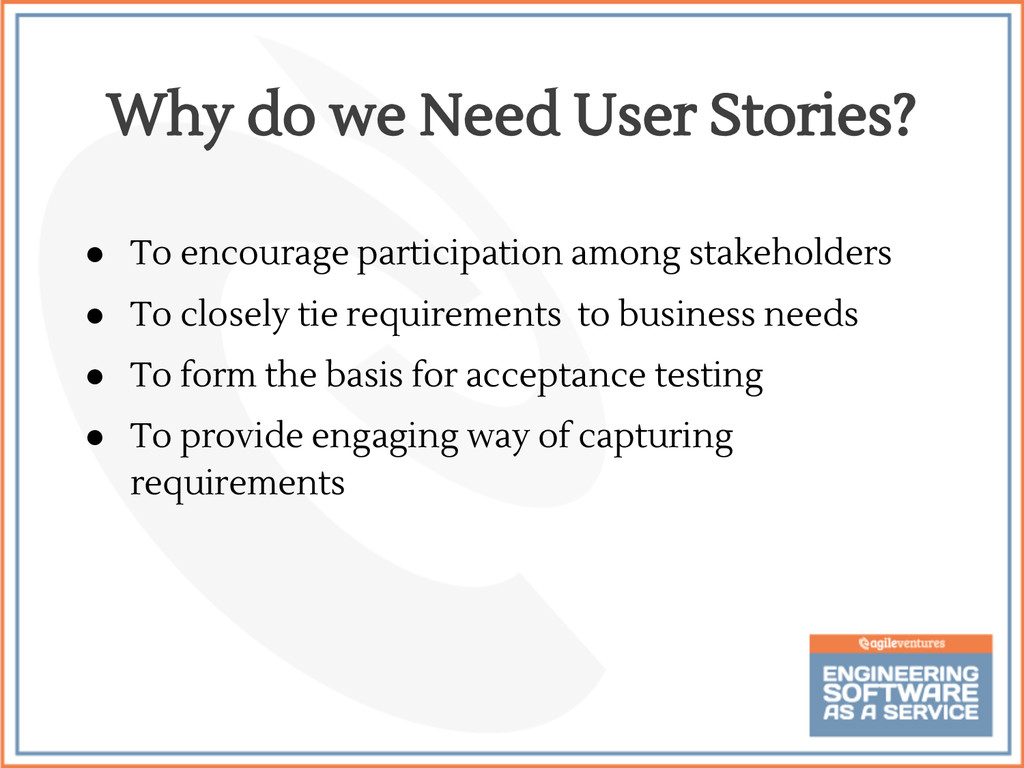
  4. Why do we Need User Stories? • To encourage participation

    among stakeholders • To closely tie requirements to business needs • To form the basis for acceptance testing • To provide engaging way of capturing requirements
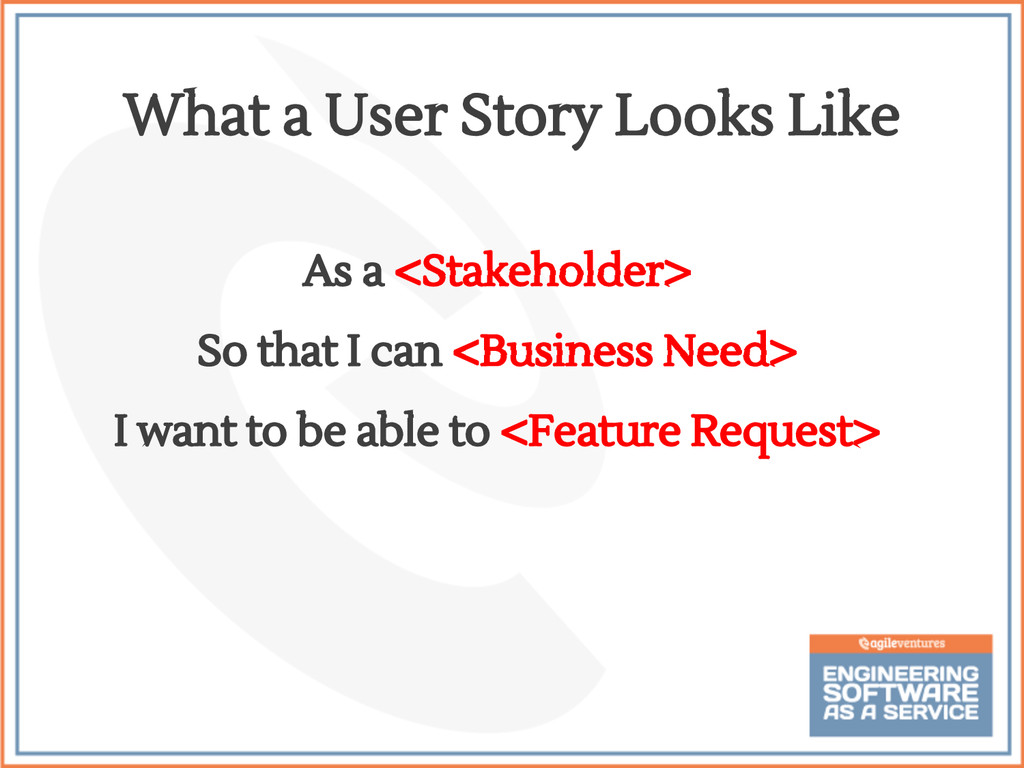
  5. As a <Stakeholder> So that I can <Business Need> I

    want to be able to <Feature Request> What a User Story Looks Like
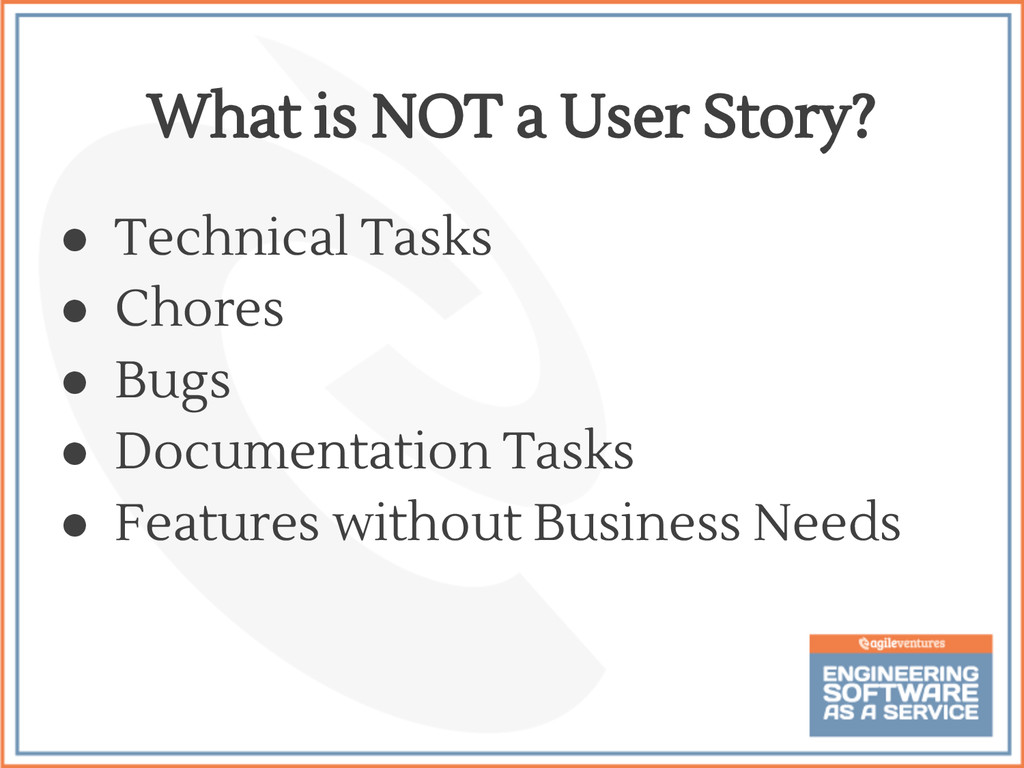
  6. • Technical Tasks • Chores • Bugs • Documentation Tasks

    • Features without Business Needs What is NOT a User Story?
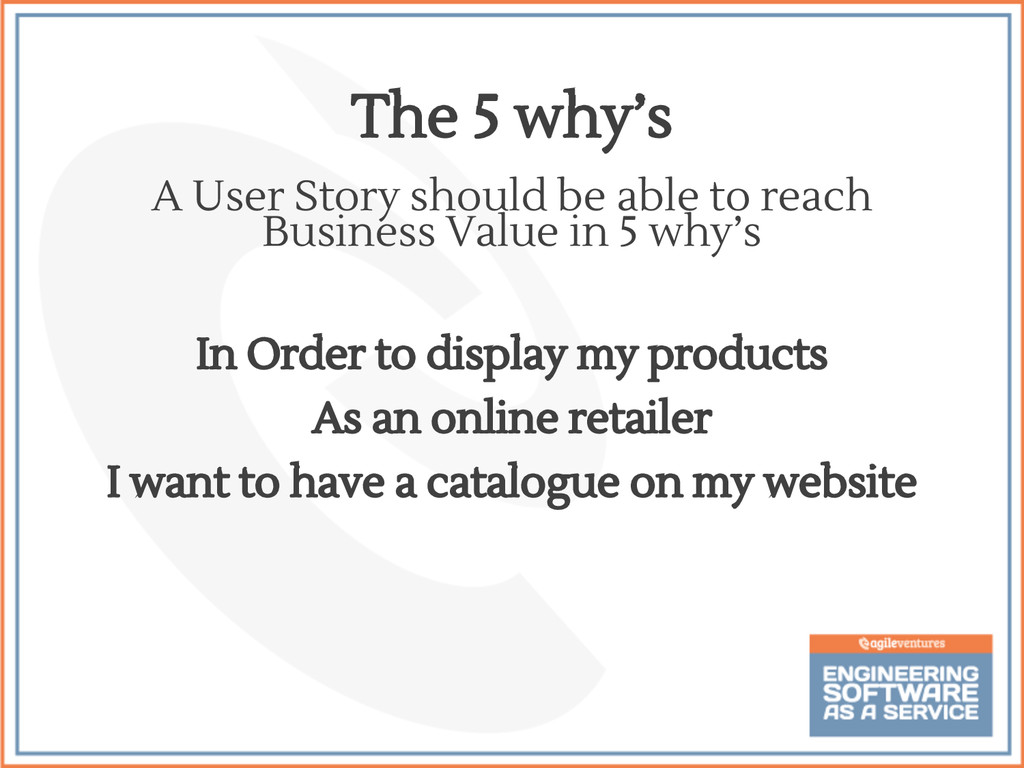
  7. A User Story should be able to reach Business Value

    in 5 why’s In Order to display my products As an online retailer I want to have a catalogue on my website The 5 why’s
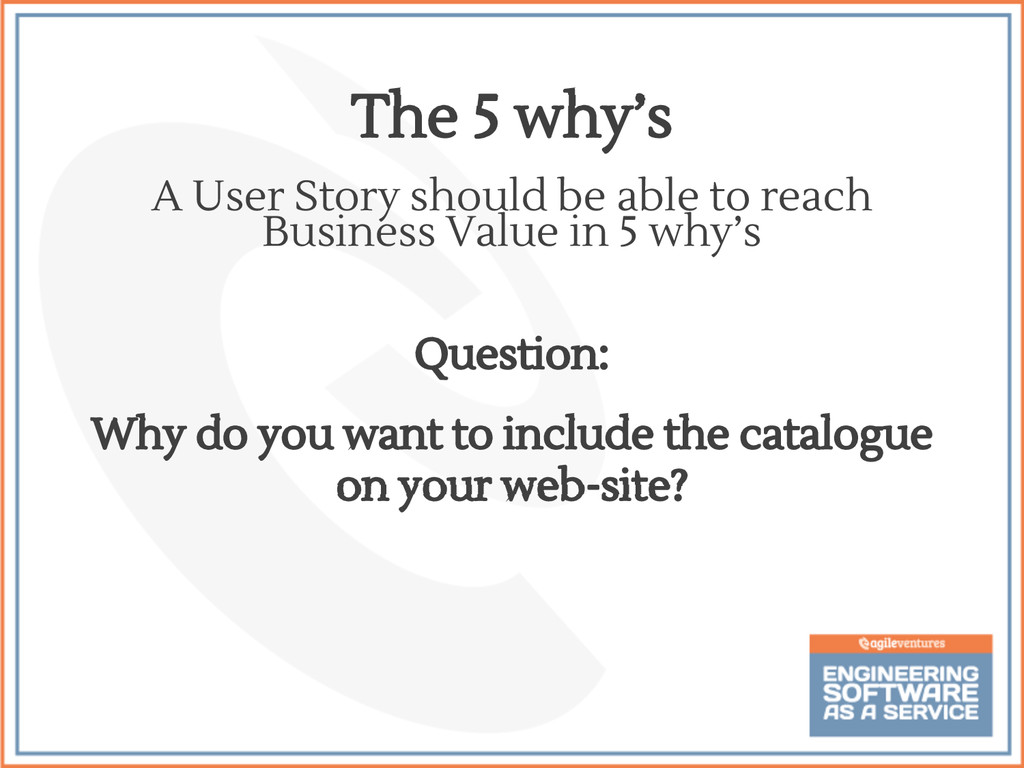
  8. A User Story should be able to reach Business Value

    in 5 why’s Question: Why do you want to include the catalogue on your web-site? The 5 why’s
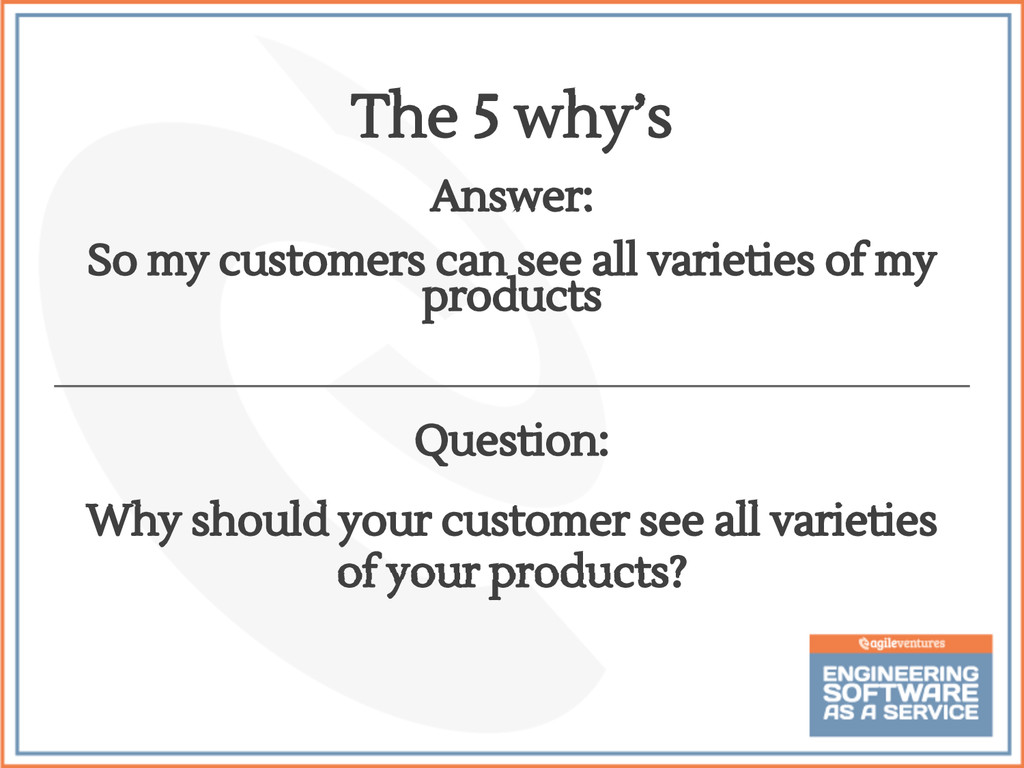
  9. Answer: So my customers can see all varieties of my

    products Question: Why should your customer see all varieties of your products? The 5 why’s
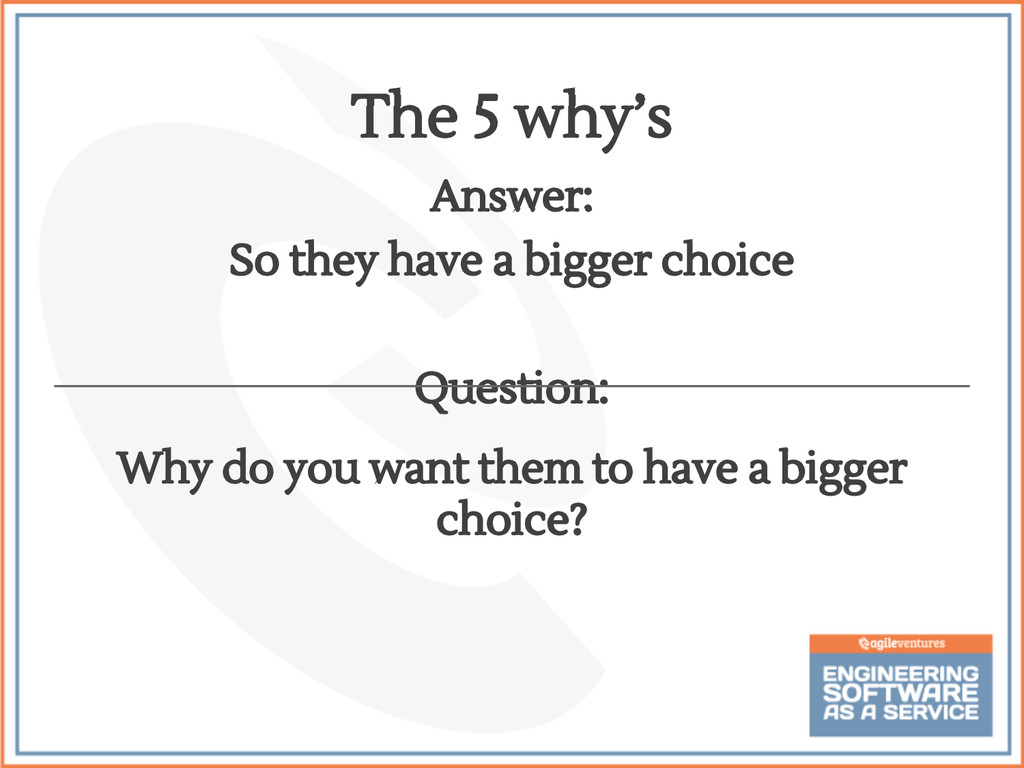
  10. Answer: So they have a bigger choice Question: Why do

    you want them to have a bigger choice? The 5 why’s
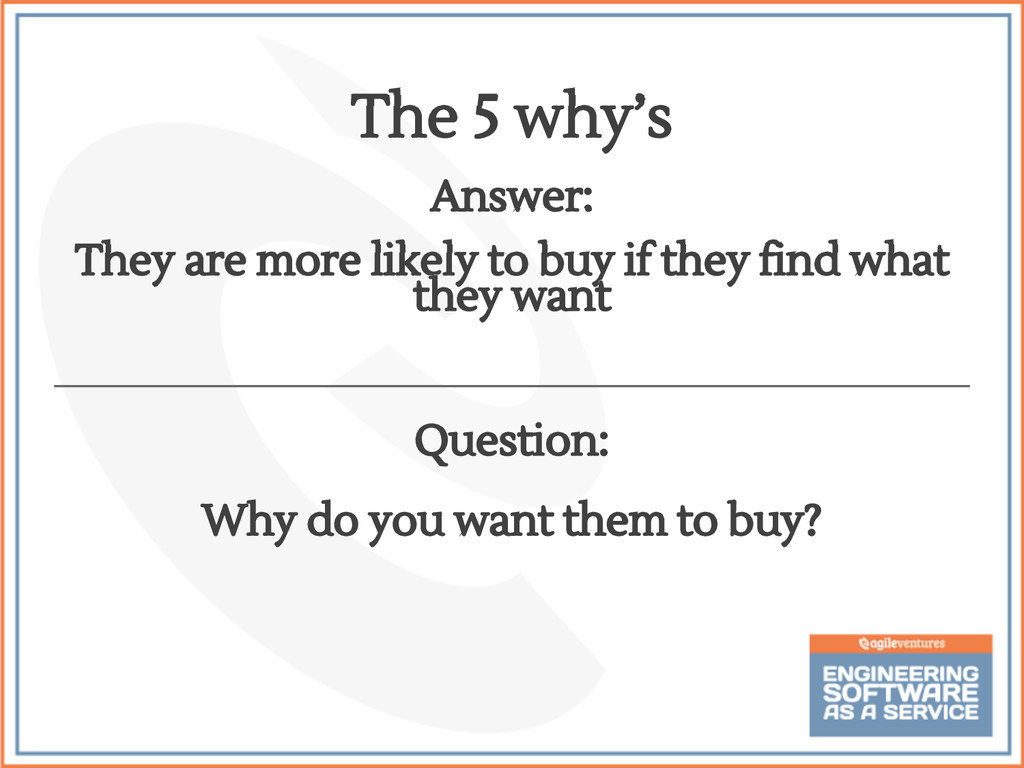
  11. Answer: They are more likely to buy if they find

    what they want Question: Why do you want them to buy? The 5 why’s
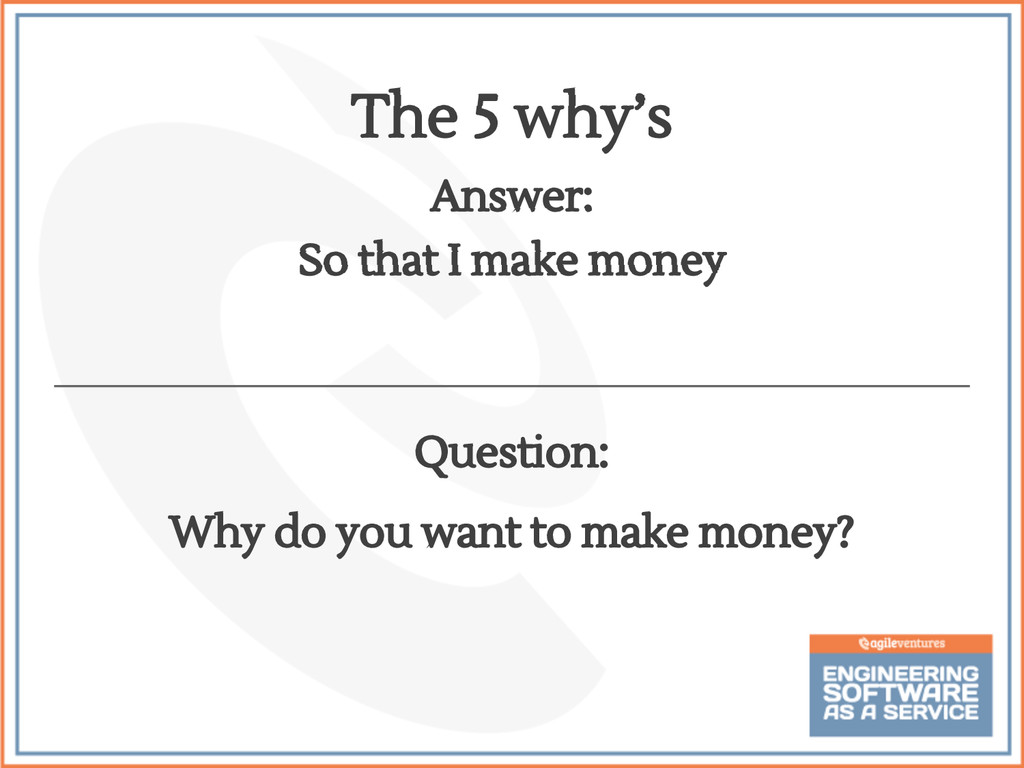
  12. Answer: So that I make money Question: Why do you

    want to make money? The 5 why’s
  13. • Break compound features into individual stories • Be specific

    • Avoid very vague business needs Simplifying User Stories
  14. • Every situation is different • Simplicity is the goal

    - break it down into components • Does it directly address a business need or is it a chore? • YAGNI principle Handling Difficult Questions
  15. • Chores are stories that are necessary, but provide no

    direct, obvious value to the customer • Chores are typically essential jobs establishing internal framework or critical support to one or more stories • Chores are an ongoing cost of doing business • Chores are not necessarily menial or basic jobs- they are often very complex and require the same skill and experience that feature stories would What Are Chores?
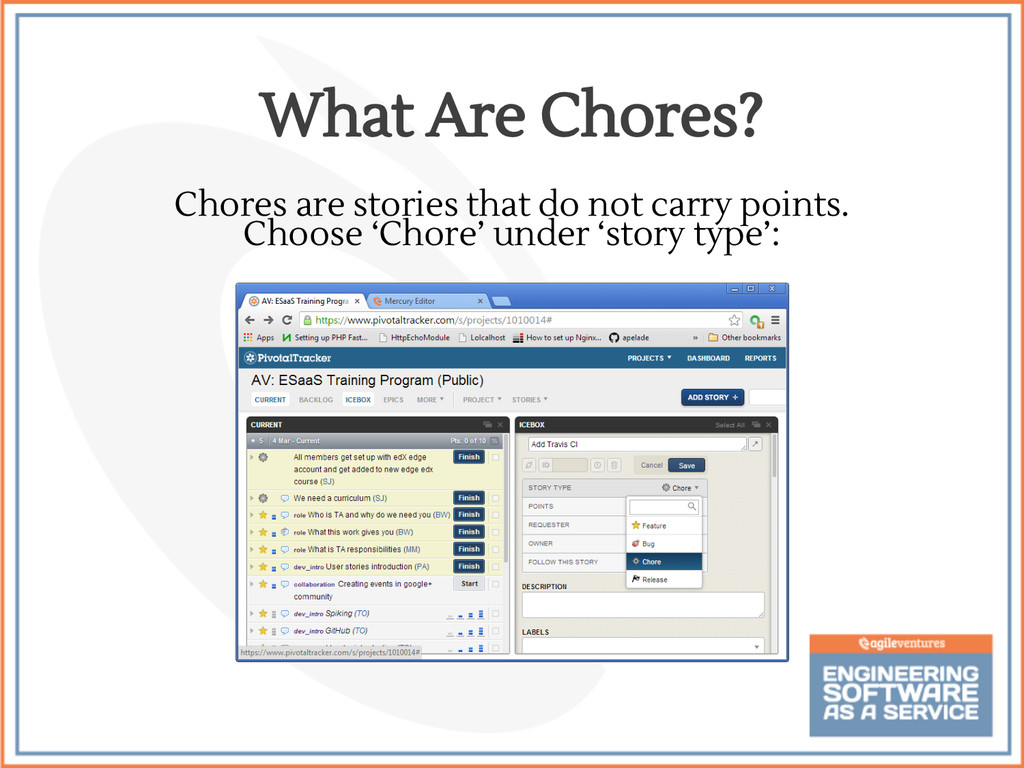
  16. Chores are stories that do not carry points. Choose ‘Chore’

    under ‘story type’: What Are Chores?
  17. • Chores can be thought of as having a negative

    effect on business-valued output in that they reduce velocity (they are not assigned points) • Chores can represent ‘code debt’, and/or points of dependency on other teams • Chores tend to emerge over time • Tracker automatic velocity calculation frees you from having to account for the cost of chores The Impact of Chores
  18. • Chores can take high priority due to dependencies of

    other stories • Chores may affect more than one story and/or team ◦ Coordination and participation across teams or pairs may be necessary • Stories may rely on several inter-related chores which should be prioritized to reduce delays if possible Managing Chores
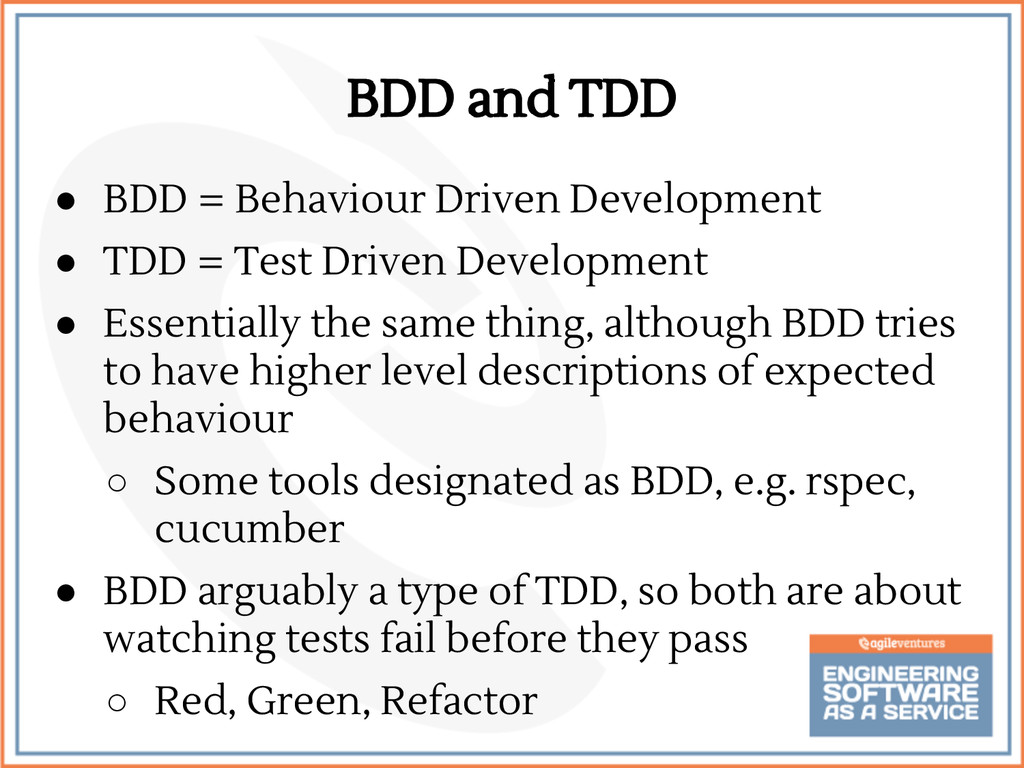
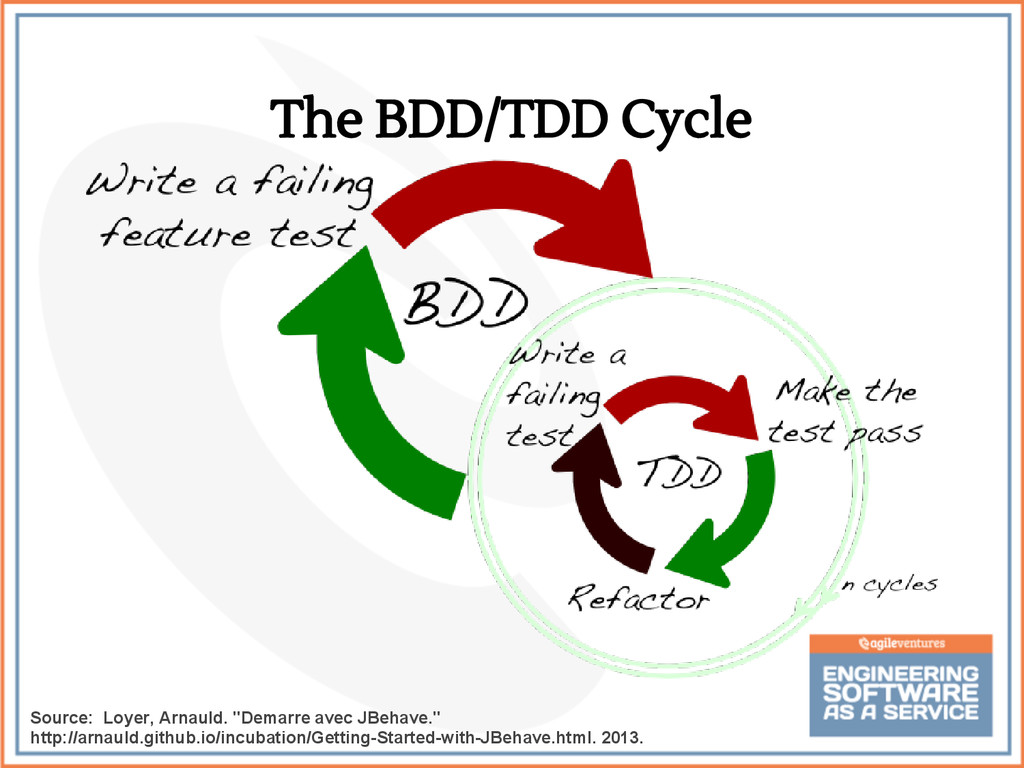
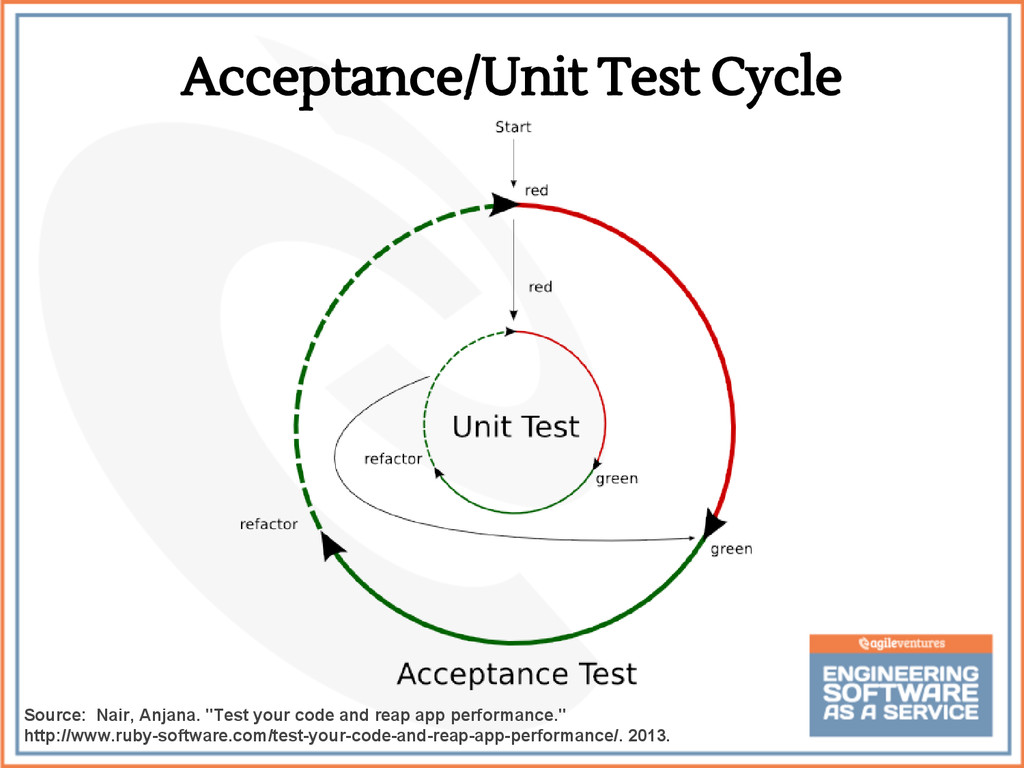
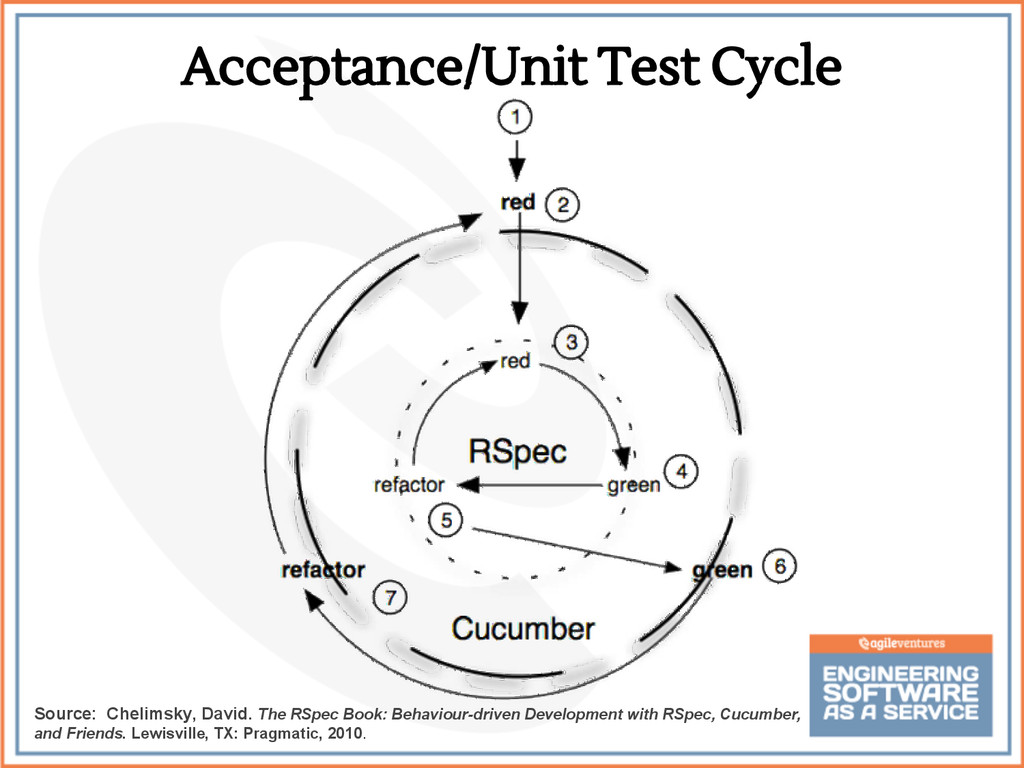
  19. BDD and TDD • BDD = Behaviour Driven Development •

    TDD = Test Driven Development • Essentially the same thing, although BDD tries to have higher level descriptions of expected behaviour ◦ Some tools designated as BDD, e.g. rspec, cucumber • BDD arguably a type of TDD, so both are about watching tests fail before they pass ◦ Red, Green, Refactor
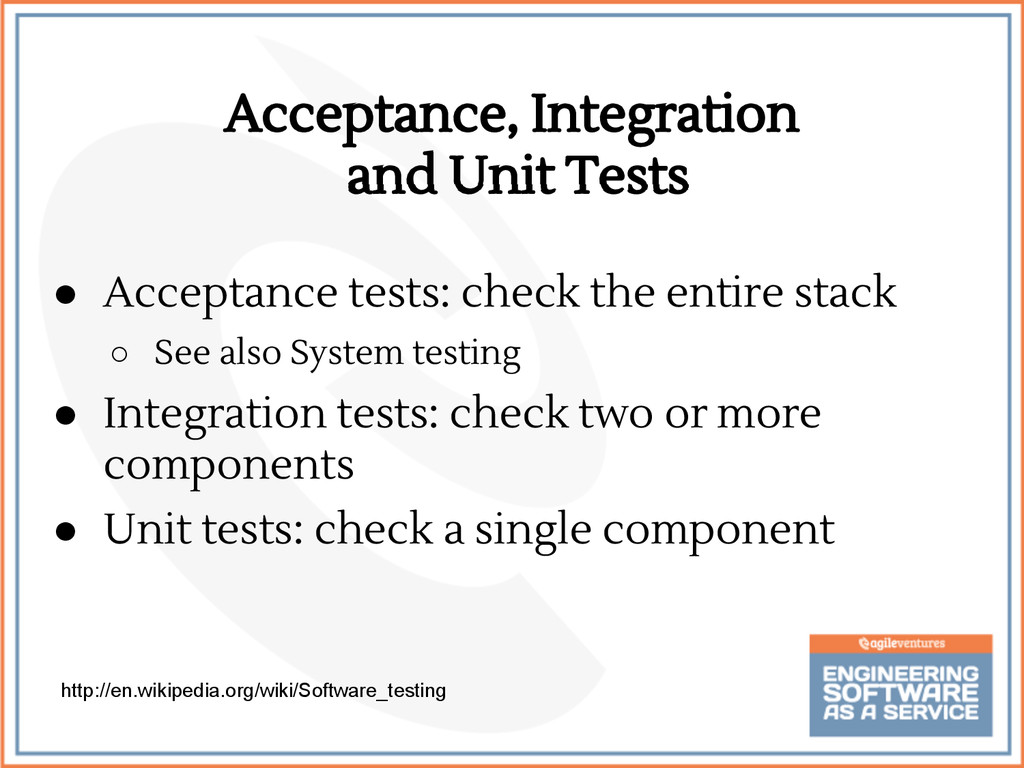
  20. Acceptance, Integration and Unit Tests • Acceptance tests: check the

    entire stack ◦ See also System testing • Integration tests: check two or more components • Unit tests: check a single component http://en.wikipedia.org/wiki/Software_testing
  21. Acceptance/Unit Test Cycle Source: Nair, Anjana. "Test your code and

    reap app performance." http://www.ruby-software.com/test-your-code-and-reap-app-performance/. 2013.
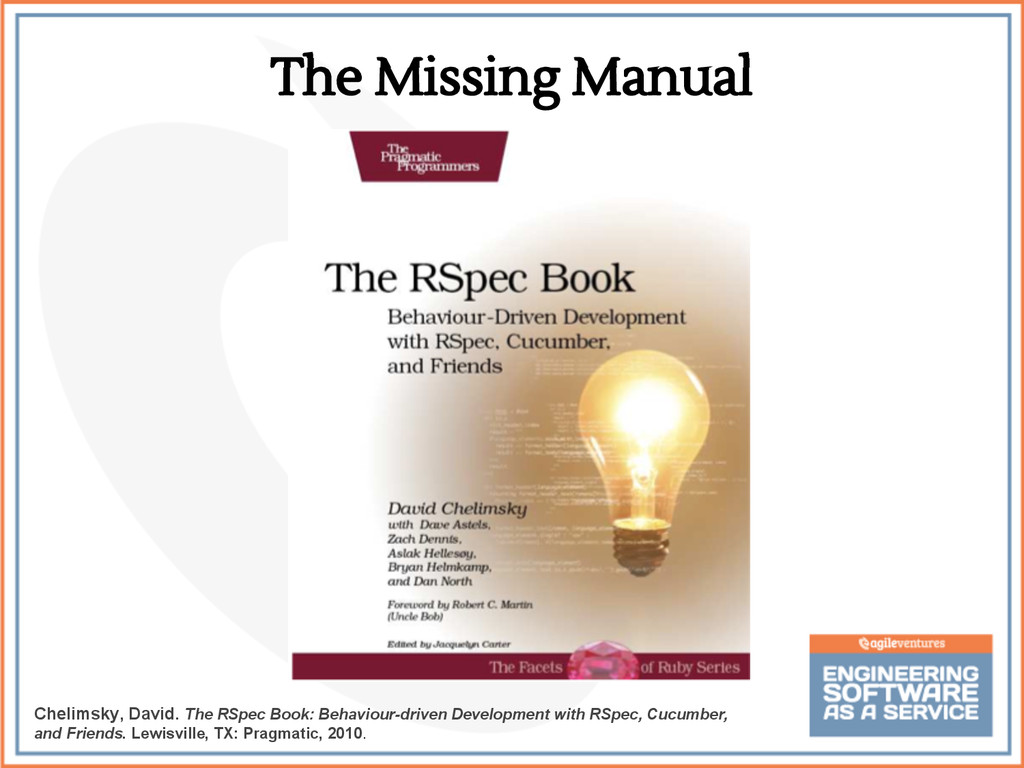
  22. The Missing Manual Chelimsky, David. The RSpec Book: Behaviour-driven Development

    with RSpec, Cucumber, and Friends. Lewisville, TX: Pragmatic, 2010.
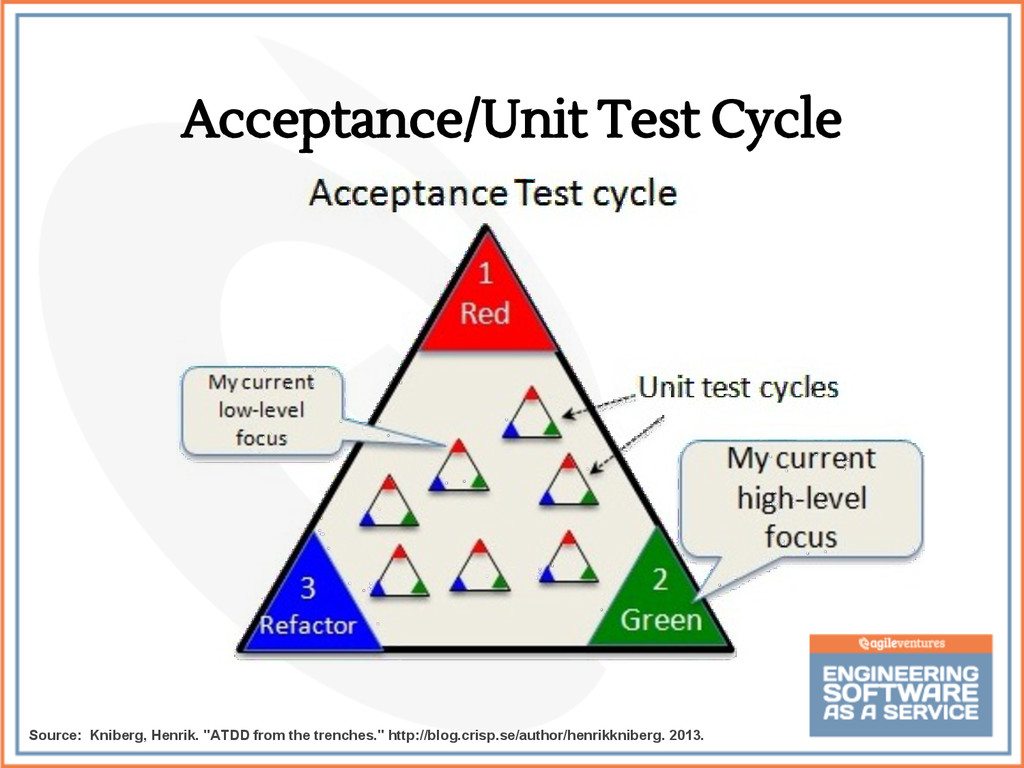
  23. Acceptance/Unit Test Cycle Source: Chelimsky, David. The RSpec Book: Behaviour-driven

    Development with RSpec, Cucumber, and Friends. Lewisville, TX: Pragmatic, 2010.
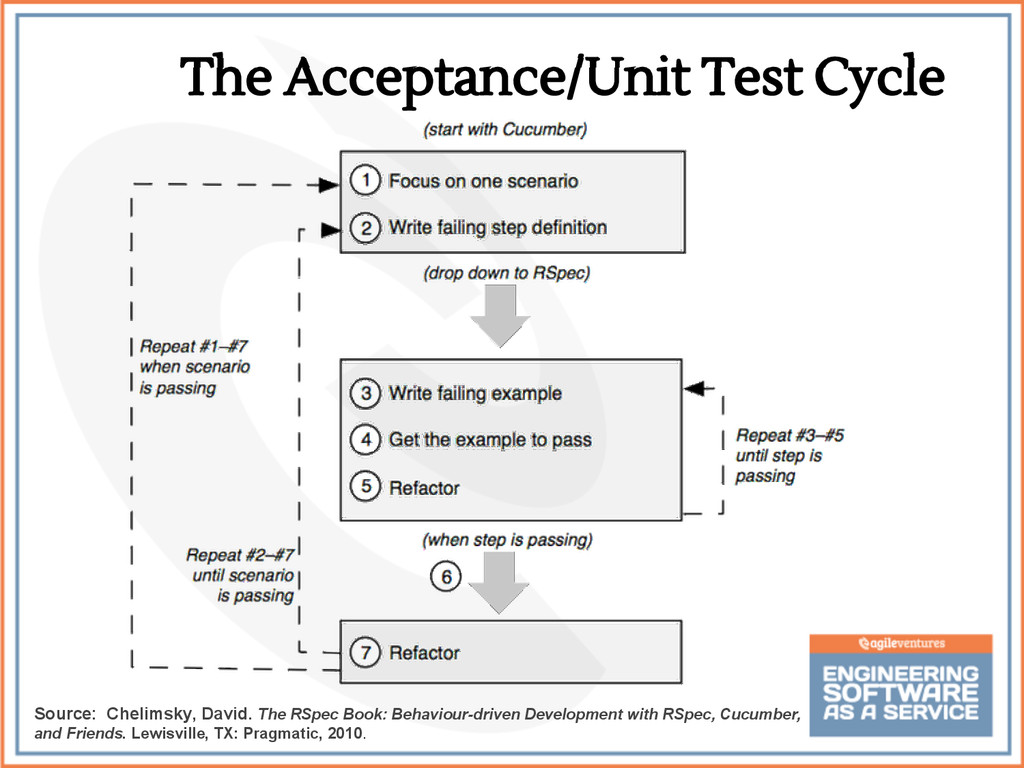
  24. The Acceptance/Unit Test Cycle Source: Chelimsky, David. The RSpec Book:

    Behaviour-driven Development with RSpec, Cucumber, and Friends. Lewisville, TX: Pragmatic, 2010.
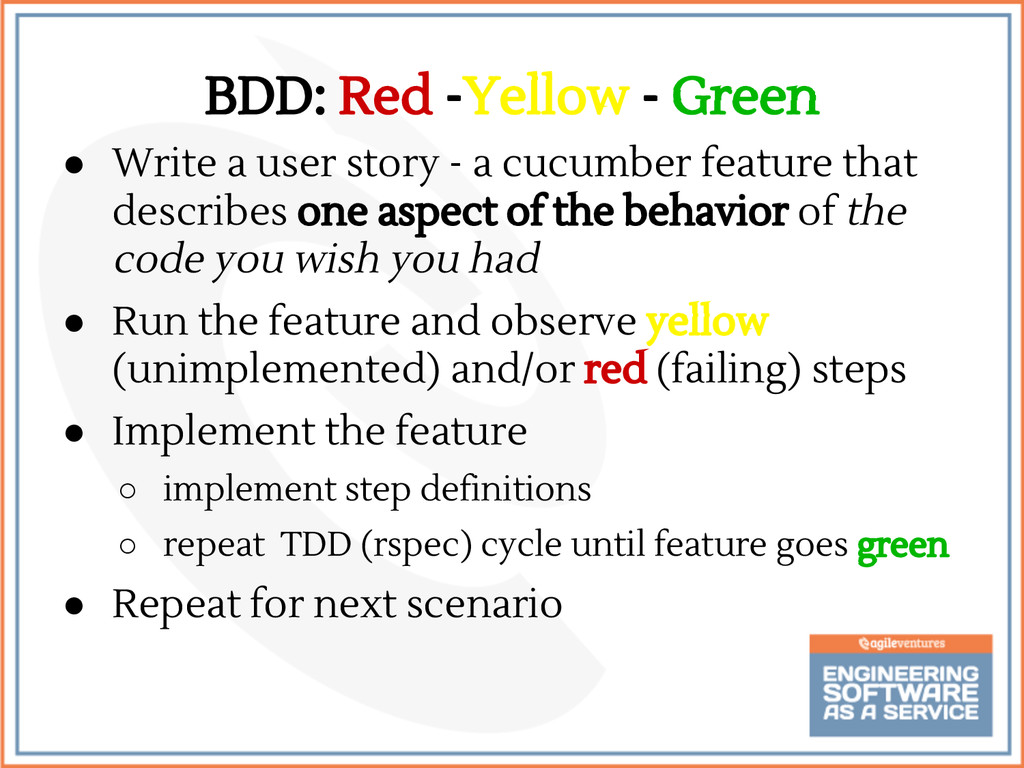
  25. BDD: Red -Yellow - Green • Write a user story

    - a cucumber feature that describes one aspect of the behavior of the code you wish you had • Run the feature and observe yellow (unimplemented) and/or red (failing) steps • Implement the feature ◦ implement step definitions ◦ repeat TDD (rspec) cycle until feature goes green • Repeat for next scenario
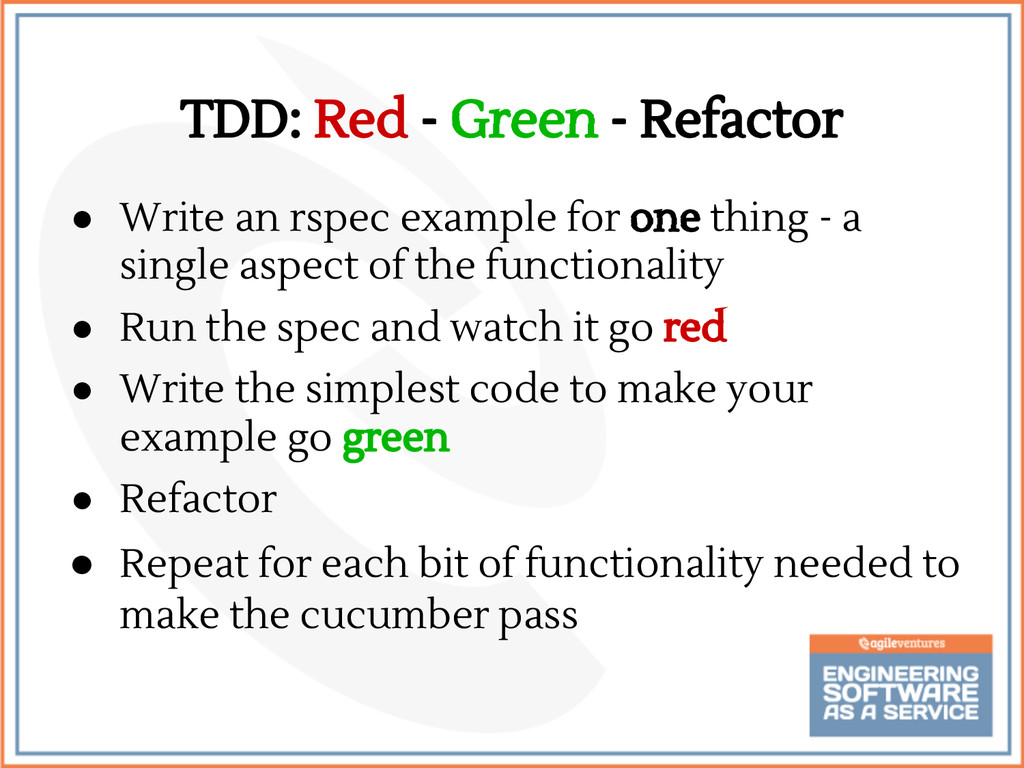
  26. TDD: Red - Green - Refactor • Write an rspec

    example for one thing - a single aspect of the functionality • Run the spec and watch it go red • Write the simplest code to make your example go green • Refactor • Repeat for each bit of functionality needed to make the cucumber pass
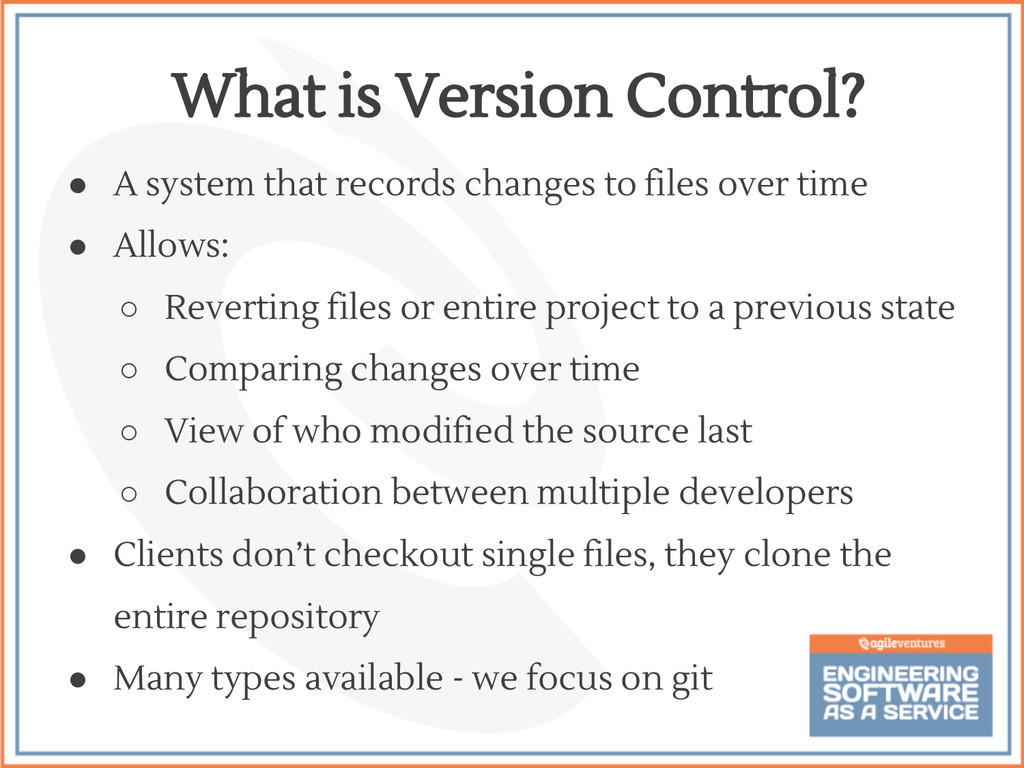
  27. • A system that records changes to files over time

    • Allows: ◦ Reverting files or entire project to a previous state ◦ Comparing changes over time ◦ View of who modified the source last ◦ Collaboration between multiple developers • Clients don’t checkout single files, they clone the entire repository • Many types available - we focus on git What is Version Control?
  28. • British mild profanity slang for silly, incompetent, stupid, annoying,

    senile elderly or childish person • Linus Torvalds: “I'm an egotistical bastard, and I name all my projects after myself. First Linux, now git.” • Alternatively: “Global Information Tracker” Why is it called “Git”? http://www.urbandictionary.com/define.php?term=git
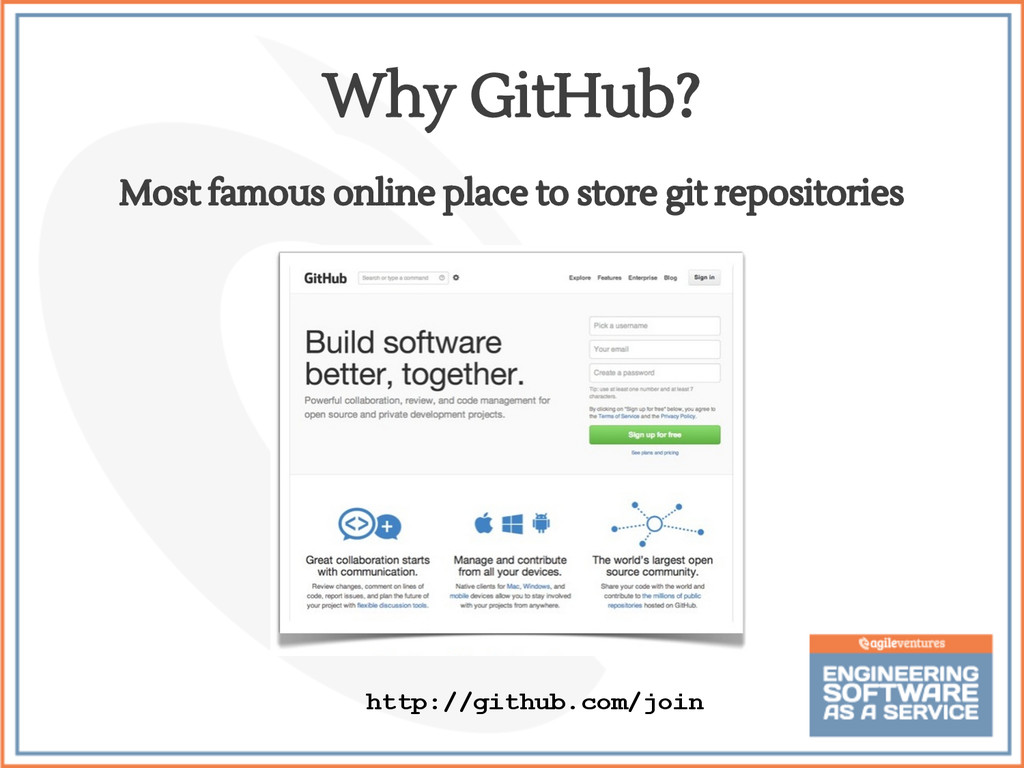
  29. • Can be your team’s central project repository • Largest

    code host on the planet • Powerful tools for ◦ Group permissions ◦ Integrated issue tracking ◦ Collaborative code review ◦ Wikis Github Features
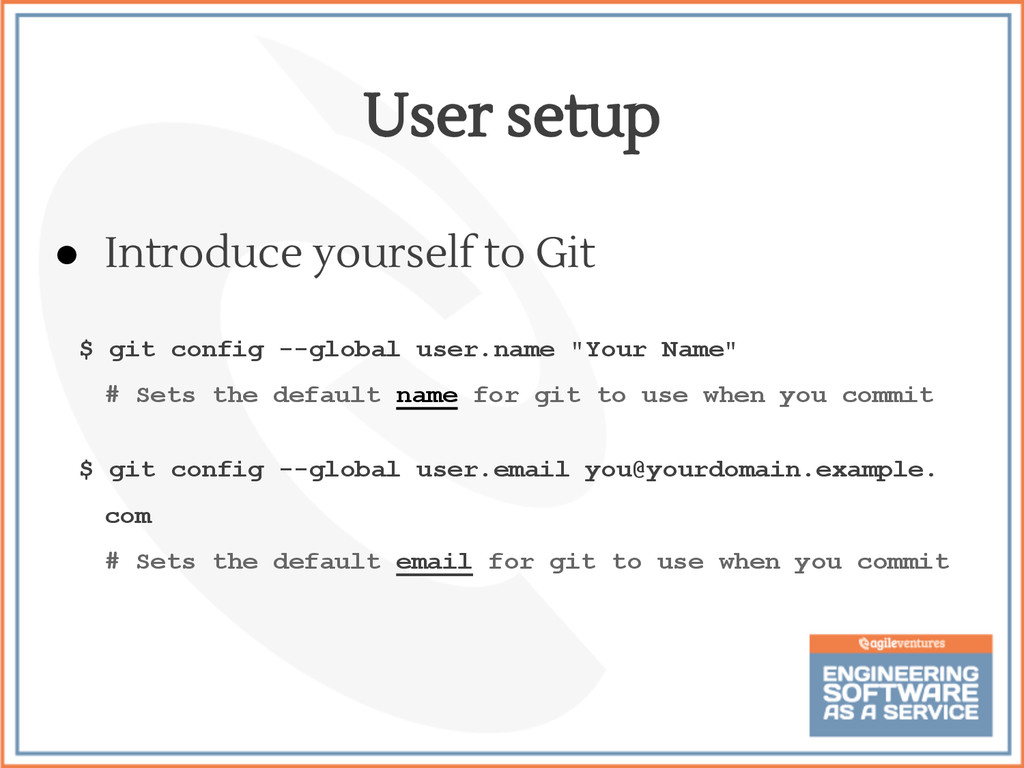
  30. • Introduce yourself to Git $ git config --global user.name

    "Your Name" # Sets the default name for git to use when you commit $ git config --global user.email [email protected]. com # Sets the default email for git to use when you commit User setup
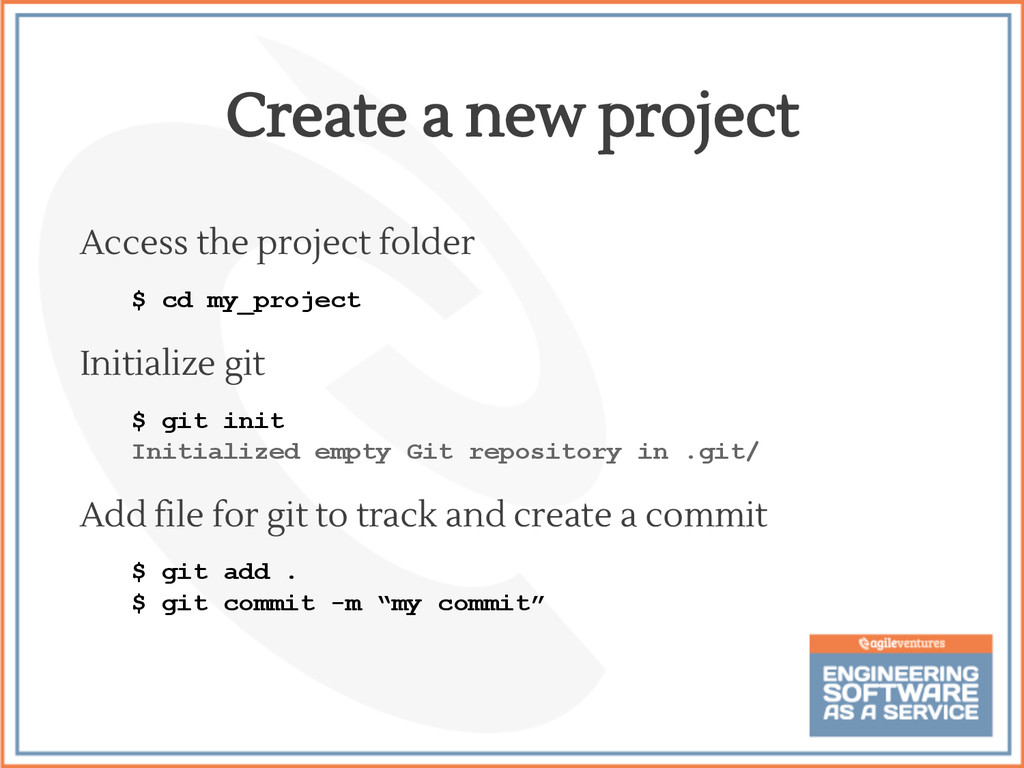
  31. Create a new project Access the project folder $ cd

    my_project Initialize git $ git init Initialized empty Git repository in .git/ Add file for git to track and create a commit $ git add . $ git commit -m “my commit”
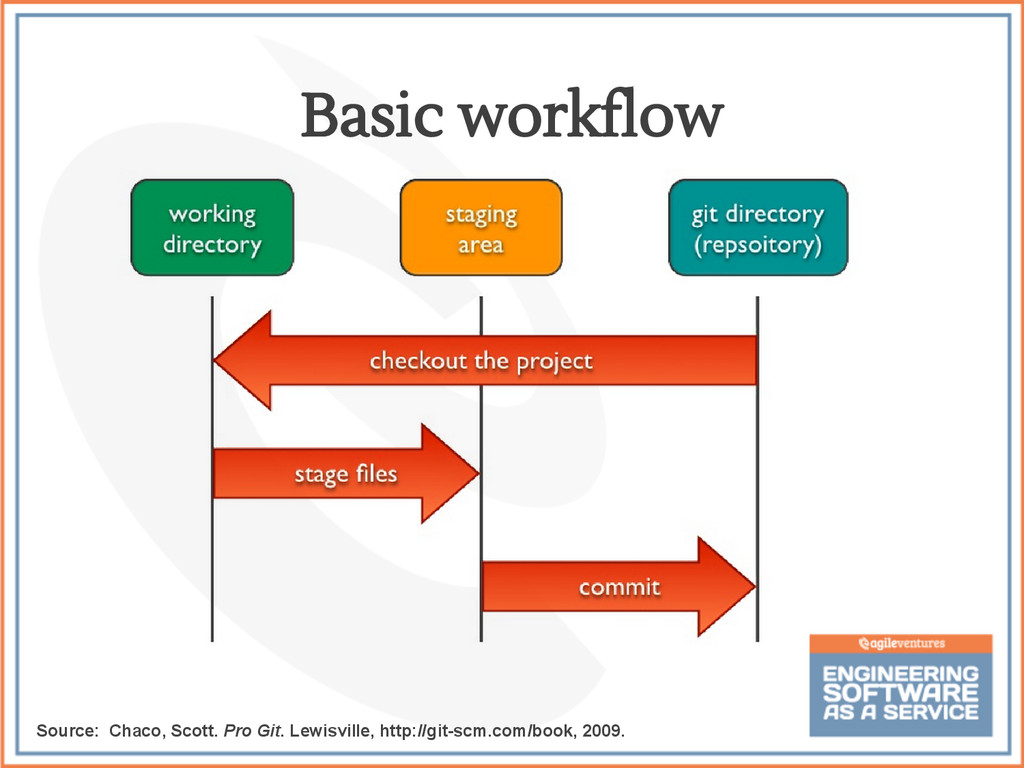
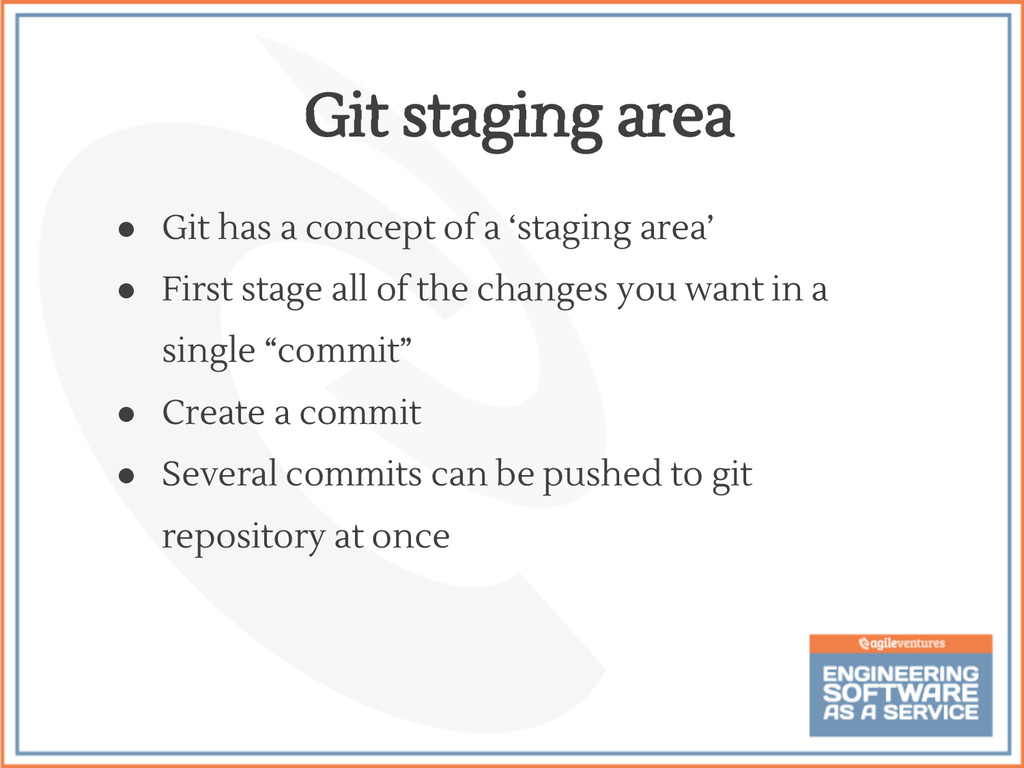
  32. • Git has a concept of a ‘staging area’ •

    First stage all of the changes you want in a single “commit” • Create a commit • Several commits can be pushed to git repository at once Git staging area
  33. $ git add [filename] add all changed files to the

    staging area: $ git add . • These changes are NOT committed yet Staging files
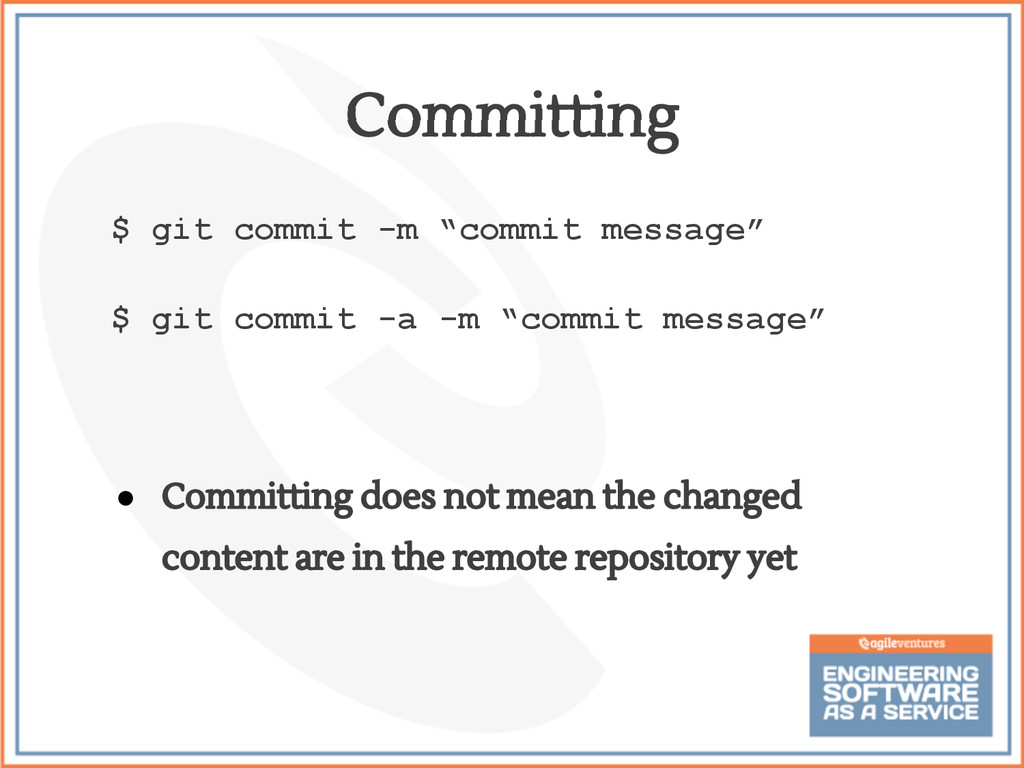
  34. $ git commit -m “commit message” $ git commit -a

    -m “commit message” • Committing does not mean the changed content are in the remote repository yet Committing
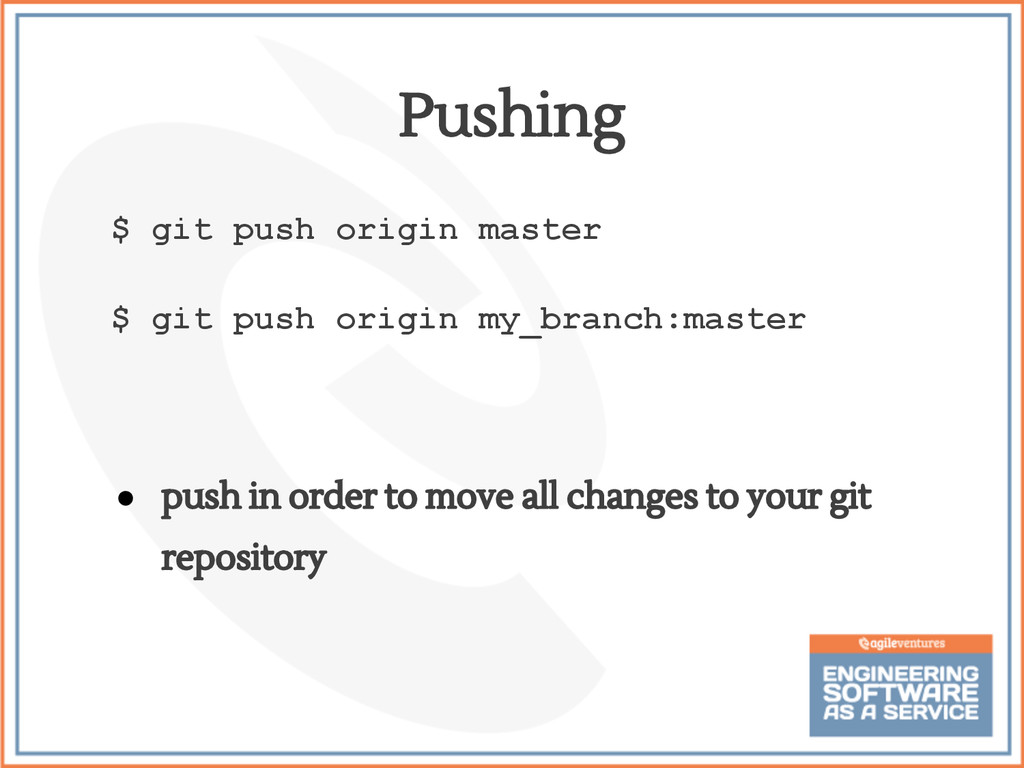
  35. $ git push origin master $ git push origin my_branch:master

    • push in order to move all changes to your git repository Pushing
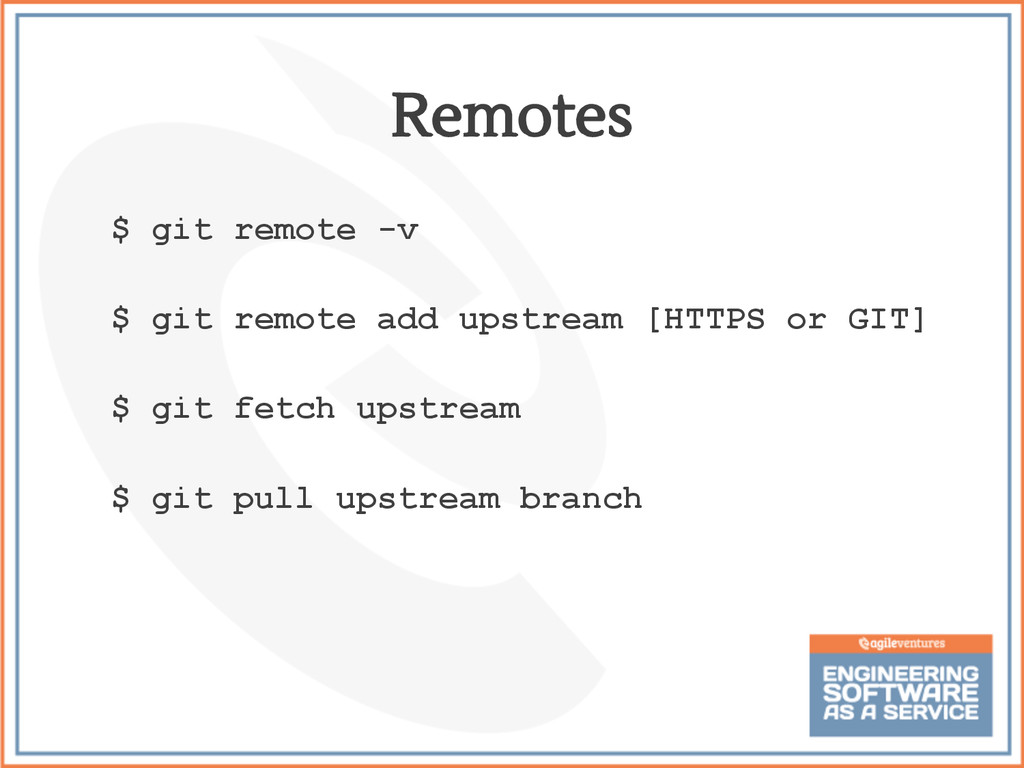
  36. $ git remote -v $ git remote add upstream [HTTPS

    or GIT] $ git fetch upstream $ git pull upstream branch Remotes
  37. $ git branch $ git branch [new branch name] $

    git checkout [new branch name] $ git checkout -b [new branch name] $ git checkout remote/branch $ git checkout -b branch Branching
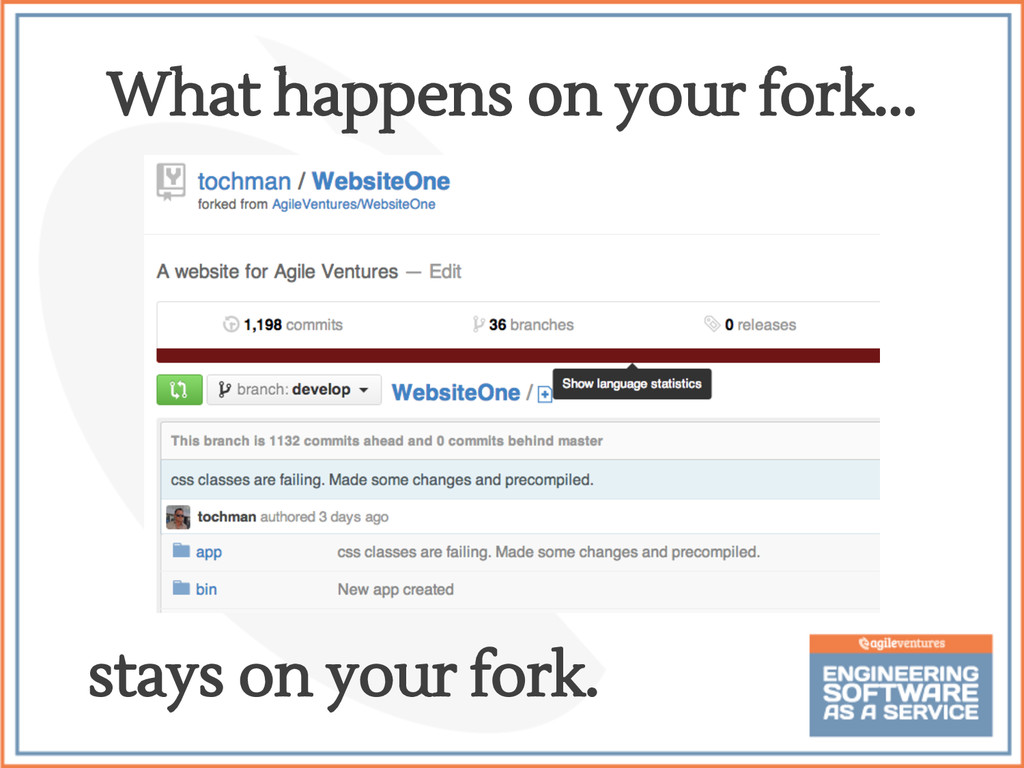
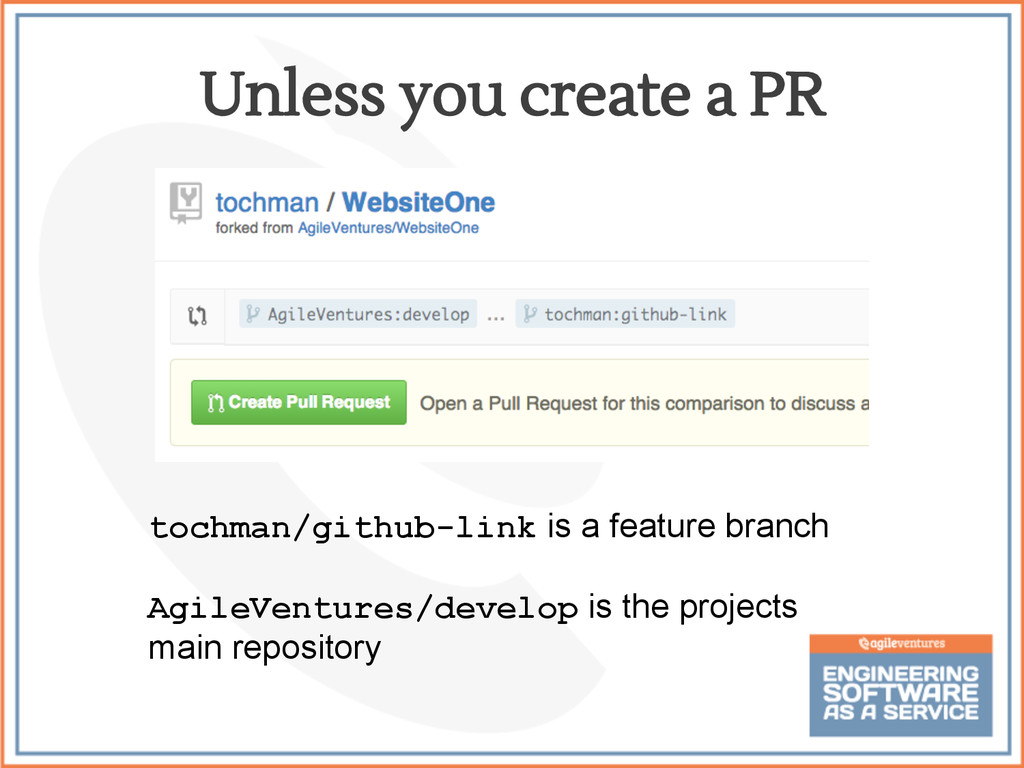
  38. Unless you create a PR tochman/github-link is a feature branch

    AgileVentures/develop is the projects main repository
  39. $ git push [repository] [repository branch] $ git pull [repository]

    [repository branch] Two or more developers can push/pull from each other during remote pair programming Github Pong
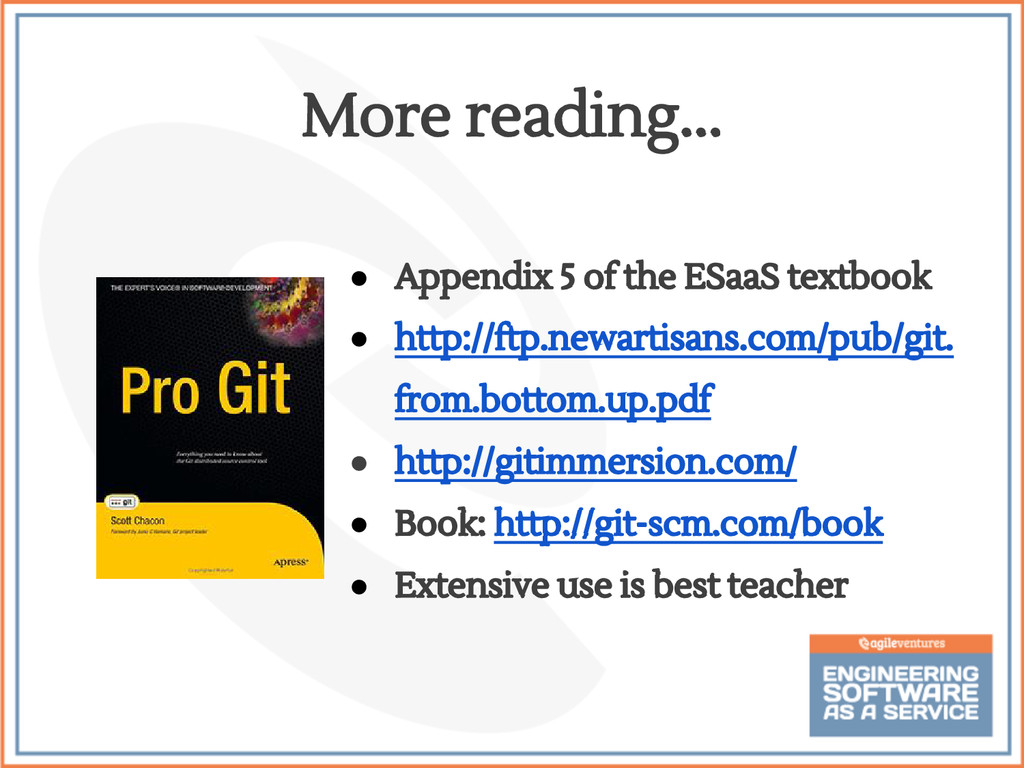
  40. • Appendix 5 of the ESaaS textbook • http://ftp.newartisans.com/pub/git. from.bottom.up.pdf

    • http://gitimmersion.com/ • Book: http://git-scm.com/book • Extensive use is best teacher More reading...
  41. • Becoming less and less common to maintain your own

    servers • Various companies offer hosting at different levels of granularity ◦ IaaS: Infrastructure as a Service, e.g. AWS ◦ PaaS: Platform as a Service, e.g. Heroku Deploying to the Cloud
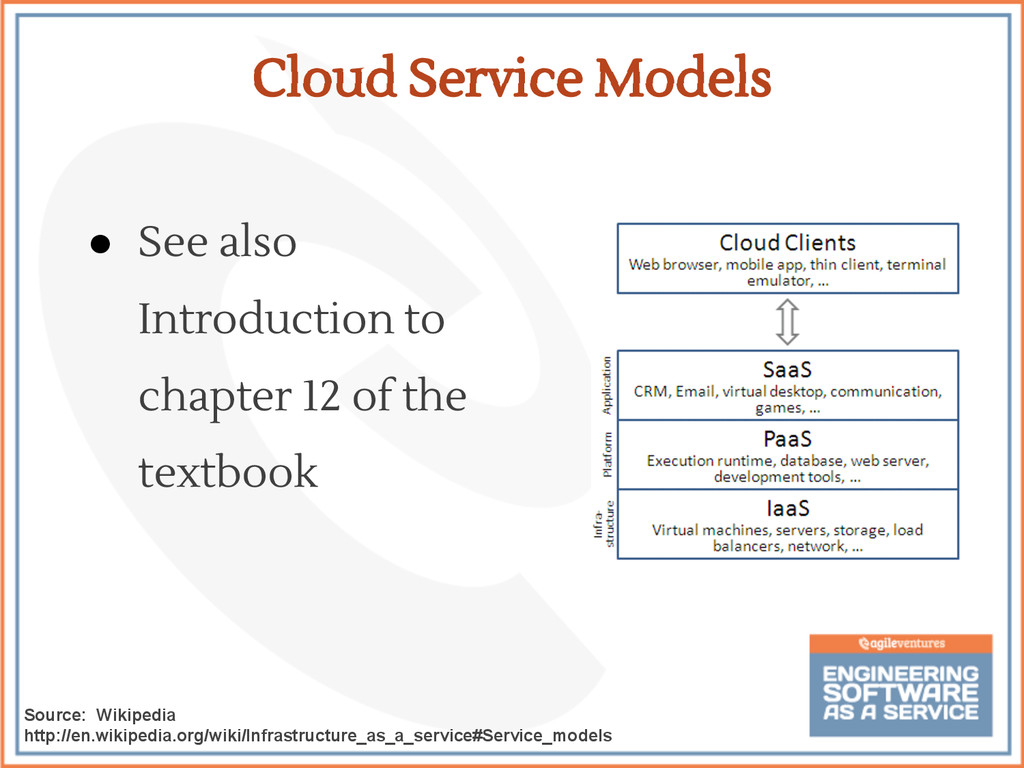
  42. • See also Introduction to chapter 12 of the textbook

    Cloud Service Models Source: Wikipedia http://en.wikipedia.org/wiki/Infrastructure_as_a_service#Service_models
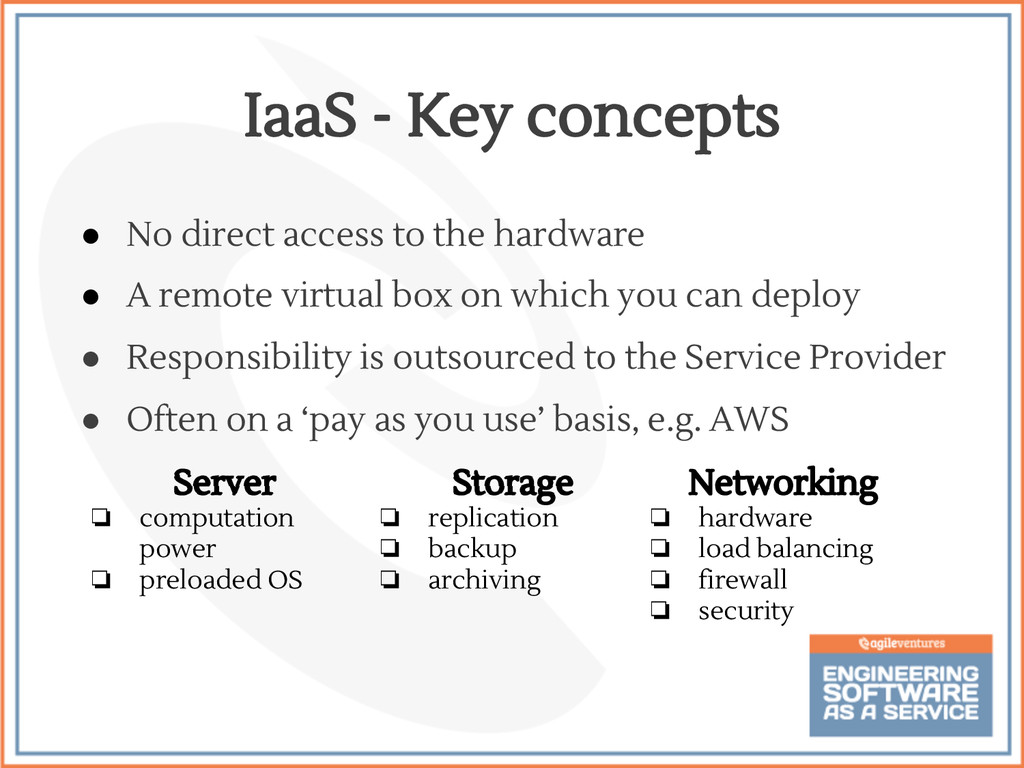
  43. • No direct access to the hardware • A remote

    virtual box on which you can deploy • Responsibility is outsourced to the Service Provider • Often on a ‘pay as you use’ basis, e.g. AWS IaaS - Key concepts Storage ❏ replication ❏ backup ❏ archiving Networking ❏ hardware ❏ load balancing ❏ firewall ❏ security Server ❏ computation power ❏ preloaded OS
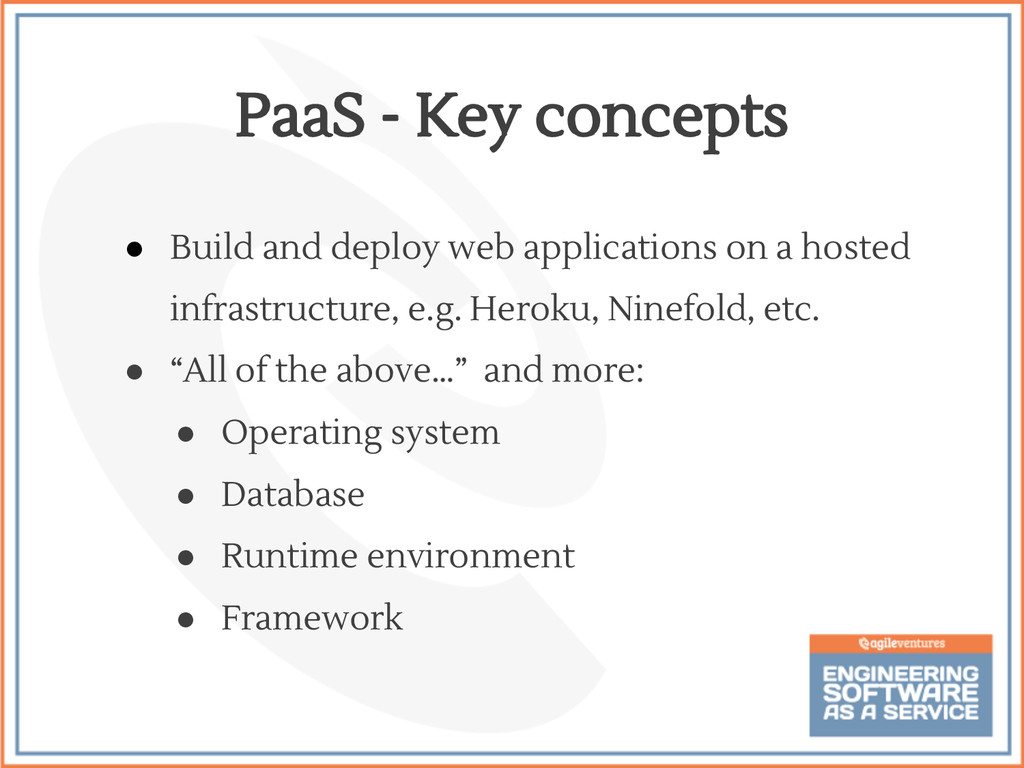
  44. • Build and deploy web applications on a hosted infrastructure,

    e.g. Heroku, Ninefold, etc. • “All of the above…” and more: • Operating system • Database • Runtime environment • Framework PaaS - Key concepts
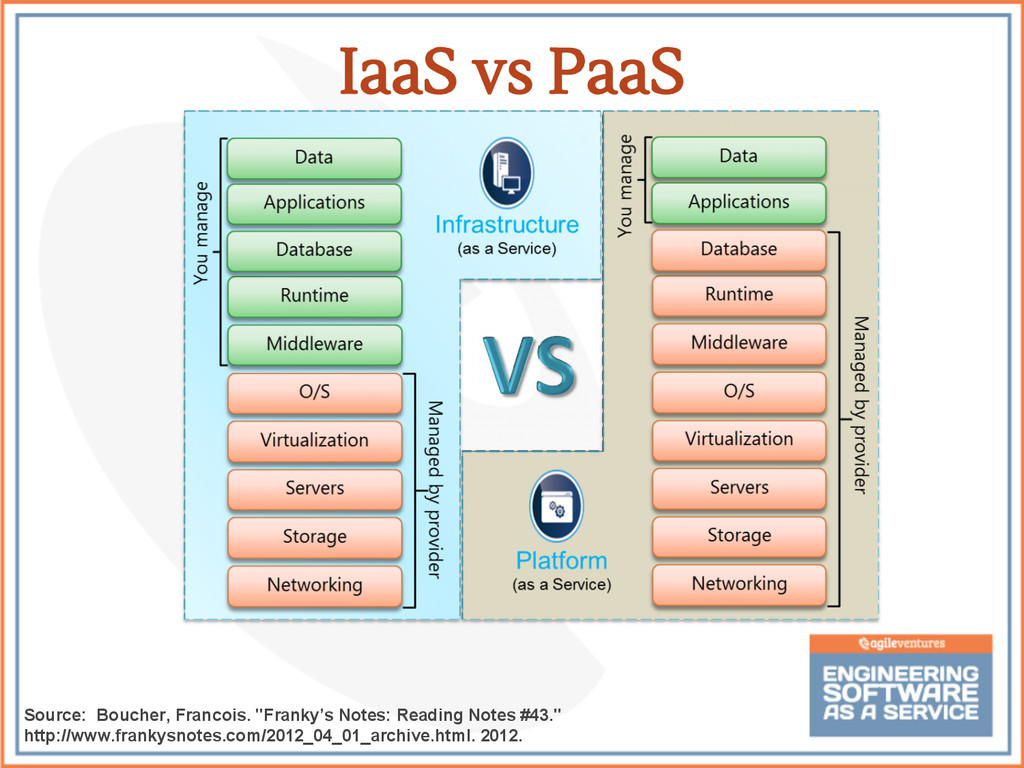
  45. IaaS vs PaaS Source: Boucher, Francois. "Franky’s Notes: Reading Notes

    #43." http://www.frankysnotes.com/2012_04_01_archive.html. 2012.
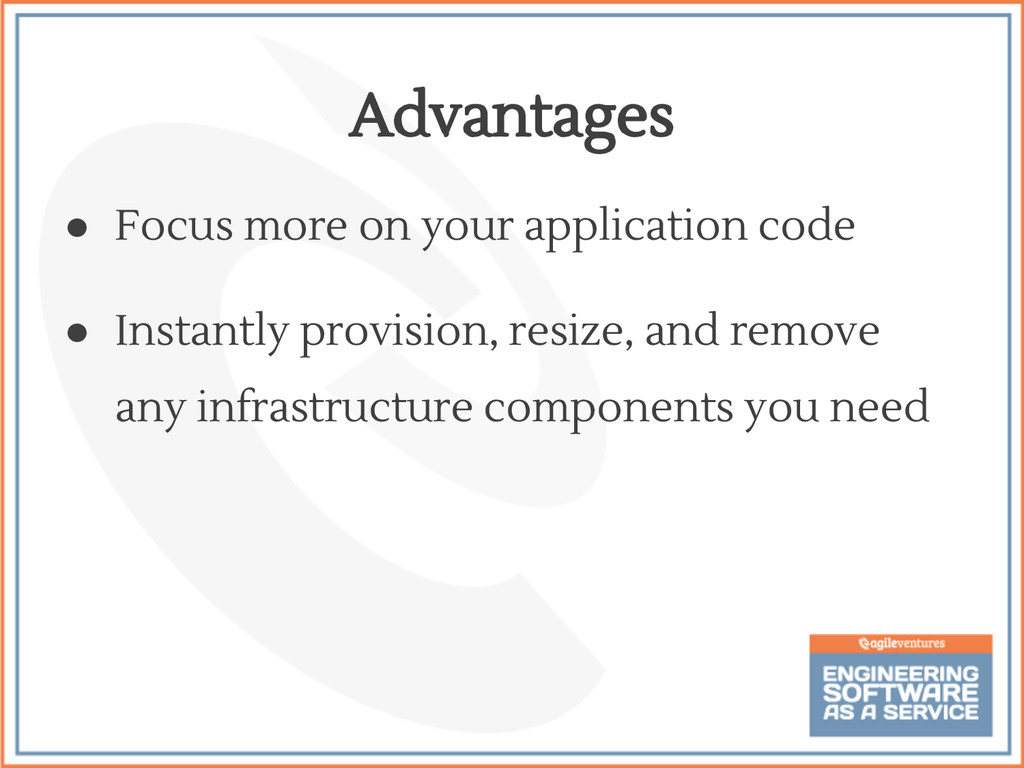
  46. • Focus more on your application code • Instantly provision,

    resize, and remove any infrastructure components you need Advantages
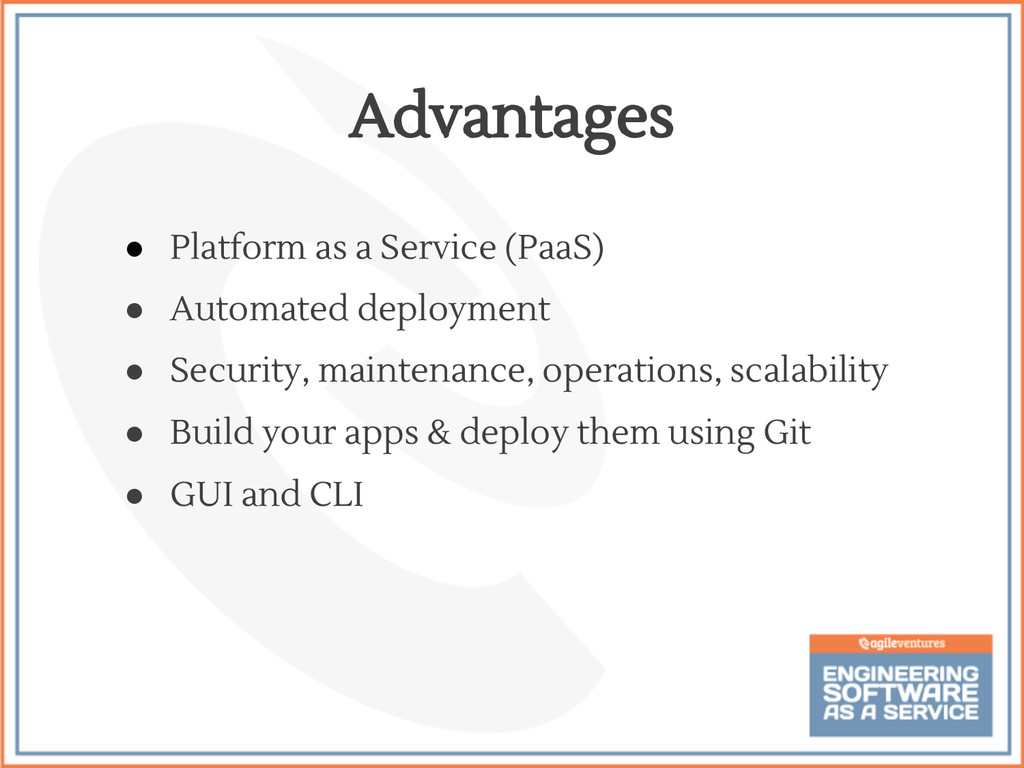
  47. • Platform as a Service (PaaS) • Automated deployment •

    Security, maintenance, operations, scalability • Build your apps & deploy them using Git • GUI and CLI Advantages
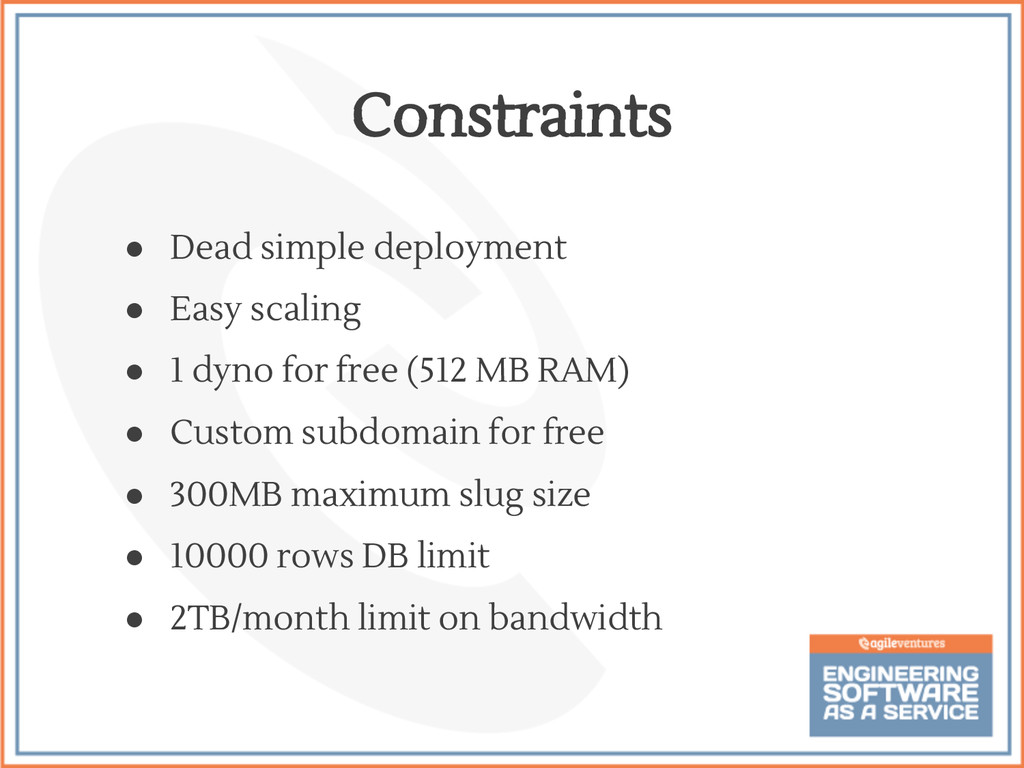
  48. • Dead simple deployment • Easy scaling • 1 dyno

    for free (512 MB RAM) • Custom subdomain for free • 300MB maximum slug size • 10000 rows DB limit • 2TB/month limit on bandwidth Constraints
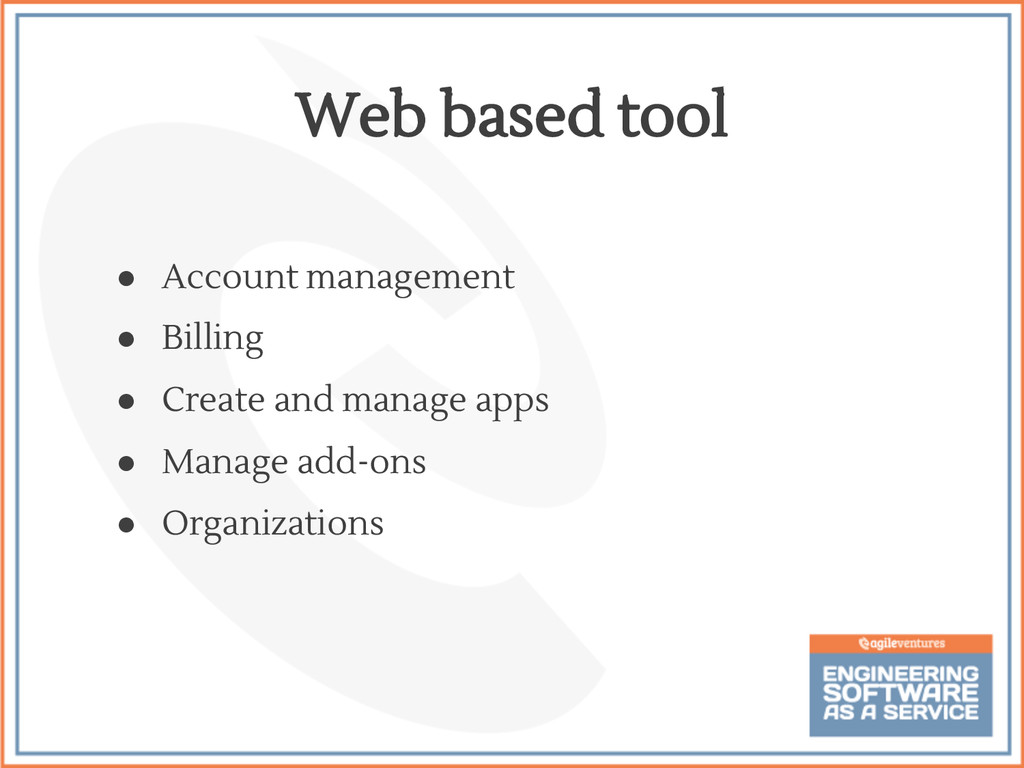
  49. • Account management • Billing • Create and manage apps

    • Manage add-ons • Organizations Web based tool
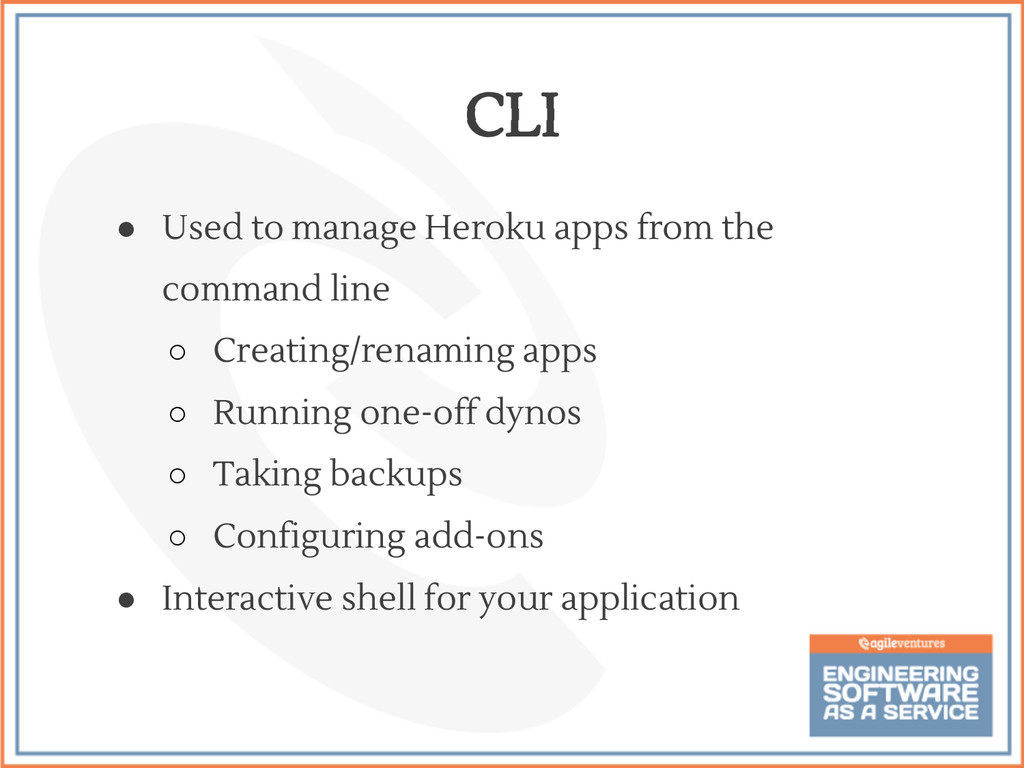
  50. • Used to manage Heroku apps from the command line

    ◦ Creating/renaming apps ◦ Running one-off dynos ◦ Taking backups ◦ Configuring add-ons • Interactive shell for your application CLI
  51. • Create an RoR app $ rails new myapp $

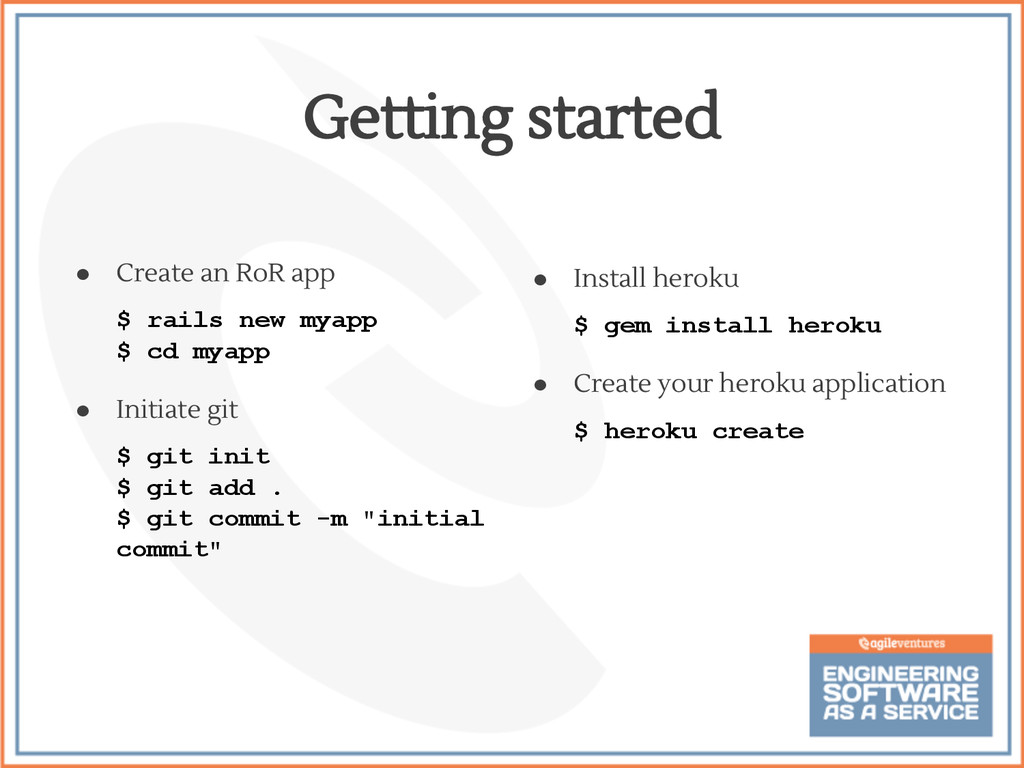
    cd myapp • Initiate git $ git init $ git add . $ git commit -m "initial commit" Getting started • Install heroku $ gem install heroku • Create your heroku application $ heroku create
  52. • Custom app name heroku create myapp # created myapp.heroku.com

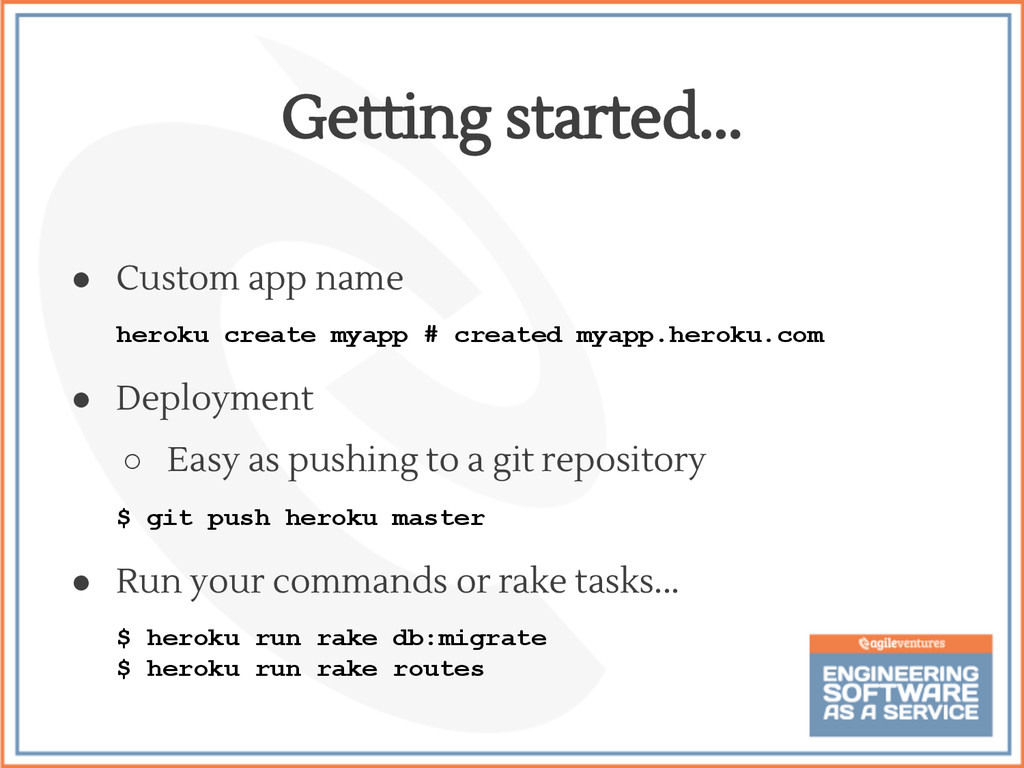
    • Deployment ◦ Easy as pushing to a git repository $ git push heroku master • Run your commands or rake tasks... $ heroku run rake db:migrate $ heroku run rake routes Getting started...
  53. • Store sensitive data as ENV variables $ heroku config

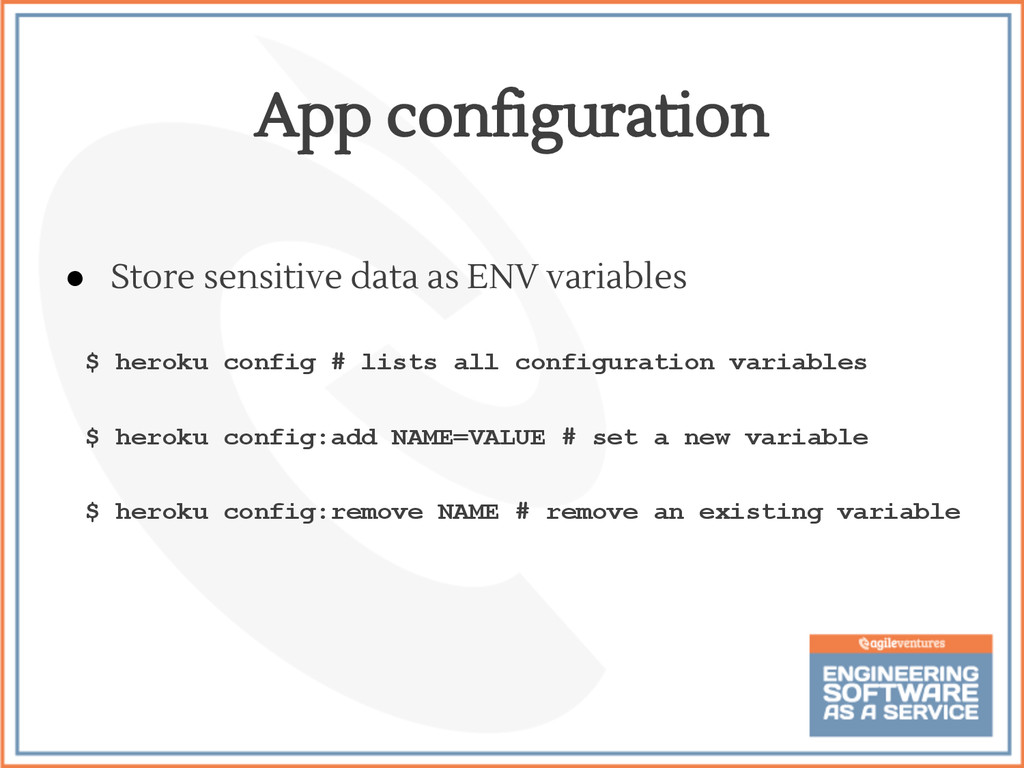
    # lists all configuration variables $ heroku config:add NAME=VALUE # set a new variable $ heroku config:remove NAME # remove an existing variable App configuration
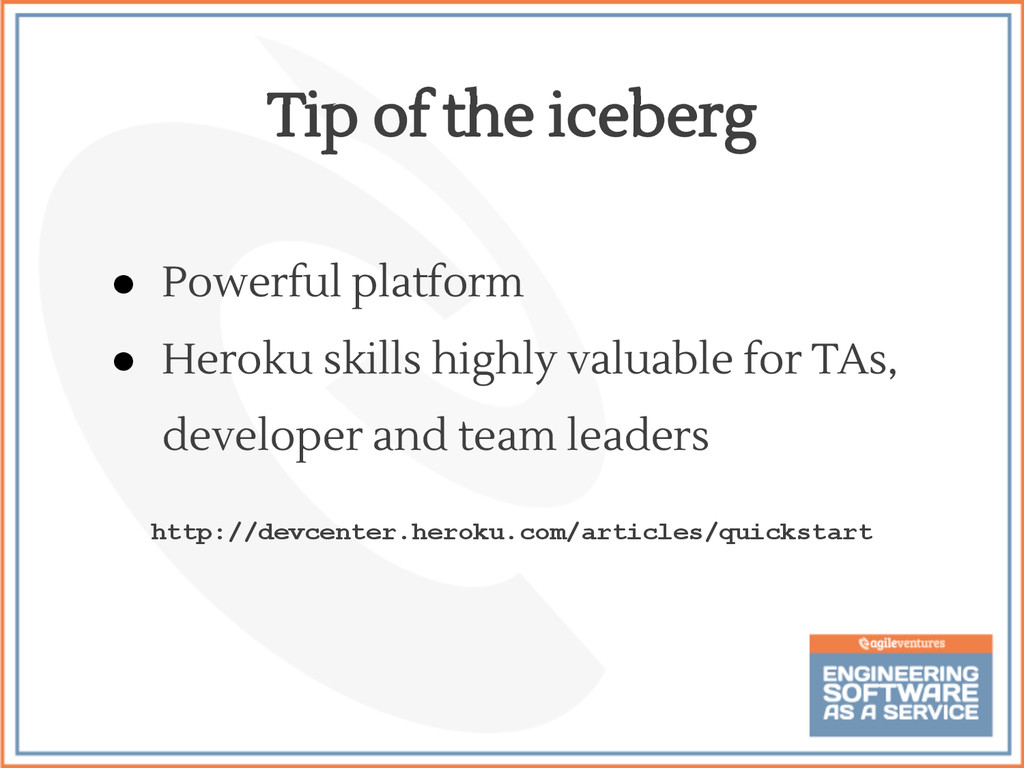
  54. • Powerful platform • Heroku skills highly valuable for TAs,

    developer and team leaders http://devcenter.heroku.com/articles/quickstart Tip of the iceberg
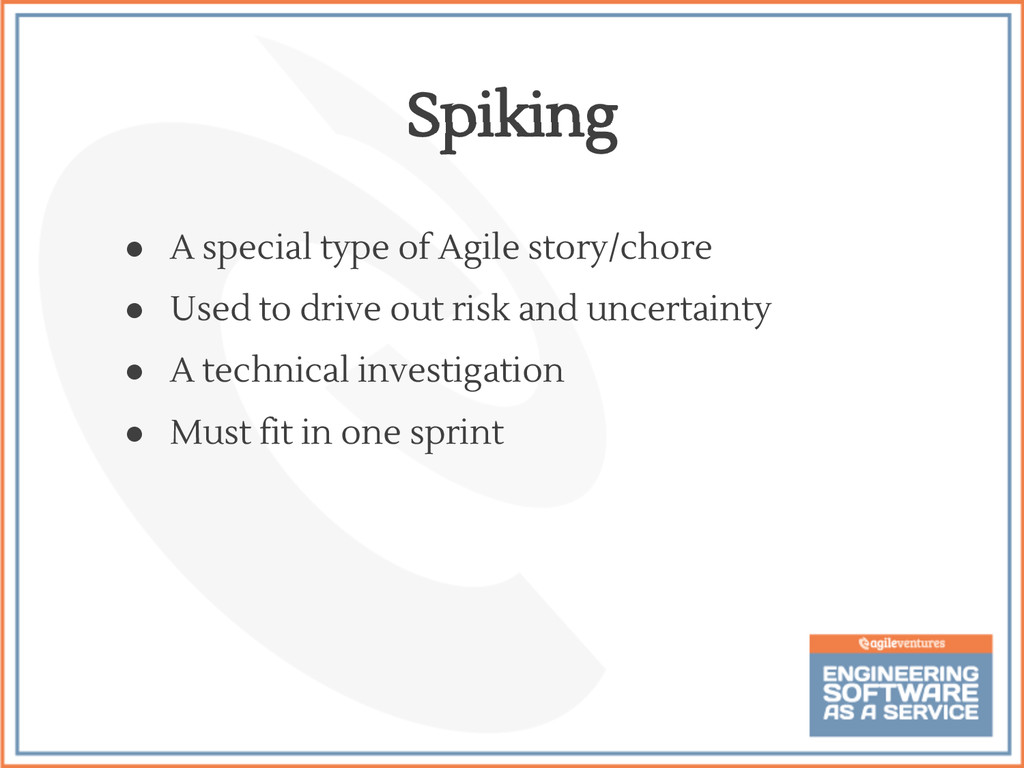
  55. • A special type of Agile story/chore • Used to

    drive out risk and uncertainty • A technical investigation • Must fit in one sprint Spiking
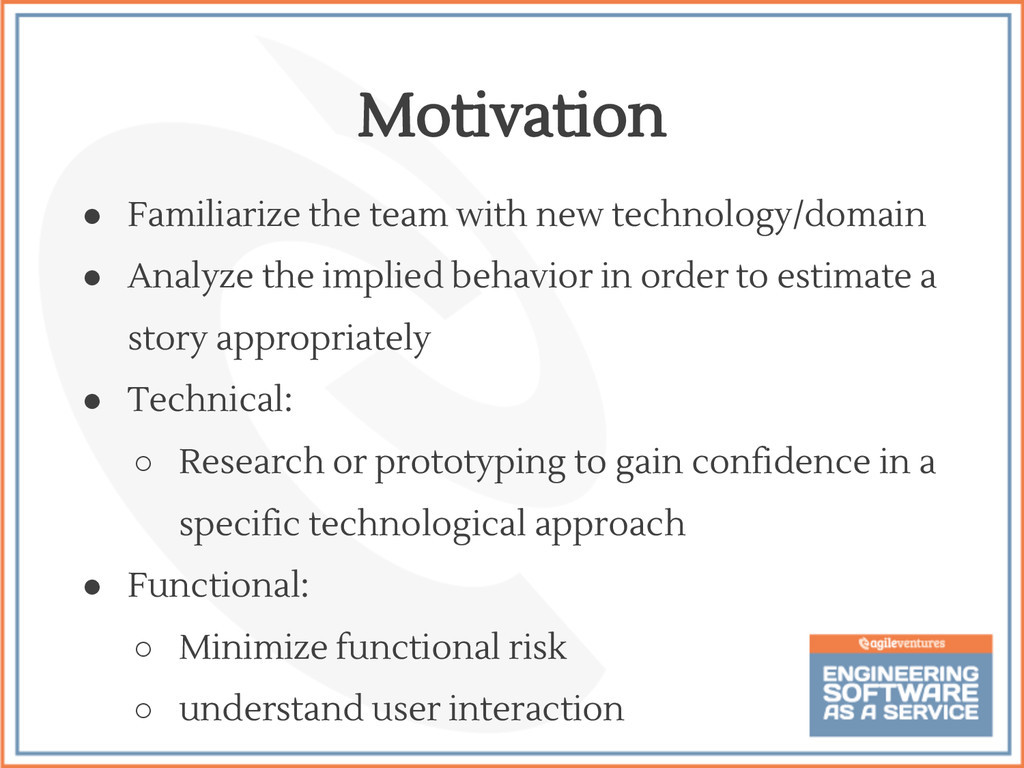
  56. • Familiarize the team with new technology/domain • Analyze the

    implied behavior in order to estimate a story appropriately • Technical: ◦ Research or prototyping to gain confidence in a specific technological approach • Functional: ◦ Minimize functional risk ◦ understand user interaction Motivation
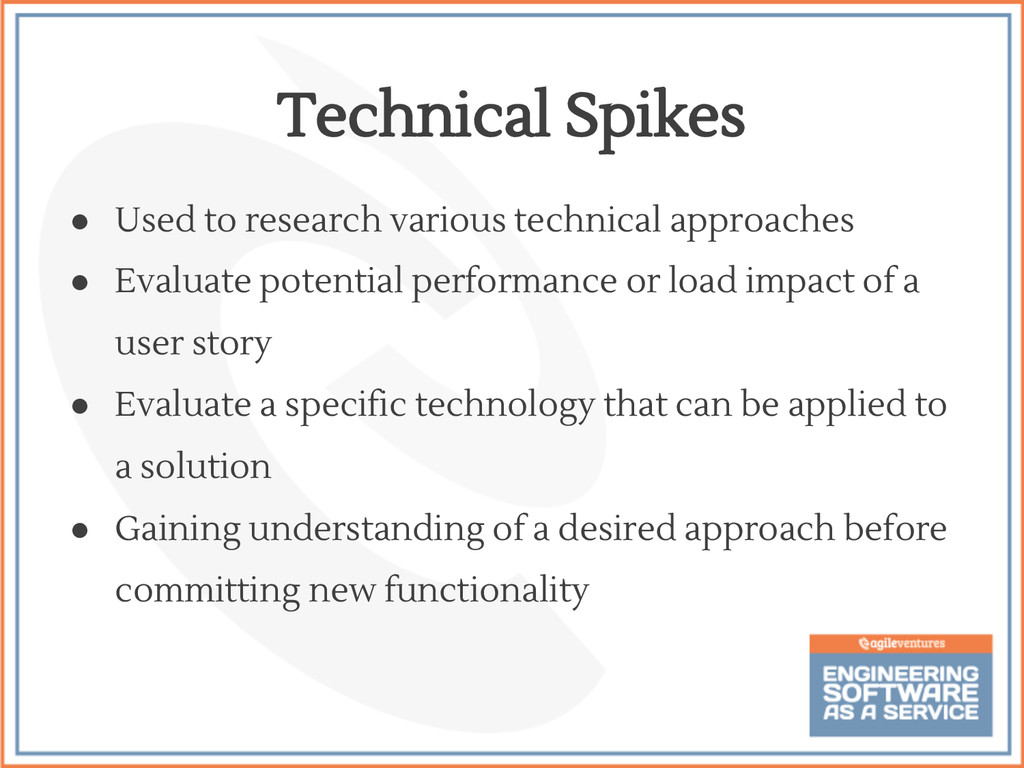
  57. • Used to research various technical approaches • Evaluate potential

    performance or load impact of a user story • Evaluate a specific technology that can be applied to a solution • Gaining understanding of a desired approach before committing new functionality Technical Spikes
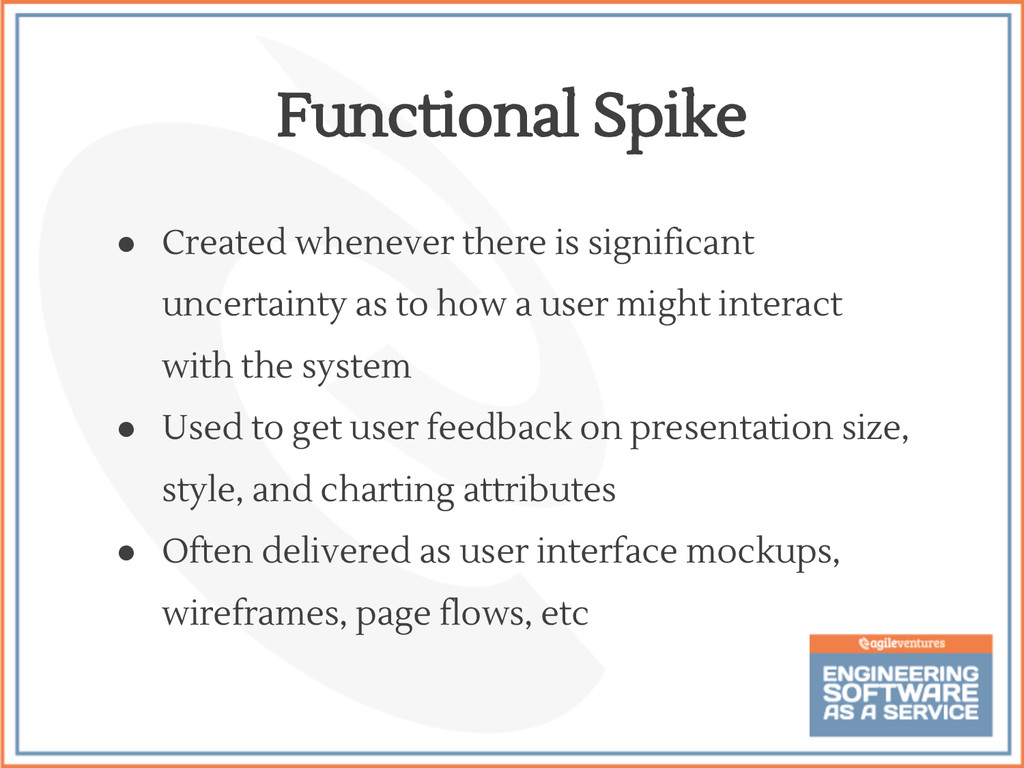
  58. • Created whenever there is significant uncertainty as to how

    a user might interact with the system • Used to get user feedback on presentation size, style, and charting attributes • Often delivered as user interface mockups, wireframes, page flows, etc Functional Spike
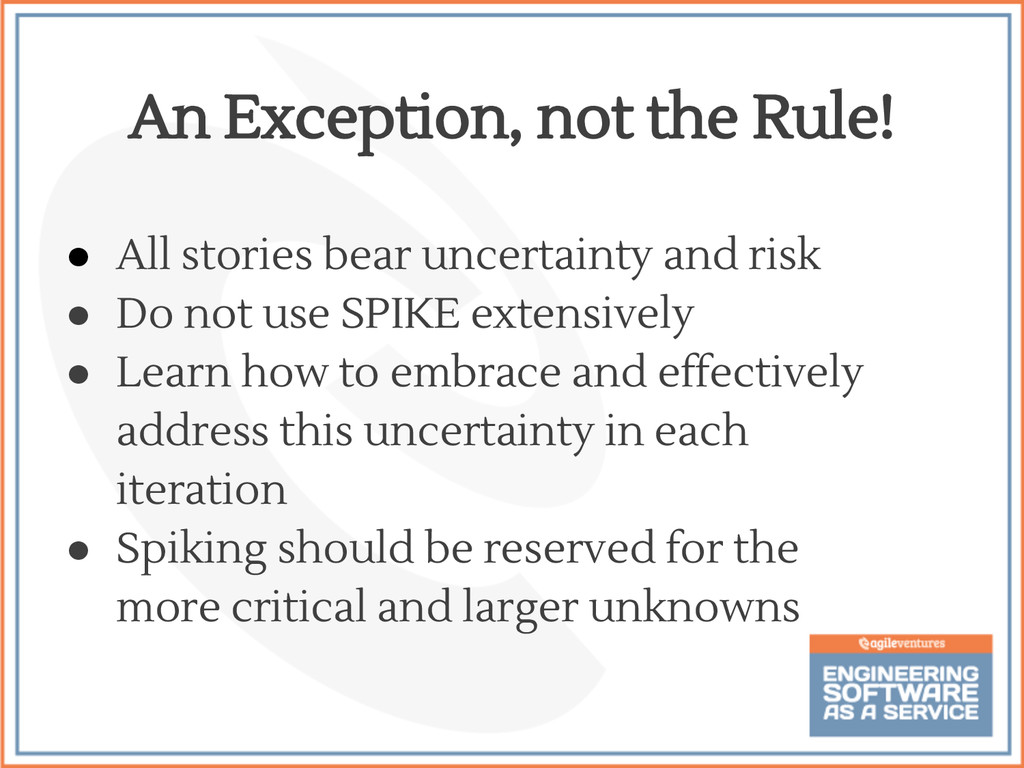
  59. • All stories bear uncertainty and risk • Do not

    use SPIKE extensively • Learn how to embrace and effectively address this uncertainty in each iteration • Spiking should be reserved for the more critical and larger unknowns An Exception, not the Rule!
  60. • A good method to gain a better understanding of
    the stories and to lower uncertainties • Spikes should only be used when they make sense to the team’s ability to deliver stories Conclusion