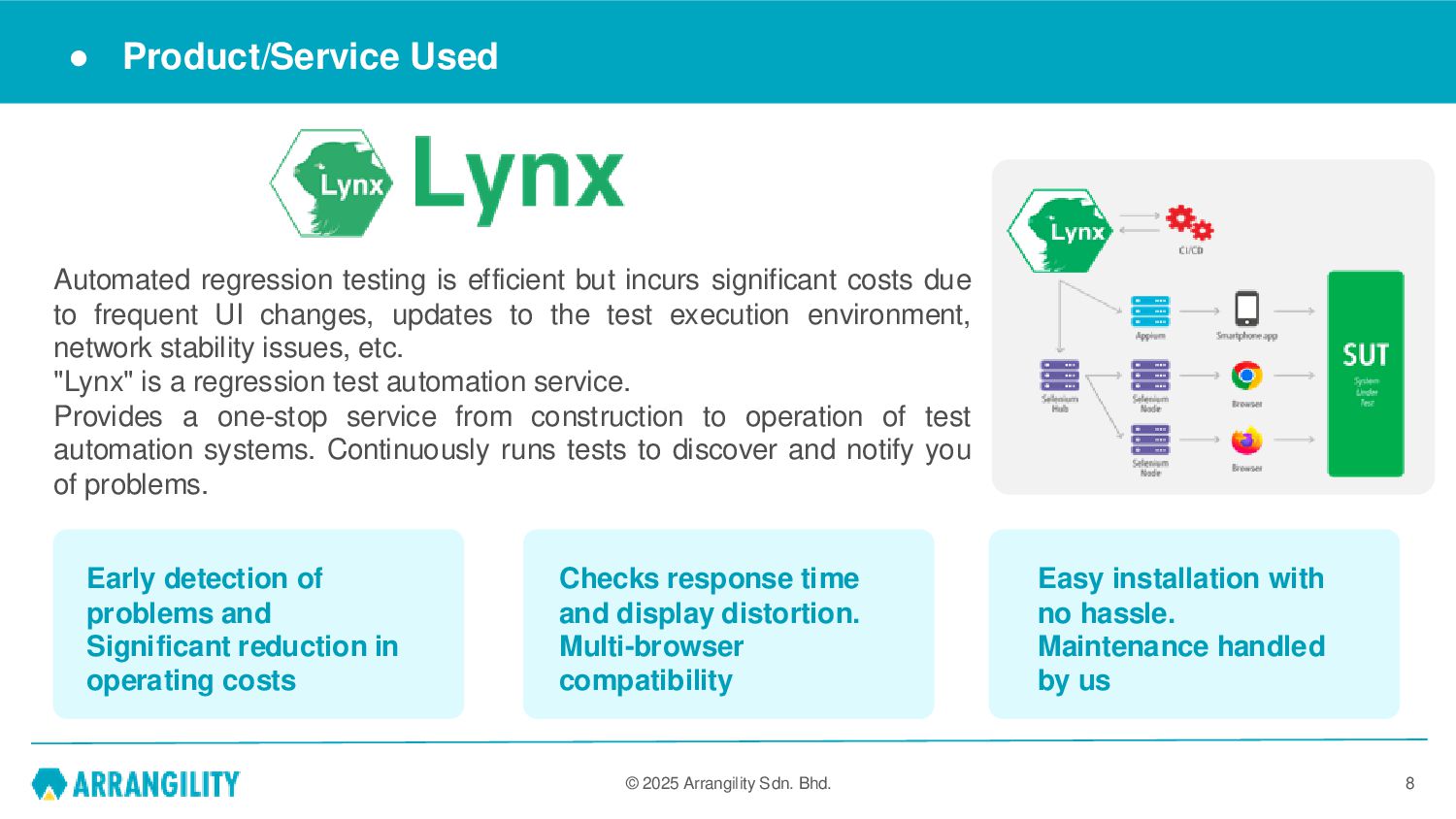
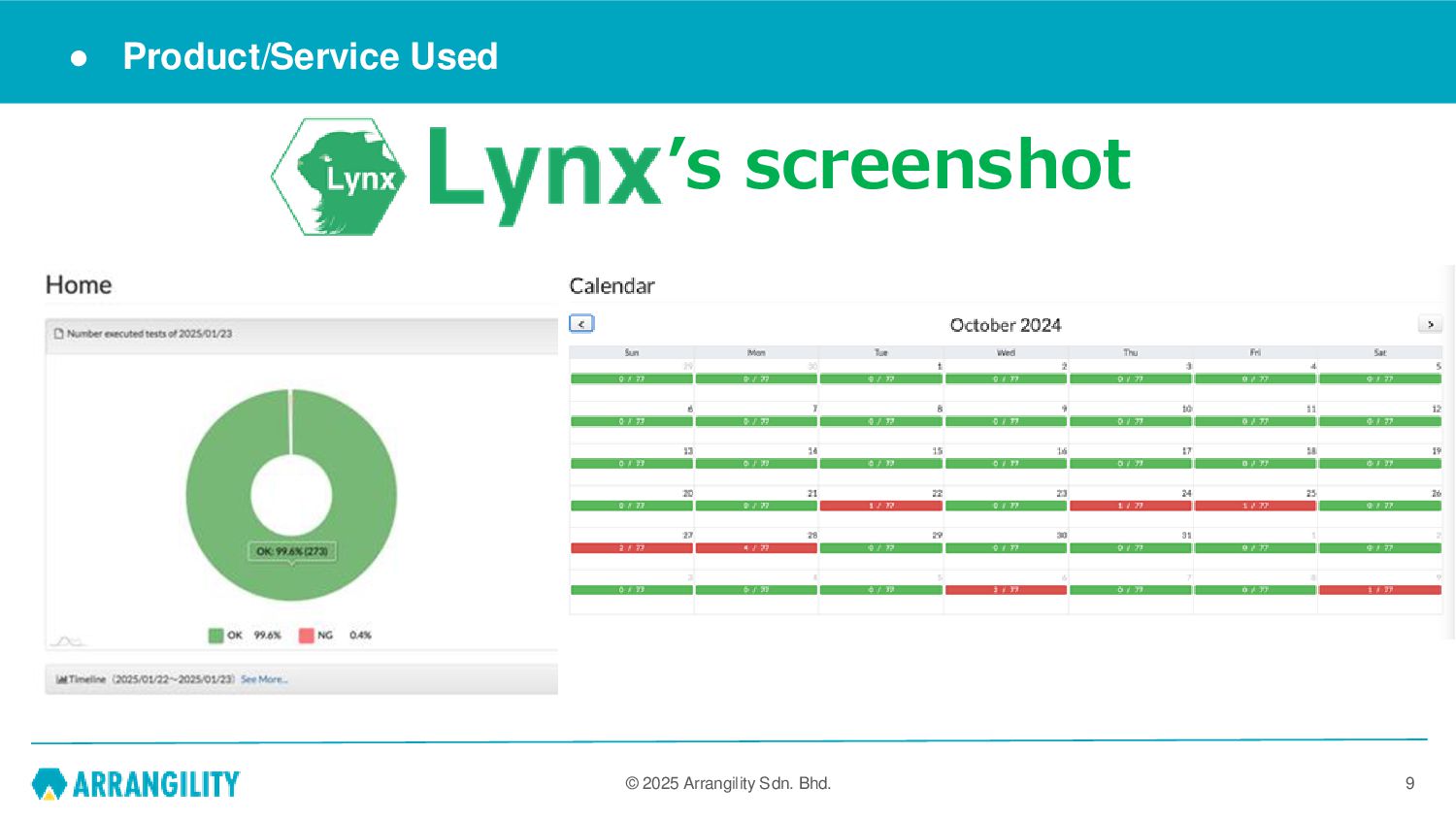
regression testing is efficient but incurs significant costs due to frequent UI changes, updates to the test execution environment, network stability issues, etc. "Lynx" is a regression test automation service. Provides a one-stop service from construction to operation of test automation systems. Continuously runs tests to discover and notify you of problems. Checks response time and display distortion. Multi-browser compatibility Early detection of problems and Significant reduction in operating costs Easy installation with no hassle. Maintenance handled by us
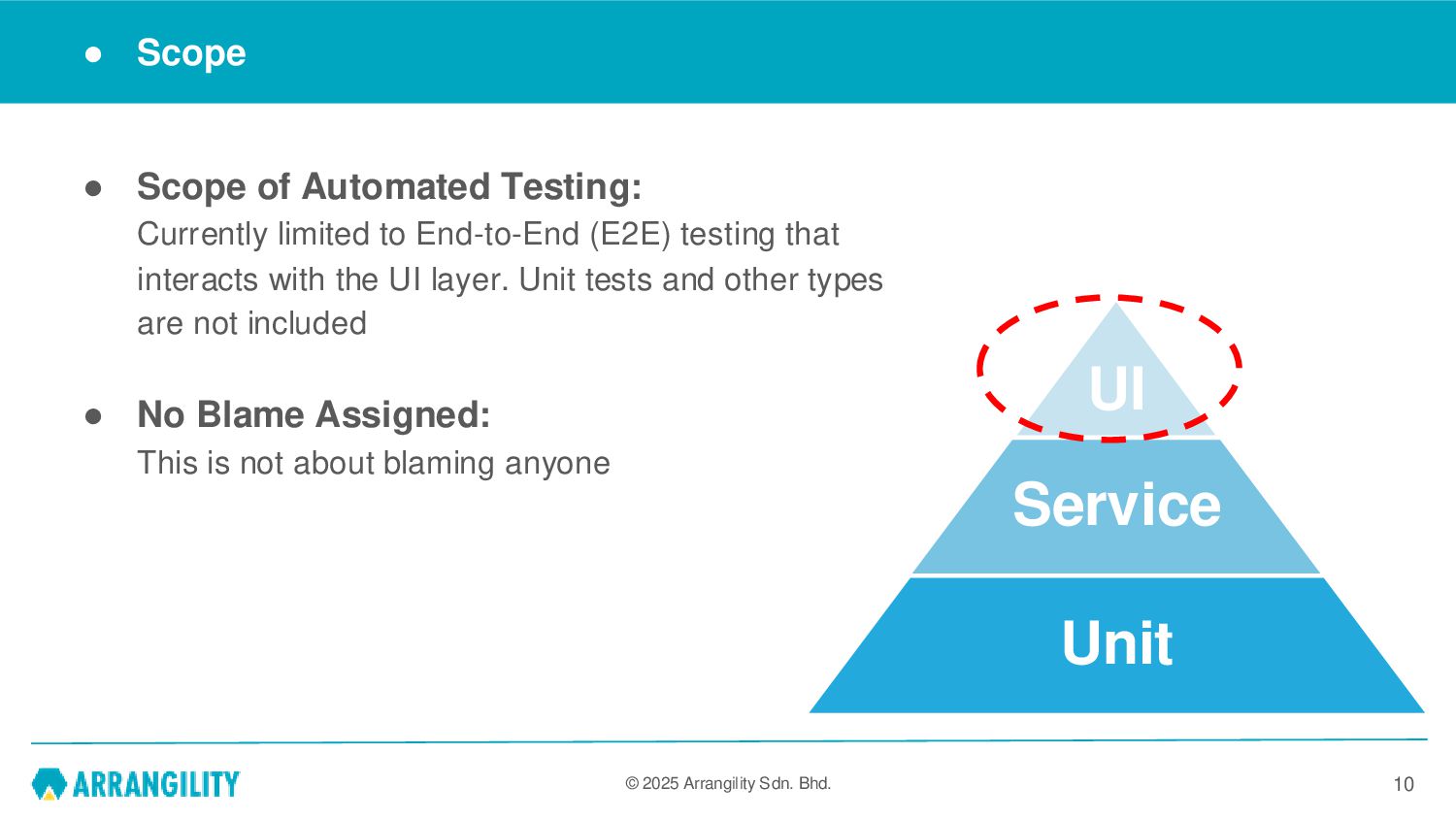
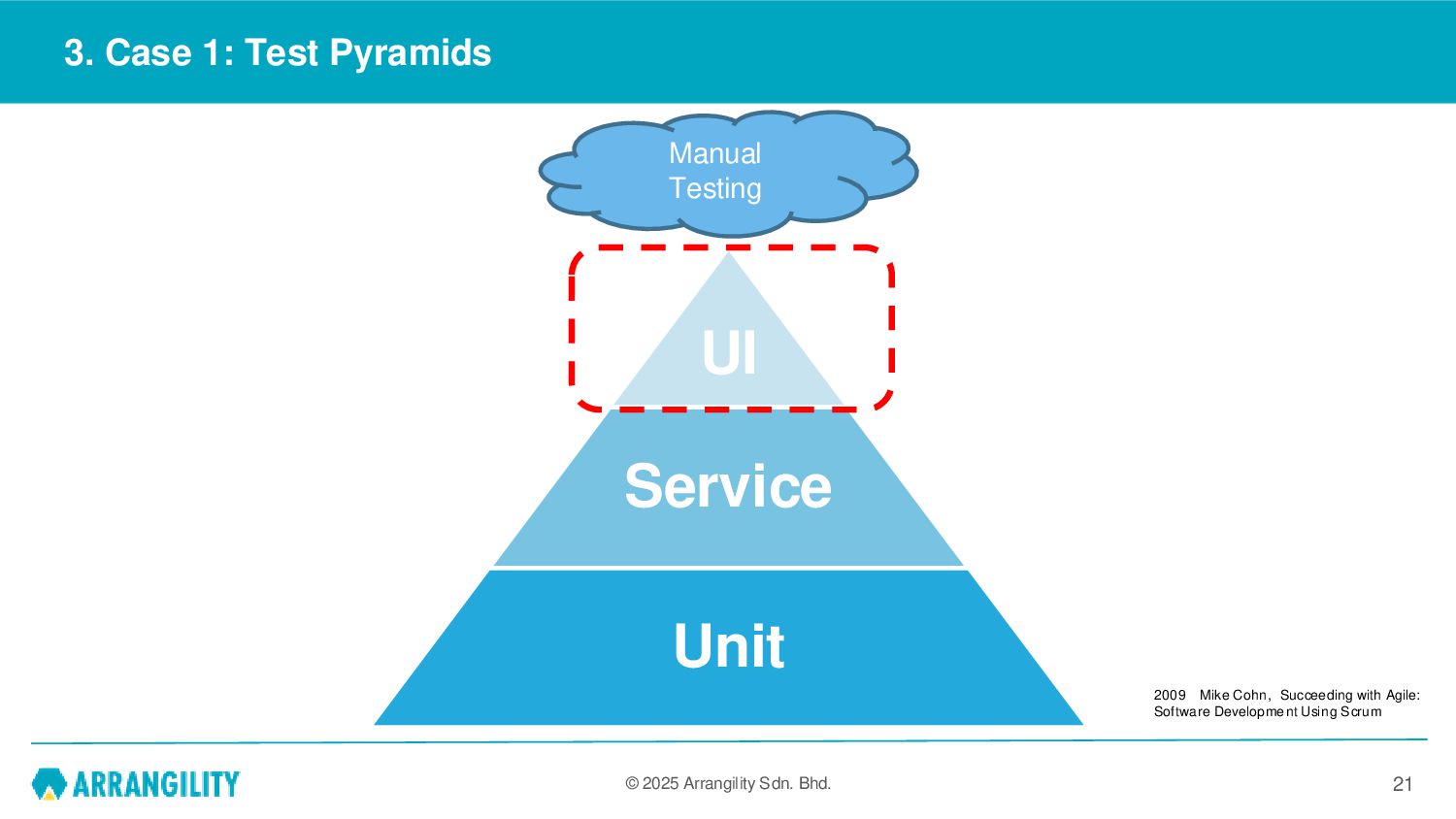
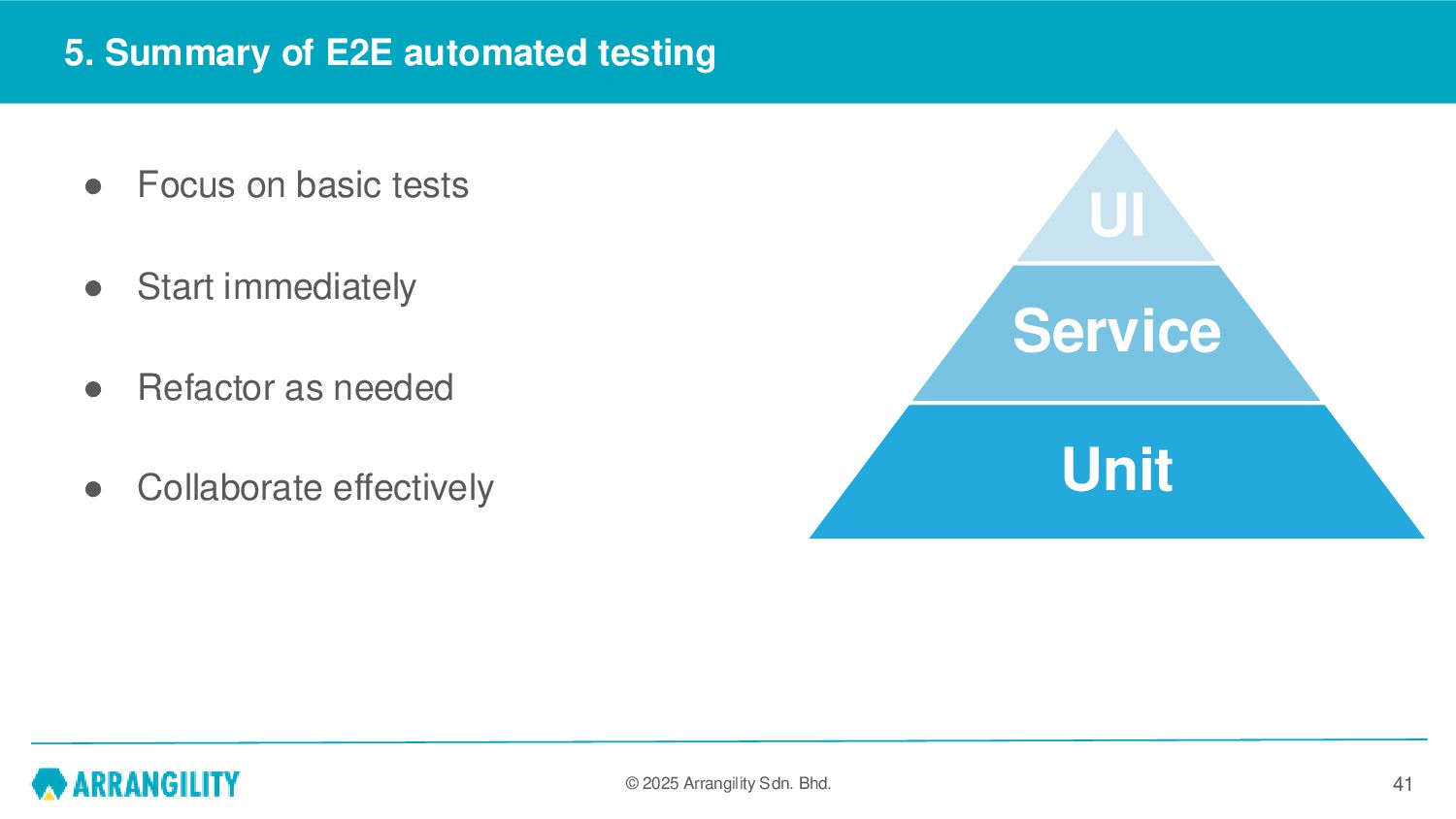
Automated Testing: Currently limited to End-to-End (E2E) testing that interacts with the UI layer. Unit tests and other types are not included • No Blame Assigned: This is not about blaming anyone 10 UI Service Unit
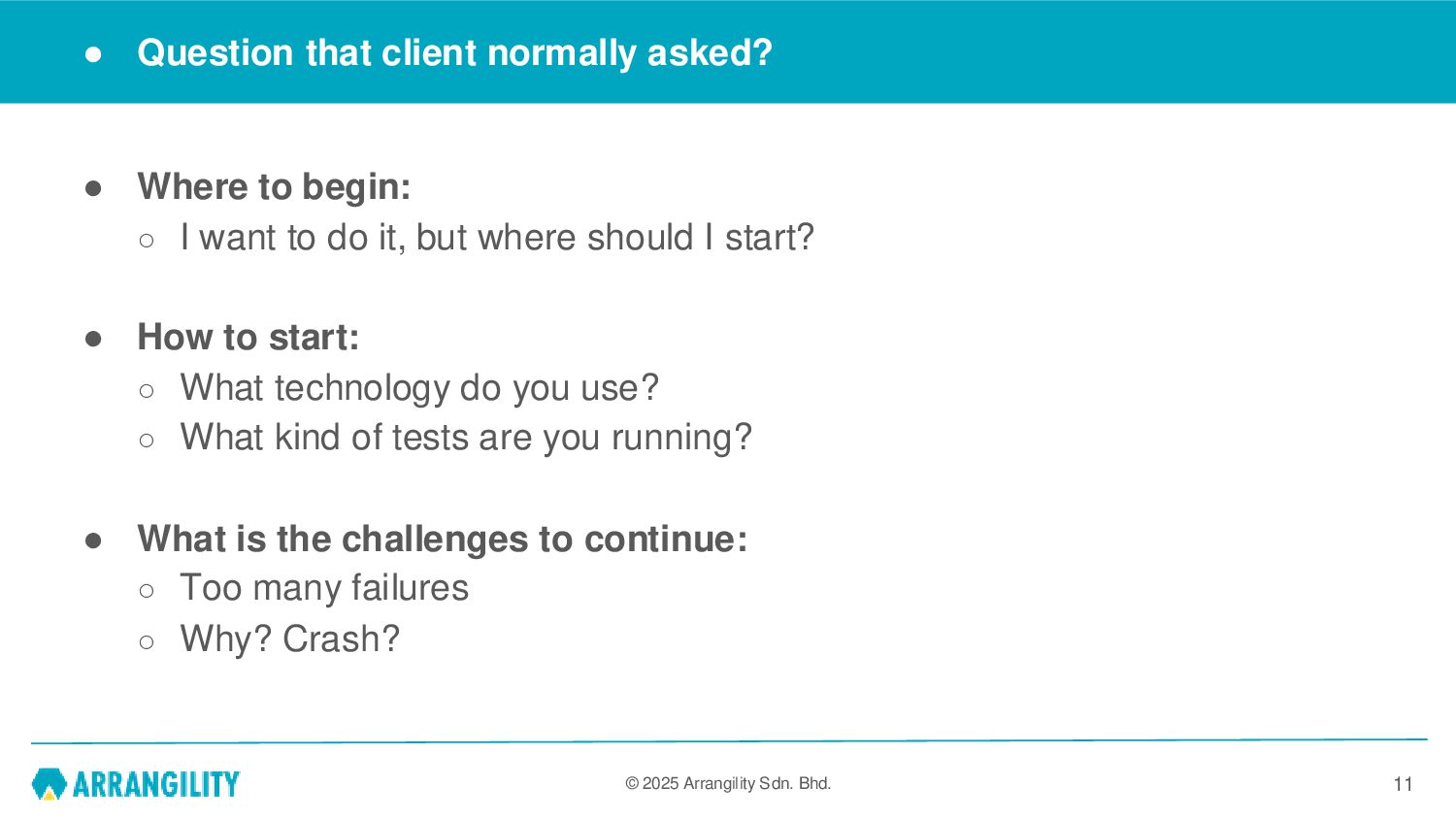
asked? • Where to begin: ◦ I want to do it, but where should I start? • How to start: ◦ What technology do you use? ◦ What kind of tests are you running? • What is the challenges to continue: ◦ Too many failures ◦ Why? Crash? 11
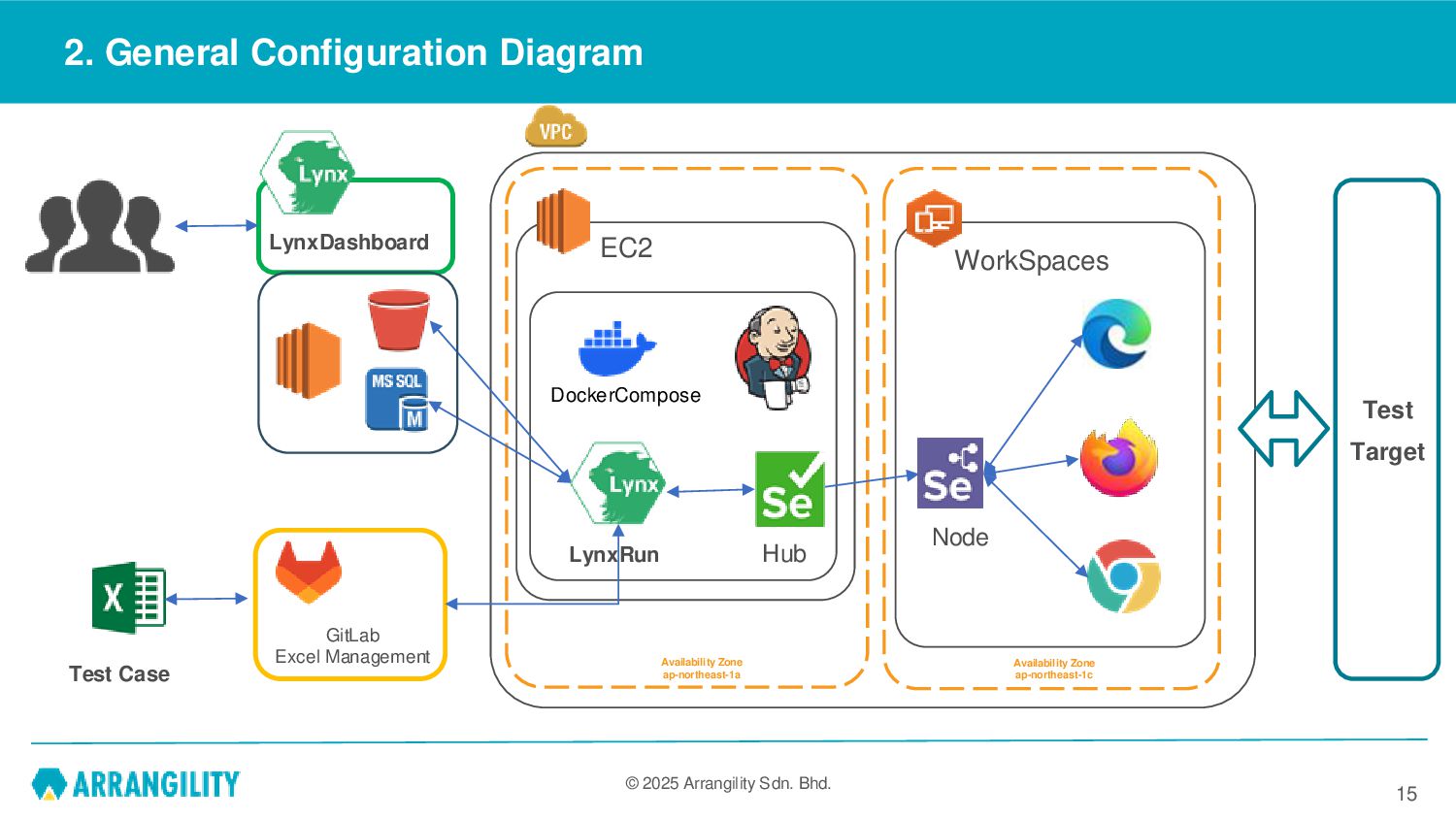
WorkSpaces Node Hub EC2 Availability Zone ap-northeast-1a Availability Zone ap-northeast-1c LynxDashboard LynxRun GitLab Excel Management Test Case Test Target DockerCompose
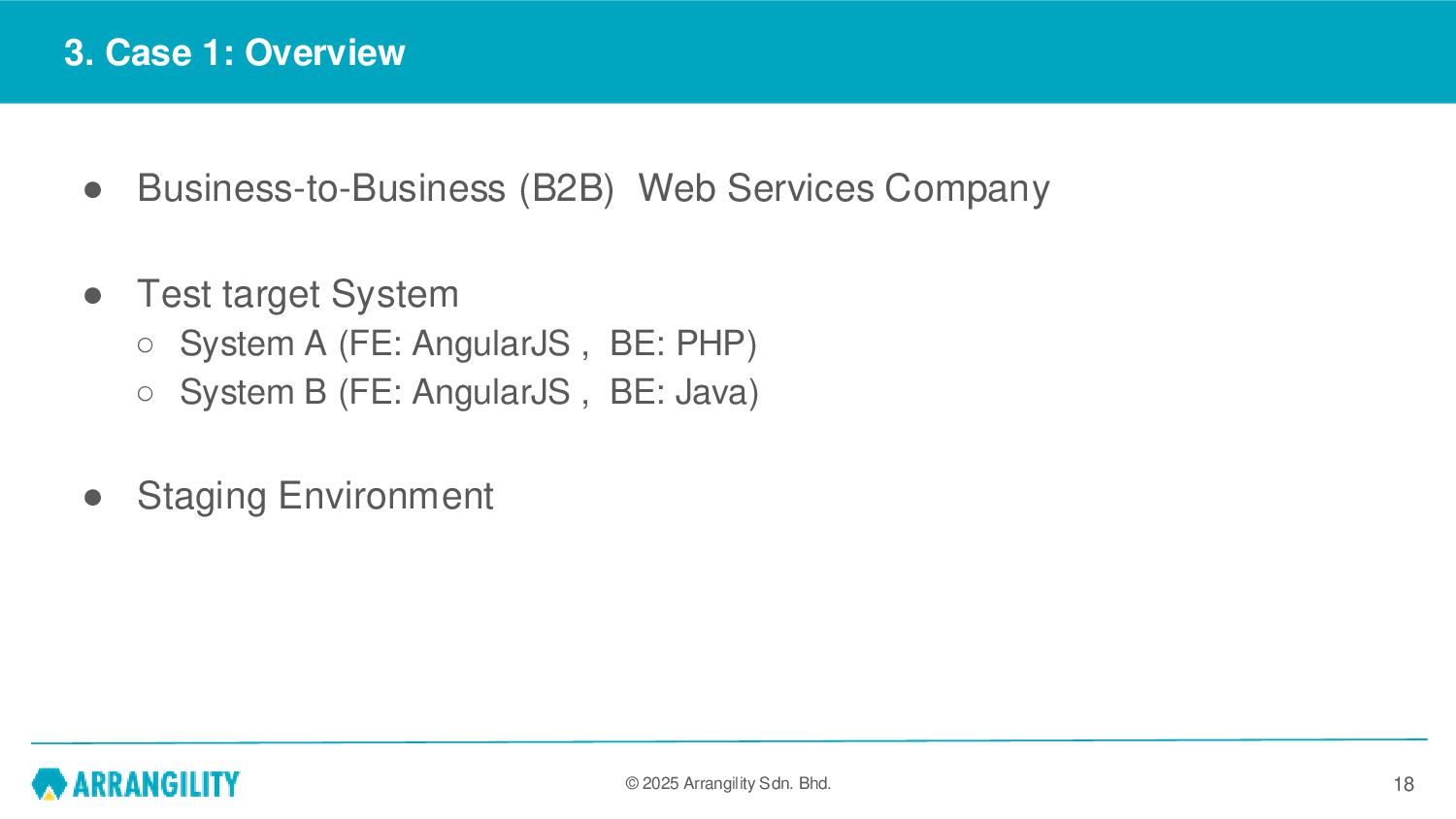
Business-to-Business (B2B) Web Services Company • Test target System ◦ System A (FE: AngularJS , BE: PHP) ◦ System B (FE: AngularJS , BE: Java) • Staging Environment 18
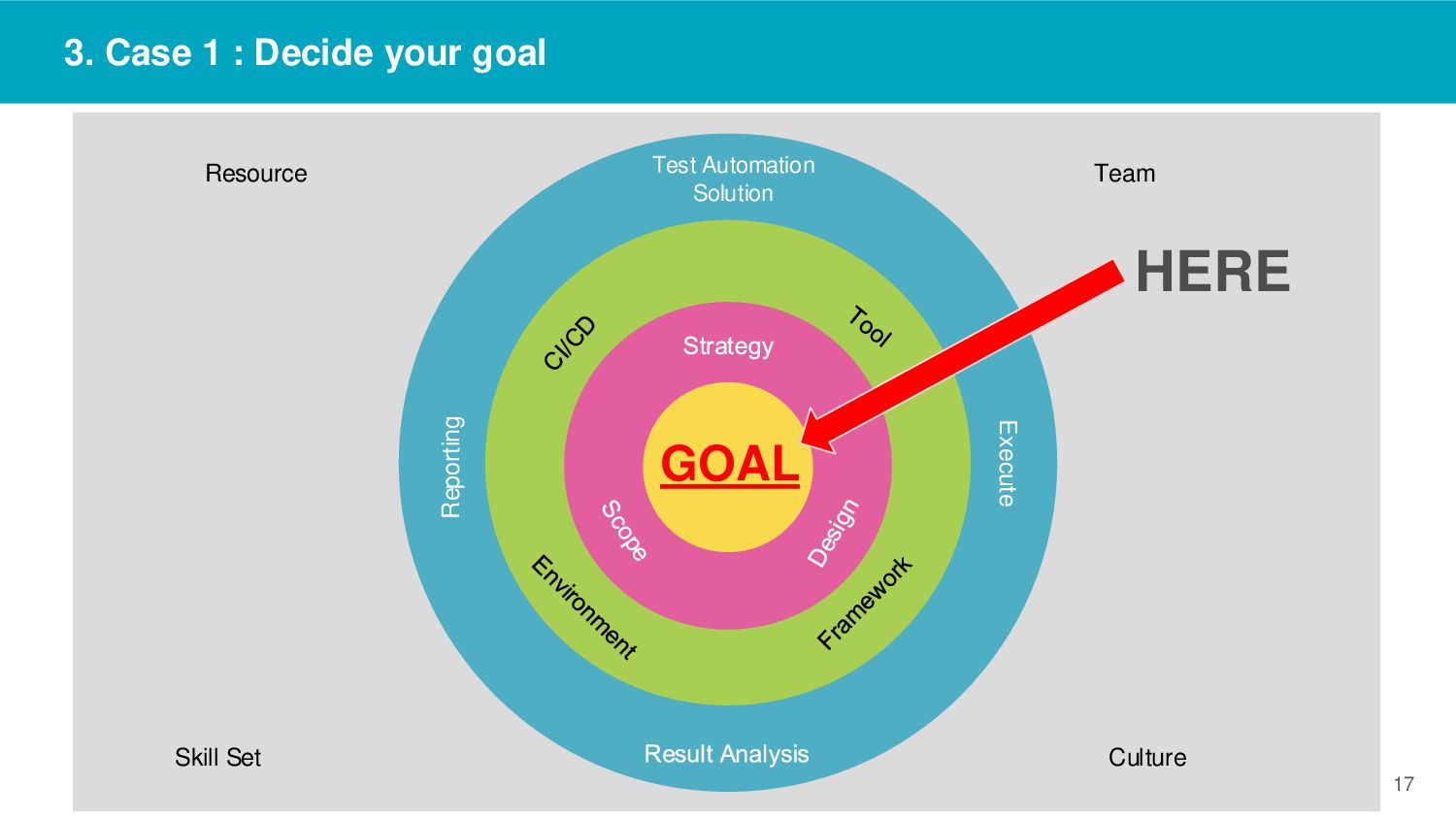
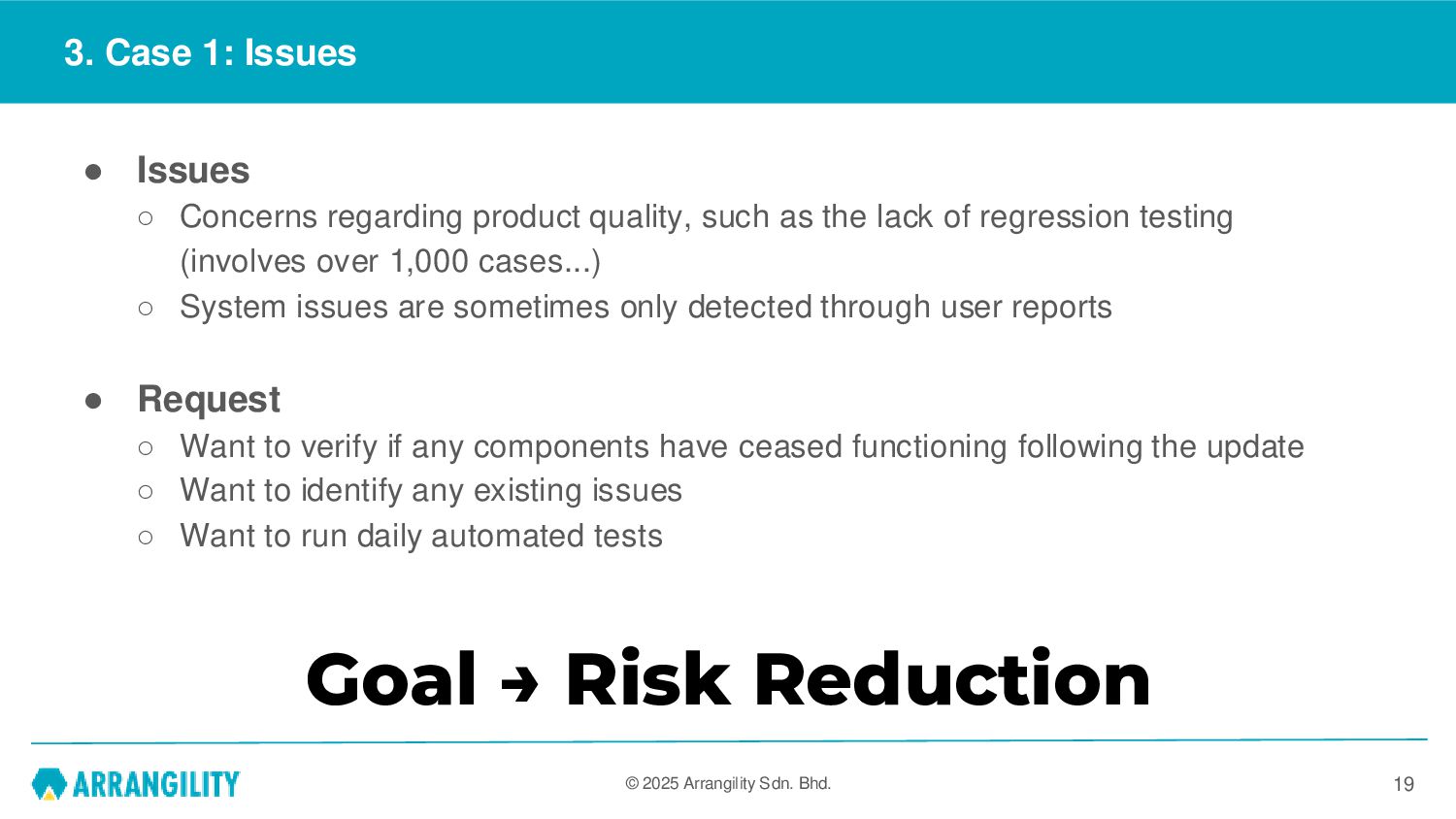
Issues ◦ Concerns regarding product quality, such as the lack of regression testing (involves over 1,000 cases...) ◦ System issues are sometimes only detected through user reports • Request ◦ Want to verify if any components have ceased functioning following the update ◦ Want to identify any existing issues ◦ Want to run daily automated tests 19 Goal → Risk Reduction
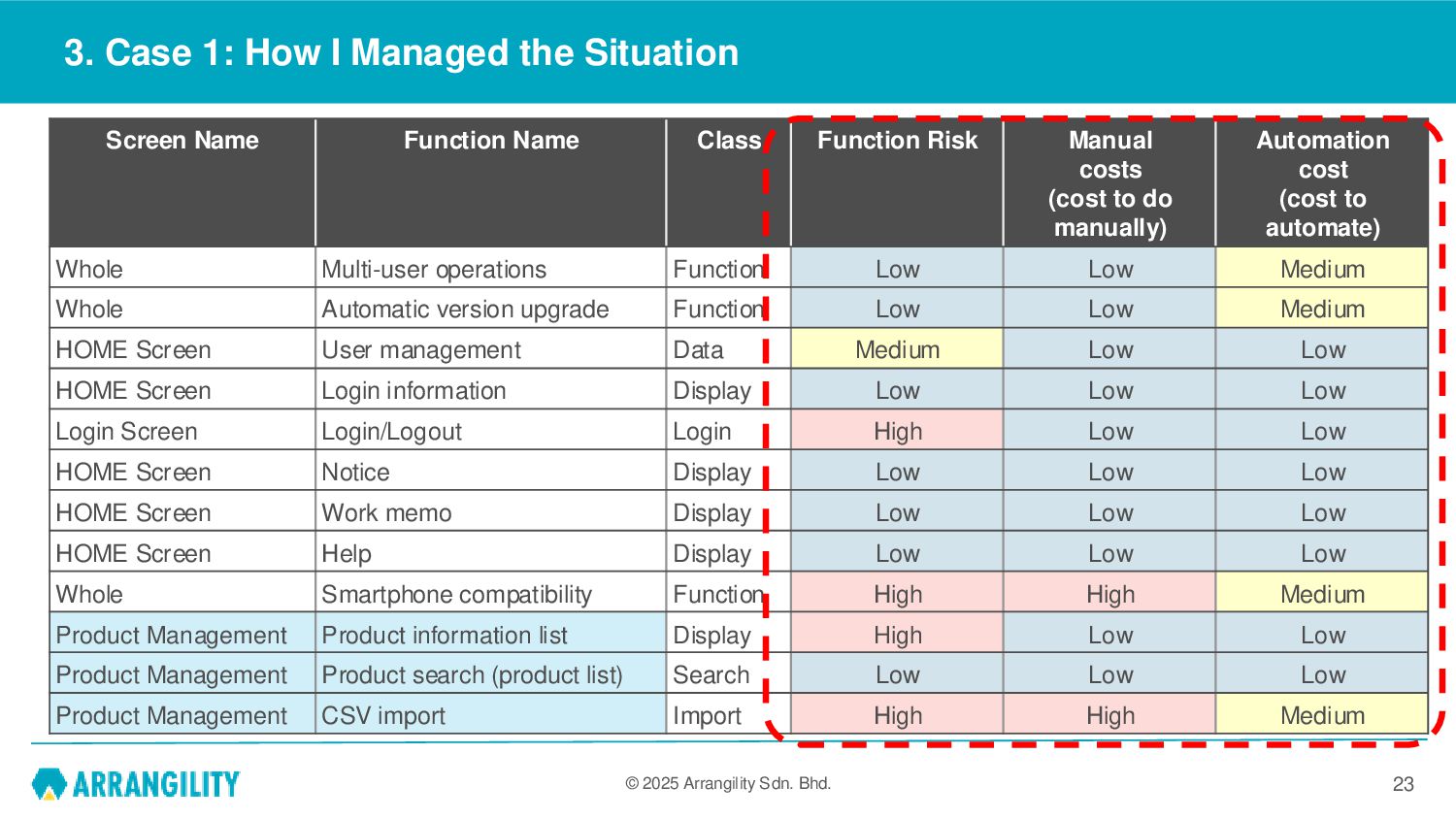
Managed the Situation 23 Screen Name Function Name Class Function Risk Manual costs (cost to do manually) Automation cost (cost to automate) Whole Multi-user operations Function Low Low Medium Whole Automatic version upgrade Function Low Low Medium HOME Screen User management Data Medium Low Low HOME Screen Login information Display Low Low Low Login Screen Login/Logout Login High Low Low HOME Screen Notice Display Low Low Low HOME Screen Work memo Display Low Low Low HOME Screen Help Display Low Low Low Whole Smartphone compatibility Function High High Medium Product Management Product information list Display High Low Low Product Management Product search (product list) Search Low Low Low Product Management CSV import Import High High Medium
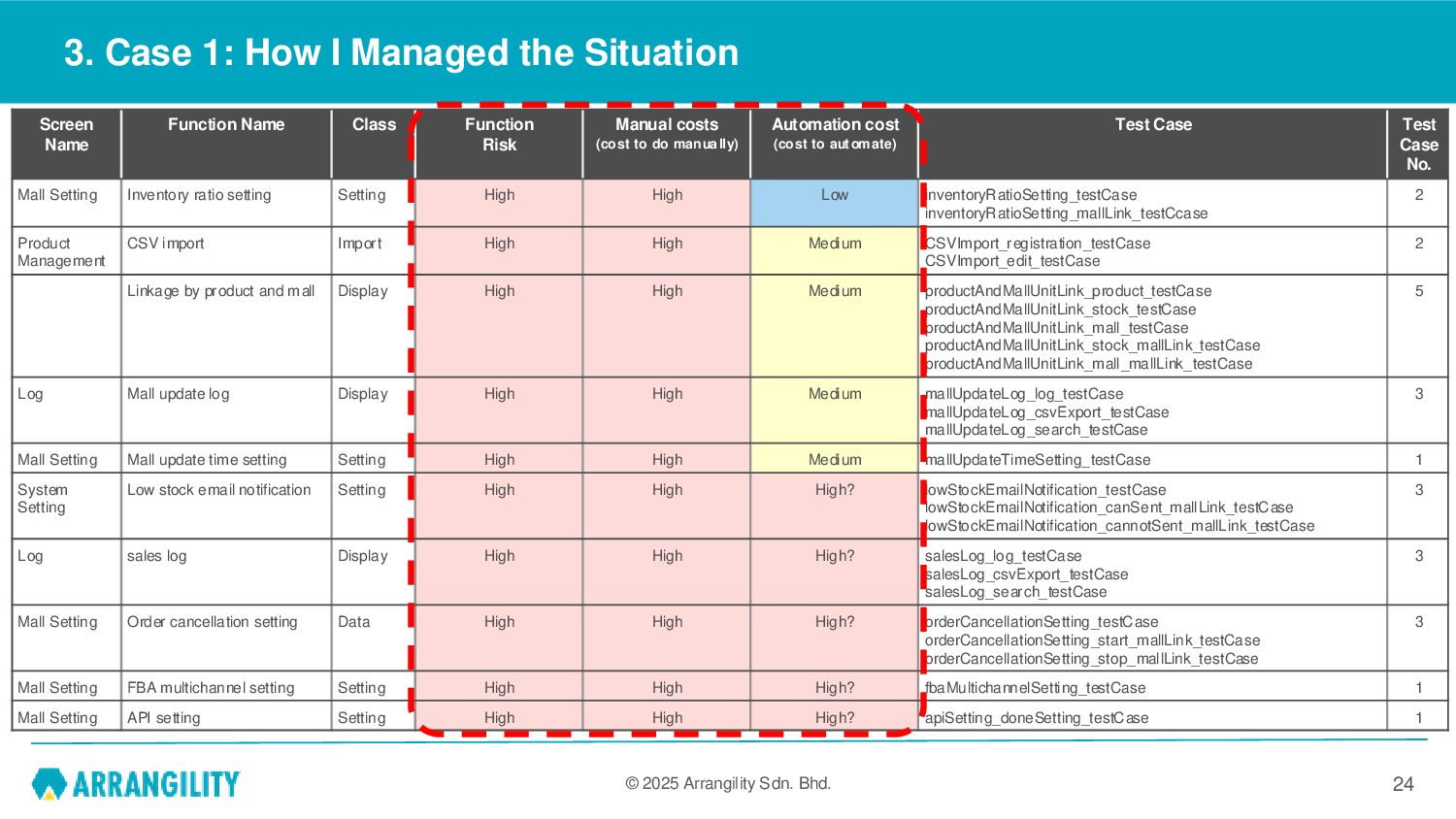
Function Risk Manual costs (cost to do manually) Automation cost (cost to automate) Test Case Test Case No. Mall Setting Inventory ratio setting Setting High High Low inventoryRatioSetting_testCase inventoryRatioSetting_mallLink_testCcase 2 Product Management CSV import Import High High Medium CSVImport_registration_testCase CSVImport_edit_testCase 2 Linkage by product and mall Display High High Medium productAndMallUnitLink_product_testCase productAndMallUnitLink_stock_testCase productAndMallUnitLink_mall_testCase productAndMallUnitLink_stock_mallLink_testCase productAndMallUnitLink_mall_mallLink_testCase 5 Log Mall update log Display High High Medium mallUpdateLog_log_testCase mallUpdateLog_csvExport_testCase mallUpdateLog_search_testCase 3 Mall Setting Mall update time setting Setting High High Medium mallUpdateTimeSetting_testCase 1 System Setting Low stock email notification Setting High High High? lowStockEmailNotification_testCase lowStockEmailNotification_canSent_mallLink_testCase lowStockEmailNotification_cannotSent_mallLink_testCase 3 Log sales log Display High High High? salesLog_log_testCase salesLog_csvExport_testCase salesLog_search_testCase 3 Mall Setting Order cancellation setting Data High High High? orderCancellationSetting_testCase orderCancellationSetting_start_mallLink_testCase orderCancellationSetting_stop_mallLink_testCase 3 Mall Setting FBA multichannel setting Setting High High High? fbaMultichannelSetting_testCase 1 Mall Setting API setting Setting High High High? apiSetting_doneSetting_testCase 1 3. Case 1: How I Managed the Situation 24
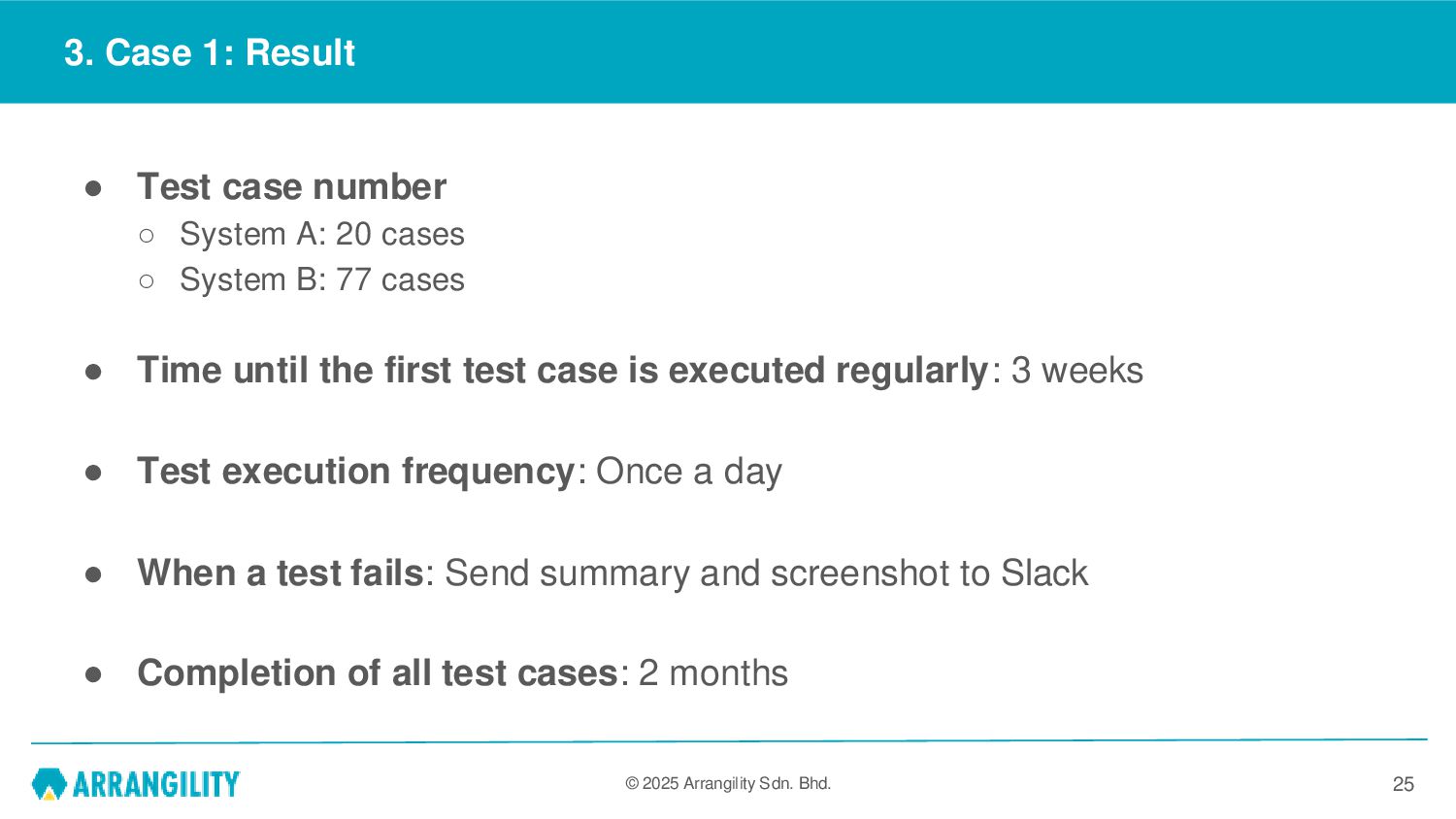
Test case number ◦ System A: 20 cases ◦ System B: 77 cases • Time until the first test case is executed regularly: 3 weeks • Test execution frequency: Once a day • When a test fails: Send summary and screenshot to Slack • Completion of all test cases: 2 months 25
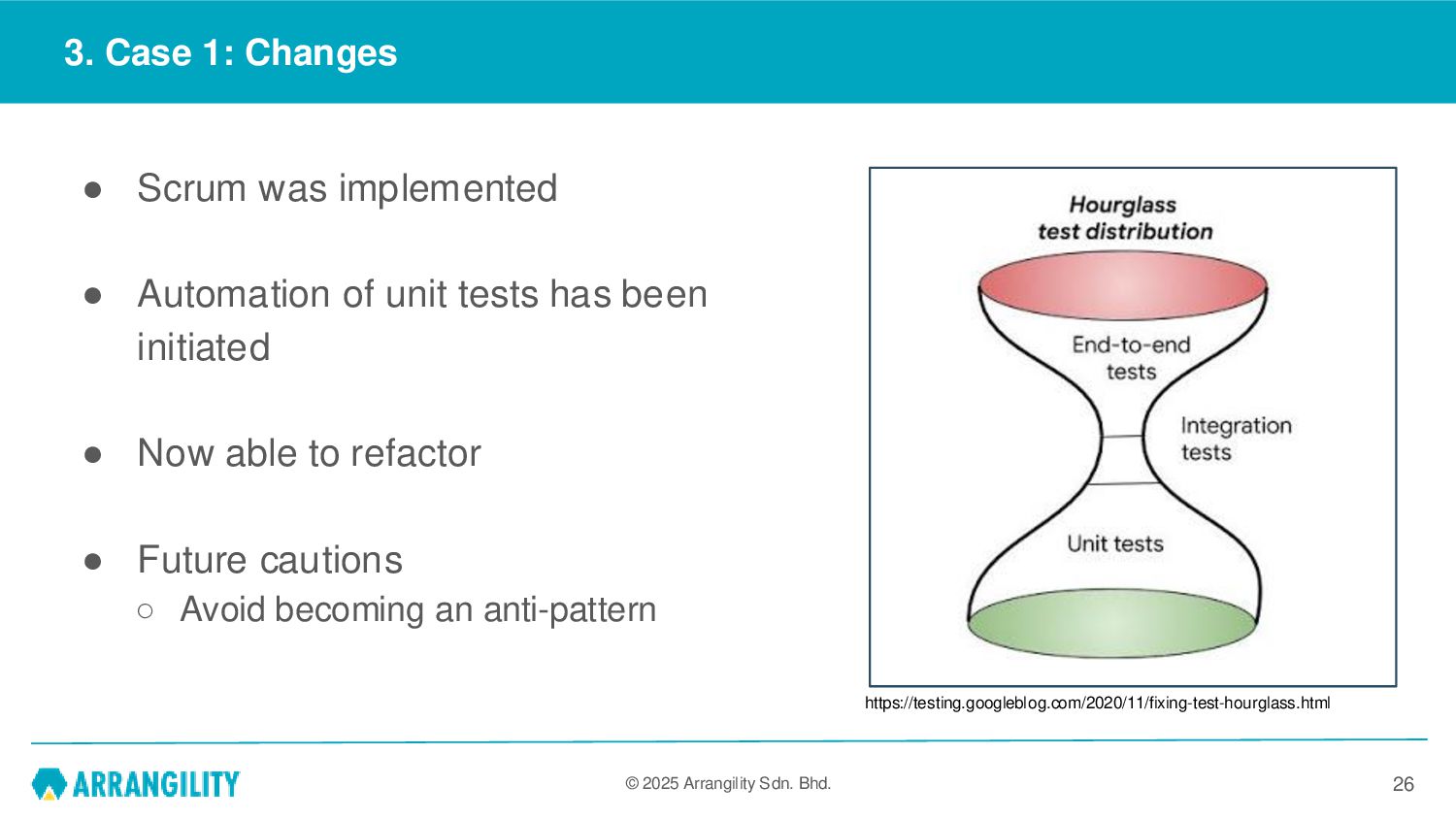
Scrum was implemented • Automation of unit tests has been initiated • Now able to refactor • Future cautions ◦ Avoid becoming an anti-pattern 26 https://testing.googleblog.com/2020/11/fixing-test-hourglass.html
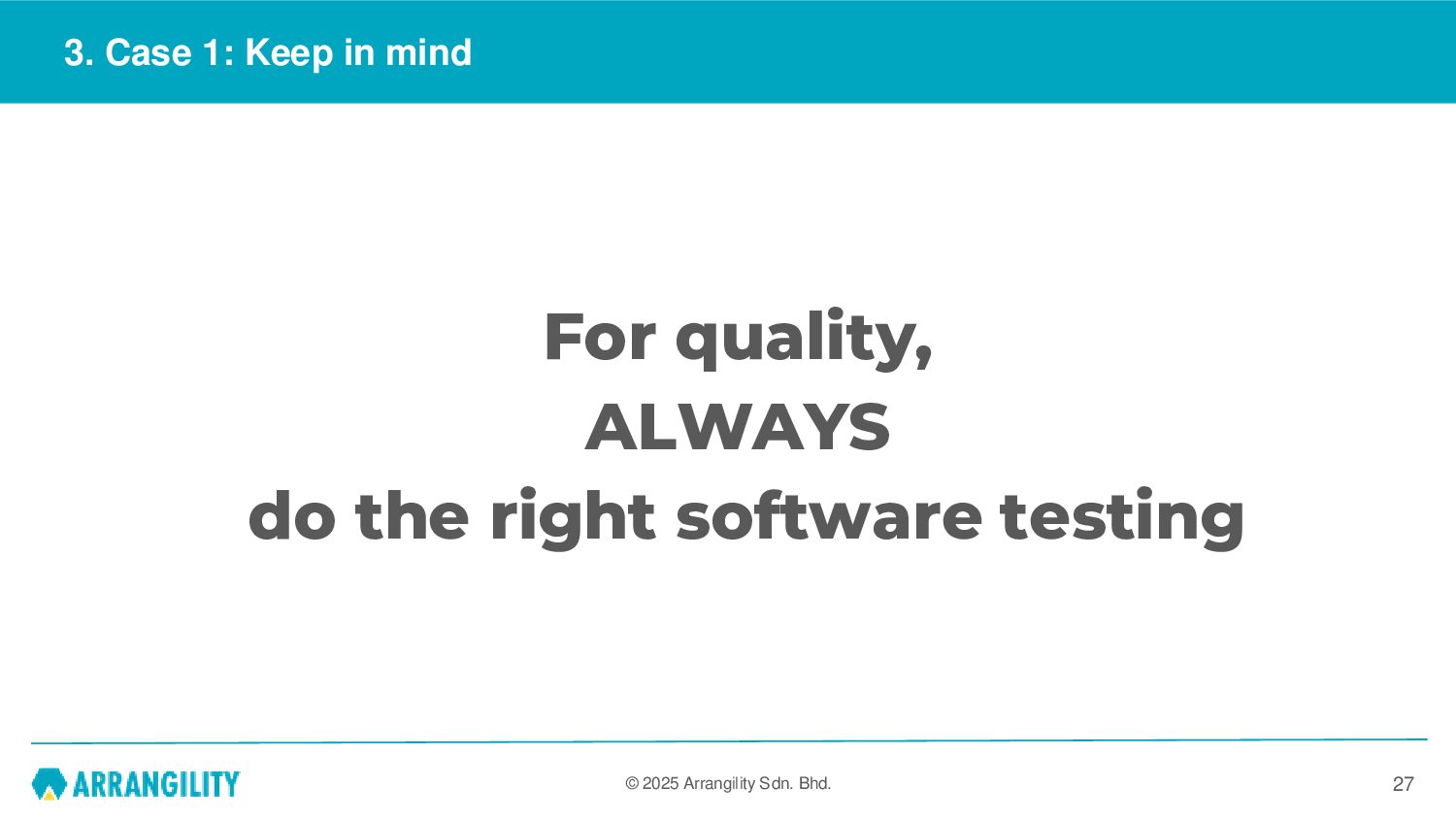
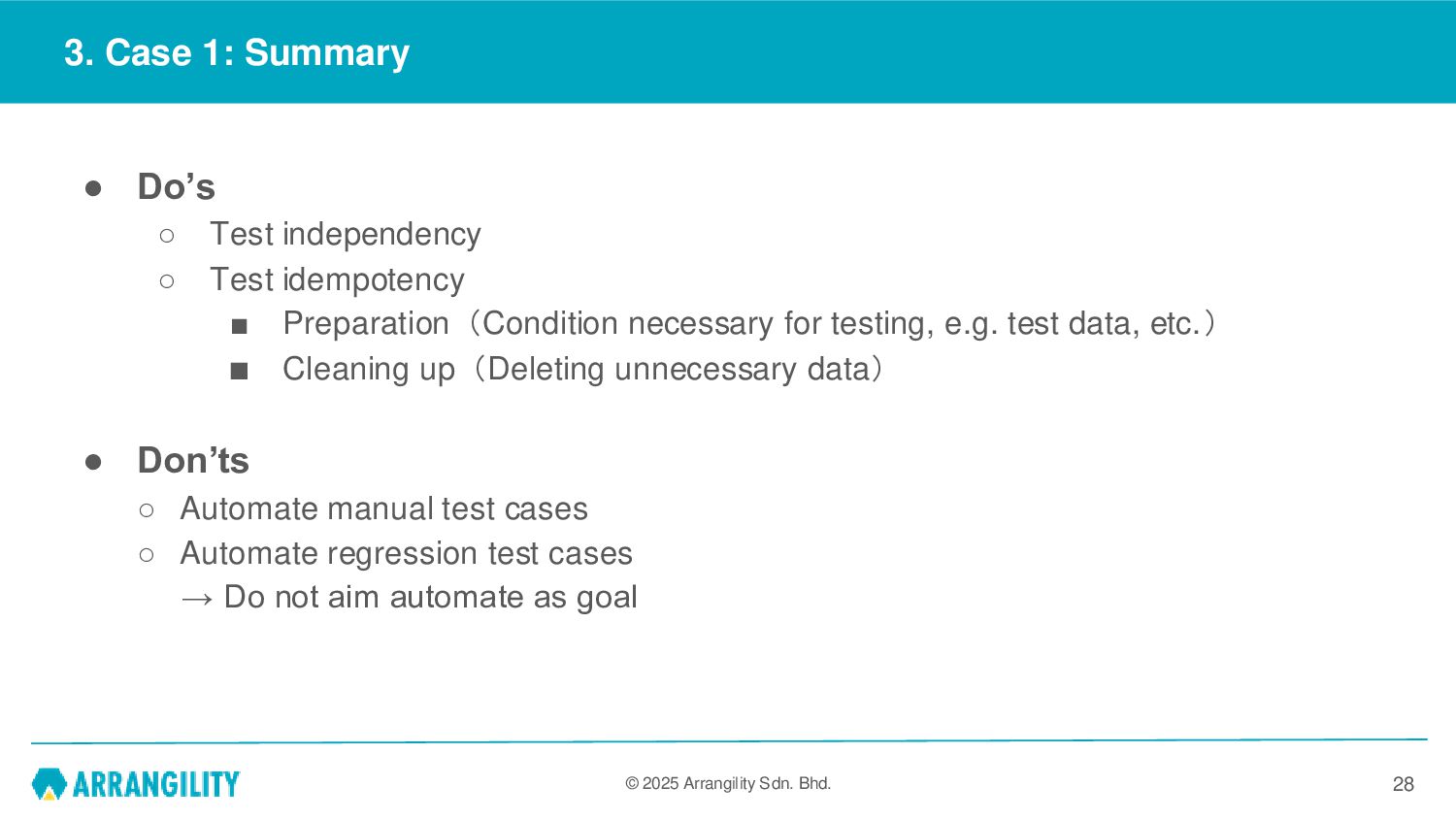
Do’s ◦ Test independency ◦ Test idempotency ▪ Preparation(Condition necessary for testing, e.g. test data, etc.) ▪ Cleaning up(Deleting unnecessary data) • Don’ts ◦ Automate manual test cases ◦ Automate regression test cases → Do not aim automate as goal 28
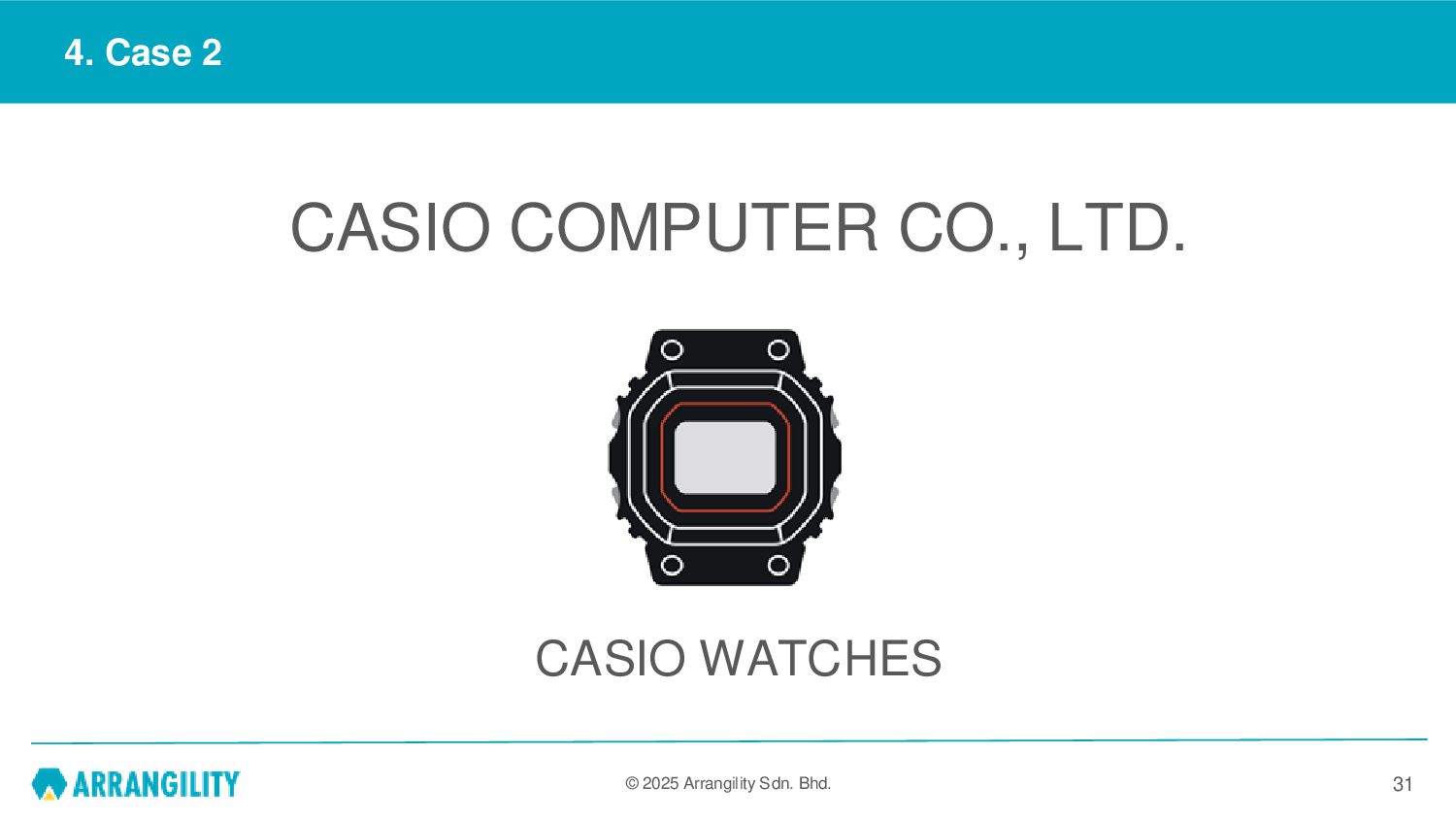
WATCHES」 conduct automated test focuses on regression checks, to confirm that basic functions are operating normally. • Goal ◦ Early detection of defects during development, reduction of rework, reduction of development cost, and reduction of testing man-hours ◦ Overall check after production release, early detection of market defects, ensuring market quality • Target ◦ Regression testing in development environment (regression testing) ◦ Regression testing in production environment (regression testing) 32
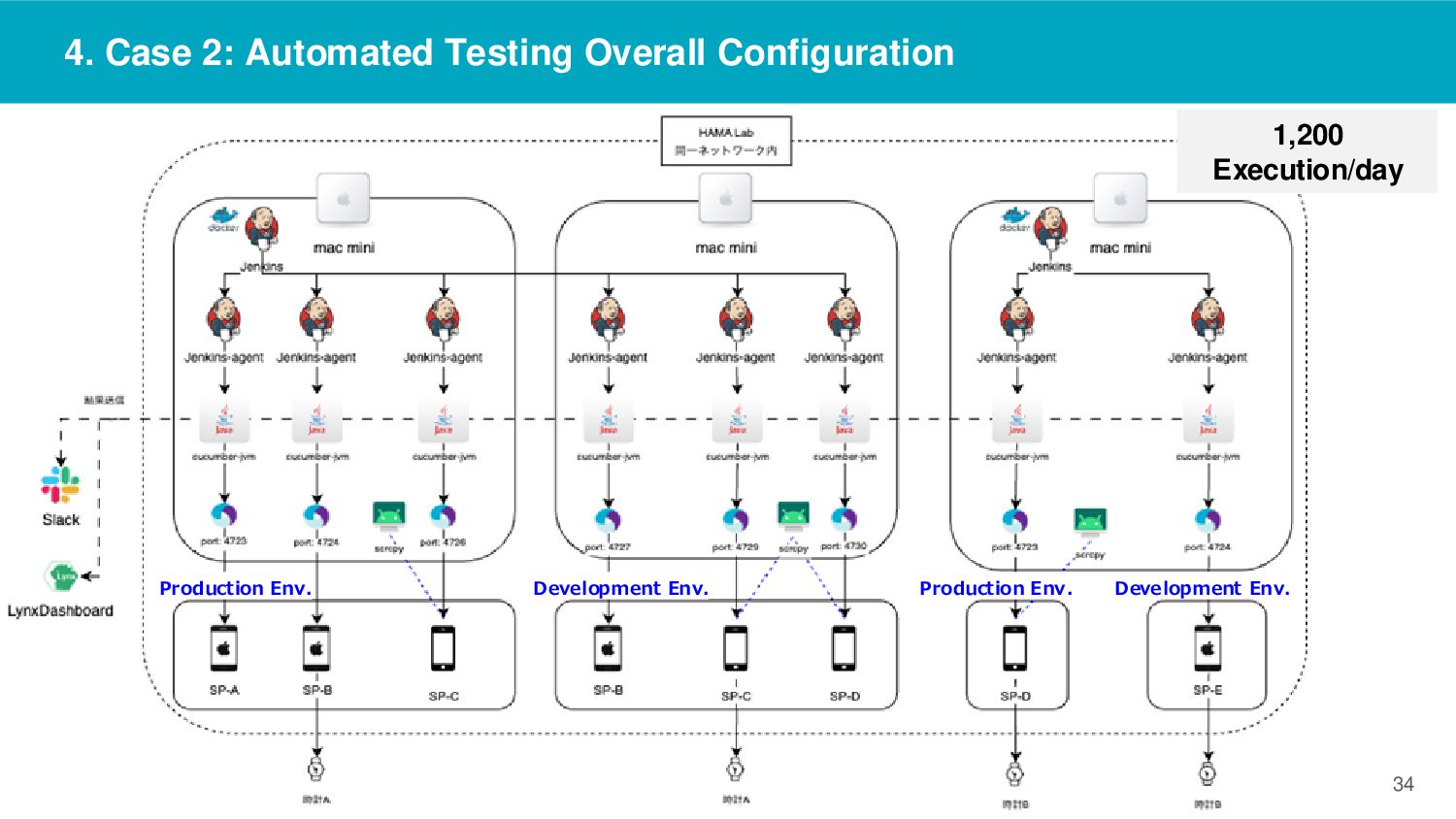
Target App ◦ Production app ◦ Development app ◦ (just before release) • Test Content ◦ Functional test ◦ 284 cases/suite • Text Execution Frequency ◦ Run twice a day(12 AM, 12 PM) 33
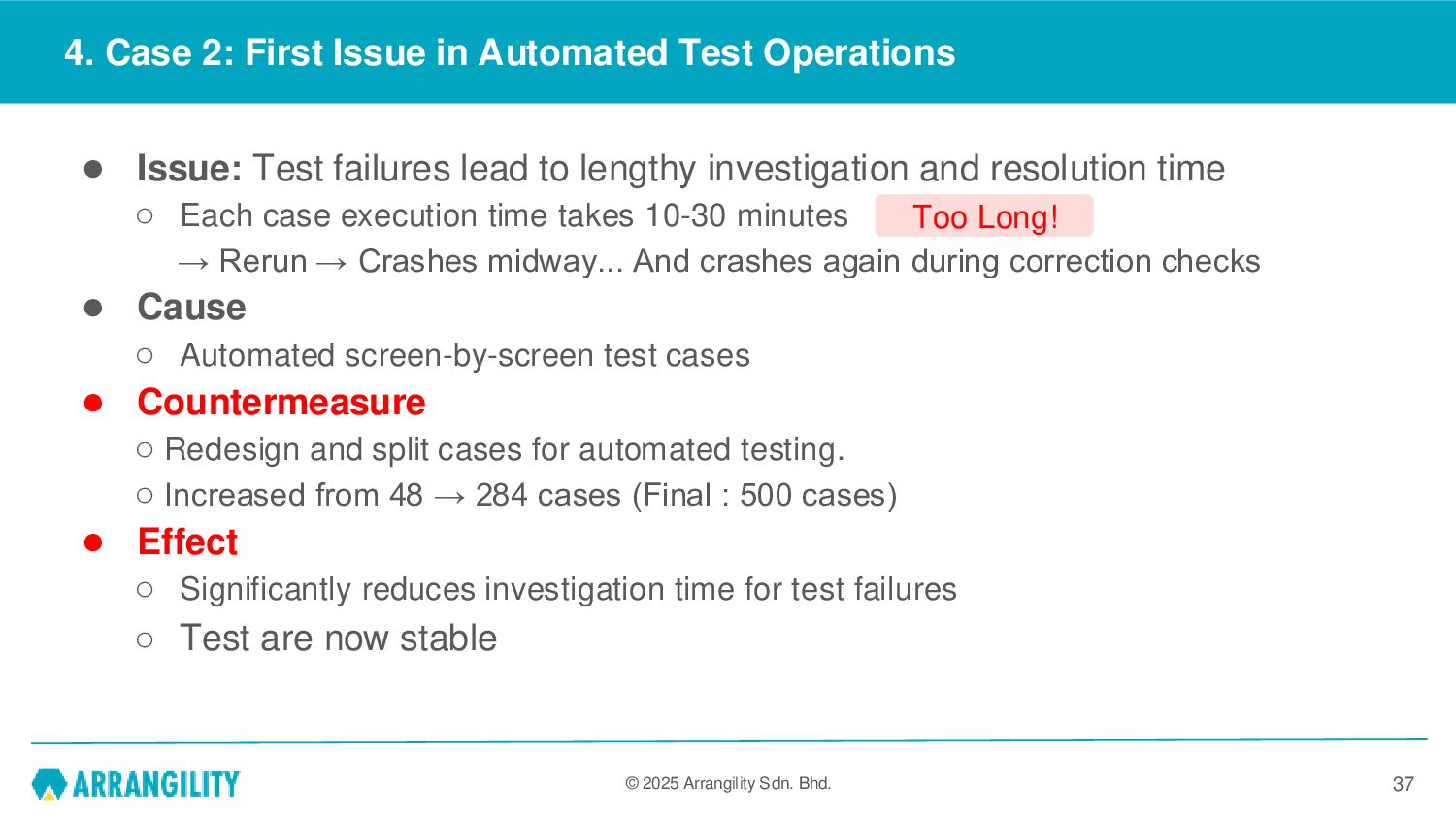
in Automated Test Operations • Issue: Test failures lead to lengthy investigation and resolution time ◦ Each case execution time takes 10-30 minutes → Rerun → Crashes midway... And crashes again during correction checks • Cause ◦ Automated screen-by-screen test cases • Countermeasure ◦ Redesign and split cases for automated testing. ◦ Increased from 48 → 284 cases (Final : 500 cases) • Effect ◦ Significantly reduces investigation time for test failures ◦ Test are now stable 37 Too Long!
in Automated Test Operations • Issue: Tests fail due to minor screen changes ◦ Frequent modification of test scripts, leading to instability (There were always a lot of unstable parts) • Cause ◦ Long XPATH changes during scrolling ◦ Accuracy issues with OpenCV image matching • Countermeasure ◦ Add an ID (recognized by Appium) • Effect ◦ Test are now stable ◦ Enhanced collaboration with the development team 38
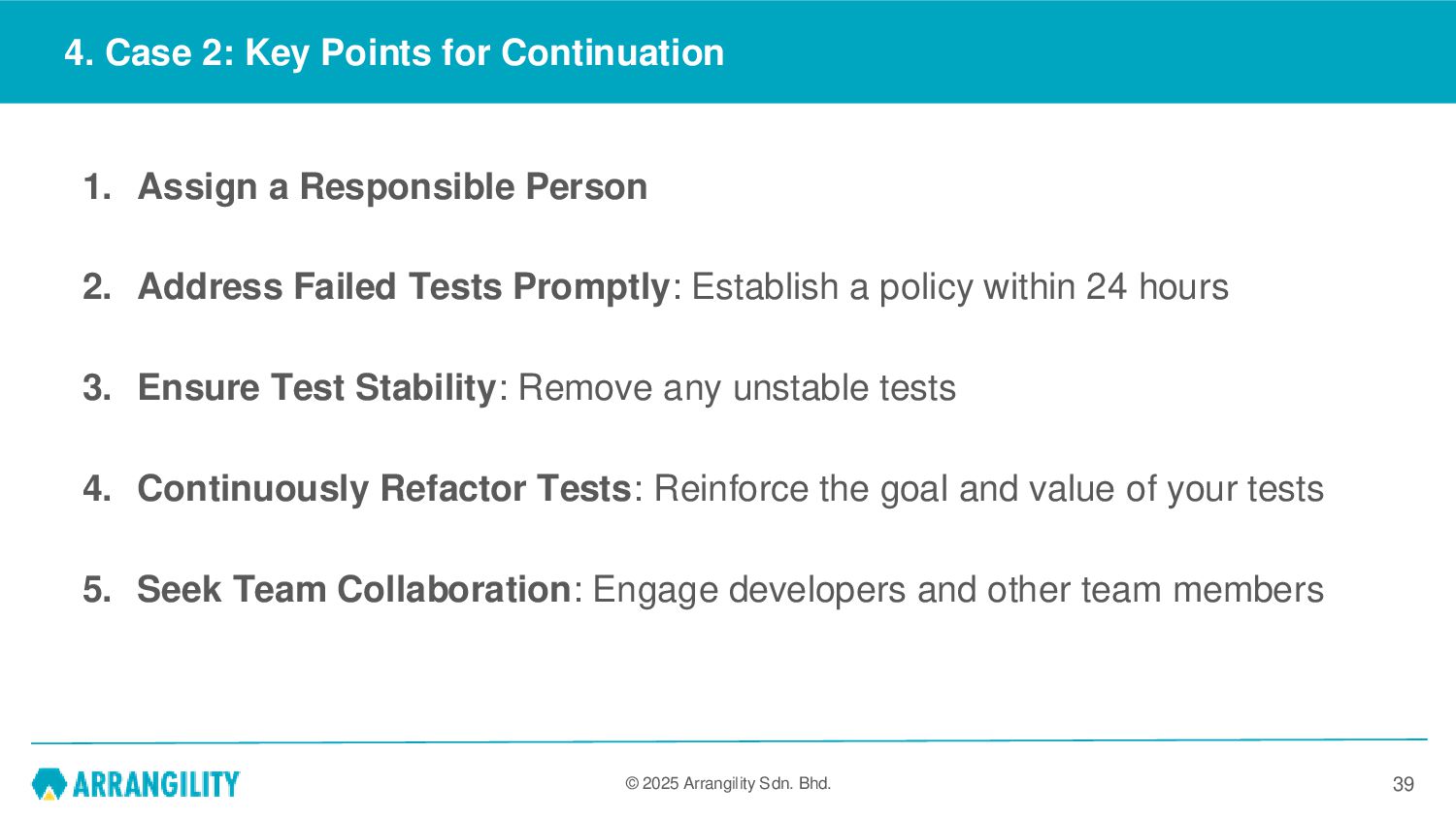
for Continuation 1. Assign a Responsible Person 2. Address Failed Tests Promptly: Establish a policy within 24 hours 3. Ensure Test Stability: Remove any unstable tests 4. Continuously Refactor Tests: Reinforce the goal and value of your tests 5. Seek Team Collaboration: Engage developers and other team members 39


 tomasagi
 pfn
pfn
 riyaamemiya
 oikon48
 yu23ki14
 odashi
 terurou
 kizawa2020
 gionn
gionn
 kairim0
 ivry_presentationmaterials
 yut0naga1_fa
 ueponx
 rakko
rakko
 aleyda
 tammielis
 palkan
 frankvandijk
 lynnandtonic
 marktimemedia
 letsgokoyo
 ammeep
 keavy
keavy
 notwaldorf
 twada
twada