Latest version of the Coccinelle Either installl it from the package manager [Coccinelle is available with around 10 linux distros including Fedora, Ubuntu, Debian, ArchLinux etc.]. Or build it from the source. (https://github.com/coccinelle/coccinelle)
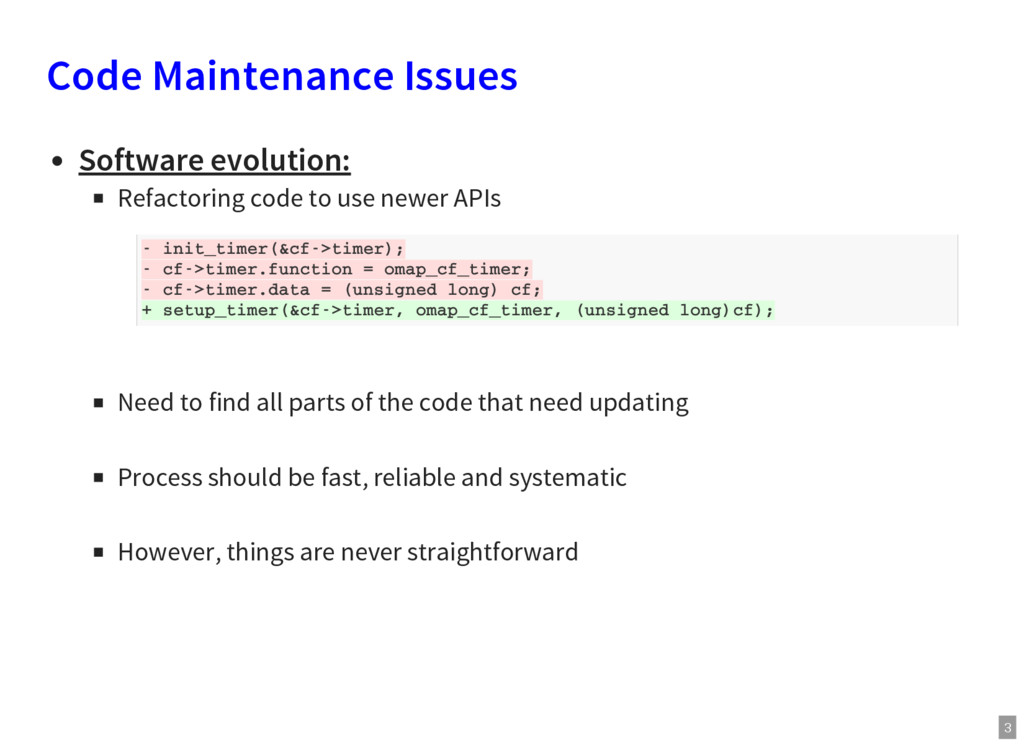
newer APIs Need to find all parts of the code that need updating Process should be fast, reliable and systematic However, things are never straightforward - init_timer(&cf->timer); - cf->timer.function = omap_cf_timer; - cf->timer.data = (unsigned long) cf; + setup_timer(&cf->timer, omap_cf_timer, (unsigned long)cf);
newer APIs Need to find all parts of the code that need updating Process should be fast, reliable and systematic However, things are never straightforward Software robustness: Are the programmers following the standards? Is the code accounting for all errors that can take place? Is the written code overly defensive?
newer APIs Need to find all parts of the code that need updating Process should be fast, reliable and systematic However, things are never straightforward Software robustness: Are the programmers following the standards? Is the code accounting for all errors that can take place? Is the written code overly defensive? The Human Factor: Mistakes can always happen
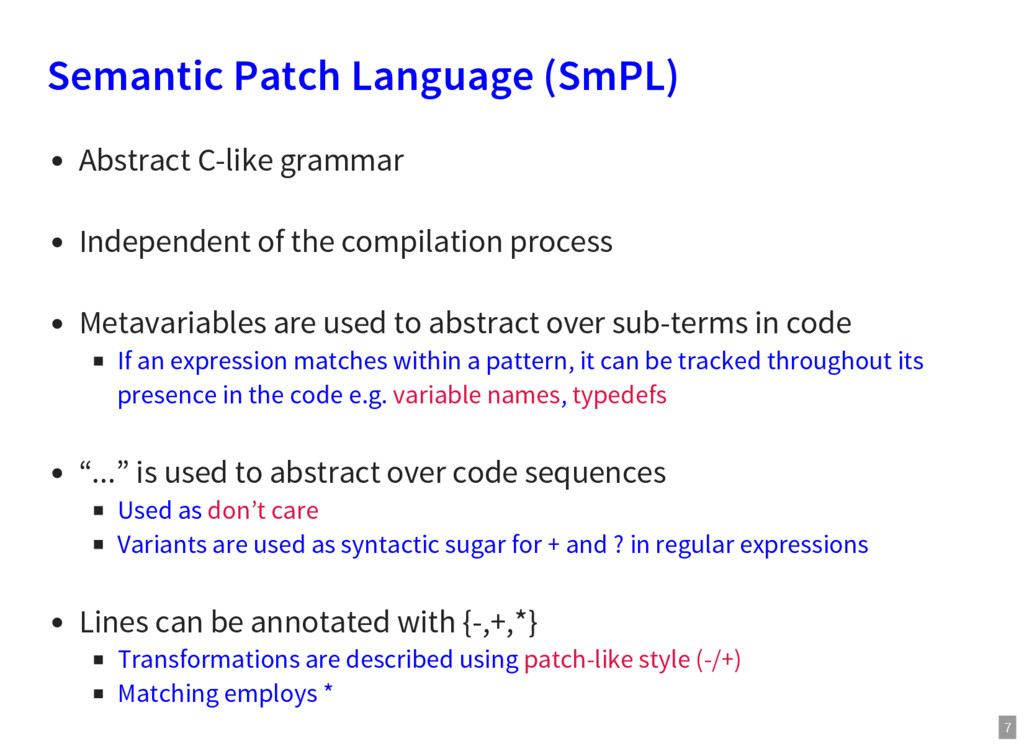
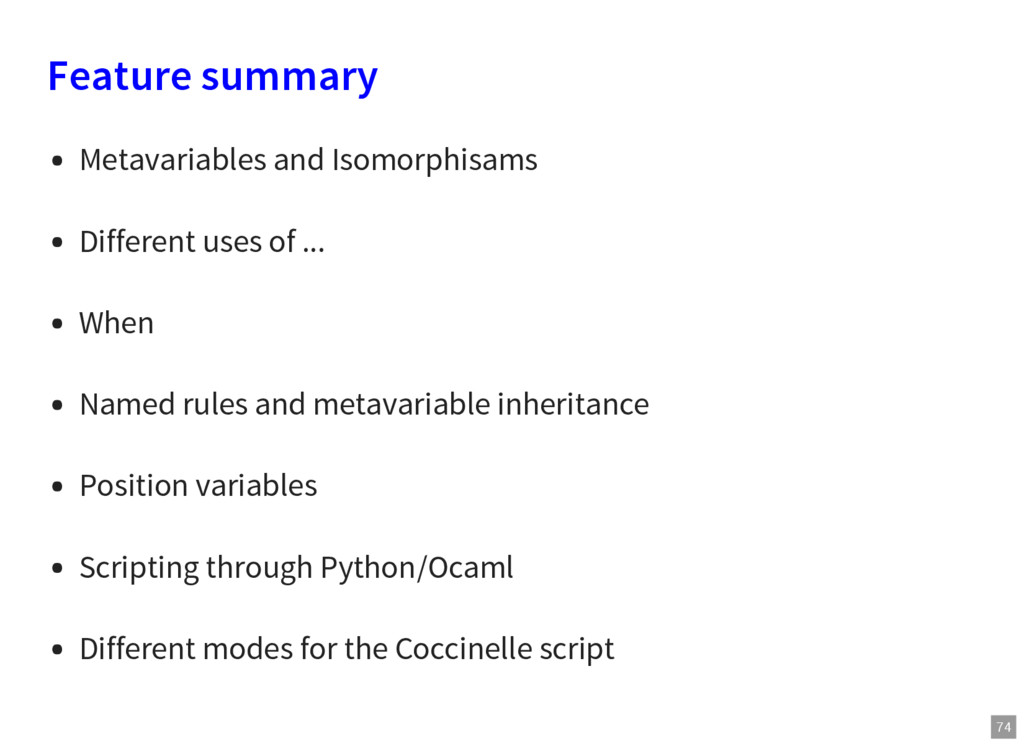
the compilation process Metavariables are used to abstract over sub-terms in code If an expression matches within a pattern, it can be tracked throughout its presence in the code e.g. variable names, typedefs “...” is used to abstract over code sequences Used as don’t care Variants are used as syntactic sugar for + and ? in regular expressions Lines can be annotated with {-,+,*} Transformations are described using patch-like style (-/+) Matching employs *
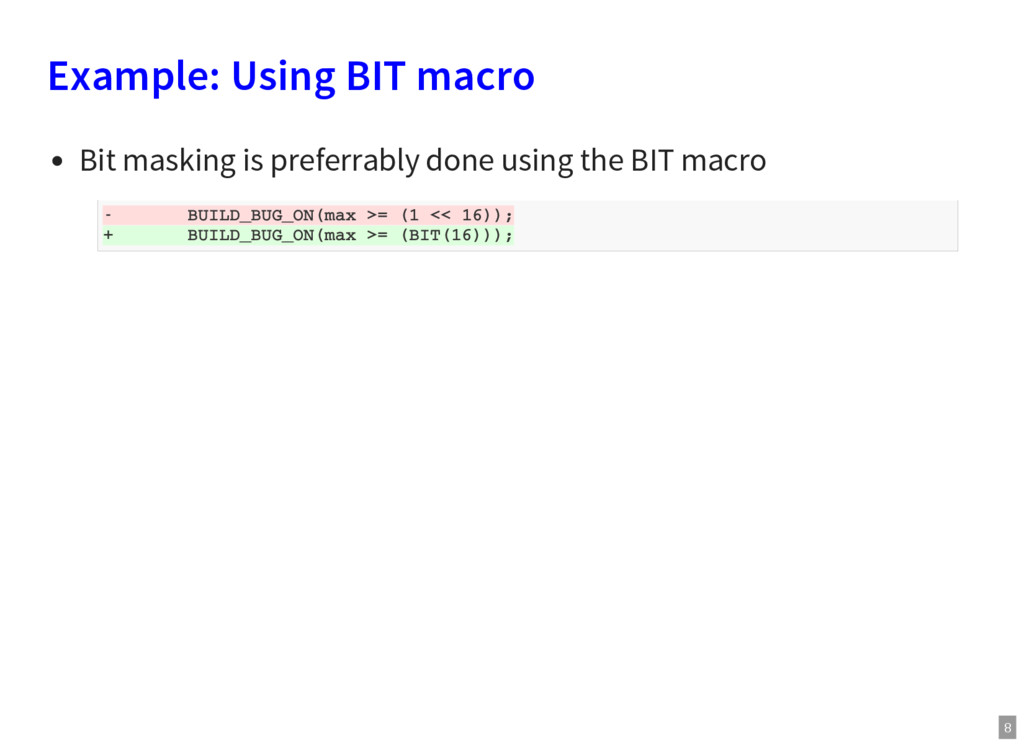
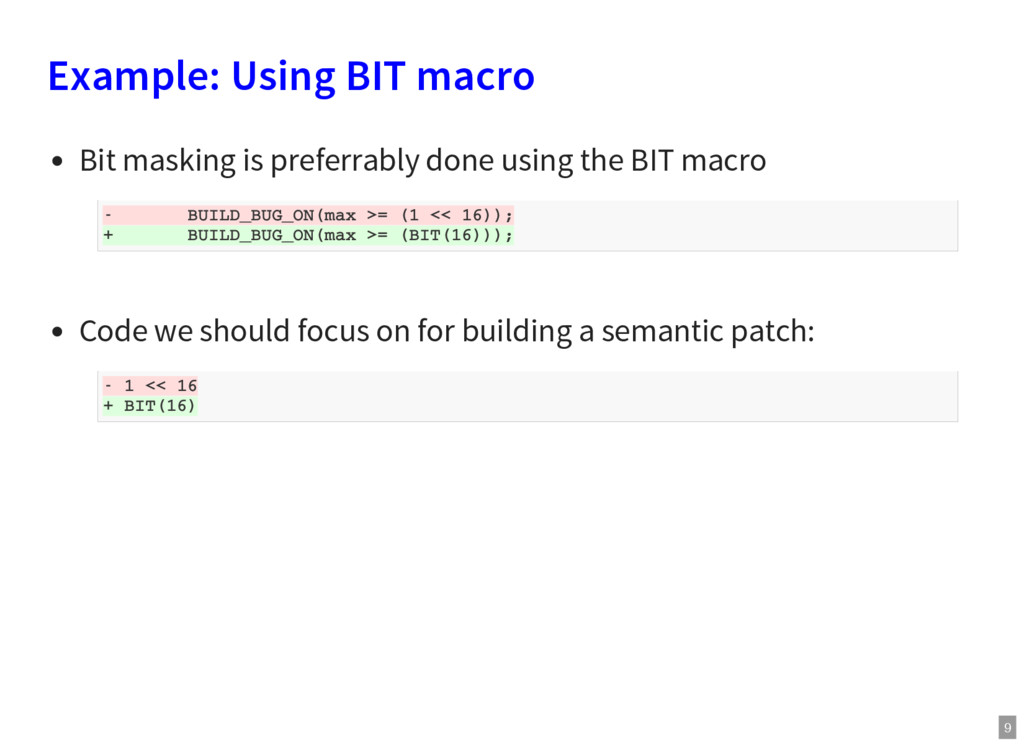
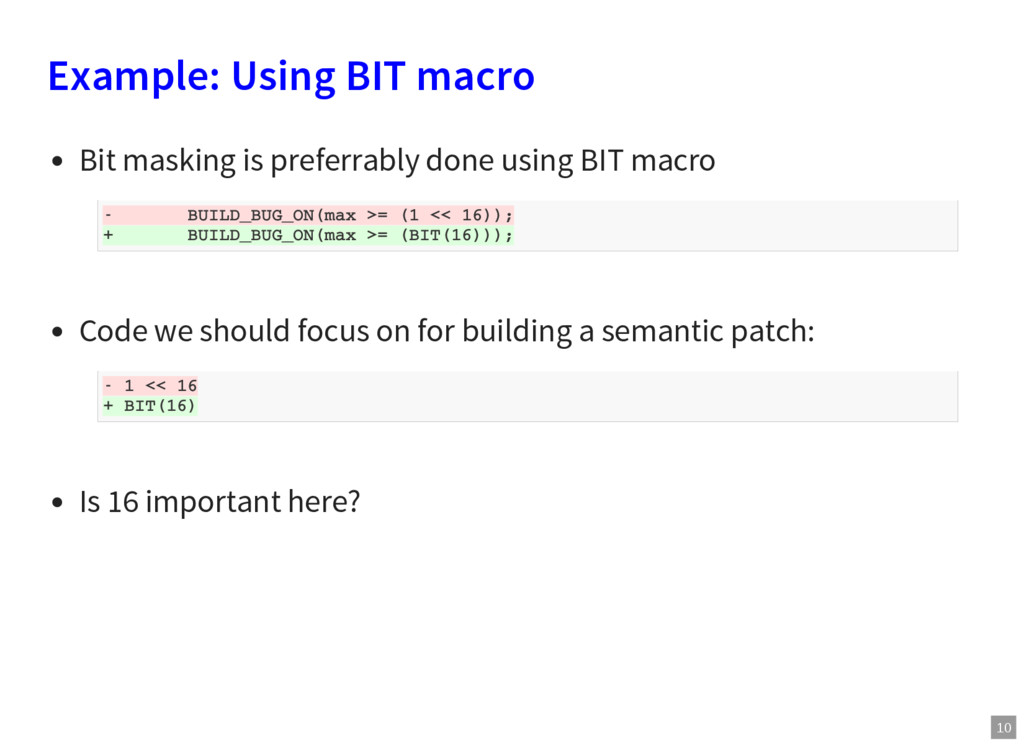
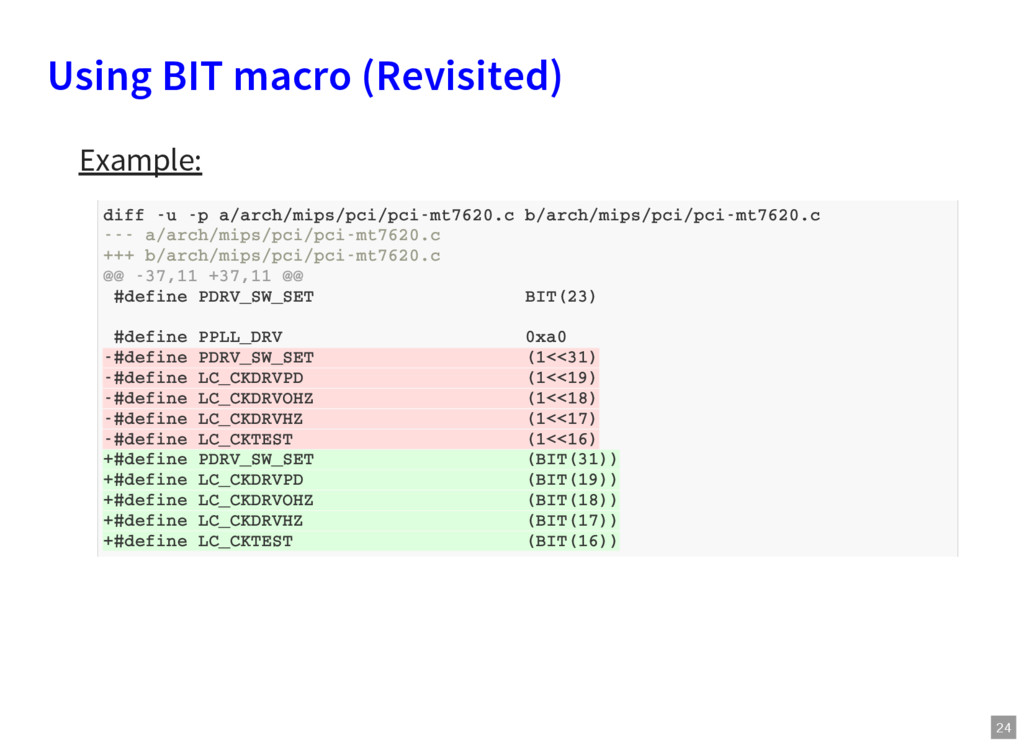
using the BIT macro Code we should focus on for building a semantic patch: - BUILD_BUG_ON(max >= (1 << 16)); + BUILD_BUG_ON(max >= (BIT(16))); - 1 << 16 + BIT(16)
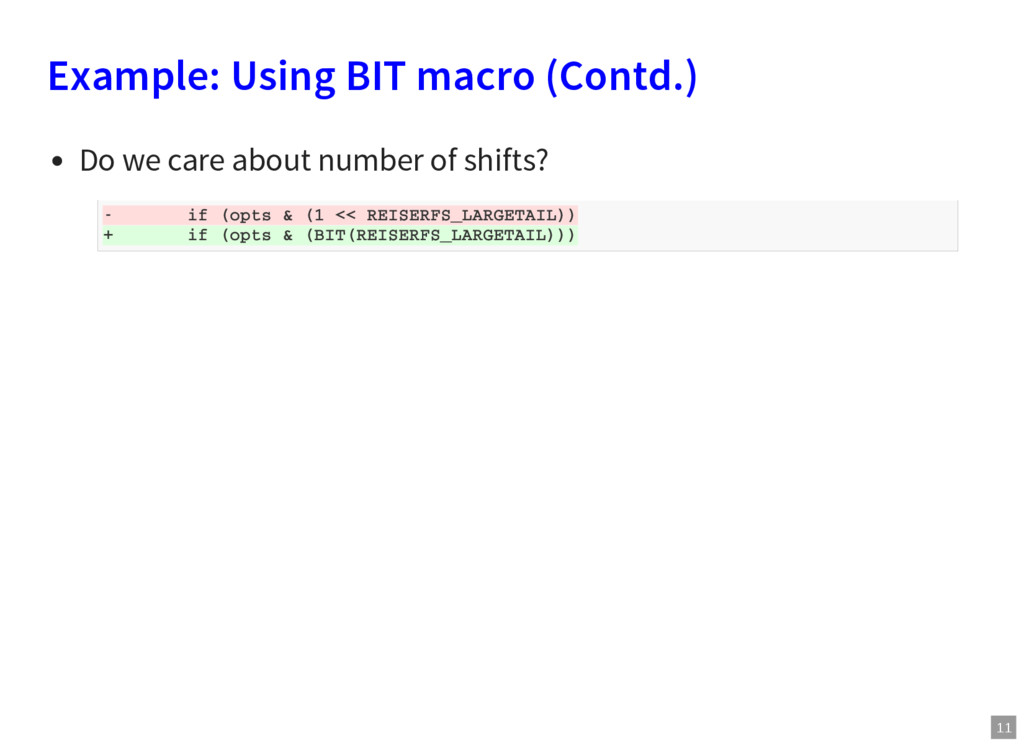
using BIT macro Code we should focus on for building a semantic patch: Is 16 important here? - BUILD_BUG_ON(max >= (1 << 16)); + BUILD_BUG_ON(max >= (BIT(16))); - 1 << 16 + BIT(16)
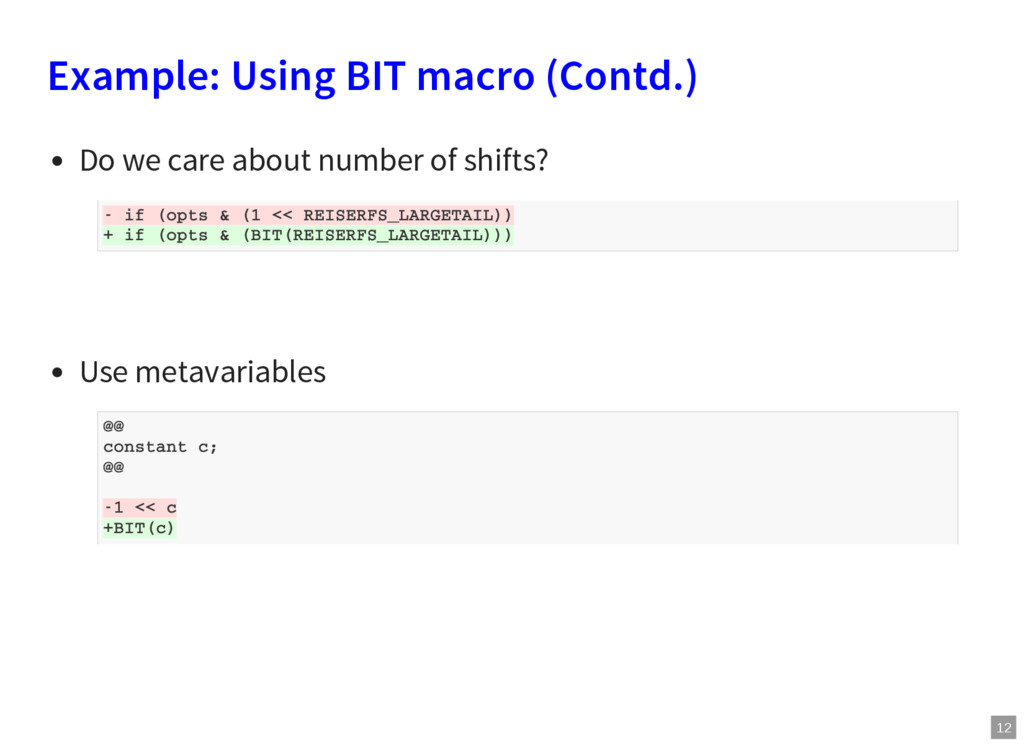
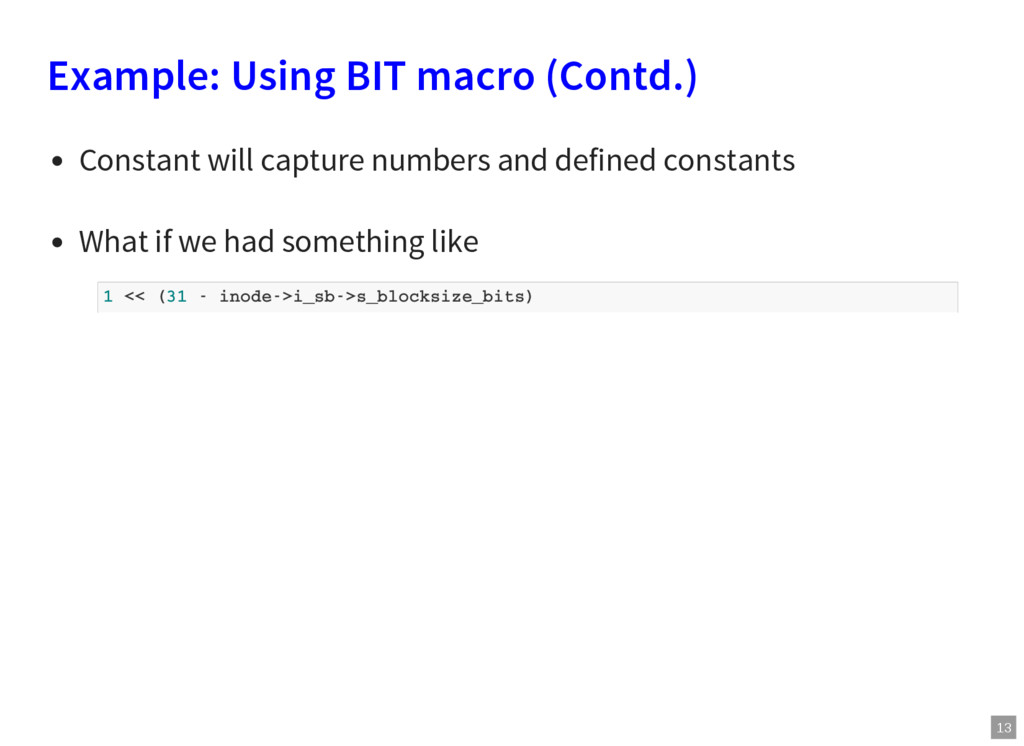
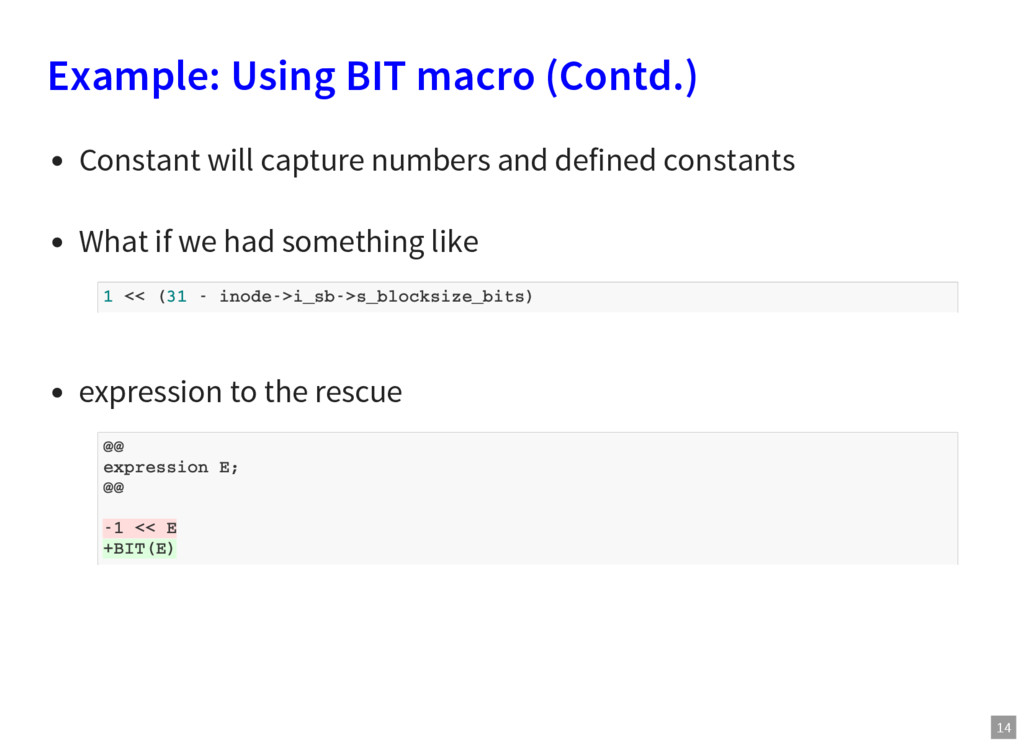
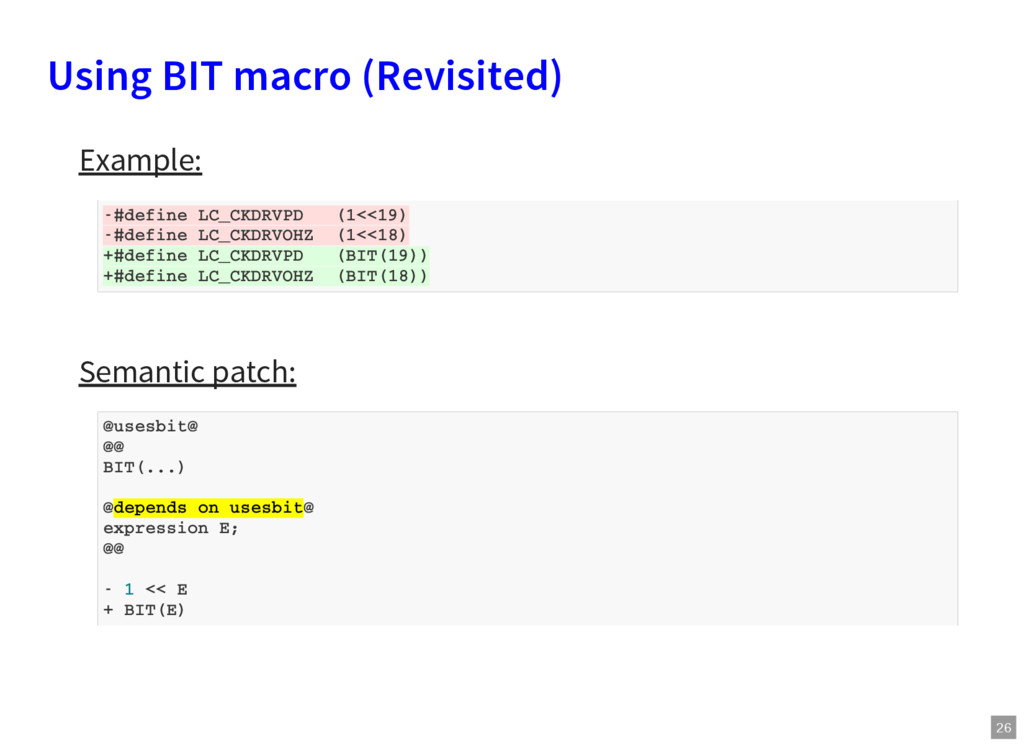
and defined constants What if we had something like expression to the rescue 1 << (31 - inode->i_sb->s_blocksize_bits) @@ expression E; @@ -1 << E +BIT(E)
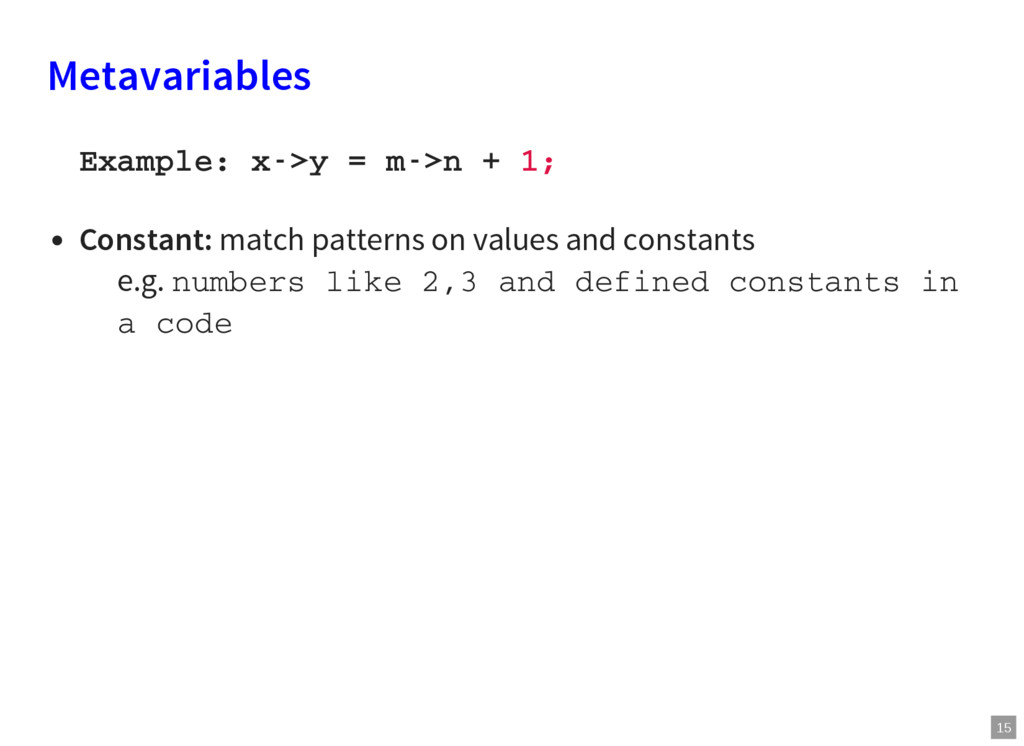
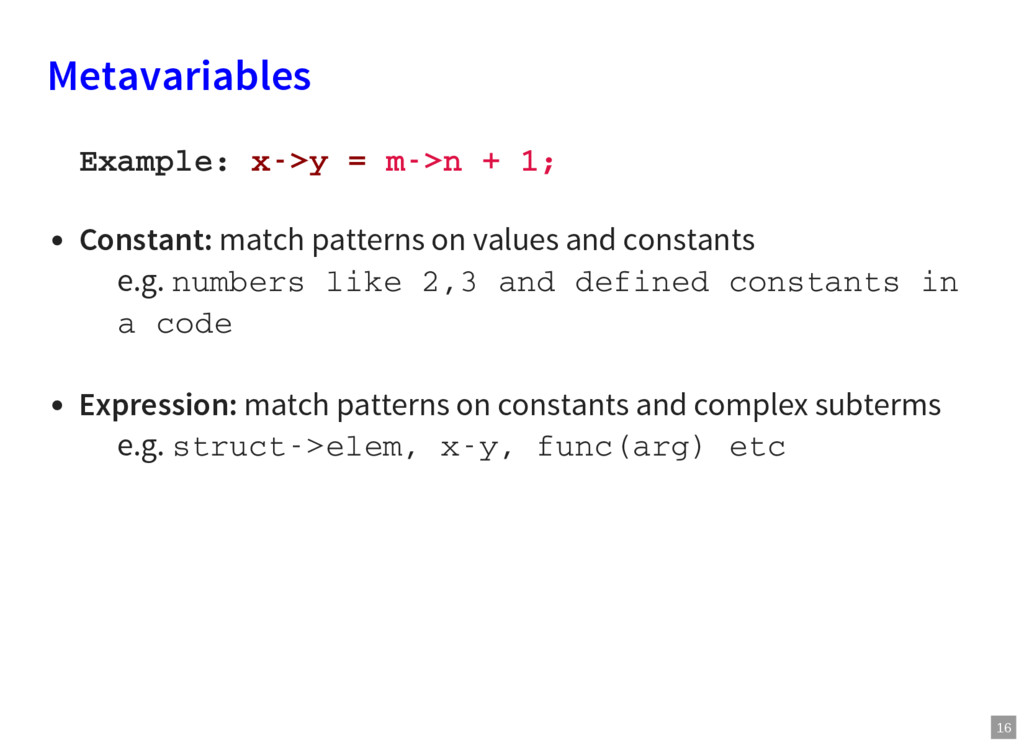
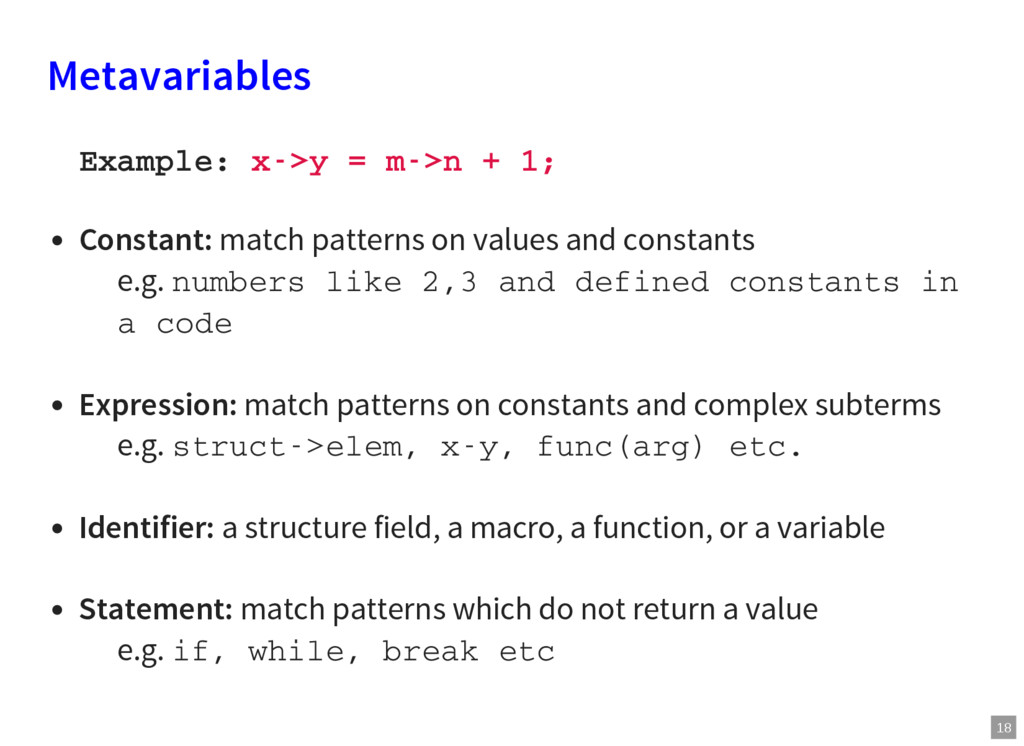
patterns on values and constants e.g. numbers like 2,3 and defined constants in a code Expression: match patterns on constants and complex subterms e.g. struct->elem, x-y, func(arg) etc
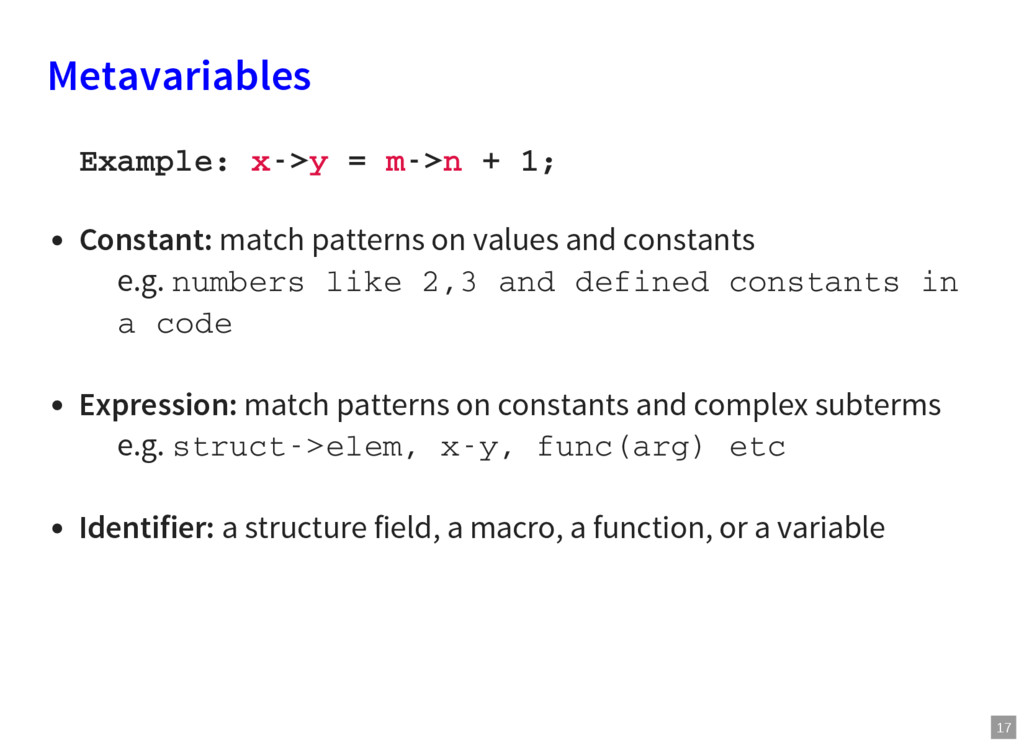
patterns on values and constants e.g. numbers like 2,3 and defined constants in a code Expression: match patterns on constants and complex subterms e.g. struct->elem, x-y, func(arg) etc Identifier: a structure field, a macro, a function, or a variable
patterns on values and constants e.g. numbers like 2,3 and defined constants in a code Expression: match patterns on constants and complex subterms e.g. struct->elem, x-y, func(arg) etc. Identifier: a structure field, a macro, a function, or a variable Statement: match patterns which do not return a value e.g. if, while, break etc
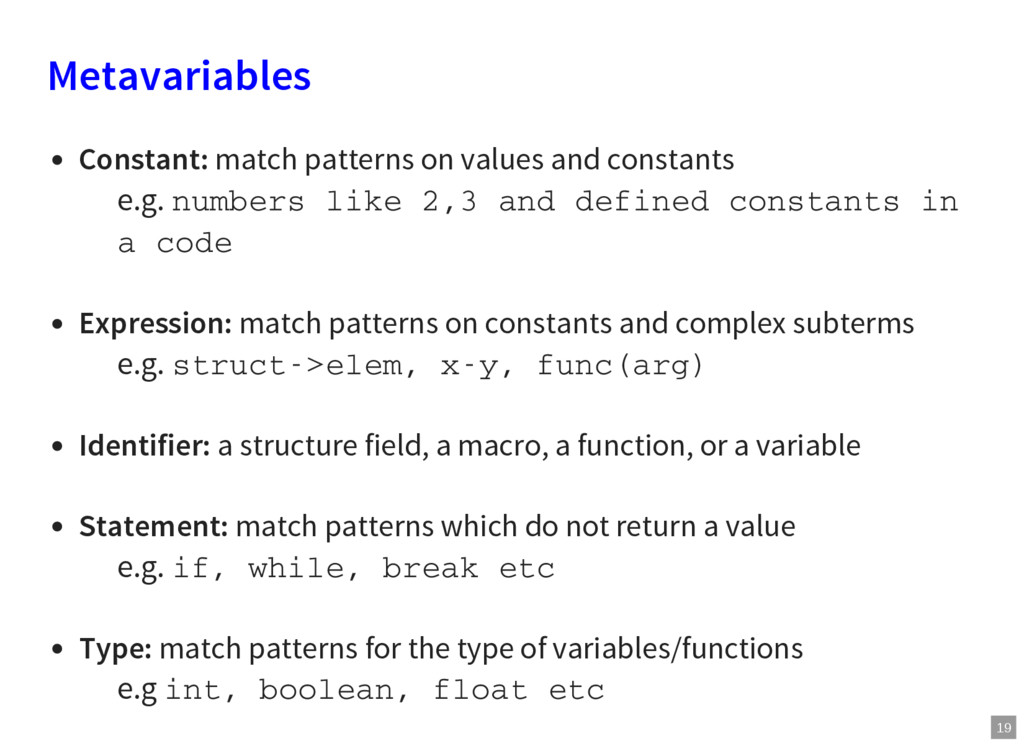
numbers like 2,3 and defined constants in a code Expression: match patterns on constants and complex subterms e.g. struct->elem, x-y, func(arg) Identifier: a structure field, a macro, a function, or a variable Statement: match patterns which do not return a value e.g. if, while, break etc Type: match patterns for the type of variables/functions e.g int, boolean, float etc
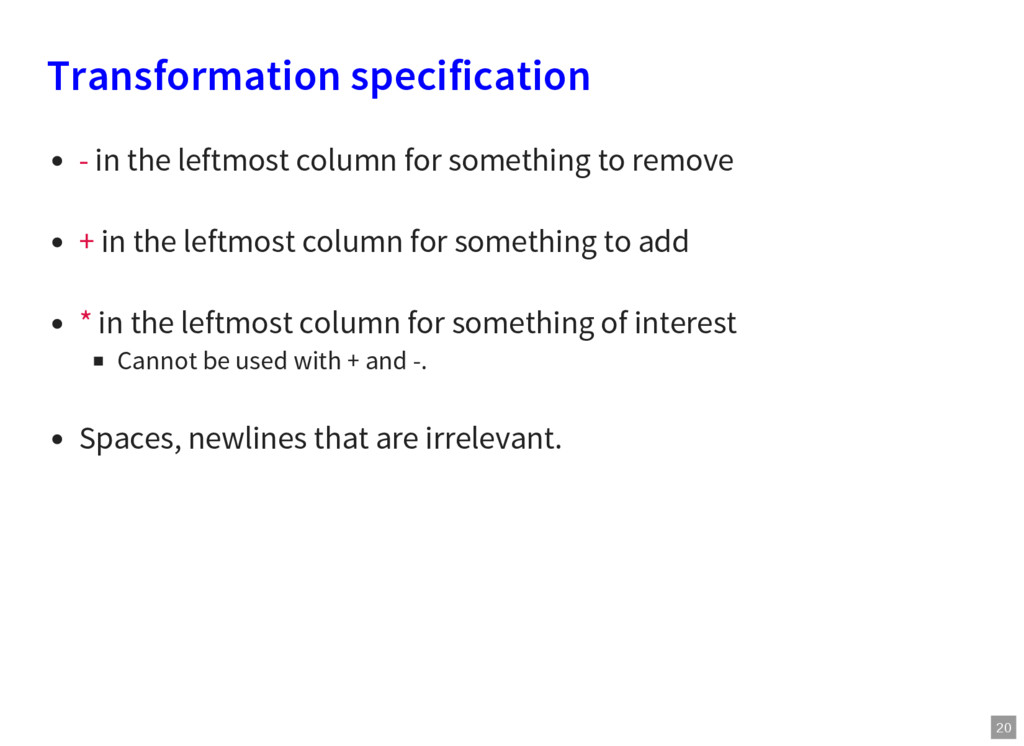
to remove + in the leftmost column for something to add * in the leftmost column for something of interest Cannot be used with + and -. Spaces, newlines that are irrelevant.
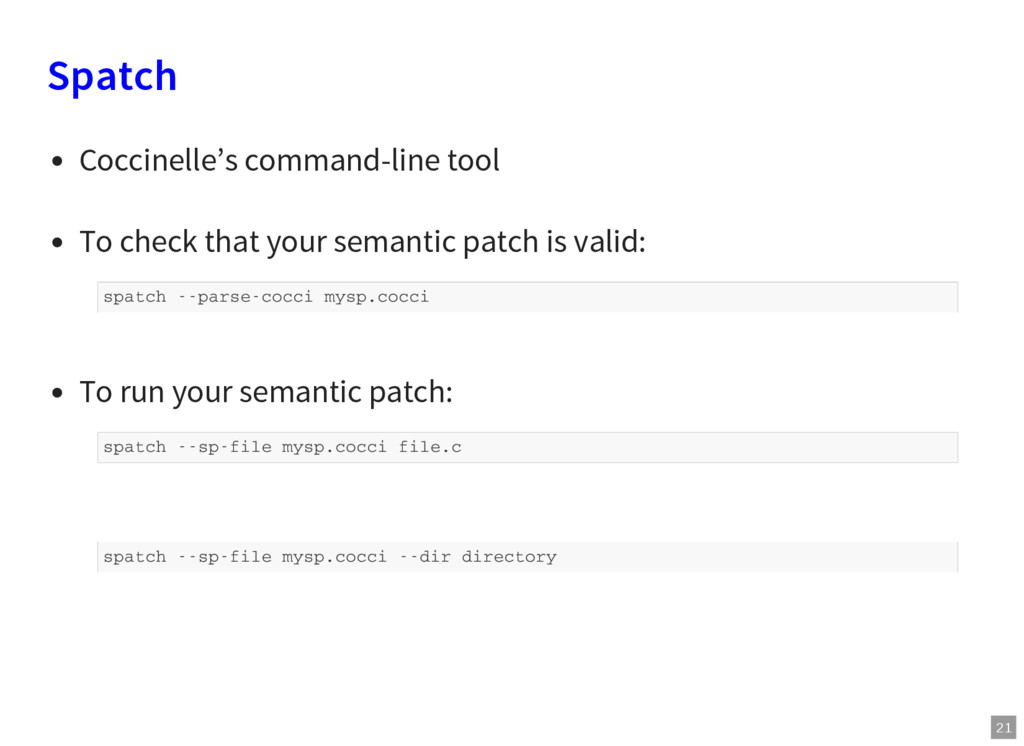
patch is valid: To run your semantic patch: spatch --parse-cocci mysp.cocci spatch --sp-file mysp.cocci file.c spatch --sp-file mysp.cocci --dir directory
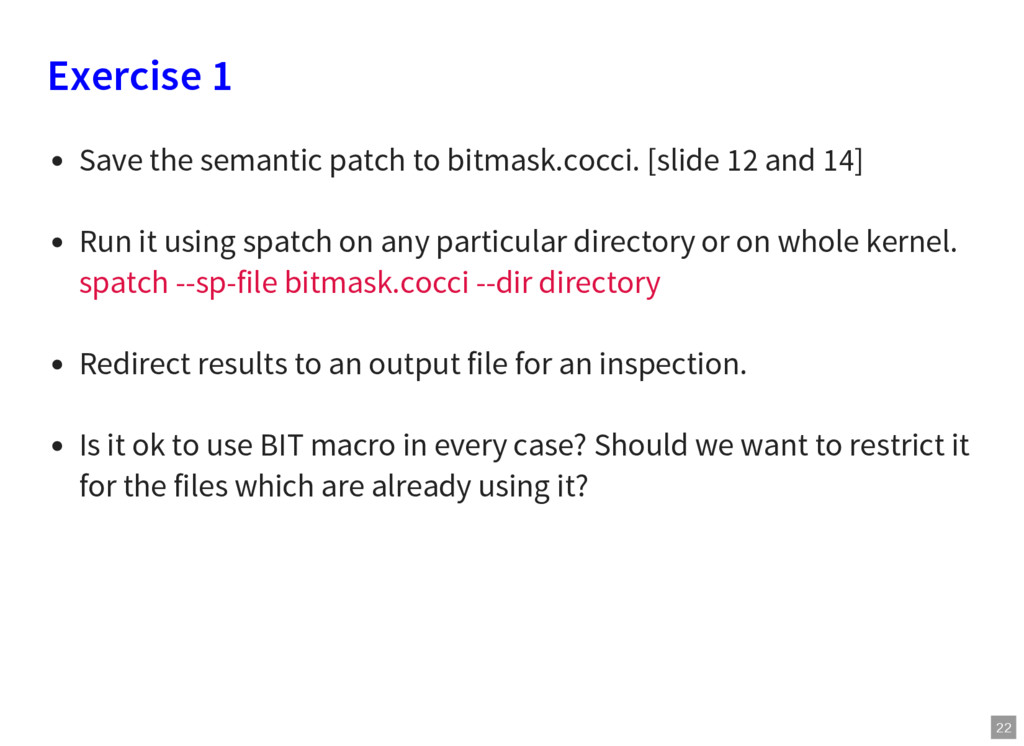
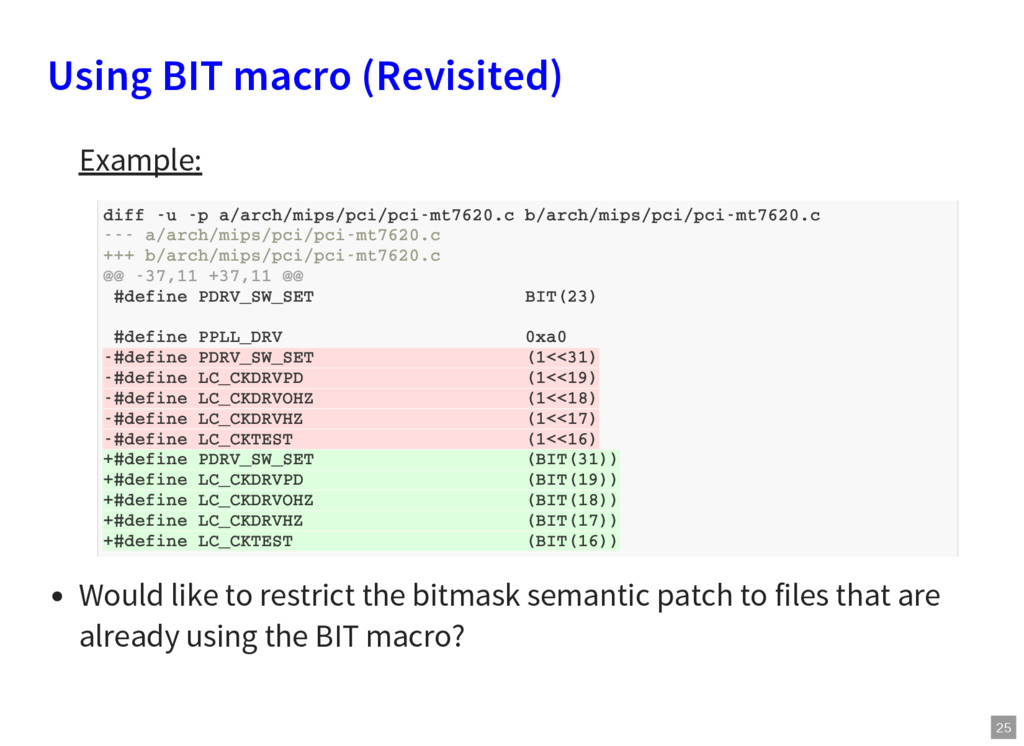
12 and 14] Run it using spatch on any particular directory or on whole kernel. spatch --sp-file bitmask.cocci --dir directory Redirect results to an output file for an inspection. Is it ok to use BIT macro in every case? Should we want to restrict it for the files which are already using it?
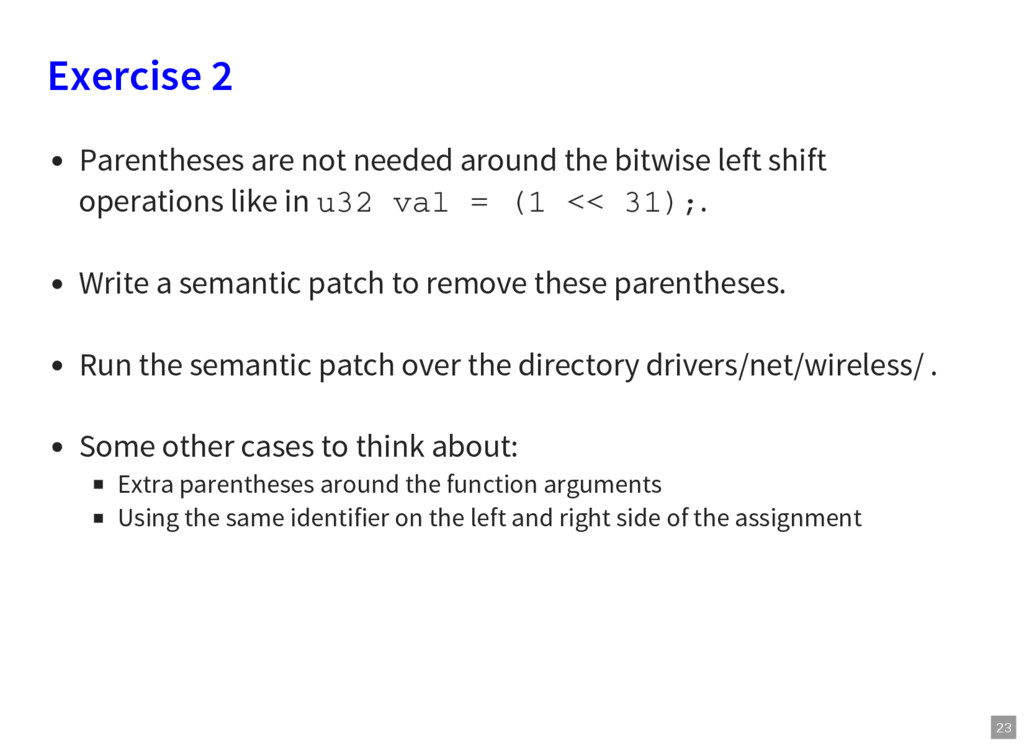
left shift operations like in u32 val = (1 << 31);. Write a semantic patch to remove these parentheses. Run the semantic patch over the directory drivers/net/wireless/ . Some other cases to think about: Extra parentheses around the function arguments Using the same identifier on the left and right side of the assignment
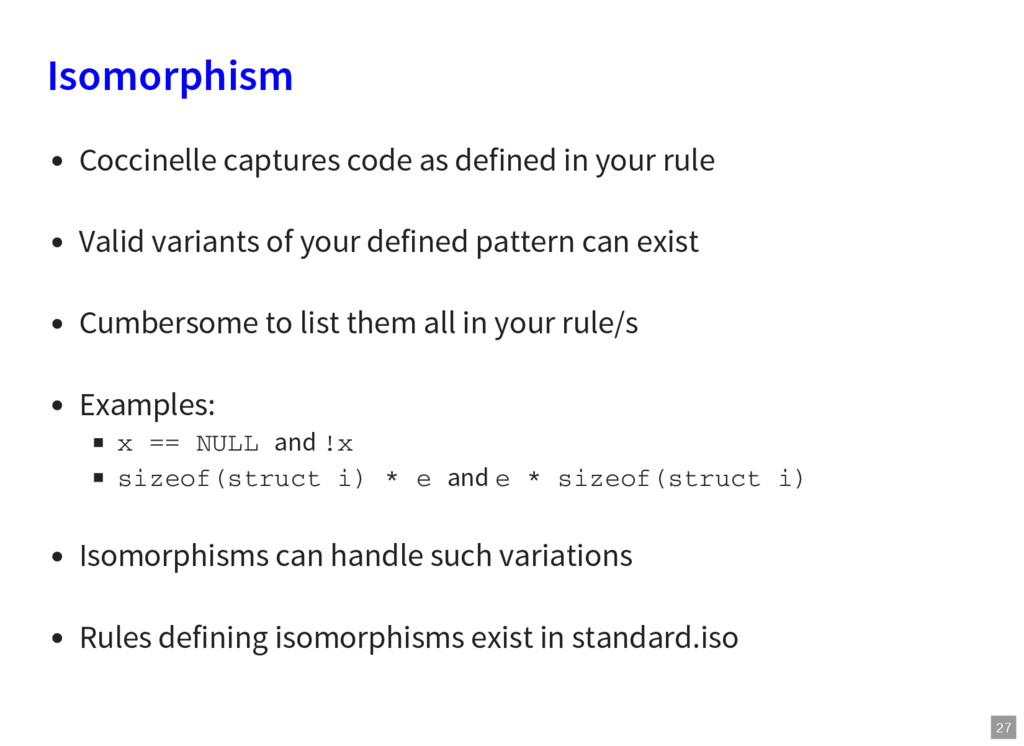
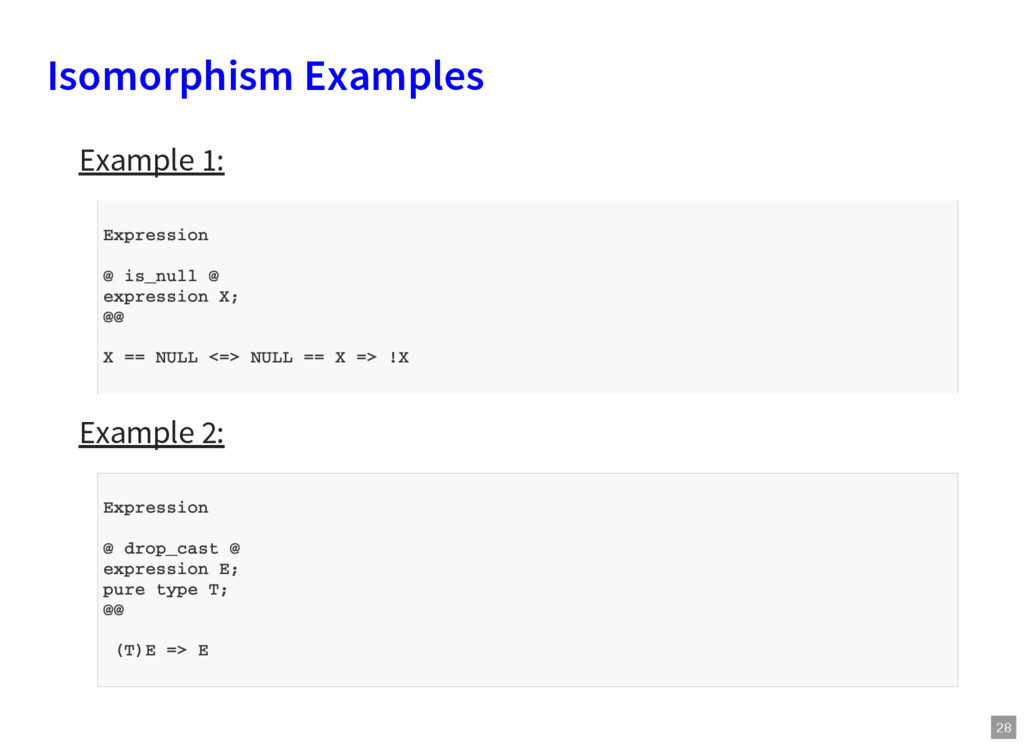
Valid variants of your defined pattern can exist Cumbersome to list them all in your rule/s Examples: x == NULL and !x sizeof(struct i) * e and e * sizeof(struct i) Isomorphisms can handle such variations Rules defining isomorphisms exist in standard.iso
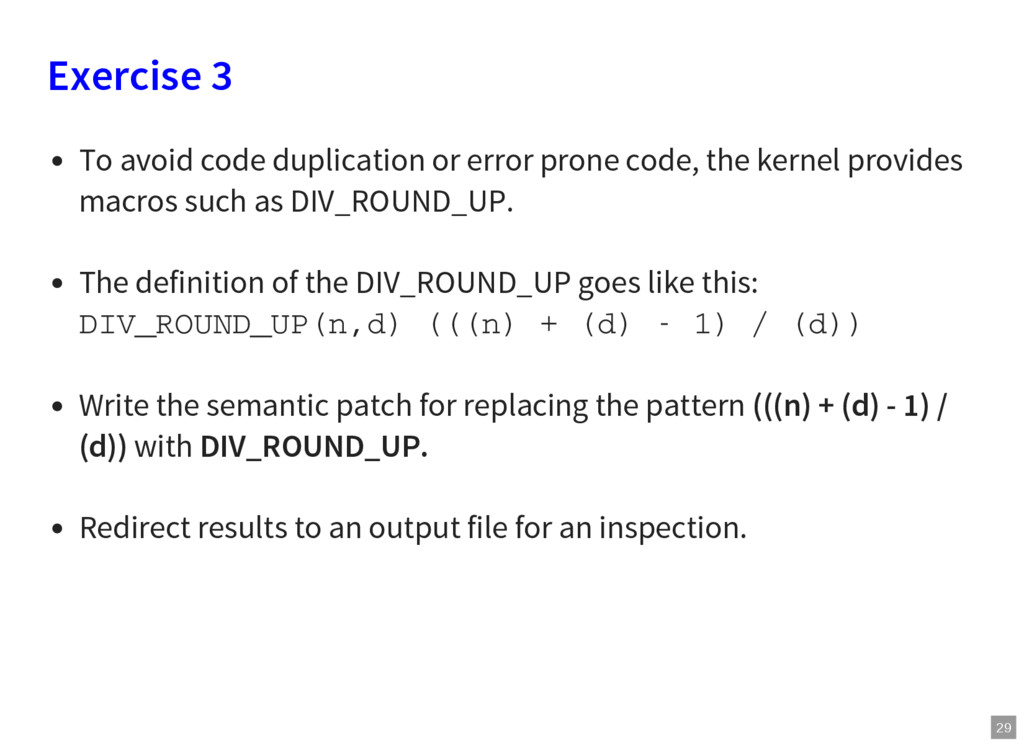
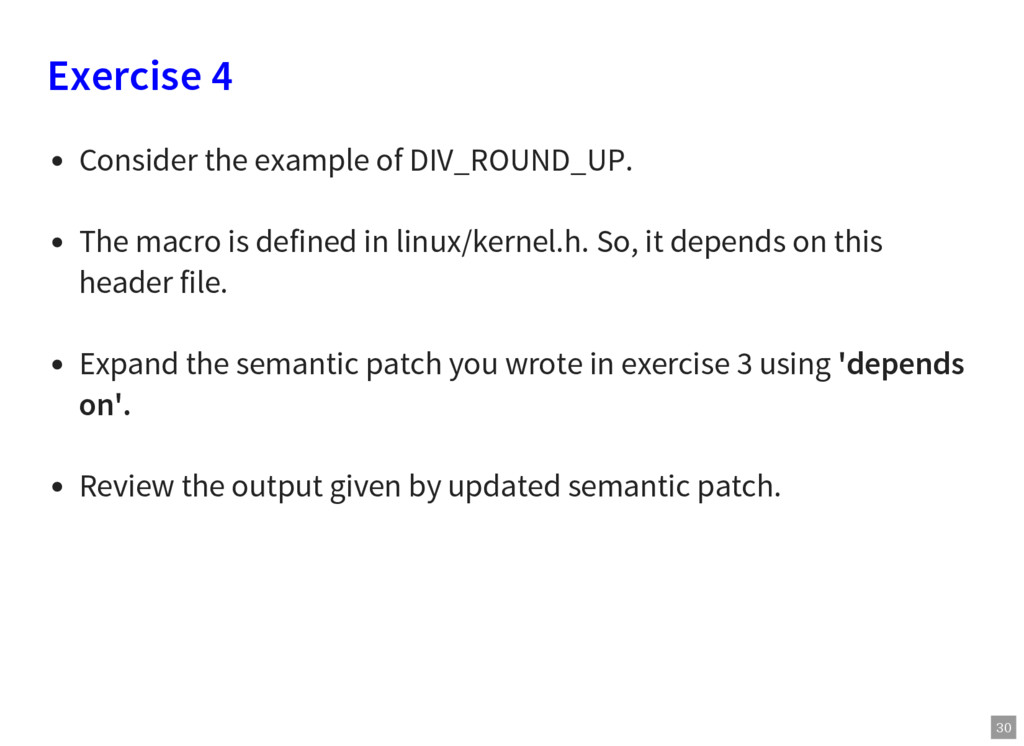
code, the kernel provides macros such as DIV_ROUND_UP. The definition of the DIV_ROUND_UP goes like this: DIV_ROUND_UP(n,d) (((n) + (d) - 1) / (d)) Write the semantic patch for replacing the pattern (((n) + (d) - 1) / (d)) with DIV_ROUND_UP. Redirect results to an output file for an inspection.
is defined in linux/kernel.h. So, it depends on this header file. Expand the semantic patch you wrote in exercise 3 using 'depends on'. Review the output given by updated semantic patch.
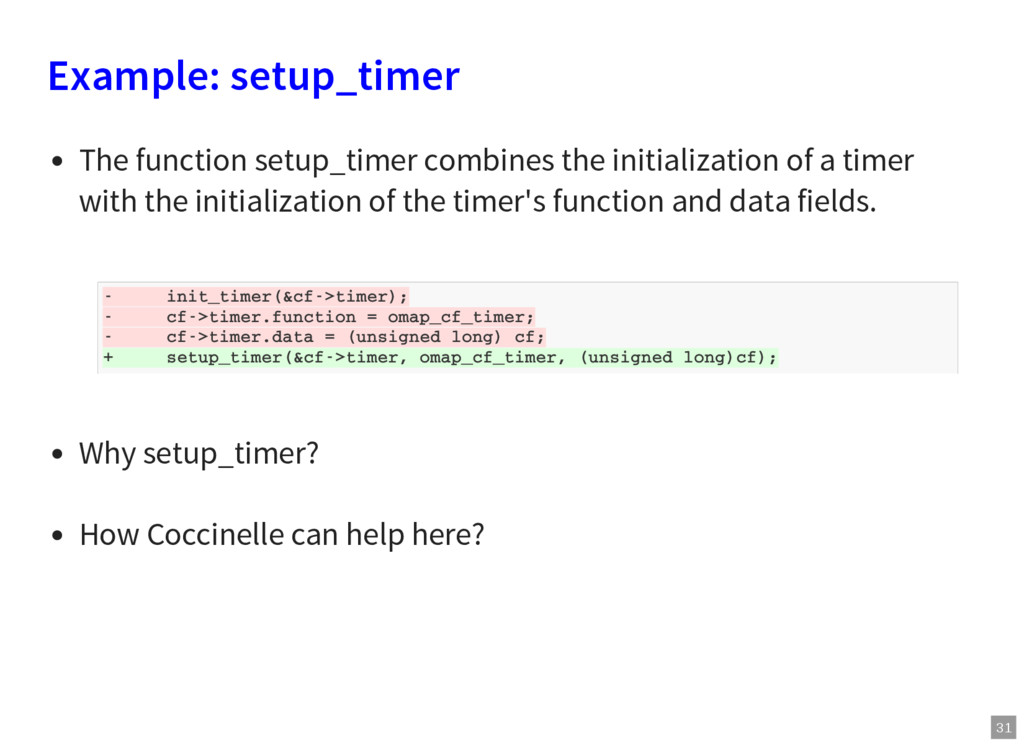
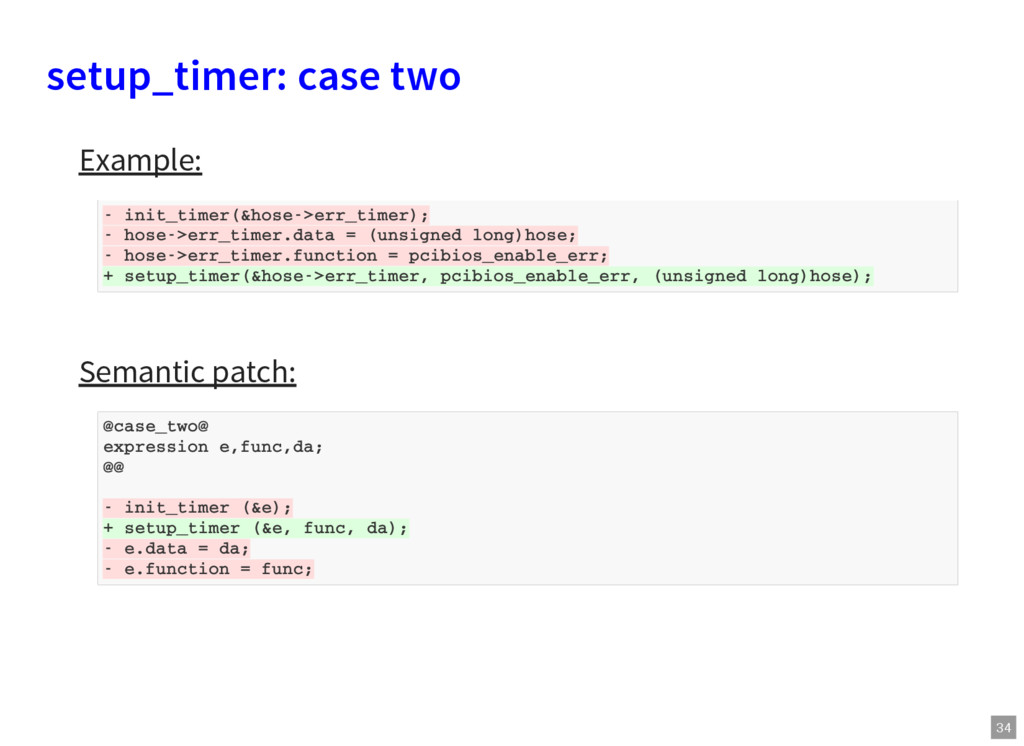
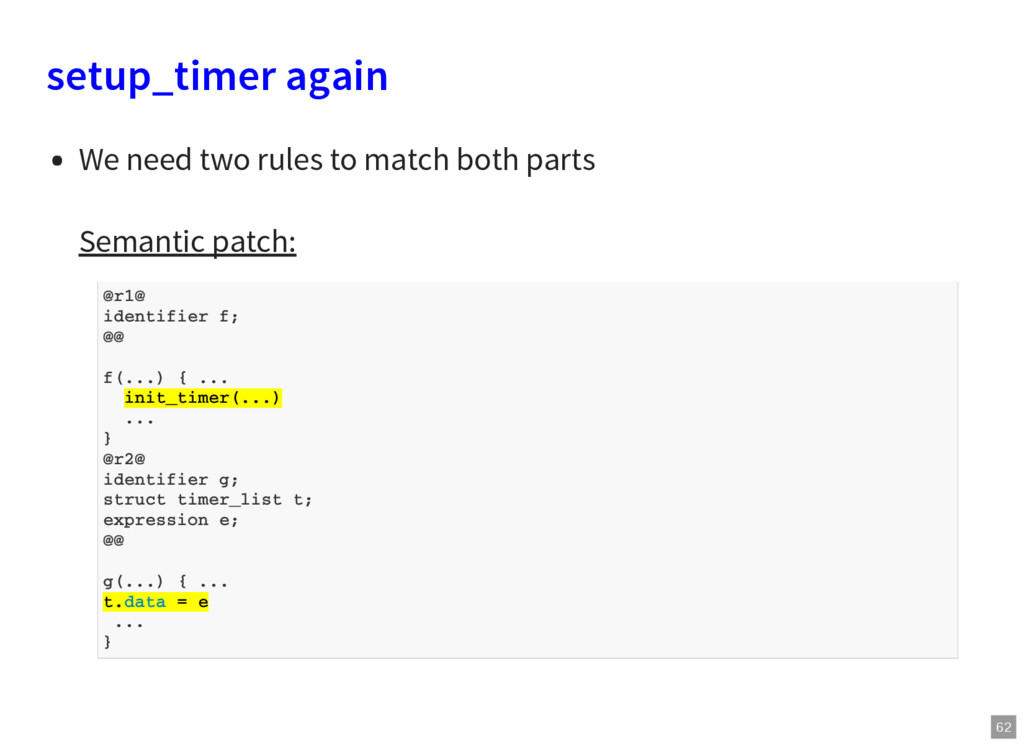
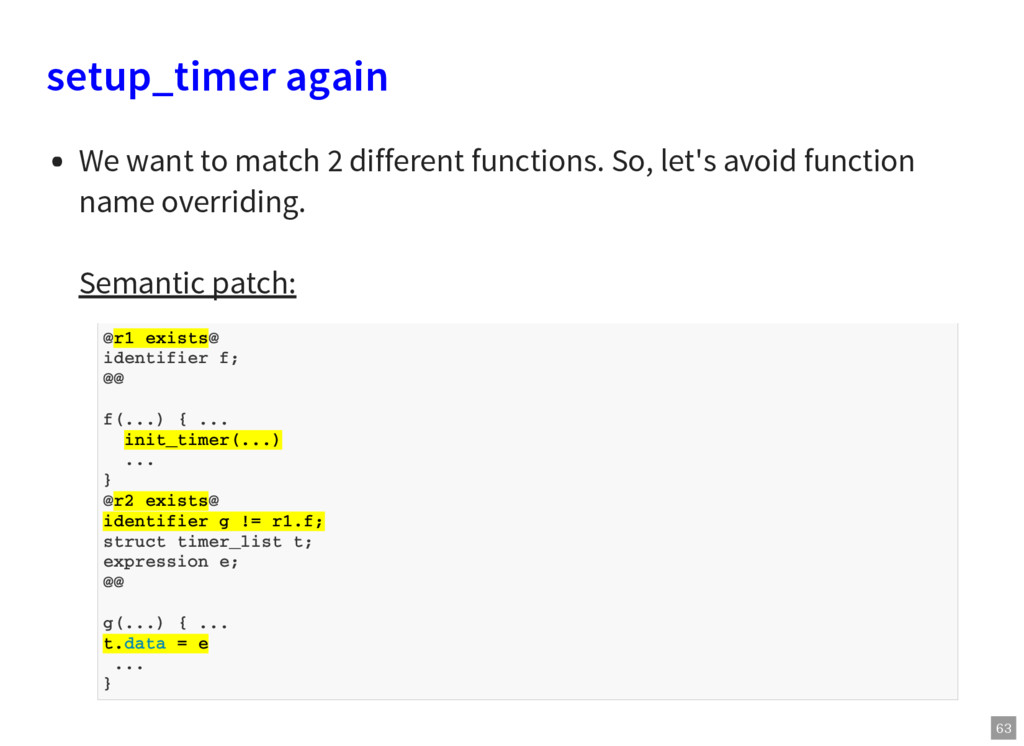
a timer with the initialization of the timer's function and data fields. Why setup_timer? How Coccinelle can help here? - init_timer(&cf->timer); - cf->timer.function = omap_cf_timer; - cf->timer.data = (unsigned long) cf; + setup_timer(&cf->timer, omap_cf_timer, (unsigned long)cf);
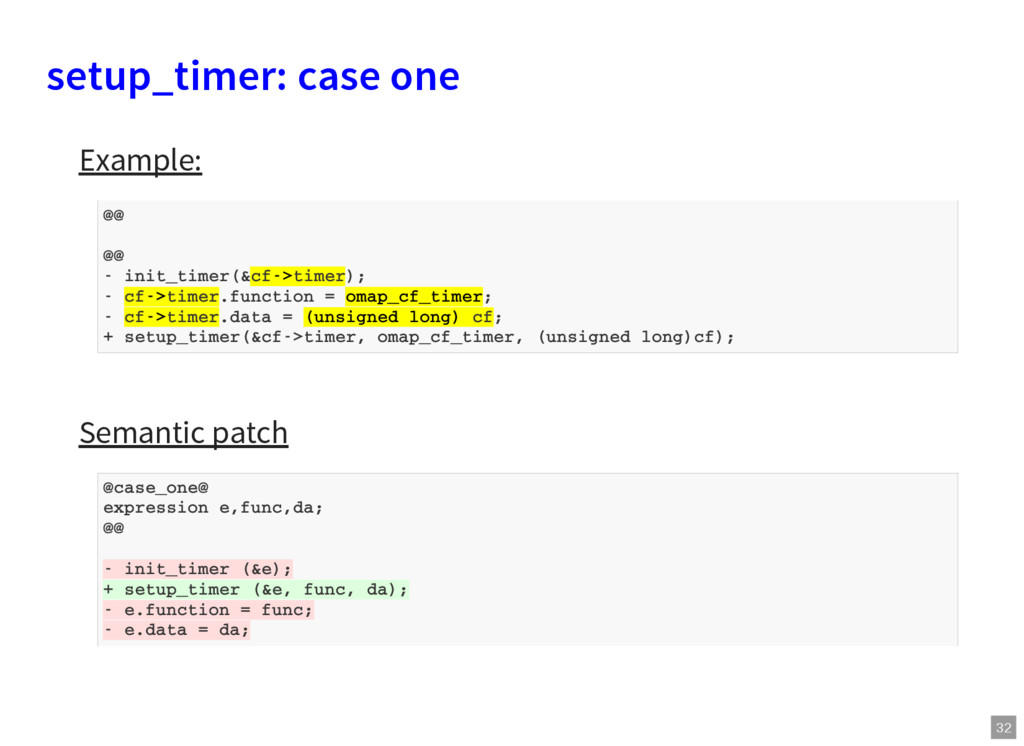
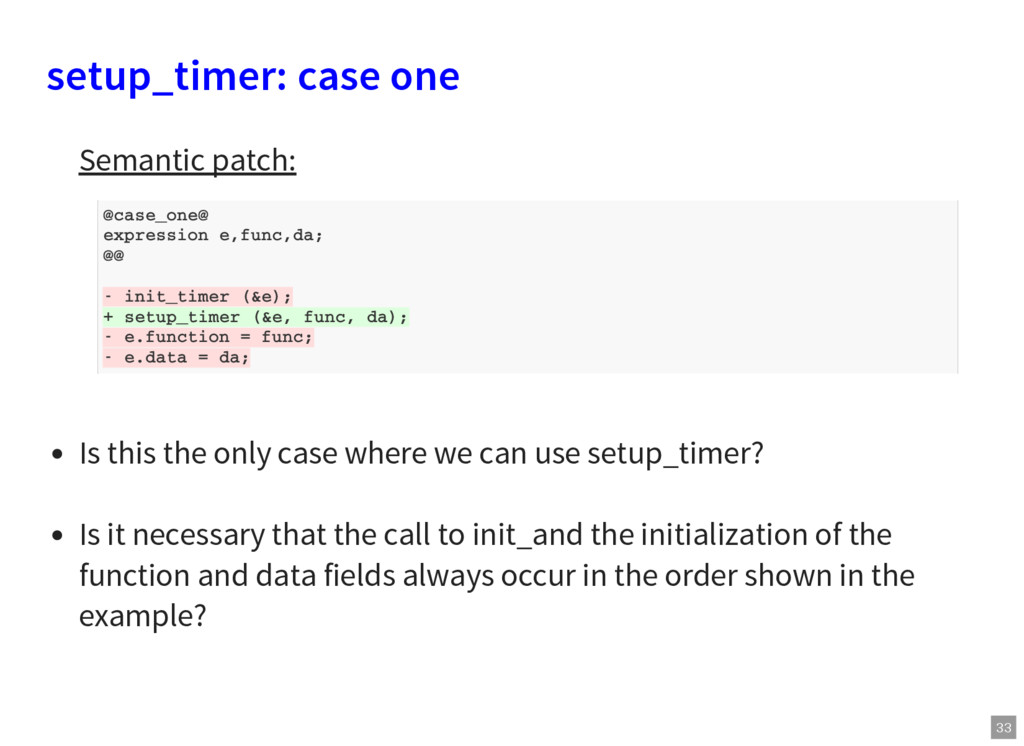
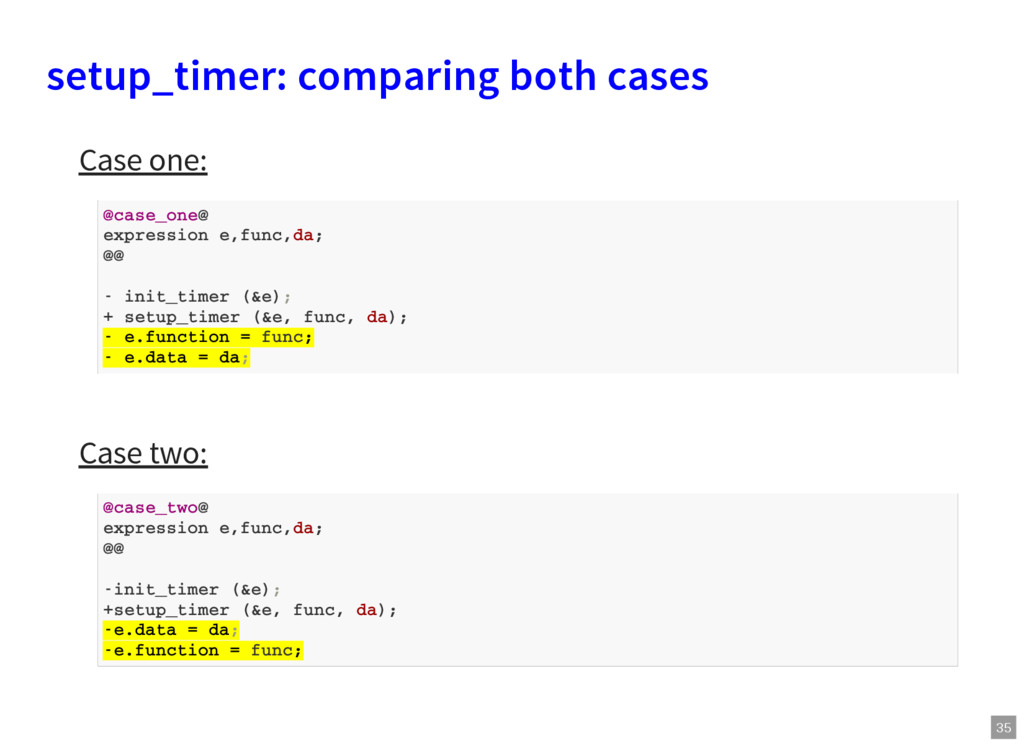
case where we can use setup_timer? Is it necessary that the call to init_and the initialization of the function and data fields always occur in the order shown in the example? @case_one@ expression e,func,da; @@ - init_timer (&e); + setup_timer (&e, func, da); - e.function = func; - e.data = da;
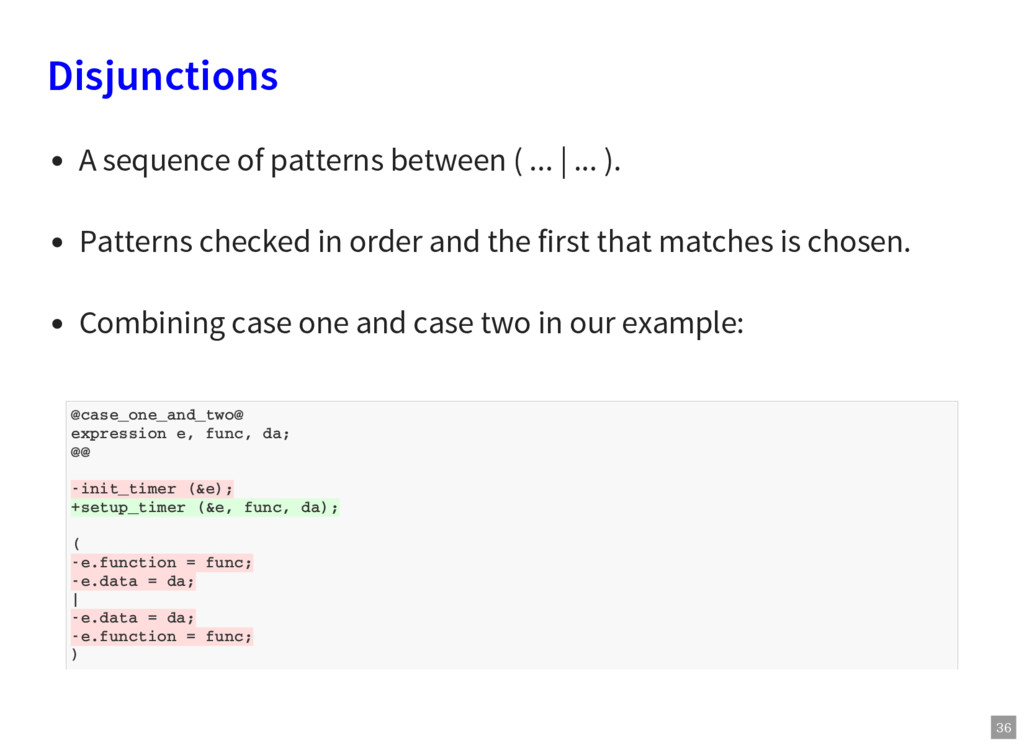
(&e, func, da); ( -e.function = func; -e.data = da; | -e.data = da; -e.function = func; ) Disjunctions A sequence of patterns between ( ... | ... ). Patterns checked in order and the first that matches is chosen. Combining case one and case two in our example:
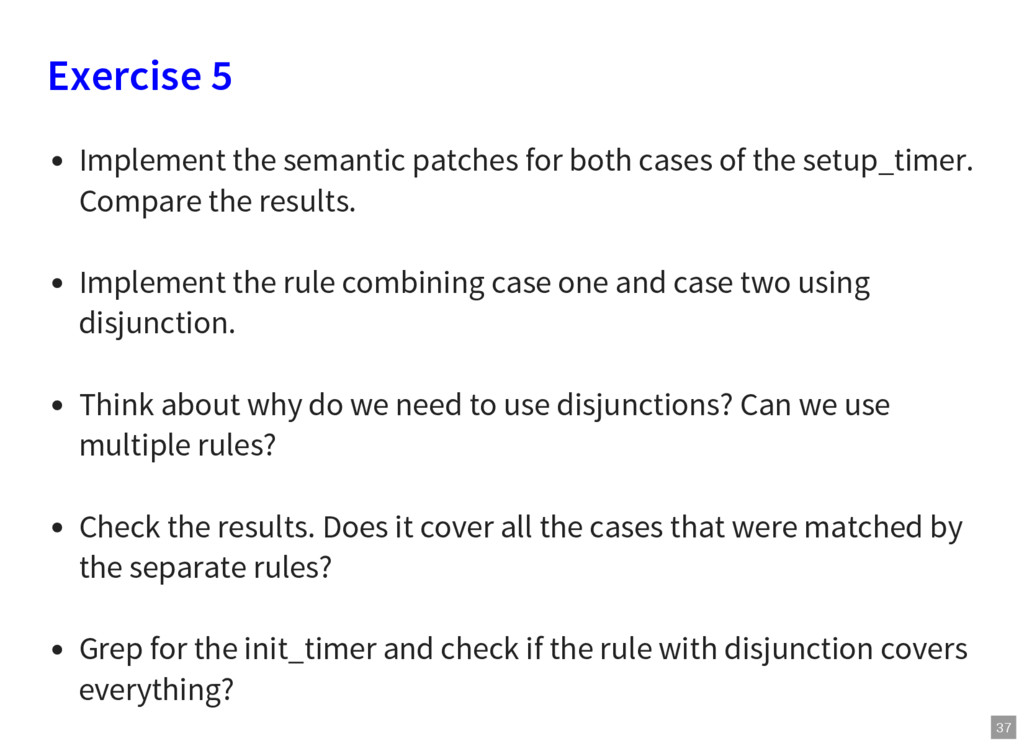
of the setup_timer. Compare the results. Implement the rule combining case one and case two using disjunction. Think about why do we need to use disjunctions? Can we use multiple rules? Check the results. Does it cover all the cases that were matched by the separate rules? Grep for the init_timer and check if the rule with disjunction covers everything?
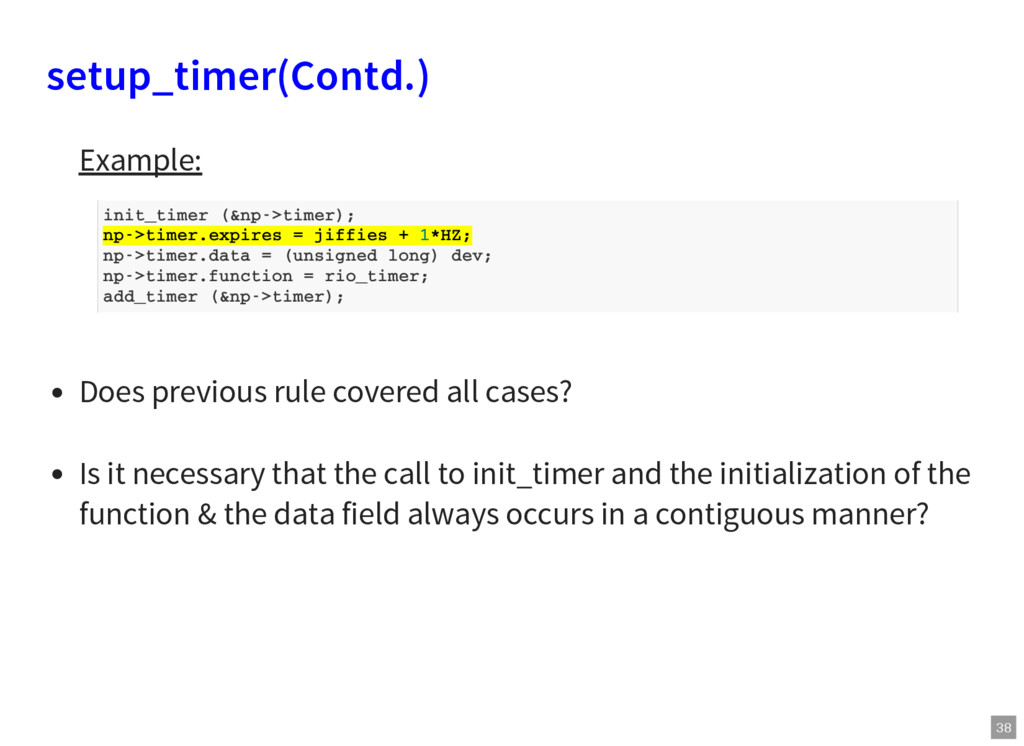
it necessary that the call to init_timer and the initialization of the function & the data field always occurs in a contiguous manner? init_timer (&np->timer); np->timer.expires = jiffies + 1*HZ; np->timer.data = (unsigned long) dev; np->timer.function = rio_timer; add_timer (&np->timer);
multiple related code fragments. Solution: Specify patterns consisting of the fragments of code separated by arbitrary execution paths. Specify constraints on the contents of those execution paths.
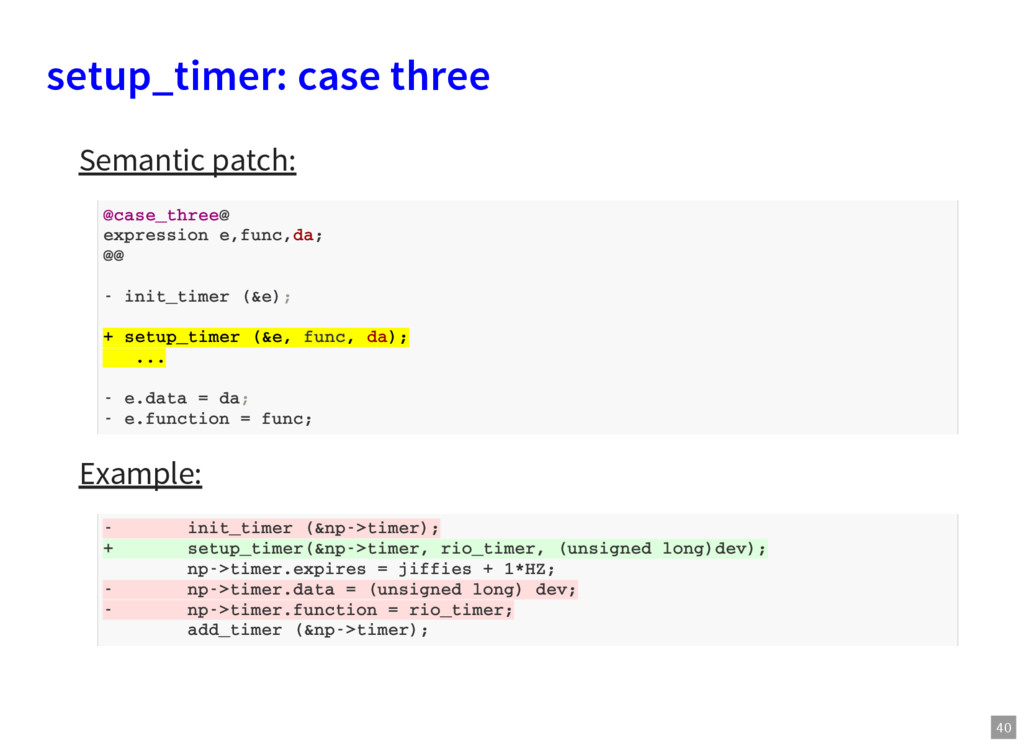
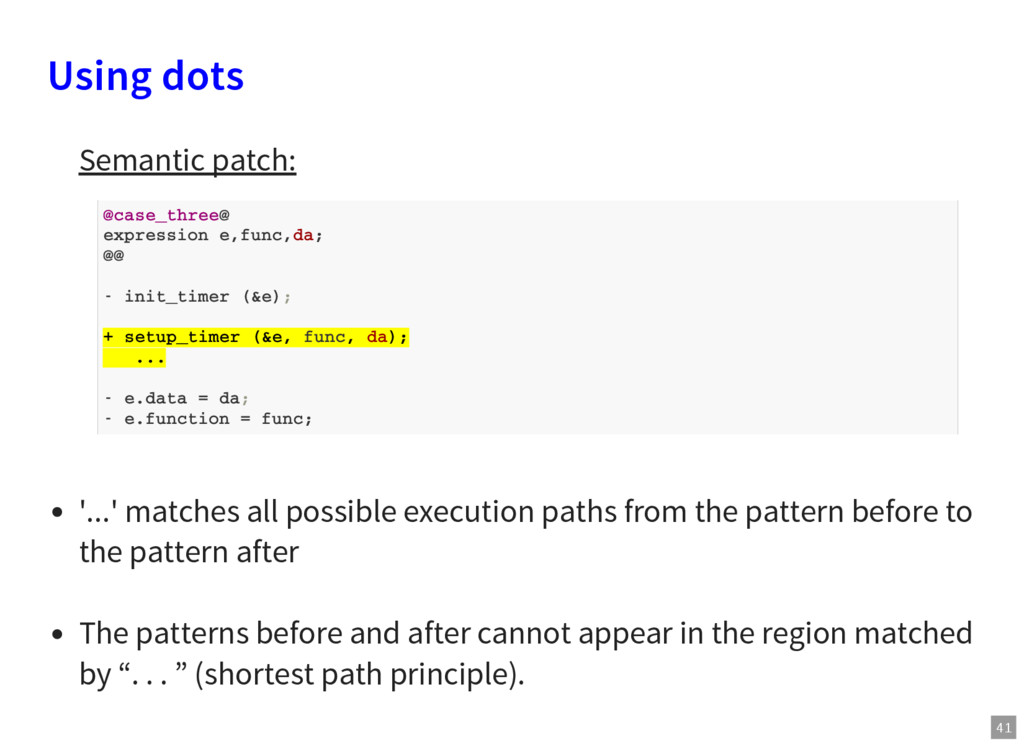
init_timer (&e); + setup_timer (&e, func, da); ... - e.data = da; - e.function = func; '...' matches all possible execution paths from the pattern before to the pattern after The patterns before and after cannot appear in the region matched by “. . . ” (shortest path principle).
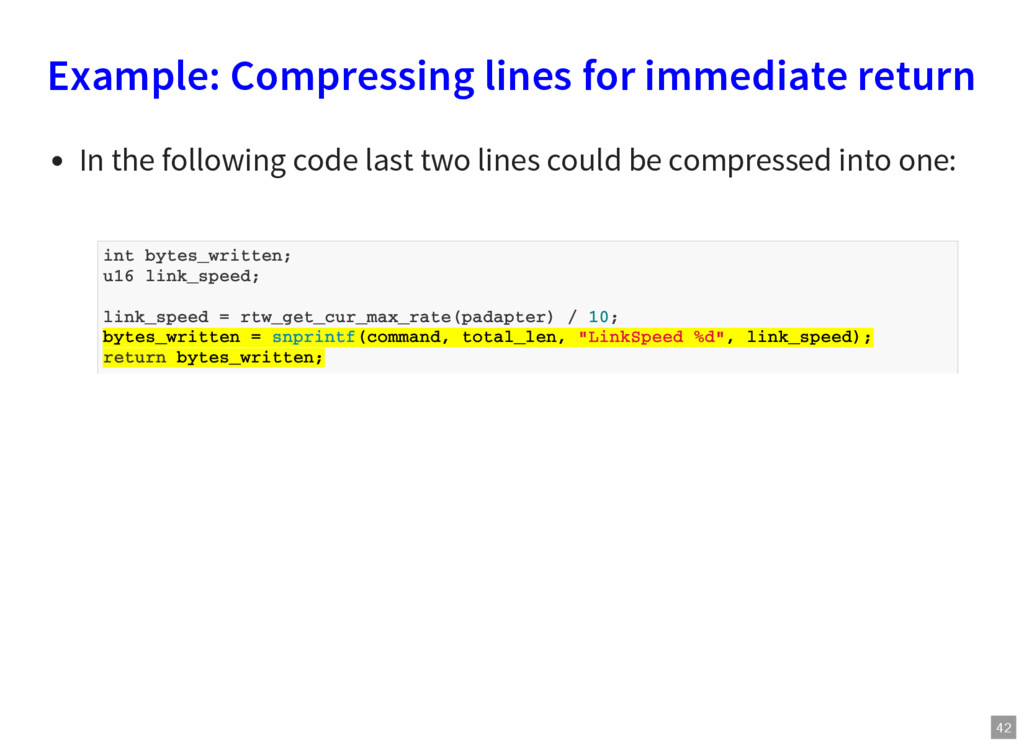
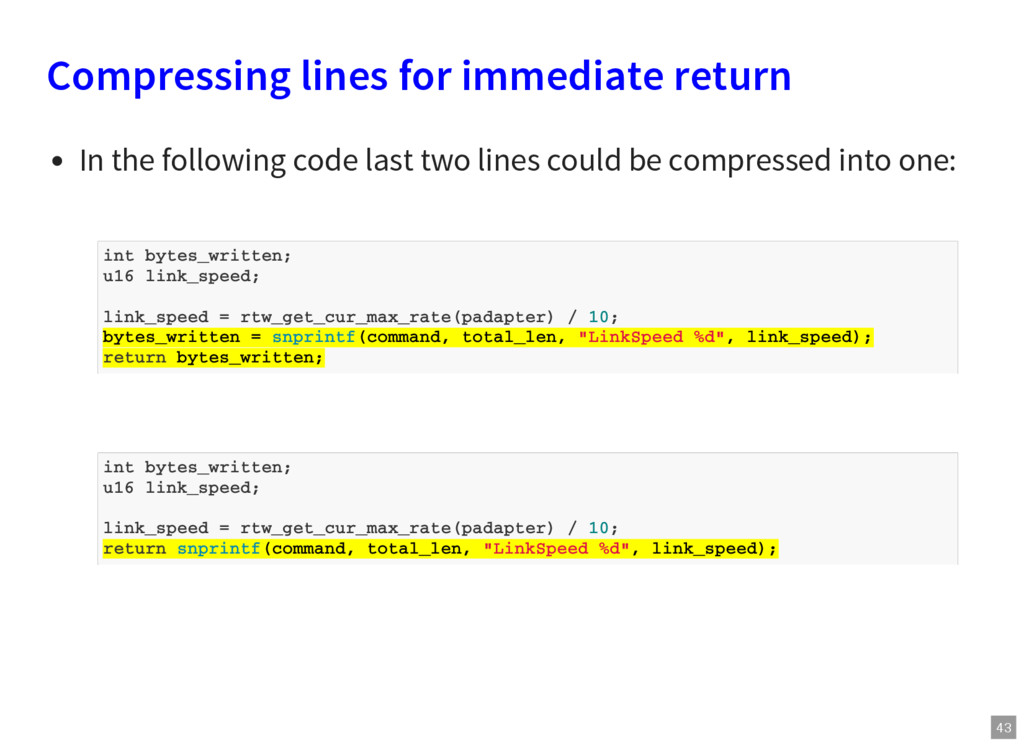
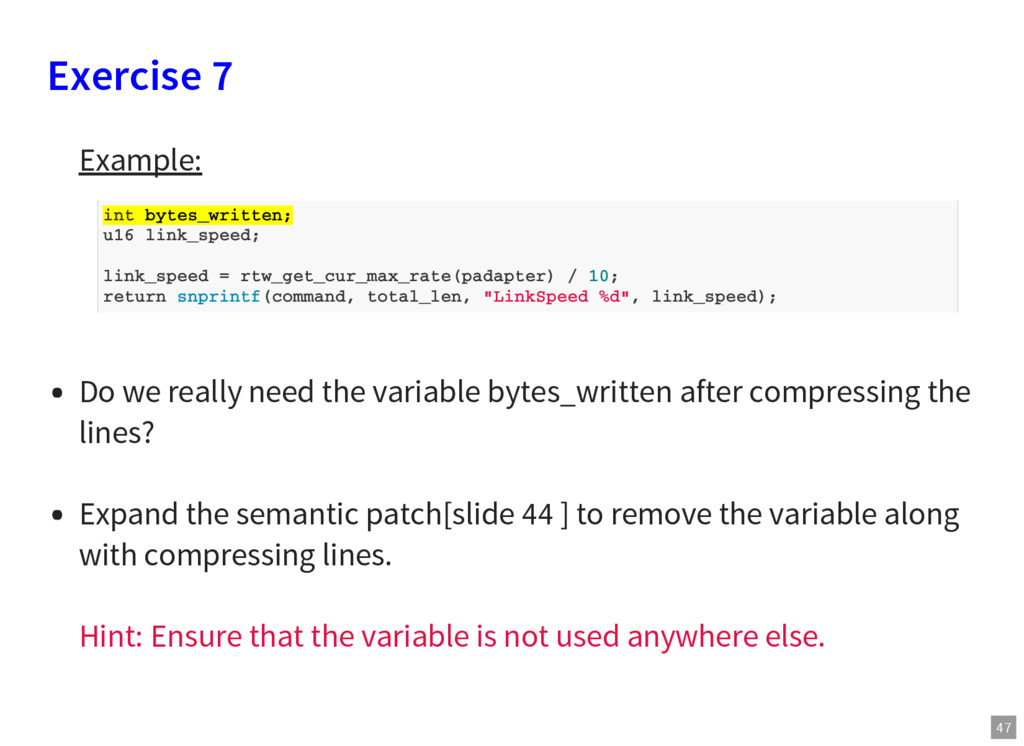
code last two lines could be compressed into one: int bytes_written; u16 link_speed; link_speed = rtw_get_cur_max_rate(padapter) / 10; bytes_written = snprintf(command, total_len, "LinkSpeed %d", link_speed); return bytes_written;
setup_timer using dots. [Slide 40] Run the patch over the kernel code and investigate the result. Think about the case three like pattern for the case two. Implement the rule for those kind of patterns. Try to limit the number of rules.
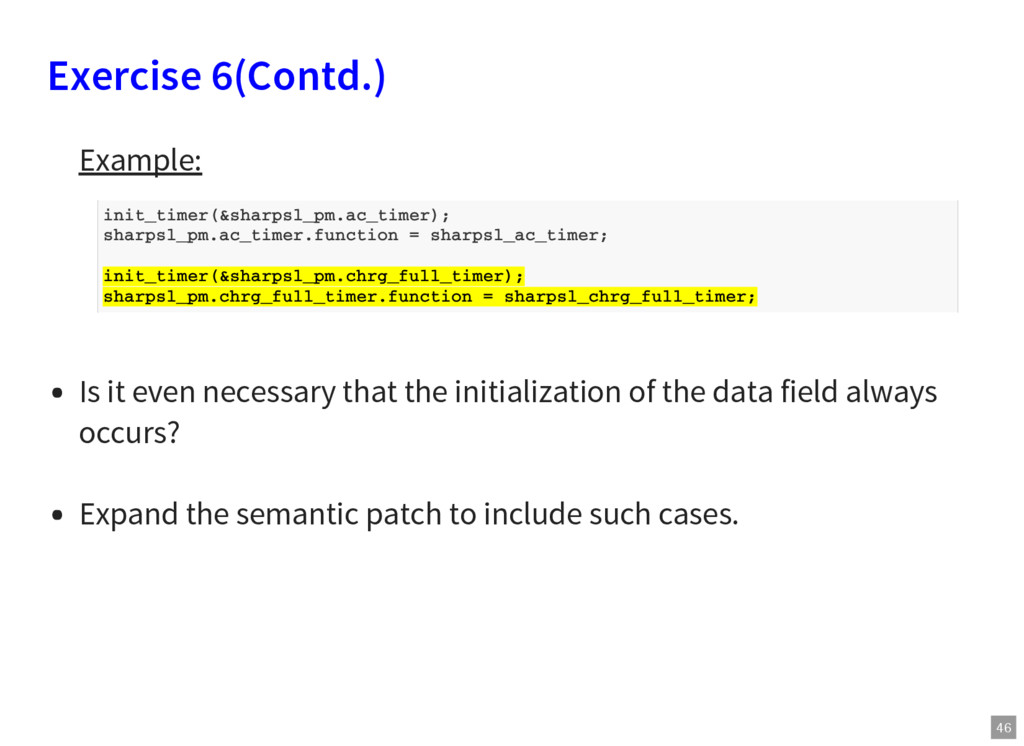
initialization of the data field always occurs? Expand the semantic patch to include such cases. init_timer(&sharpsl_pm.ac_timer); sharpsl_pm.ac_timer.function = sharpsl_ac_timer; init_timer(&sharpsl_pm.chrg_full_timer); sharpsl_pm.chrg_full_timer.function = sharpsl_chrg_full_timer;
bytes_written after compressing the lines? Expand the semantic patch[slide 44 ] to remove the variable along with compressing lines. Hint: Ensure that the variable is not used anywhere else. int bytes_written; u16 link_speed; link_speed = rtw_get_cur_max_rate(padapter) / 10; return snprintf(command, total_len, "LinkSpeed %d", link_speed);
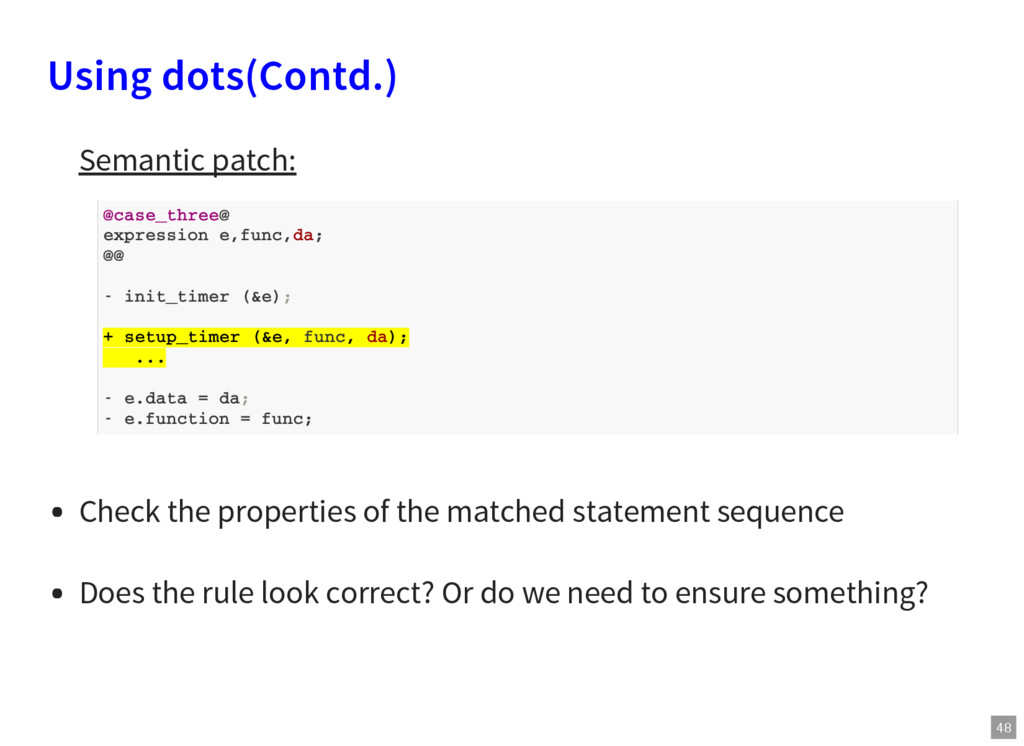
init_timer (&e); + setup_timer (&e, func, da); ... - e.data = da; - e.function = func; Check the properties of the matched statement sequence Does the rule look correct? Or do we need to ensure something?
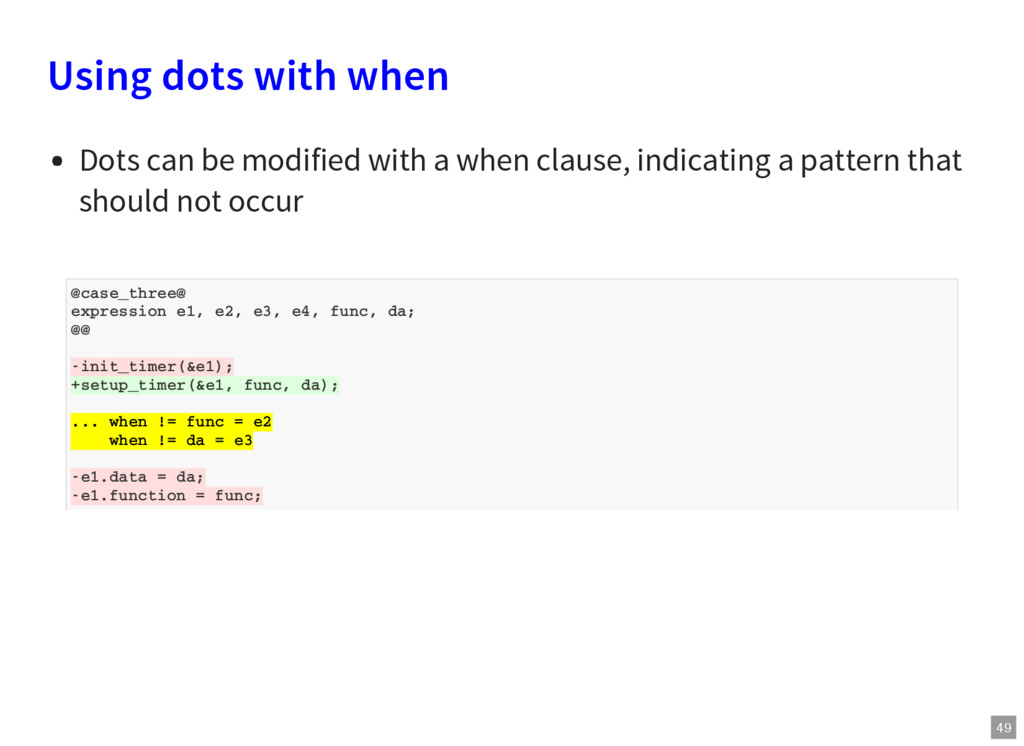
-init_timer(&e1); +setup_timer(&e1, func, da); ... when != func = e2 when != da = e3 -e1.data = da; -e1.function = func; Using dots with when Dots can be modified with a when clause, indicating a pattern that should not occur
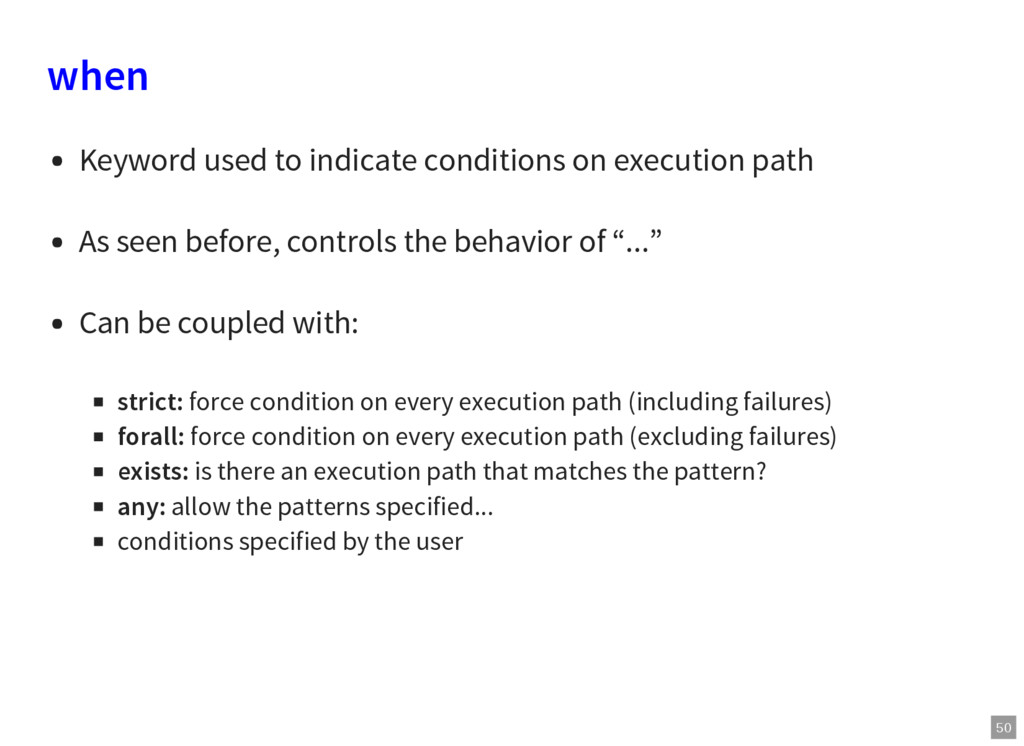
As seen before, controls the behavior of “...” Can be coupled with: strict: force condition on every execution path (including failures) forall: force condition on every execution path (excluding failures) exists: is there an execution path that matches the pattern? any: allow the patterns specified... conditions specified by the user
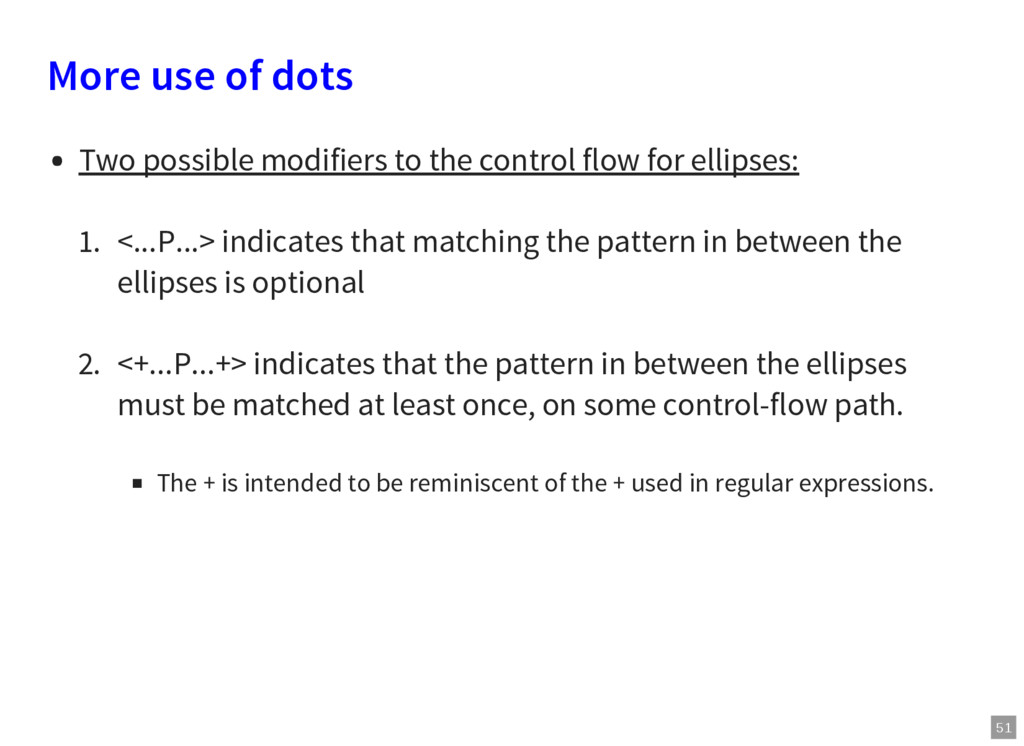
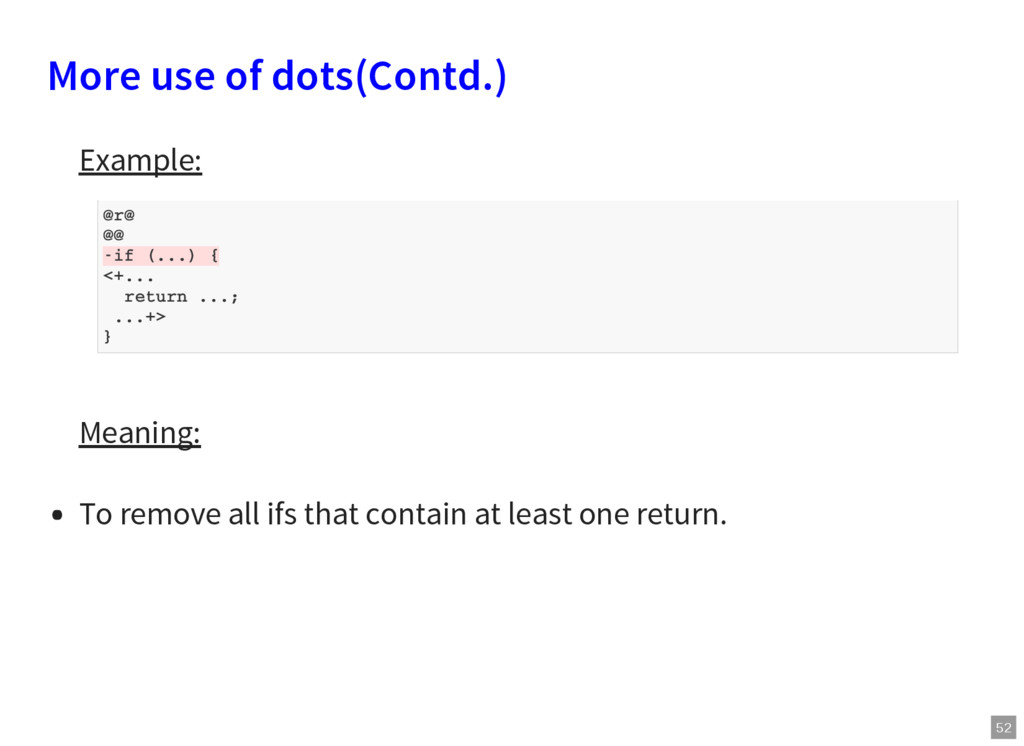
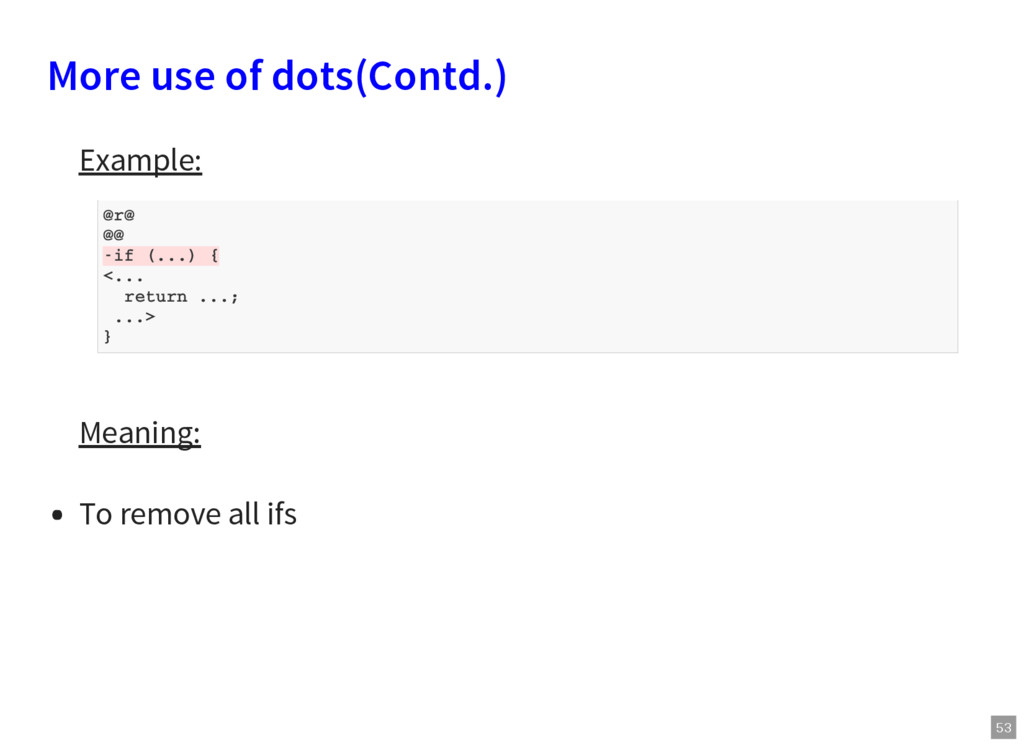
control flow for ellipses: 1. <...P...> indicates that matching the pattern in between the ellipses is optional 2. <+...P...+> indicates that the pattern in between the ellipses must be matched at least once, on some control-flow path. The + is intended to be reminiscent of the + used in regular expressions.
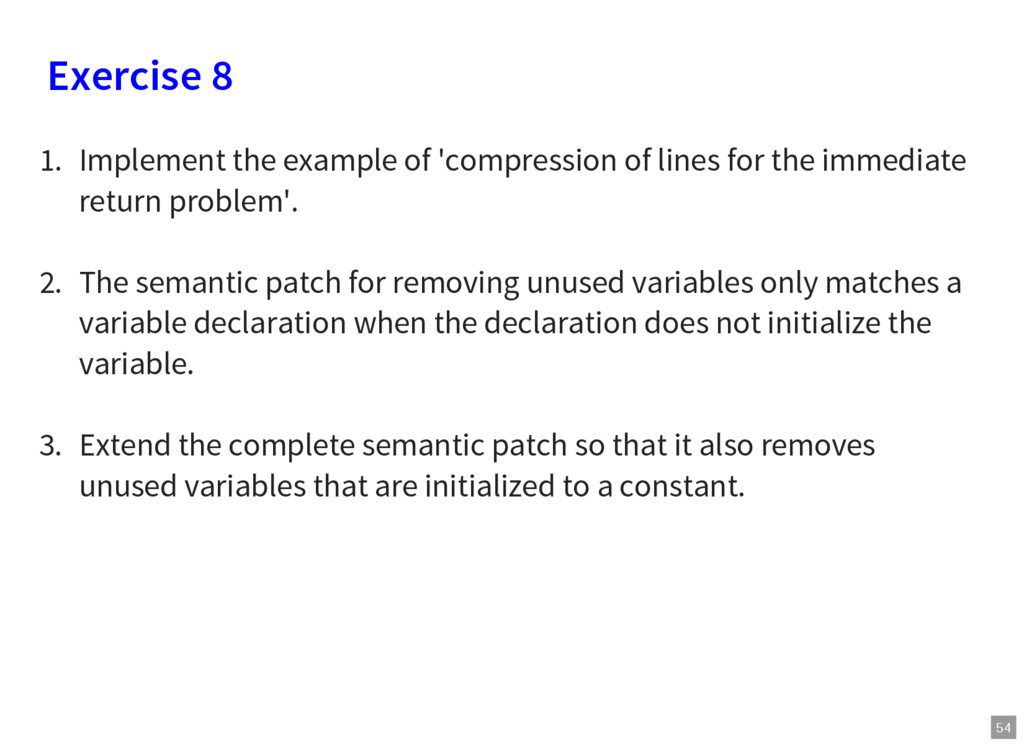
lines for the immediate return problem'. 2. The semantic patch for removing unused variables only matches a variable declaration when the declaration does not initialize the variable. 3. Extend the complete semantic patch so that it also removes unused variables that are initialized to a constant.
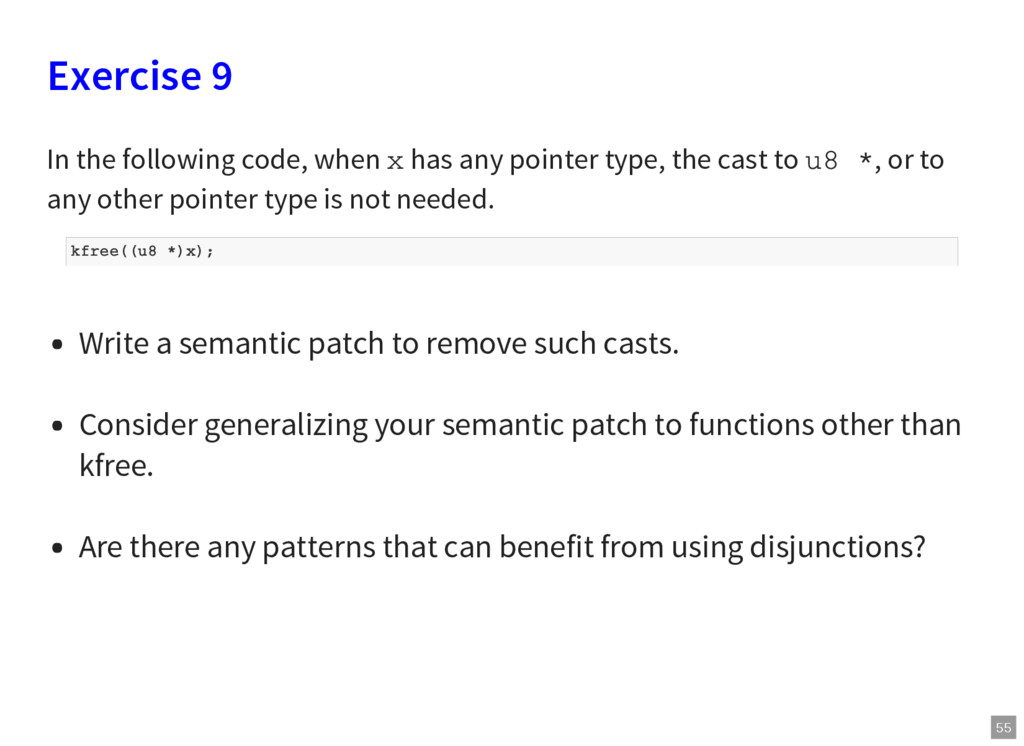
x has any pointer type, the cast to u8 *, or to any other pointer type is not needed. Write a semantic patch to remove such casts. Consider generalizing your semantic patch to functions other than kfree. Are there any patterns that can benefit from using disjunctions?
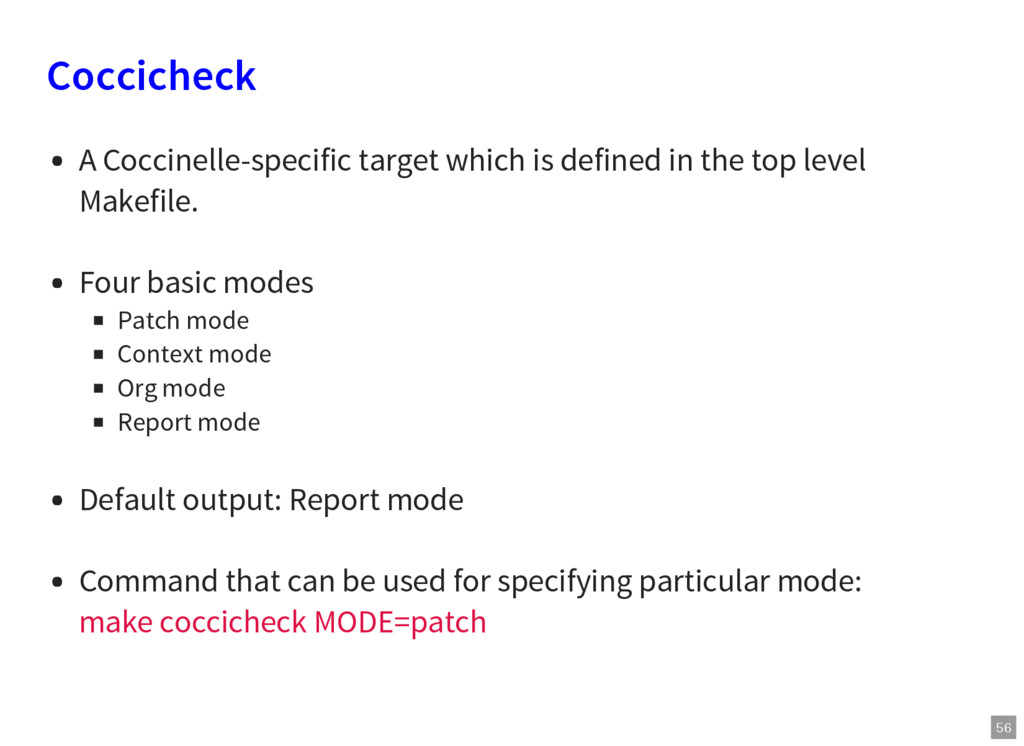
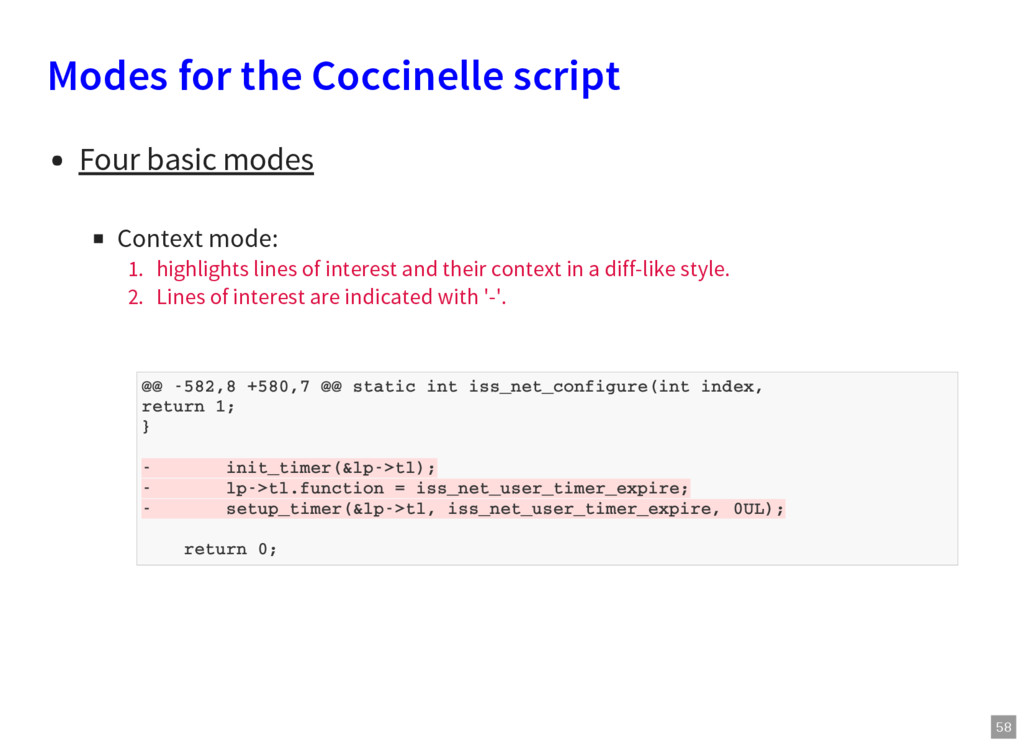
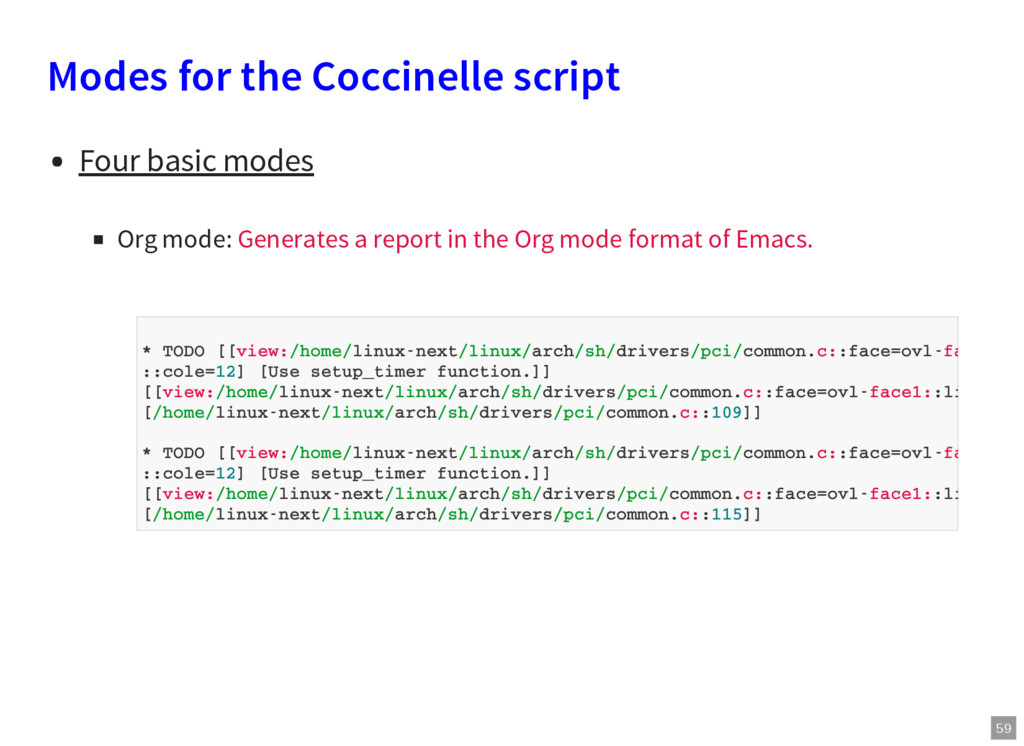
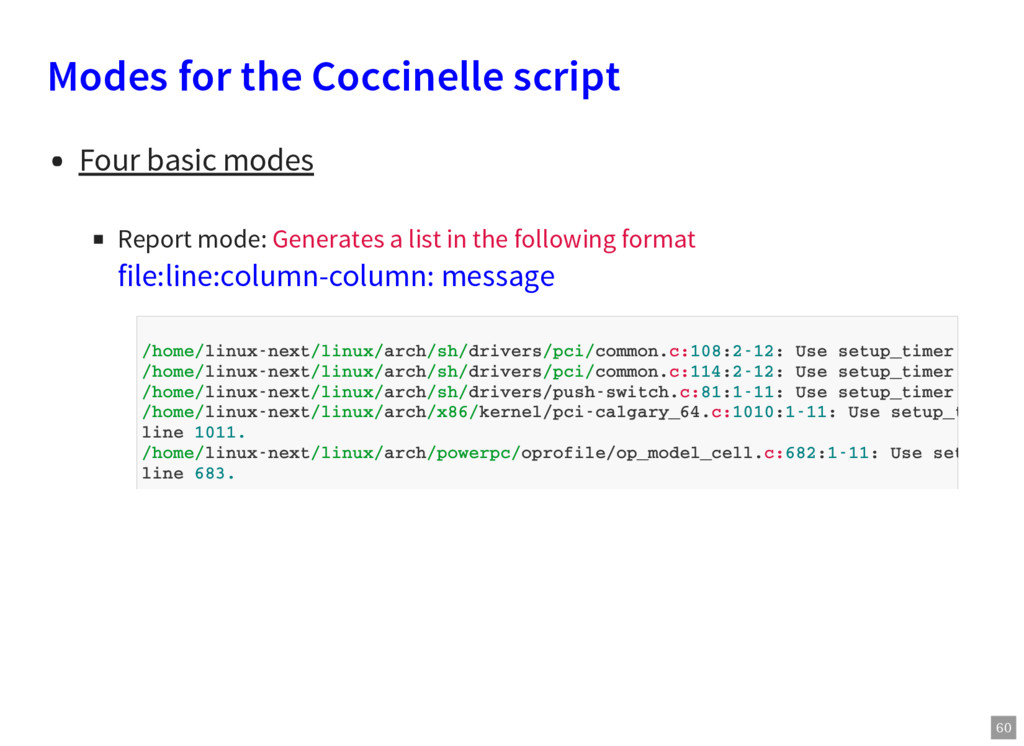
top level Makefile. Four basic modes Patch mode Context mode Org mode Report mode Default output: Report mode Command that can be used for specifying particular mode: make coccicheck MODE=patch
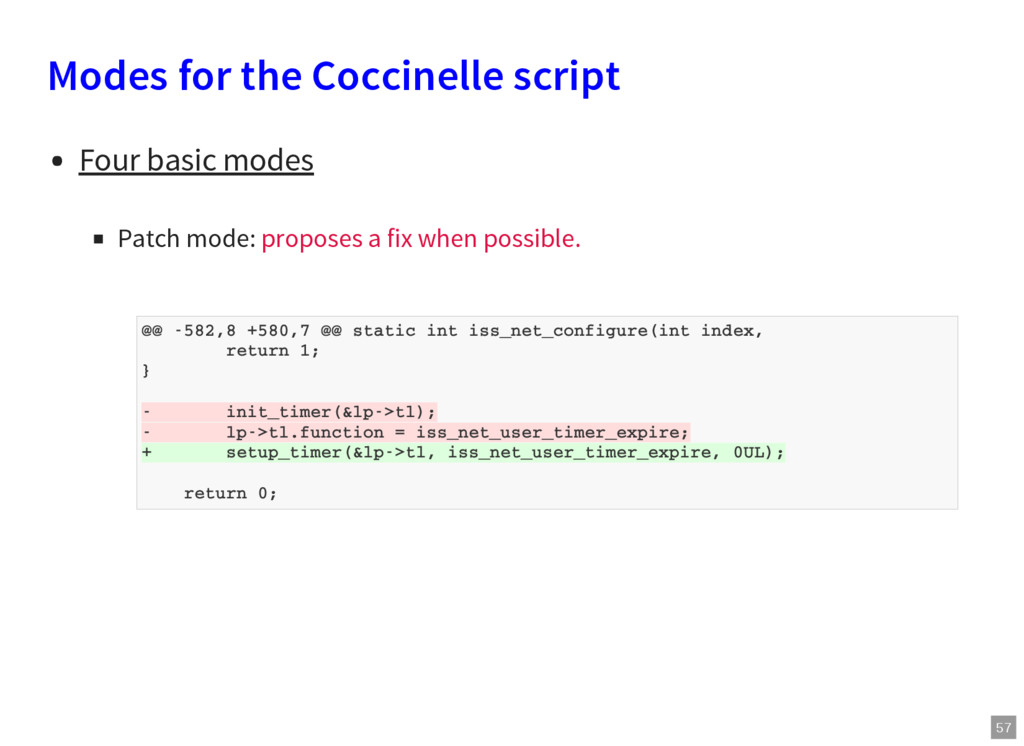
mode: 1. highlights lines of interest and their context in a diff-like style. 2. Lines of interest are indicated with '-'. @@ -582,8 +580,7 @@ static int iss_net_configure(int index, return 1; } - init_timer(&lp->tl); - lp->tl.function = iss_net_user_timer_expire; - setup_timer(&lp->tl, iss_net_user_timer_expire, 0UL); return 0;
mode: Generates a report in the Org mode format of Emacs. * TODO [[view:/home/linux-next/linux/arch/sh/drivers/pci/common.c::face=ovl-face1: ::cole=12] [Use setup_timer function.]] [[view:/home/linux-next/linux/arch/sh/drivers/pci/common.c::face=ovl-face1::linb= [/home/linux-next/linux/arch/sh/drivers/pci/common.c::109]] * TODO [[view:/home/linux-next/linux/arch/sh/drivers/pci/common.c::face=ovl-face1: ::cole=12] [Use setup_timer function.]] [[view:/home/linux-next/linux/arch/sh/drivers/pci/common.c::face=ovl-face1::linb= [/home/linux-next/linux/arch/sh/drivers/pci/common.c::115]]
mode: Generates a list in the following format file:line:column-column: message /home/linux-next/linux/arch/sh/drivers/pci/common.c:108:2-12: Use setup_timer functi /home/linux-next/linux/arch/sh/drivers/pci/common.c:114:2-12: Use setup_timer functi /home/linux-next/linux/arch/sh/drivers/push-switch.c:81:1-11: Use setup_timer functi /home/linux-next/linux/arch/x86/kernel/pci-calgary_64.c:1010:1-11: Use setup_timer f line 1011. /home/linux-next/linux/arch/powerpc/oprofile/op_model_cell.c:682:1-11: Use setup_tim line 683.
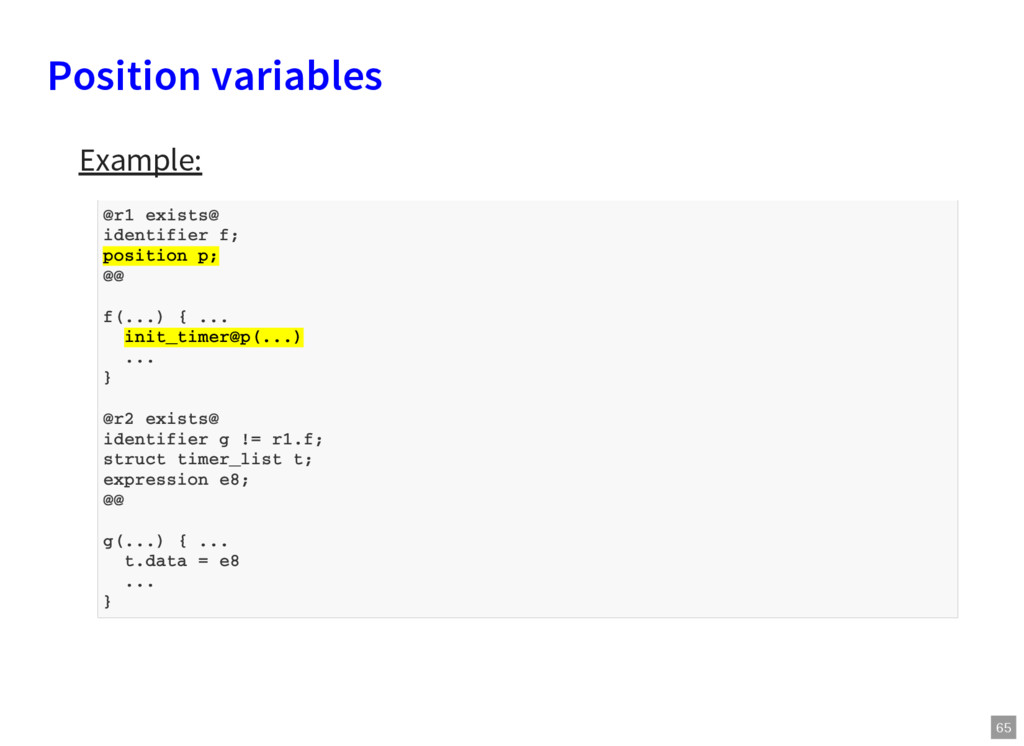
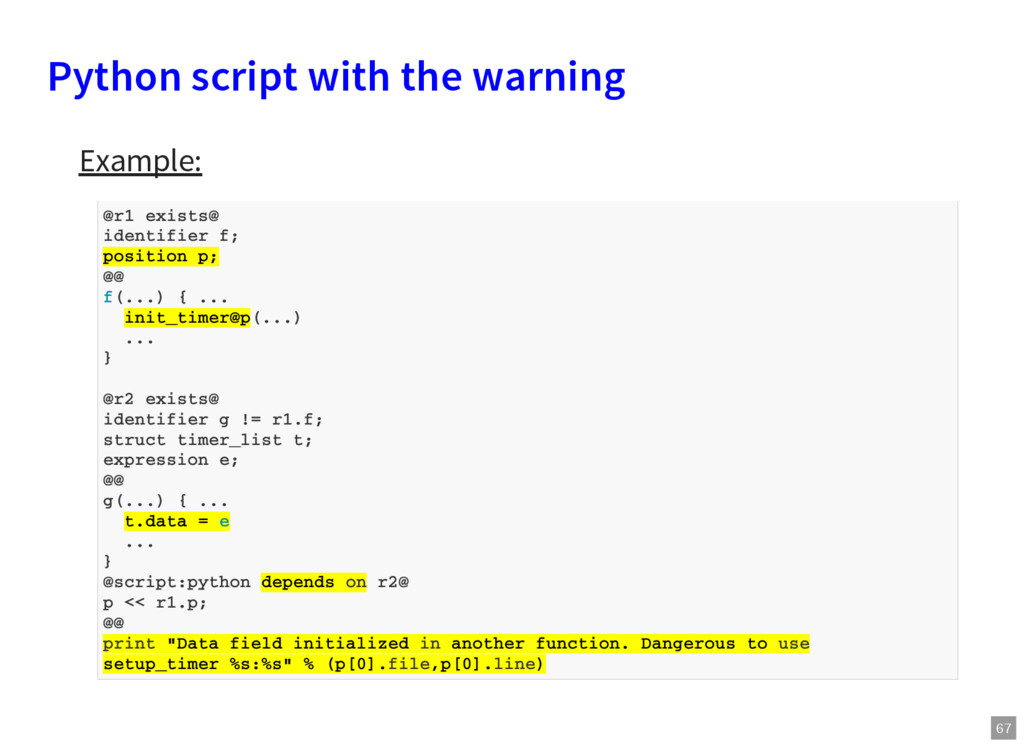
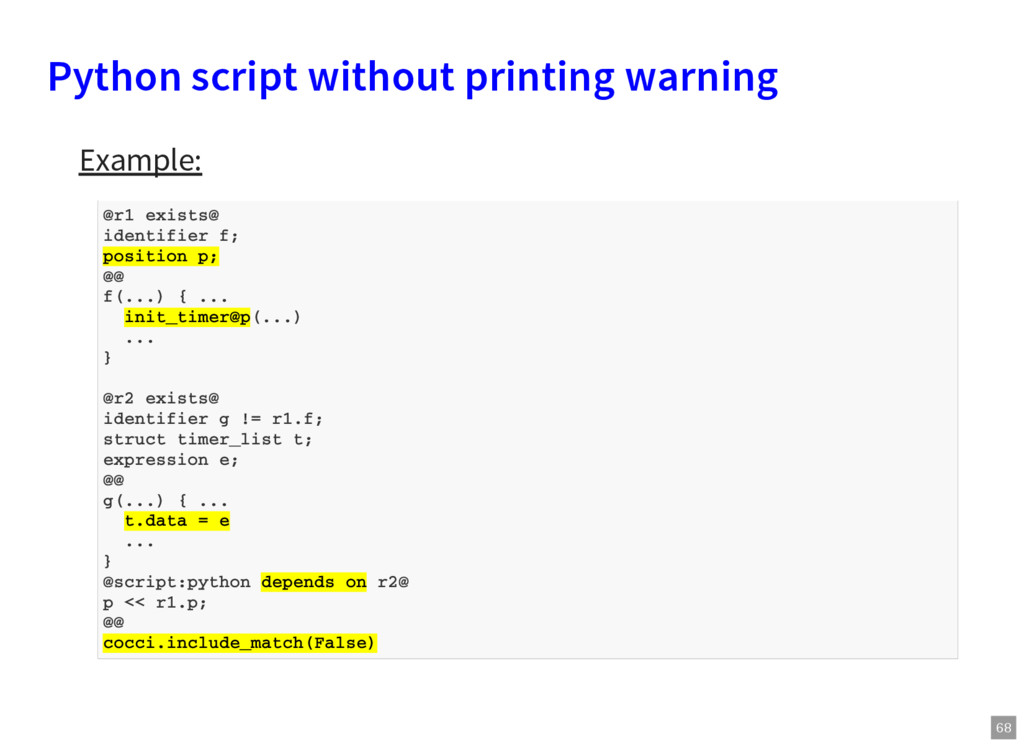
one function and data field is initialized in another function? Will it be safe to use setup_timer in that case? Solution: How about giving warning in such cases?
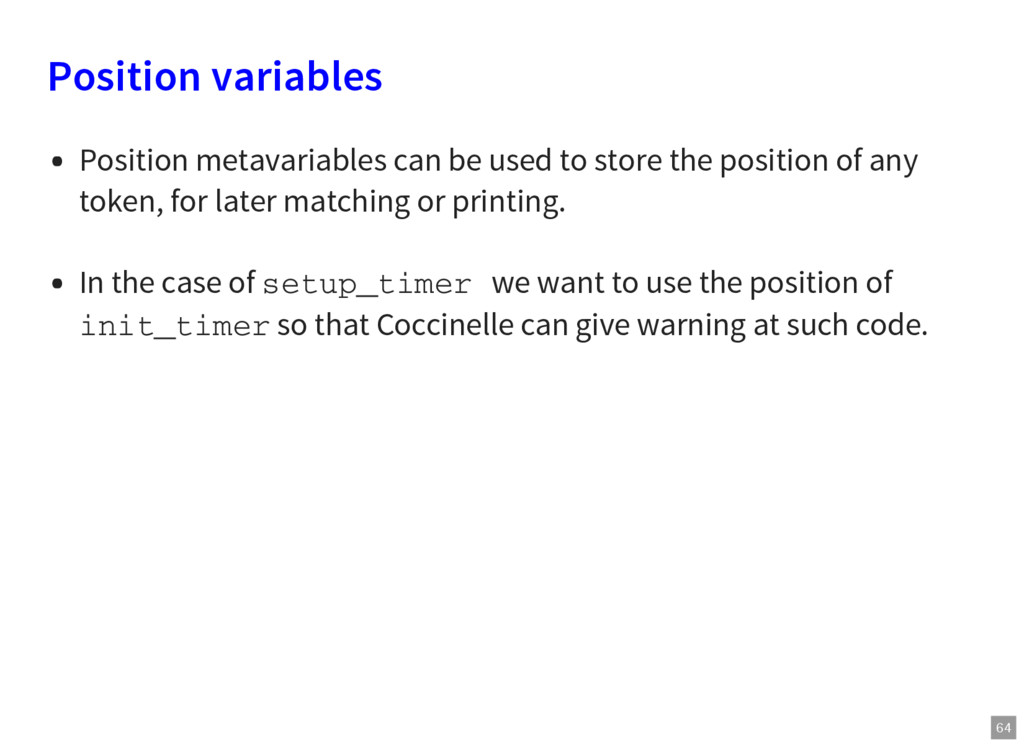
the position of any token, for later matching or printing. In the case of setup_timer we want to use the position of init_timer so that Coccinelle can give warning at such code.
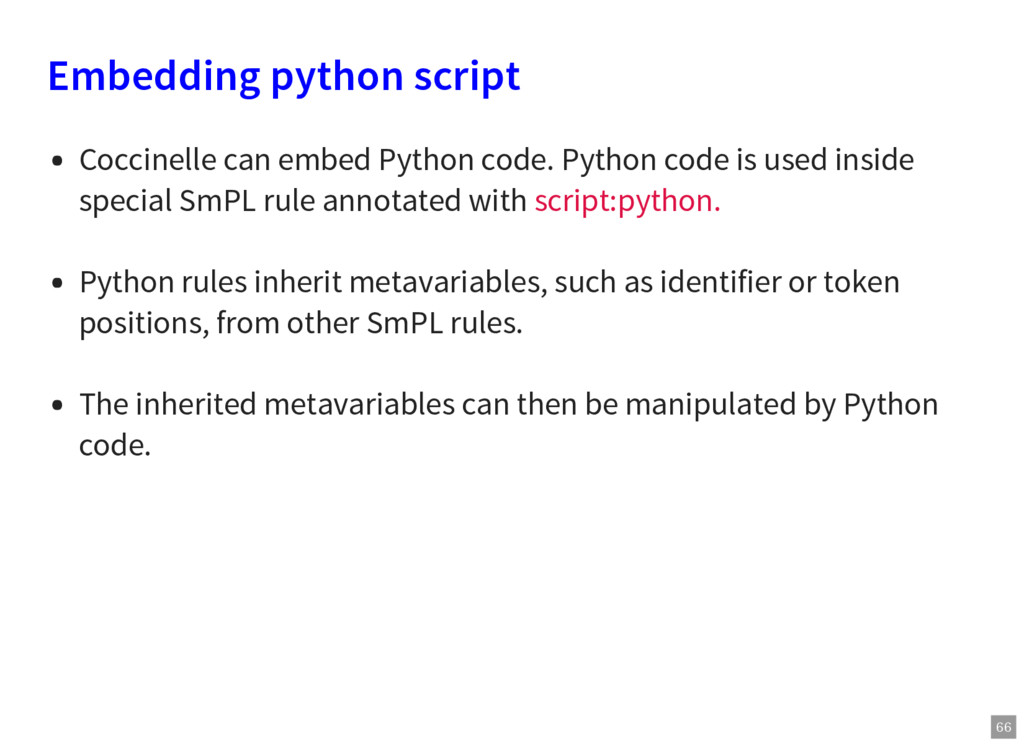
code is used inside special SmPL rule annotated with script:python. Python rules inherit metavariables, such as identifier or token positions, from other SmPL rules. The inherited metavariables can then be manipulated by Python code.
them, it may be useful to generate the output in a variety of formats. This can be done using the interface to python (ocaml is also available). Position variables are useful in this context, because they provide the file name and line number of various program elements.
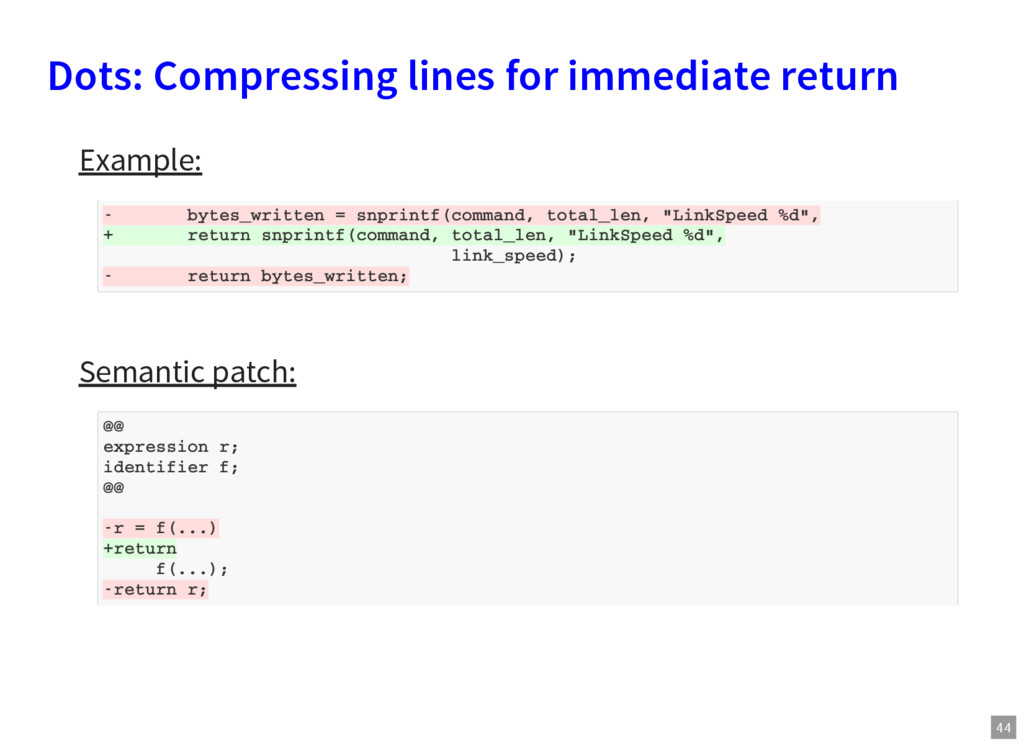
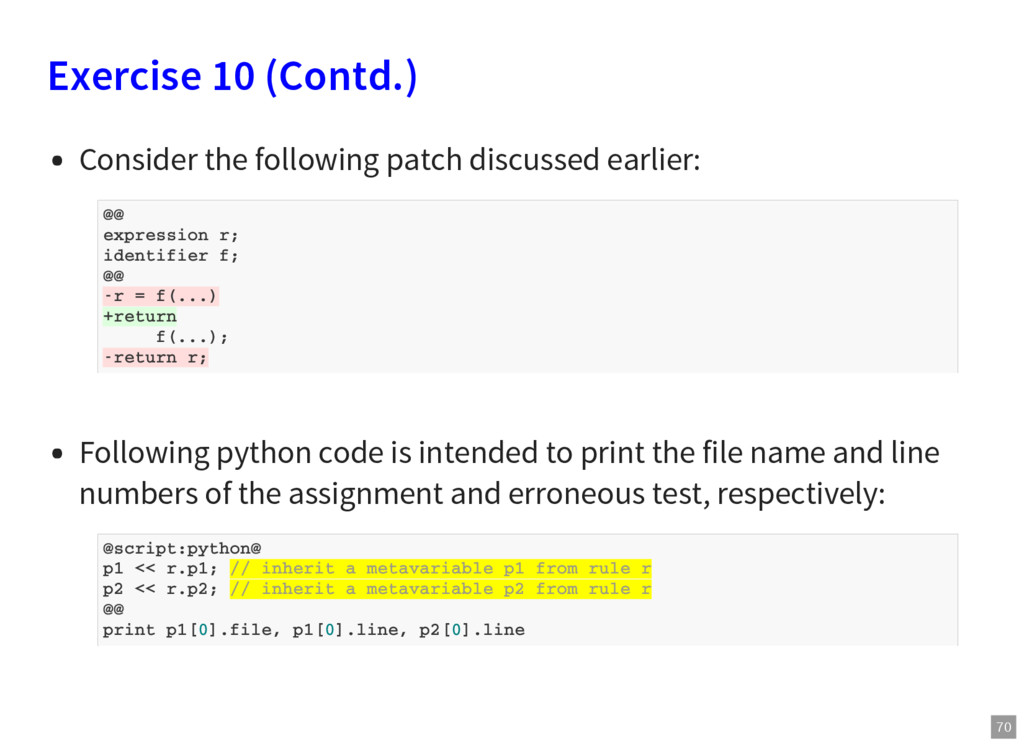
Following python code is intended to print the file name and line numbers of the assignment and erroneous test, respectively: @@ expression r; identifier f; @@ -r = f(...) +return f(...); -return r; @script:python@ p1 << r.p1; // inherit a metavariable p1 from rule r p2 << r.p2; // inherit a metavariable p2 from rule r @@ print p1[0].file, p1[0].line, p2[0].line
consisting of the original patch rule shown on the previous page followed by the python code specified in the last slide. Give name r to the rule and remove the transfromation. Add position variables p1 and p2. Attach position variables to the relevant code. Test the semantic patch and investigate the results.
used to highlight items of interest. Repeat the previous exercise, this time without using python, but instead annotate the original code pattern with * rather than performing transformations. How is the result different than the result produced when using python?
code. Combine all rules in a single script and then try to run it. Observe how output changes. Try to reorder the rules in a semantic patch and then observe the changes. Do we also need a rule for the immediate call of init_timer, intialization of data and function fields? If yes, then why? If no, then why? Hint: Consider performance and speed of the semantic patch.


 pfn
pfn
 kairim0
 glaforge
 satoshi7
 shogo4131
 recruitengineers
 yahonda
 techtekt
 moznion
 occhi
occhi
 tetsuya28
 endonanana
 axbom
axbom
 tammyeverts
 katarinadahlin
 chriscoyier
 baasie
 moore
moore
 bkeepers
 akashhashmi
 retrage
 wayneb77
 trishagee
 destraynor

![76 Acknowledgement Julia Lawall [Developer and maintainer of Coccinelle] Aya](https://files.speakerdeck.com/presentations/bb3cdf70ba334c699dc76cde6a3d3743/slide_75.jpg)