Upgrade to Pro — share decks privately, control downloads, hide ads and more …

Unveil Symfony AI

Unveil Symfony AI

July 2025, the Symfony AI was launched as an initiative, just like Symfony UX, to help developers integrate AI into their apps with ready-to-use components and bundles.
In this talk, let’s discover Symfony AI’s origins, explore its components, and learn how to use them with any AI platform. We’ll also cover how to get started using it in your PHP apps and contribute to the project!

Avatar for Mathieu Santostefano

Mathieu Santostefano

April 17, 2026

More Decks by Mathieu Santostefano

Other Decks in Technology

Transcript

  1. Mathieu Santostefano Tech Expert SensioLabs Symfony Core Team Member Clever

    Cloud Ambassador @welcomattic.com @welcomattic Hello!
  2. 3

  3. 📅 Announced July 2025 📦 Mono-repository symfony/ai ✨ Symfony Standards

    Following Symfony best practices Initiative ` ` 4
  4. 📅 Announced July 2025 📦 Mono-repository symfony/ai ✨ Symfony Standards

    Following Symfony best practices 🧪 Experimental Active development, v0.5 tagged last week Initiative ` ` 4
  5. 🚀 Enable AI Features in PHP applications 🧠 Not only

    LLMs Complete AI ecosystem integration Main Goals 5
  6. 🚀 Enable AI Features in PHP applications 🧠 Not only

    LLMs Complete AI ecosystem integration 📦 PHP Components Set Modular and reusable Main Goals 5
  7. 🚀 Enable AI Features in PHP applications 🧠 Not only

    LLMs Complete AI ecosystem integration 📦 PHP Components Set Modular and reusable 🔌 Vendor Agnostic Works with multiple AI providers Main Goals 5
  8. ⭐ 80+ packages across 4 sub-projects 👥 100+ contributors from

    the community 💻 2600+ commits since launch Stats 6
  9. ⭐ 80+ packages across 4 sub-projects 👥 100+ contributors from

    the community 💻 2600+ commits since launch 🌐 25+ Platform Bridges for AI providers Stats 6
  10. ⭐ 80+ packages across 4 sub-projects 👥 100+ contributors from

    the community 💻 2600+ commits since launch 🌐 25+ Platform Bridges for AI providers 📊 20+ Store Bridges for vector databases Stats 6
  11. ⭐ 80+ packages across 4 sub-projects 👥 100+ contributors from

    the community 💻 2600+ commits since launch 🌐 25+ Platform Bridges for AI providers 📊 20+ Store Bridges for vector databases 🛠️ 10+ Tools executable by AI agents Stats 6
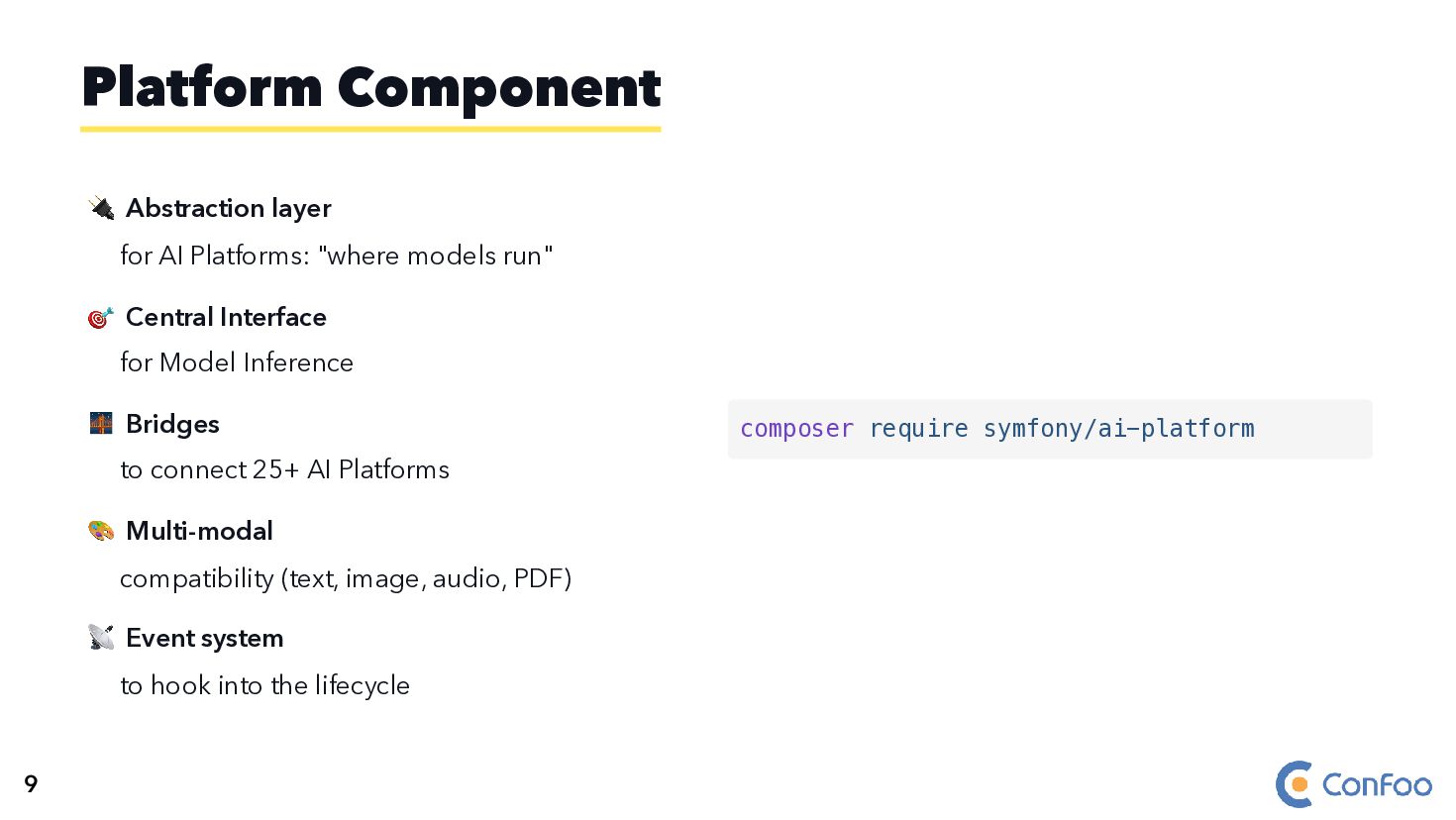
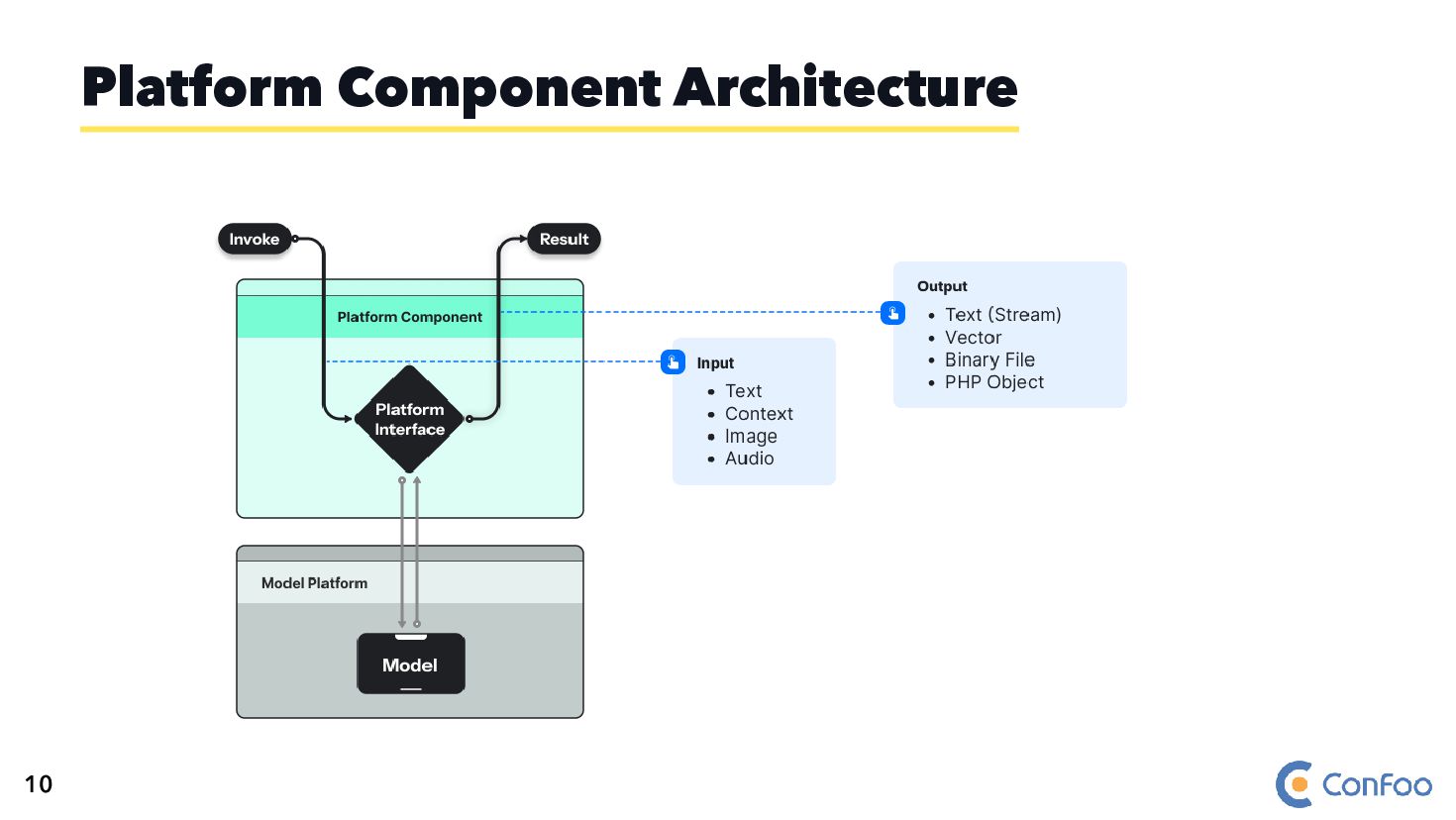
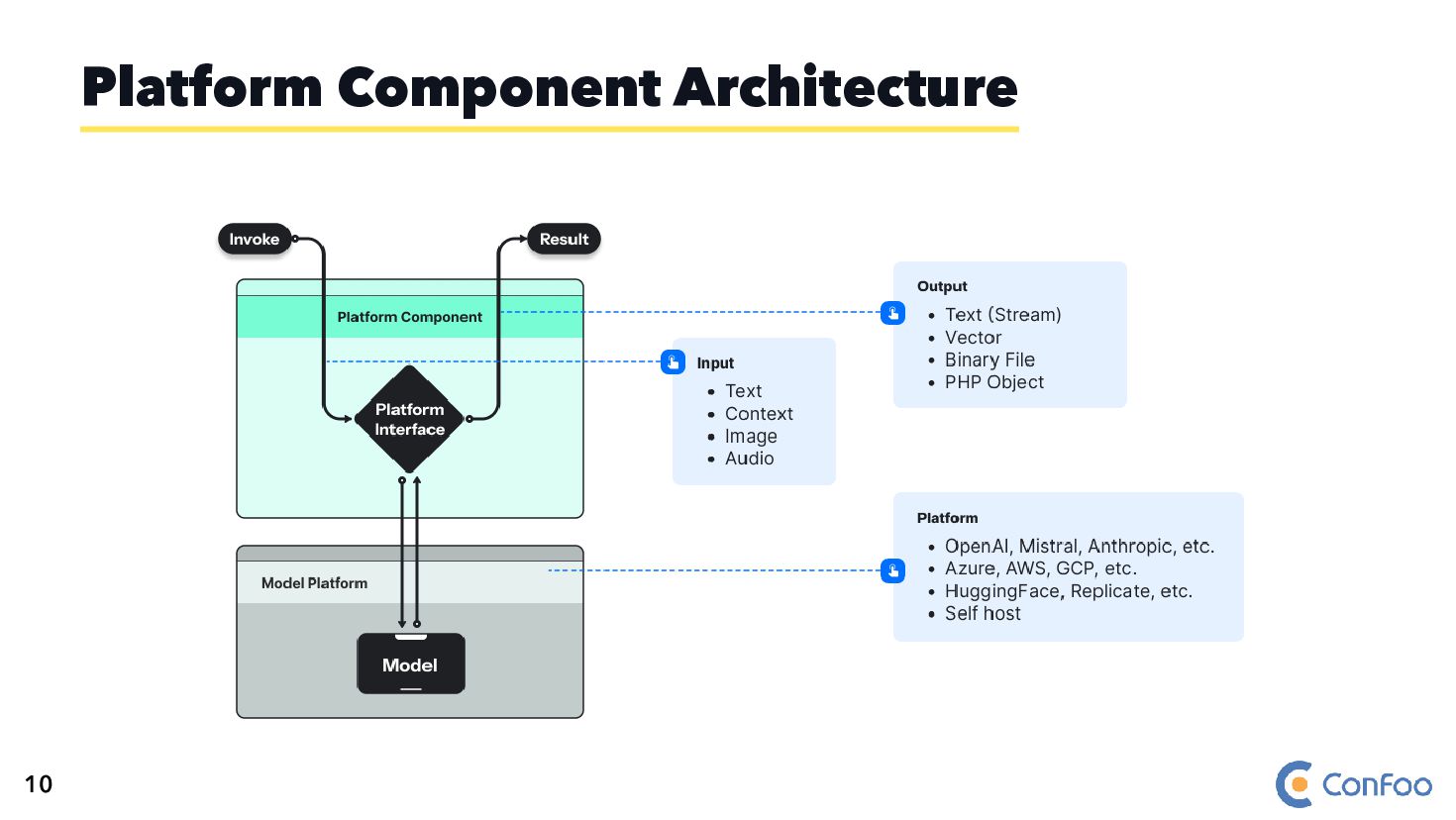
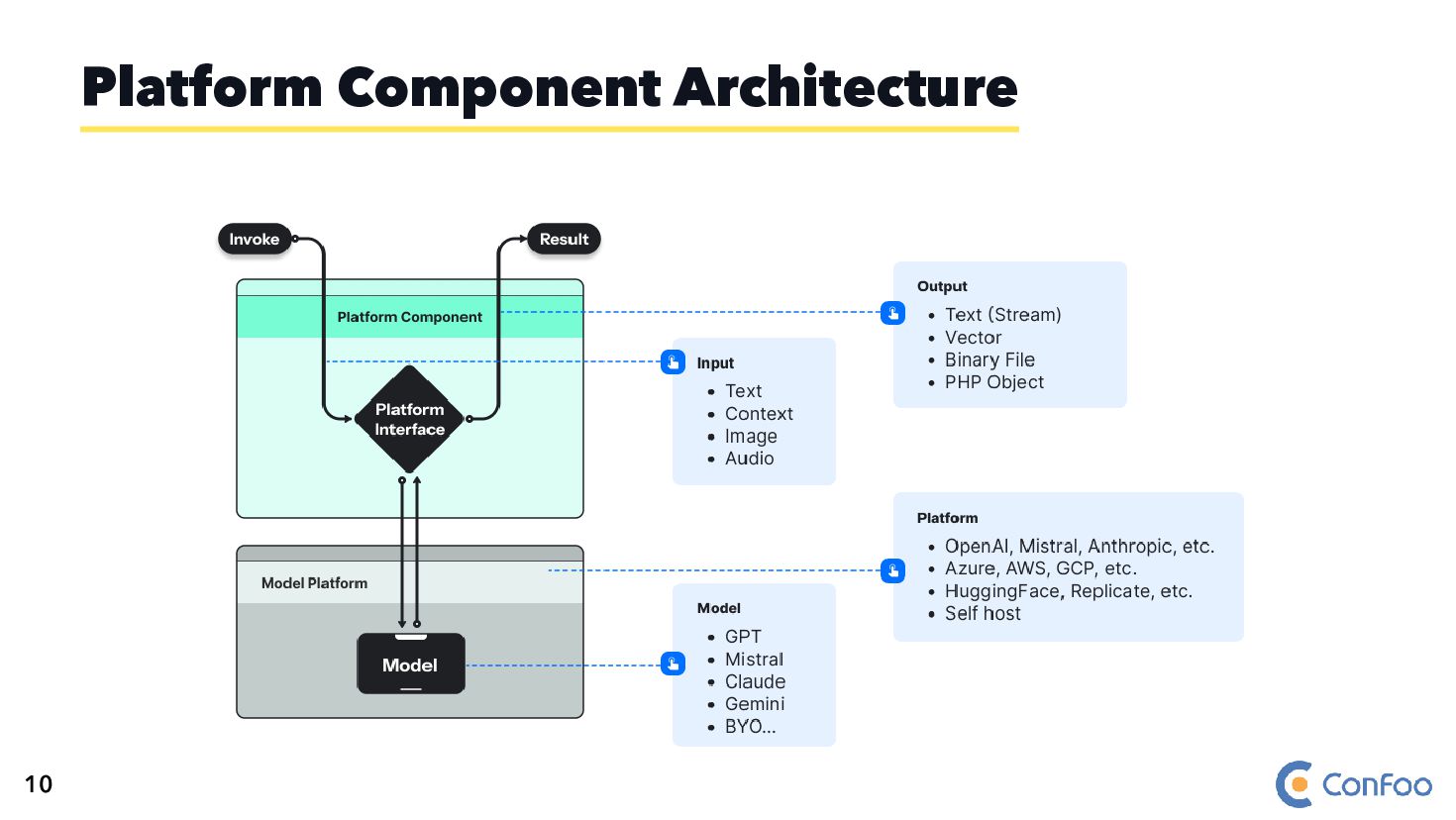
  12. 🔌 Abstraction layer for AI Platforms: "where models run" 🎯

    Central Interface for Model Inference Platform Component 9
  13. 🔌 Abstraction layer for AI Platforms: "where models run" 🎯

    Central Interface for Model Inference 🌉 Bridges to connect 25+ AI Platforms Platform Component 9
  14. 🔌 Abstraction layer for AI Platforms: "where models run" 🎯

    Central Interface for Model Inference 🌉 Bridges to connect 25+ AI Platforms 🎨 Multi-modal compatibility (text, image, audio, PDF) Platform Component 9
  15. 🔌 Abstraction layer for AI Platforms: "where models run" 🎯

    Central Interface for Model Inference 🌉 Bridges to connect 25+ AI Platforms 🎨 Multi-modal compatibility (text, image, audio, PDF) 📡 Event system to hook into the lifecycle Platform Component 9
  16. 🔌 Abstraction layer for AI Platforms: "where models run" 🎯

    Central Interface for Model Inference 🌉 Bridges to connect 25+ AI Platforms 🎨 Multi-modal compatibility (text, image, audio, PDF) 📡 Event system to hook into the lifecycle Platform Component composer require symfony/ai-platform 9
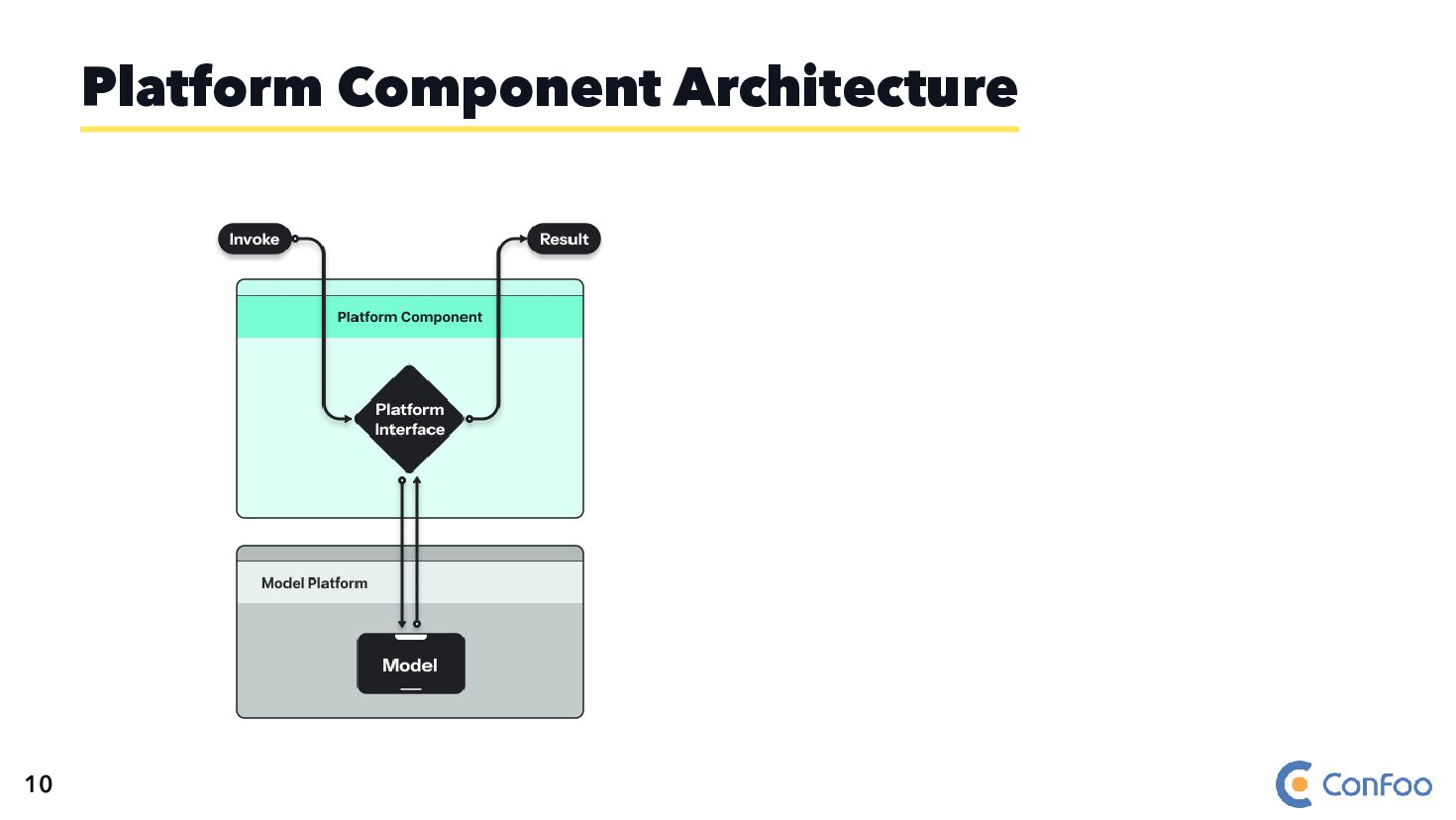
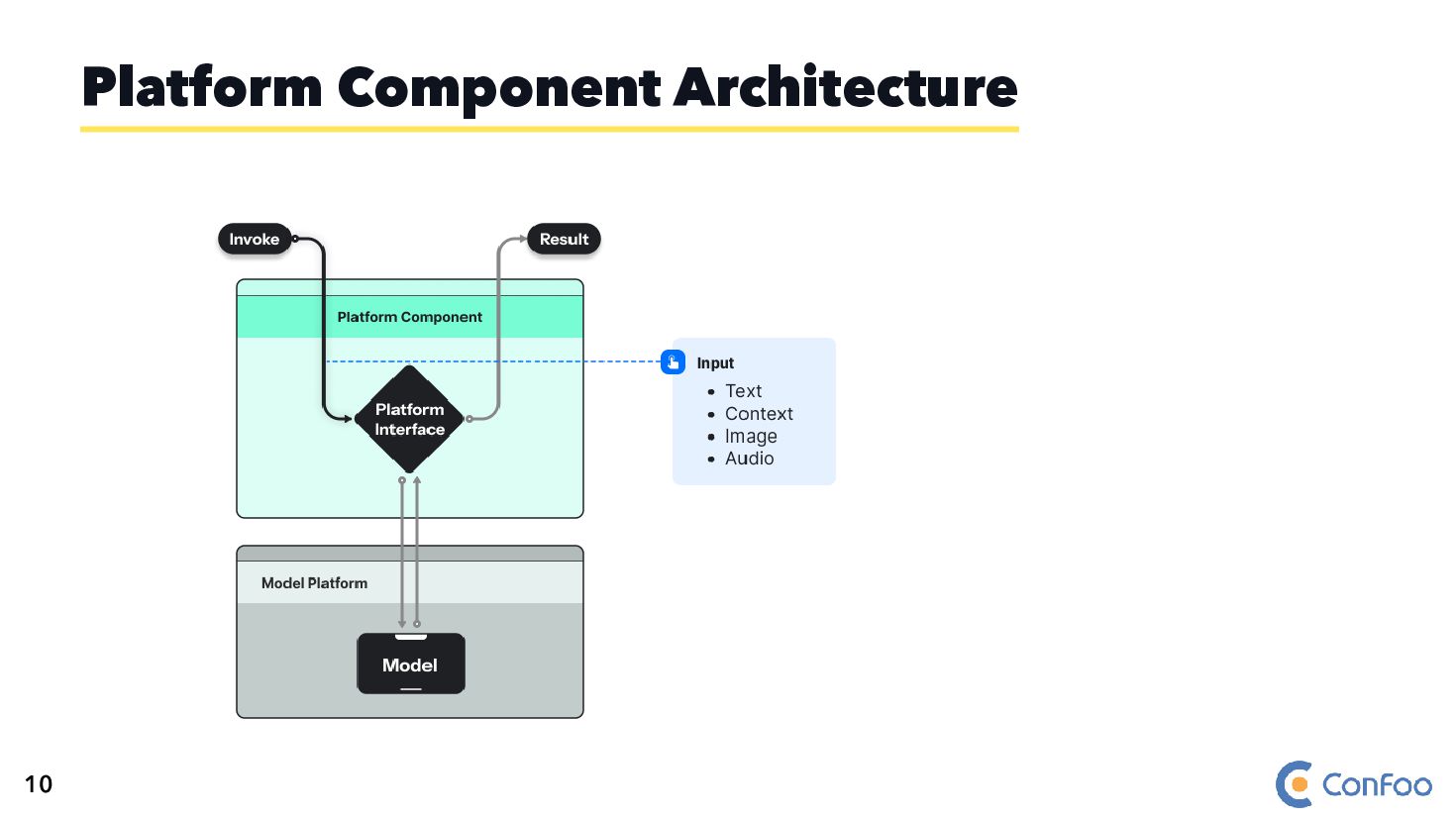
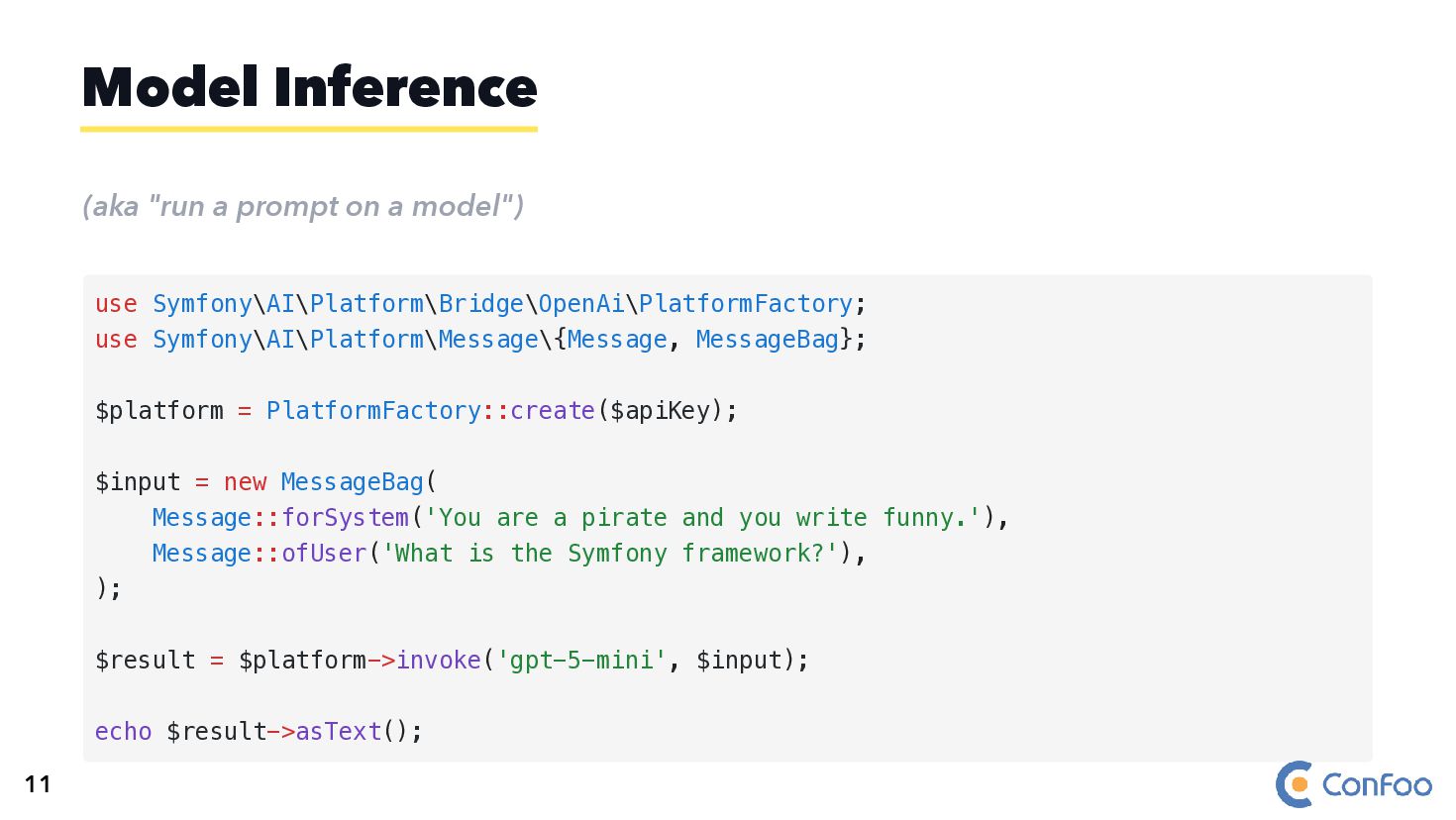
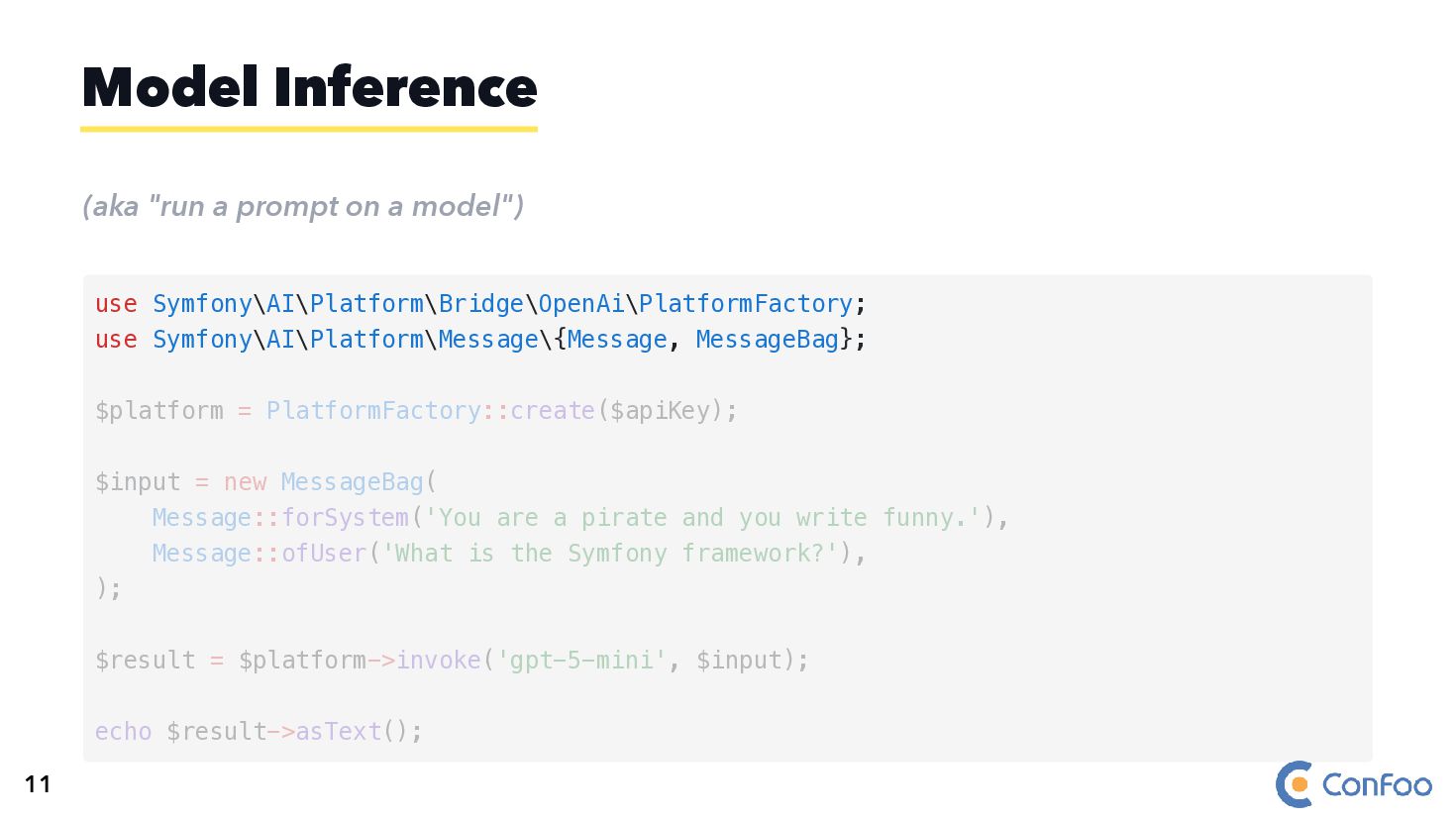
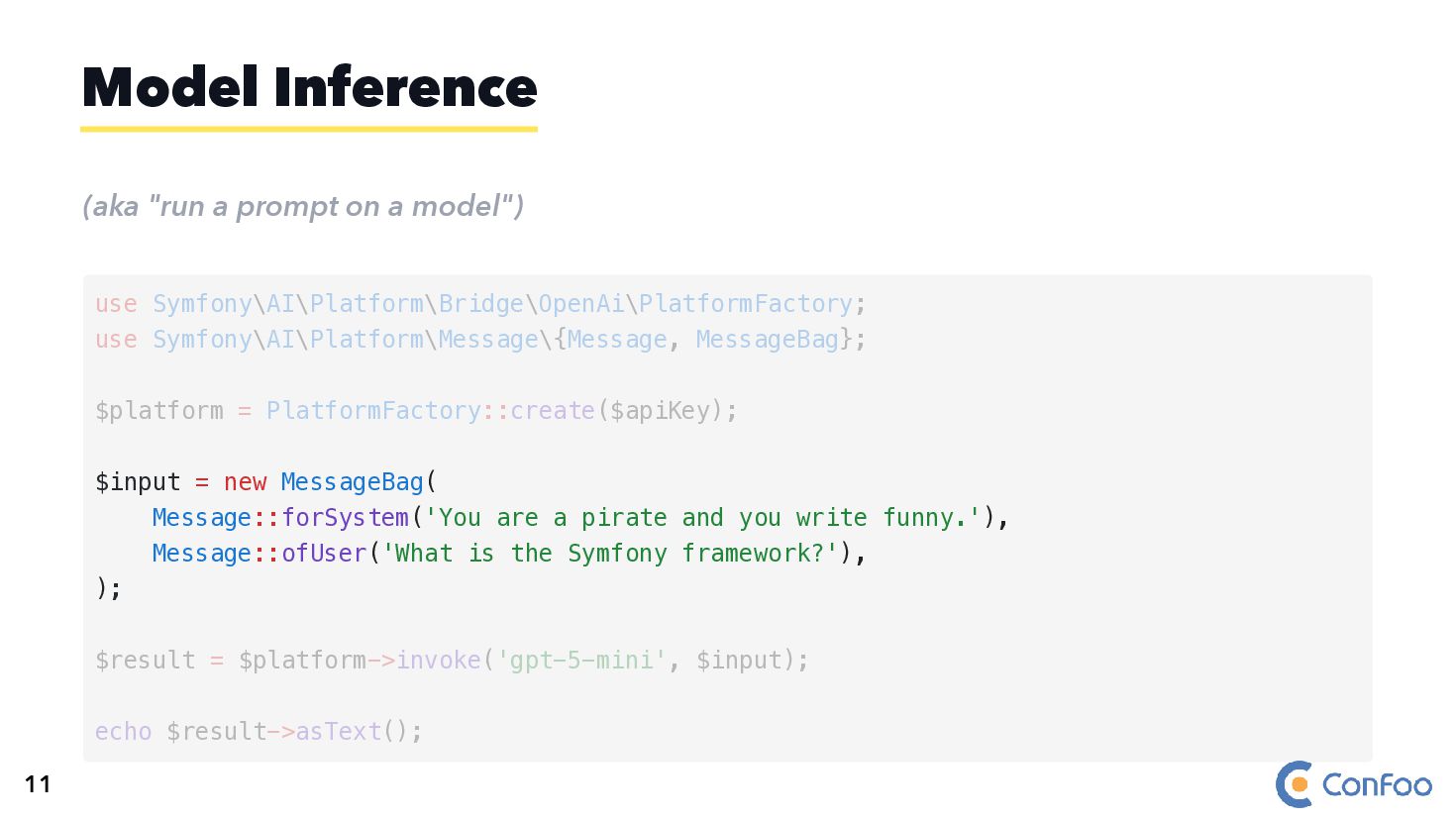
  17. (aka "run a prompt on a model") Model Inference use

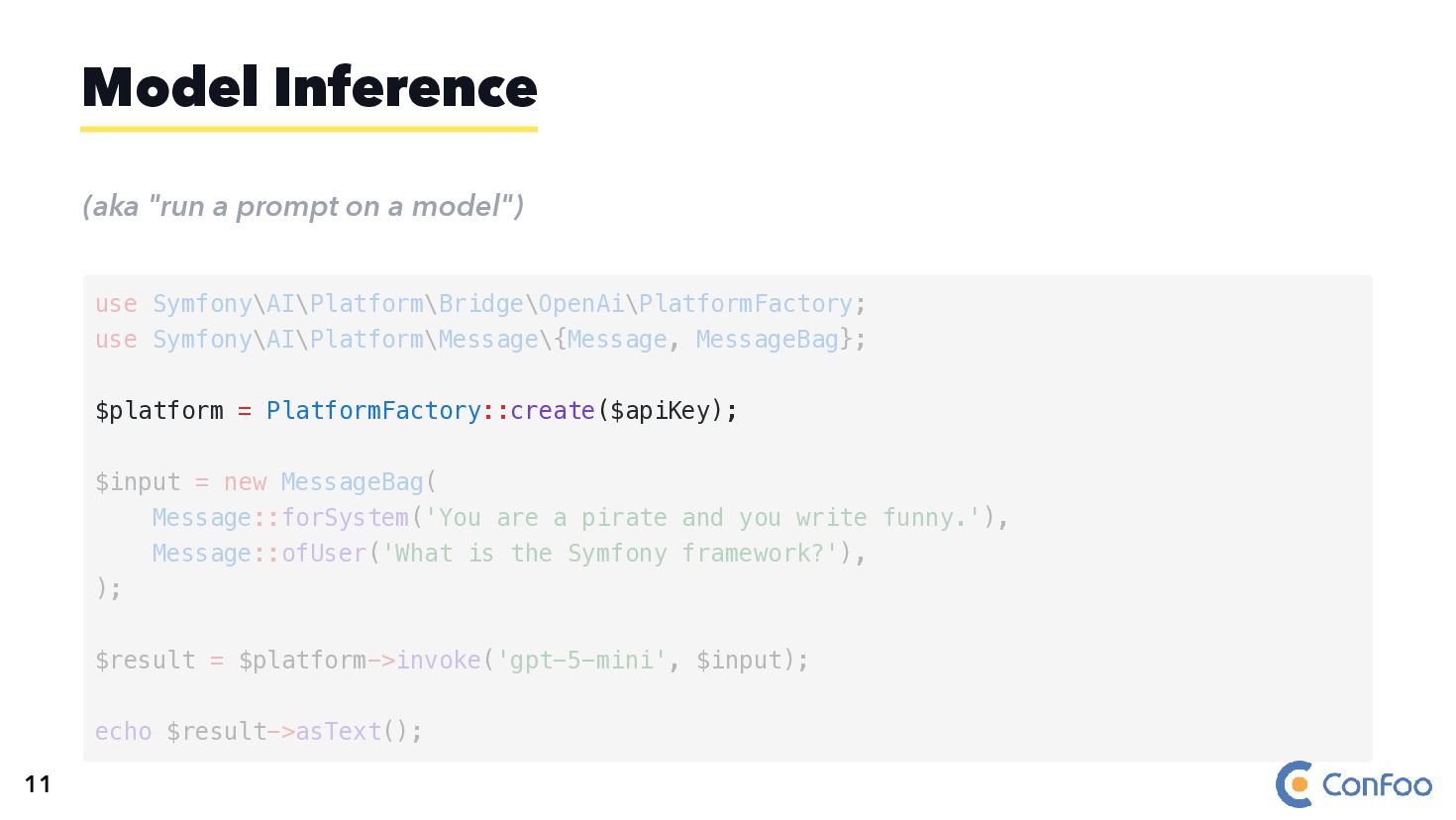
    Symfony\AI\Platform\Bridge\OpenAi\PlatformFactory; use Symfony\AI\Platform\Message\{Message, MessageBag}; $platform = PlatformFactory::create($apiKey); $input = new MessageBag( Message::forSystem('You are a pirate and you write funny.'), Message::ofUser('What is the Symfony framework?'), ); $result = $platform->invoke('gpt-5-mini', $input); echo $result->asText(); 11
  18. (aka "run a prompt on a model") Model Inference use

    Symfony\AI\Platform\Bridge\OpenAi\PlatformFactory; use Symfony\AI\Platform\Message\{Message, MessageBag}; $platform = PlatformFactory::create($apiKey); $input = new MessageBag( Message::forSystem('You are a pirate and you write funny.'), Message::ofUser('What is the Symfony framework?'), ); $result = $platform->invoke('gpt-5-mini', $input); echo $result->asText(); 11
  19. (aka "run a prompt on a model") Model Inference $platform

    = PlatformFactory::create($apiKey); use Symfony\AI\Platform\Bridge\OpenAi\PlatformFactory; use Symfony\AI\Platform\Message\{Message, MessageBag}; $input = new MessageBag( Message::forSystem('You are a pirate and you write funny.'), Message::ofUser('What is the Symfony framework?'), ); $result = $platform->invoke('gpt-5-mini', $input); echo $result->asText(); 11
  20. (aka "run a prompt on a model") Model Inference $input

    = new MessageBag( Message::forSystem('You are a pirate and you write funny.'), Message::ofUser('What is the Symfony framework?'), ); use Symfony\AI\Platform\Bridge\OpenAi\PlatformFactory; use Symfony\AI\Platform\Message\{Message, MessageBag}; $platform = PlatformFactory::create($apiKey); $result = $platform->invoke('gpt-5-mini', $input); echo $result->asText(); 11
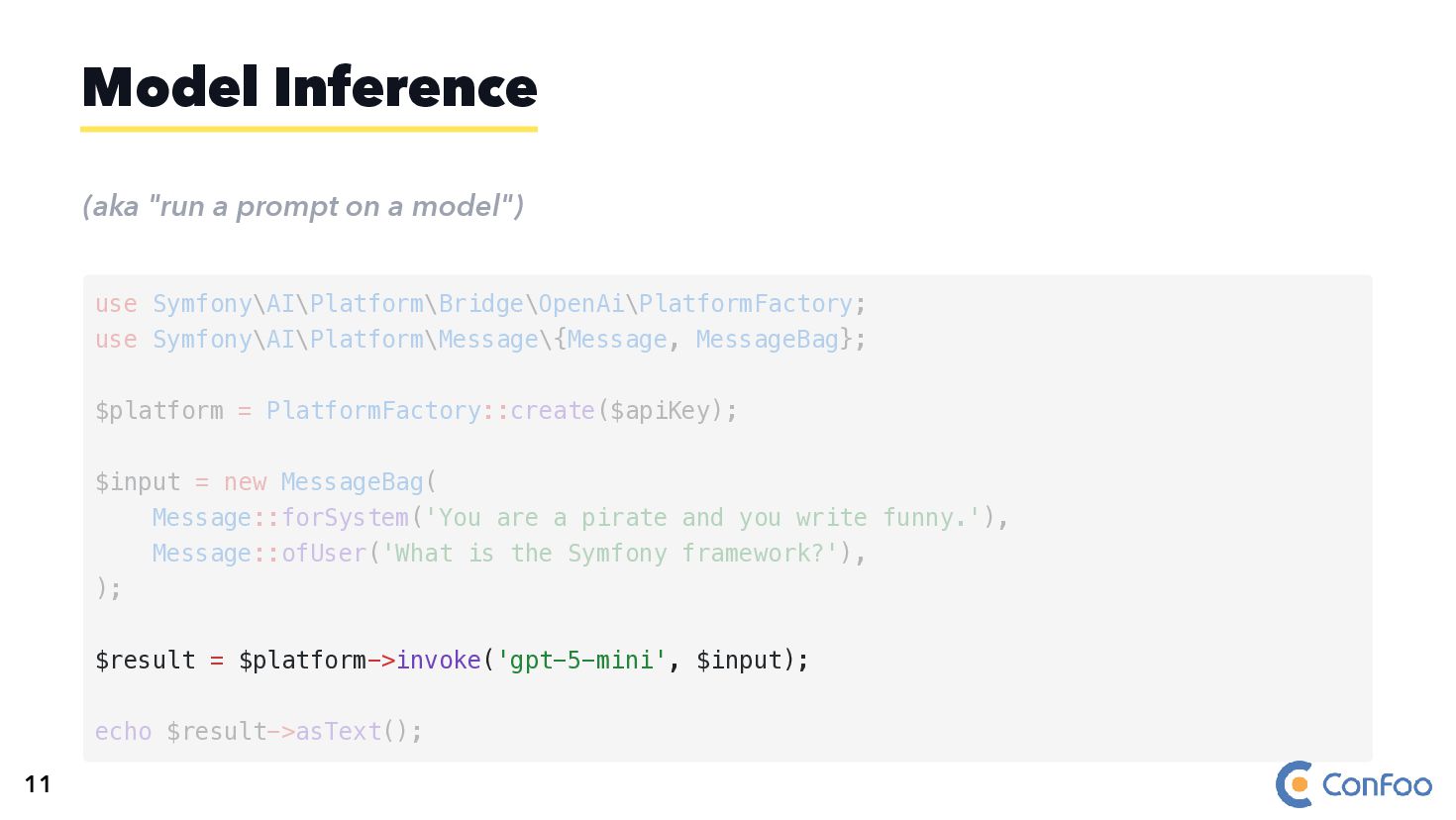
  21. (aka "run a prompt on a model") Model Inference $result

    = $platform->invoke('gpt-5-mini', $input); use Symfony\AI\Platform\Bridge\OpenAi\PlatformFactory; use Symfony\AI\Platform\Message\{Message, MessageBag}; $platform = PlatformFactory::create($apiKey); $input = new MessageBag( Message::forSystem('You are a pirate and you write funny.'), Message::ofUser('What is the Symfony framework?'), ); echo $result->asText(); 11
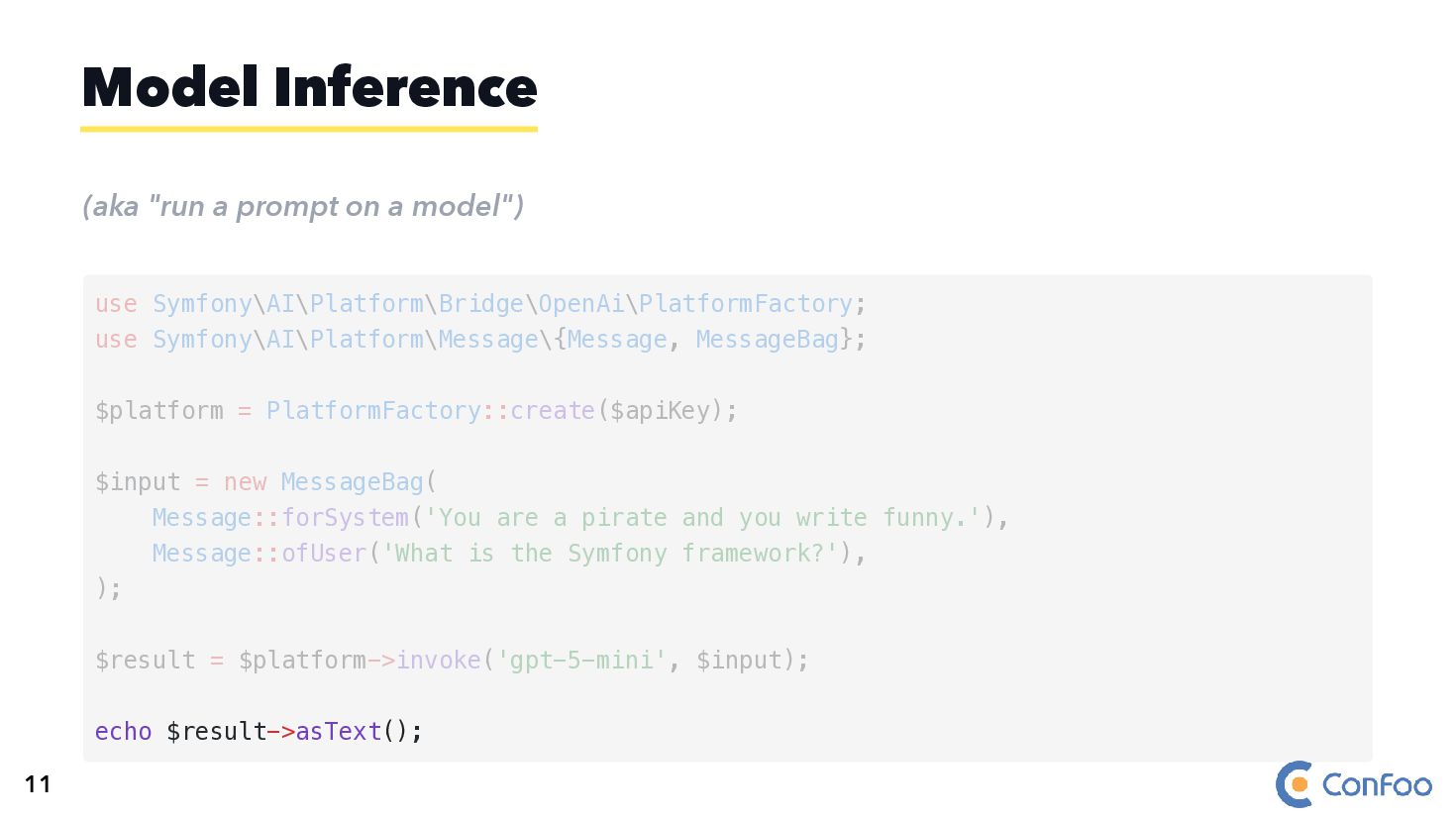
  22. (aka "run a prompt on a model") Model Inference echo

    $result->asText(); use Symfony\AI\Platform\Bridge\OpenAi\PlatformFactory; use Symfony\AI\Platform\Message\{Message, MessageBag}; $platform = PlatformFactory::create($apiKey); $input = new MessageBag( Message::forSystem('You are a pirate and you write funny.'), Message::ofUser('What is the Symfony framework?'), ); $result = $platform->invoke('gpt-5-mini', $input); 11
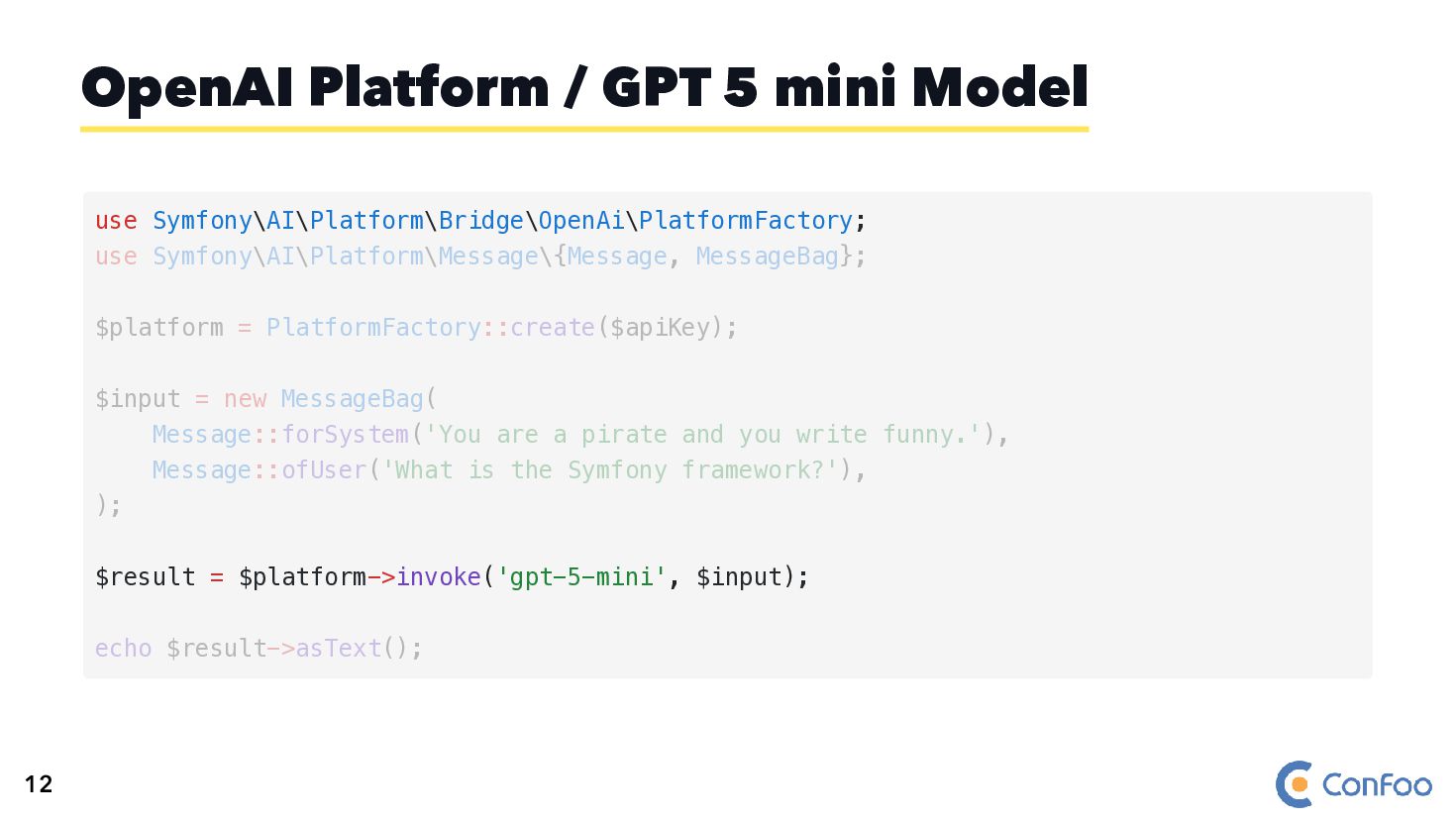
  23. OpenAI Platform / GPT 5 mini Model use Symfony\AI\Platform\Bridge\OpenAi\PlatformFactory; $result

    = $platform->invoke('gpt-5-mini', $input); use Symfony\AI\Platform\Message\{Message, MessageBag}; $platform = PlatformFactory::create($apiKey); $input = new MessageBag( Message::forSystem('You are a pirate and you write funny.'), Message::ofUser('What is the Symfony framework?'), ); echo $result->asText(); 12
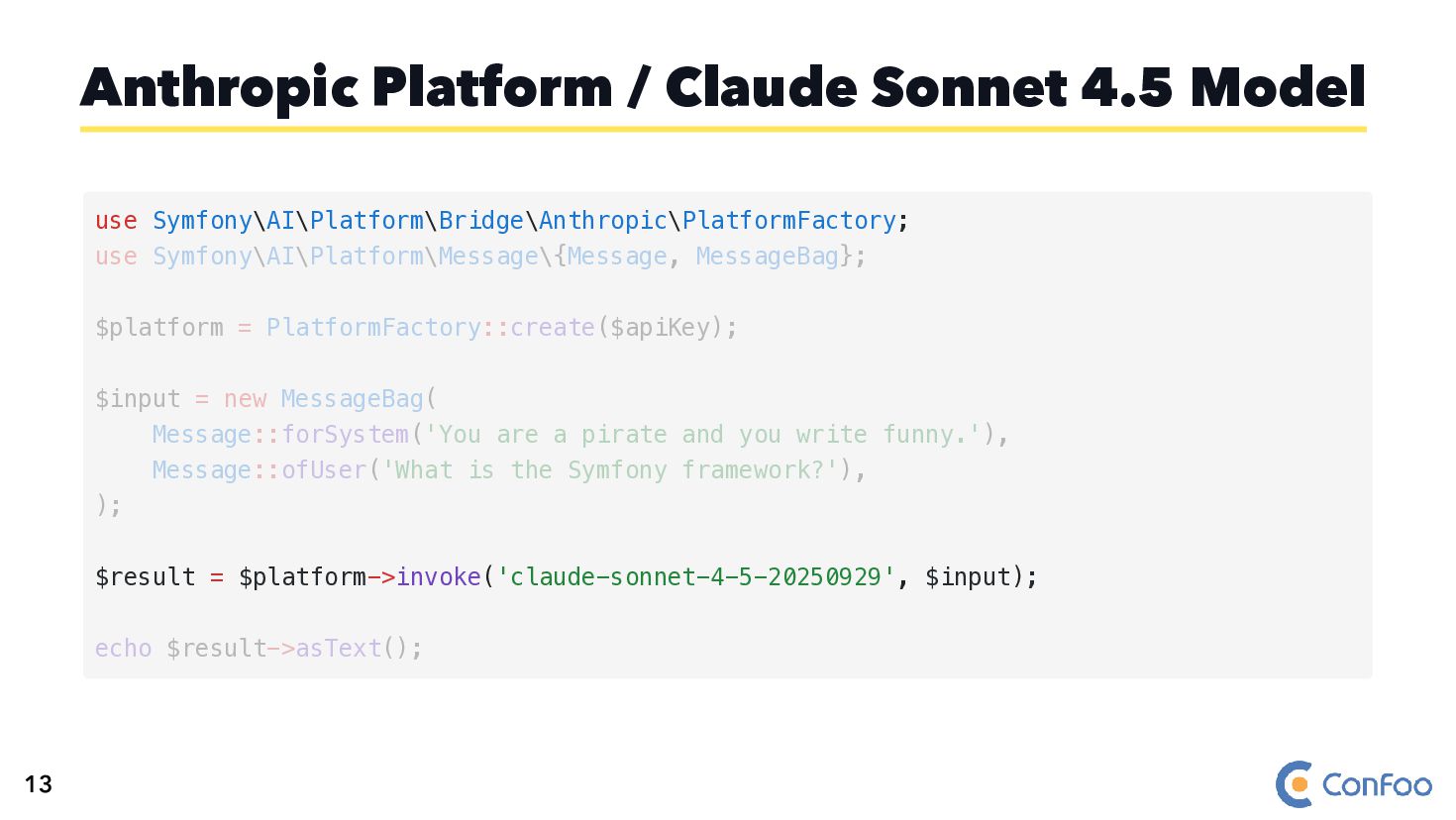
  24. Anthropic Platform / Claude Sonnet 4.5 Model use Symfony\AI\Platform\Bridge\Anthropic\PlatformFactory; $result

    = $platform->invoke('claude-sonnet-4-5-20250929', $input); use Symfony\AI\Platform\Message\{Message, MessageBag}; $platform = PlatformFactory::create($apiKey); $input = new MessageBag( Message::forSystem('You are a pirate and you write funny.'), Message::ofUser('What is the Symfony framework?'), ); echo $result->asText(); 13
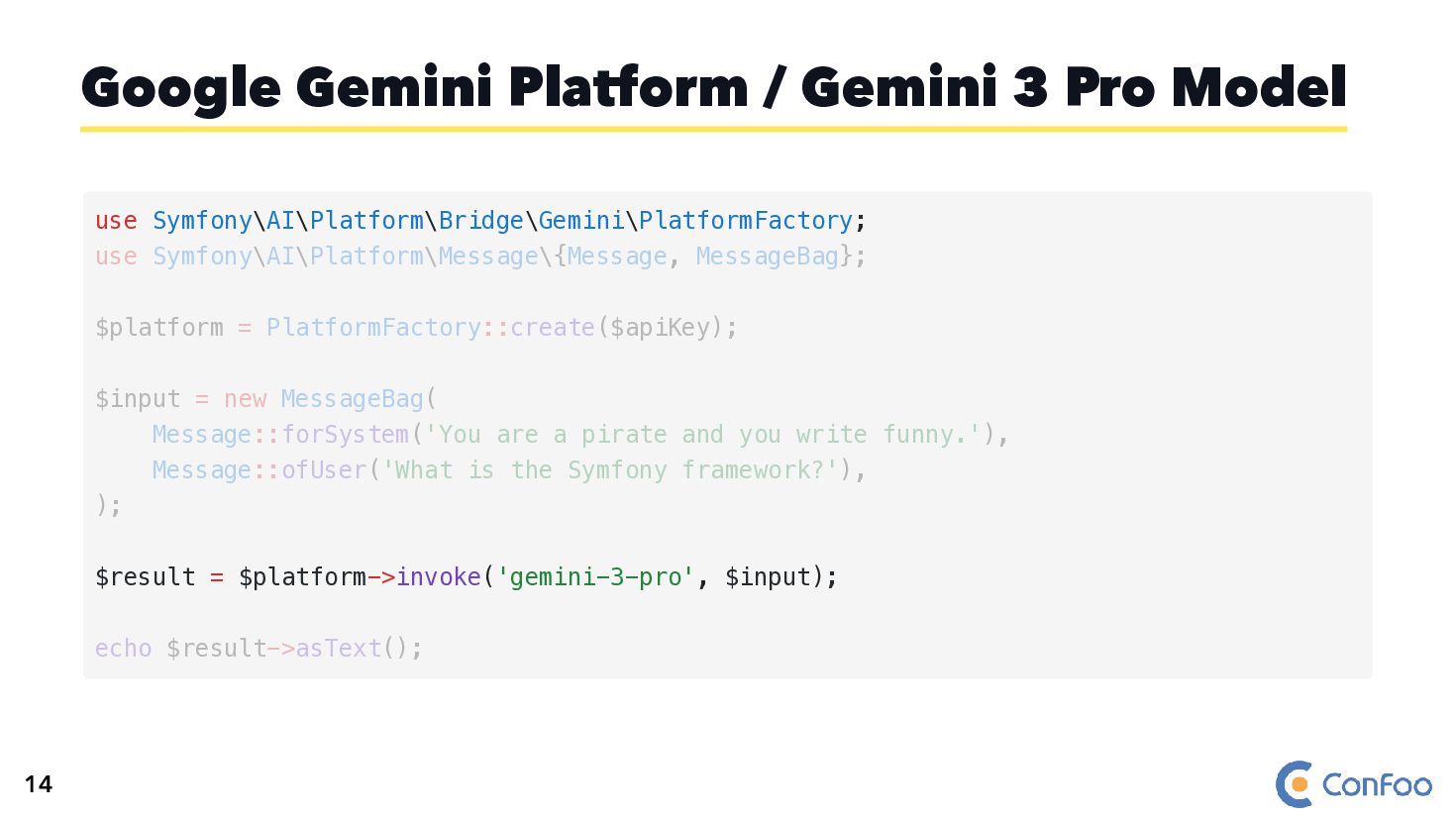
  25. Google Gemini Platform / Gemini 3 Pro Model use Symfony\AI\Platform\Bridge\Gemini\PlatformFactory;

    $result = $platform->invoke('gemini-3-pro', $input); use Symfony\AI\Platform\Message\{Message, MessageBag}; $platform = PlatformFactory::create($apiKey); $input = new MessageBag( Message::forSystem('You are a pirate and you write funny.'), Message::ofUser('What is the Symfony framework?'), ); echo $result->asText(); 14
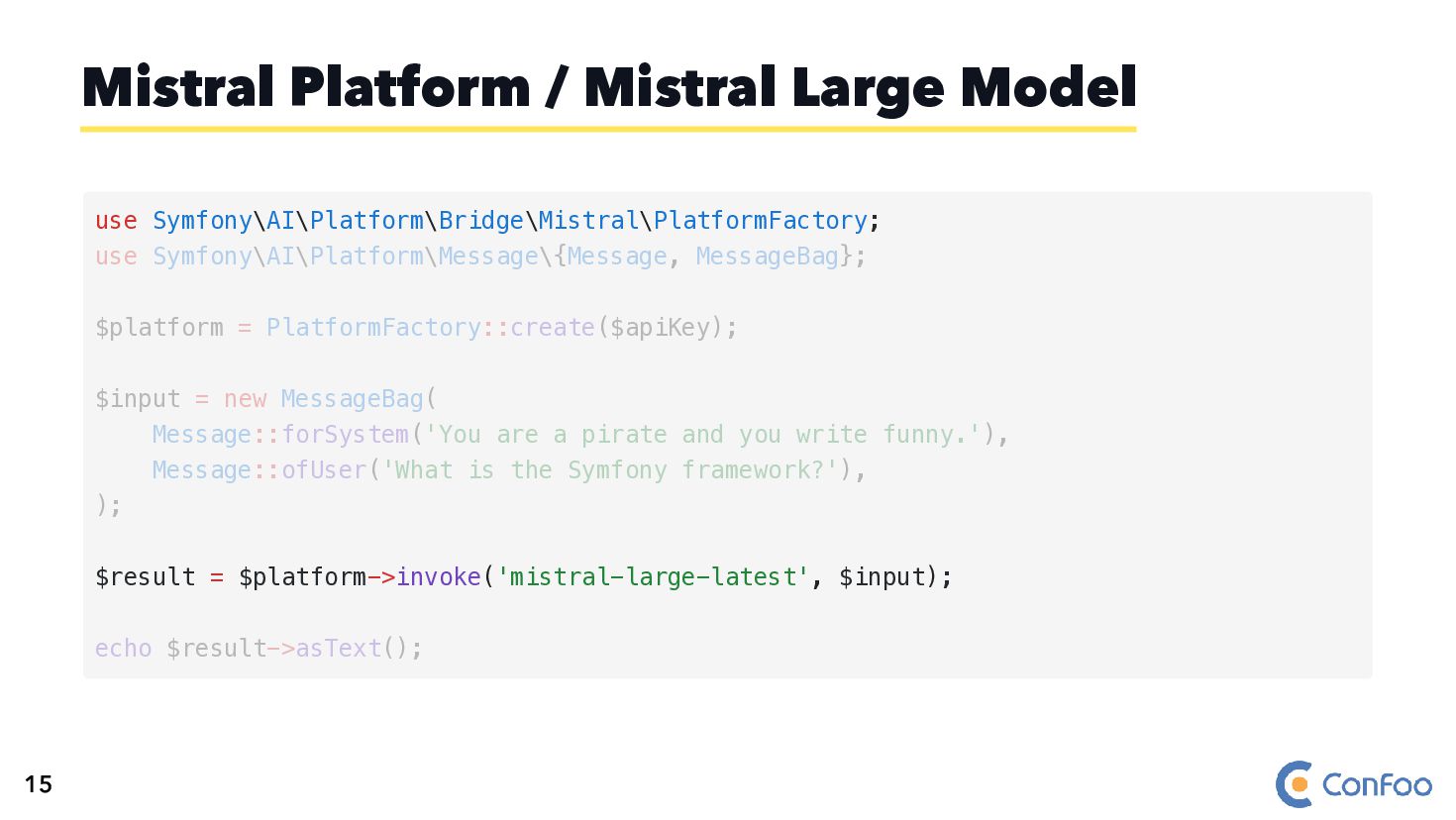
  26. Mistral Platform / Mistral Large Model use Symfony\AI\Platform\Bridge\Mistral\PlatformFactory; $result =

    $platform->invoke('mistral-large-latest', $input); use Symfony\AI\Platform\Message\{Message, MessageBag}; $platform = PlatformFactory::create($apiKey); $input = new MessageBag( Message::forSystem('You are a pirate and you write funny.'), Message::ofUser('What is the Symfony framework?'), ); echo $result->asText(); 15
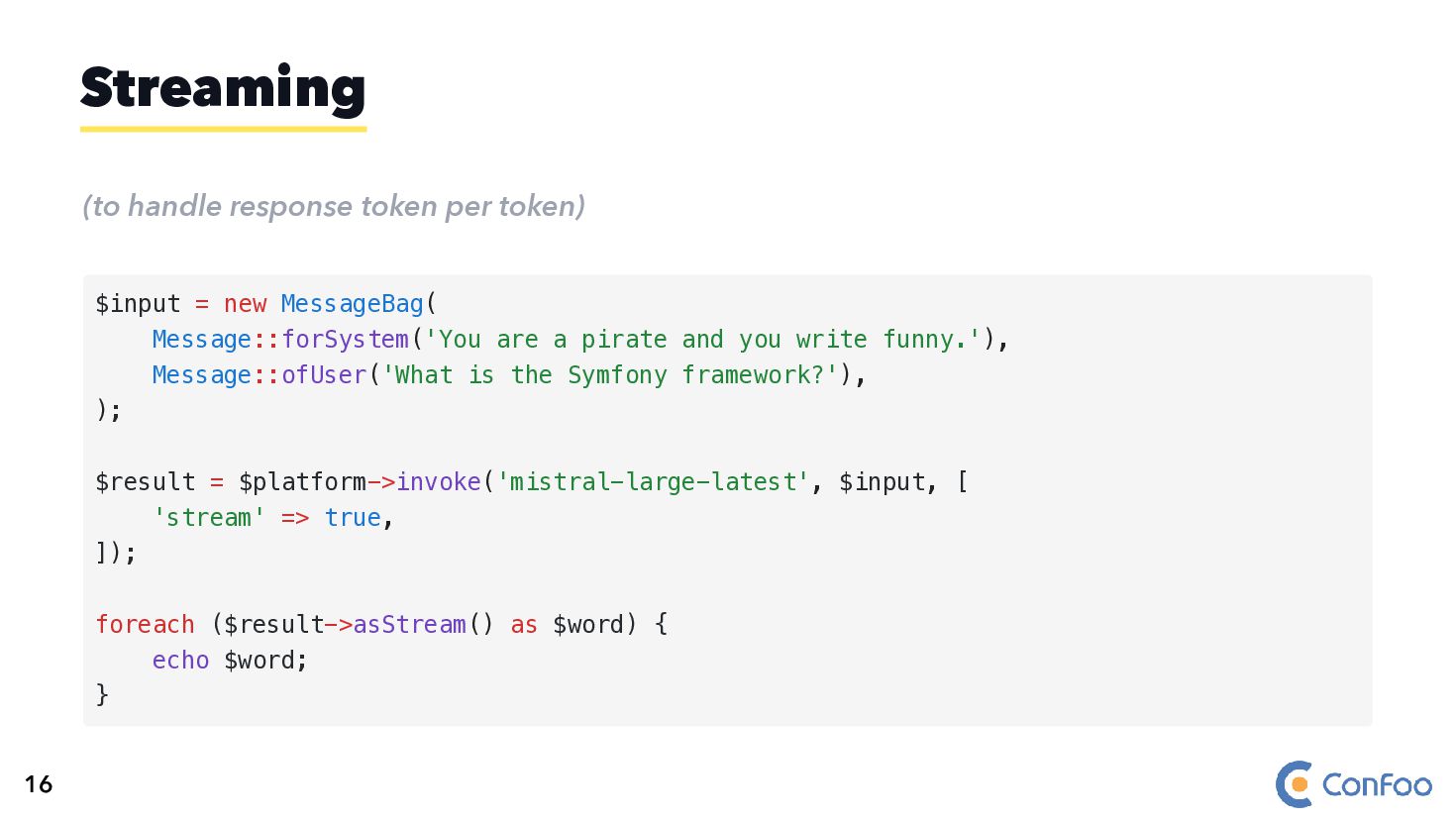
  27. (to handle response token per token) Streaming $input = new

    MessageBag( Message::forSystem('You are a pirate and you write funny.'), Message::ofUser('What is the Symfony framework?'), ); $result = $platform->invoke('mistral-large-latest', $input, [ 'stream' => true, ]); foreach ($result->asStream() as $word) { echo $word; } 16
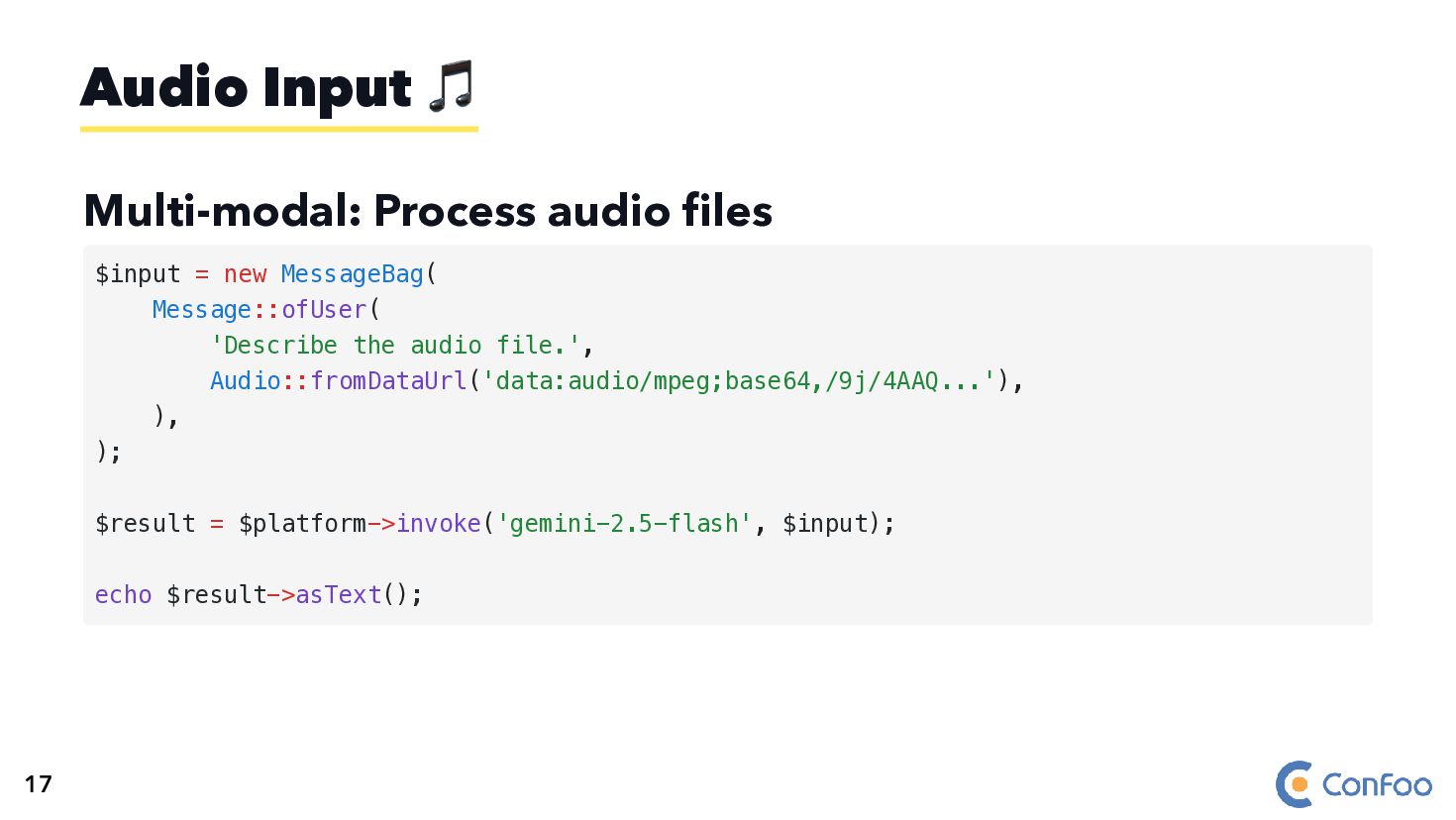
  28. Multi-modal: Process audio files Audio Input 🎵 $input = new

    MessageBag( Message::ofUser( 'Describe the audio file.', Audio::fromDataUrl('data:audio/mpeg;base64,/9j/4AAQ...'), ), ); $result = $platform->invoke('gemini-2.5-flash', $input); echo $result->asText(); 17
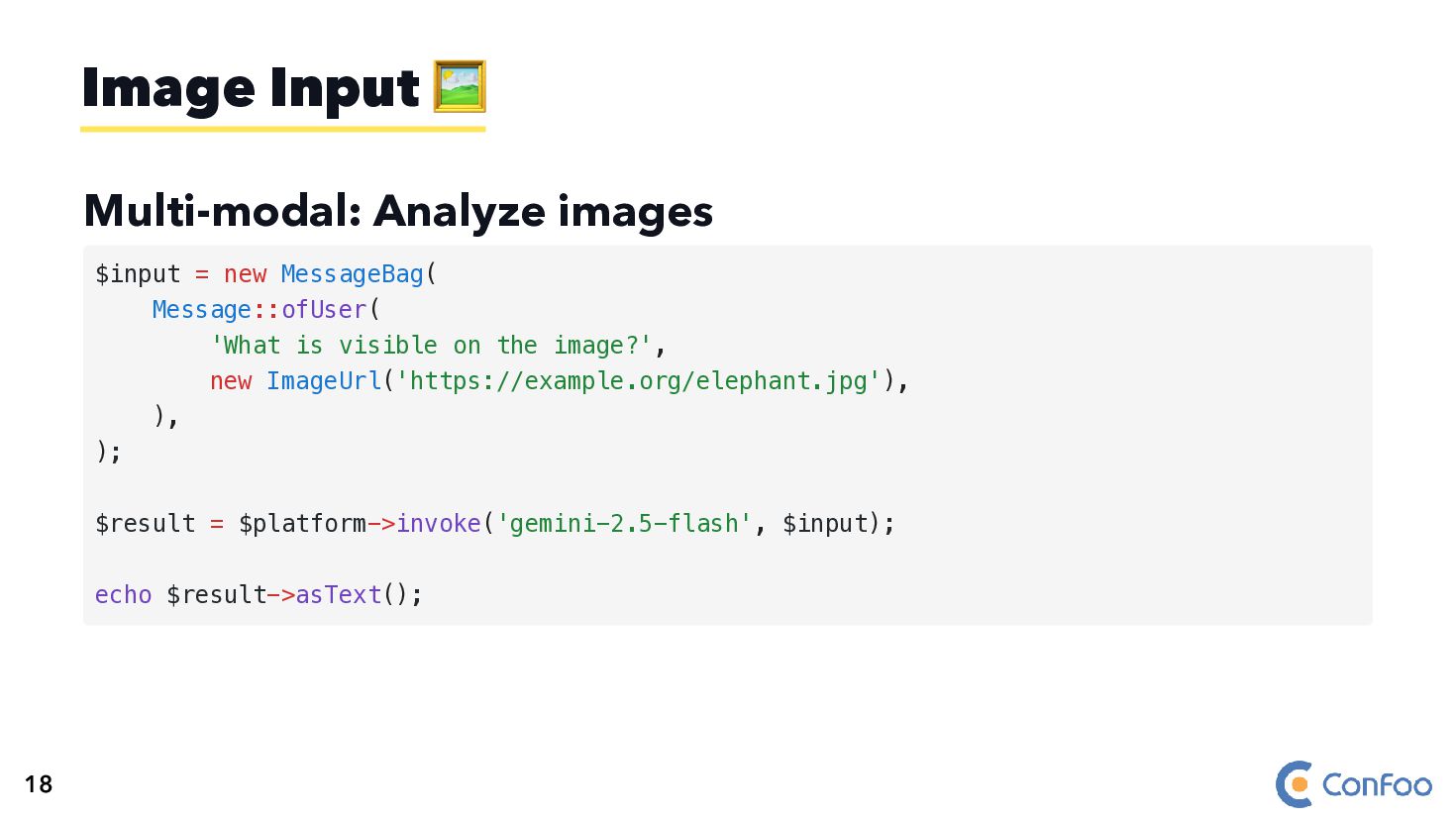
  29. Multi-modal: Analyze images Image Input 🖼️ $input = new MessageBag(

    Message::ofUser( 'What is visible on the image?', new ImageUrl('https://example.org/elephant.jpg'), ), ); $result = $platform->invoke('gemini-2.5-flash', $input); echo $result->asText(); 18
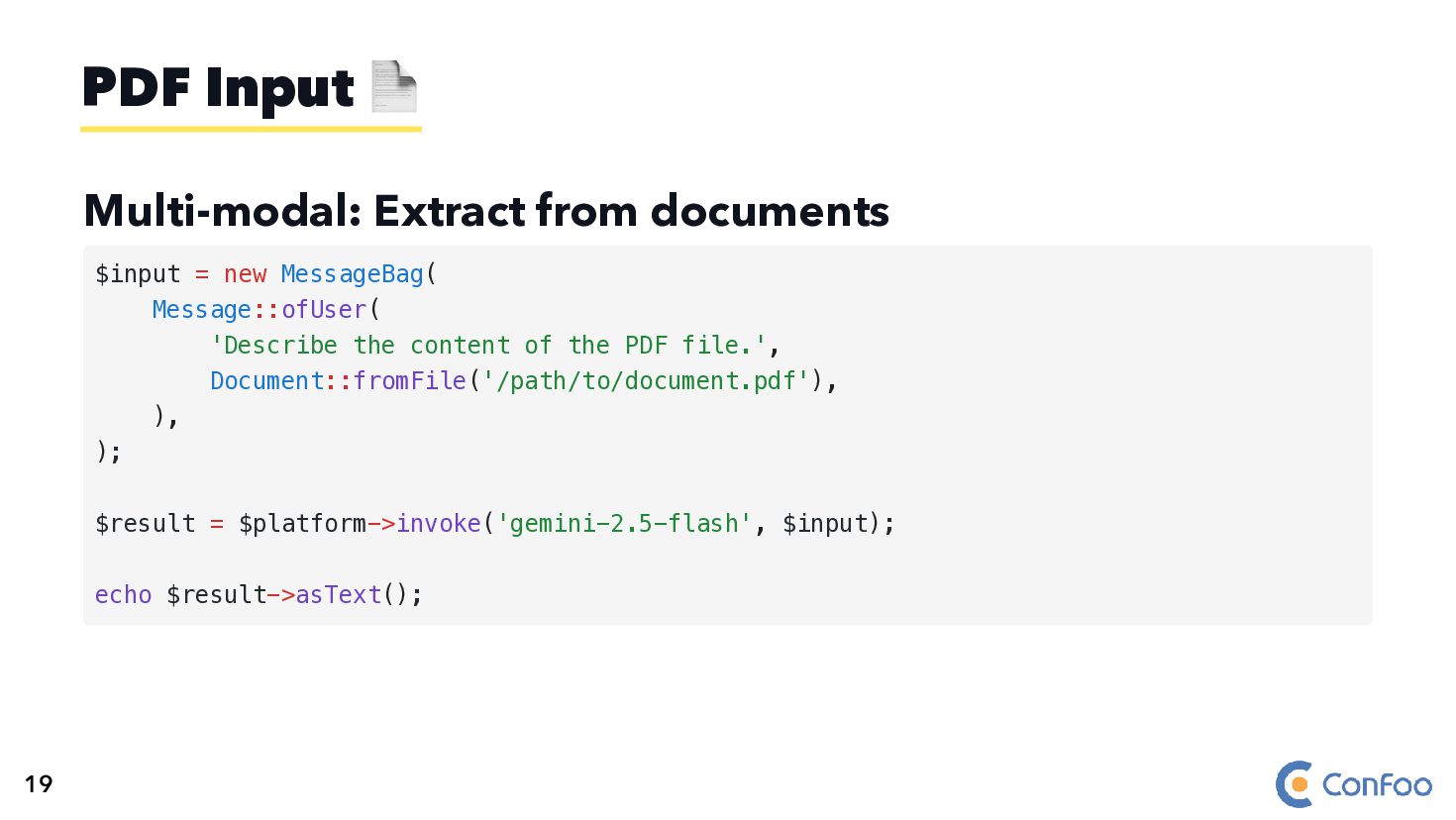
  30. Multi-modal: Extract from documents PDF Input 📄 $input = new

    MessageBag( Message::ofUser( 'Describe the content of the PDF file.', Document::fromFile('/path/to/document.pdf'), ), ); $result = $platform->invoke('gemini-2.5-flash', $input); echo $result->asText(); 19
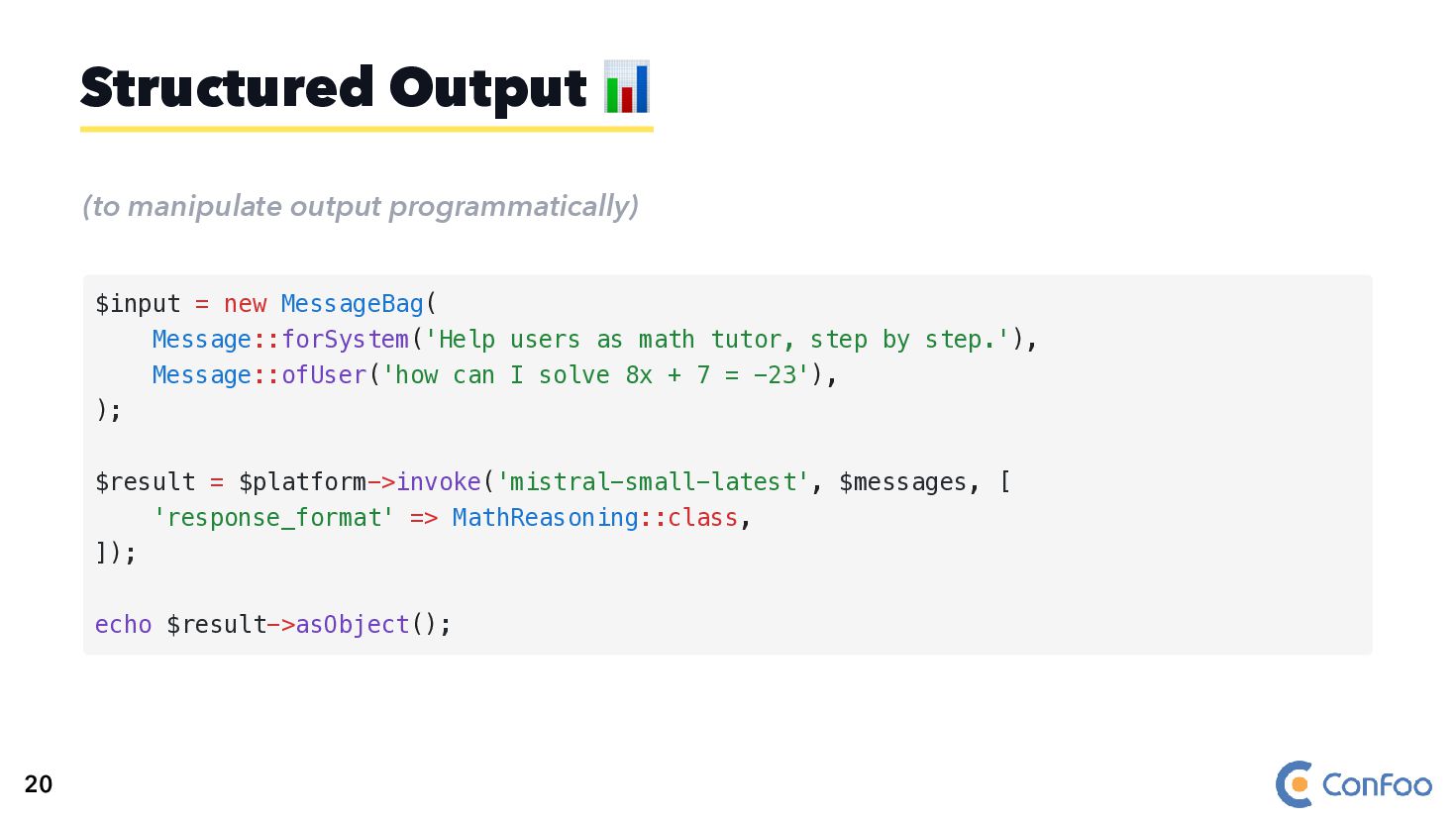
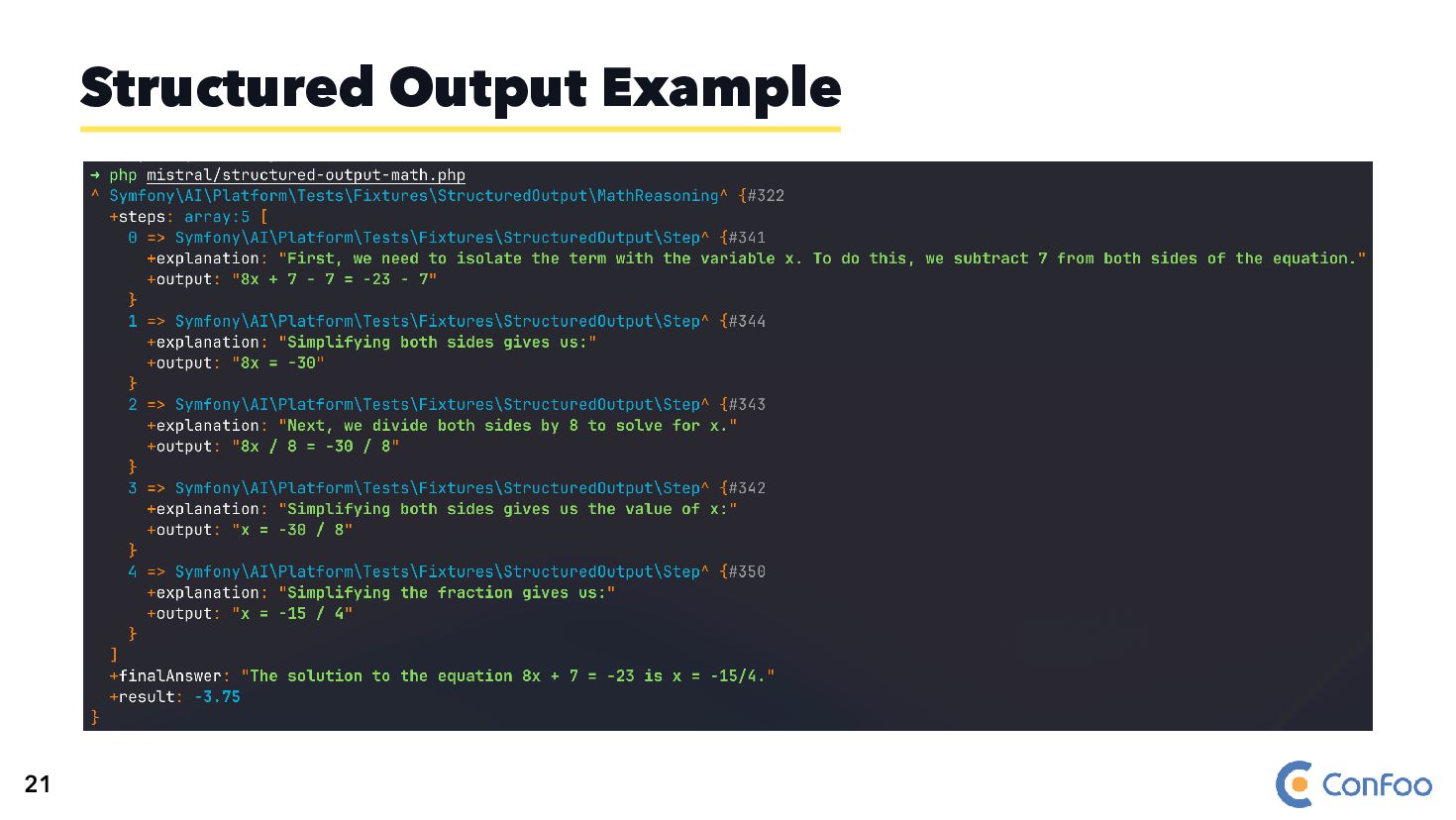
  31. (to manipulate output programmatically) Structured Output 📊 $input = new

    MessageBag( Message::forSystem('Help users as math tutor, step by step.'), Message::ofUser('how can I solve 8x + 7 = -23'), ); $result = $platform->invoke('mistral-small-latest', $messages, [ 'response_format' => MathReasoning::class, ]); echo $result->asObject(); 20
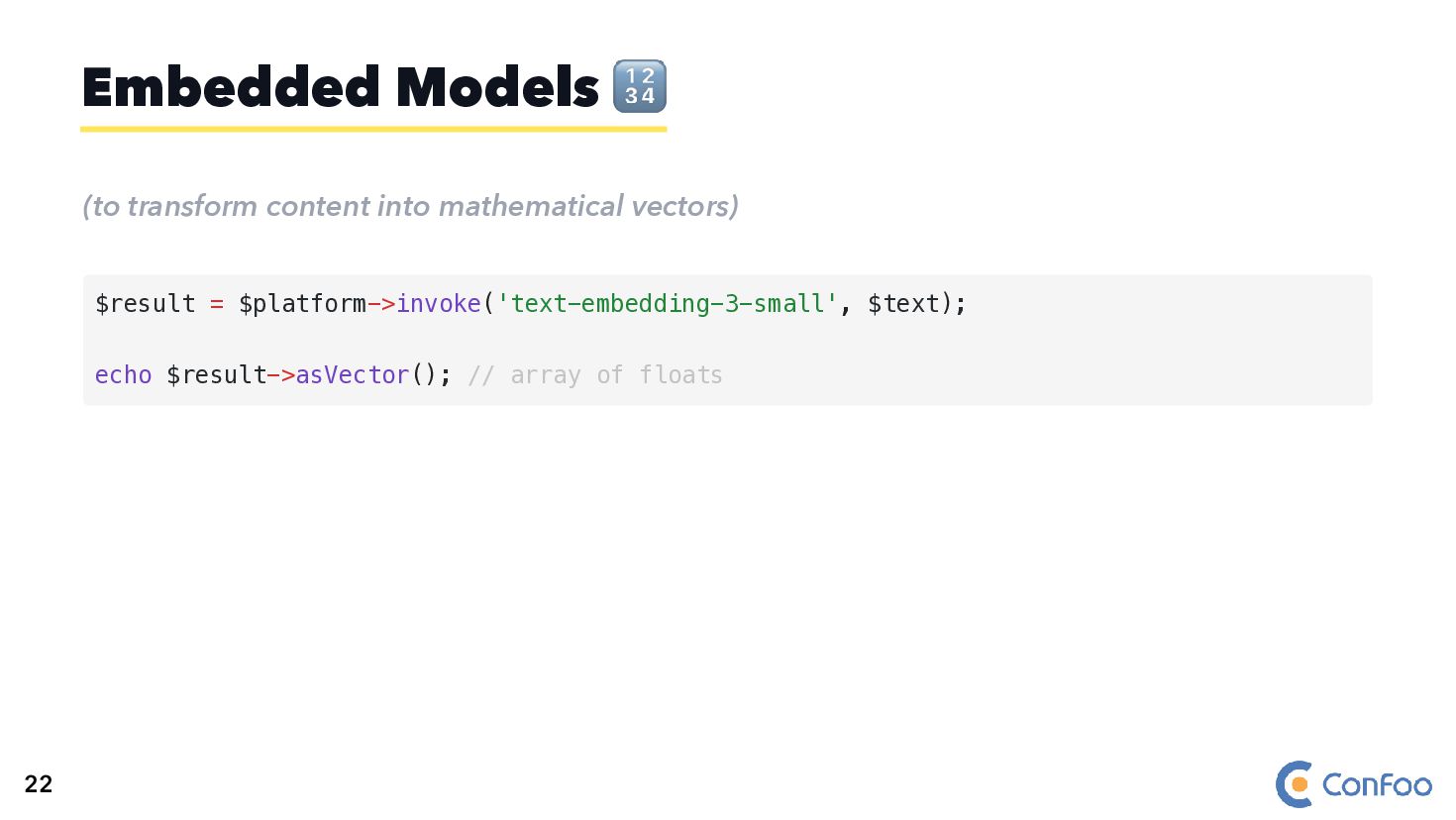
  32. (to transform content into mathematical vectors) Embedded Models 🔢 $result

    = $platform->invoke('text-embedding-3-small', $text); echo $result->asVector(); // array of floats 22
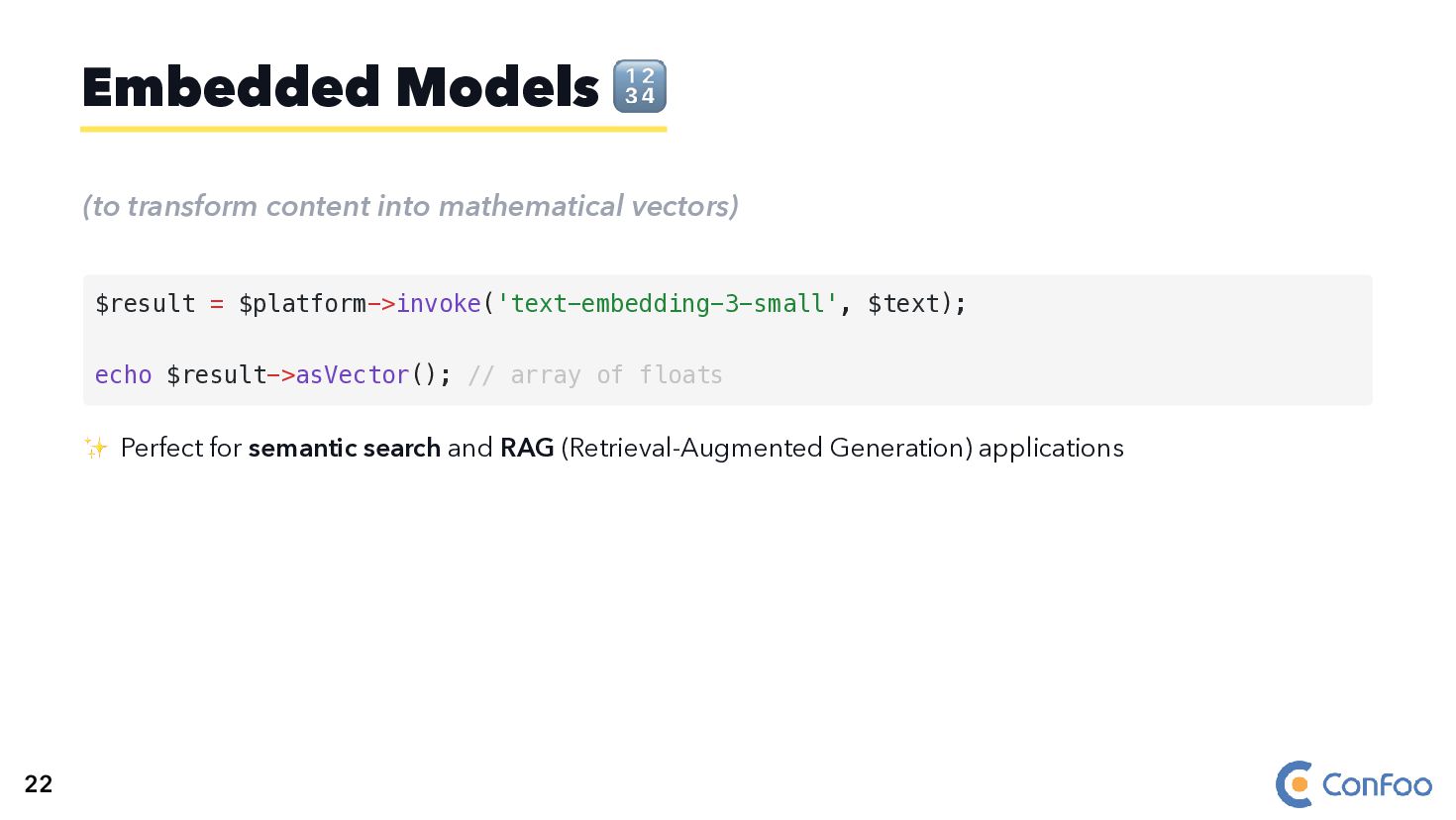
  33. (to transform content into mathematical vectors) ✨ Perfect for semantic

    search and RAG (Retrieval-Augmented Generation) applications Embedded Models 🔢 $result = $platform->invoke('text-embedding-3-small', $text); echo $result->asVector(); // array of floats 22
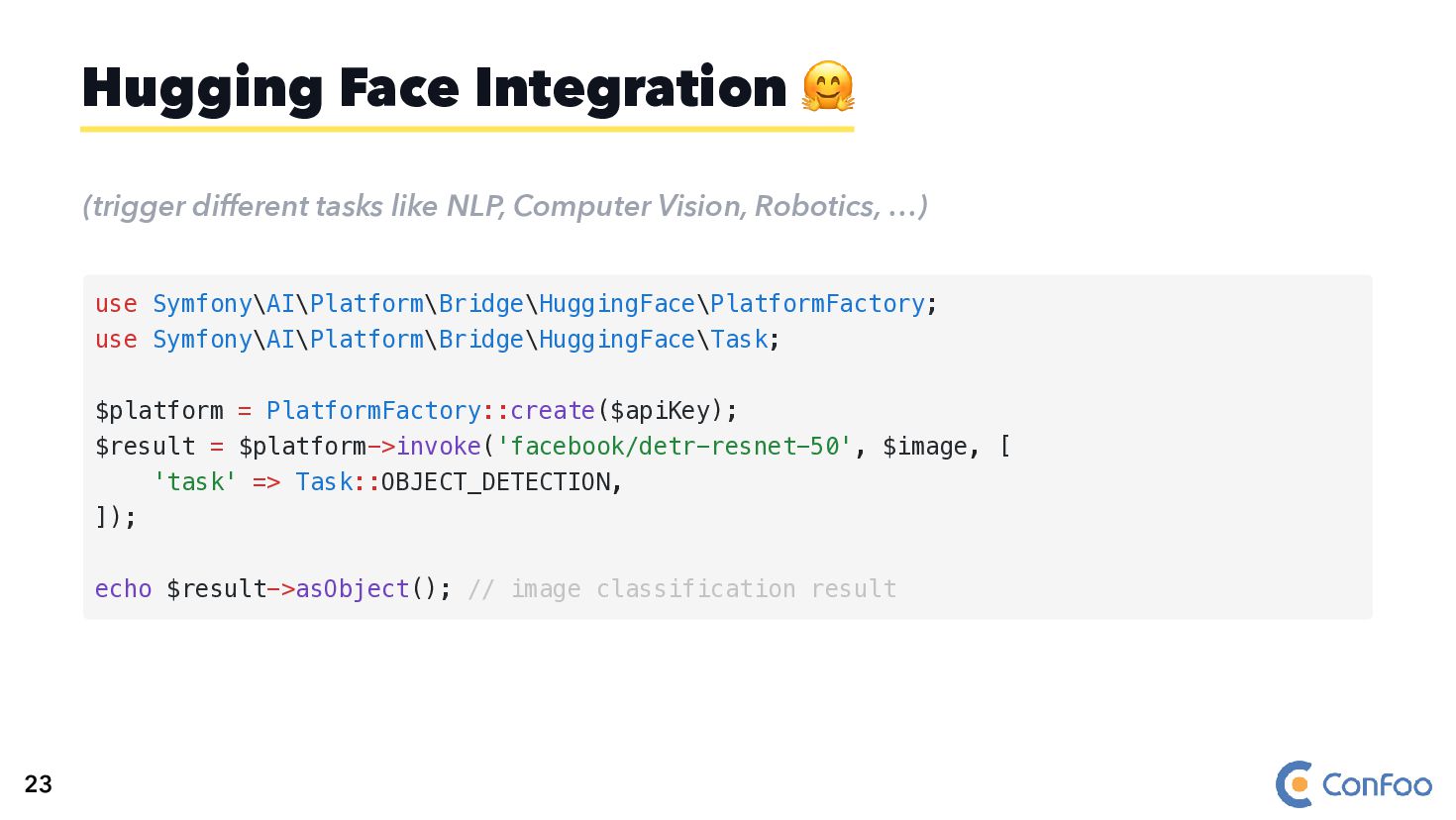
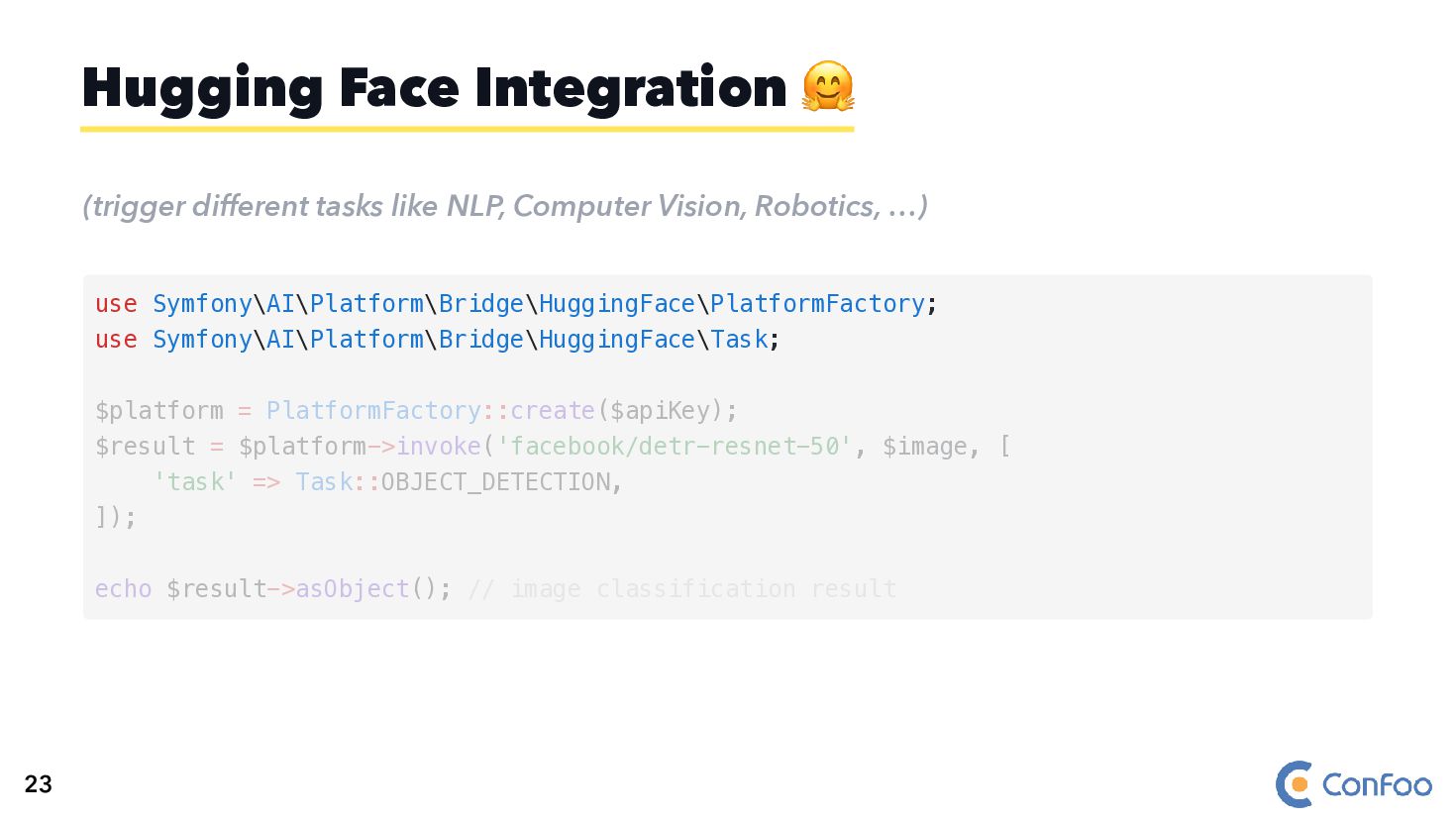
  34. (trigger different tasks like NLP, Computer Vision, Robotics, …) Hugging

    Face Integration 🤗 use Symfony\AI\Platform\Bridge\HuggingFace\PlatformFactory; use Symfony\AI\Platform\Bridge\HuggingFace\Task; $platform = PlatformFactory::create($apiKey); $result = $platform->invoke('facebook/detr-resnet-50', $image, [ 'task' => Task::OBJECT_DETECTION, ]); echo $result->asObject(); // image classification result 23
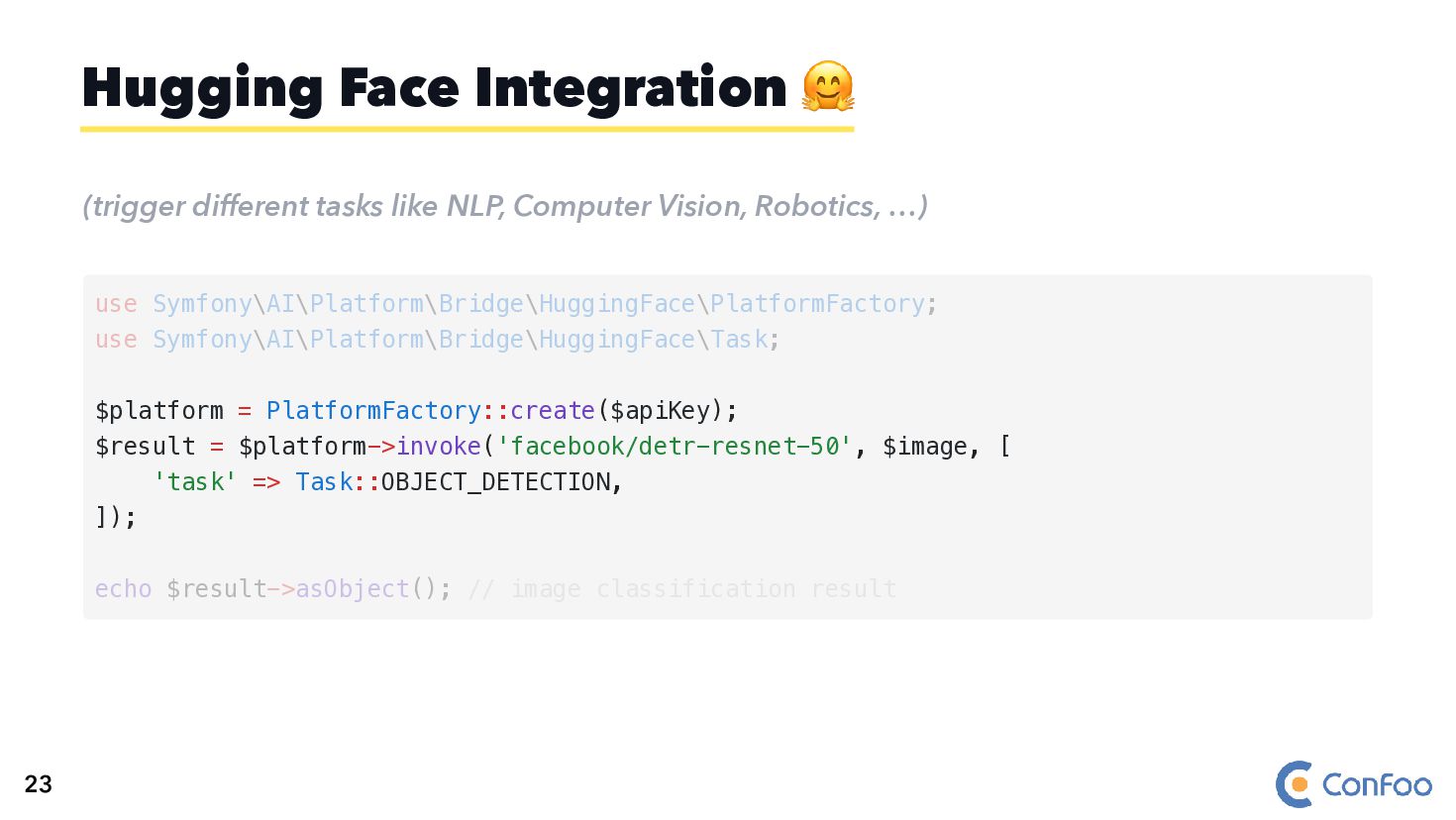
  35. (trigger different tasks like NLP, Computer Vision, Robotics, …) Hugging

    Face Integration 🤗 use Symfony\AI\Platform\Bridge\HuggingFace\PlatformFactory; use Symfony\AI\Platform\Bridge\HuggingFace\Task; $platform = PlatformFactory::create($apiKey); $result = $platform->invoke('facebook/detr-resnet-50', $image, [ 'task' => Task::OBJECT_DETECTION, ]); echo $result->asObject(); // image classification result 23
  36. (trigger different tasks like NLP, Computer Vision, Robotics, …) Hugging

    Face Integration 🤗 $platform = PlatformFactory::create($apiKey); $result = $platform->invoke('facebook/detr-resnet-50', $image, [ 'task' => Task::OBJECT_DETECTION, ]); use Symfony\AI\Platform\Bridge\HuggingFace\PlatformFactory; use Symfony\AI\Platform\Bridge\HuggingFace\Task; echo $result->asObject(); // image classification result 23
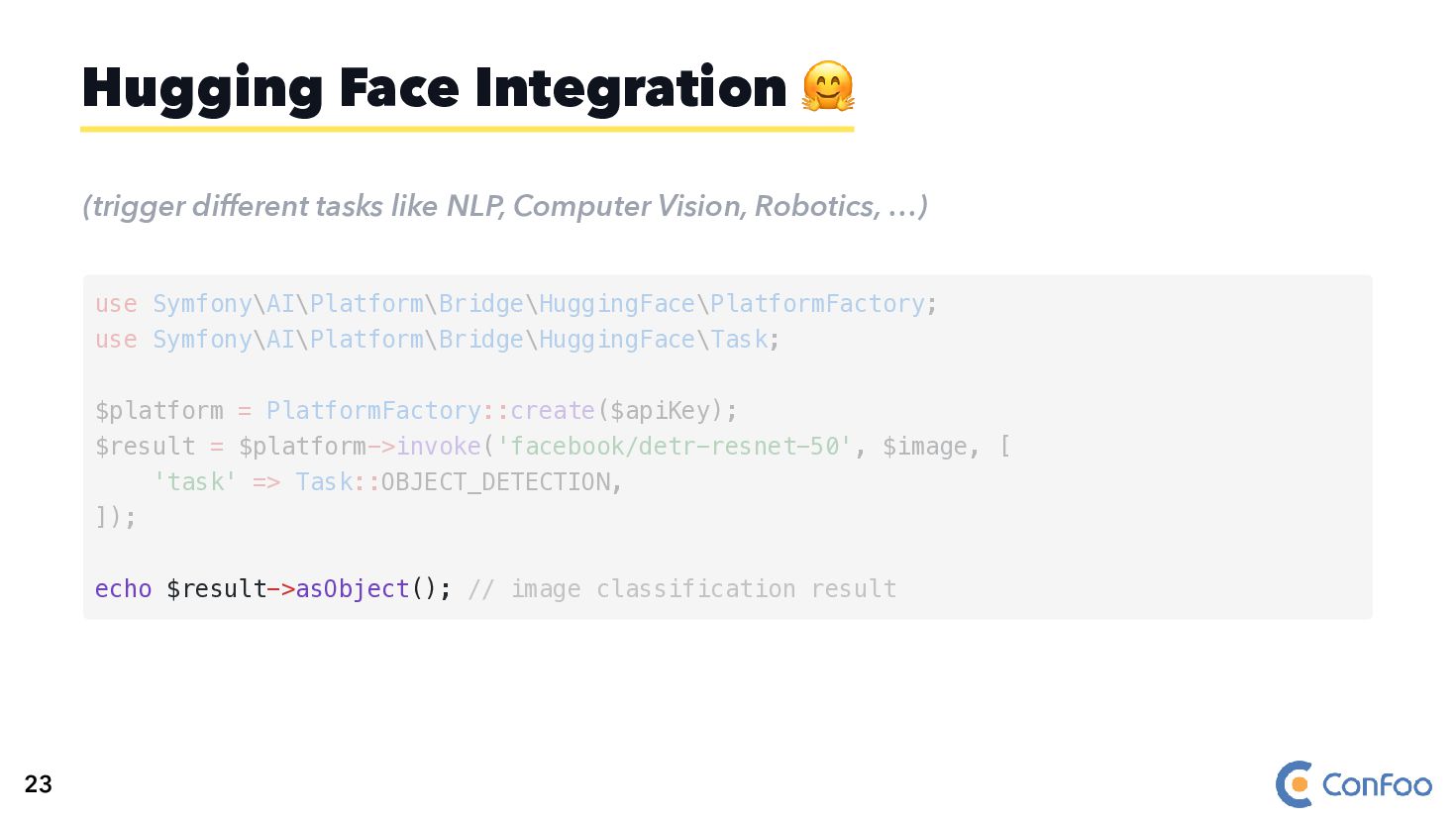
  37. (trigger different tasks like NLP, Computer Vision, Robotics, …) Hugging

    Face Integration 🤗 echo $result->asObject(); // image classification result use Symfony\AI\Platform\Bridge\HuggingFace\PlatformFactory; use Symfony\AI\Platform\Bridge\HuggingFace\Task; $platform = PlatformFactory::create($apiKey); $result = $platform->invoke('facebook/detr-resnet-50', $image, [ 'task' => Task::OBJECT_DETECTION, ]); 23
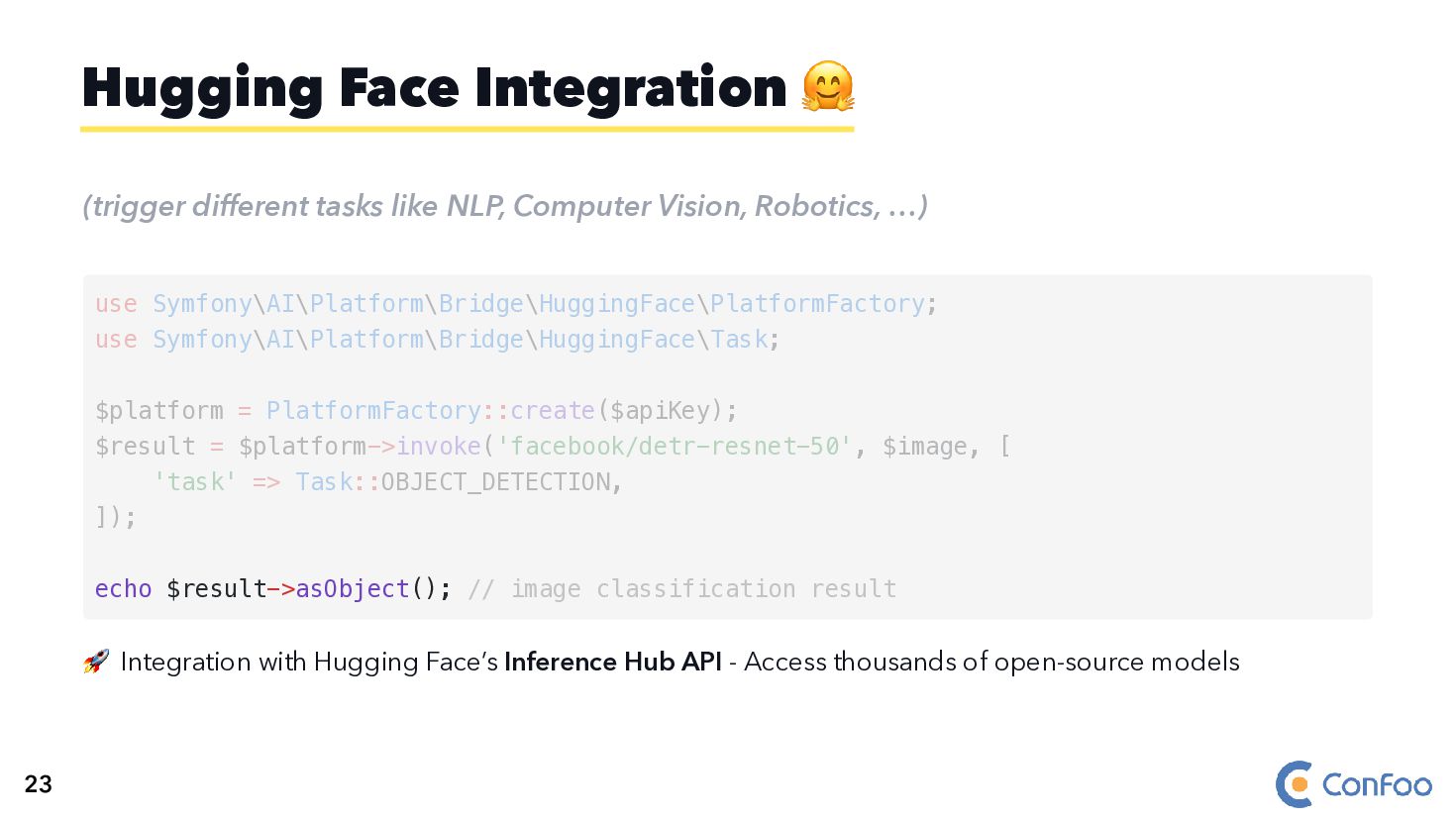
  38. (trigger different tasks like NLP, Computer Vision, Robotics, …) 🚀

    Integration with Hugging Face’s Inference Hub API - Access thousands of open-source models Hugging Face Integration 🤗 echo $result->asObject(); // image classification result use Symfony\AI\Platform\Bridge\HuggingFace\PlatformFactory; use Symfony\AI\Platform\Bridge\HuggingFace\Task; $platform = PlatformFactory::create($apiKey); $result = $platform->invoke('facebook/detr-resnet-50', $image, [ 'task' => Task::OBJECT_DETECTION, ]); 23
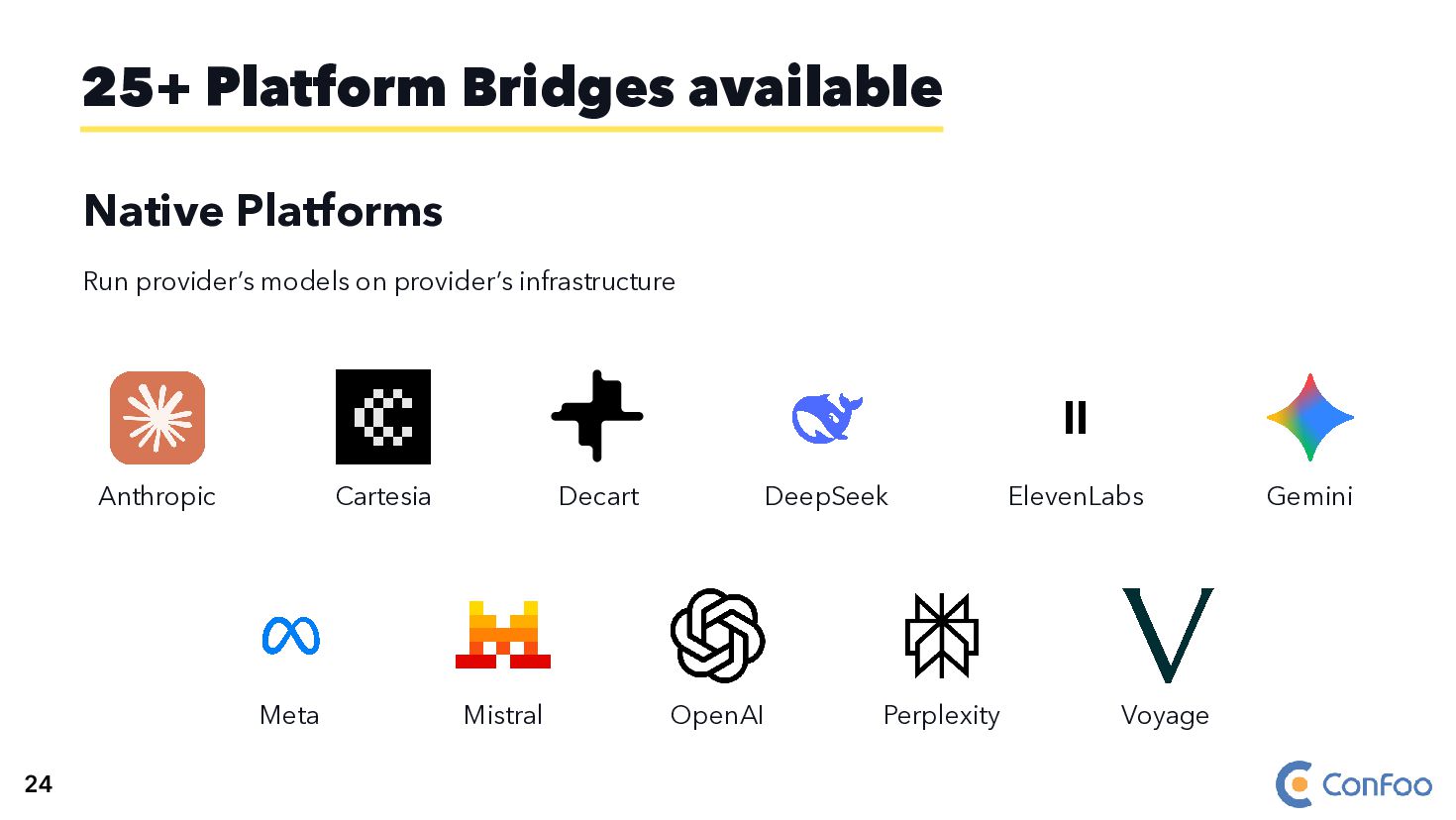
  39. Native Platforms Run provider’s models on provider’s infrastructure Anthropic Cartesia

    Decart DeepSeek ElevenLabs Gemini Meta Mistral OpenAI Perplexity Voyage 25+ Platform Bridges available 24
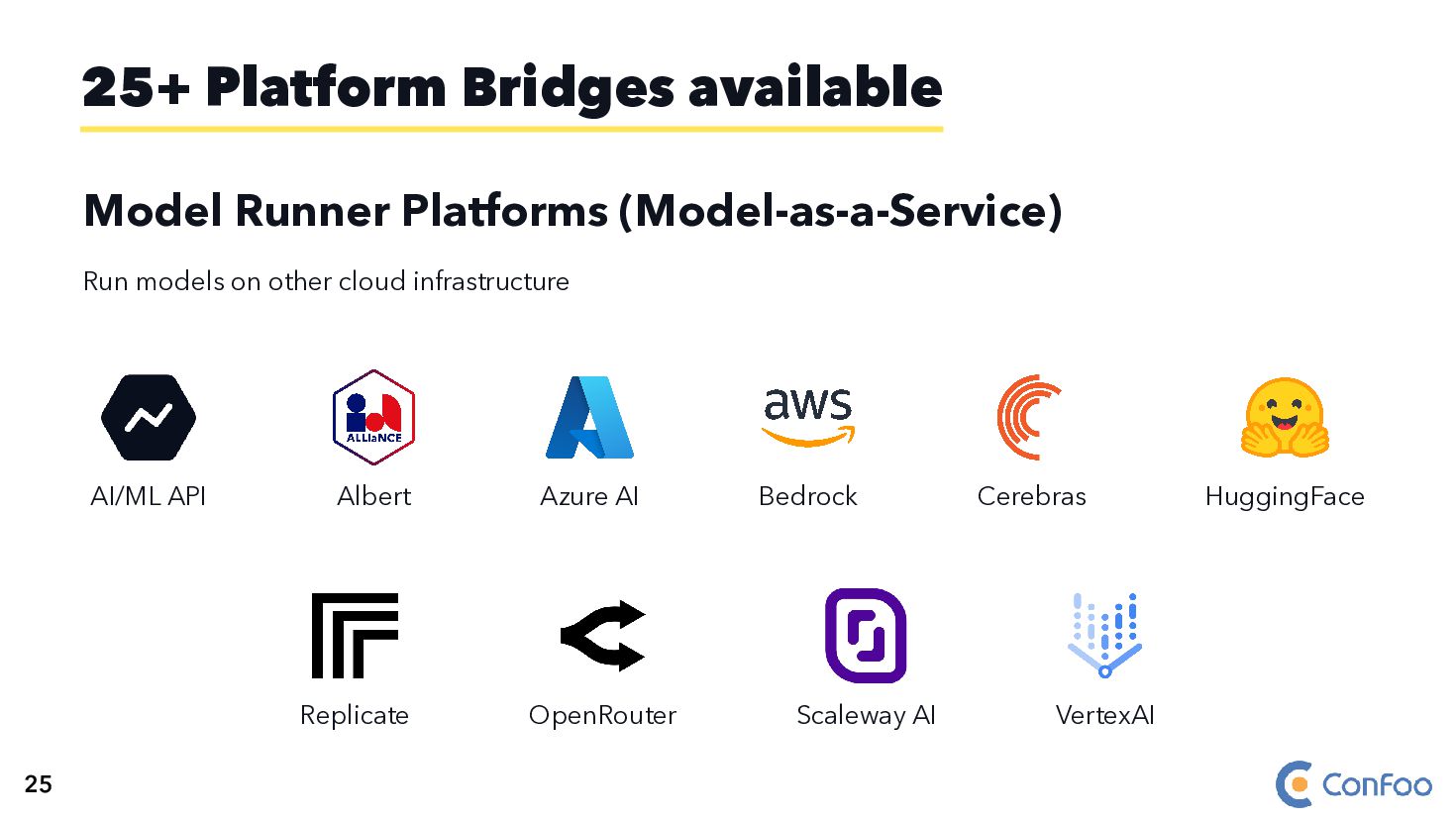
  40. Model Runner Platforms (Model-as-a-Service) Run models on other cloud infrastructure

    AI/ML API Albert Azure AI Bedrock Cerebras HuggingFace Replicate OpenRouter Scaleway AI VertexAI 25+ Platform Bridges available 25
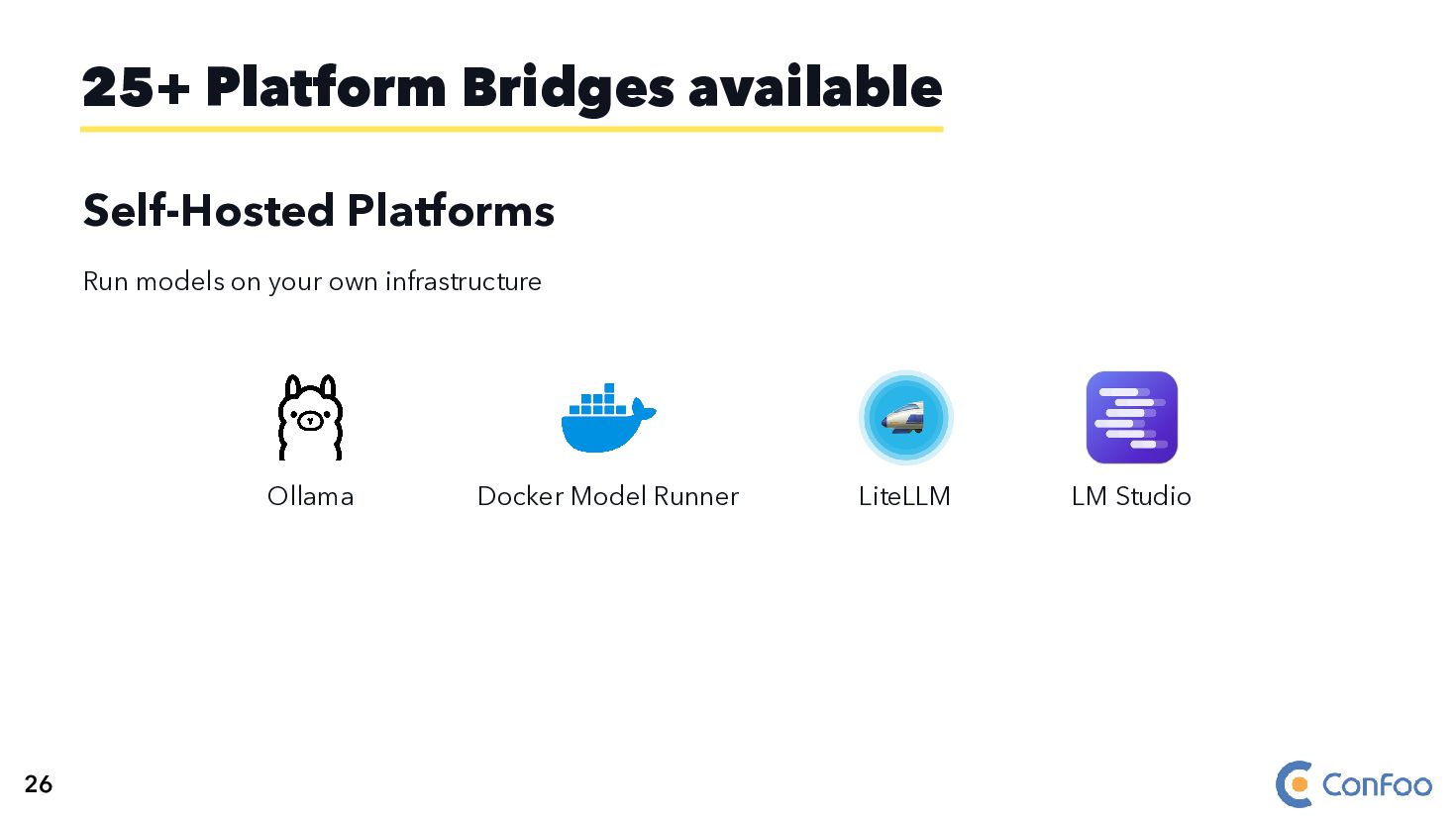
  41. Self-Hosted Platforms Run models on your own infrastructure Ollama Docker

    Model Runner LiteLLM LM Studio 25+ Platform Bridges available 26
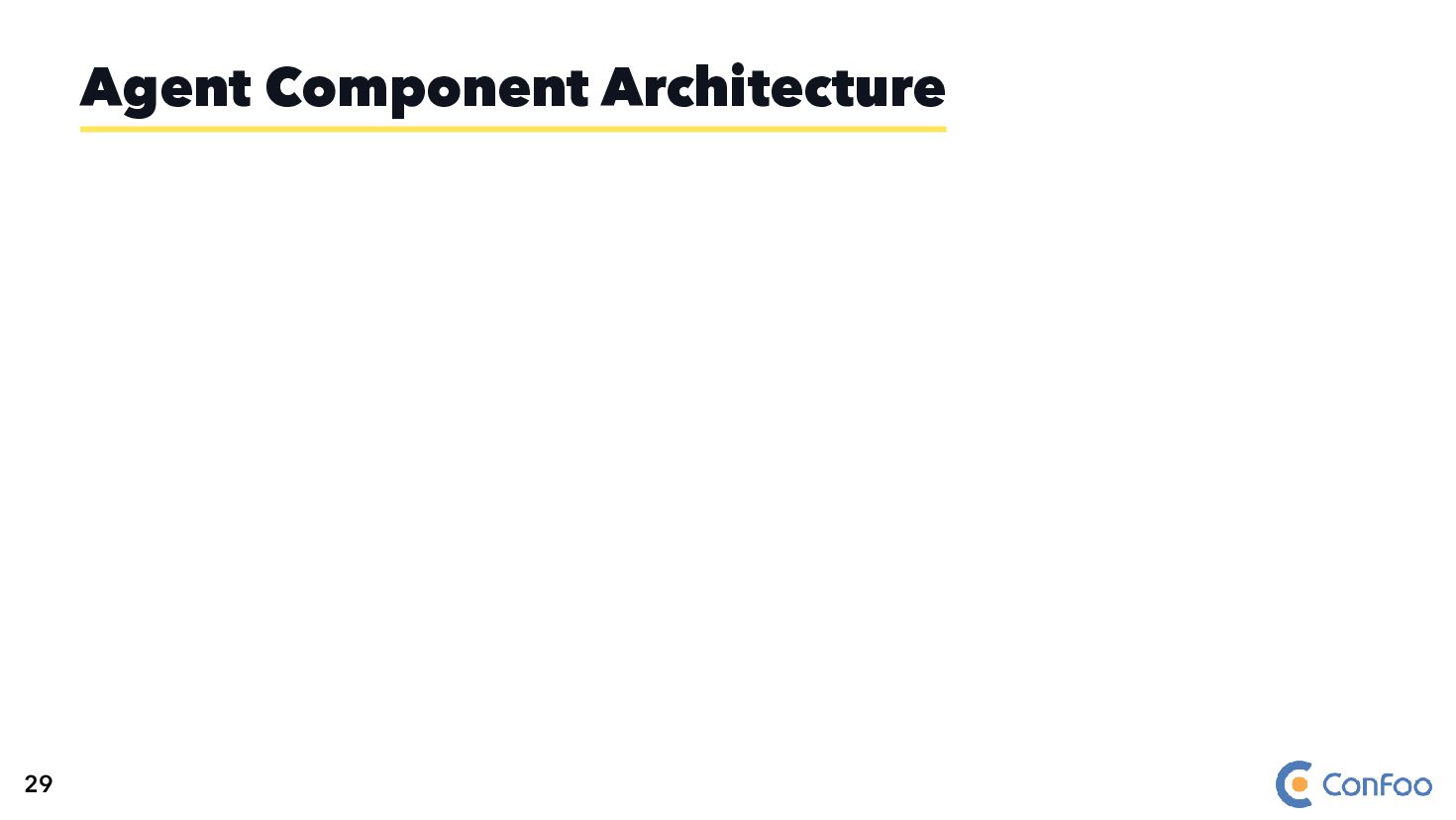
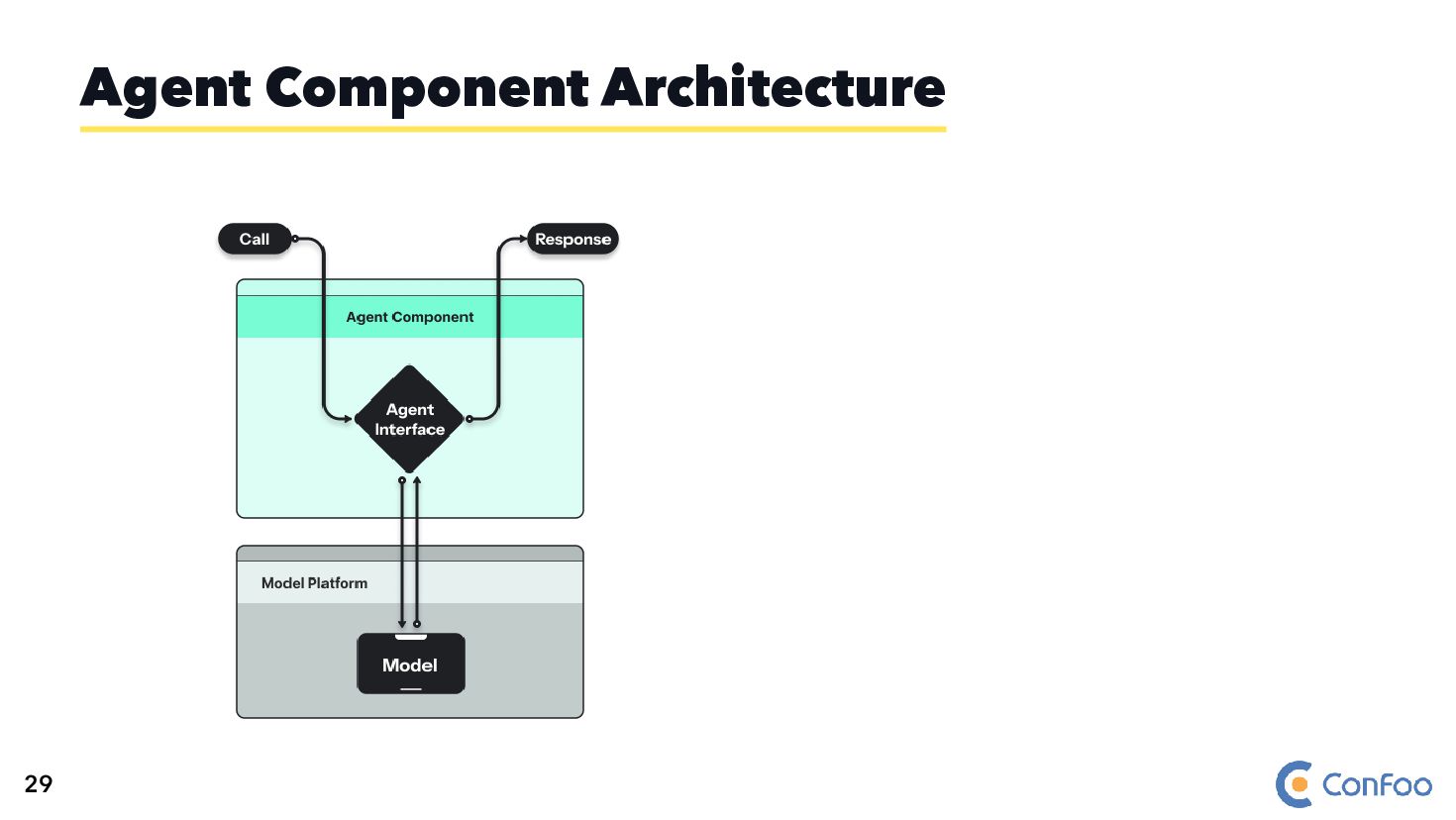
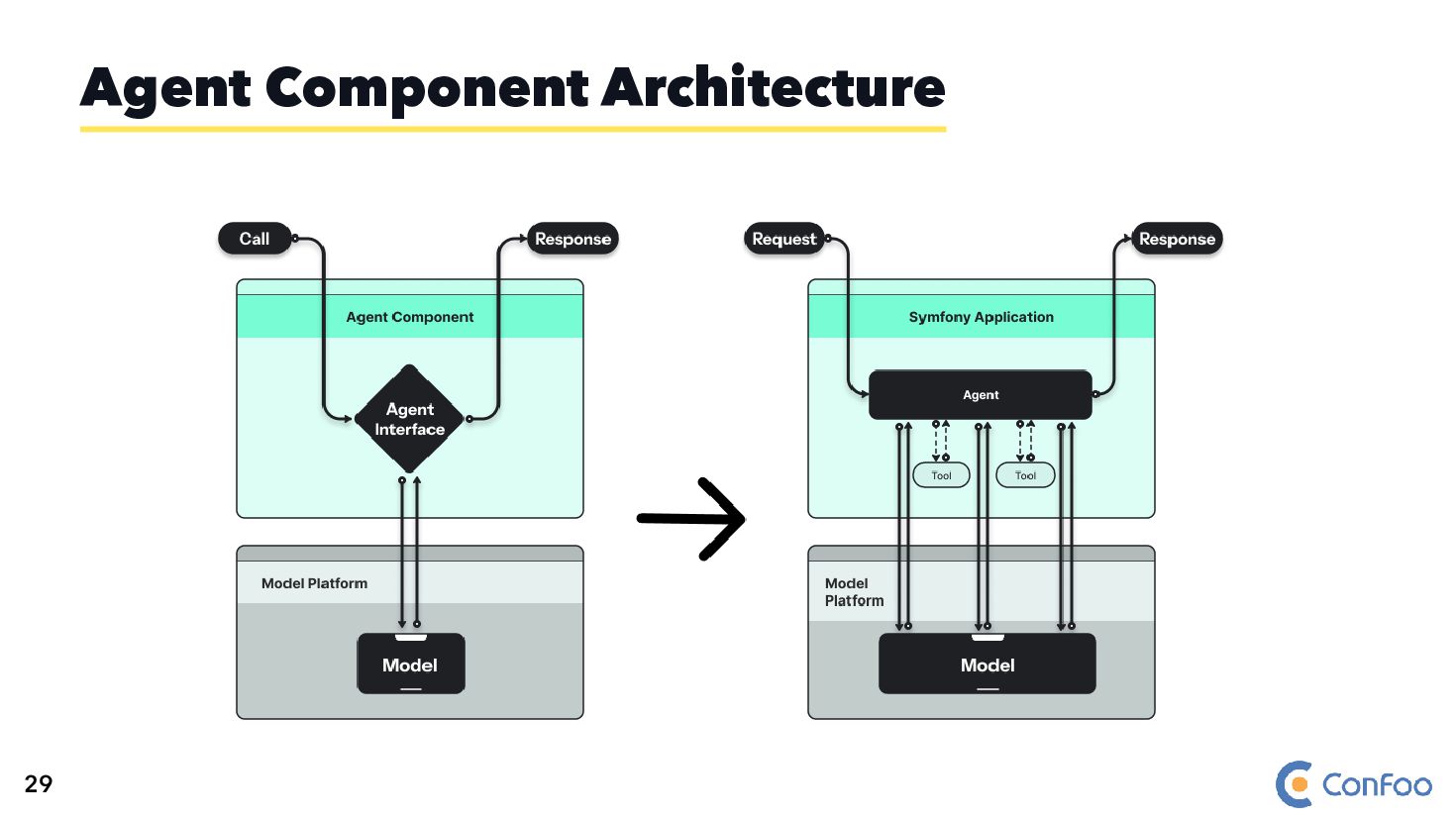
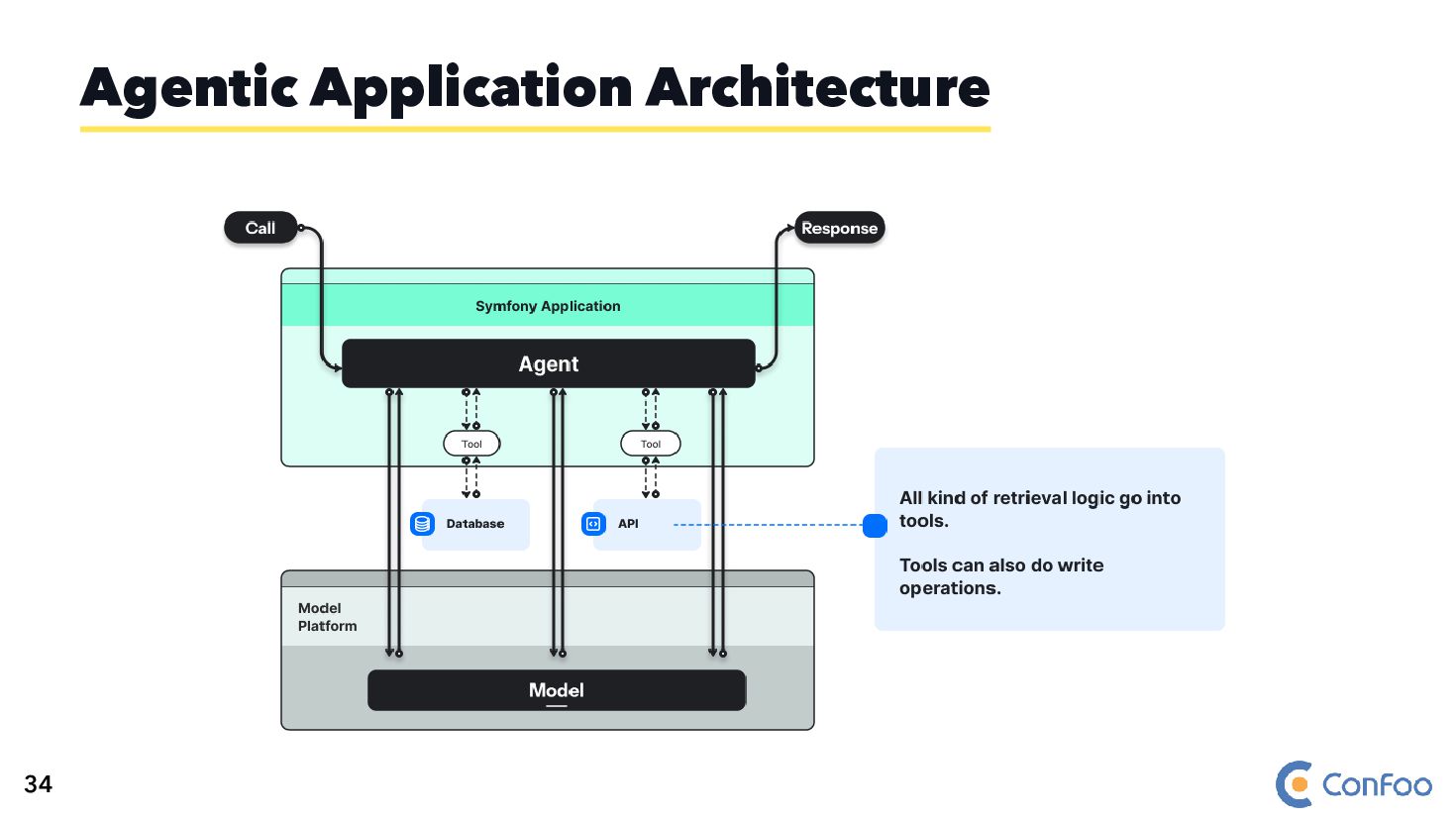
  42. 🤖 Multi-step Interaction with AI Models 🧩 Combination of Components:

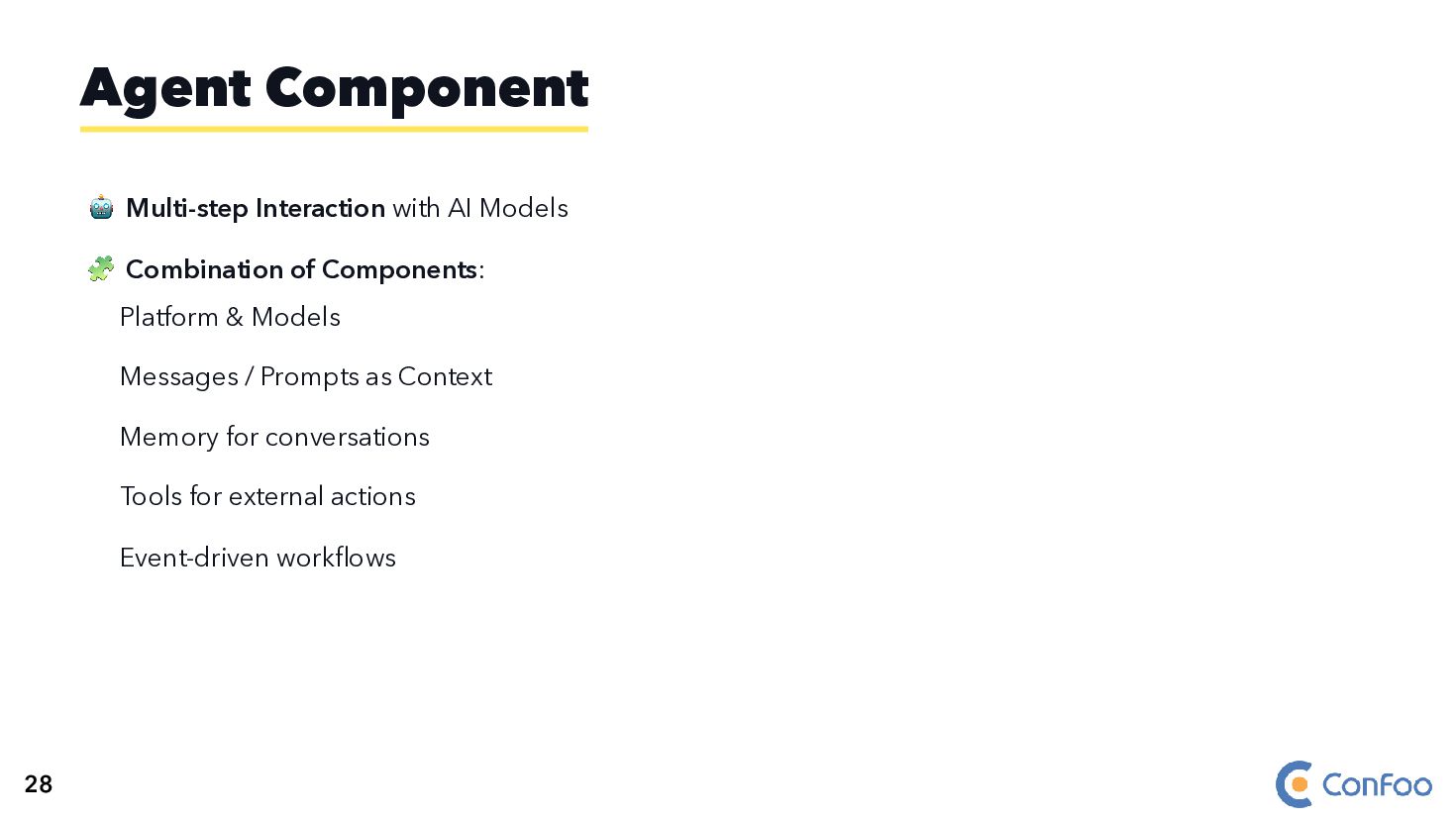
    Platform & Models Messages / Prompts as Context Memory for conversations Tools for external actions Event-driven workflows Agent Component 28
  43. 🤖 Multi-step Interaction with AI Models 🧩 Combination of Components:

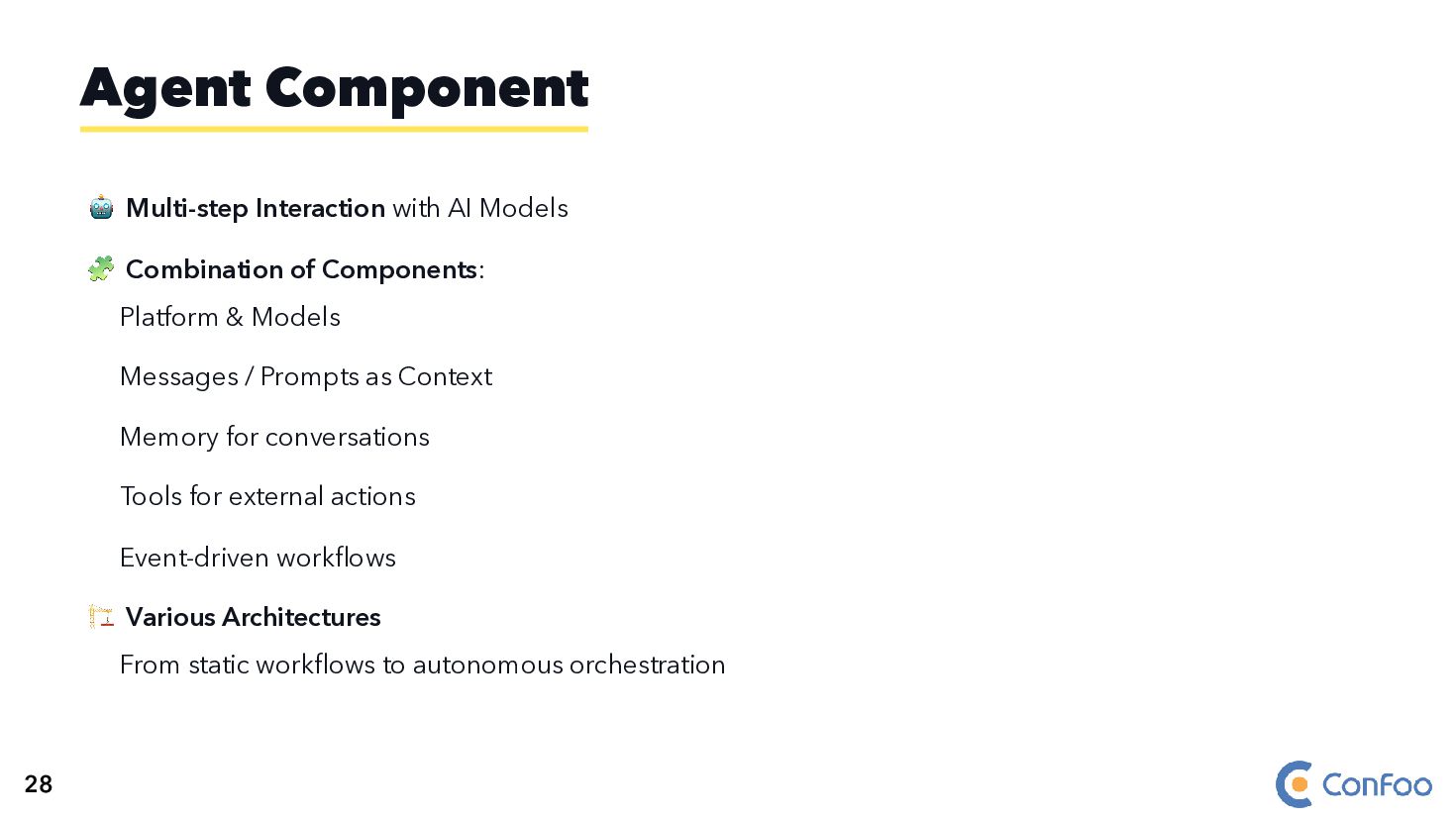
    Platform & Models Messages / Prompts as Context Memory for conversations Tools for external actions Event-driven workflows 🏗️ Various Architectures From static workflows to autonomous orchestration Agent Component 28
  44. 🤖 Multi-step Interaction with AI Models 🧩 Combination of Components:

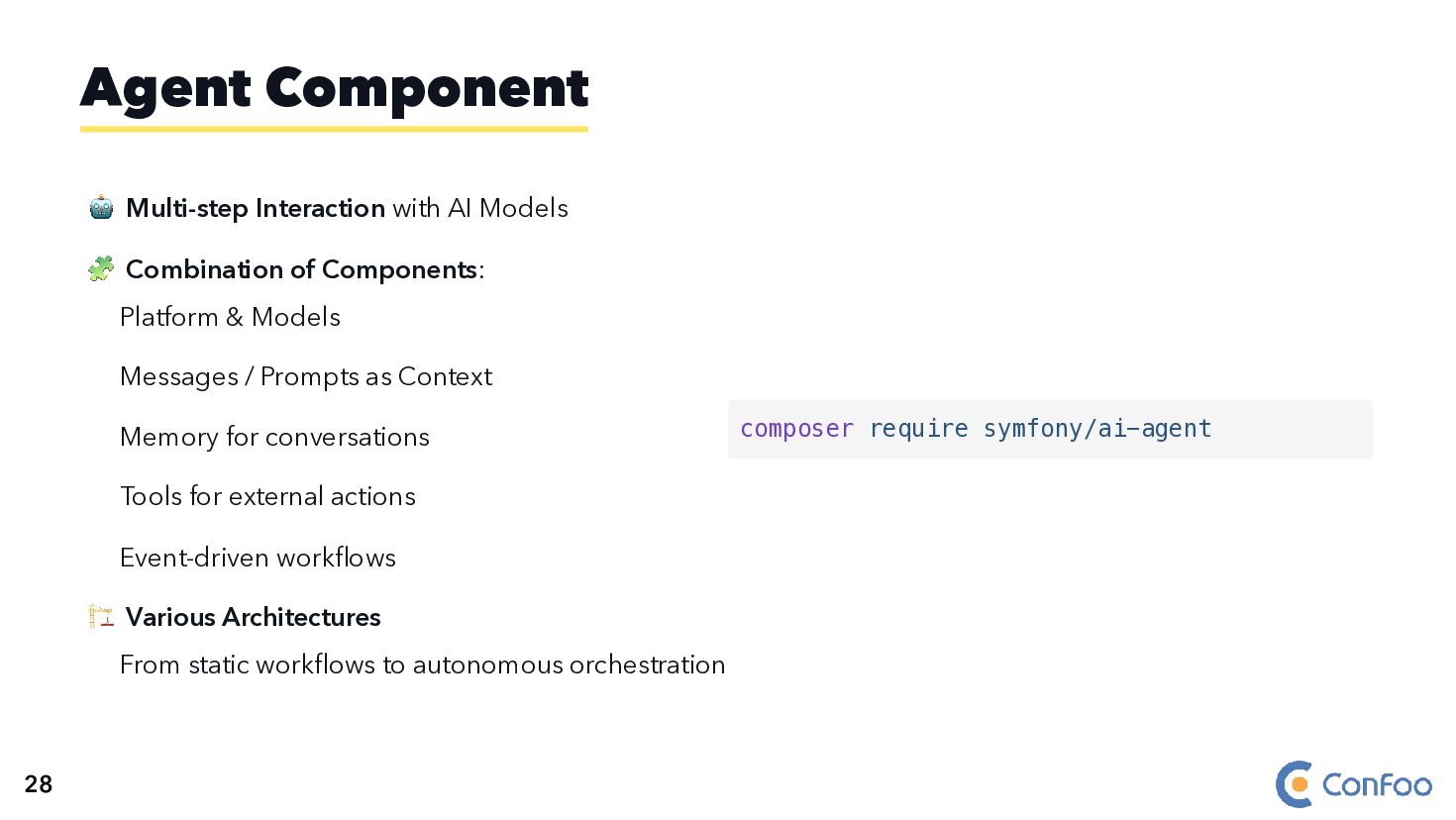
    Platform & Models Messages / Prompts as Context Memory for conversations Tools for external actions Event-driven workflows 🏗️ Various Architectures From static workflows to autonomous orchestration Agent Component composer require symfony/ai-agent 28
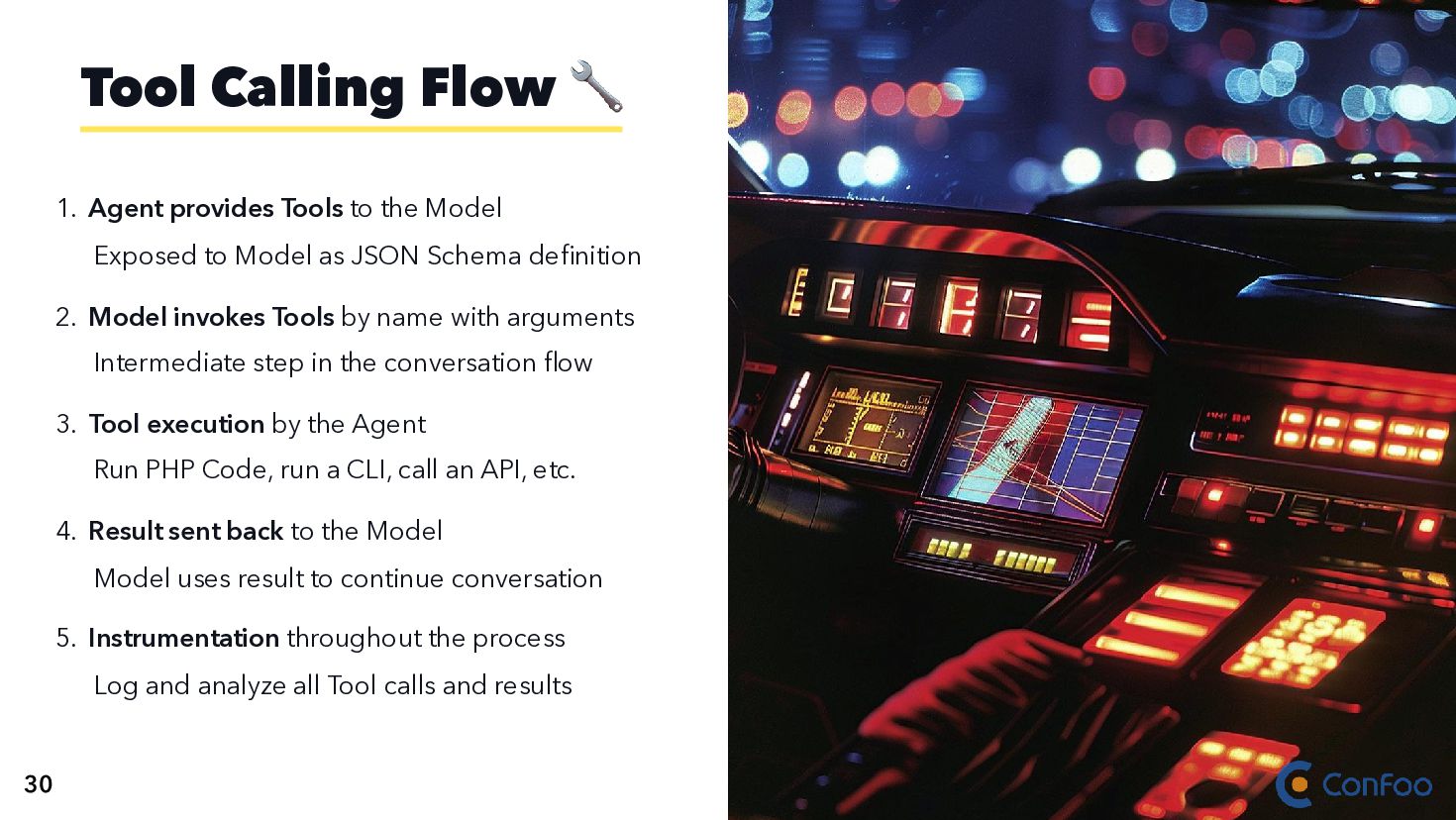
  45. 1. Agent provides Tools to the Model Exposed to Model

    as JSON Schema definition Tool Calling Flow 🔧 30
  46. 1. Agent provides Tools to the Model Exposed to Model

    as JSON Schema definition 2. Model invokes Tools by name with arguments Intermediate step in the conversation flow Tool Calling Flow 🔧 30
  47. 1. Agent provides Tools to the Model Exposed to Model

    as JSON Schema definition 2. Model invokes Tools by name with arguments Intermediate step in the conversation flow 3. Tool execution by the Agent Run PHP Code, run a CLI, call an API, etc. Tool Calling Flow 🔧 30
  48. 1. Agent provides Tools to the Model Exposed to Model

    as JSON Schema definition 2. Model invokes Tools by name with arguments Intermediate step in the conversation flow 3. Tool execution by the Agent Run PHP Code, run a CLI, call an API, etc. 4. Result sent back to the Model Model uses result to continue conversation Tool Calling Flow 🔧 30
  49. 1. Agent provides Tools to the Model Exposed to Model

    as JSON Schema definition 2. Model invokes Tools by name with arguments Intermediate step in the conversation flow 3. Tool execution by the Agent Run PHP Code, run a CLI, call an API, etc. 4. Result sent back to the Model Model uses result to continue conversation 5. Instrumentation throughout the process Log and analyze all Tool calls and results Tool Calling Flow 🔧 30
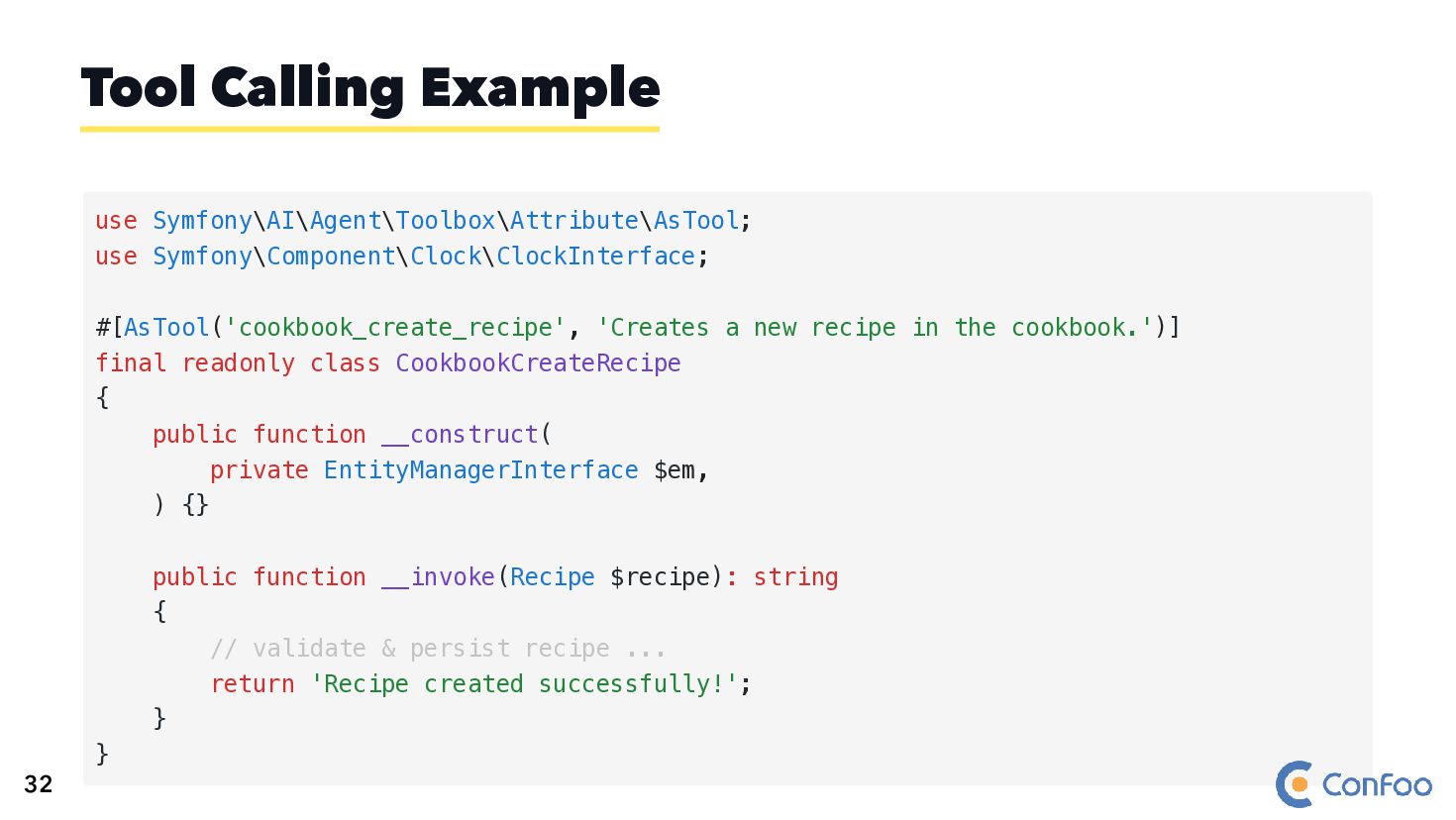
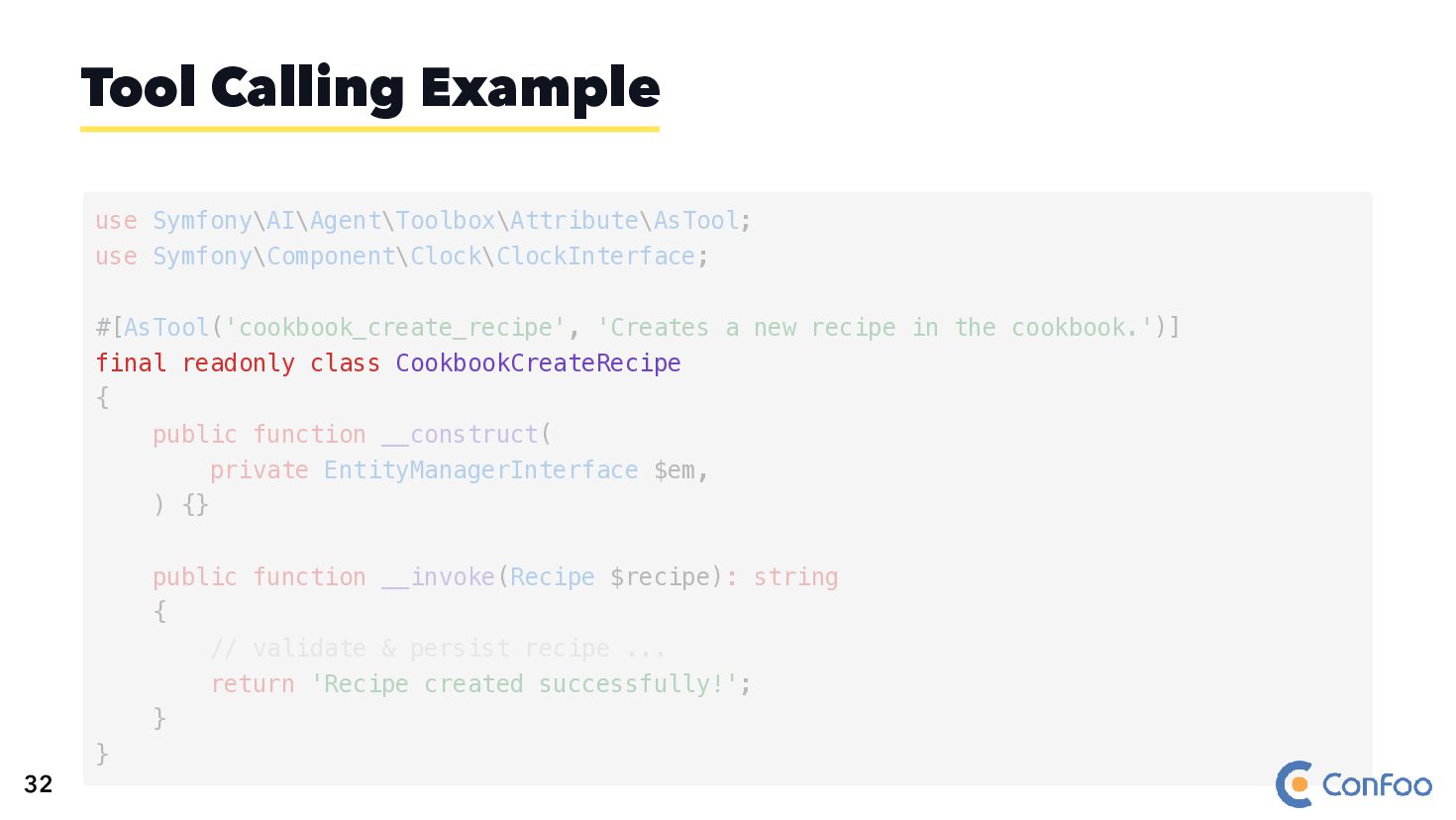
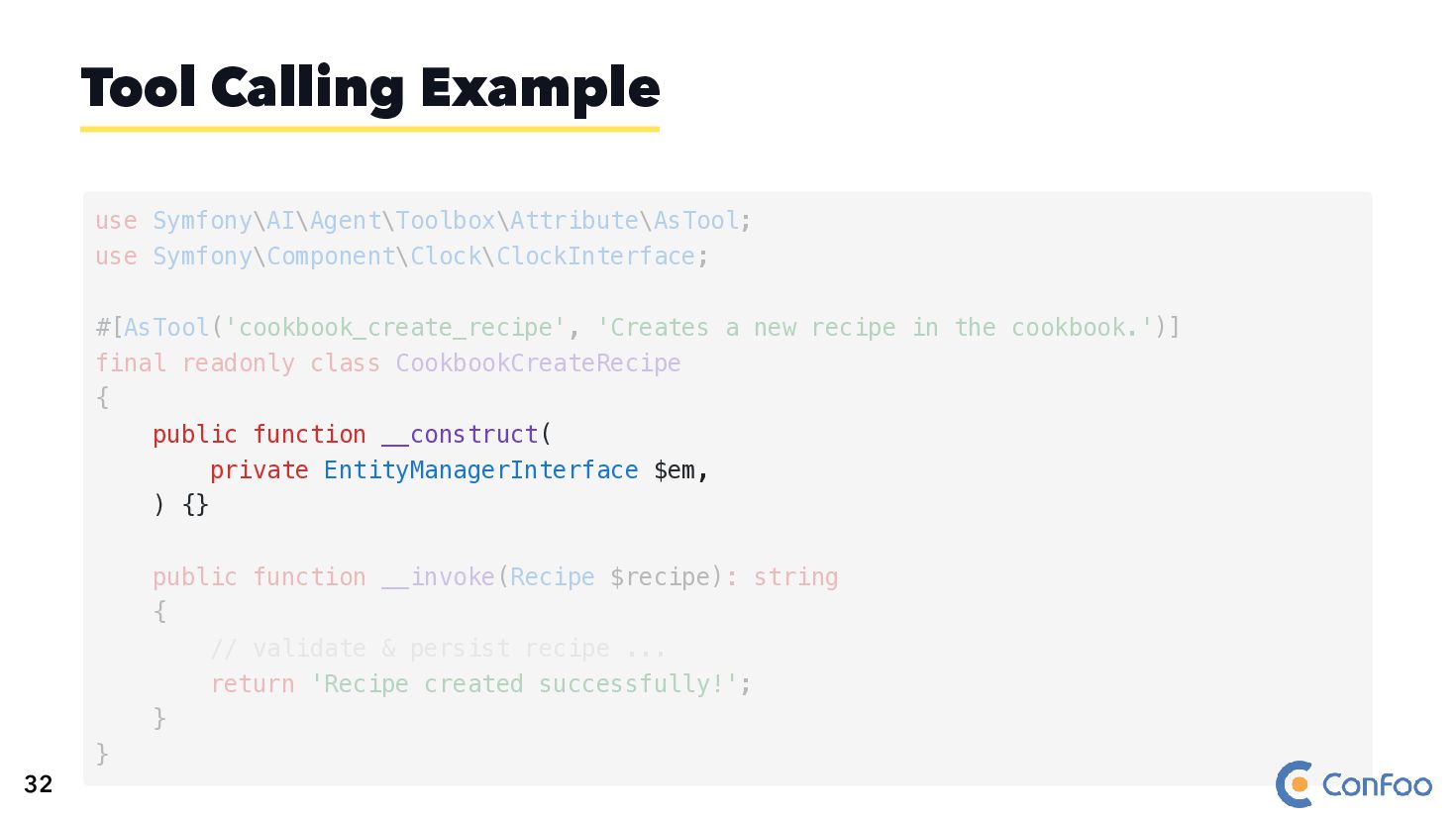
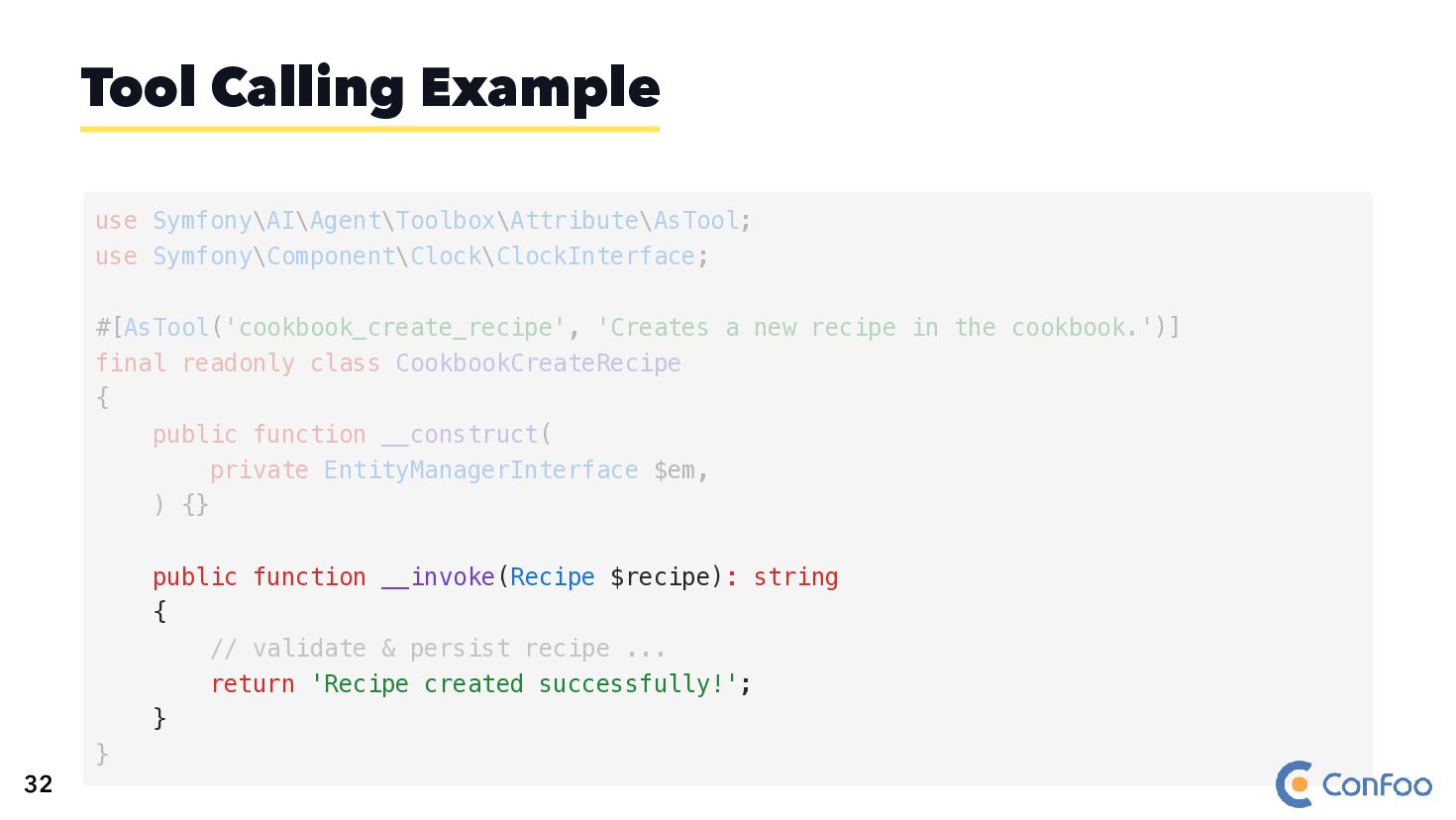
  50. Tool Calling Example use Symfony\AI\Agent\Toolbox\Attribute\AsTool; use Symfony\Component\Clock\ClockInterface; #[AsTool('cookbook_create_recipe', 'Creates a

    new recipe in the cookbook.')] final readonly class CookbookCreateRecipe { public function __construct( private EntityManagerInterface $em, ) {} public function __invoke(Recipe $recipe): string { // validate & persist recipe ... return 'Recipe created successfully!'; } } 32
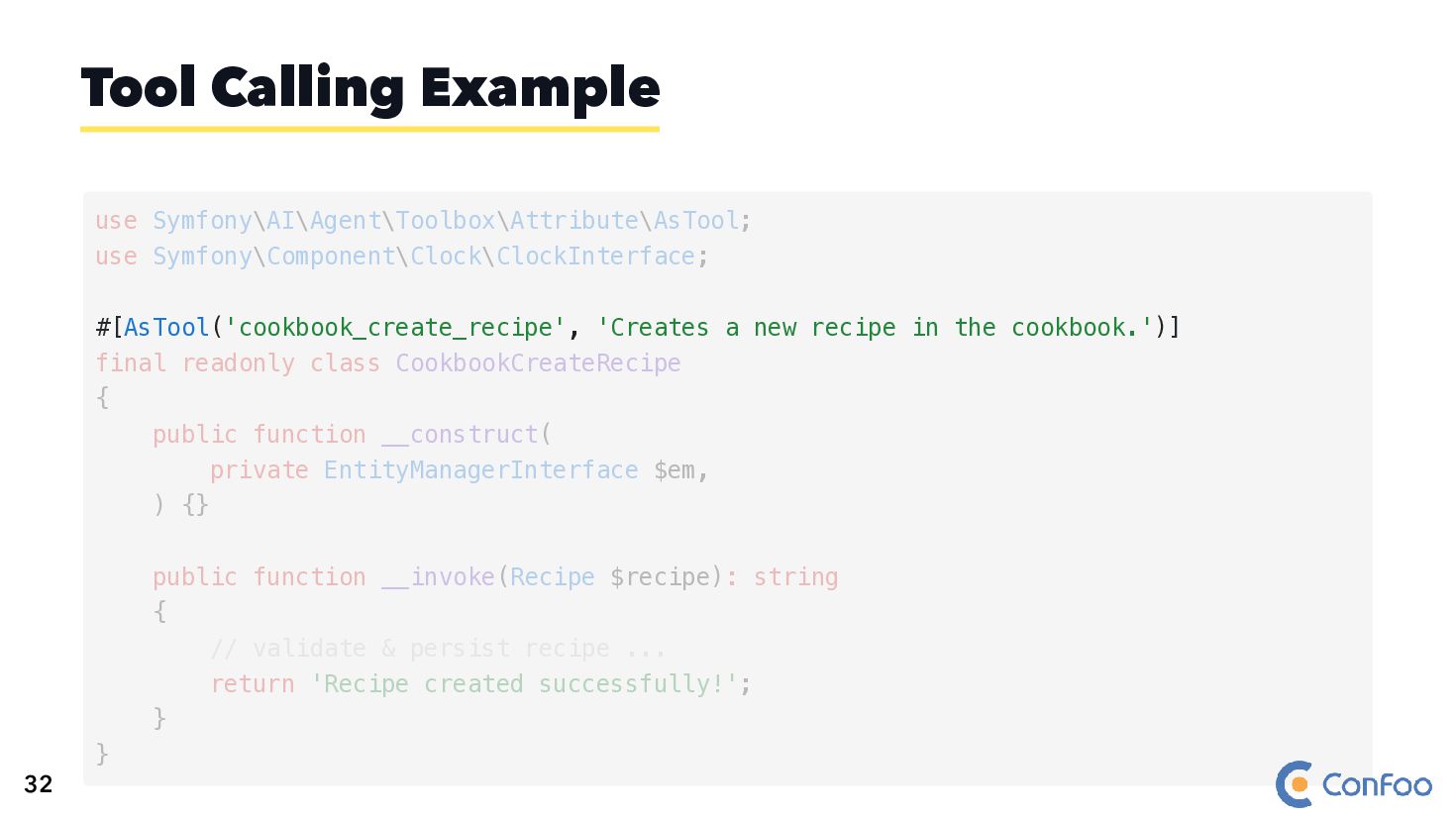
  51. Tool Calling Example #[AsTool('cookbook_create_recipe', 'Creates a new recipe in the

    cookbook.')] use Symfony\AI\Agent\Toolbox\Attribute\AsTool; use Symfony\Component\Clock\ClockInterface; final readonly class CookbookCreateRecipe { public function __construct( private EntityManagerInterface $em, ) {} public function __invoke(Recipe $recipe): string { // validate & persist recipe ... return 'Recipe created successfully!'; } } 32
  52. Tool Calling Example final readonly class CookbookCreateRecipe use Symfony\AI\Agent\Toolbox\Attribute\AsTool; use

    Symfony\Component\Clock\ClockInterface; #[AsTool('cookbook_create_recipe', 'Creates a new recipe in the cookbook.')] { public function __construct( private EntityManagerInterface $em, ) {} public function __invoke(Recipe $recipe): string { // validate & persist recipe ... return 'Recipe created successfully!'; } } 32
  53. Tool Calling Example public function __construct( private EntityManagerInterface $em, )

    {} use Symfony\AI\Agent\Toolbox\Attribute\AsTool; use Symfony\Component\Clock\ClockInterface; #[AsTool('cookbook_create_recipe', 'Creates a new recipe in the cookbook.')] final readonly class CookbookCreateRecipe { public function __invoke(Recipe $recipe): string { // validate & persist recipe ... return 'Recipe created successfully!'; } } 32
  54. Tool Calling Example public function __invoke(Recipe $recipe): string { //

    validate & persist recipe ... return 'Recipe created successfully!'; } use Symfony\AI\Agent\Toolbox\Attribute\AsTool; use Symfony\Component\Clock\ClockInterface; #[AsTool('cookbook_create_recipe', 'Creates a new recipe in the cookbook.')] final readonly class CookbookCreateRecipe { public function __construct( private EntityManagerInterface $em, ) {} } 32
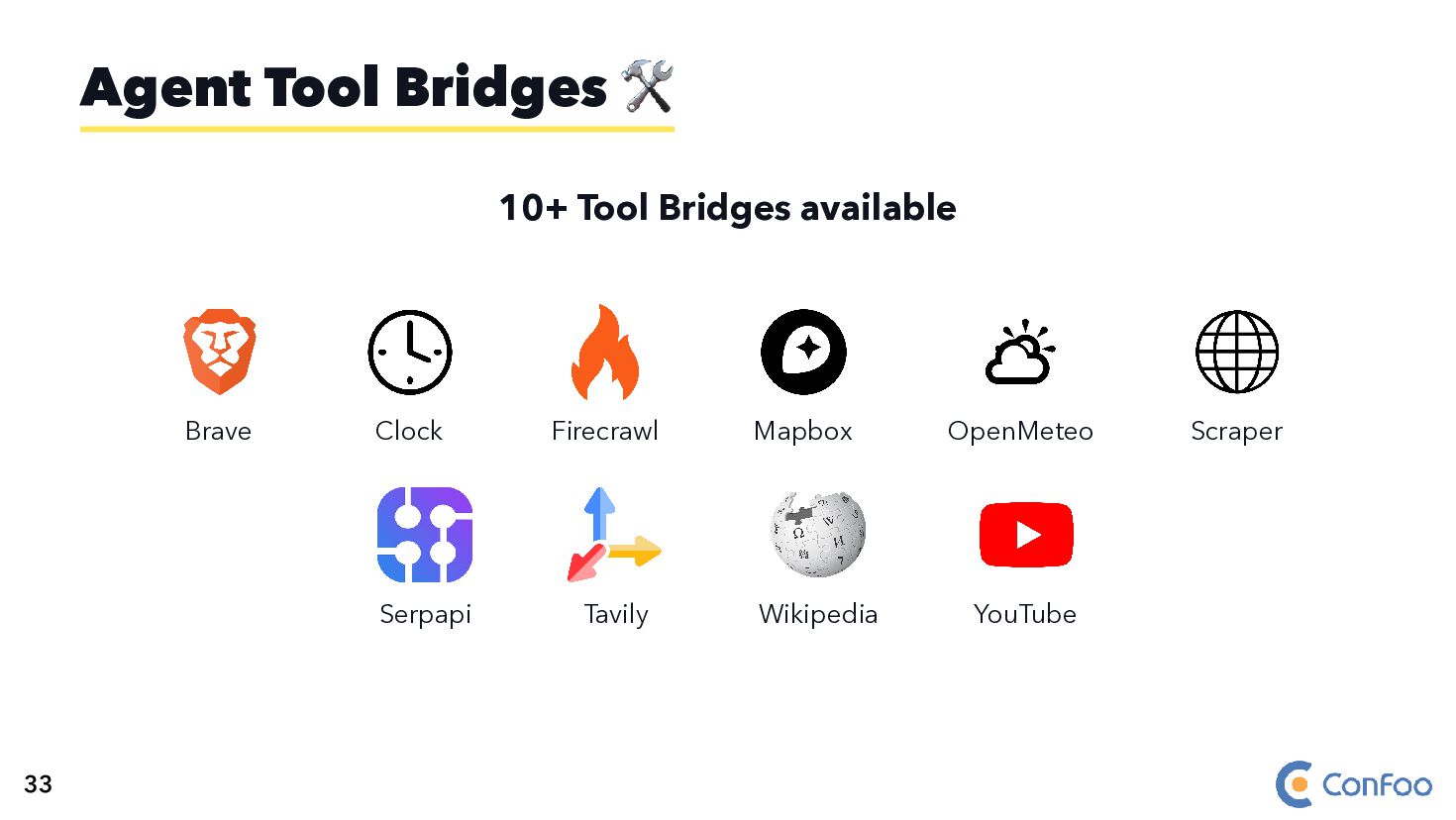
  55. 10+ Tool Bridges available Brave Clock Firecrawl Mapbox OpenMeteo Scraper

    Serpapi Tavily Wikipedia YouTube Agent Tool Bridges 🛠️ 33
  56. 🔌 Open Standard by Anthropic (Nov 2024) 🌐 Universal Adapter

    for AI like USB-C for devices 🤝 Standardized Integration between LLMs and external tools MCP 36
  57. 🔌 Open Standard by Anthropic (Nov 2024) 🌐 Universal Adapter

    for AI like USB-C for devices 🤝 Standardized Integration between LLMs and external tools 🏢 Industry Adoption OpenAI, Google, Anthropic, Mistral MCP 36
  58. 🔌 Open Standard by Anthropic (Nov 2024) 🌐 Universal Adapter

    for AI like USB-C for devices 🤝 Standardized Integration between LLMs and external tools 🏢 Industry Adoption OpenAI, Google, Anthropic, Mistral 🔧 Expose Capabilities Tools, Resources, Prompts MCP 36
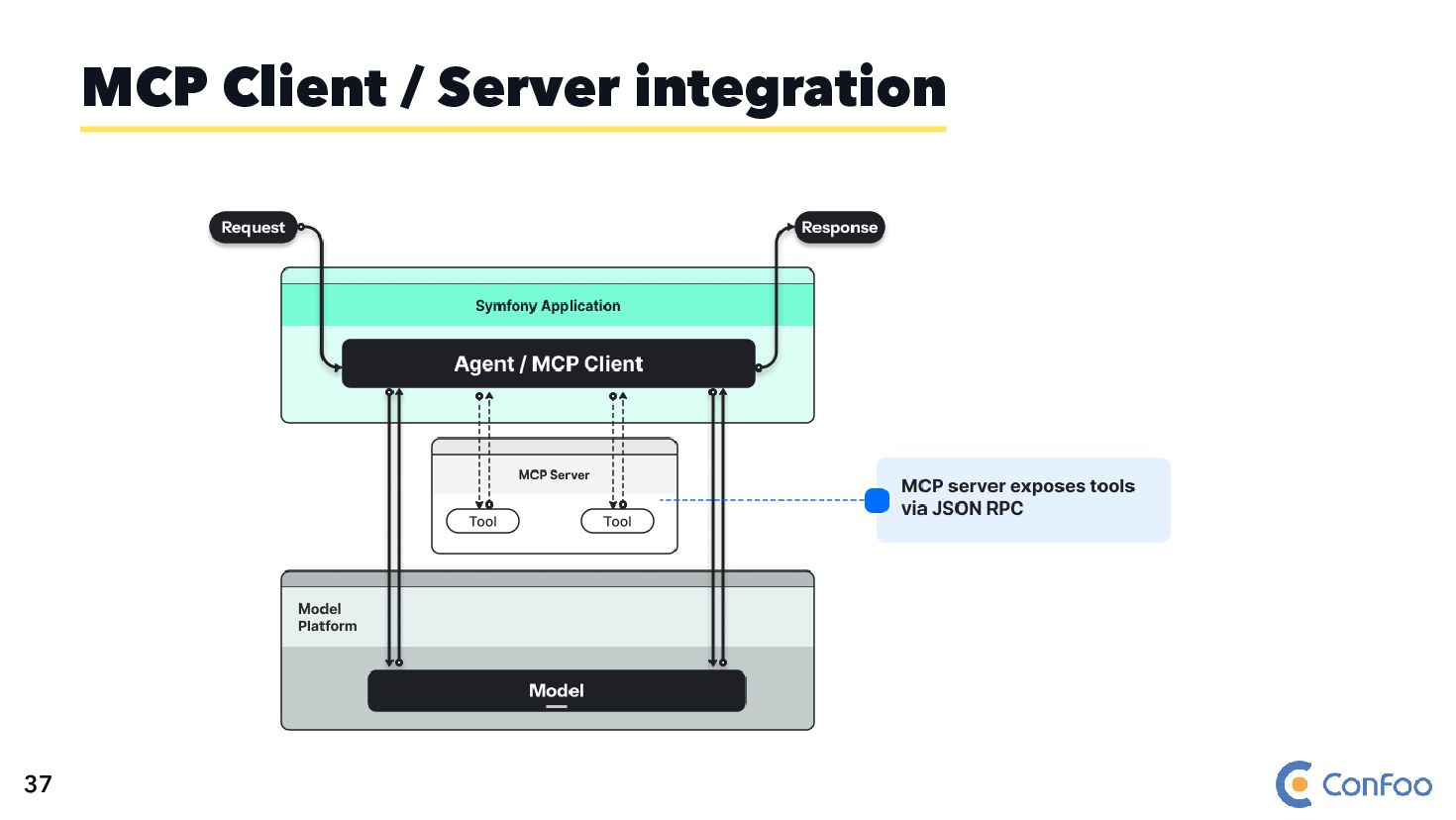
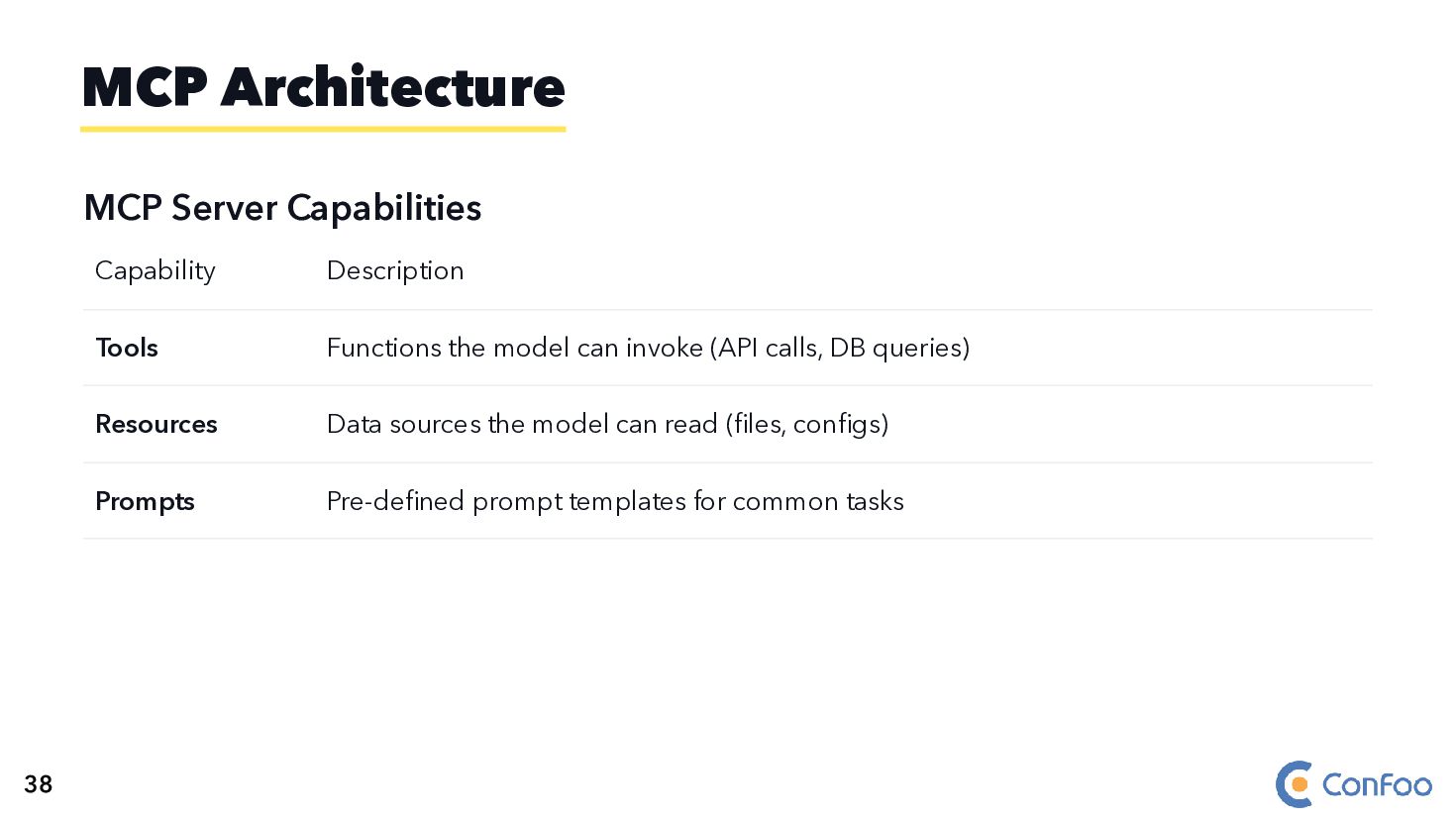
  59. MCP Server Capabilities Capability Description Tools Functions the model can

    invoke (API calls, DB queries) Resources Data sources the model can read (files, configs) Prompts Pre-defined prompt templates for common tasks MCP Architecture 38
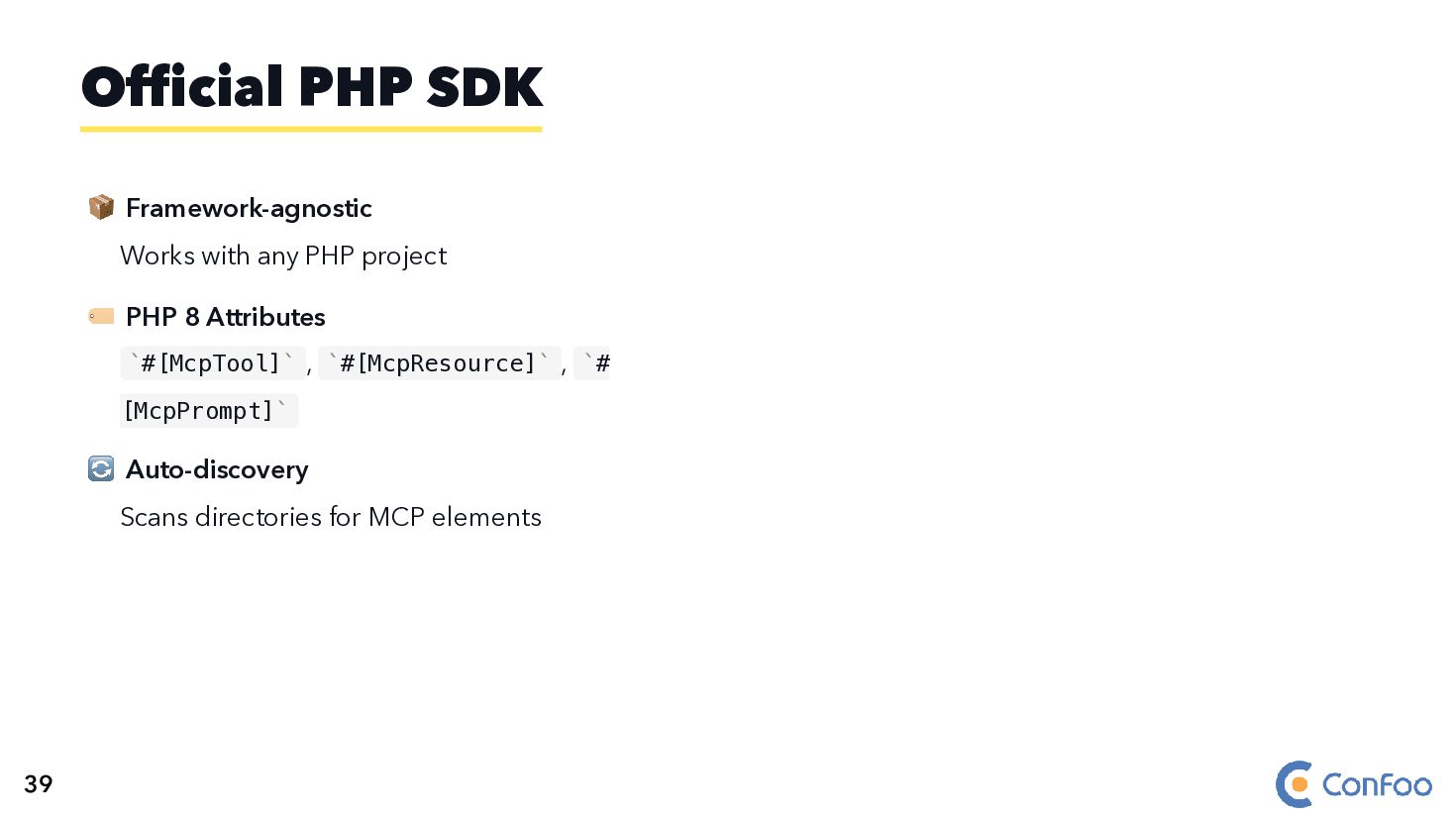
  60. 📦 Framework-agnostic Works with any PHP project 🏷️ PHP 8

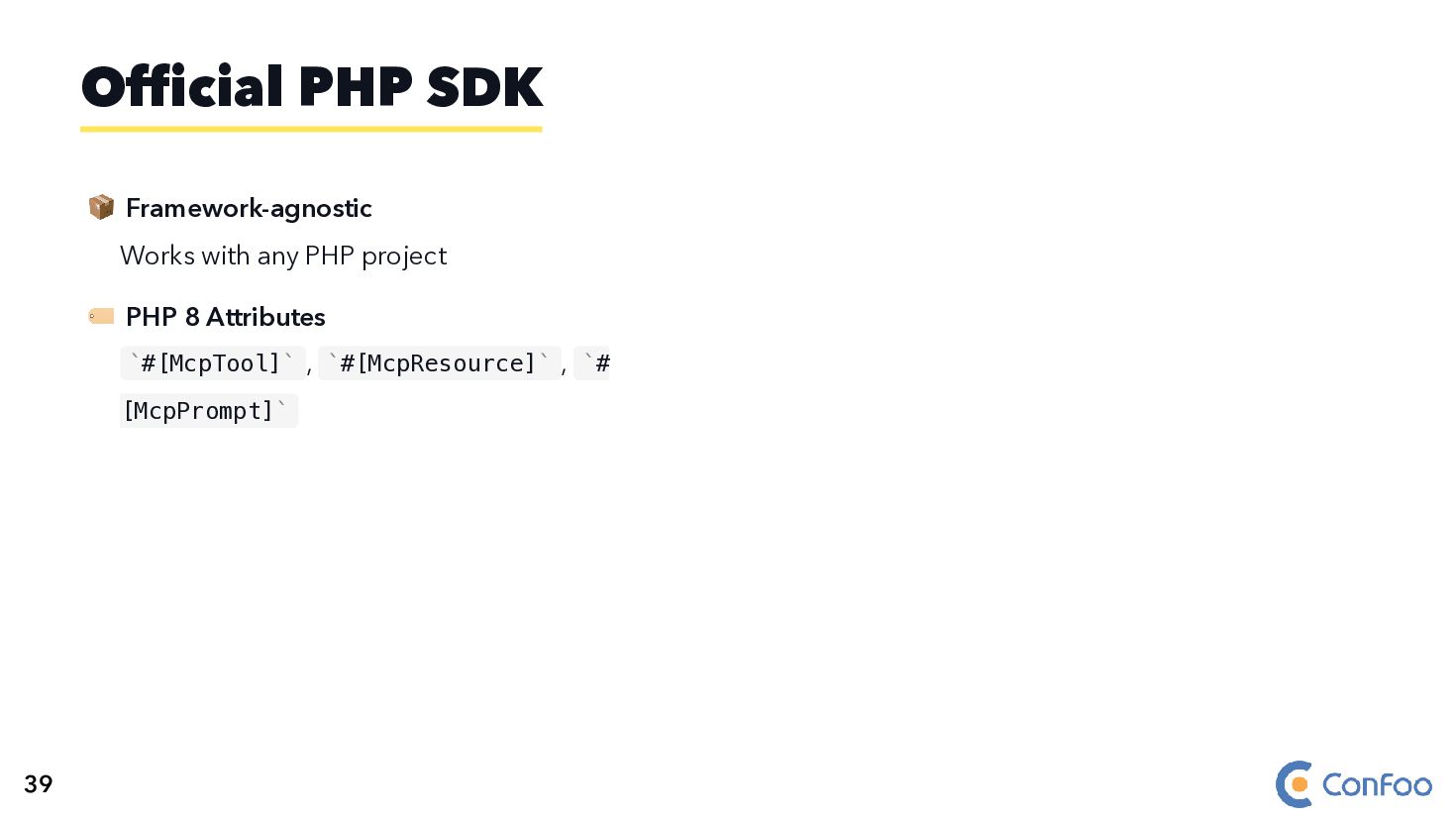
    Attributes #[McpTool] , #[McpResource] , # [McpPrompt] Official PHP SDK ` ` ` ` ` ` 39
  61. 📦 Framework-agnostic Works with any PHP project 🏷️ PHP 8

    Attributes #[McpTool] , #[McpResource] , # [McpPrompt] 🔄 Auto-discovery Scans directories for MCP elements Official PHP SDK ` ` ` ` ` ` 39
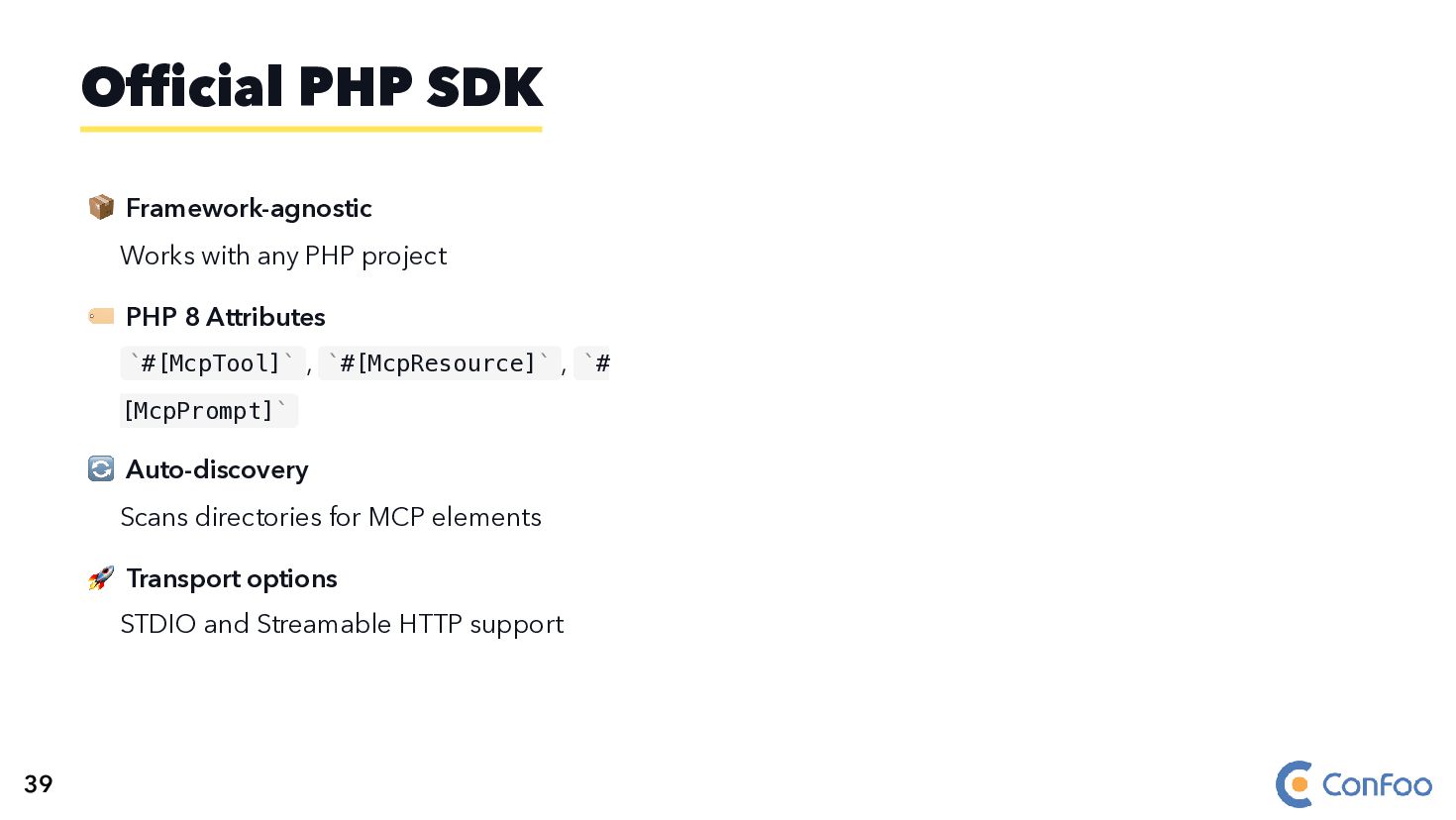
  62. 📦 Framework-agnostic Works with any PHP project 🏷️ PHP 8

    Attributes #[McpTool] , #[McpResource] , # [McpPrompt] 🔄 Auto-discovery Scans directories for MCP elements 🚀 Transport options STDIO and Streamable HTTP support Official PHP SDK ` ` ` ` ` ` 39
  63. 📦 Framework-agnostic Works with any PHP project 🏷️ PHP 8

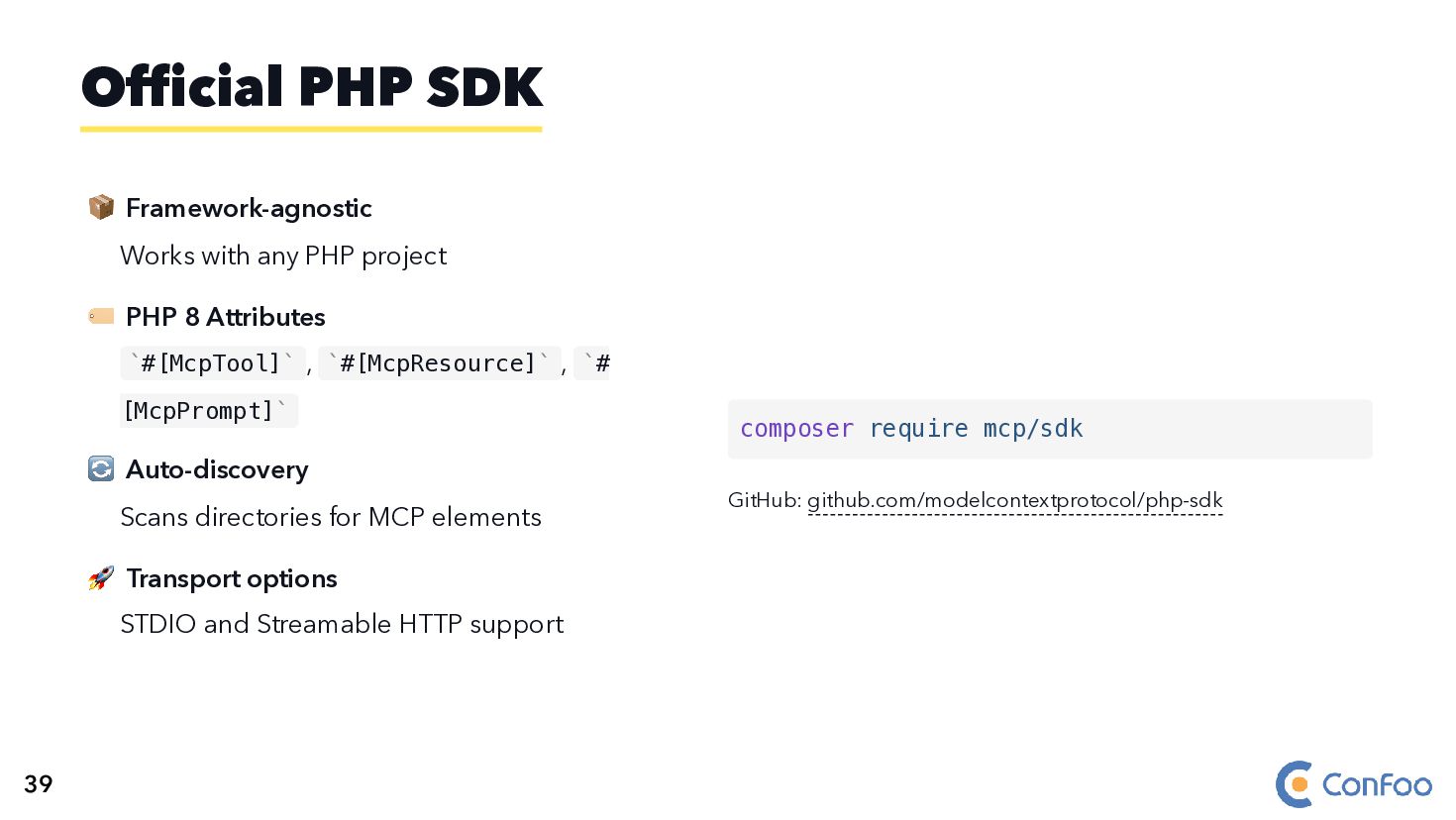
    Attributes #[McpTool] , #[McpResource] , # [McpPrompt] 🔄 Auto-discovery Scans directories for MCP elements 🚀 Transport options STDIO and Streamable HTTP support GitHub: github.com/modelcontextprotocol/php-sdk Official PHP SDK ` ` ` ` ` ` composer require mcp/sdk 39
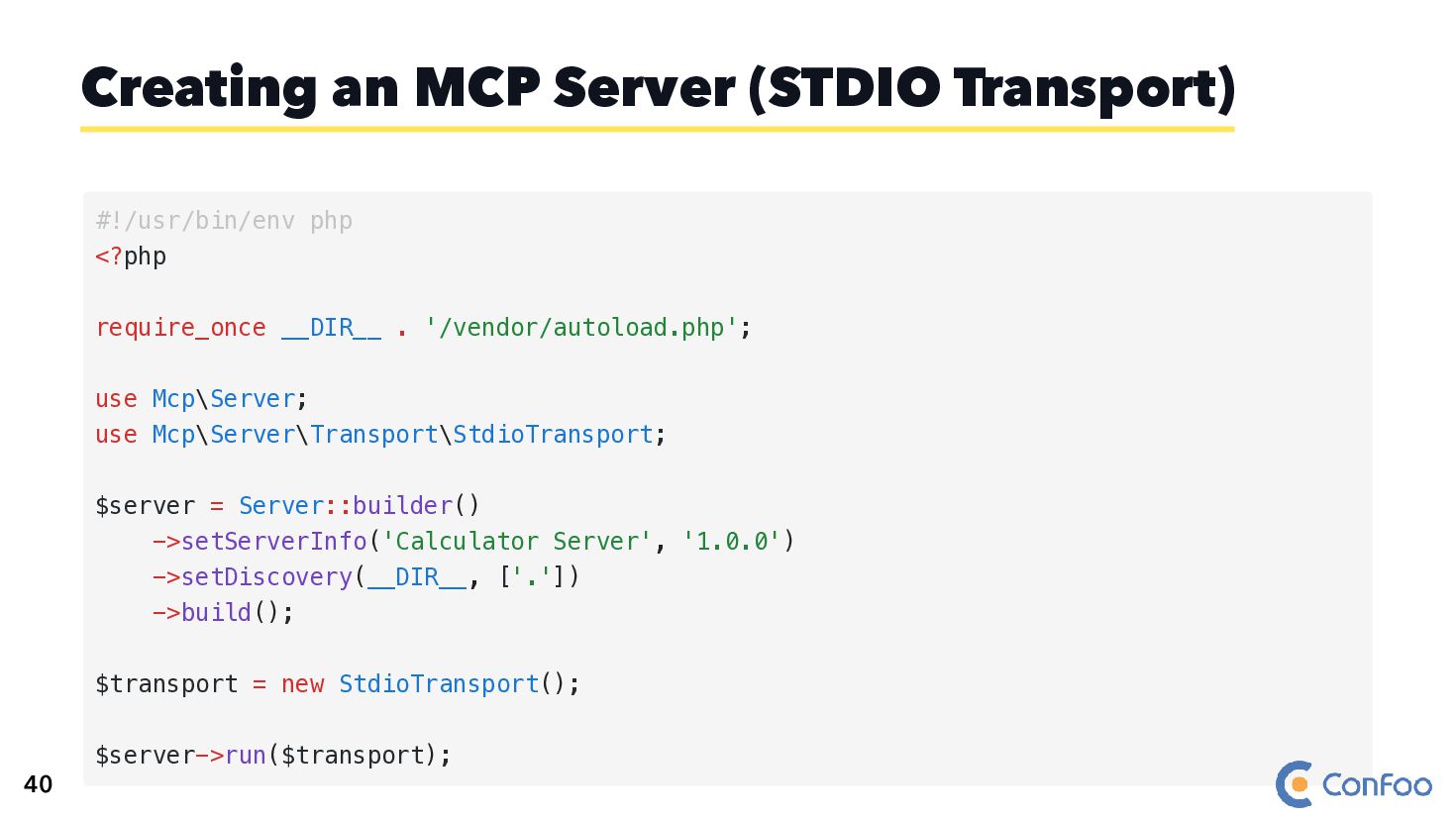
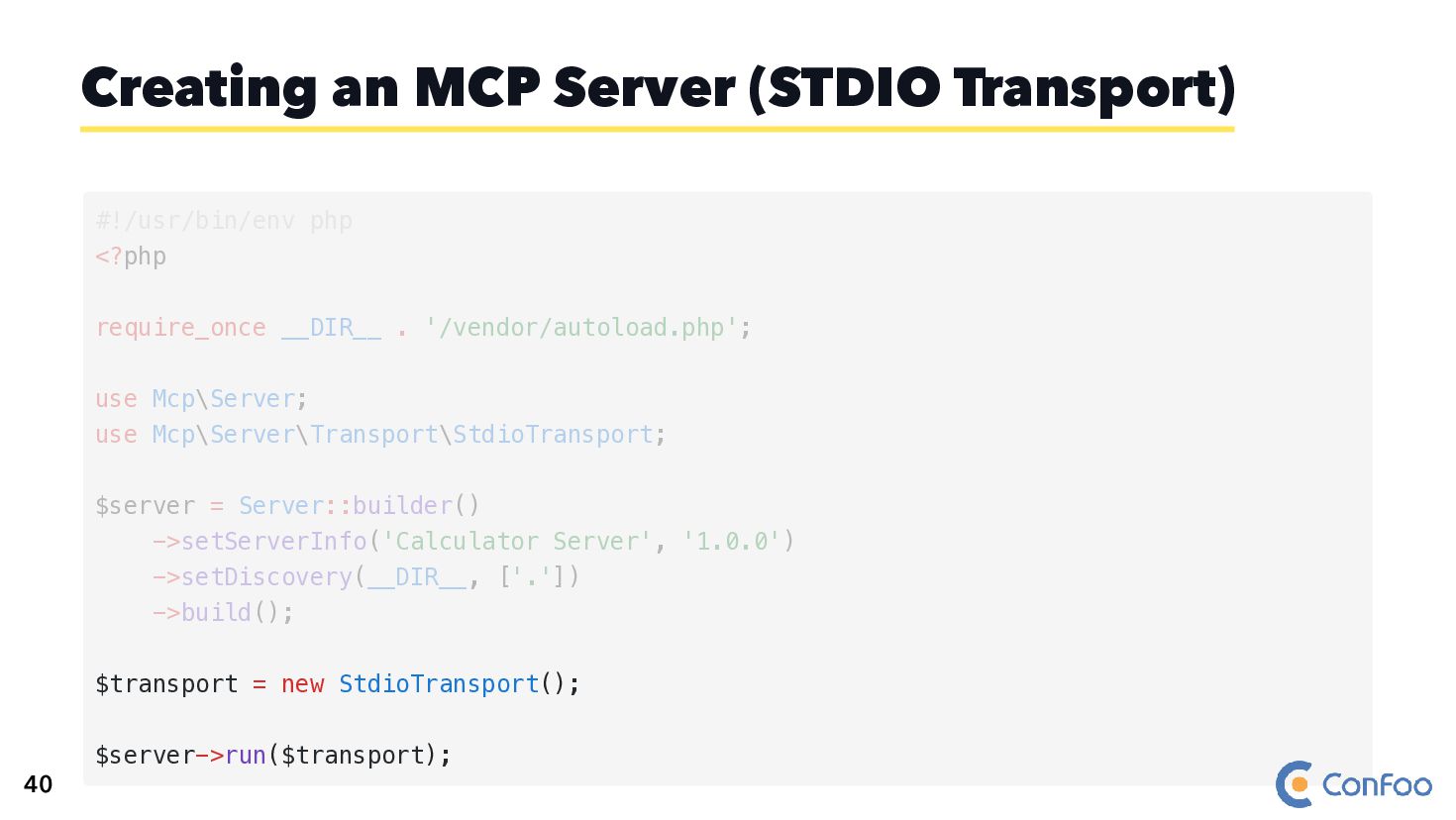
  64. Creating an MCP Server (STDIO Transport) #!/usr/bin/env php <?php require_once

    __DIR__ . '/vendor/autoload.php'; use Mcp\Server; use Mcp\Server\Transport\StdioTransport; $server = Server::builder() ->setServerInfo('Calculator Server', '1.0.0') ->setDiscovery(__DIR__, ['.']) ->build(); $transport = new StdioTransport(); $server->run($transport); 40
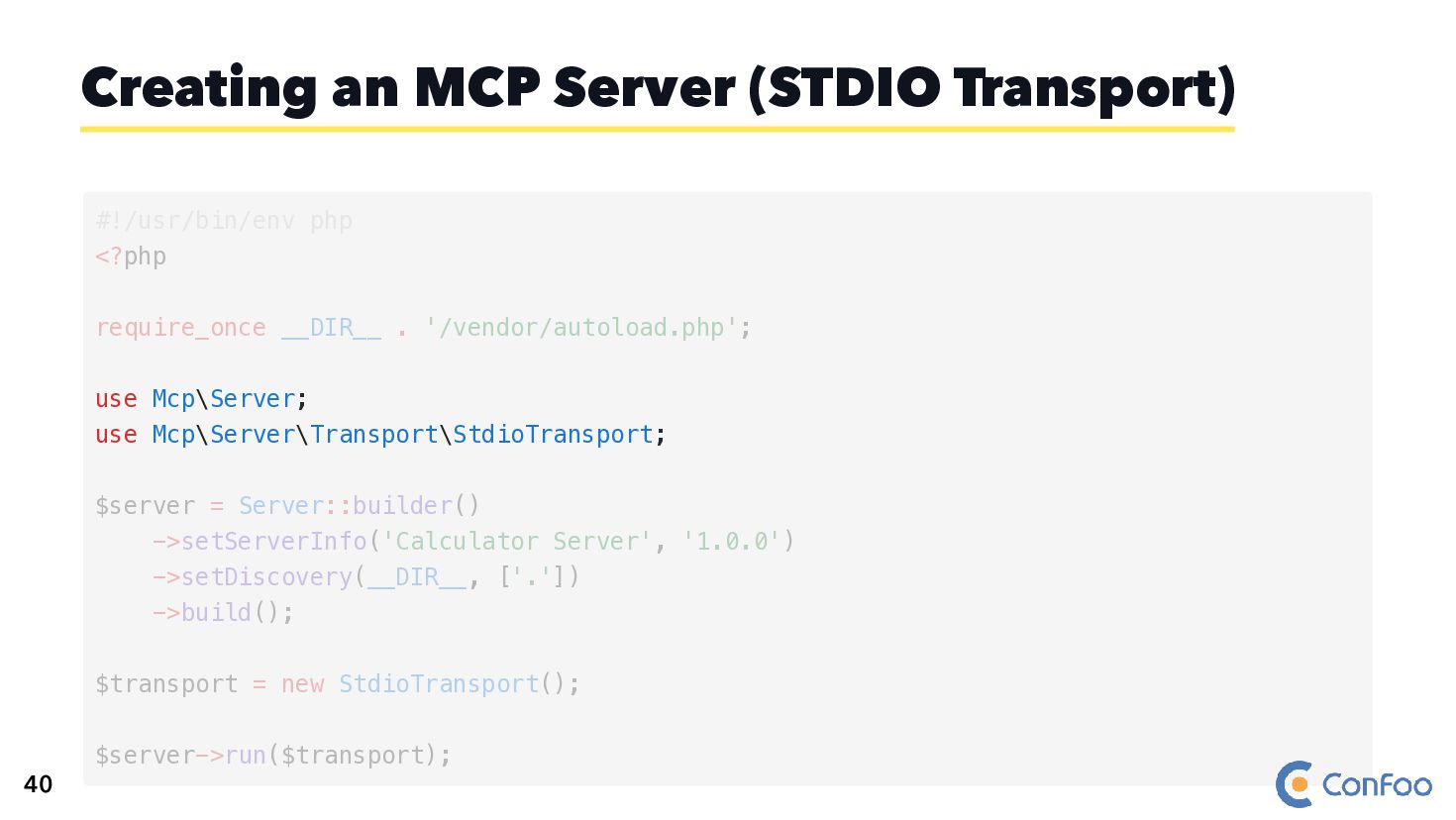
  65. Creating an MCP Server (STDIO Transport) use Mcp\Server; use Mcp\Server\Transport\StdioTransport;

    #!/usr/bin/env php <?php require_once __DIR__ . '/vendor/autoload.php'; $server = Server::builder() ->setServerInfo('Calculator Server', '1.0.0') ->setDiscovery(__DIR__, ['.']) ->build(); $transport = new StdioTransport(); $server->run($transport); 40
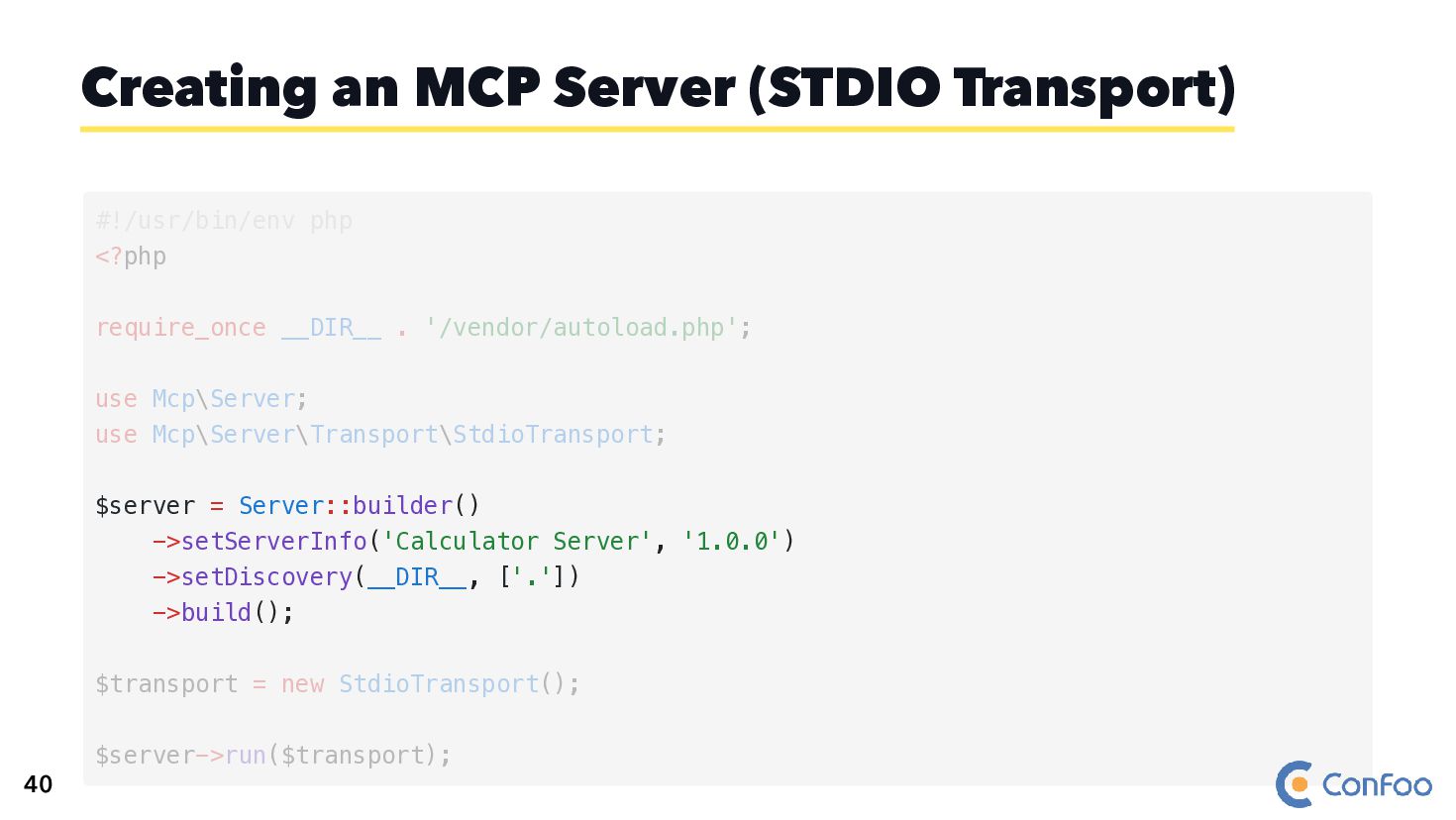
  66. Creating an MCP Server (STDIO Transport) $server = Server::builder() ->setServerInfo('Calculator

    Server', '1.0.0') ->setDiscovery(__DIR__, ['.']) ->build(); #!/usr/bin/env php <?php require_once __DIR__ . '/vendor/autoload.php'; use Mcp\Server; use Mcp\Server\Transport\StdioTransport; $transport = new StdioTransport(); $server->run($transport); 40
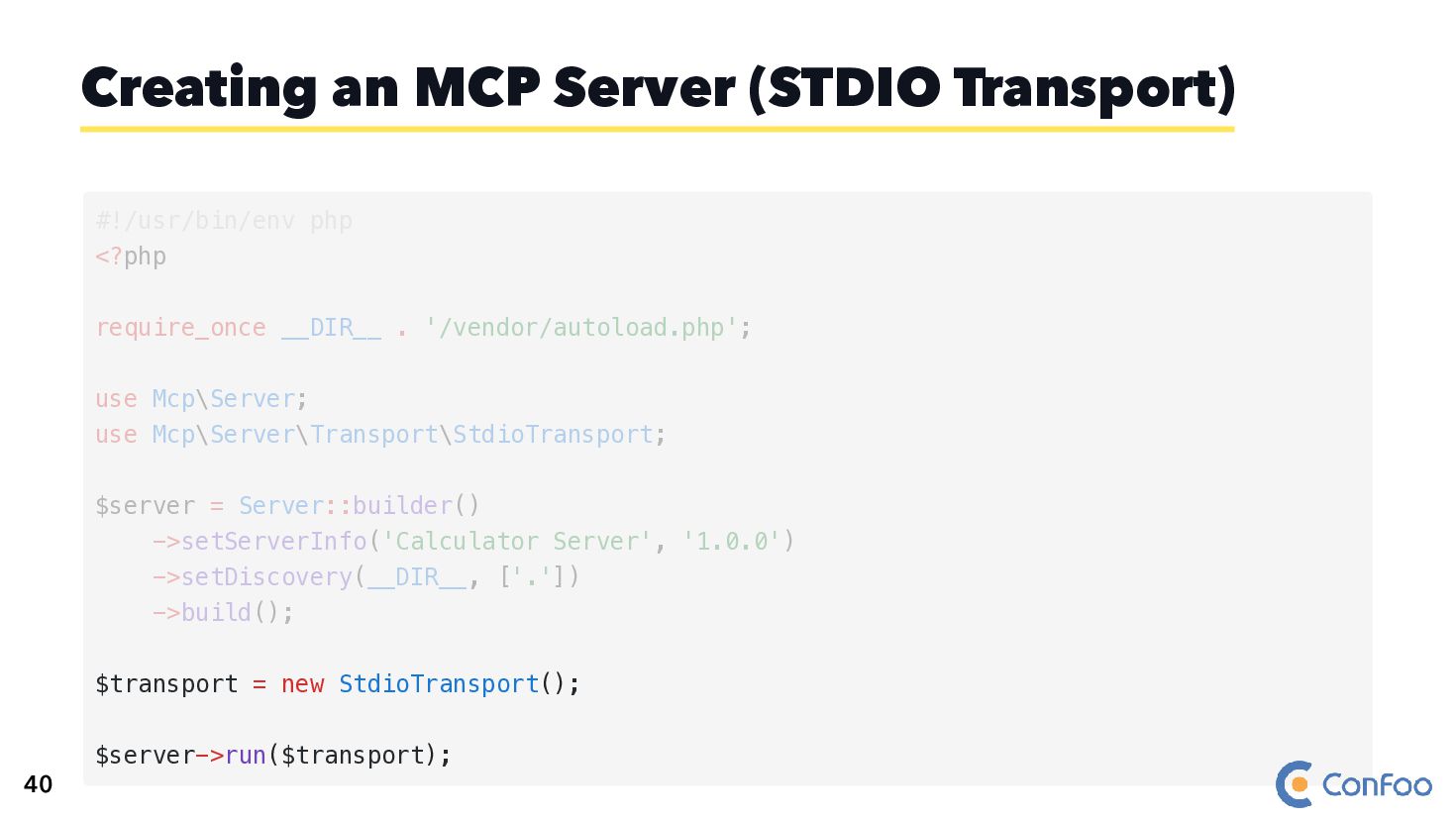
  67. Creating an MCP Server (STDIO Transport) $transport = new StdioTransport();

    $server->run($transport); #!/usr/bin/env php <?php require_once __DIR__ . '/vendor/autoload.php'; use Mcp\Server; use Mcp\Server\Transport\StdioTransport; $server = Server::builder() ->setServerInfo('Calculator Server', '1.0.0') ->setDiscovery(__DIR__, ['.']) ->build(); 40
  68. Creating an MCP Server (STDIO Transport) $transport = new StdioTransport();

    $server->run($transport); #!/usr/bin/env php <?php require_once __DIR__ . '/vendor/autoload.php'; use Mcp\Server; use Mcp\Server\Transport\StdioTransport; $server = Server::builder() ->setServerInfo('Calculator Server', '1.0.0') ->setDiscovery(__DIR__, ['.']) ->build(); 40
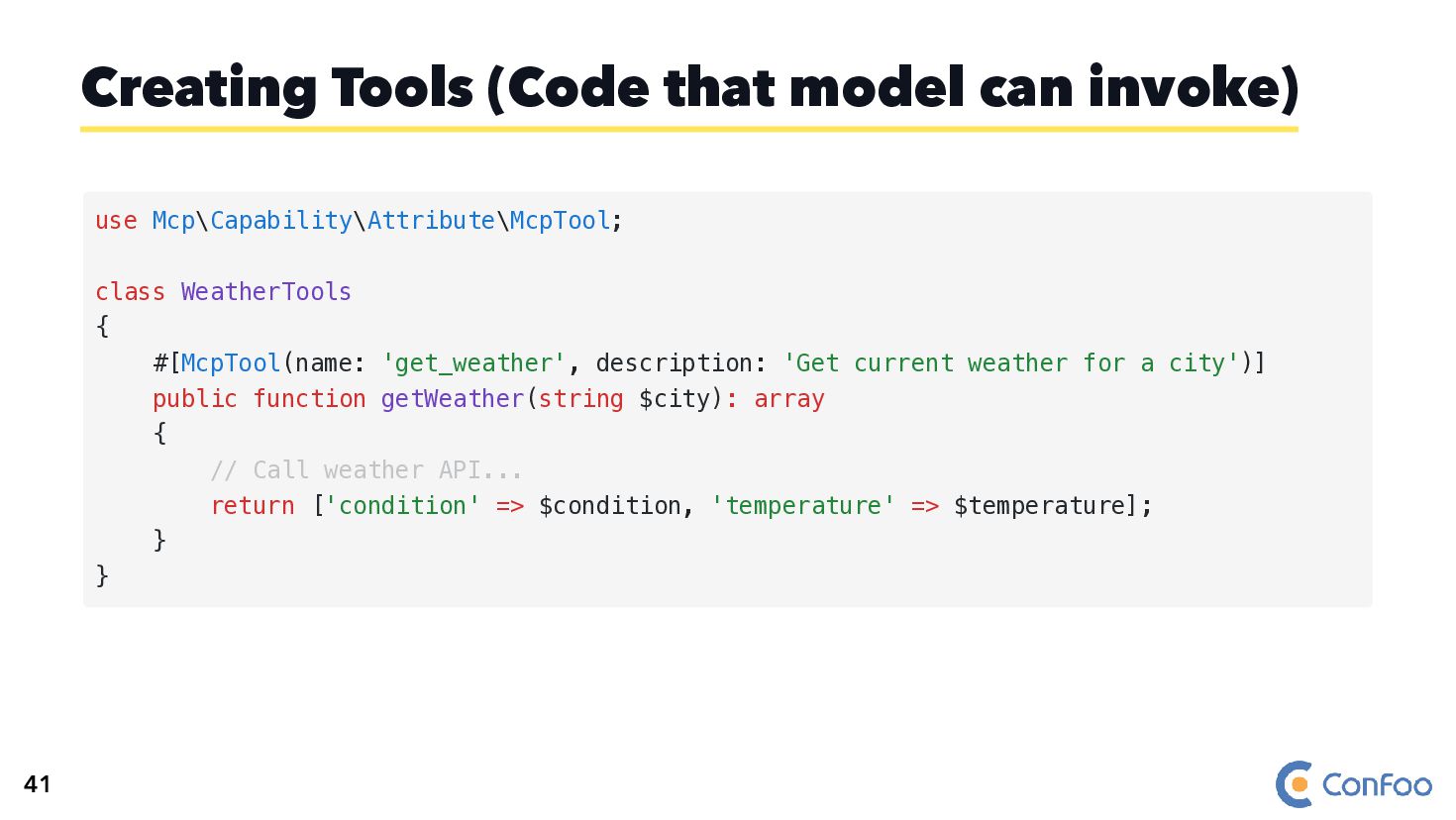
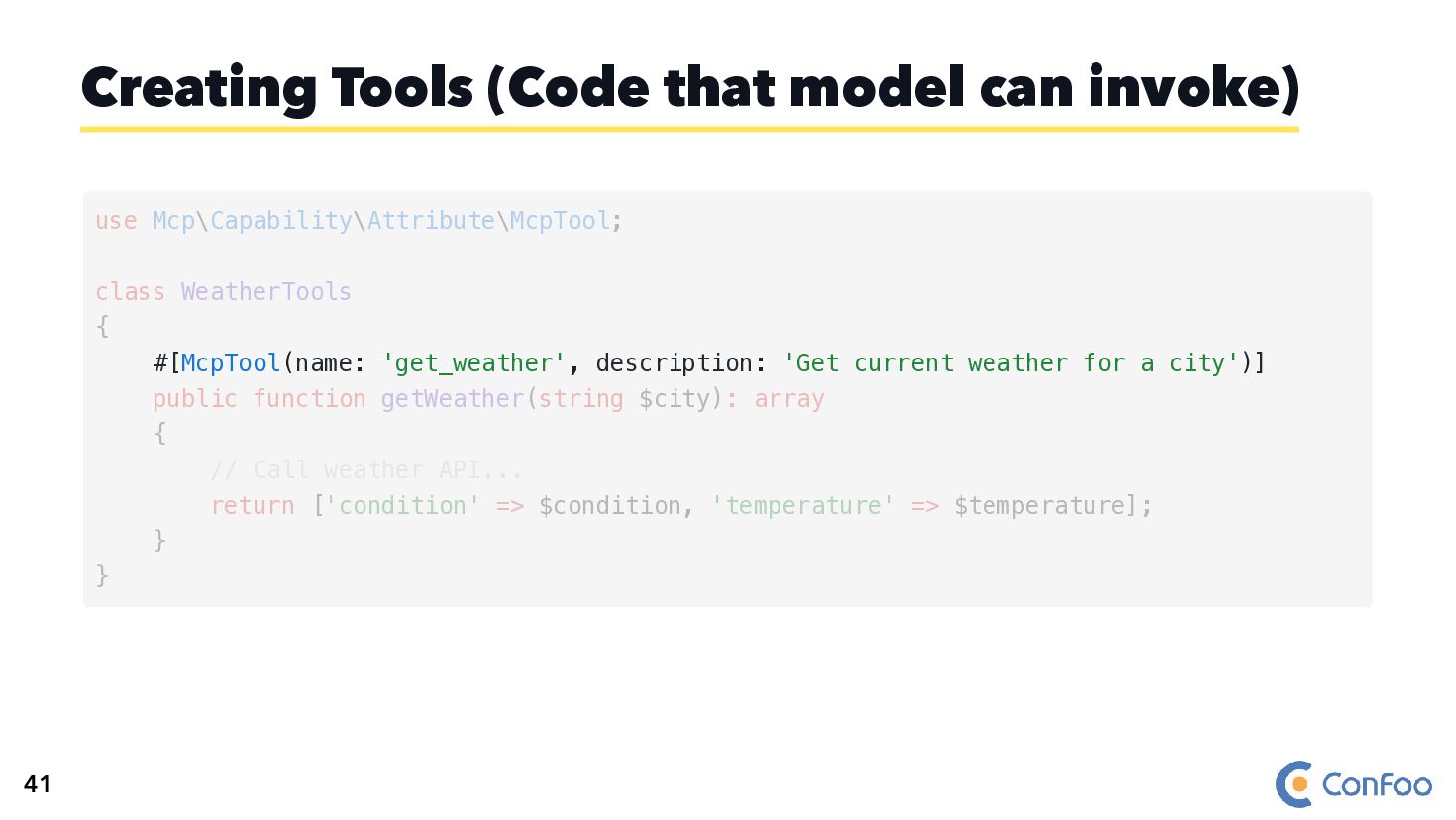
  69. Creating Tools (Code that model can invoke) use Mcp\Capability\Attribute\McpTool; class

    WeatherTools { #[McpTool(name: 'get_weather', description: 'Get current weather for a city')] public function getWeather(string $city): array { // Call weather API... return ['condition' => $condition, 'temperature' => $temperature]; } } 41
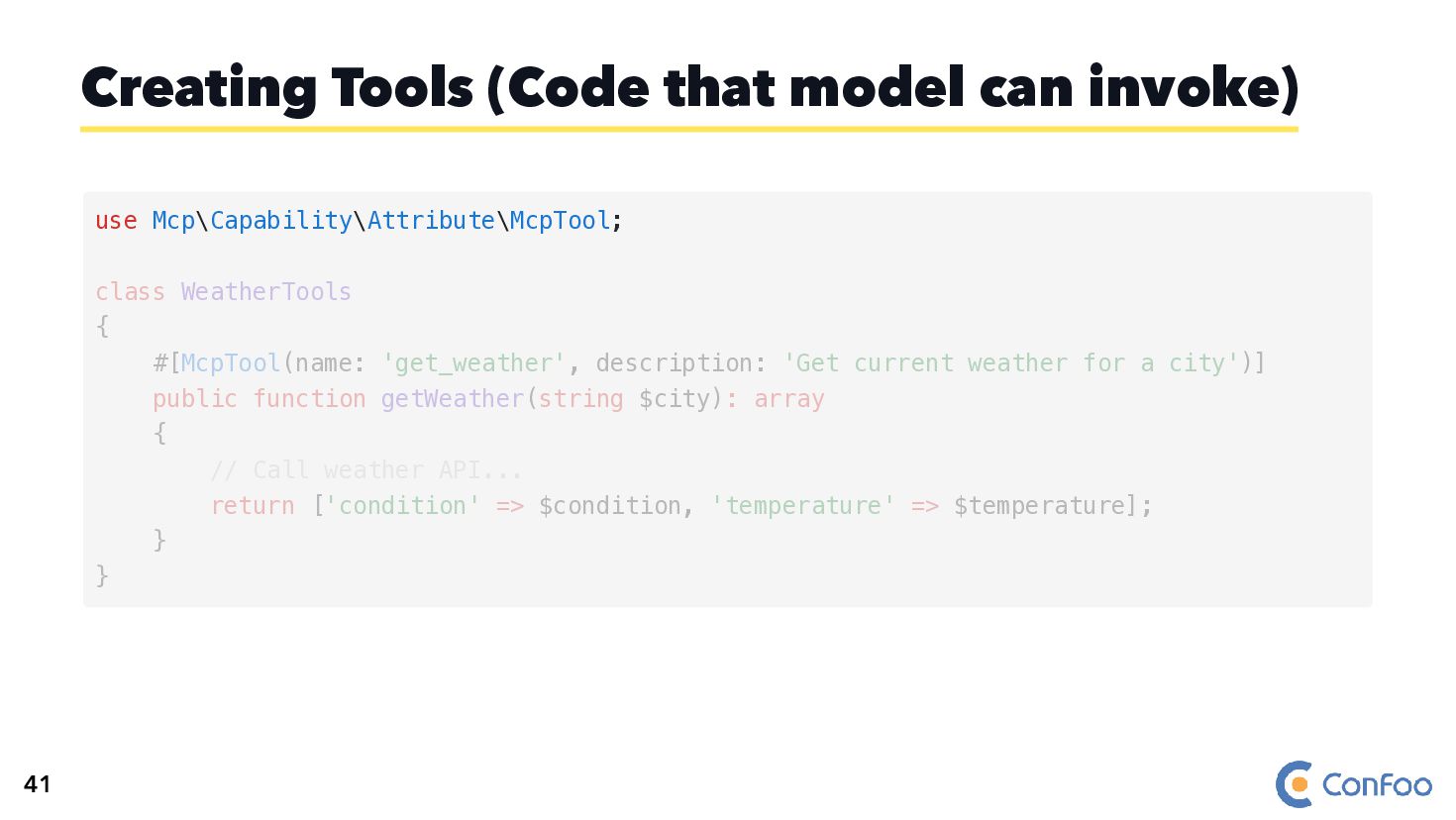
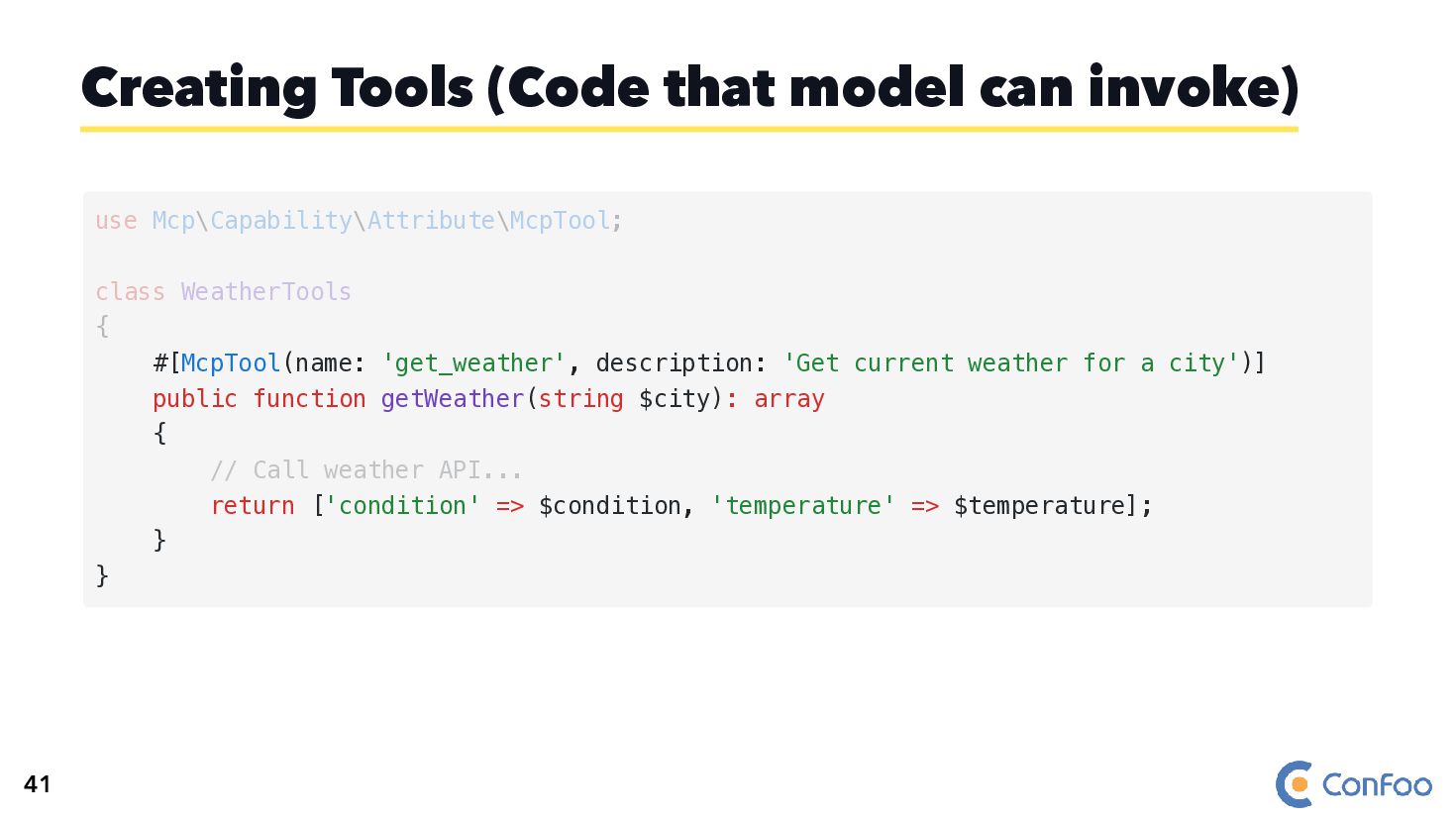
  70. Creating Tools (Code that model can invoke) use Mcp\Capability\Attribute\McpTool; class

    WeatherTools { #[McpTool(name: 'get_weather', description: 'Get current weather for a city')] public function getWeather(string $city): array { // Call weather API... return ['condition' => $condition, 'temperature' => $temperature]; } } 41
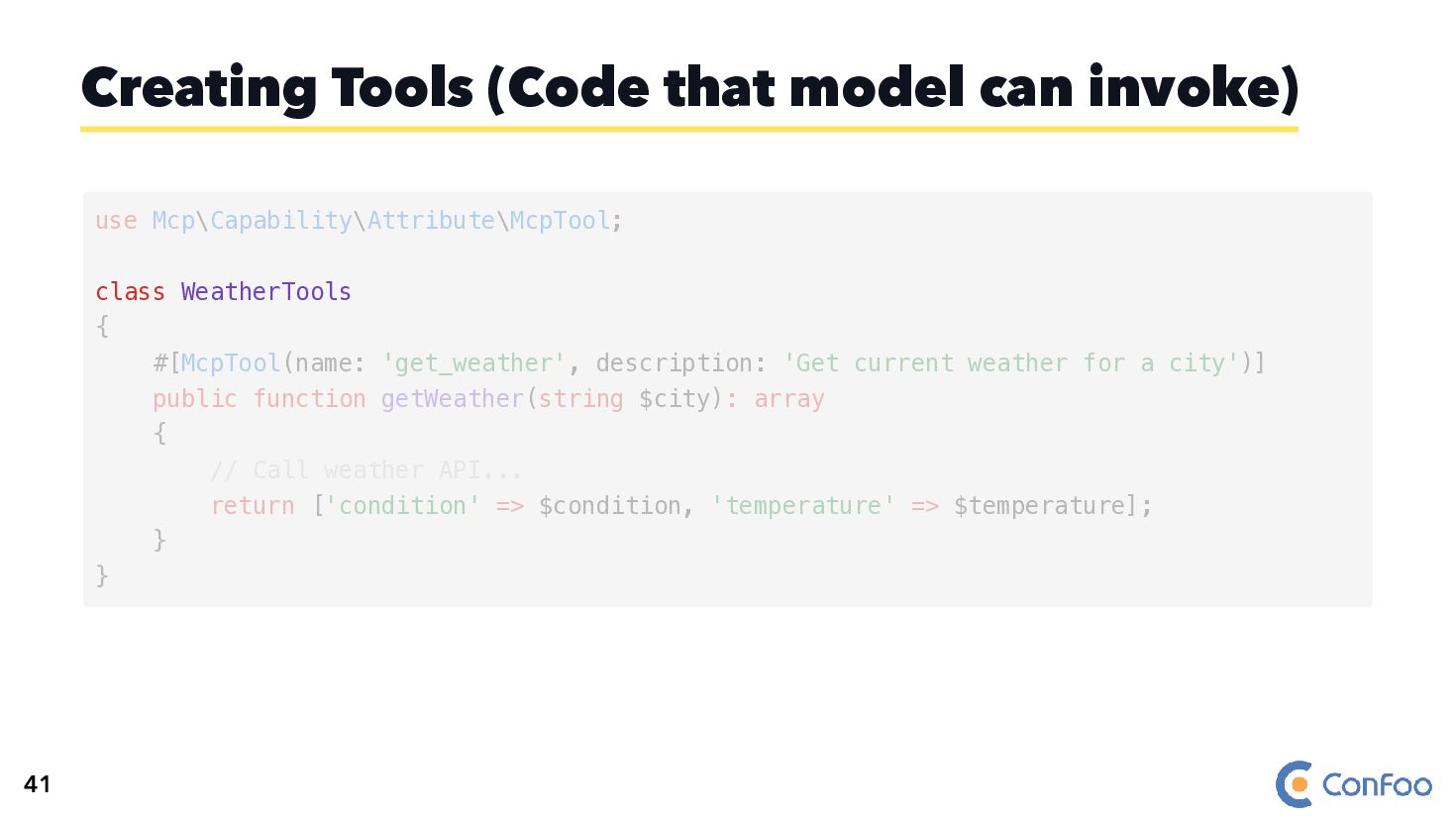
  71. Creating Tools (Code that model can invoke) class WeatherTools use

    Mcp\Capability\Attribute\McpTool; { #[McpTool(name: 'get_weather', description: 'Get current weather for a city')] public function getWeather(string $city): array { // Call weather API... return ['condition' => $condition, 'temperature' => $temperature]; } } 41
  72. Creating Tools (Code that model can invoke) #[McpTool(name: 'get_weather', description:

    'Get current weather for a city')] use Mcp\Capability\Attribute\McpTool; class WeatherTools { public function getWeather(string $city): array { // Call weather API... return ['condition' => $condition, 'temperature' => $temperature]; } } 41
  73. Creating Tools (Code that model can invoke) #[McpTool(name: 'get_weather', description:

    'Get current weather for a city')] public function getWeather(string $city): array { // Call weather API... return ['condition' => $condition, 'temperature' => $temperature]; } } use Mcp\Capability\Attribute\McpTool; class WeatherTools { 41
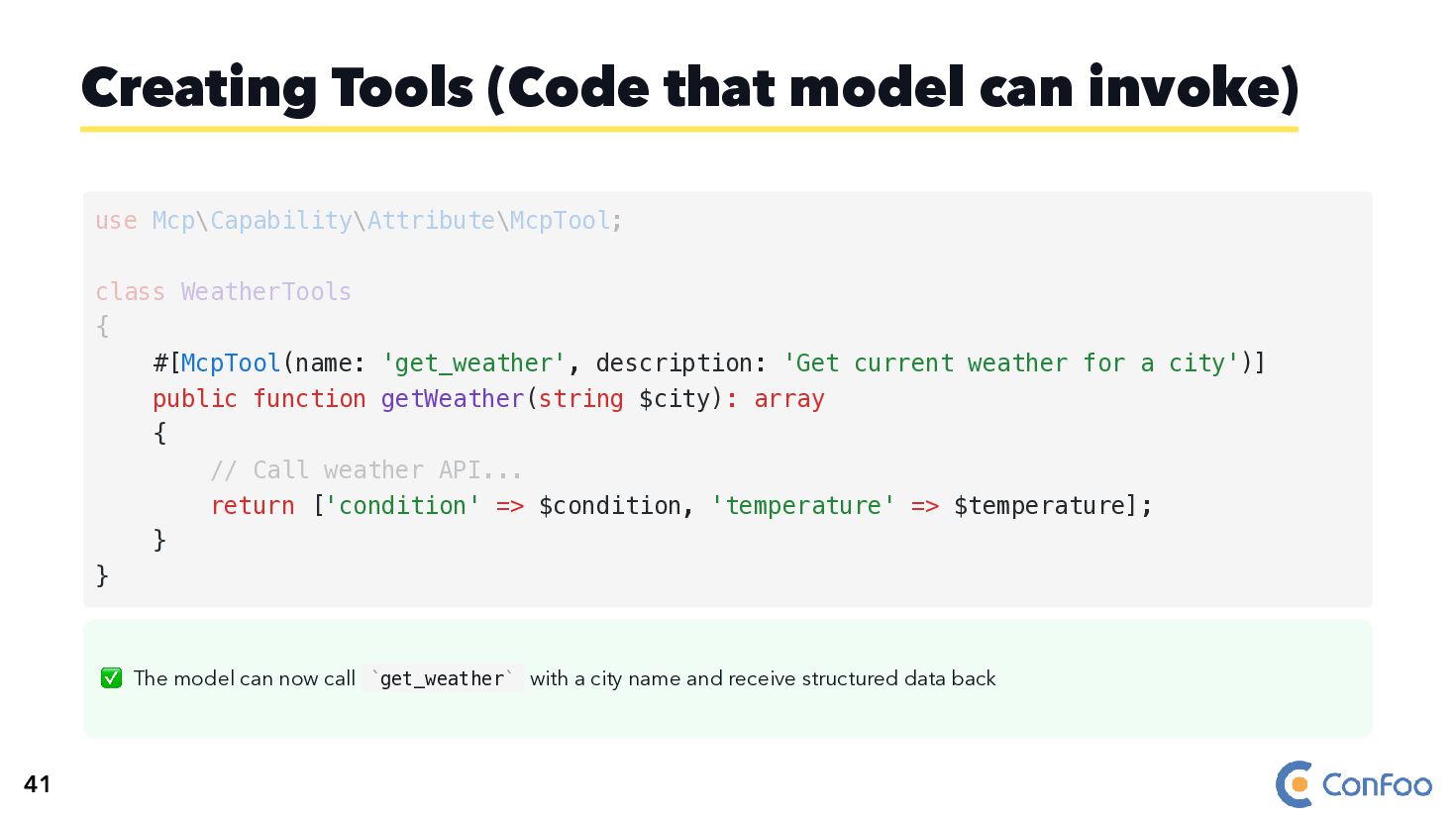
  74. ✅ The model can now call get_weather with a city

    name and receive structured data back Creating Tools (Code that model can invoke) #[McpTool(name: 'get_weather', description: 'Get current weather for a city')] public function getWeather(string $city): array { // Call weather API... return ['condition' => $condition, 'temperature' => $temperature]; } } use Mcp\Capability\Attribute\McpTool; class WeatherTools { ` ` 41
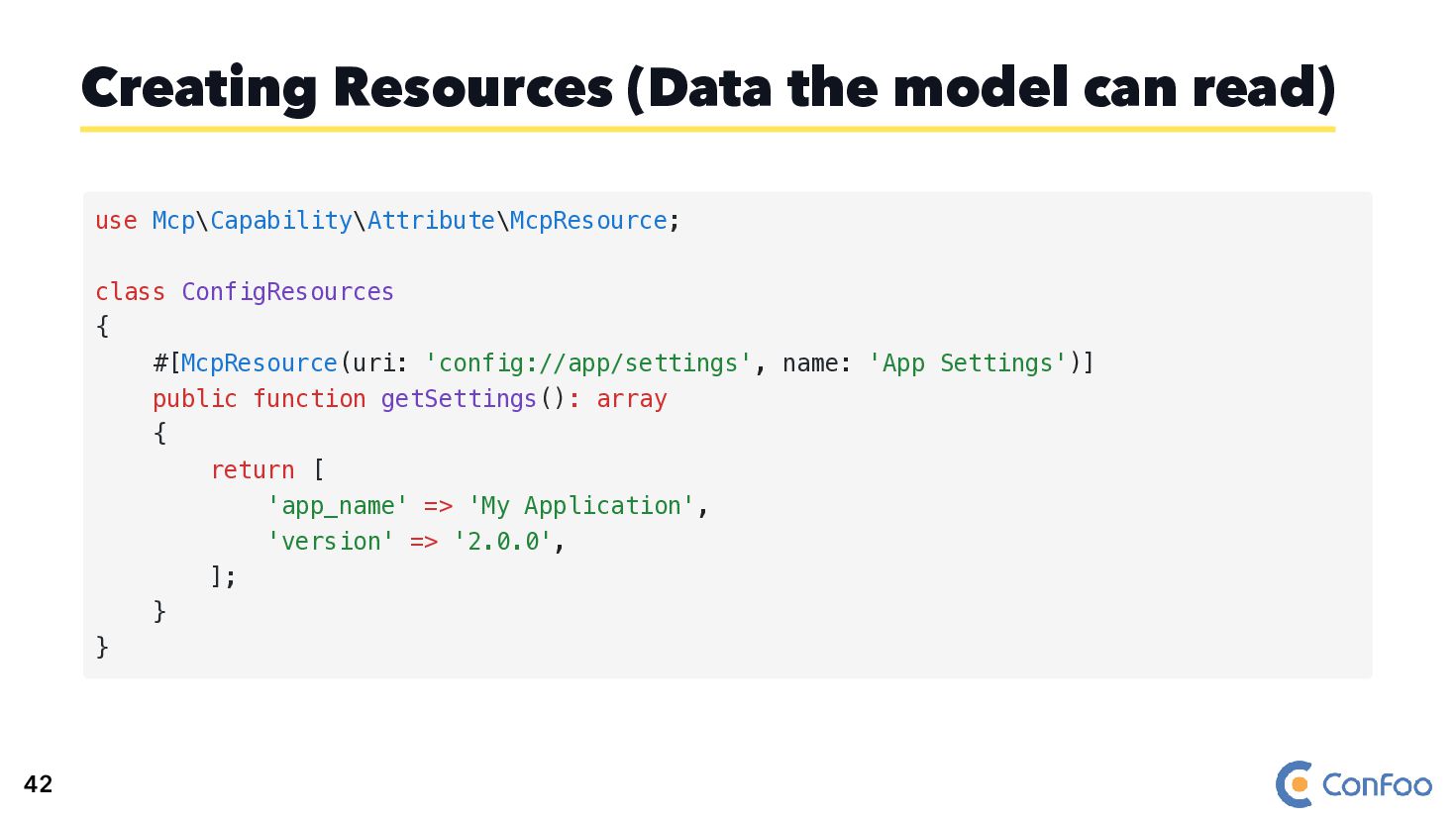
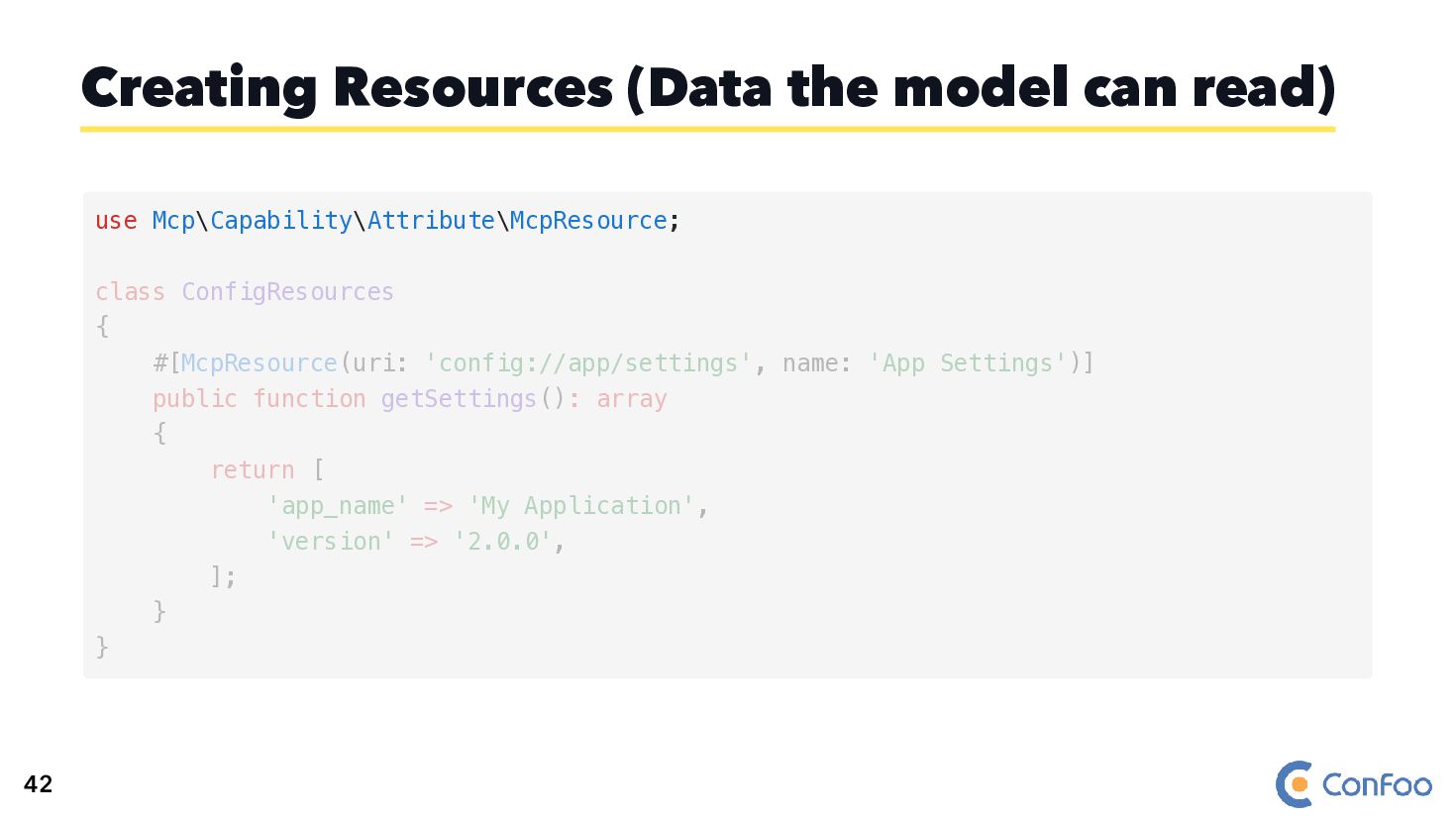
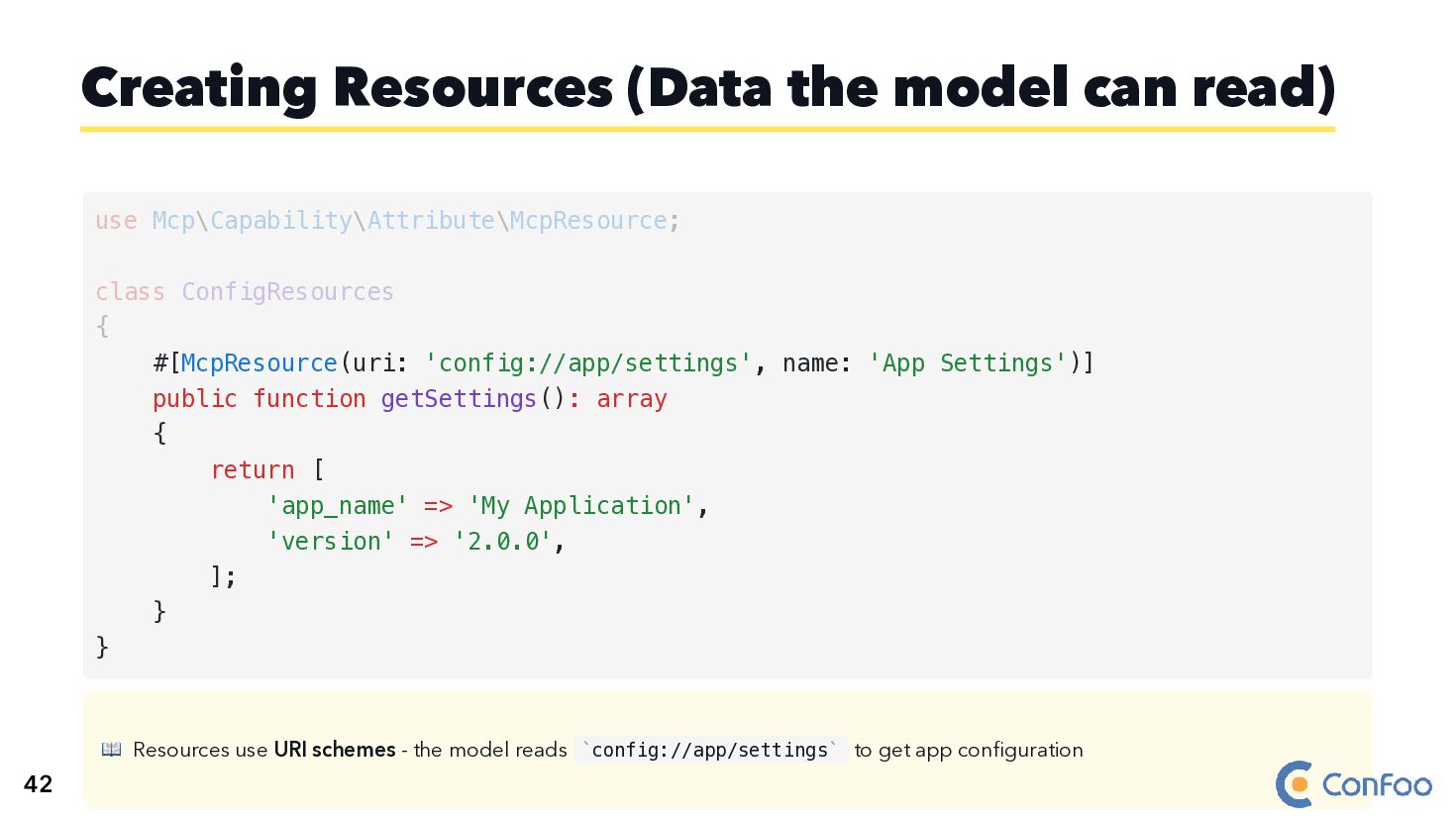
  75. Creating Resources (Data the model can read) use Mcp\Capability\Attribute\McpResource; class

    ConfigResources { #[McpResource(uri: 'config://app/settings', name: 'App Settings')] public function getSettings(): array { return [ 'app_name' => 'My Application', 'version' => '2.0.0', ]; } } 42
  76. Creating Resources (Data the model can read) use Mcp\Capability\Attribute\McpResource; class

    ConfigResources { #[McpResource(uri: 'config://app/settings', name: 'App Settings')] public function getSettings(): array { return [ 'app_name' => 'My Application', 'version' => '2.0.0', ]; } } 42
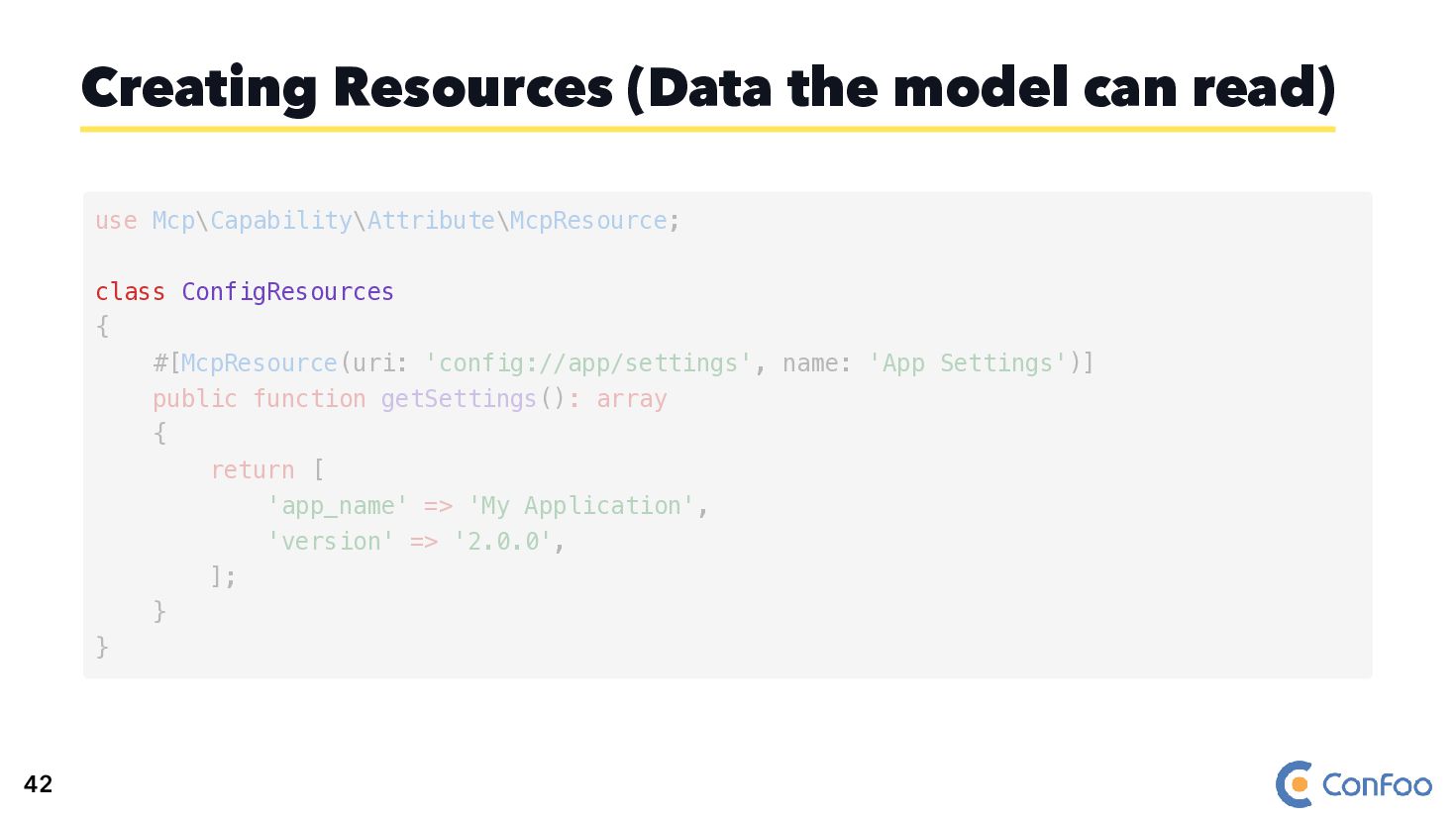
  77. Creating Resources (Data the model can read) class ConfigResources use

    Mcp\Capability\Attribute\McpResource; { #[McpResource(uri: 'config://app/settings', name: 'App Settings')] public function getSettings(): array { return [ 'app_name' => 'My Application', 'version' => '2.0.0', ]; } } 42
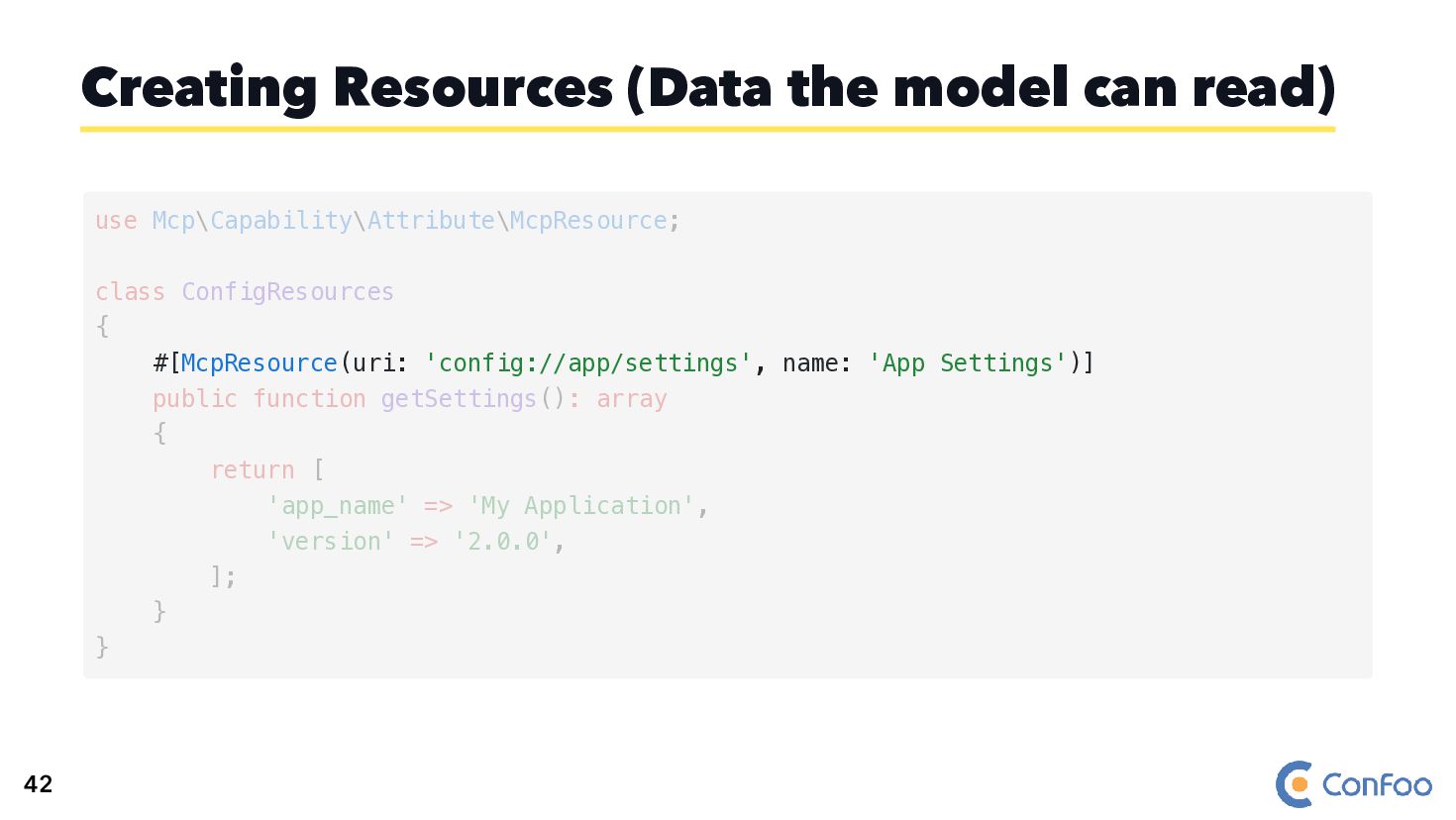
  78. Creating Resources (Data the model can read) #[McpResource(uri: 'config://app/settings', name:

    'App Settings')] use Mcp\Capability\Attribute\McpResource; class ConfigResources { public function getSettings(): array { return [ 'app_name' => 'My Application', 'version' => '2.0.0', ]; } } 42
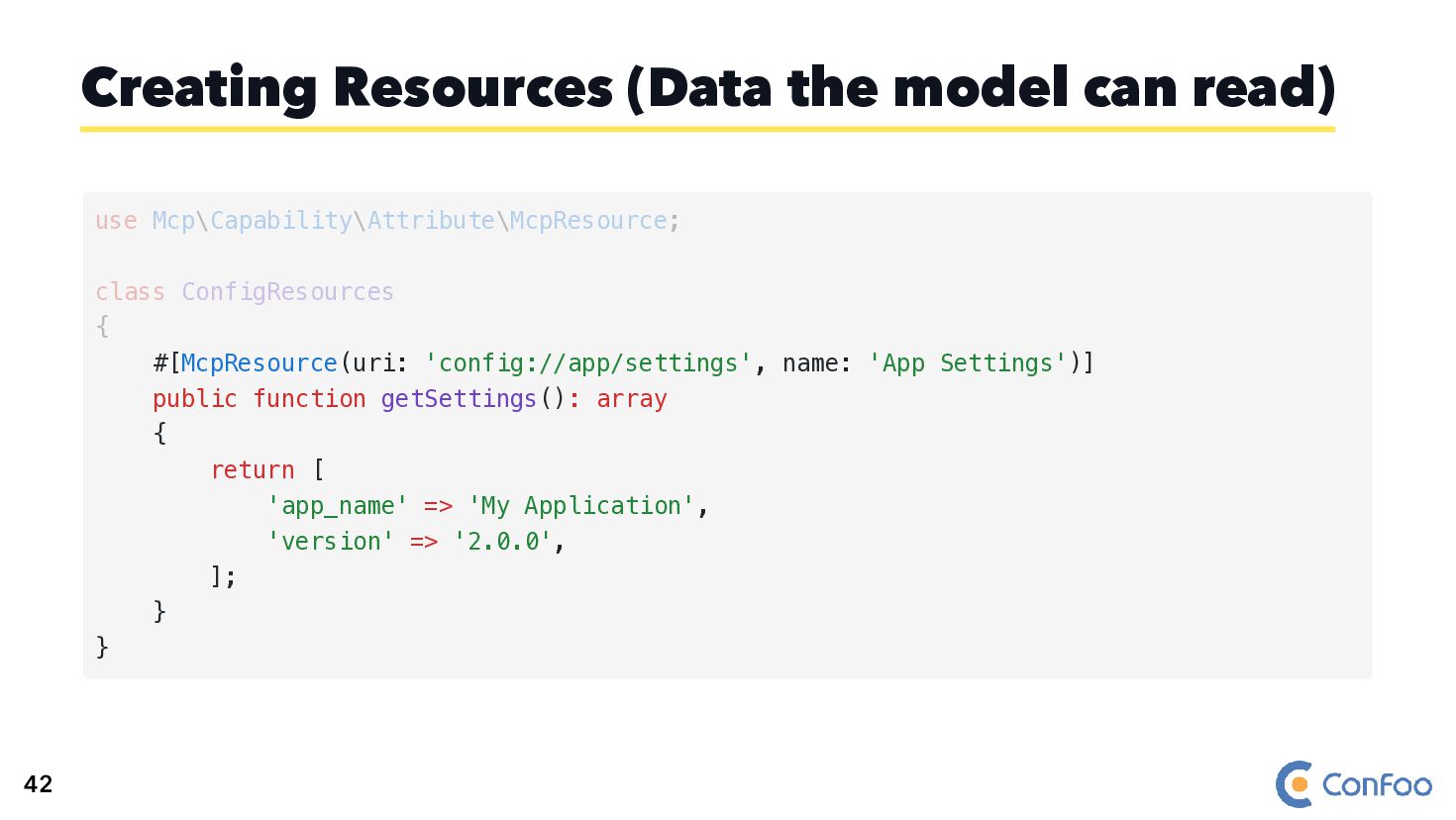
  79. Creating Resources (Data the model can read) #[McpResource(uri: 'config://app/settings', name:

    'App Settings')] public function getSettings(): array { return [ 'app_name' => 'My Application', 'version' => '2.0.0', ]; } } use Mcp\Capability\Attribute\McpResource; class ConfigResources { 42
  80. 📖 Resources use URI schemes - the model reads config://app/settings

    to get app configuration Creating Resources (Data the model can read) #[McpResource(uri: 'config://app/settings', name: 'App Settings')] public function getSettings(): array { return [ 'app_name' => 'My Application', 'version' => '2.0.0', ]; } } use Mcp\Capability\Attribute\McpResource; class ConfigResources { ` ` 42
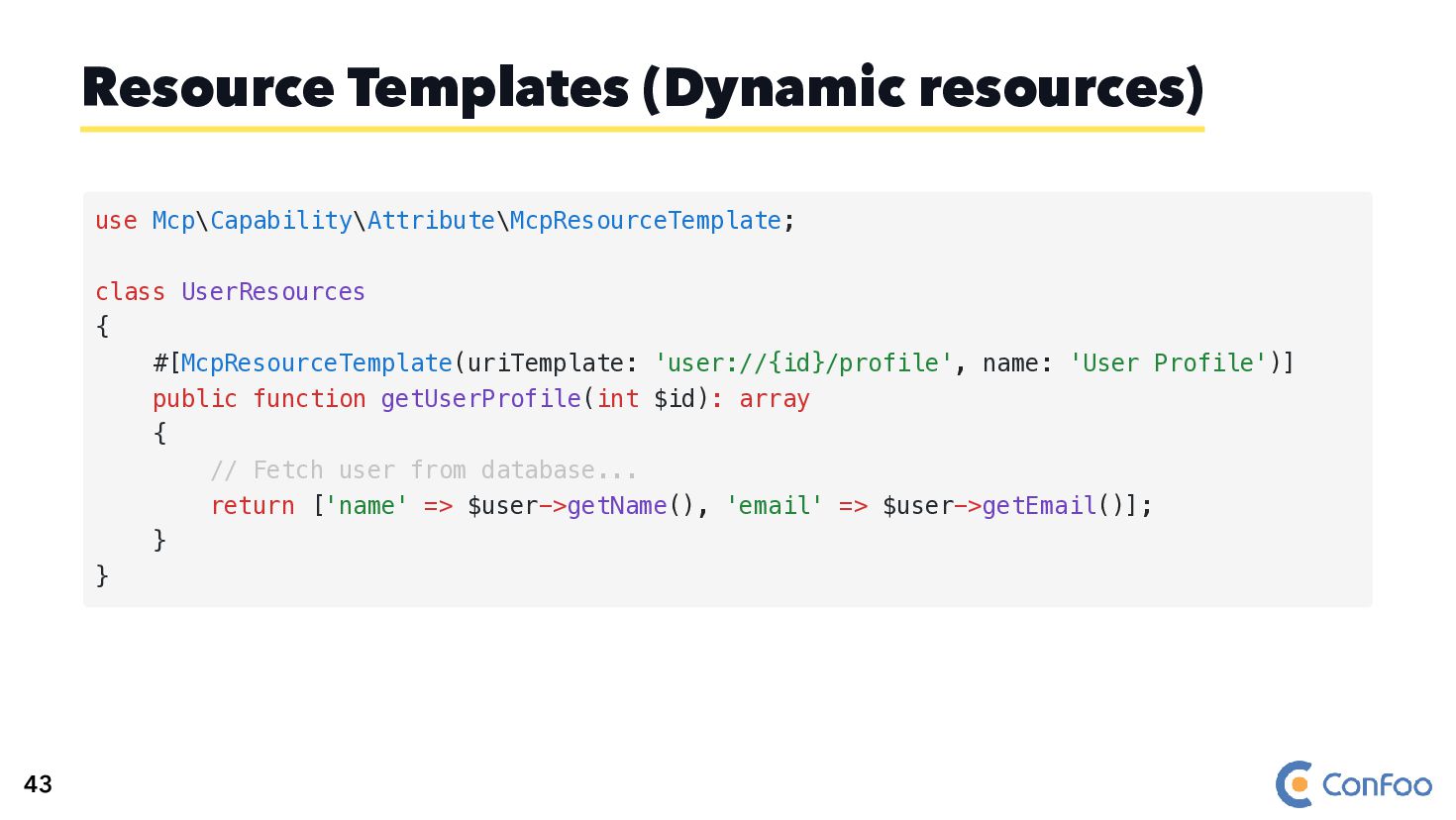
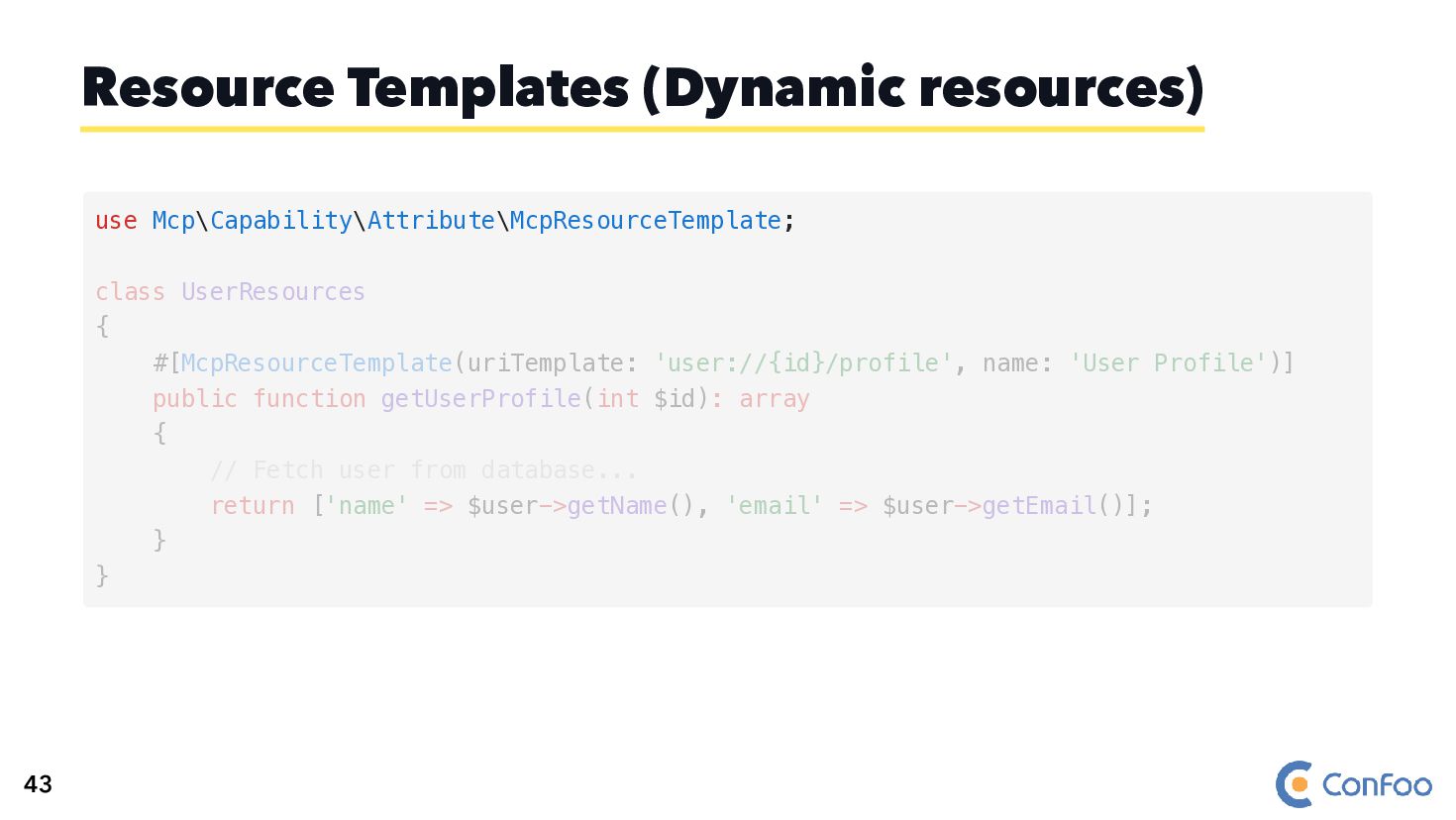
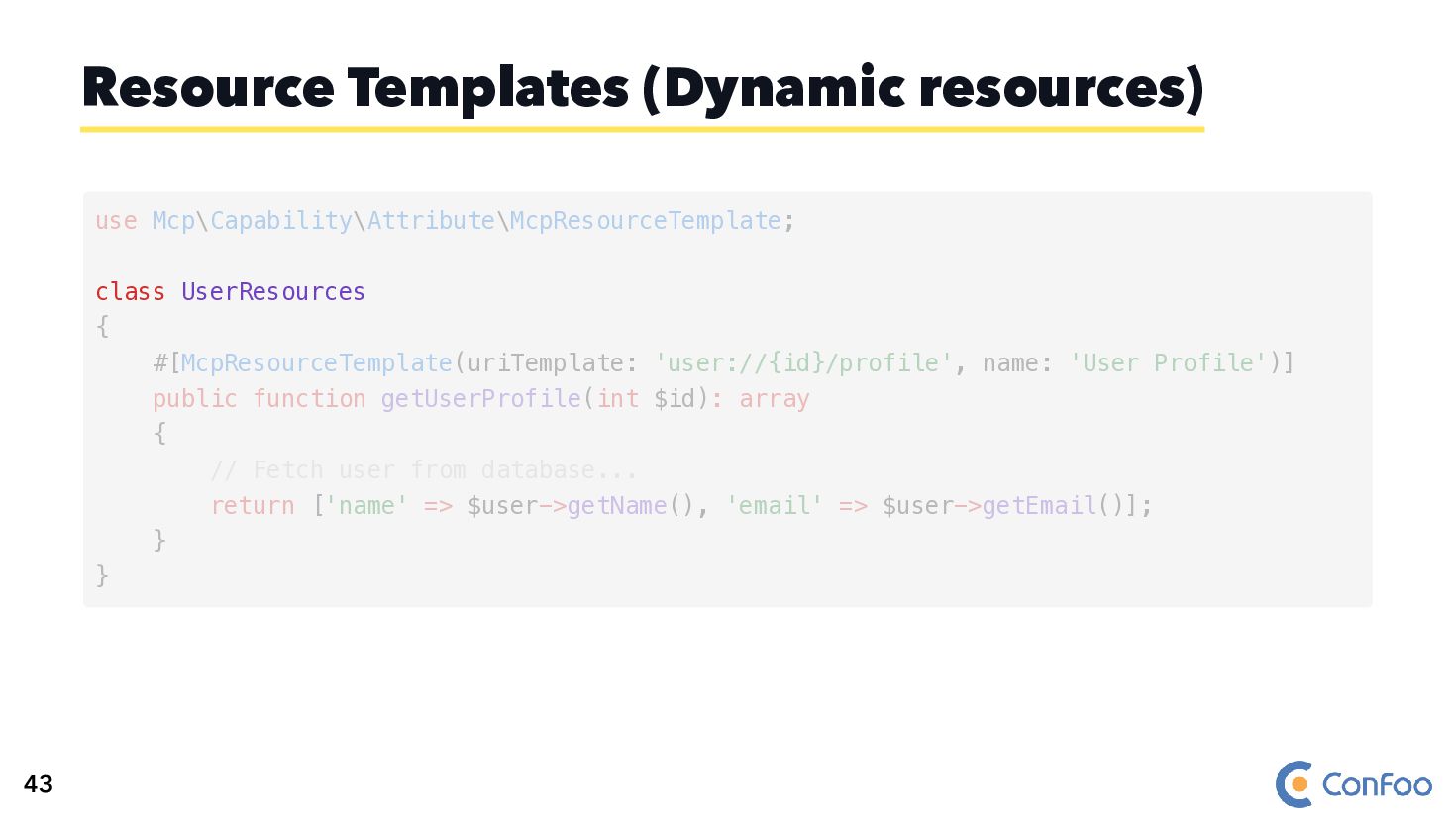
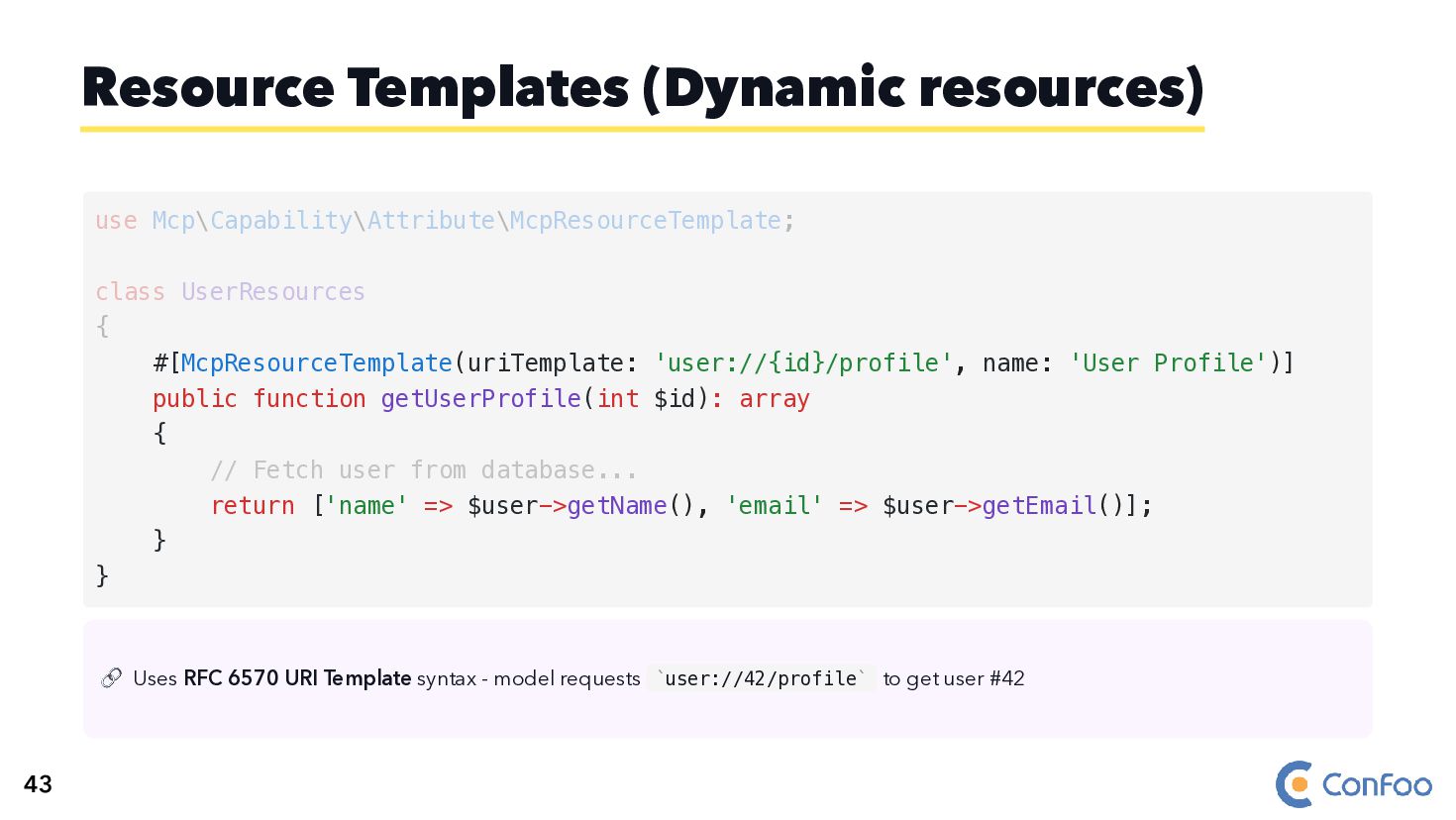
  81. Resource Templates (Dynamic resources) use Mcp\Capability\Attribute\McpResourceTemplate; class UserResources { #[McpResourceTemplate(uriTemplate:

    'user://{id}/profile', name: 'User Profile')] public function getUserProfile(int $id): array { // Fetch user from database... return ['name' => $user->getName(), 'email' => $user->getEmail()]; } } 43
  82. Resource Templates (Dynamic resources) use Mcp\Capability\Attribute\McpResourceTemplate; class UserResources { #[McpResourceTemplate(uriTemplate:

    'user://{id}/profile', name: 'User Profile')] public function getUserProfile(int $id): array { // Fetch user from database... return ['name' => $user->getName(), 'email' => $user->getEmail()]; } } 43
  83. Resource Templates (Dynamic resources) class UserResources use Mcp\Capability\Attribute\McpResourceTemplate; { #[McpResourceTemplate(uriTemplate:

    'user://{id}/profile', name: 'User Profile')] public function getUserProfile(int $id): array { // Fetch user from database... return ['name' => $user->getName(), 'email' => $user->getEmail()]; } } 43
  84. Resource Templates (Dynamic resources) #[McpResourceTemplate(uriTemplate: 'user://{id}/profile', name: 'User Profile')] use

    Mcp\Capability\Attribute\McpResourceTemplate; class UserResources { public function getUserProfile(int $id): array { // Fetch user from database... return ['name' => $user->getName(), 'email' => $user->getEmail()]; } } 43
  85. Resource Templates (Dynamic resources) #[McpResourceTemplate(uriTemplate: 'user://{id}/profile', name: 'User Profile')] public

    function getUserProfile(int $id): array { // Fetch user from database... return ['name' => $user->getName(), 'email' => $user->getEmail()]; } } use Mcp\Capability\Attribute\McpResourceTemplate; class UserResources { 43
  86. 🔗 Uses RFC 6570 URI Template syntax - model requests

    user://42/profile to get user #42 Resource Templates (Dynamic resources) #[McpResourceTemplate(uriTemplate: 'user://{id}/profile', name: 'User Profile')] public function getUserProfile(int $id): array { // Fetch user from database... return ['name' => $user->getName(), 'email' => $user->getEmail()]; } } use Mcp\Capability\Attribute\McpResourceTemplate; class UserResources { ` ` 43
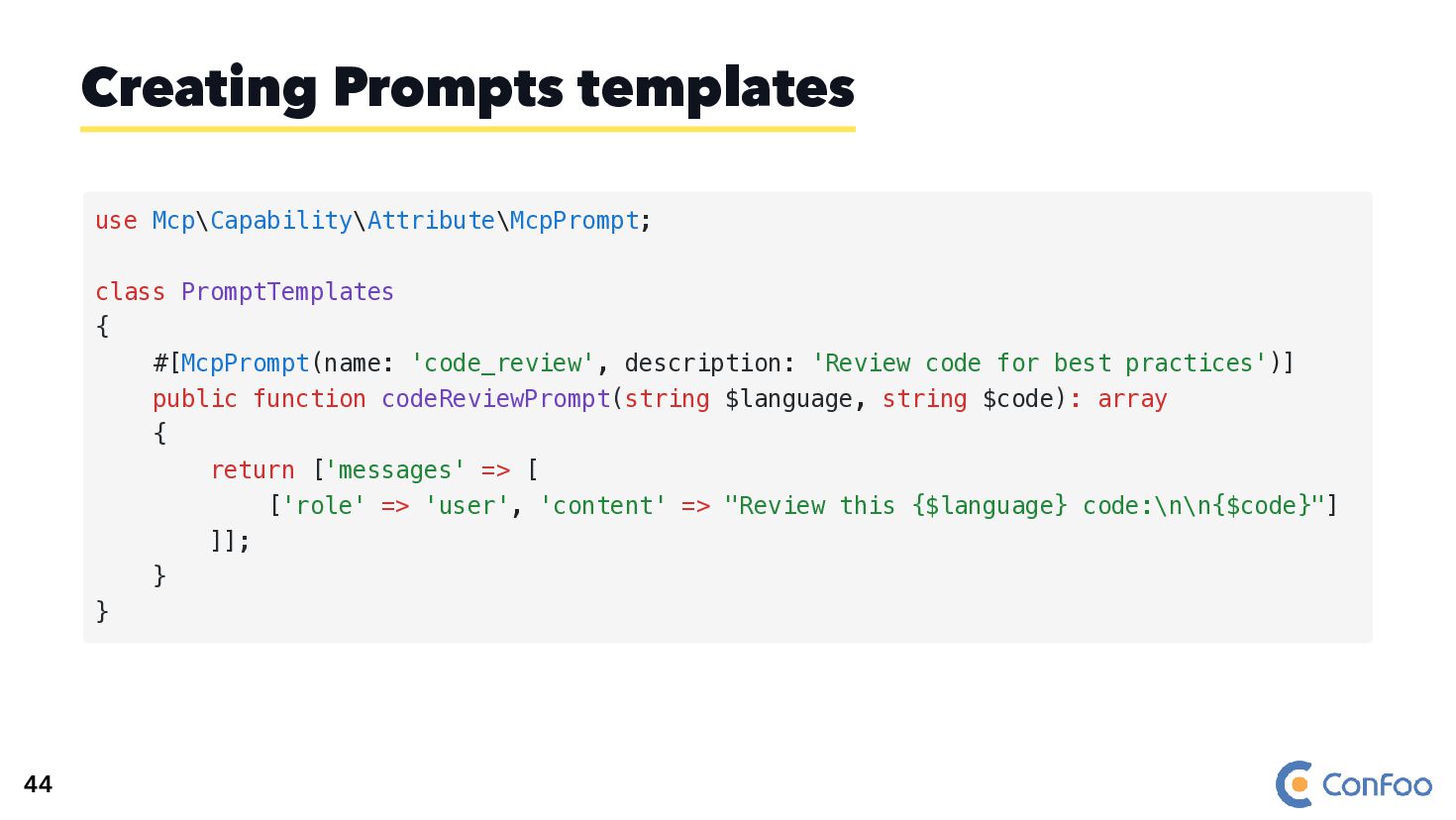
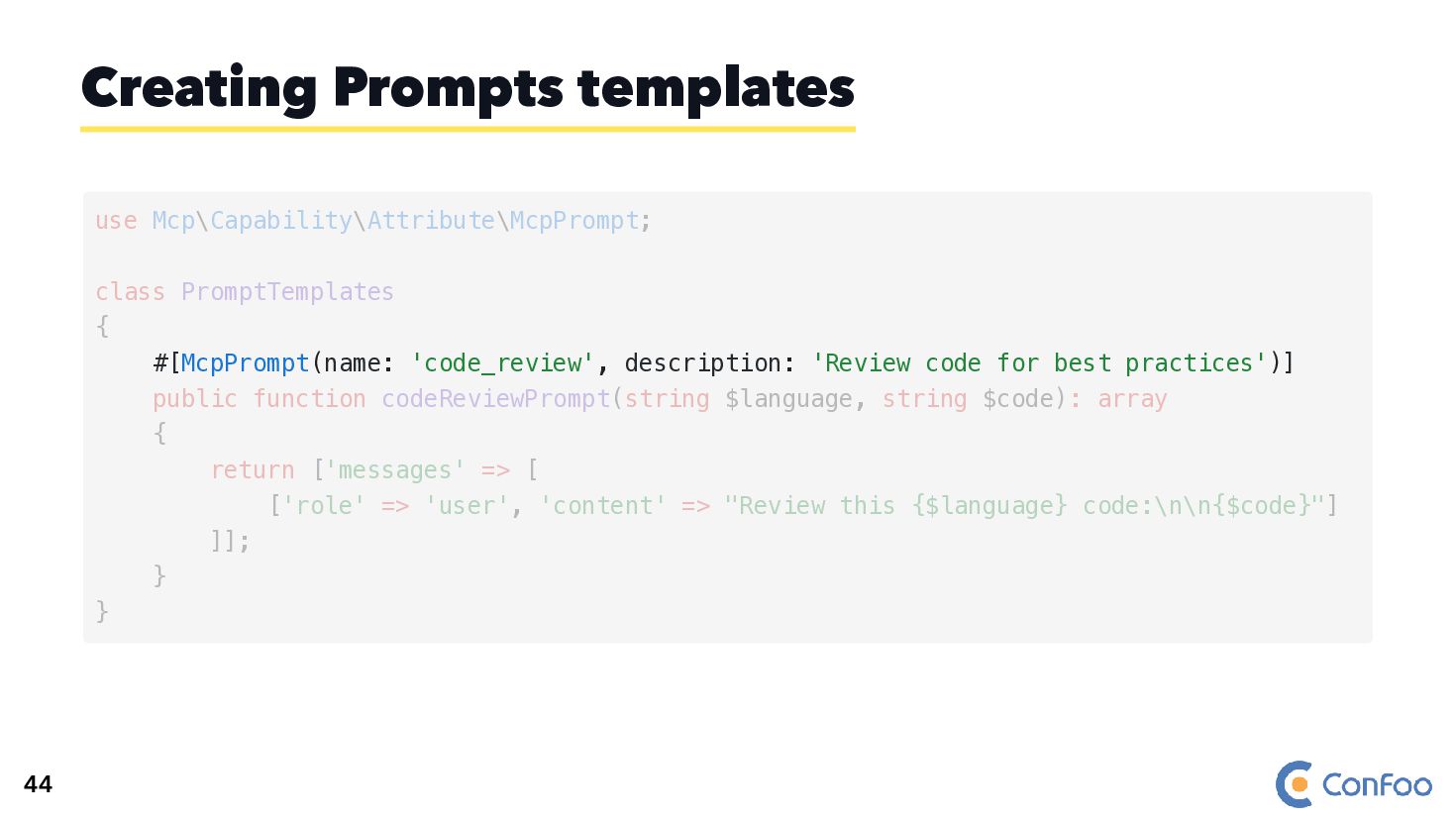
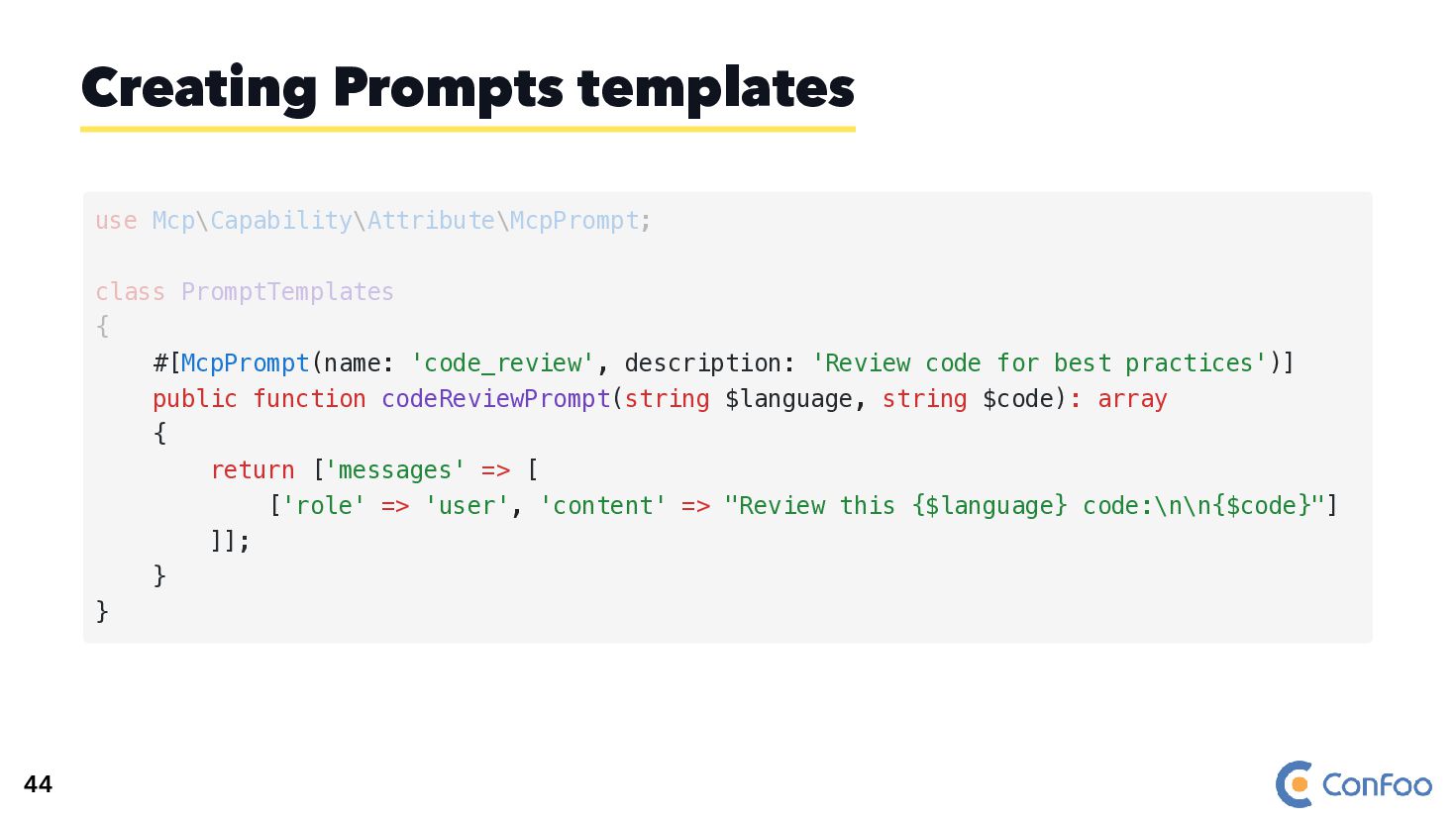
  87. Creating Prompts templates use Mcp\Capability\Attribute\McpPrompt; class PromptTemplates { #[McpPrompt(name: 'code_review',

    description: 'Review code for best practices')] public function codeReviewPrompt(string $language, string $code): array { return ['messages' => [ ['role' => 'user', 'content' => "Review this {$language} code:\n\n{$code}"] ]]; } } 44
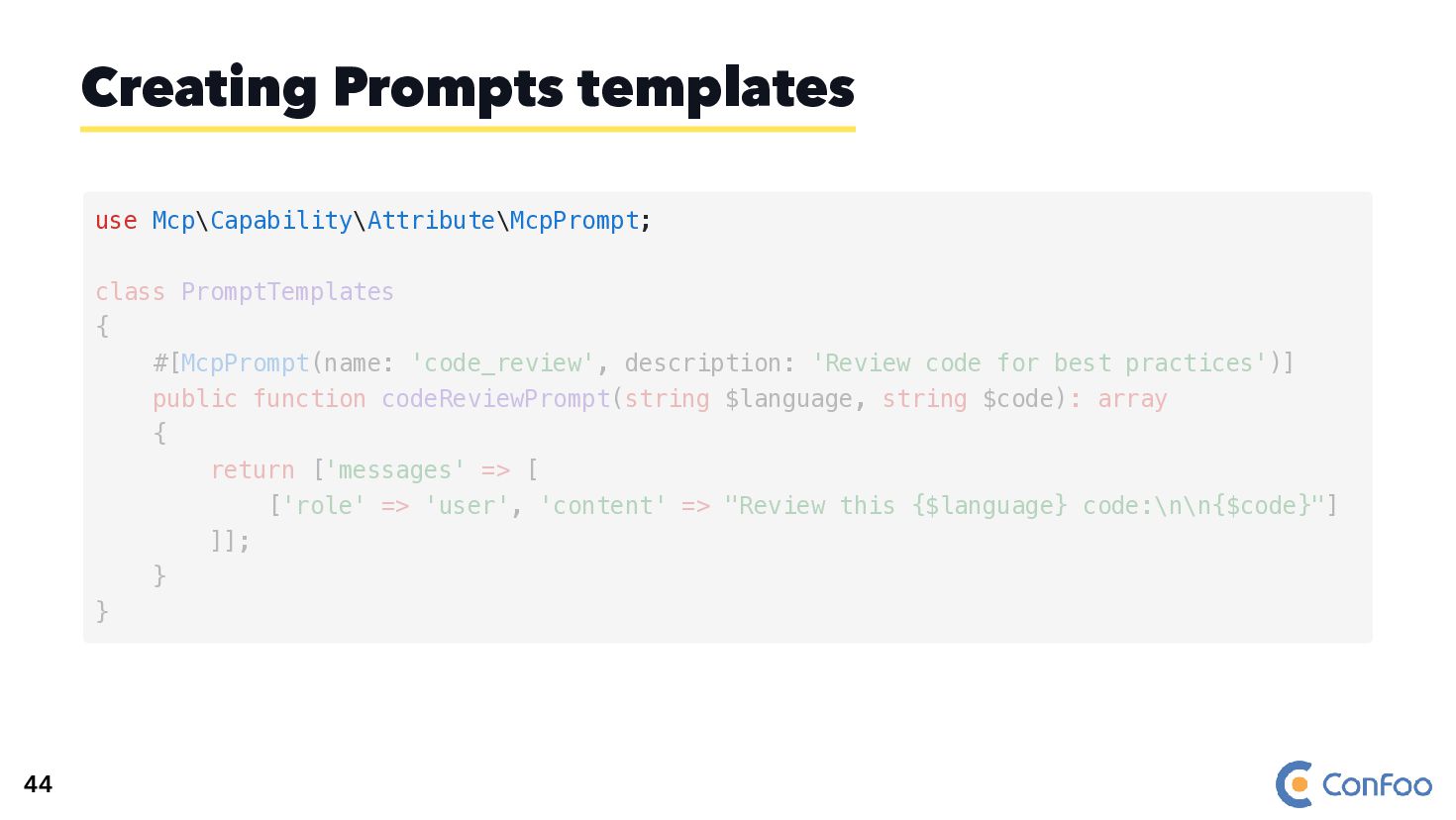
  88. Creating Prompts templates use Mcp\Capability\Attribute\McpPrompt; class PromptTemplates { #[McpPrompt(name: 'code_review',

    description: 'Review code for best practices')] public function codeReviewPrompt(string $language, string $code): array { return ['messages' => [ ['role' => 'user', 'content' => "Review this {$language} code:\n\n{$code}"] ]]; } } 44
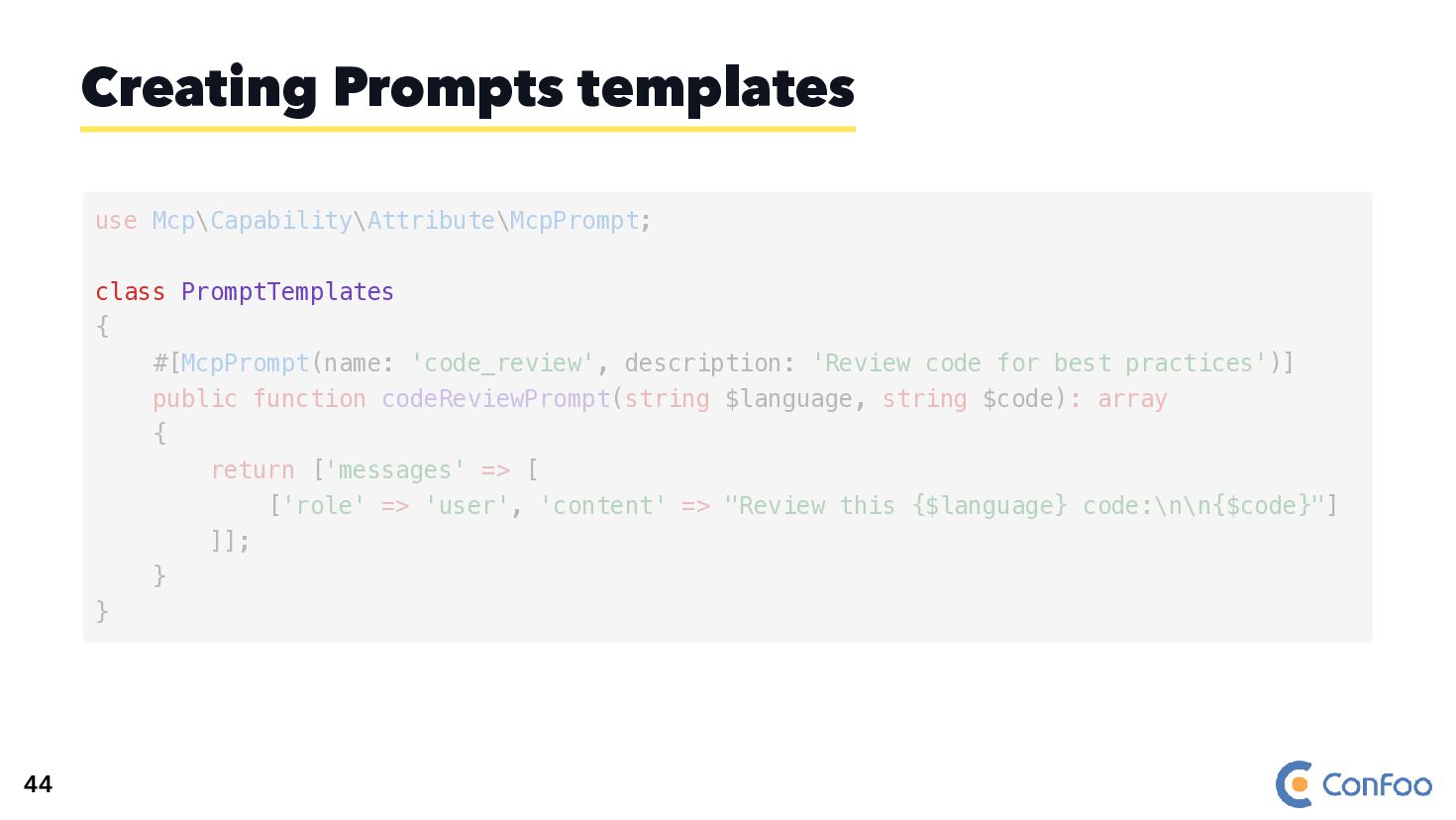
  89. Creating Prompts templates class PromptTemplates use Mcp\Capability\Attribute\McpPrompt; { #[McpPrompt(name: 'code_review',

    description: 'Review code for best practices')] public function codeReviewPrompt(string $language, string $code): array { return ['messages' => [ ['role' => 'user', 'content' => "Review this {$language} code:\n\n{$code}"] ]]; } } 44
  90. Creating Prompts templates #[McpPrompt(name: 'code_review', description: 'Review code for best

    practices')] use Mcp\Capability\Attribute\McpPrompt; class PromptTemplates { public function codeReviewPrompt(string $language, string $code): array { return ['messages' => [ ['role' => 'user', 'content' => "Review this {$language} code:\n\n{$code}"] ]]; } } 44
  91. Creating Prompts templates #[McpPrompt(name: 'code_review', description: 'Review code for best

    practices')] public function codeReviewPrompt(string $language, string $code): array { return ['messages' => [ ['role' => 'user', 'content' => "Review this {$language} code:\n\n{$code}"] ]]; } } use Mcp\Capability\Attribute\McpPrompt; class PromptTemplates { 44
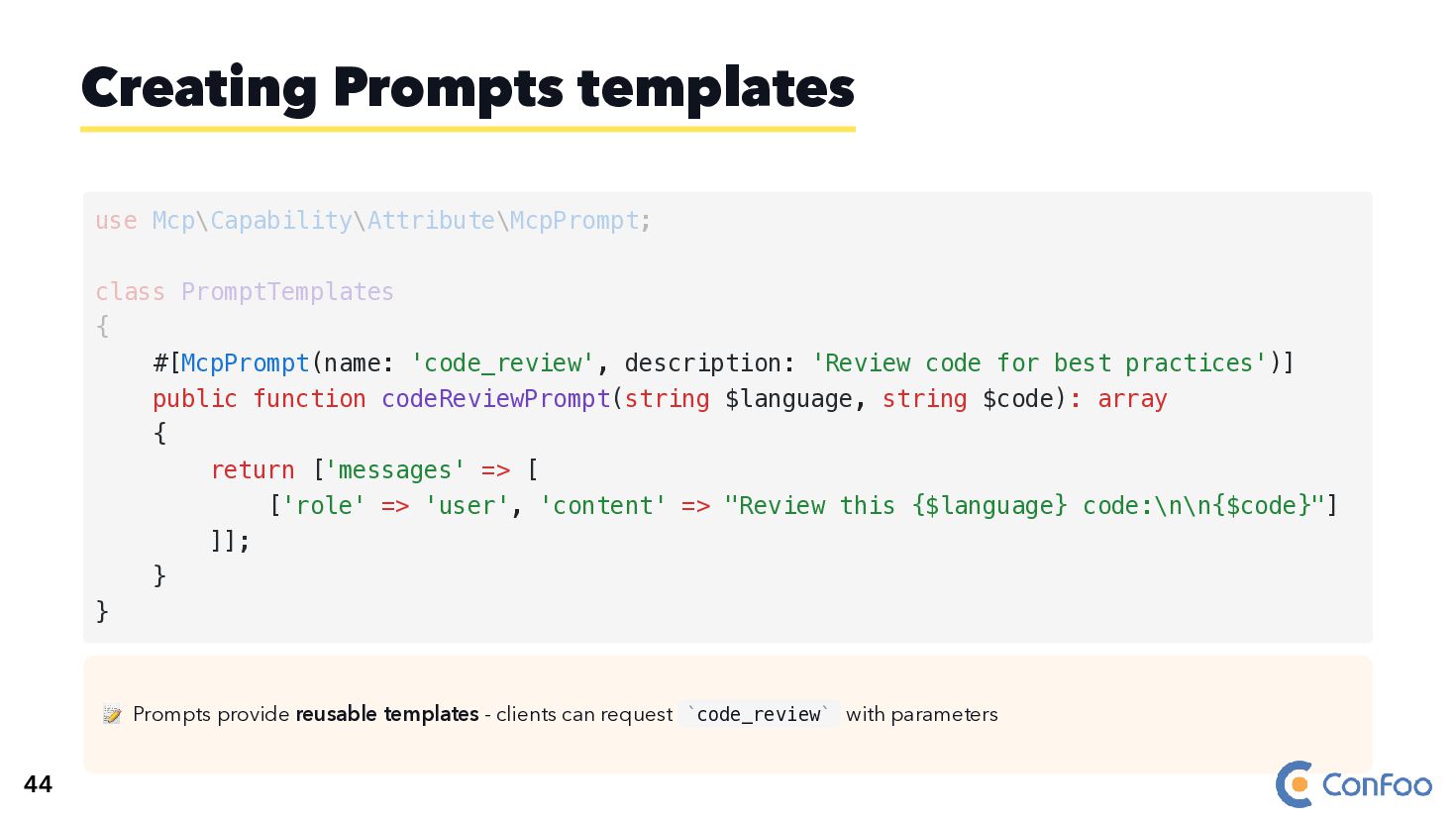
  92. 📝 Prompts provide reusable templates - clients can request code_review

    with parameters Creating Prompts templates #[McpPrompt(name: 'code_review', description: 'Review code for best practices')] public function codeReviewPrompt(string $language, string $code): array { return ['messages' => [ ['role' => 'user', 'content' => "Review this {$language} code:\n\n{$code}"] ]]; } } use Mcp\Capability\Attribute\McpPrompt; class PromptTemplates { ` ` 44
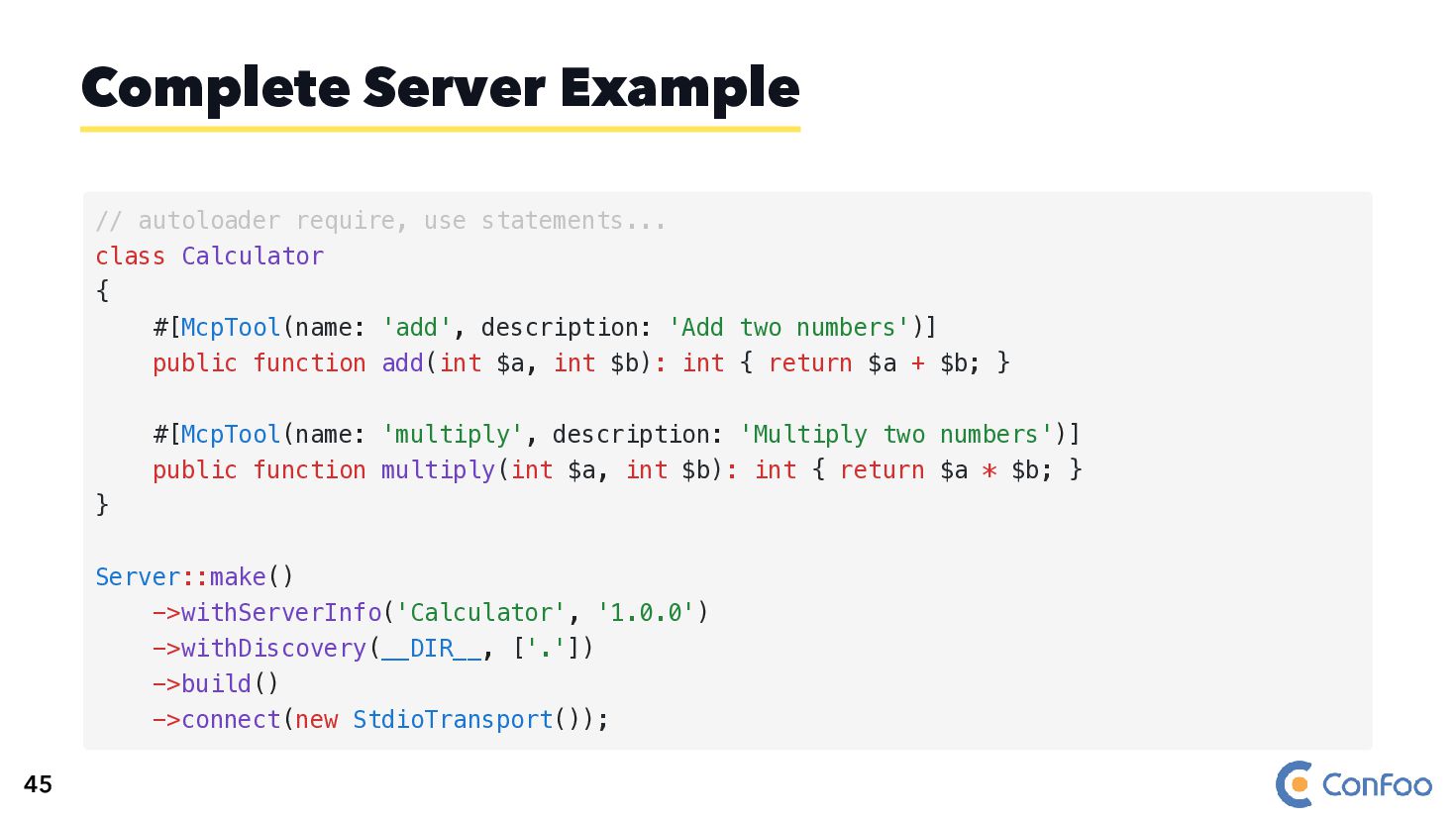
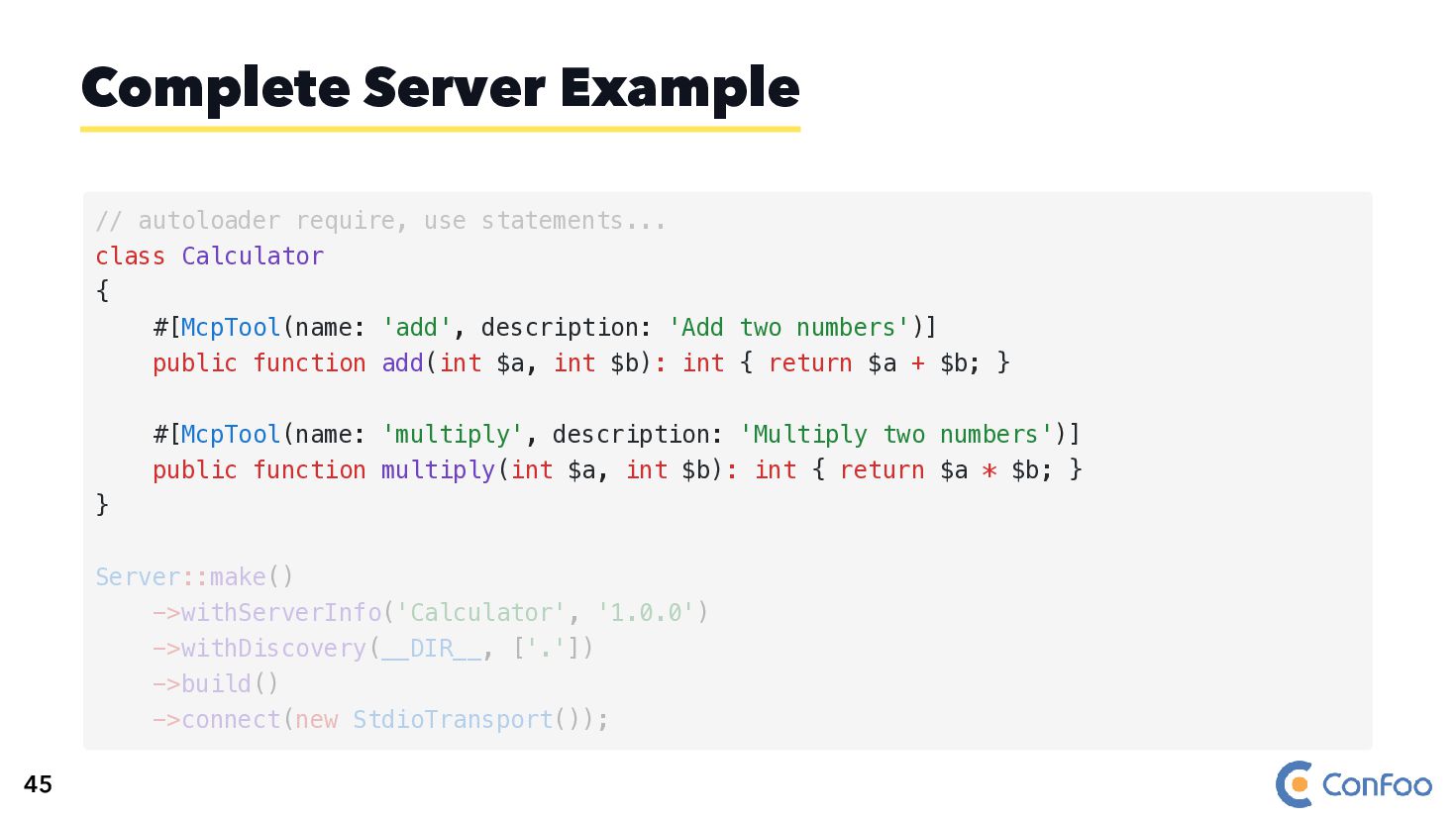
  93. Complete Server Example // autoloader require, use statements... class Calculator

    { #[McpTool(name: 'add', description: 'Add two numbers')] public function add(int $a, int $b): int { return $a + $b; } #[McpTool(name: 'multiply', description: 'Multiply two numbers')] public function multiply(int $a, int $b): int { return $a * $b; } } Server::make() ->withServerInfo('Calculator', '1.0.0') ->withDiscovery(__DIR__, ['.']) ->build() ->connect(new StdioTransport()); 45
  94. Complete Server Example // autoloader require, use statements... class Calculator

    { #[McpTool(name: 'add', description: 'Add two numbers')] public function add(int $a, int $b): int { return $a + $b; } #[McpTool(name: 'multiply', description: 'Multiply two numbers')] public function multiply(int $a, int $b): int { return $a * $b; } } Server::make() ->withServerInfo('Calculator', '1.0.0') ->withDiscovery(__DIR__, ['.']) ->build() ->connect(new StdioTransport()); 45
  95. Complete Server Example Server::make() ->withServerInfo('Calculator', '1.0.0') ->withDiscovery(__DIR__, ['.']) ->build() ->connect(new

    StdioTransport()); // autoloader require, use statements... class Calculator { #[McpTool(name: 'add', description: 'Add two numbers')] public function add(int $a, int $b): int { return $a + $b; } #[McpTool(name: 'multiply', description: 'Multiply two numbers')] public function multiply(int $a, int $b): int { return $a * $b; } } 45
  96. 💬 Build Chats with Agents 🏗️ Built on top of
    Agent component: 🧠 With memory using dedicated Store Bridges Chat Component 48
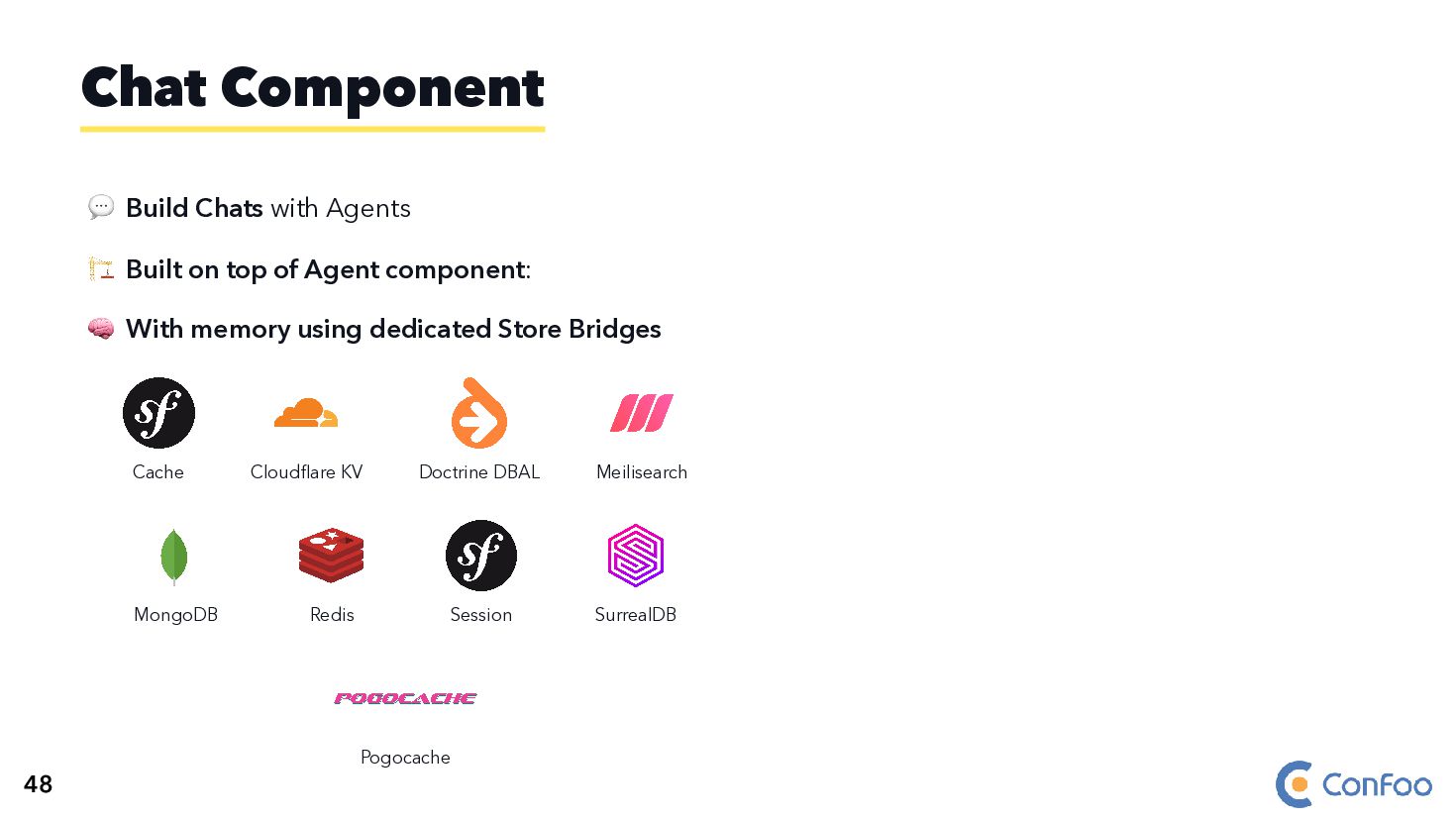
  97. 💬 Build Chats with Agents 🏗️ Built on top of
    Agent component: 🧠 With memory using dedicated Store Bridges Cache Cloudflare KV Doctrine DBAL Meilisearch MongoDB Redis Session SurrealDB Pogocache Chat Component 48
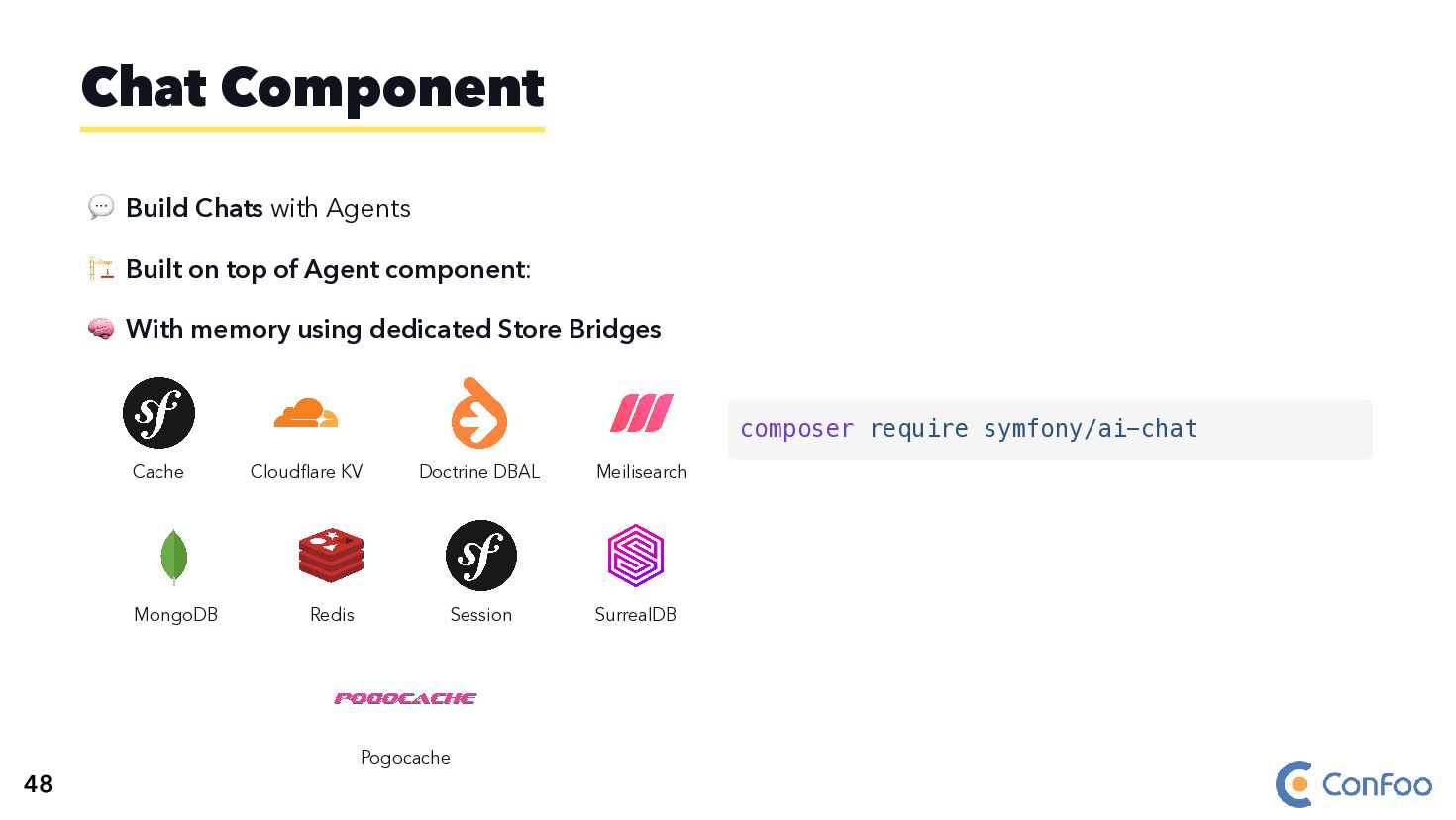
  98. 💬 Build Chats with Agents 🏗️ Built on top of

    Agent component: 🧠 With memory using dedicated Store Bridges Cache Cloudflare KV Doctrine DBAL Meilisearch MongoDB Redis Session SurrealDB Pogocache Chat Component composer require symfony/ai-chat 48
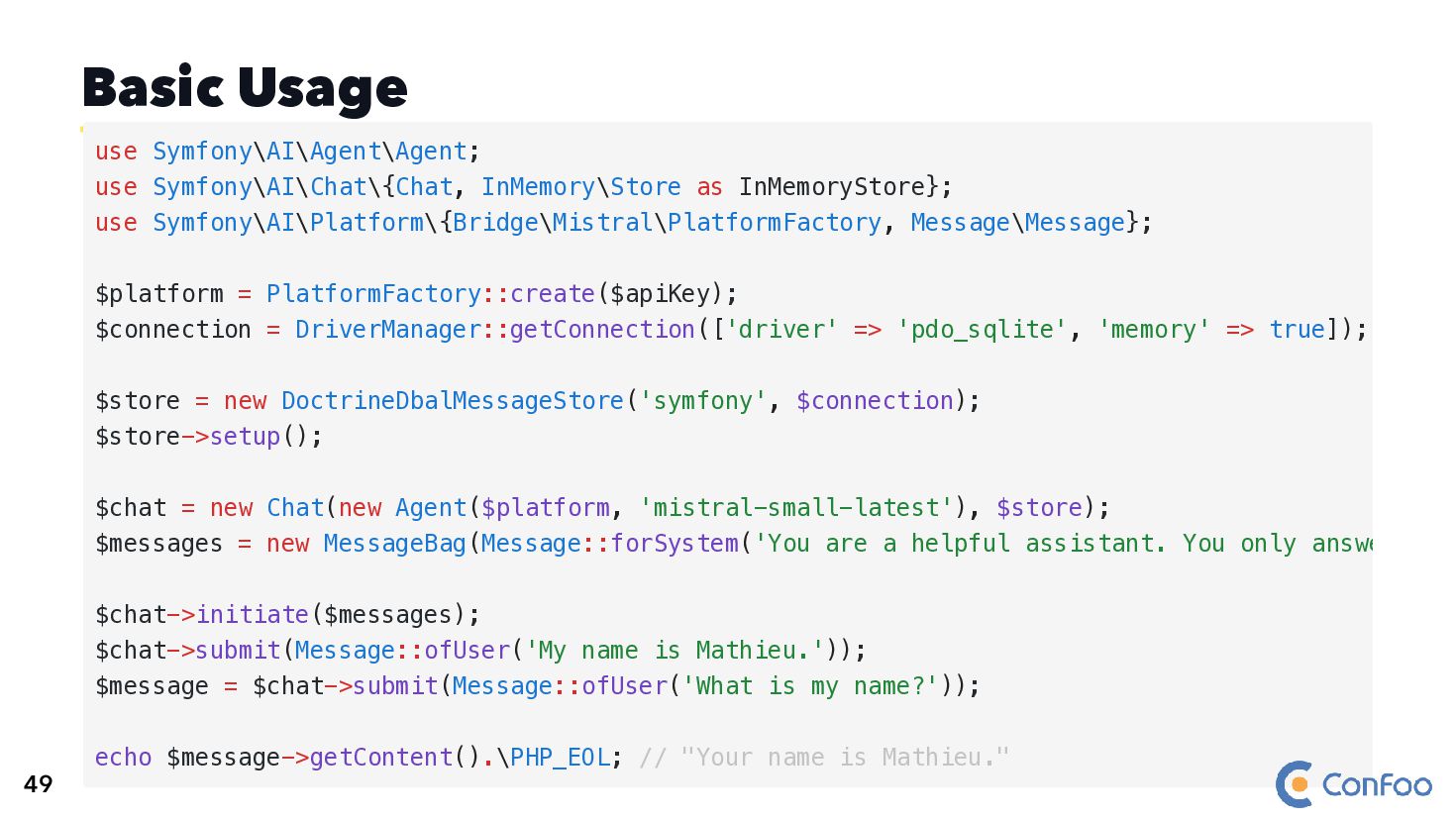
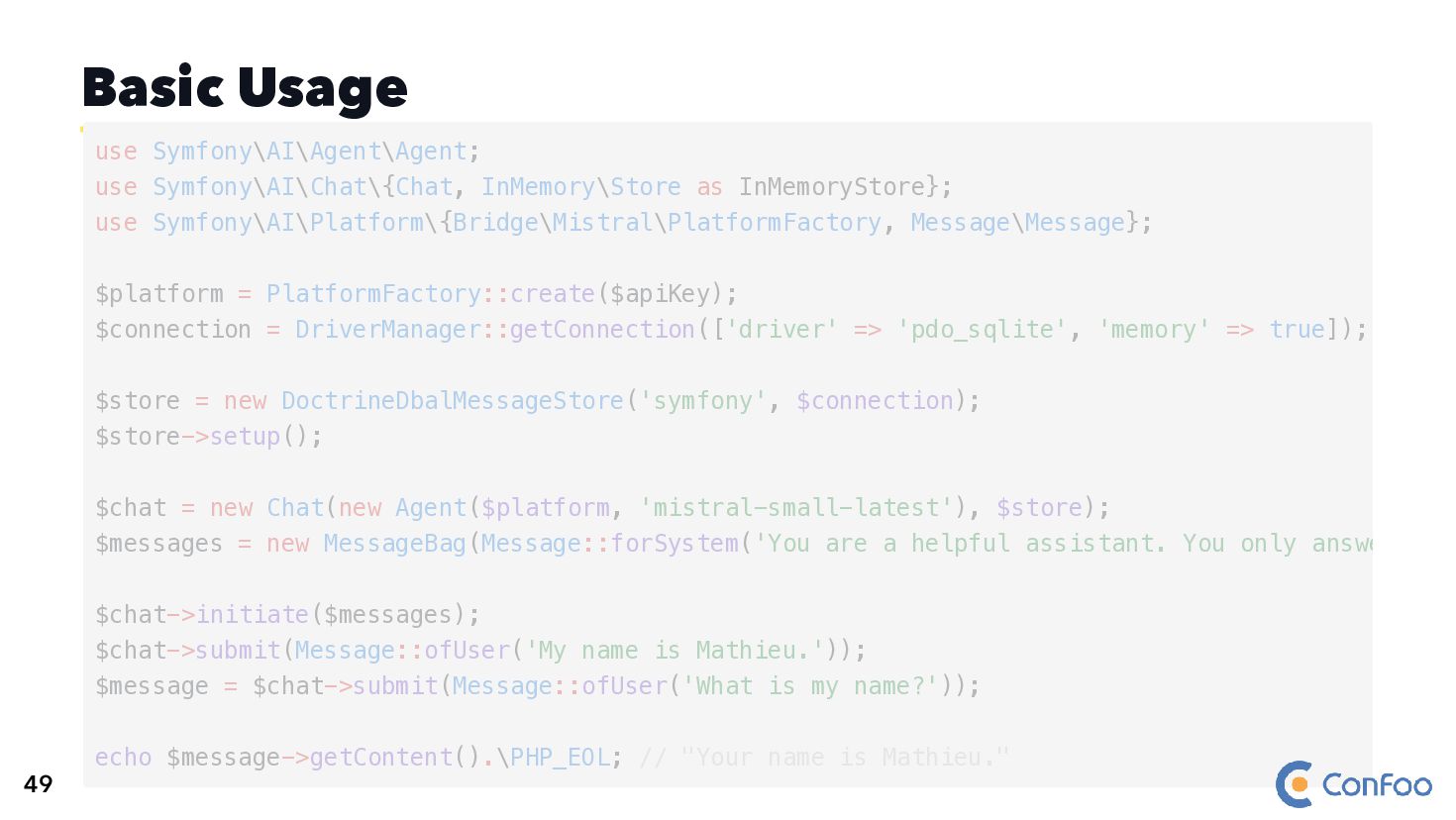
  99. Basic Usage use Symfony\AI\Agent\Agent; use Symfony\AI\Chat\{Chat, InMemory\Store as InMemoryStore}; use

    Symfony\AI\Platform\{Bridge\Mistral\PlatformFactory, Message\Message}; $platform = PlatformFactory::create($apiKey); $connection = DriverManager::getConnection(['driver' => 'pdo_sqlite', 'memory' => true]); $store = new DoctrineDbalMessageStore('symfony', $connection); $store->setup(); $chat = new Chat(new Agent($platform, 'mistral-small-latest'), $store); $messages = new MessageBag(Message::forSystem('You are a helpful assistant. You only answe $chat->initiate($messages); $chat->submit(Message::ofUser('My name is Mathieu.')); $message = $chat->submit(Message::ofUser('What is my name?')); echo $message->getContent().\PHP_EOL; // "Your name is Mathieu." 49
  100. Basic Usage $connection = DriverManager::getConnection(['driver' => 'pdo_sqlite', 'memory' => true]);

    use Symfony\AI\Agent\Agent; use Symfony\AI\Chat\{Chat, InMemory\Store as InMemoryStore}; use Symfony\AI\Platform\{Bridge\Mistral\PlatformFactory, Message\Message}; $platform = PlatformFactory::create($apiKey); $store = new DoctrineDbalMessageStore('symfony', $connection); $store->setup(); $chat = new Chat(new Agent($platform, 'mistral-small-latest'), $store); $messages = new MessageBag(Message::forSystem('You are a helpful assistant. You only answe $chat->initiate($messages); $chat->submit(Message::ofUser('My name is Mathieu.')); $message = $chat->submit(Message::ofUser('What is my name?')); echo $message->getContent().\PHP_EOL; // "Your name is Mathieu." 49
  101. Basic Usage use Symfony\AI\Agent\Agent; use Symfony\AI\Chat\{Chat, InMemory\Store as InMemoryStore}; use

    Symfony\AI\Platform\{Bridge\Mistral\PlatformFactory, Message\Message}; $platform = PlatformFactory::create($apiKey); $connection = DriverManager::getConnection(['driver' => 'pdo_sqlite', 'memory' => true]); $store = new DoctrineDbalMessageStore('symfony', $connection); $store->setup(); $chat = new Chat(new Agent($platform, 'mistral-small-latest'), $store); $messages = new MessageBag(Message::forSystem('You are a helpful assistant. You only answe $chat->initiate($messages); $chat->submit(Message::ofUser('My name is Mathieu.')); $message = $chat->submit(Message::ofUser('What is my name?')); echo $message->getContent().\PHP_EOL; // "Your name is Mathieu." 49
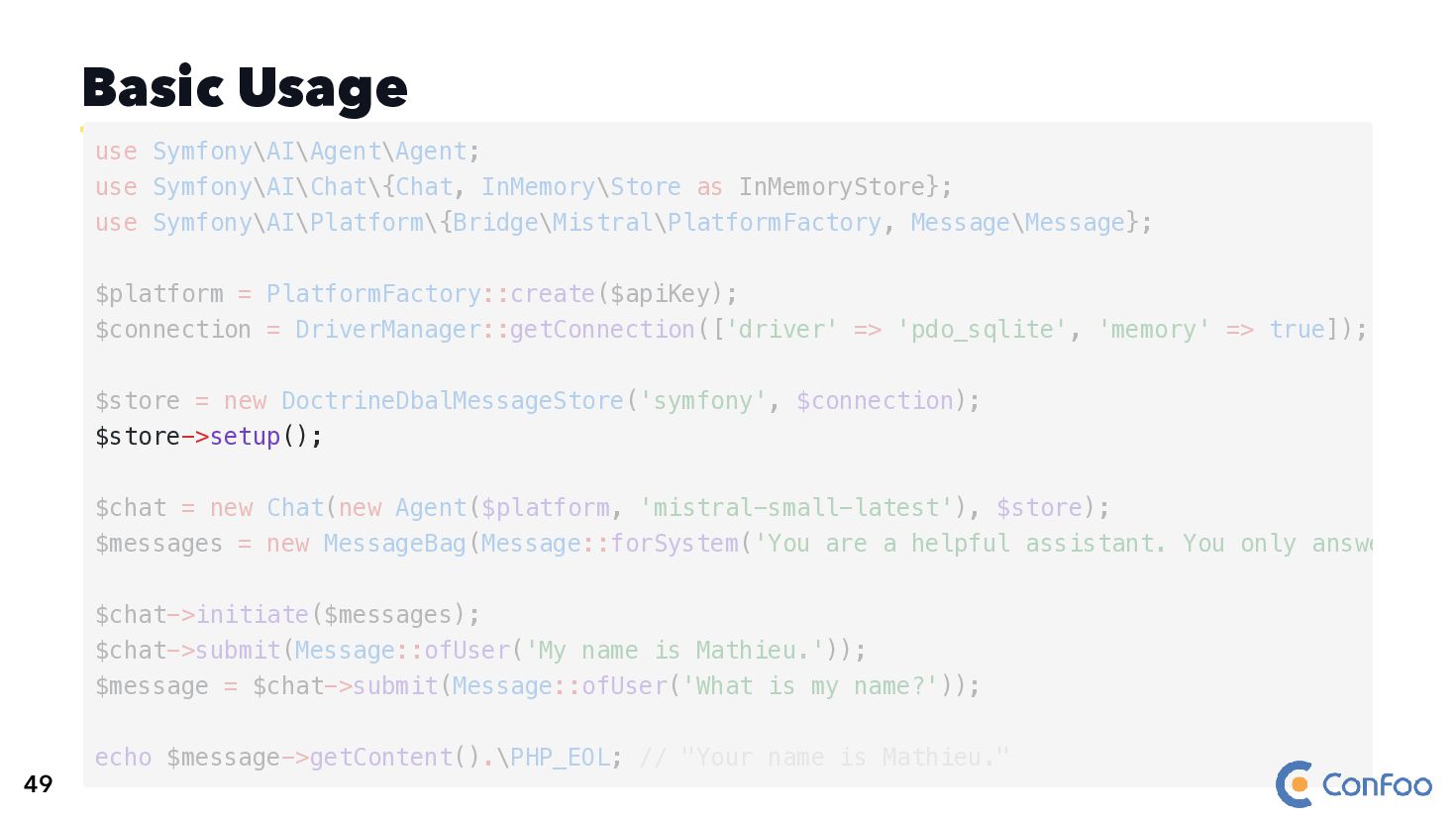
  102. Basic Usage $store->setup(); use Symfony\AI\Agent\Agent; use Symfony\AI\Chat\{Chat, InMemory\Store as InMemoryStore};

    use Symfony\AI\Platform\{Bridge\Mistral\PlatformFactory, Message\Message}; $platform = PlatformFactory::create($apiKey); $connection = DriverManager::getConnection(['driver' => 'pdo_sqlite', 'memory' => true]); $store = new DoctrineDbalMessageStore('symfony', $connection); $chat = new Chat(new Agent($platform, 'mistral-small-latest'), $store); $messages = new MessageBag(Message::forSystem('You are a helpful assistant. You only answe $chat->initiate($messages); $chat->submit(Message::ofUser('My name is Mathieu.')); $message = $chat->submit(Message::ofUser('What is my name?')); echo $message->getContent().\PHP_EOL; // "Your name is Mathieu." 49
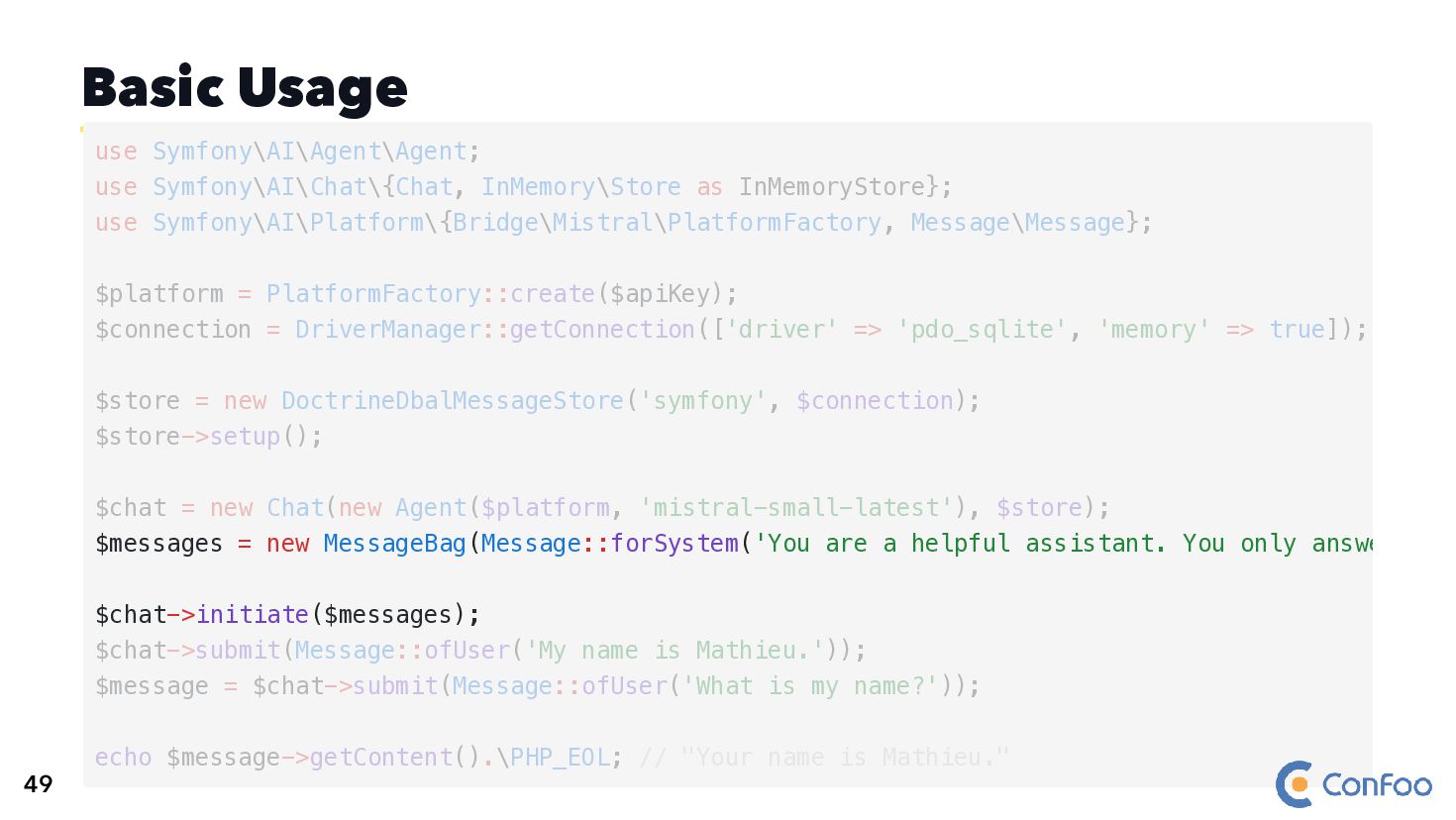
  103. Basic Usage $messages = new MessageBag(Message::forSystem('You are a helpful assistant.

    You only answe $chat->initiate($messages); use Symfony\AI\Agent\Agent; use Symfony\AI\Chat\{Chat, InMemory\Store as InMemoryStore}; use Symfony\AI\Platform\{Bridge\Mistral\PlatformFactory, Message\Message}; $platform = PlatformFactory::create($apiKey); $connection = DriverManager::getConnection(['driver' => 'pdo_sqlite', 'memory' => true]); $store = new DoctrineDbalMessageStore('symfony', $connection); $store->setup(); $chat = new Chat(new Agent($platform, 'mistral-small-latest'), $store); $chat->submit(Message::ofUser('My name is Mathieu.')); $message = $chat->submit(Message::ofUser('What is my name?')); echo $message->getContent().\PHP_EOL; // "Your name is Mathieu." 49
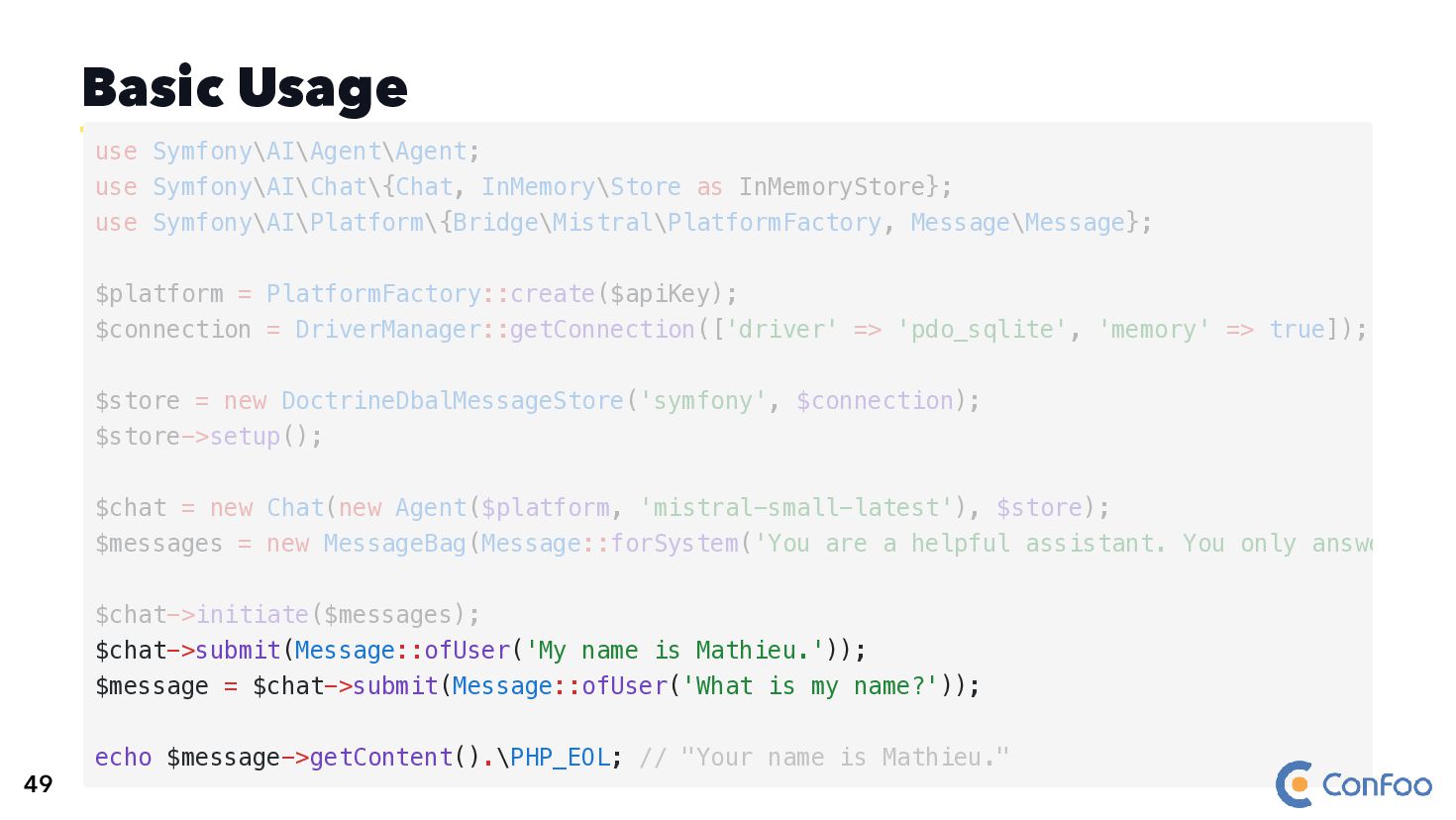
  104. Basic Usage $chat->submit(Message::ofUser('My name is Mathieu.')); $message = $chat->submit(Message::ofUser('What is

    my name?')); echo $message->getContent().\PHP_EOL; // "Your name is Mathieu." use Symfony\AI\Agent\Agent; use Symfony\AI\Chat\{Chat, InMemory\Store as InMemoryStore}; use Symfony\AI\Platform\{Bridge\Mistral\PlatformFactory, Message\Message}; $platform = PlatformFactory::create($apiKey); $connection = DriverManager::getConnection(['driver' => 'pdo_sqlite', 'memory' => true]); $store = new DoctrineDbalMessageStore('symfony', $connection); $store->setup(); $chat = new Chat(new Agent($platform, 'mistral-small-latest'), $store); $messages = new MessageBag(Message::forSystem('You are a helpful assistant. You only answe $chat->initiate($messages); 49
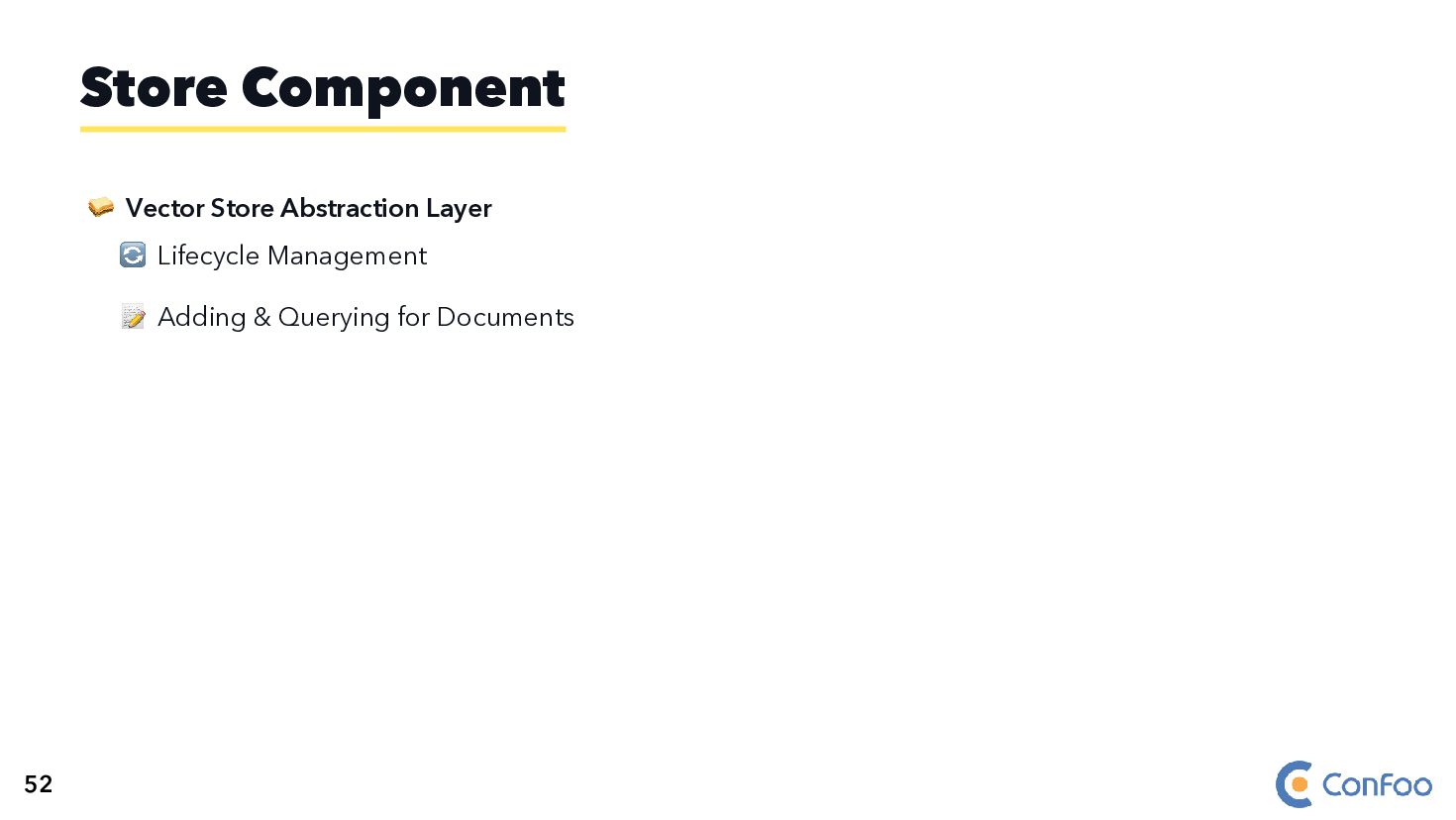
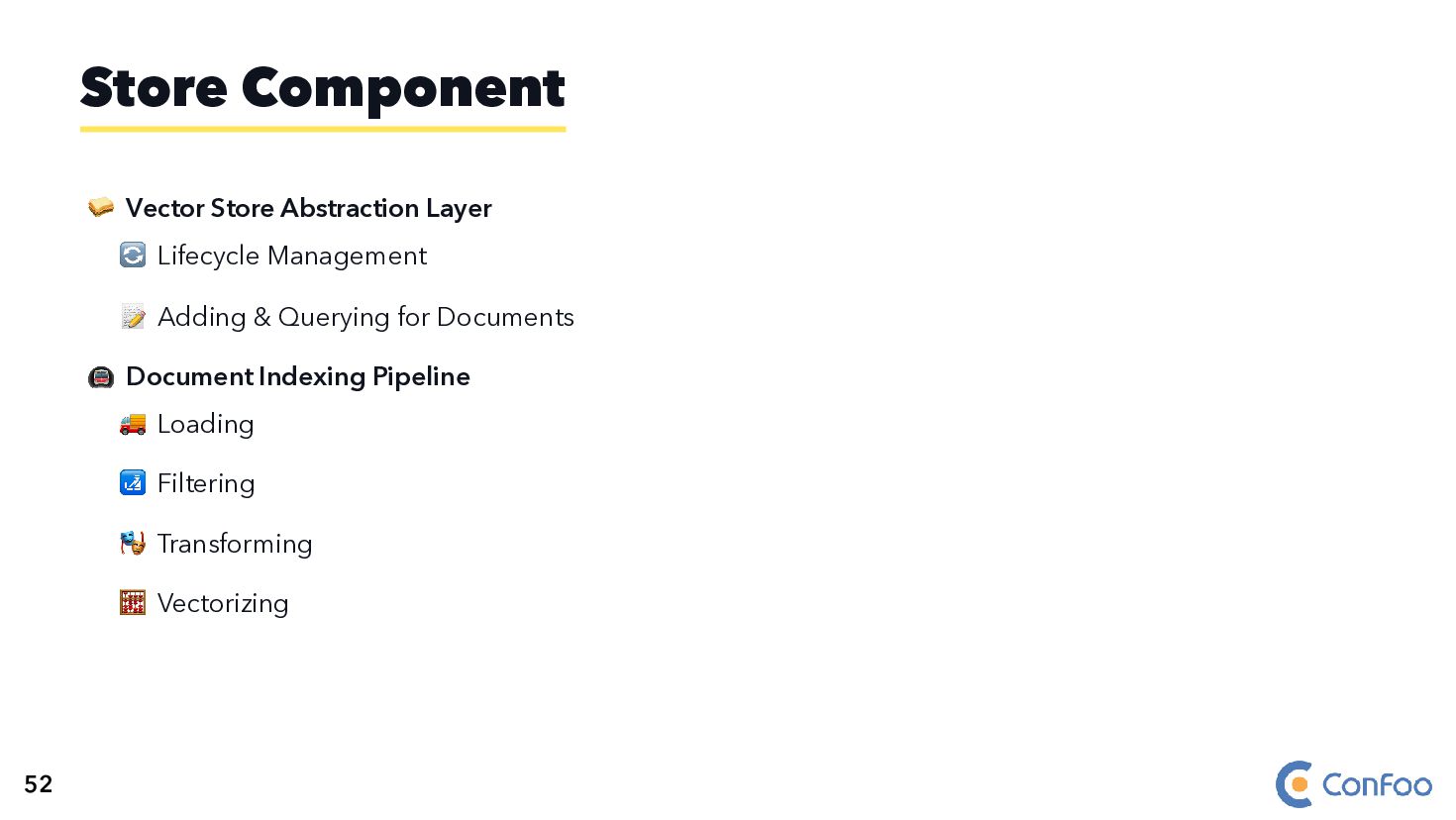
  105. 🥪 Vector Store Abstraction Layer 🔄 Lifecycle Management 📝 Adding

    & Querying for Documents 🚇 Document Indexing Pipeline 🚚 Loading 🛃 Filtering 🎭 Transforming 🧮 Vectorizing Store Component 52
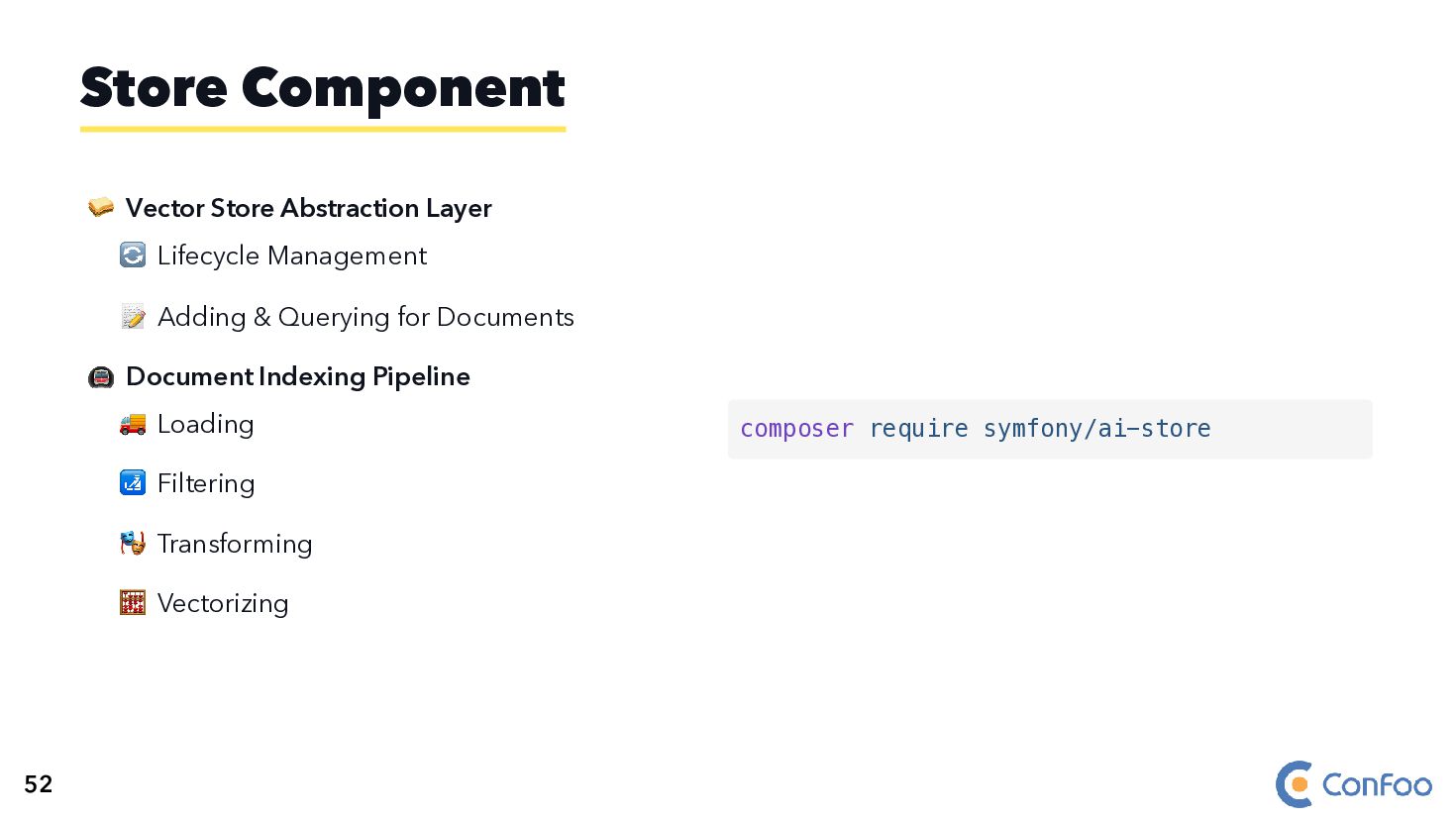
  106. 🥪 Vector Store Abstraction Layer 🔄 Lifecycle Management 📝 Adding

    & Querying for Documents 🚇 Document Indexing Pipeline 🚚 Loading 🛃 Filtering 🎭 Transforming 🧮 Vectorizing Store Component composer require symfony/ai-store 52
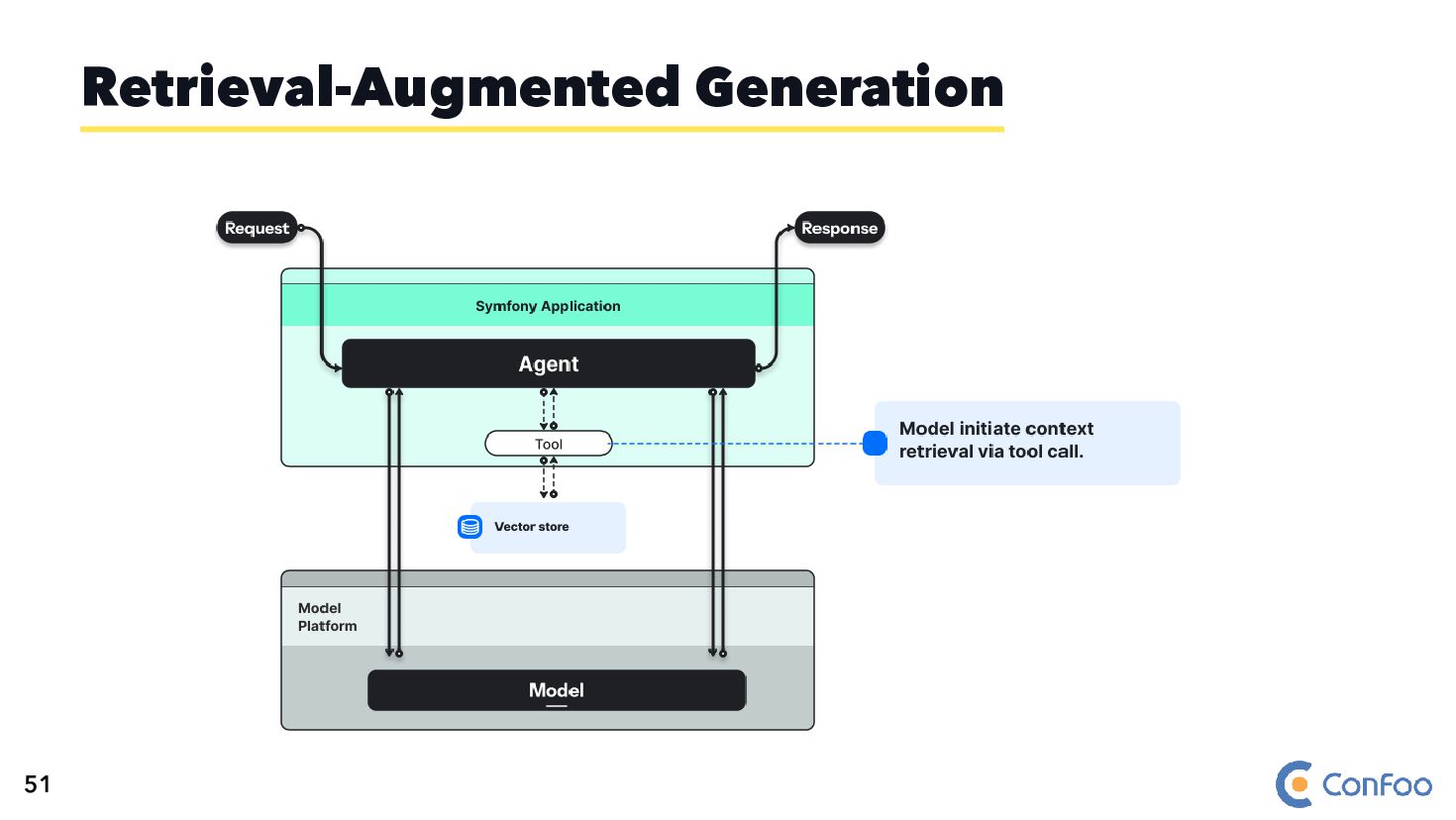
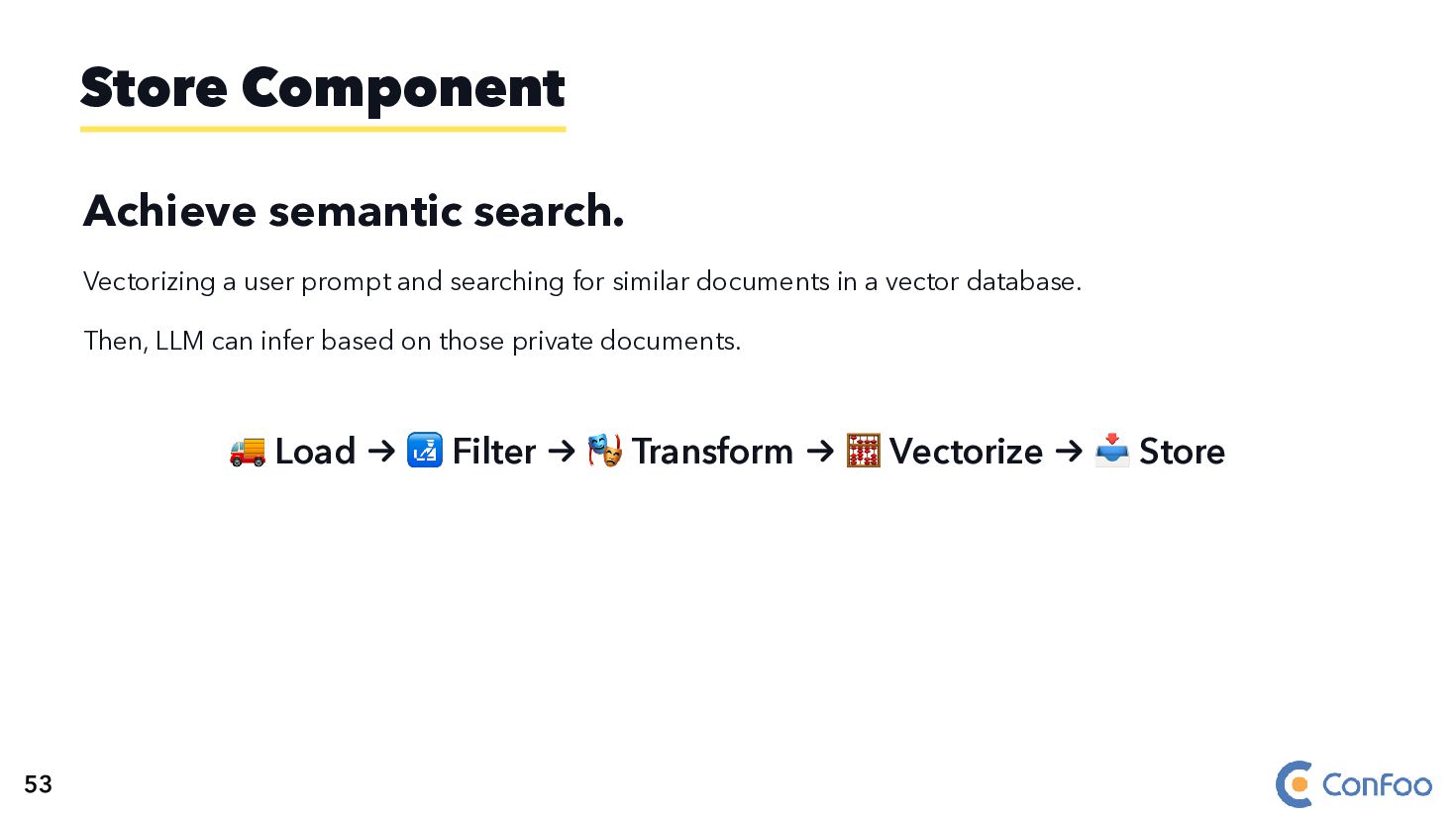
  107. Achieve semantic search. Vectorizing a user prompt and searching for

    similar documents in a vector database. Then, LLM can infer based on those private documents. 🚚 Load → 🛃 Filter → 🎭 Transform → 🧮 Vectorize → 📥 Store Store Component 53
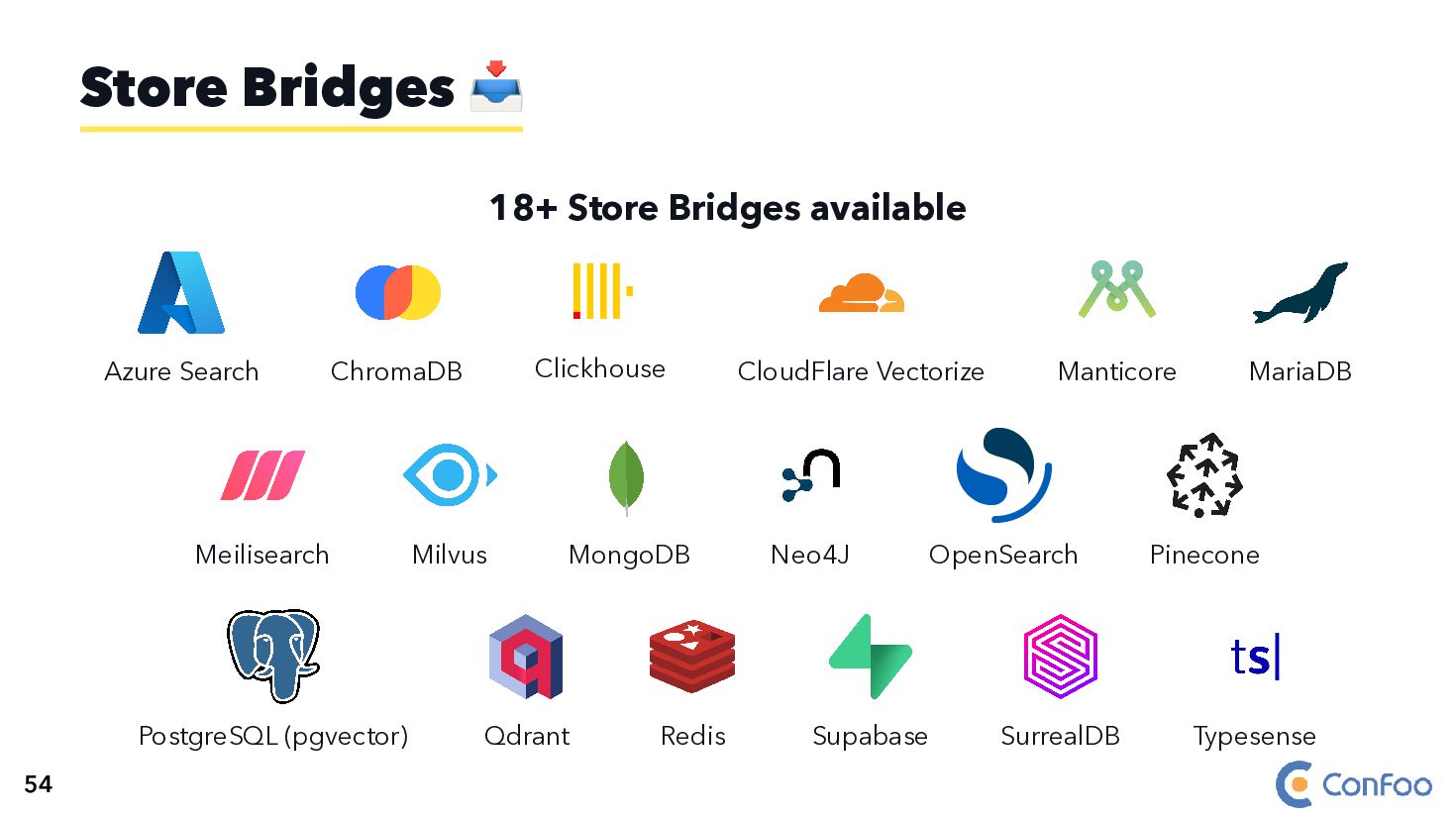
  108. 18+ Store Bridges available Azure Search ChromaDB Clickhouse CloudFlare Vectorize

    Manticore MariaDB Meilisearch Milvus MongoDB Neo4J OpenSearch Pinecone PostgreSQL (pgvector) Qdrant Redis Supabase SurrealDB Typesense Store Bridges 📥 54
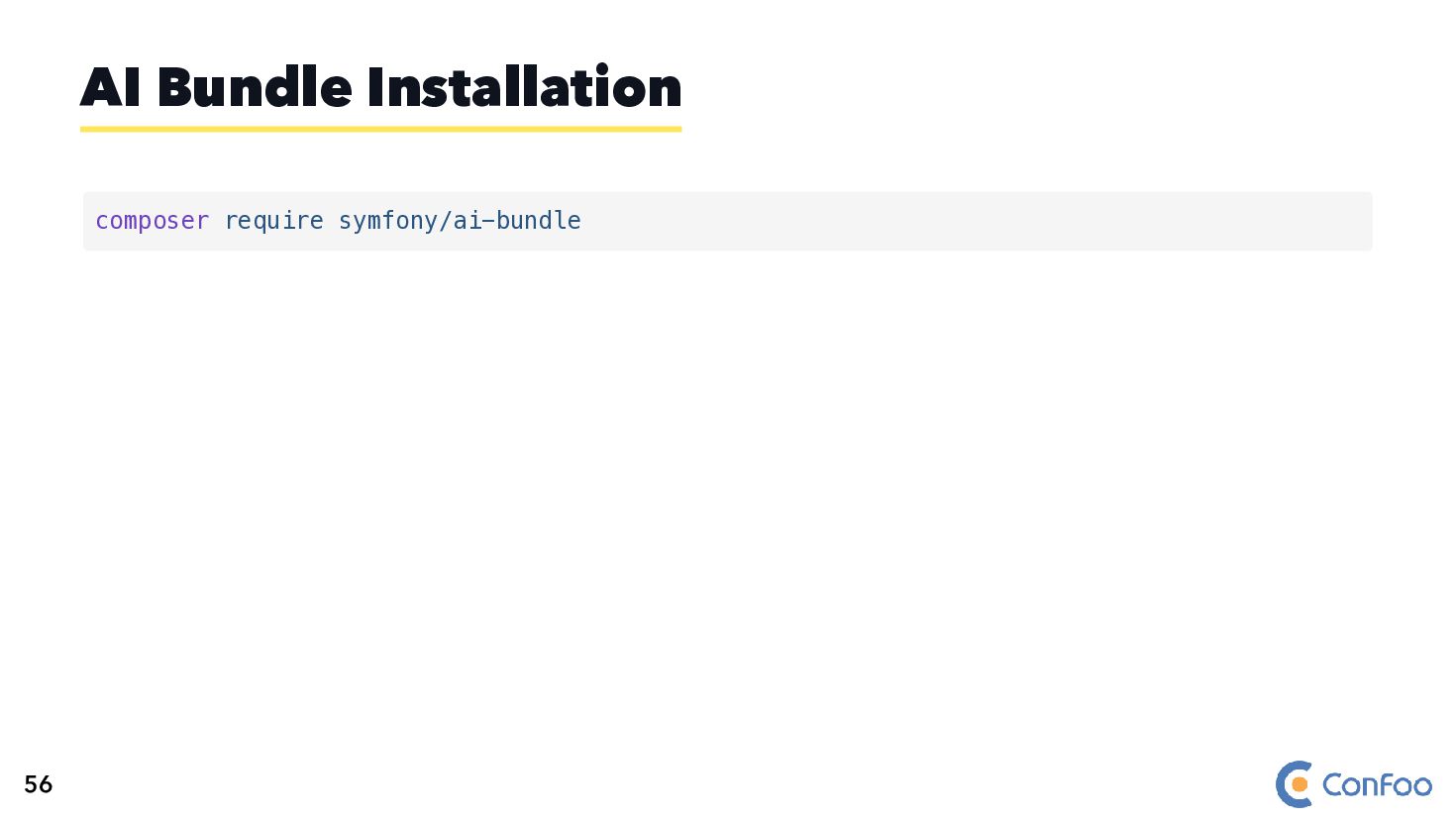
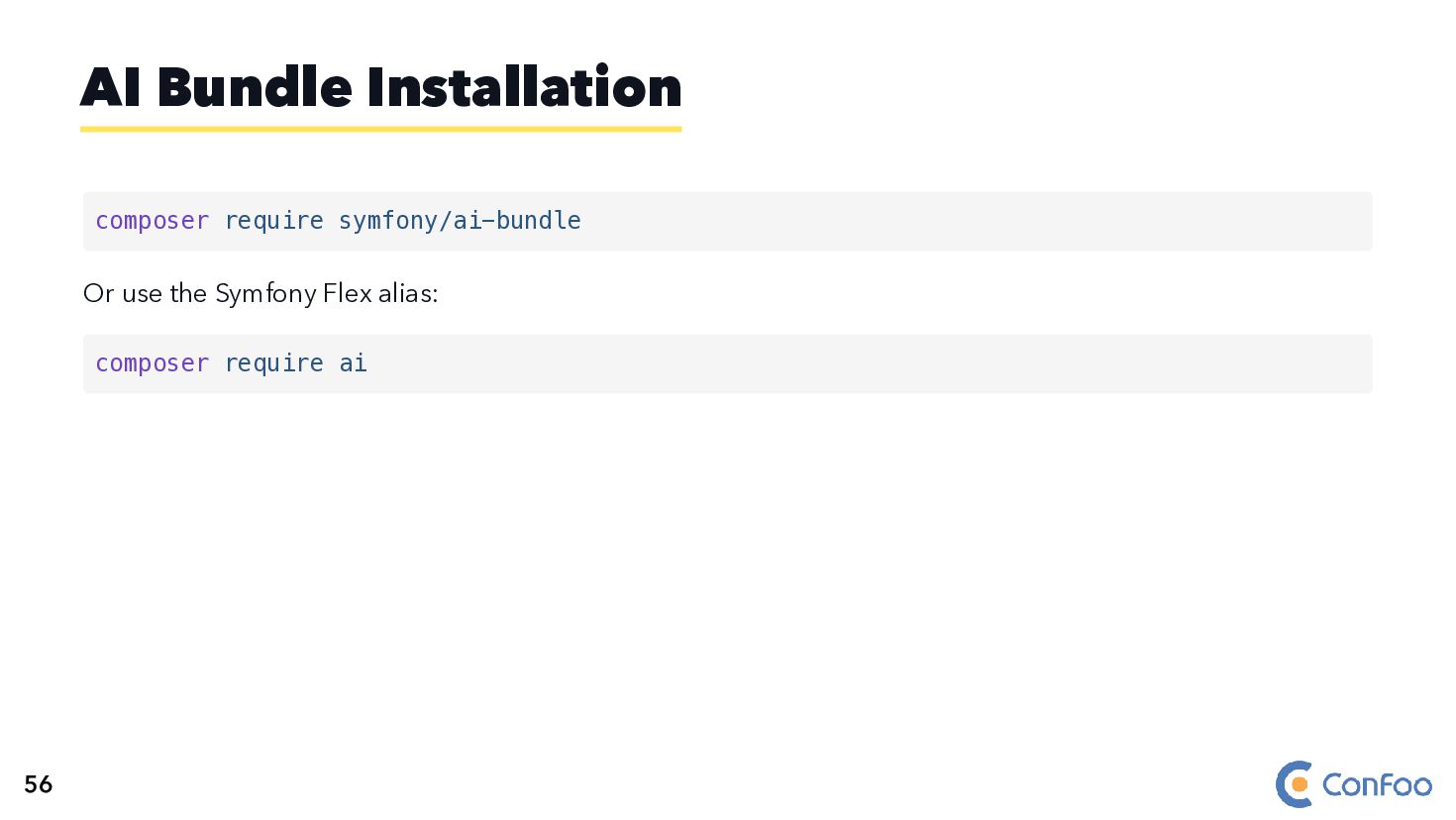
  109. Or use the Symfony Flex alias: AI Bundle Installation composer

    require symfony/ai-bundle composer require ai 56
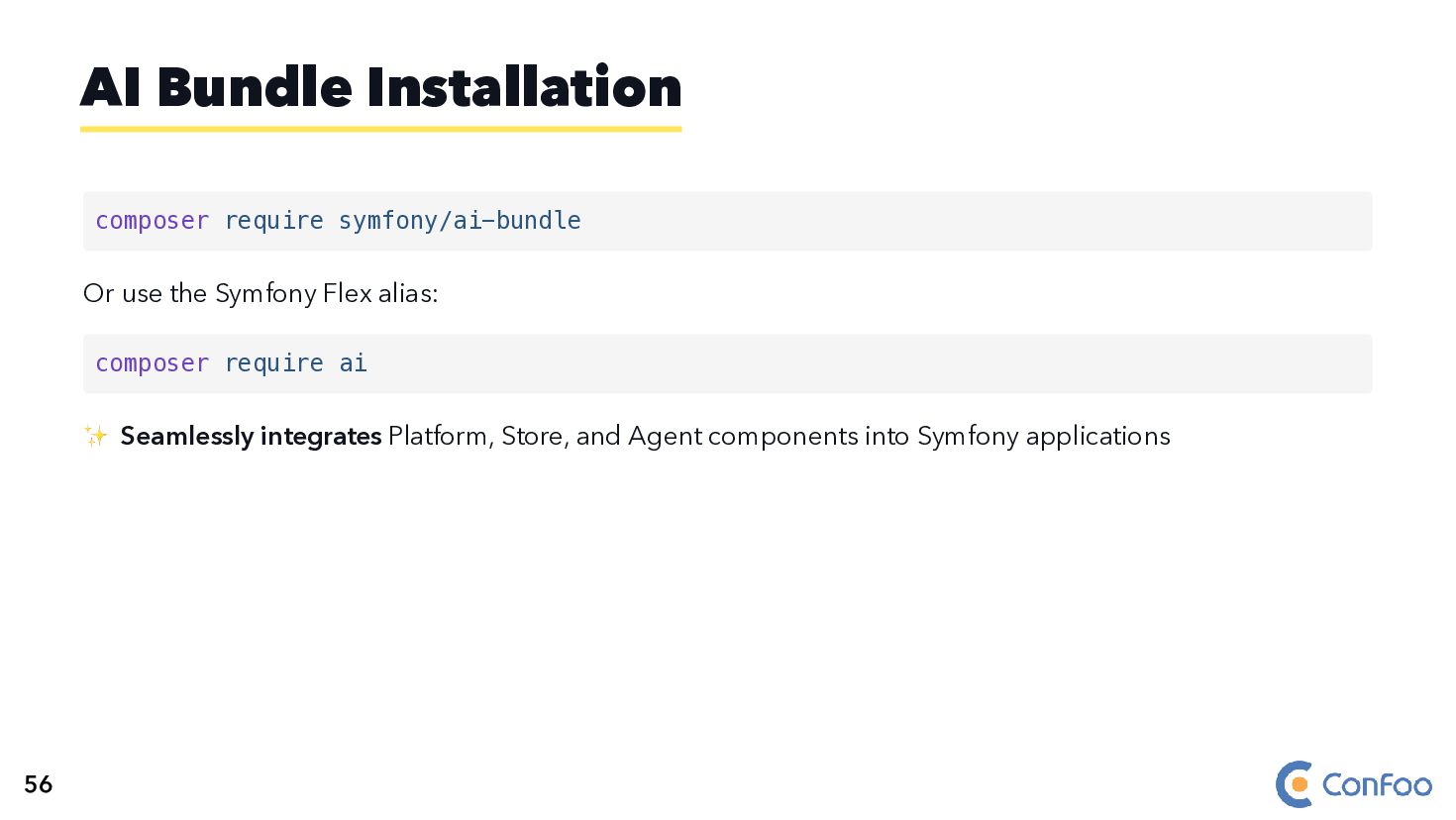
  110. Or use the Symfony Flex alias: ✨ Seamlessly integrates Platform,

    Store, and Agent components into Symfony applications AI Bundle Installation composer require symfony/ai-bundle composer require ai 56
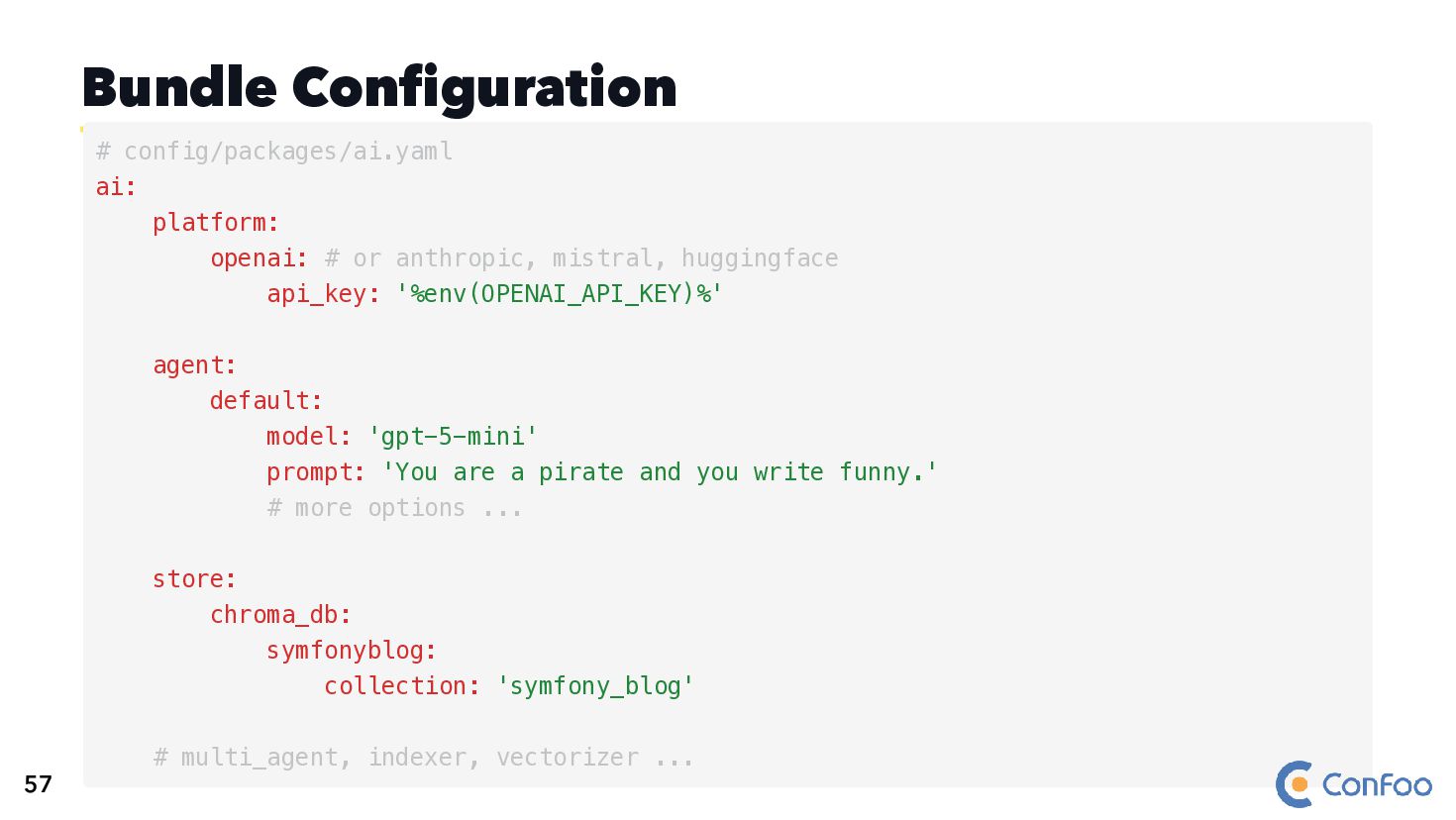
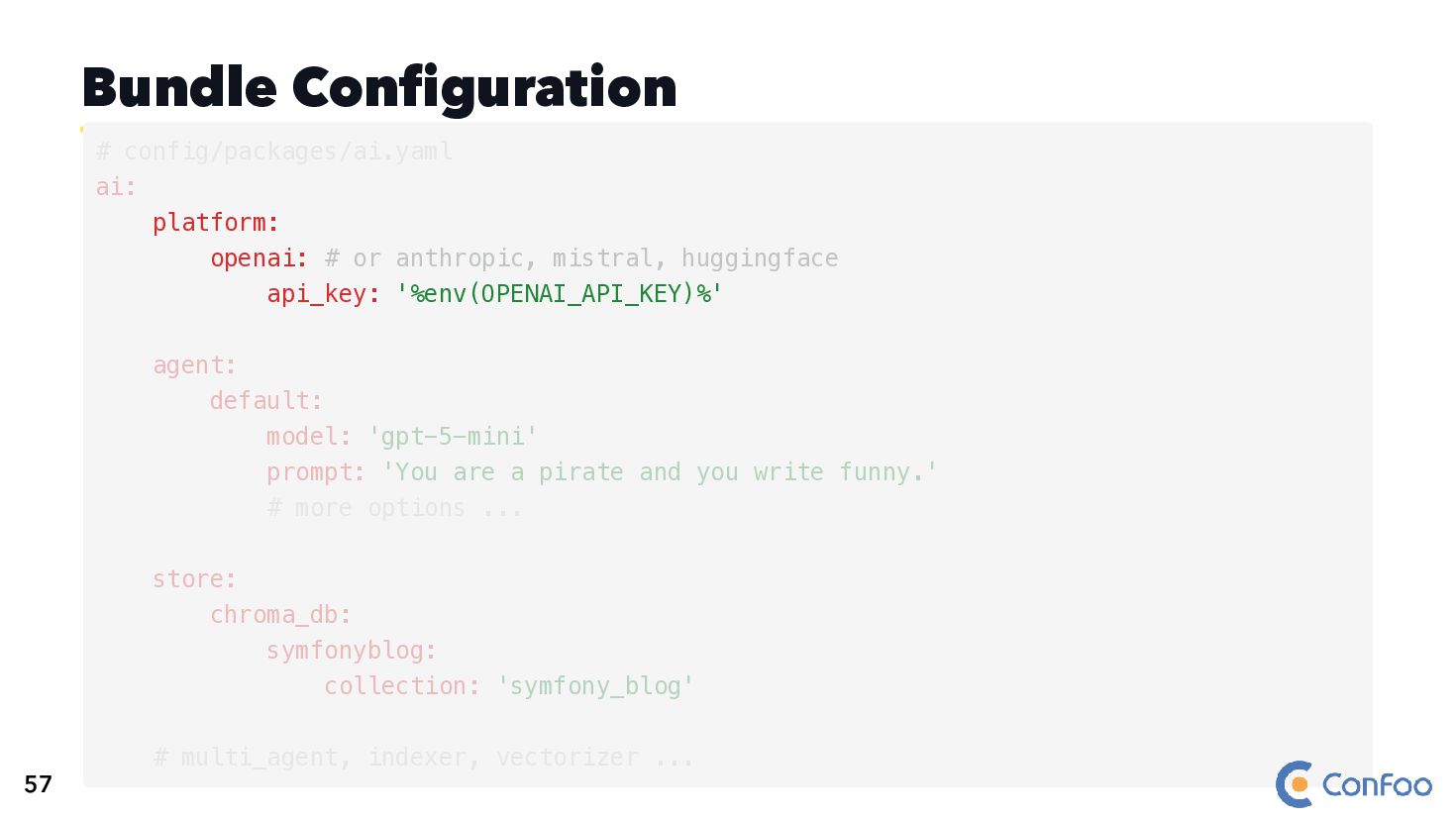
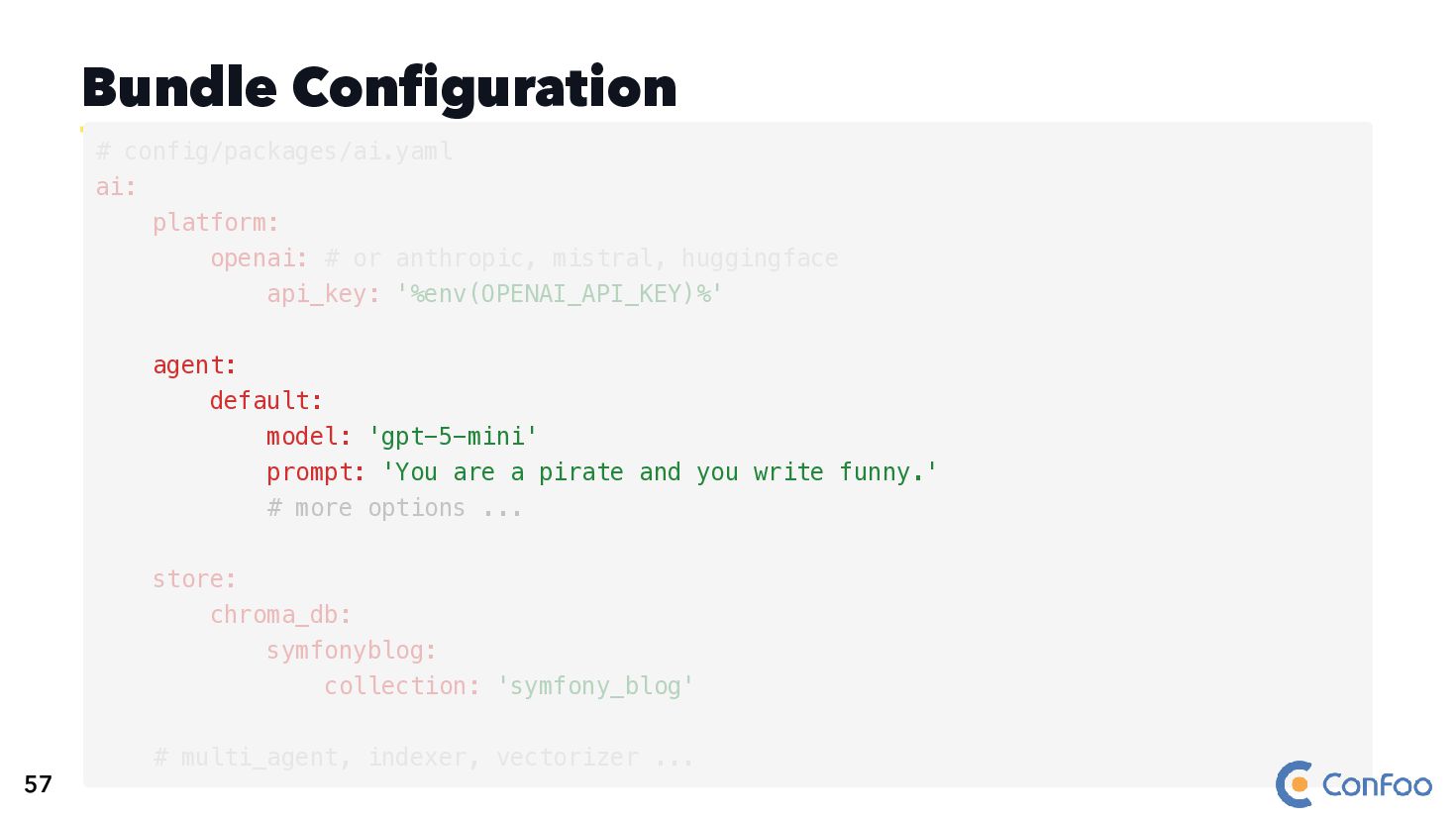
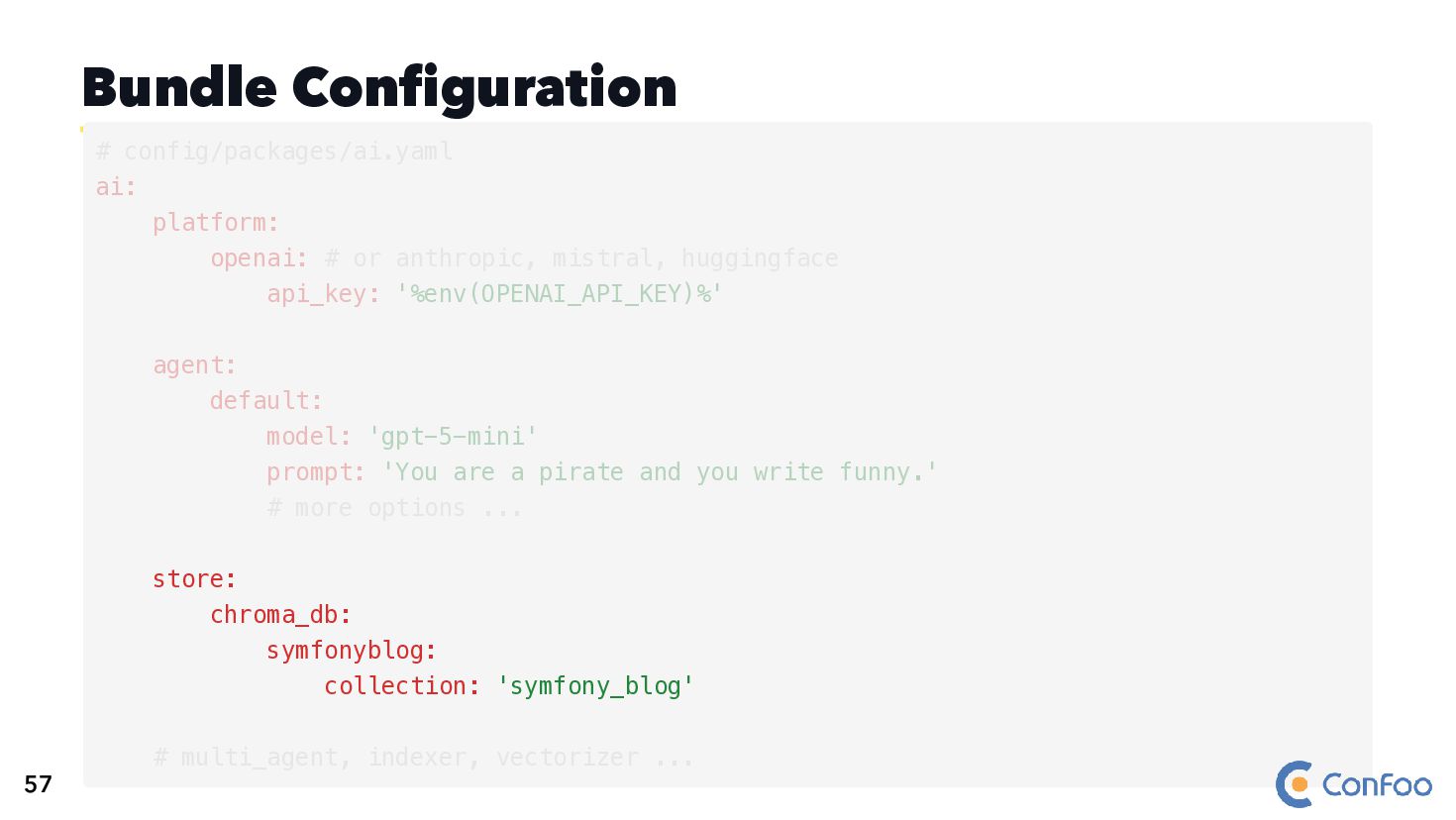
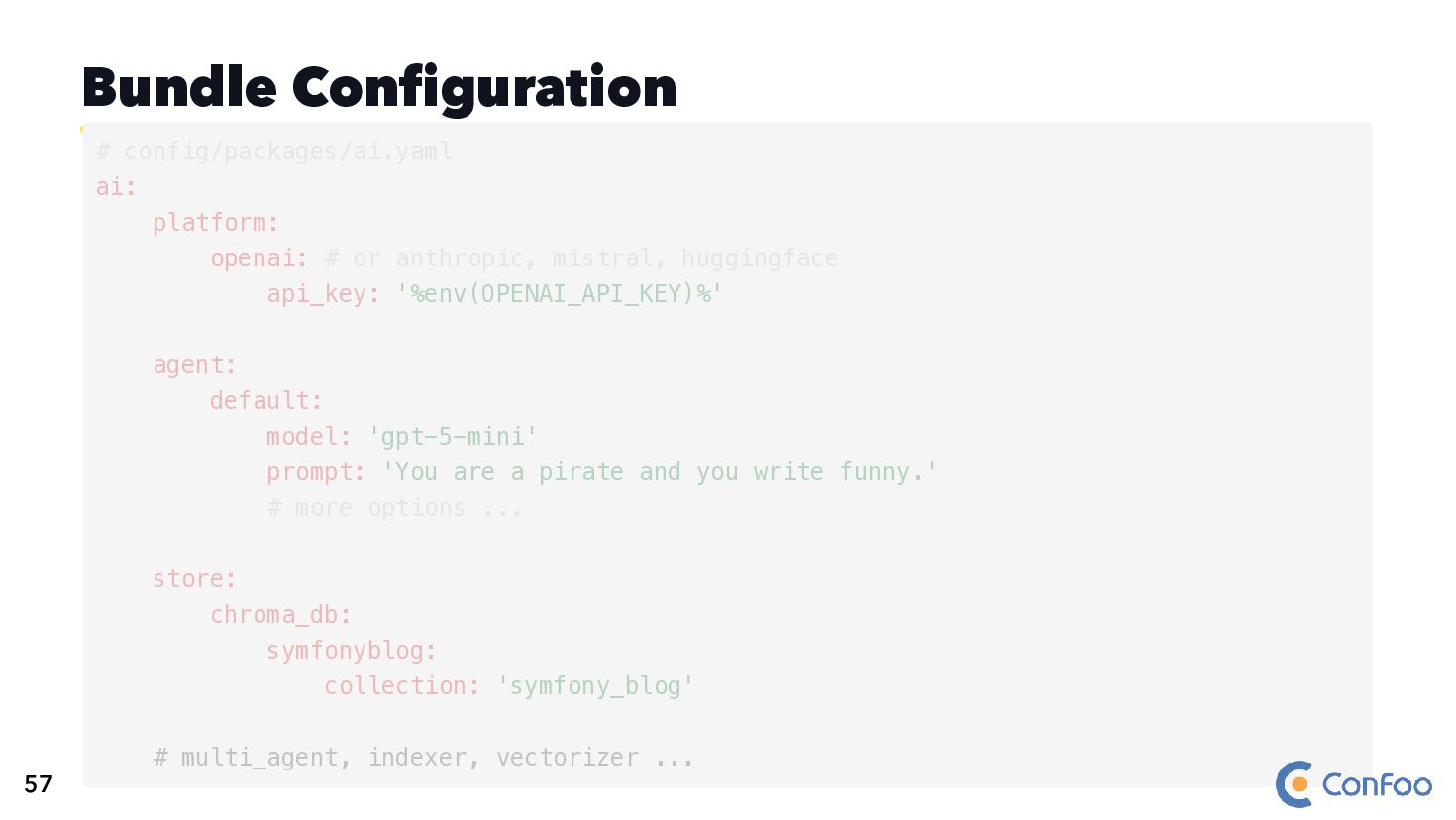
  111. Bundle Configuration # config/packages/ai.yaml ai: platform: openai: # or anthropic,

    mistral, huggingface api_key: '%env(OPENAI_API_KEY)%' agent: default: model: 'gpt-5-mini' prompt: 'You are a pirate and you write funny.' # more options ... store: chroma_db: symfonyblog: collection: 'symfony_blog' # multi_agent, indexer, vectorizer ... 57
  112. Bundle Configuration platform: openai: # or anthropic, mistral, huggingface api_key:

    '%env(OPENAI_API_KEY)%' # config/packages/ai.yaml ai: agent: default: model: 'gpt-5-mini' prompt: 'You are a pirate and you write funny.' # more options ... store: chroma_db: symfonyblog: collection: 'symfony_blog' # multi_agent, indexer, vectorizer ... 57
  113. Bundle Configuration agent: default: model: 'gpt-5-mini' prompt: 'You are a

    pirate and you write funny.' # more options ... # config/packages/ai.yaml ai: platform: openai: # or anthropic, mistral, huggingface api_key: '%env(OPENAI_API_KEY)%' store: chroma_db: symfonyblog: collection: 'symfony_blog' # multi_agent, indexer, vectorizer ... 57
  114. Bundle Configuration store: chroma_db: symfonyblog: collection: 'symfony_blog' # config/packages/ai.yaml ai:

    platform: openai: # or anthropic, mistral, huggingface api_key: '%env(OPENAI_API_KEY)%' agent: default: model: 'gpt-5-mini' prompt: 'You are a pirate and you write funny.' # more options ... # multi_agent, indexer, vectorizer ... 57
  115. Bundle Configuration # multi_agent, indexer, vectorizer ... # config/packages/ai.yaml ai:

    platform: openai: # or anthropic, mistral, huggingface api_key: '%env(OPENAI_API_KEY)%' agent: default: model: 'gpt-5-mini' prompt: 'You are a pirate and you write funny.' # more options ... store: chroma_db: symfonyblog: collection: 'symfony_blog' 57
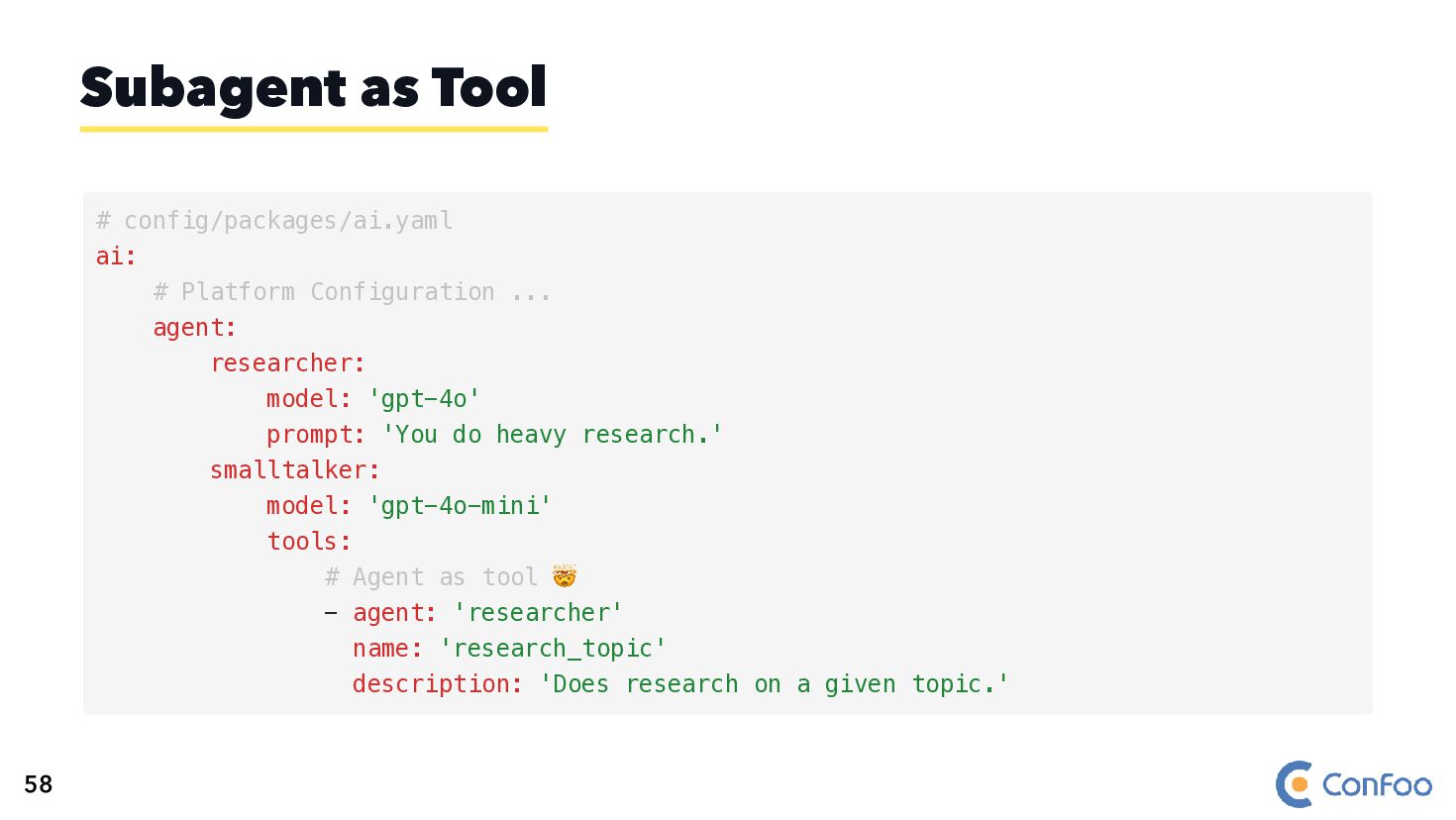
  116. Subagent as Tool # config/packages/ai.yaml ai: # Platform Configuration ...

    agent: researcher: model: 'gpt-4o' prompt: 'You do heavy research.' smalltalker: model: 'gpt-4o-mini' tools: # Agent as tool 🤯 - agent: 'researcher' name: 'research_topic' description: 'Does research on a given topic.' 58
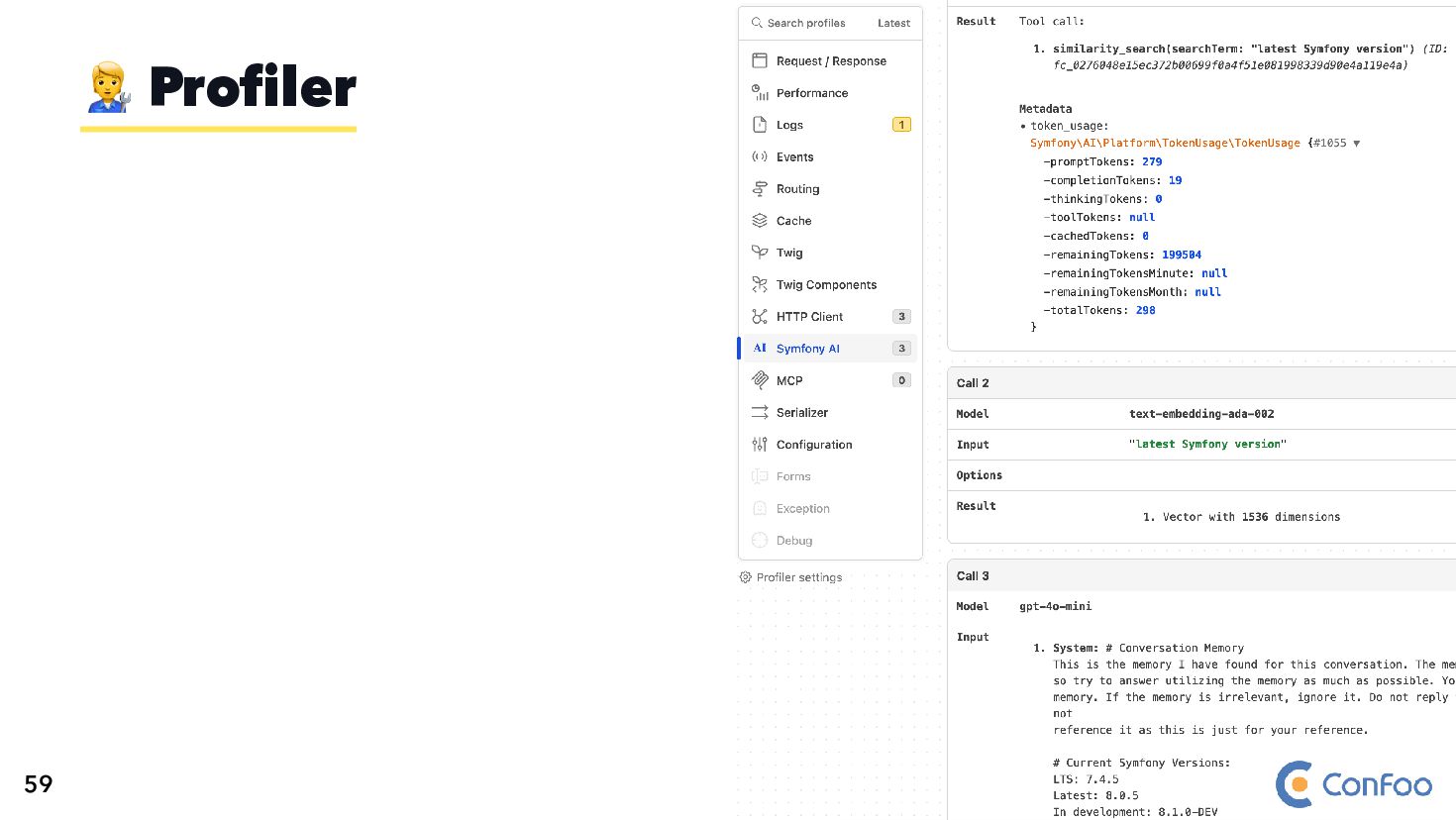
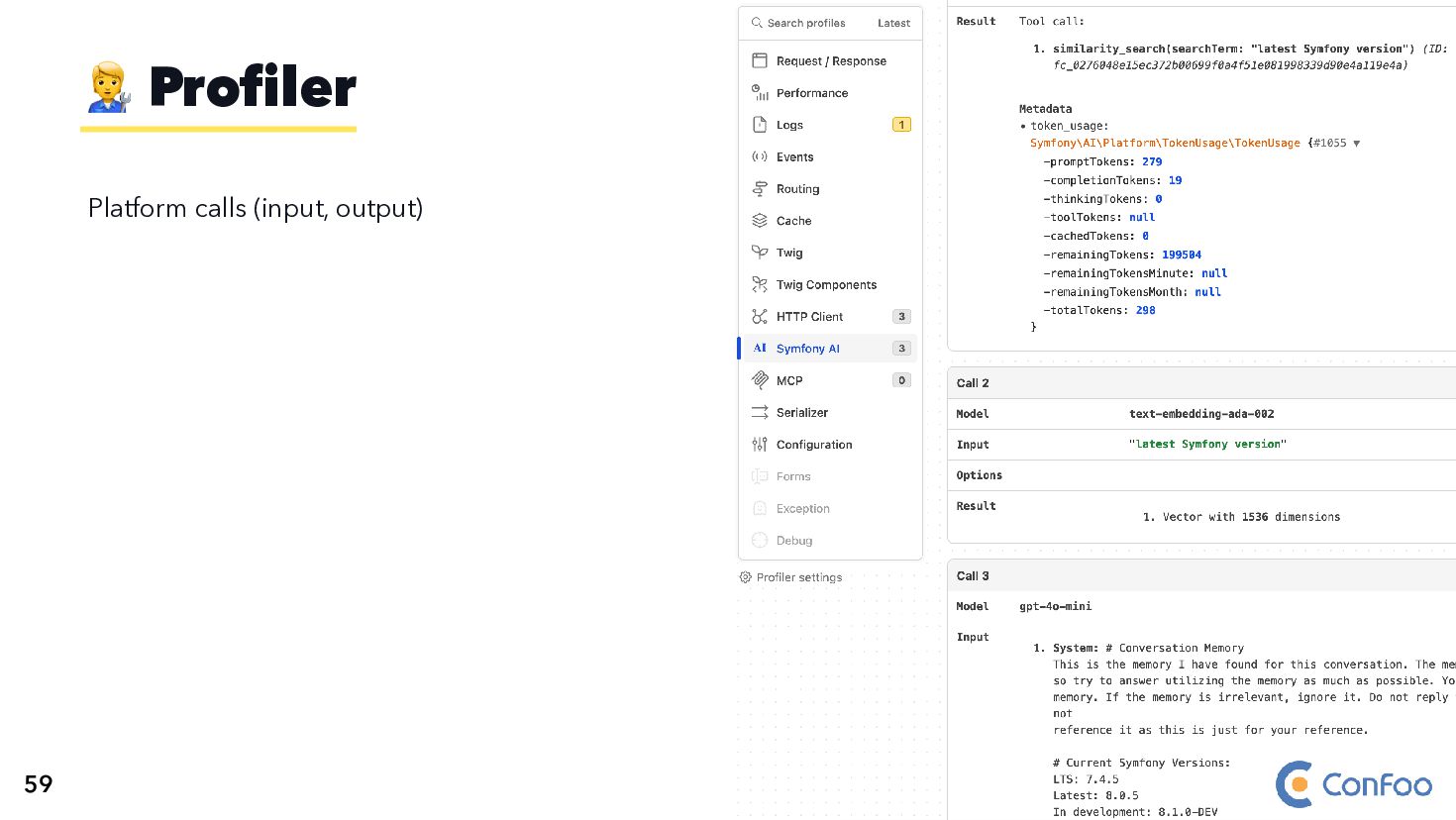
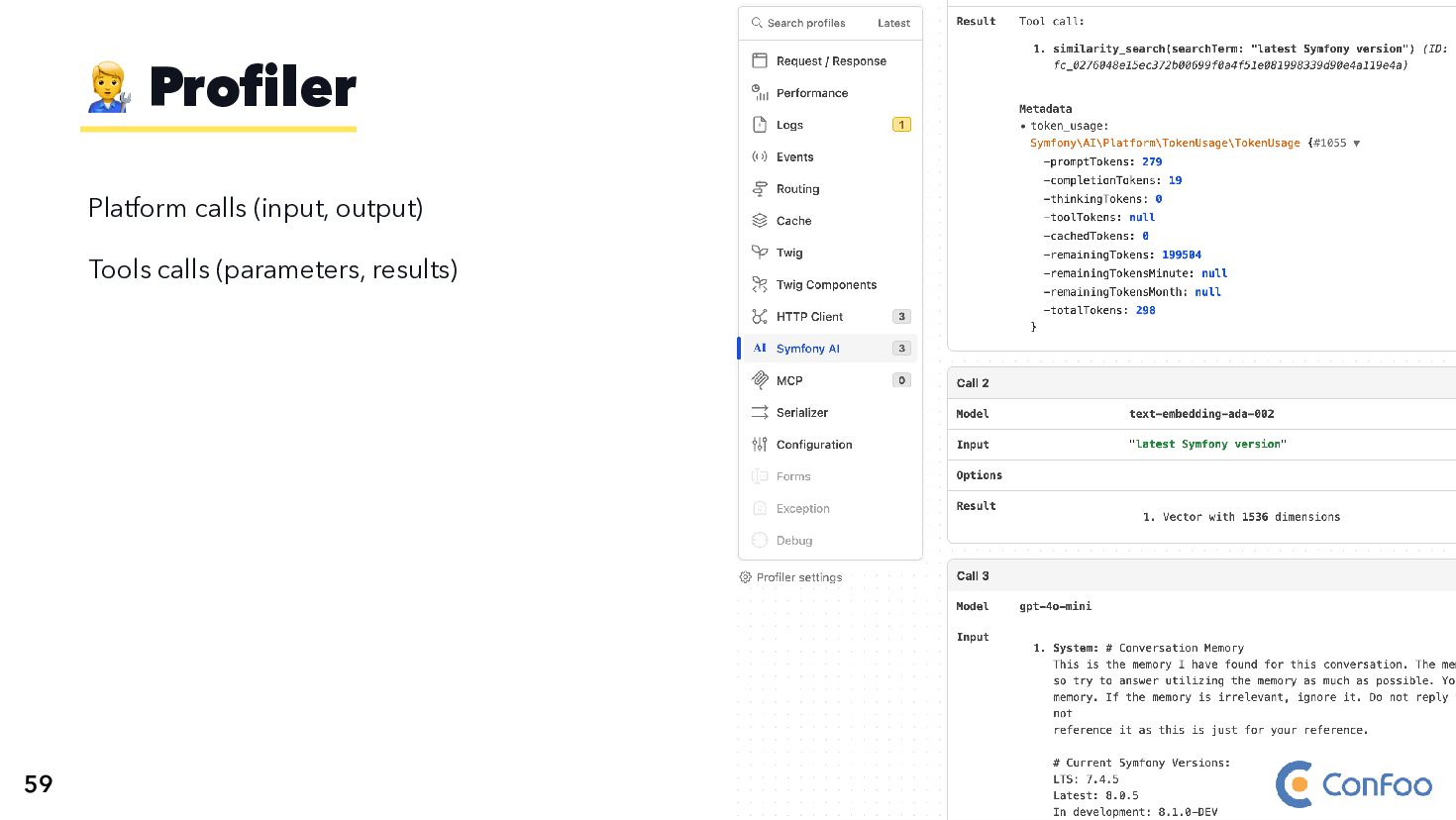
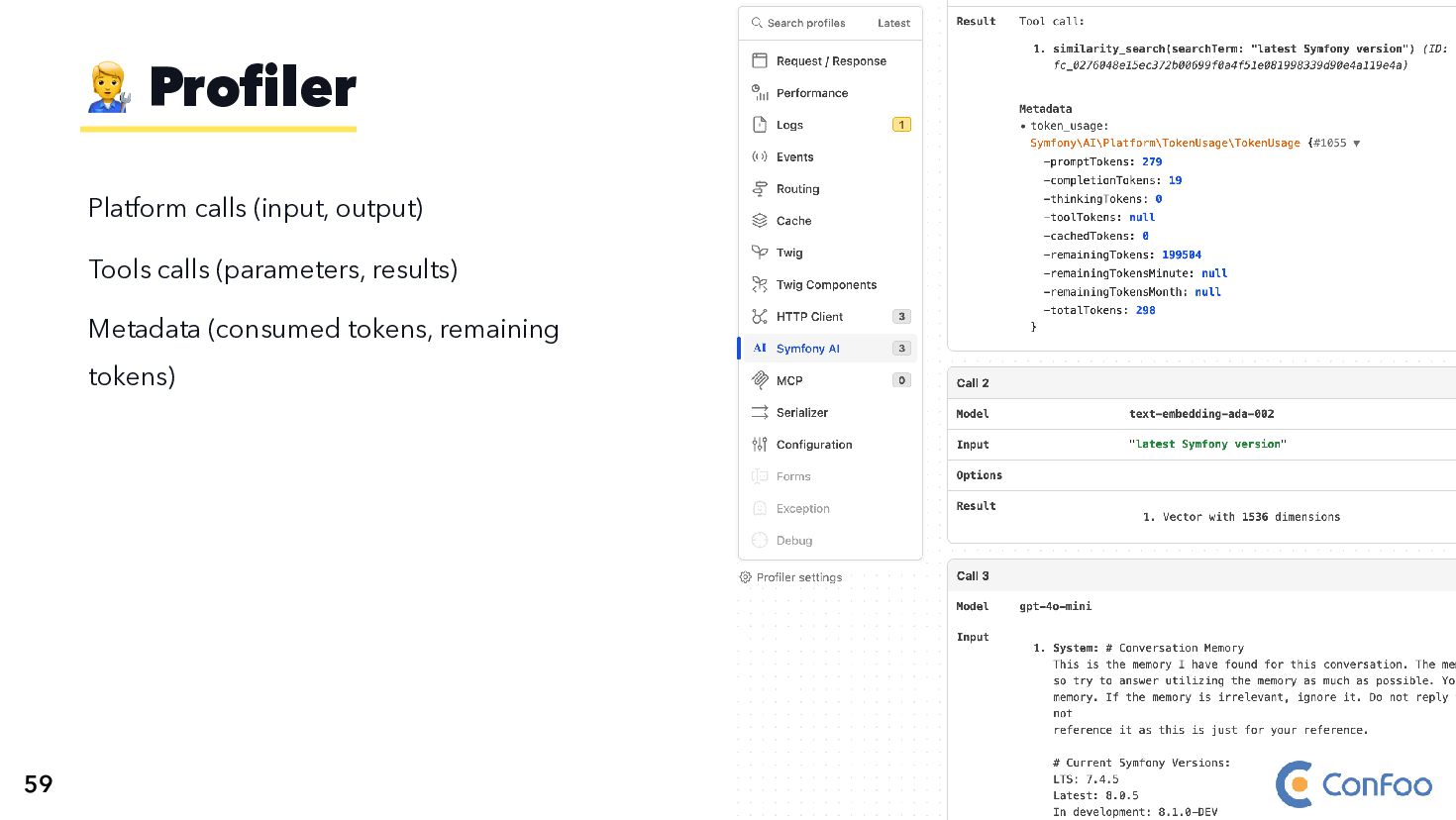
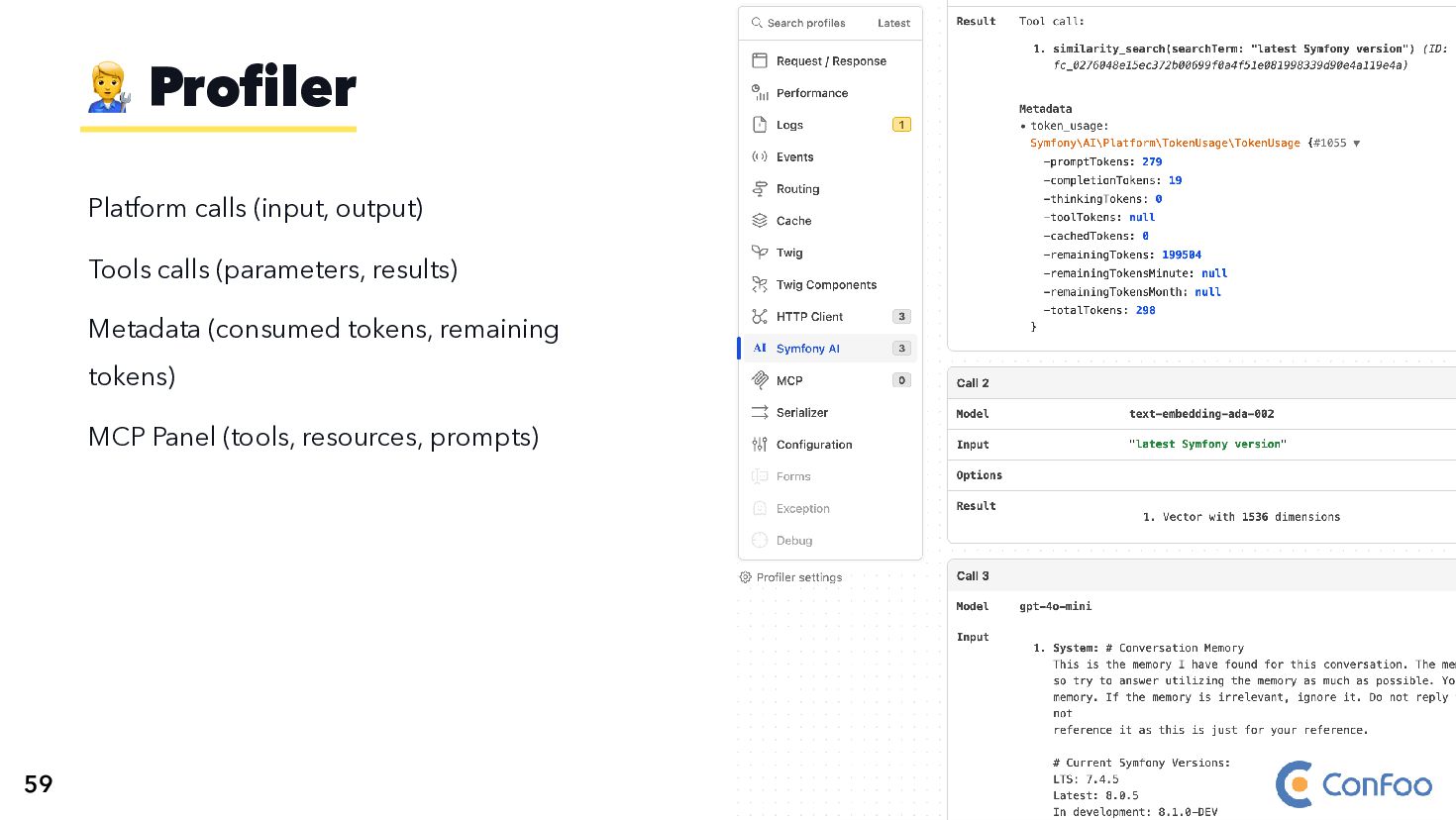
  117. Platform calls (input, output) Tools calls (parameters, results) Metadata (consumed

    tokens, remaining tokens) MCP Panel (tools, resources, prompts) 🧑‍🔧 Profiler 59
  118. 1. Checkout symfony/ai repository 2. Explore examples/ and demo/ directories

    3. Build your first feature and give feedback How to? ` ` ` ` ` ` 64
  119. 1. Checkout symfony/ai repository 2. Explore examples/ and demo/ directories

    3. Build your first feature and give feedback 4. AGENTS.md and CLAUDE.md files are provided to allow you working with AI agents! How to? ` ` ` ` ` ` ` ` ` ` 64