> Sign-in as a volunteer Enter the login information Email: Your Email Campaign ID: 28280 Passcode: 041955 Check the box that says “First Time Logging In” and then “Get Started”
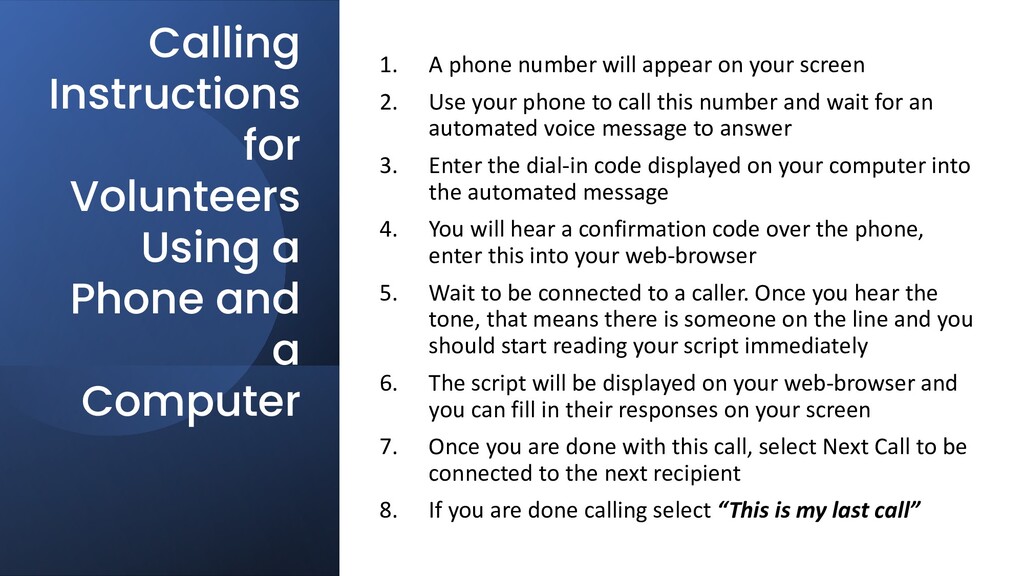
1. A phone number will appear on your screen 2. Use your phone to call this number and wait for an automated voice message to answer 3. Enter the dial-in code displayed on your computer into the automated message 4. You will hear a confirmation code over the phone, enter this into your web-browser 5. Wait to be connected to a caller. Once you hear the tone, that means there is someone on the line and you should start reading your script immediately 6. The script will be displayed on your web-browser and you can fill in their responses on your screen 7. Once you are done with this call, select Next Call to be connected to the next recipient 8. If you are done calling select “This is my last call”
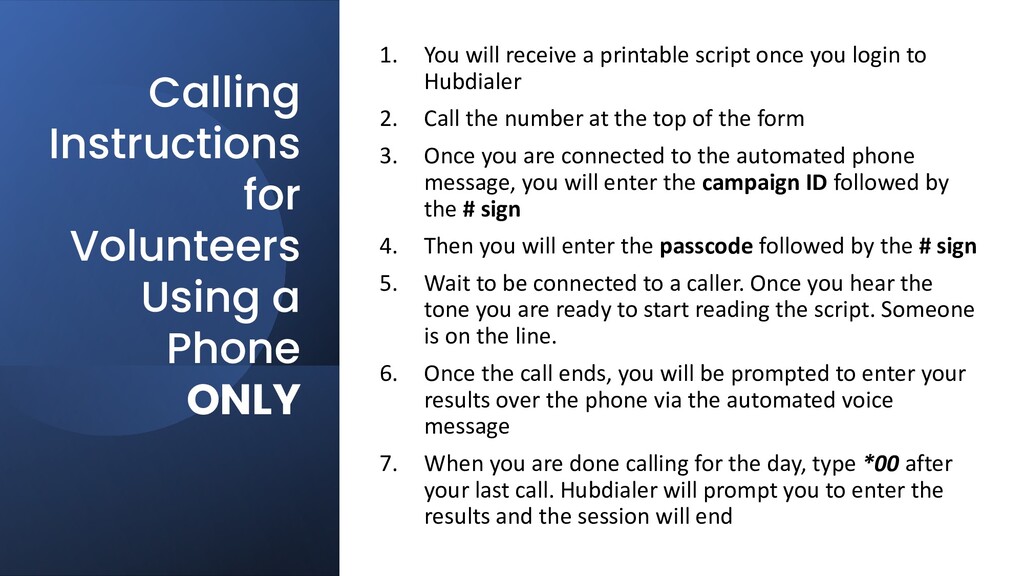
will receive a printable script once you login to Hubdialer 2. Call the number at the top of the form 3. Once you are connected to the automated phone message, you will enter the campaign ID followed by the # sign 4. Then you will enter the passcode followed by the # sign 5. Wait to be connected to a caller. Once you hear the tone you are ready to start reading the script. Someone is on the line. 6. Once the call ends, you will be prompted to enter your results over the phone via the automated voice message 7. When you are done calling for the day, type *00 after your last call. Hubdialer will prompt you to enter the results and the session will end


 superstudio
 e5ua
e5ua
 kimpachi_d
 ggfs
ggfs
 kazuyama88
 yasslab
 kintotechdev
 neuroenergia
 uemura2024
 ikmwatanabe
 mwktp
mwktp
 freee
freee
 sergeychernyshev
 palkan
 konakalab
 cassininazir
 productmarketing
 marcduiker
 tanoku
 tmiket
 baasie
 honzajavorek
 afnizarnur