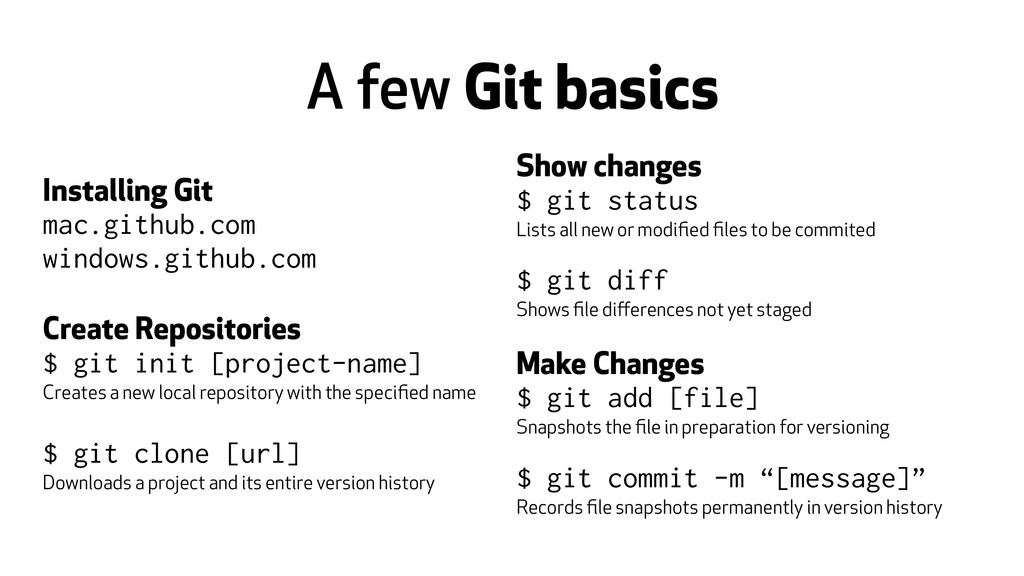
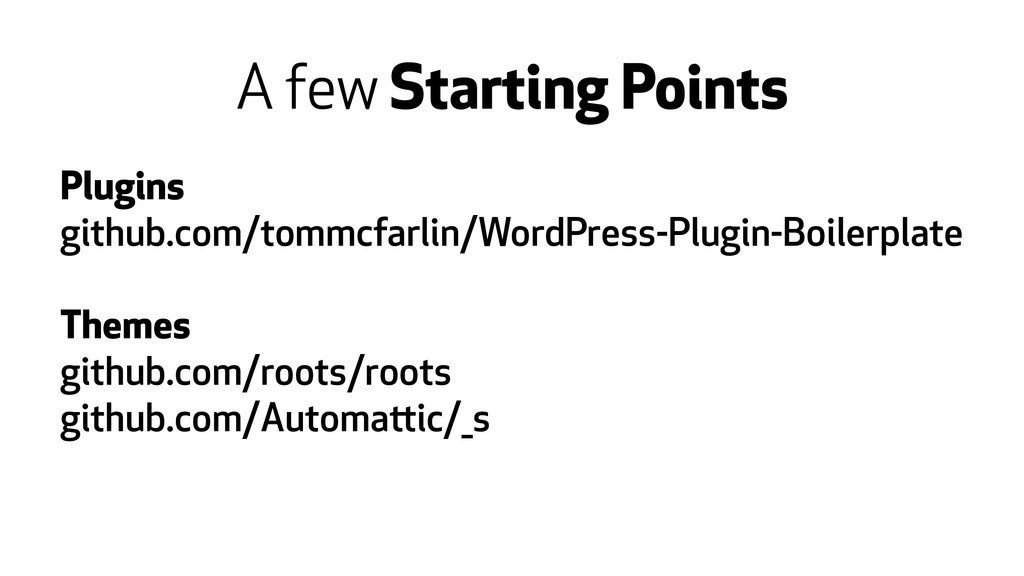
Repositories $ git init [project-name] Creates a new local repository with the specified name ! $ git clone [url] Downloads a project and its entire version history Show changes $ git status Lists all new or modified files to be commited ! $ git diff Shows file differences not yet staged ! Make Changes $ git add [file] Snapshots the file in preparation for versioning ! $ git commit -m “[message]” Records file snapshots permanently in version history
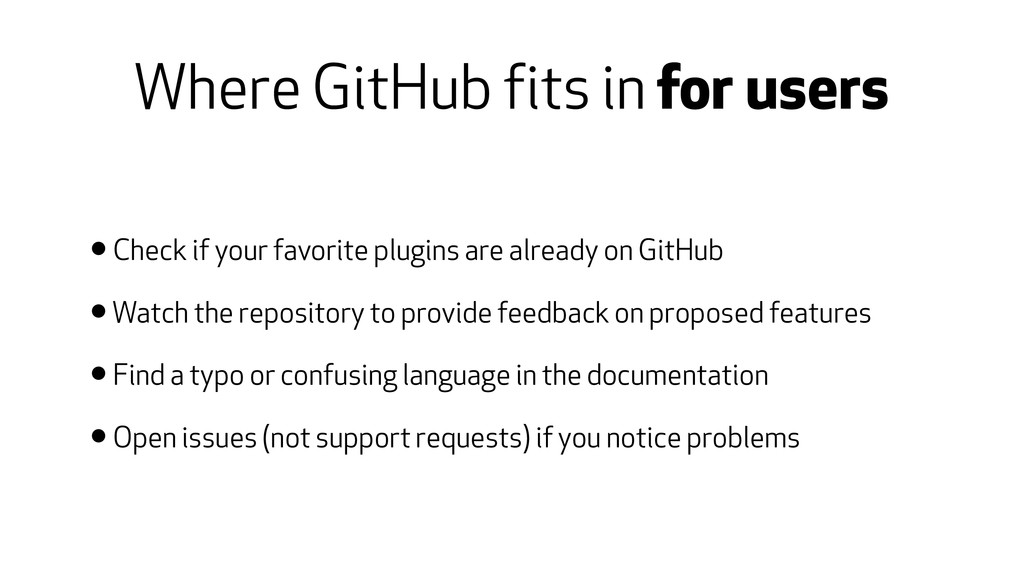
favorite plugins are already on GitHub • Watch the repository to provide feedback on proposed features • Find a typo or confusing language in the documentation • Open issues (not support requests) if you notice problems
Host your plugin or theme on GitHub, encourage contributors • Documentation • Translations • Issues • When ready, push to the WordPress Plugin Repository
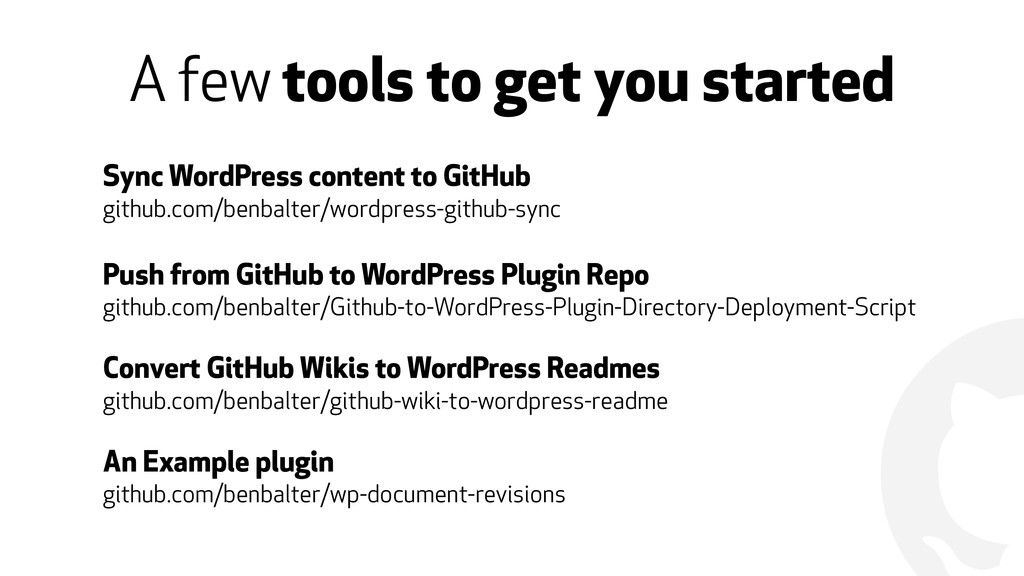
content to GitHub github.com/benbalter/wordpress-github-sync ! Push from GitHub to WordPress Plugin Repo github.com/benbalter/Github-to-WordPress-Plugin-Directory-Deployment-Script ! Convert GitHub Wikis to WordPress Readmes github.com/benbalter/github-wiki-to-wordpress-readme ! An Example plugin github.com/benbalter/wp-document-revisions
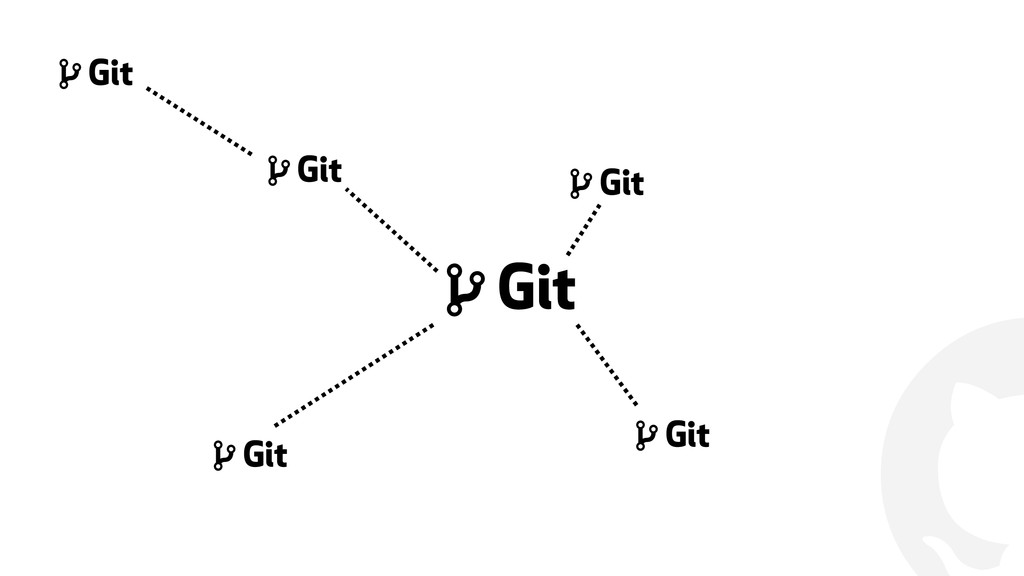
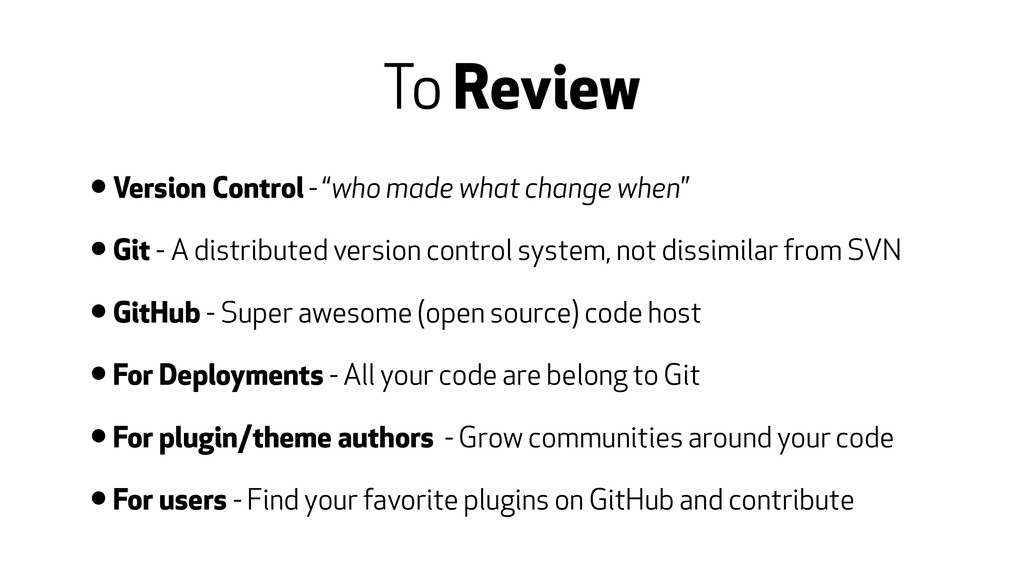
when” • Git - A distributed version control system, not dissimilar from SVN • GitHub - Super awesome (open source) code host • For Deployments - All your code are belong to Git • For plugin/theme authors - Grow communities around your code • For users - Find your favorite plugins on GitHub and contribute


 benbalter
 kentarofujii
 syuchimu
 teamlab
 ezaki
ezaki
 kzkhykw1991
 gogutan
 ueponx
 y0hgi
y0hgi
 iktakahiro
 nealle
 jyouryuusui
 rfdnxbro
 kastner
 marcoroth
 tanoku
 shpigford
 szymonslowik
 madoxten
 jeffersonlam
 jdejongh
 cassininazir
 marktimemedia
 geoffreycrofte
 tammyeverts