Share
Embed
ics212-25-inheritance
William Albritton
November 12, 2015
Annual Pro sale · Save $30
Have presentations of your own?
Share with private links, password protection, and more control over your work.
Transcript
52 slides
-
Memory Allocation Fundamentals of Inheritance Protected Member Access
Control Constructors Overriding Functions Overview of Class Hierarchy -
What Is Inheritance? Inheritance is a form of software
reusability in which new classes are created from existing classes by absorbing their attributes and behaviors, and overriding or embellishing these with capabilities the new classes require Inheritance saves time in program development by reusing proven and debugged high-quality software -
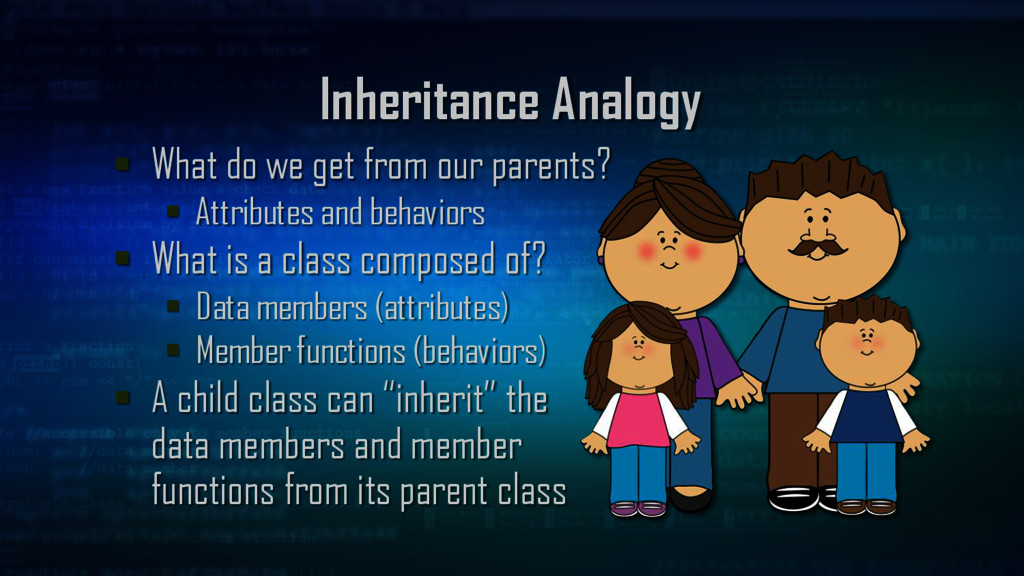
Inheritance Analogy What do we get from our parents?
Attributes and behaviors What is a class composed of? Data members (attributes) Member functions (behaviors) A child class can “inherit” the data members and member functions from its parent class -
Inheritance Analogy A parent class (base class) has data
members and member functions A child class (derived class) has: The same data members and the same functions as its parent class Its own data members and member functions The ability to make changes to the class functions from the parent class (overriding) -
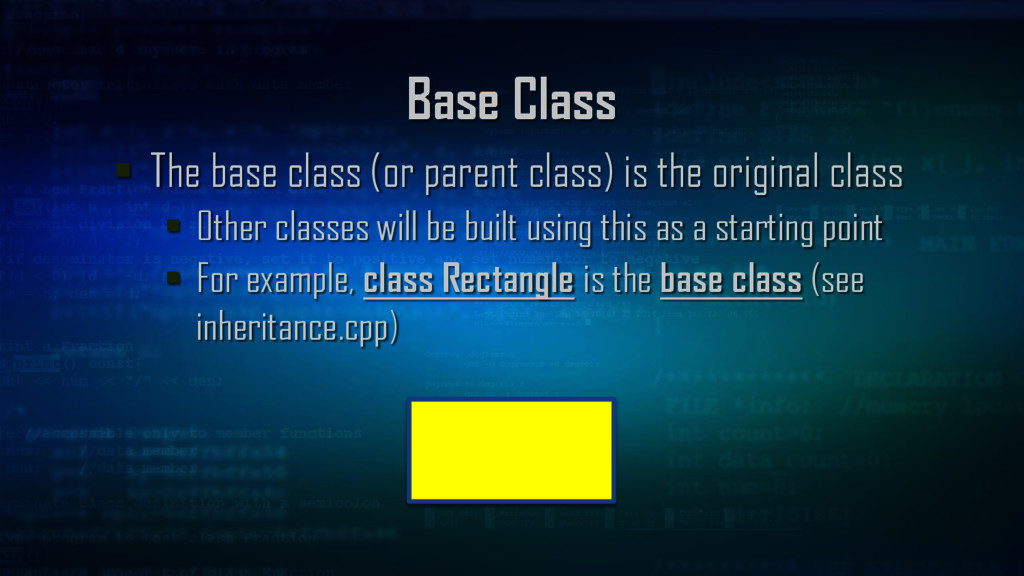
Base Class The base class (or parent class) is
the original class Other classes will be built using this as a starting point For example, class Rectangle is the base class (see inheritance.cpp) -
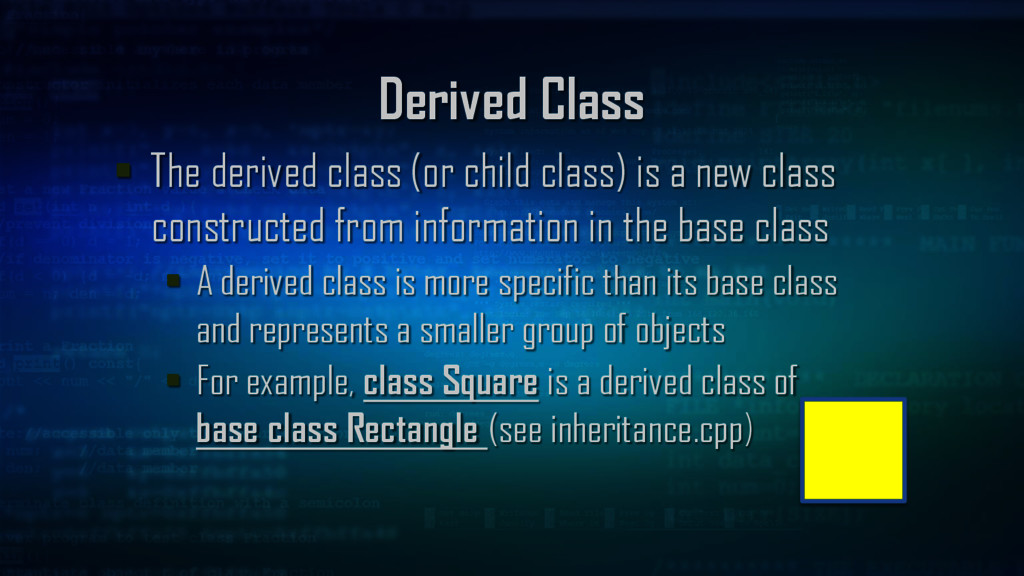
Derived Class The derived class (or child class) is
a new class constructed from information in the base class A derived class is more specific than its base class and represents a smaller group of objects For example, class Square is a derived class of base class Rectangle (see inheritance.cpp) -
Class Definition for Inheritance For the 1st line of
the class definition, no changes to the base class, while derived class has the syntax: class DerivedClass: public BaseClass class BaseClass{ //data members & member functions }; class DerivedClass: public BaseClass{ //data members & member functions }; -
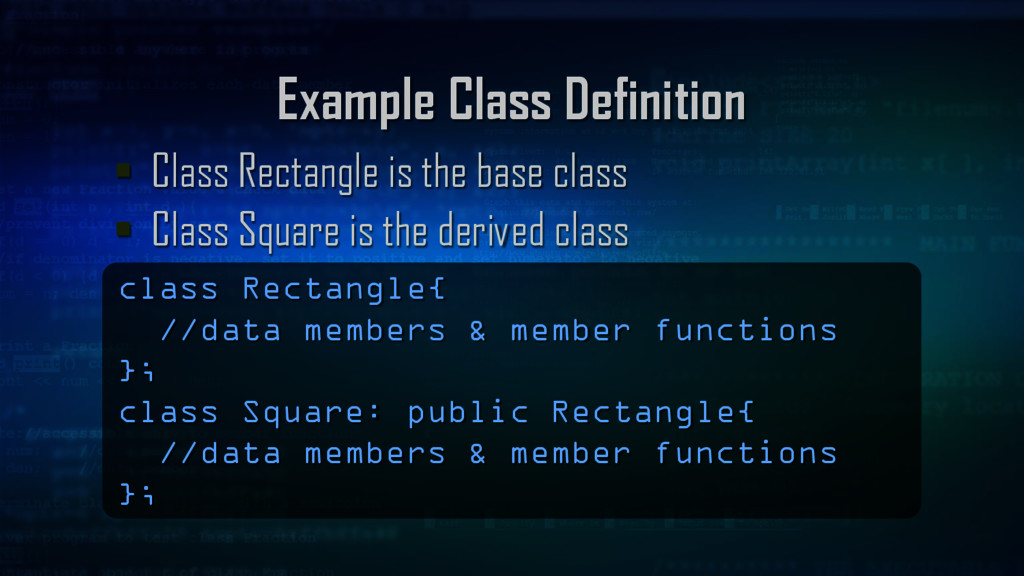
Example Class Definition Class Rectangle is the base class
Class Square is the derived class class Rectangle{ //data members & member functions }; class Square: public Rectangle{ //data members & member functions }; -
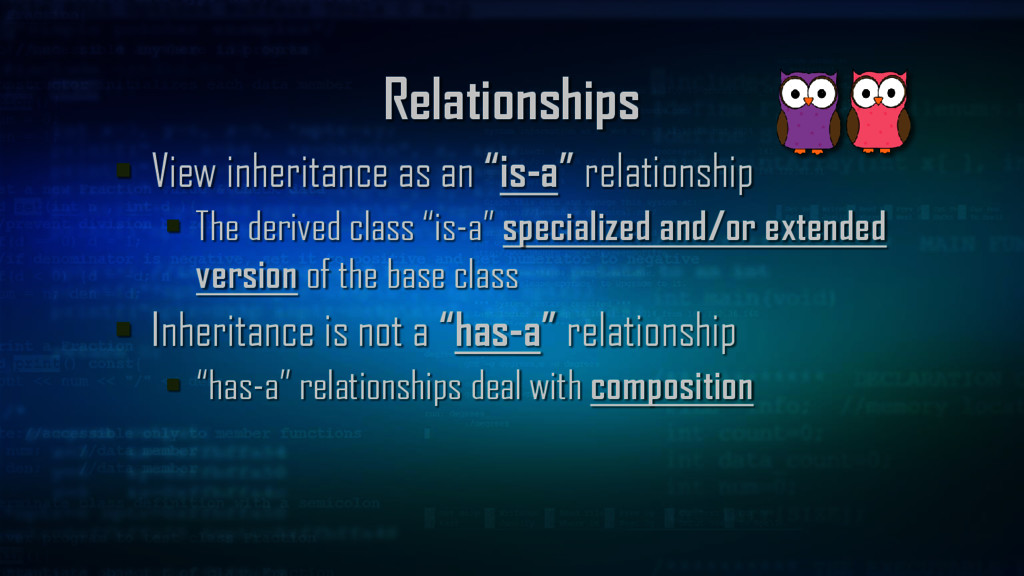
Relationships View inheritance as an “is-a” relationship The
derived class “is-a” specialized and/or extended version of the base class Inheritance is not a “has-a” relationship “has-a” relationships deal with composition -
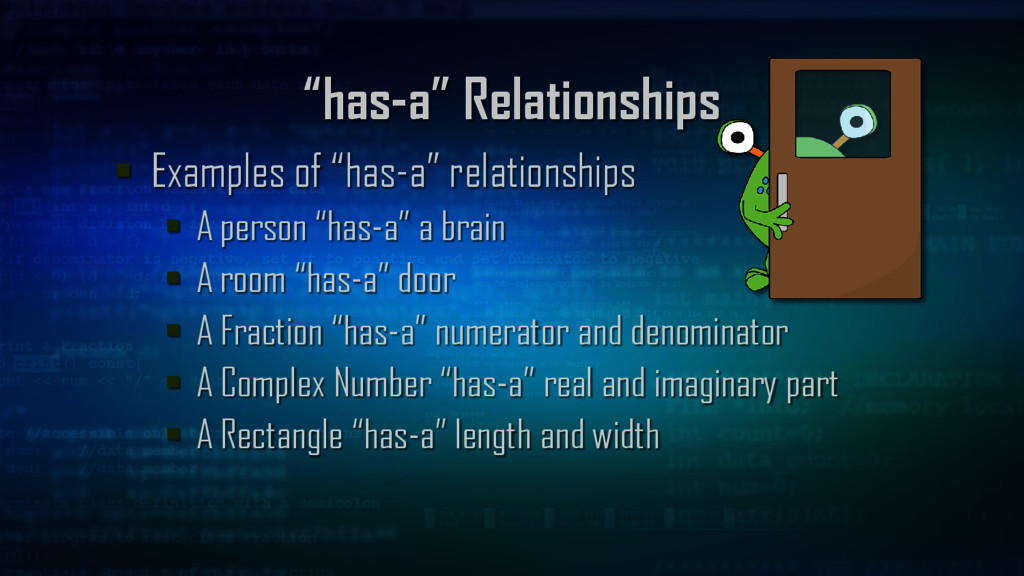
“has-a” Relationships Examples of “has-a” relationships A person
“has-a” a brain A room “has-a” door A Fraction “has-a” numerator and denominator A Complex Number “has-a” real and imaginary part A Rectangle “has-a” length and width -
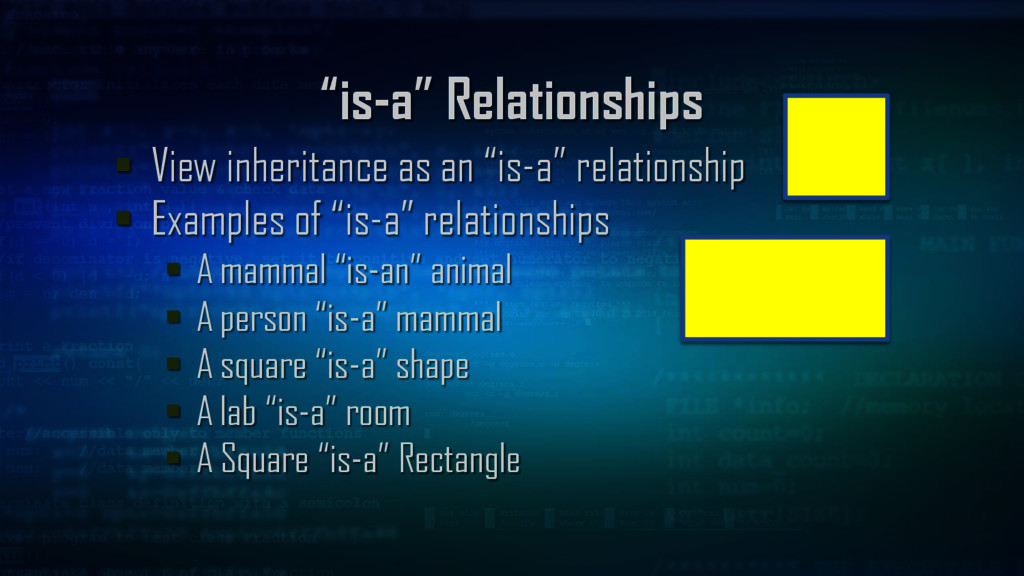
“is-a” Relationships View inheritance as an “is-a” relationship
Examples of “is-a” relationships A mammal “is-an” animal A person “is-a” mammal A square “is-a” shape A lab “is-a” room A Square “is-a” Rectangle -
Public and Private Any public data member (or public
member function) of the base class can be “seen” by a derived class Any private data member (or private member function) of the base class cannot be “seen” by a derived class (but we need private access for data encapsulation) -
Protected Solution is to use protected member access control
with base class Protected data members & member functions can be seen by a derived class with the “is-a” property Protected data members & member functions cannot be seen by a class with a “has-a” property (so we still have data encapsulation) -
Data Encapsulation Data encapsulation is hiding the details of
how a class works by restricting access to data members, which can only be manipulated by member functions In other words, the implementation details of a class are hidden within the classes themselves Also called “data hiding” or “information hiding” -
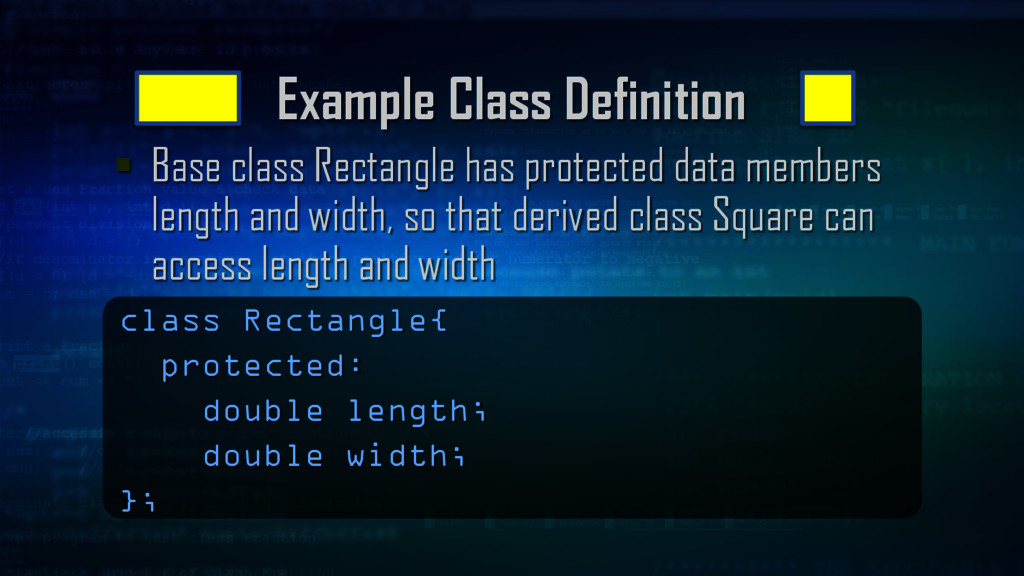
Example Class Definition Base class Rectangle has protected data
members length and width, so that derived class Square can access length and width class Rectangle{ protected: double length; double width; }; -
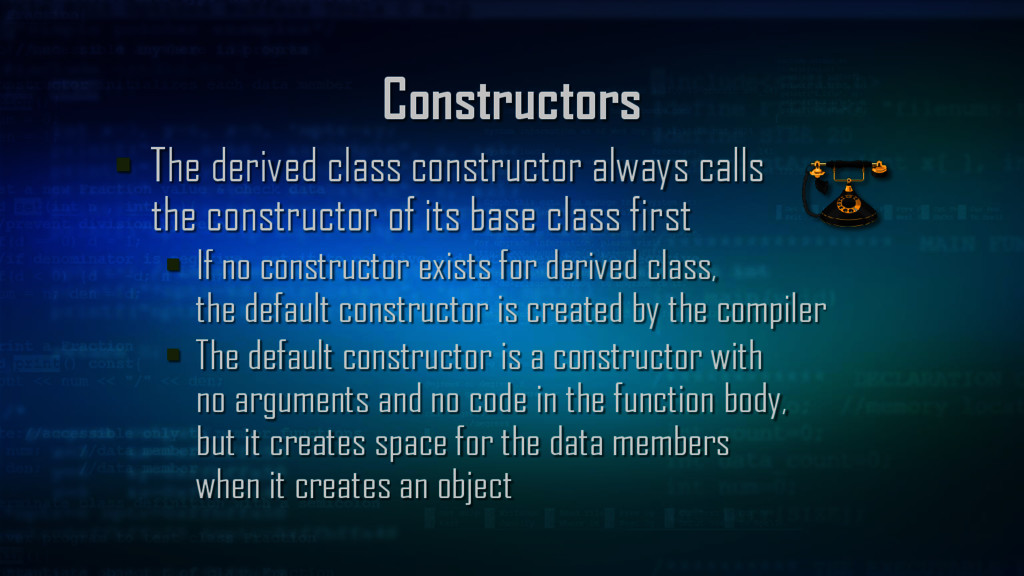
Constructors The derived class constructor always calls the constructor
of its base class first If no constructor exists for derived class, the default constructor is created by the compiler The default constructor is a constructor with no arguments and no code in the function body, but it creates space for the data members when it creates an object -
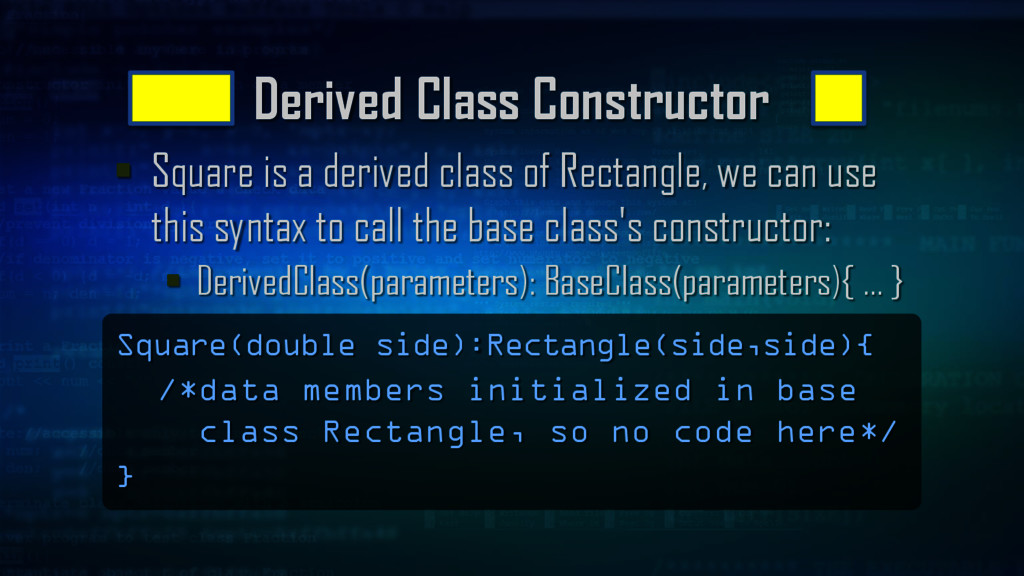
Derived Class Constructor Square is a derived class of
Rectangle, we can use this syntax to call the base class's constructor: DerivedClass(parameters): BaseClass(parameters){ ... } Square(double side):Rectangle(side,side){ /*data members initialized in base class Rectangle, so no code here*/ } -
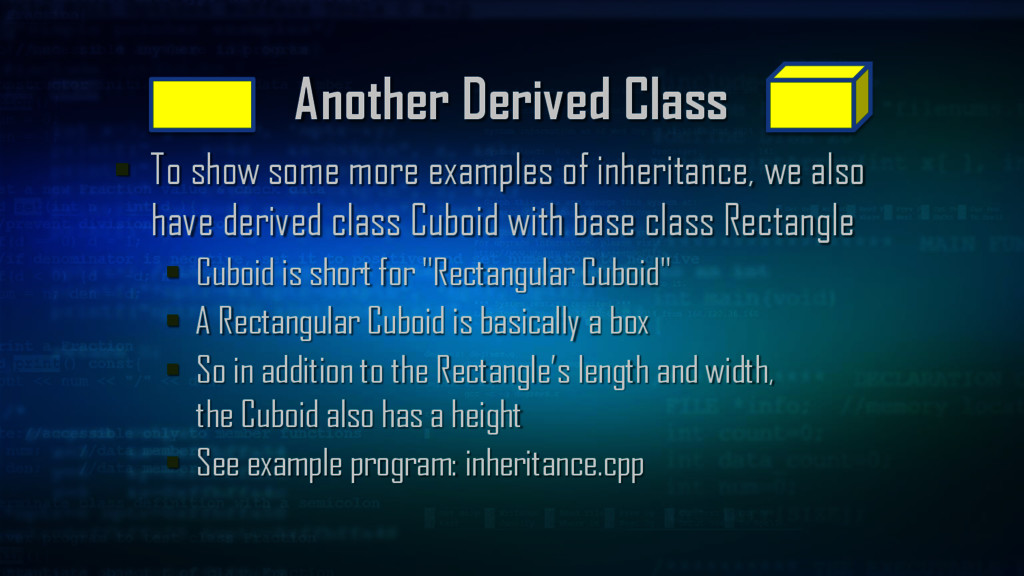
Another Derived Class To show some more examples of
inheritance, we also have derived class Cuboid with base class Rectangle Cuboid is short for "Rectangular Cuboid" A Rectangular Cuboid is basically a box So in addition to the Rectangle’s length and width, the Cuboid also has a height See example program: inheritance.cpp -
New Data Members Derived class Cuboid has new data
member height class Cuboid: public Rectangle{ //code . . . protected: double height; }; -
Derived Class Constructor II If we have new data
members in the derived class, we need to initialize them in the constructor Constructor definition for derived class Cuboid Cuboid(double length2, double width2, double height2): Rectangle(length2, width2){ setHeight(height2); } -
Destructors Destructors are called in reverse order of their
constructors, so the derived class destructor is called before the base class destructor If no destructor exists for derived class, the default destructor is called -
Overriding Functions The derived class can inherit public member
function implementations that it does not need to have To correct this potential problem, a programmer can override the function with another function which has the appropriate implementation Also note that friend functions are not inherited, so you have to rewrite them for each class -
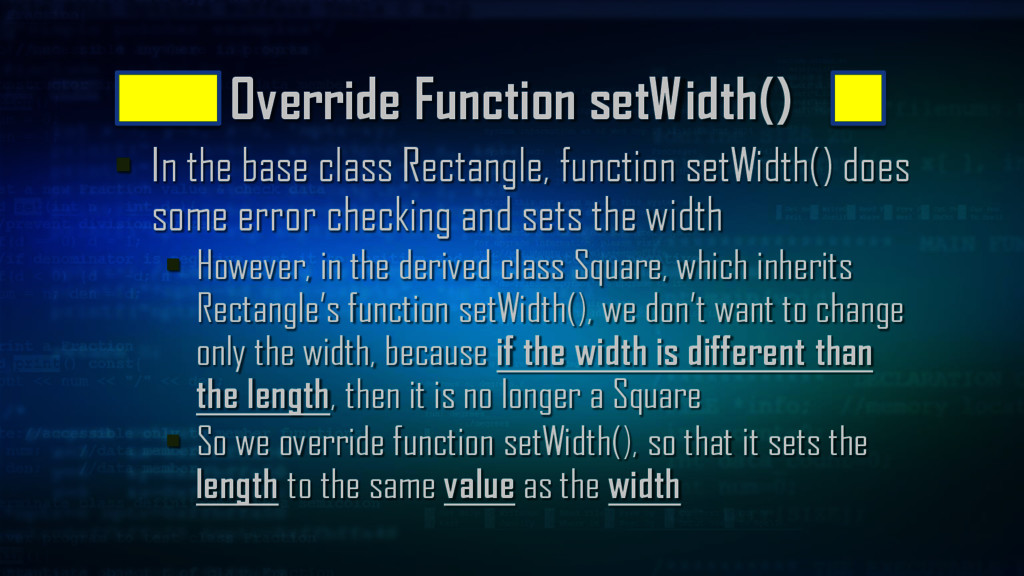
Override Function setWidth() In the base class Rectangle, function
setWidth() does some error checking and sets the width However, in the derived class Square, which inherits Rectangle’s function setWidth(), we don’t want to change only the width, because if the width is different than the length, then it is no longer a Square So we override function setWidth(), so that it sets the length to the same value as the width -
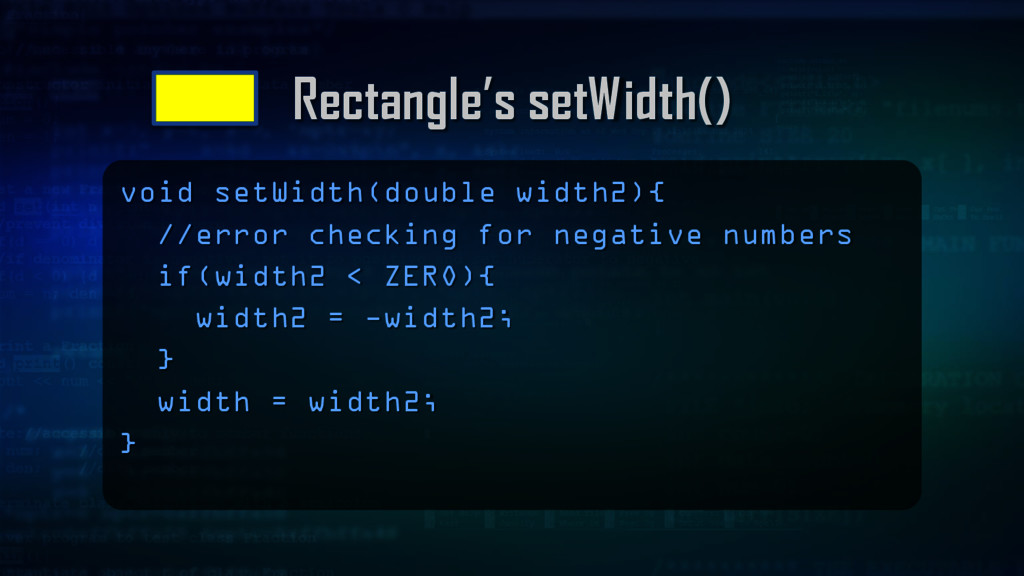
Rectangle’s setWidth() void setWidth(double width2){ //error checking for negative numbers
if(width2 < ZERO){ width2 = -width2; } width = width2; } -
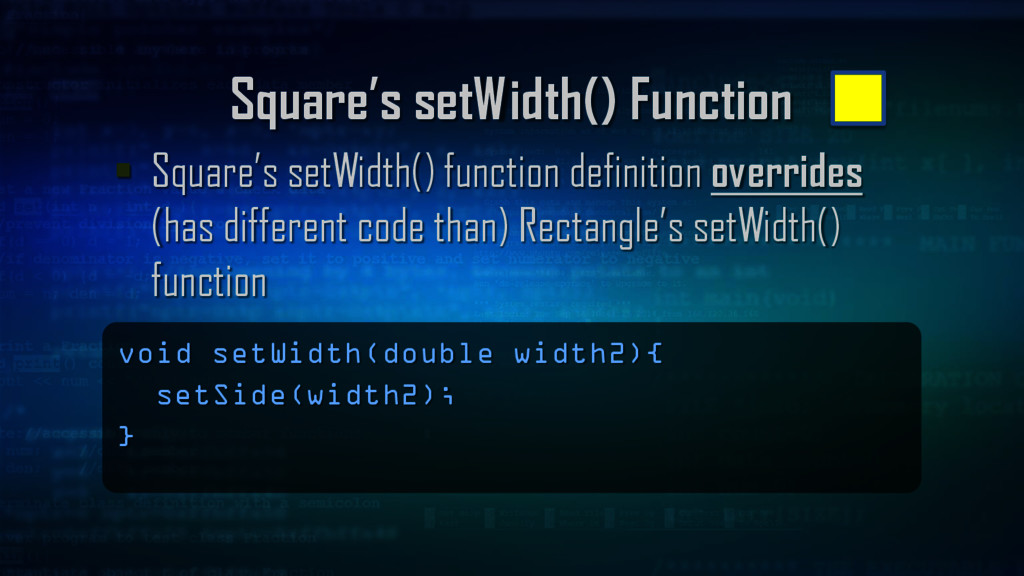
Square’s setWidth() Function Square’s setWidth() function definition overrides (has
different code than) Rectangle’s setWidth() function void setWidth(double width2){ setSide(width2); } -
Binary Scope Resolution Operator If you need to call
a function of the base class, when it is also overloaded in the derived class, precede the function with the base class name and binary scope resolution operator or “double-colon” (::) The syntax is: ClassName::function(); -
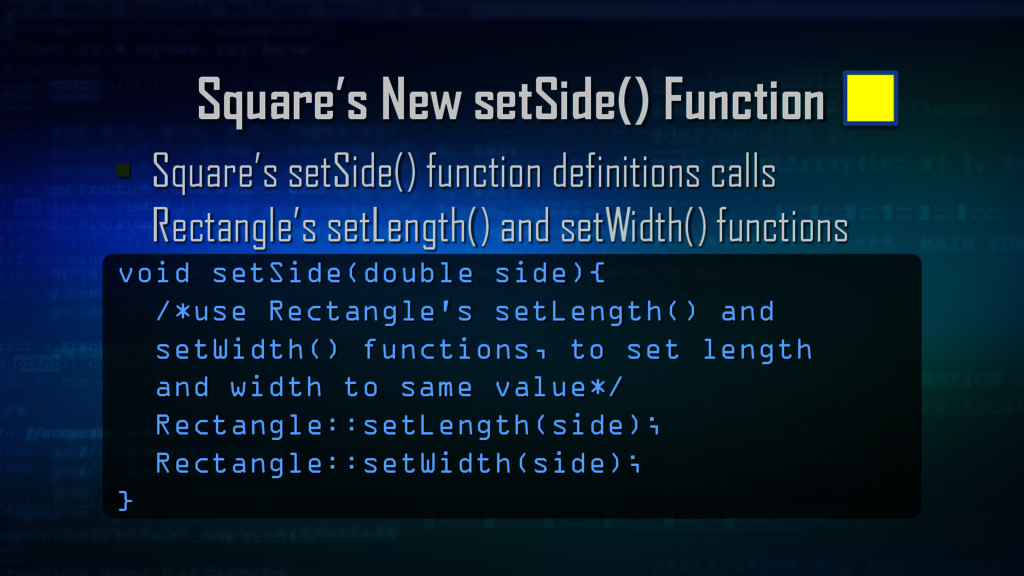
Square’s New setSide() Function Square’s setSide() function definitions calls
Rectangle’s setLength() and setWidth() functions void setSide(double side){ /*use Rectangle's setLength() and setWidth() functions, to set length and width to same value*/ Rectangle::setLength(side); Rectangle::setWidth(side); } -
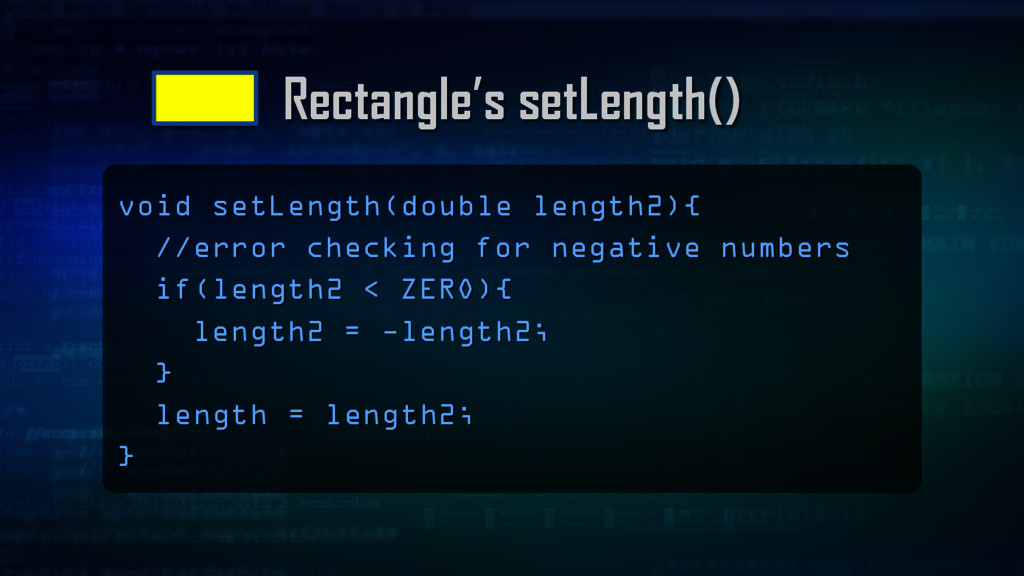
Rectangle’s setLength() void setLength(double length2){ //error checking for negative numbers
if(length2 < ZERO){ length2 = -length2; } length = length2; } -
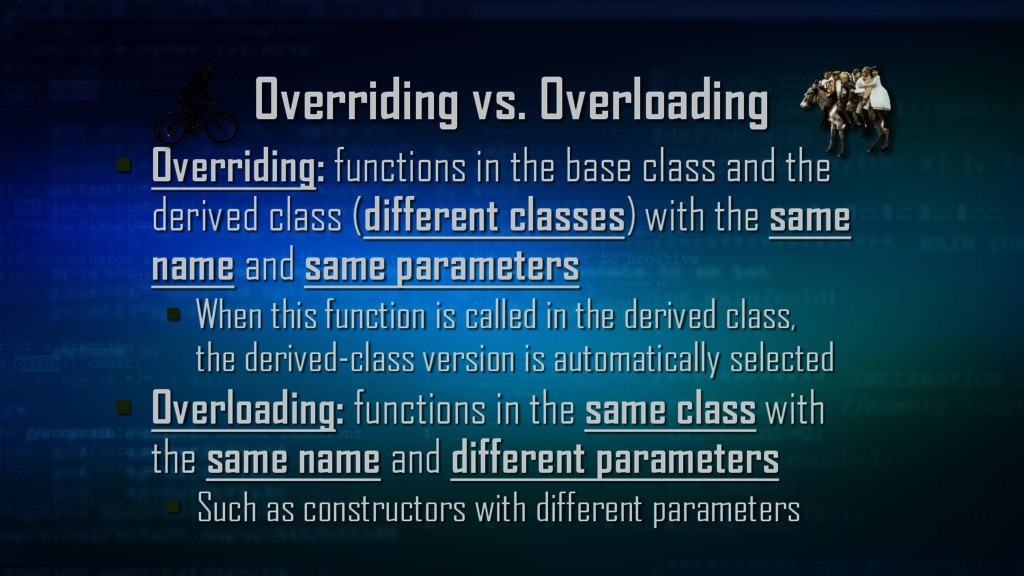
Overriding vs. Overloading Overriding: functions in the base class
and the derived class (different classes) with the same name and same parameters When this function is called in the derived class, the derived-class version is automatically selected Overloading: functions in the same class with the same name and different parameters Such as constructors with different parameters -
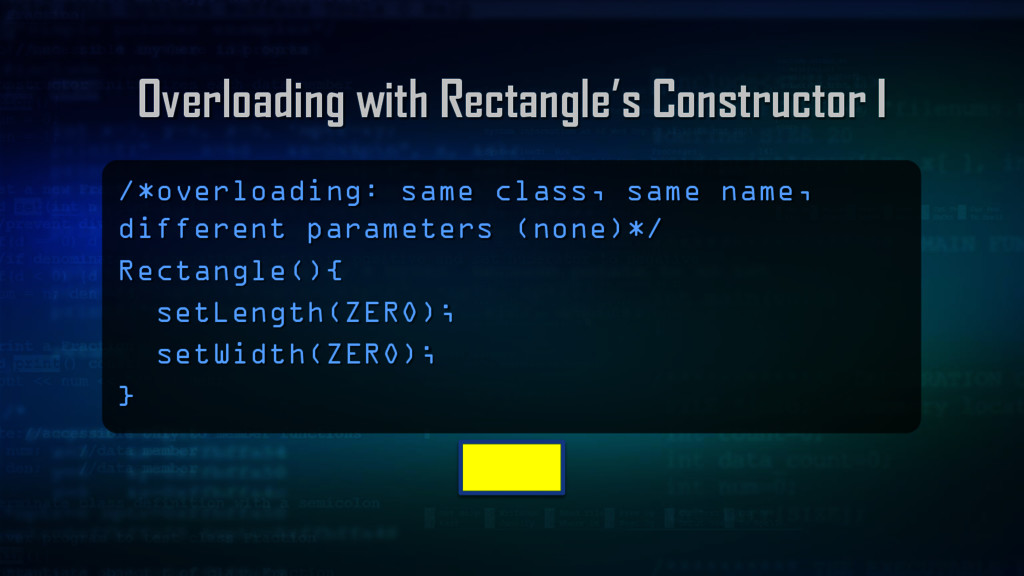
Overloading with Rectangle’s Constructor I /*overloading: same class, same name,
different parameters (none)*/ Rectangle(){ setLength(ZERO); setWidth(ZERO); } -
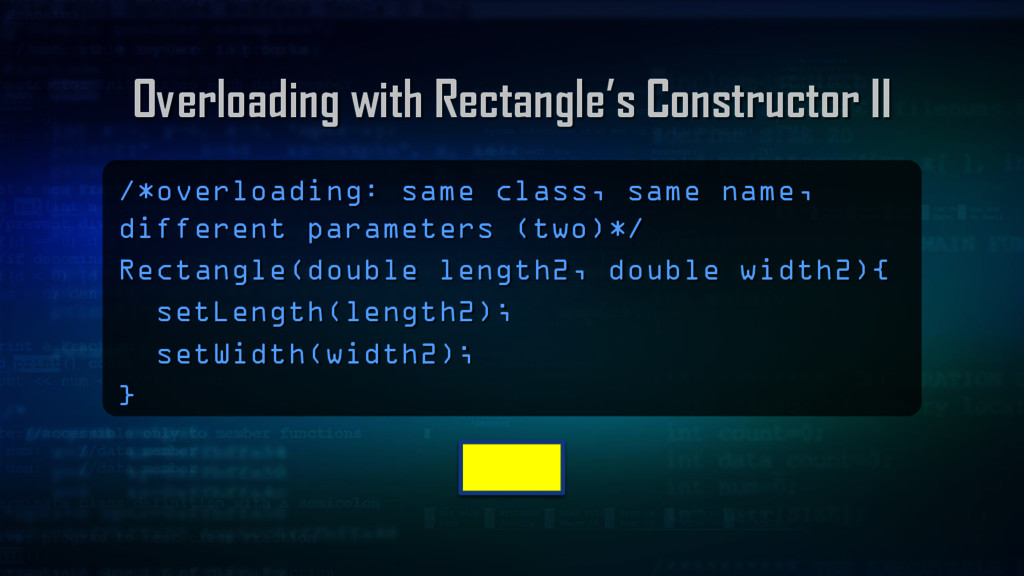
Overloading with Rectangle’s Constructor II /*overloading: same class, same name,
different parameters (two)*/ Rectangle(double length2, double width2){ setLength(length2); setWidth(width2); } -
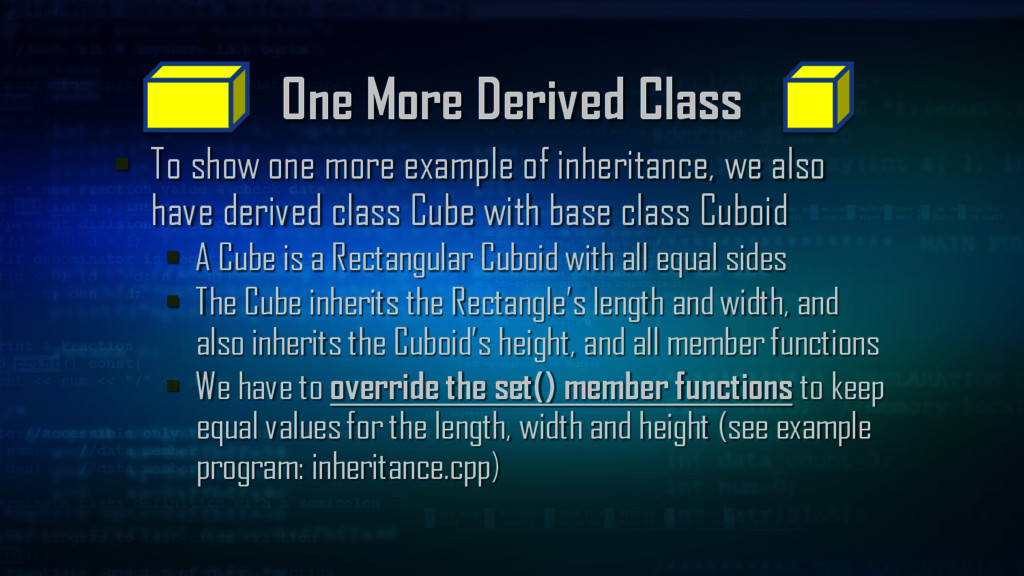
One More Derived Class To show one more example
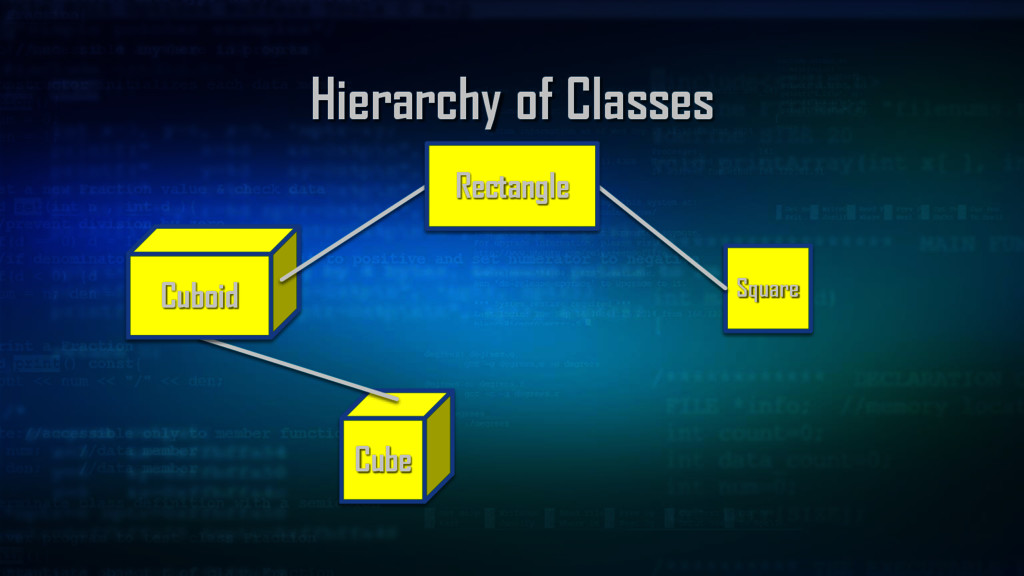
of inheritance, we also have derived class Cube with base class Cuboid A Cube is a Rectangular Cuboid with all equal sides The Cube inherits the Rectangle’s length and width, and also inherits the Cuboid’s height, and all member functions We have to override the set() member functions to keep equal values for the length, width and height (see example program: inheritance.cpp) -
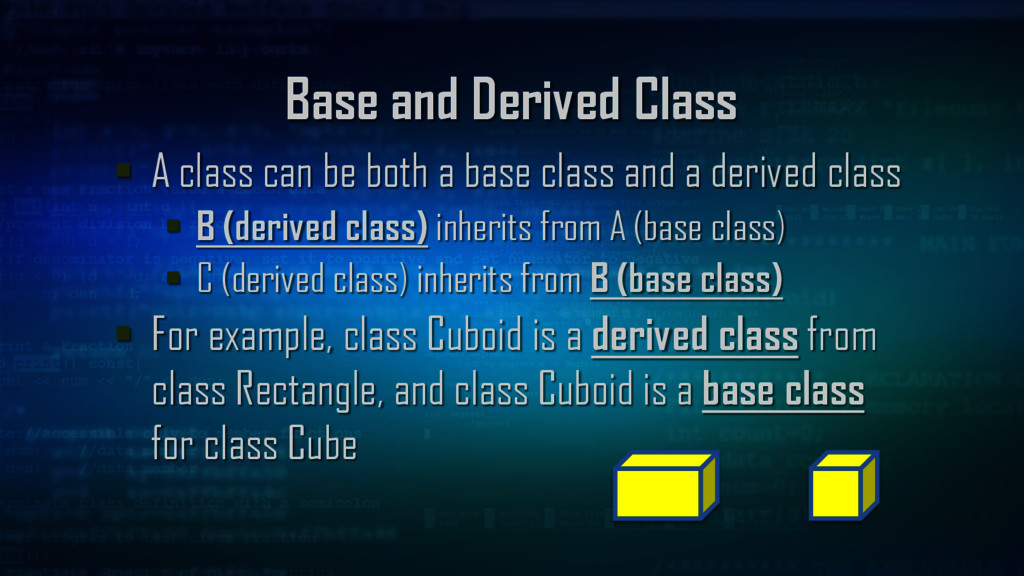
Base and Derived Class A class can be both
a base class and a derived class B (derived class) inherits from A (base class) C (derived class) inherits from B (base class) For example, class Cuboid is a derived class from class Rectangle, and class Cuboid is a base class for class Cube -
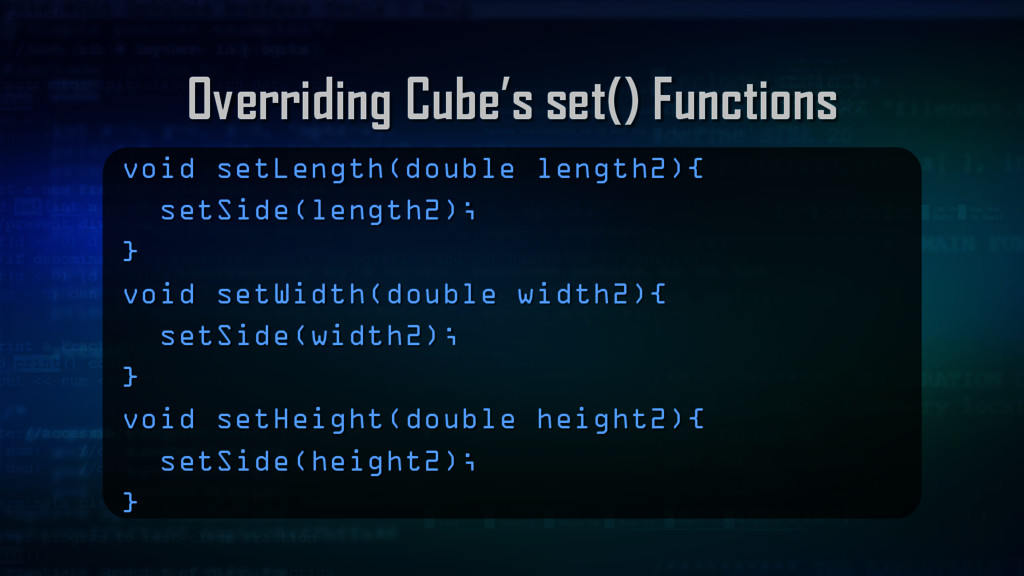
Overriding Cube’s set() Functions void setLength(double length2){ setSide(length2); } void
setWidth(double width2){ setSide(width2); } void setHeight(double height2){ setSide(height2); } -
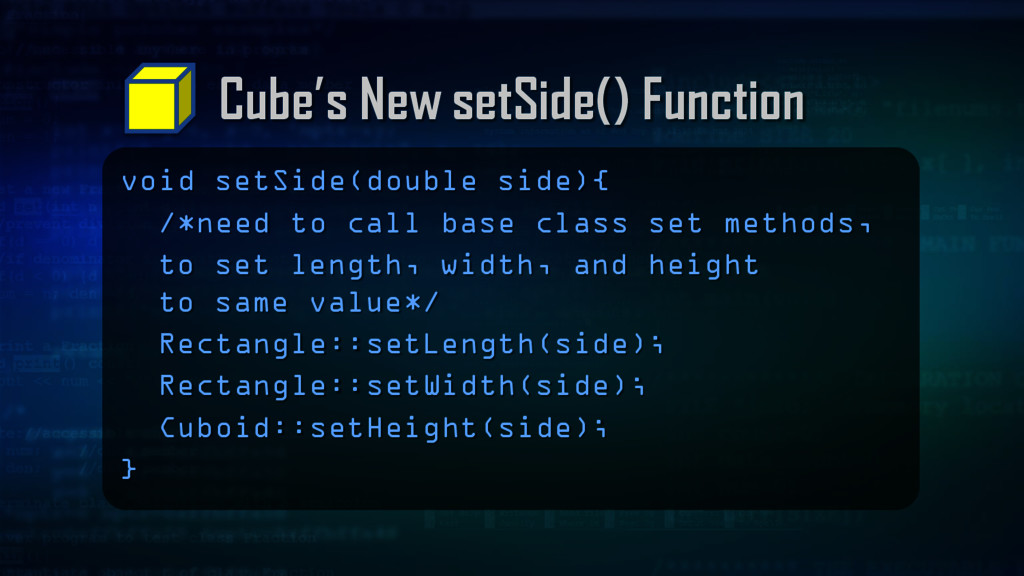
Cube’s New setSide() Function void setSide(double side){ /*need to call
base class set methods, to set length, width, and height to same value*/ Rectangle::setLength(side); Rectangle::setWidth(side); Cuboid::setHeight(side); } -
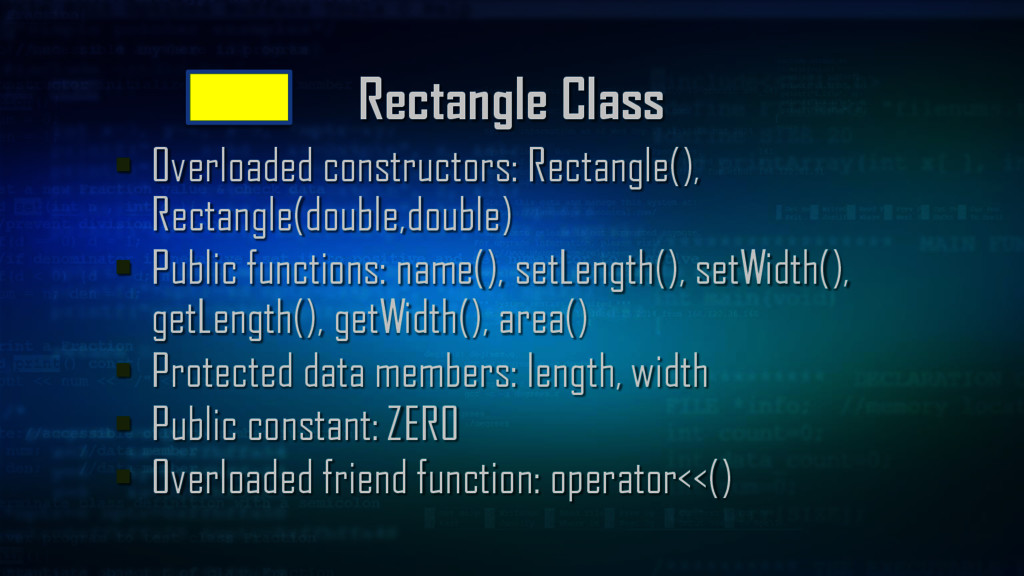
Rectangle Class Overloaded constructors: Rectangle(), Rectangle(double,double) Public functions:
name(), setLength(), setWidth(), getLength(), getWidth(), area() Protected data members: length, width Public constant: ZERO Overloaded friend function: operator<<() -
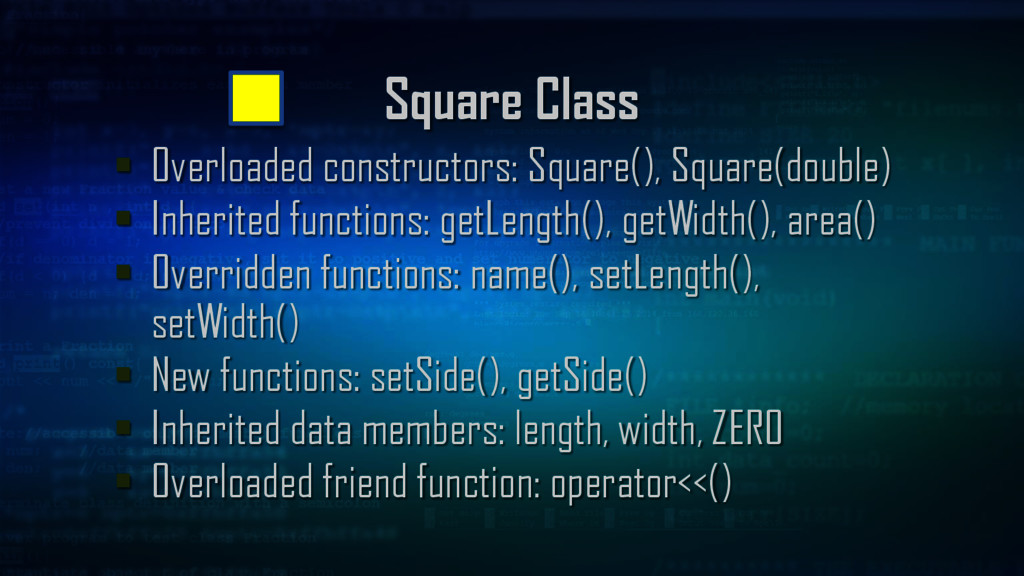
Square Class Overloaded constructors: Square(), Square(double) Inherited functions:
getLength(), getWidth(), area() Overridden functions: name(), setLength(), setWidth() New functions: setSide(), getSide() Inherited data members: length, width, ZERO Overloaded friend function: operator<<() -
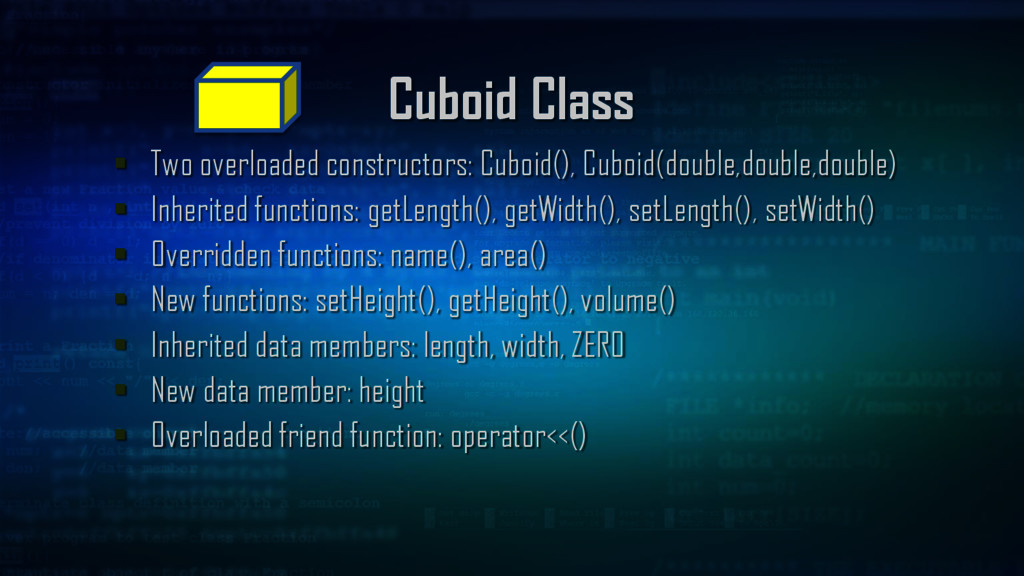
Cuboid Class Two overloaded constructors: Cuboid(), Cuboid(double,double,double) Inherited
functions: getLength(), getWidth(), setLength(), setWidth() Overridden functions: name(), area() New functions: setHeight(), getHeight(), volume() Inherited data members: length, width, ZERO New data member: height Overloaded friend function: operator<<() -
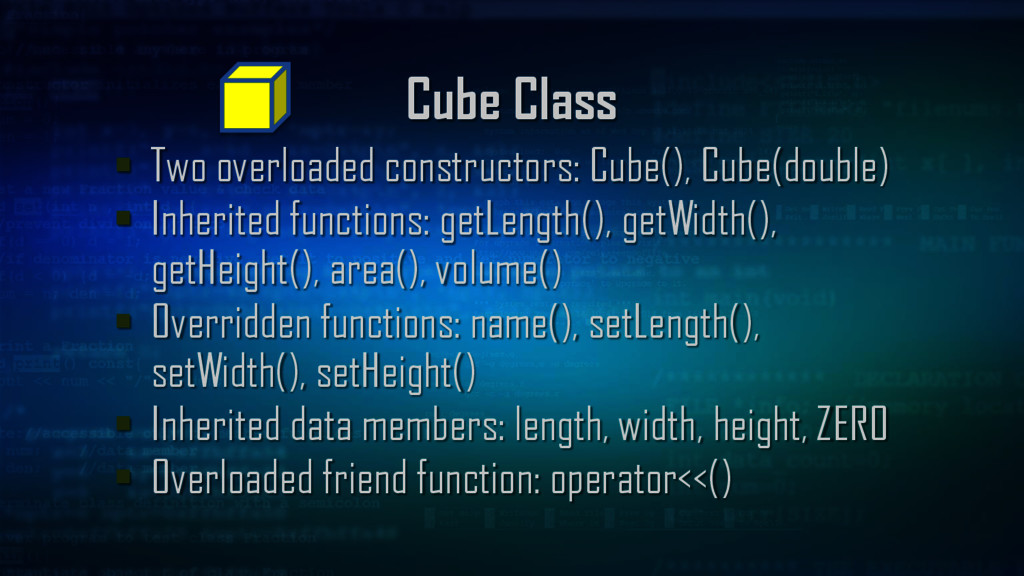
Cube Class Two overloaded constructors: Cube(), Cube(double) Inherited
functions: getLength(), getWidth(), getHeight(), area(), volume() Overridden functions: name(), setLength(), setWidth(), setHeight() Inherited data members: length, width, height, ZERO Overloaded friend function: operator<<() -
Memory Management Fundamentals of Inheritance Protected Member Access
Control Constructors Overriding Functions Overview of Class Hierarchy