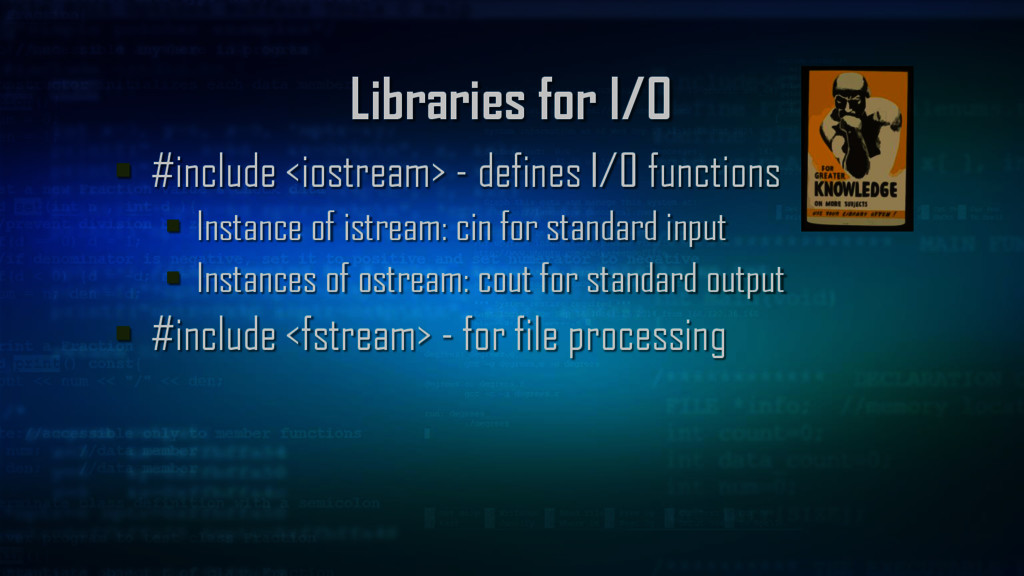
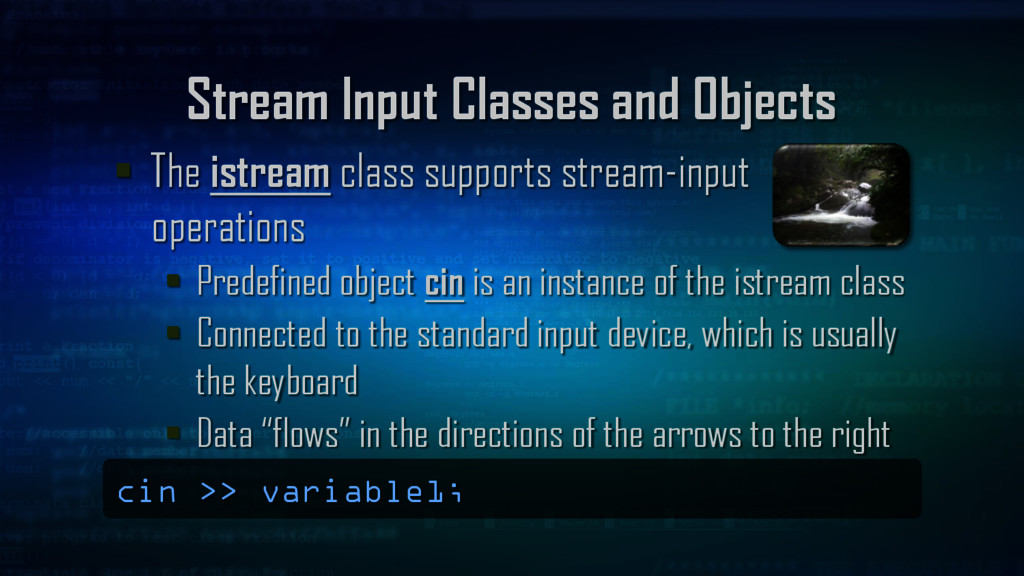
stream-input operations Predefined object cin is an instance of the istream class Connected to the standard input device, which is usually the keyboard Data “flows” in the directions of the arrows to the right cin >> variable1;
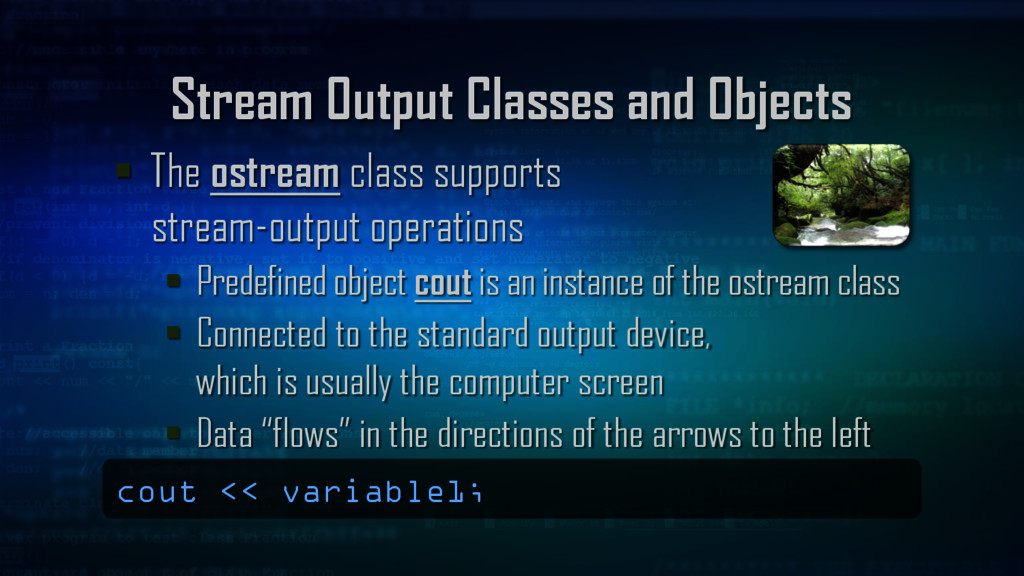
stream-output operations Predefined object cout is an instance of the ostream class Connected to the standard output device, which is usually the computer screen Data “flows” in the directions of the arrows to the left cout << variable1;
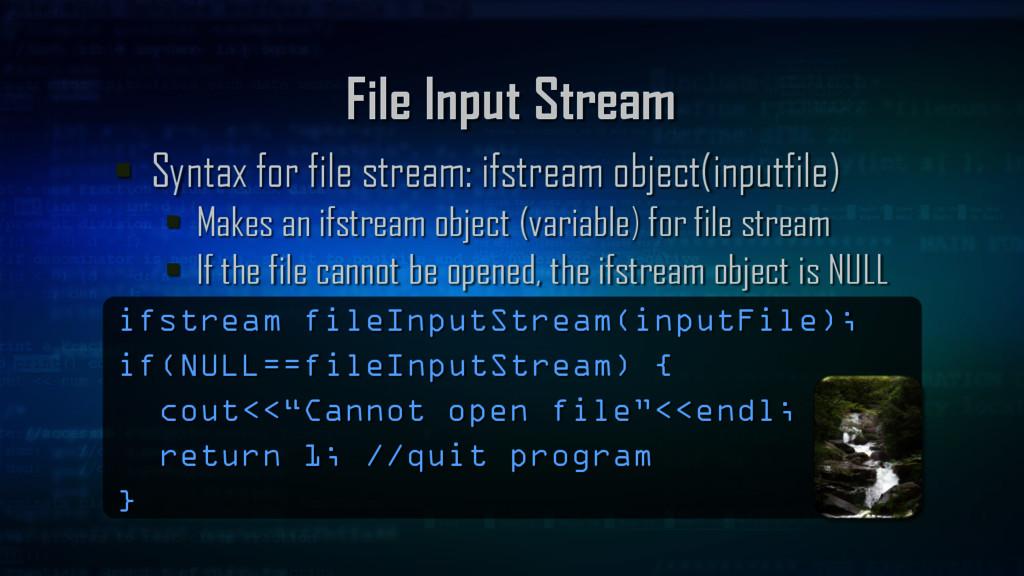
Makes an ifstream object (variable) for file stream If the file cannot be opened, the ifstream object is NULL ifstream fileInputStream(inputFile); if(NULL==fileInputStream) { cout<<“Cannot open file”<<endl; return 1; //quit program }
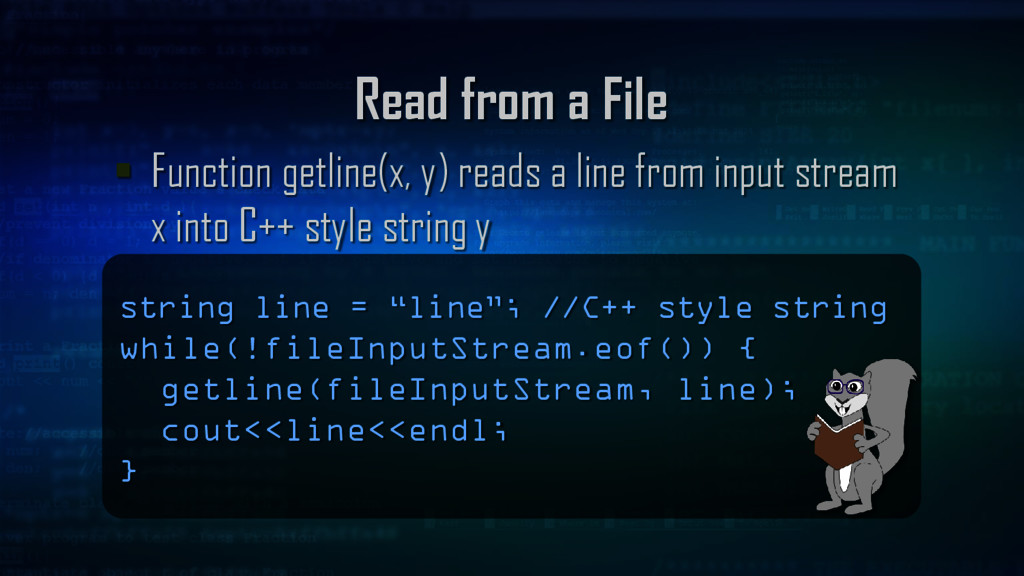
line from input stream x into C++ style string y string line = “line”; //C++ style string while(!fileInputStream.eof()) { getline(fileInputStream, line); cout<<line<<endl; }
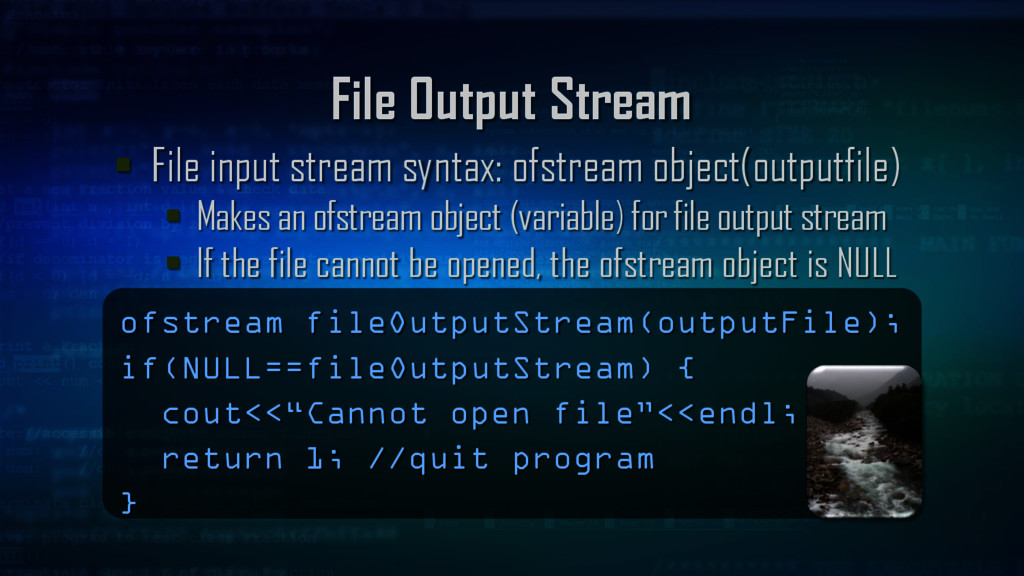
Makes an ofstream object (variable) for file output stream If the file cannot be opened, the ofstream object is NULL ofstream fileOutputStream(outputFile); if(NULL==fileOutputStream) { cout<<“Cannot open file”<<endl; return 1; //quit program }
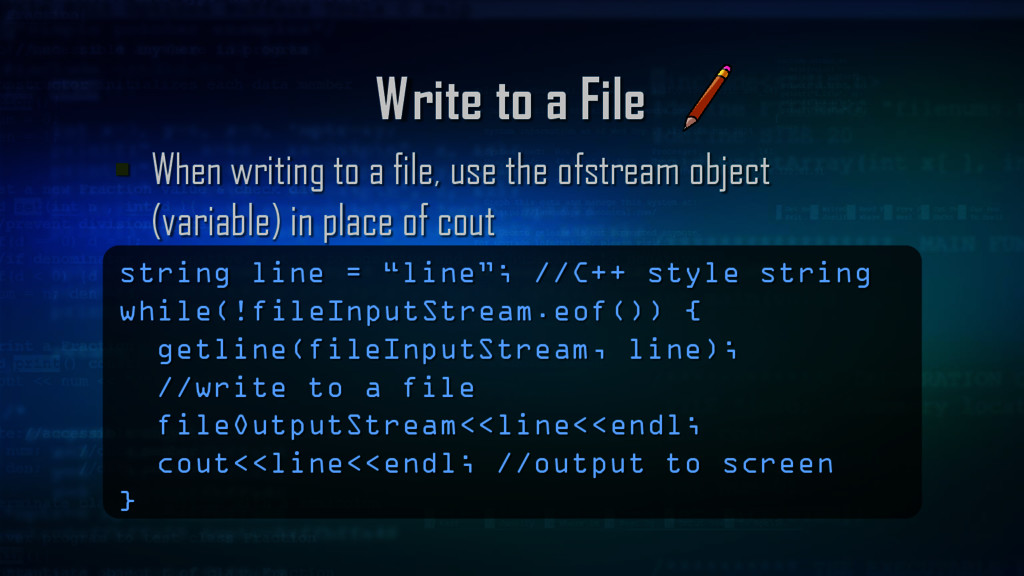
use the ofstream object (variable) in place of cout string line = “line”; //C++ style string while(!fileInputStream.eof()) { getline(fileInputStream, line); //write to a file fileOutputStream<<line<<endl; cout<<line<<endl; //output to screen }
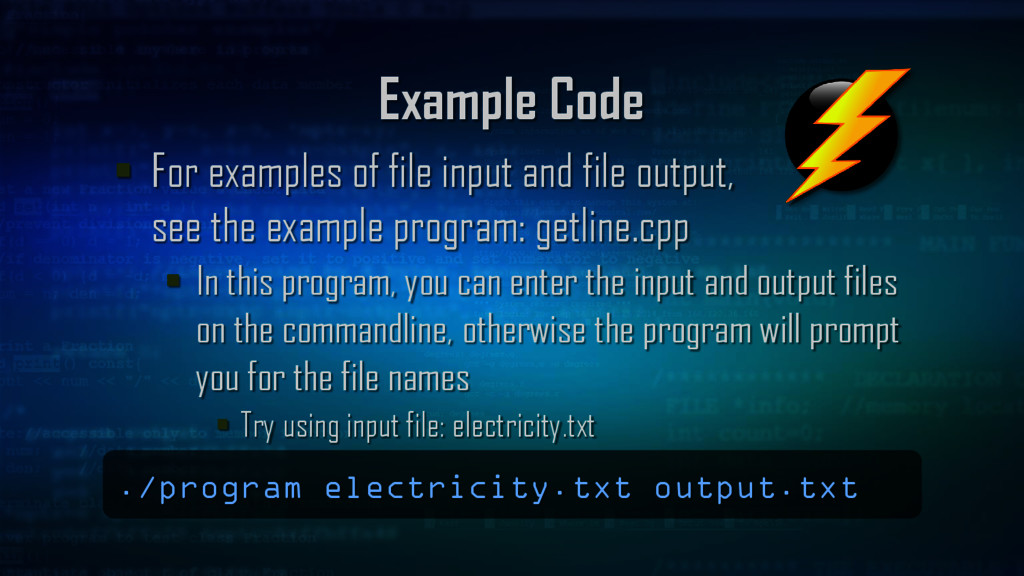
output, see the example program: getline.cpp In this program, you can enter the input and output files on the commandline, otherwise the program will prompt you for the file names Try using input file: electricity.txt ./program electricity.txt output.txt
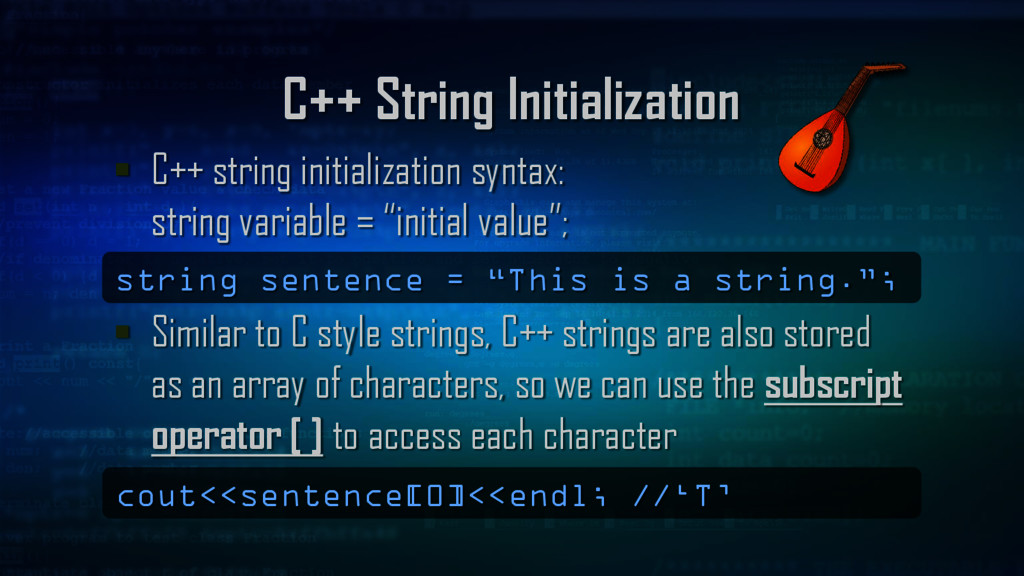
= “initial value”; Similar to C style strings, C++ strings are also stored as an array of characters, so we can use the subscript operator [ ] to access each character string sentence = “This is a string.”; cout<<sentence[0]<<endl; //‘T’
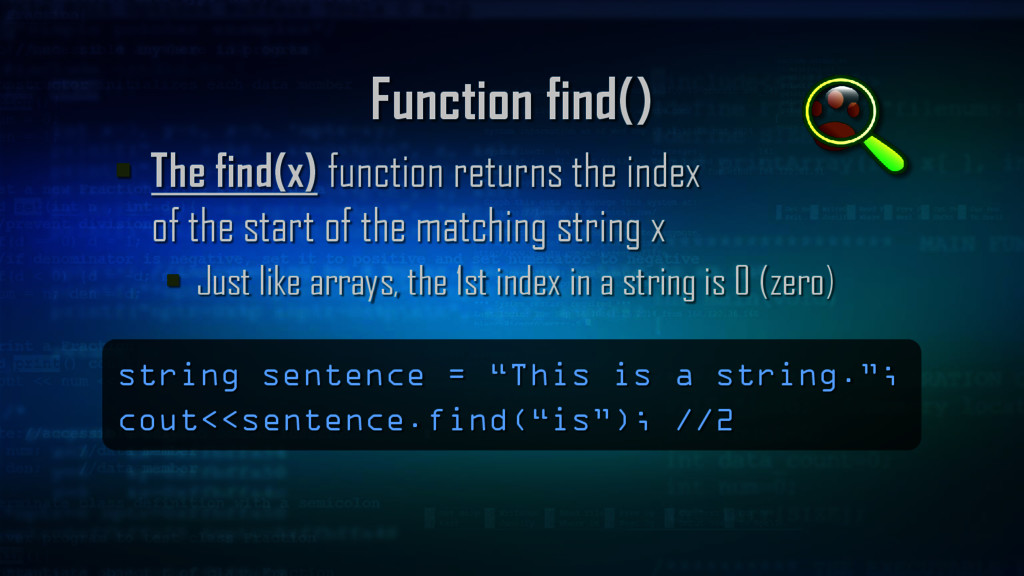
the start of the matching string x Just like arrays, the 1st index in a string is 0 (zero) string sentence = “This is a string.”; cout<<sentence.find(“is”); //2
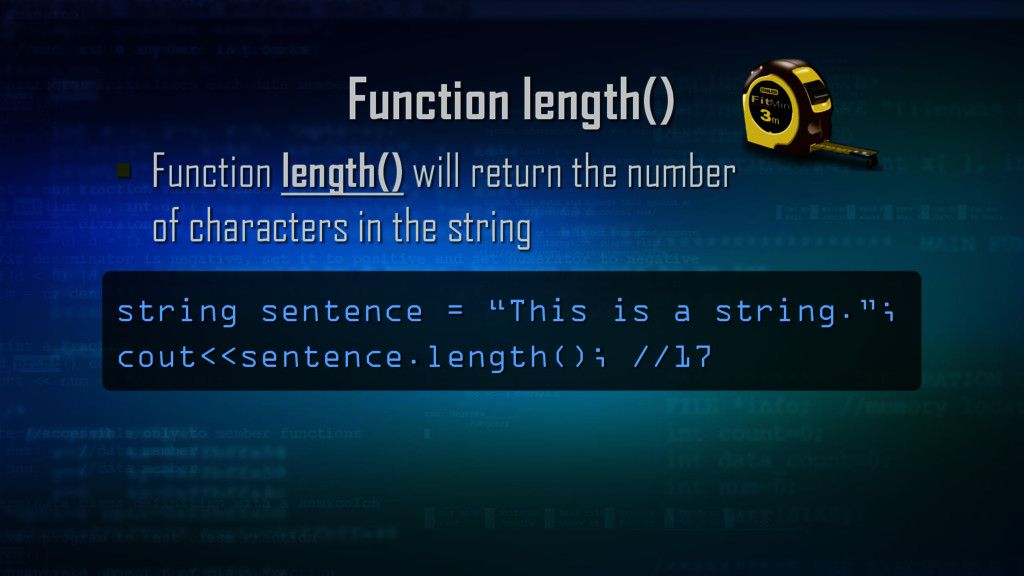
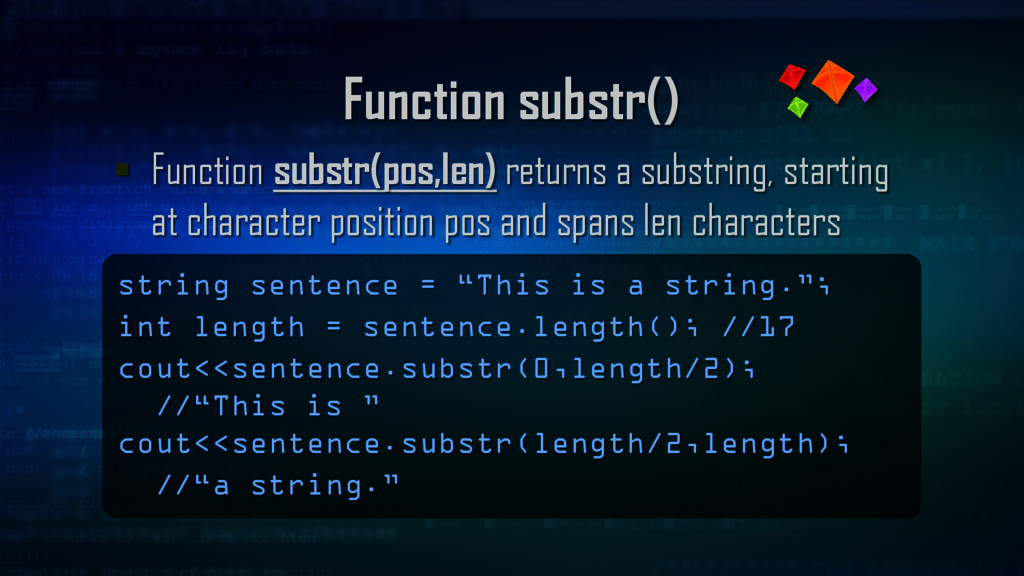
character position pos and spans len characters string sentence = “This is a string.”; int length = sentence.length(); //17 cout<<sentence.substr(0,length/2); //“This is ” cout<<sentence.substr(length/2,length); //“a string.”
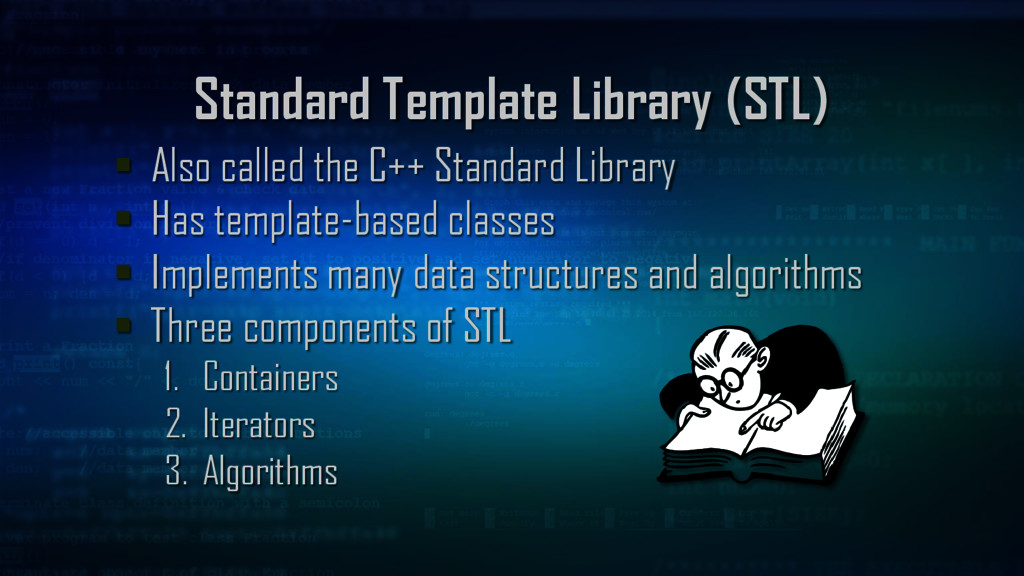
Library Has template-based classes Implements many data structures and algorithms Three components of STL 1. Containers 2. Iterators 3. Algorithms
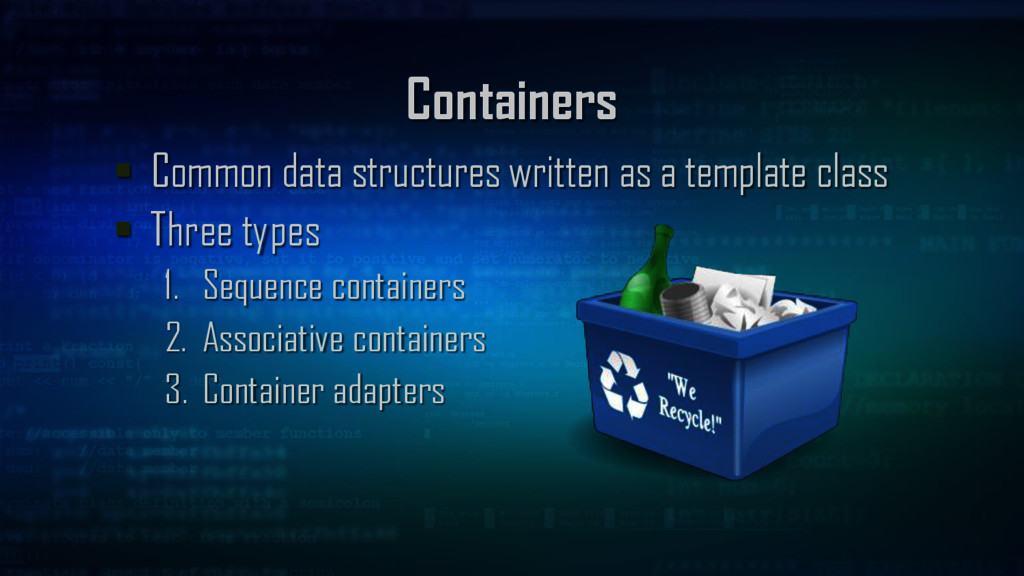
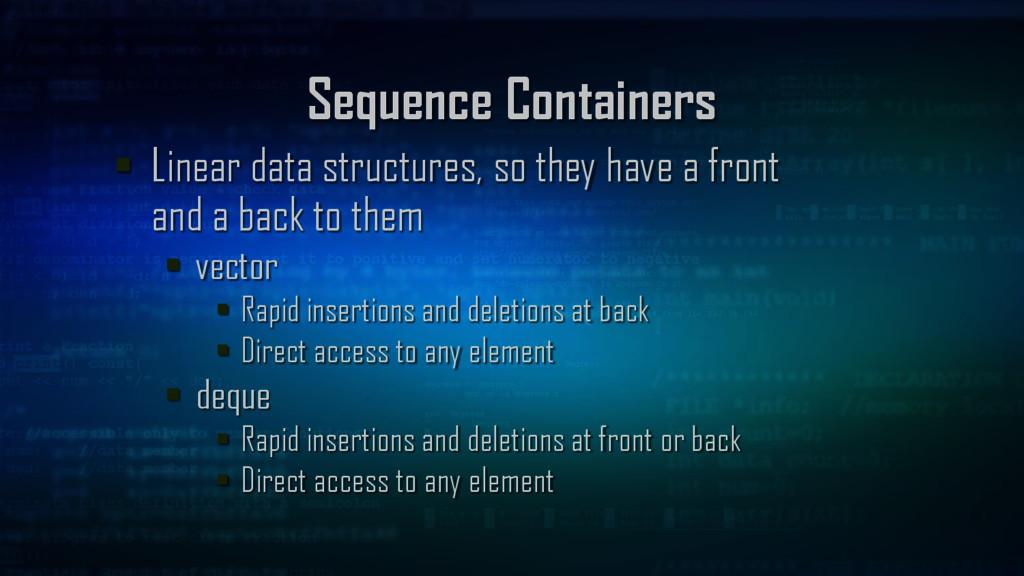
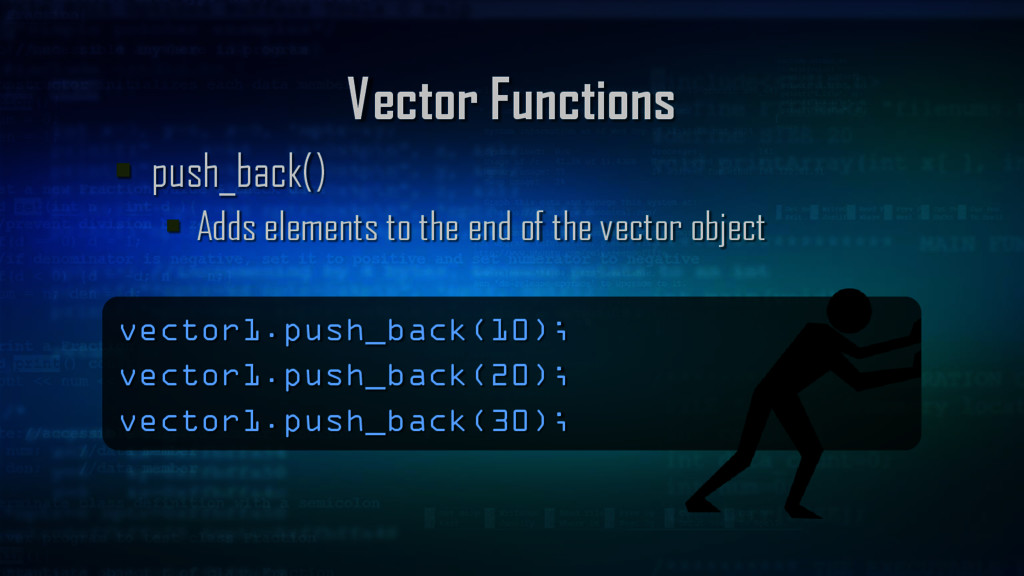
front and a back to them vector Rapid insertions and deletions at back Direct access to any element deque Rapid insertions and deletions at front or back Direct access to any element
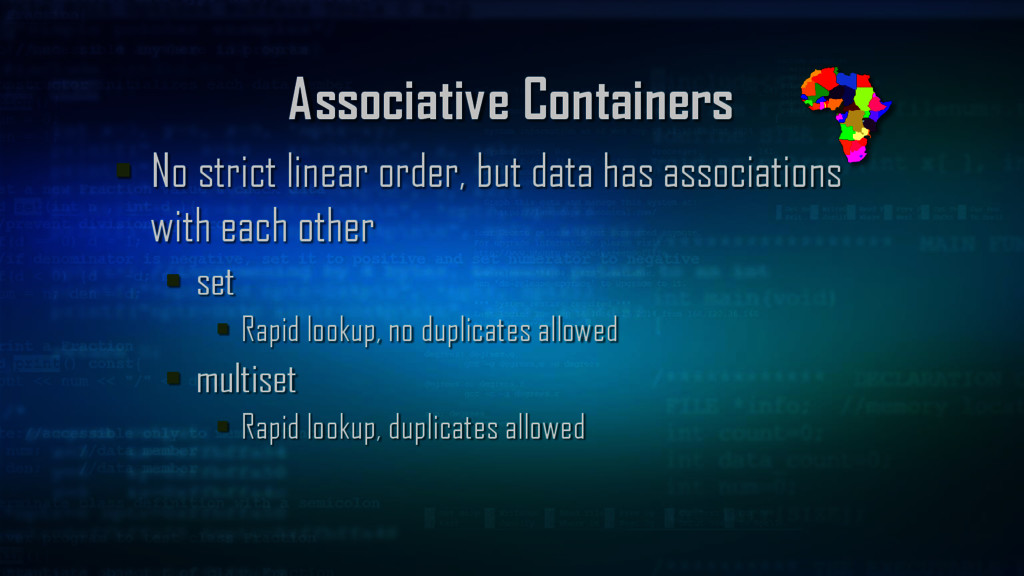
associations with each other map One to one mapping, rapid key-based lookup, no duplicates allowed multimap One to one mapping, rapid key-based lookup, duplicates allowed
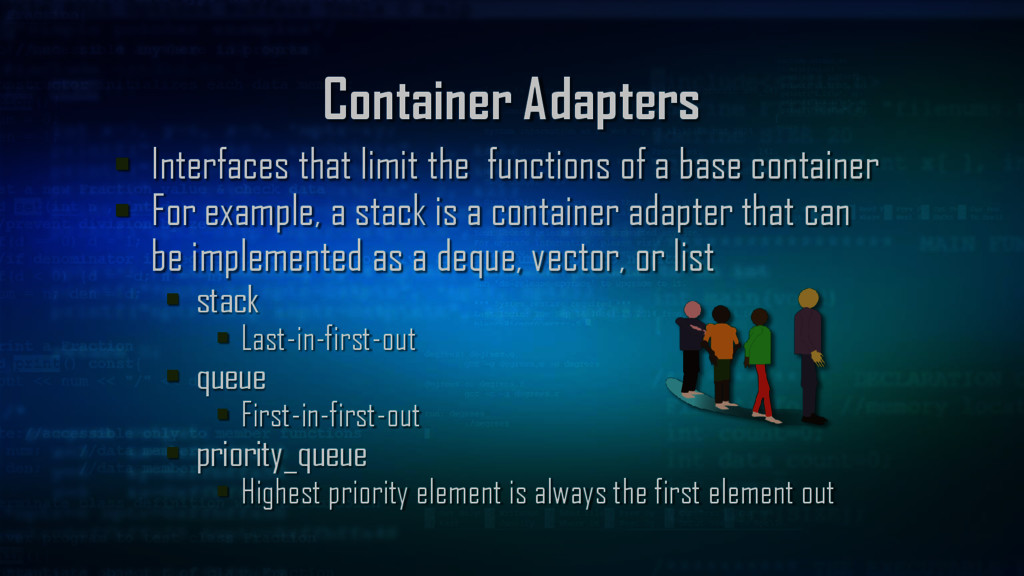
base container For example, a stack is a container adapter that can be implemented as a deque, vector, or list stack Last-in-first-out queue First-in-first-out priority_queue Highest priority element is always the first element out
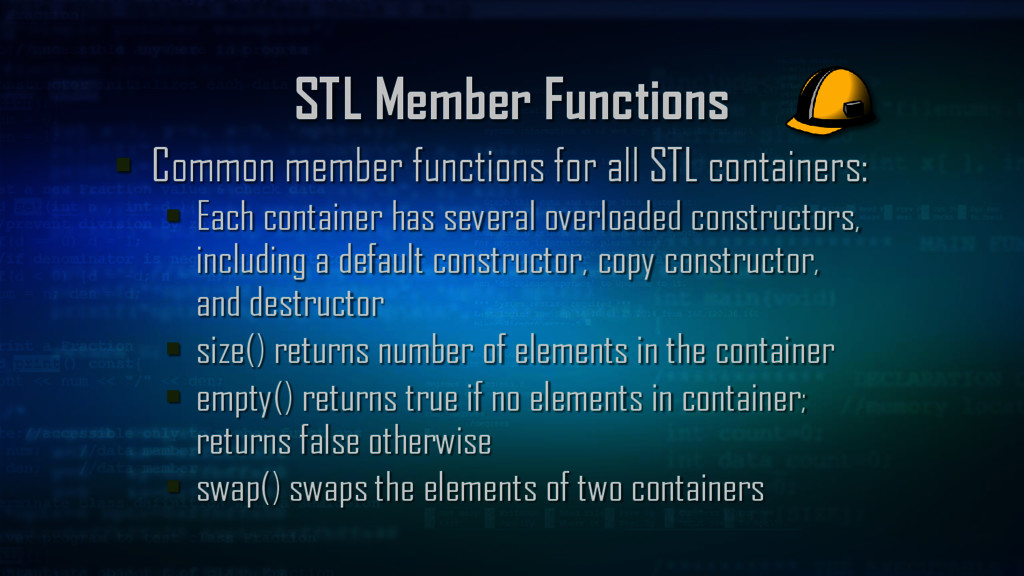
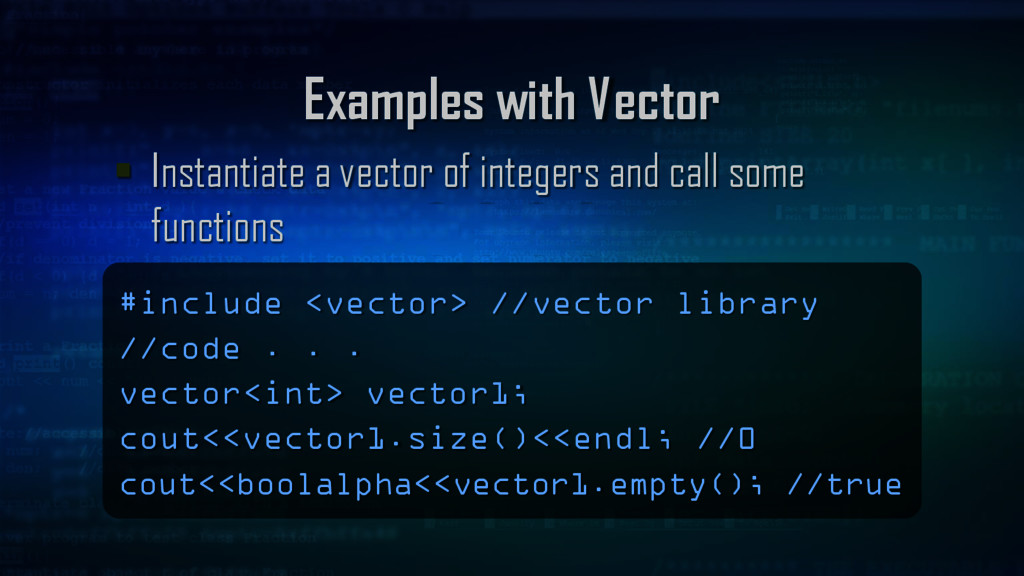
containers: Each container has several overloaded constructors, including a default constructor, copy constructor, and destructor size() returns number of elements in the container empty() returns true if no elements in container; returns false otherwise swap() swaps the elements of two containers
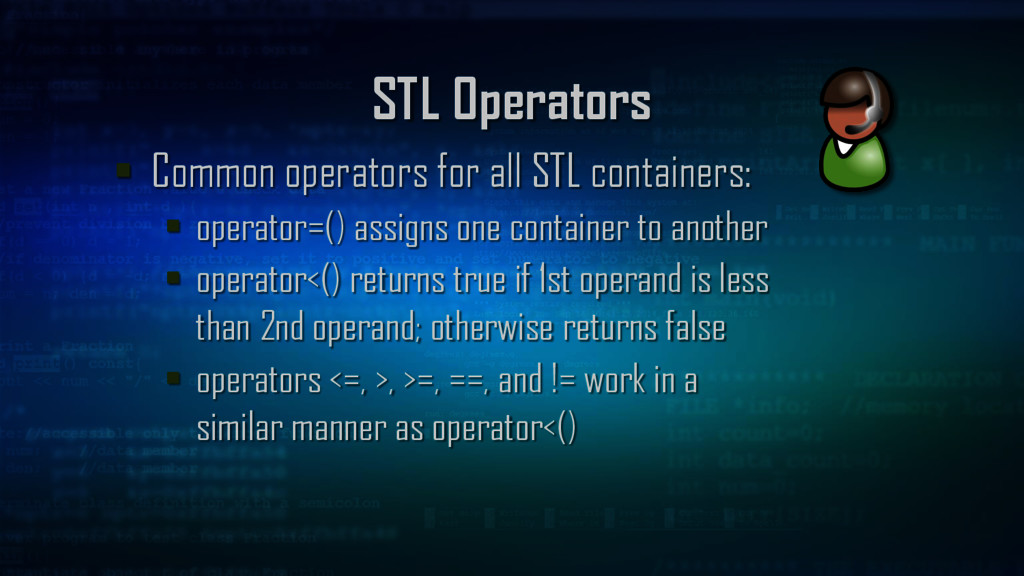
operator=() assigns one container to another operator<() returns true if 1st operand is less than 2nd operand; otherwise returns false operators <=, >, >=, ==, and != work in a similar manner as operator<()
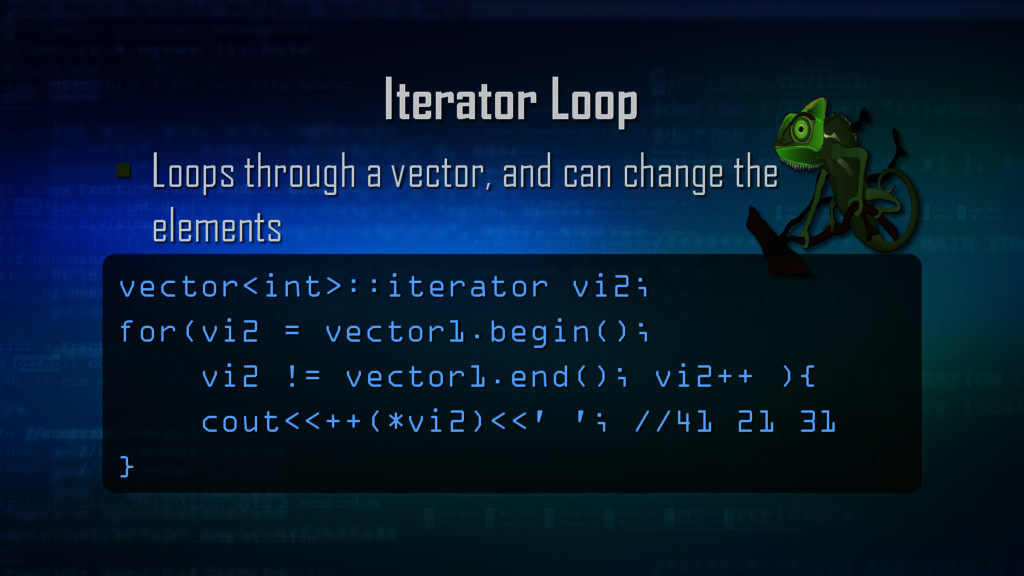
function Do the same thing, return the object located at that index for(int i = 0; i<vector1.size(); i++ ){ cout<<vector1[i]<<' '; cout<<vector1.at(i)<<' '; //10 10 20 20 30 30 }
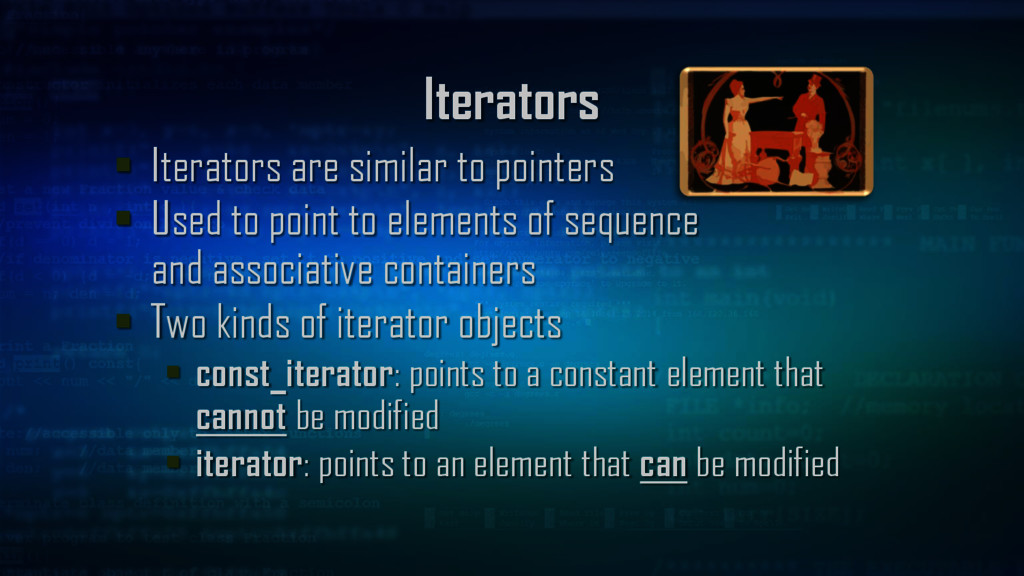
point to elements of sequence and associative containers Two kinds of iterator objects const_iterator: points to a constant element that cannot be modified iterator: points to an element that can be modified
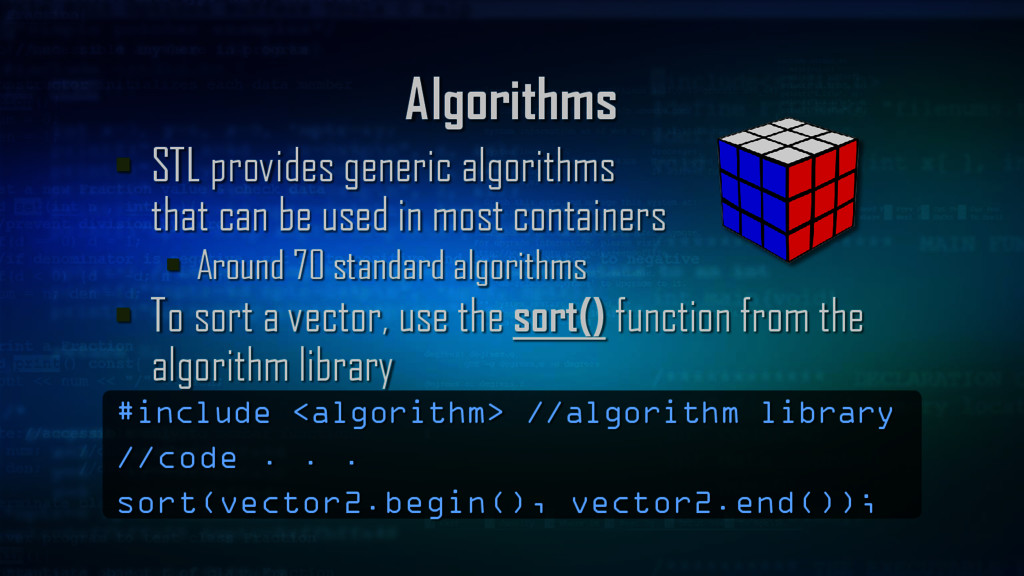
in most containers Around 70 standard algorithms To sort a vector, use the sort() function from the algorithm library #include <algorithm> //algorithm library //code . . . sort(vector2.begin(), vector2.end());
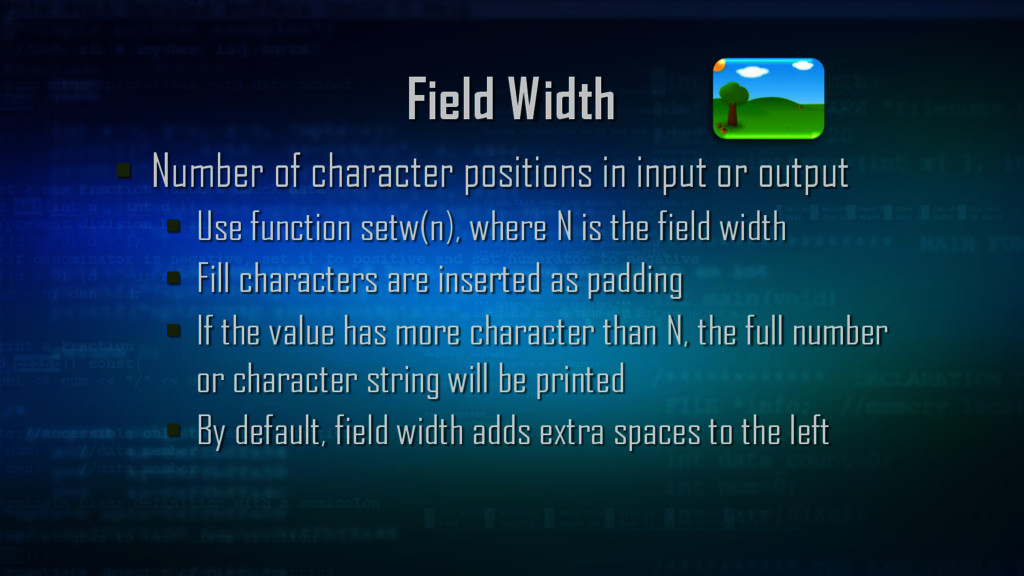
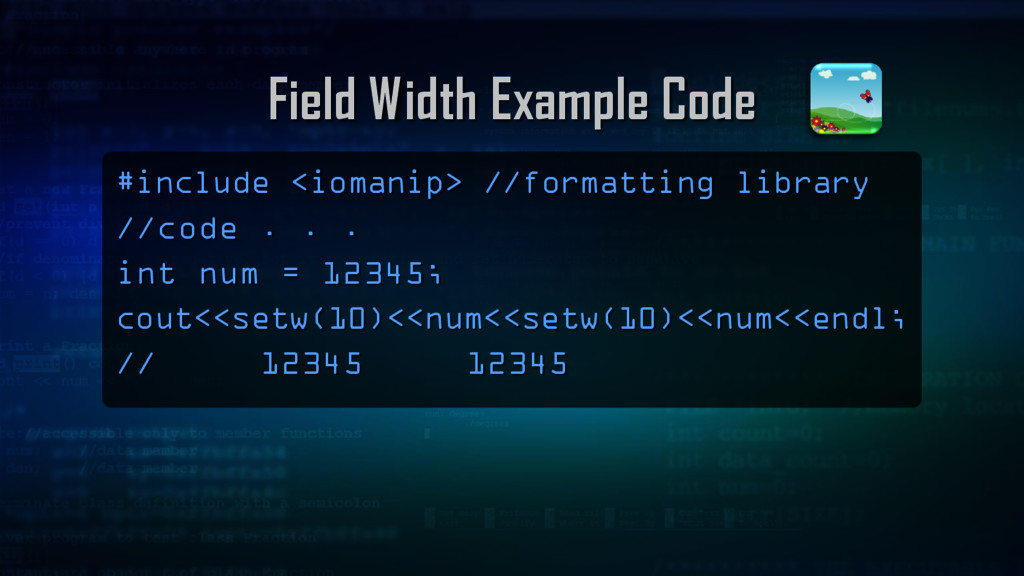
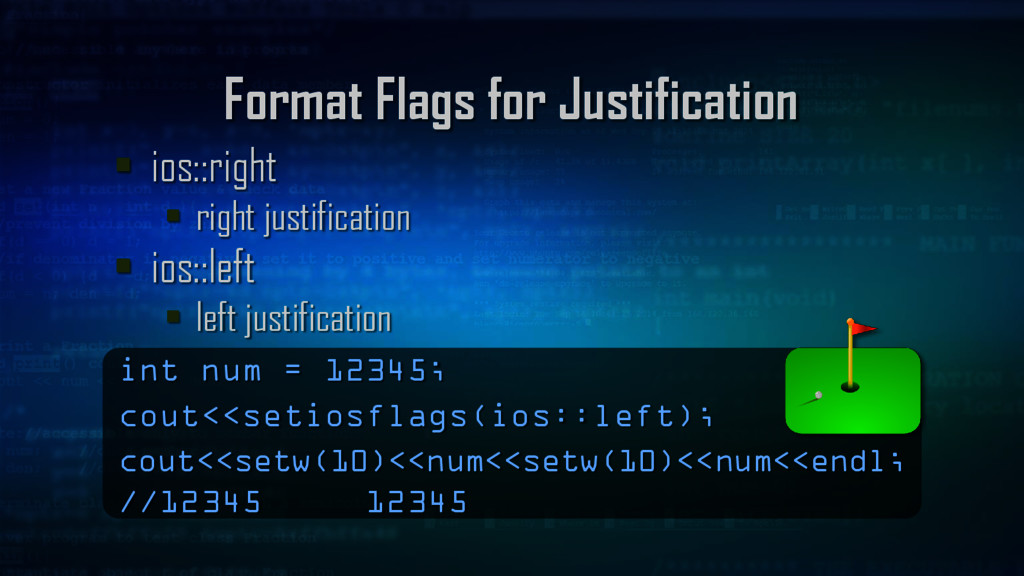
output Use function setw(n), where N is the field width Fill characters are inserted as padding If the value has more character than N, the full number or character string will be printed By default, field width adds extra spaces to the left
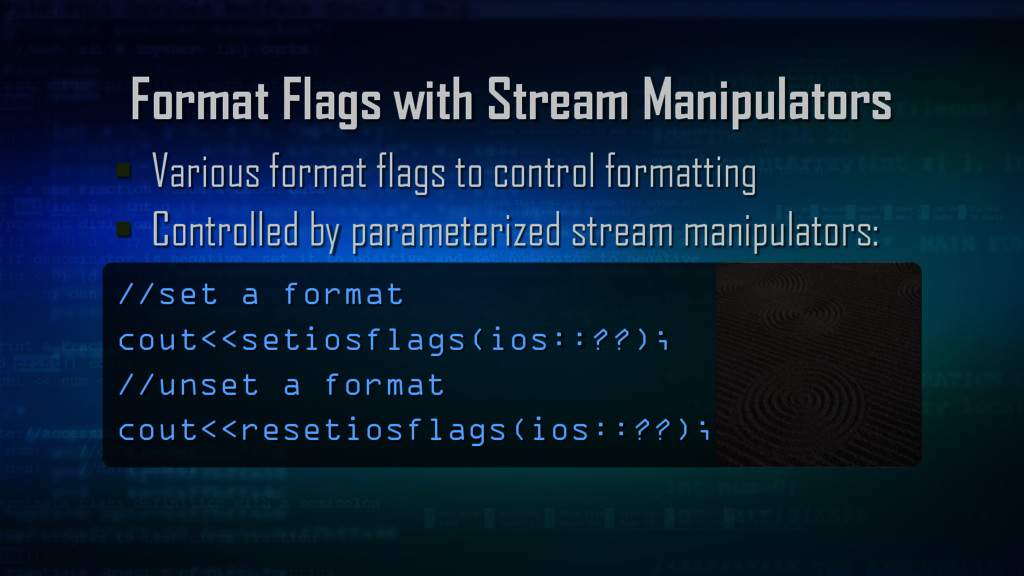
control formatting Controlled by parameterized stream manipulators: //set a format cout<<setiosflags(ios::??); //unset a format cout<<resetiosflags(ios::??);
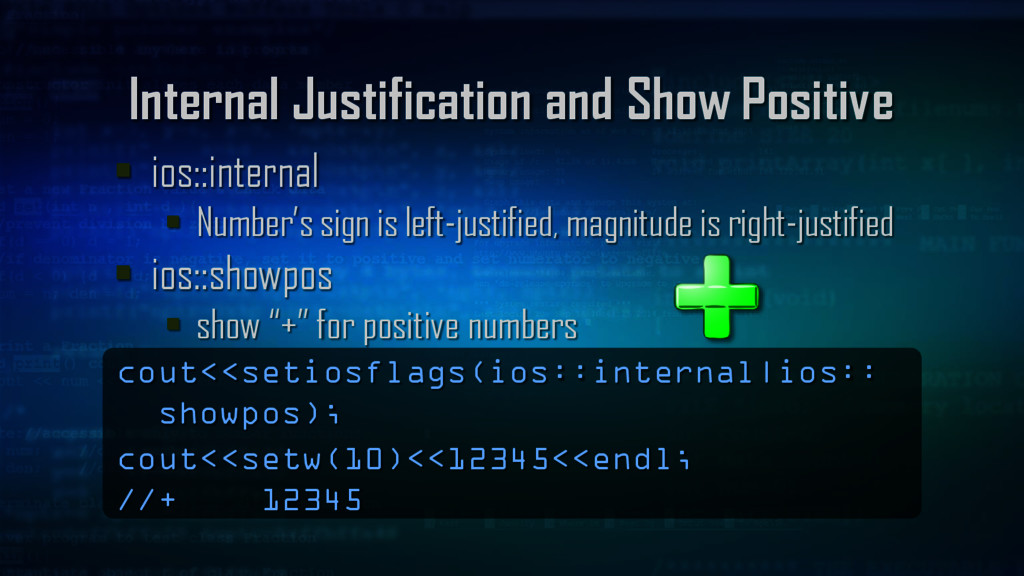
is left-justified, magnitude is right-justified ios::showpos show “+” for positive numbers cout<<setiosflags(ios::internal|ios:: showpos); cout<<setw(10)<<12345<<endl; //+ 12345
ios::uppercase hex numbers, e in scientific notation become uppercase cout<<setiosflags(ios::scientific|ios:: uppercase); cout<<123.456<<endl; //1.234560E+002


 billlymacc
 ryu1013
 rshindo
 yuta_onishi_97
 a_matsuda
 lef237
 kawashimo0
 htkym
htkym
 texmeijin
 rkaga
rkaga
 jame2408
 koic
koic
 artoy
artoy
 nonsquared
 aleyda
 cassininazir
 bermonpainter
 baasie
 speakerdeck
 inesmontani
 marktimemedia
 wjessup
 davidcarrasco
 danielanewman
 sstephenson








![Vector Functions subscript operator [ ] and at( )](https://files.speakerdeck.com/presentations/3f115cd9276e420ca6e88a5a429d8cae/slide_36.jpg)