Upgrade to Pro — share decks privately, control downloads, hide ads and more …

Building a Kubernetes Operator in Quarkus

Sponsored · Ship Features Fearlessly Turn features on and off without deploys. Used by thousands of Ruby developers. →
Fabian Lange
December 04, 2019

Building a Kubernetes Operator in Quarkus

This are the slides for my quick 20 minute run through of a presentation . my colleague Fabian Stäber gave before.

More information on the Instana blog:
https://www.instana.com/blog/writing-a-kubernetes-operator-in-java-part-1/

You can follow Fabians longer version of the live coding from his JavaZone presentation on the recording available on vimeo:
https://vimeo.com/360823960

Fabian Lange

December 04, 2019

Transcript

8 slides
  1. © 2019, Amazon Web Services, Inc. or its affiliates. All

    rights reserved. Building a Kubernetes Operator in Quarkus D E M 3 5 - S Fabian Lange VP of Engineering Instana
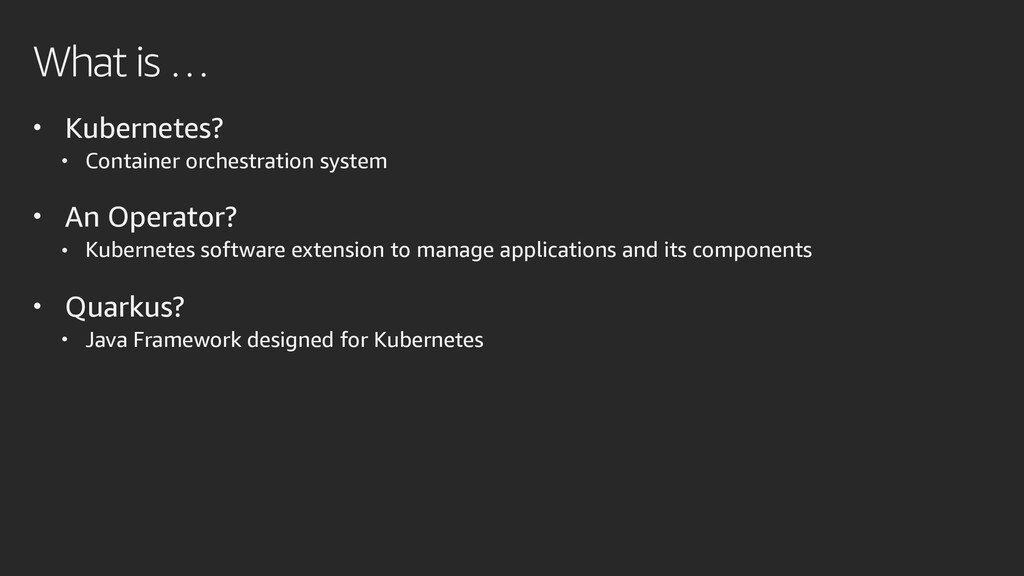
  2. What is … • Kubernetes? • Container orchestration system •

    An Operator? • Kubernetes software extension to manage applications and its components • Quarkus? • Java Framework designed for Kubernetes
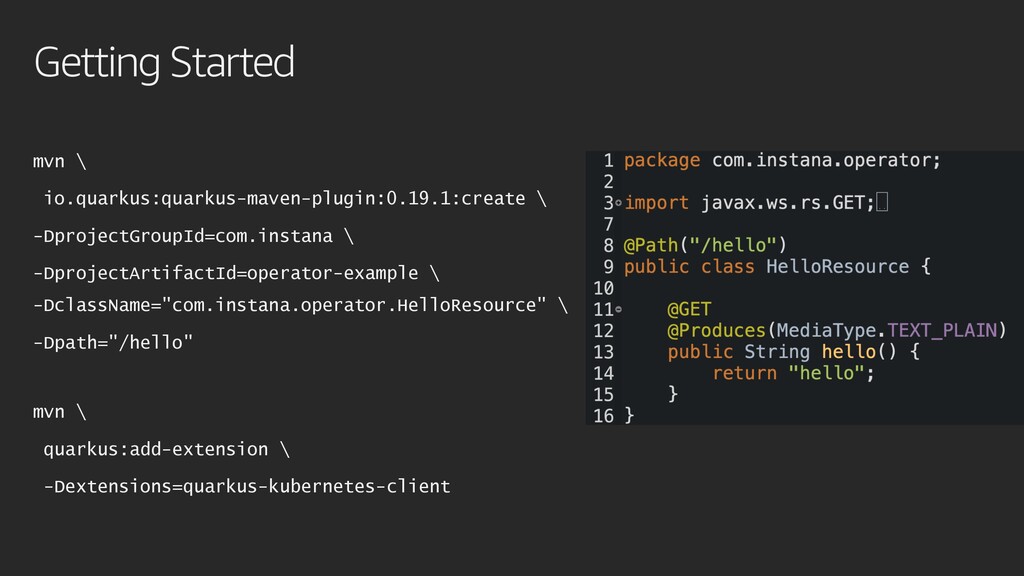
  3. Getting Started mvn \ io.quarkus:quarkus-maven-plugin:0.19.1:create \ -DprojectGroupId=com.instana \ -DprojectArtifactId=operator-example \

    -DclassName="com.instana.operator.HelloResource" \ -Dpath="/hello" mvn \ quarkus:add-extension \ -Dextensions=quarkus-kubernetes-client
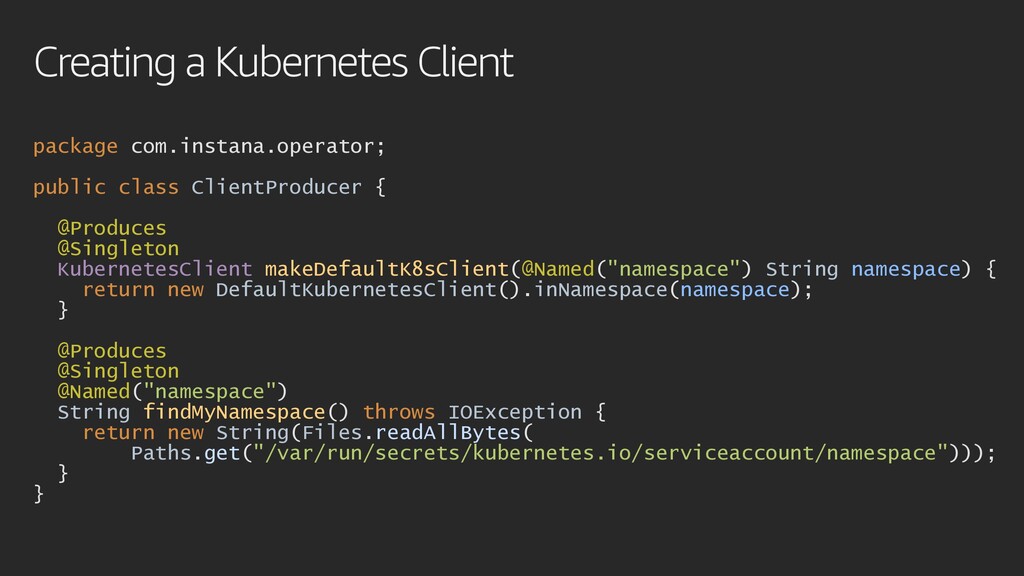
  4. package com.instana.operator; public class ClientProducer { @Produces @Singleton KubernetesClient makeDefaultK8sClient(@Named("namespace")

    String namespace) { return new DefaultKubernetesClient().inNamespace(namespace); } @Produces @Singleton @Named("namespace") String findMyNamespace() throws IOException { return new String(Files.readAllBytes( Paths.get("/var/run/secrets/kubernetes.io/serviceaccount/namespace"))); } } Creating a Kubernetes Client
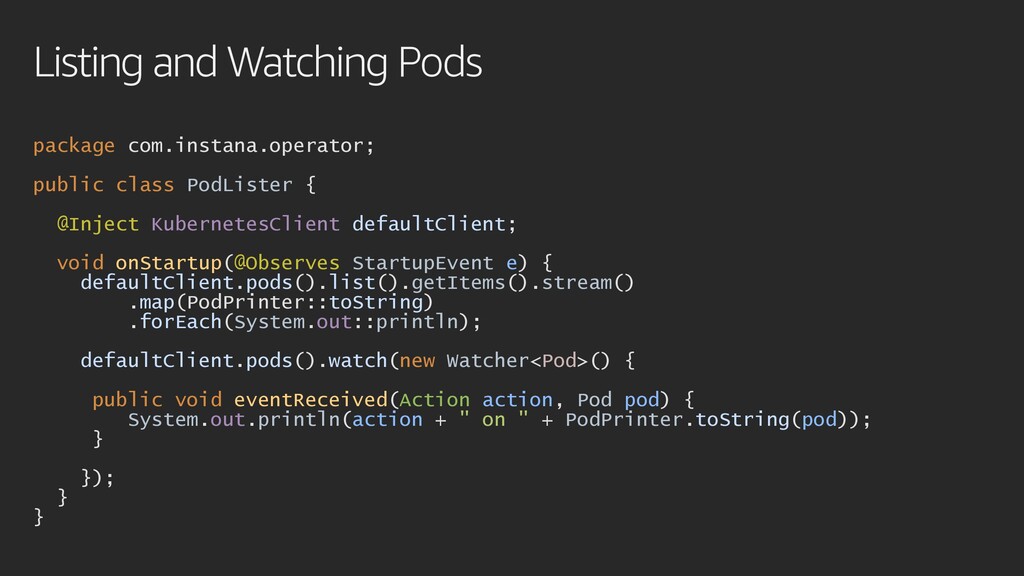
  5. package com.instana.operator; public class PodLister { @Inject KubernetesClient defaultClient; void

    onStartup(@Observes StartupEvent e) { defaultClient.pods().list().getItems().stream() .map(PodPrinter::toString) .forEach(System.out::println); defaultClient.pods().watch(new Watcher<Pod>() { public void eventReceived(Action action, Pod pod) { System.out.println(action + " on " + PodPrinter.toString(pod)); } }); } } Listing and Watching Pods
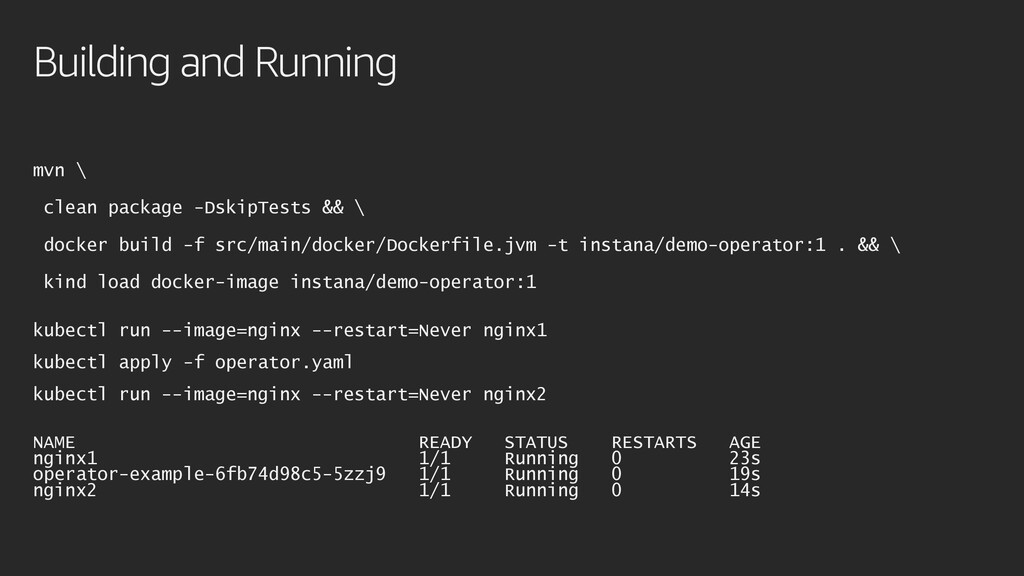
  6. Building and Running mvn \ clean package -DskipTests && \

    docker build -f src/main/docker/Dockerfile.jvm -t instana/demo-operator:1 . && \ kind load docker-image instana/demo-operator:1 kubectl run --image=nginx --restart=Never nginx1 kubectl apply -f operator.yaml kubectl run --image=nginx --restart=Never nginx2 NAME READY STATUS RESTARTS AGE nginx1 1/1 Running 0 23s operator-example-6fb74d98c5-5zzj9 1/1 Running 0 19s nginx2 1/1 Running 0 14s
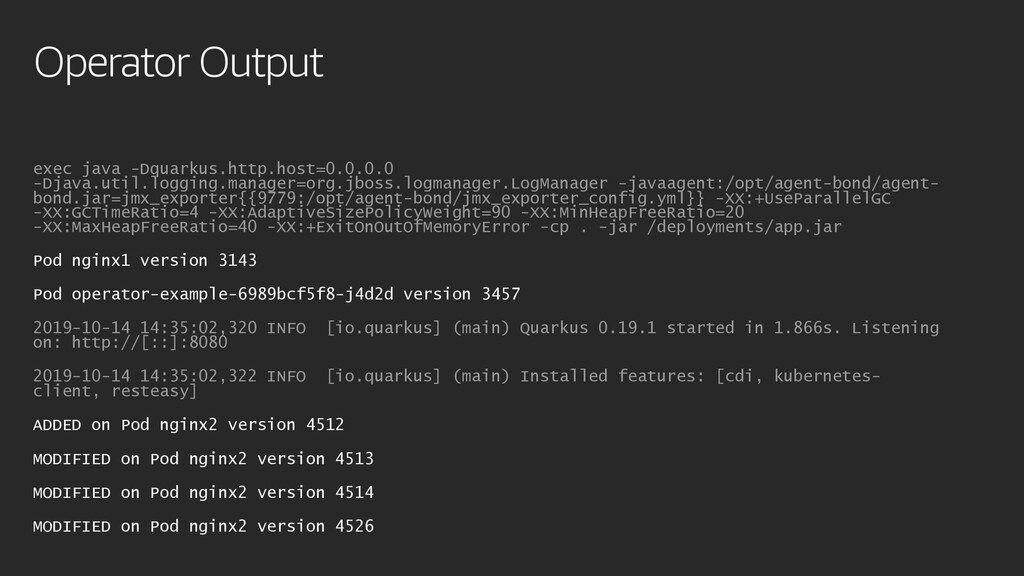
  7. Operator Output exec java -Dquarkus.http.host=0.0.0.0 -Djava.util.logging.manager=org.jboss.logmanager.LogManager -javaagent:/opt/agent-bond/agent- bond.jar=jmx_exporter{{9779:/opt/agent-bond/jmx_exporter_config.yml}} -XX:+UseParallelGC -XX:GCTimeRatio=4

    -XX:AdaptiveSizePolicyWeight=90 -XX:MinHeapFreeRatio=20 -XX:MaxHeapFreeRatio=40 -XX:+ExitOnOutOfMemoryError -cp . -jar /deployments/app.jar Pod nginx1 version 3143 Pod operator-example-6989bcf5f8-j4d2d version 3457 2019-10-14 14:35:02,320 INFO [io.quarkus] (main) Quarkus 0.19.1 started in 1.866s. Listening on: http://[::]:8080 2019-10-14 14:35:02,322 INFO [io.quarkus] (main) Installed features: [cdi, kubernetes- client, resteasy] ADDED on Pod nginx2 version 4512 MODIFIED on Pod nginx2 version 4513 MODIFIED on Pod nginx2 version 4514 MODIFIED on Pod nginx2 version 4526

More Decks by Fabian Lange

Other Decks in Programming