Upgrade to Pro — share decks privately, control downloads, hide ads and more …

How to Speed Up Development with Block Scaffolding

Sponsored · Ship Features Fearlessly Turn features on and off without deploys. Used by thousands of Ruby developers.

How to Speed Up Development with Block Scaffolding

More Decks by Grzegorz (Greg) Ziółkowski

Other Decks in Programming

Transcript

  1. “ That’s are clear signs of the Renaissance for JavaScript.

    Renaissance was a time when people became creative, and JavaScript is currently a place where creativity thrives. ” ALEXANDER BELETSKY medium.com/@alexbeletsky/renaissance-of-javascript-485118447cf9
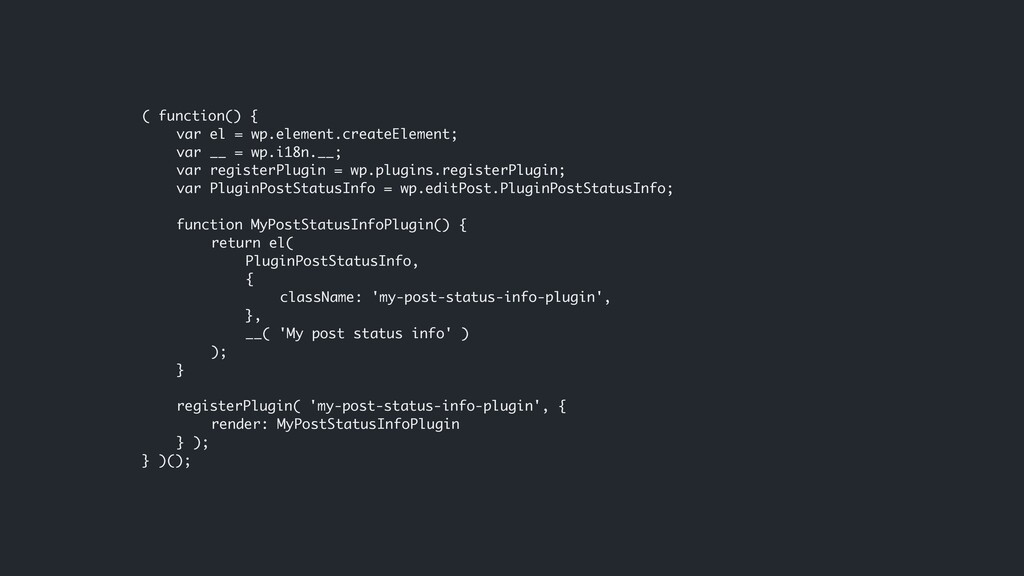
  2. ( function() { var el = wp.element.createElement; var __ =

    wp.i18n.__; var registerPlugin = wp.plugins.registerPlugin; var PluginPostStatusInfo = wp.editPost.PluginPostStatusInfo; function MyPostStatusInfoPlugin() { return el( PluginPostStatusInfo, { className: 'my-post-status-info-plugin', }, __( 'My post status info' ) ); } registerPlugin( 'my-post-status-info-plugin', { render: MyPostStatusInfoPlugin } ); } )();
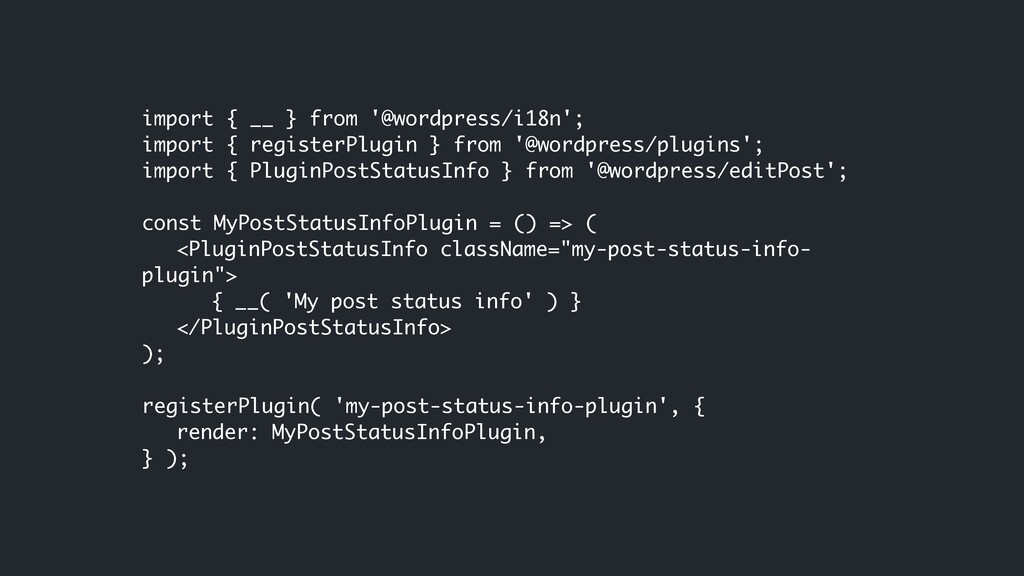
  3. import { __ } from '@wordpress/i18n'; import { registerPlugin }

    from '@wordpress/plugins'; import { PluginPostStatusInfo } from '@wordpress/editPost'; const MyPostStatusInfoPlugin = () => ( <PluginPostStatusInfo className="my-post-status-info- plugin"> { __( 'My post status info' ) } </PluginPostStatusInfo> ); registerPlugin( 'my-post-status-info-plugin', { render: MyPostStatusInfoPlugin, } );
  4. import { __ } from '@wordpress/i18n'; import { registerPlugin }

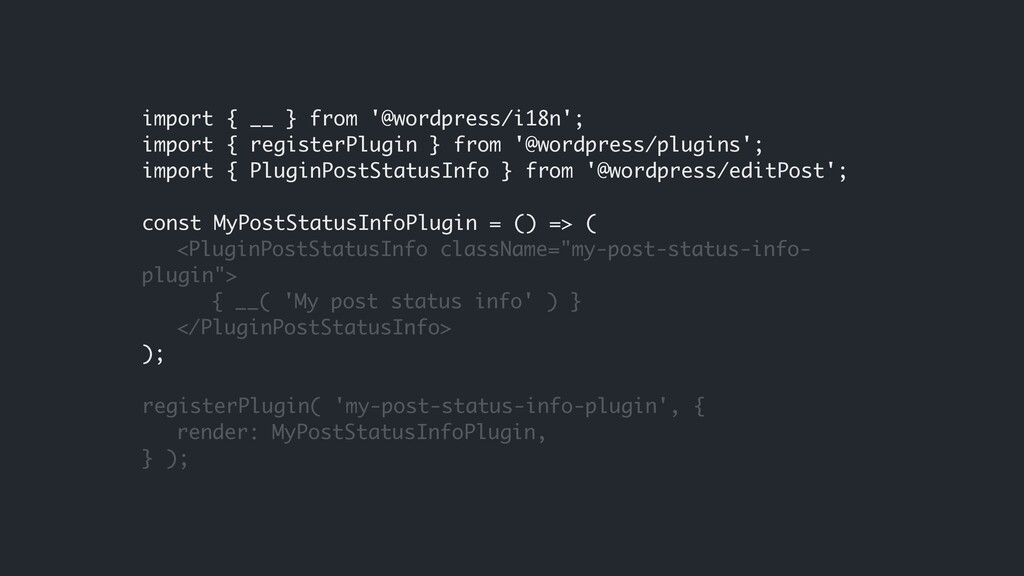
    from '@wordpress/plugins'; import { PluginPostStatusInfo } from '@wordpress/editPost'; const MyPostStatusInfoPlugin = () => ( <PluginPostStatusInfo className="my-post-status-info- plugin"> { __( 'My post status info' ) } </PluginPostStatusInfo> ); registerPlugin( 'my-post-status-info-plugin', { render: MyPostStatusInfoPlugin, } );
  5. import { __ } from '@wordpress/i18n'; import { registerPlugin }

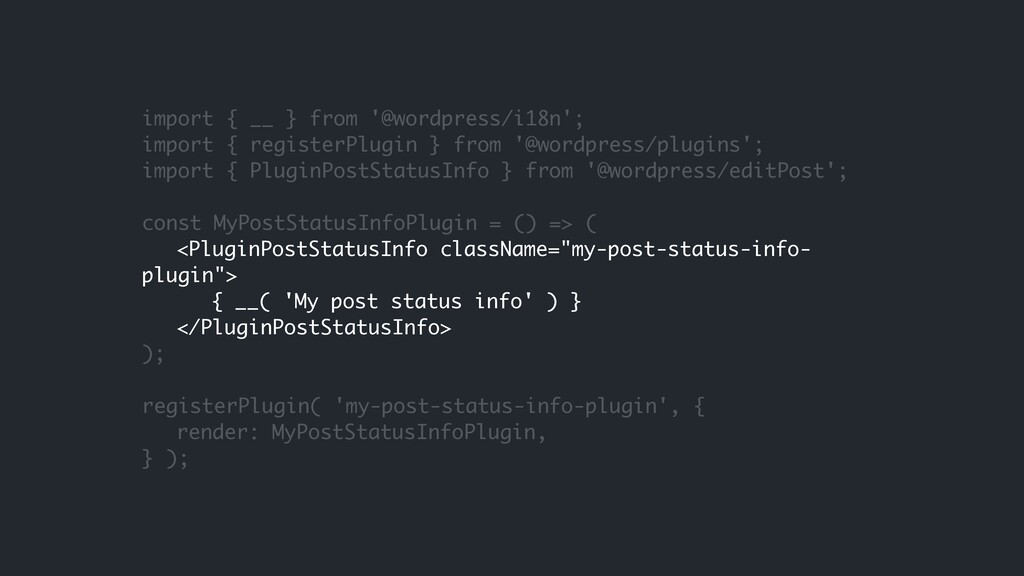
    from '@wordpress/plugins'; import { PluginPostStatusInfo } from '@wordpress/editPost'; const MyPostStatusInfoPlugin = () => ( <PluginPostStatusInfo className="my-post-status-info- plugin"> { __( 'My post status info' ) } </PluginPostStatusInfo> ); registerPlugin( 'my-post-status-info-plugin', { render: MyPostStatusInfoPlugin, } );
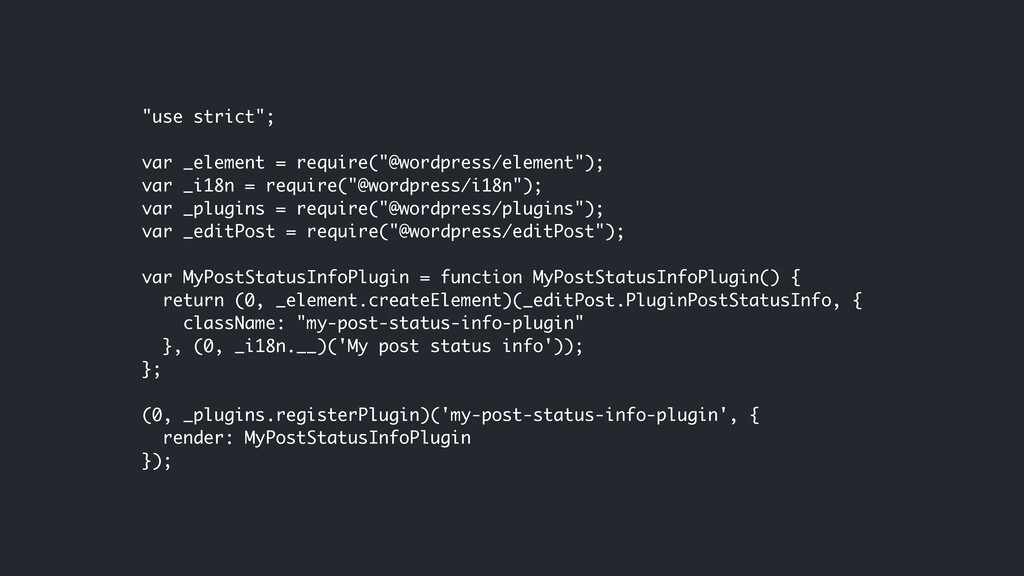
  6. "use strict"; var _element = require("@wordpress/element"); var _i18n = require("@wordpress/i18n");

    var _plugins = require("@wordpress/plugins"); var _editPost = require("@wordpress/editPost"); var MyPostStatusInfoPlugin = function MyPostStatusInfoPlugin() { return (0, _element.createElement)(_editPost.PluginPostStatusInfo, { className: "my-post-status-info-plugin" }, (0, _i18n.__)('My post status info')); }; (0, _plugins.registerPlugin)('my-post-status-info-plugin', { render: MyPostStatusInfoPlugin });
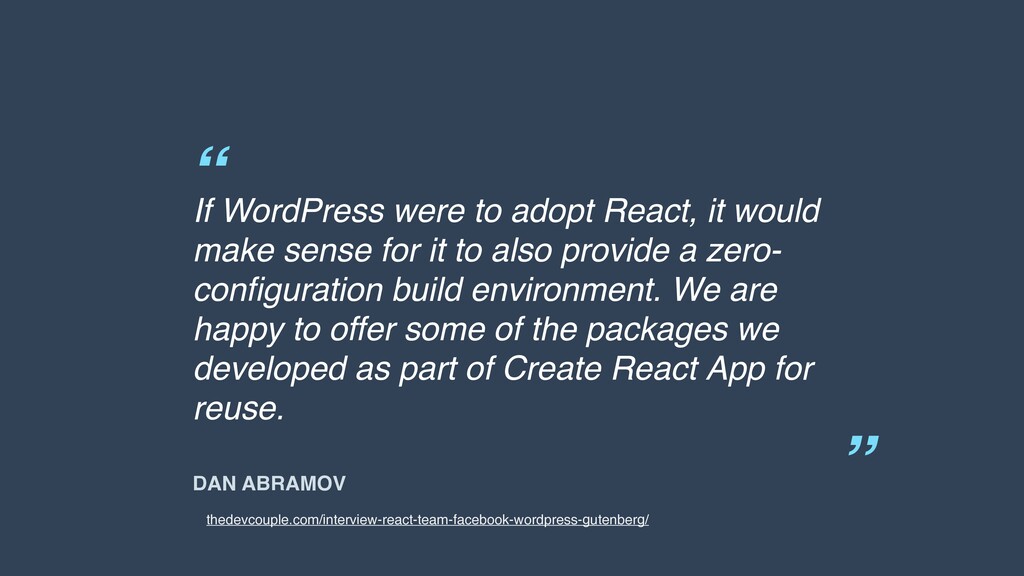
  7. “ ” DAN ABRAMOV If WordPress were to adopt React,

    it would make sense for it to also provide a zero- configuration build environment. We are happy to offer some of the packages we developed as part of Create React App for reuse. thedevcouple.com/interview-react-team-facebook-wordpress-gutenberg/
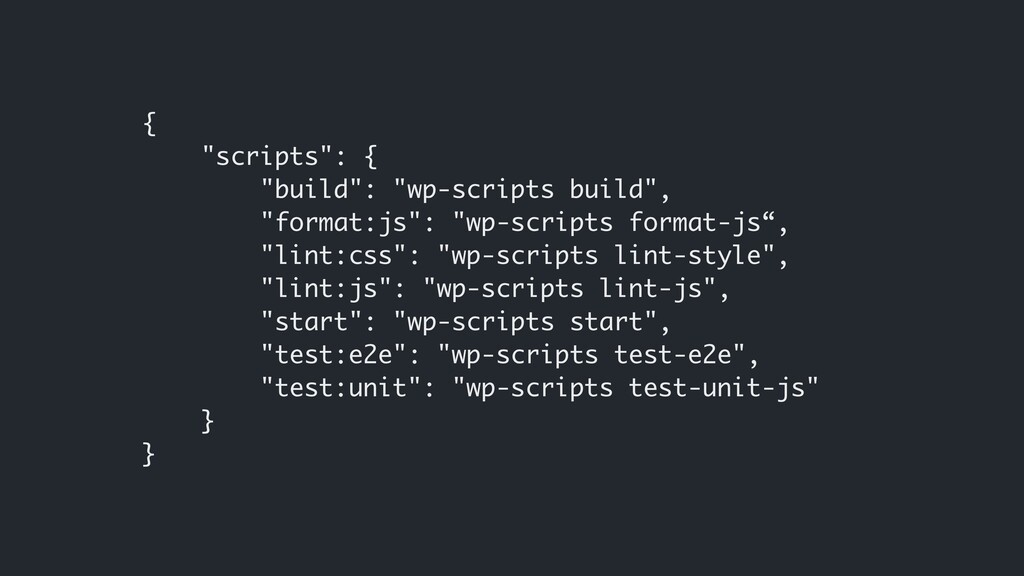
  8. { "scripts": { "build": "wp-scripts build", "format:js": "wp-scripts format-js“, "lint:css":

    "wp-scripts lint-style", "lint:js": "wp-scripts lint-js", "start": "wp-scripts start", "test:e2e": "wp-scripts test-e2e", "test:unit": "wp-scripts test-unit-js" } }