Upgrade to Pro — share decks privately, control downloads, hide ads and more …

Avoiding Limits Breaches

Avoiding Limits Breaches

Slide deck from London Salesforce Developers talk on Salesforce limits and how to avoid breaching them.

Avatar for Keir Bowden

Keir Bowden

March 21, 2026
Tweet

More Decks by Keir Bowden

Other Decks in Technology

Transcript

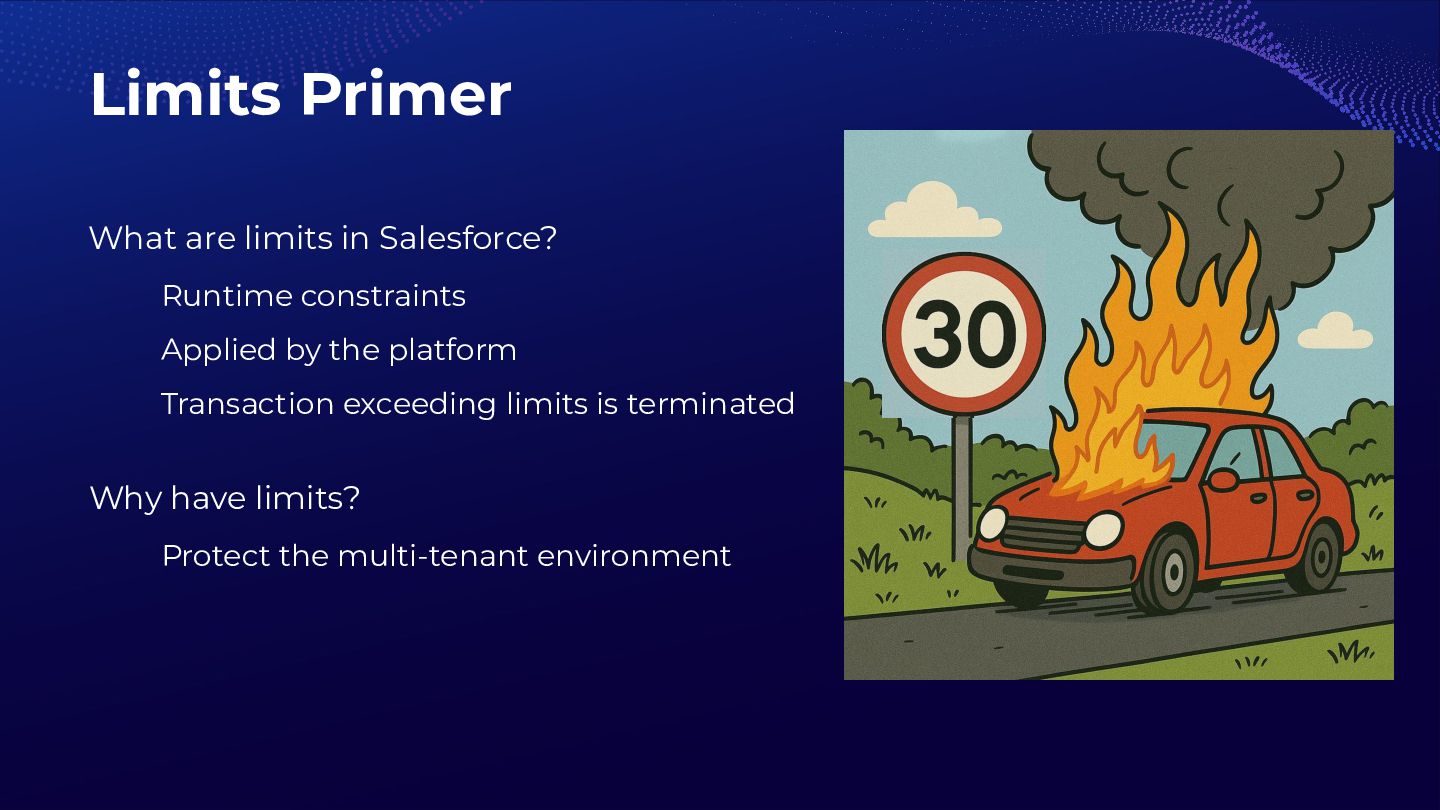
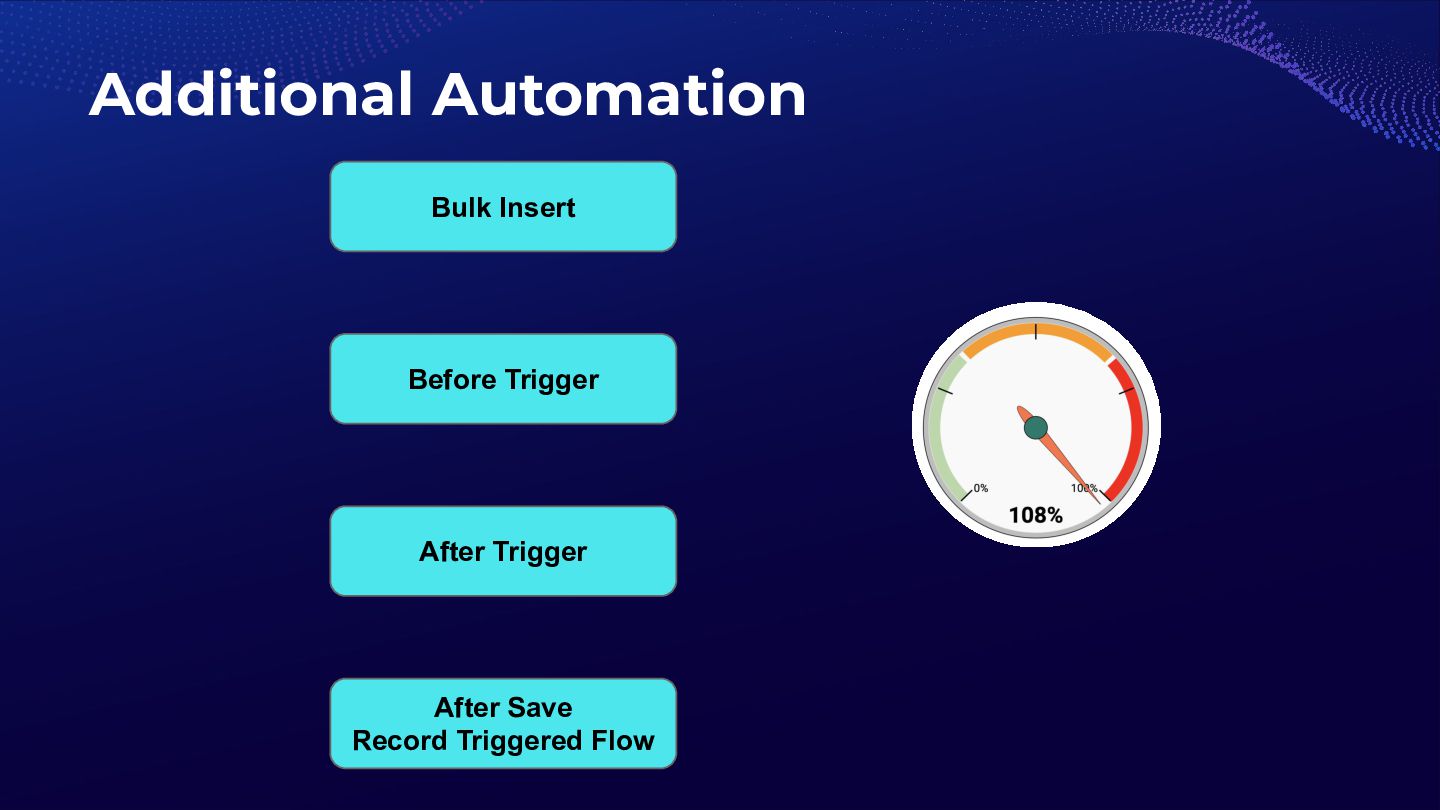
  1. Limits Primer What are limits in Salesforce? Runtime constraints Applied

    by the platform Transaction exceeding limits is terminated Why have limits? Protect the multi-tenant environment
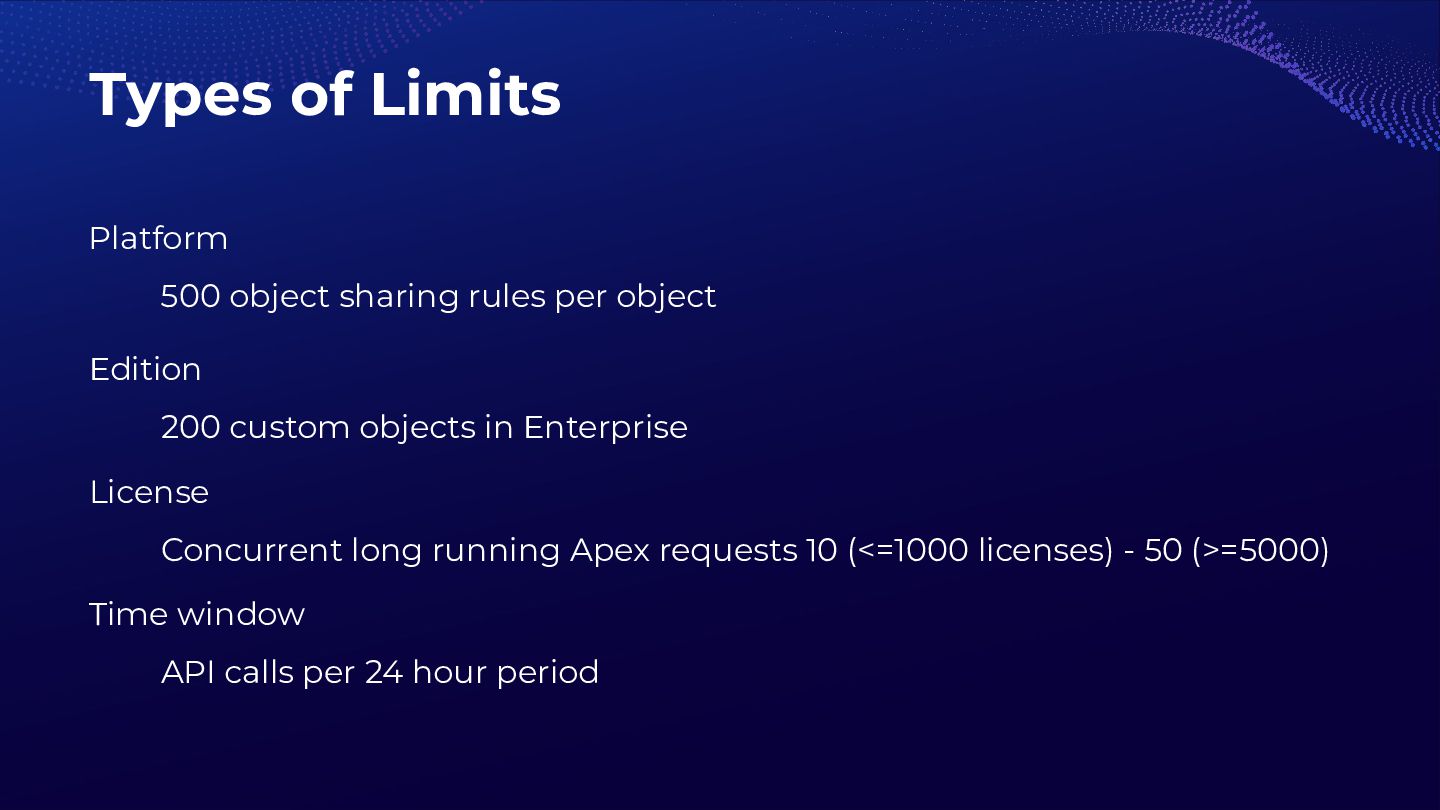
  2. Types of Limits Platform 500 object sharing rules per object

    Edition 200 custom objects in Enterprise License Concurrent long running Apex requests 10 (<=1000 licenses) - 50 (>=5000) Time window API calls per 24 hour period
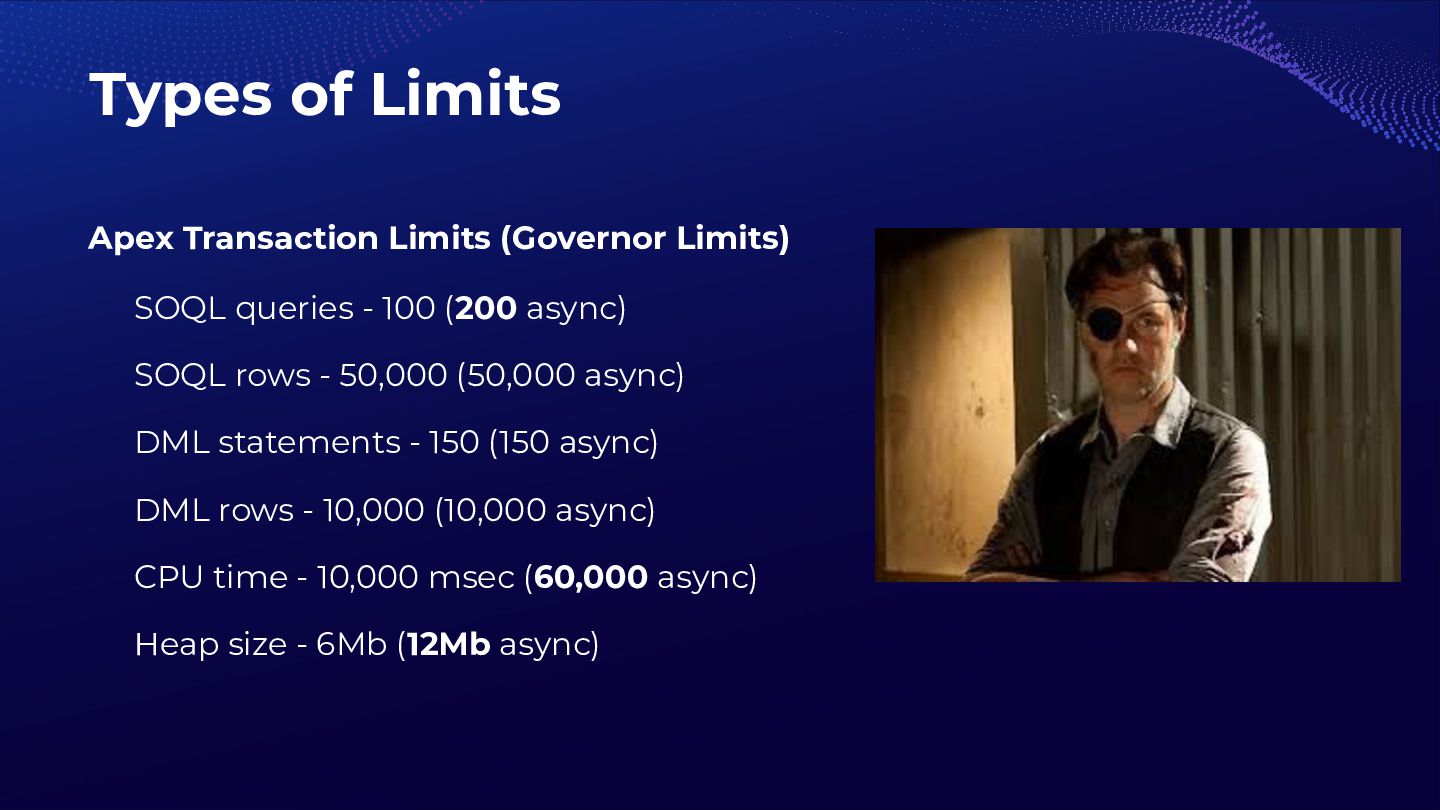
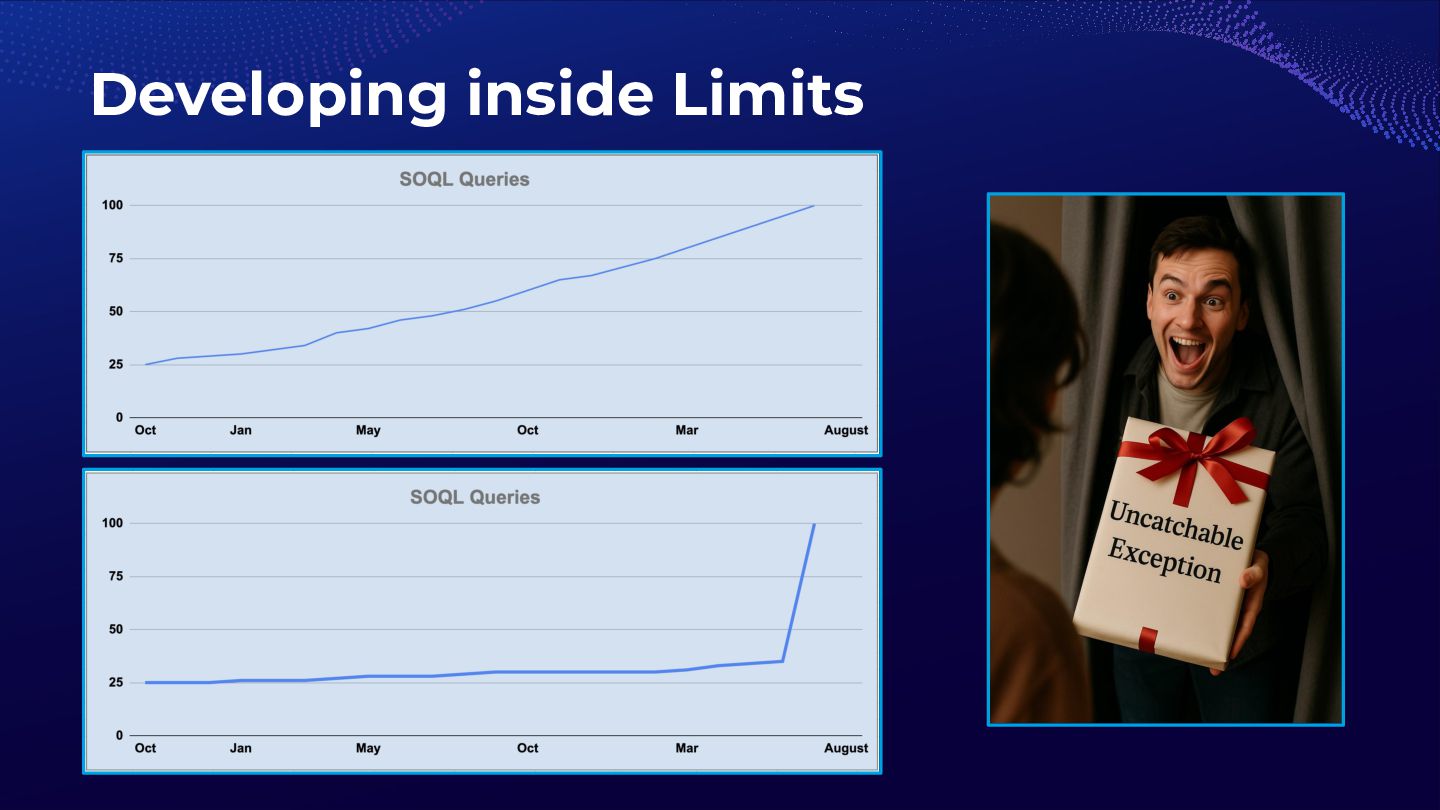
  3. Types of Limits Apex Transaction Limits (Governor Limits) SOQL queries

    - 100 (200 async) SOQL rows - 50,000 (50,000 async) DML statements - 150 (150 async) DML rows - 10,000 (10,000 async) CPU time - 10,000 msec (60,000 async) Heap size - 6Mb (12Mb async)
  4. Rage against the limit? Limits are a good thing! Ensures

    fair use of shared resources Reduces risk of abuse Ensures consistent performance Encourages scalable solutions Requires efficient development
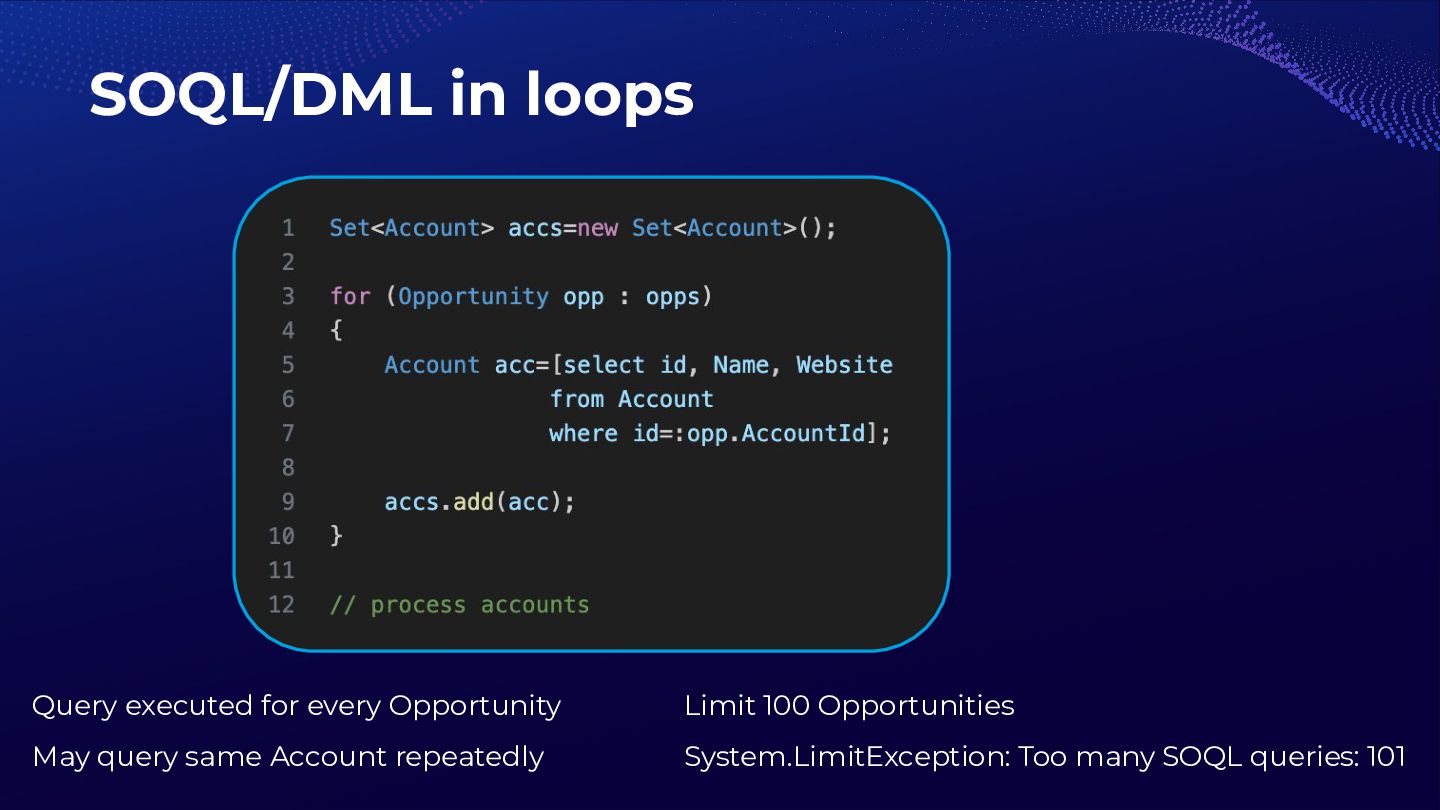
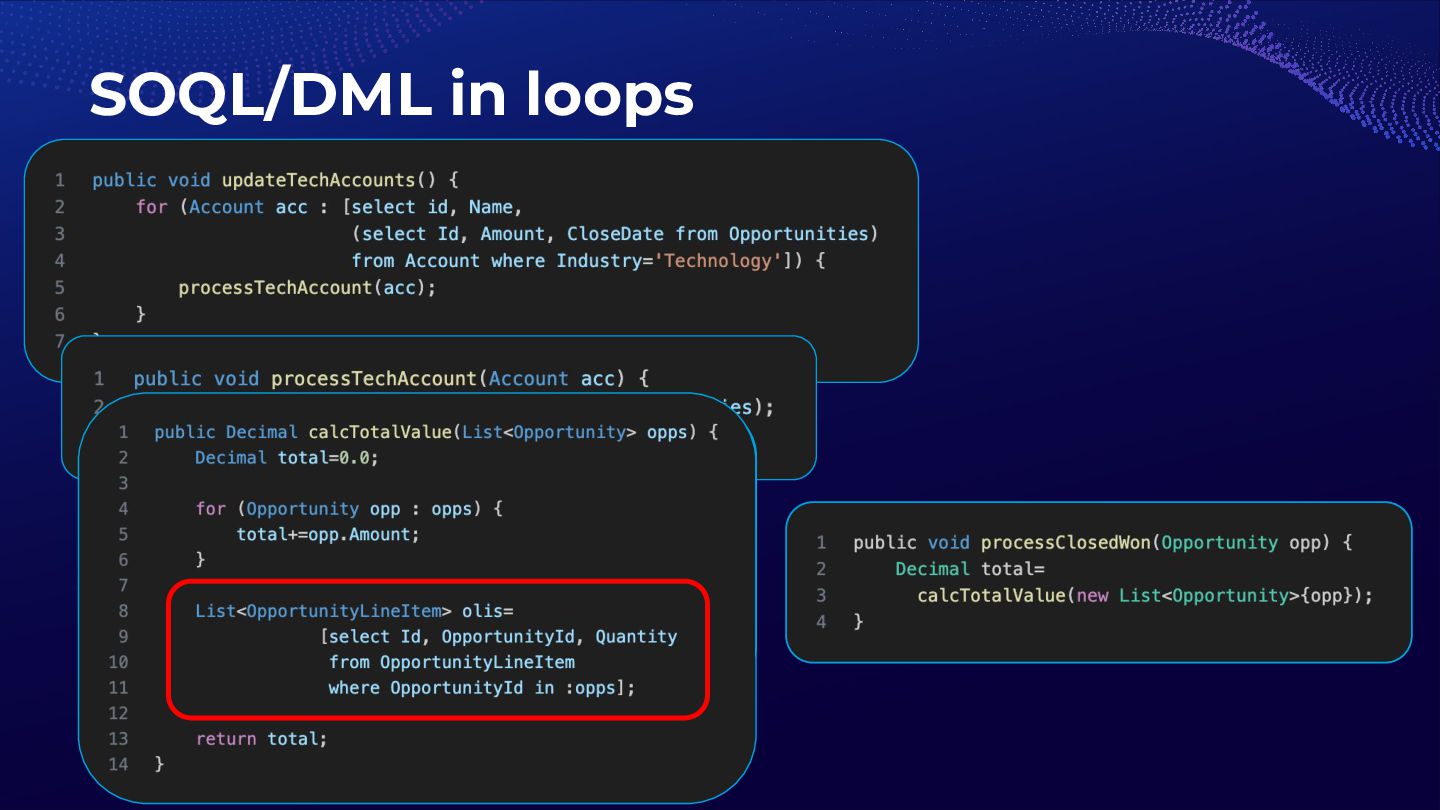
  5. SOQL/DML in loops Query executed for every Opportunity May query

    same Account repeatedly Limit 100 Opportunities System.LimitException: Too many SOQL queries: 101
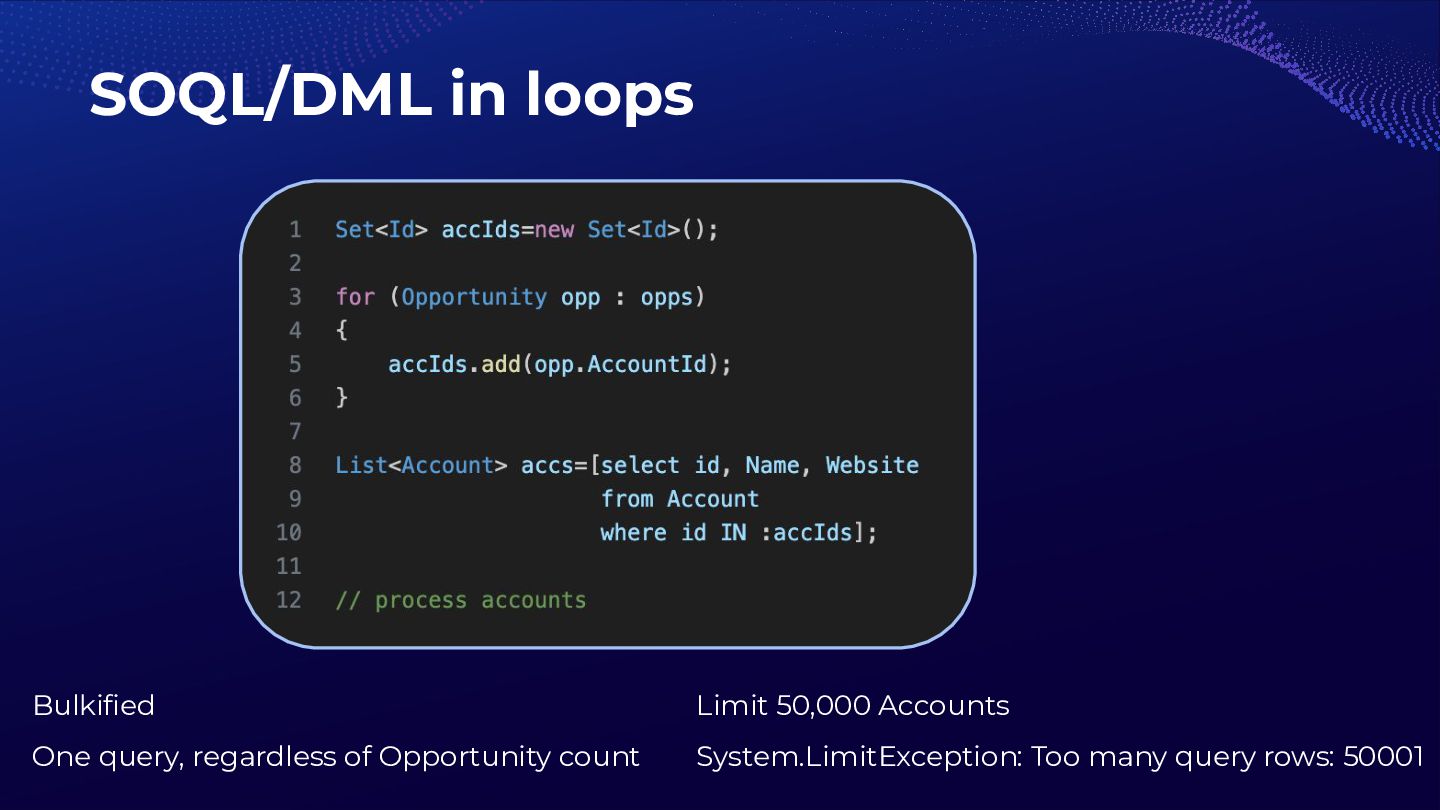
  6. SOQL/DML in loops Bulkified One query, regardless of Opportunity count

    Limit 50,000 Accounts System.LimitException: Too many query rows: 50001
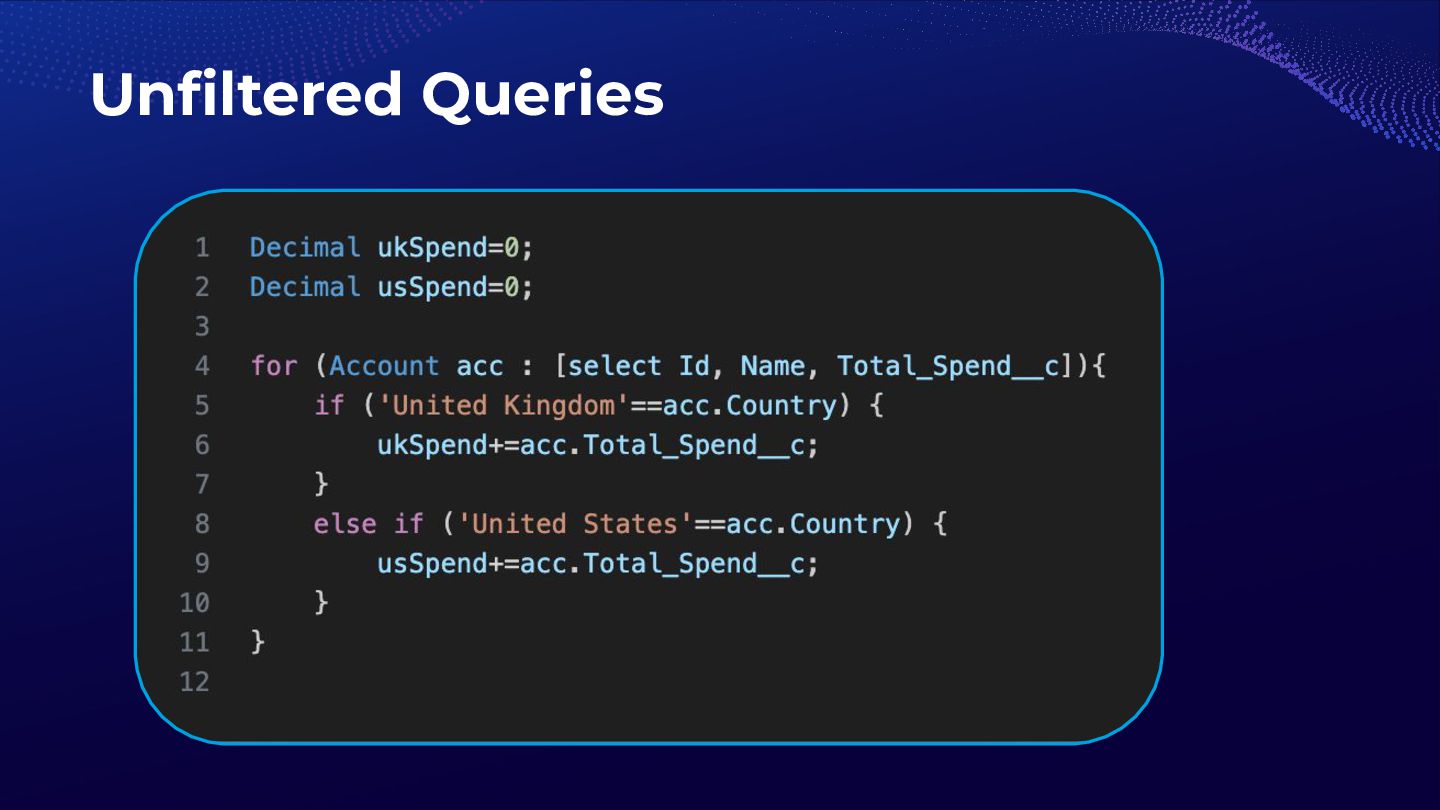
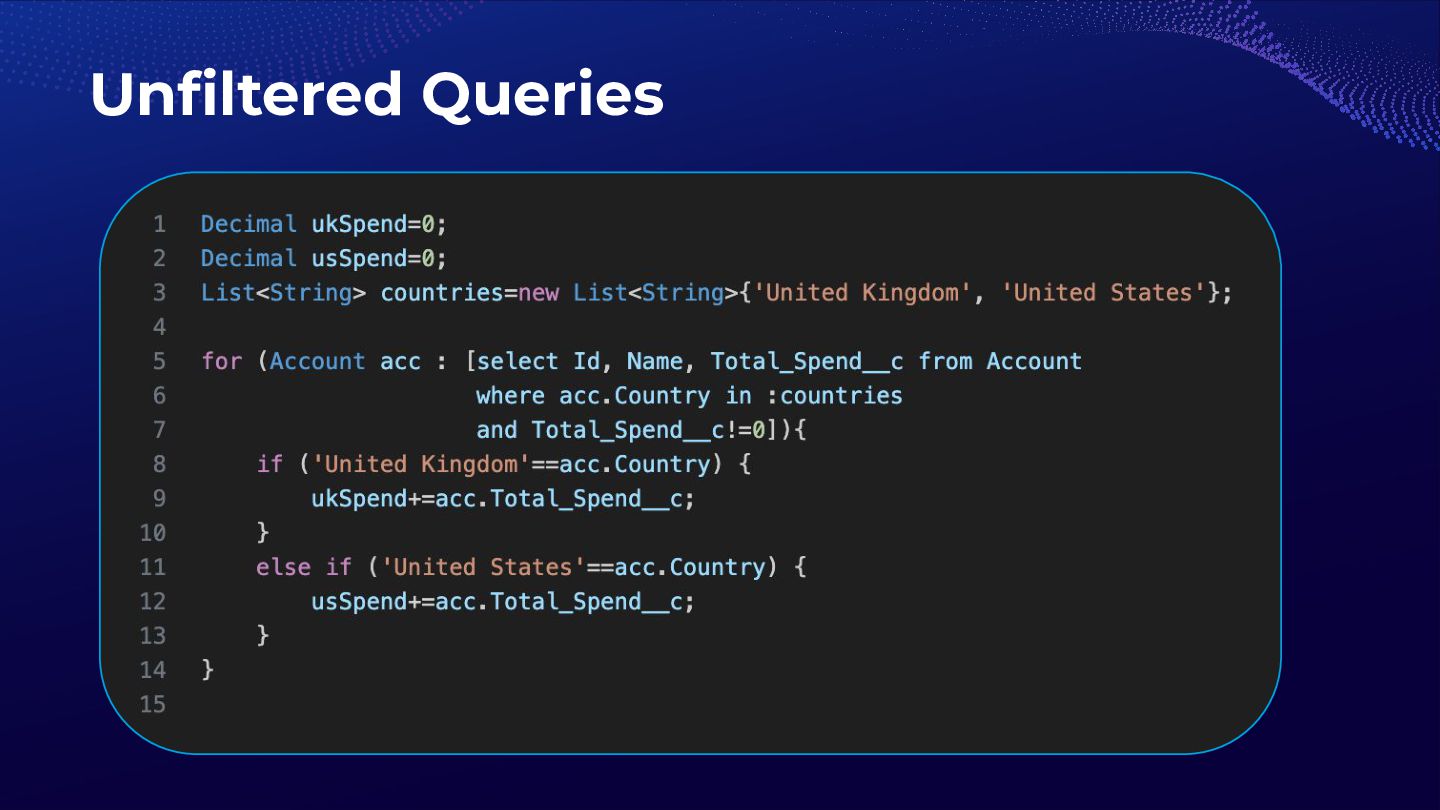
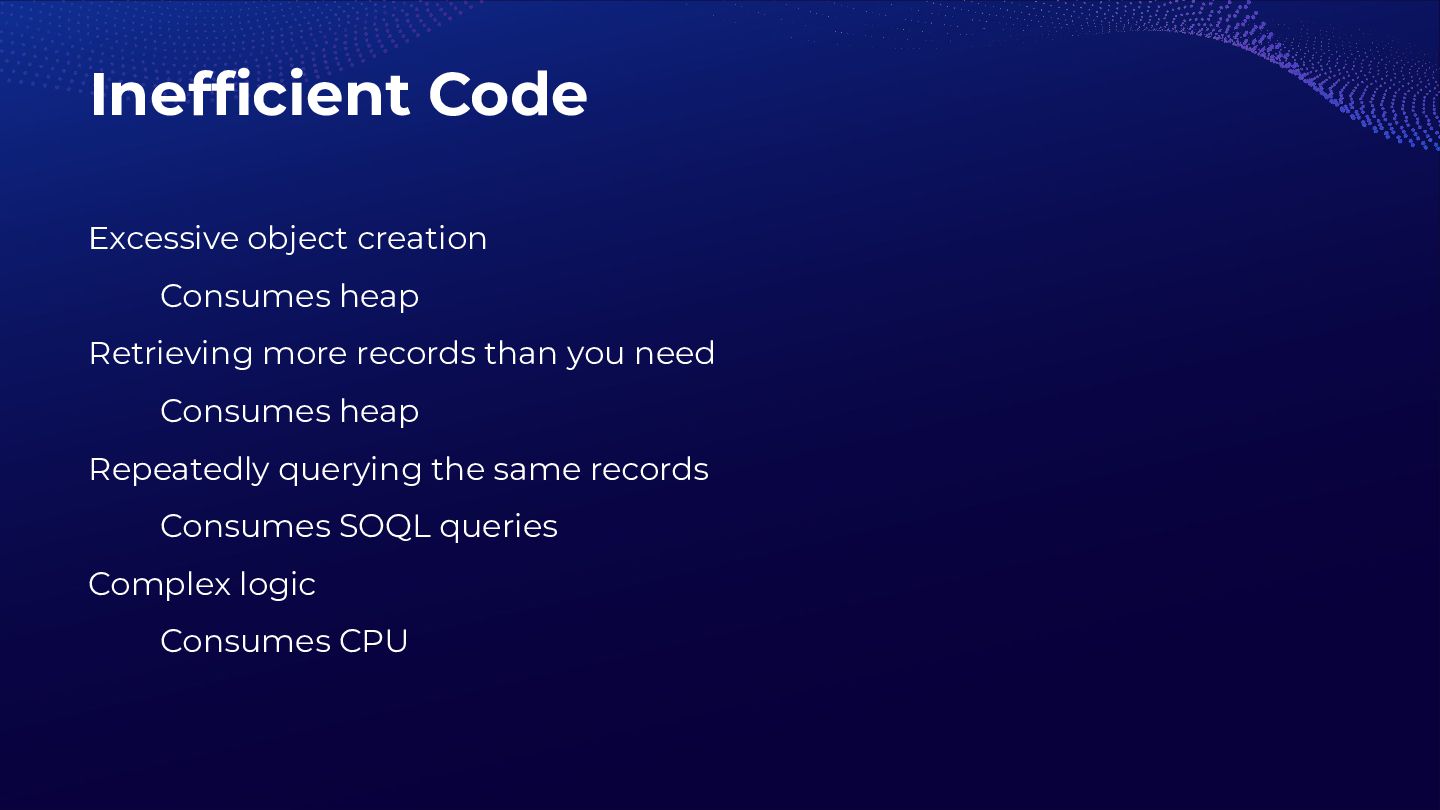
  7. Inefficient Code Excessive object creation Consumes heap Retrieving more records

    than you need Consumes heap Repeatedly querying the same records Consumes SOQL queries Complex logic Consumes CPU
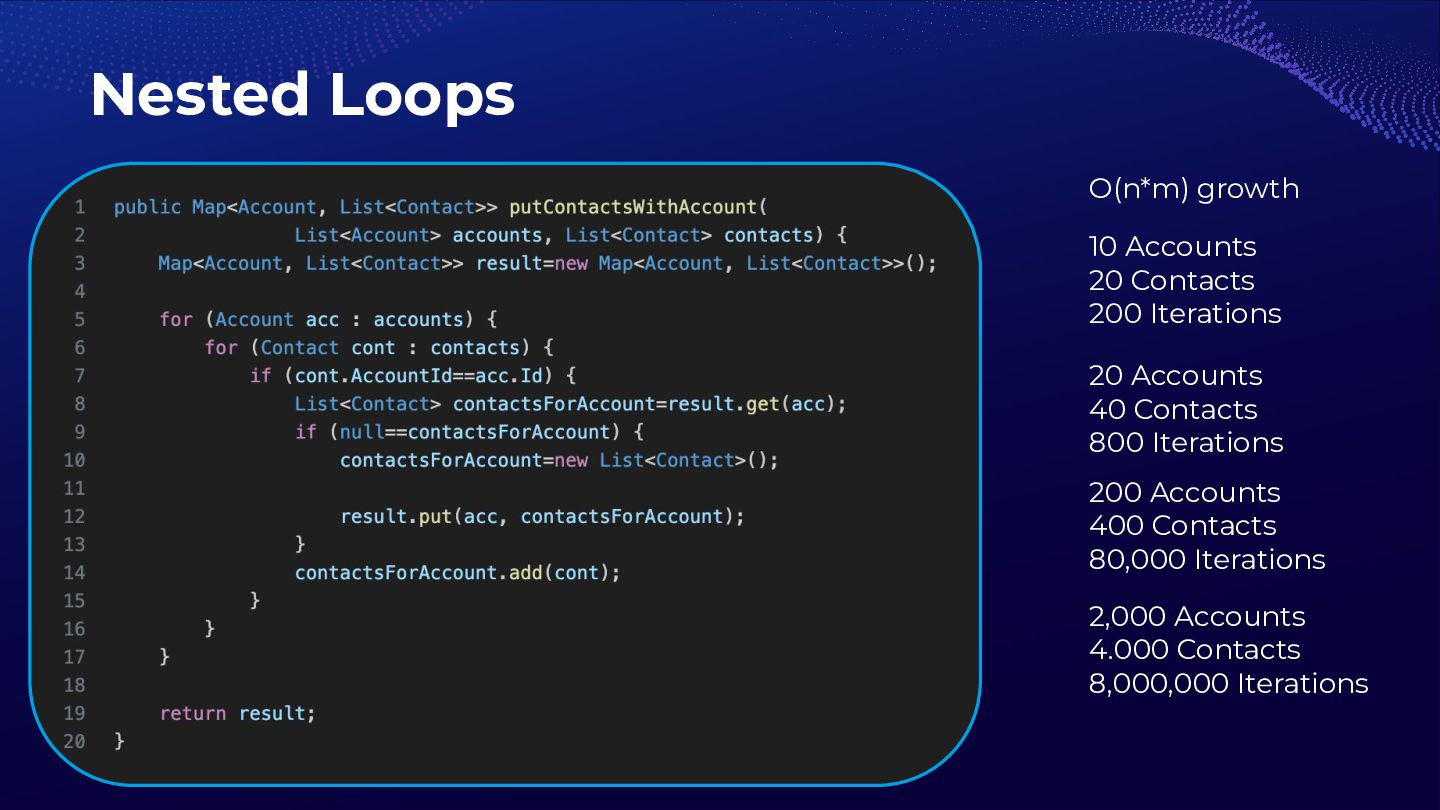
  8. Nested Loops O(n*m) growth 10 Accounts 20 Contacts 200 Iterations

    20 Accounts 40 Contacts 800 Iterations 200 Accounts 400 Contacts 80,000 Iterations 2,000 Accounts 4.000 Contacts 8,000,000 Iterations
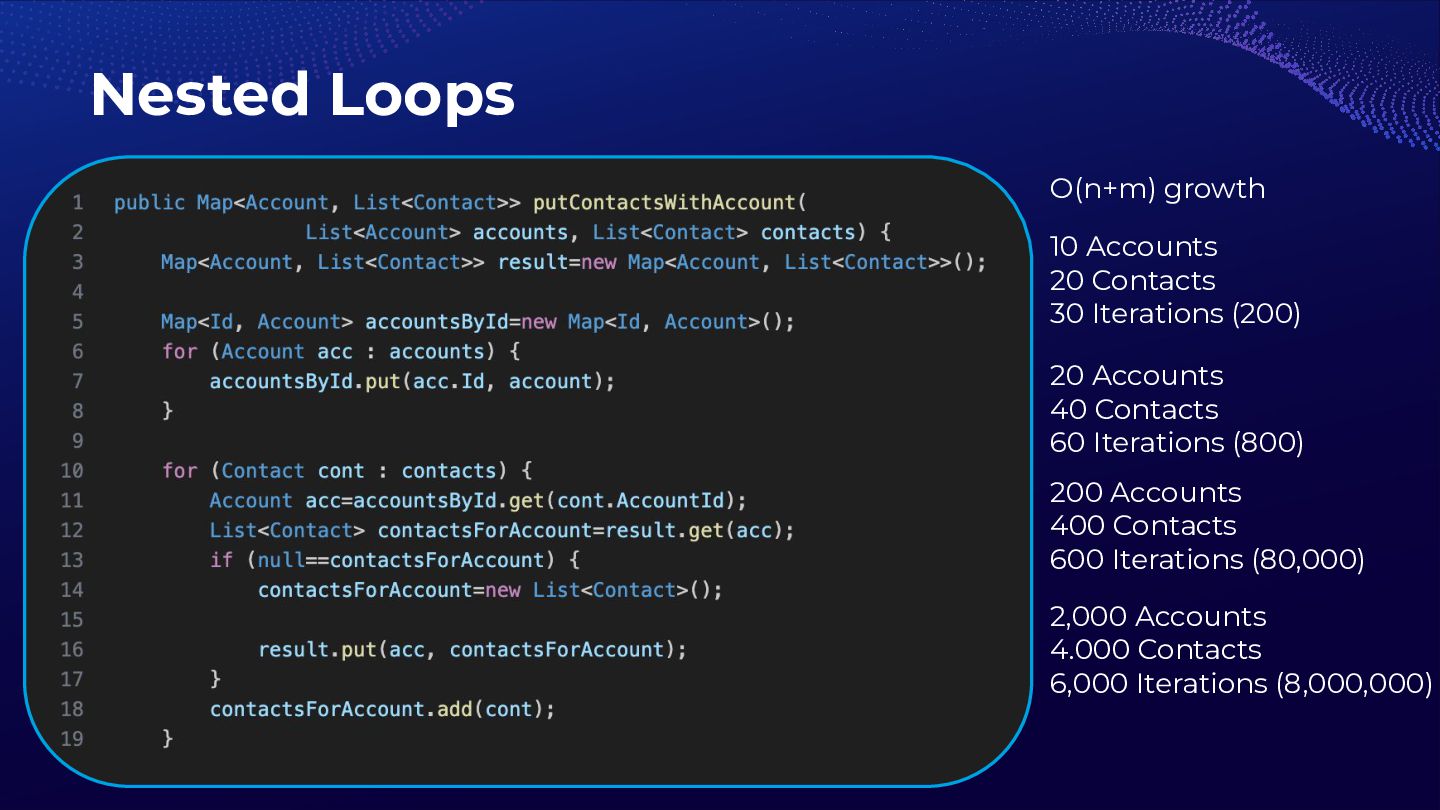
  9. Nested Loops O(n+m) growth 10 Accounts 20 Contacts 30 Iterations

    (200) 20 Accounts 40 Contacts 60 Iterations (800) 200 Accounts 400 Contacts 600 Iterations (80,000) 2,000 Accounts 4.000 Contacts 6,000 Iterations (8,000,000)
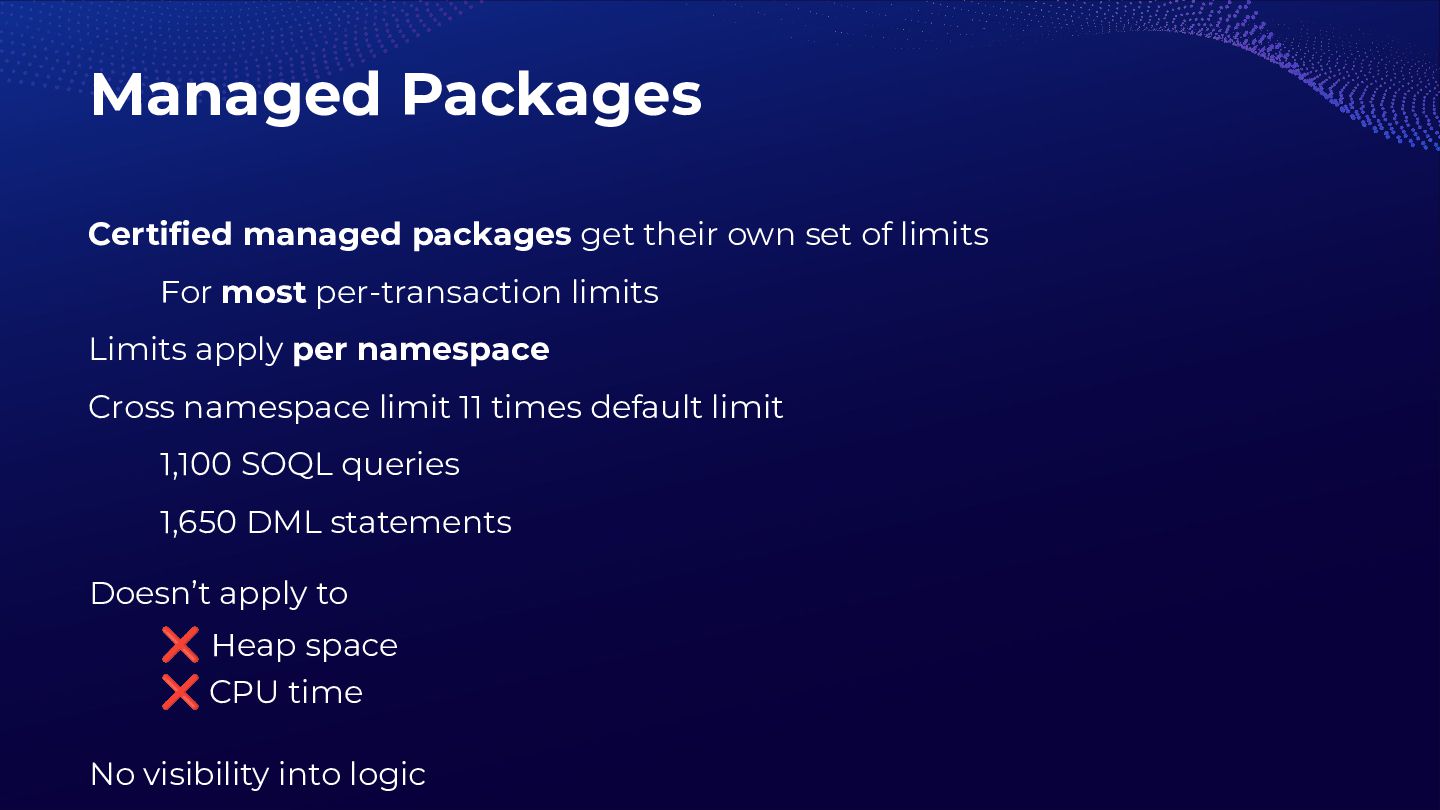
  10. Certified managed packages get their own set of limits For

    most per-transaction limits Limits apply per namespace Cross namespace limit 11 times default limit 1,100 SOQL queries 1,650 DML statements Managed Packages Doesn’t apply to ❌ Heap space ❌ CPU time No visibility into logic
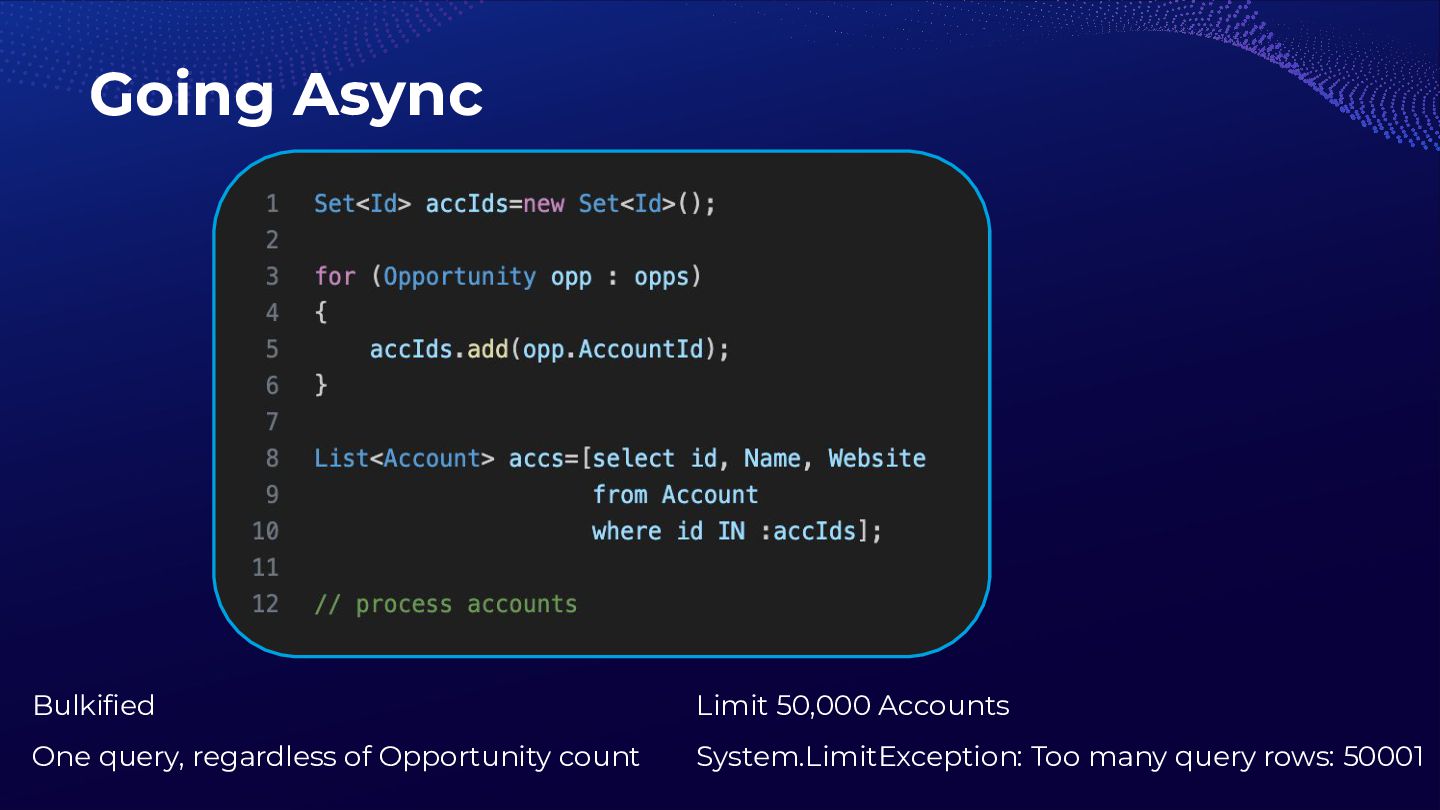
  11. Going Async Bulkified One query, regardless of Opportunity count Limit

    50,000 Accounts System.LimitException: Too many query rows: 50001
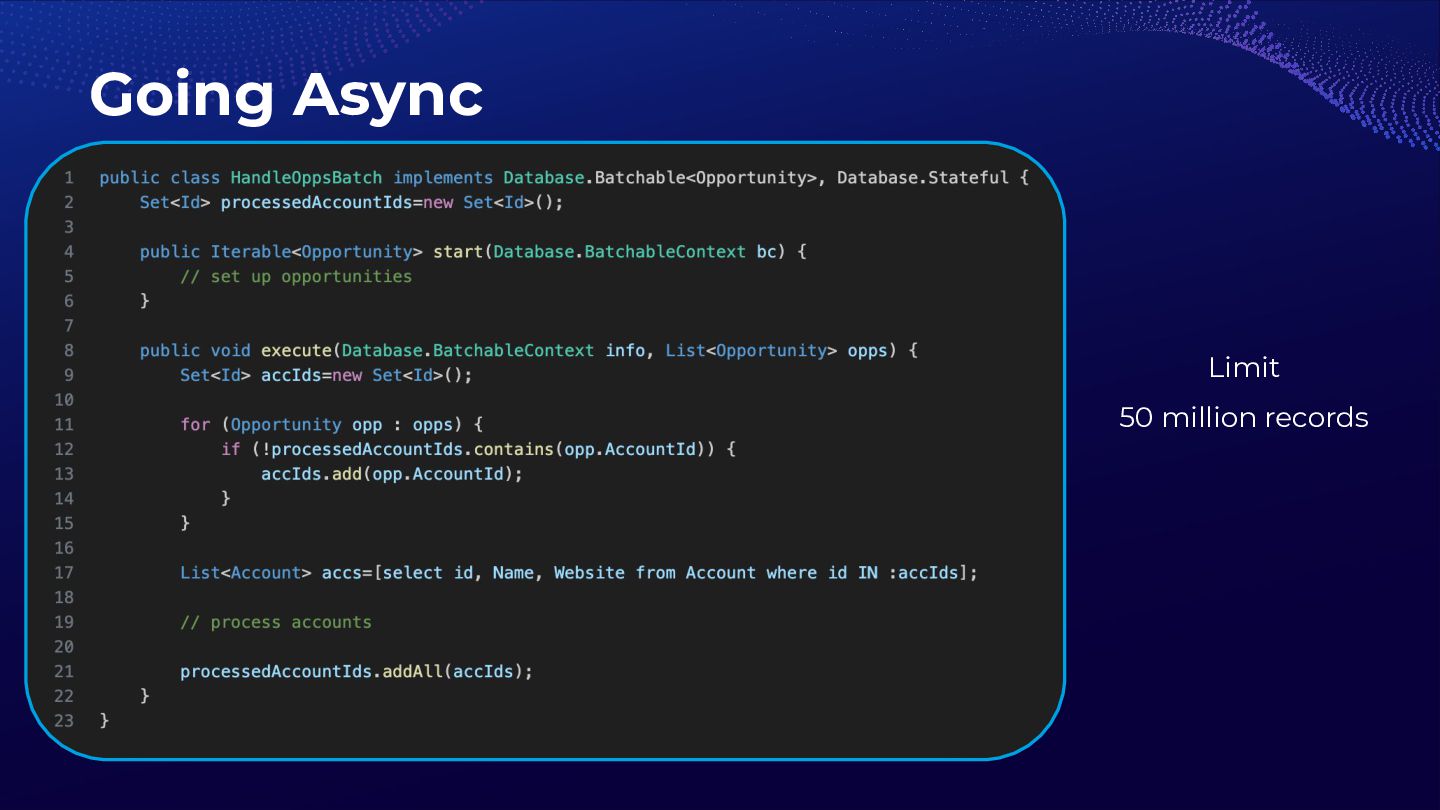
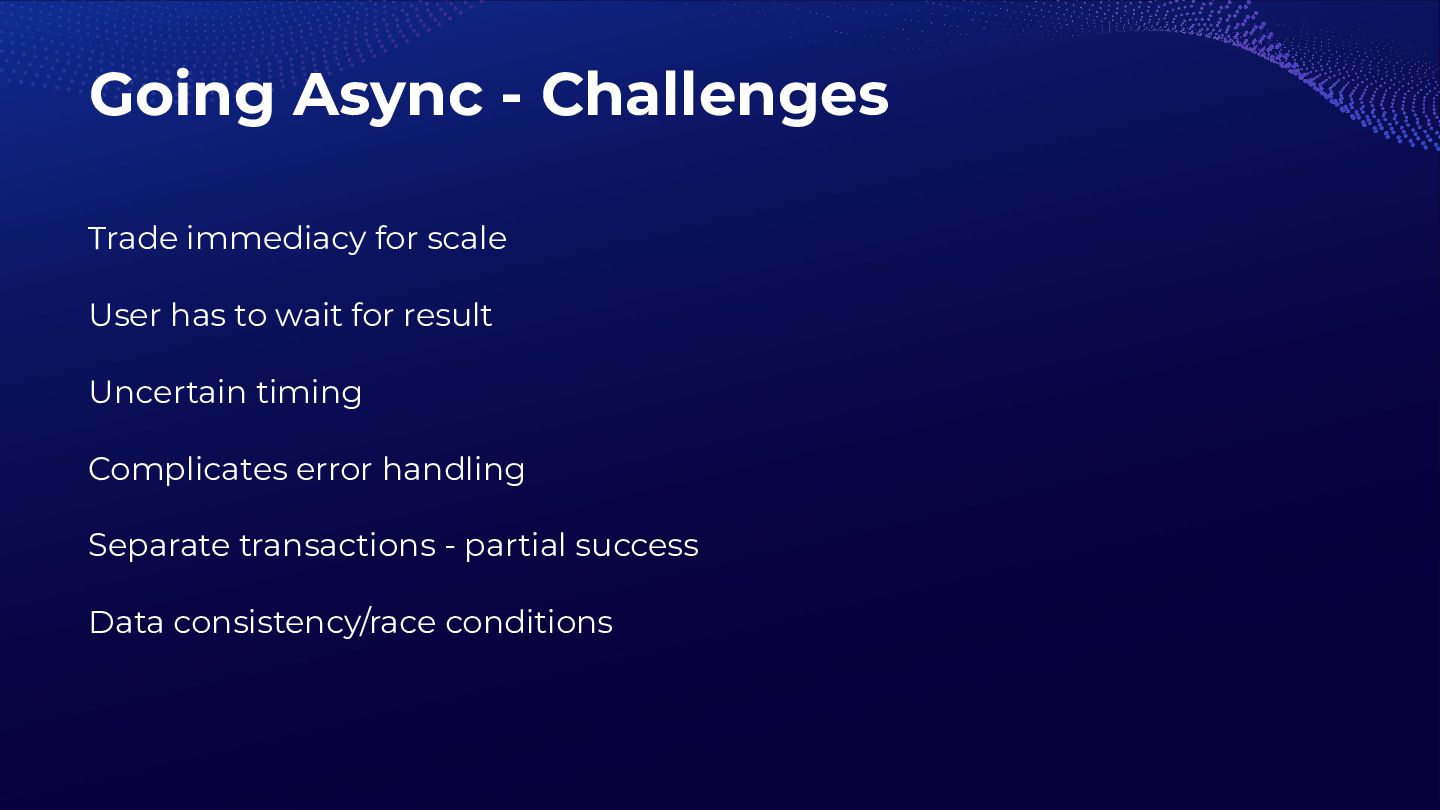
  12. Going Async - Challenges Trade immediacy for scale User has

    to wait for result Uncertain timing Complicates error handling Separate transactions - partial success Data consistency/race conditions
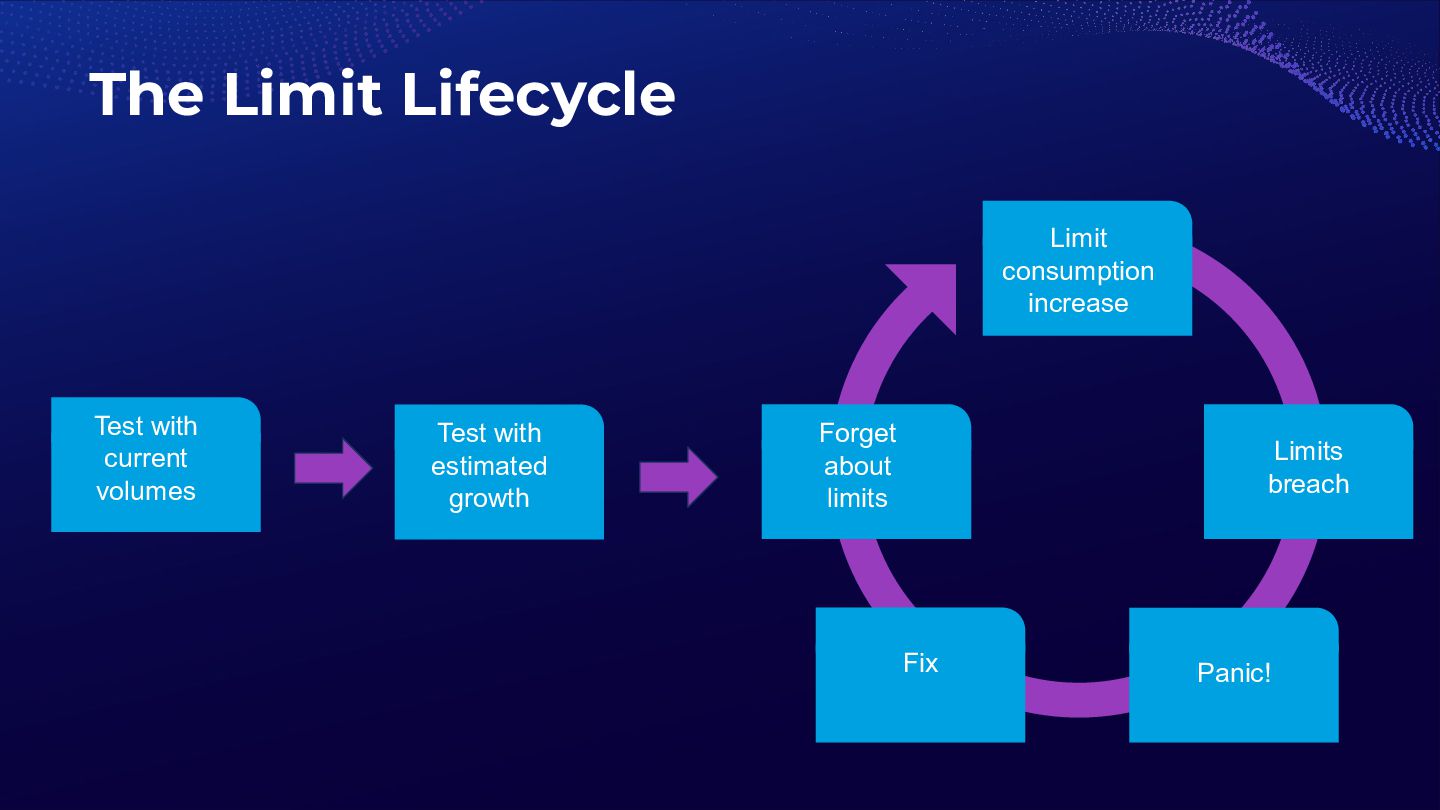
  13. The Limit Lifecycle Test with current volumes Test with estimated

    growth Limit consumption increase Limits breach Panic! Fix Forget about limits
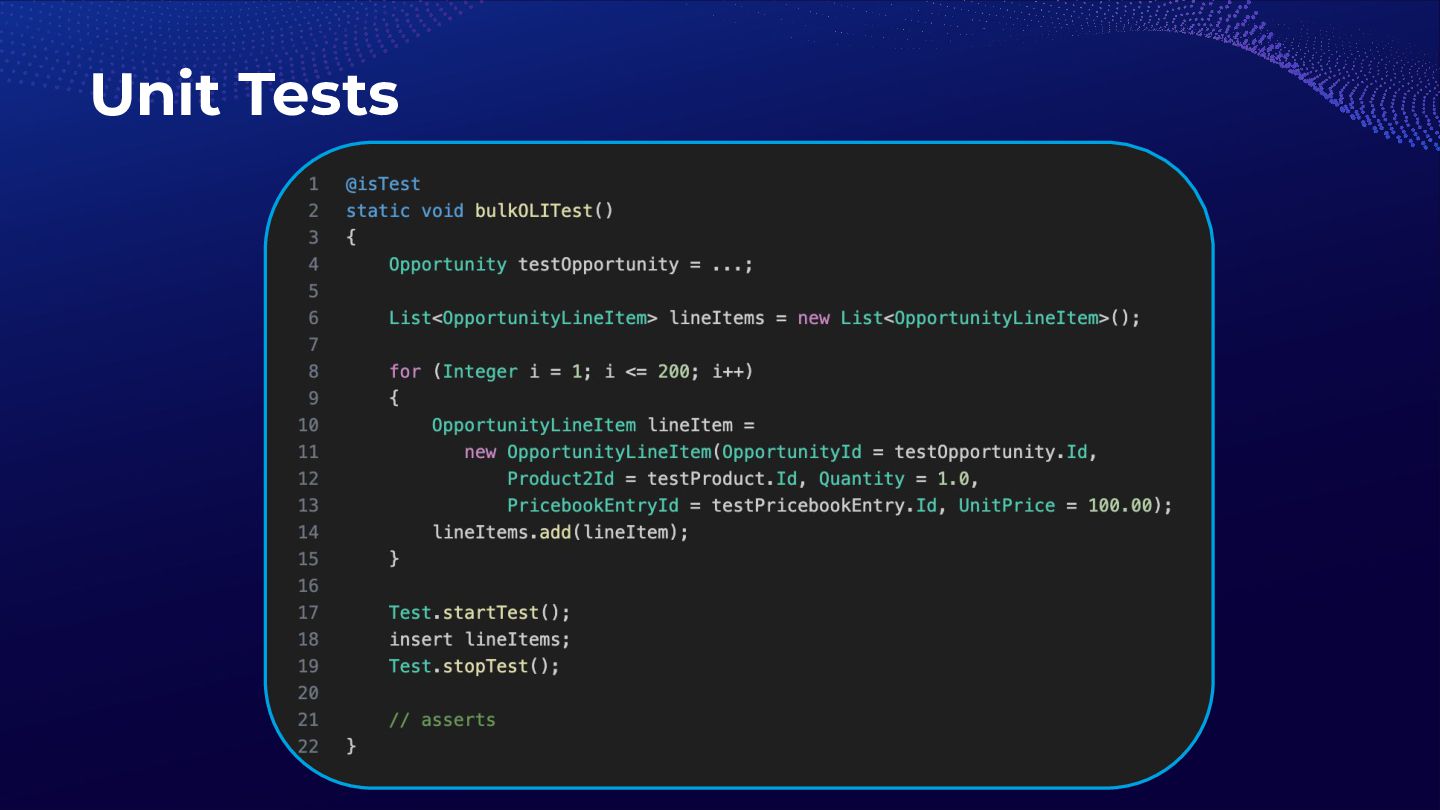
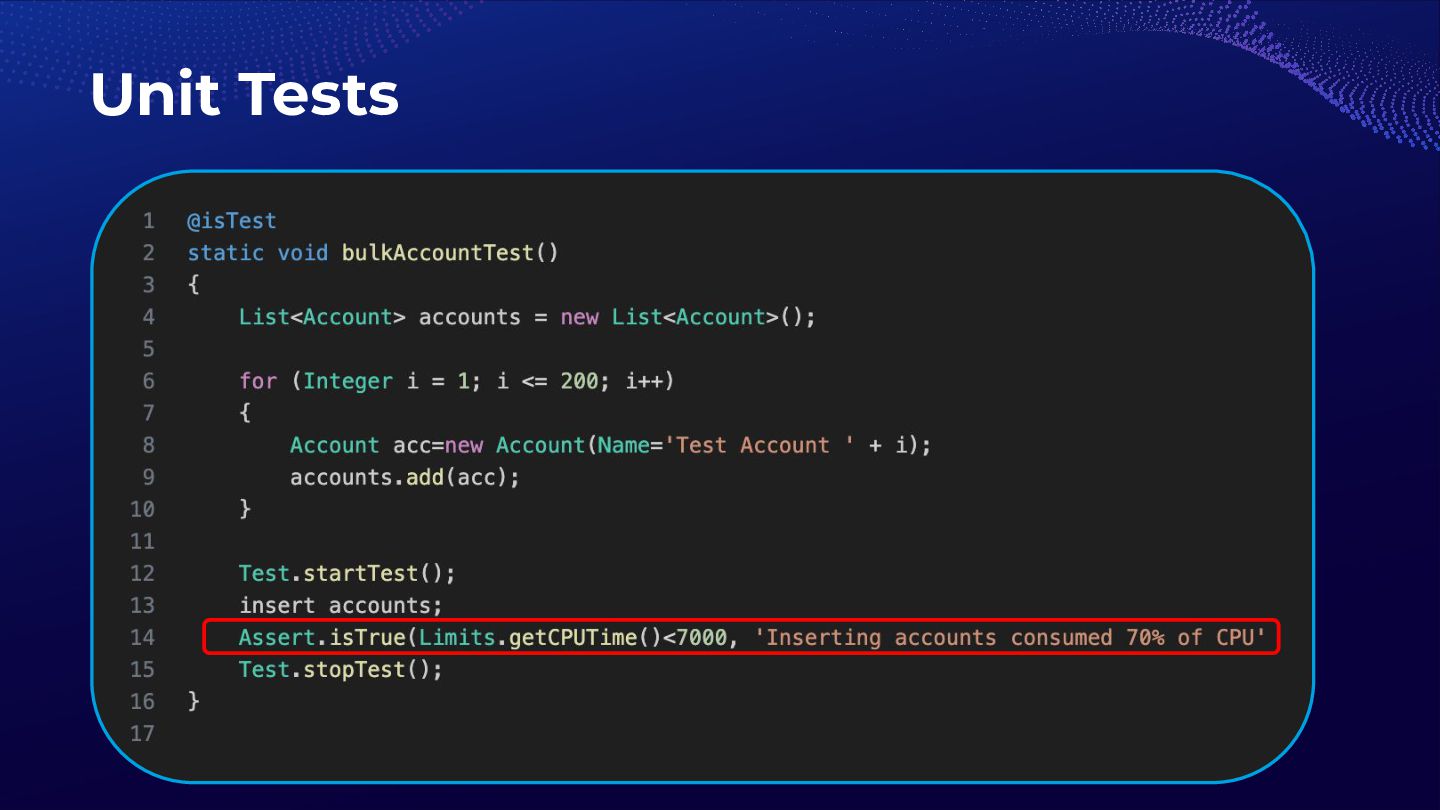
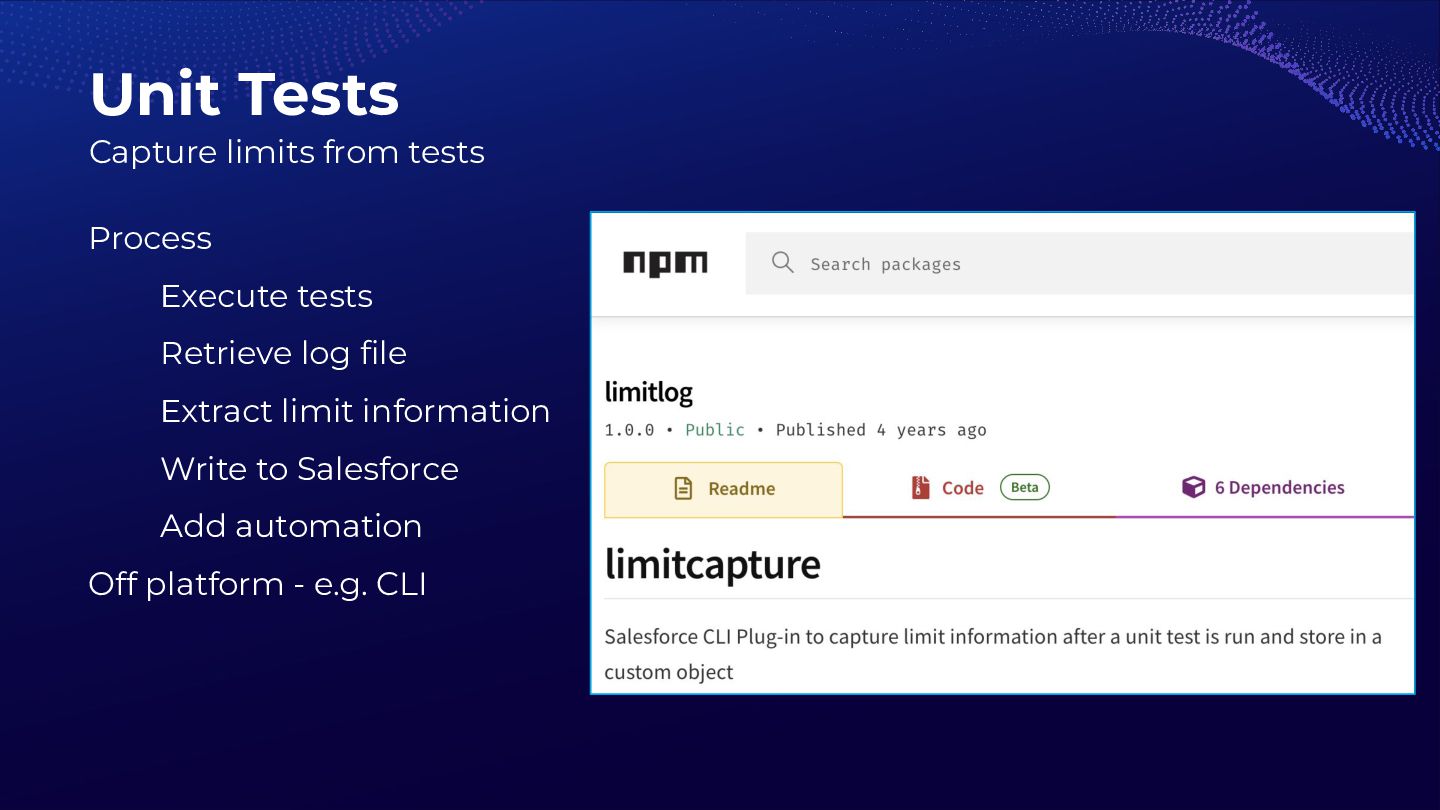
  14. Process Execute tests Retrieve log file Extract limit information Write

    to Salesforce Add automation Off platform - e.g. CLI Unit Tests Capture limits from tests
  15. Shortened execution flow Test limitations E.g. Invoke execute() method once

    in batch apex test No integrations May involve mocks Indicative data Unit Tests - Challenges
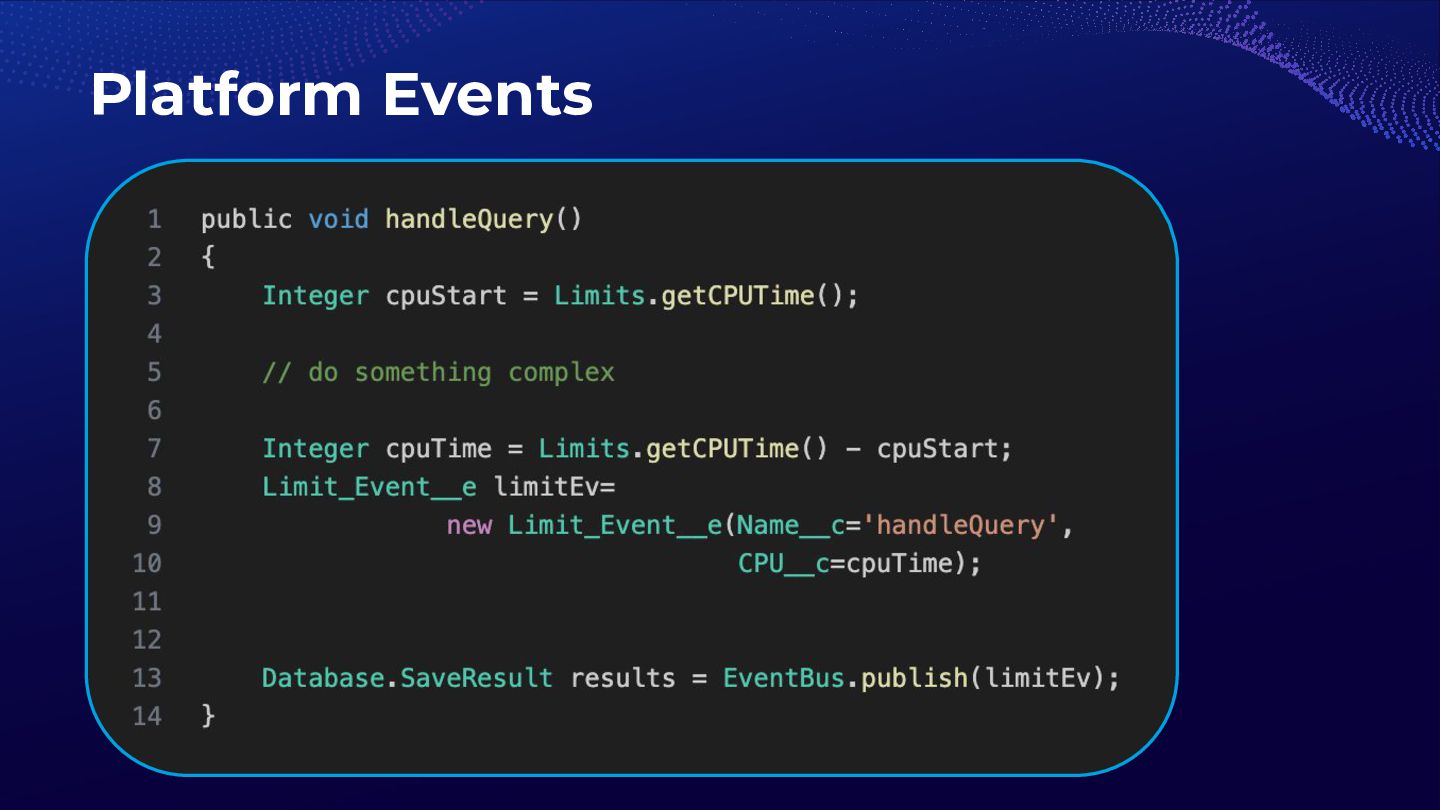
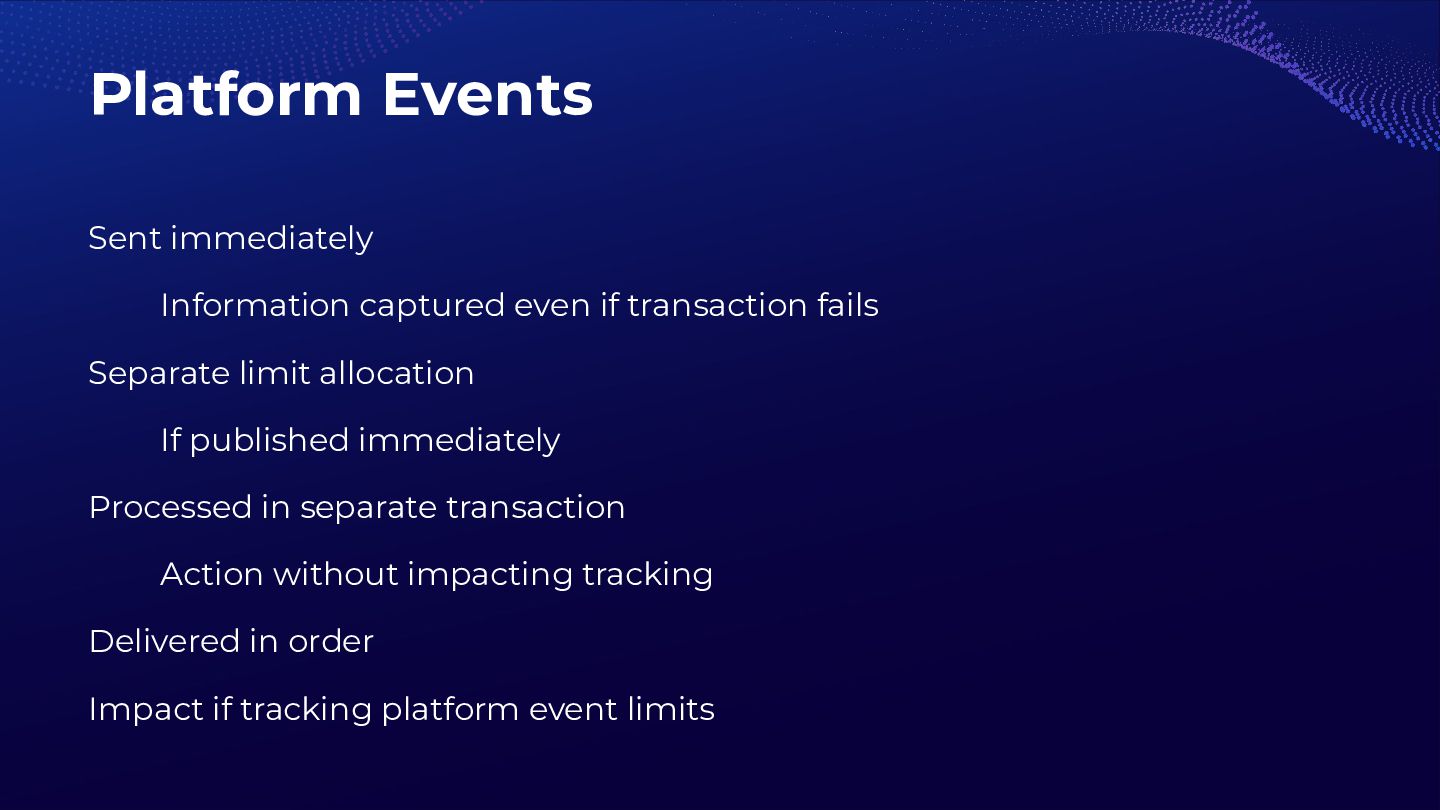
  16. Sent immediately Information captured even if transaction fails Separate limit

    allocation If published immediately Processed in separate transaction Action without impacting tracking Delivered in order Impact if tracking platform event limits Platform Events
  17. Limit Tracker Event Bus Apex Trigger Platform Event Platform Event
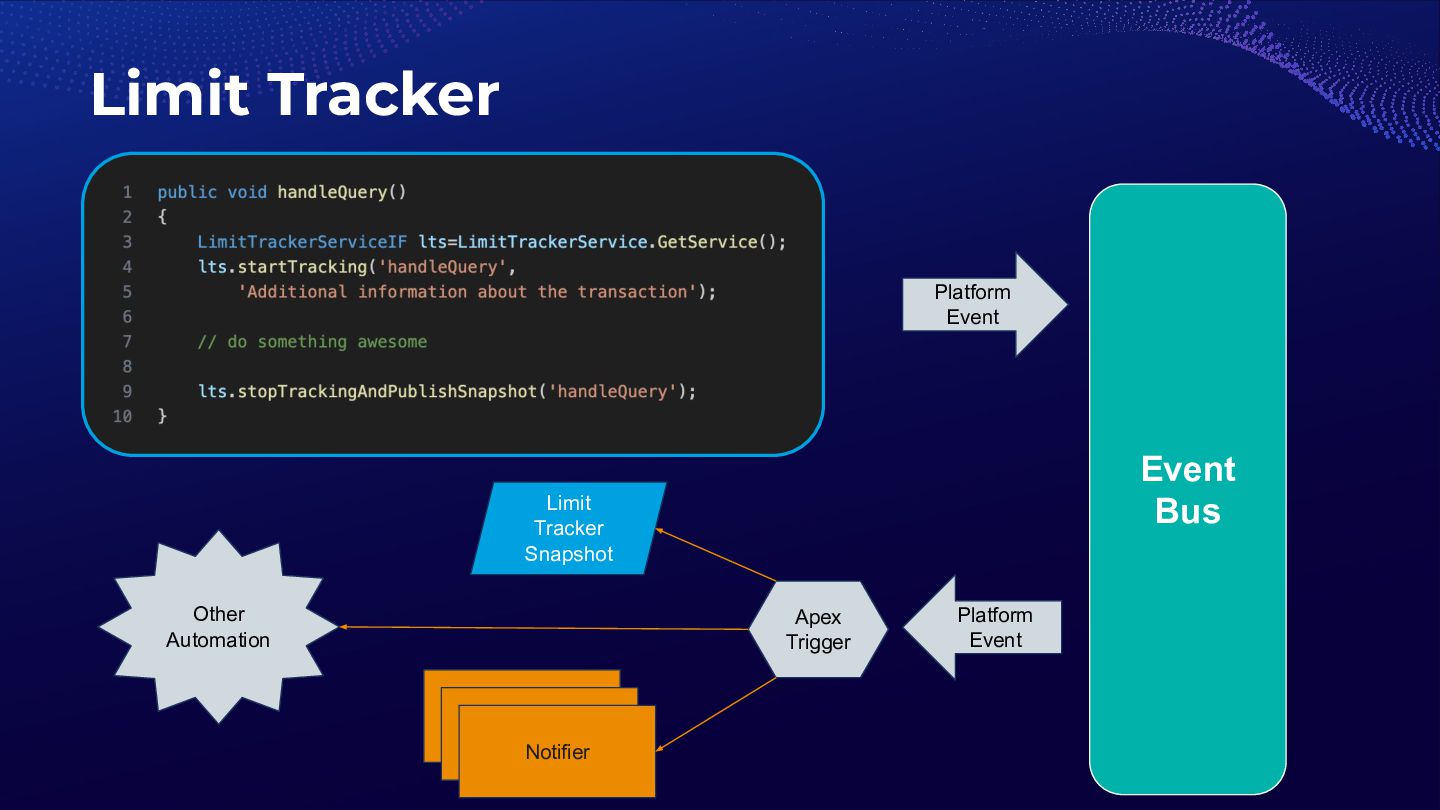

    Limit Tracker Snapshot Notifier Notifier Notifier Other Automation