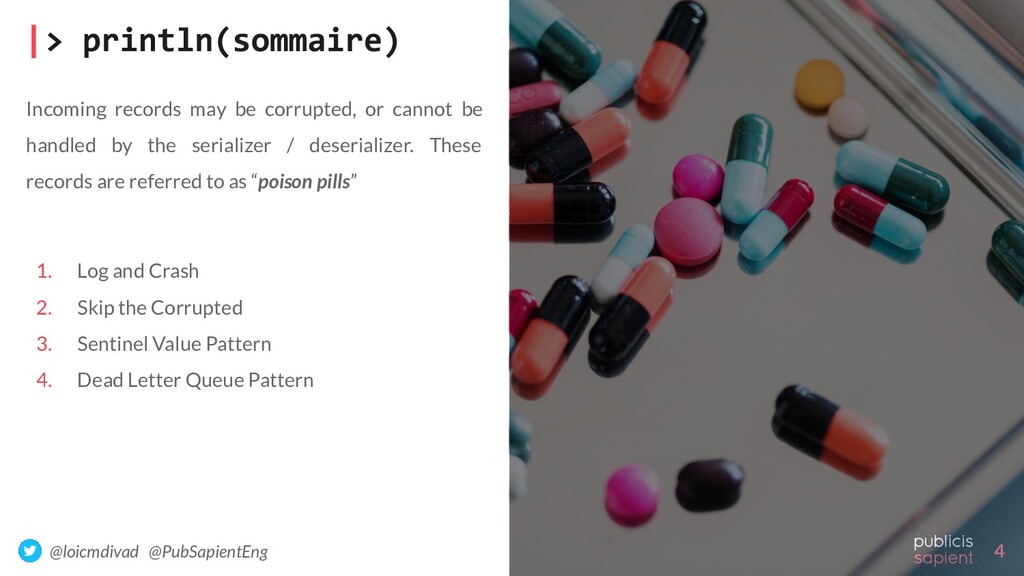
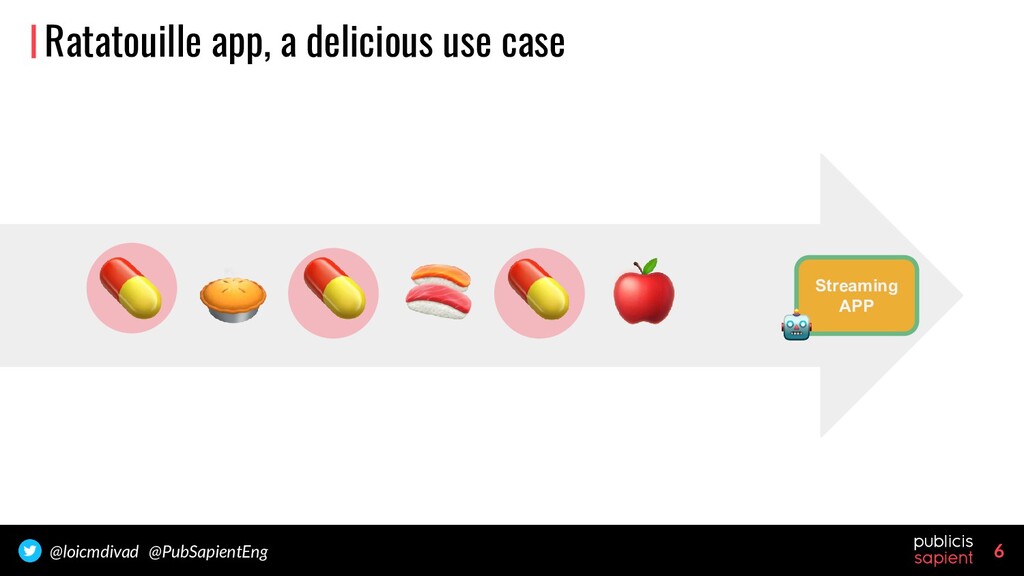
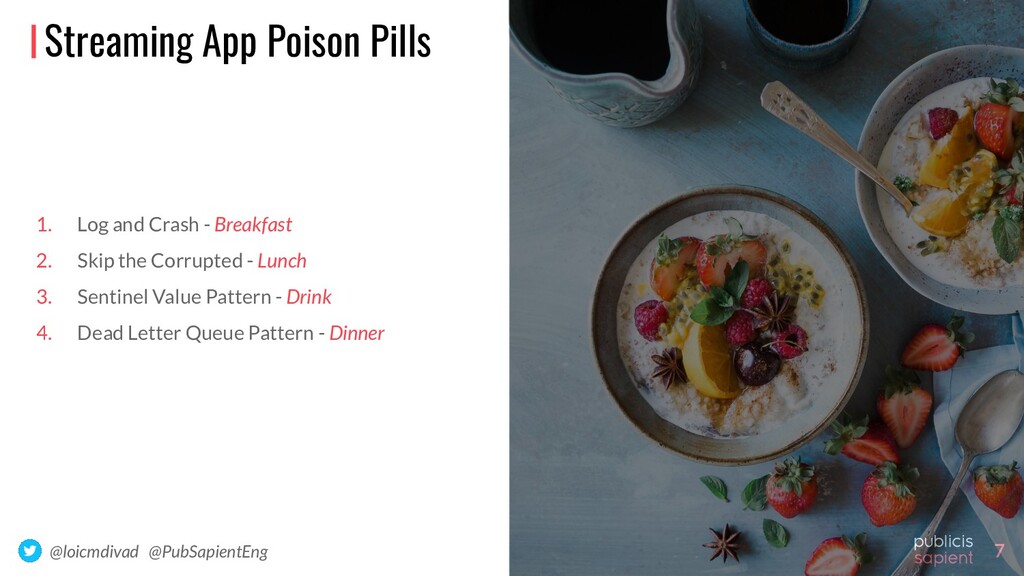
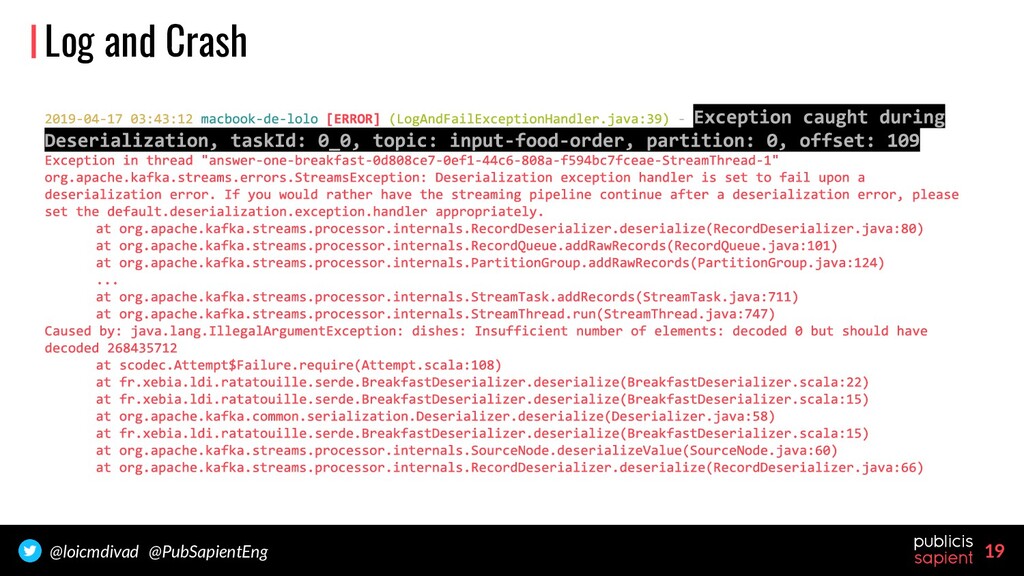
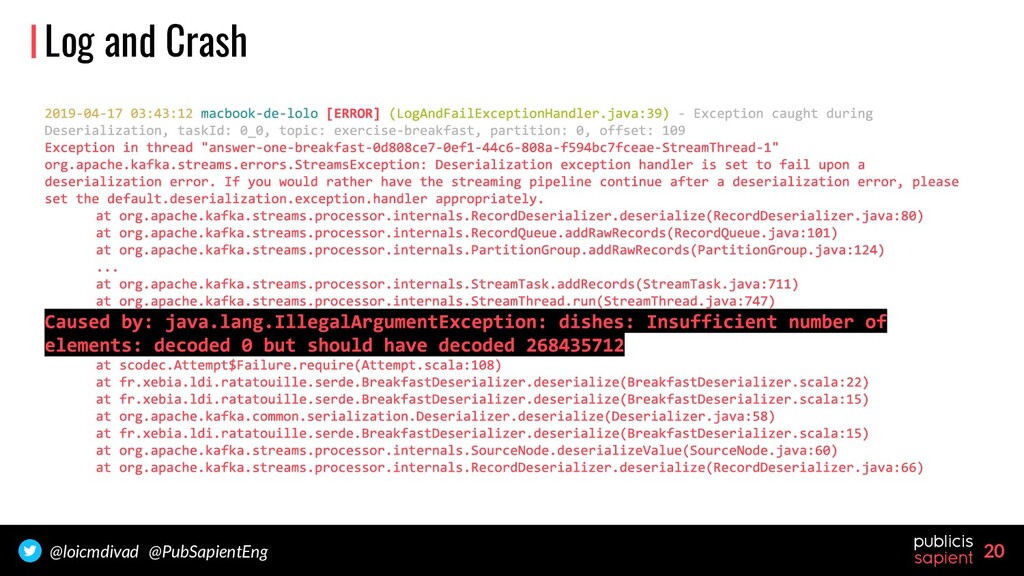
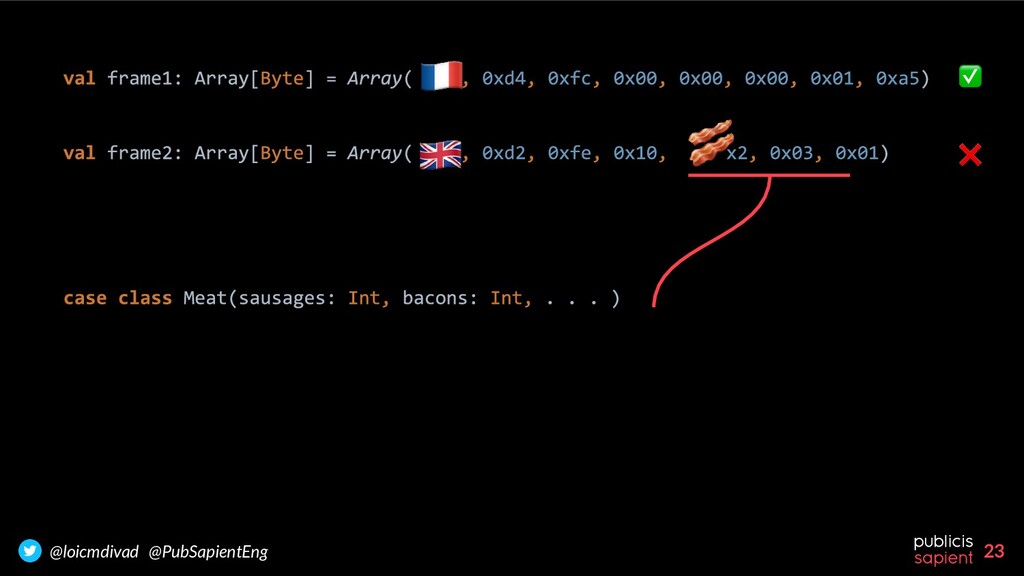
corrupted, or cannot be handled by the serializer / deserializer. These records are referred to as “poison pills” 1. Log and Crash 2. Skip the Corrupted 3. Sentinel Value Pattern 4. Dead Letter Queue Pattern
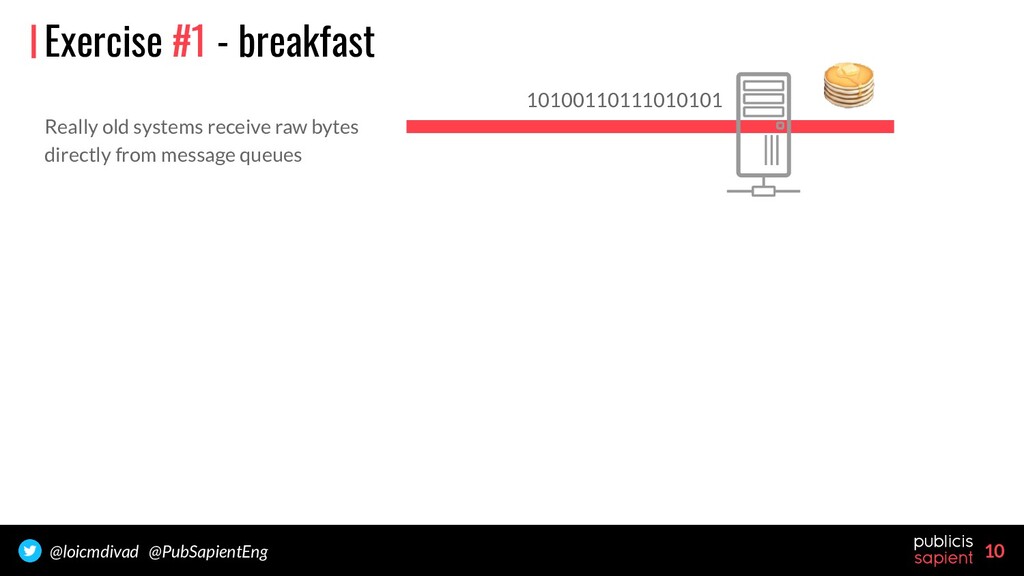
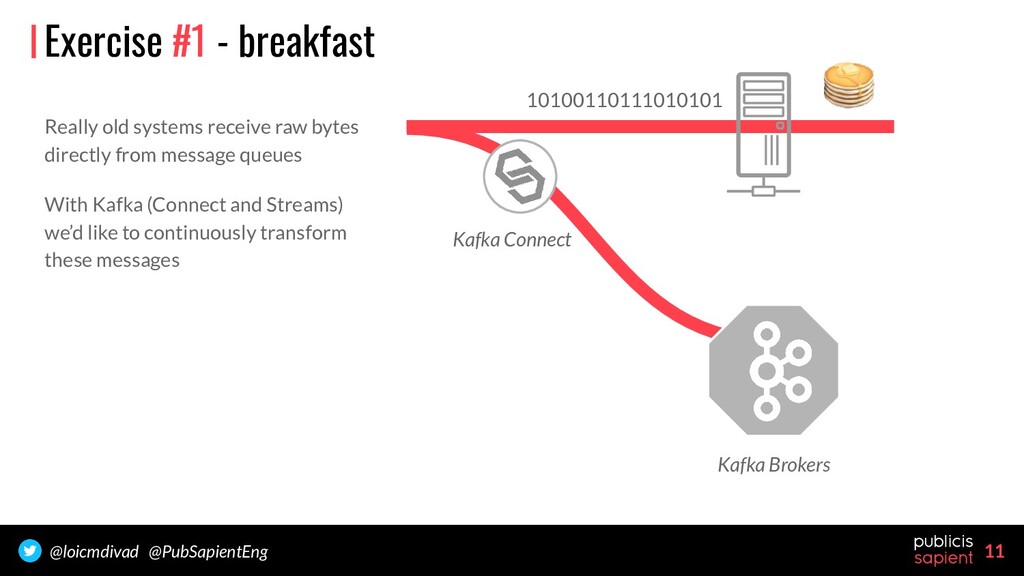
from message queues With Kafka (Connect and Streams) we’d like to continuously transform these messages 10100110111010101 Kafka Connect Kafka Brokers Exercise #1 - breakfast
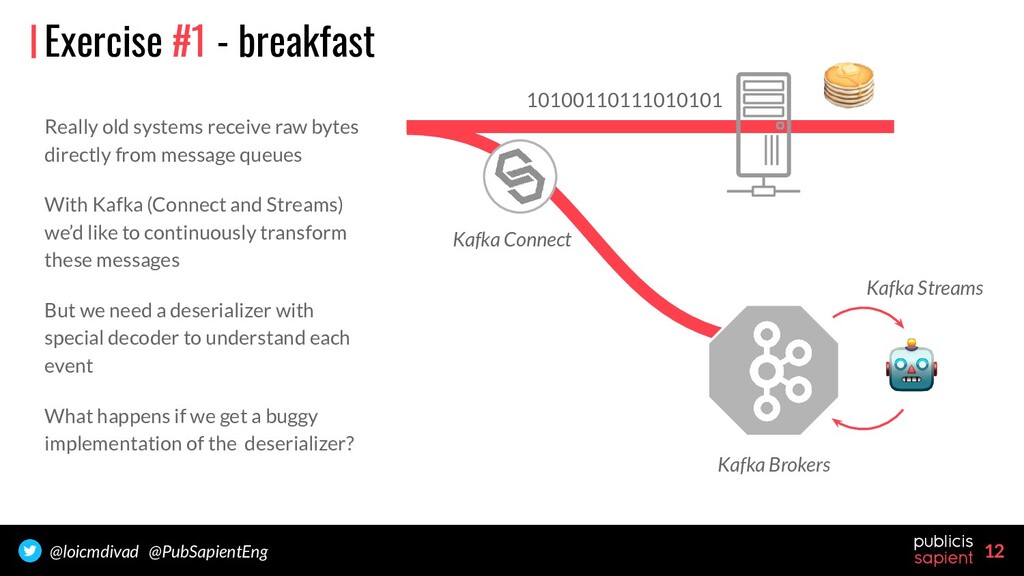
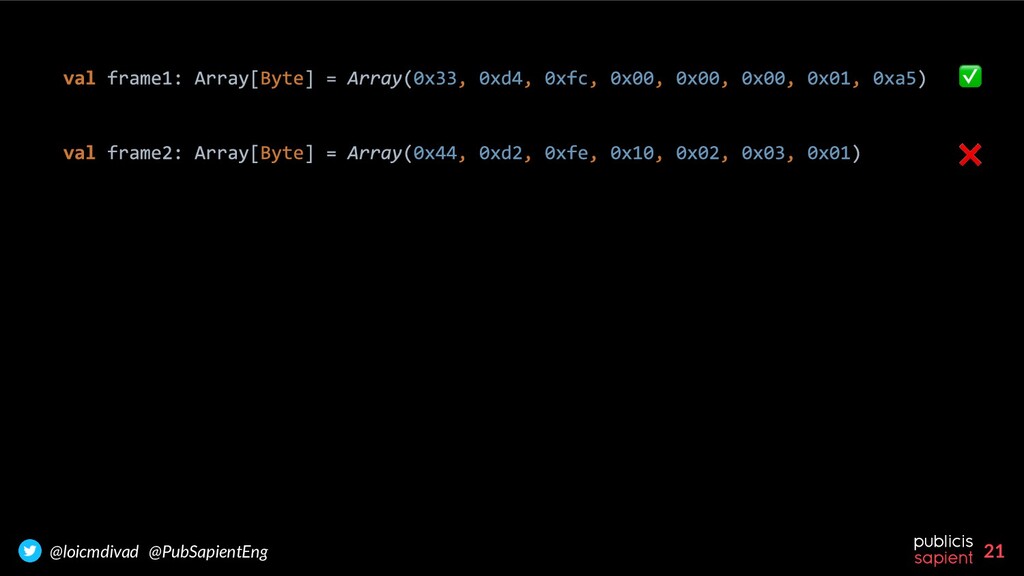
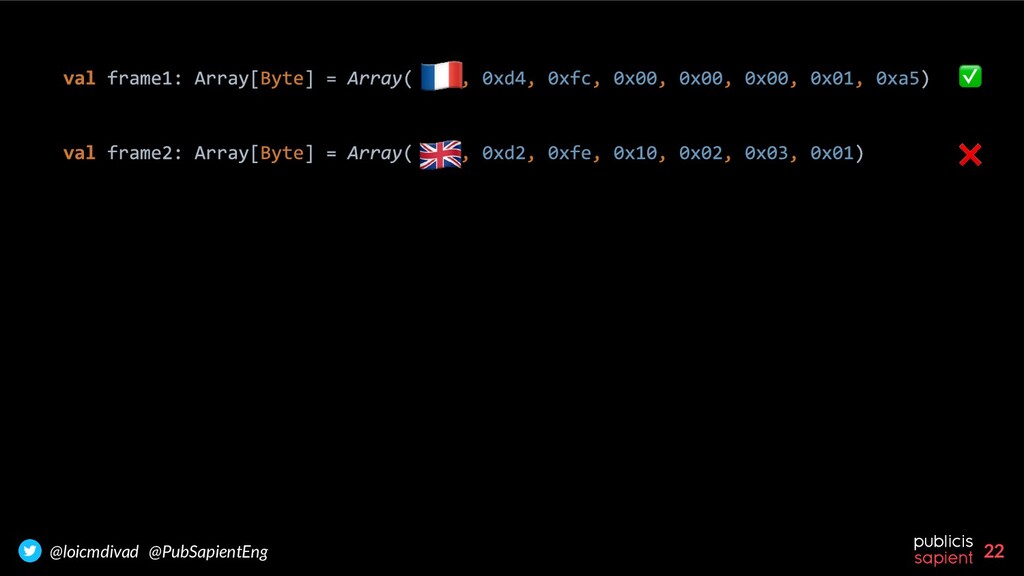
from message queues With Kafka (Connect and Streams) we’d like to continuously transform these messages But we need a deserializer with special decoder to understand each event What happens if we get a buggy implementation of the deserializer? 10100110111010101 Kafka Connect Kafka Brokers Kafka Streams Exercise #1 - breakfast
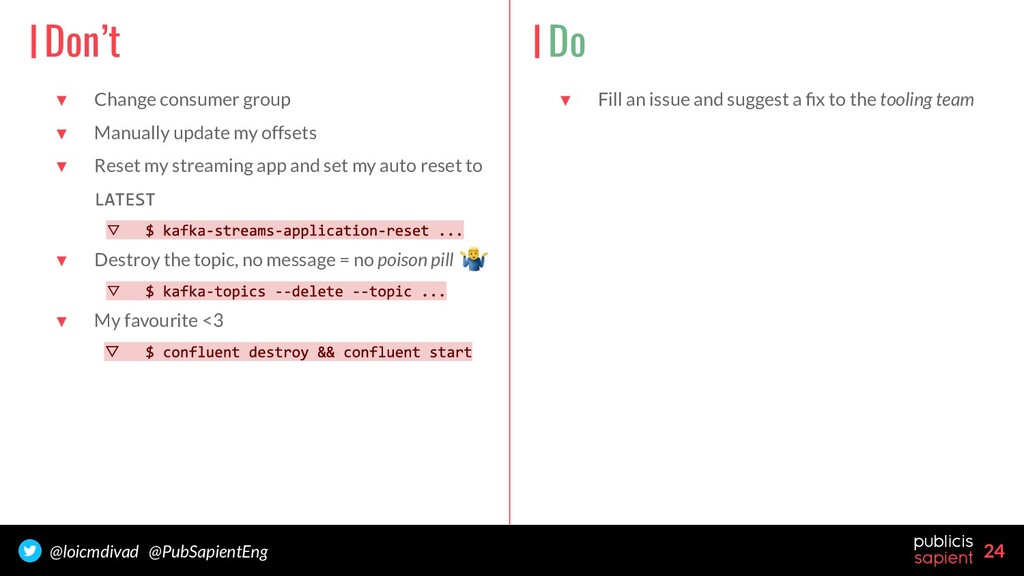
my offsets ▼ Reset my streaming app and set my auto reset to ▽ ▼ Destroy the topic, no message = no poison pill ▽ ▼ My favourite <3 ▽ Don’t Do ▼ Fill an issue and suggest a fix to the tooling team
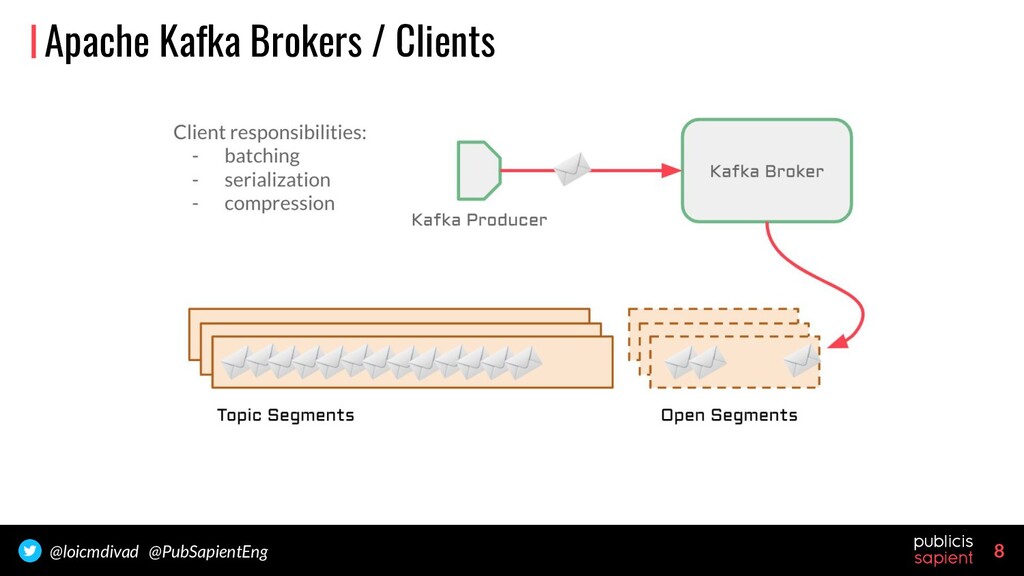
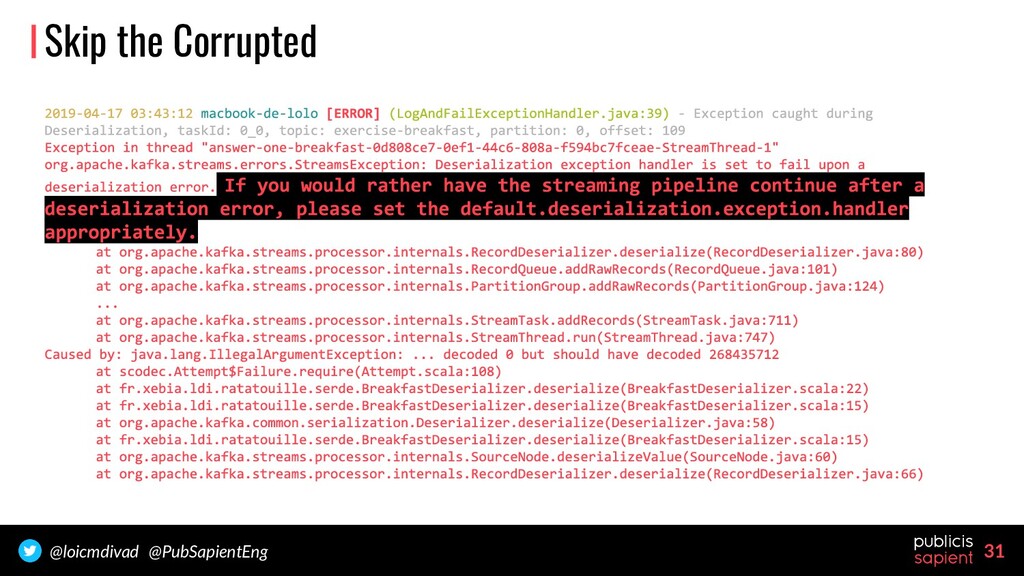
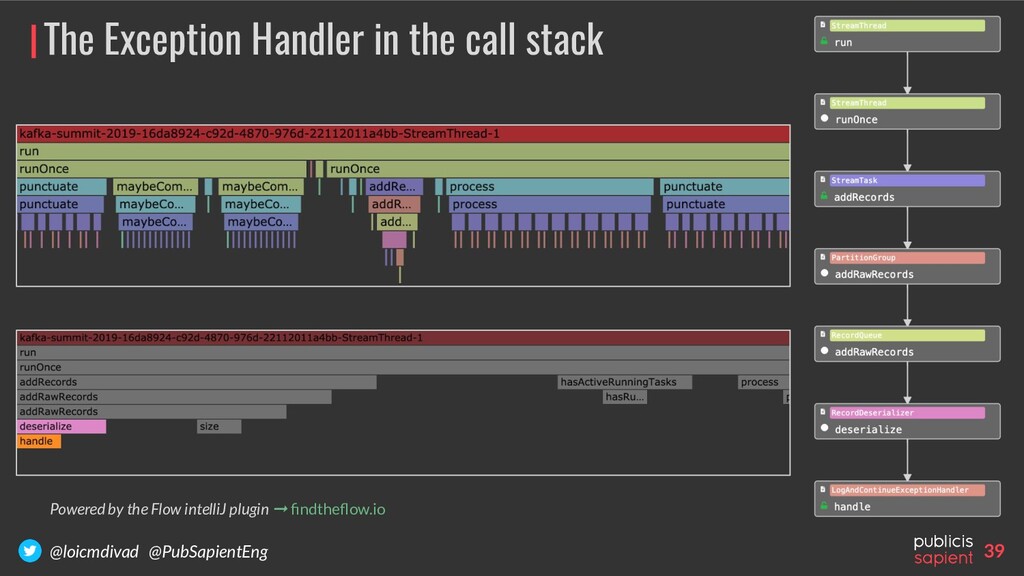
all consumers, Kafka Streams applications deserialize messages from the broker. The deserialization process can fail. It raises an exception that cannot be caught by our code. Buggy deserializers have to be fixed before the application restarts, by default ...
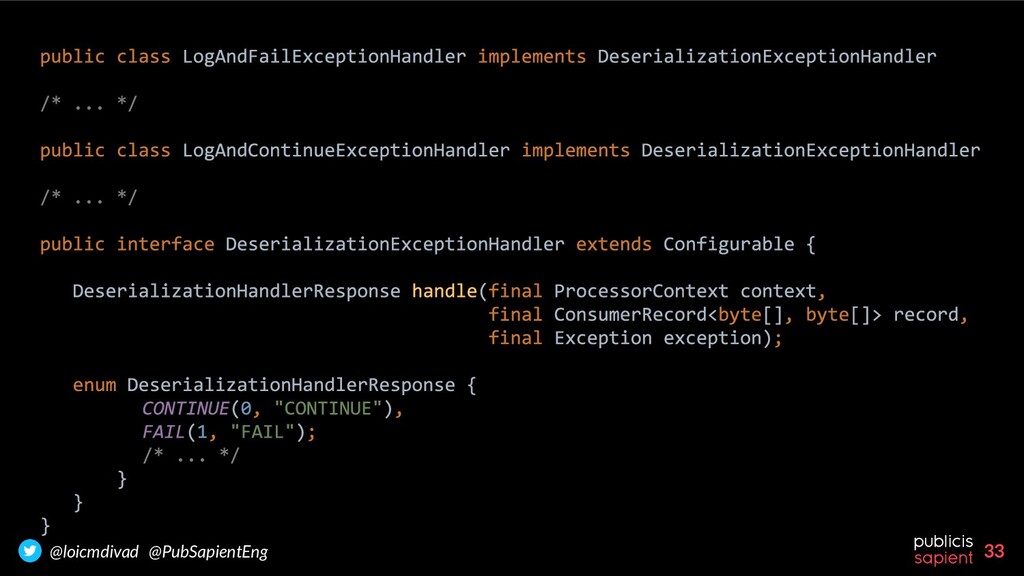
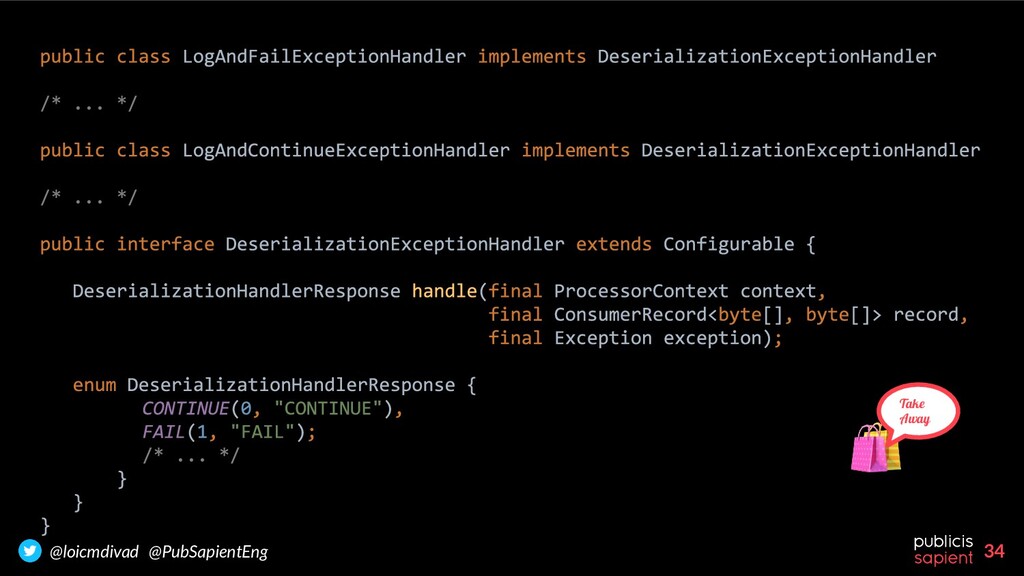
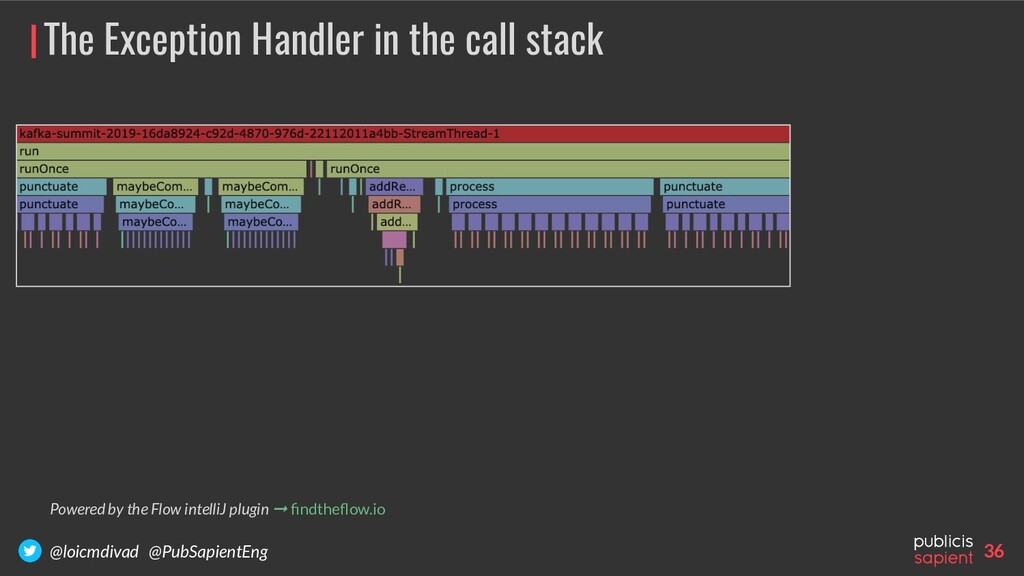
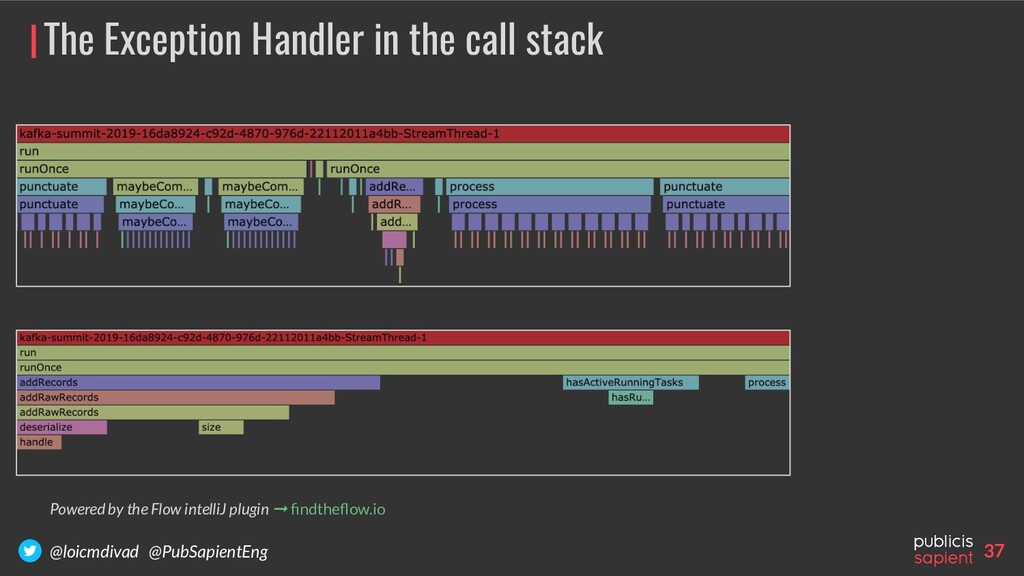
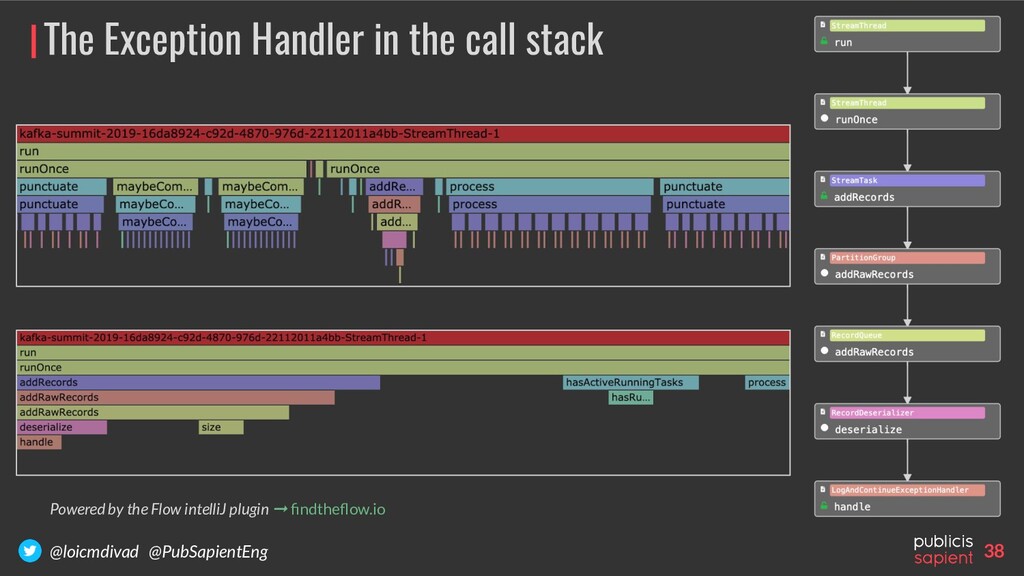
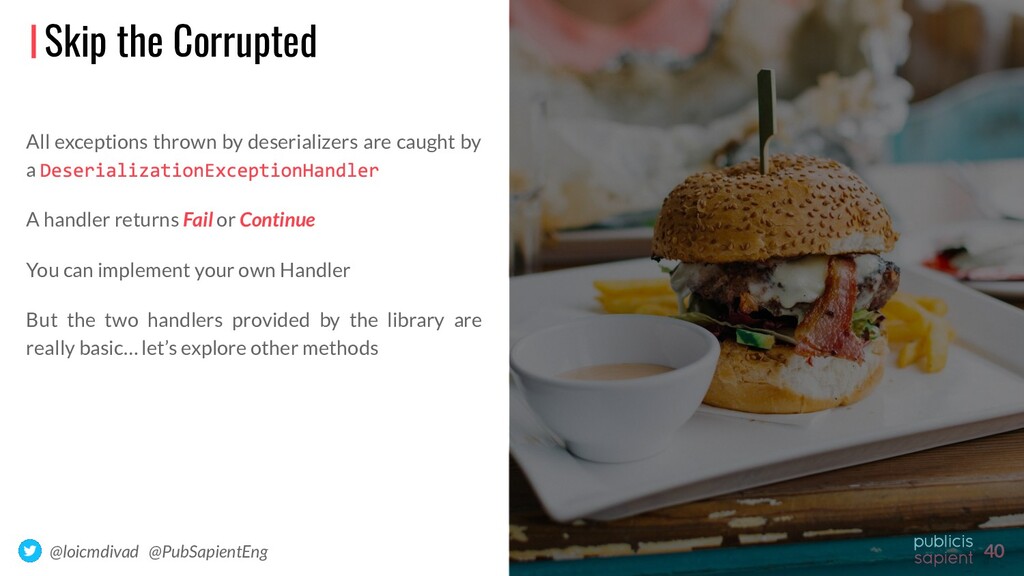
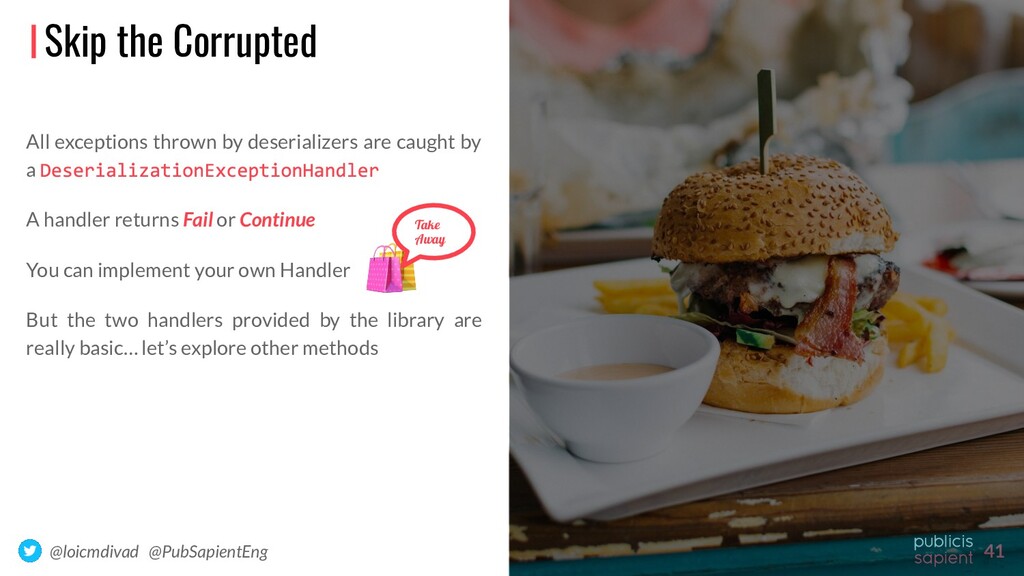
exceptions thrown by deserializers are caught by a A handler returns Fail or Continue You can implement your own Handler But the two handlers provided by the library are really basic… let’s explore other methods
deserializers are caught by a A handler returns Fail or Continue You can implement your own Handler But the two handlers provided by the library are really basic… let’s explore other methods Skip the Corrupted Take Away
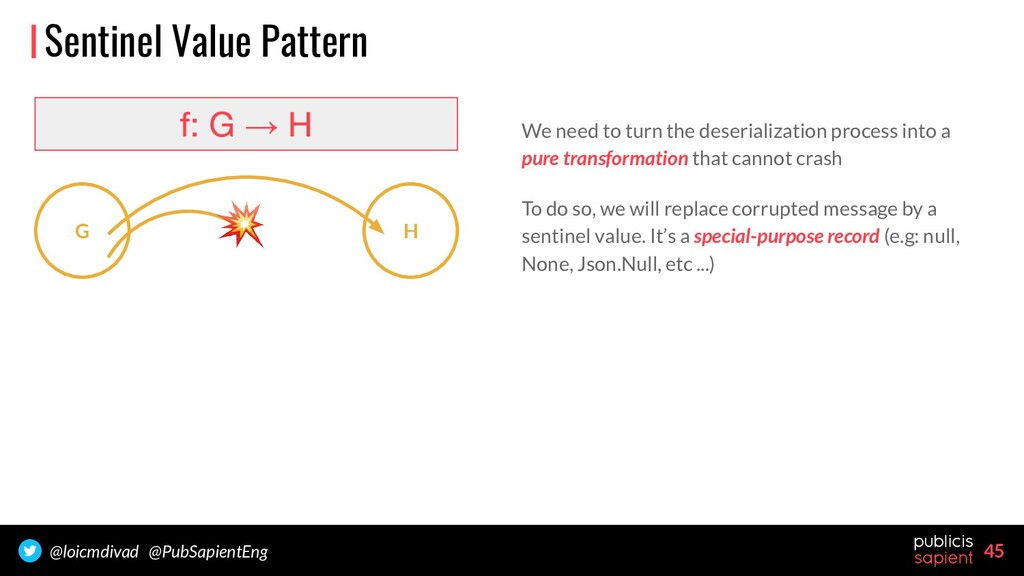
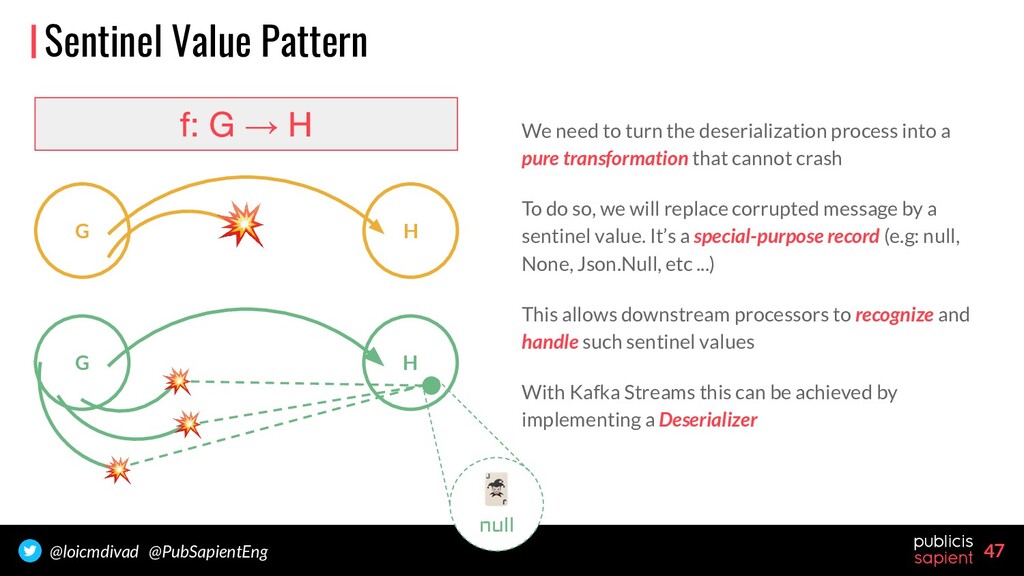
into a pure transformation that cannot crash To do so, we will replace corrupted message by a sentinel value. It’s a special-purpose record (e.g: null, None, Json.Null, etc ...) Sentinel Value Pattern → G H
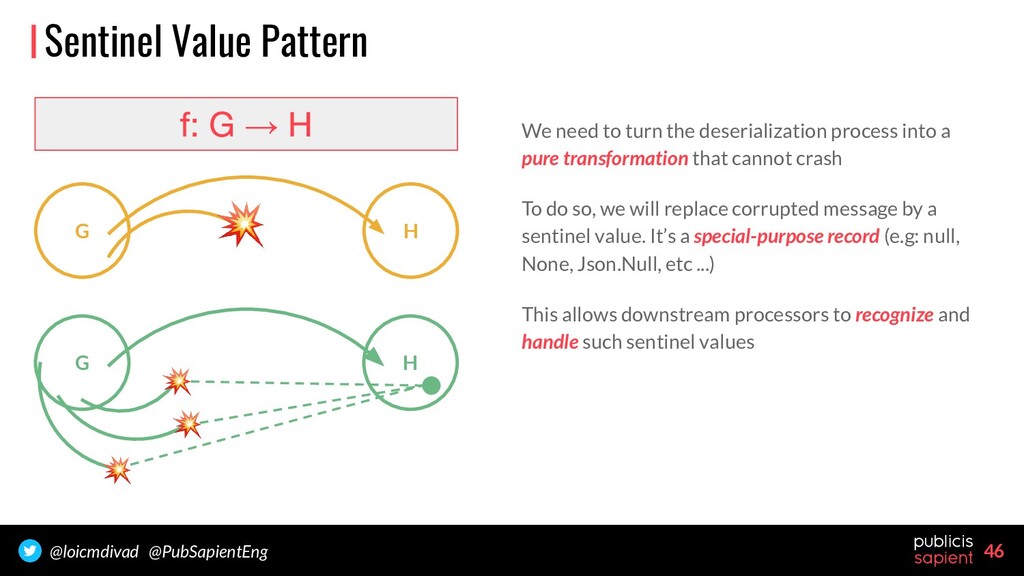
into a pure transformation that cannot crash To do so, we will replace corrupted message by a sentinel value. It’s a special-purpose record (e.g: null, None, Json.Null, etc ...) This allows downstream processors to recognize and handle such sentinel values Sentinel Value Pattern → G H G H
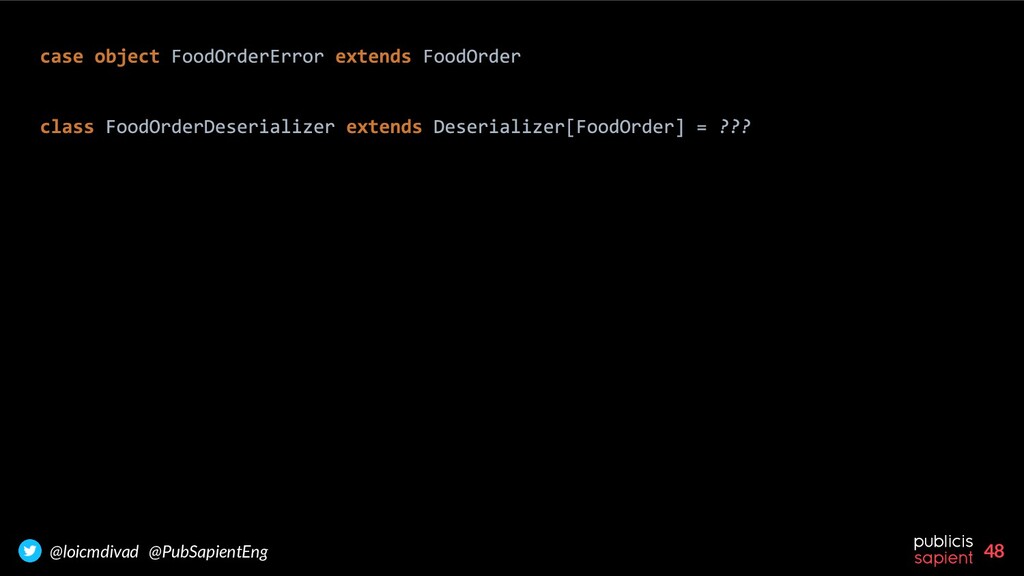
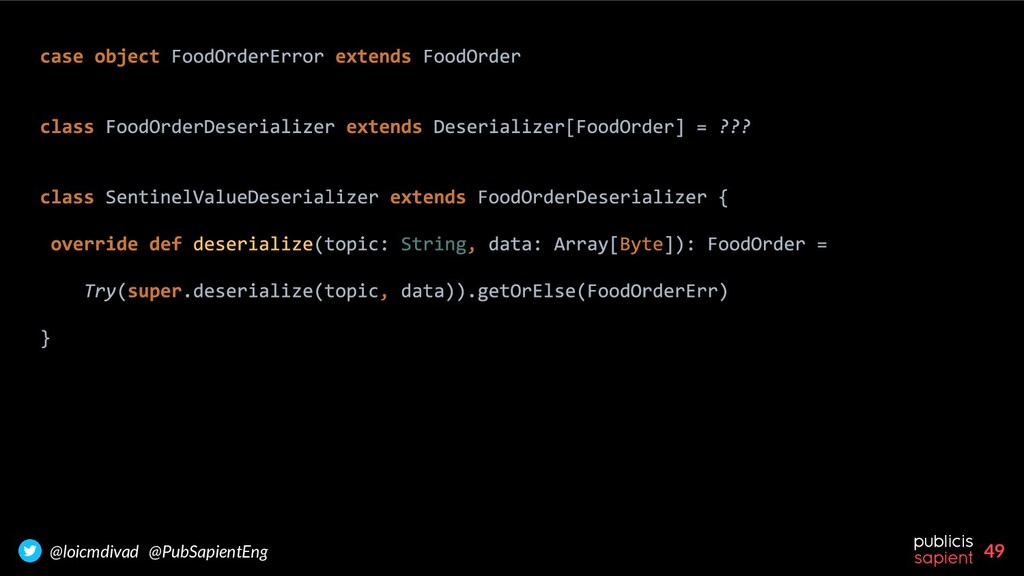
into a pure transformation that cannot crash To do so, we will replace corrupted message by a sentinel value. It’s a special-purpose record (e.g: null, None, Json.Null, etc ...) This allows downstream processors to recognize and handle such sentinel values With Kafka Streams this can be achieved by implementing a Deserializer Sentinel Value Pattern → G H G H null
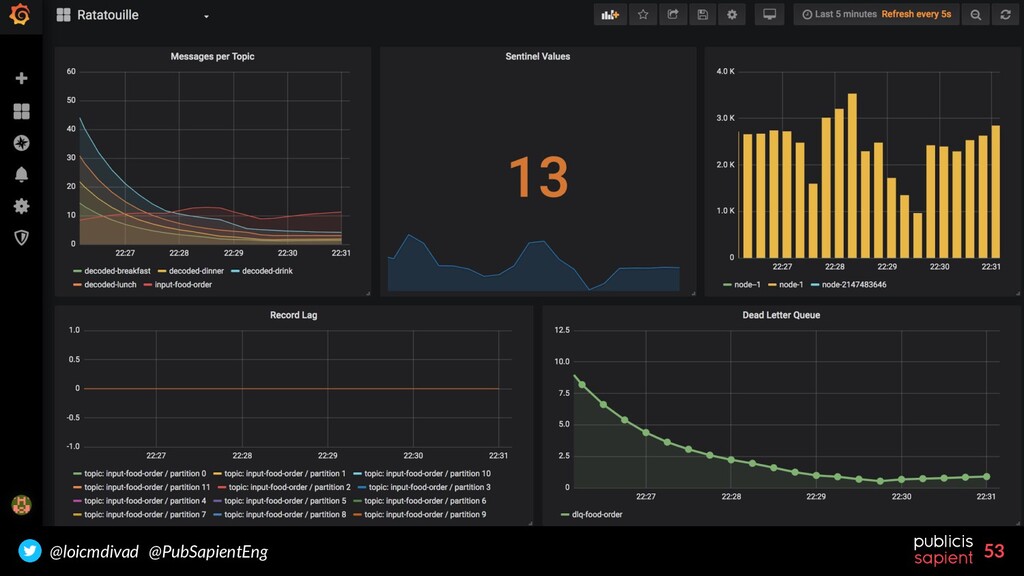
implementing a custom serde we can create a safe . Downstreams now receive a sentinel value indicating a deserialization error. Errors can then be treated correctly, example: monitoring the number of deserialization errors with a custom metric But we lost a lot of information about the error… let’s see a last method
implementing a custom serde we can create a safe . Downstreams now receive a sentinel value indicating a deserialization error. Errors can then be treated correctly, example: monitoring the number of deserialization errors with a custom metric But we lost a lot of information about the error… let’s see a last method Take Away
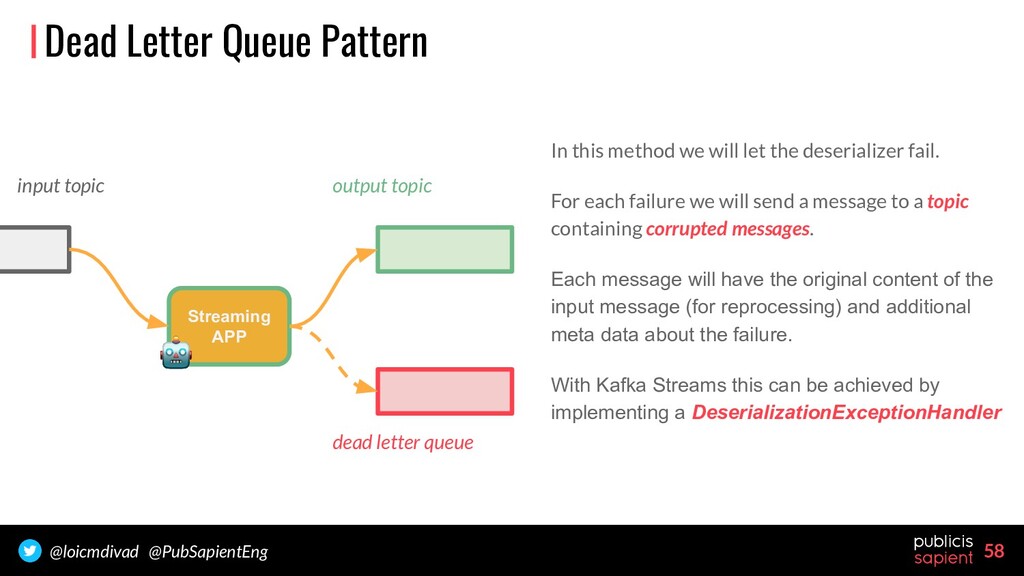
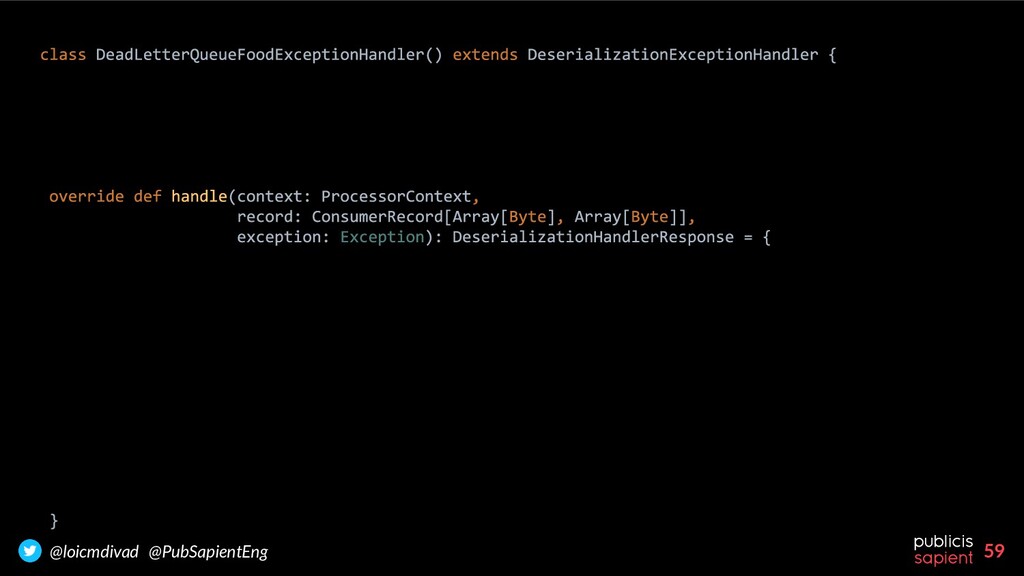
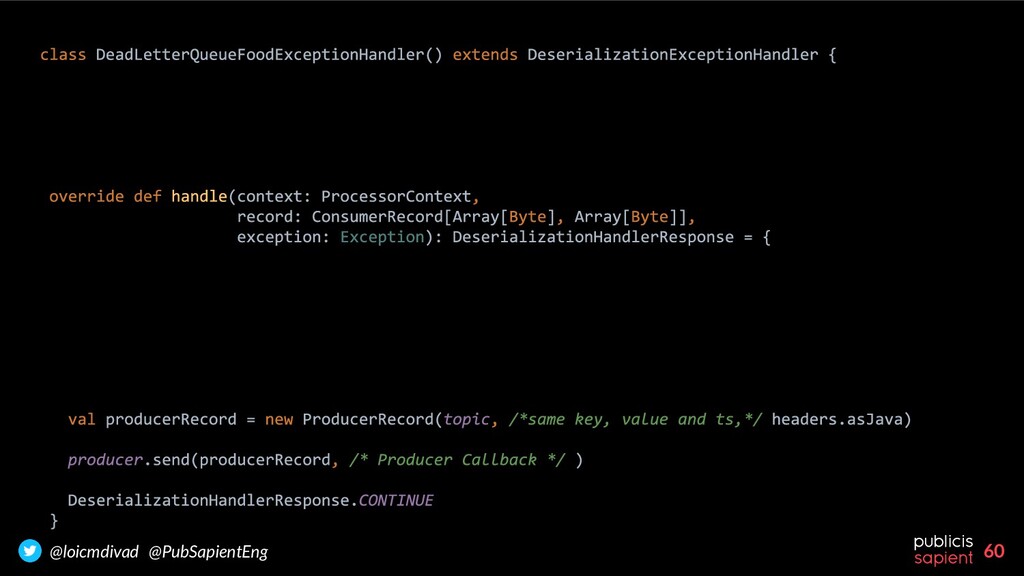
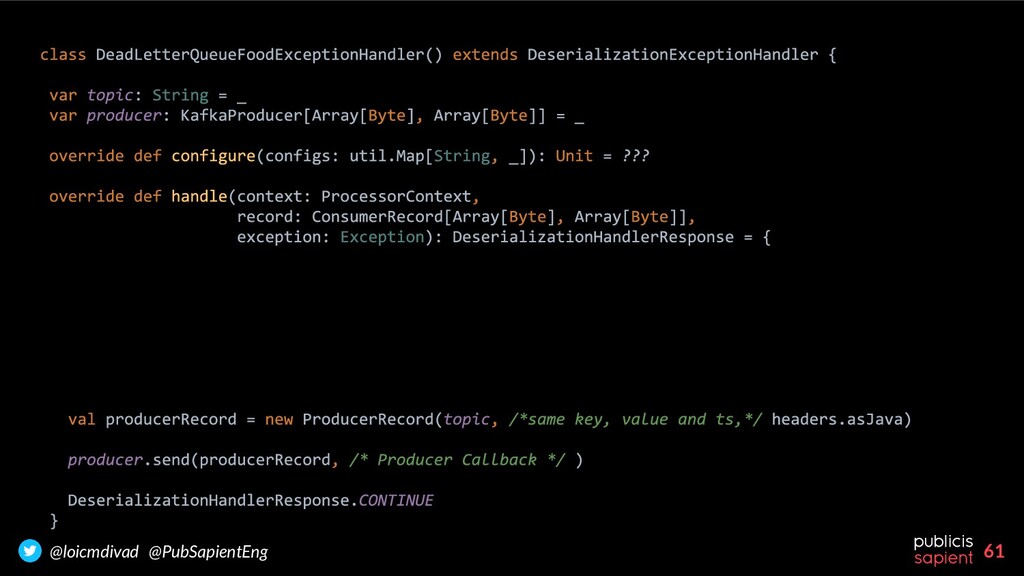
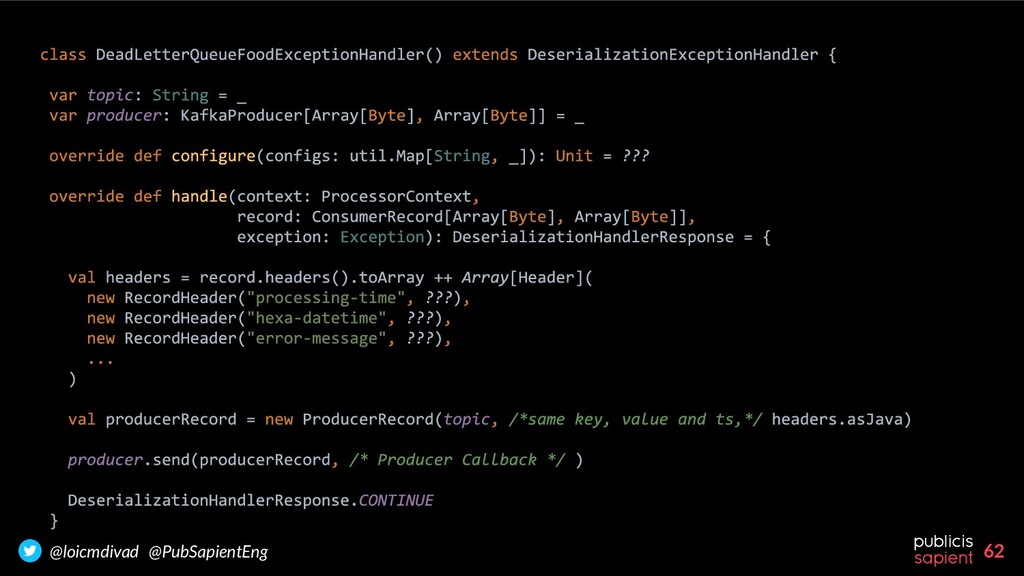
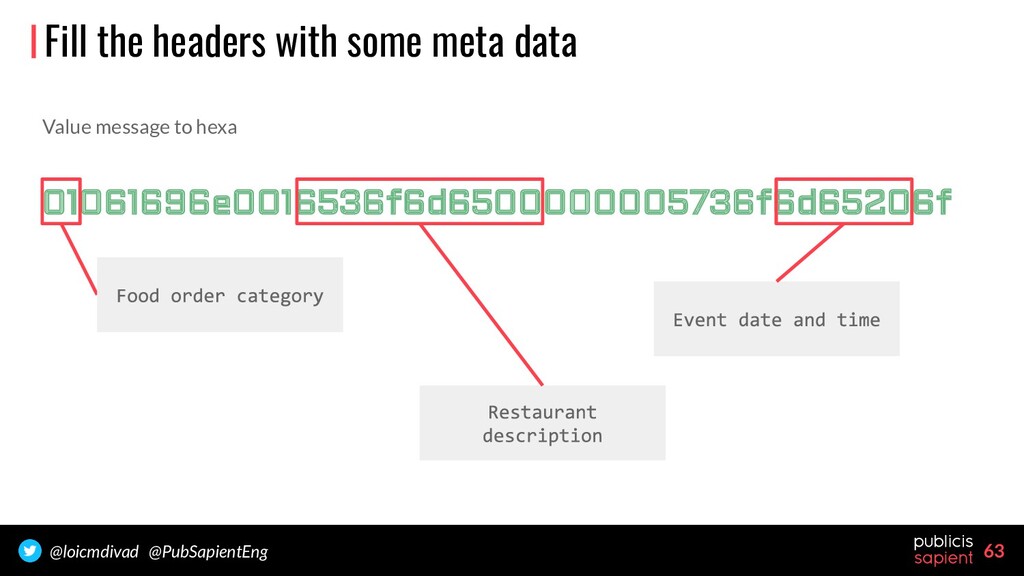
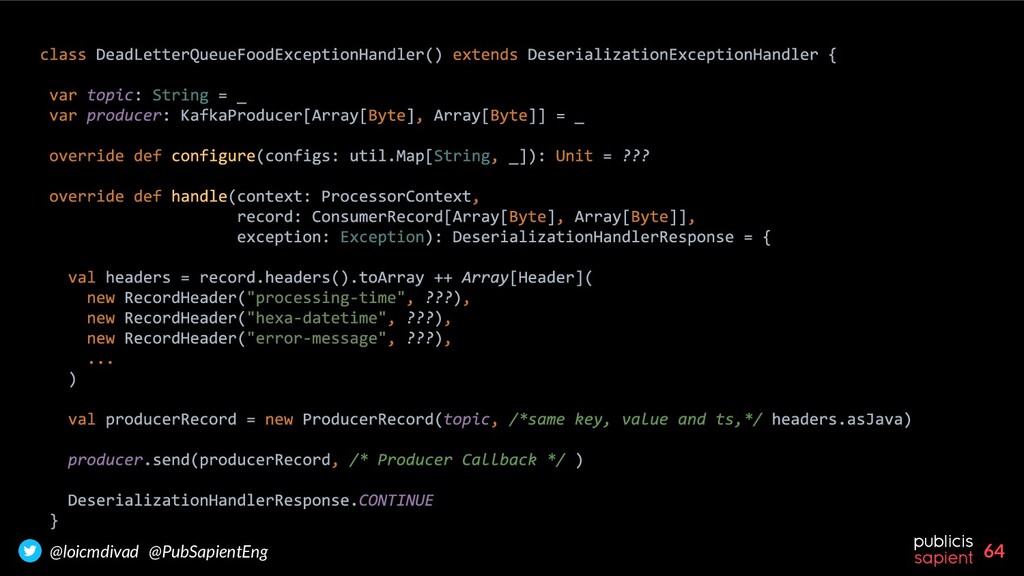
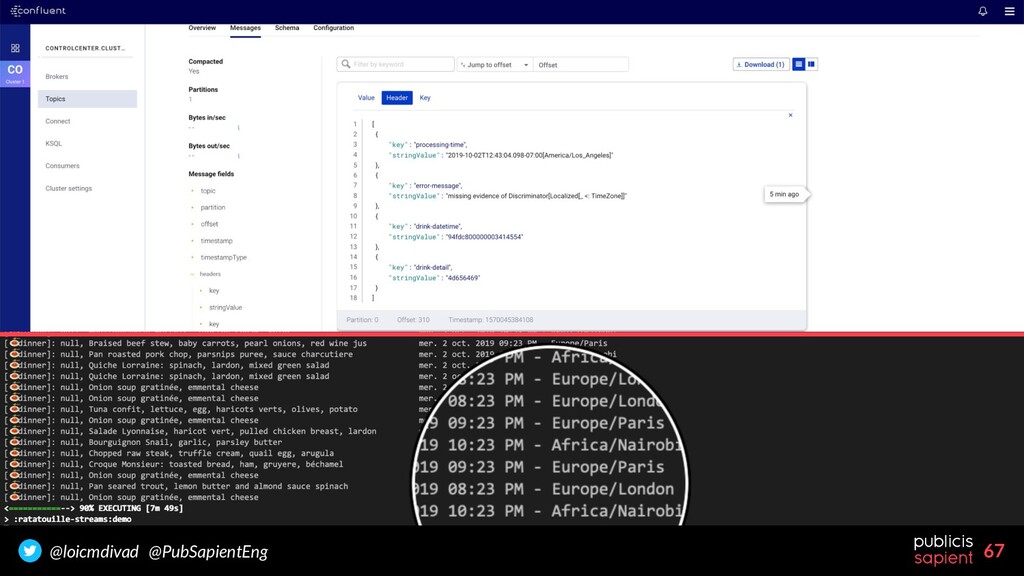
we will let the deserializer fail. For each failure we will send a message to a topic containing corrupted messages. Each message will have the original content of the input message (for reprocessing) and additional meta data about the failure. With Kafka Streams this can be achieved by implementing a DeserializationExceptionHandler Streaming APP dead letter queue input topic output topic
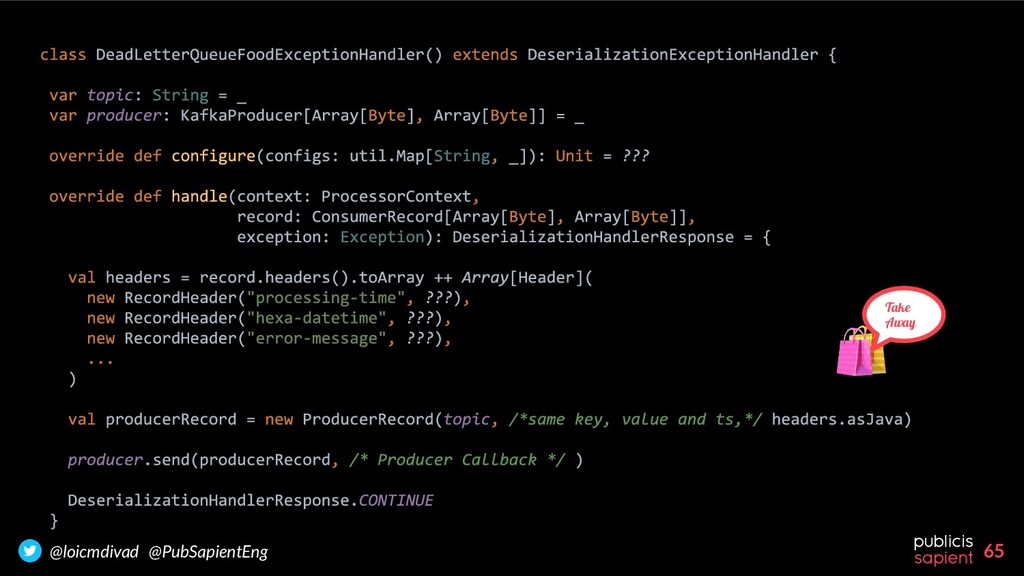
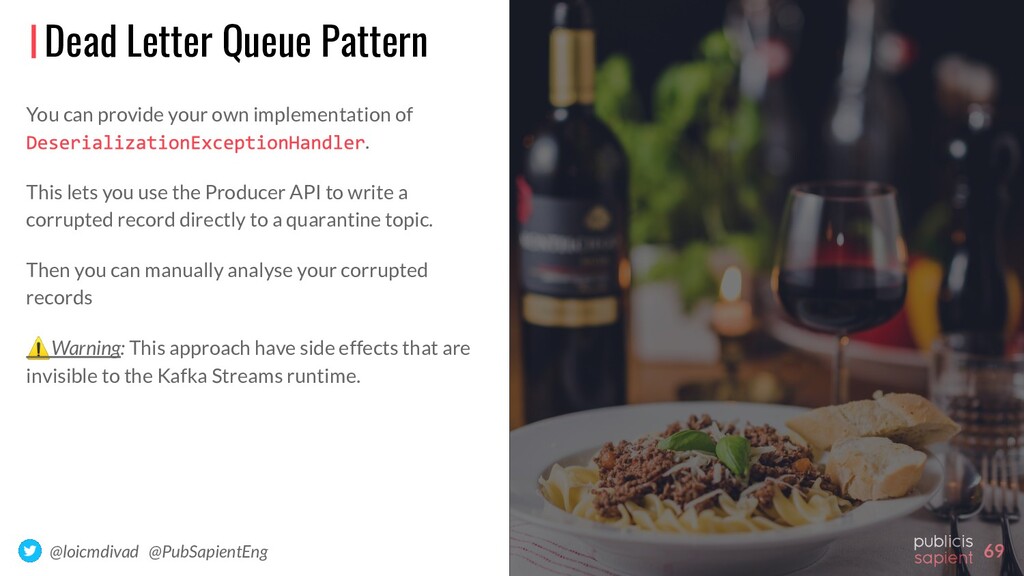
You can provide your own implementation of . This lets you use the Producer API to write a corrupted record directly to a quarantine topic. Then you can manually analyse your corrupted records ⚠Warning: This approach have side effects that are invisible to the Kafka Streams runtime.
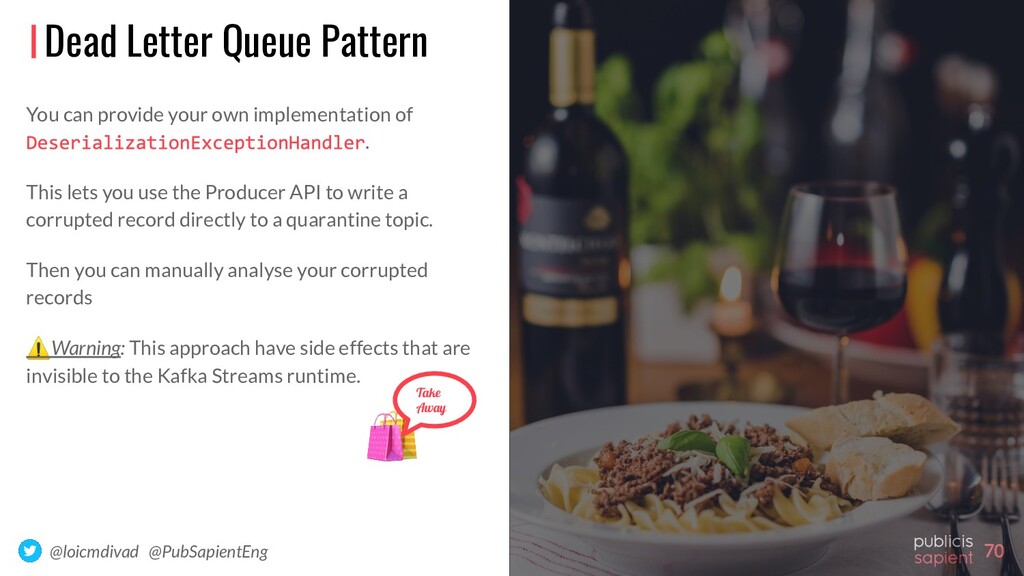
You can provide your own implementation of . This lets you use the Producer API to write a corrupted record directly to a quarantine topic. Then you can manually analyse your corrupted records ⚠Warning: This approach have side effects that are invisible to the Kafka Streams runtime. Take Away
Deep Dive – Error Handling and Dead Letter Queues - by Robin Moffatt Building Reliable Reprocessing and Dead Letter Queues with Apache Kafka - by Ning Xia Handling bad messages using Kafka's Streams API - answer by Matthias J. Sax
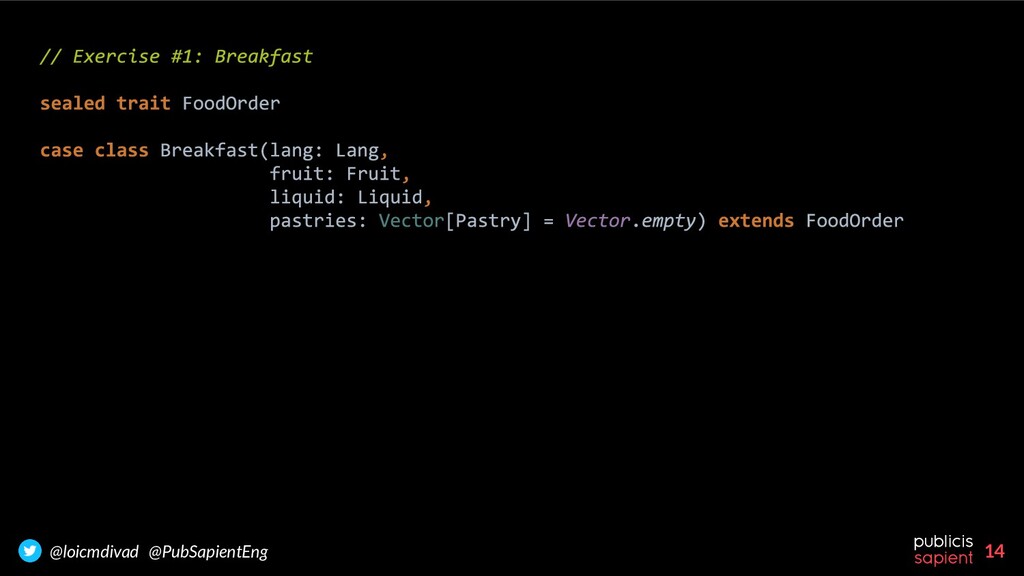
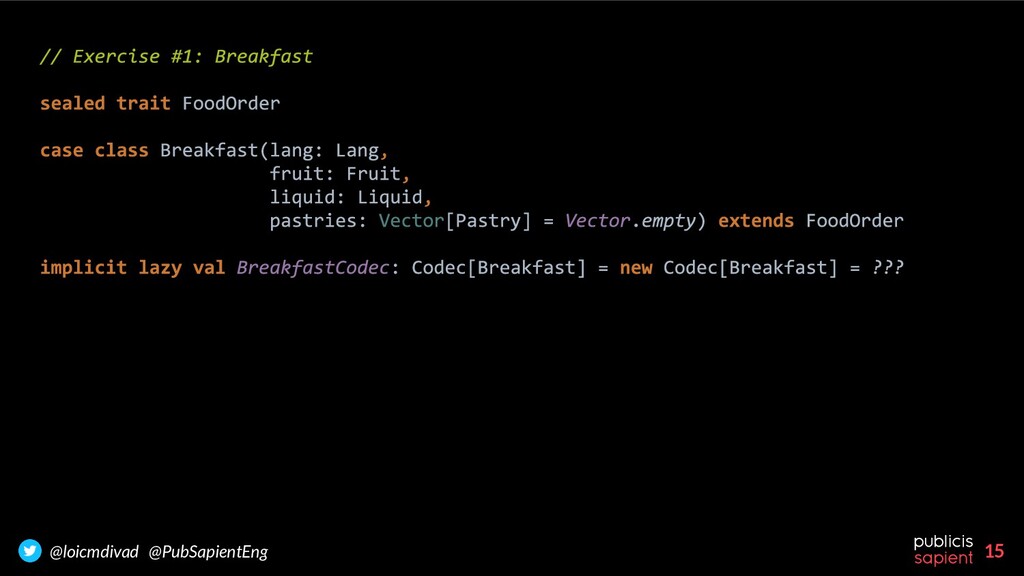
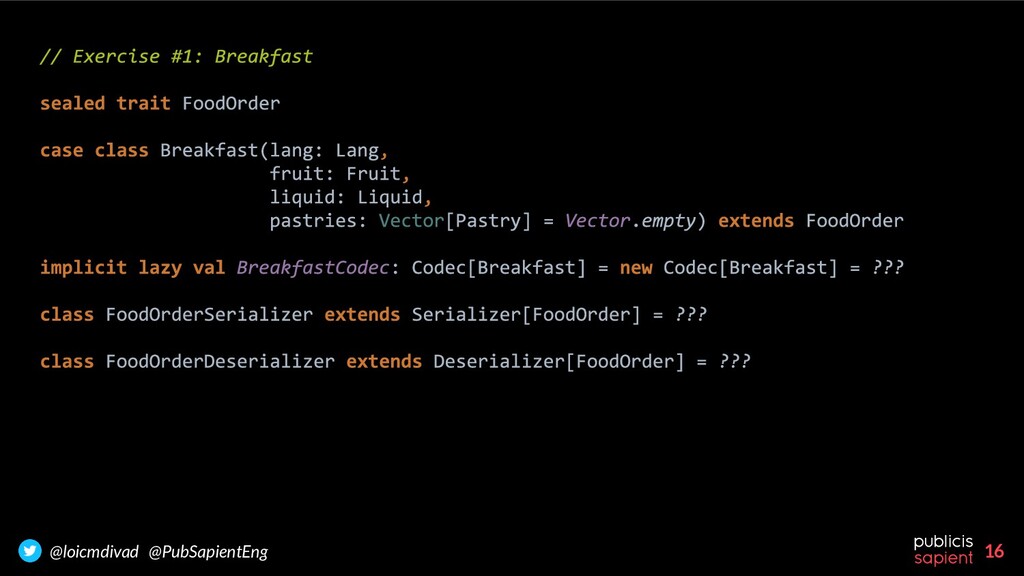
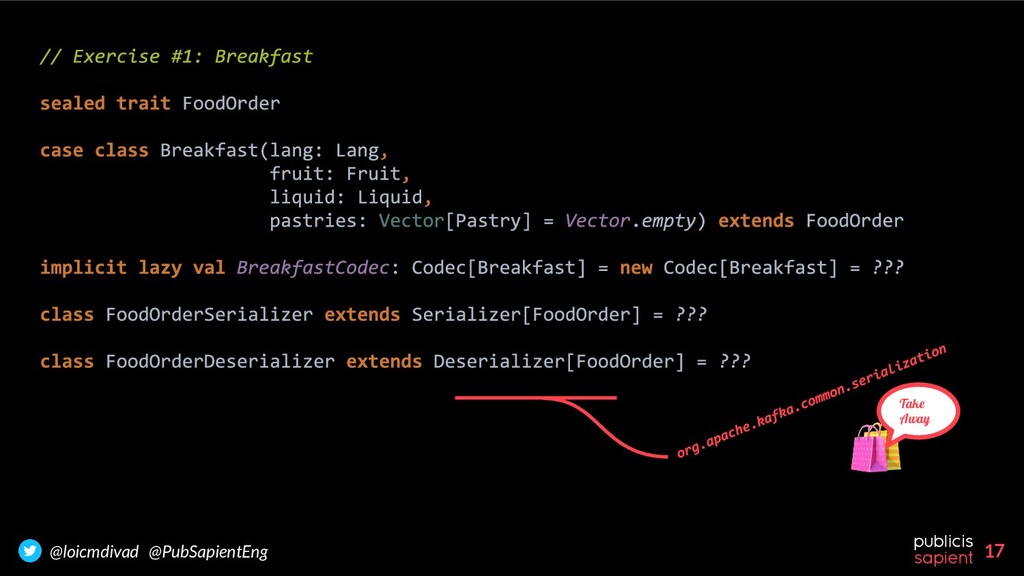
deserialization is the responsibility of the clients. These internal errors are not easy to catch When it’s possible, use Avro + Schema Registry When it’s not possible, Kafka Streams applies techniques to deal with serde errors: - DLQ: By extending a - Sentinel Value: By extending a
on Unsplash Photo by João Marcelo Martins on Unsplash Photo by Jordane Mathieu on Unsplash Photo by Brooke Lark on Unsplash Photo by Jakub Kapusnak on Unsplash Photo by Melissa Walker Horn on Unsplash Photo by Aneta Pawlik on Unsplash


 loicdivad
 mhrtech
 takuroabe
 shugo
shugo
 ishikawa_satoru
 nealle
 sansantech
 kairim0
 puhitaku
 takahashim
 terurou
 iktakahiro
 rfdnxbro
 colly
colly
 soysaucechin
 paigeccino
 notwaldorf
 davidcarrasco
 nikkihalliwell
 cassininazir
 livdayseo
 afnizarnur
 greggifford
 erikaheidi
 szymonslowik