Upgrade to Pro — share decks privately, control downloads, hide ads and more …

How readers read our posts

Avatar for makzan makzan
July 15, 2014

How readers read our posts

A sharing to inspire readers to think again the post creation and sharing process. How our published post would finally be read by readers.

Avatar for makzan

makzan

July 15, 2014

Other Decks in Business

Transcript

  1. • Technical background. • Author of 3 books. • Course

    instructor for app and web development. • Web designer that trains award-winning students.
  2. 1. How we write online. 2. Different types of content.

    3. How readers read. 4. How our posts get shared.
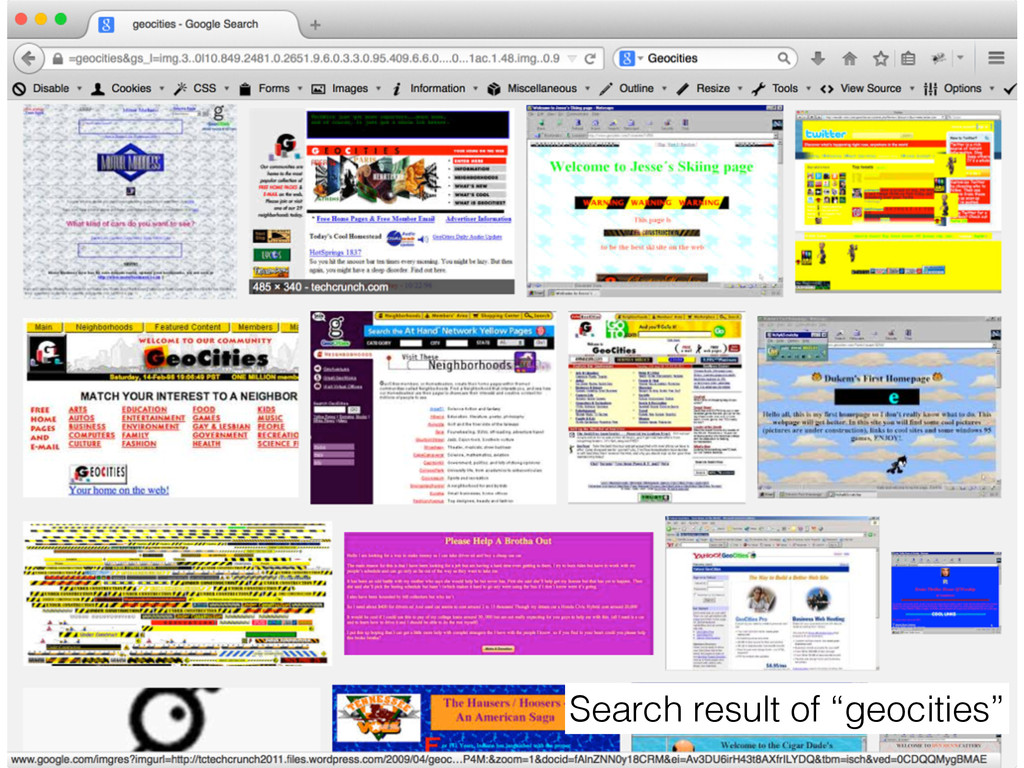
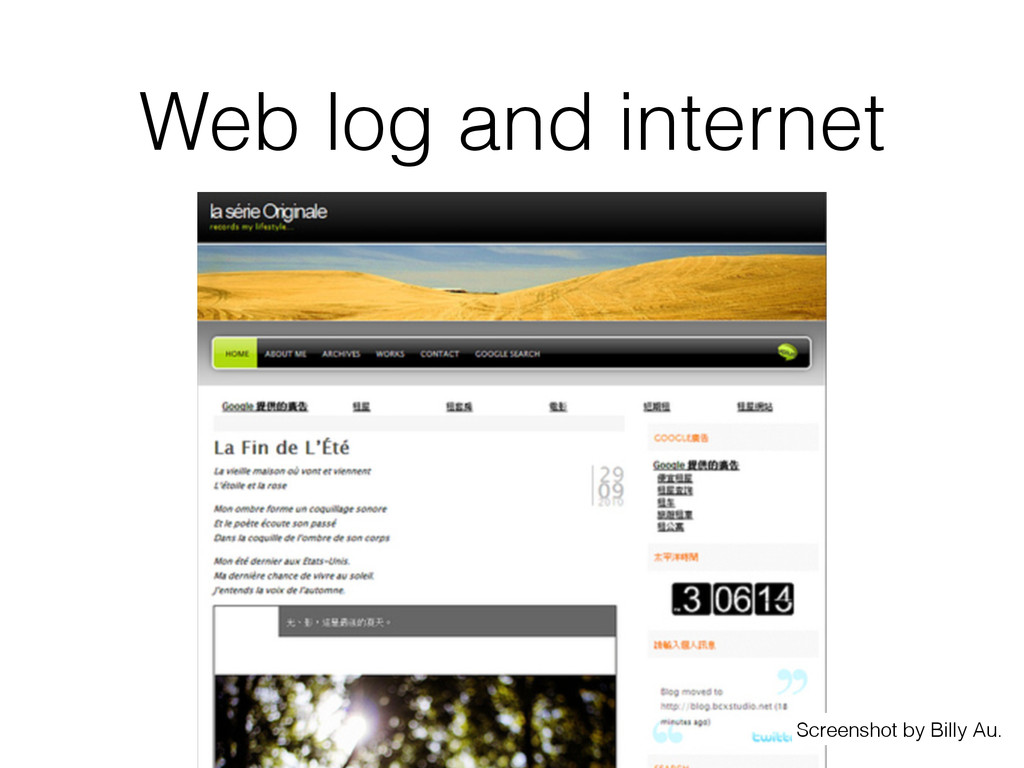
  3. Web log and internet • In the past, only web

    designers can make website. • In 1990s, there was geocities. • In early 2000s, online journals, web logs • In late 2000s, blogs
  4. Issues of hosted services • You don’t store your data.

    • You can’t customise everything. • Service may shut down.
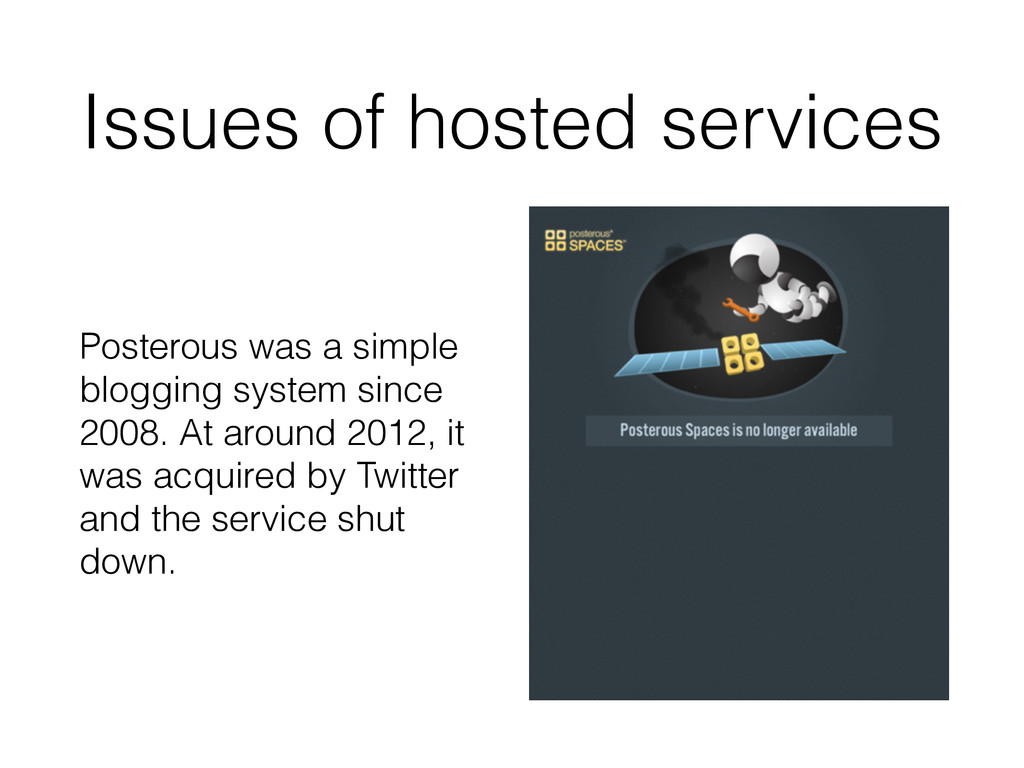
  5. Issues of hosted services Posterous was a simple blogging system

    since 2008. At around 2012, it was acquired by Twitter and the service shut down.
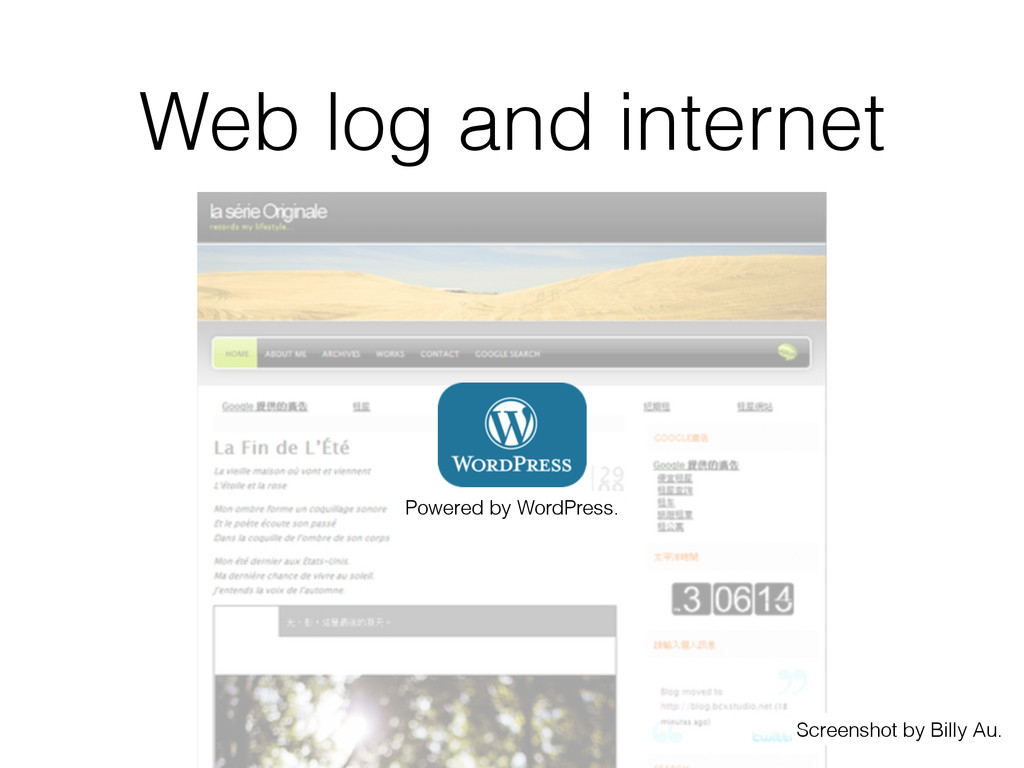
  6. • We can host the blogging platform. • Create our

    own themes. • Choice of plugins, widgets, domain. • Our content will not be deleted when the service goes down. (But we have to maintain and backup our own hosting machine) WordPress
  7. WordPress enables • Non-technicals to write online. • Our own

    design and branding (without knowing web design). • Everyone posting something online.
  8. tumblr. 6 types of posts: • text • photo •

    video • chat • quote • link
  9. Different forms of information • Web Article • Video •

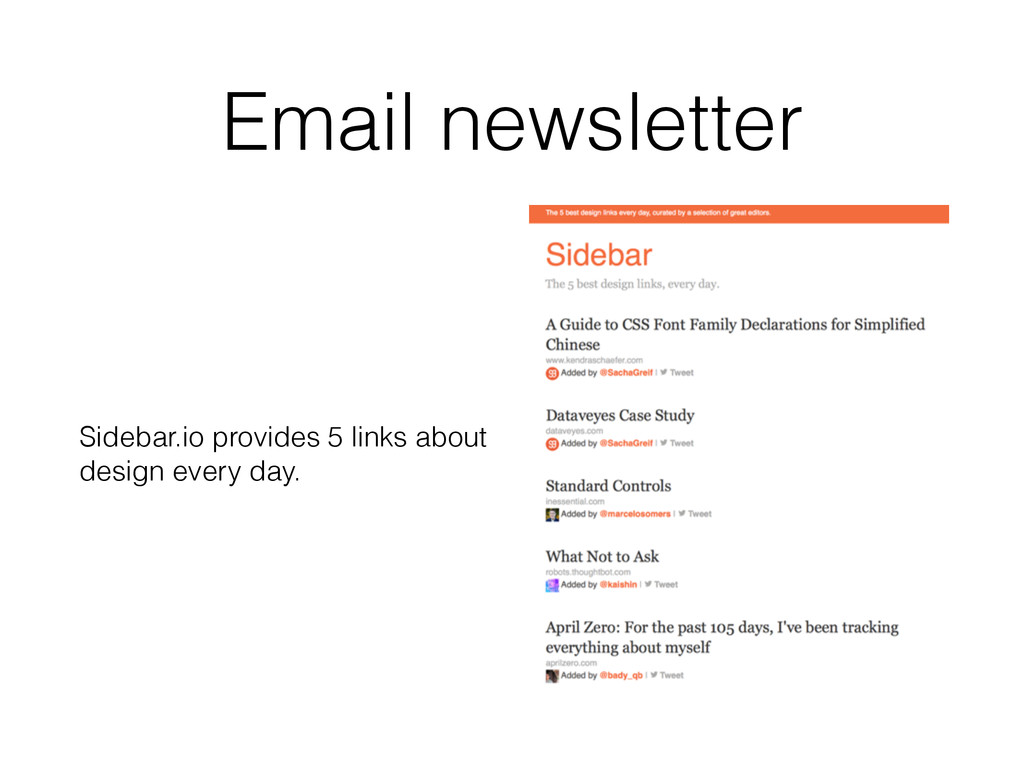
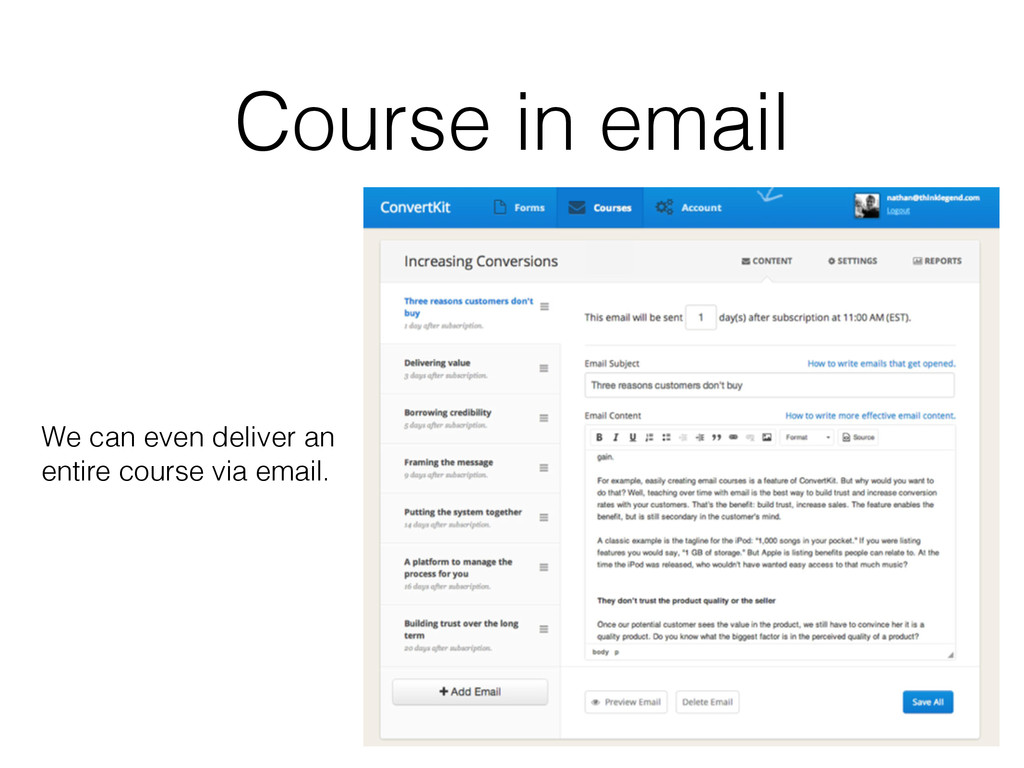
    Short Video • Image • Audio (Podcast) • Email Newsletter
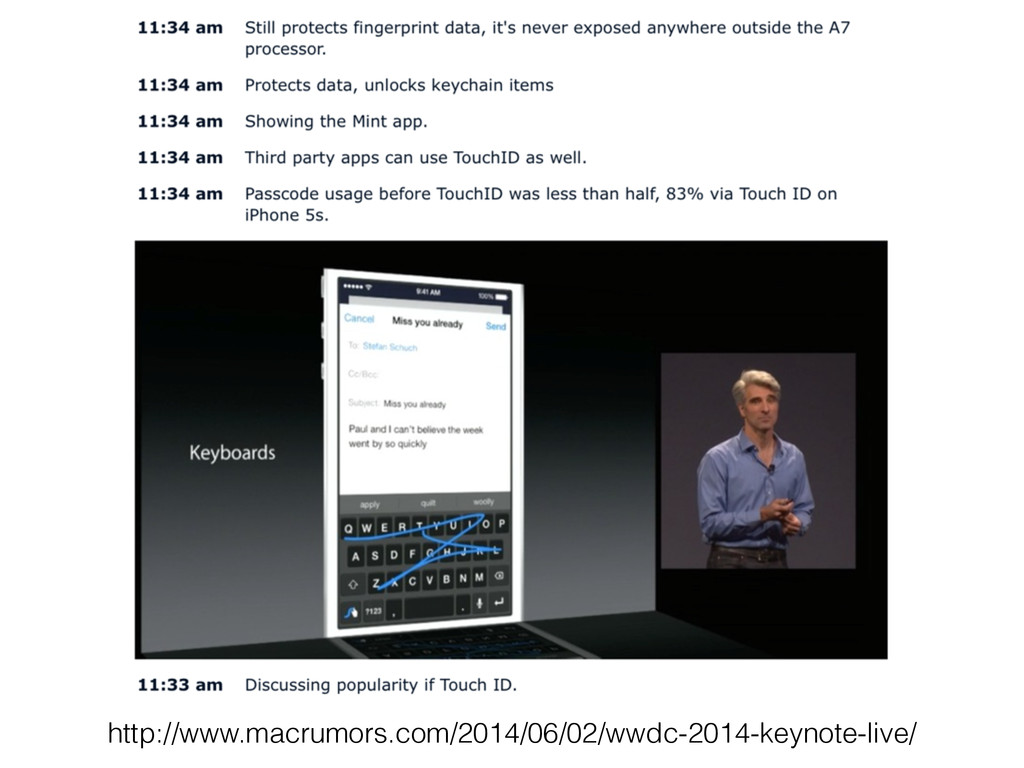
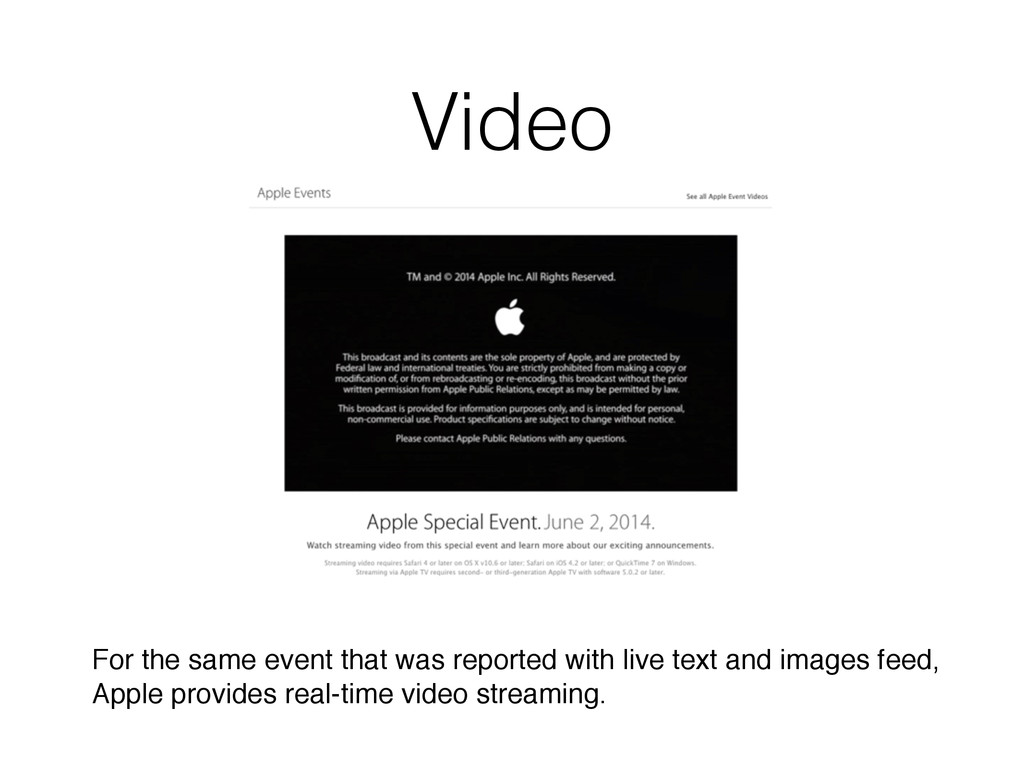
  10. Video For the same event that was reported with live

    text and images feed, Apple provides real-time video streaming.
  11. Can you list 3 pros and cons for the post

    types we discussed? Discussion time When shall we use video? When shall we use text?
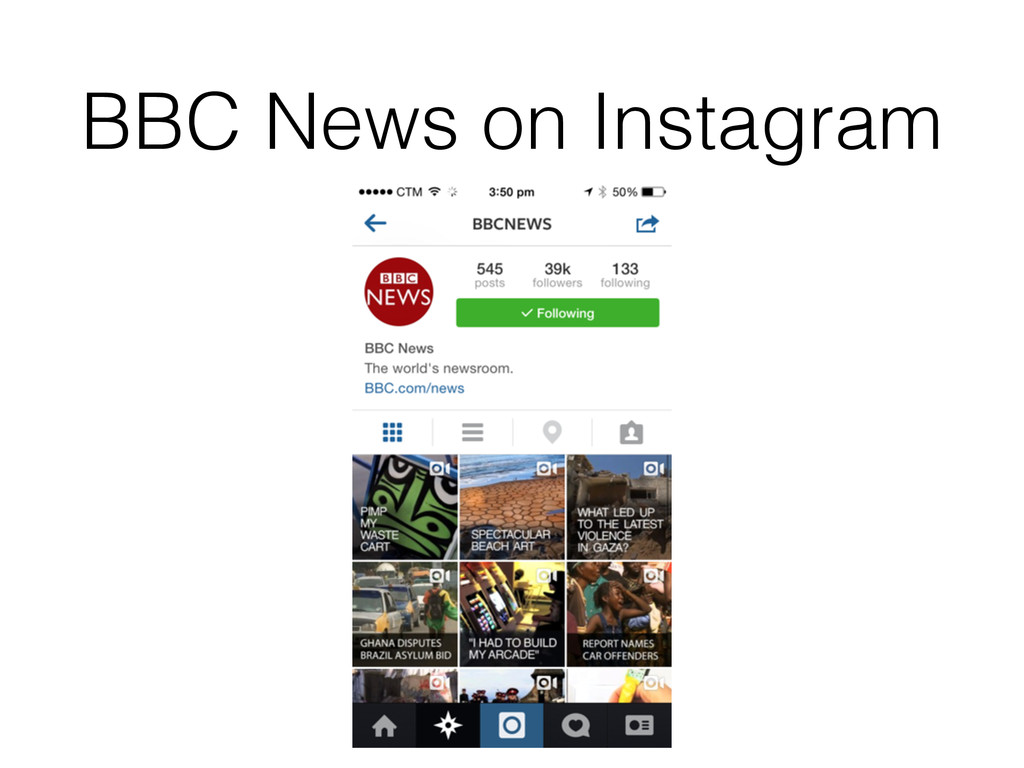
  12. Imagine now you need to report sport news in Instagram.

    How can you make it creatively? Discussion time
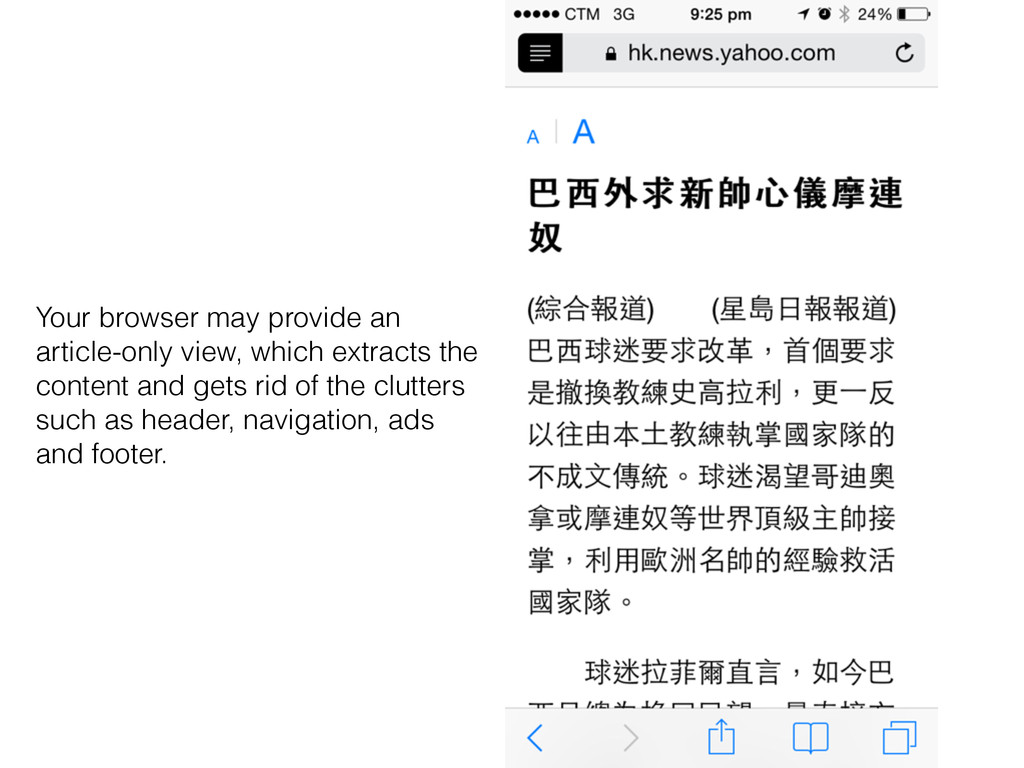
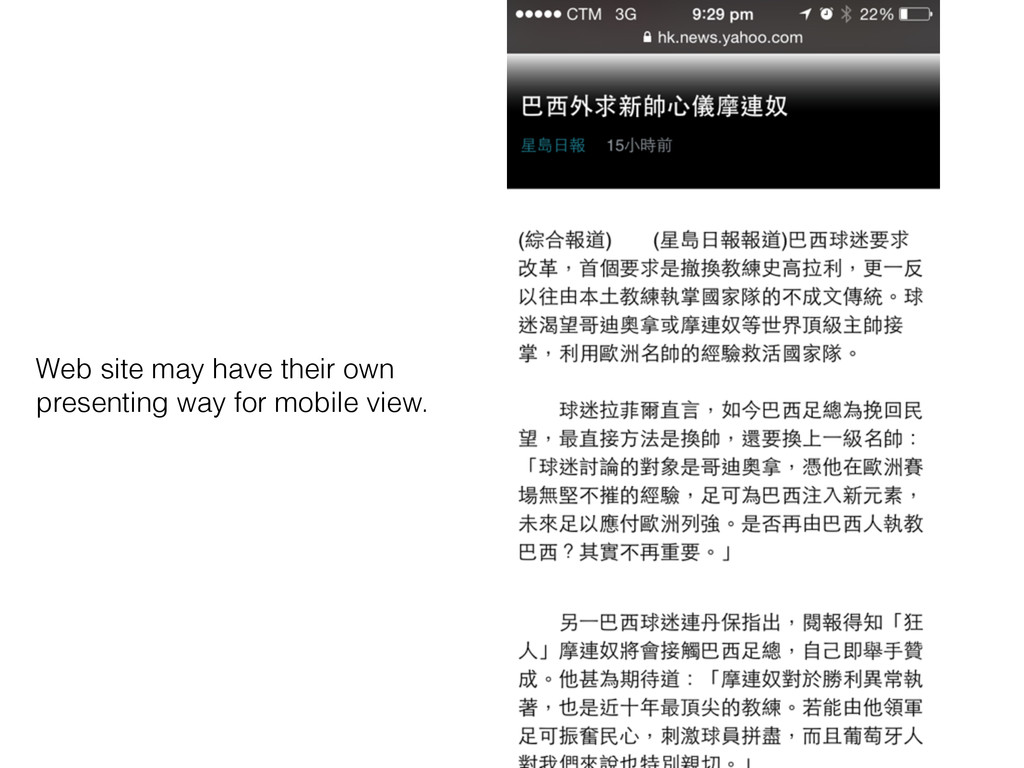
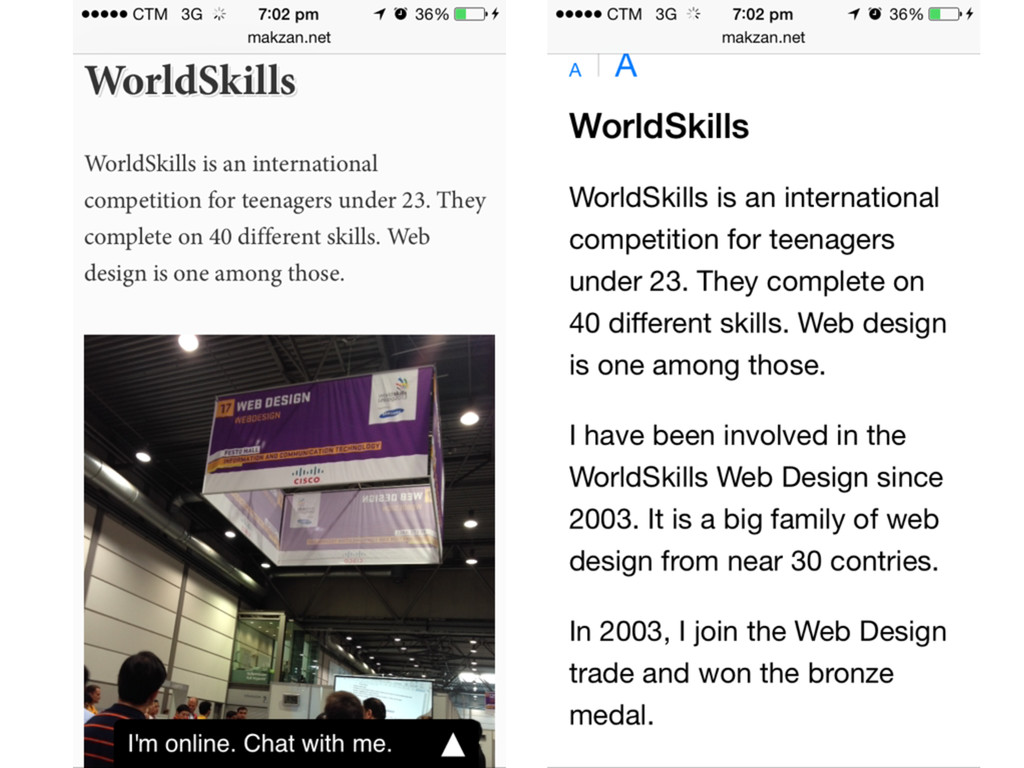
  13. Your browser may provide an article-only view, which extracts the

    content and gets rid of the clutters such as header, navigation, ads and footer.
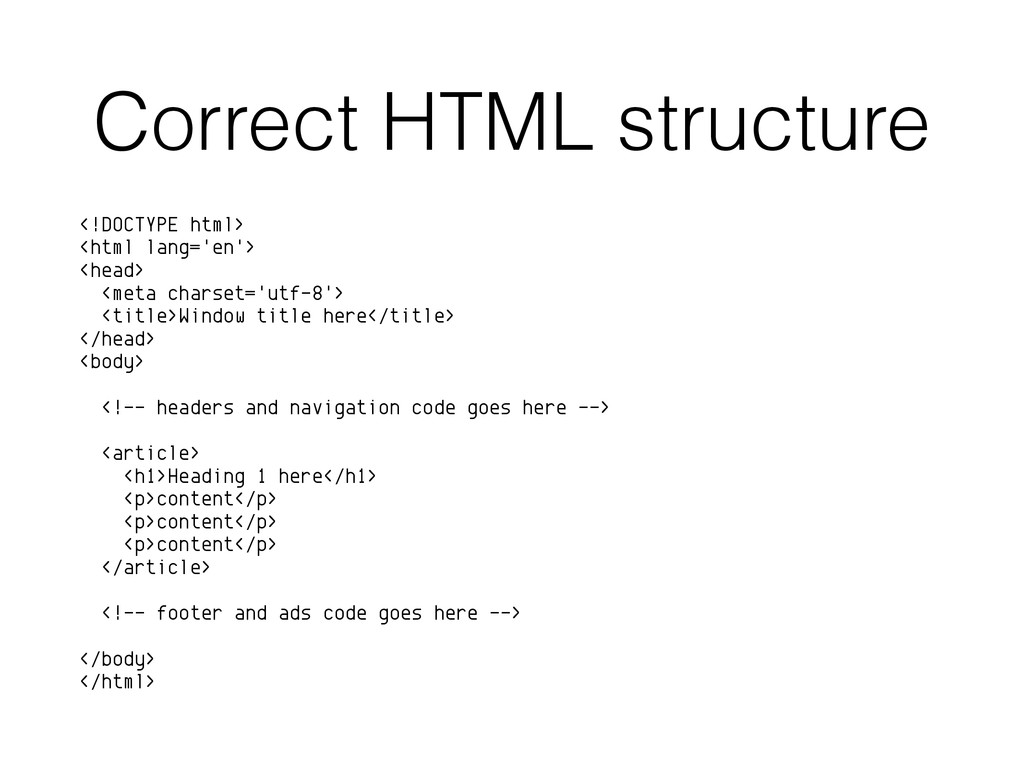
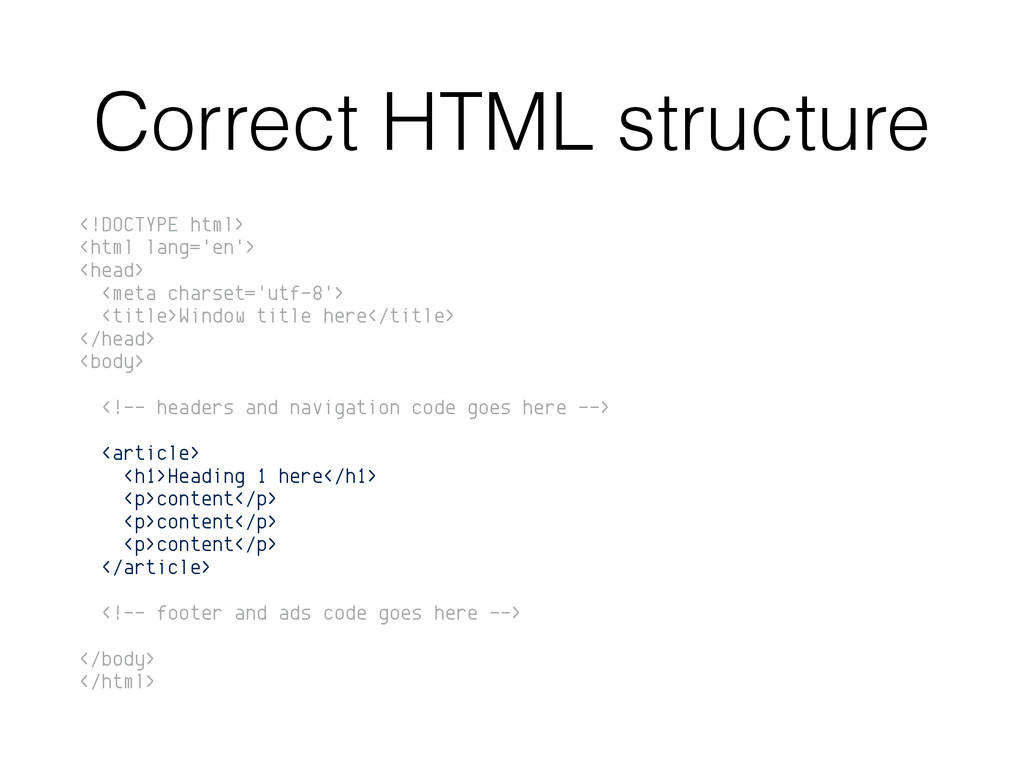
  14. Correct HTML structure <!DOCTYPE html> <html lang='en'> <head> <meta charset='utf-8'>

    <title>Window title here</title> </head> <body> <!-- headers and navigation code goes here --> <article> <h1>Heading 1 here</h1> <p>content</p> <p>content</p> <p>content</p> </article> <!-- footer and ads code goes here --> </body> </html>
  15. Correct HTML structure <!DOCTYPE html> <html lang='en'> <head> <meta charset='utf-8'>

    <title>Window title here</title> </head> <body> <!-- headers and navigation code goes here --> <article> <h1>Heading 1 here</h1> <p>content</p> <p>content</p> <p>content</p> </article> <!-- footer and ads code goes here --> </body> </html>
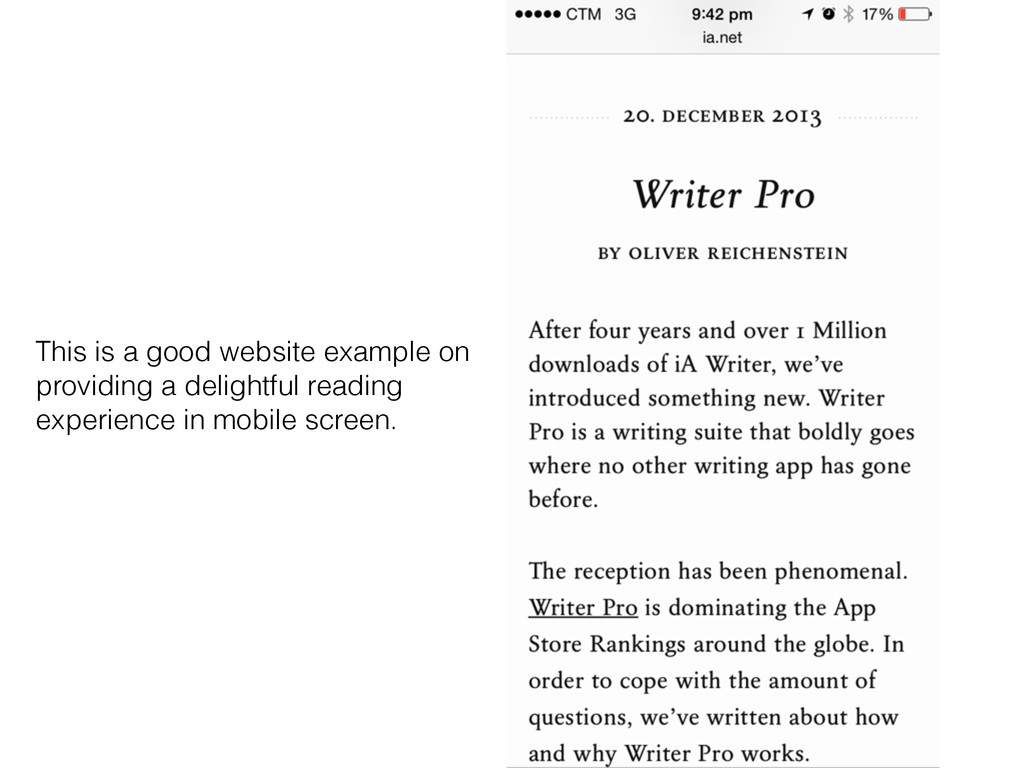
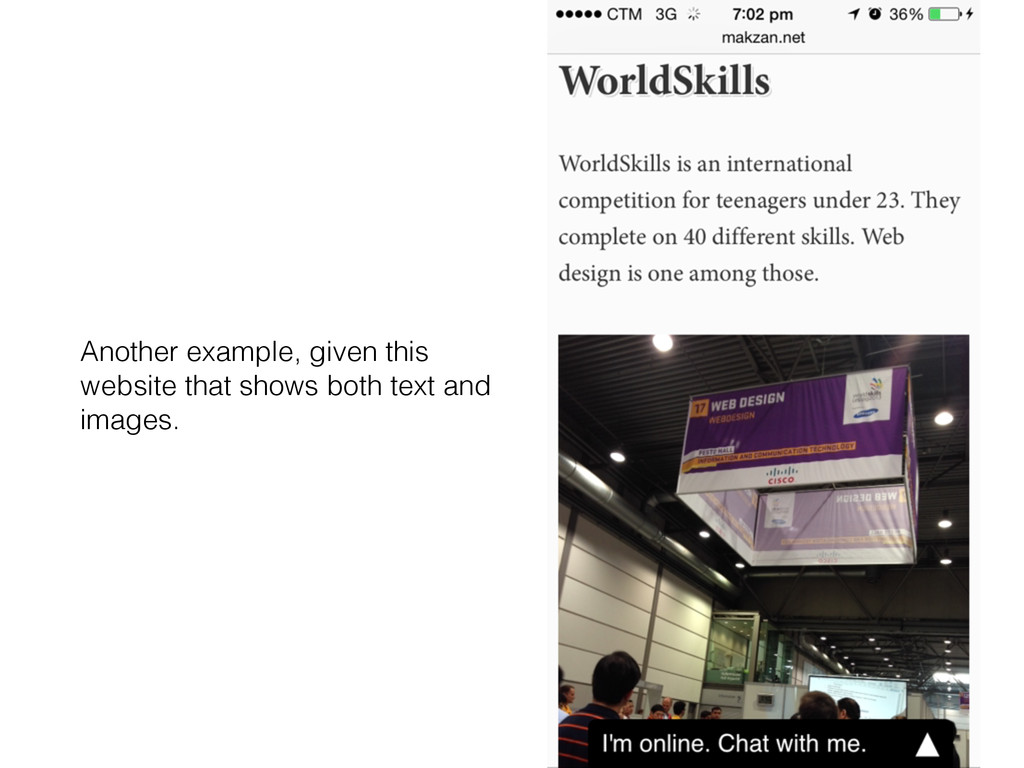
  16. This is a good website example on providing a delightful

    reading experience in mobile screen.
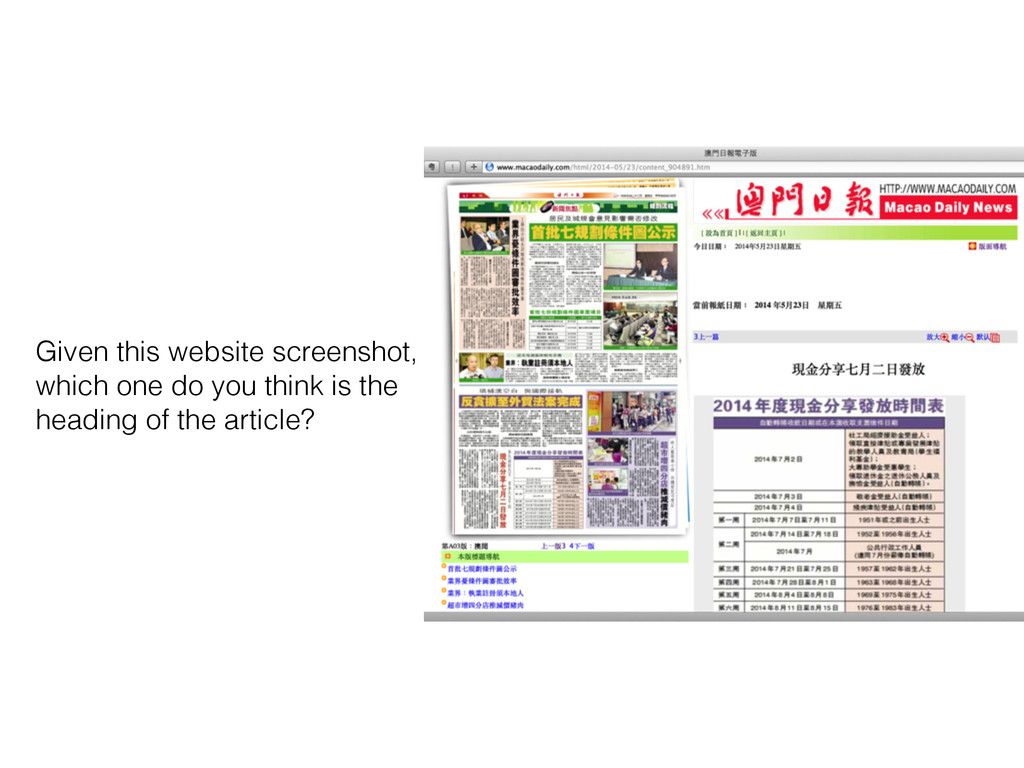
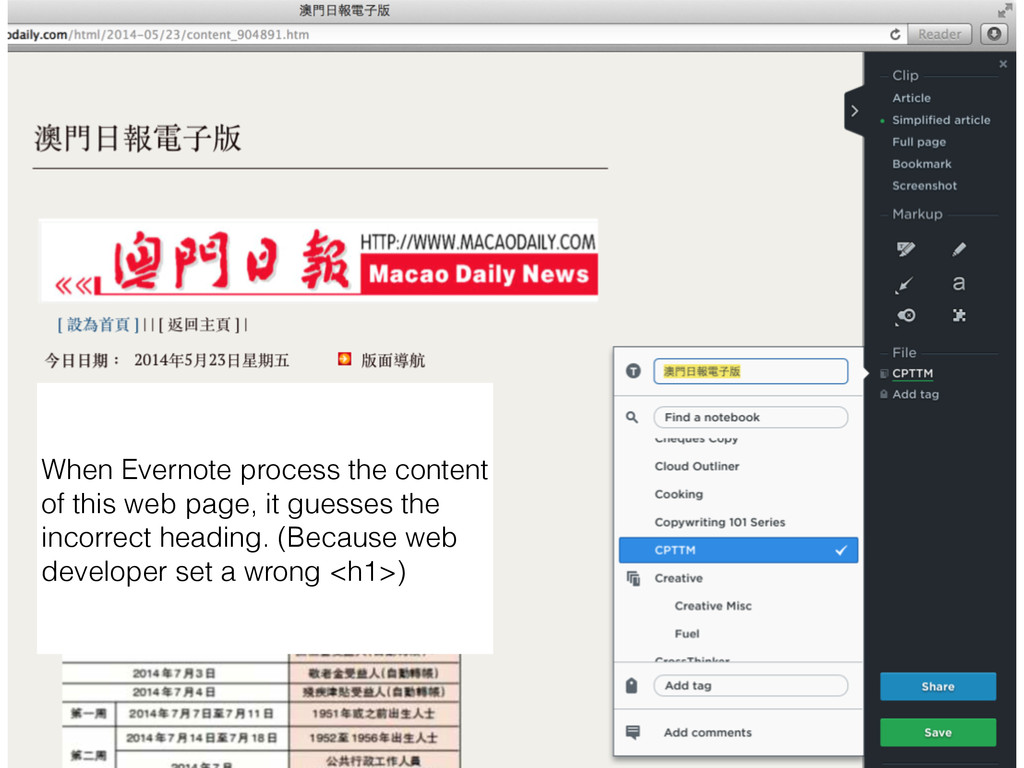
  17. When Evernote process the content of this web page, it

    guesses the incorrect heading. (Because web developer set a wrong <h1>)
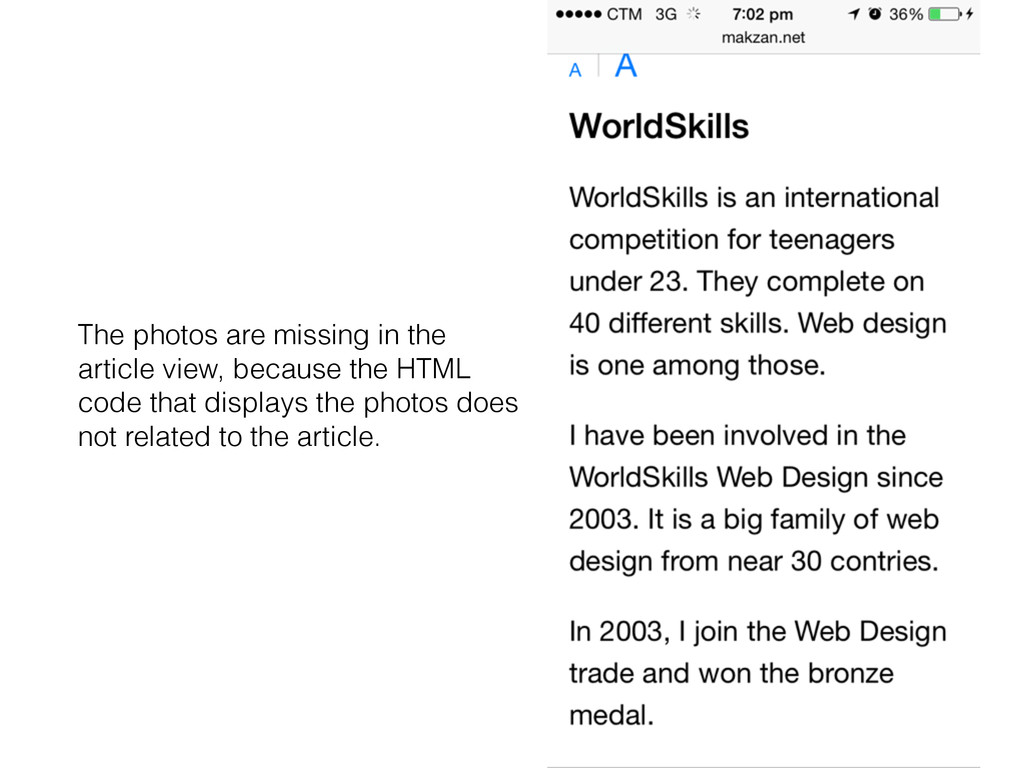
  18. The photos are missing in the article view, because the

    HTML code that displays the photos does not related to the article.
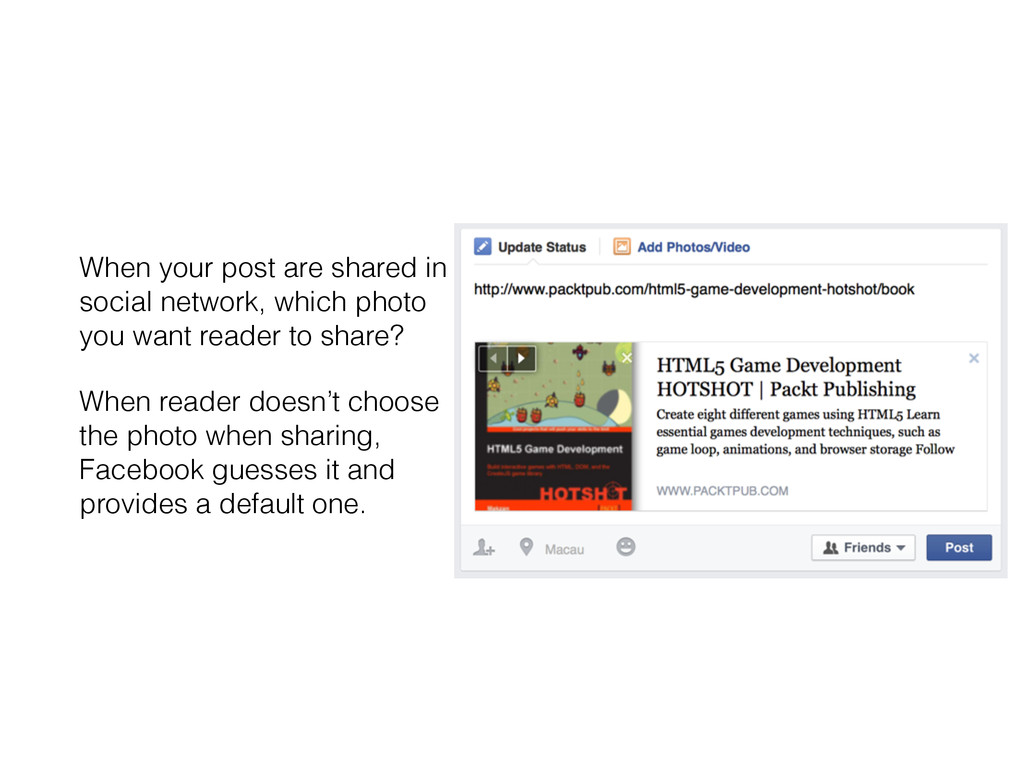
  19. When your post are shared in social network, which photo

    you want reader to share? When reader doesn’t choose the photo when sharing, Facebook guesses it and provides a default one.
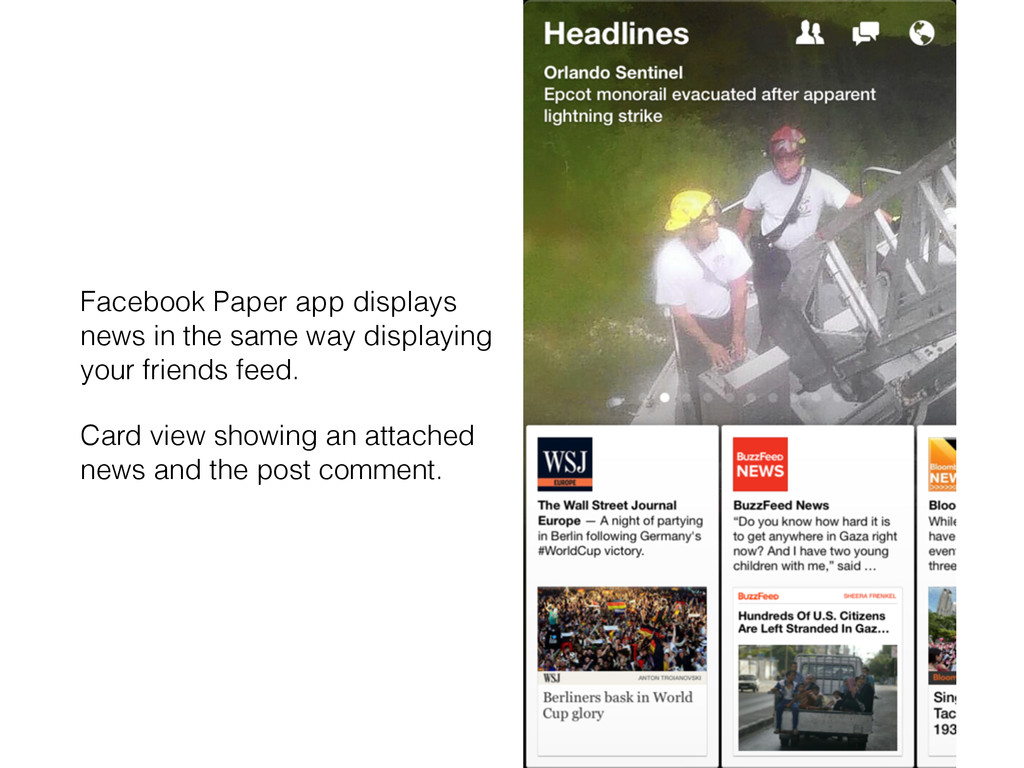
  20. Facebook Paper app displays news in the same way displaying

    your friends feed. Card view showing an attached news and the post comment.
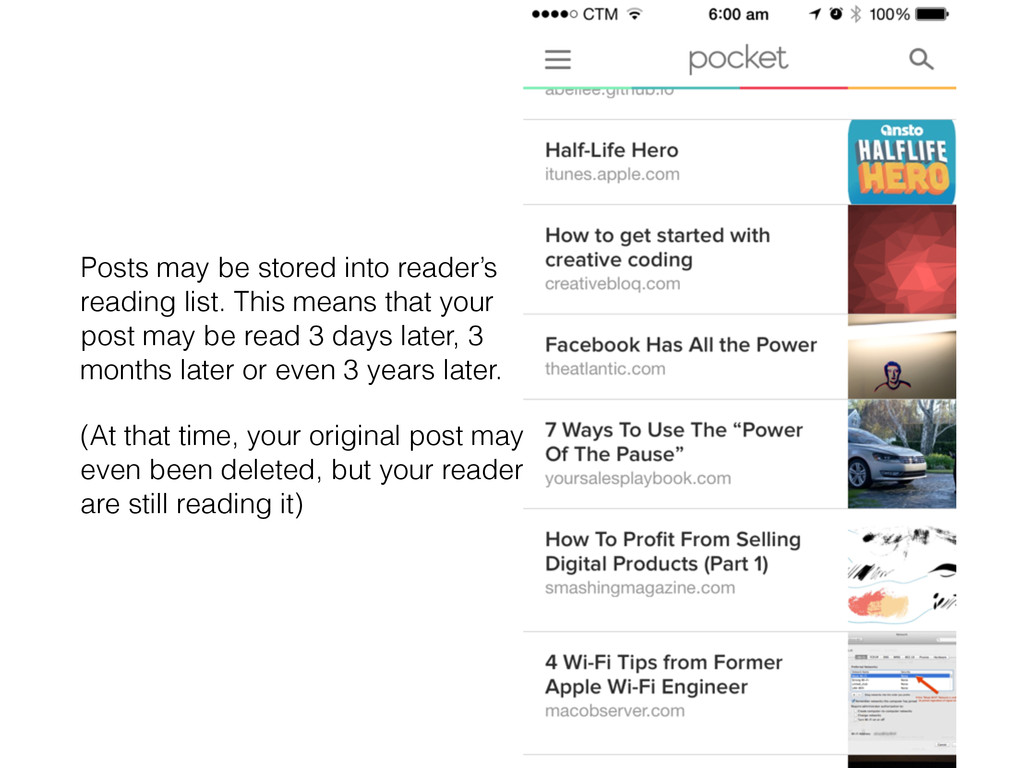
  21. Posts may be stored into reader’s reading list. This means

    that your post may be read 3 days later, 3 months later or even 3 years later. (At that time, your original post may even been deleted, but your reader are still reading it)
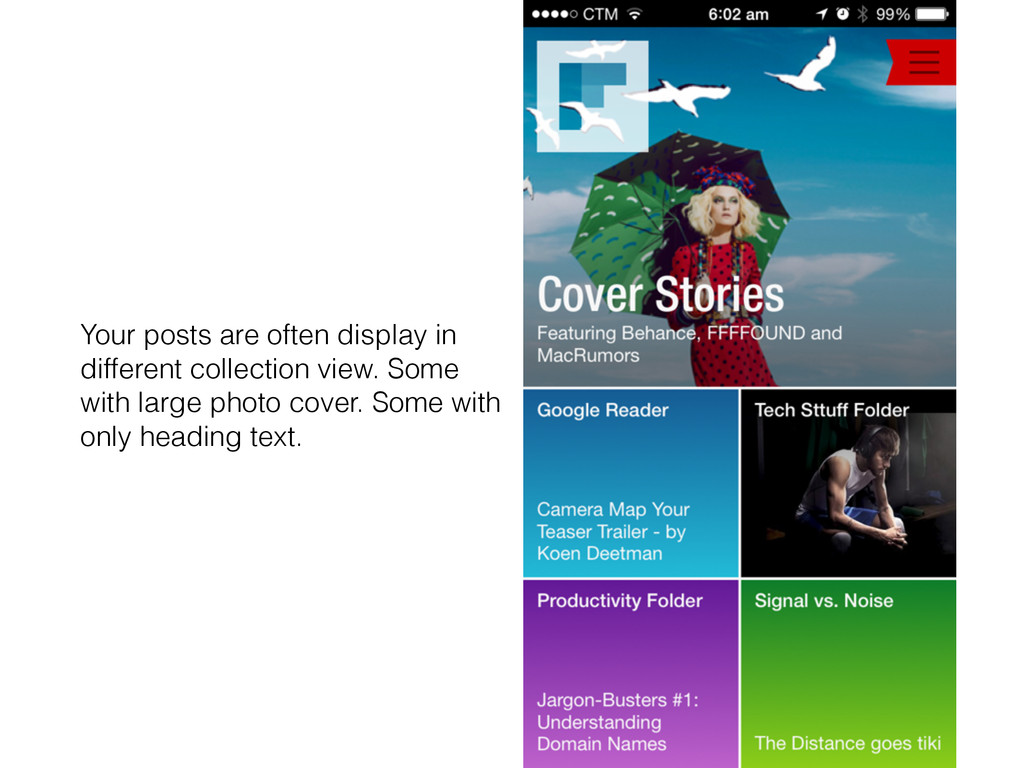
  22. Your posts are often display in different collection view. Some

    with large photo cover. Some with only heading text.
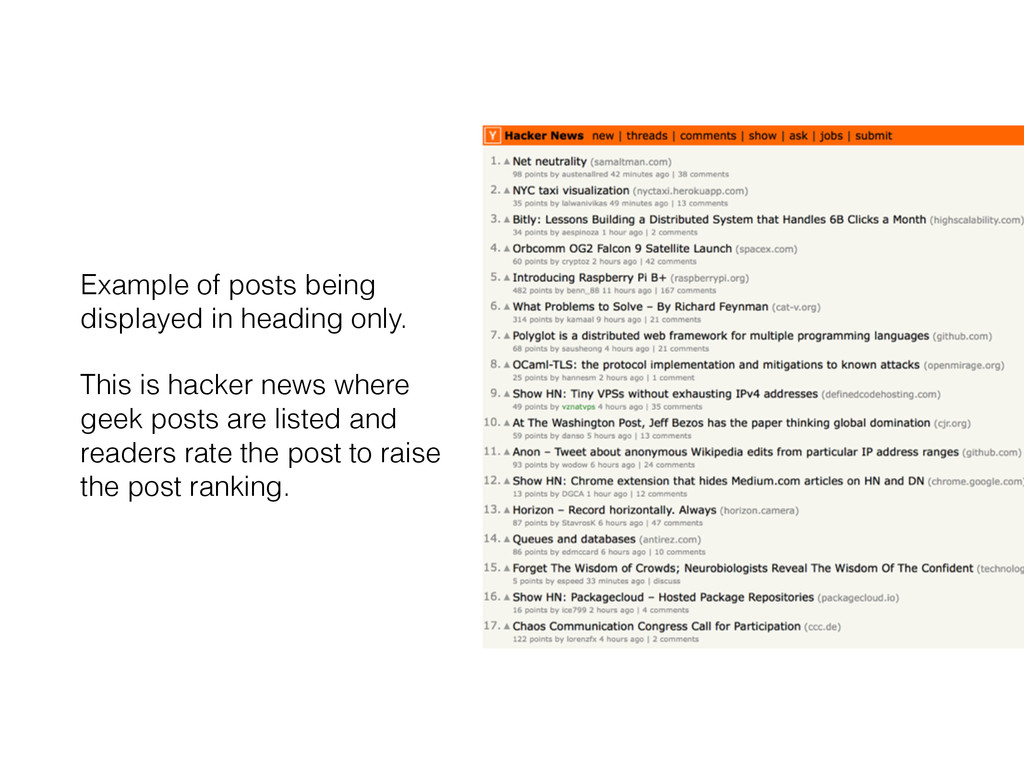
  23. Example of posts being displayed in heading only. This is

    hacker news where geek posts are listed and readers rate the post to raise the post ranking.
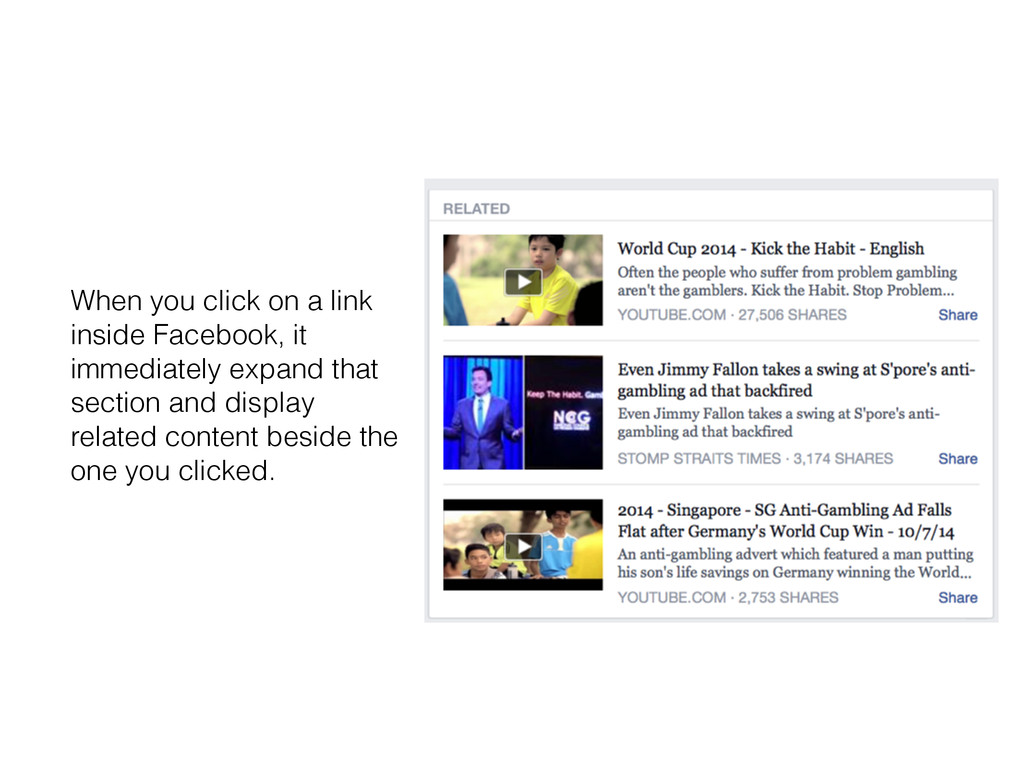
  24. When you click on a link inside Facebook, it immediately

    expand that section and display related content beside the one you clicked.
  25. Next time when you read a post online, try to

    put the post URL in the Facebook status box and see how Facebook chooses the default post image for you. Homework
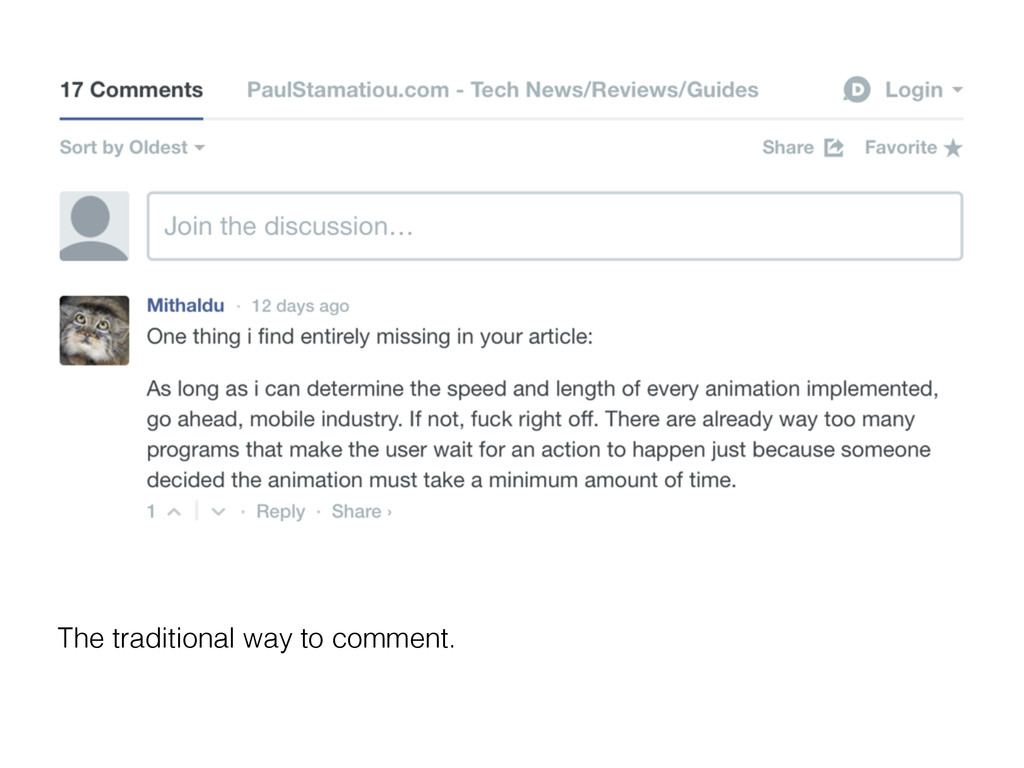
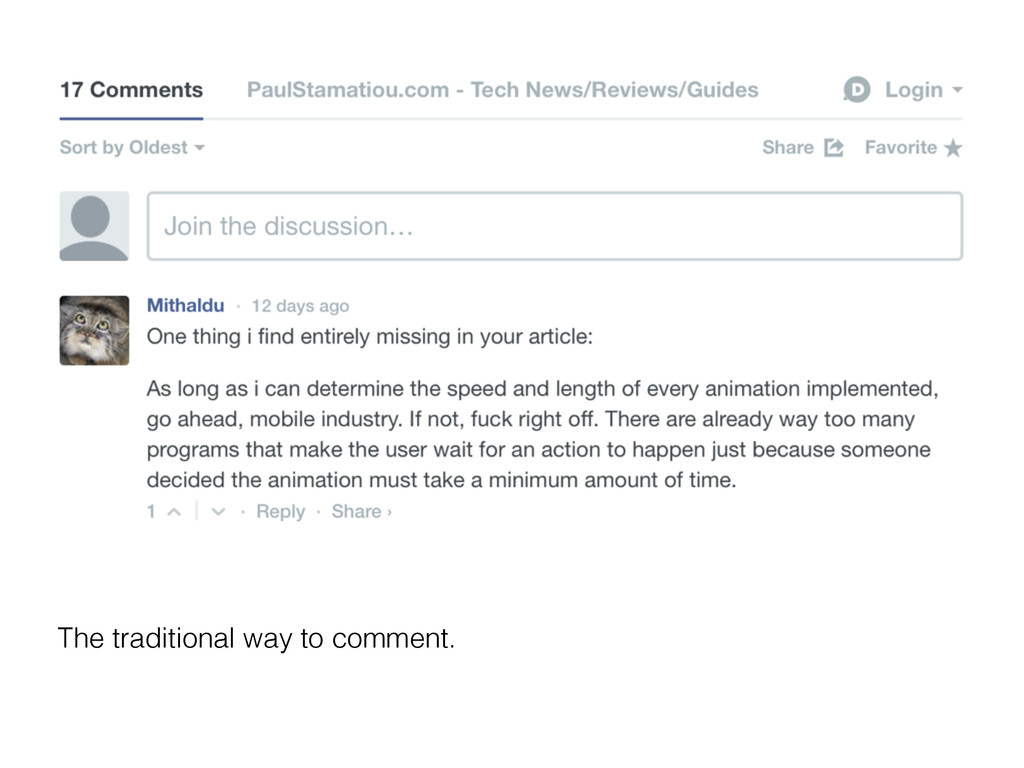
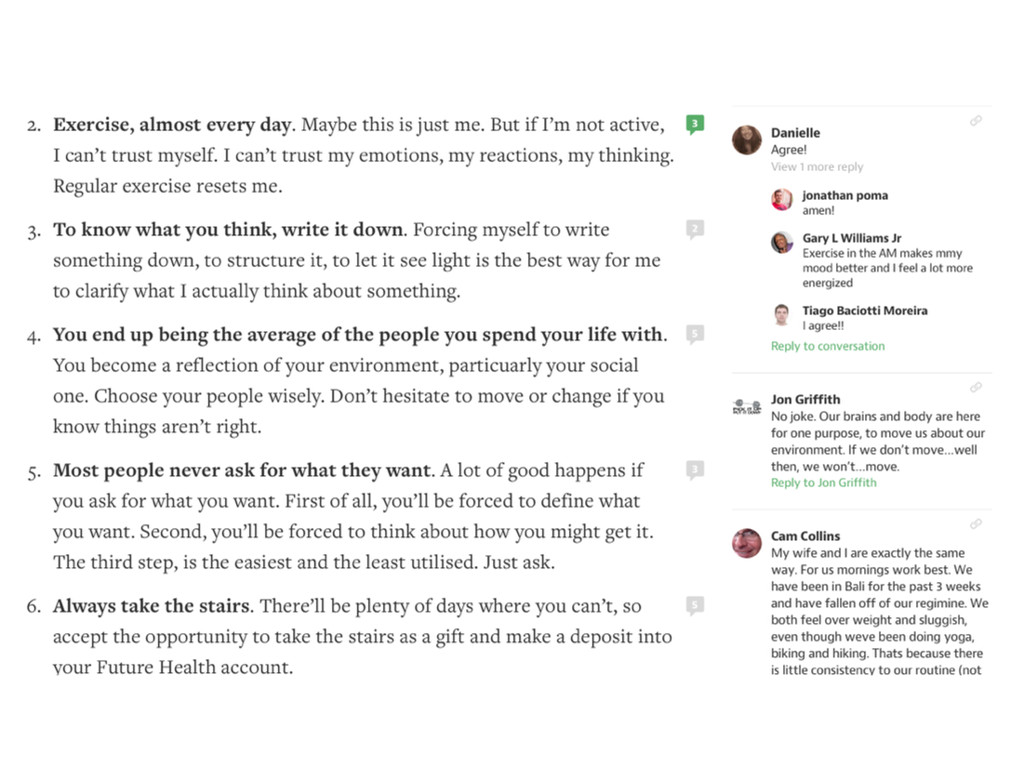
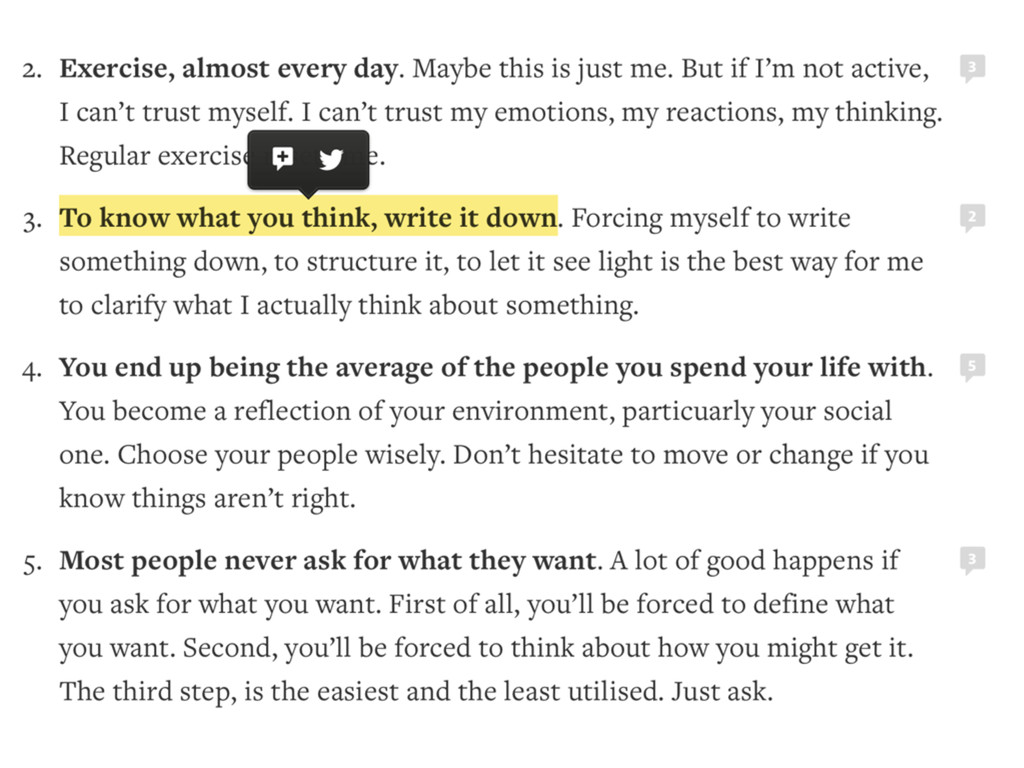
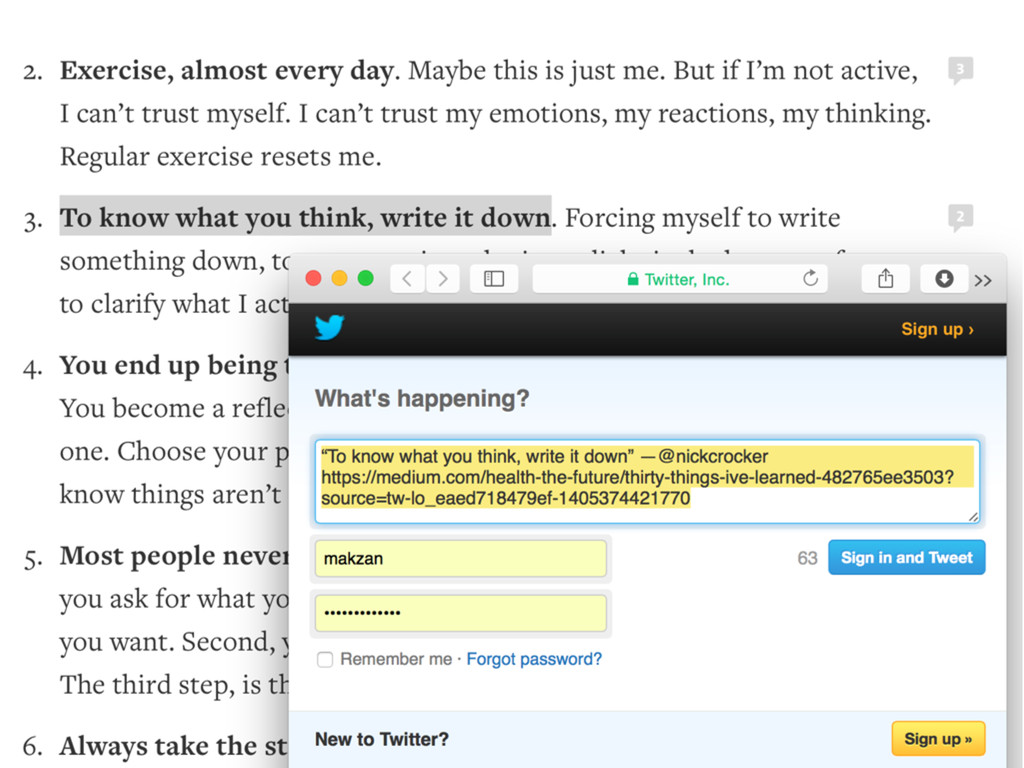
  26. Different ways to comment • Traditional comment area below the

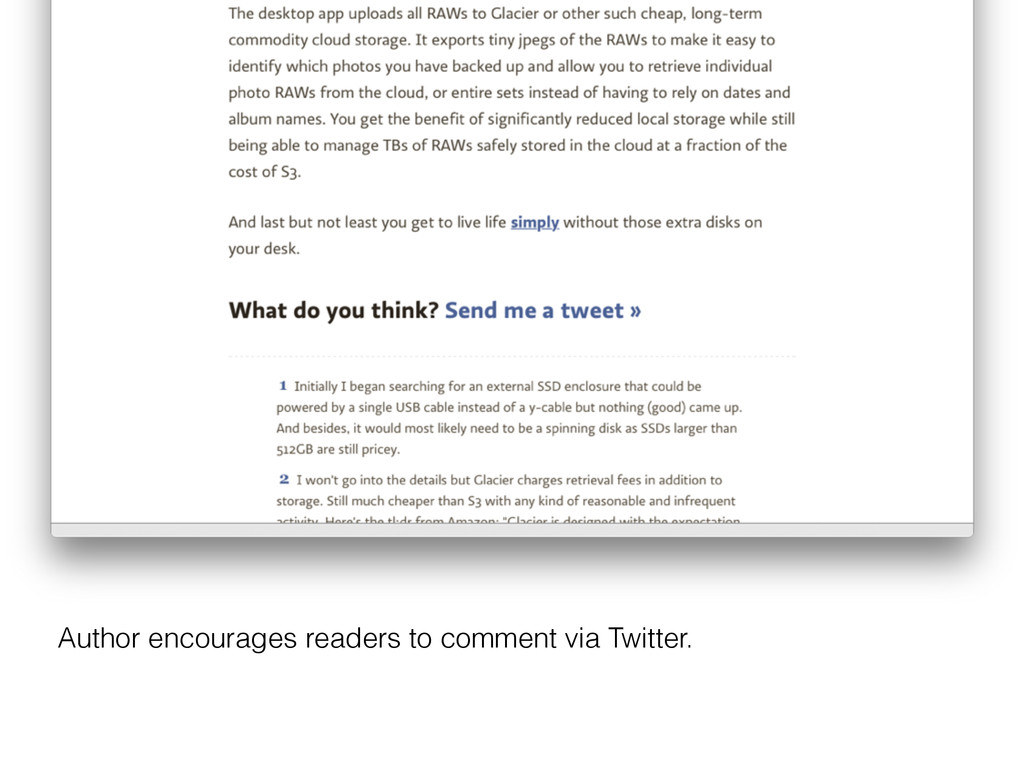
    article. • Share with comments. • Retweet with comments. • Comment on part of the content. • Comment the post in community.
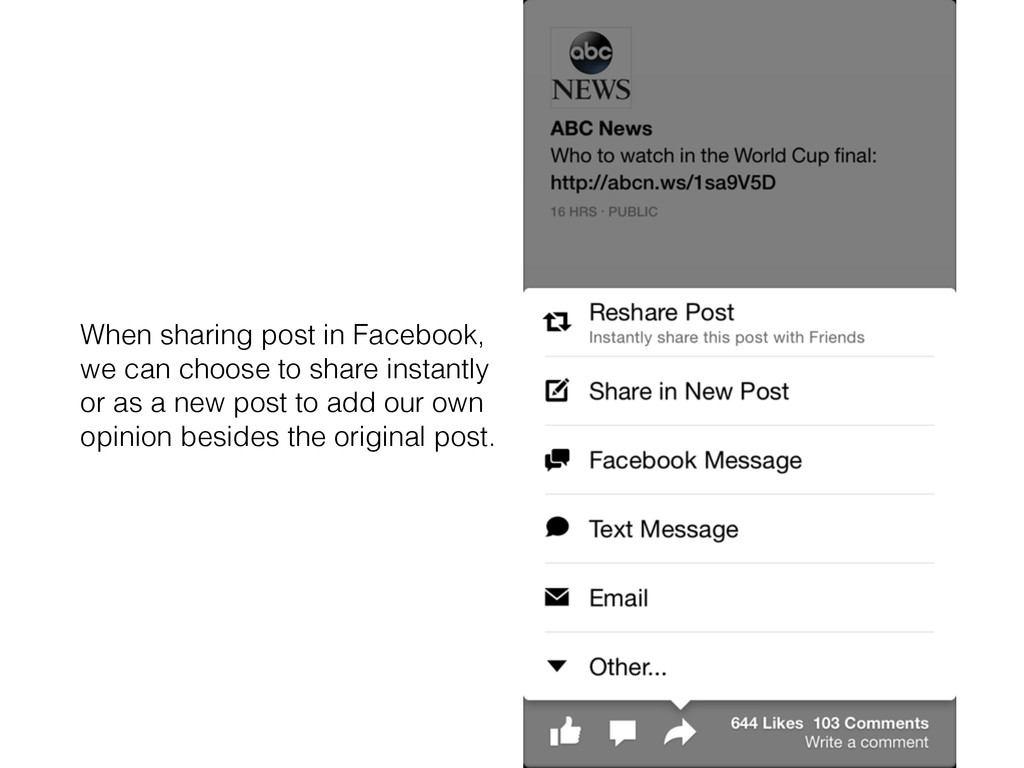
  27. When sharing post in Facebook, we can choose to share

    instantly or as a new post to add our own opinion besides the original post.
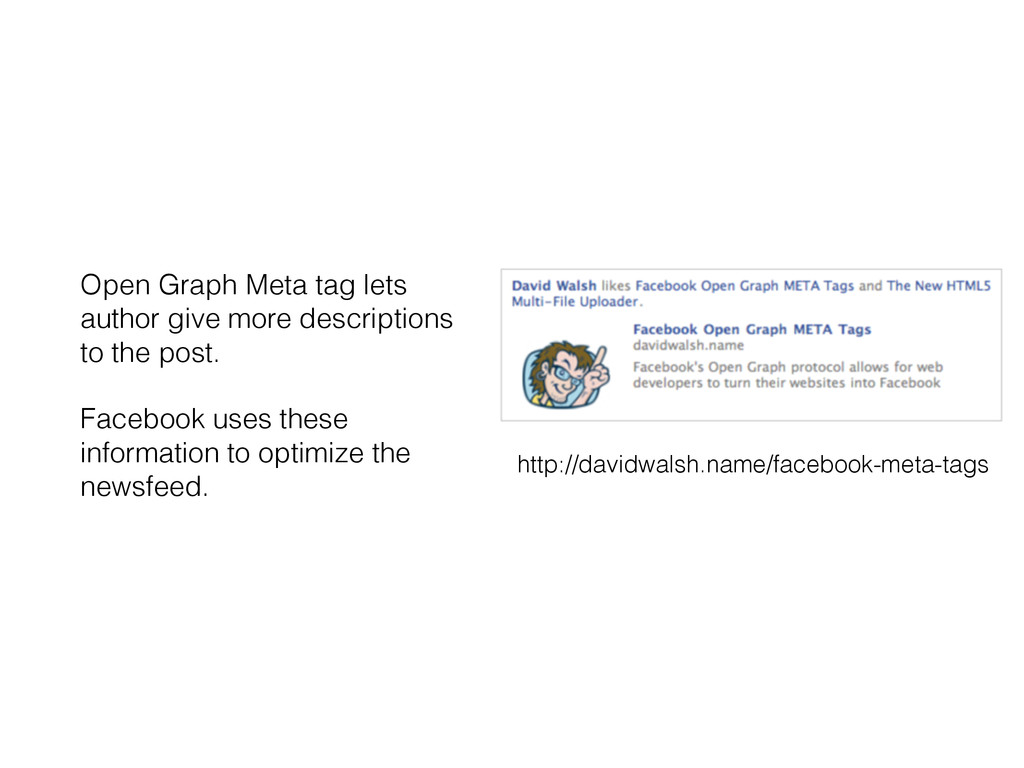
  28. Open Graph Meta tag lets author give more descriptions to

    the post. Facebook uses these information to optimize the newsfeed. http://davidwalsh.name/facebook-meta-tags
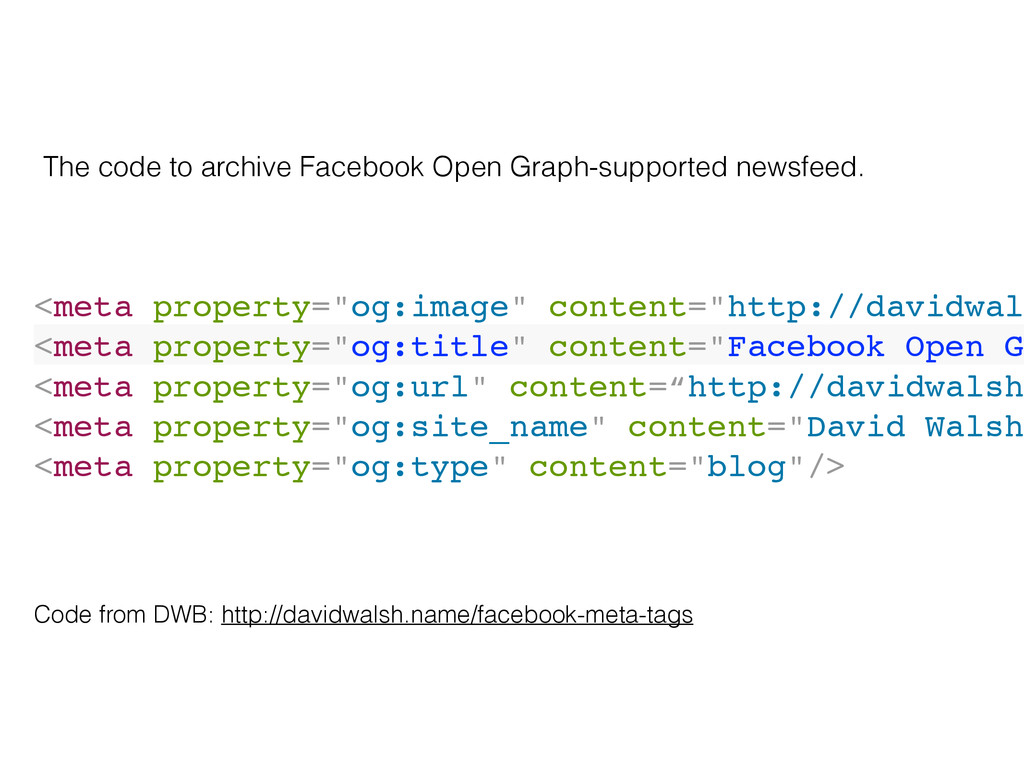
  29. <meta property="og:image" content="http://davidwal <meta property="og:title" content="Facebook Open G <meta property="og:url"

    content=“http://davidwalsh <meta property="og:site_name" content="David Walsh <meta property="og:type" content="blog"/> Code from DWB: http://davidwalsh.name/facebook-meta-tags The code to archive Facebook Open Graph-supported newsfeed.
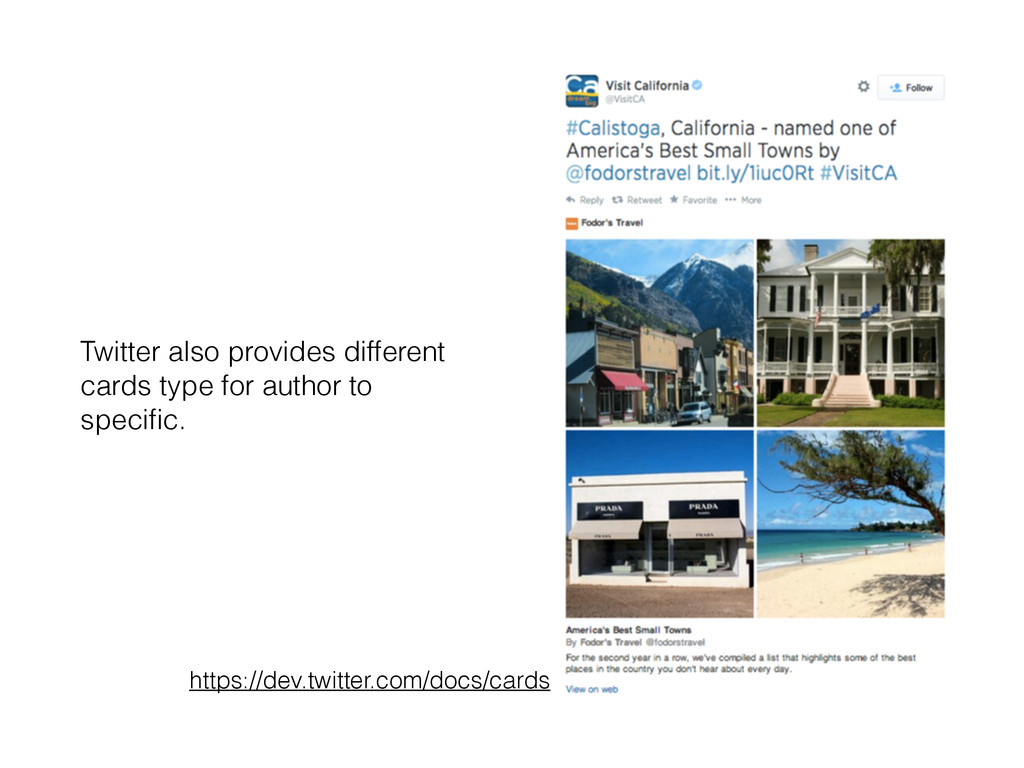
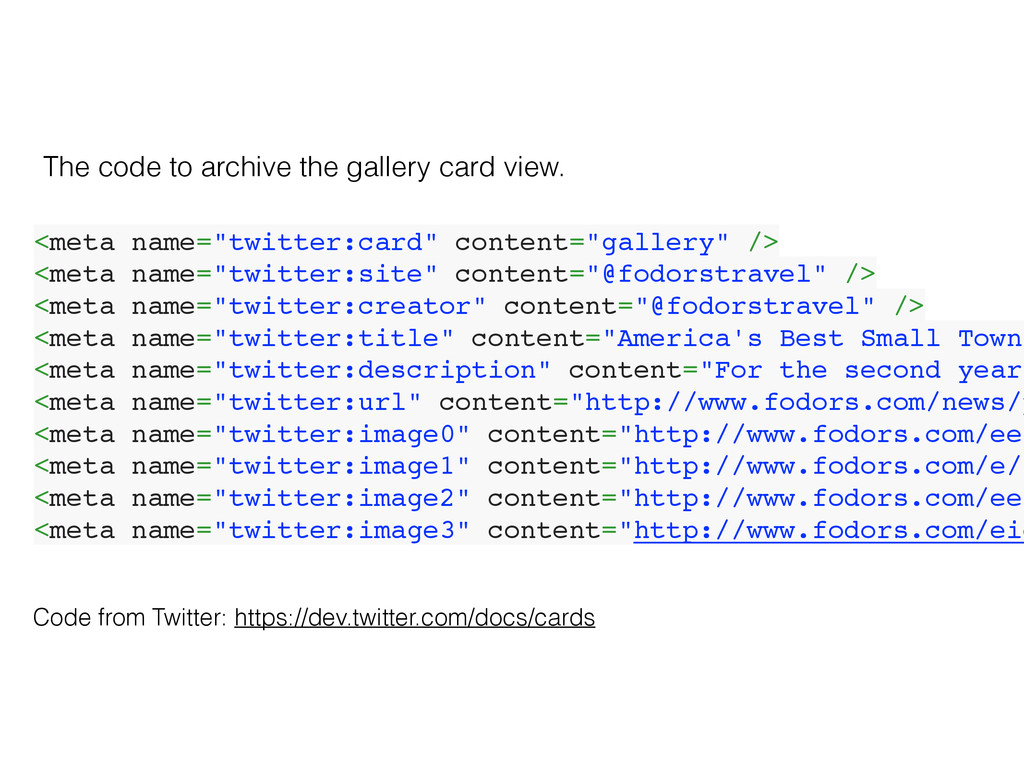
  30. <meta name="twitter:card" content="gallery" /> <meta name="twitter:site" content="@fodorstravel" /> <meta name="twitter:creator"

    content="@fodorstravel" /> <meta name="twitter:title" content="America's Best Small Towns <meta name="twitter:description" content="For the second year <meta name="twitter:url" content="http://www.fodors.com/news/p <meta name="twitter:image0" content="http://www.fodors.com/ee/ <meta name="twitter:image1" content="http://www.fodors.com/e/s <meta name="twitter:image2" content="http://www.fodors.com/ee/ <meta name="twitter:image3" content="http://www.fodors.com/eid Code from Twitter: https://dev.twitter.com/docs/cards The code to archive the gallery card view.
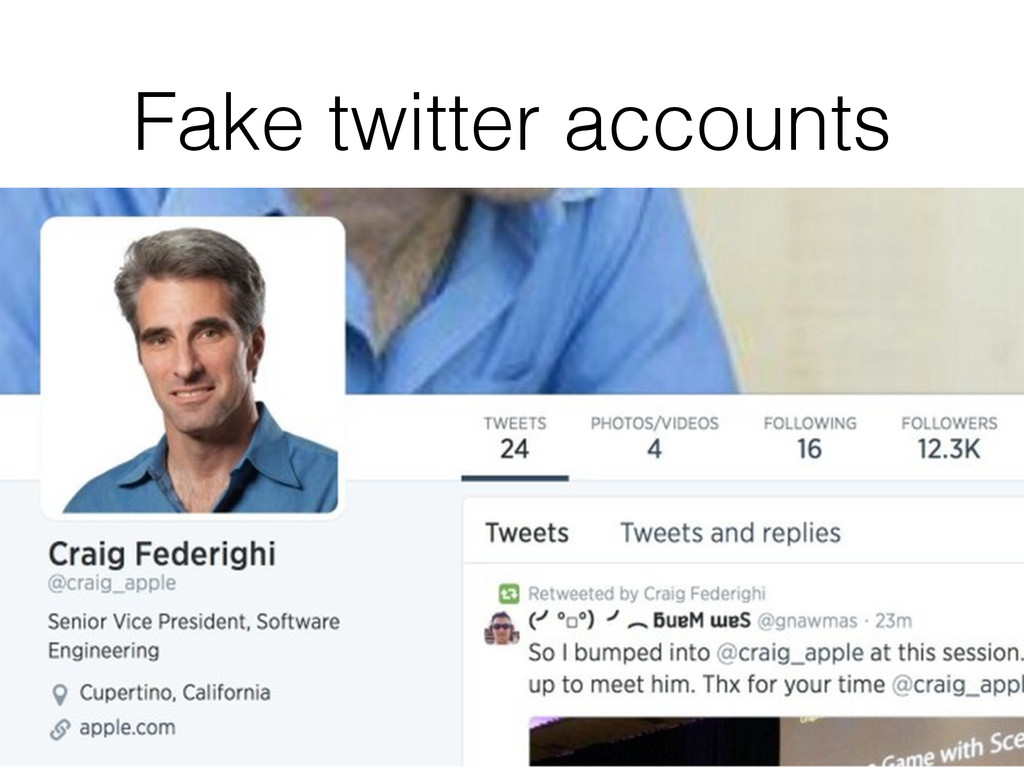
  31. –Cult of Mac “It has amassed more than 14,000 followers

    in less than two weeks and looks legit at first glance, but don’t be fooled.” http://www.cultofmac.com/282540/fake-craig-federighi-twitter-account-fooling-thousands/
  32. Determining fake news • Who told you the news? •

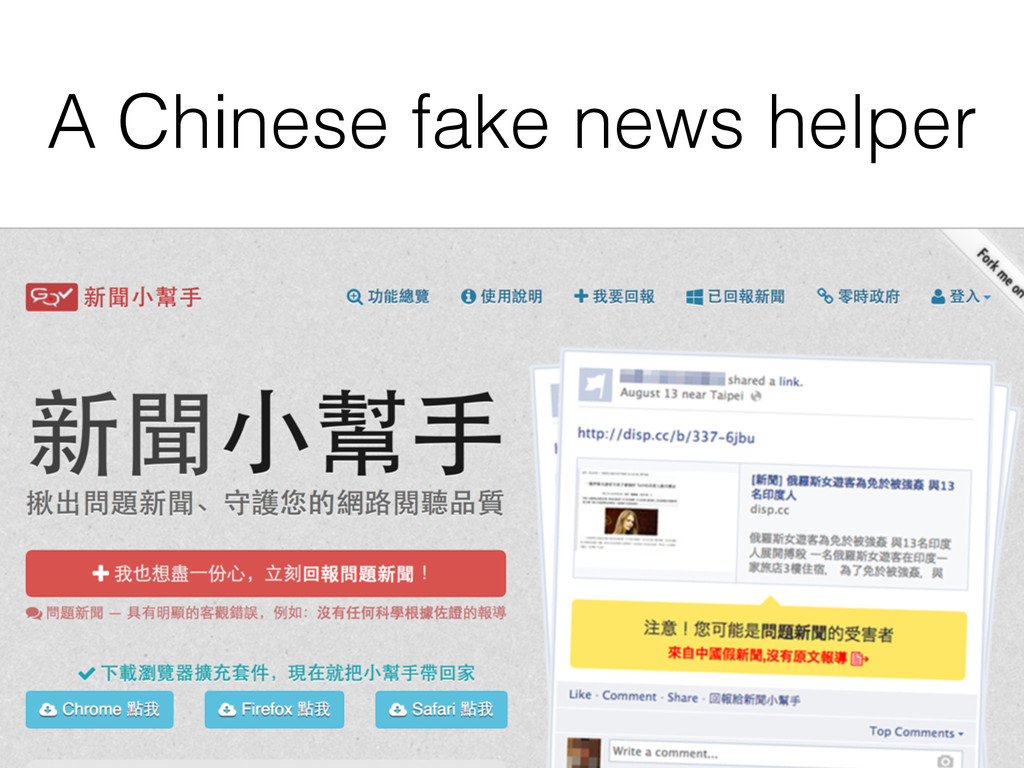
    If the source is a website, is it the official website? • Check the URL carefully to determine if it’s official. • When you search this news online, are they all clones or do you find different parties reporting the same thing in different ways?