Upgrade to PRO for Only $50/Year—Limited-Time Offer! 🔥

Custom Views in Android.

Custom Views in Android.

A brief presentation on working with custom views in Android.

Related Git Repo:
https://github.com/mipreamble/SampleCustomView

Avatar for Imran Mohammed

Imran Mohammed

October 05, 2013
Tweet

Other Decks in Technology

Transcript

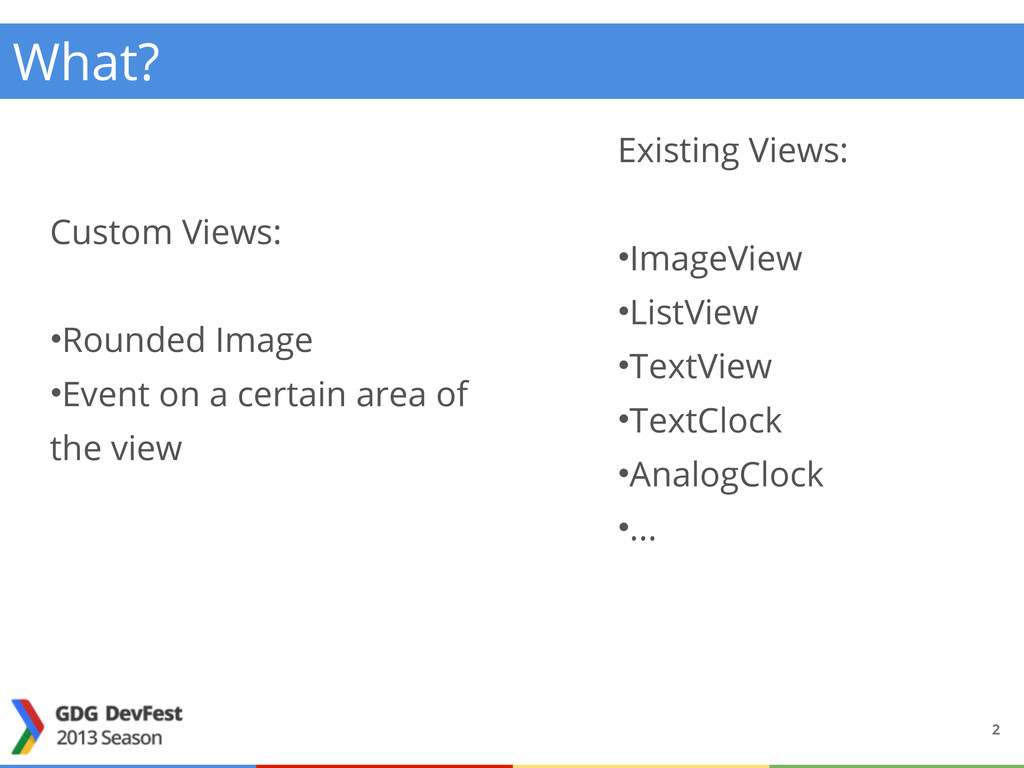
  1. 2 Existing Views: •ImageView •ListView •TextView •TextClock •AnalogClock •... Custom

    Views: •Rounded Image •Event on a certain area of the view What?
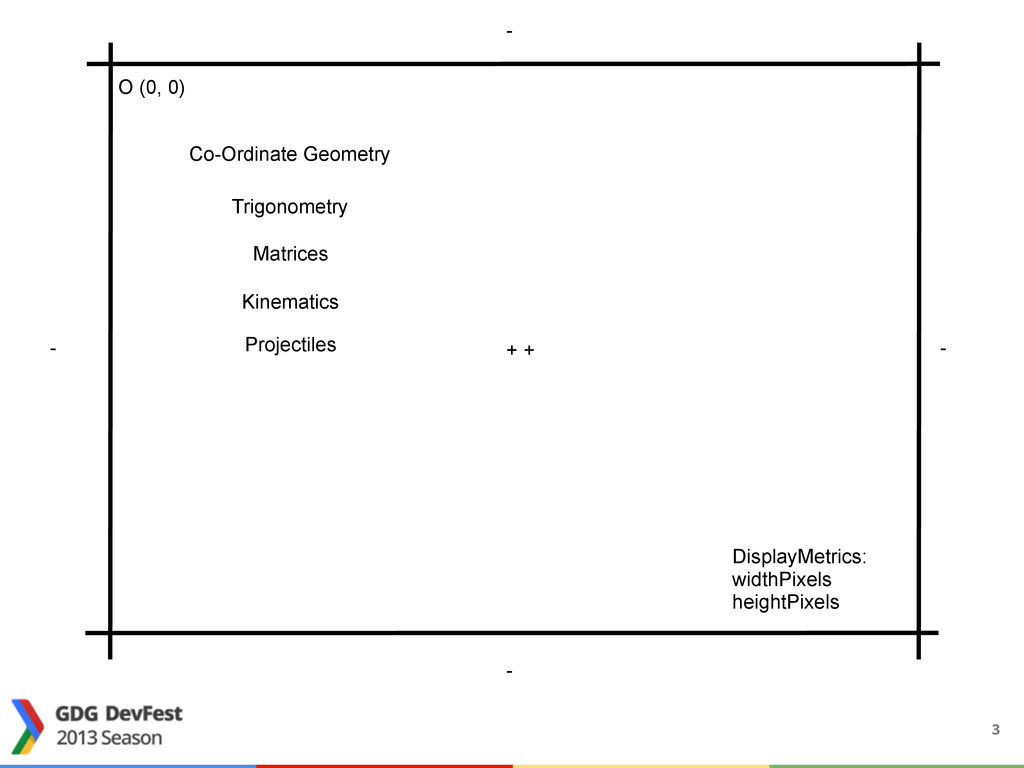
  2. O (0, 0) DisplayMetrics: widthPixels heightPixels + + - -

    - - - - Co-Ordinate Geometry Trigonometry Kinematics Projectiles Matrices 3
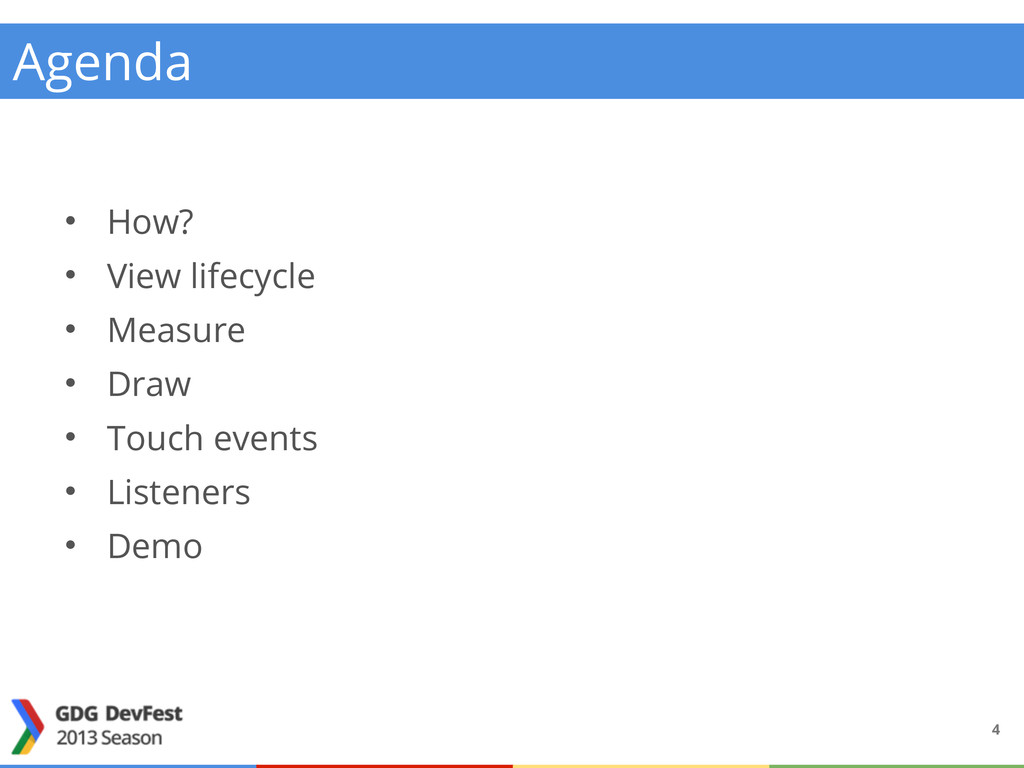
  3. • How? • View lifecycle • Measure • Draw •

    Touch events • Listeners • Demo Agenda 4
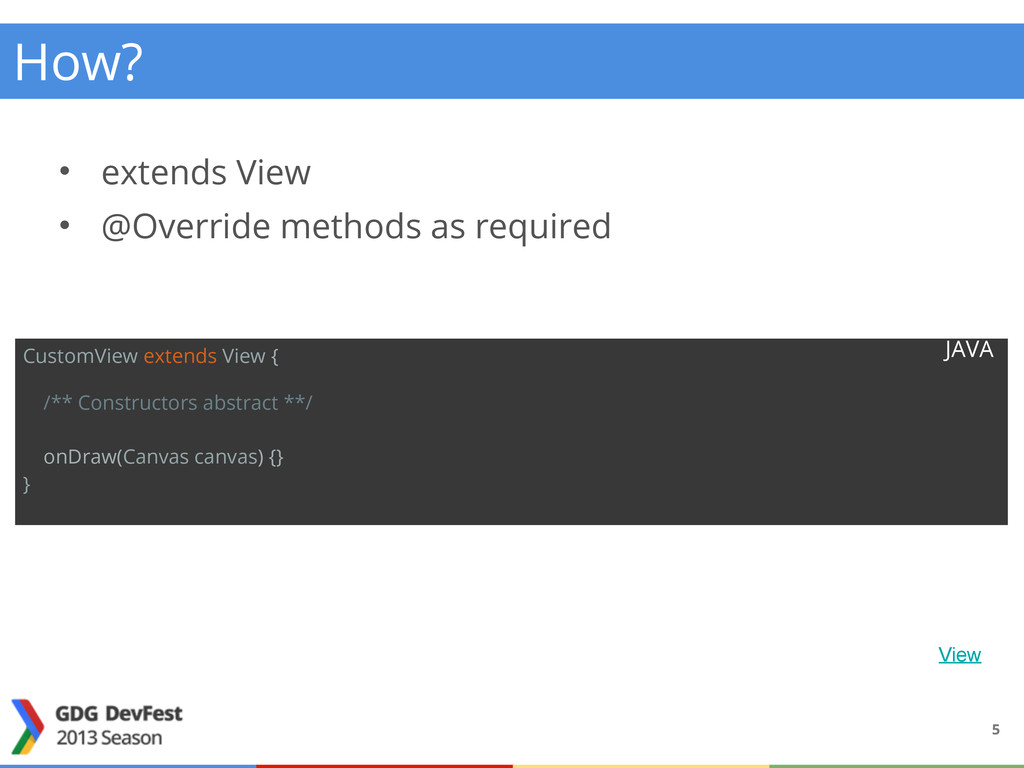
  4. • extends View • @Override methods as required CustomView extends

    View { /** Constructors abstract **/ onDraw(Canvas canvas) {} } View JAVA How? 5
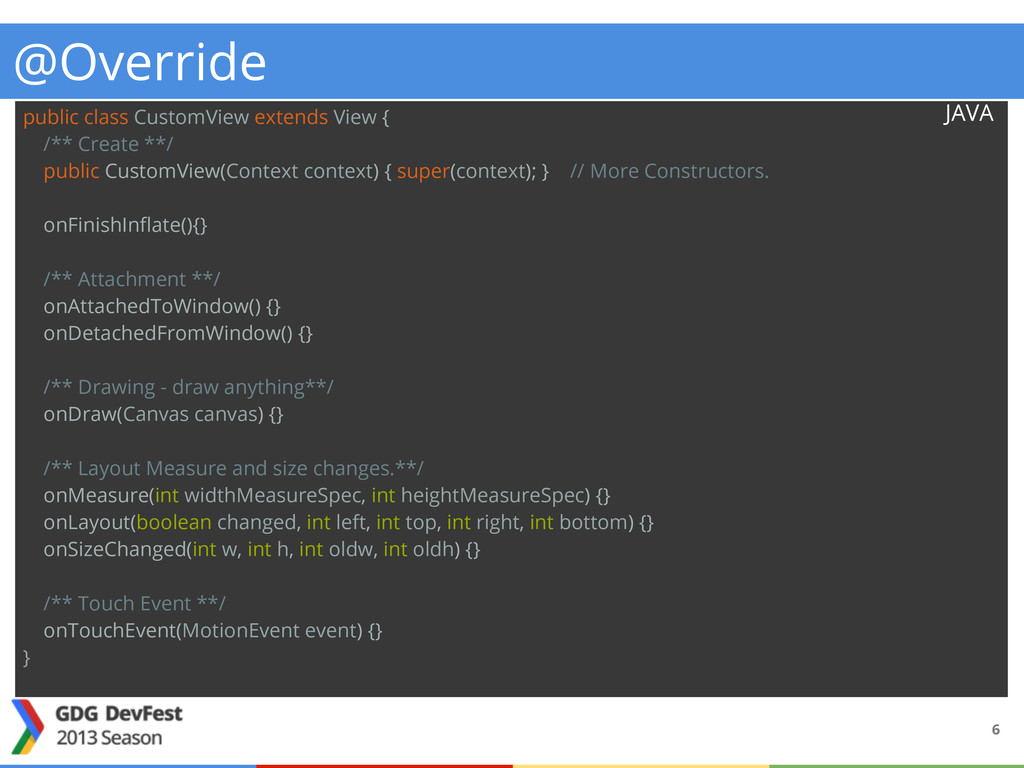
  5. public class CustomView extends View { /** Create **/ public

    CustomView(Context context) { super(context); } // More Constructors. onFinishInflate(){} /** Attachment **/ onAttachedToWindow() {} onDetachedFromWindow() {} /** Drawing - draw anything**/ onDraw(Canvas canvas) {} /** Layout Measure and size changes.**/ onMeasure(int widthMeasureSpec, int heightMeasureSpec) {} onLayout(boolean changed, int left, int top, int right, int bottom) {} onSizeChanged(int w, int h, int oldw, int oldh) {} /** Touch Event **/ onTouchEvent(MotionEvent event) {} } JAVA @Override 6
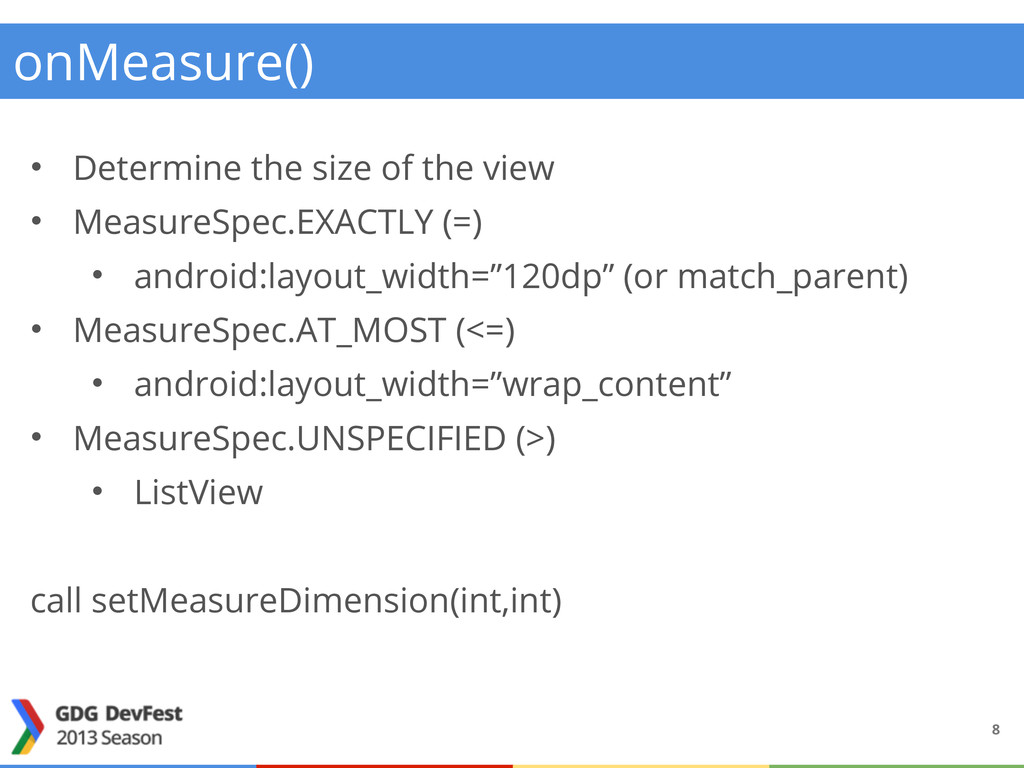
  6. onMeasure() • Determine the size of the view • MeasureSpec.EXACTLY

    (=) • android:layout_width=”120dp” (or match_parent) • MeasureSpec.AT_MOST (<=) • android:layout_width=”wrap_content” • MeasureSpec.UNSPECIFIED (>) • ListView call setMeasureDimension(int,int) 8
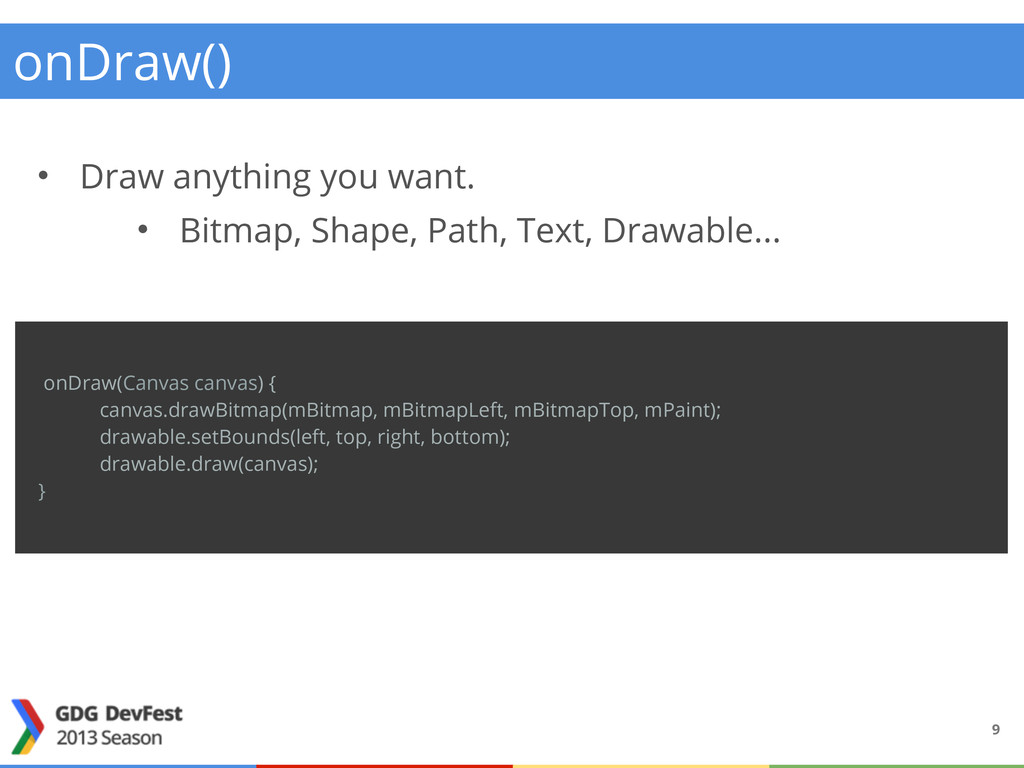
  7. onDraw() • Draw anything you want. • Bitmap, Shape, Path,

    Text, Drawable... onDraw(Canvas canvas) { canvas.drawBitmap(mBitmap, mBitmapLeft, mBitmapTop, mPaint); drawable.setBounds(left, top, right, bottom); drawable.draw(canvas); } 9
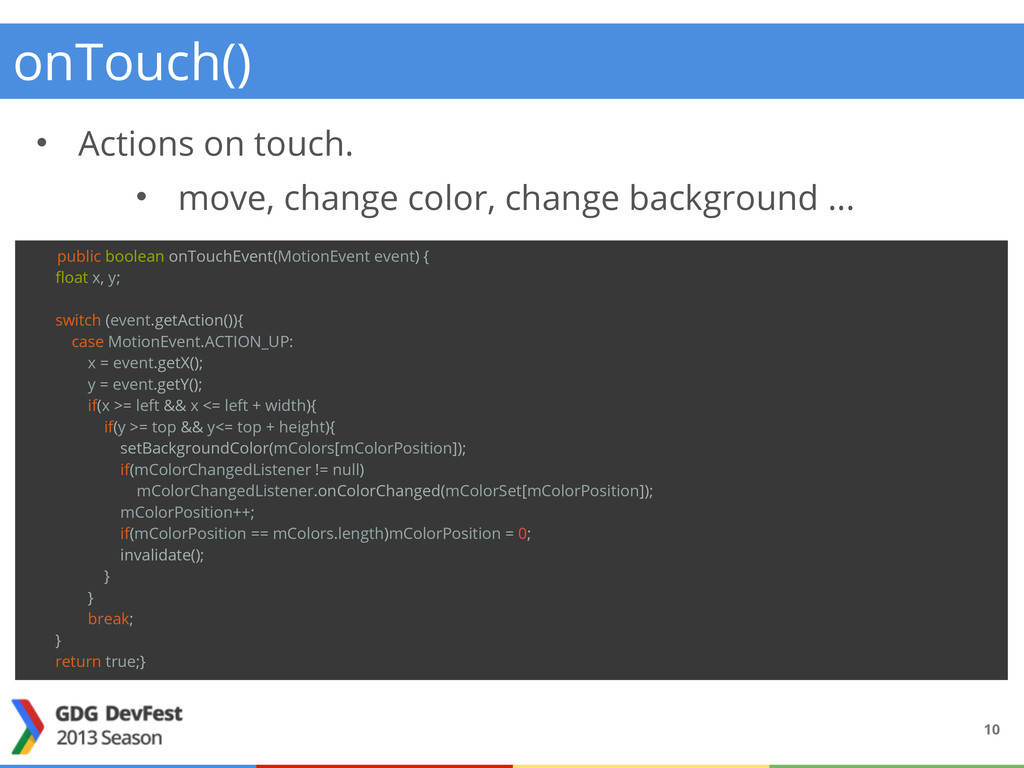
  8. onTouch() • Actions on touch. • move, change color, change

    background ... public boolean onTouchEvent(MotionEvent event) { float x, y; switch (event.getAction()){ case MotionEvent.ACTION_UP: x = event.getX(); y = event.getY(); if(x >= left && x <= left + width){ if(y >= top && y<= top + height){ setBackgroundColor(mColors[mColorPosition]); if(mColorChangedListener != null) mColorChangedListener.onColorChanged(mColorSet[mColorPosition]); mColorPosition++; if(mColorPosition == mColors.length)mColorPosition = 0; invalidate(); } } break; } return true;} 10
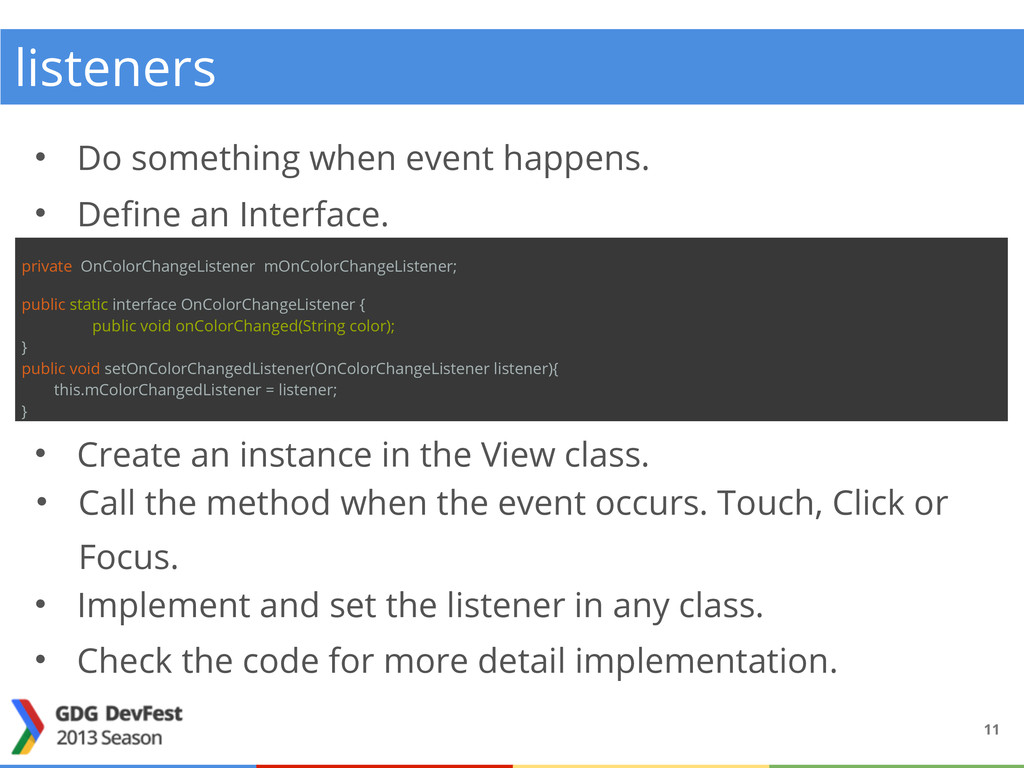
  9. listeners • Do something when event happens. 11 private OnColorChangeListener

    mOnColorChangeListener; public static interface OnColorChangeListener { public void onColorChanged(String color); } public void setOnColorChangedListener(OnColorChangeListener listener){ this.mColorChangedListener = listener; } • Define an Interface. • Create an instance in the View class. • Call the method when the event occurs. Touch, Click or Focus. • Implement and set the listener in any class. • Check the code for more detail implementation.
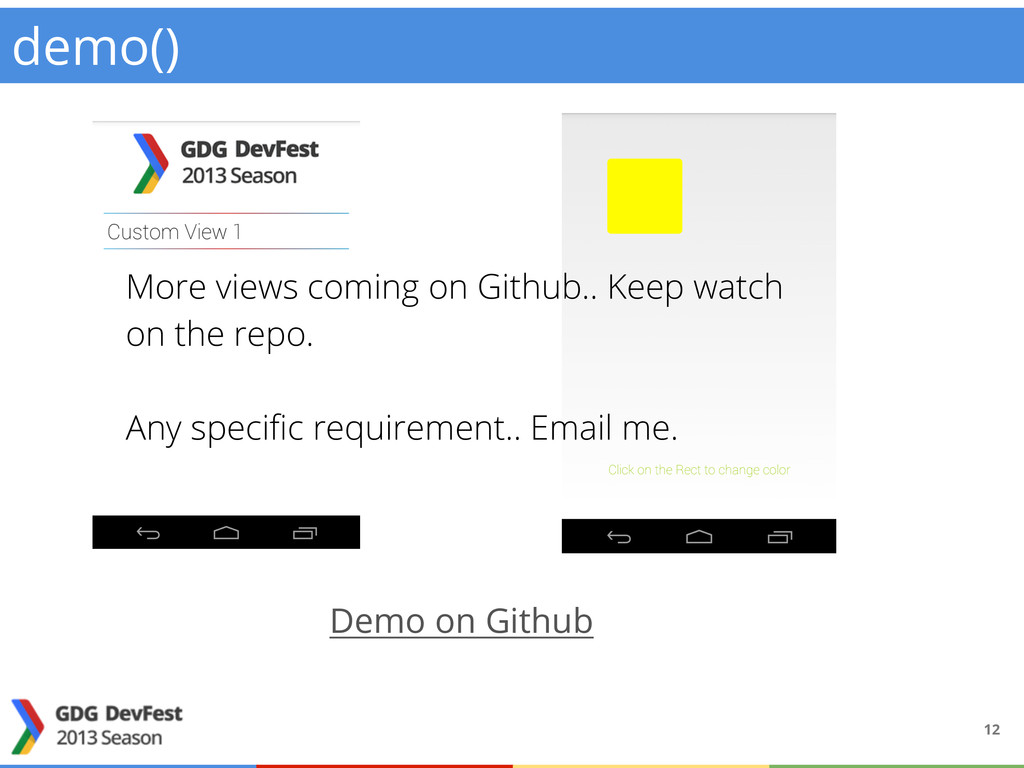
  10. demo() 12 Demo on Github More views coming on Github..

    Keep watch on the repo. Any specific requirement.. Email me.
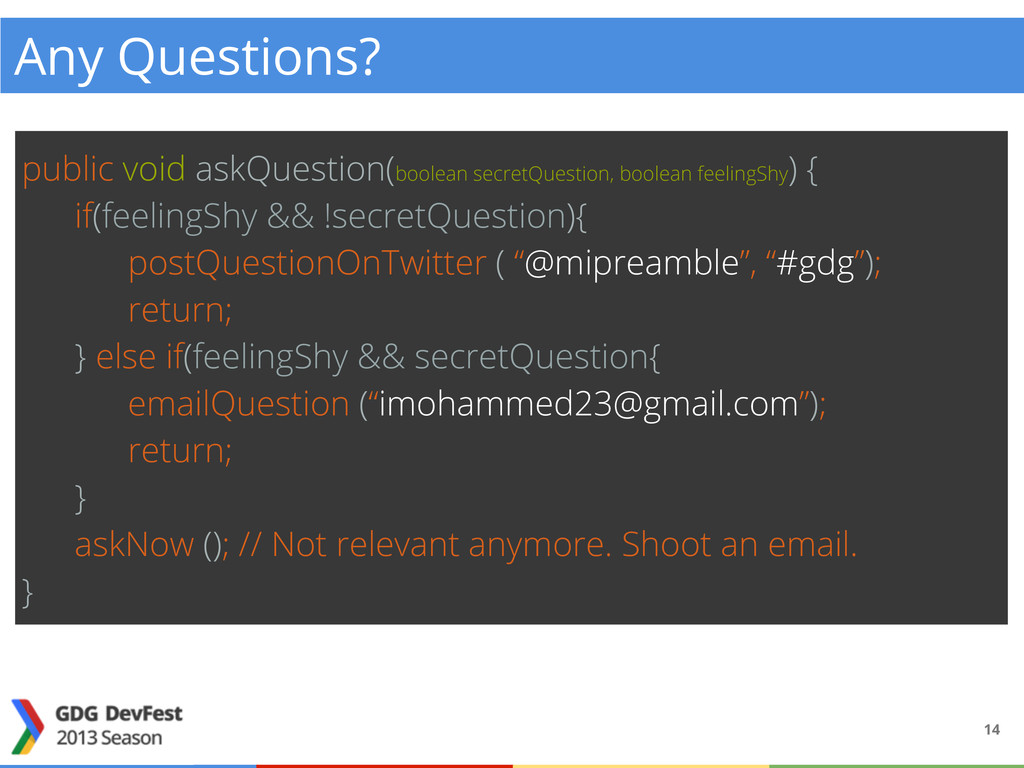
  11. Any Questions? public void askQuestion(boolean secretQuestion, boolean feelingShy ) {

    if(feelingShy && !secretQuestion){ postQuestionOnTwitter ( “@mipreamble”, “#gdg”); return; } else if(feelingShy && secretQuestion{ emailQuestion (“[email protected]”); return; } askNow (); // Not relevant anymore. Shoot an email. } 14