Upgrade to Pro — share decks privately, control downloads, hide ads and more …

Automate SSL on CyberPanel with Cloudflare DNS API

Automate SSL on CyberPanel with Cloudflare DNS API

Learn how to automate free Let's Encrypt SSL certificates on CyberPanel using Cloudflare DNS API. This guide covers wildcard SSL setup, ACME DNS-01 validation, automatic certificate renewal, and troubleshooting common SSL issues.

Onlive Server

November 03, 2026

Transcript

9 slides
  1. OnliveServer SSL AUTOMATION CyberPanel + Cloudflare DNS API Wildcard certificates,

    ACME DNS-01 and reliable renewals DNS-01 / ACME / WILDCARD TLS Technical presentation • 9 slides For DevOps engineers, developers and hosting administrators onliveserver.com • CyberPanel SSL Automation 01 / 09
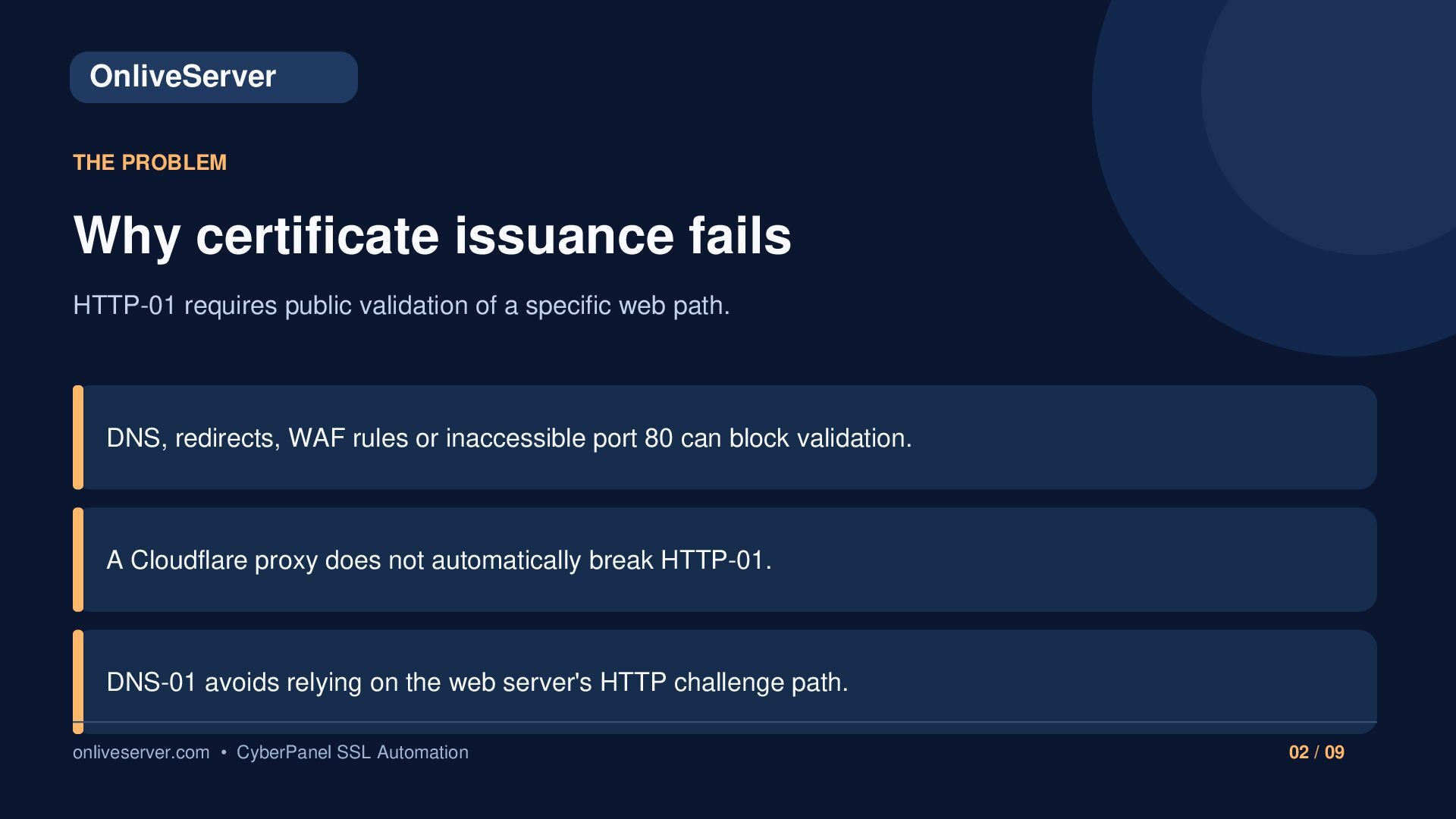
  2. OnliveServer THE PROBLEM Why certificate issuance fails HTTP-01 requires public

    validation of a specific web path. DNS, redirects, WAF rules or inaccessible port 80 can block validation. A Cloudflare proxy does not automatically break HTTP-01. DNS-01 avoids relying on the web server's HTTP challenge path. onliveserver.com • CyberPanel SSL Automation 02 / 09
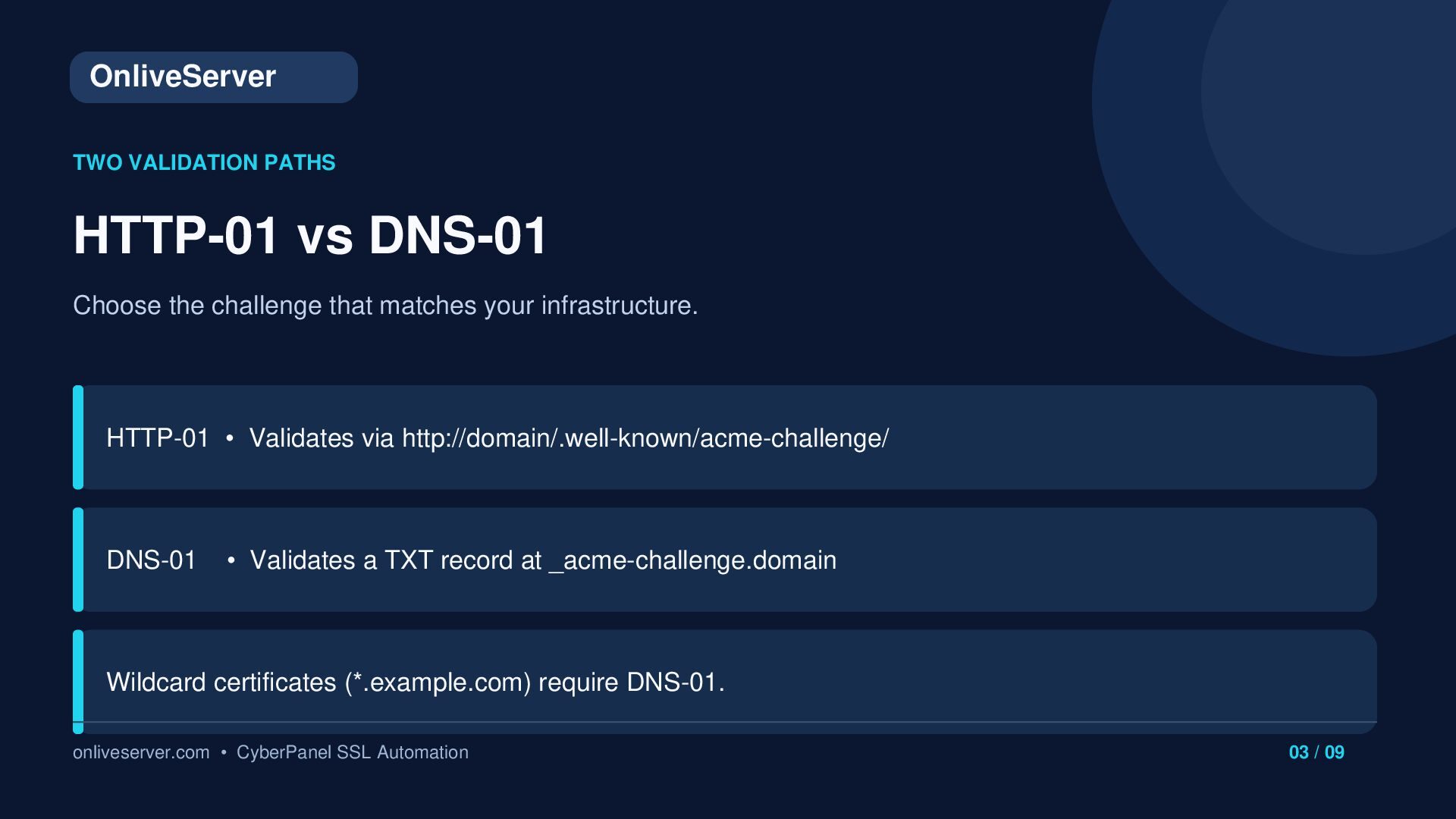
  3. OnliveServer TWO VALIDATION PATHS HTTP-01 vs DNS-01 Choose the challenge

    that matches your infrastructure. HTTP-01 • Validates via http://domain/.well-known/acme-challenge/ DNS-01 • Validates a TXT record at _acme-challenge.domain Wildcard certificates (*.example.com) require DNS-01. onliveserver.com • CyberPanel SSL Automation 03 / 09
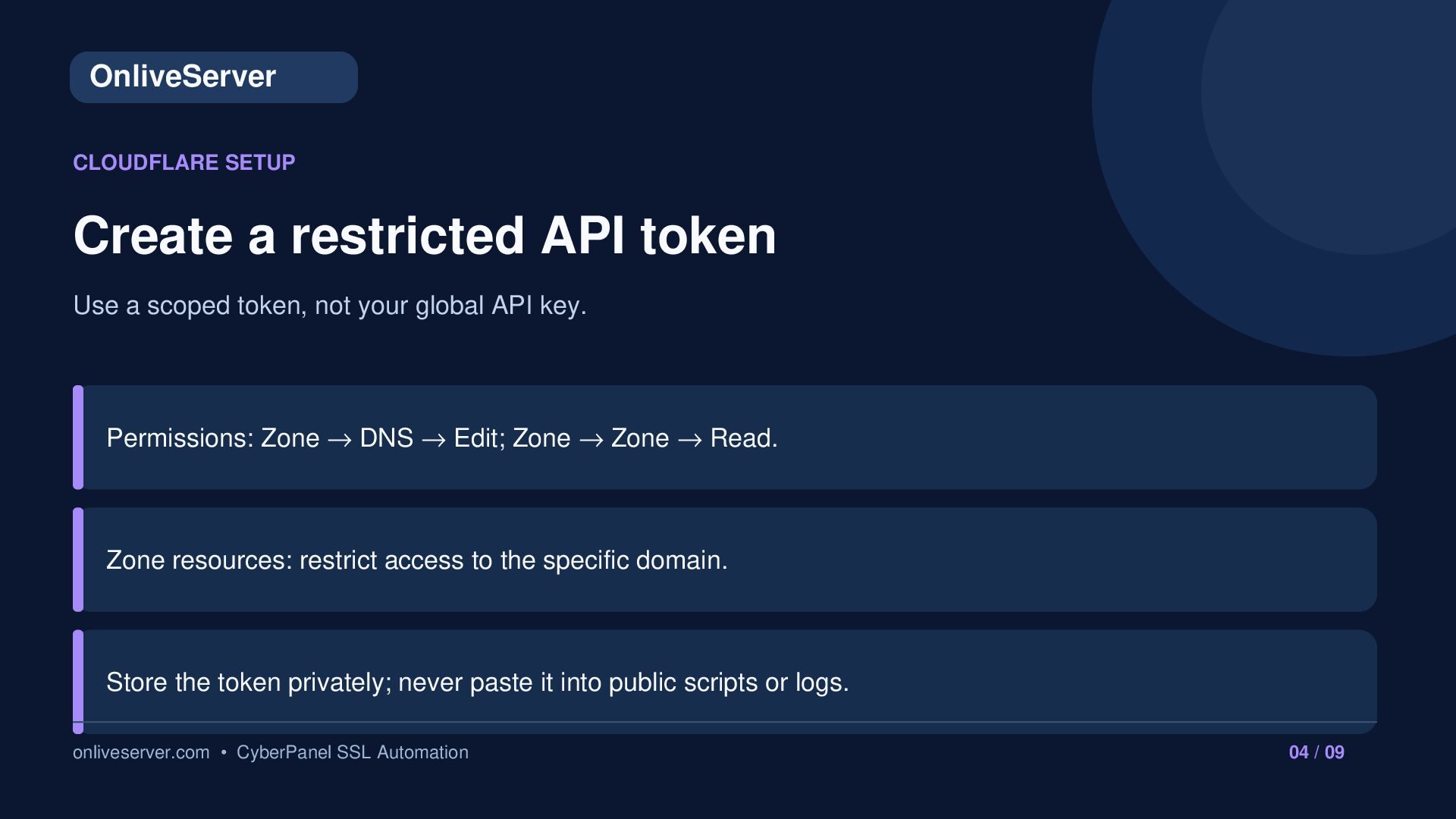
  4. OnliveServer CLOUDFLARE SETUP Create a restricted API token Use a

    scoped token, not your global API key. Permissions: Zone → DNS → Edit; Zone → Zone → Read. Zone resources: restrict access to the specific domain. Store the token privately; never paste it into public scripts or logs. onliveserver.com • CyberPanel SSL Automation 04 / 09
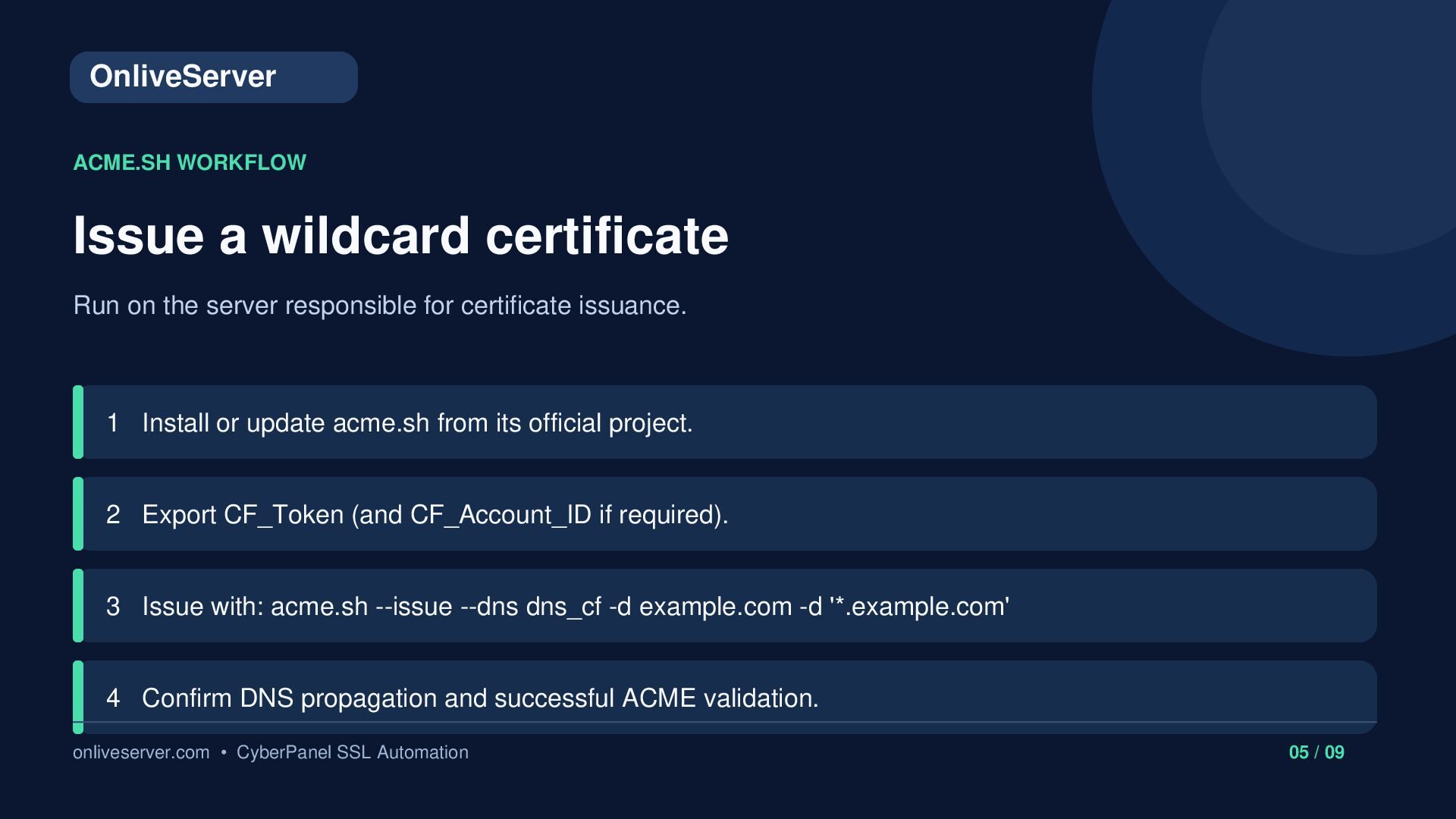
  5. OnliveServer ACME.SH WORKFLOW Issue a wildcard certificate Run on the

    server responsible for certificate issuance. 1 Install or update acme.sh from its official project. 2 Export CF_Token (and CF_Account_ID if required). 3 Issue with: acme.sh --issue --dns dns_cf -d example.com -d '*.example.com' 4 Confirm DNS propagation and successful ACME validation. onliveserver.com • CyberPanel SSL Automation 05 / 09
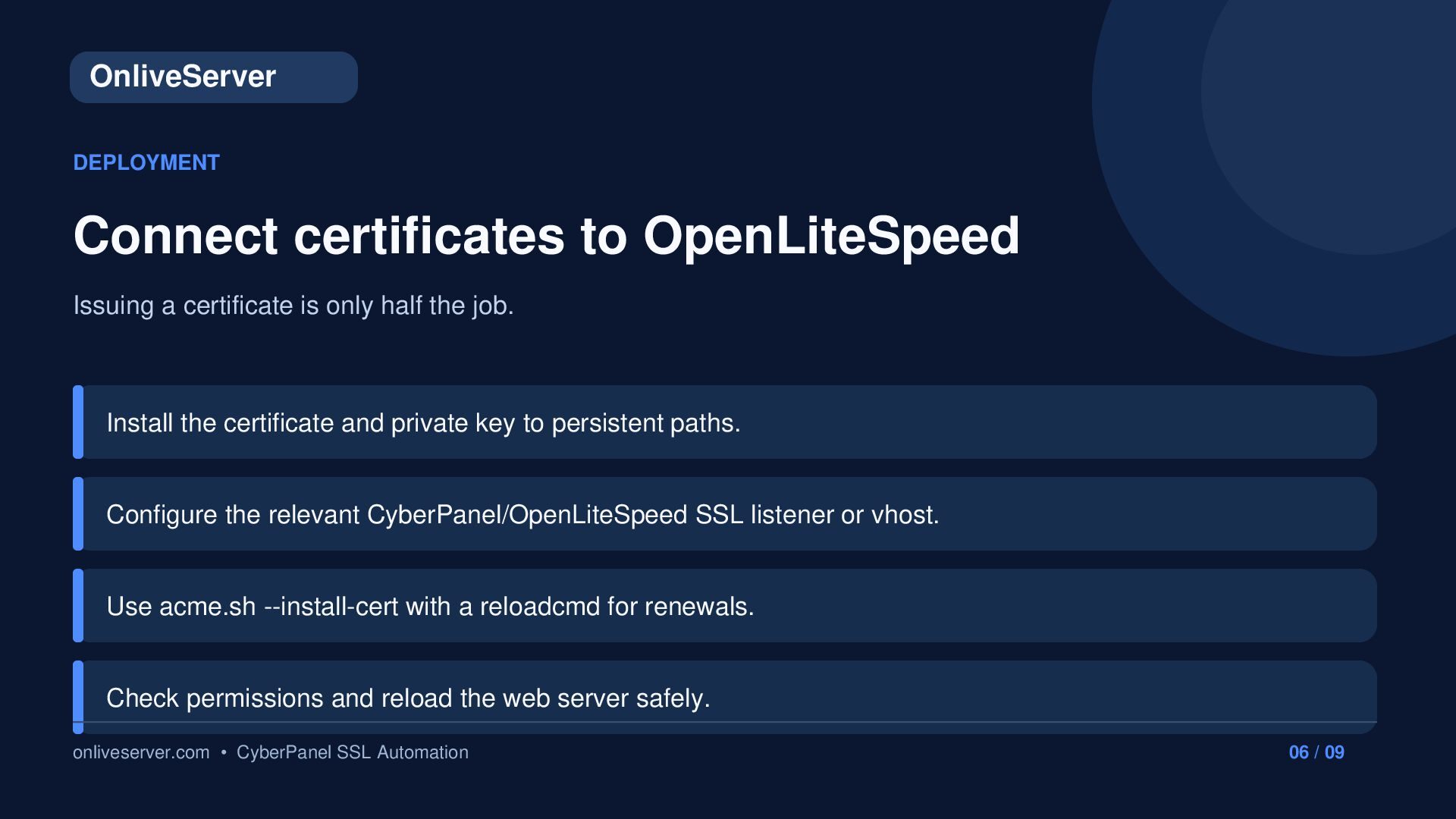
  6. OnliveServer DEPLOYMENT Connect certificates to OpenLiteSpeed Issuing a certificate is

    only half the job. Install the certificate and private key to persistent paths. Configure the relevant CyberPanel/OpenLiteSpeed SSL listener or vhost. Use acme.sh --install-cert with a reloadcmd for renewals. Check permissions and reload the web server safely. onliveserver.com • CyberPanel SSL Automation 06 / 09
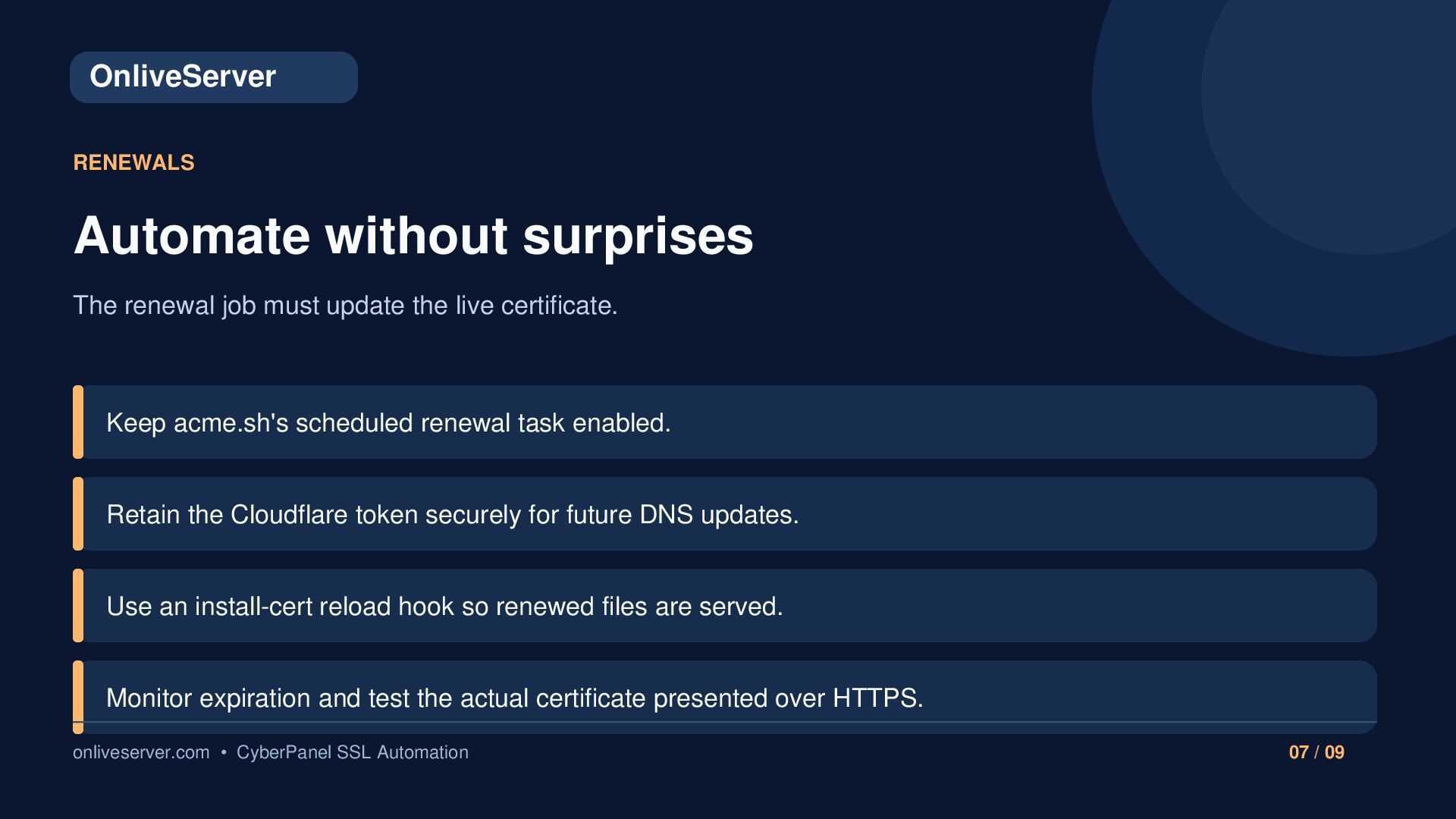
  7. OnliveServer RENEWALS Automate without surprises The renewal job must update

    the live certificate. Keep acme.sh's scheduled renewal task enabled. Retain the Cloudflare token securely for future DNS updates. Use an install-cert reload hook so renewed files are served. Monitor expiration and test the actual certificate presented over HTTPS. onliveserver.com • CyberPanel SSL Automation 07 / 09
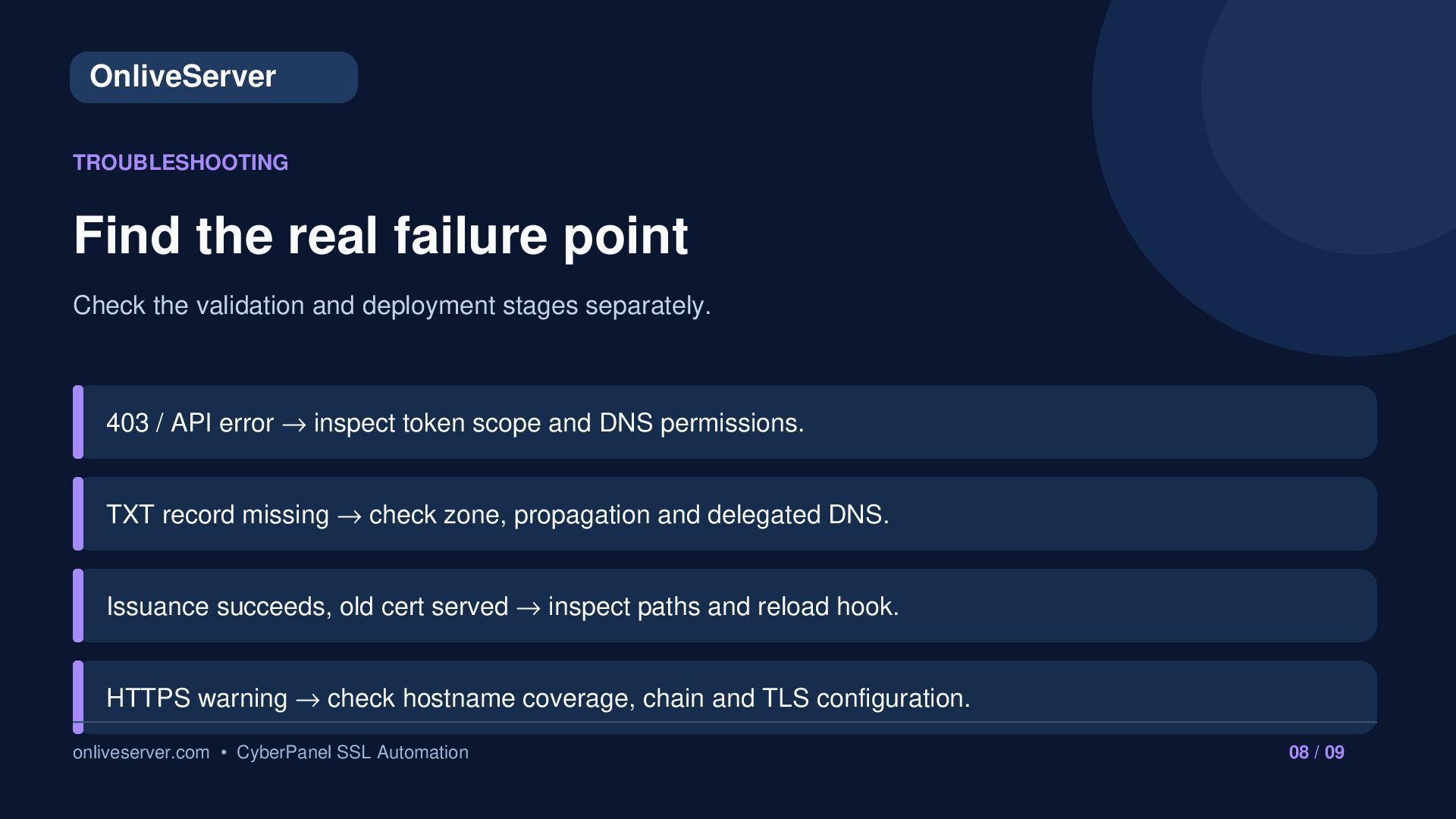
  8. OnliveServer TROUBLESHOOTING Find the real failure point Check the validation

    and deployment stages separately. 403 / API error → inspect token scope and DNS permissions. TXT record missing → check zone, propagation and delegated DNS. Issuance succeeds, old cert served → inspect paths and reload hook. HTTPS warning → check hostname coverage, chain and TLS configuration. onliveserver.com • CyberPanel SSL Automation 08 / 09
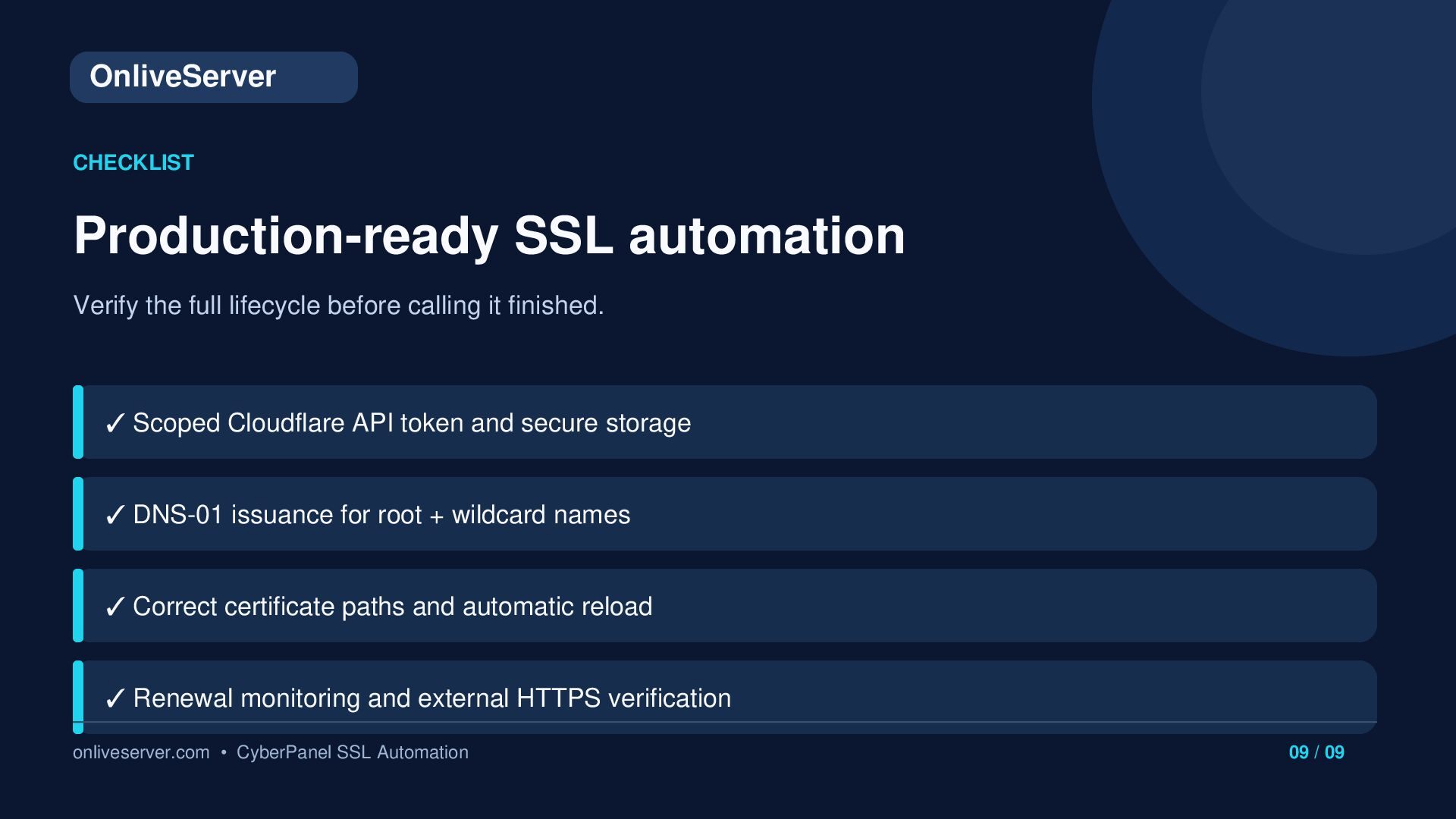
  9. OnliveServer CHECKLIST Production-ready SSL automation Verify the full lifecycle before

    calling it finished. ✓ Scoped Cloudflare API token and secure storage ✓ DNS-01 issuance for root + wildcard names ✓ Correct certificate paths and automatic reload ✓ Renewal monitoring and external HTTPS verification onliveserver.com • CyberPanel SSL Automation 09 / 09

More Decks by Onlive Server

Other Decks in Business