Upgrade to Pro — share decks privately, control downloads, hide ads and more …

High-Concurrency Nextcloud Architecture on Linu...

Sponsored · Ship Features Fearlessly Turn features on and off without deploys. Used by thousands of Ruby developers. →

High-Concurrency Nextcloud Architecture on Linux VPS

Explore Nextcloud architecture on a Linux VPS in this 9-page presentation. Learn how Nginx, PHP-FPM, Redis, MariaDB, and storage layers work together to support secure file sharing, efficient request handling, and high-concurrency performance.

Onlive Server

November 02, 2026

Transcript

9 slides
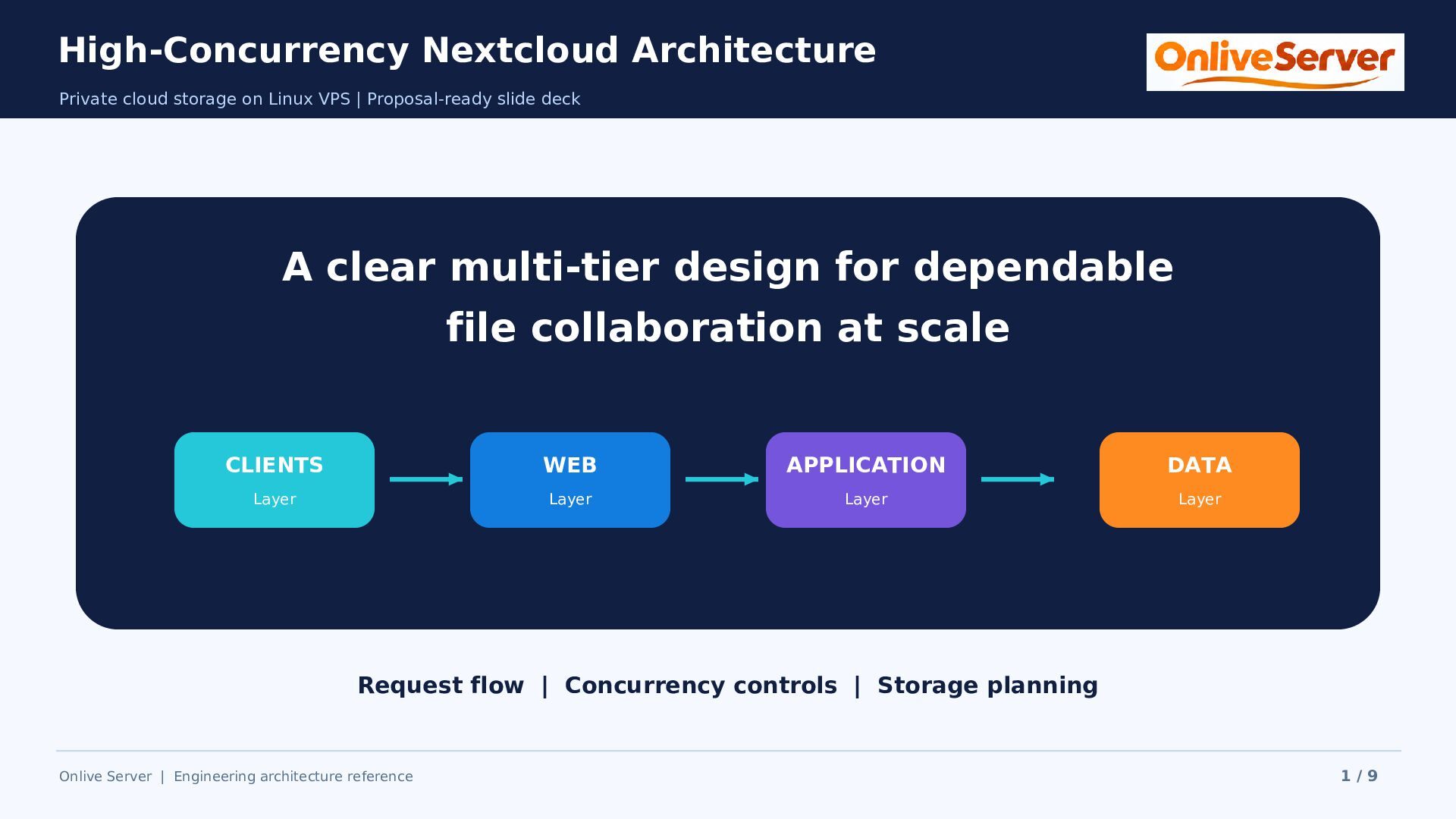
  1. High-Concurrency Nextcloud Architecture Private cloud storage on Linux VPS |

    Proposal-ready slide deck A clear multi-tier design for dependable file collaboration at scale CLIENTS WEB APPLICATION DATA Layer Layer Layer Layer Request flow | Concurrency controls | Storage planning Onlive Server | Engineering architecture reference 1/9
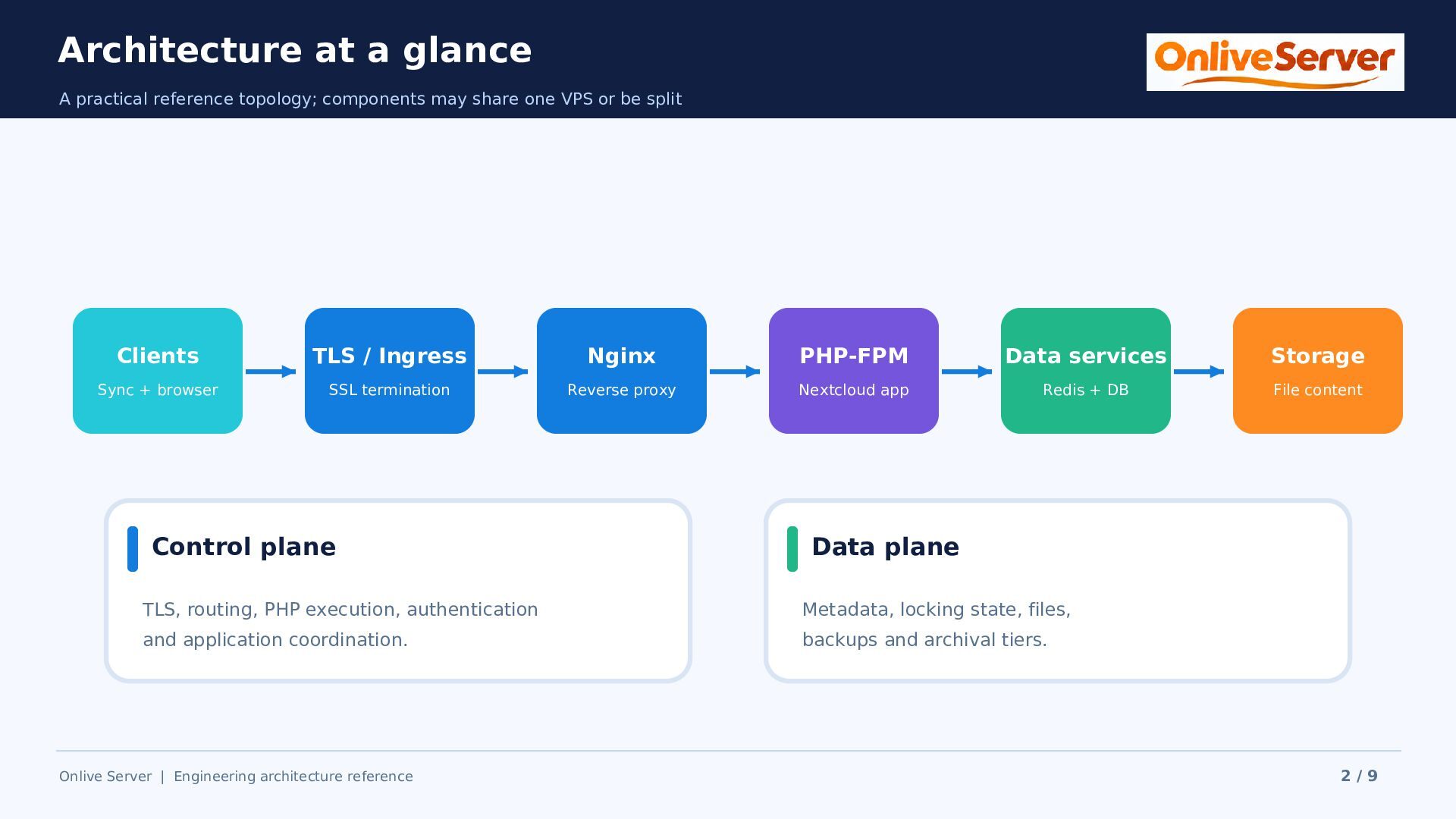
  2. Architecture at a glance A practical reference topology; components may

    share one VPS or be split Clients TLS / Ingress Nginx PHP-FPM Data services Storage Sync + browser SSL termination Reverse proxy Nextcloud app Redis + DB File content Control plane Data plane TLS, routing, PHP execution, authentication Metadata, locking state, files, and application coordination. backups and archival tiers. Onlive Server | Engineering architecture reference 2/9
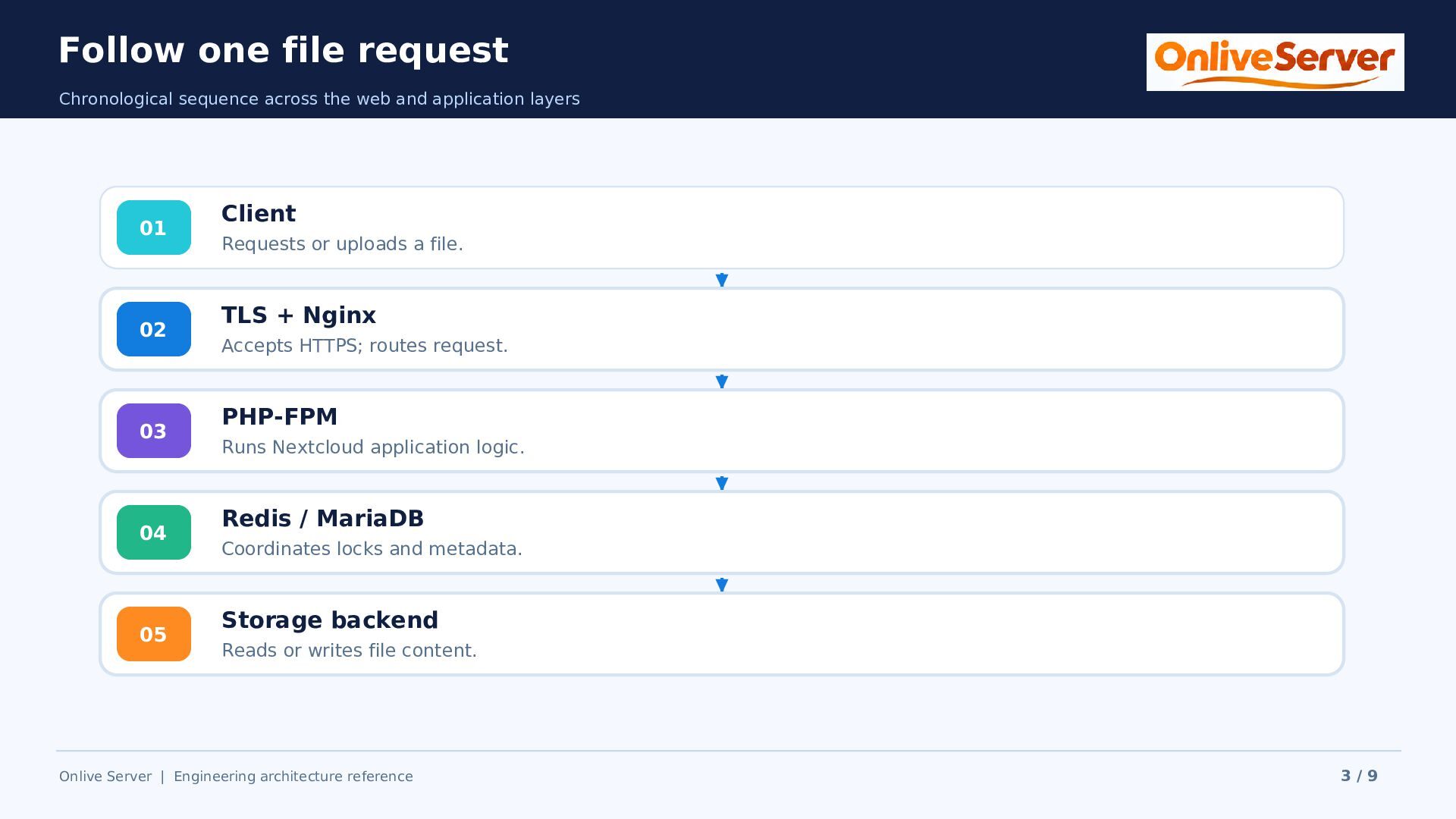
  3. Follow one file request Chronological sequence across the web and

    application layers 01 02 03 04 05 Client Requests or uploads a file. TLS + Nginx Accepts HTTPS; routes request. PHP-FPM Runs Nextcloud application logic. Redis / MariaDB Coordinates locks and metadata. Storage backend Reads or writes file content. Onlive Server | Engineering architecture reference 3/9
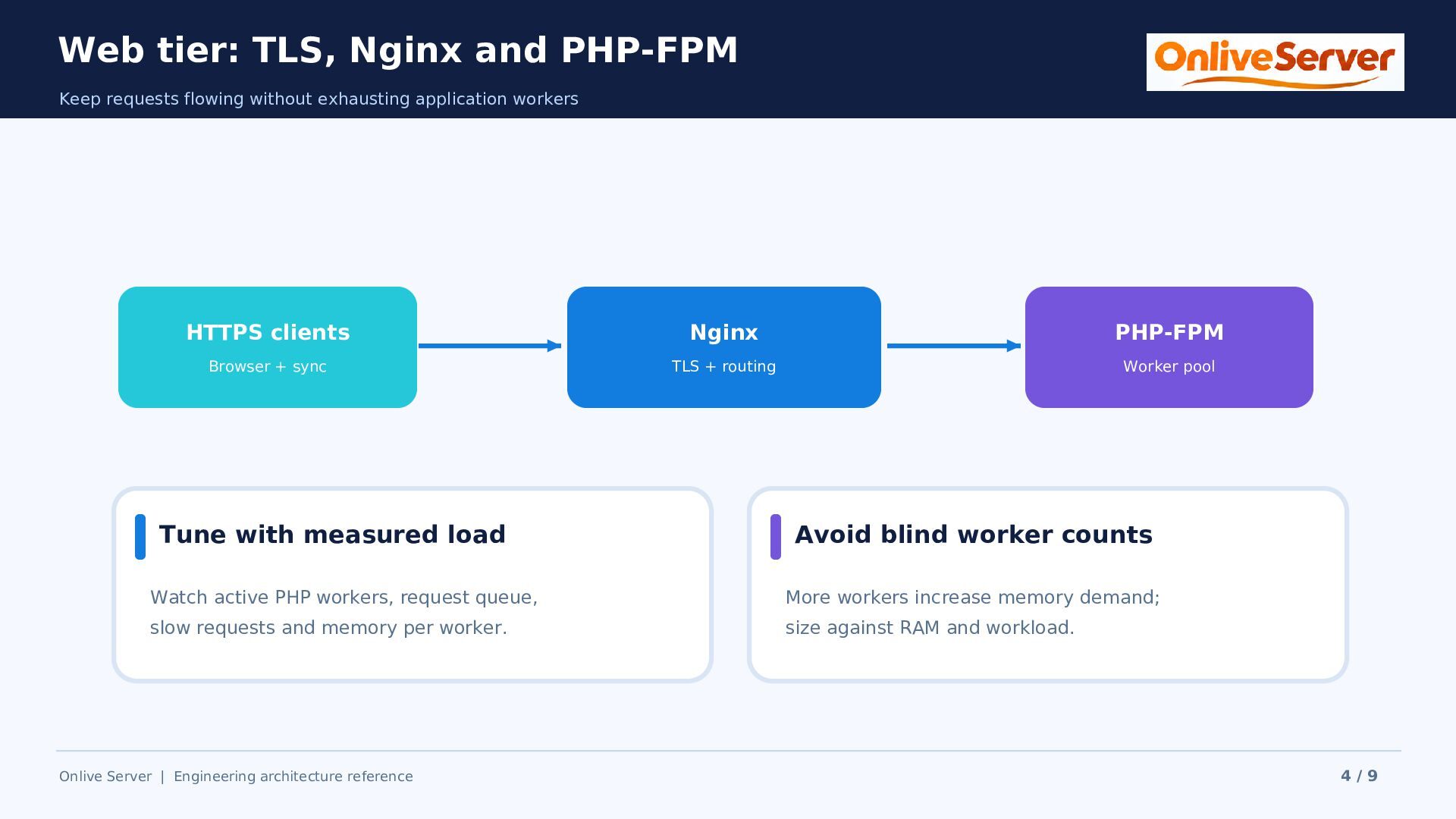
  4. Web tier: TLS, Nginx and PHP-FPM Keep requests flowing without

    exhausting application workers HTTPS clients Nginx PHP-FPM Browser + sync TLS + routing Worker pool Tune with measured load Avoid blind worker counts Watch active PHP workers, request queue, More workers increase memory demand; slow requests and memory per worker. size against RAM and workload. Onlive Server | Engineering architecture reference 4/9
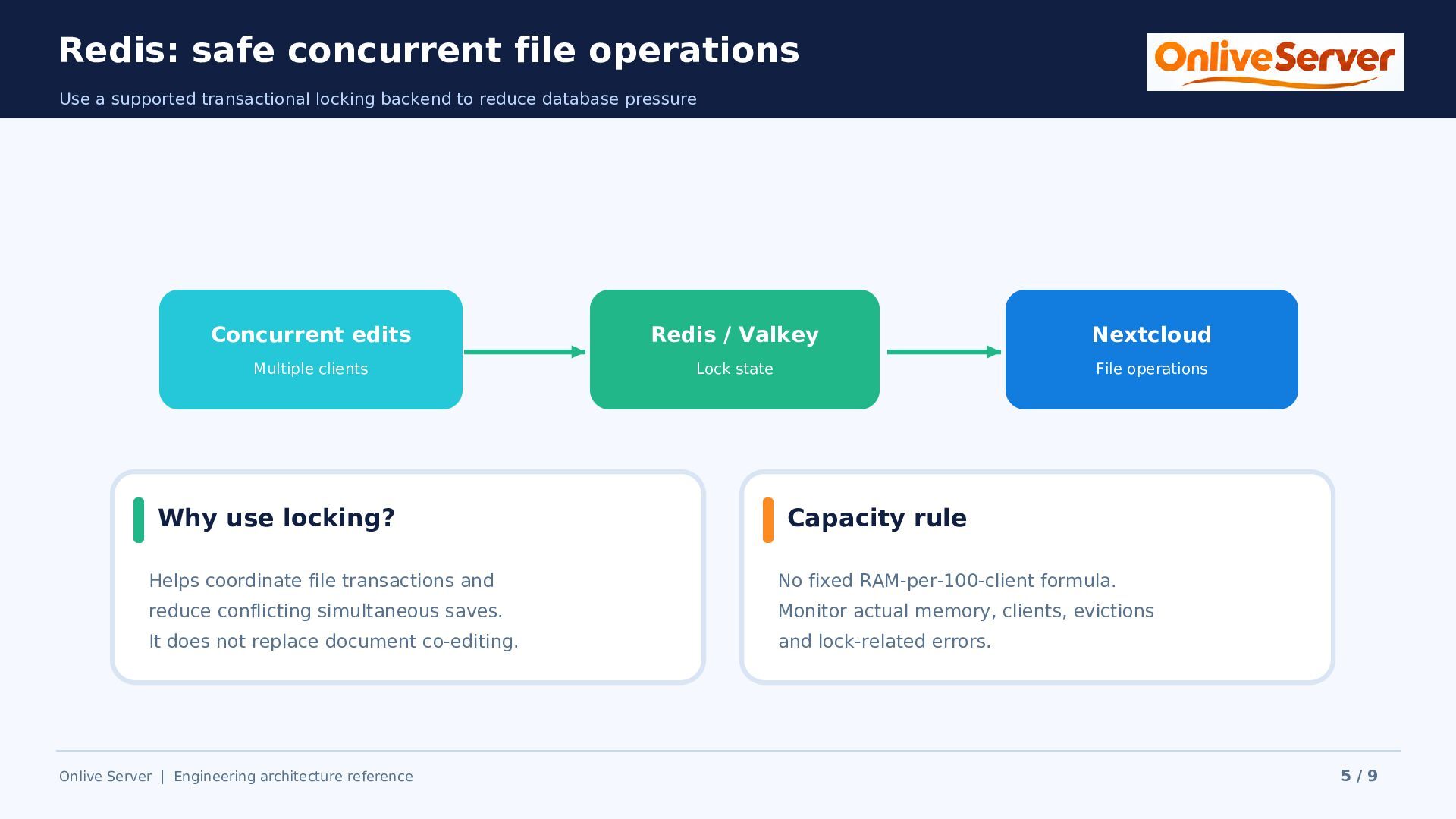
  5. Redis: safe concurrent file operations Use a supported transactional locking

    backend to reduce database pressure Concurrent edits Redis / Valkey Nextcloud Multiple clients Lock state File operations Why use locking? Capacity rule Helps coordinate file transactions and No fixed RAM-per-100-client formula. reduce conflicting simultaneous saves. Monitor actual memory, clients, evictions It does not replace document co-editing. and lock-related errors. Onlive Server | Engineering architecture reference 5/9
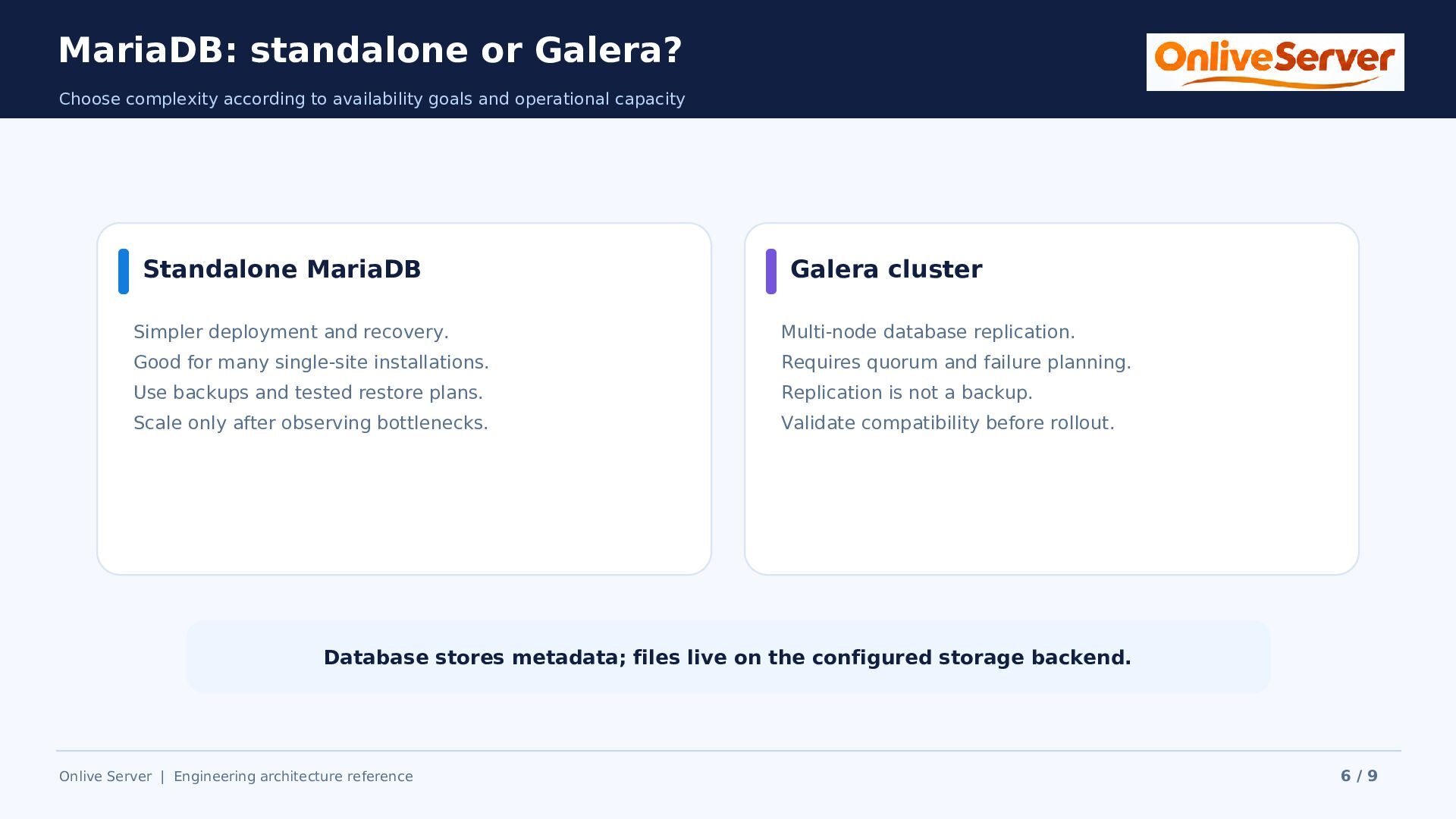
  6. MariaDB: standalone or Galera? Choose complexity according to availability goals

    and operational capacity Standalone MariaDB Galera cluster Simpler deployment and recovery. Multi-node database replication. Good for many single-site installations. Requires quorum and failure planning. Use backups and tested restore plans. Replication is not a backup. Scale only after observing bottlenecks. Validate compatibility before rollout. Database stores metadata; files live on the configured storage backend. Onlive Server | Engineering architecture reference 6/9
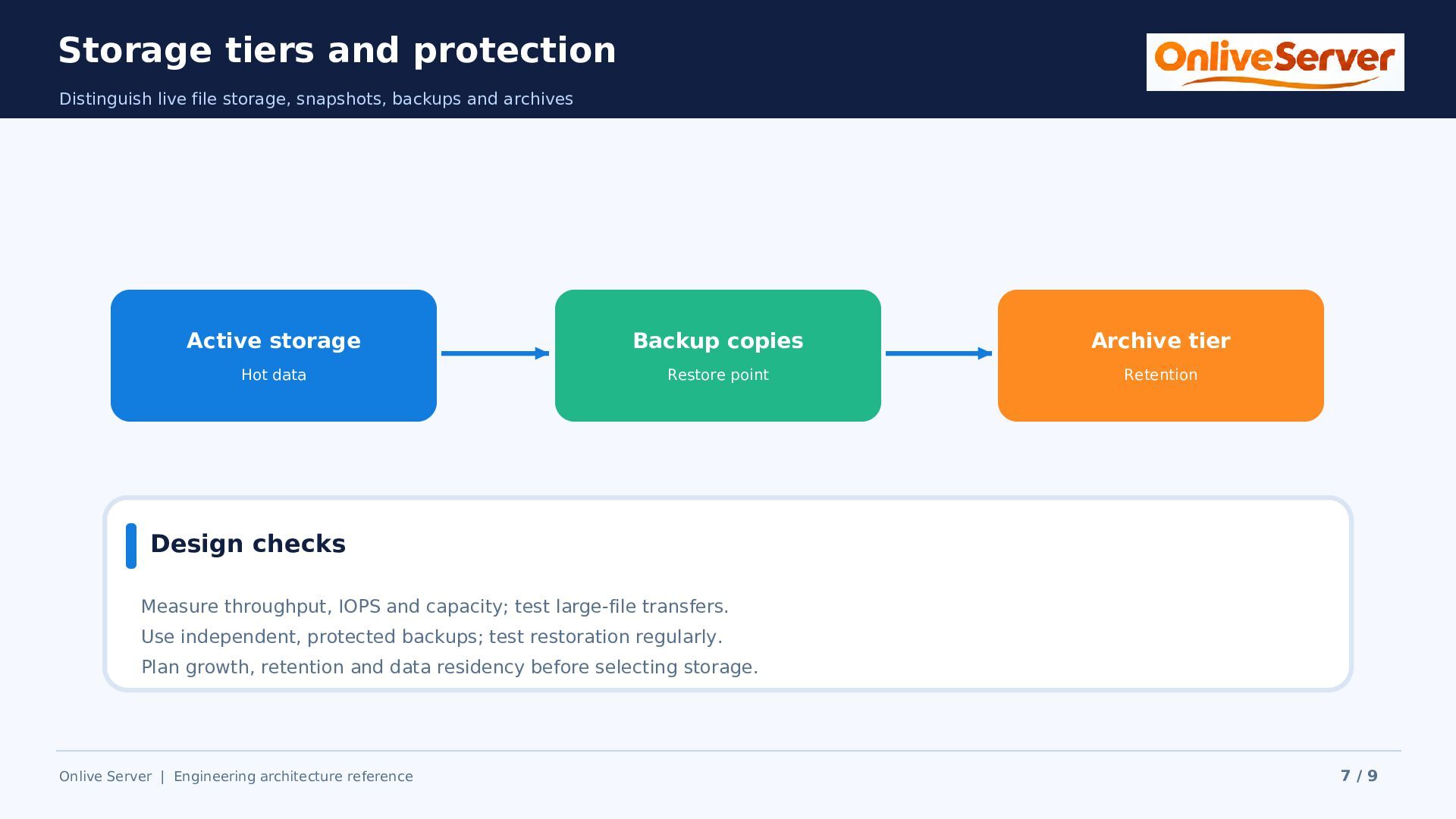
  7. Storage tiers and protection Distinguish live file storage, snapshots, backups

    and archives Active storage Backup copies Archive tier Hot data Restore point Retention Design checks Measure throughput, IOPS and capacity; test large-file transfers. Use independent, protected backups; test restoration regularly. Plan growth, retention and data residency before selecting storage. Onlive Server | Engineering architecture reference 7/9
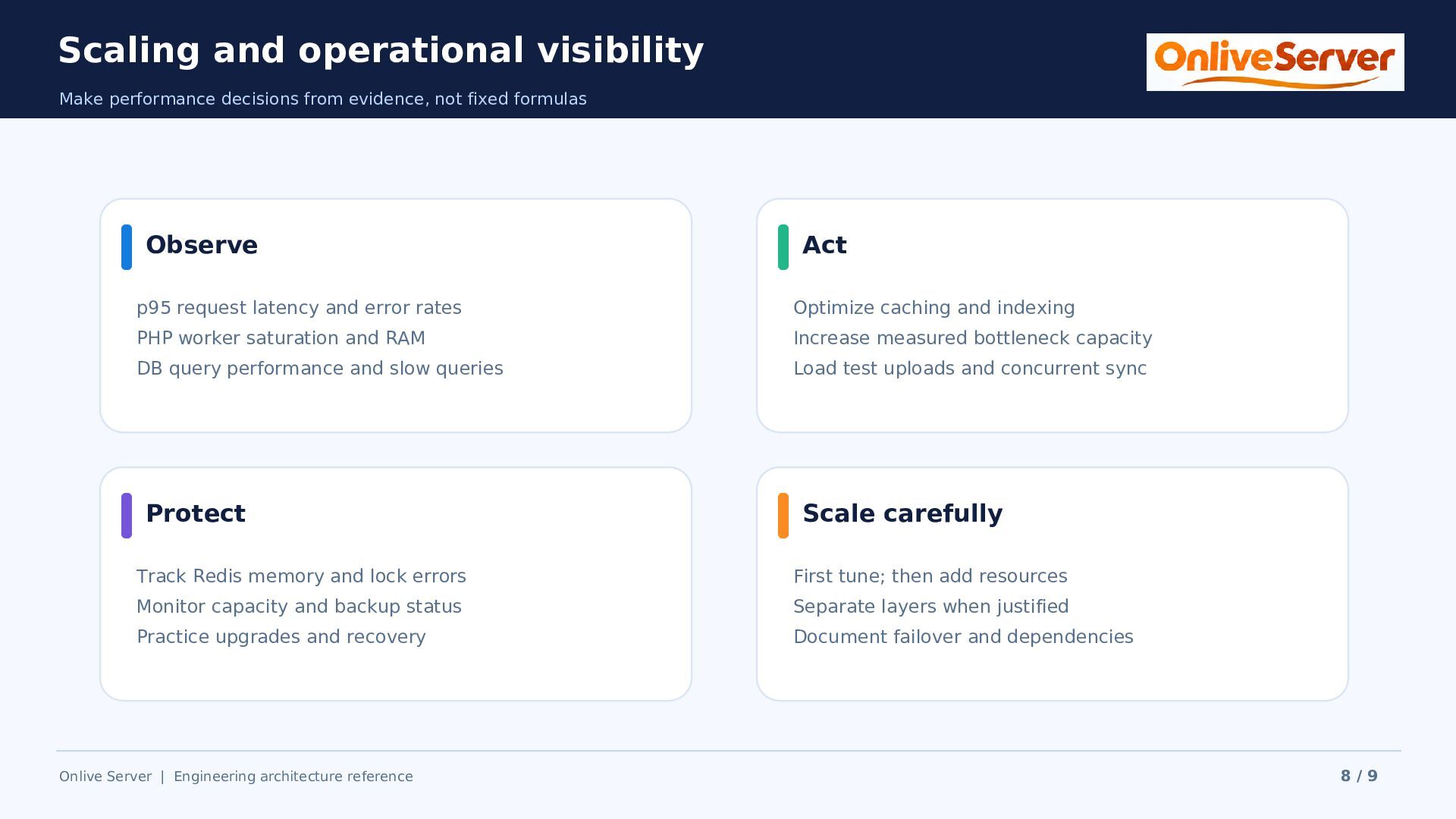
  8. Scaling and operational visibility Make performance decisions from evidence, not

    fixed formulas Observe Act p95 request latency and error rates Optimize caching and indexing PHP worker saturation and RAM Increase measured bottleneck capacity DB query performance and slow queries Load test uploads and concurrent sync Protect Scale carefully Track Redis memory and lock errors First tune; then add resources Monitor capacity and backup status Separate layers when justified Practice upgrades and recovery Document failover and dependencies Onlive Server | Engineering architecture reference 8/9
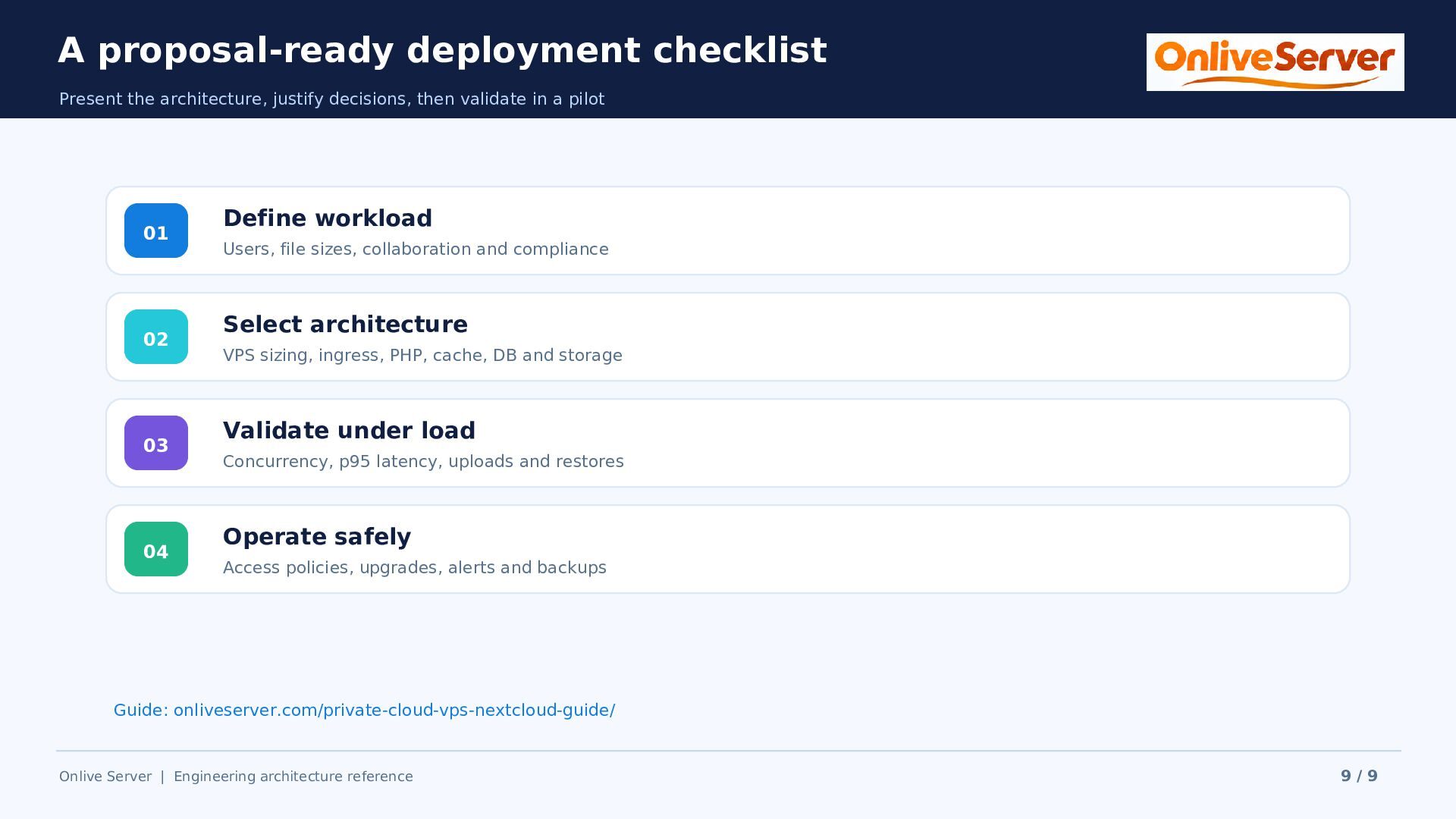
  9. A proposal-ready deployment checklist Present the architecture, justify decisions, then

    validate in a pilot 01 02 03 04 Define workload Users, file sizes, collaboration and compliance Select architecture VPS sizing, ingress, PHP, cache, DB and storage Validate under load Concurrency, p95 latency, uploads and restores Operate safely Access policies, upgrades, alerts and backups Guide: onliveserver.com/private-cloud-vps-nextcloud-guide/ Onlive Server | Engineering architecture reference 9/9

More Decks by Onlive Server

Other Decks in Business