Upgrade to Pro — share decks privately, control downloads, hide ads and more …

SETCON'19 - Raman Patsiayuk - Применение фреймв...

Sponsored · Ship Features Fearlessly Turn features on and off without deploys. Used by thousands of Ruby developers.

SETCON'19 - Raman Patsiayuk - Применение фреймворка HtmlElements при тестировании веб-приложений (pdf.io)

Avatar for Maksim

Maksim

May 10, 2019

More Decks by Maksim

Other Decks in Technology

Transcript

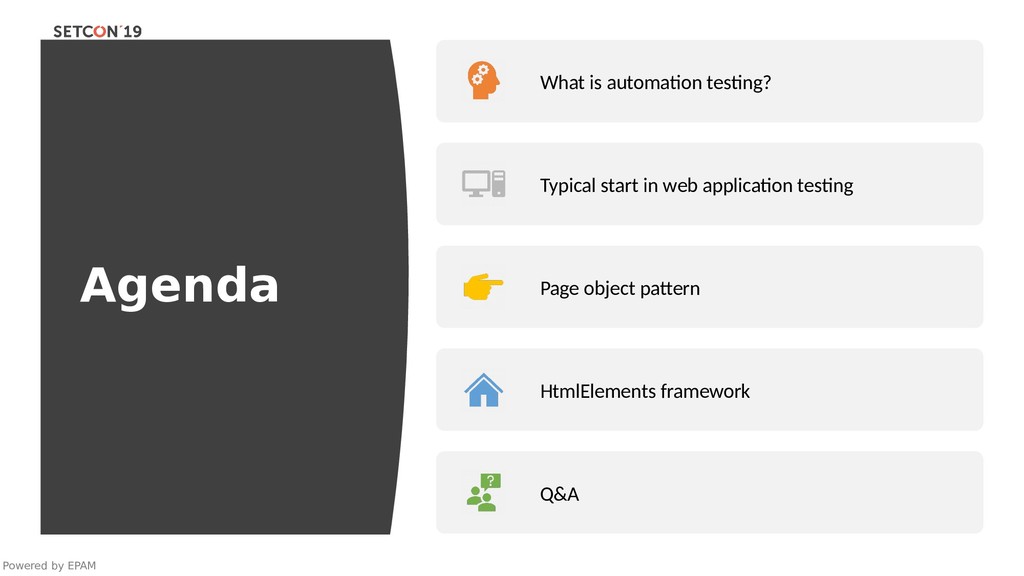
  1. Agenda Powered by EPAM What is automation testing? Typical start

    in web application testing Page object pattern HtmlElements framework Q&A
  2. What is automation testing? Automation testing is a technique uses

    an application to implement entire life cycle of the software in less time and provides efficiency and effectiveness to the testing software. In other words, Automation testing uses automation tools to write and execute test cases, no manual involvement is required while executing an automated test suite. The main goal of automation testing is to increase test efficiency and develop software value.
  3. Typical sample public static void main(String[] args) { System.setProperty("webdriver.firefox.marionette"," C:\\geckodriver.exe");

    WebDriver driver = new FirefoxDriver(); String baseUrl = "http://demo.guru99.com/test/newtours/"; String expectedTitle = "Welcome: Mercury Tours"; String actualTitle = ""; driver.get(baseUrl); actualTitle = driver.getTitle(); if (actualTitle.contentEquals(expectedTitle)) { System.out.println("Test Passed!"); } else { System.out.println("Test Failed"); } driver.close(); }
  4. Typical sample public class Selenium2Example { public static void main(String[]

    args) { WebDriver driver = new FirefoxDriver(); driver.get("http://www.google.com"); WebElement element = driver.findElement(By.name("q")); element.sendKeys("Cheese!"); element.submit(); (new WebDriverWait(driver, 10)).until(new ExpectedCondition<Boolean>() { public Boolean apply(WebDriver d) { return d.getTitle().toLowerCase().startsWith("cheese!"); } }); System.out.println("Page title is: " + driver.getTitle()); driver.quit(); }}
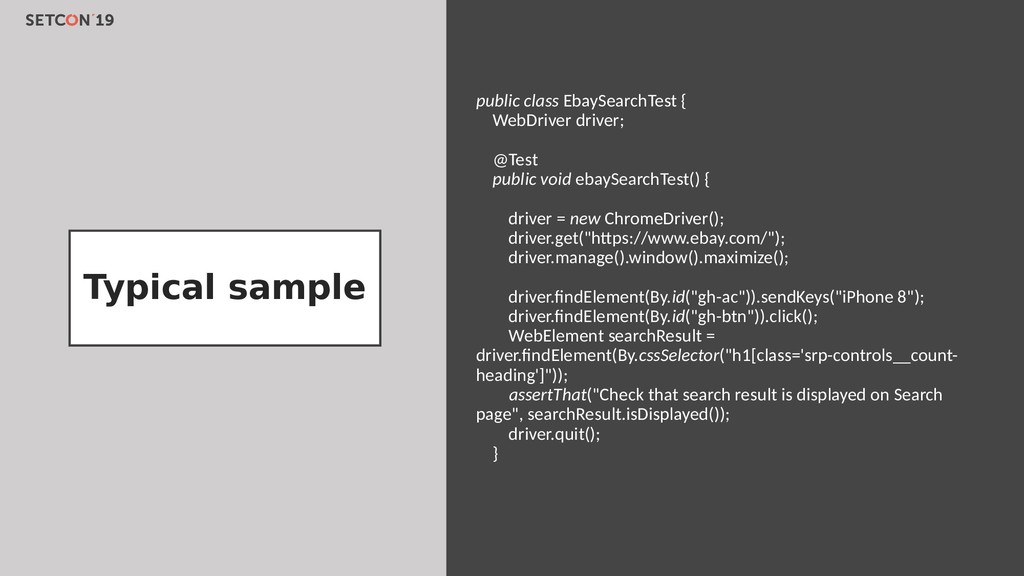
  5. Typical sample public class EbaySearchTest { WebDriver driver; @Test public

    void ebaySearchTest() { driver = new ChromeDriver(); driver.get("https://www.ebay.com/"); driver.manage().window().maximize(); driver.findElement(By.id("gh-ac")).sendKeys("iPhone 8"); driver.findElement(By.id("gh-btn")).click(); WebElement searchResult = driver.findElement(By.cssSelector("h1[class='srp-controls__count- heading']")); assertThat("Check that search result is displayed on Search page", searchResult.isDisplayed()); driver.quit(); }
  6. Page Object pattern Promotes reuse code Makes tests readable Makes

    tests more powerful Improves maintainability
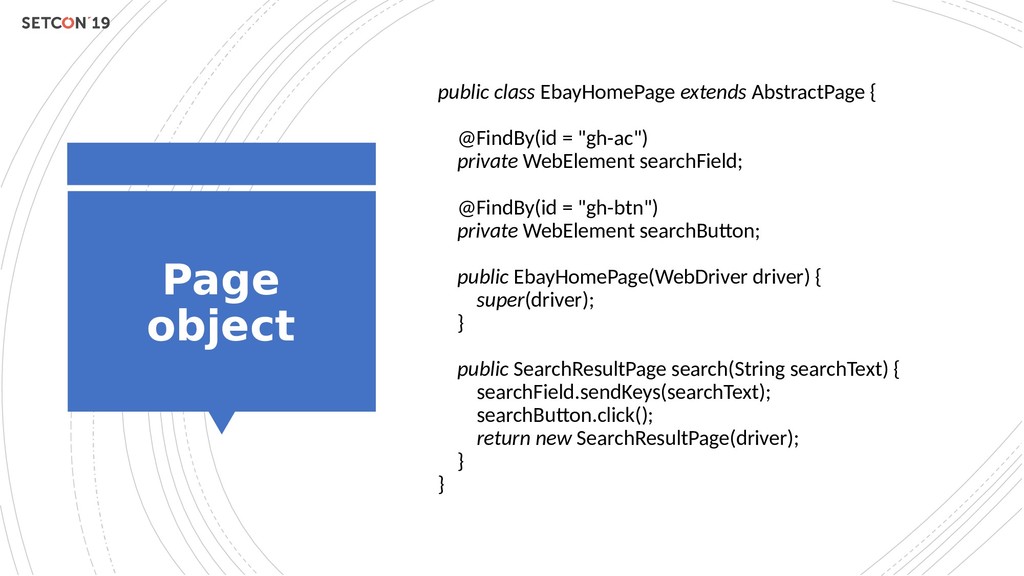
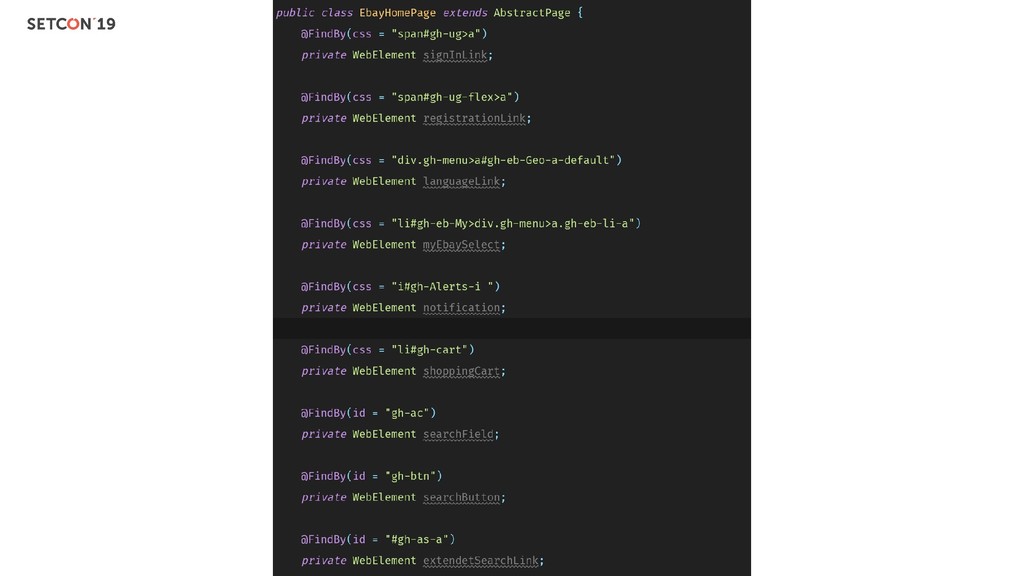
  7. Page object public class EbayHomePage extends AbstractPage { @FindBy(id =

    "gh-ac") private WebElement searchField; @FindBy(id = "gh-btn") private WebElement searchButton; public EbayHomePage(WebDriver driver) { super(driver); } public SearchResultPage search(String searchText) { searchField.sendKeys(searchText); searchButton.click(); return new SearchResultPage(driver); } }
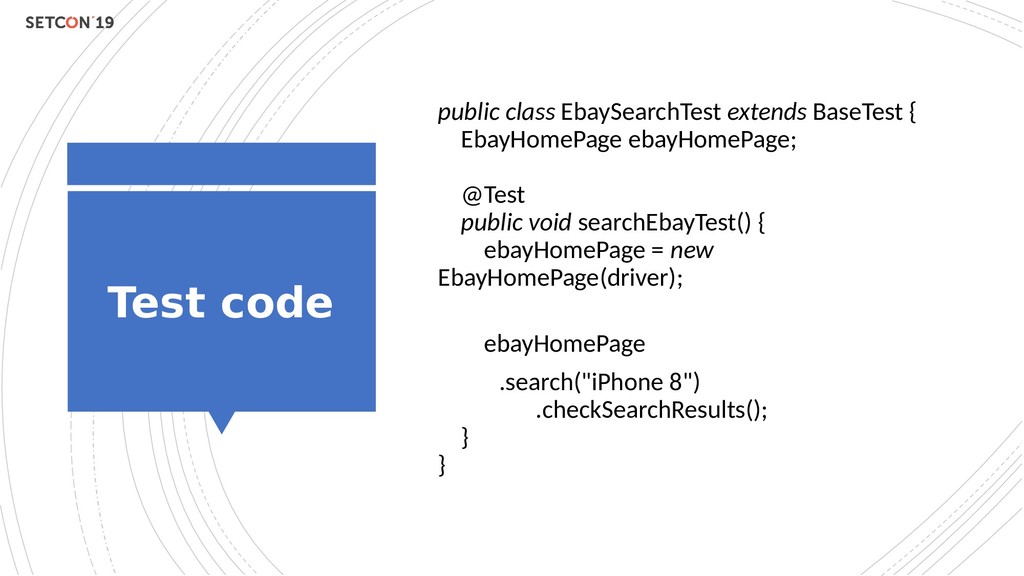
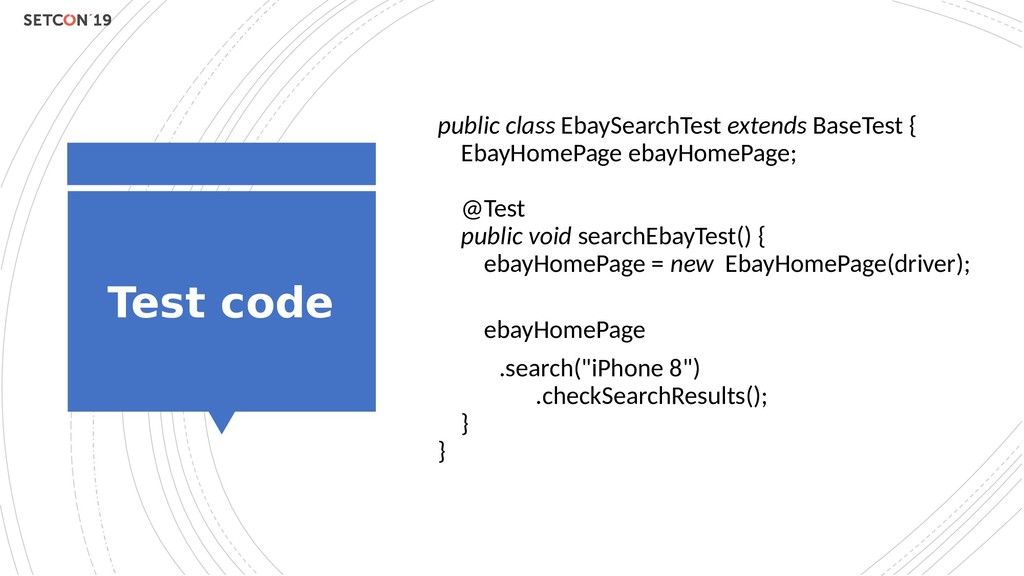
  8. Test code public class EbaySearchTest extends BaseTest { EbayHomePage ebayHomePage;

    @Test public void searchEbayTest() { ebayHomePage = new EbayHomePage(driver); ebayHomePage .search("iPhone 8") .checkSearchResults(); } }
  9. What is HtmlEleme nts? THIS FRAMEWORK IS DESIGNED TO PROVIDE

    AN EASY-TO-USE WAY OF INTERACTING WITH WEB- PAGE ELEMENTS IN YOUR TESTS. IT CAN BE CONSIDERED TO BE AN EXTENSION OF WEBDRIVER PAGE OBJECT. WITH THE HELP OF THE HTML ELEMENTS FRAMEWORK YOU CAN GROUP WEB-PAGE ELEMENTS INTO BLOCKS, ENCAPSULATE LOGIC OF INTERACTION WITHIN THEM AND THEN EASILY USE CREATED BLOCKS IN PAGE OBJECTS. IT ALSO PROVIDES A SET OF HELPFUL MATCHERS TO USE WITH WEB-PAGE ELEMENTS AND BLOCKS.
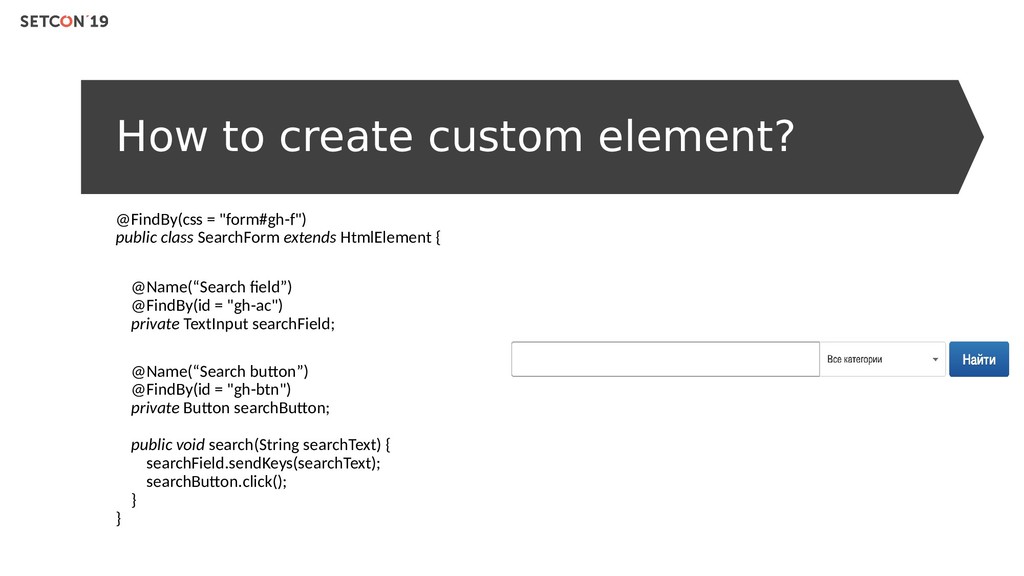
  10. How to create custom element? @FindBy(css = "form#gh-f") public class

    SearchForm extends HtmlElement { @Name(“Search field”) @FindBy(id = "gh-ac") private TextInput searchField; @Name(“Search button”) @FindBy(id = "gh-btn") private Button searchButton; public void search(String searchText) { searchField.sendKeys(searchText); searchButton.click(); } }
  11. Page code public class EbayHomePage extends AbstractPage { private SearchForm

    searchForm; public EbayHomePage(WebDriver driver) { super(driver); } public SearchResultPage search(String searchText) { searchForm.search(searchText); return new SearchResultPage(driver); } }
  12. Test code public class EbaySearchTest extends BaseTest { EbayHomePage ebayHomePage;

    @Test public void searchEbayTest() { ebayHomePage = new EbayHomePage(driver); ebayHomePage .search("iPhone 8") .checkSearchResults(); } }