crawlers and AI crawlers actually see • A few edge cases where implementation mistakes can cause content mismatches, leading crawlers to hide important elements or misjudge their relevance IN THE NEXT 30 MINUTES, WE’LL EXPLORE @giacomozecchini
train our models. If you choose to opt-in this content, you can enable “include web browsing” in your data controls settings. @giacomozecchini CHATGPT ATLAS CONTENT VISIBILITY AND TRAINING Source: https://openai.com/index/introducing-chatgpt-atlas/
the lack of user interaction, the use of internal asset-caching heuristics, and the way each handles certain edge cases. @giacomozecchini SEARCH ENGINE RENDERING VS USER RENDERING
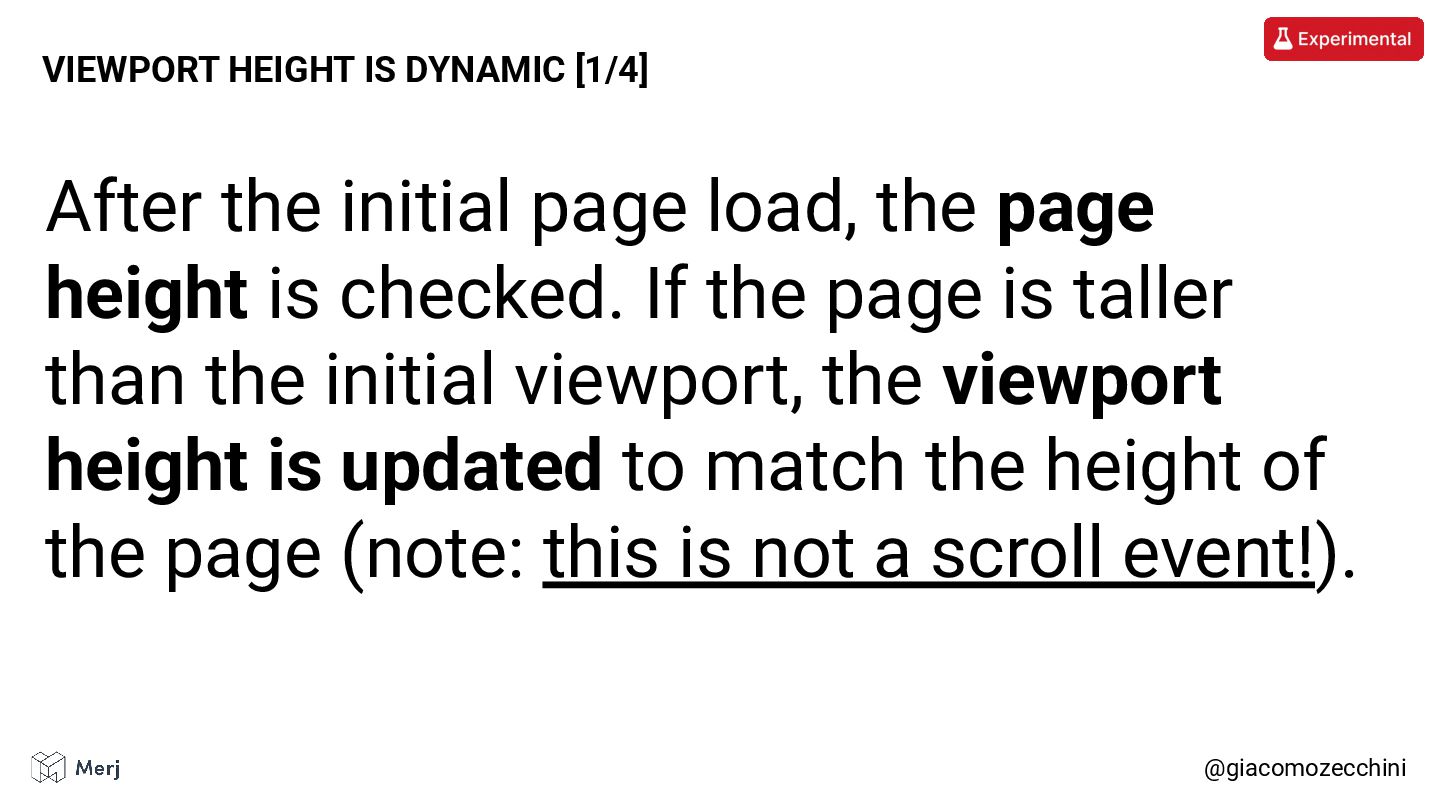
If the page is taller than the initial viewport, the viewport height is updated to match the height of the page (note: this is not a scroll event!). @giacomozecchini VIEWPORT HEIGHT IS DYNAMIC [1/4]
wheel, or touchstart event to load additional content. • From a web-performance point of view, it’s generally a bad idea to attach handlers to the scroll, wheel, or touchstart events (without using passive event listeners). • The recommended solution is to use the Intersection Observer API, which is now widely supported.
to add “cosmetic” content to an element. @giacomozecchini ::before AND ::after PSEUDO ELEMENTS [1/4] Read more: https://css-tricks.com/7-practical-uses-for-the-before-and-after-pseudo-elements-in-css/
etc) are used to determine the relative importance of the heading tags compared to each other. @giacomozecchini HTML HEADING STYLE [1/3] Mentioned: https://www.youtube.com/watch?v=65rE4mvzCX0
• If you can’t do that, just remember that the most relevant heading isn’t always your H1 (especially if it’s just that small, keyword-stuffed line at the top of the page). @giacomozecchini HTML HEADING STYLE [3/3]
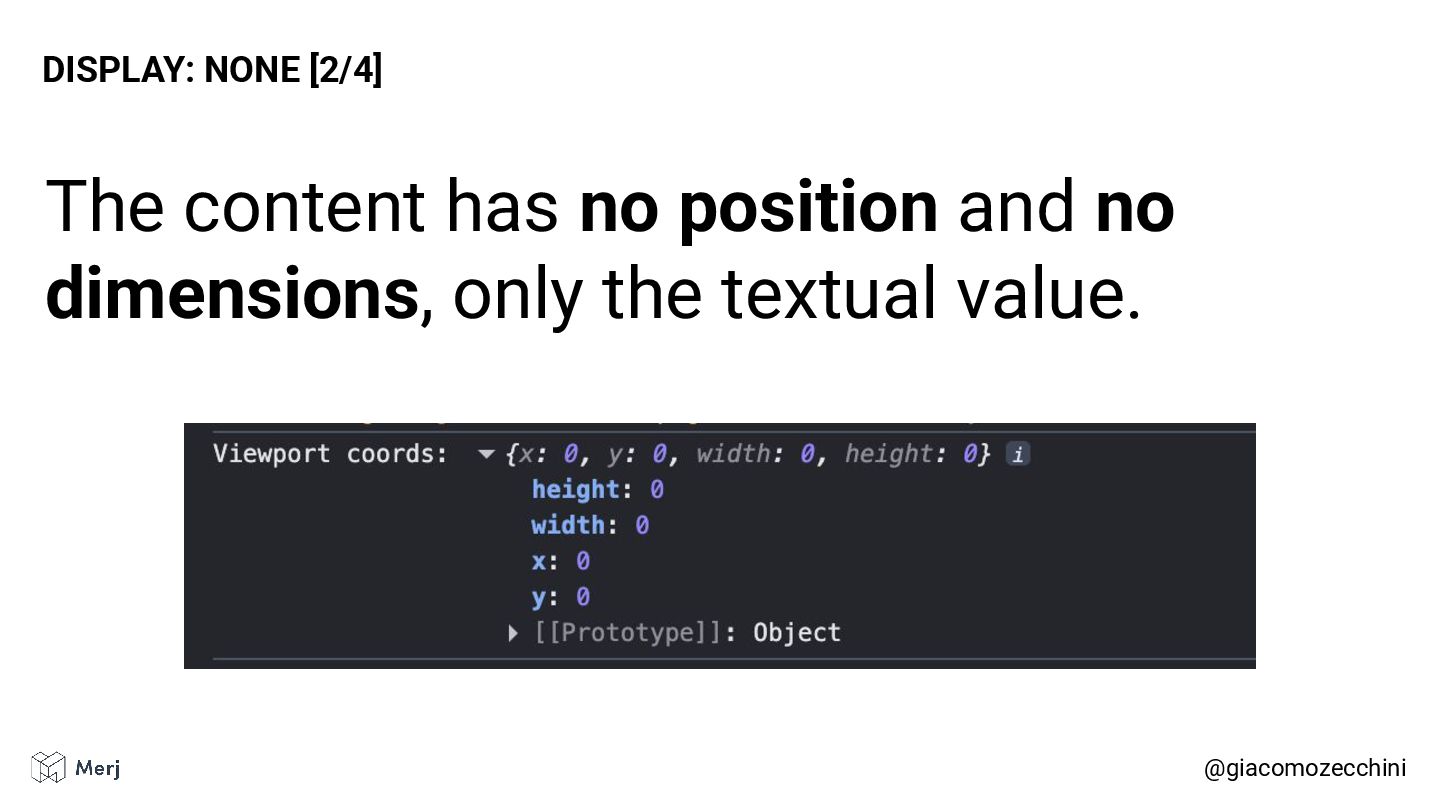
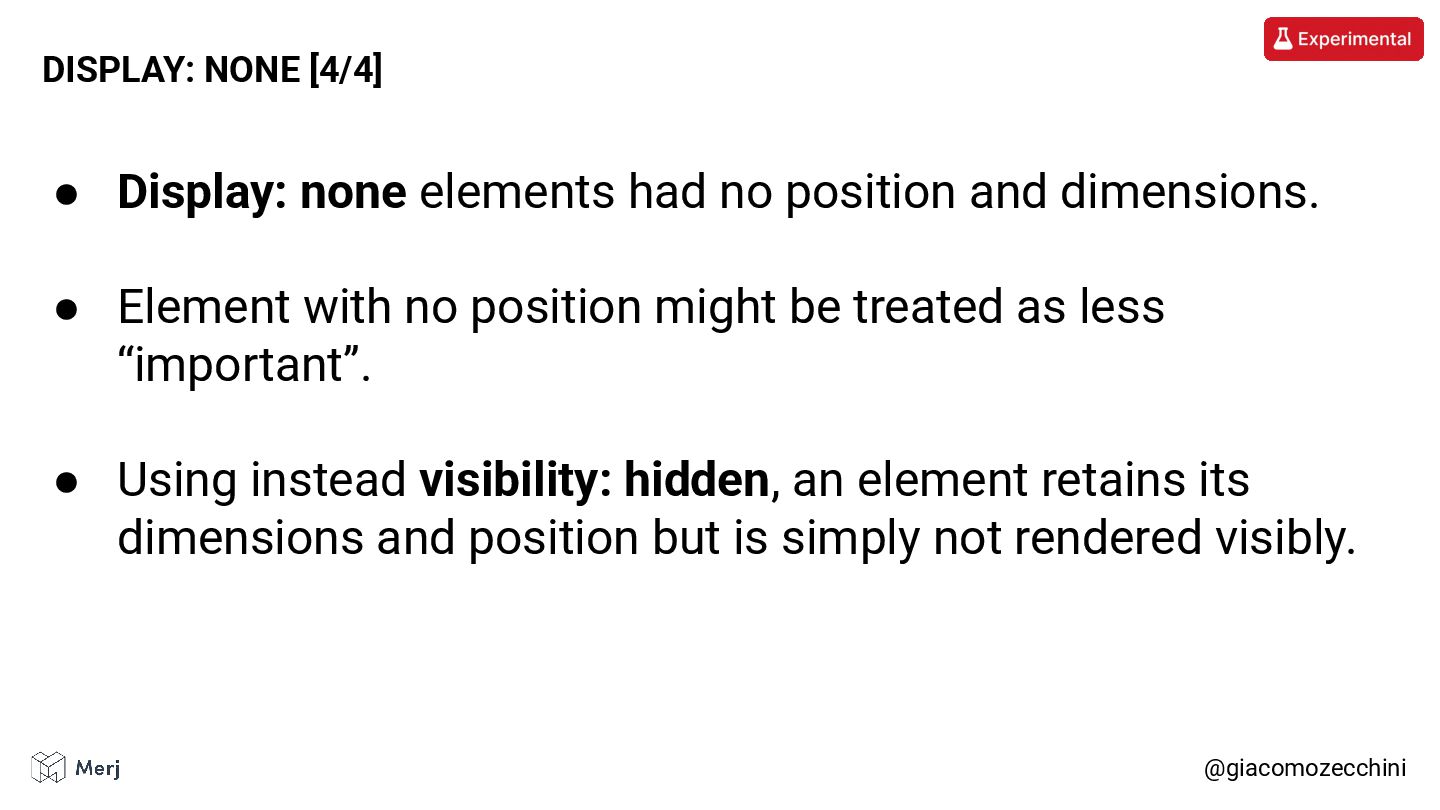
Element with no position might be treated as less “important”. • Using instead visibility: hidden, an element retains its dimensions and position but is simply not rendered visibly. @giacomozecchini DISPLAY: NONE [4/4]
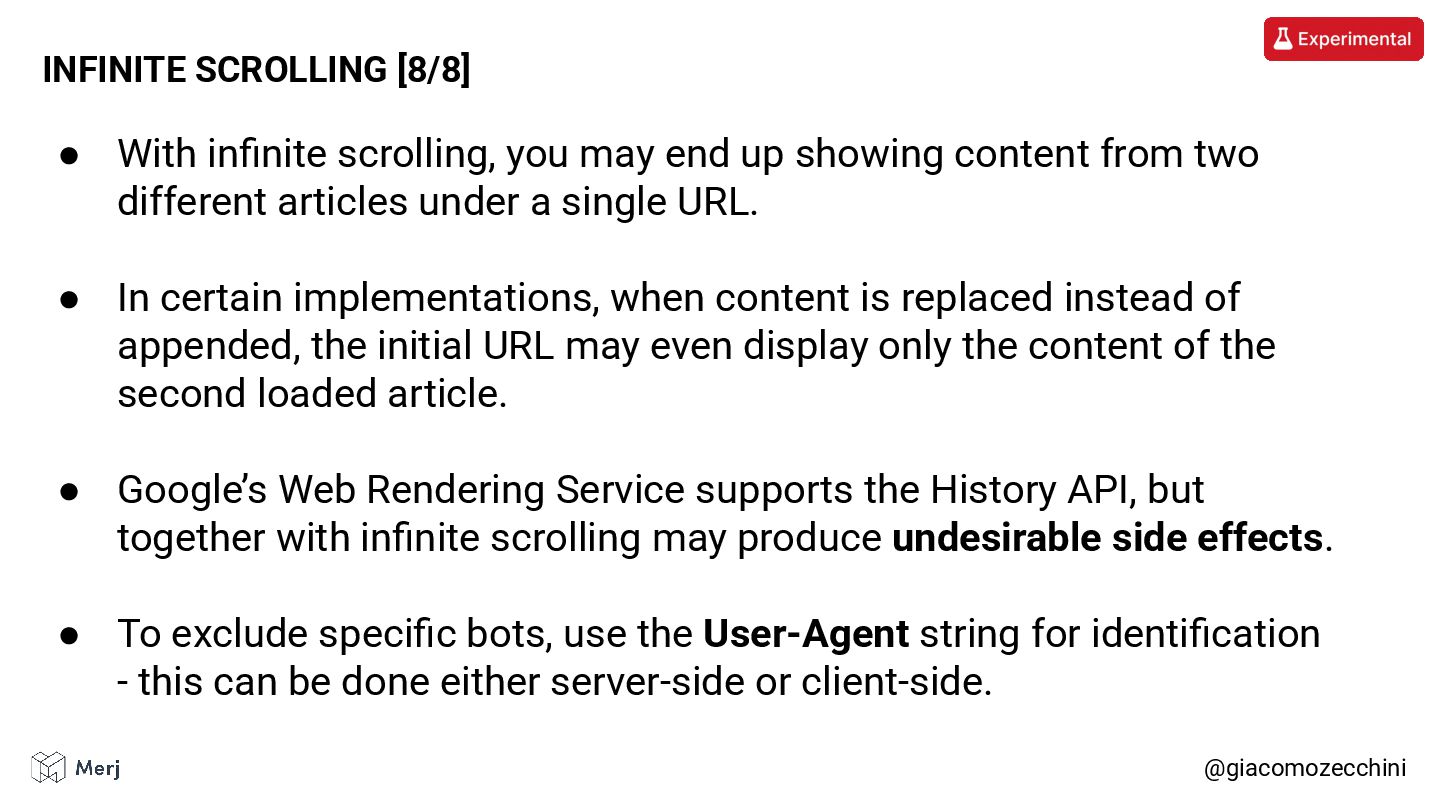
from two different articles under a single URL. • In certain implementations, when content is replaced instead of appended, the initial URL may even display only the content of the second loaded article. • Google’s Web Rendering Service supports the History API, but together with infinite scrolling may produce undesirable side effects. • To exclude specific bots, use the User-Agent string for identification - this can be done either server-side or client-side. @giacomozecchini INFINITE SCROLLING [8/8]
by using the viewport height (for example, 100vh) to dynamically scale the media so that it fits the device’s display viewport. Mentioned: https://www.youtube.com/watch?v=l2E3gBDP_qY
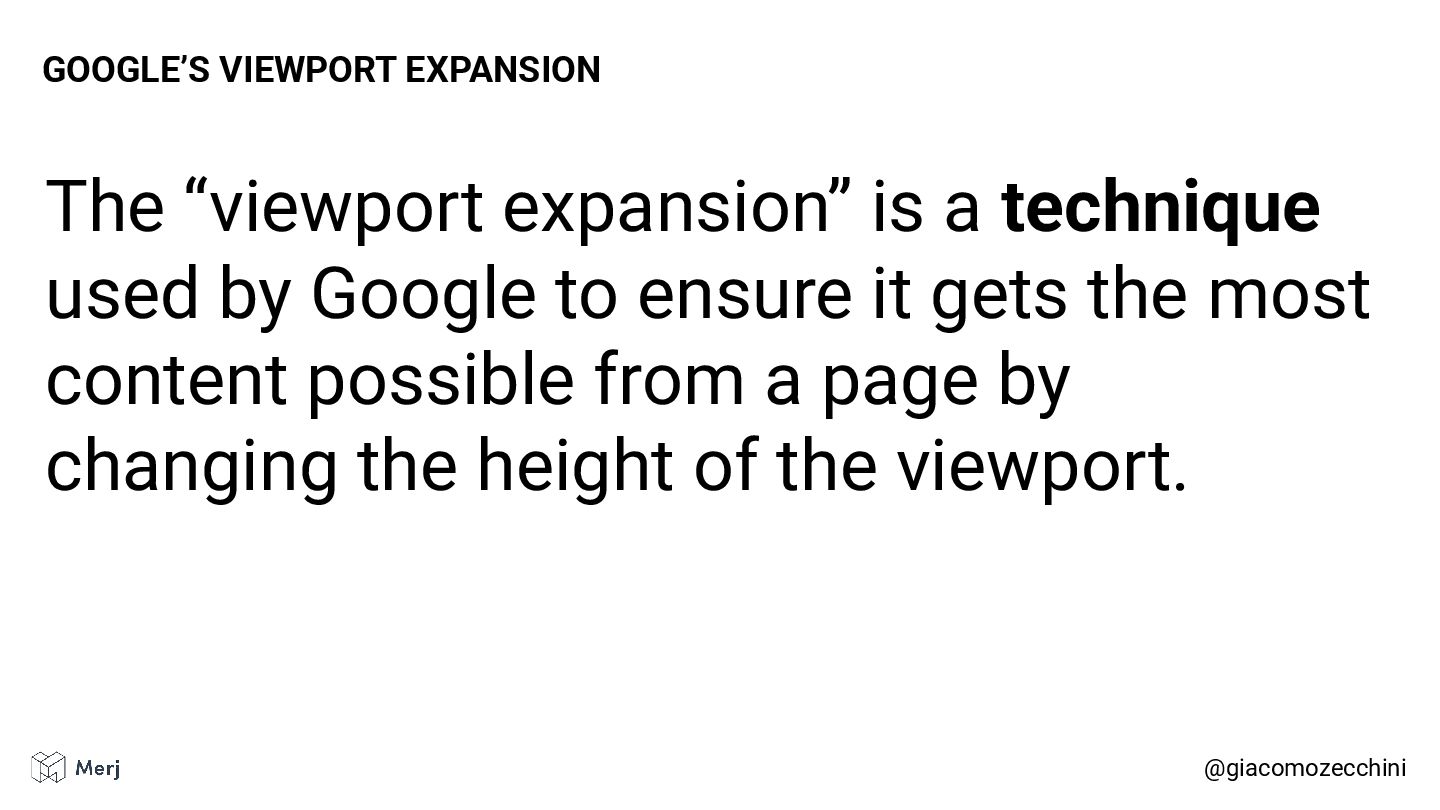
uses viewport expansion renders a page containing a 100vh element, the 100vh value is recomputed from the expanded viewport size, which causes that element to scale to the increased height matching the new viewport dimensions.
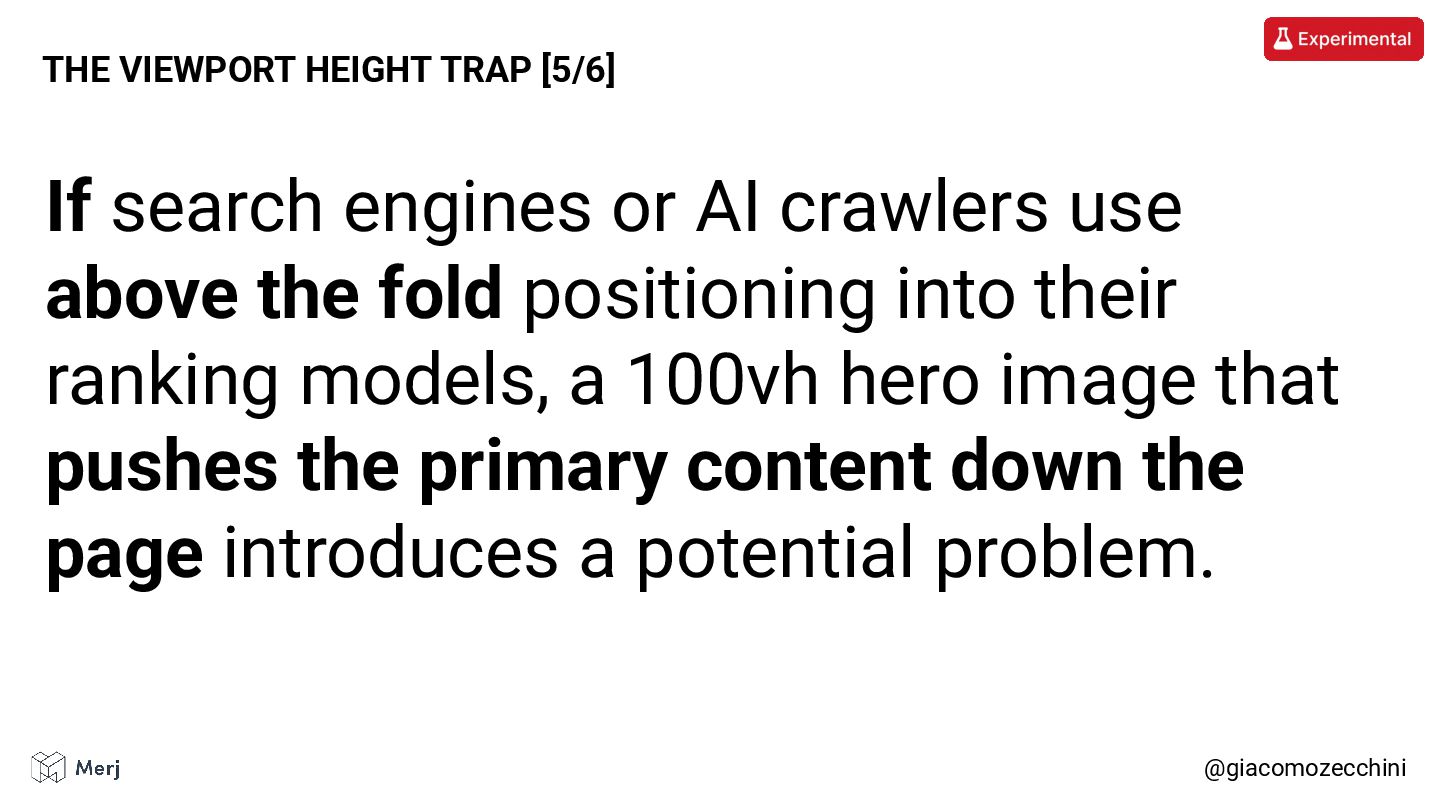
positioning into their ranking models, a 100vh hero image that pushes the primary content down the page introduces a potential problem. @giacomozecchini THE VIEWPORT HEIGHT TRAP [5/6]
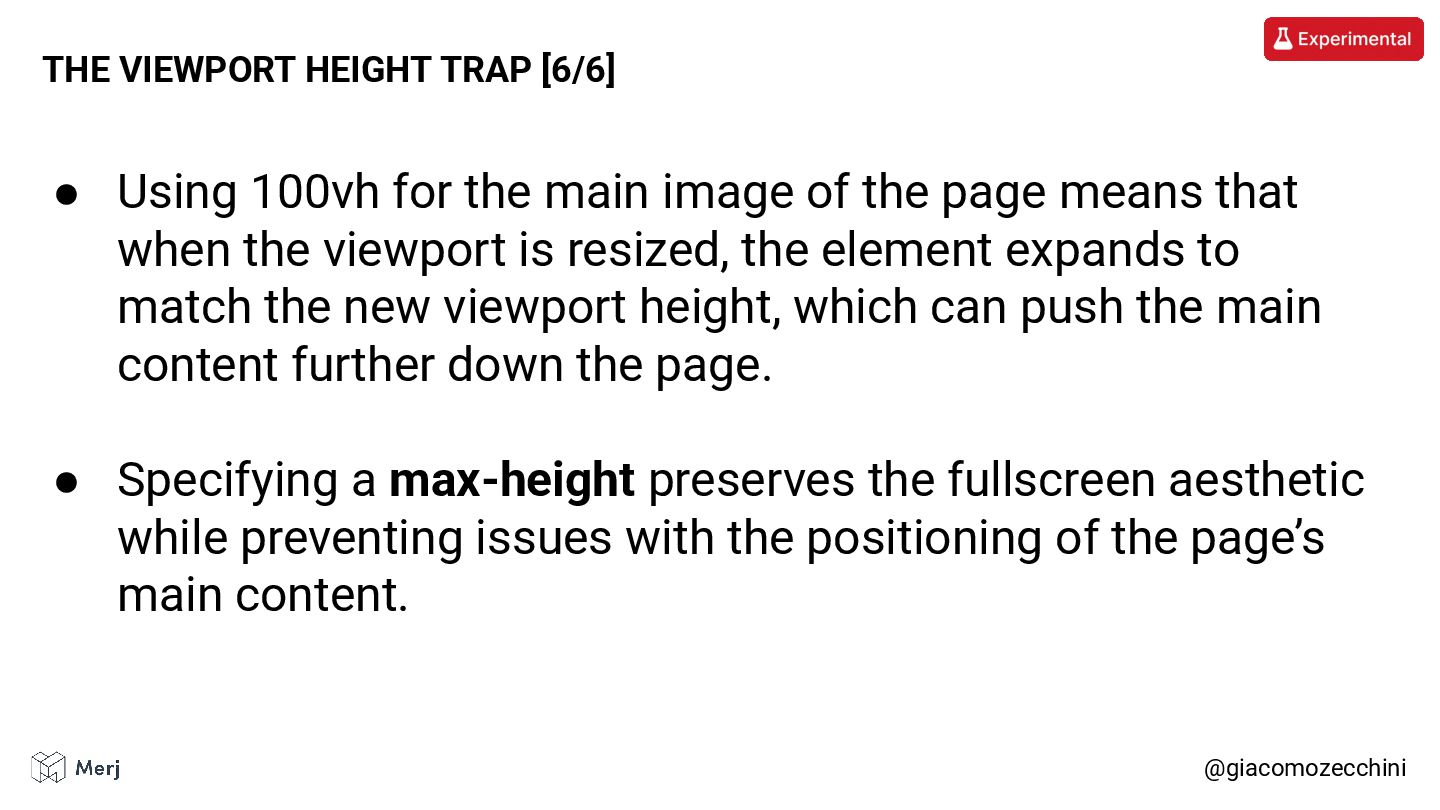
means that when the viewport is resized, the element expands to match the new viewport height, which can push the main content further down the page. • Specifying a max-height preserves the fullscreen aesthetic while preventing issues with the positioning of the page’s main content. @giacomozecchini THE VIEWPORT HEIGHT TRAP [6/6]
to the previous case, the use of viewport expansion together with a 100vh section may keep the lazy-loading threshold from being reached, causing the extra content to never load.
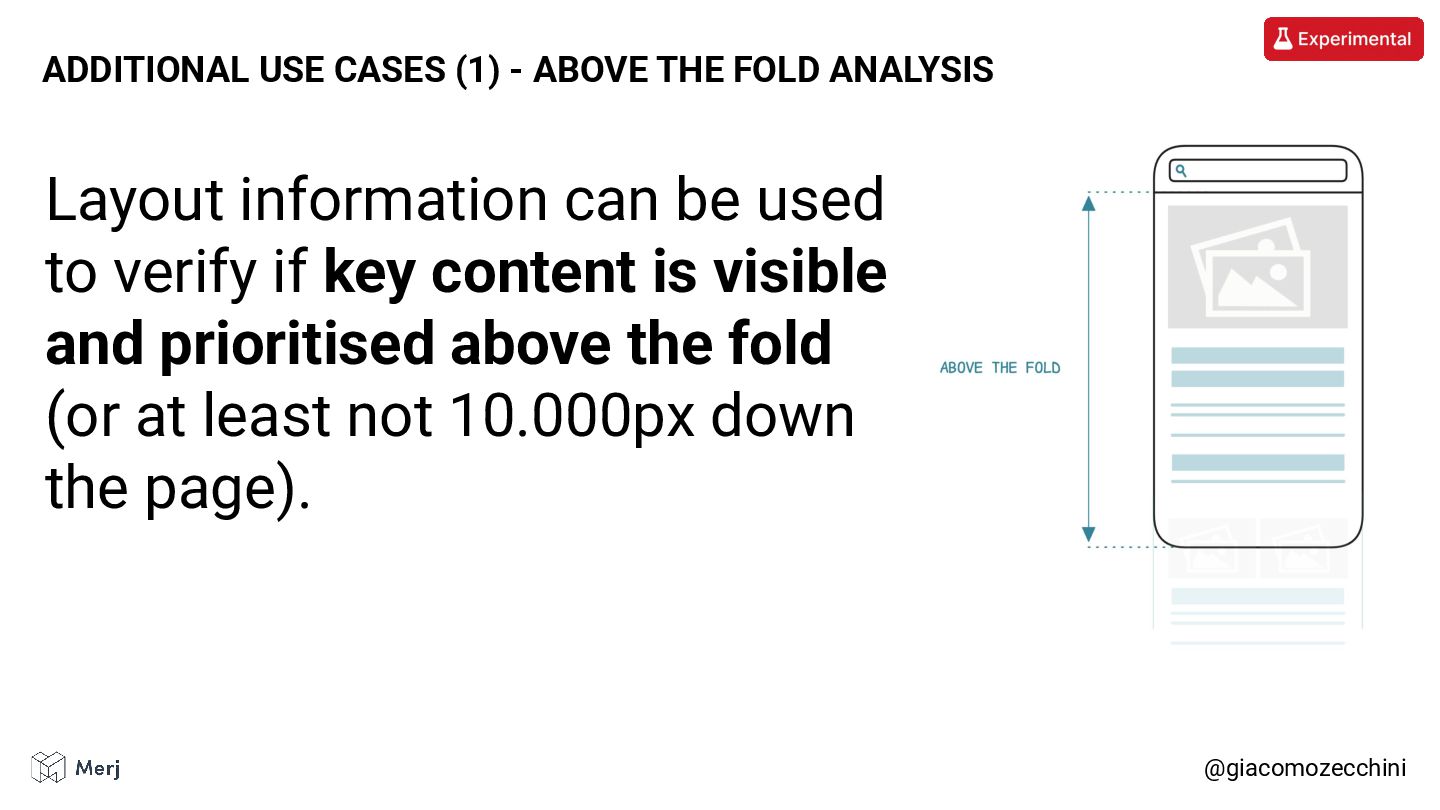
is visible and prioritised above the fold (or at least not 10.000px down the page). @giacomozecchini ADDITIONAL USE CASES (1) - ABOVE THE FOLD ANALYSIS
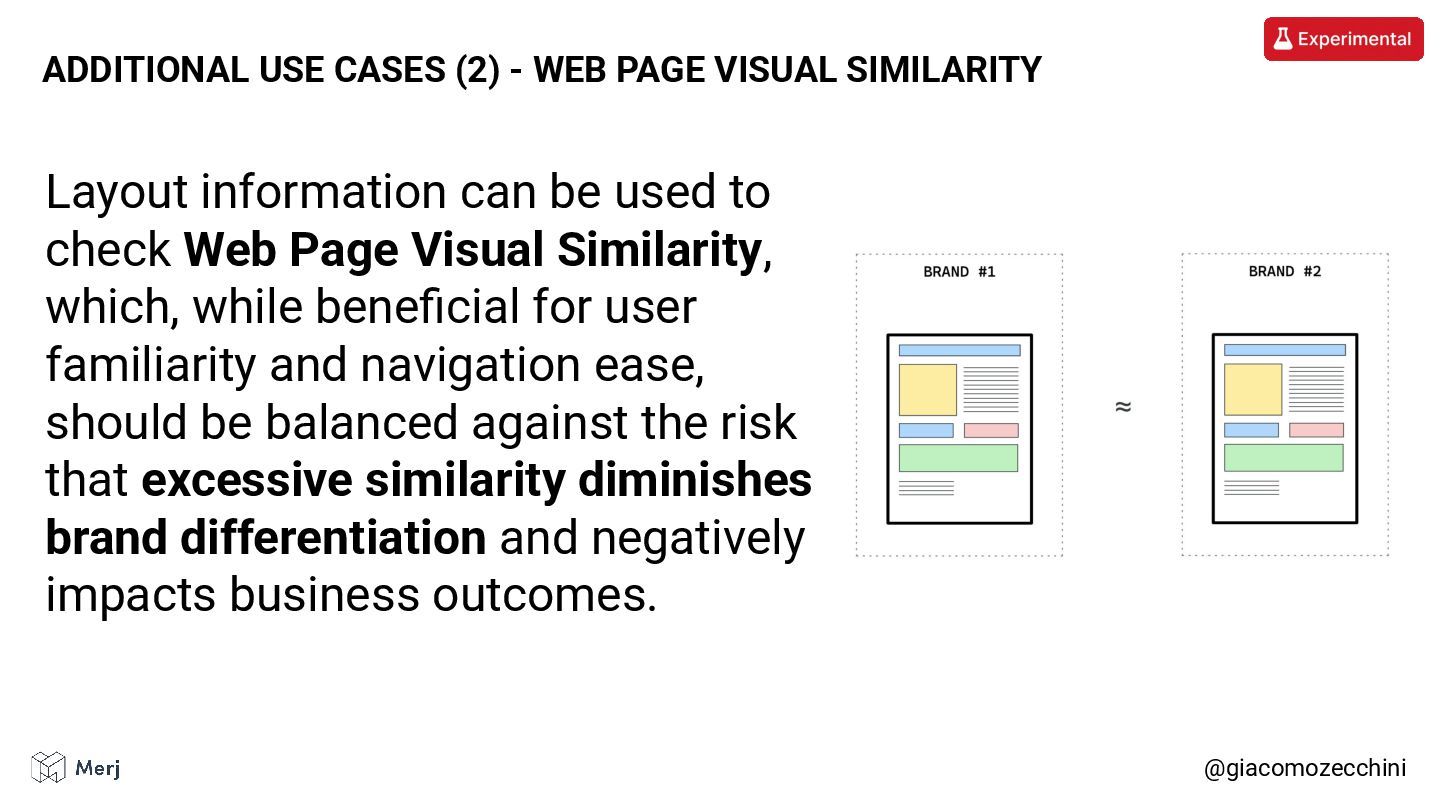
Similarity, which, while beneficial for user familiarity and navigation ease, should be balanced against the risk that excessive similarity diminishes brand differentiation and negatively impacts business outcomes. @giacomozecchini ADDITIONAL USE CASES (2) - WEB PAGE VISUAL SIMILARITY
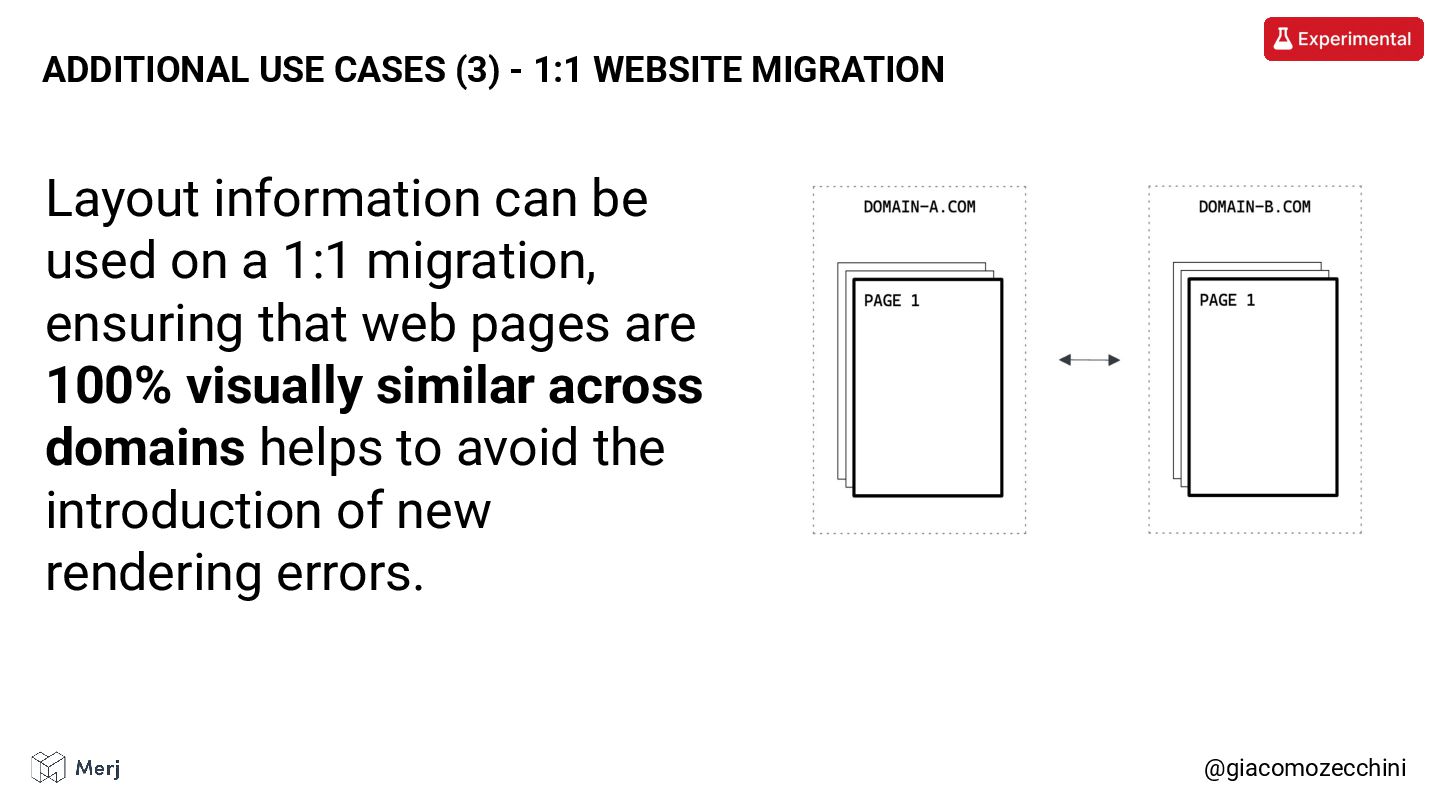
that web pages are 100% visually similar across domains helps to avoid the introduction of new rendering errors. @giacomozecchini ADDITIONAL USE CASES (3) - 1:1 WEBSITE MIGRATION
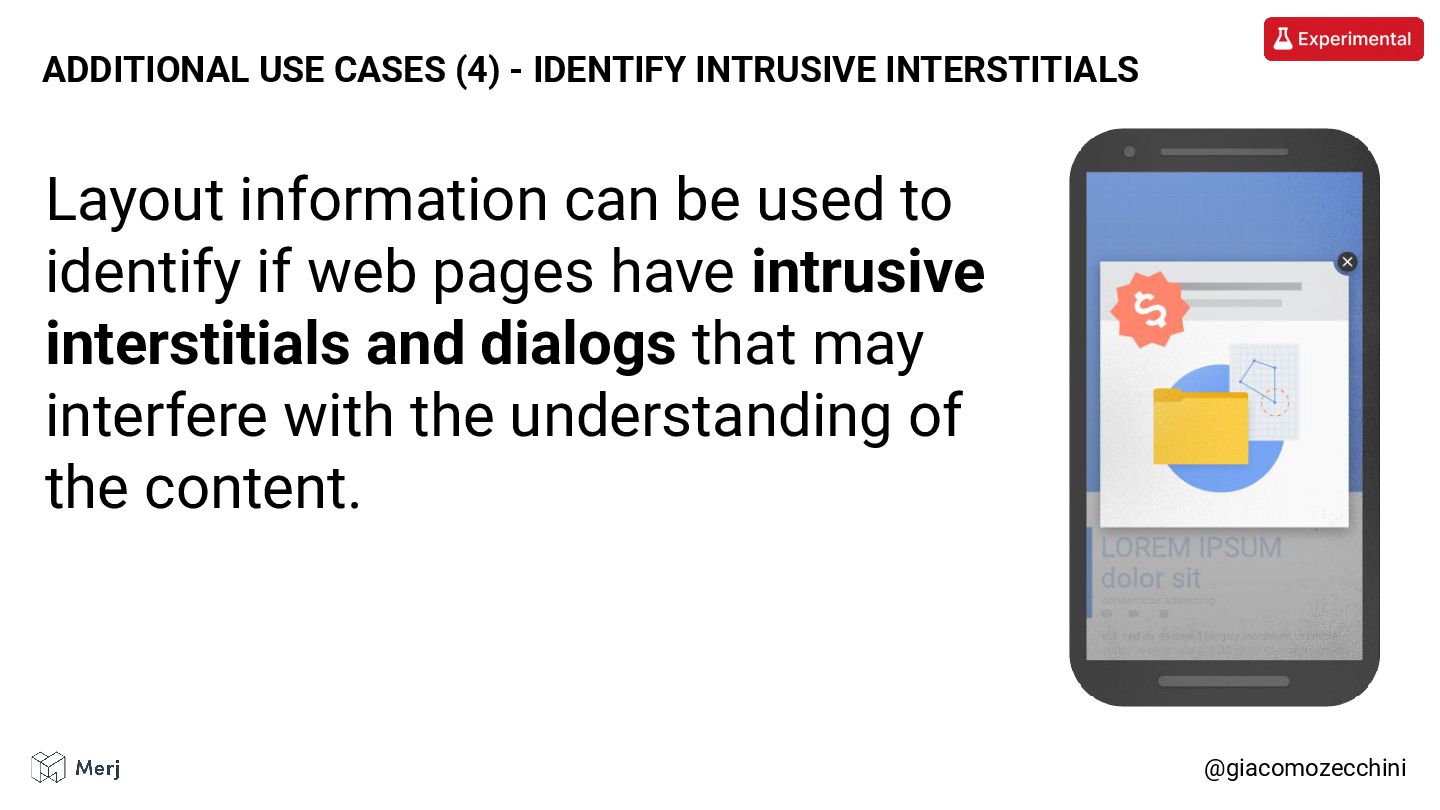
a crawler can render a page, it doesn’t always do so and it may still miss parts of the content. • Google’s viewport expansion isn’t a standard technique and can break web pages. • Layout information and computed styles are often underestimated. @giacomozecchini CLOSING REMARKS


 techseoconnect
 vdol
vdol
 ainhoa23
 yigarashi
 decabbit
 nathanless
 sophiebrannon
 giuliapanozzo
 sarosaro
 novasell
 dawnieando
 valentinejahan
 mkilby
 aleyda
 tammyeverts
 aemeredith
.png) helenjbeal
helenjbeal
 sstephenson
 jonrohan
 tmiket
 reverentgeek
 akihiro_kokubo
 bryan
bryan











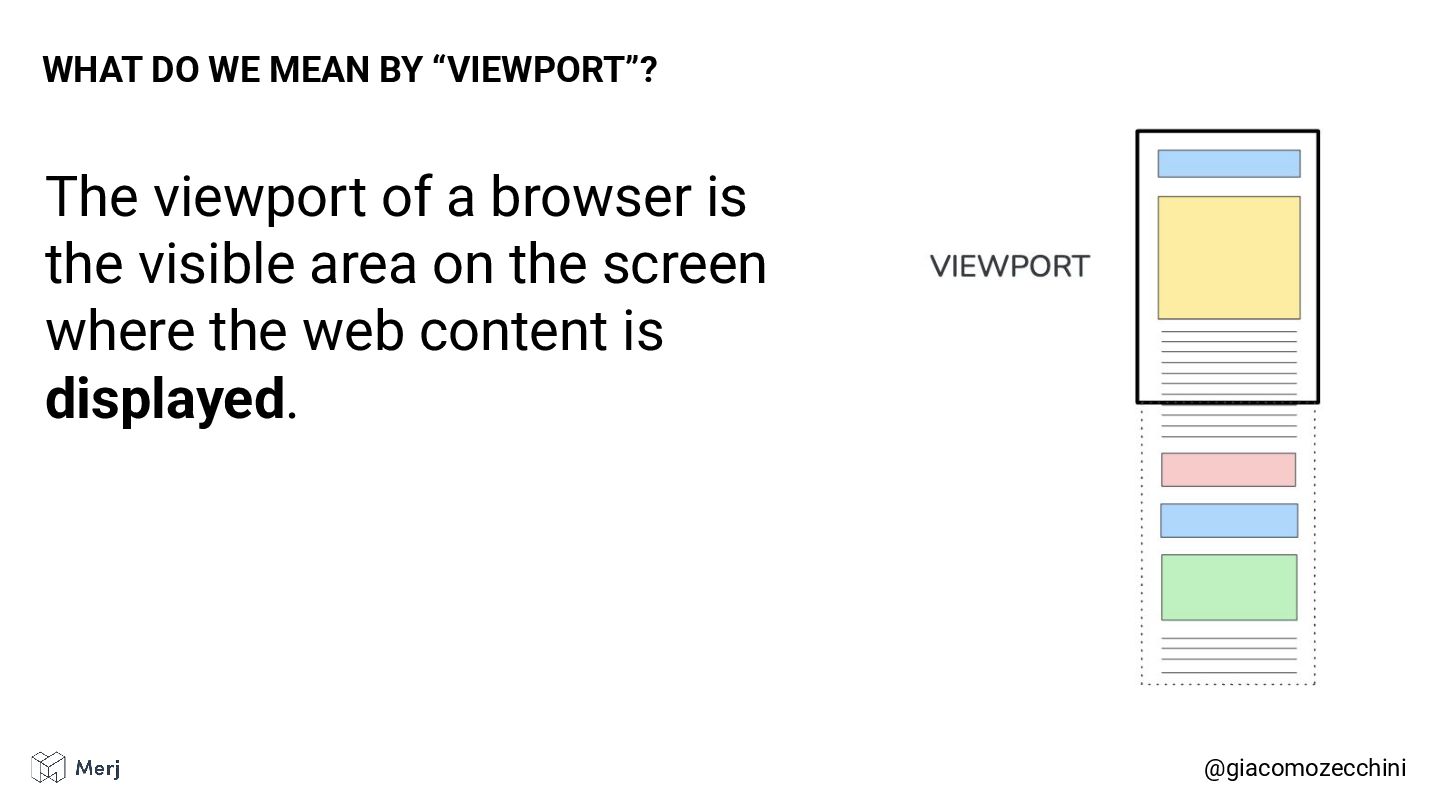
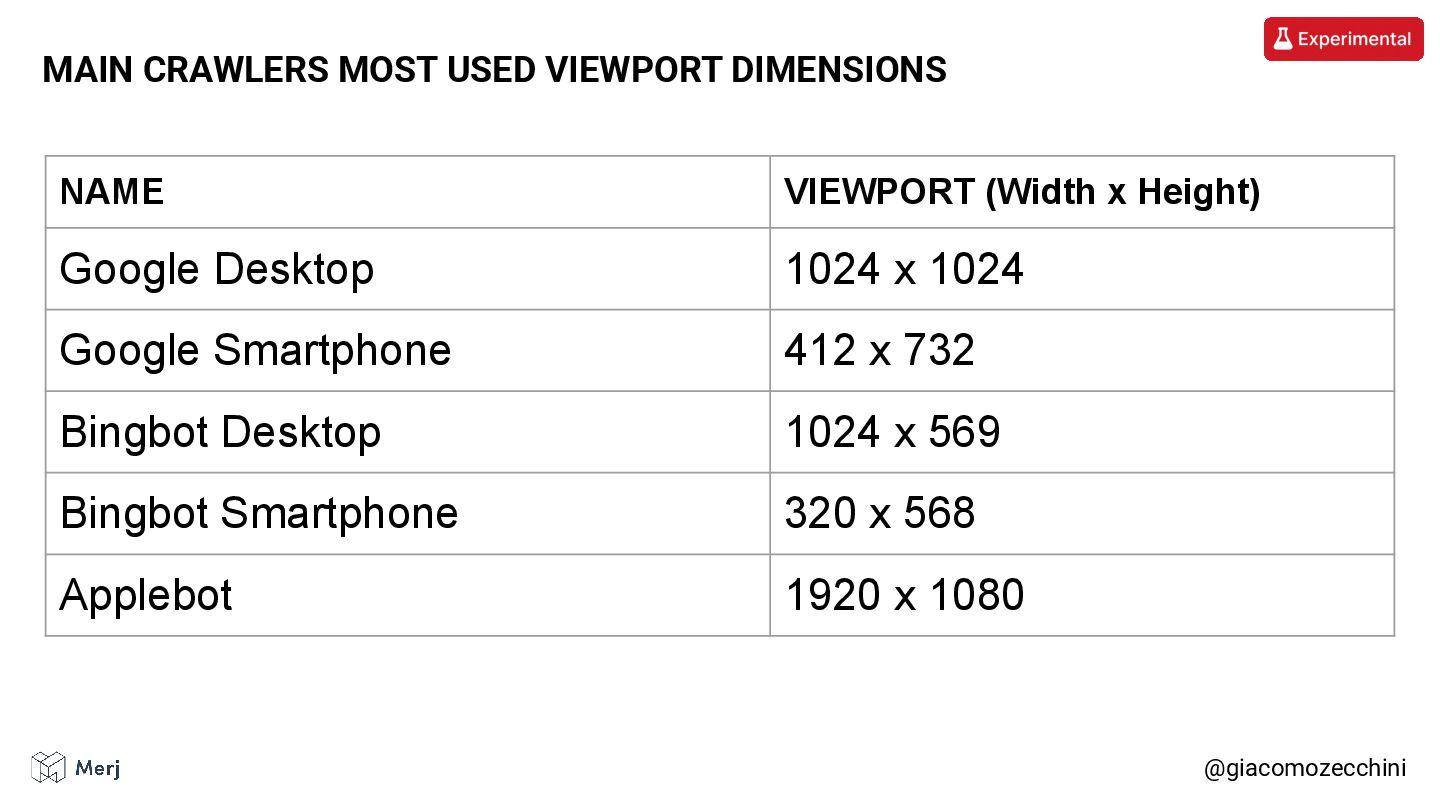

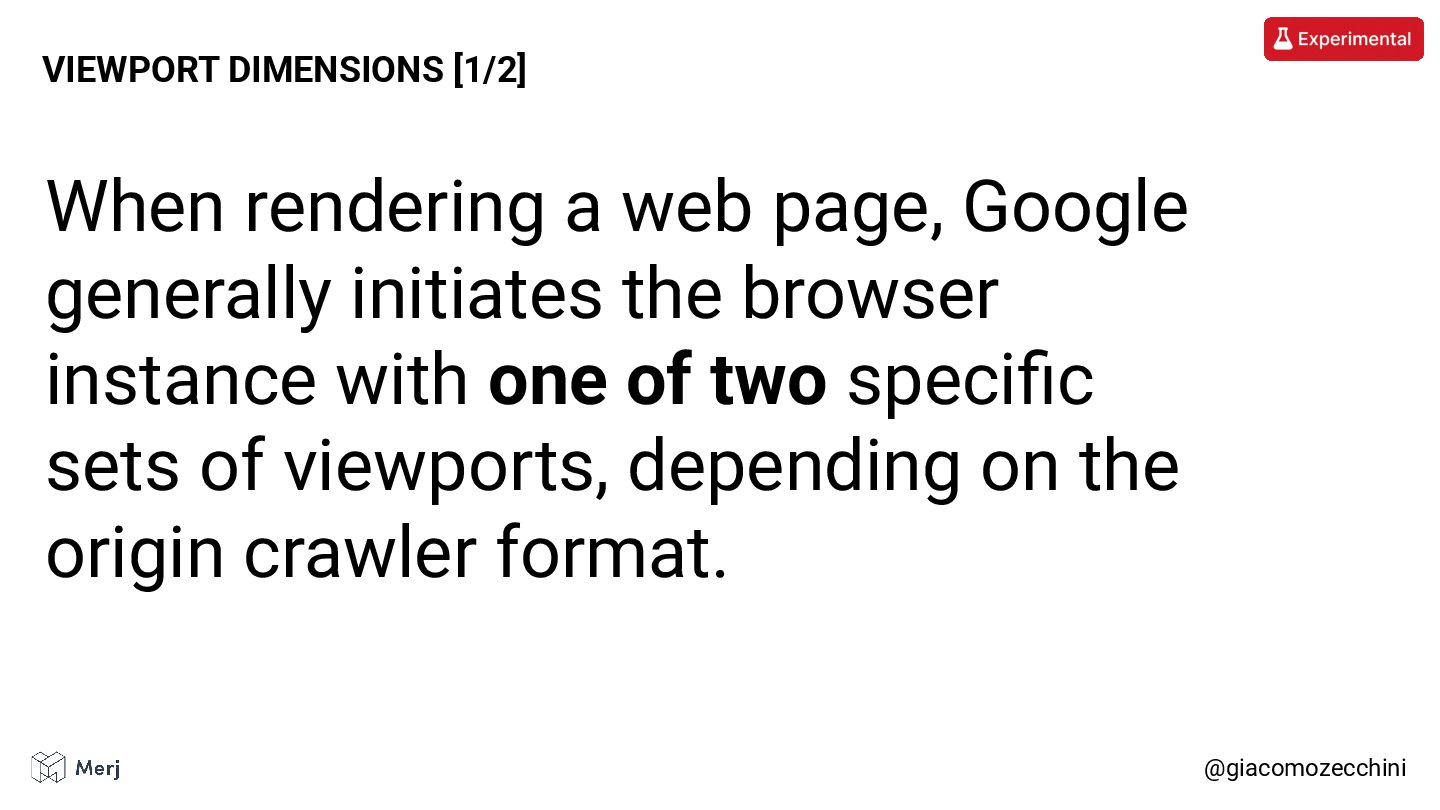
![@giacomozecchini VIEWPORT DIMENSIONS [2/2]](https://files.speakerdeck.com/presentations/0425c421e2a847f49bdd34ddc36f4a59/slide_39.jpg)
![@giacomozecchini VIEWPORT HEIGHT IS DYNAMIC [2/4]](https://files.speakerdeck.com/presentations/0425c421e2a847f49bdd34ddc36f4a59/slide_41.jpg)
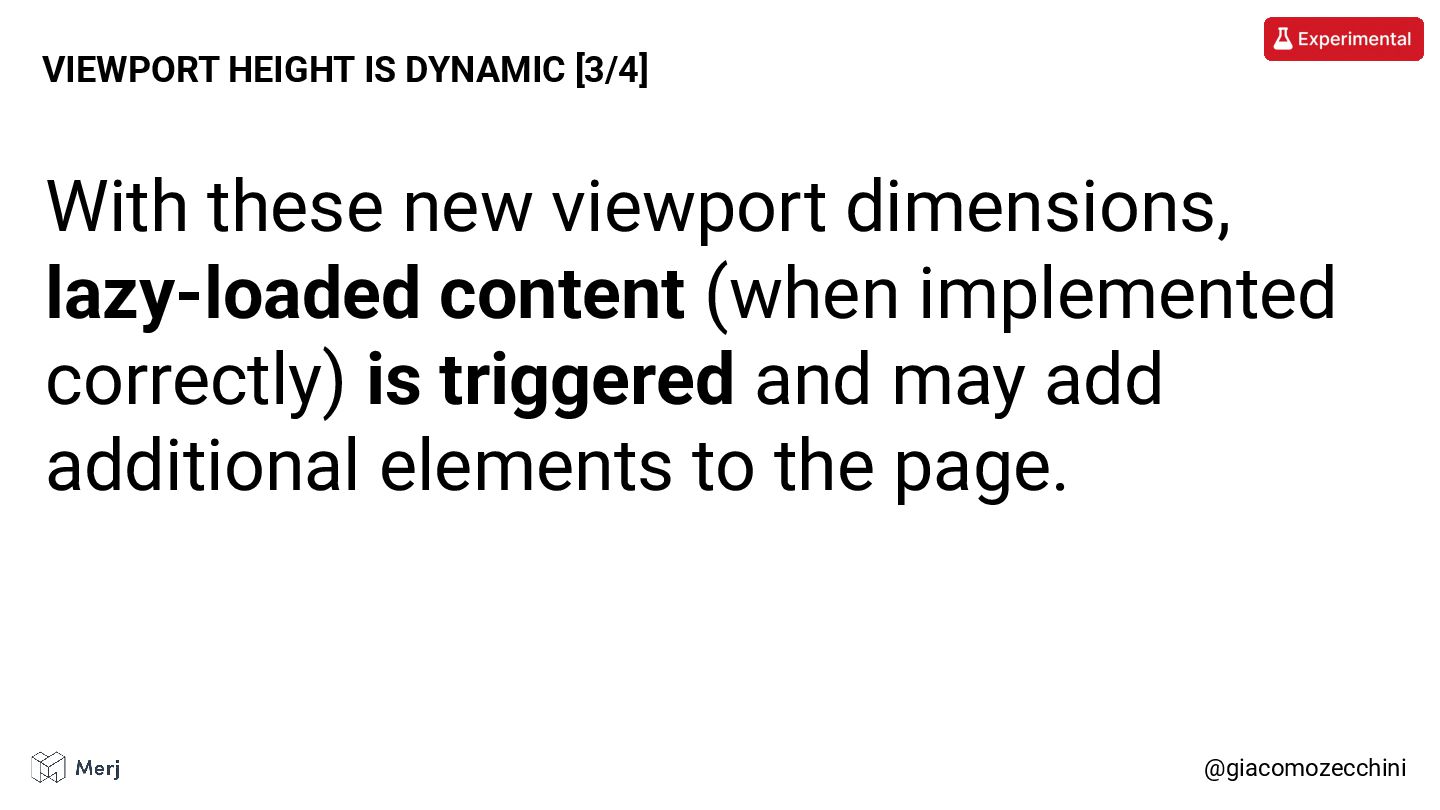
![@giacomozecchini VIEWPORT HEIGHT IS DYNAMIC [4/4]](https://files.speakerdeck.com/presentations/0425c421e2a847f49bdd34ddc36f4a59/slide_43.jpg)


![@giacomozecchini LAZY LOADING [1/4] Lazy loading is used to keep](https://files.speakerdeck.com/presentations/0425c421e2a847f49bdd34ddc36f4a59/slide_51.jpg)
![@giacomozecchini LAZY LOADING [2/4] As we just seen, the viewport](https://files.speakerdeck.com/presentations/0425c421e2a847f49bdd34ddc36f4a59/slide_52.jpg)
![@giacomozecchini LAZY LOADING [3/4] Bots generally don’t perform actions on](https://files.speakerdeck.com/presentations/0425c421e2a847f49bdd34ddc36f4a59/slide_53.jpg)
![@giacomozecchini LAZY LOADING [4/4] • Don’t wait for a scroll,](https://files.speakerdeck.com/presentations/0425c421e2a847f49bdd34ddc36f4a59/slide_54.jpg)


![@giacomozecchini HTML HEADING STYLE [2/3] The HTML heading hierarchy often](https://files.speakerdeck.com/presentations/0425c421e2a847f49bdd34ddc36f4a59/slide_62.jpg)

![@giacomozecchini INFINITE SCROLLING [1/8] Many websites implement infinite scrolling to](https://files.speakerdeck.com/presentations/0425c421e2a847f49bdd34ddc36f4a59/slide_70.jpg)
![@giacomozecchini INFINITE SCROLLING [2/8] Websites that use infinite scrolling for](https://files.speakerdeck.com/presentations/0425c421e2a847f49bdd34ddc36f4a59/slide_71.jpg)
![@giacomozecchini INFINITE SCROLLING [3/8]](https://files.speakerdeck.com/presentations/0425c421e2a847f49bdd34ddc36f4a59/slide_72.jpg)
![@giacomozecchini INFINITE SCROLLING [4/8] The issue is that even if](https://files.speakerdeck.com/presentations/0425c421e2a847f49bdd34ddc36f4a59/slide_73.jpg)
![@giacomozecchini INFINITE SCROLLING [5/8] When Viewport Expansion is taken into](https://files.speakerdeck.com/presentations/0425c421e2a847f49bdd34ddc36f4a59/slide_74.jpg)
![@giacomozecchini INFINITE SCROLLING [6/8] Some implementations replace the existing content](https://files.speakerdeck.com/presentations/0425c421e2a847f49bdd34ddc36f4a59/slide_75.jpg)
![@giacomozecchini INFINITE SCROLLING [7/8] Viewport expansion can trigger the second](https://files.speakerdeck.com/presentations/0425c421e2a847f49bdd34ddc36f4a59/slide_76.jpg)
![@giacomozecchini THE VIEWPORT HEIGHT TRAP [1/6] Numerous websites render the](https://files.speakerdeck.com/presentations/0425c421e2a847f49bdd34ddc36f4a59/slide_79.jpg)
![@giacomozecchini THE VIEWPORT HEIGHT TRAP [2/6] This is typically achieved](https://files.speakerdeck.com/presentations/0425c421e2a847f49bdd34ddc36f4a59/slide_80.jpg)
![@giacomozecchini THE VIEWPORT HEIGHT TRAP [3/6] See more: https://www.awwwards.com/websites/fullscreen/](https://files.speakerdeck.com/presentations/0425c421e2a847f49bdd34ddc36f4a59/slide_81.jpg)
![@giacomozecchini THE VIEWPORT HEIGHT TRAP [4/6] When a bot that](https://files.speakerdeck.com/presentations/0425c421e2a847f49bdd34ddc36f4a59/slide_82.jpg)
![@giacomozecchini THE “VH” TRAP + LAZY LOADING [1/2] In addition](https://files.speakerdeck.com/presentations/0425c421e2a847f49bdd34ddc36f4a59/slide_86.jpg)