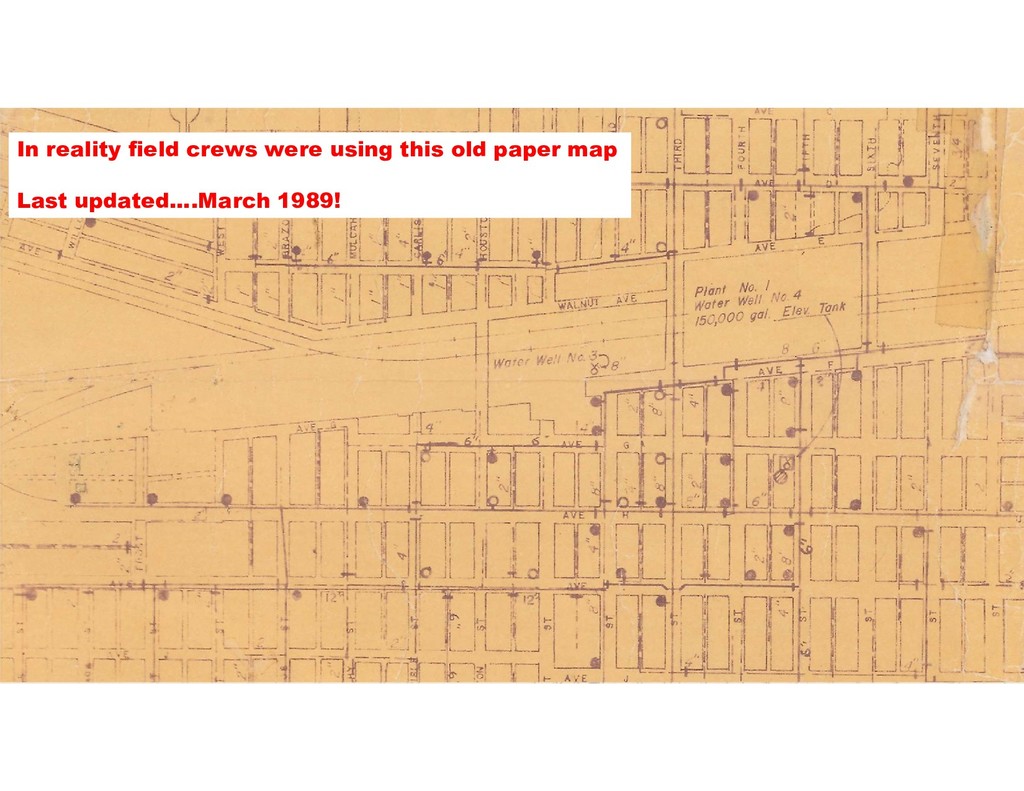
2nd GIS person • Position obtained with support from Utilities, Public Works, Capital Projects Depts. • Launch of City-Wide mapping project: • Water Distribution System • Sanitary Sewer System • Storm Sewer / Drainage System
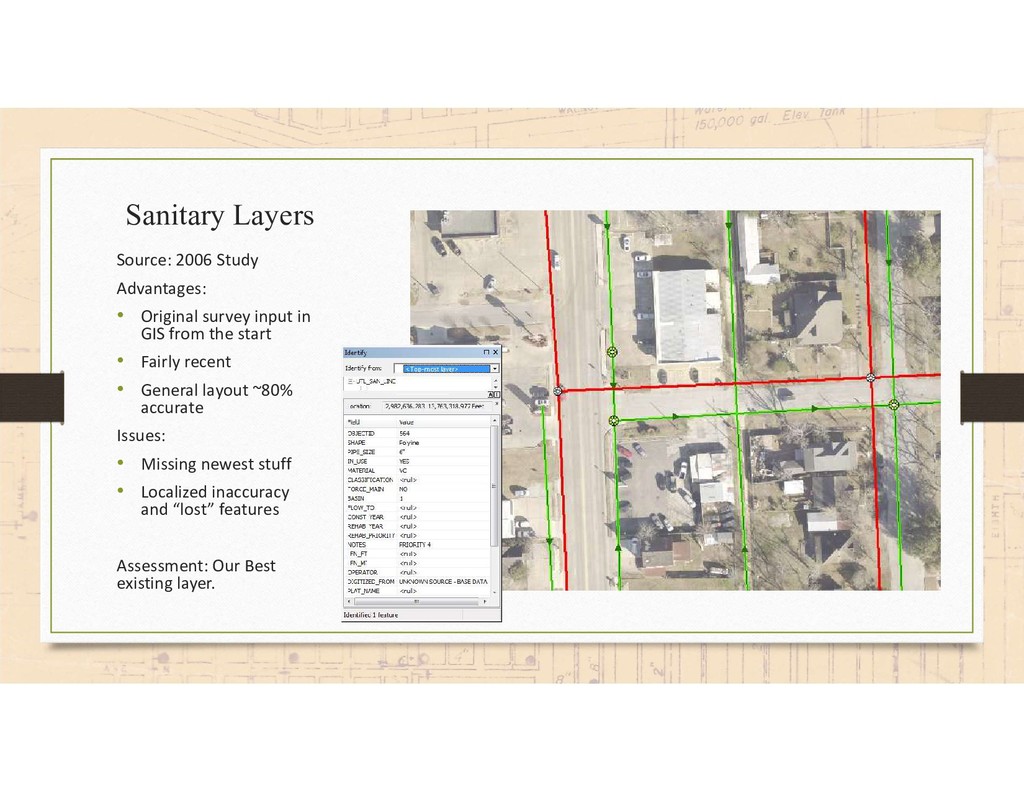
in GIS from the start • Fairly recent • General layout ~80% accurate Issues: • Missing newest stuff • Localized inaccuracy and “lost” features Assessment: Our Best existing layer.
for each system • Meetings included: • GIS Staff • City Engineer (contractor) • Head of Public Services Division • Relevant Department Head – Utilities, Public Works
technical terms) • Domains (though not in technical terms) • Demonstrated Identify and asked… “when you click on… what do you want to know about the thing” [ex. water main]
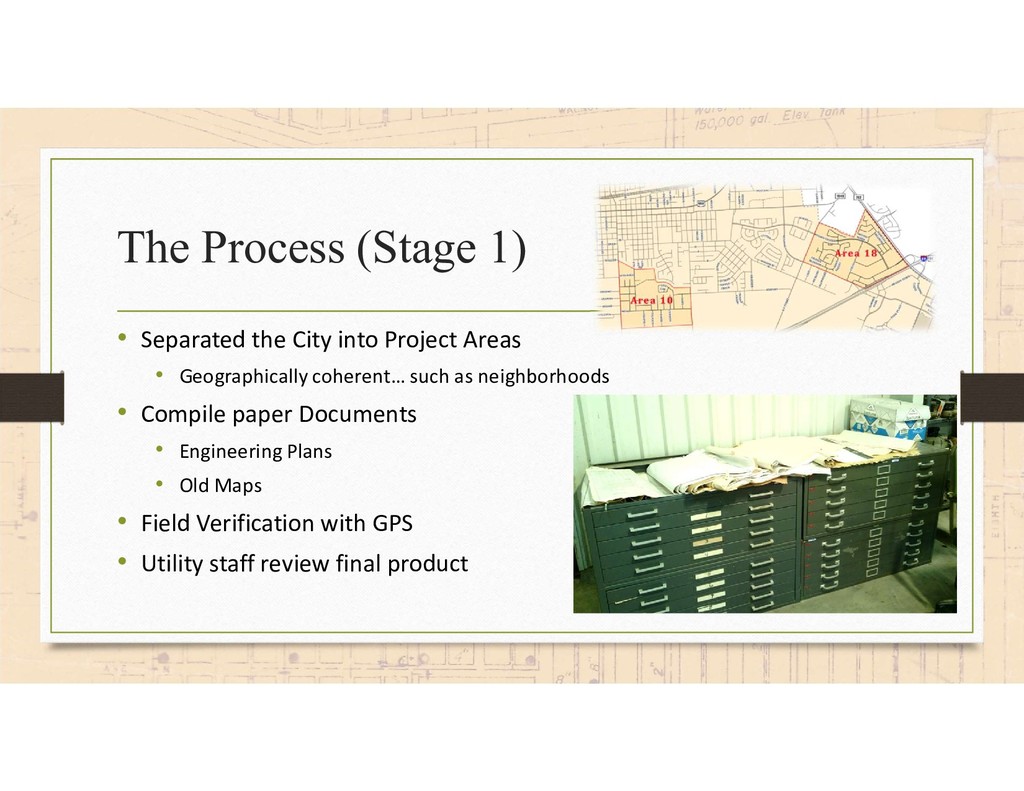
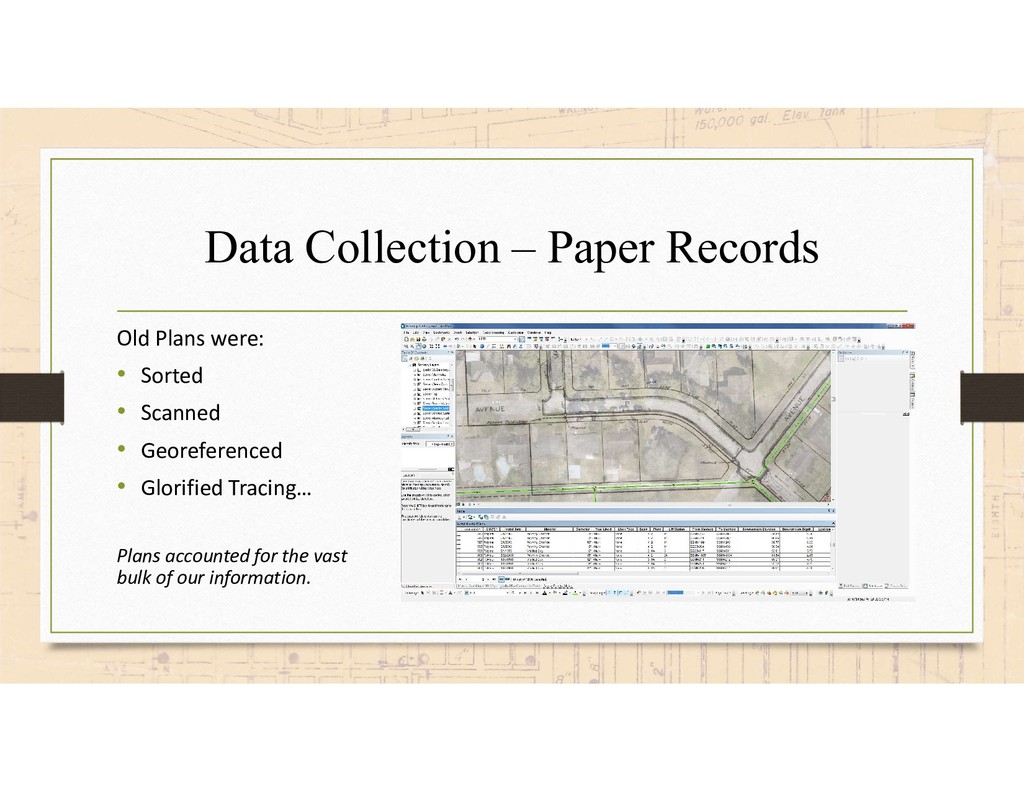
Areas • Geographically coherent… such as neighborhoods • Compile paper Documents • Engineering Plans • Old Maps • Field Verification with GPS • Utility staff review final product
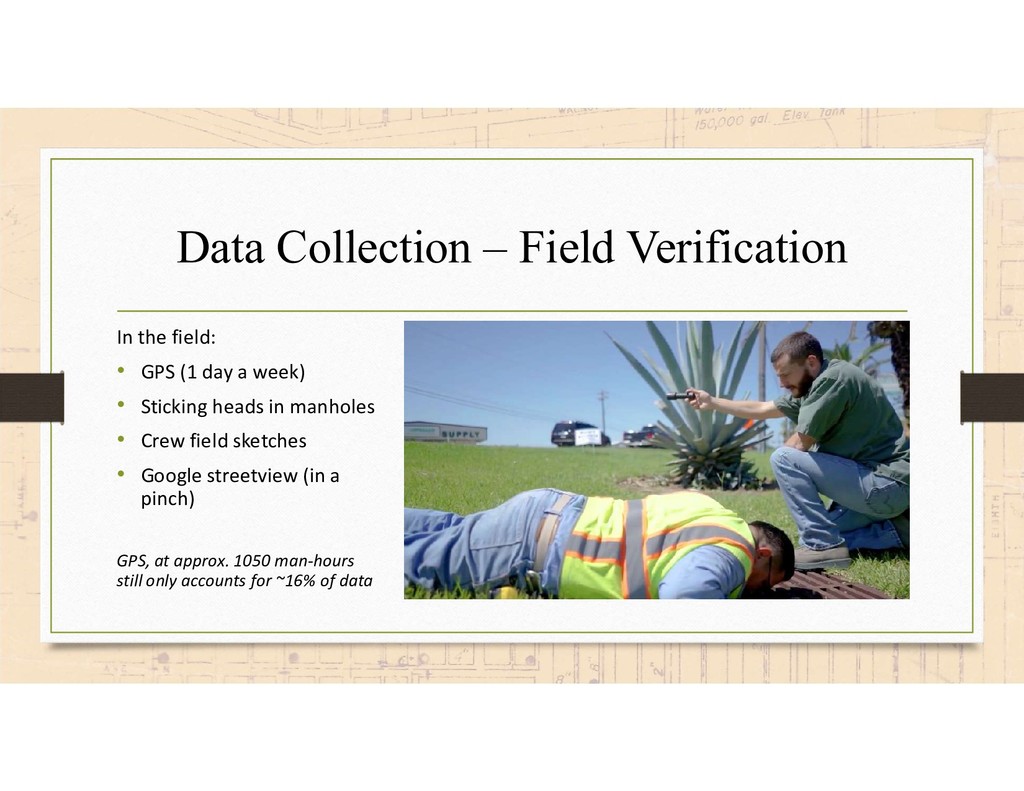
(1 day a week) • Sticking heads in manholes • Crew field sketches • Google streetview (in a pinch) GPS, at approx. 1050 man-hours still only accounts for ~16% of data
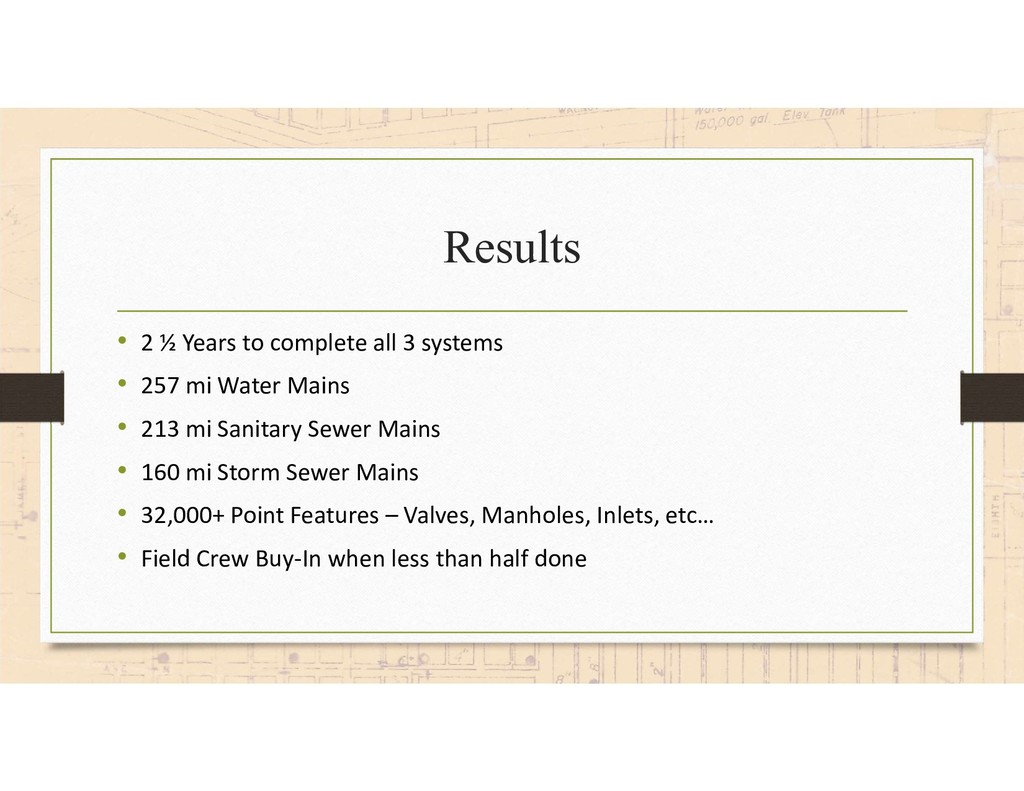
• 257 mi Water Mains • 213 mi Sanitary Sewer Mains • 160 mi Storm Sewer Mains • 32,000+ Point Features – Valves, Manholes, Inlets, etc… • Field Crew Buy-In when less than half done
with detail at the get-go. • Lesson Learned. GPS & field verification is extremely time consuming. • Lesson Learned. Not all GPS is equal. Know your actual accuracy. • Lesson Learned. Use of higher-level software functionality (ie domains, topology, and attribute assistant) is vital to minimizing human error. • Take away. Surprising acceptance by field crews of “GIS Map” • Lesson Learned. Know your subject, and compare sources like a researcher. • Take away. Explain the purpose of data you are recording to staff recording it (example, valve pictures)


 texasnaturalresourcesinformationsytem
 chack411
.png) codatum
codatum
 terurou
 naruoga
 kakakakakku
 athug
athug
 tsukuboshi
 takanorip
 kakehashi
 yut0naga1_fa
 htan
htan
 tsuchikazu
 frankvandijk
 jacobtomlinson
 samlambert
 marcoroth
 ks91
ks91
 keathley
 marktimemedia
 andyhume
 geshan
 lfama
lfama
 seathinner
 sergeychernyshev