Upgrade to Pro
— share decks privately, control downloads, hide ads and more …
Speaker Deck
Sign up for free
Menu
Search
Features
All features
Private URLs
Password Protection
Custom URLS
Scheduled publishing
Remove Branding
Restrict embedding
Deck Collections
Notes
Features
All features
Private URLs
Password Protection
Custom URLS
Scheduled publishing
Remove Branding
Restrict embedding
Deck Collections
Notes
Explore
Featured decks
Featured speakers
Programming
Technology
Storyboards
Explore
Featured decks
Featured speakers
Programming
Technology
Storyboards
Pricing
Search
Sign in
Sign up for free
WP Cusco - ¿Cómo recuperar un sitio WordPress h...
Search
Sponsored
·
SiteGround - Reliable hosting with speed, security, and support you can count on.
→
Alex Concha
January 30, 2016
Programming
89
0
Share
Embed
Copy iframe code
Copy JS code
Copy link
Start on current slide
WP Cusco - ¿Cómo recuperar un sitio WordPress hackeado?
Alex Concha
January 30, 2016
Other Decks in Programming
See All in Programming
npm との違いを手がかりにGo の依存管理を理解したい
optim
0
290
Workers Cache を知る
syumai
0
360
ハーネス設計入門 〜 基礎知識の整理から実務へのステップアップ 〜
kinopeee
28
32k
コードレビューのボトルネックを"する側"と"される側"の両面から解消する
yub0n
2
1.6k
コードで差別化できない時代の ソフトウェアエンジニアリング / Software Engineering in an Era Where Code Doesn’t Differentiate
kishida
2
180
R8 の設定見直しでアプリサイズ削減
andpad
0
220
Next.js: The final boss of Web Performance
guaca
0
250
AIで開発が速くなった先で、開発チームは何を目指すか
shihochan
0
880
半永久的に提供し続けられるプライベートクラウドを目指して ― 利用者の認知負荷を抑えるAPI抽象化とハードウェア世代交代の基盤設計
tomokon
0
500
Starting & Sustaining Code-Based E2E Testing for Non-Coding QA Teams( #jasstniigata )
teyamagu
PRO
1
1k
HTML-in-Canvasで作る未来のWeb UI表現
clockmaker
5
5.1k
複雑なUIコンポーネントとの ⻑い付き合い⽅:波及するバグからテスト戦略を経て、安全な再設計へ
mixplace
0
410
Featured
See All Featured
HU Berlin: Industrial-Strength Natural Language Processing with spaCy and Prodigy
inesmontani
PRO
0
750
The Hidden Cost of Media on the Web [PixelPalooza 2025]
tammyeverts
2
530
Rebuilding a faster, lazier Slack
samanthasiow
85
9.7k
[RailsConf 2023] Rails as a piece of cake
palkan
59
7.1k
How To Stay Up To Date on Web Technology
chriscoyier
790
250k
The Cult of Friendly URLs
andyhume
79
7k
SEO for Brand Visibility & Recognition
aleyda
0
4.8k
Kristin Tynski - Automating Marketing Tasks With AI
techseoconnect
PRO
0
550
Automating Front-end Workflow
addyosmani
1369
210k
実際に使うSQLの書き方 徹底解説 / pgcon21j-tutorial
soudai
PRO
203
77k
Marketing to machines
jonoalderson
1
5.9k
コードの90%をAIが書く世界で何が待っているのか / What awaits us in a world where 90% of the code is written by AI
rkaga
63
46k
Transcript
¿Cómo recuperar un sitio WordPress hackeado? Alexander Concha @xknown_wp
CAPITULO I Detectar el problema
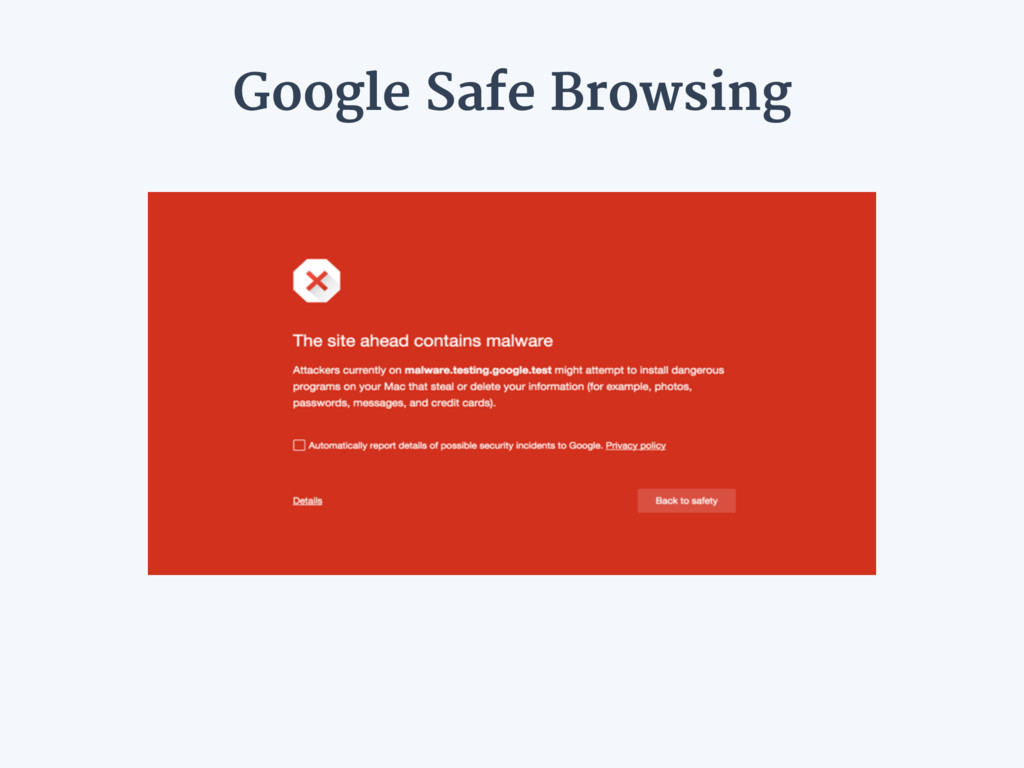
Google Safe Browsing
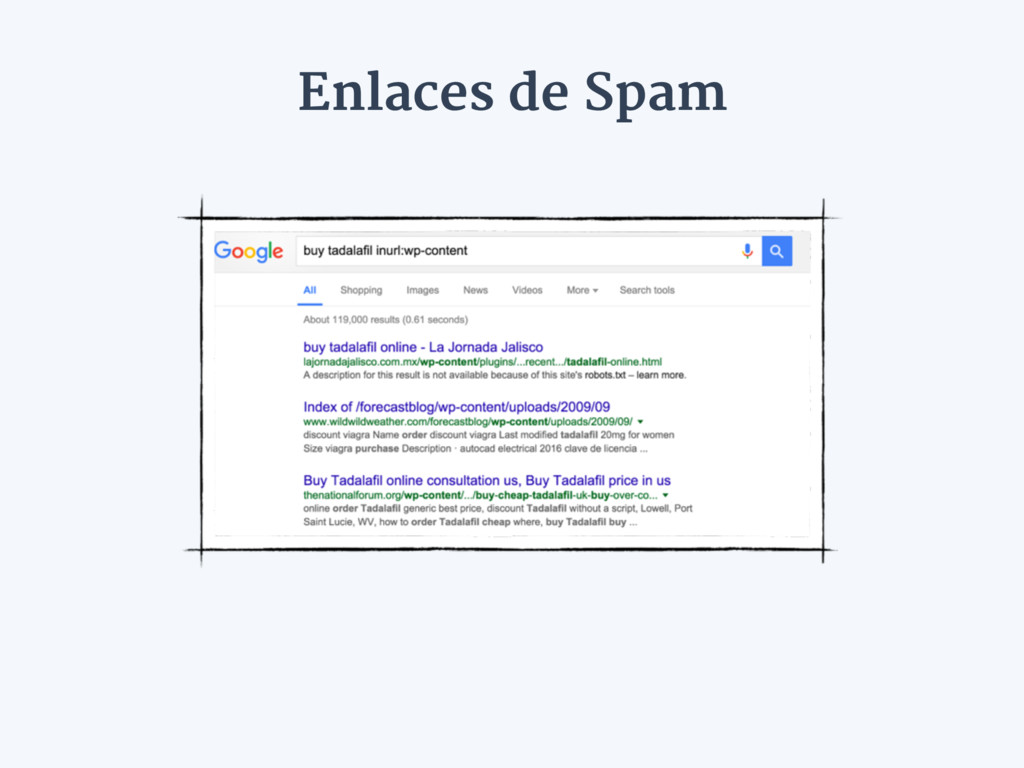
Enlaces de Spam
None
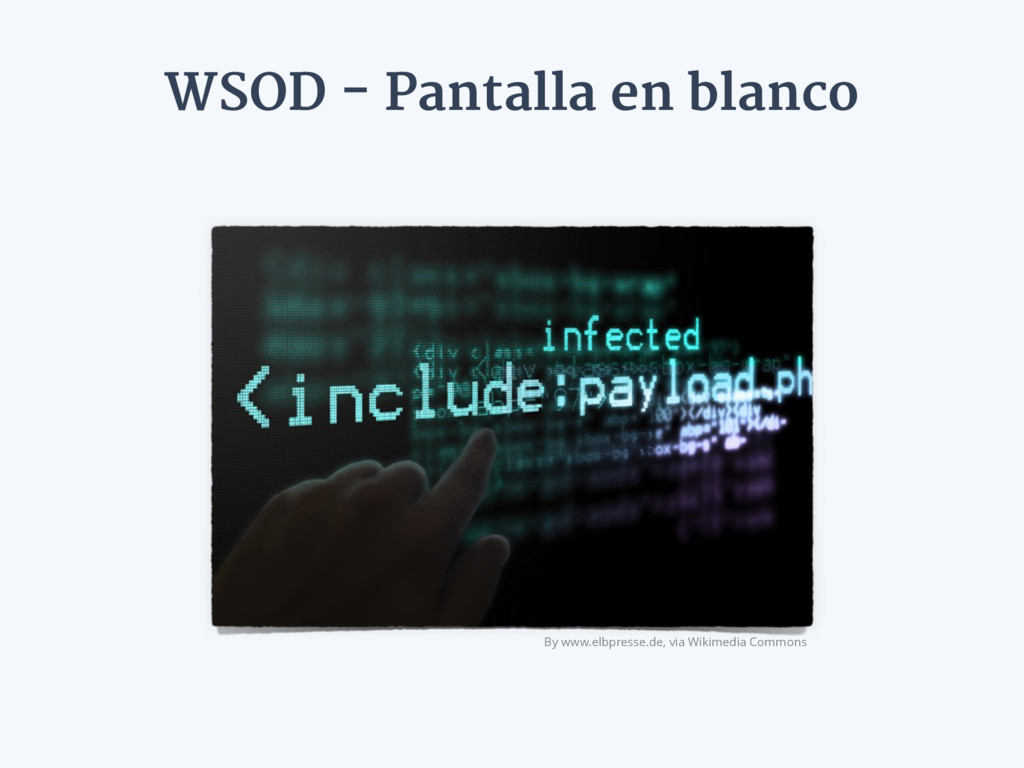
WSOD - Pantalla en blanco By www.elbpresse.de, via Wikimedia Commons
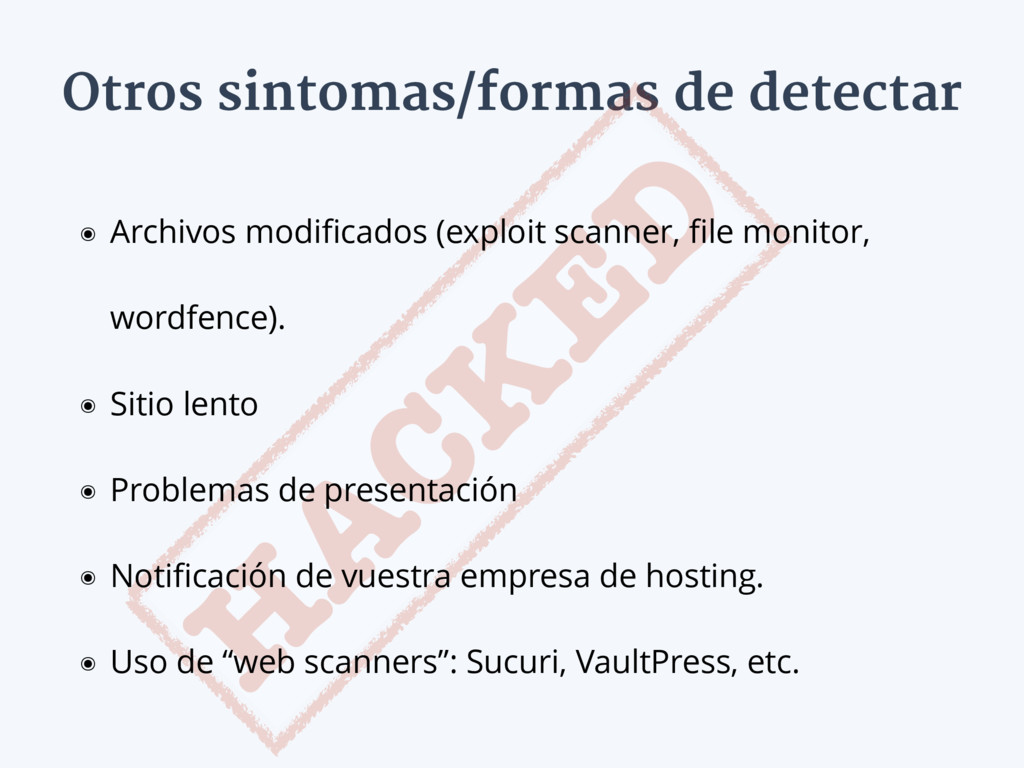
Otros sintomas/formas de detectar H A CK E D ๏
Archivos modificados (exploit scanner, file monitor, wordfence). ๏ Sitio lento ๏ Problemas de presentación ๏ Notificación de vuestra empresa de hosting. ๏ Uso de “web scanners”: Sucuri, VaultPress, etc.
CAPITULO II Afrontar el problema
Mantener la calma
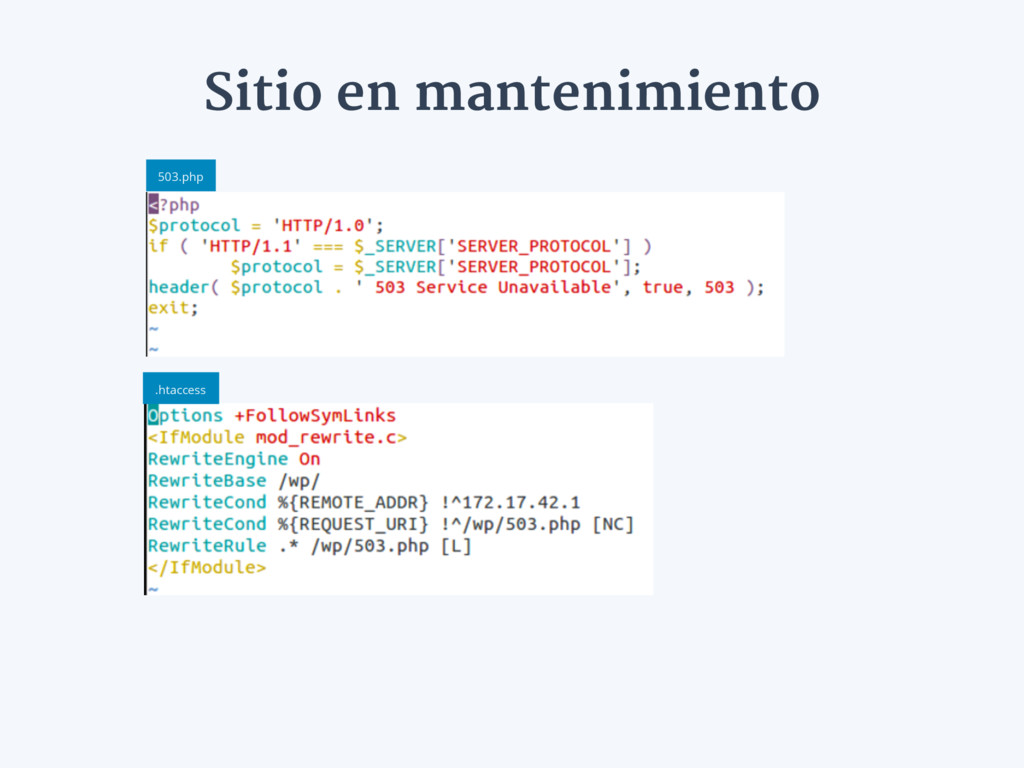
Sitio en mantenimiento 503.php .htaccess
Reinstalar el sitio ๏ Cambiar las contraseñas FTP/SSH. ๏ Respaldar
todo (archivos, BD) ๏ Verificar que el respaldo esta completo. ๏ Reinstalar WordPress y los plugins/temas utilizados.
Restaurar a partir del respaldo ๏ Cambiar la contraseña de
administrador(es). ๏ Usar algún antivirus para detectar posibles problemas en el respaldo. ๏ Restaurar los archivos
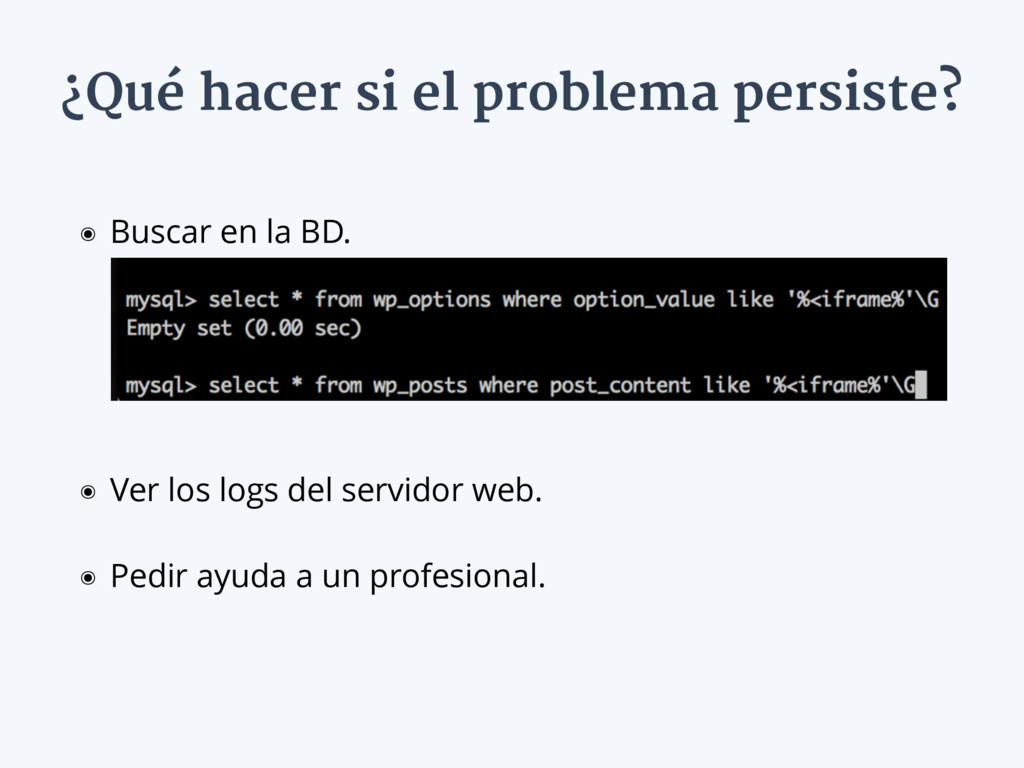
¿Qué hacer si el problema persiste? ๏ Buscar en la
BD. ๏ Ver los logs del servidor web. ๏ Pedir ayuda a un profesional.
CAPITULO III Prevenir el problema
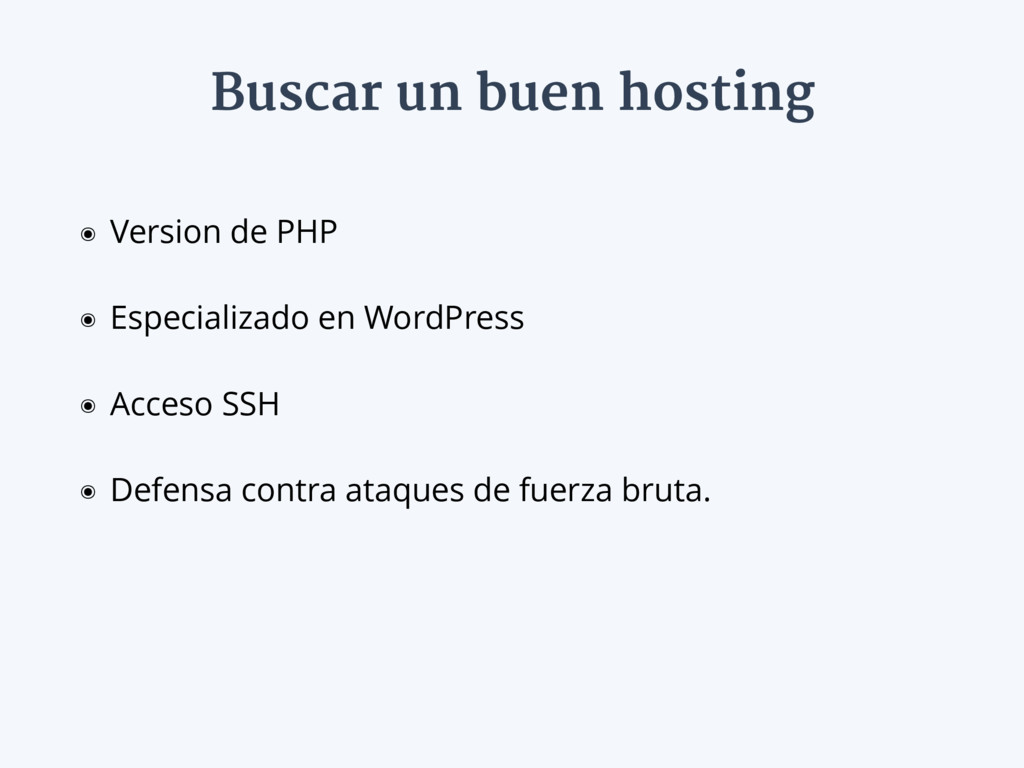
Buscar un buen hosting ๏ Version de PHP ๏ Especializado
en WordPress ๏ Acceso SSH ๏ Defensa contra ataques de fuerza bruta.
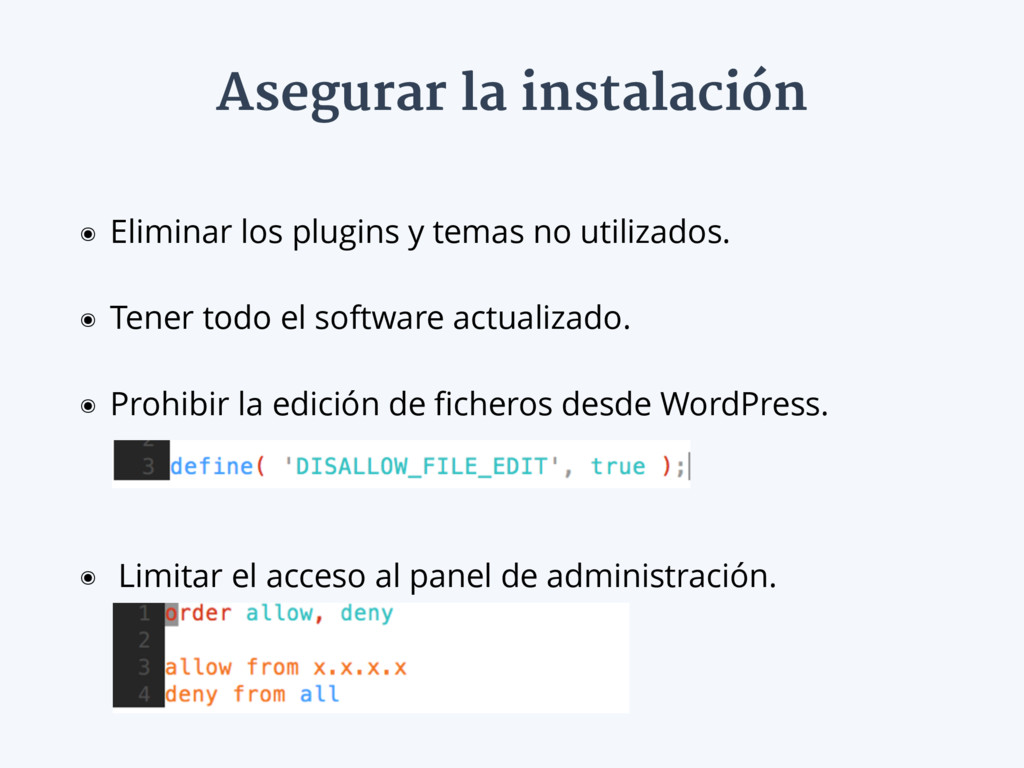
Asegurar la instalación ๏ Eliminar los plugins y temas no
utilizados. ๏ Tener todo el software actualizado. ๏ Prohibir la edición de ficheros desde WordPress. ๏ Limitar el acceso al panel de administración.
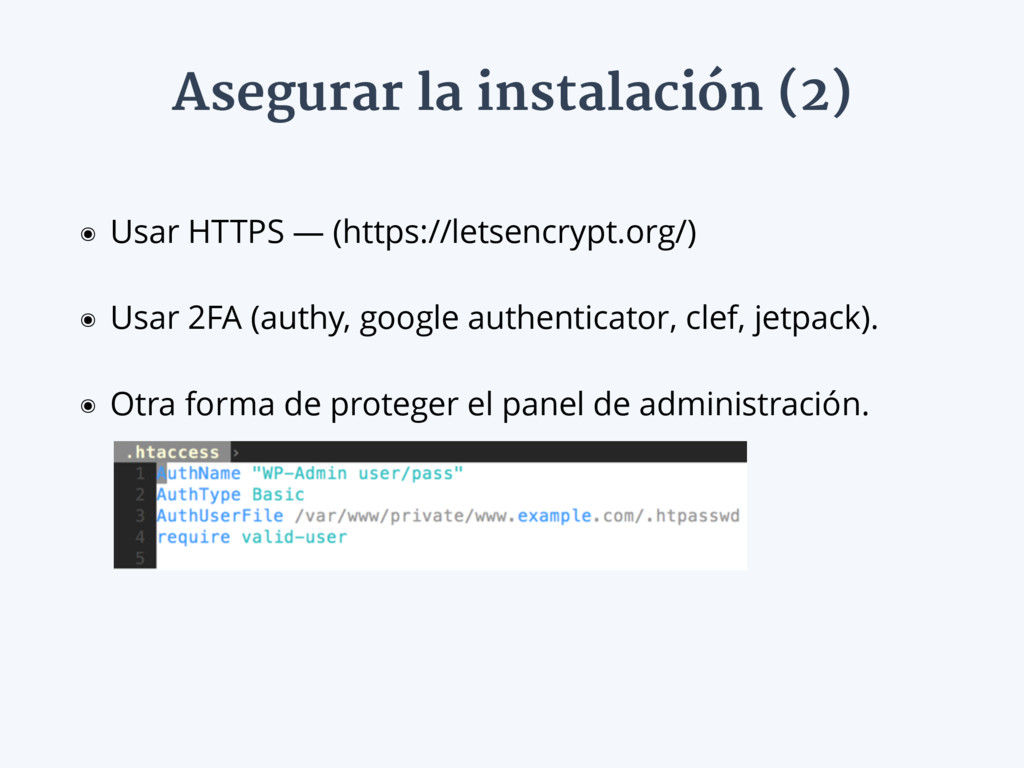
Asegurar la instalación (2) ๏ Usar HTTPS — (https://letsencrypt.org/) ๏
Usar 2FA (authy, google authenticator, clef, jetpack). ๏ Otra forma de proteger el panel de administración.
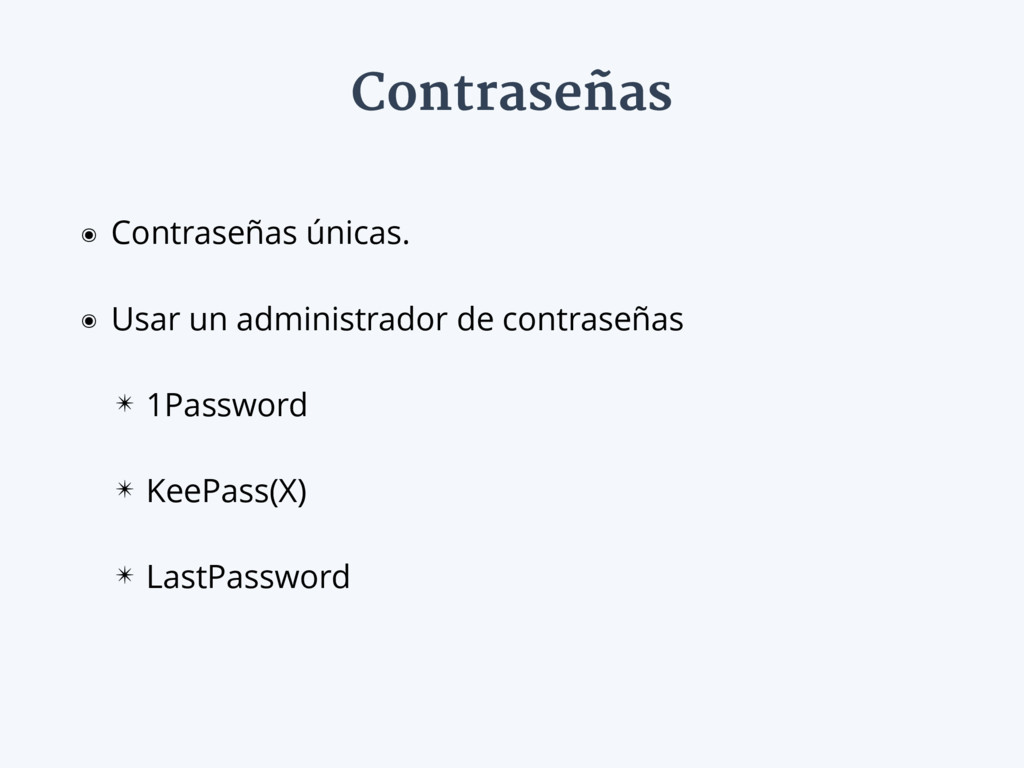
Contraseñas ๏ Contraseñas únicas. ๏ Usar un administrador de contraseñas
✴ 1Password ✴ KeePass(X) ✴ LastPassword
Backups are important. Restores are crucial.
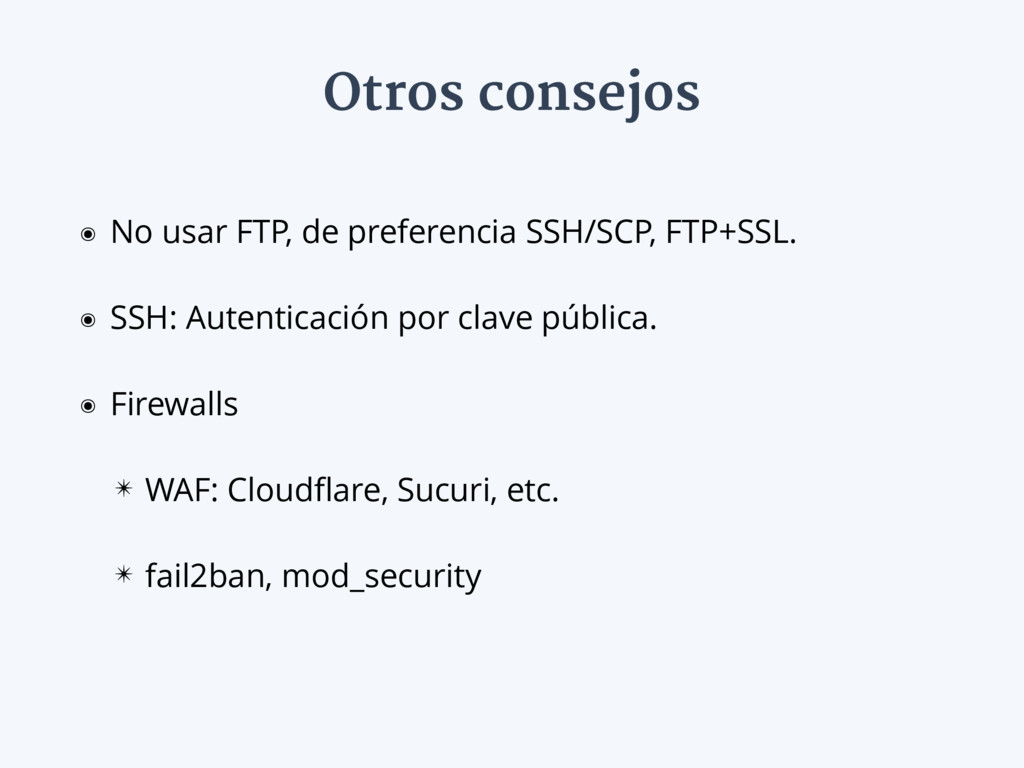
Otros consejos ๏ No usar FTP, de preferencia SSH/SCP, FTP+SSL.
๏ SSH: Autenticación por clave pública. ๏ Firewalls ✴ WAF: Cloudflare, Sucuri, etc. ✴ fail2ban, mod_security
Gracias Alexander Concha @xknown_wp

 SiteGround - Reliable hosting with speed, security, and support you can count on.


 optim
optim
 syumai
 kinopeee
 yub0n
yub0n
 kishida
 andpad
 guaca
guaca
 shihochan
 tomokon
 teyamagu
 clockmaker
 mixplace
 inesmontani
 tammyeverts
 samanthasiow
 palkan
 chriscoyier
 andyhume
 aleyda
 techseoconnect
 addyosmani
 soudai
 jonoalderson
 rkaga
rkaga