Share
Embed
Automating AWS
Using Octopus, Cloud Formation and Powershell DSC to build immutable phoenix environments in AWS
Andrew Best
July 19, 2016
Transcript
27 slides
-
Page Birds-eye view / Copyright ©2014 by Readify Pty Ltd
3 Step 1: Deploy infrastructure Step 2: Bootstrap instances Step 3: Deploy software -
Page / Copyright ©2014 by Readify Pty Ltd 5 Deploy
Infrastructure Bootstrap Instances Register Tentacle Deploy Software Fire Project Trigger Nothing up my sleeve… -
Page / Copyright ©2014 by Readify Pty Ltd 6 Deploy
Infrastructure Bootstrap Instances Register Tentacle Deploy Software Fire Project Trigger Nothing up my sleeve… -
Page Step 1: Deploy infrastructure › Deploy.ps1 › Package and
upload bootstrapping resources to S3 › Package and upload configuration variables to S3 › Do we need to deploy a new stack? › Yes - New-CFNStack › No - New-CFNChangeSet › CloudFormation resource creation based on template / Copyright ©2014 by Readify Pty Ltd 7 -
Page / Copyright ©2014 by Readify Pty Ltd 8 Deploy
Infrastructure Bootstrap Instances Register Tentacle Deploy Software Fire Project Trigger Nothing up my sleeve… -
Page Step 2: Bootstrap instances › EC2 userdata › cfn-init.exe
› AWS::CloudFormation::Init › Powershell DSC › Octopus tentacle › tentacle.exe --register-with / Copyright ©2014 by Readify Pty Ltd 9 -
Page / Copyright ©2014 by Readify Pty Ltd 10 Deploy
Infrastructure Bootstrap Instances Register Tentacle Deploy Software Fire Project Trigger Nothing up my sleeve… -
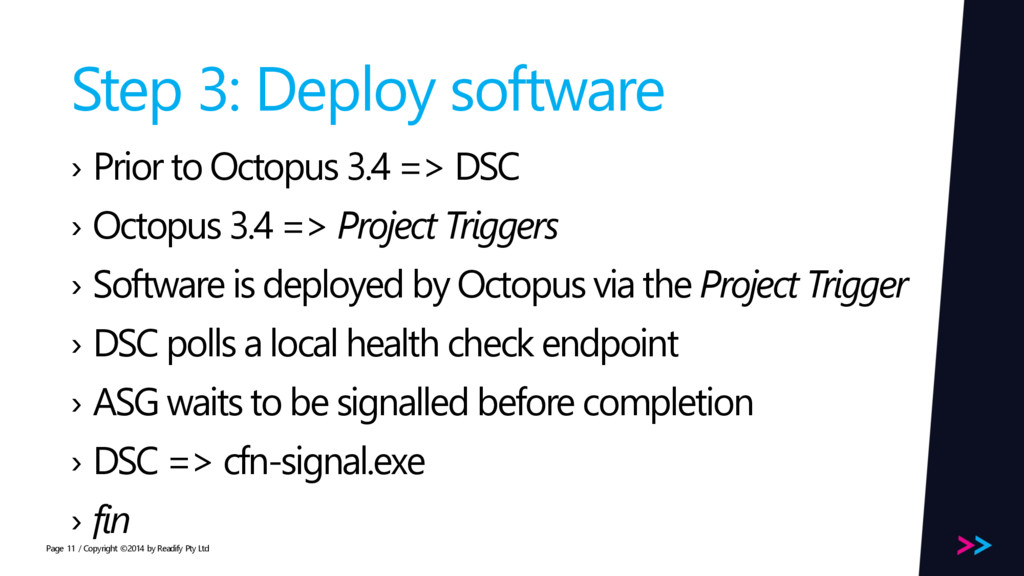
Page Step 3: Deploy software › Prior to Octopus 3.4
=> DSC › Octopus 3.4 => Project Triggers › Software is deployed by Octopus via the Project Trigger › DSC polls a local health check endpoint › ASG waits to be signalled before completion › DSC => cfn-signal.exe › fin / Copyright ©2014 by Readify Pty Ltd 11 -
Page / Copyright ©2014 by Readify Pty Ltd 12 Deploy
Infrastructure Bootstrap Instances Register Tentacle Deploy Software Fire Project Trigger Nothing up my sleeve… -
Page Updating CF stacks What updating stacks used to be
like / Copyright ©2014 by Readify Pty Ltd 14 Are you feeling lucky? -
Page CloudFormation Change Sets › Supply your updated template to
a Change Set via New-CFNChangeSet › AWS diffs the updated template against the current stack › A detailed list of what changes and what doesn’t is provided › Details the dependency chain and how it is effected / Copyright ©2014 by Readify Pty Ltd 16 -
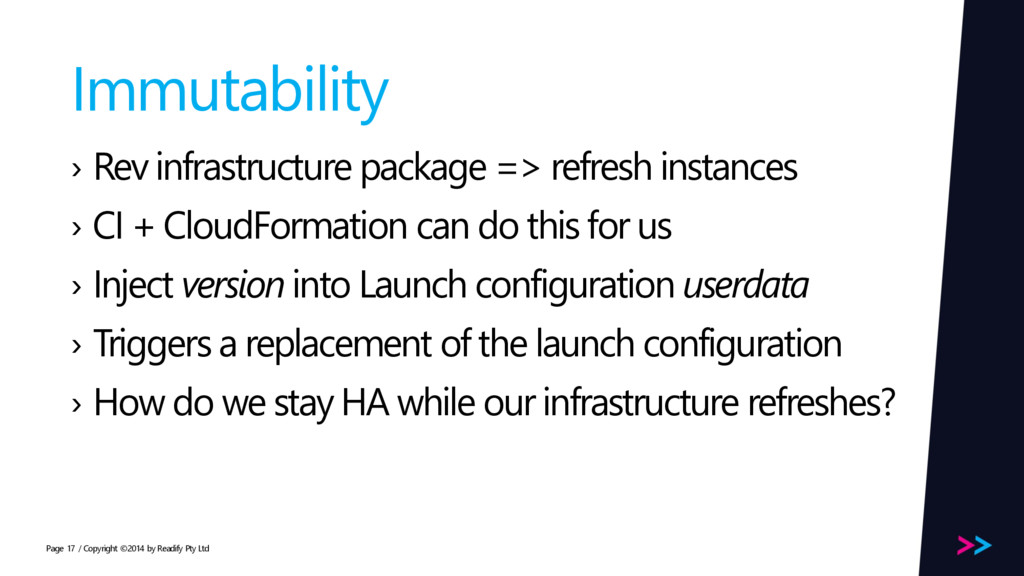
Page Immutability › Rev infrastructure package => refresh instances ›
CI + CloudFormation can do this for us › Inject version into Launch configuration userdata › Triggers a replacement of the launch configuration › How do we stay HA while our infrastructure refreshes? / Copyright ©2014 by Readify Pty Ltd 17 -
Page AutoScaleGroup Update Policies › Allows an ASG to stay
HA while undergoing a refresh › Keeps a number of instances in service while terminating stale and creating fresh instances › Works with cfn-signal.exe to ensure updates are successful › Rolls back on failure / Copyright ©2014 by Readify Pty Ltd 18 -
Page Deploying feature branches › The Dream: › Developer checks
in code on a feature branch › The feature branch is built by our CI service of choice › Once complete, our CI service then invokes Octopus and triggers an isolated stack of hardware to be deployed for it › Once the hardware is ready, the feature branch’s payload is automatically deployed to it by Octopus › From check-in to our feature running on new, isolated compute. Ready to test and destroy when we are done / Copyright ©2014 by Readify Pty Ltd 20 -
Page Octopus 3.4 › Introduces new features that allow us
to work with a tonne more flexibility in elastic environments › Multi-tenancy › Project Triggers / Auto Deploy Overrides › Machine Policies / Copyright ©2014 by Readify Pty Ltd 21 -
Page Setup › We have built a new feature ryan
on an isolated feature branch! We push the code up to our repository › Our CI service notices this and creates a release for our feature branch package, with a semver version number 1.0.0-ryan0001 / Copyright ©2014 by Readify Pty Ltd 22 -
Page Octo 3.4 – Multi-tenancy › We created a tenant
ryan0001for our feature branch –we are using the semver from the built package as a naming convention › Allows us to isolate and group sets of machines within an environment › Allows us to configure projects with tenant-specific variables › Allows us to control what software gets deployed to what sets of machines via triggers within an environment / Copyright ©2014 by Readify Pty Ltd 23 -
Page Octo 3.4 – Auto Deploy Overrides › We created
an auto deploy override for our feature branch tenant ryan0001 for the feature branch package version 1.0.0-ryan0001 › Part of Project Triggers › Auto Deploy Overrides allow us to say ‘when a project trigger fires, and the machine that triggered it is for a given tenant, deploy an explicit version of the project to the machine, not the default’ / Copyright ©2014 by Readify Pty Ltd 24 -
Page Octo 3.4 – Machine Policies › When our instances
register with Octopus via tentacle.exe, they indicate a machine policy › When we clean up our CloudFormation, how do we ensure Octopus is cleaned up as well? › Old way: AWS Lambda › New way: Octopus Machine Policies › Healthchecks and unavailable machines › Cleanup unavailable machines / Copyright ©2014 by Readify Pty Ltd 25