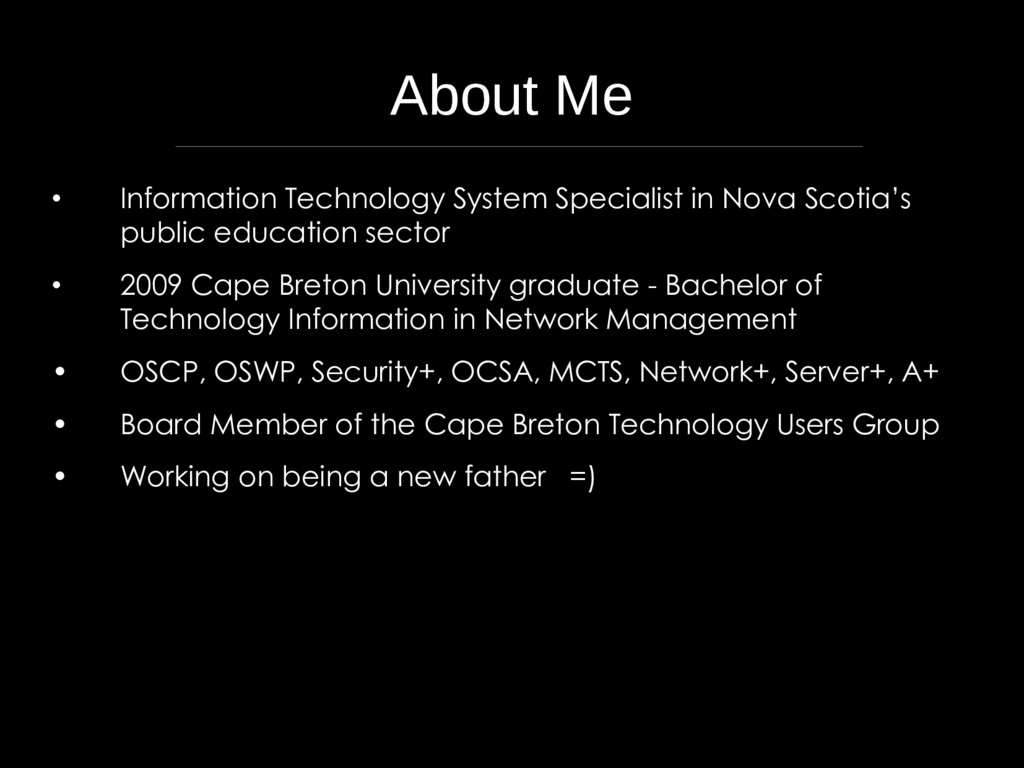
public education sector • 2009 Cape Breton University graduate - Bachelor of Technology Information in Network Management • OSCP, OSWP, Security+, OCSA, MCTS, Network+, Server+, A+ • Board Member of the Cape Breton Technology Users Group • Working on being a new father =)
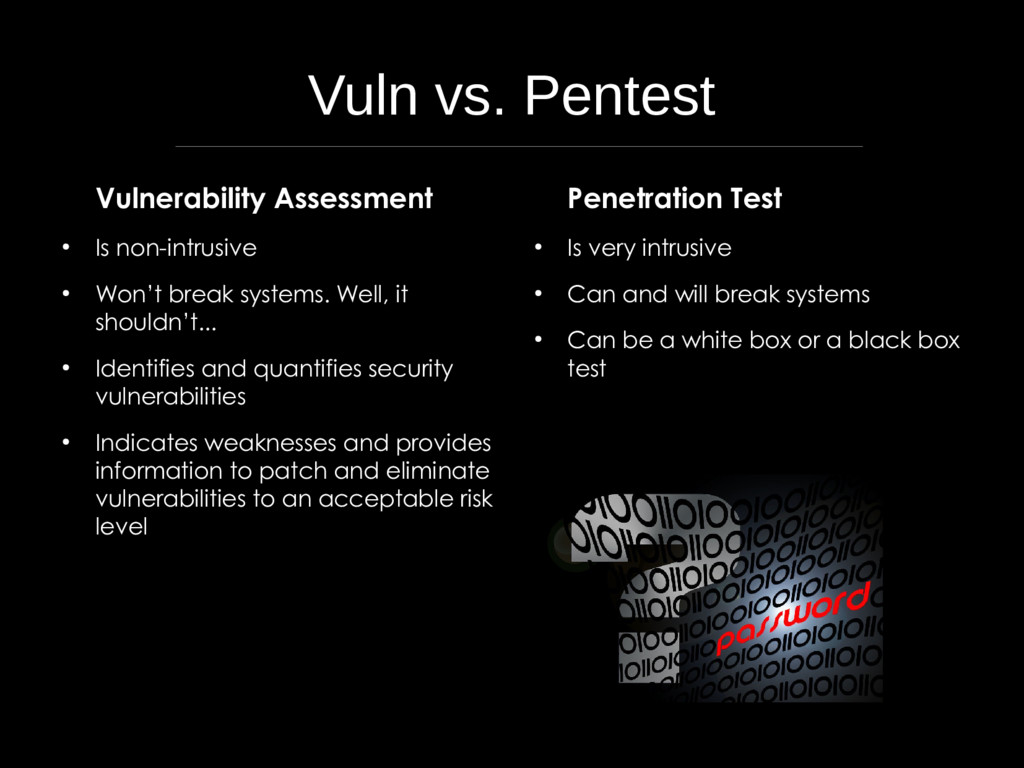
break systems. Well, it shouldn’t... • Identifies and quantifies security vulnerabilities • Indicates weaknesses and provides information to patch and eliminate vulnerabilities to an acceptable risk level Penetration Test • Is very intrusive • Can and will break systems • Can be a white box or a black box test
all the OSCP PDF guide book and do the work #2 – Review and understand the lab network infrastructure #3 – Install KeepNote #4 – Document, document, document....
within 4 networks (Public, Dev, IT, Admin). • The ultimate goal is getting and pwning the Admin Dept. • It’s completely fair game, do what you need to do to pop a box. • There is no right or wrong way to pop a box, as long as you get the root/admin shell.
student control panel, so if you break something or if someone left the machine in an unstable state, you can restart with no issues. • Take lots of breaks. • Take lots of notes. • Don’t rely exclusively on Metasploit and vulnerability scanners. • Remember: It’s a marathon, not a race.
to show them. • You will get less hints and help the deeper you go into the labs. • They give zero help with The Elite 5. • They are ruthless and will make you work hard for a hint. • They have an awesome sense of humour. • Some will mislead you or give useless info because you are so close to the answer. And finally...
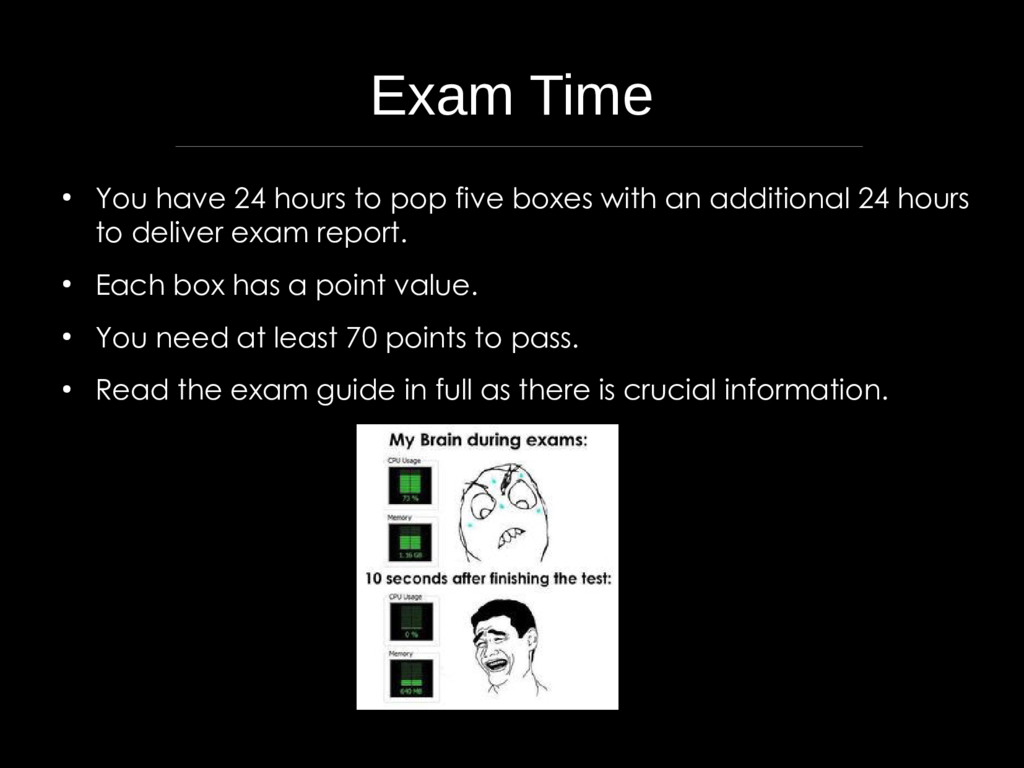
boxes with an additional 24 hours to deliver exam report. • Each box has a point value. • You need at least 70 points to pass. • Read the exam guide in full as there is crucial information.


 drifter666
 csswizardry
 yoshimura_datam
 oracle4engineer
 amixedcolor
 jackojacko_
 tammyeverts
 inariku
 uhyo
 ota1022
 timakin
 biwashi
 aleyda
 varn
 sonatard
 skipperchong
 ks91
 ryanjones
 ivargrimstad
 greggifford
 marktimemedia
 nmsamuel
 sugarenia