Upgrade to Pro — share decks privately, control downloads, hide ads and more …

A Clearer Brief for Your Website Redesign

Sponsored · Ship Features Fearlessly Turn features on and off without deploys. Used by thousands of Ruby developers. →
Ekyon
October 24, 2026

A Clearer Brief for Your Website Redesign

A practical briefing guide for business owners planning a website redesign or changing providers.

The 15 slides cover scope, account ownership, inquiry handling, content and redirects, the difference between build and ongoing care, and launch acceptance. Five illustrated examples from Ekyon’s portfolio show how different delivery scopes look: Dosawala, Bomoz, Workvio, dMaya and BidMyRoom. dMaya is Ekyon’s own product.

Use the checklist to prepare a clearer conversation with a provider and compare what a proposal actually includes.

Related planning resources:
Website redesign SEO checklist: https://ekyon.io/blog/website-redesign-seo-checklist
Website build and care budget planner: https://ekyon.io/tools/website-redesign-cost-calculator

Prepared by Ekyon for business teams, including owners in the USA, Canada and Europe.

Ekyon

October 24, 2026

Transcript

15 slides
  1. A BUSINESS OWNER’S BRIEFING GUIDE A clearer brief for your

    website redesign Scope, ownership and launch checks with five examples from Ekyon’s work A free resource for planning a conversation with your website provider ekyon. 01
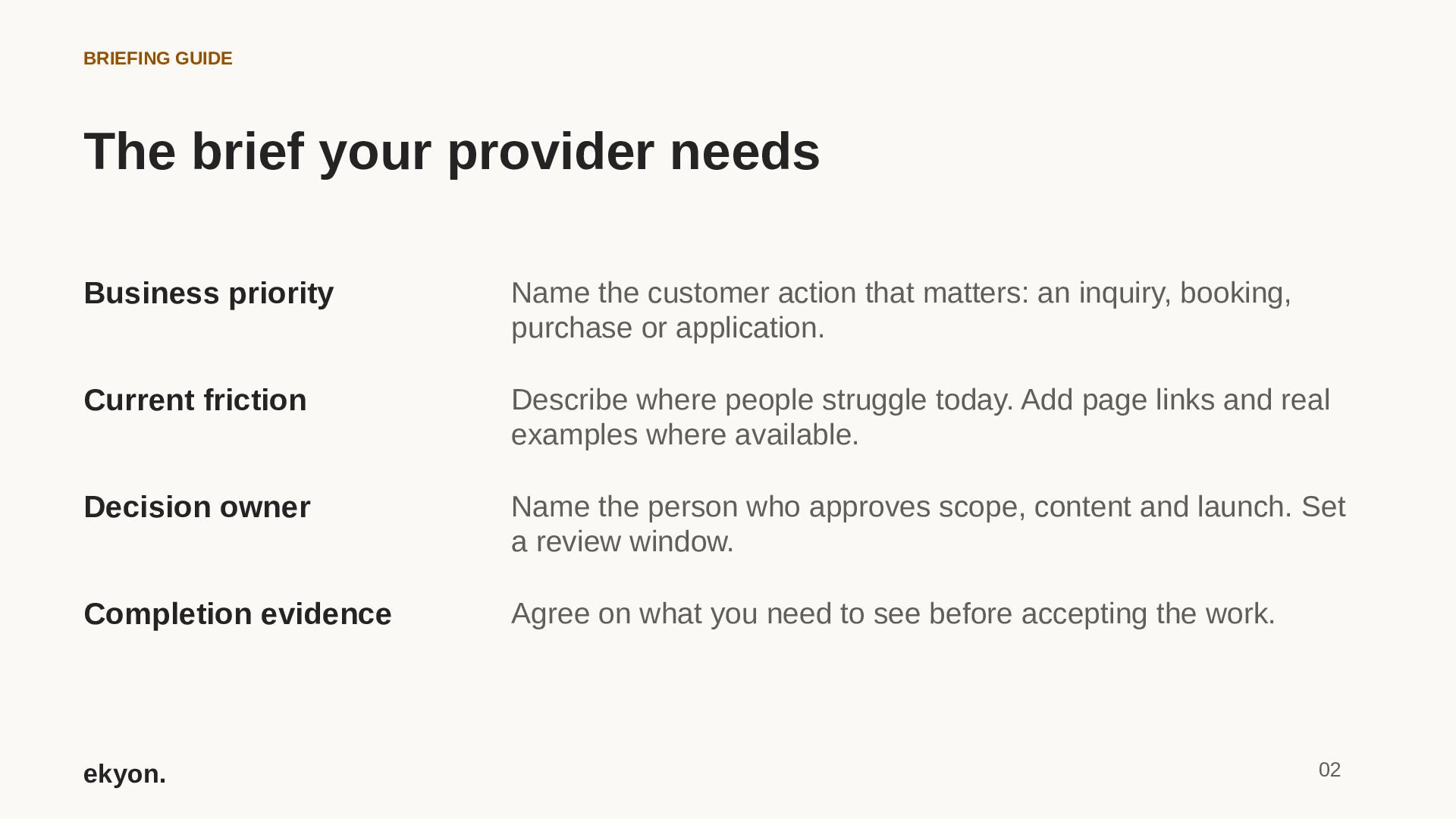
  2. BRIEFING GUIDE The brief your provider needs Business priority Name

    the customer action that matters: an inquiry, booking, purchase or application. Current friction Describe where people struggle today. Add page links and real examples where available. Decision owner Name the person who approves scope, content and launch. Set a review window. Completion evidence Agree on what you need to see before accepting the work. ekyon. 02
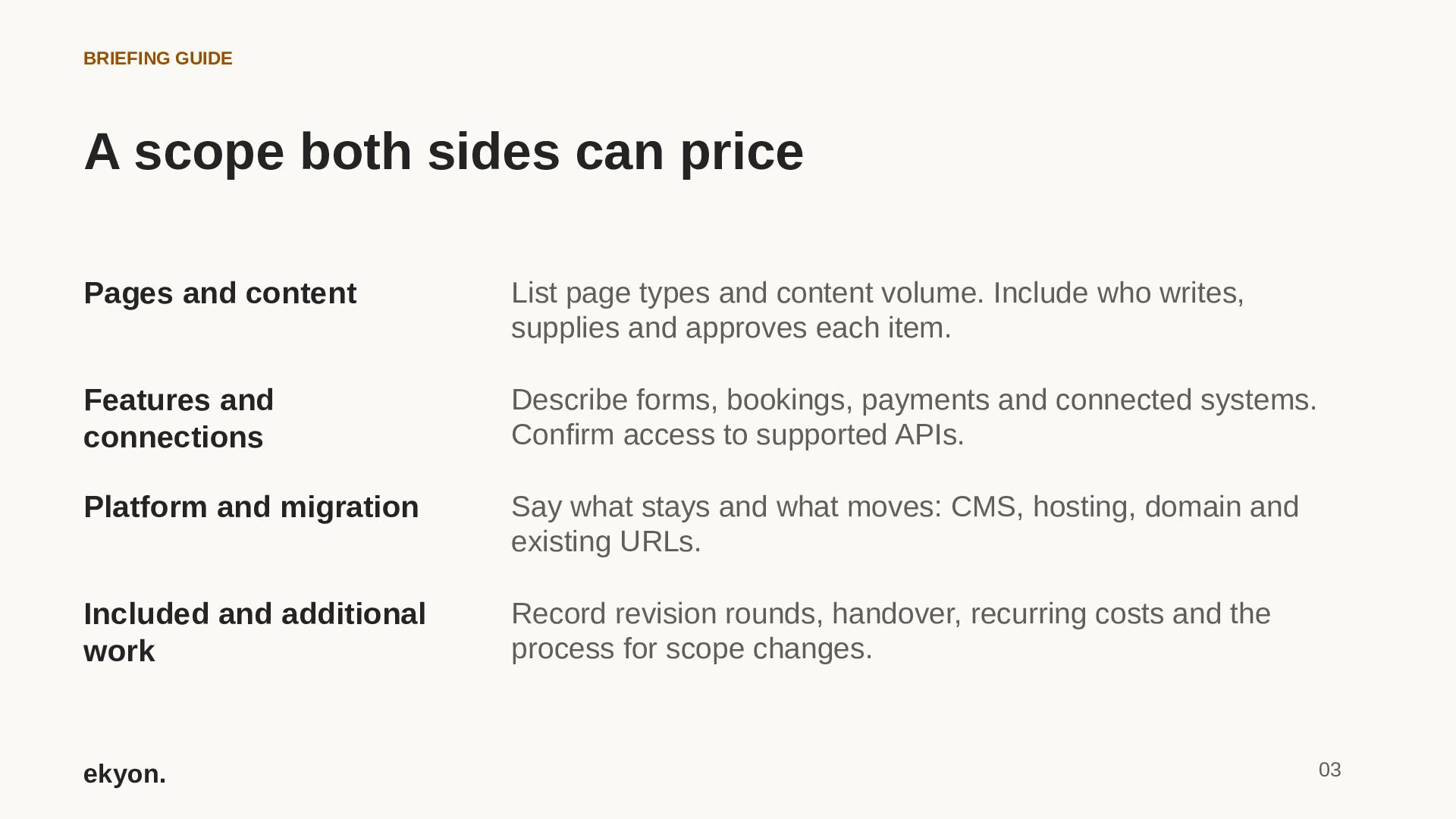
  3. BRIEFING GUIDE A scope both sides can price Pages and

    content List page types and content volume. Include who writes, supplies and approves each item. Features and connections Describe forms, bookings, payments and connected systems. Confirm access to supported APIs. Platform and migration Say what stays and what moves: CMS, hosting, domain and existing URLs. Included and additional work Record revision rounds, handover, recurring costs and the process for scope changes. ekyon. 03
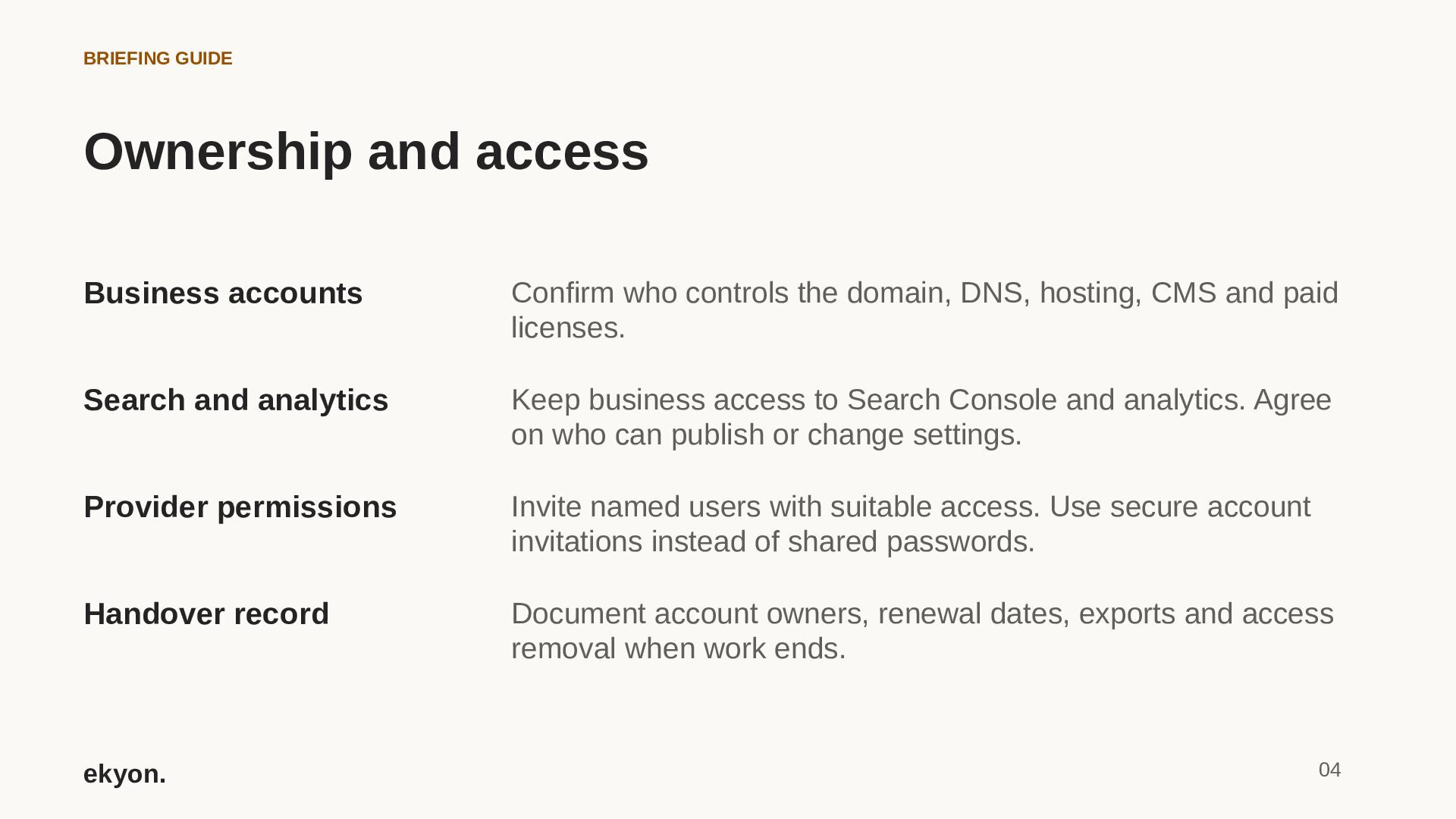
  4. BRIEFING GUIDE Ownership and access Business accounts Confirm who controls

    the domain, DNS, hosting, CMS and paid licenses. Search and analytics Keep business access to Search Console and analytics. Agree on who can publish or change settings. Provider permissions Invite named users with suitable access. Use secure account invitations instead of shared passwords. Handover record Document account owners, renewal dates, exports and access removal when work ends. ekyon. 04
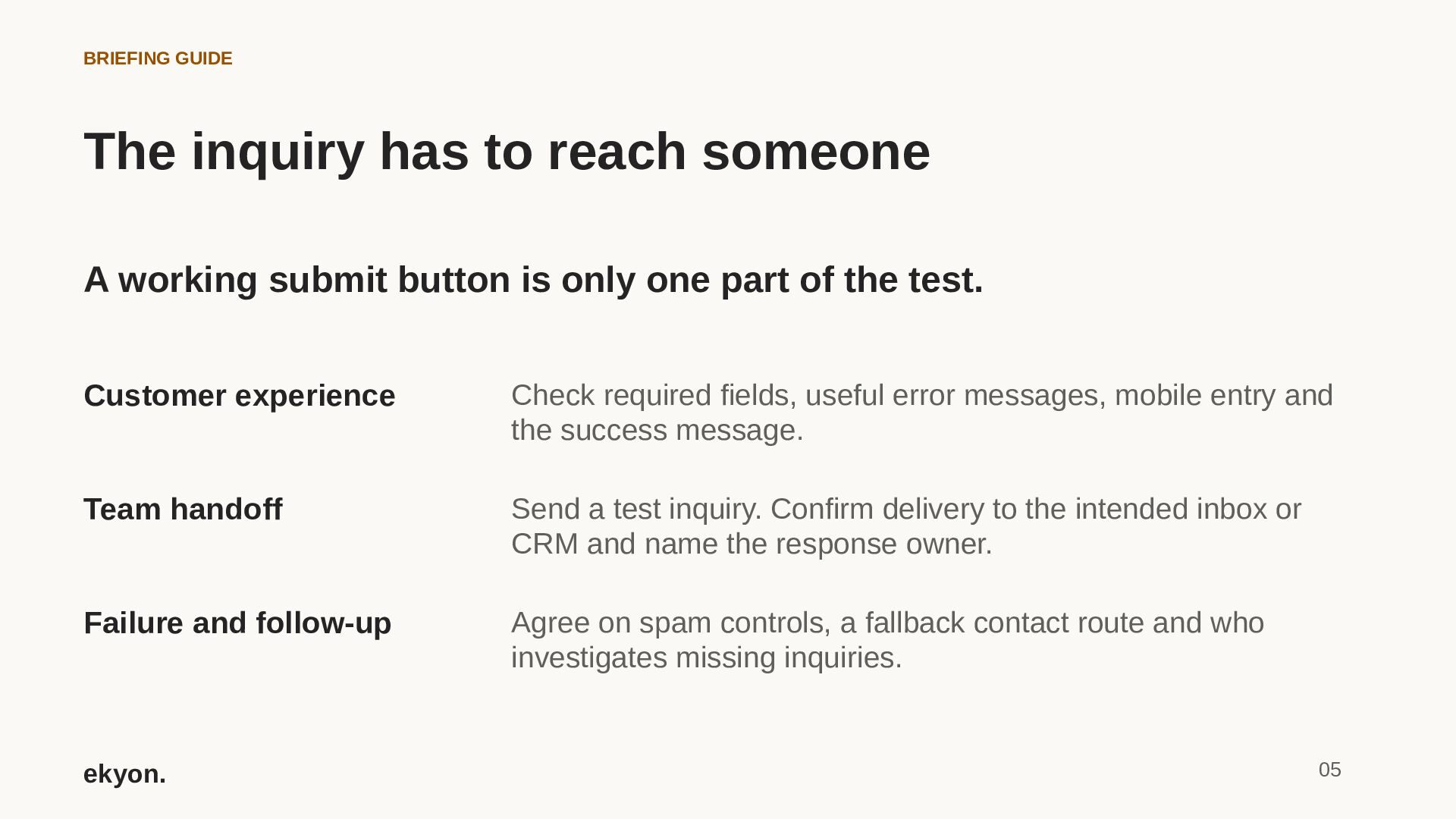
  5. BRIEFING GUIDE The inquiry has to reach someone A working

    submit button is only one part of the test. Customer experience Check required fields, useful error messages, mobile entry and the success message. Team handoff Send a test inquiry. Confirm delivery to the intended inbox or CRM and name the response owner. Failure and follow-up Agree on spam controls, a fallback contact route and who investigates missing inquiries. ekyon. 05
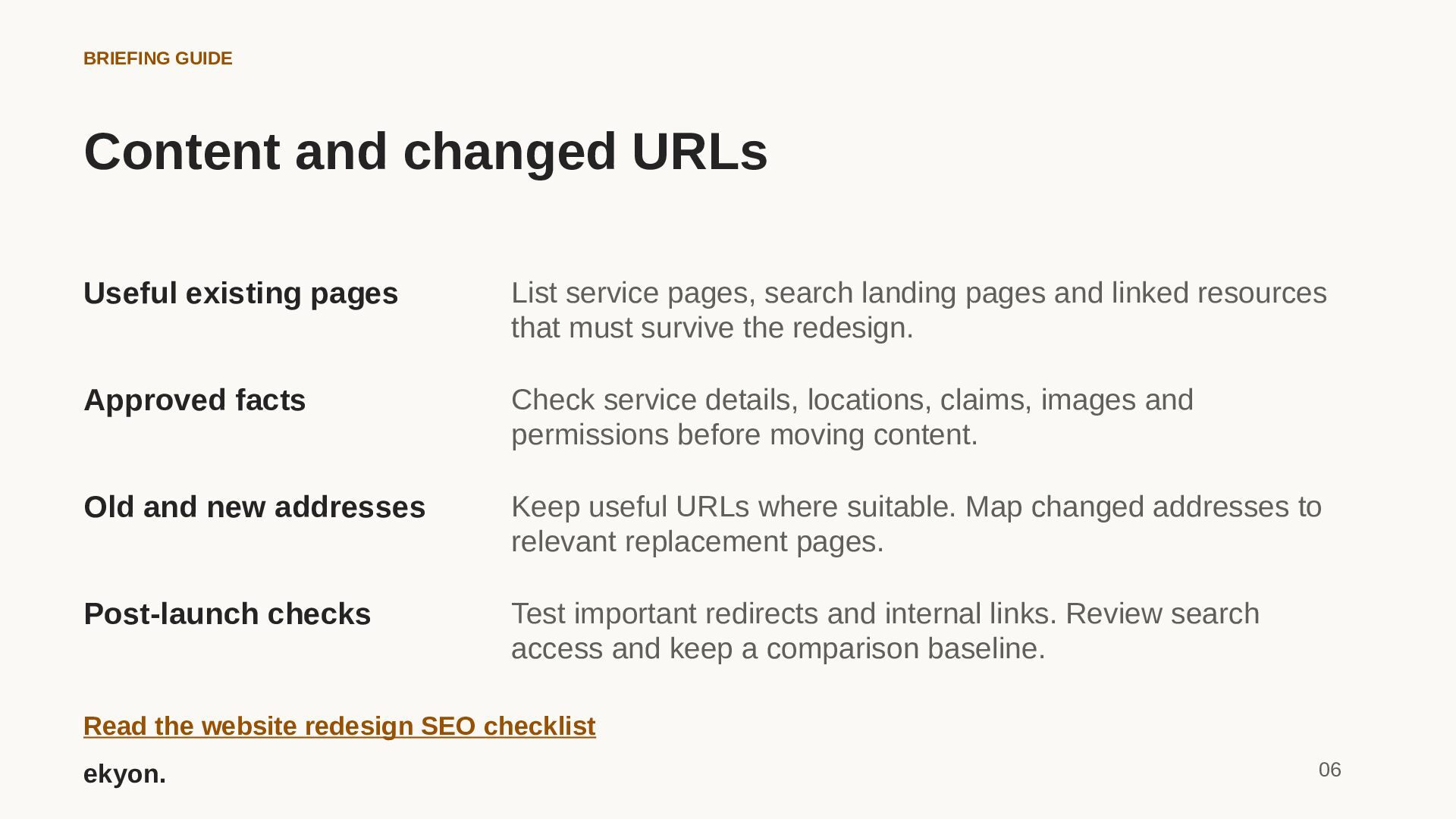
  6. BRIEFING GUIDE Content and changed URLs Useful existing pages List

    service pages, search landing pages and linked resources that must survive the redesign. Approved facts Check service details, locations, claims, images and permissions before moving content. Old and new addresses Keep useful URLs where suitable. Map changed addresses to relevant replacement pages. Post-launch checks Test important redirects and internal links. Review search access and keep a comparison baseline. Read the website redesign SEO checklist ekyon. 06
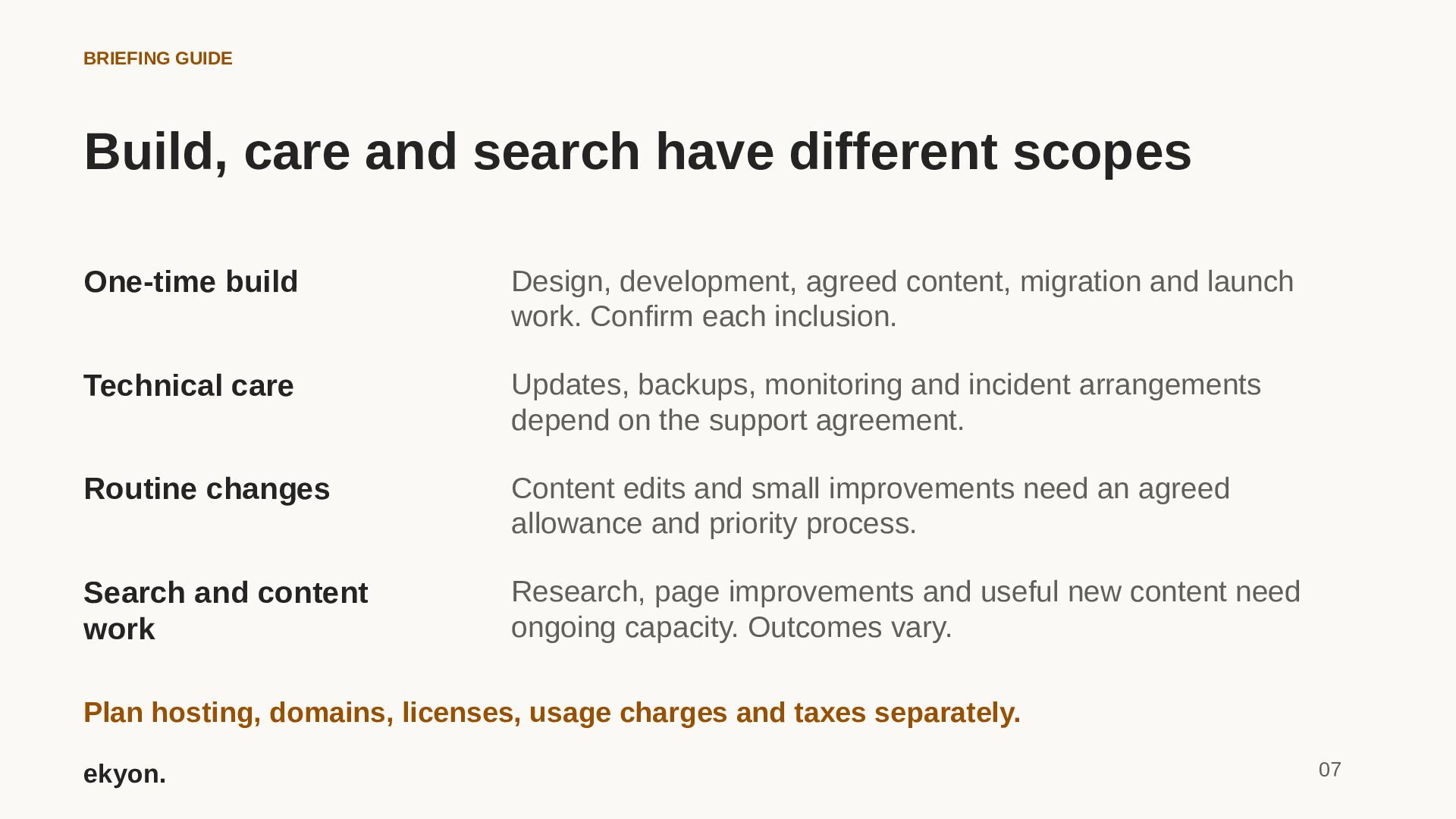
  7. BRIEFING GUIDE Build, care and search have different scopes One-time

    build Design, development, agreed content, migration and launch work. Confirm each inclusion. Technical care Updates, backups, monitoring and incident arrangements depend on the support agreement. Routine changes Content edits and small improvements need an agreed allowance and priority process. Search and content work Research, page improvements and useful new content need ongoing capacity. Outcomes vary. Plan hosting, domains, licenses, usage charges and taxes separately. ekyon. 07
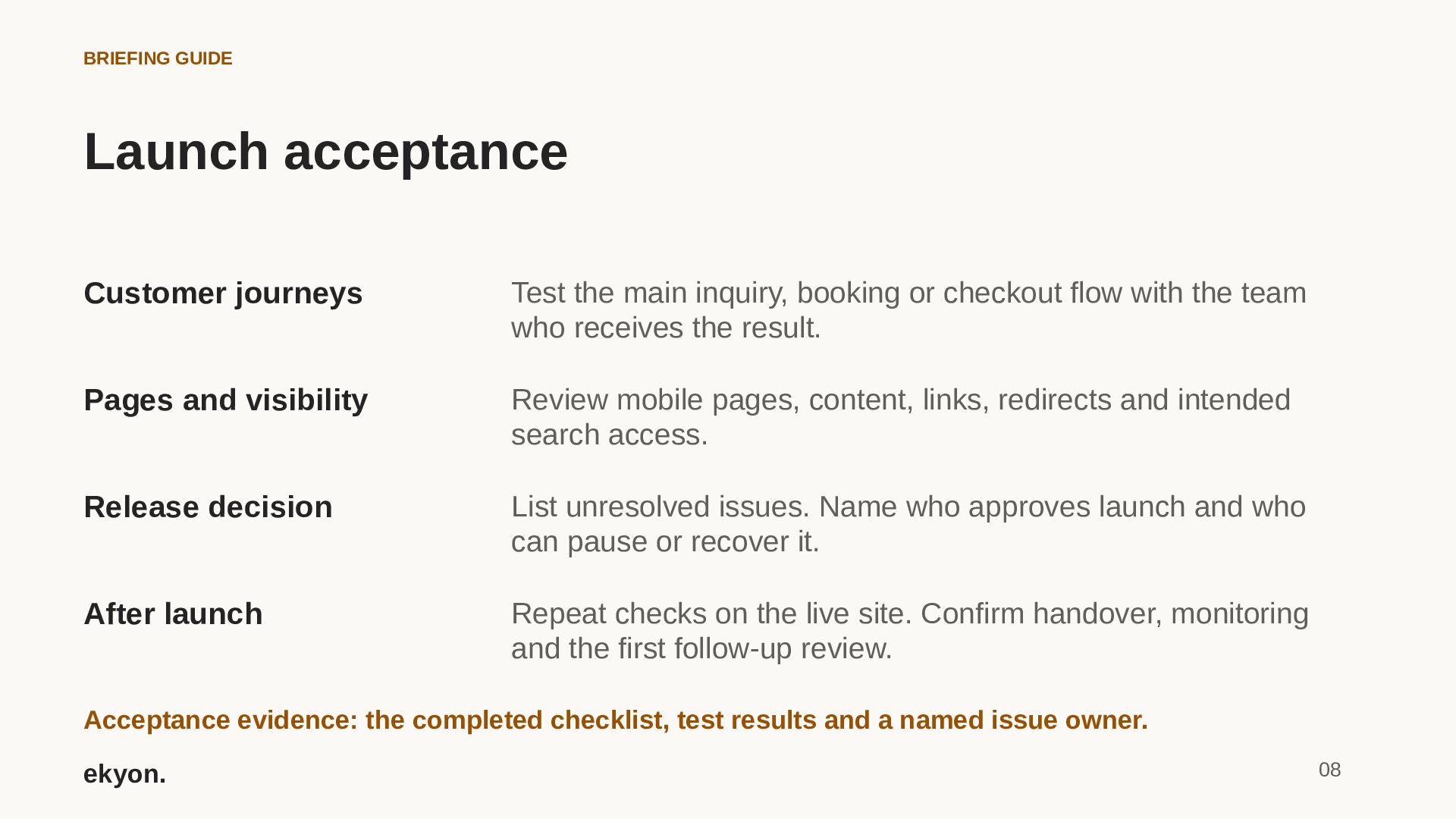
  8. BRIEFING GUIDE Launch acceptance Customer journeys Test the main inquiry,

    booking or checkout flow with the team who receives the result. Pages and visibility Review mobile pages, content, links, redirects and intended search access. Release decision List unresolved issues. Name who approves launch and who can pause or recover it. After launch Repeat checks on the live site. Confirm handover, monitoring and the first follow-up review. Acceptance evidence: the completed checklist, test results and a named issue owner. ekyon. 08
  9. BRIEFING GUIDE A useful next conversation Bring your page list,

    priority customer action, account owners and preferred launch window. Ask the provider to return a written scope, clear exclusions, recurring responsibilities and acceptance checks. Budget planner: website redesign cost calculator Budget guide: website redesign cost Service scope: website redesign ekyon. 09
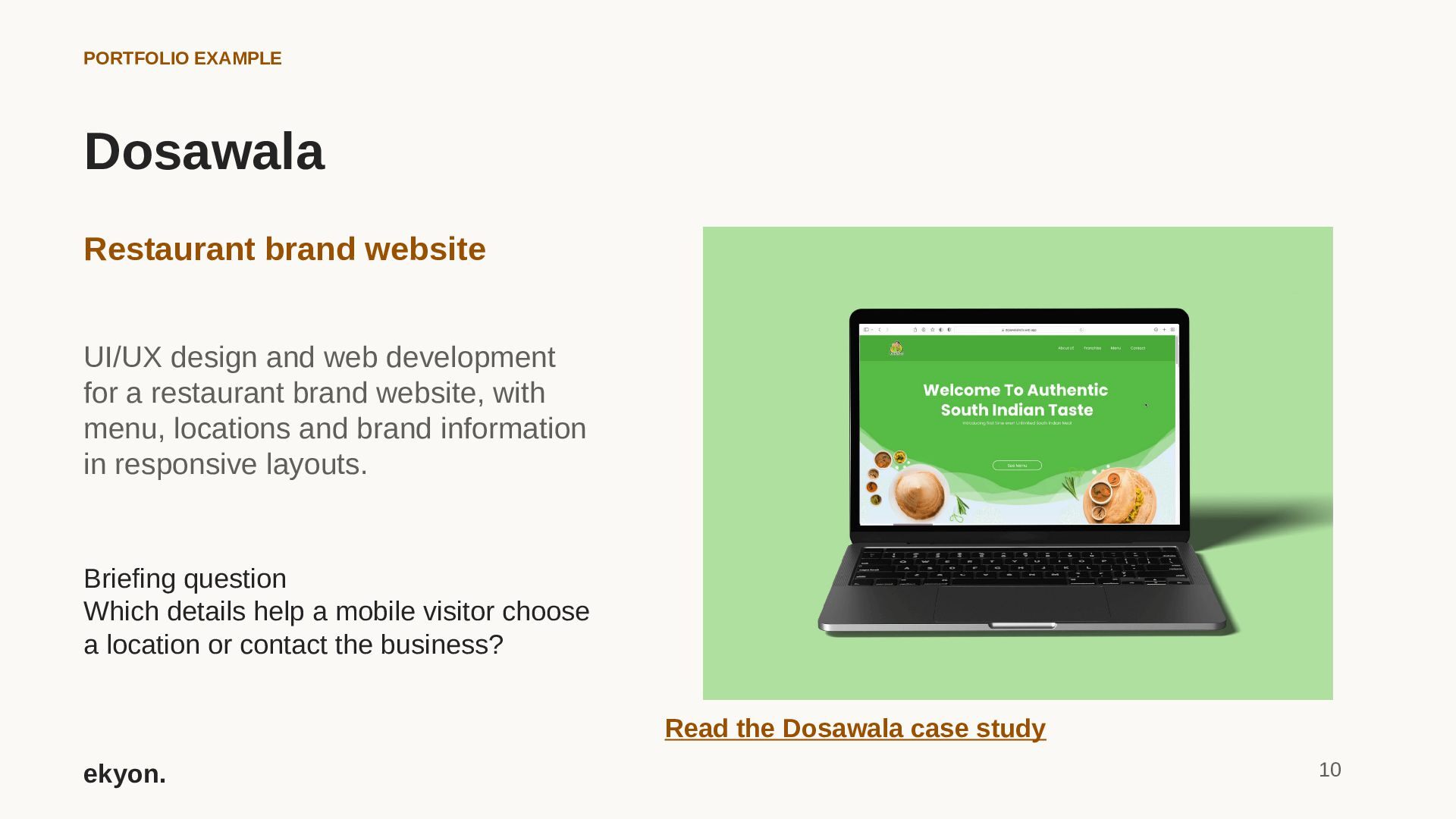
  10. PORTFOLIO EXAMPLE Dosawala Restaurant brand website UI/UX design and web

    development for a restaurant brand website, with menu, locations and brand information in responsive layouts. Briefing question Which details help a mobile visitor choose a location or contact the business? Read the Dosawala case study ekyon. 10
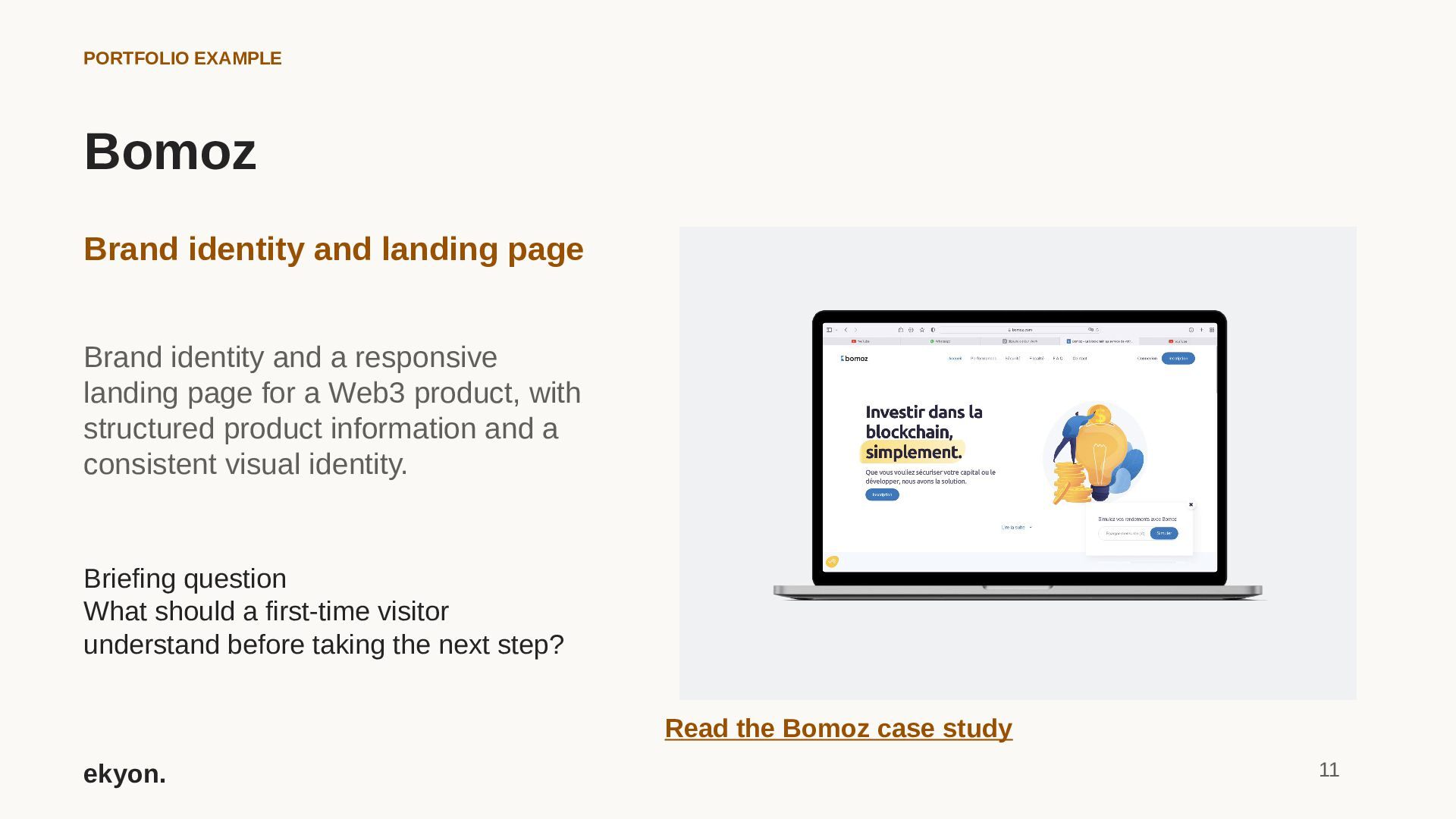
  11. PORTFOLIO EXAMPLE Bomoz Brand identity and landing page Brand identity

    and a responsive landing page for a Web3 product, with structured product information and a consistent visual identity. Briefing question What should a first-time visitor understand before taking the next step? Read the Bomoz case study ekyon. 11
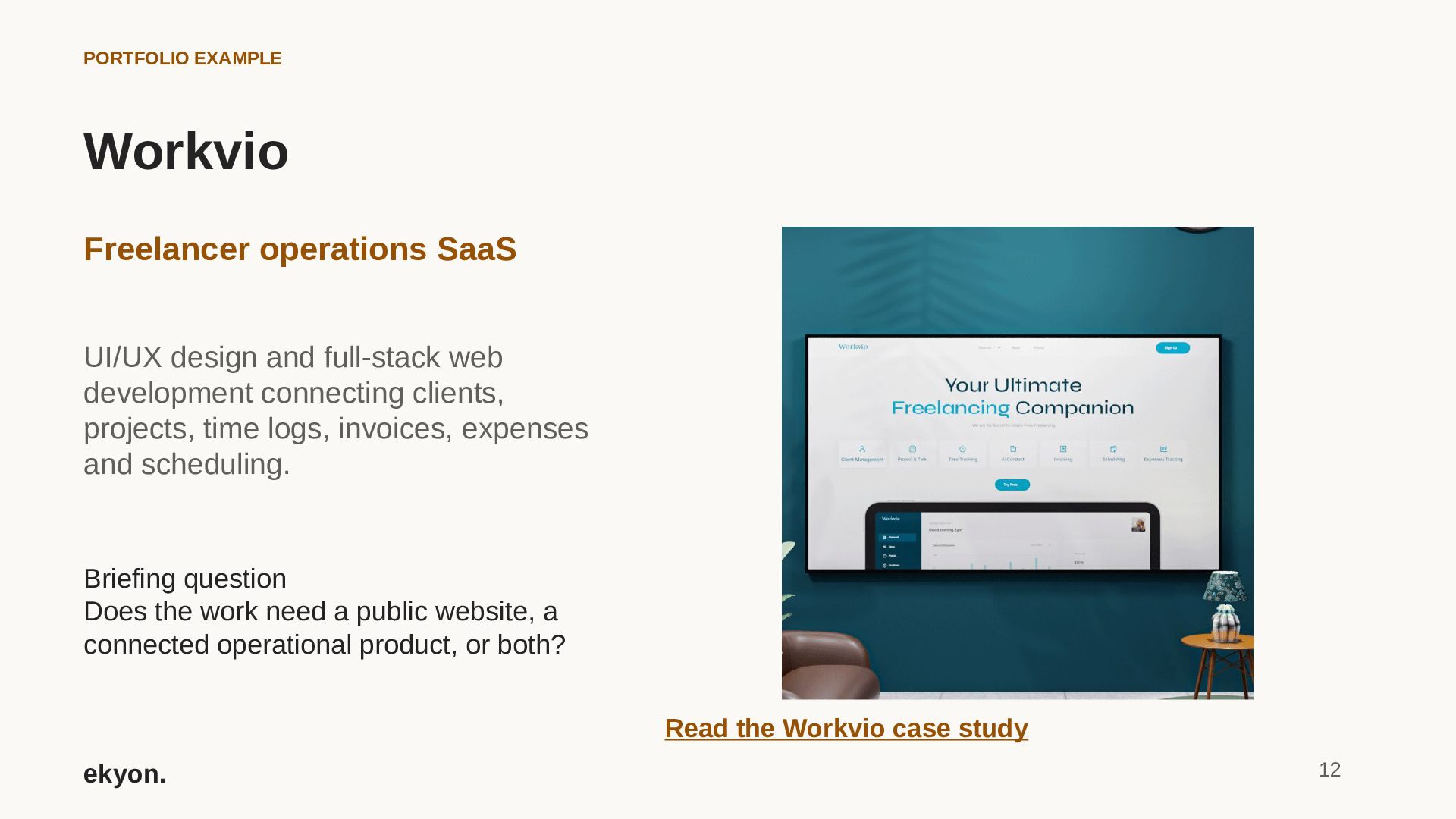
  12. PORTFOLIO EXAMPLE Workvio Freelancer operations SaaS UI/UX design and full-stack

    web development connecting clients, projects, time logs, invoices, expenses and scheduling. Briefing question Does the work need a public website, a connected operational product, or both? Read the Workvio case study ekyon. 12
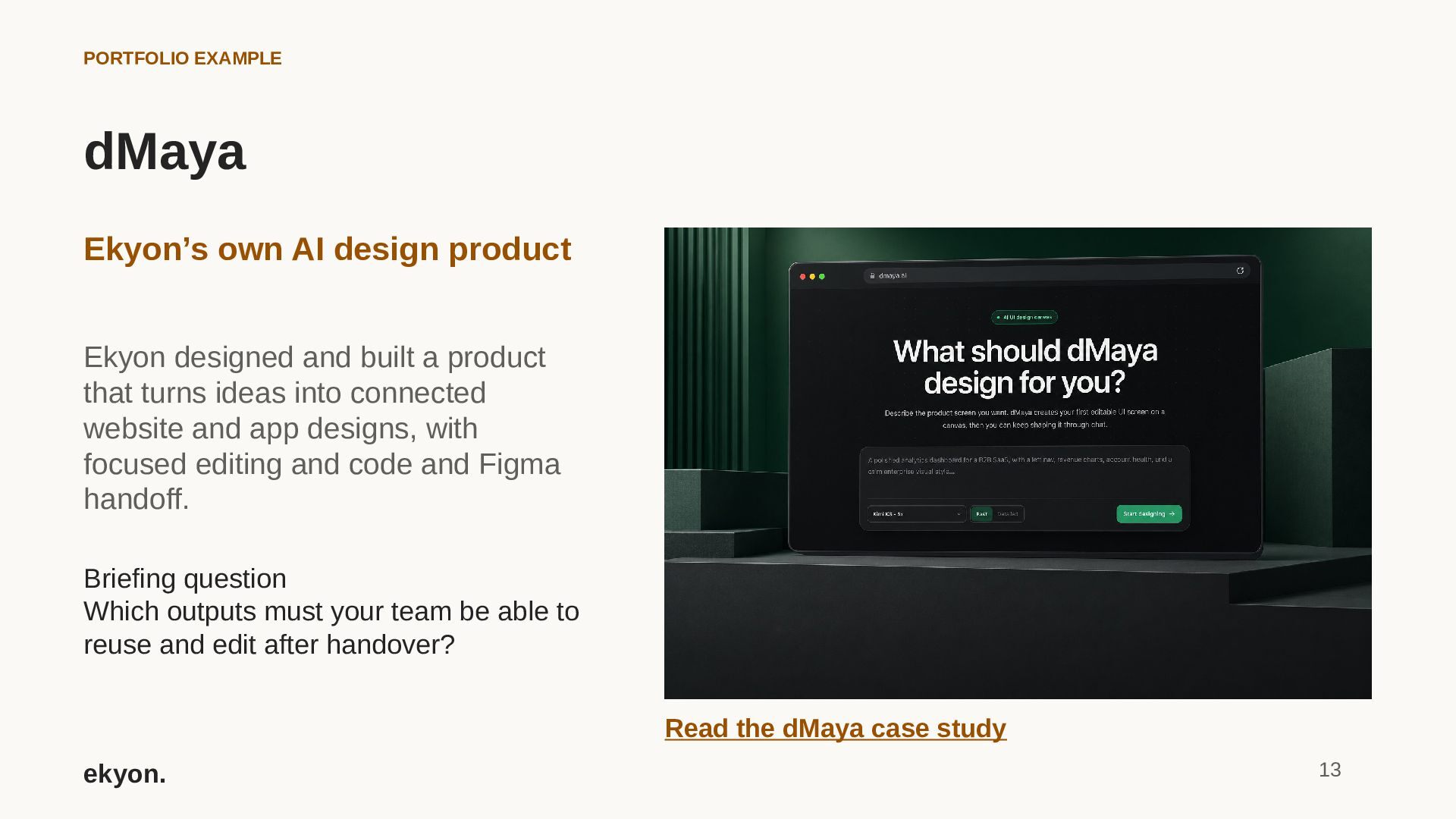
  13. PORTFOLIO EXAMPLE dMaya Ekyon’s own AI design product Ekyon designed

    and built a product that turns ideas into connected website and app designs, with focused editing and code and Figma handoff. Briefing question Which outputs must your team be able to reuse and edit after handover? Read the dMaya case study ekyon. 13
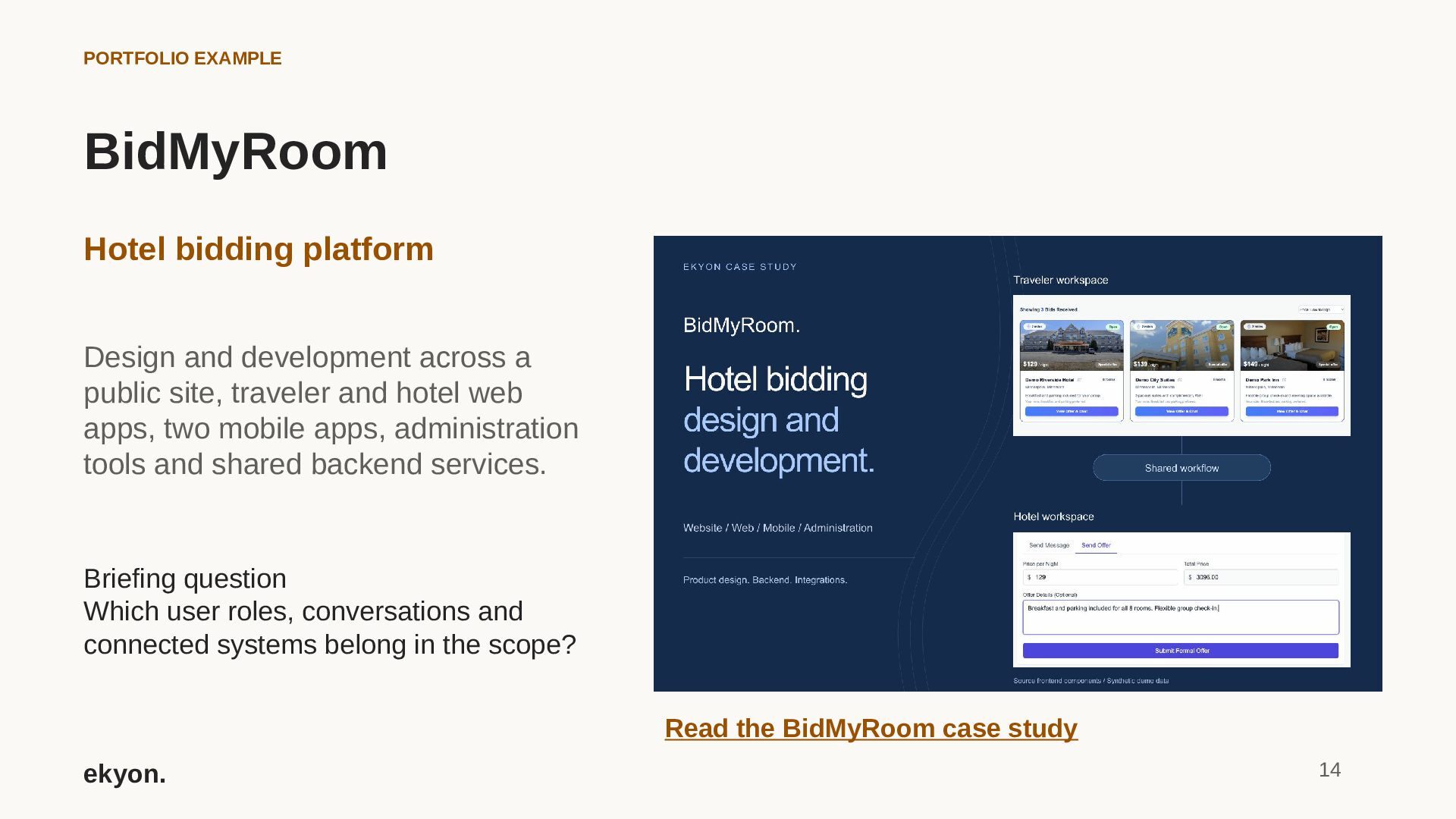
  14. PORTFOLIO EXAMPLE BidMyRoom Hotel bidding platform Design and development across

    a public site, traveler and hotel web apps, two mobile apps, administration tools and shared backend services. Briefing question Which user roles, conversations and connected systems belong in the scope? Read the BidMyRoom case study ekyon. 14
  15. WEBSITE REDESIGN BRIEFING GUIDE A resource from Ekyon Use the

    checklist to make your brief clearer. The examples show how different project scopes look. Website redesign and ongoing care ekyon.io Guide by Ekyon. Images from Ekyon’s public case studies. October 2026. Examples describe delivery scope. Results and project requirements vary. ekyon. 15

Other Decks in Business