Upgrade to Pro
— share decks privately, control downloads, hide ads and more …
Speaker Deck
Sign up for free
Menu
Search
Features
All features
Private URLs
Password Protection
Custom URLS
Scheduled publishing
Remove Branding
Restrict embedding
Deck Collections
Notes
Features
All features
Private URLs
Password Protection
Custom URLS
Scheduled publishing
Remove Branding
Restrict embedding
Deck Collections
Notes
Explore
Featured decks
Featured speakers
Programming
Technology
Storyboards
Explore
Featured decks
Featured speakers
Programming
Technology
Storyboards
Pricing
Search
Sign in
Sign up for free
the future of development environment
Search
lielran
February 17, 2014
Technology
51
0
Share
Embed
Copy iframe code
Copy JS code
Copy link
Start on current slide
the future of development environment
vagrant - the future of development environment
lielran
February 17, 2014
More Decks by lielran
See All by lielran
aws-sageMaker
lielran
0
23
All-In-On-Serverless
lielran
1
54
Serverless Slack bot
lielran
1
270
Other Decks in Technology
See All in Technology
PHPカンファレンス関西の招待状 / Invitation to PHP Conference Kansai
ykanoh
0
110
Browser Spec: Testing Hotwire with Ruby
takahashim
1
120
LambdaWebFunctionsを試してみた / exploring-lambda-web-functions
koukihosaka
1
340
JAWS-UGグッズ職人仕事の流儀
kentapapa
0
100
SAENM ~Jupyterで残すPoCの試行錯誤、未来の自分と仲間を助ける記録!~
terapyon
0
110
go-sqletch
moznion
0
140
遠藤な_めぐろLT #38 「社内のAI活用推進」@麻布台_20261009
endonanana
0
130
二歩目のフロントエンド・ウェブアクセシビリティ
camiha
2
570
hackers_champloo_2026_tidb
makocchi
0
160
QA4AI 2026-Oct 生成AI時代の品質保証
tokuty
1
860
無理せず続ける、子育てエンジニアの学び
codmoninc
PRO
0
870
サブエージェントと Claude Mods で作る独自 Advisor ツールの話
kenichiodo
2
160
Featured
See All Featured
AI Search: Implications for SEO and How to Move Forward - #ShenzhenSEOConference
aleyda
1
1.4k
Getting science done with accelerated Python computing platforms
jacobtomlinson
2
540
Impact Scores and Hybrid Strategies: The future of link building
tamaranovitovic
0
460
Amusing Abliteration
ianozsvald
1
350
Fantastic passwords and where to find them - at NoRuKo
philnash
53
4k
The innovator’s Mindset - Leading Through an Era of Exponential Change - McGill University 2025
jdejongh
PRO
1
380
Art, The Web, and Tiny UX
lynnandtonic
304
22k
Building Flexible Design Systems
yeseniaperezcruz
330
41k
The Director’s Chair: Orchestrating AI for Truly Effective Learning
tmiket
1
330
Prompt Engineering for Job Search
mfonobong
0
520
Build The Right Thing And Hit Your Dates
maggiecrowley
39
3.5k
The #1 spot is gone: here's how to win anyway
tamaranovitovic
4
1.2k
Transcript
Development Environment
None
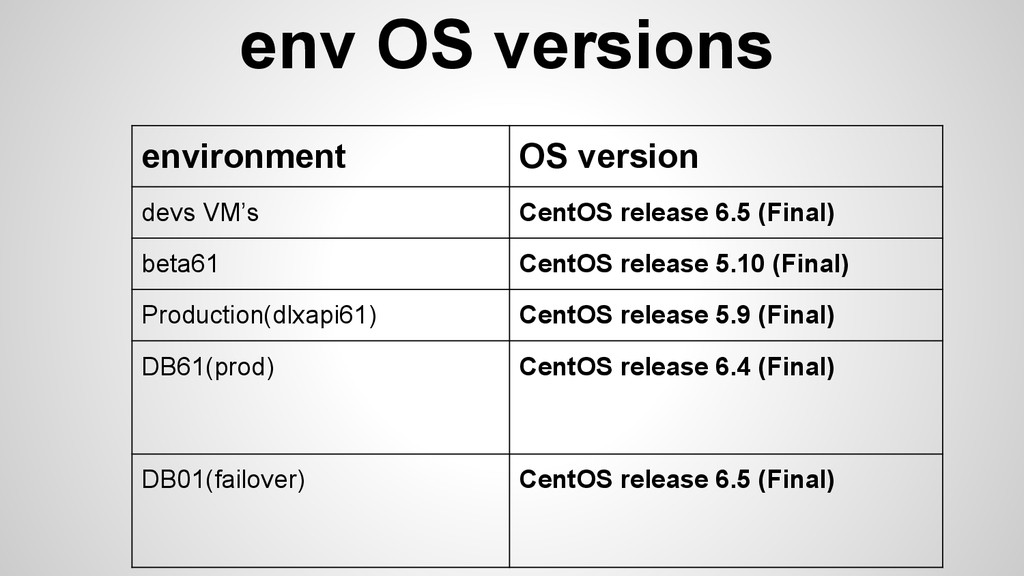
env OS versions environment OS version devs VM’s CentOS release
6.5 (Final) beta61 CentOS release 5.10 (Final) Production(dlxapi61) CentOS release 5.9 (Final) DB61(prod) CentOS release 6.4 (Final) DB01(failover) CentOS release 6.5 (Final)
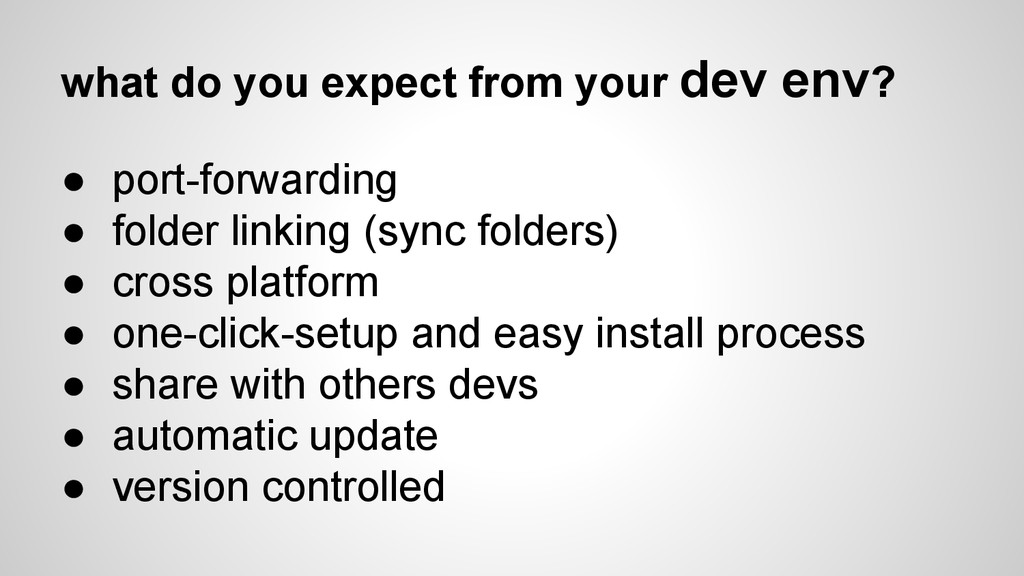
what do you expect from your dev env? • port-forwarding
• folder linking (sync folders) • cross platform • one-click-setup and easy install process • share with others devs • automatic update • version controlled
Vagrant- “a person without a settled home or regular work
who wanders from place to place and lives by begging.”
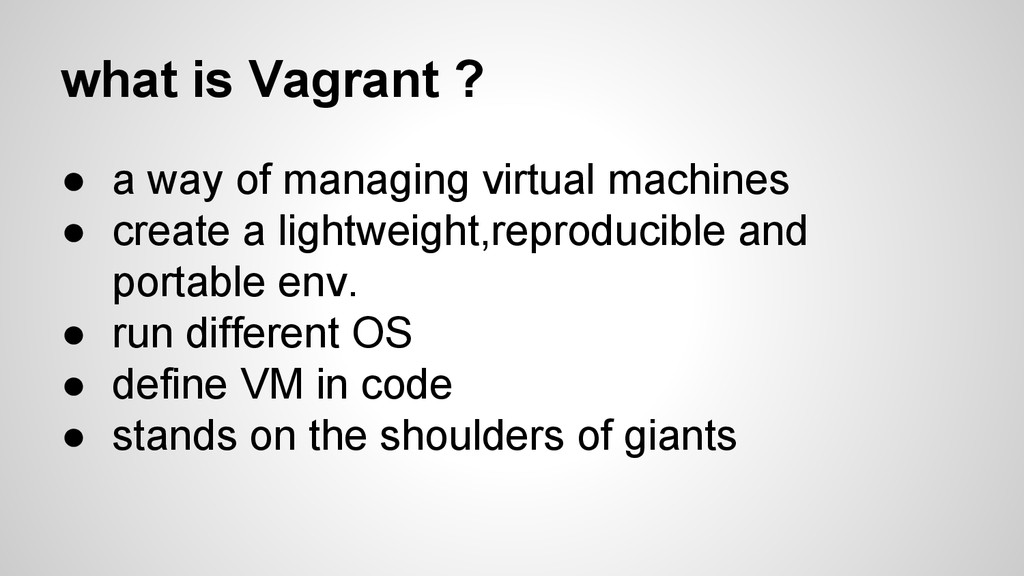
what is Vagrant ? • a way of managing virtual
machines • create a lightweight,reproducible and portable env. • run different OS • define VM in code • stands on the shoulders of giants
how ? • providers • cross platform • configuration (as
code) • boxes • provisioning • networking • multi-machine • synced folders • ….
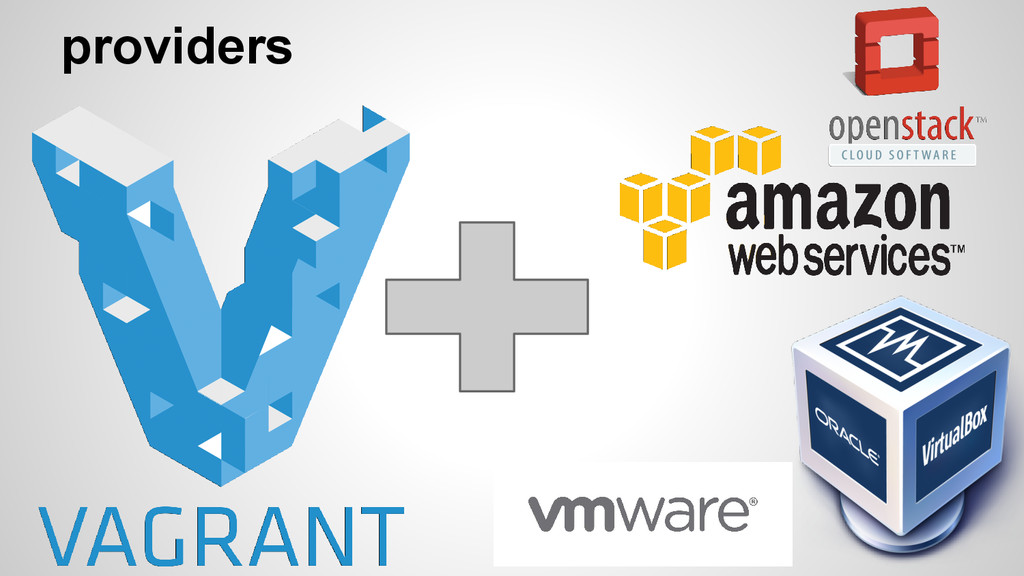
providers
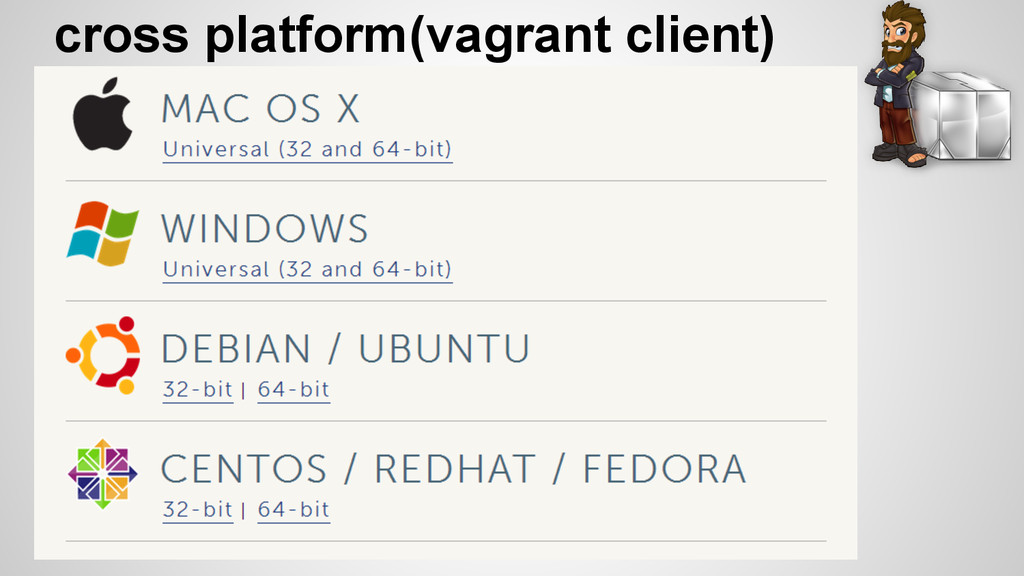
cross platform(vagrant client)
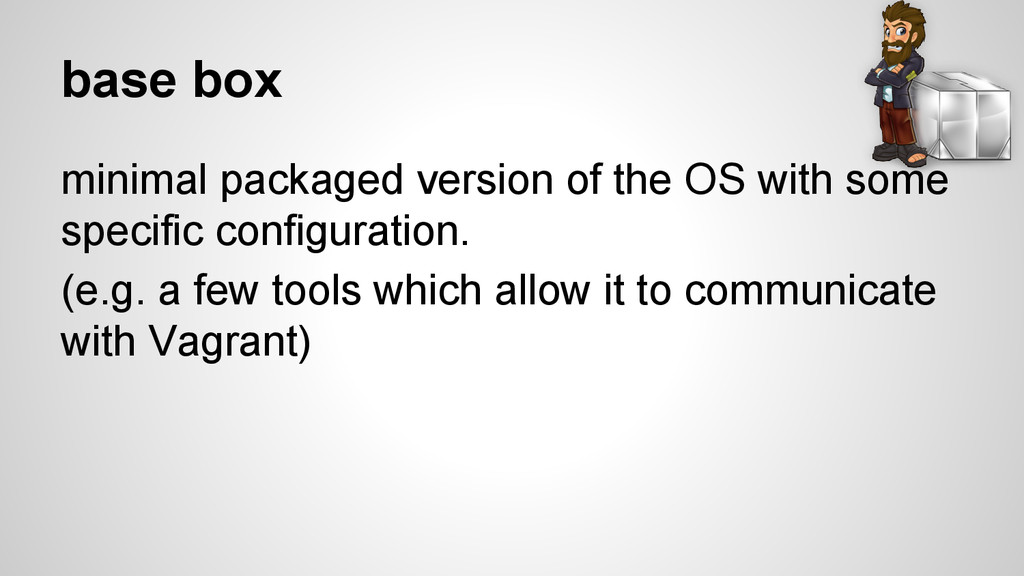
base box minimal packaged version of the OS with some
specific configuration. (e.g. a few tools which allow it to communicate with Vagrant)
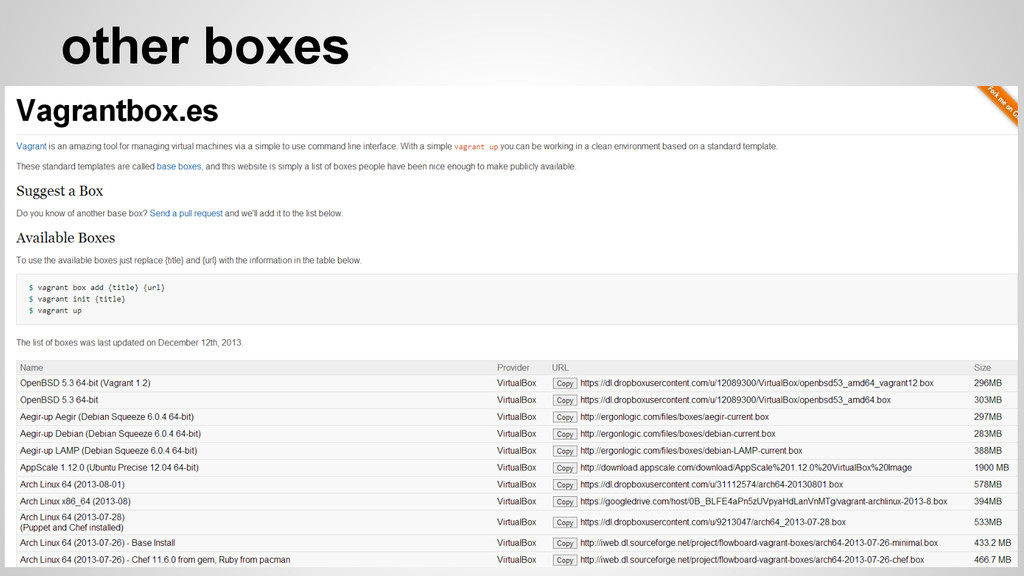
other boxes
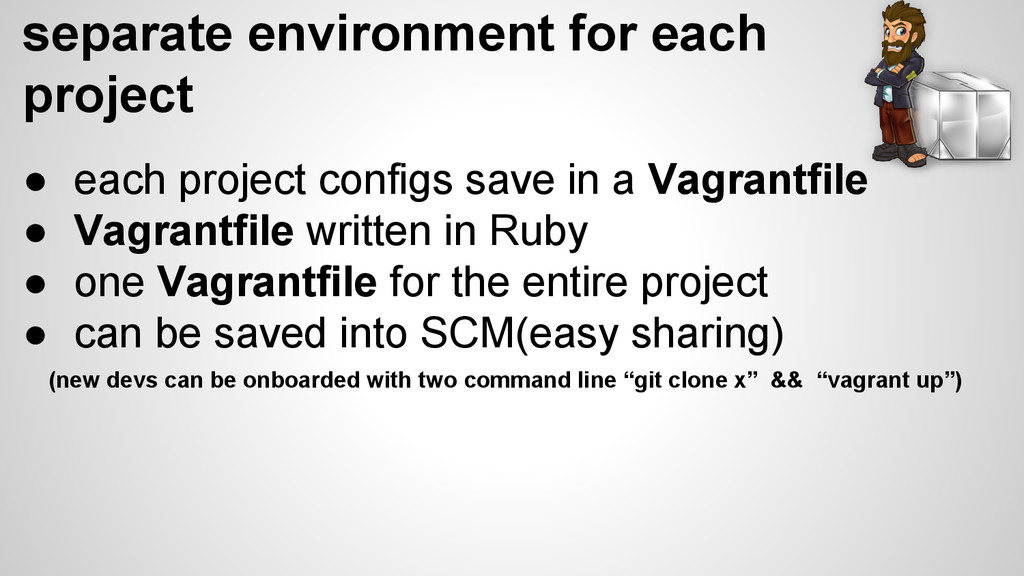
separate environment for each project • each project configs save
in a Vagrantfile • Vagrantfile written in Ruby • one Vagrantfile for the entire project • can be saved into SCM(easy sharing) (new devs can be onboarded with two command line “git clone x” && “vagrant up”)
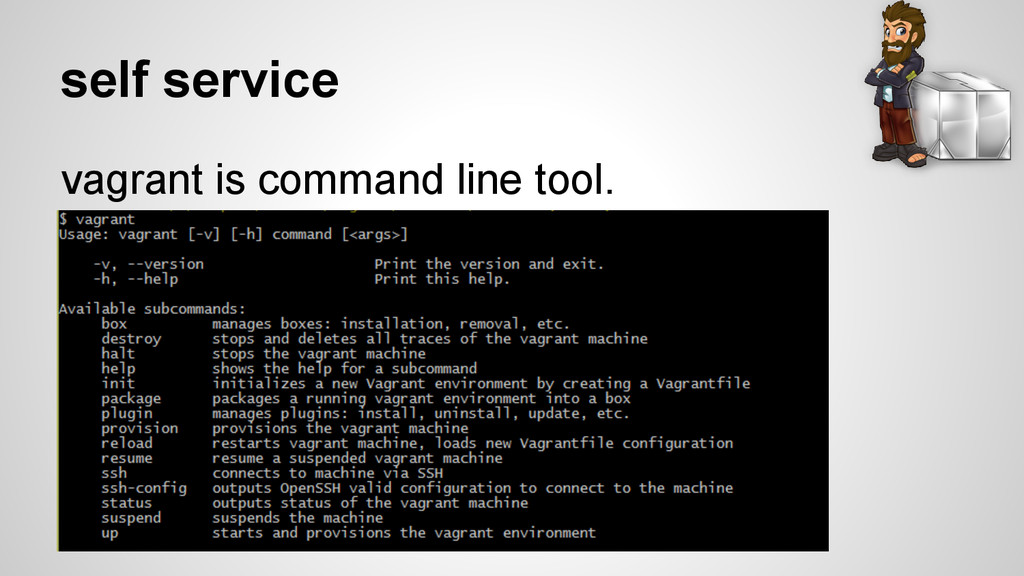
self service vagrant is command line tool.
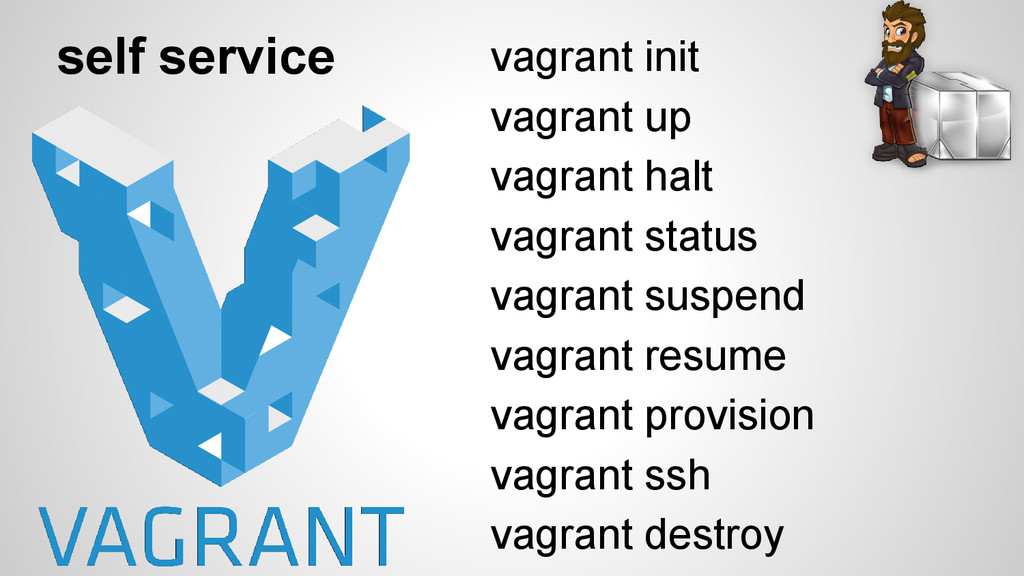
vagrant init vagrant up vagrant halt vagrant status vagrant suspend
vagrant resume vagrant provision vagrant ssh vagrant destroy self service
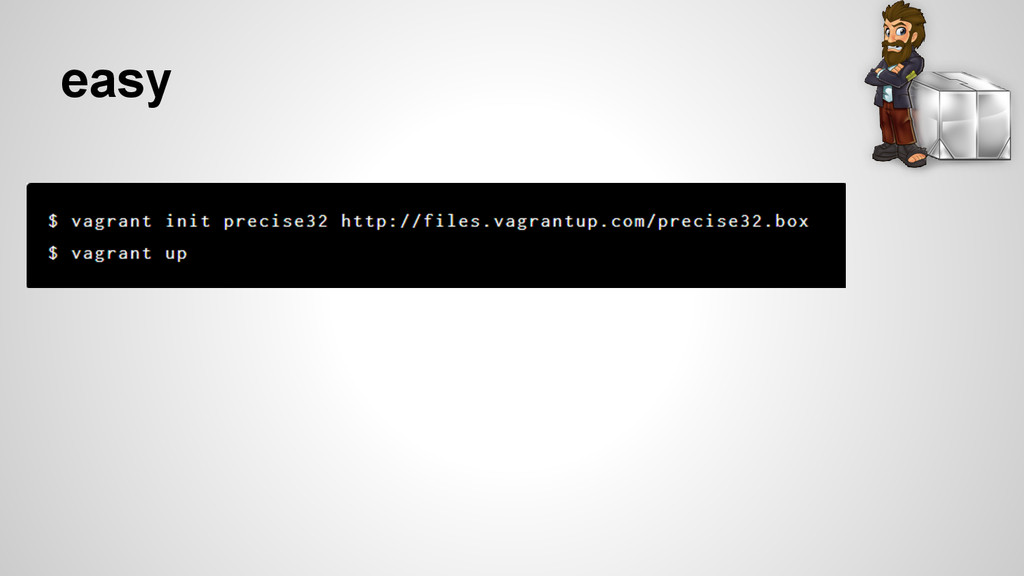
easy
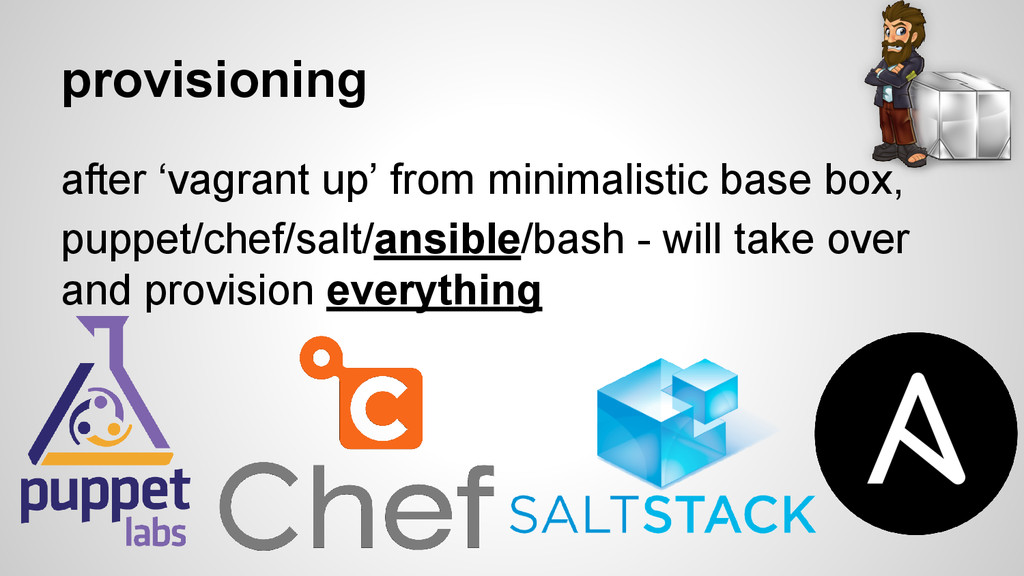
provisioning after ‘vagrant up’ from minimalistic base box, puppet/chef/salt/ansible/bash -
will take over and provision everything
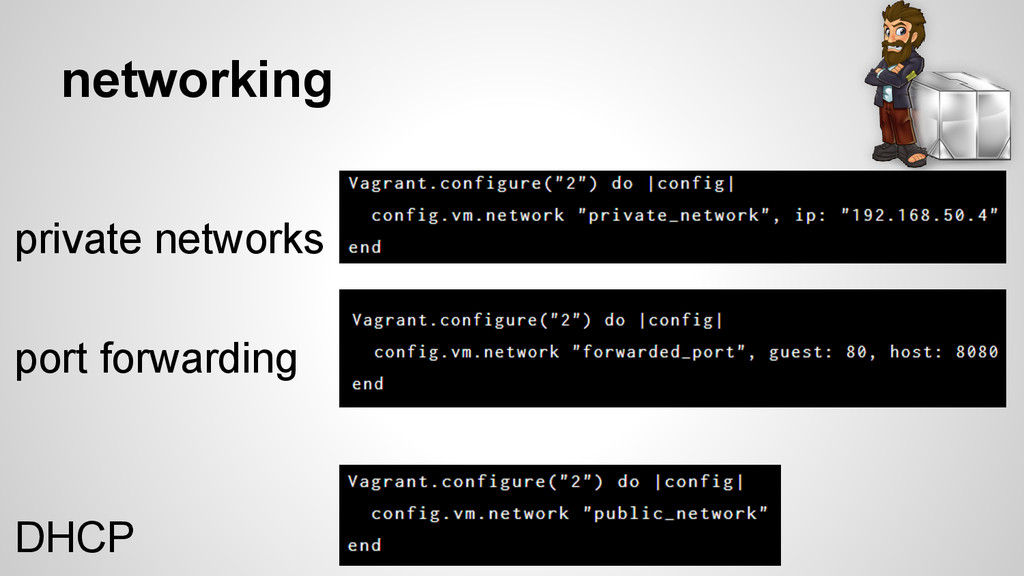
networking private networks port forwarding DHCP
mimic the prod environment • support multiple machines (in the
same Vagrantfile) • each machine can have different base-box
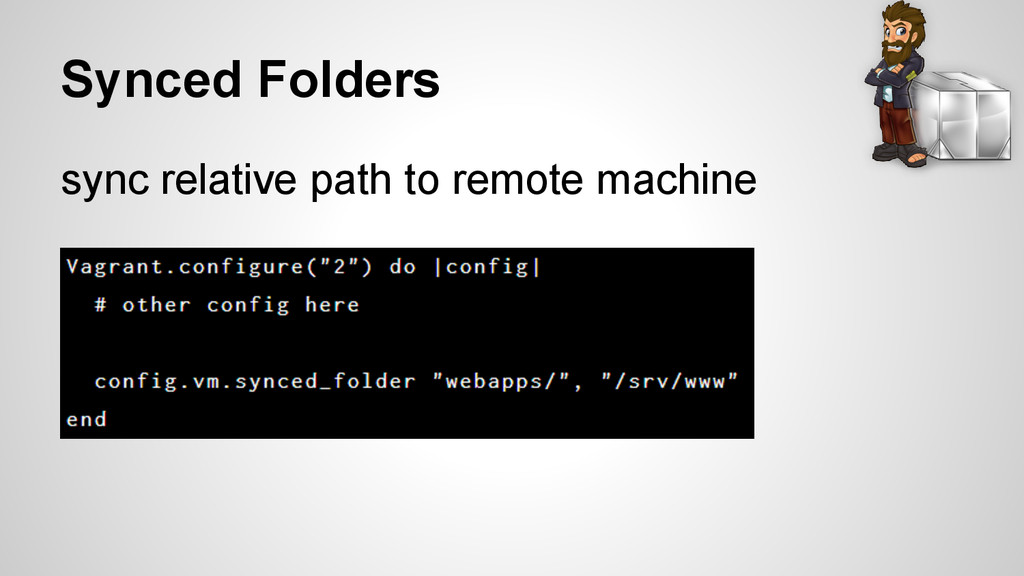
Synced Folders sync relative path to remote machine
usage • development environments • test environment • ops •
ci
workflow - 1 • Vagrant(file) per for entire project(repository) •
using minimalistic base box • provisioning everything(puppet/chef/ansible/bash)
workflow - 1 pro: • simple management. cons: • out
of date easily with Ops. • slow
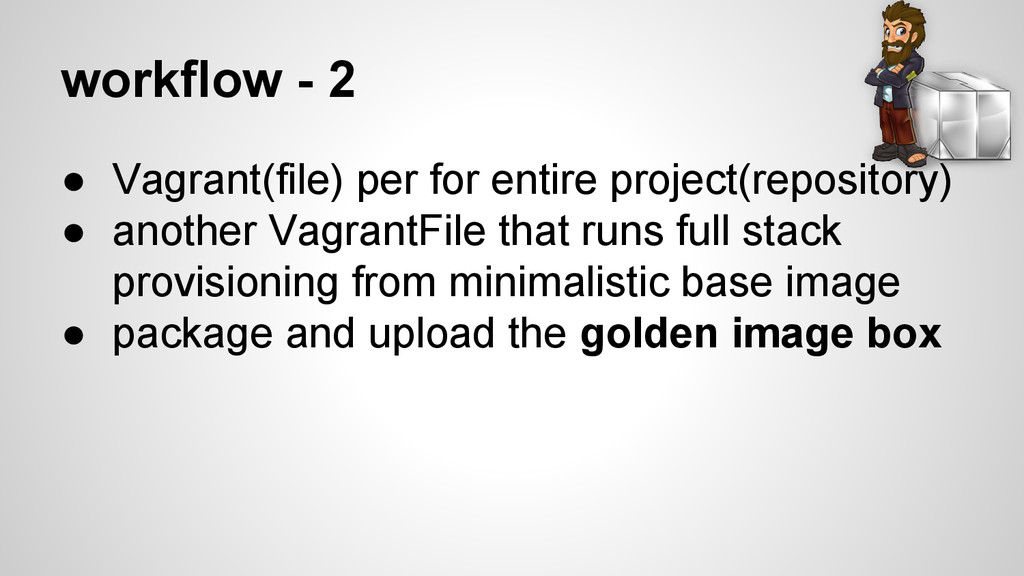
workflow - 2 • Vagrant(file) per for entire project(repository) •
another VagrantFile that runs full stack provisioning from minimalistic base image • package and upload the golden image box
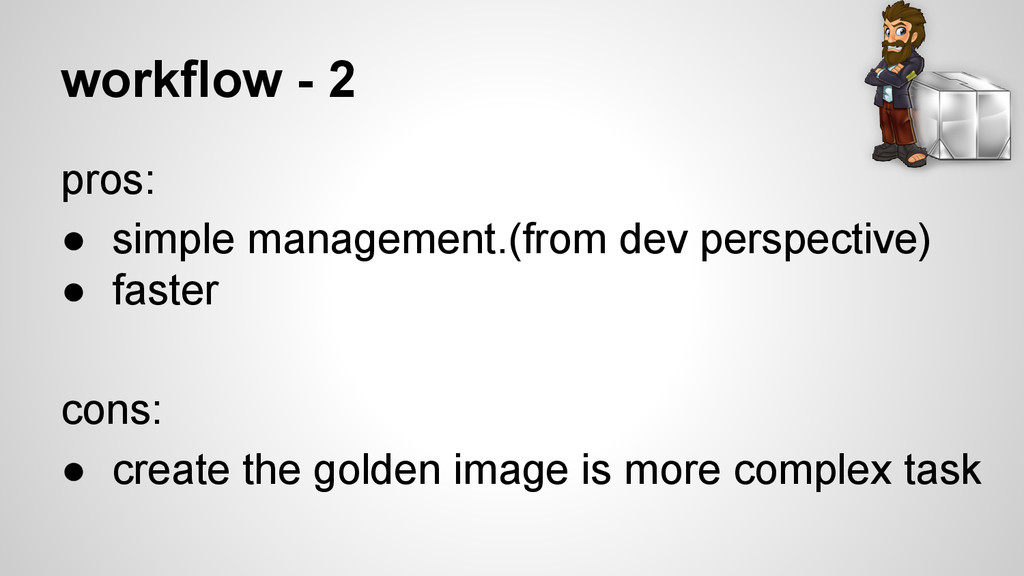
workflow - 2 pros: • simple management.(from dev perspective) •
faster cons: • create the golden image is more complex task
demo


 lielran
 ykanoh
 takahashim
 koukihosaka
 kentapapa
 terapyon
 moznion
 endonanana
 camiha
 makocchi
 tokuty
 codmoninc
 kenichiodo
 aleyda
 jacobtomlinson
 tamaranovitovic
 ianozsvald
 philnash
 jdejongh
 lynnandtonic
 yeseniaperezcruz
 tmiket
 mfonobong
 maggiecrowley