Upgrade to Pro — share decks privately, control downloads, hide ads and more …

Claude Skills Getting Started

Sponsored · Your Podcast. Everywhere. Effortlessly. Share. Educate. Inspire. Entertain. You do you. We'll handle the rest. →

Claude Skills Getting Started

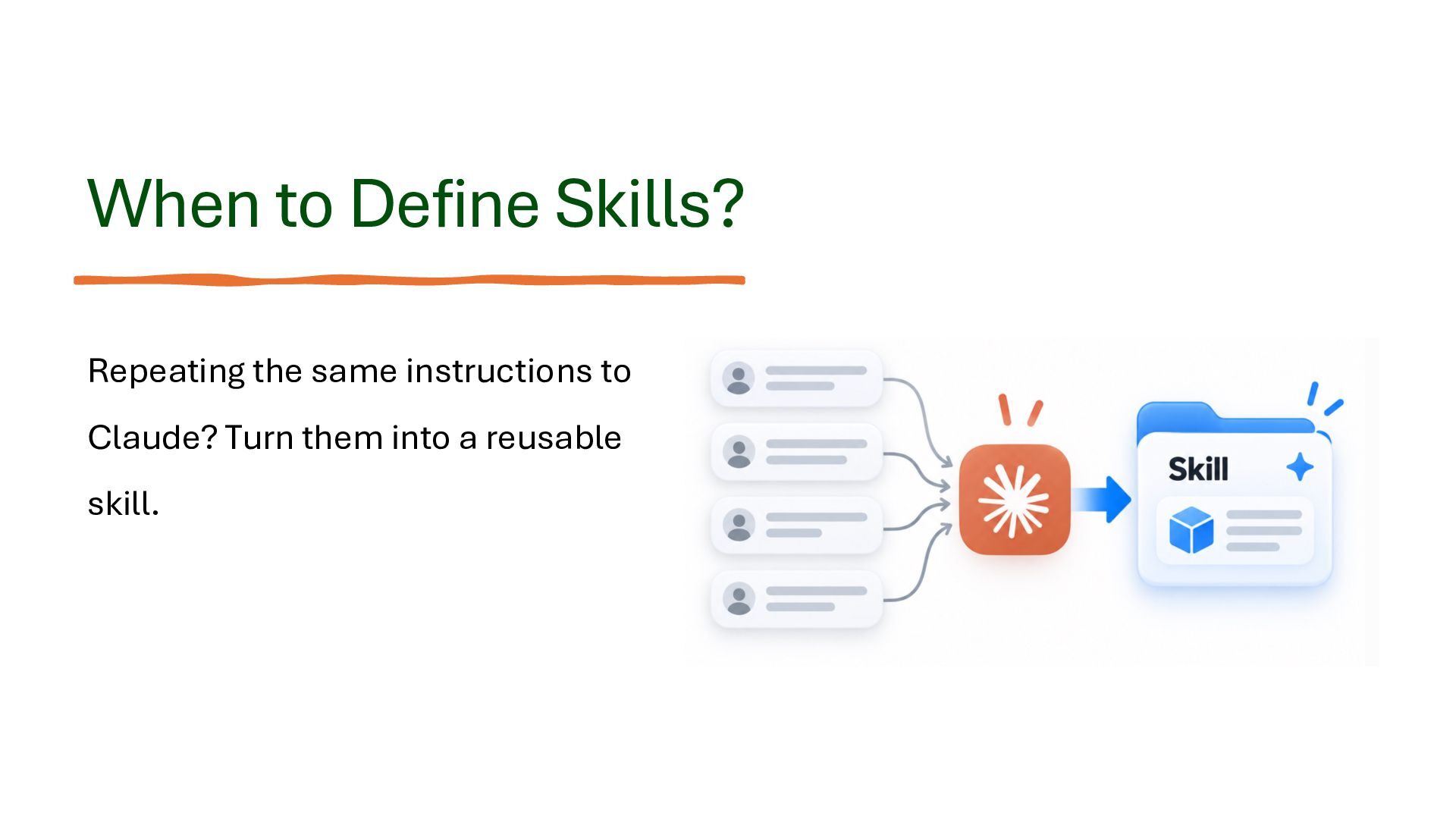
Claude Skills allow us to extend Claude's capabilities by creating reusable instructions, reference materials, and scripts that Claude can automatically discover and use when relevant. Instead of repeatedly providing the same instructions, we can package them into skills that help Claude perform specific tasks more consistently and efficiently.

This presentation provides a practical introduction to Claude Skills, from understanding the fundamental concepts to creating, testing, refining, and optimizing custom skills.

We explore the differences between Claude Account Skills, Claude Code Personal Skills, and Claude Code Project Skills, and examine how skills are structured using SKILL.md files, frontmatter, reference materials, and executable scripts.

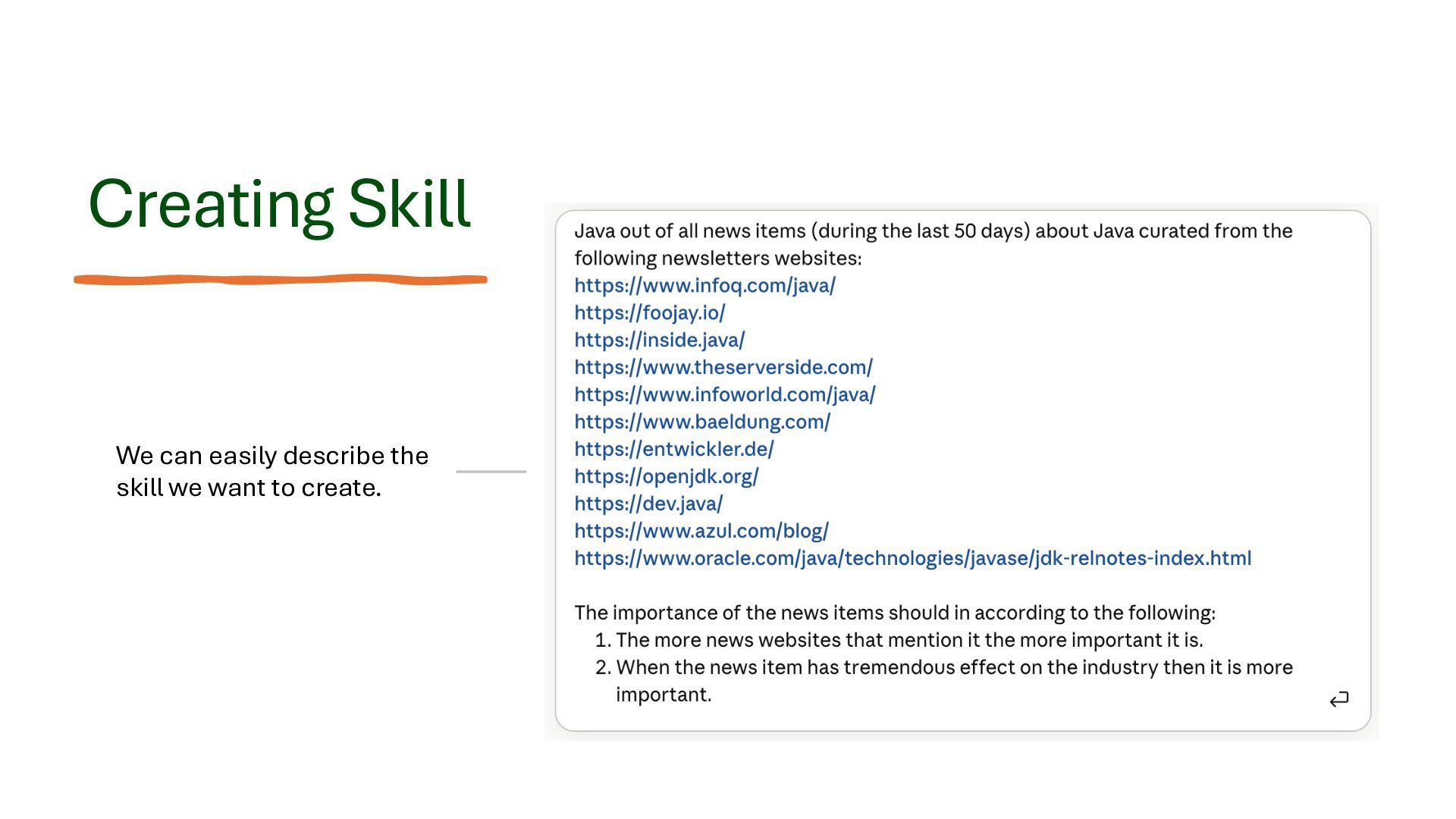
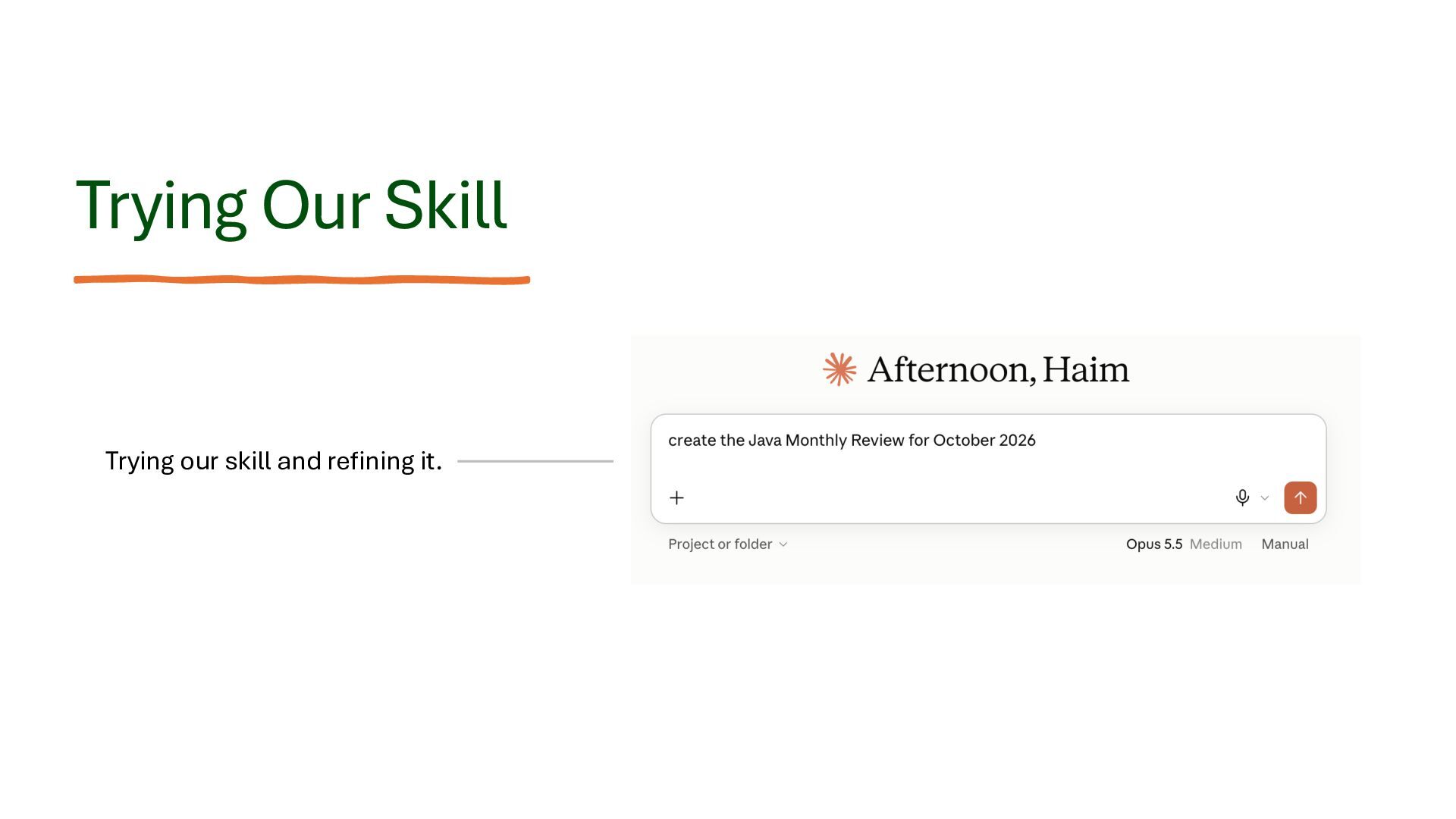
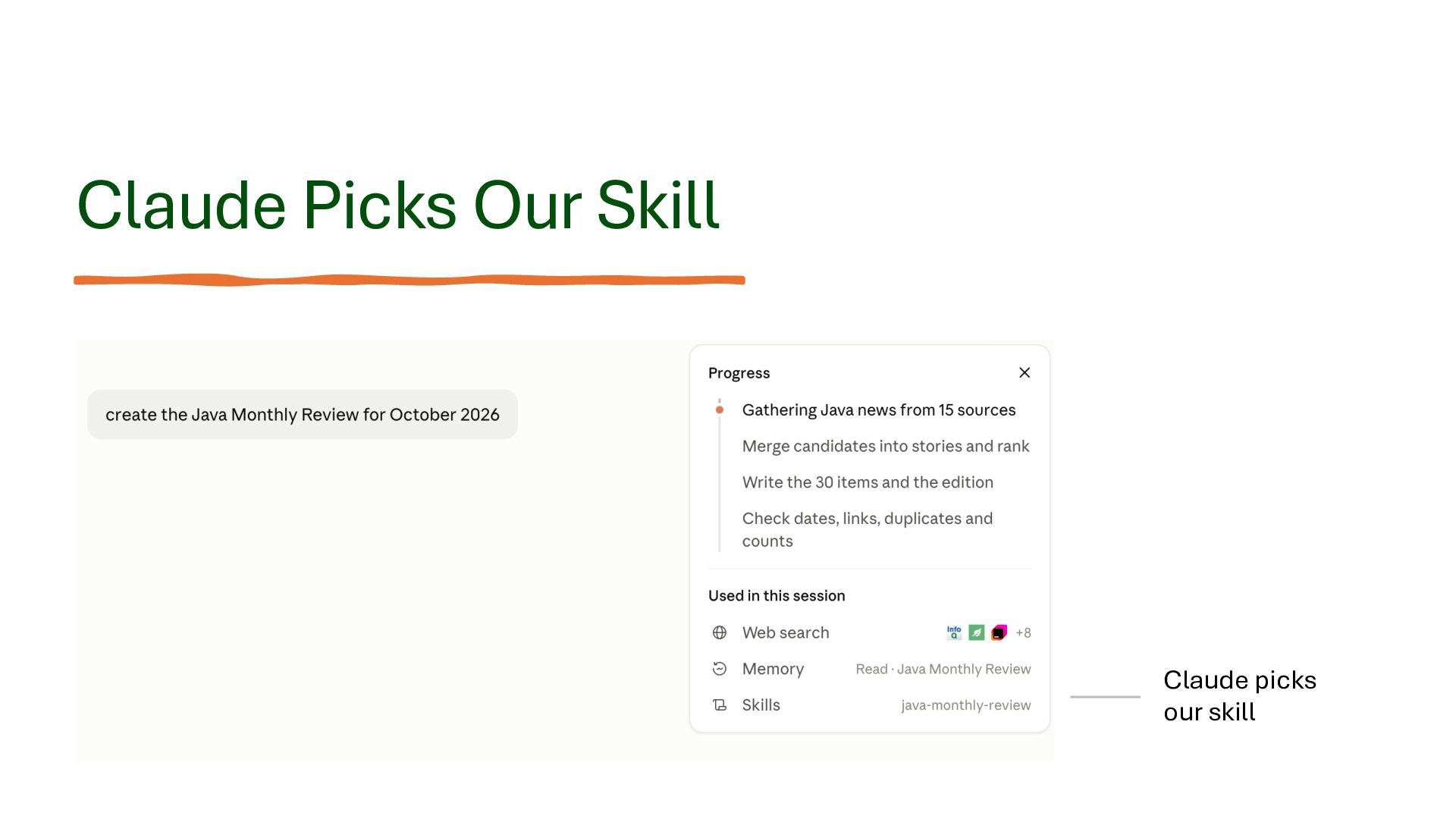
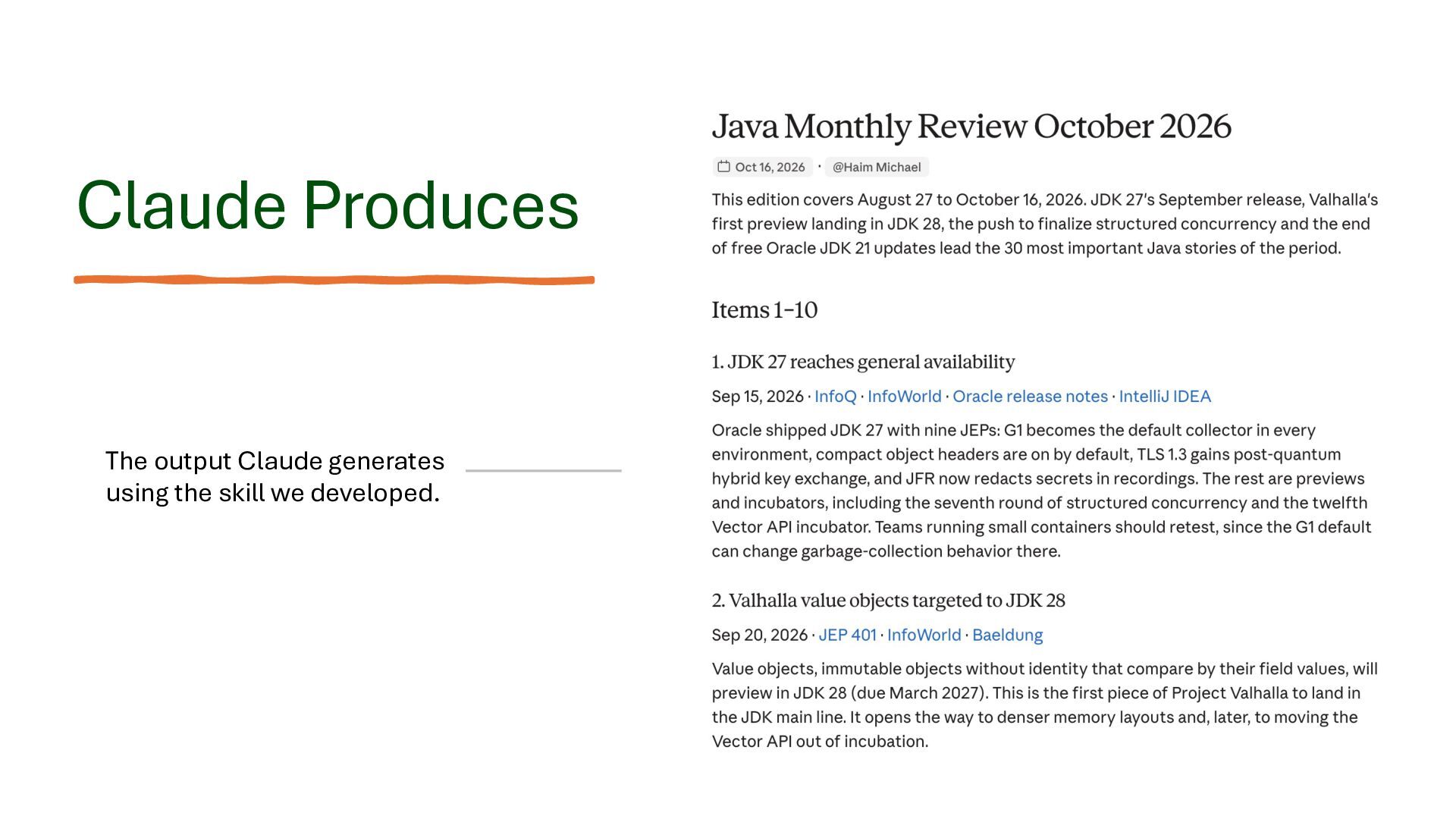
In a step-by-step demonstration, we create a skill that produces a monthly Java newsletter, customize its behavior, activate it, and review the results.

The presentation also covers:

Effective Skill Design: Defining clear purposes, constraints, instructions, and expected output formats.

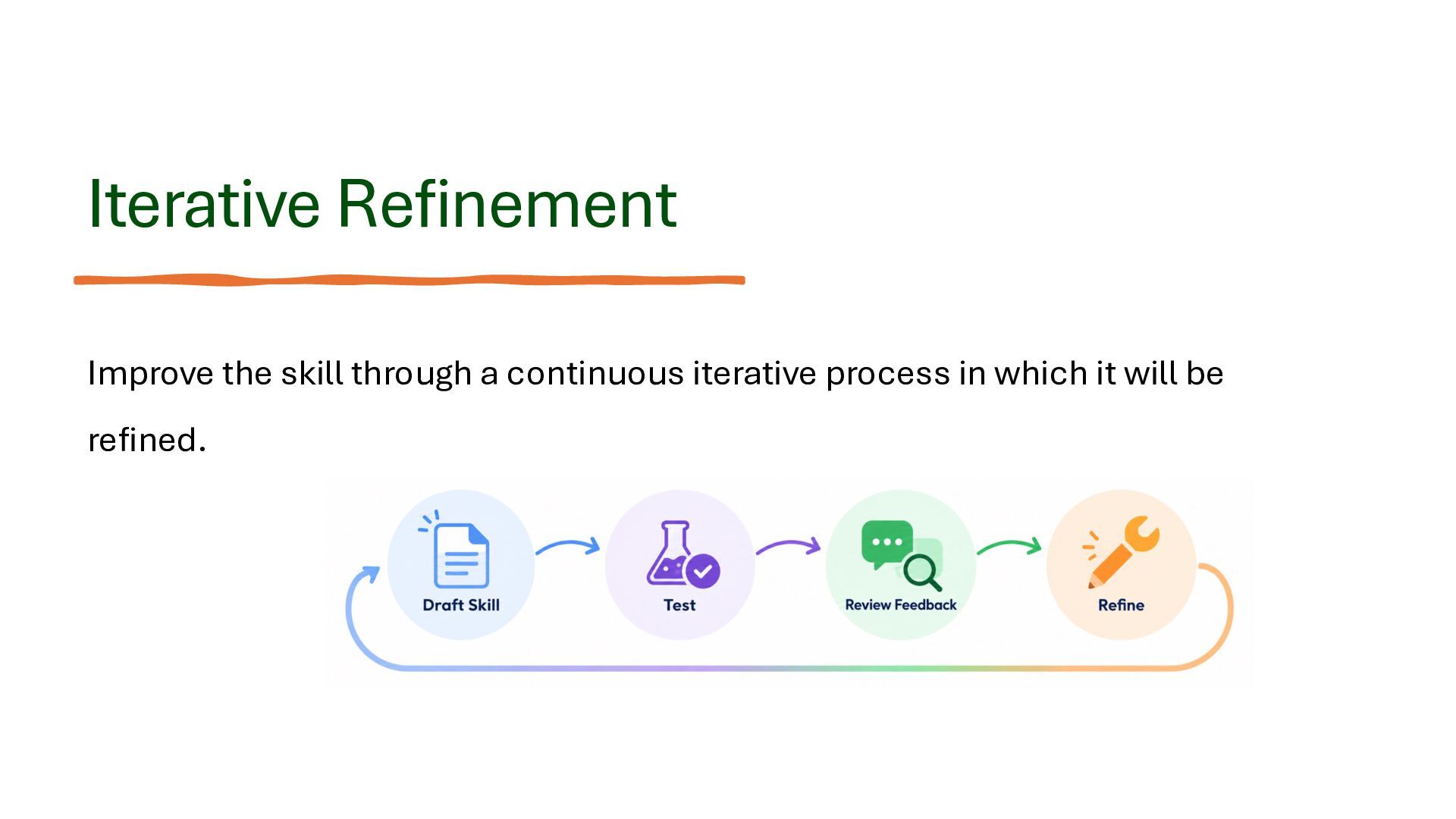
Skill Testing: Validating activation behavior, testing different scenarios, and improving reliability through iterative refinement.

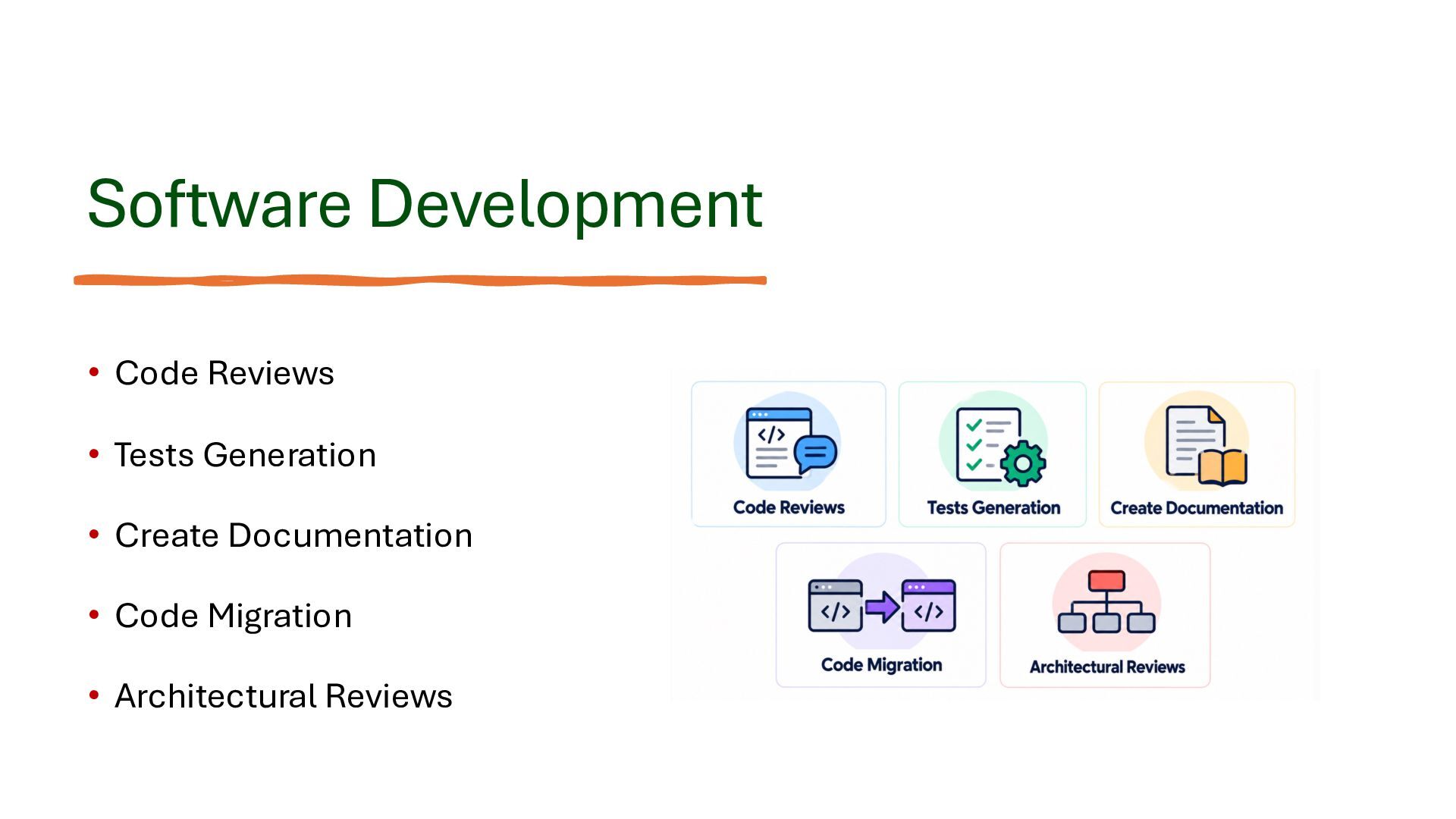
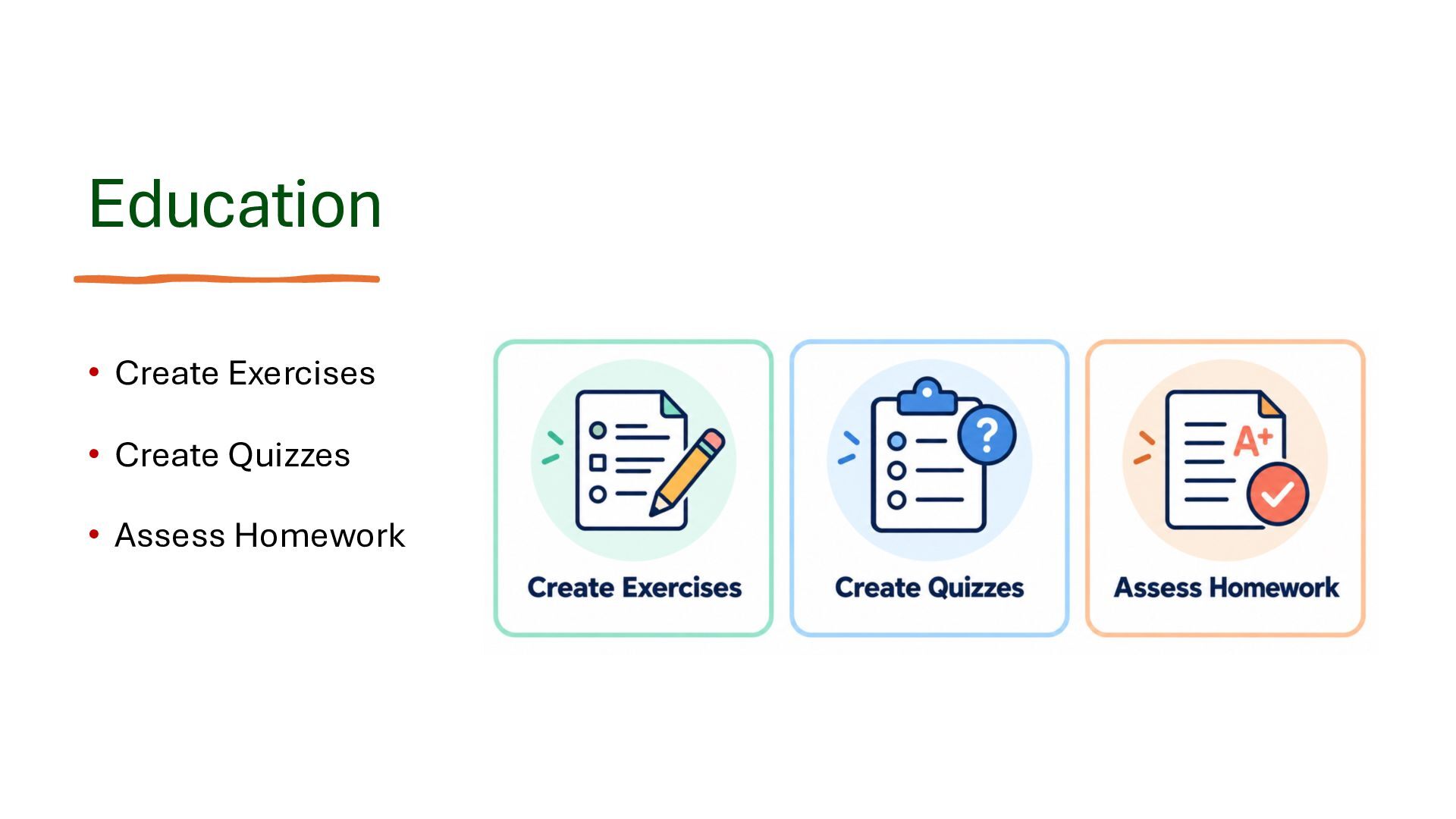
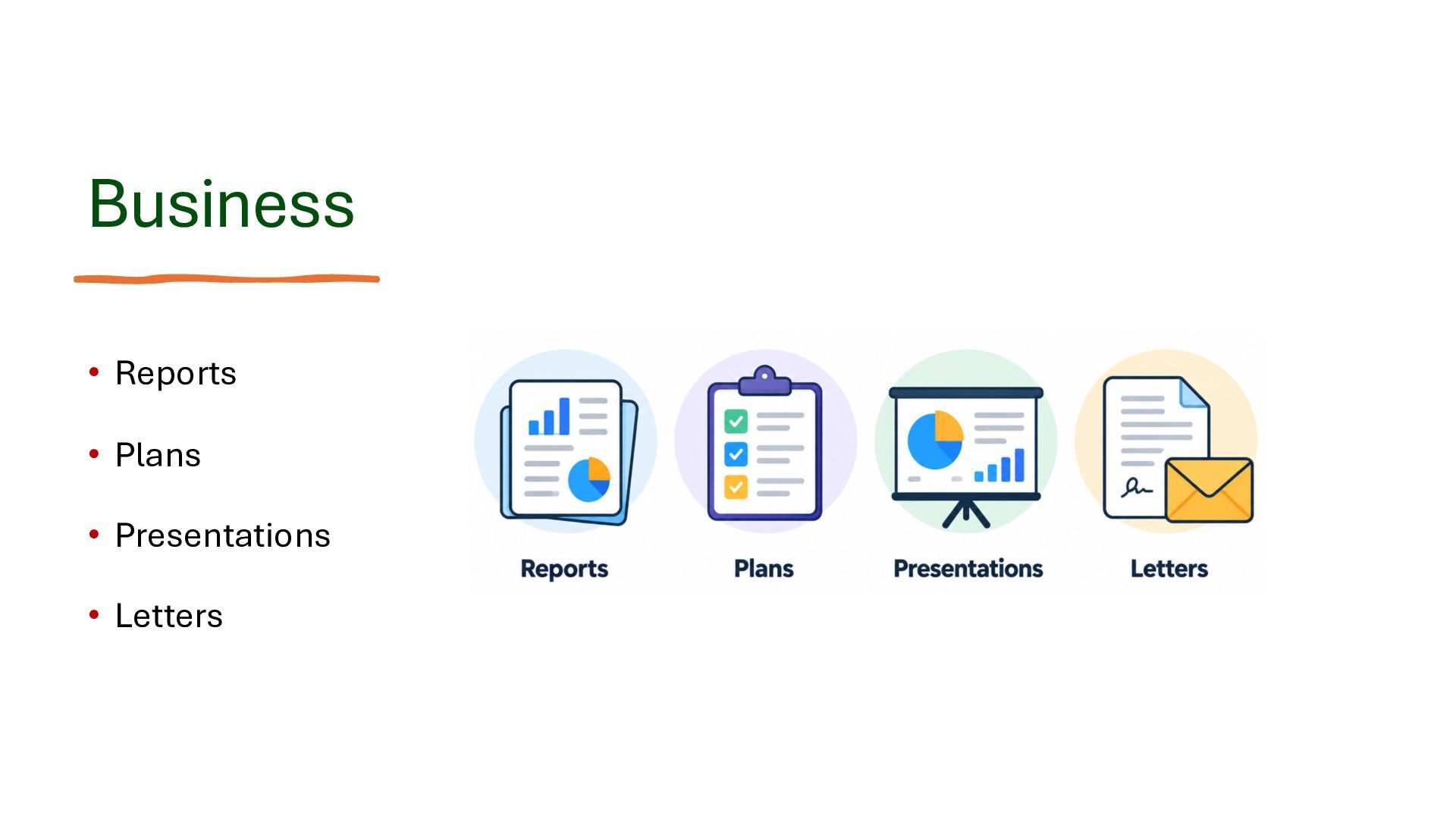
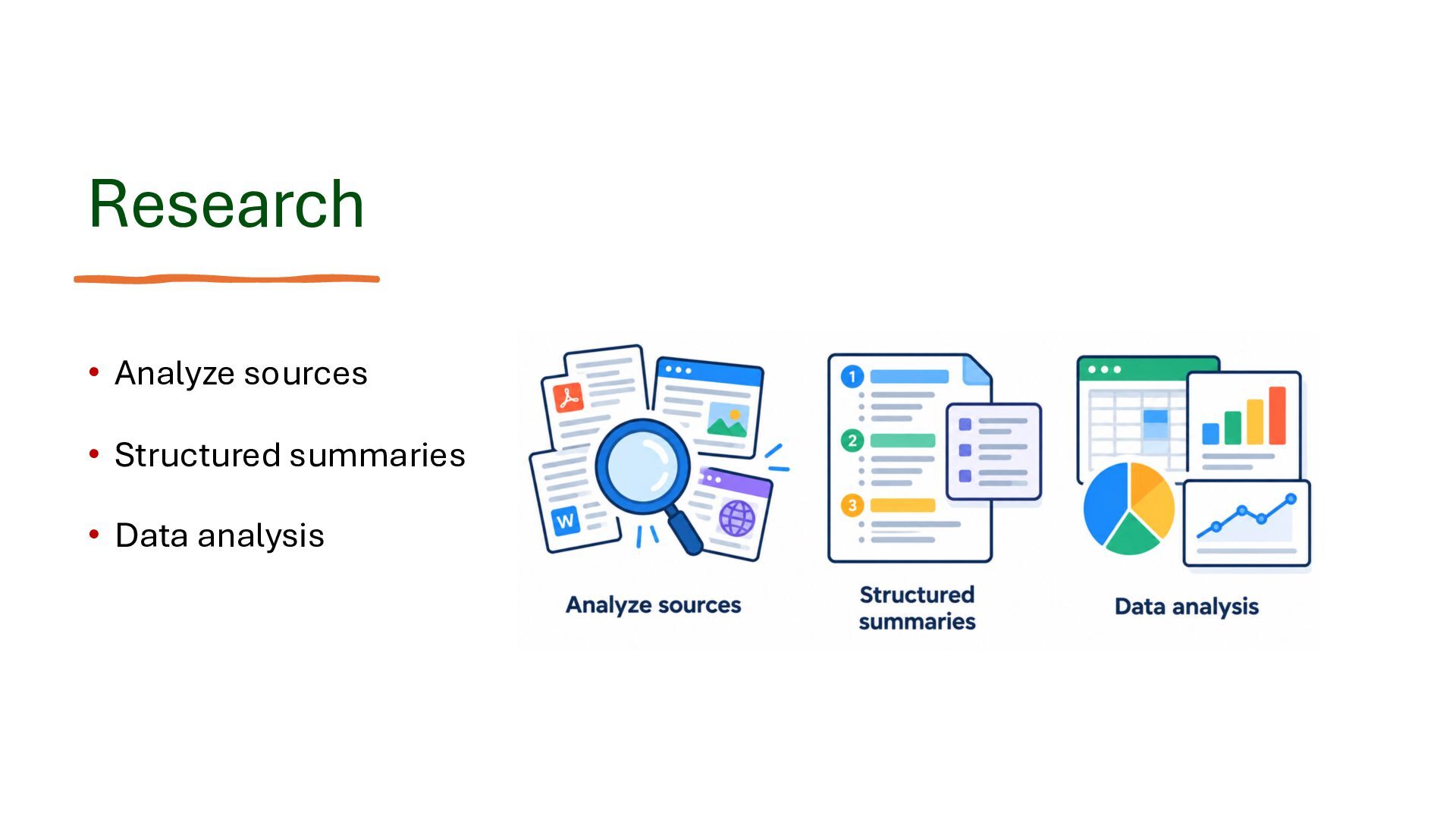
Practical Applications: Using skills in software development, education, business, and research.

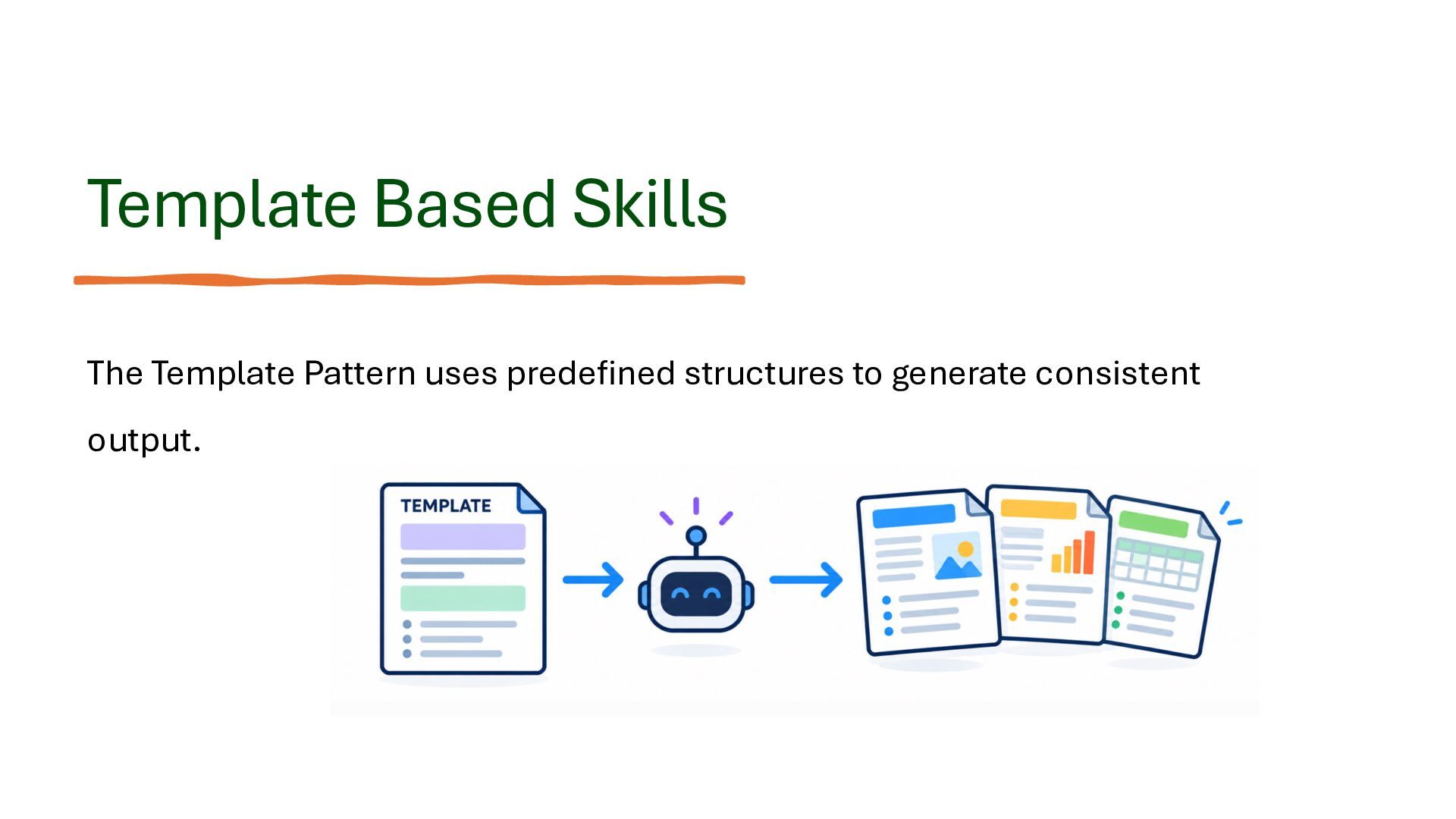
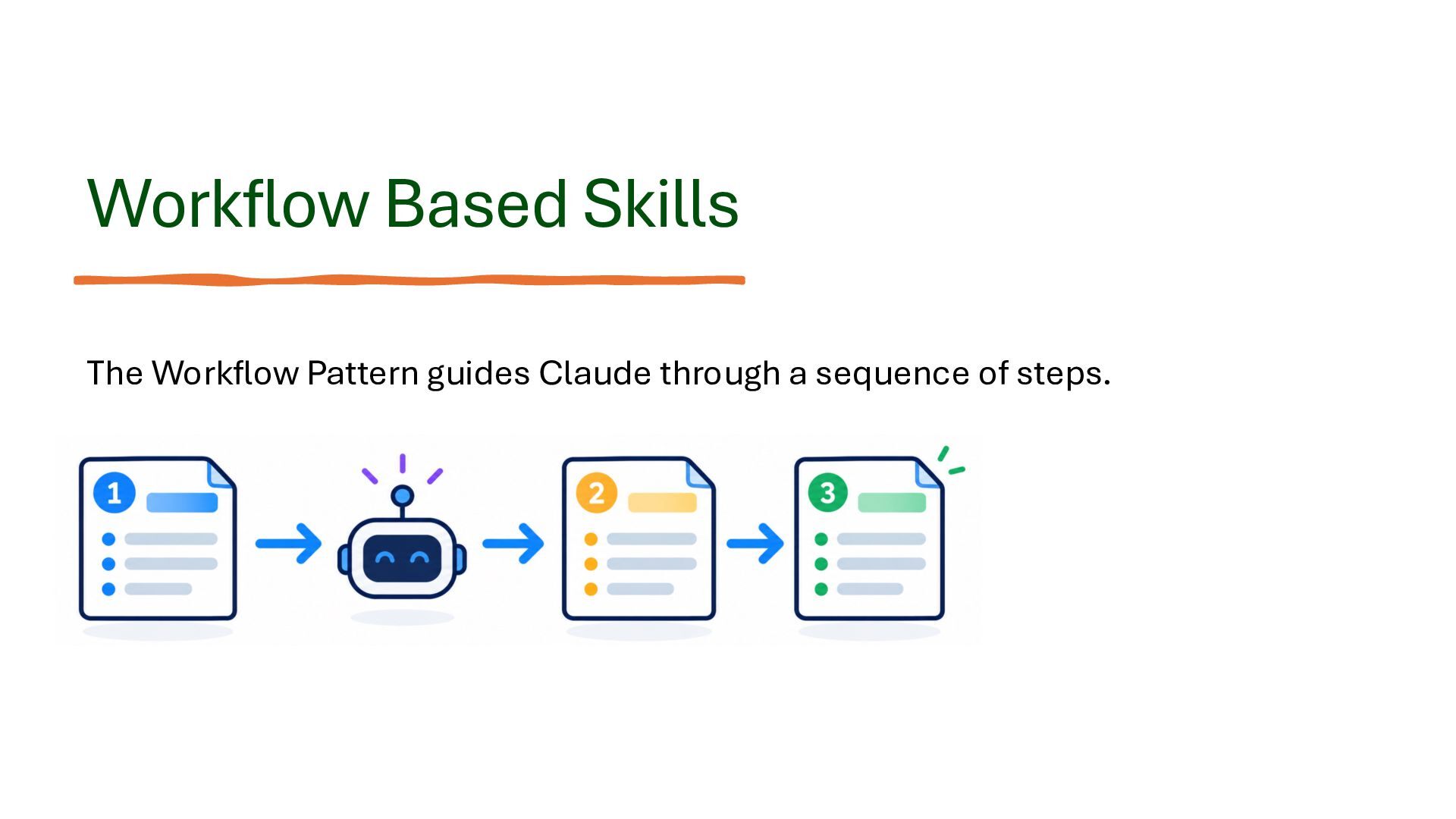
Design Patterns: Understanding template-based and workflow-based skills.

Optimization Techniques: Reduce unnecessary context, organize supporting materials, and add validation to skill workflows.

Best Practices: Keep skills focused, write actionable instructions, and continuously improve their behavior.

The central message is that Claude Skills transform repetitive instructions into reusable capabilities, enabling more structured, reliable, and productive AI-assisted workflows.

The presentation suits developers, educators, business professionals, and anyone who wants to use Claude better. No programming background is required.

Haim Michael
Founder & CEO, Zindell Technologies
https://blog.lifemichael.com

Post:
https://lifemichael.com/en/exploring-claude-skills-in-our-latest-online-meetup/

Video:
https://youtu.be/YP81rkrpgpE

life michael

October 27, 2026

Transcript

63 slides
  1. Claude Skills Getting Started Haim Michael Founder & CEO @

    Zindell Technologies www.zindell.com | blog.lifemichael.com life michael
  2. My name is Haim Michael. I live in Tel Aviv,

    and I am the CEO & founder of Zindell Technologies, Ltd. My passion lies in teaching and lifelong learning. I have been into programming since my childhood. I have extensive experience with Java (30+ yrs), JavaScript (30+ yrs), C++ (30+ yrs), C# (20+ yrs), TypeScript (12+ yrs), Python (15+ yrs), PHP (20+ yrs), Scala (16+ yrs), and Kotlin (12+ yrs). Teaching advanced topics in computer science at the university. blog.lifemichael.com Tel-Aviv, Israel
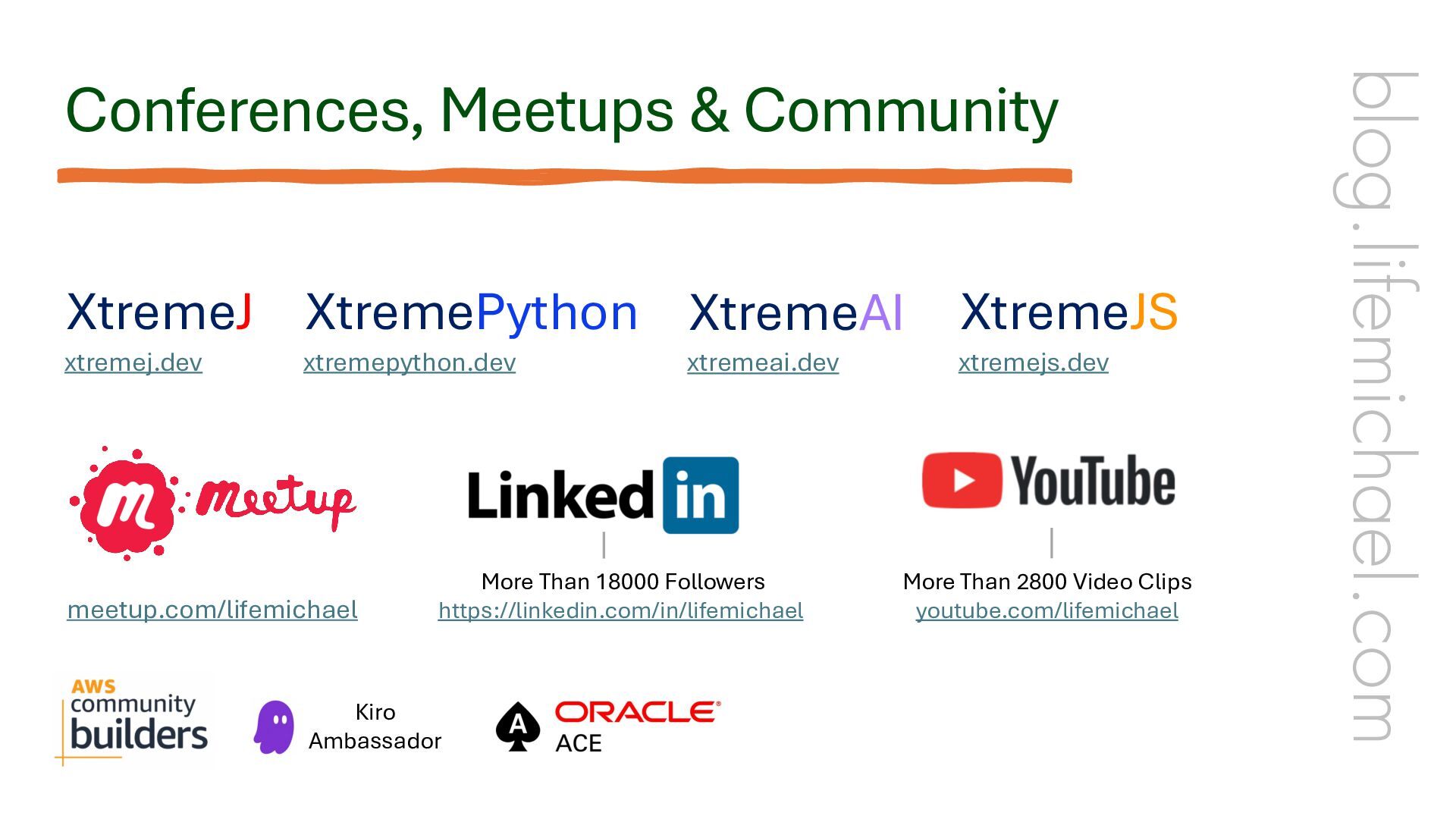
  3. XtremeJ XtremePython XtremeAI xtremej.dev xtremepython.dev meetup.com/lifemichael xtremeai.dev More Than 18000
    Followers https://linkedin.com/in/lifemichael Kiro Ambassador XtremeJS xtremejs.dev More Than 2800 Video Clips youtube.com/lifemichael blog.lifemichael.com Conferences, Meetups & Community
  4. Jacado - More Than 200 Games for Mobile Telephones –

    Years 2001- 2008 Zindell - Building AI Aligned Companies – Years 2026 - … nana.events prompo.ai zindrex.com ngager.pro jacado.games blog.lifemichael.com Passion to Build
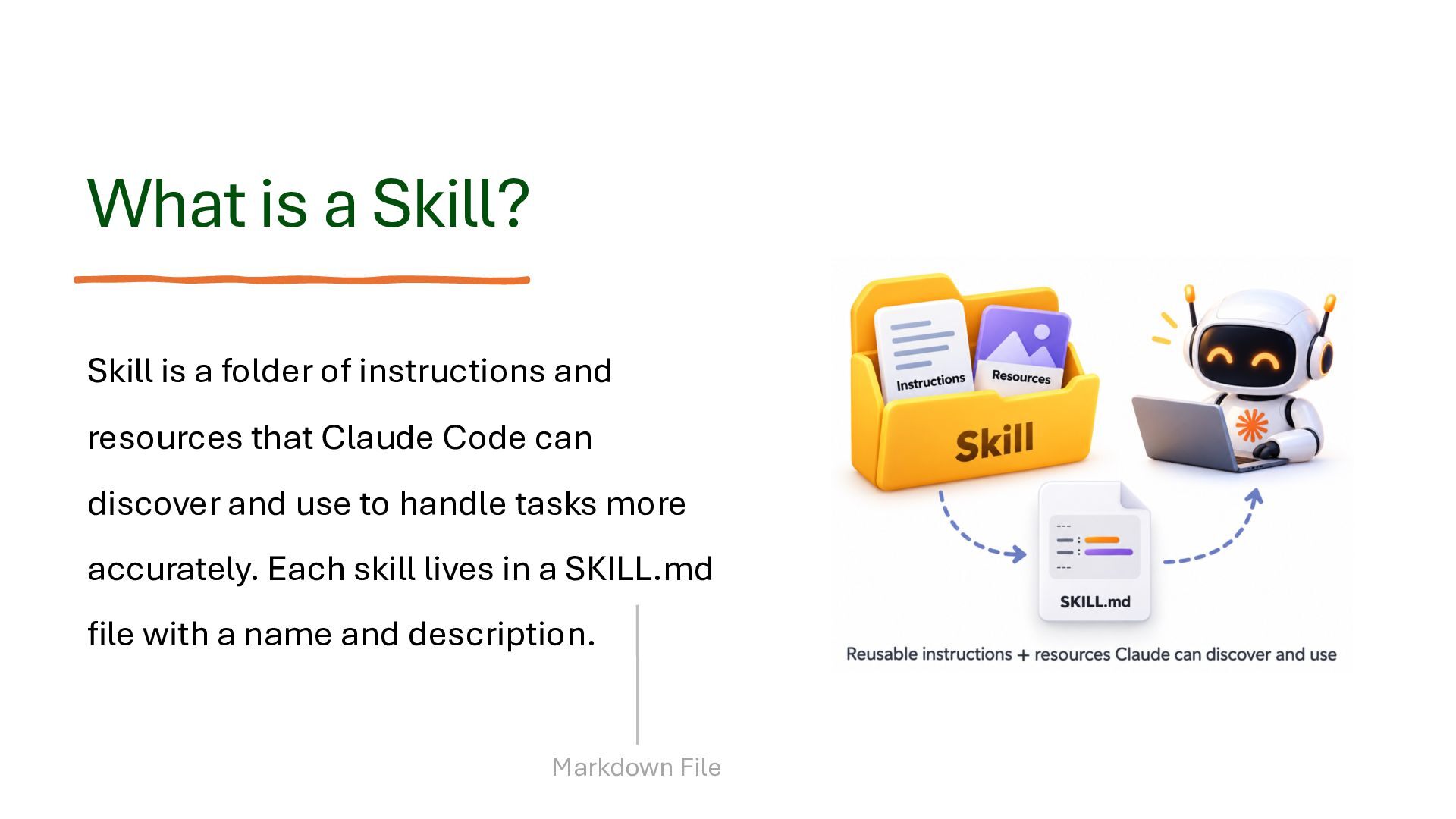
  5. What is a Skill? Skill is a folder of instructions

    and resources that Claude Code can discover and use to handle tasks more accurately. Each skill lives in a SKILL.md file with a name and description. Markdown File
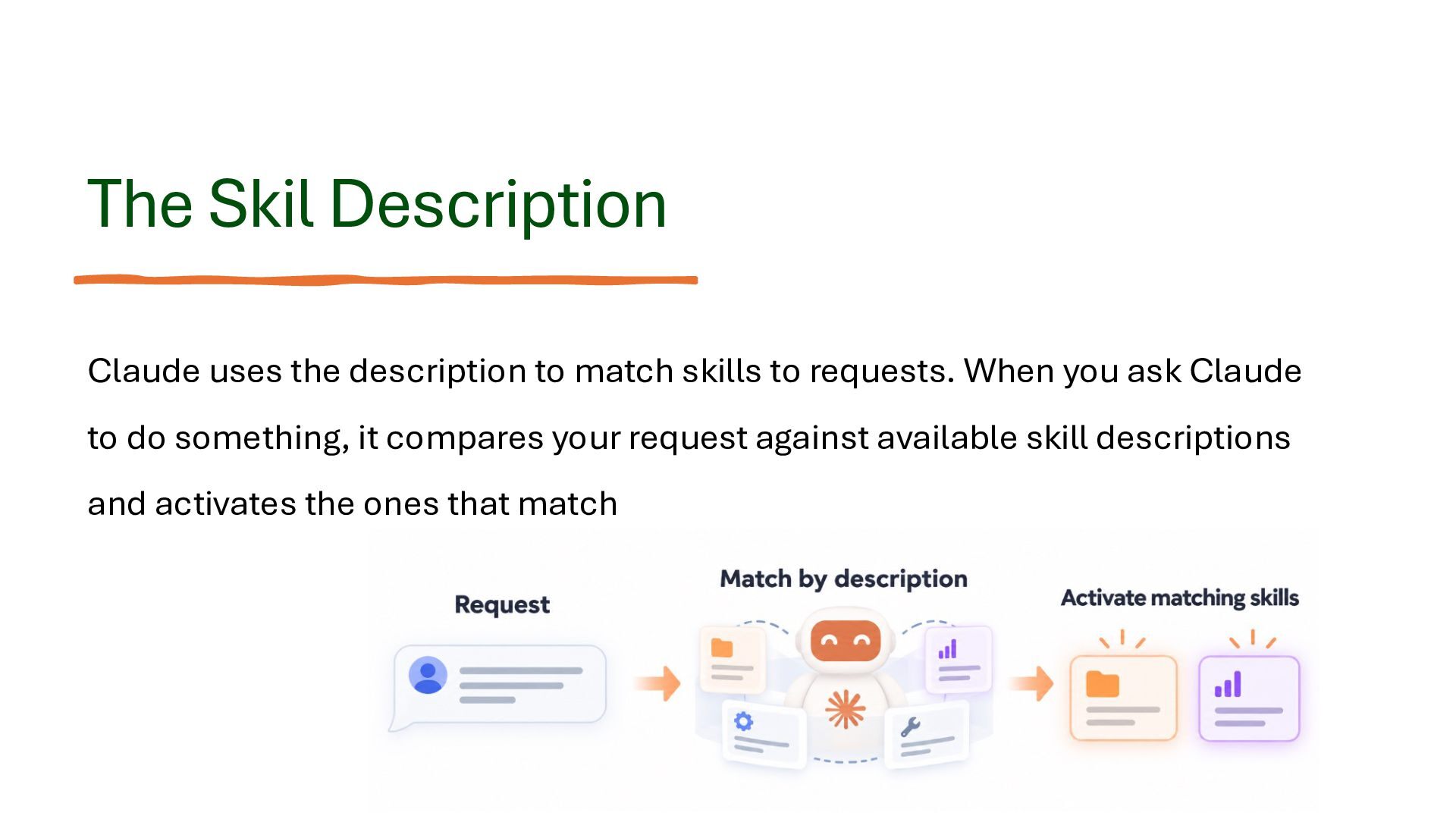
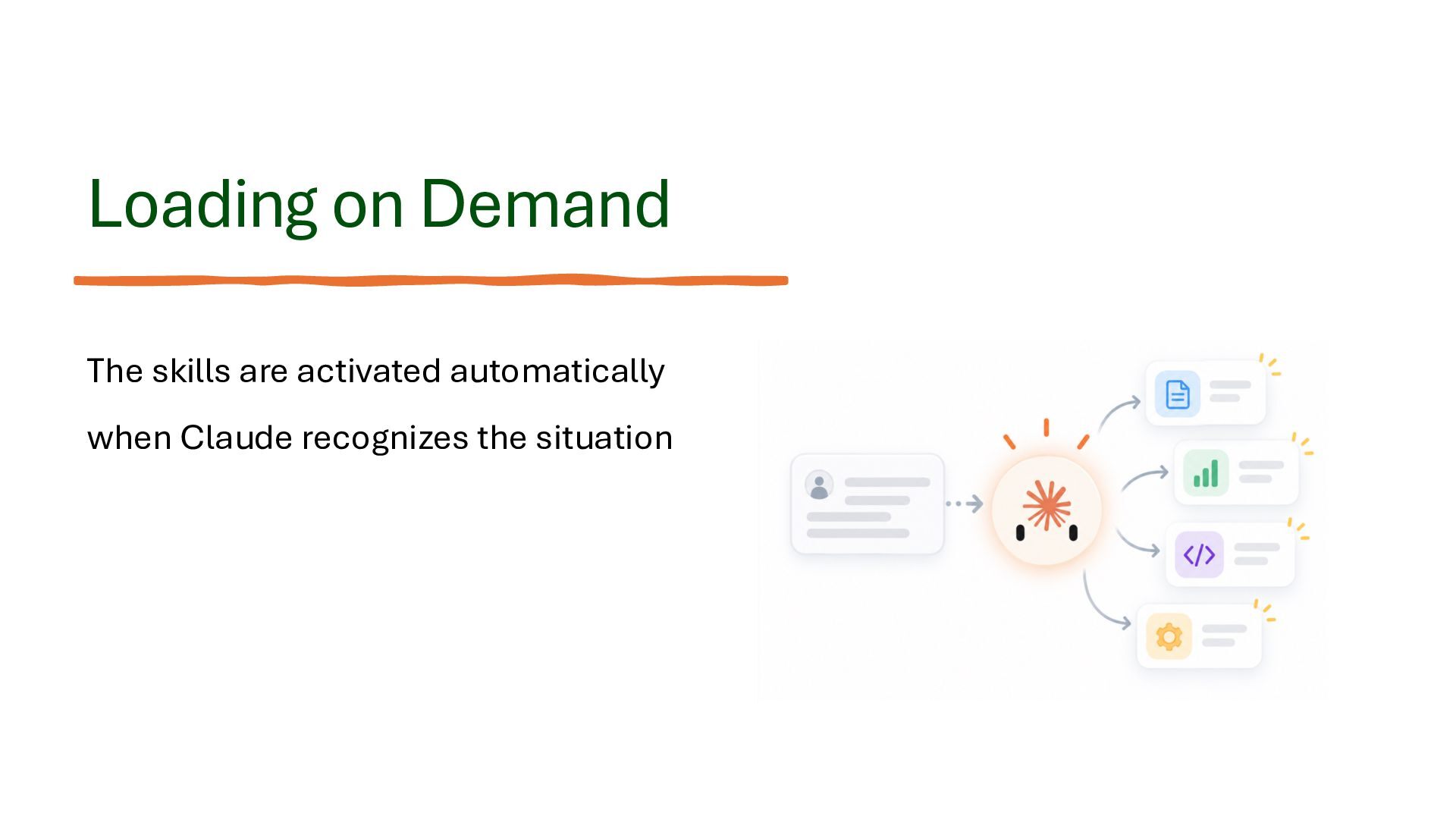
  6. The Skil Description Claude uses the description to match skills

    to requests. When you ask Claude to do something, it compares your request against available skill descriptions and activates the ones that match
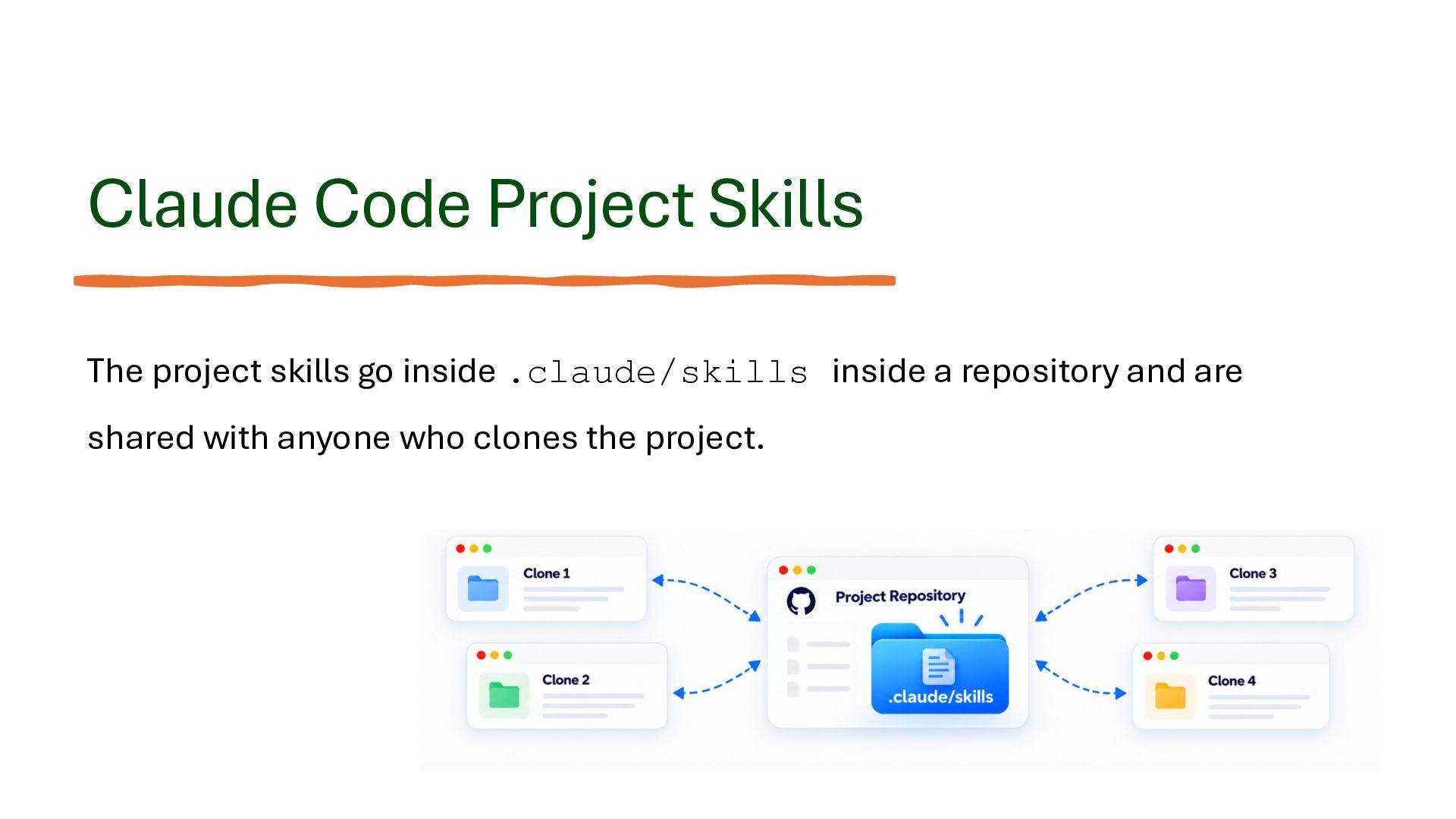
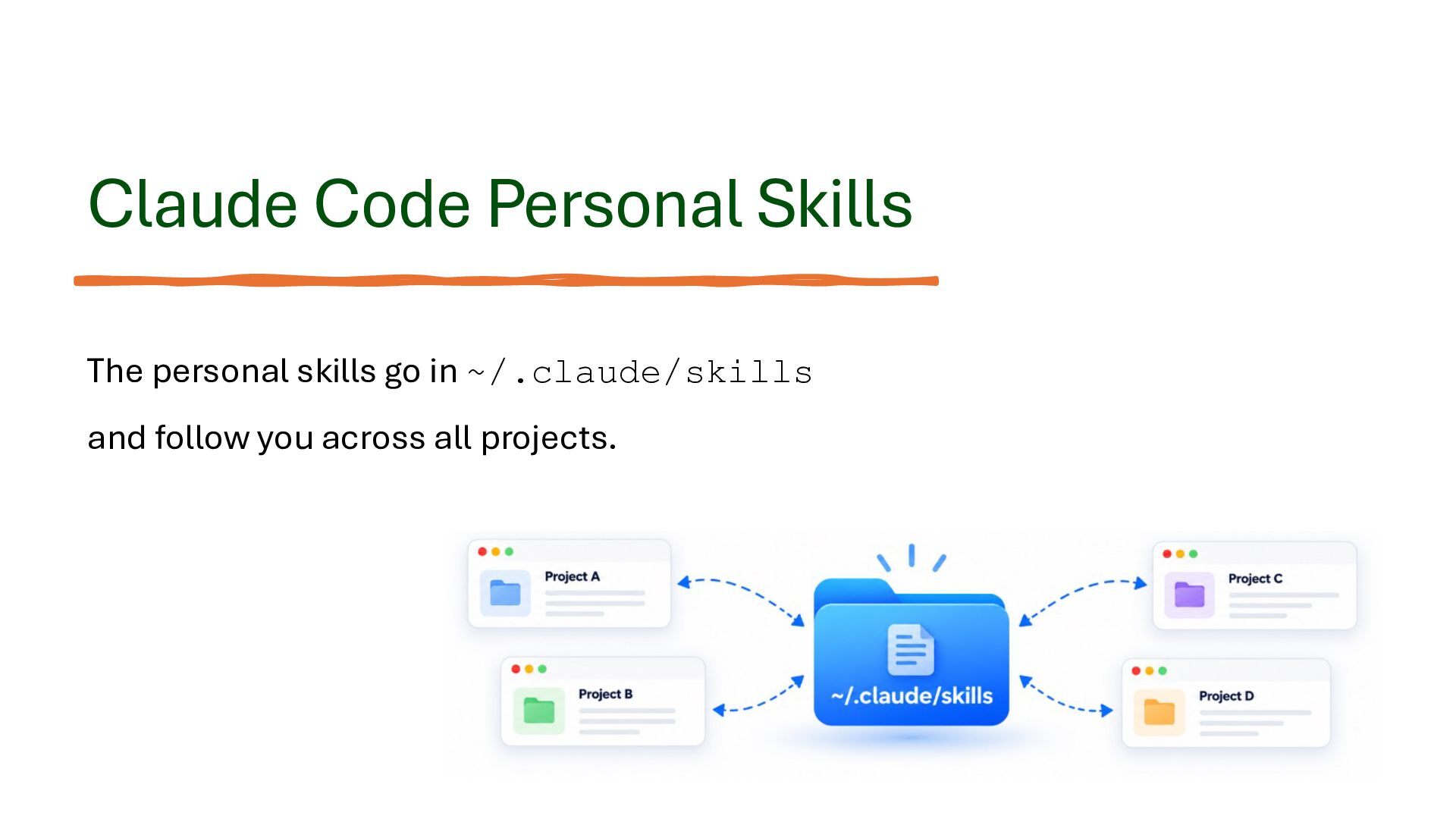
  7. Claude Code Project Skills The project skills go inside .claude/skills

    inside a repository and are shared with anyone who clones the project.
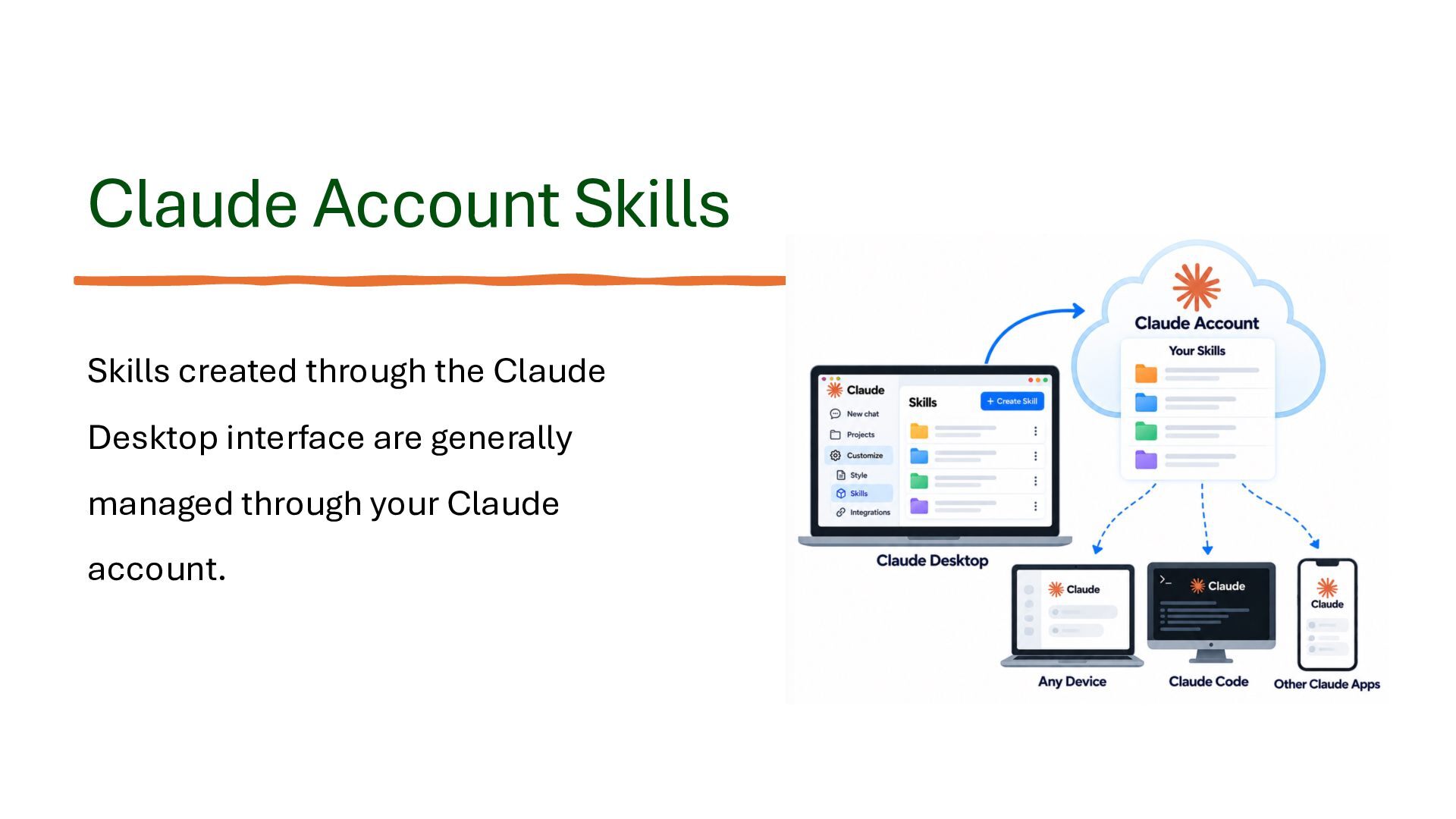
  8. Claude Account Skills Skills created through the Claude Desktop interface

    are generally managed through your Claude account.
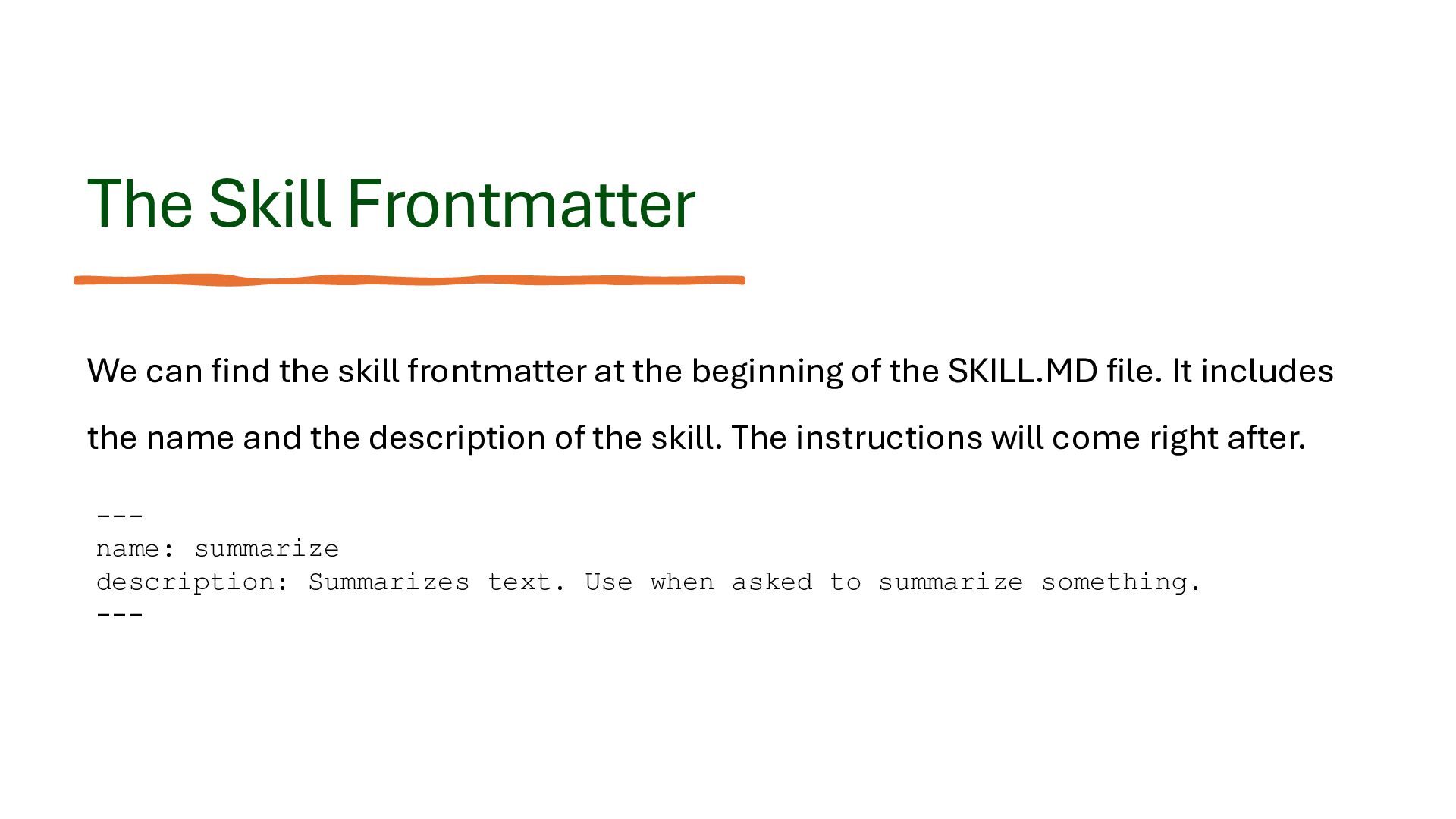
  9. The Skill Frontmatter We can find the skill frontmatter at

    the beginning of the SKILL.MD file. It includes the name and the description of the skill. The instructions will come right after. --name: summarize description: Summarizes text. Use when asked to summarize something. ---
  10. Examples for Skills • Creating a blog post • Creating

    a monthly newsletter • Creating a detailed report that lists invoices
  11. How to Create a Skill? There are several ways to

    create a new skill. The simplest way is probably either through conversation or using the skill-creator skill.
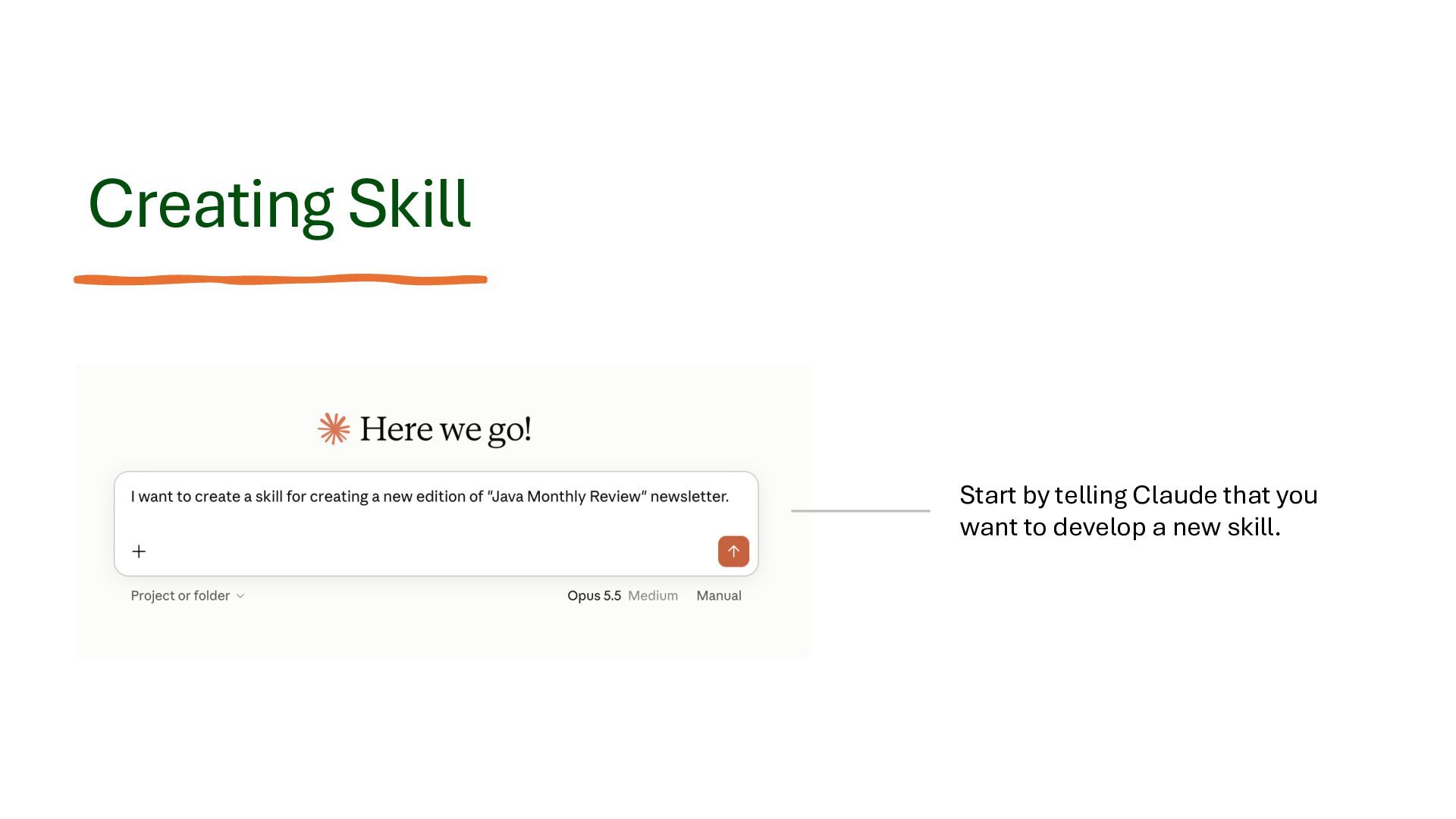
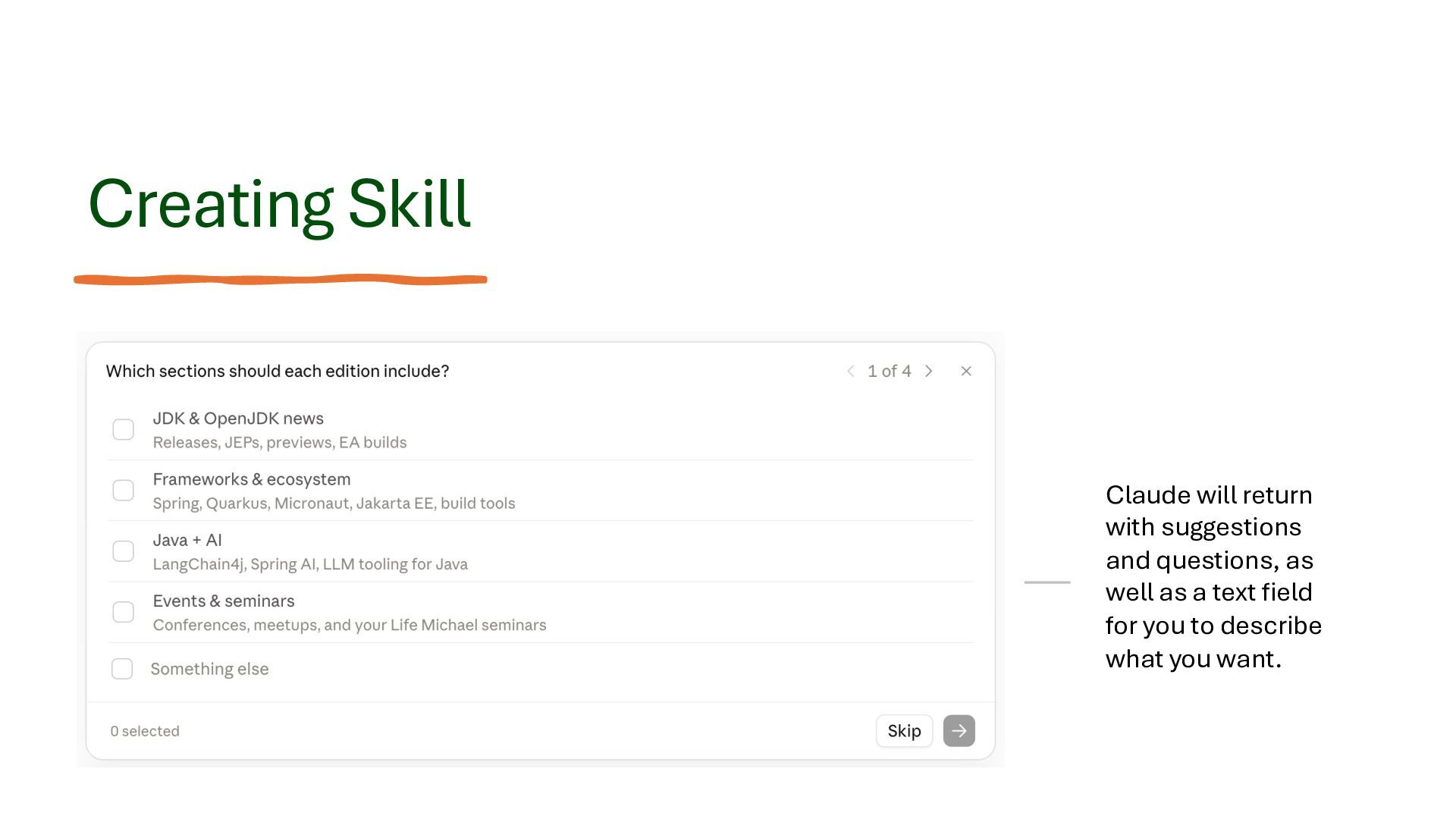
  12. Creating Skill Claude will return with suggestions and questions, as

    well as a text field for you to describe what you want.
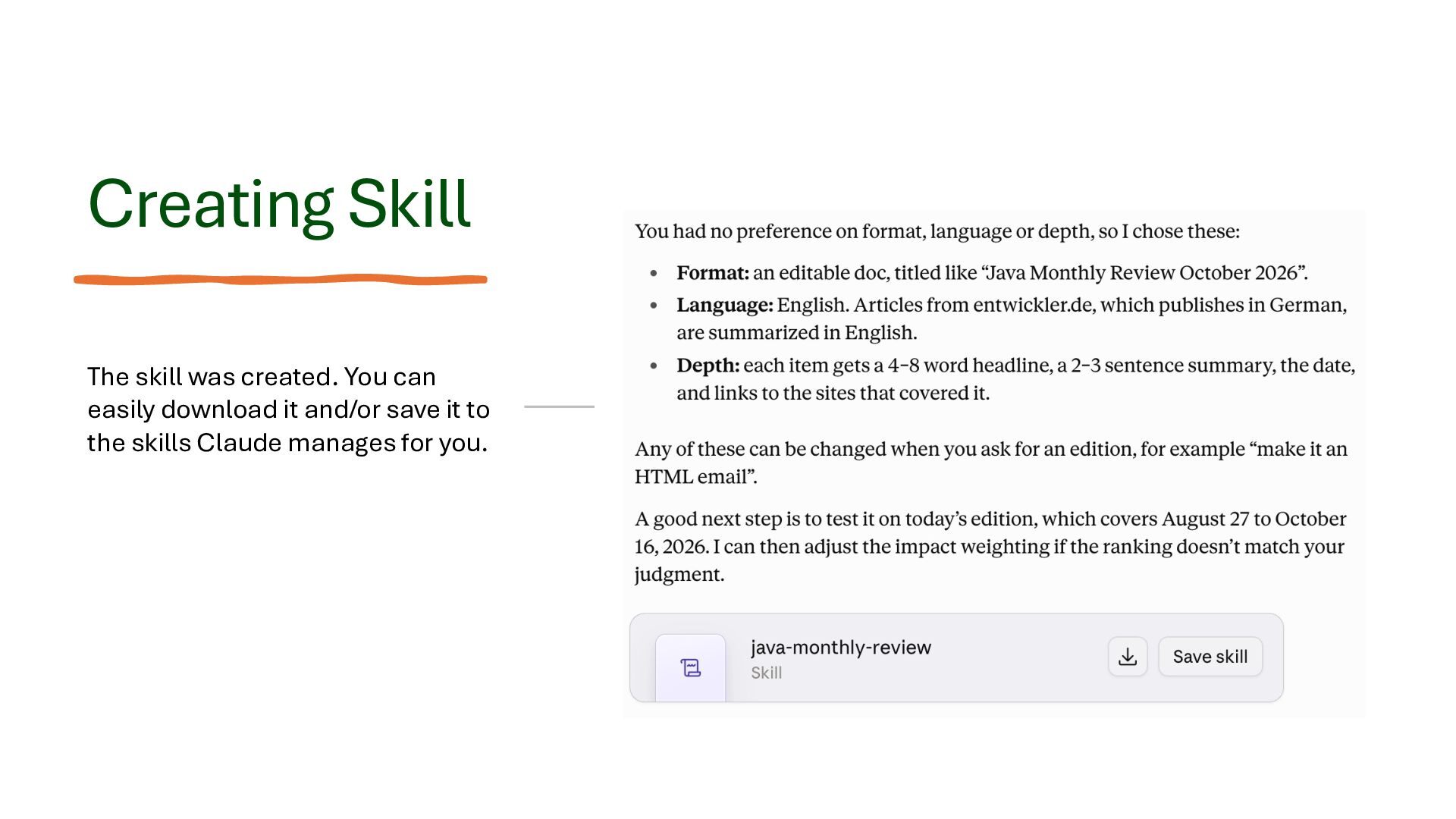
  13. Creating Skill The skill was created. You can easily download

    it and/or save it to the skills Claude manages for you.
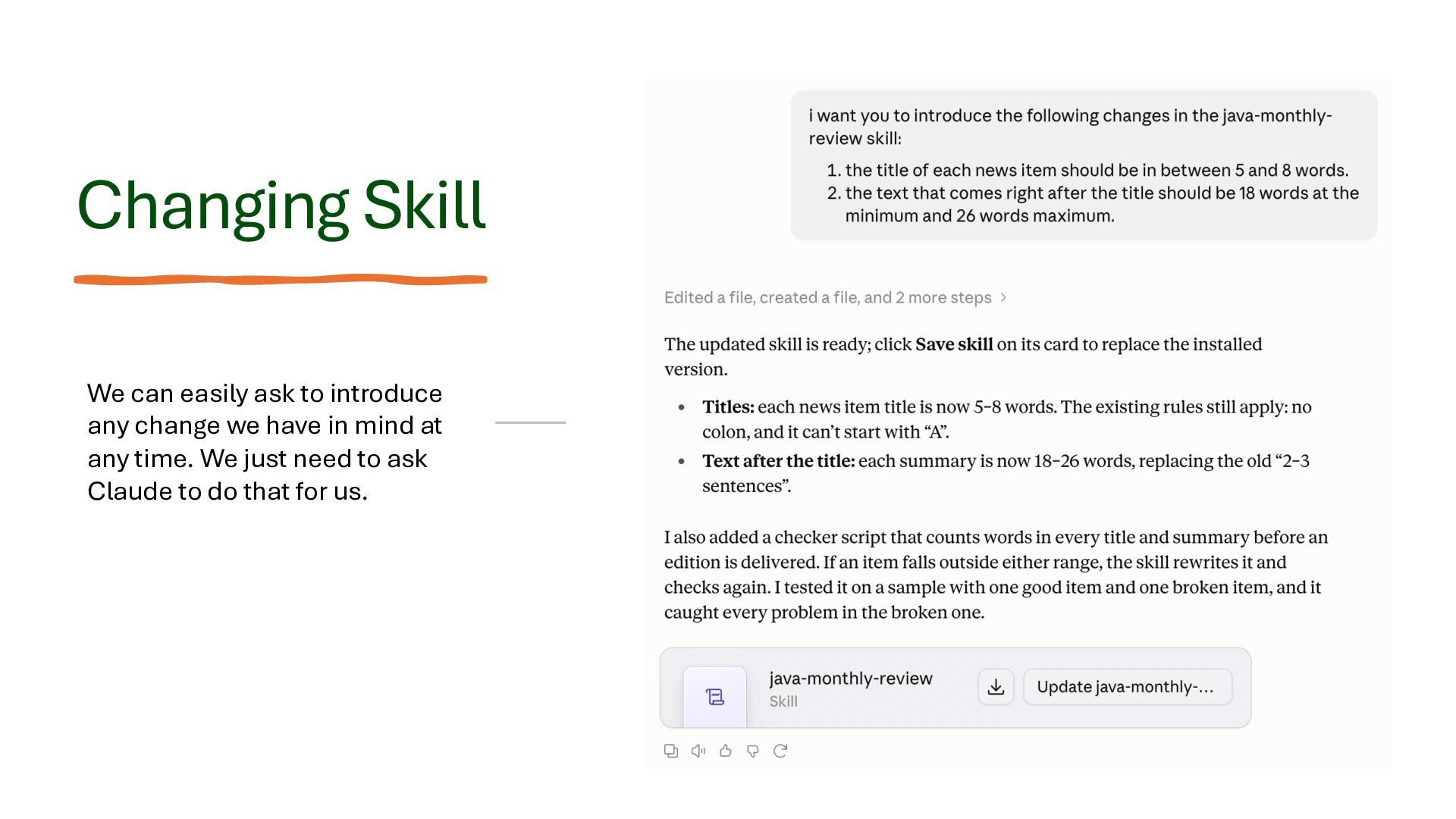
  14. Changing Skill We can easily ask to introduce any change

    we have in mind at any time. We just need to ask Claude to do that for us.
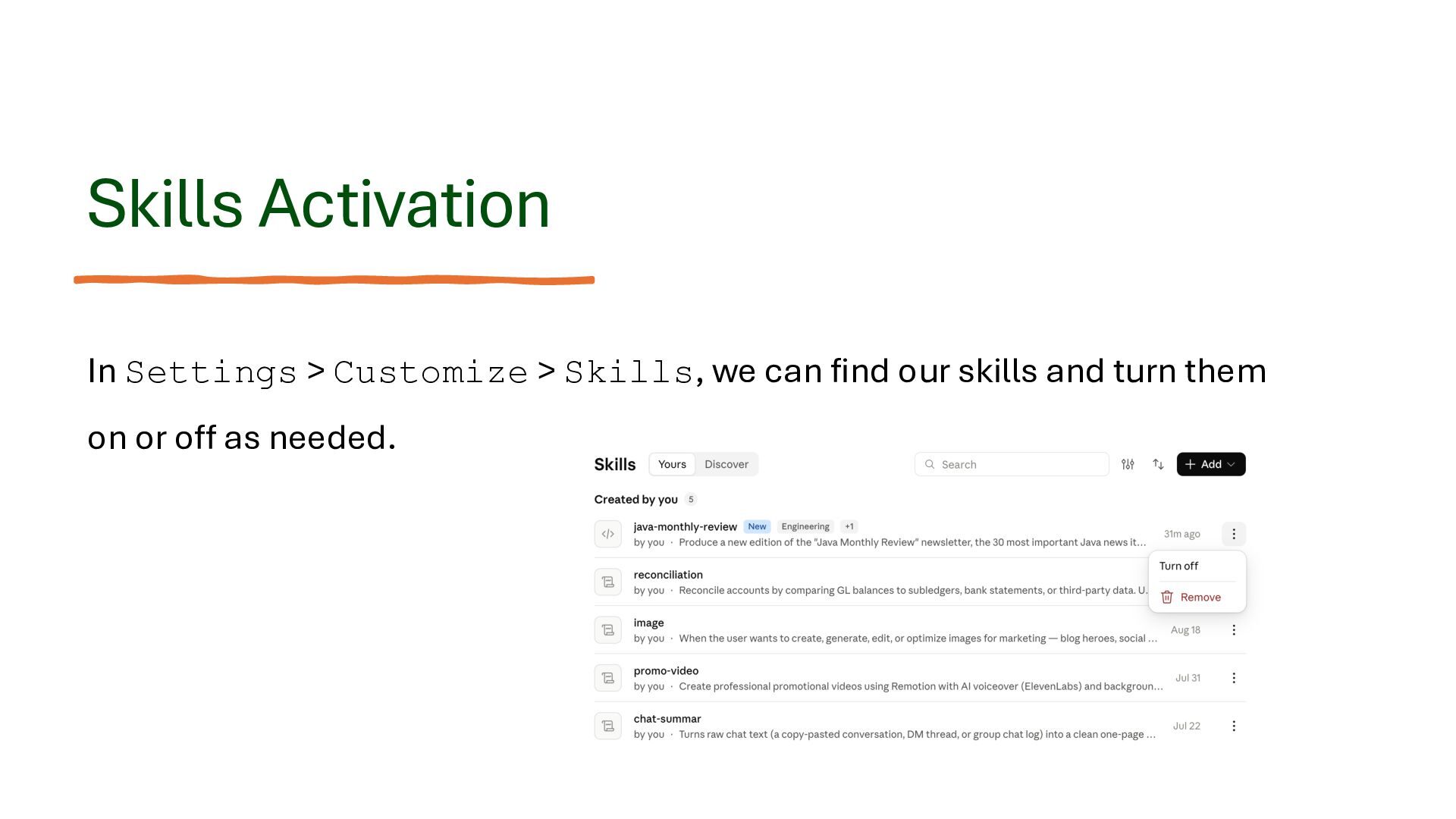
  15. Skills Activation In Settings > Customize > Skills, we can

    find our skills and turn them on or off as needed.
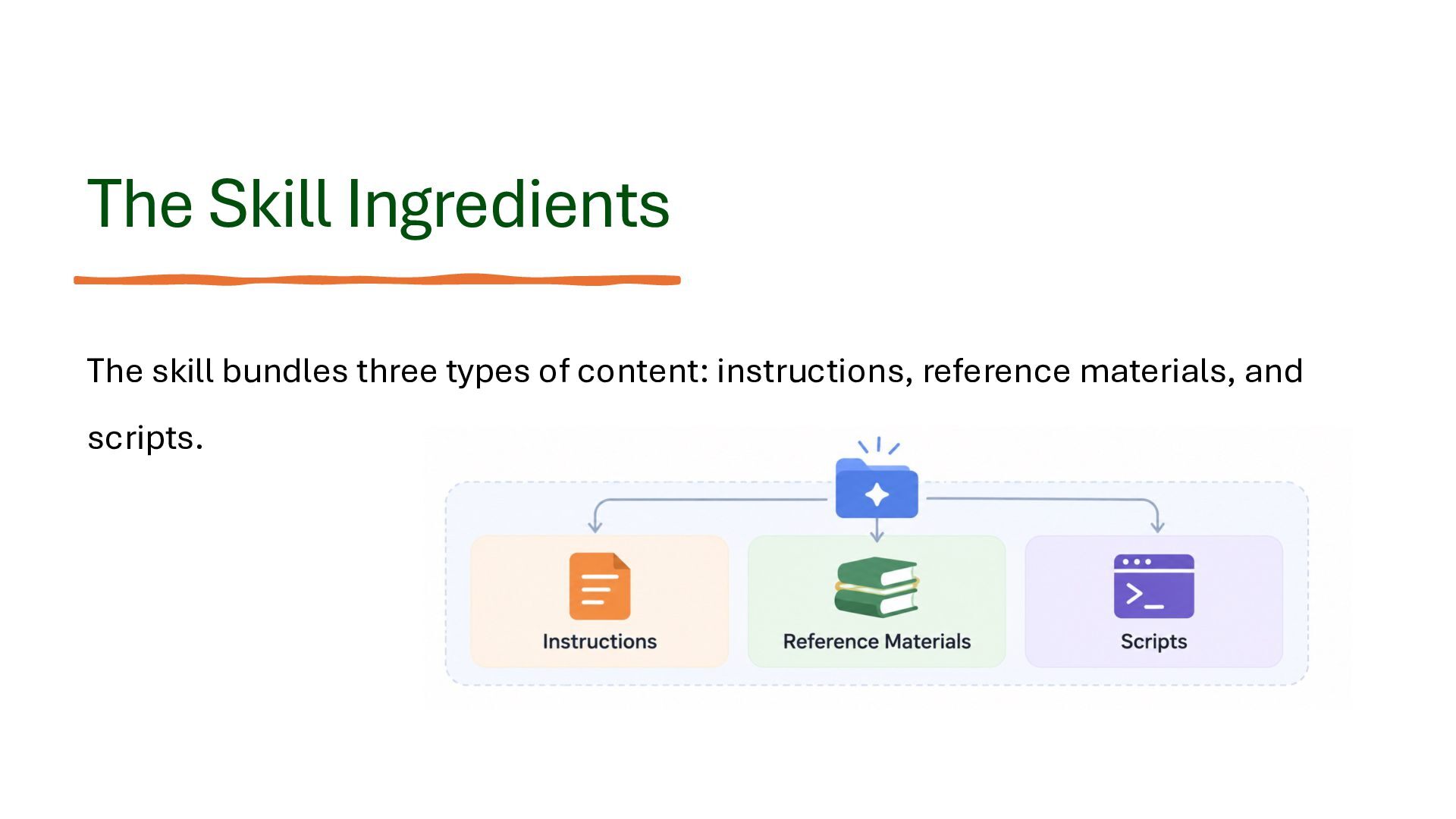
  16. The Skill Ingredients The skill bundles three types of content:

    instructions, reference materials, and scripts.
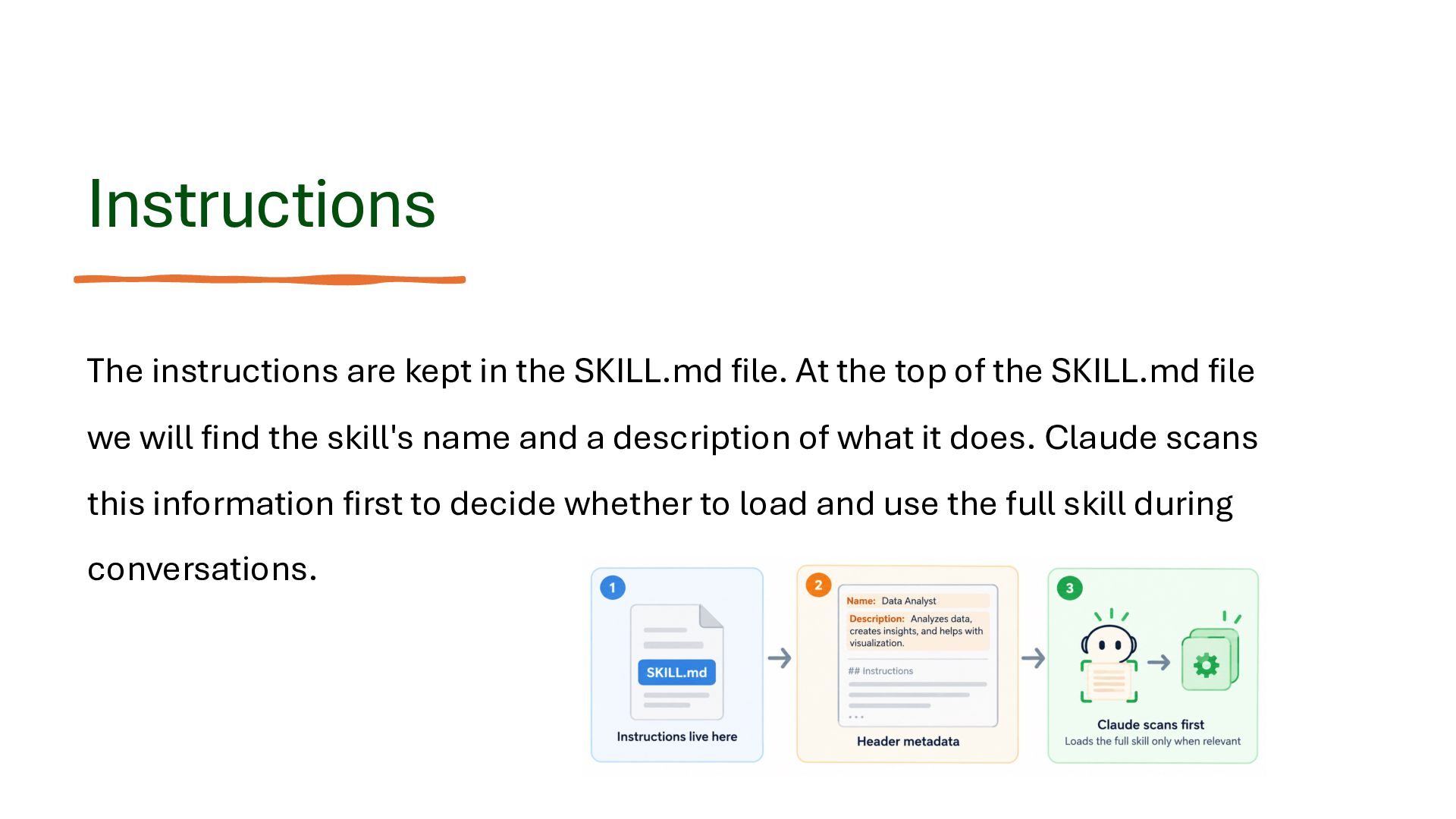
  17. Instructions The instructions are kept in the SKILL.md file. At

    the top of the SKILL.md file we will find the skill's name and a description of what it does. Claude scans this information first to decide whether to load and use the full skill during conversations.
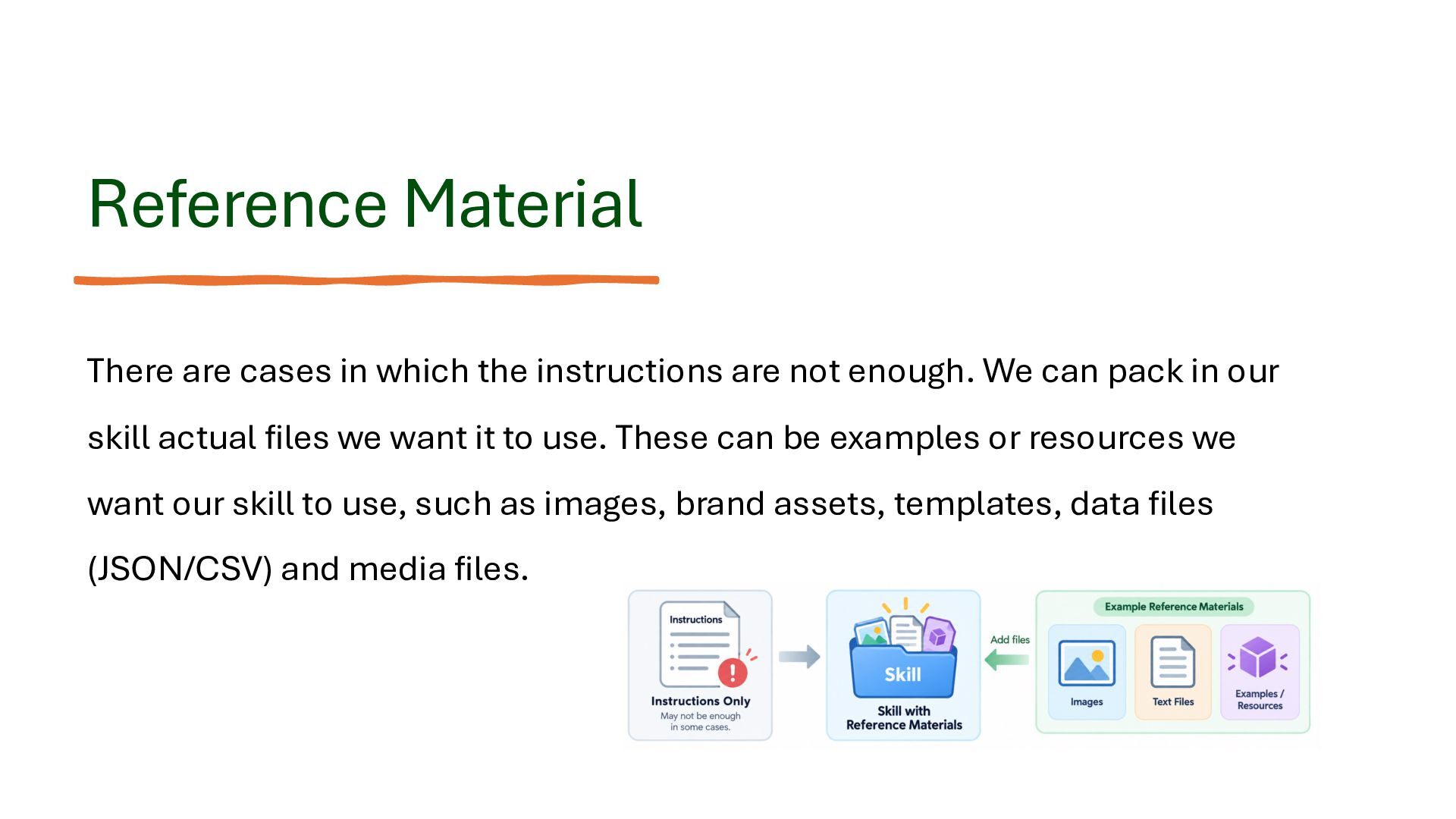
  18. Reference Material There are cases in which the instructions are

    not enough. We can pack in our skill actual files we want it to use. These can be examples or resources we want our skill to use, such as images, brand assets, templates, data files (JSON/CSV) and media files.
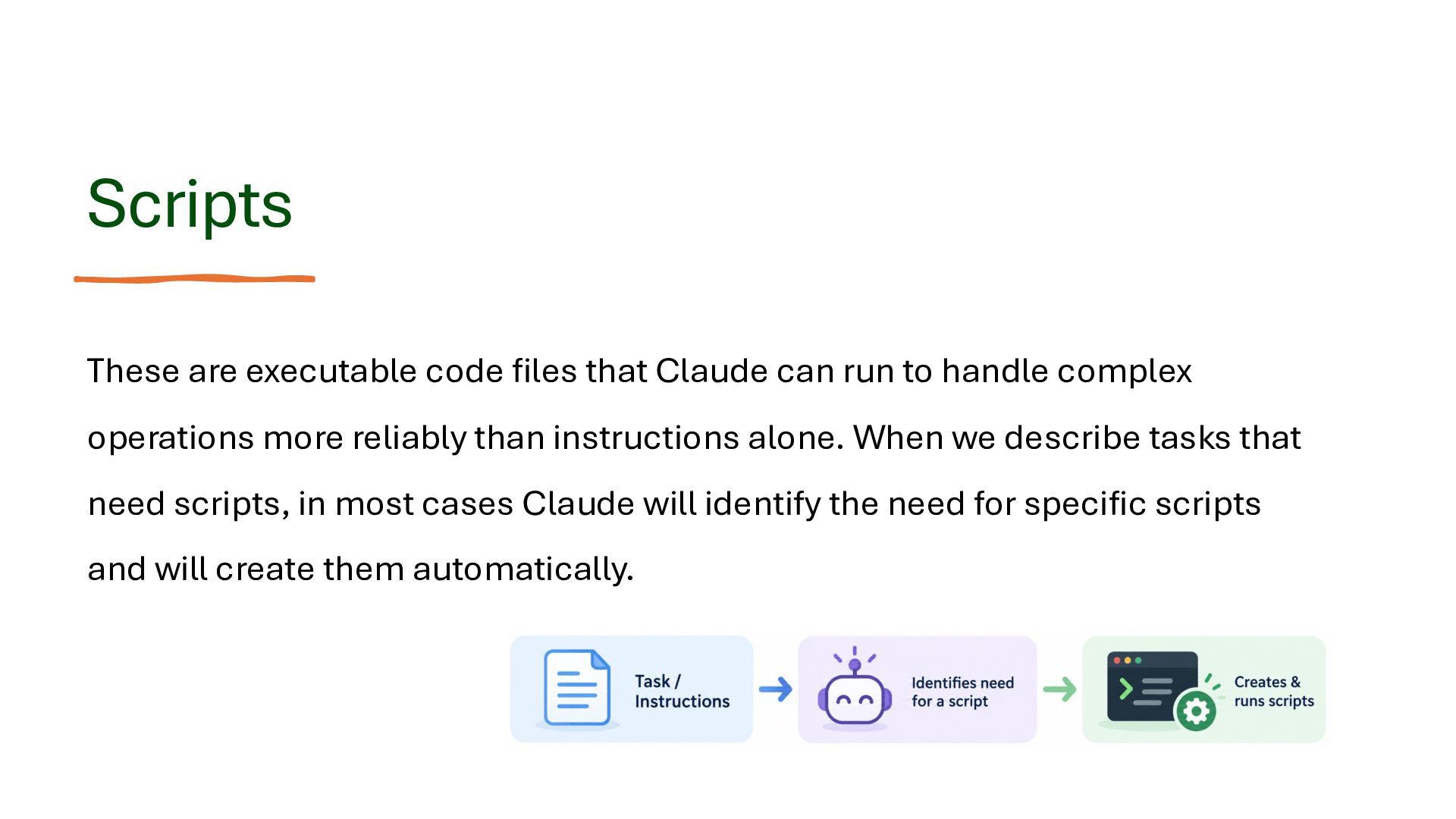
  19. Scripts These are executable code files that Claude can run

    to handle complex operations more reliably than instructions alone. When we describe tasks that need scripts, in most cases Claude will identify the need for specific scripts and will create them automatically.
  20. Examples for Scripts Media Processing Transforming images, editing video, and

    generating sound. Integrations Connecting the skill with other resources, such as files in a specific folder.
  21. Examples for Scripts Data Work Cleaning data, performing calculations, and

    creating charts. Files Processing Deleting, reading and editing files.
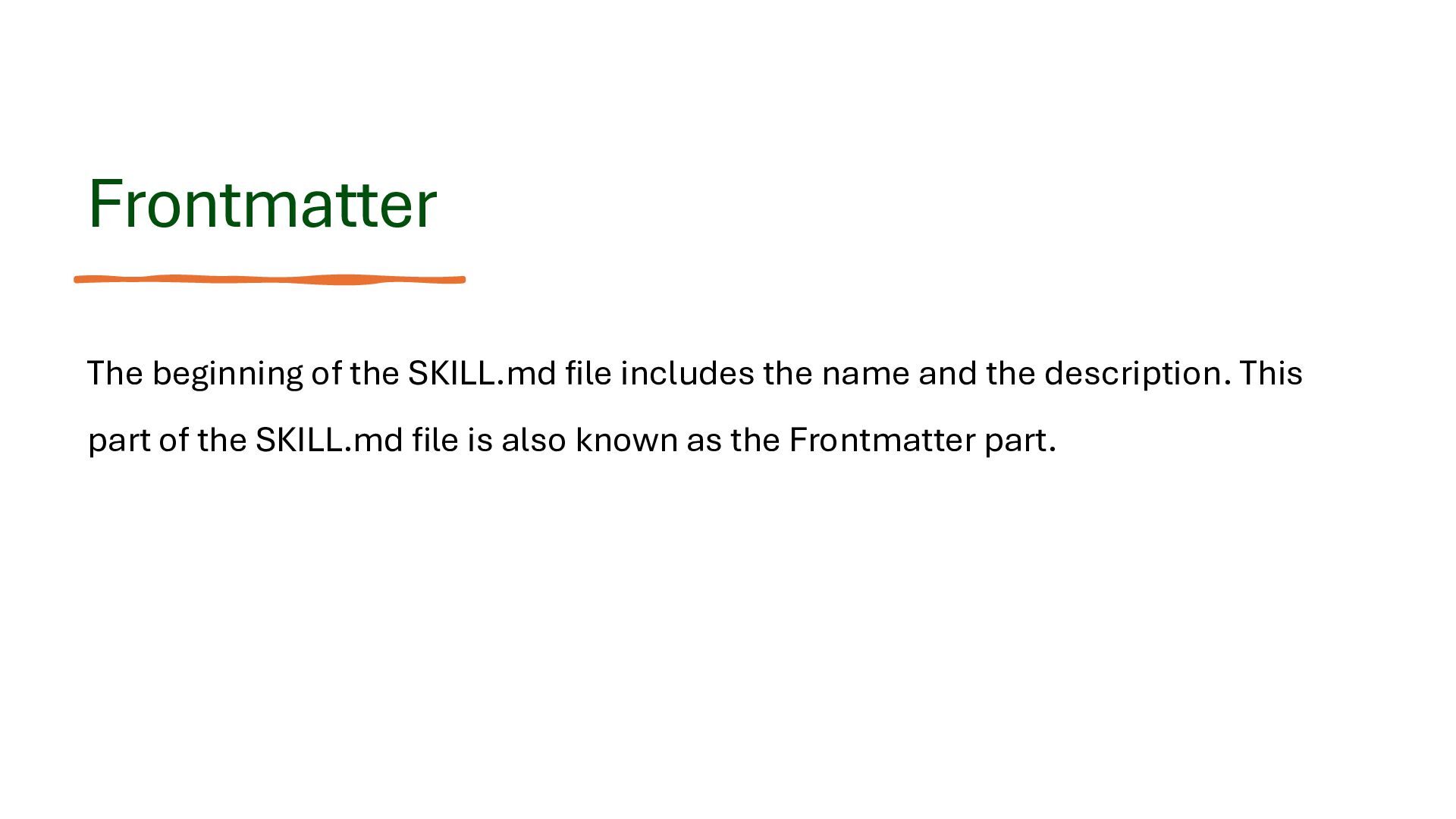
  22. Frontmatter The beginning of the SKILL.md file includes the name

    and the description. This part of the SKILL.md file is also known as the Frontmatter part.
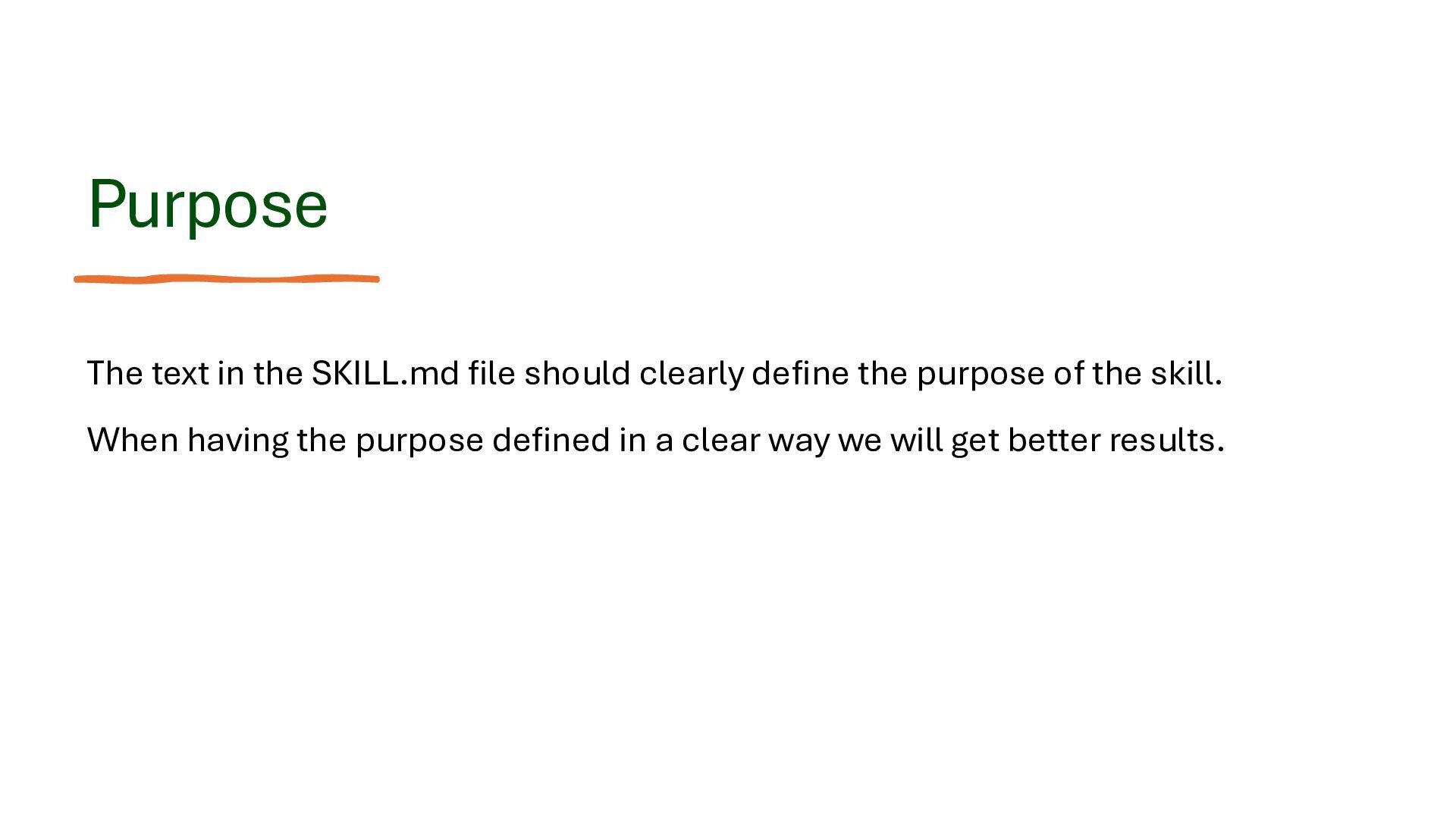
  23. Purpose The text in the SKILL.md file should clearly define

    the purpose of the skill. When having the purpose defined in a clear way we will get better results.
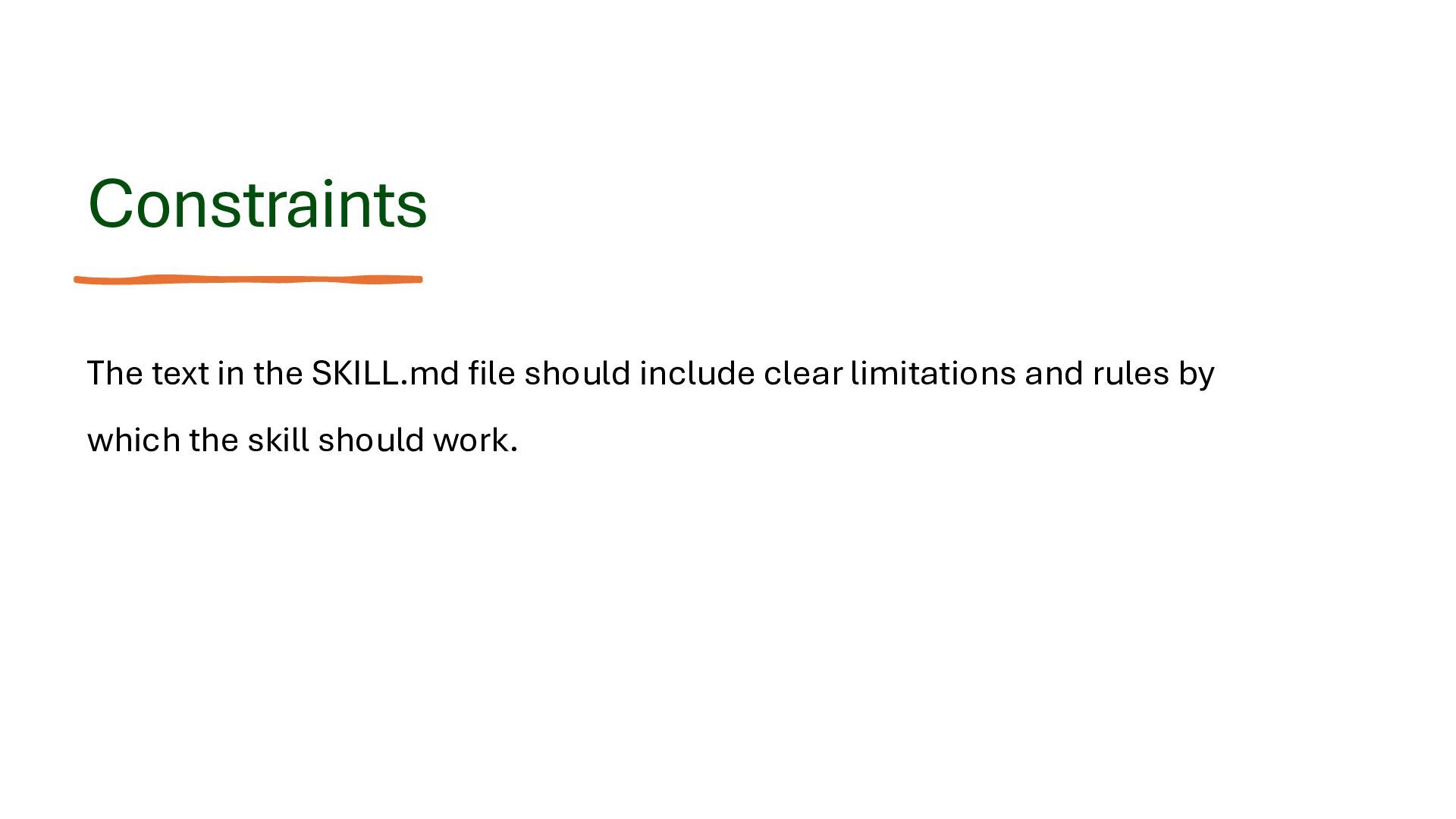
  24. Constraints The text in the SKILL.md file should include clear

    limitations and rules by which the skill should work.
  25. Output Format The text in the SKILL.md should describe the

    result in a clear way. When the expected result is well described we will get better results.
  26. Information on Demand Keep the SKILL.md file concise, and place

    the detailed information in supporting files.
  27. Actionable Instructions Effective instructions clearly describe what Claude should do

    and how it should do it: • Use precise & unambiguous language • Break complex operations into logical steps • Specify the information Claude should use
  28. Test Different Scenarios Well-designed Skills should behave consistently across different

    requests and scenarios. • Test to ensure requests that are expected to activate the skill indeed do so, as expected, and requests that shouldn’t do so, don’t. • Test edge cases, such as when the input is not complete or when requests require multiple steps.
  29. Software Development • Code Reviews • Tests Generation • Create

    Documentation • Code Migration • Architectural Reviews
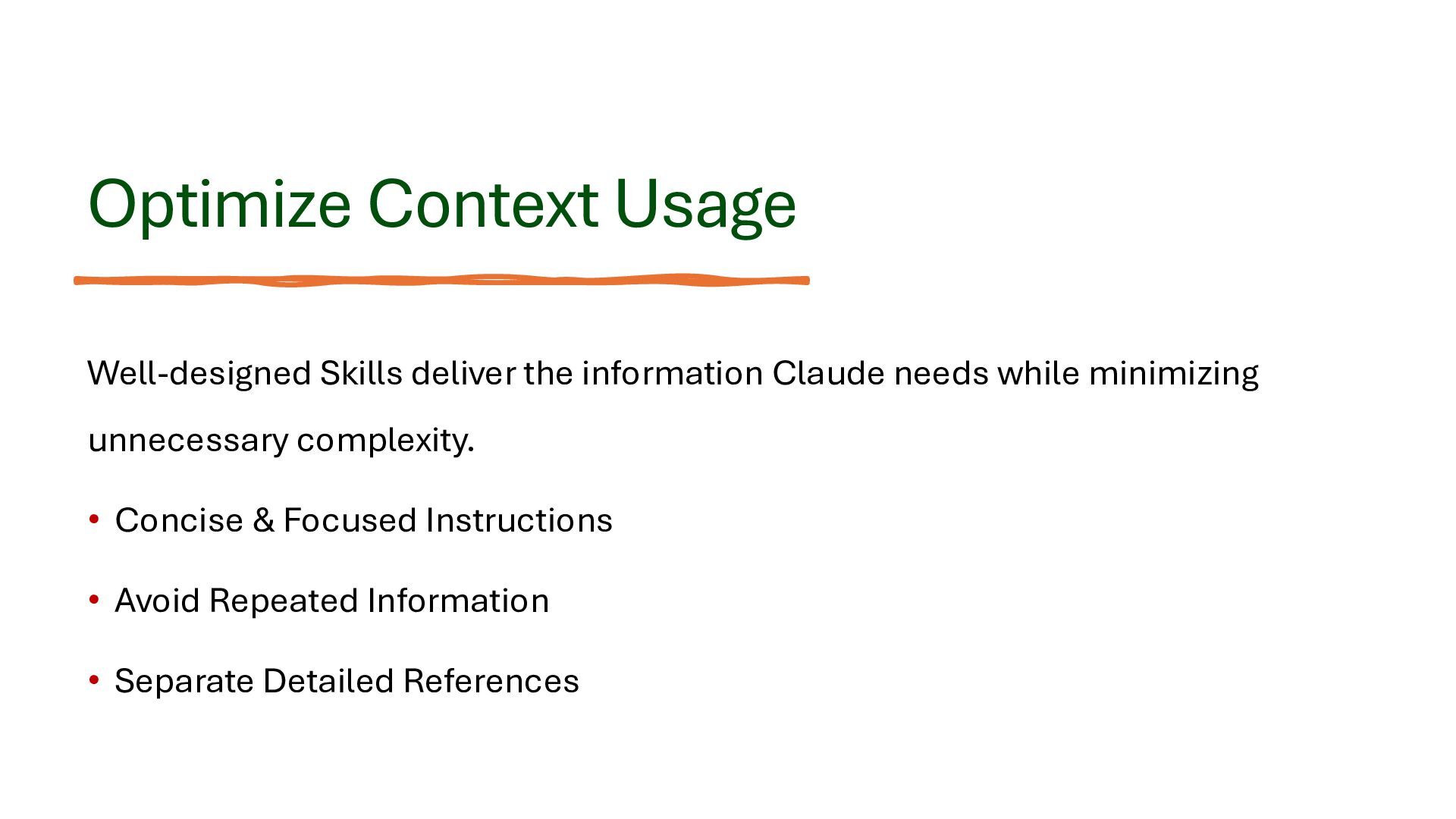
  30. Optimize Context Usage Well-designed Skills deliver the information Claude needs

    while minimizing unnecessary complexity. • Concise & Focused Instructions • Avoid Repeated Information • Separate Detailed References
  31. Keep Skills Focused Each and every Skill should focus on

    one specific task, with a clearly defined purpose and responsibility, rather than attempting to handle multiple unrelated tasks.
  32. Q&A Thanks for attending my talk :) WhatsApp +972.54.6655837 [email protected]

    https://blog.lifemichael.com XtremeJ xtremej.dev life michael XtremeJS xtremejs.dev XtremePython xtremepython.dev XtremeAI xtremeai.dev meetup.com/lifemichael Monolith vs Microservices

More Decks by life michael

Other Decks in Technology