Upgrade to Pro
— share decks privately, control downloads, hide ads and more …
Speaker Deck
Sign up for free
Menu
Search
Features
All features
Private URLs
Password Protection
Custom URLS
Scheduled publishing
Remove Branding
Restrict embedding
Deck Collections
Notes
Features
All features
Private URLs
Password Protection
Custom URLS
Scheduled publishing
Remove Branding
Restrict embedding
Deck Collections
Notes
Explore
Featured decks
Featured speakers
Programming
Technology
Storyboards
Explore
Featured decks
Featured speakers
Programming
Technology
Storyboards
Pricing
Search
Sign in
Sign up for free
About HRT and TPM
Search
luolonghao
May 24, 2013
Technology
80
0
Share
Embed
Copy iframe code
Copy JS code
Copy link
Start on current slide
About HRT and TPM
luolonghao
May 24, 2013
More Decks by luolonghao
See All by luolonghao
SeaJS TUI实践
luolonghao
0
100
KindEditor 设计思路 V2
luolonghao
1
180
Other Decks in Technology
See All in Technology
TiDBファミリーにDWHが新登場!! TiDB最新情報 / TiDB update 202609
yoshiakiyamasaki
0
160
手を動かして実感する、Kiro が変える開発体験
inariku
0
420
プラットフォームを「作る」、 チームに「入り込む」
sansantech
PRO
0
400
AI臭い文章とは何なのか
nasuvitz
36
75k
The kernel report
ennael
PRO
1
150
Oracle Cloud Infrastructure(OCI):Onboarding Session(はじめてのOCI/Oracle Supportご利⽤ガイド)
oracle4engineer
PRO
3
21k
AIに書かせて、プラットフォームで縛る ― EKSプラットフォームで実践した責任境界と権限設計
elmodev09
1
1.1k
HolmesGPTで始めるSREエージェント入門!プラットフォームの障害調査はAIにお任せ 〜
leveragestech
PRO
0
120
OpenClawでAzure DevOpsのWiki更新を自動化する - クラウドAIだけでは届かない場所へ
yutakaosada
0
130
可視化から始めたAI駆動開発_ochi_ver1.01 / AI-Driven Development Starting with Visualization_ver1.01
yayoi_dd
0
110
ScotSecure West 2026 - Glasgow
raybugg
0
210
Snowflake Horizon Catalog と Apache Iceberg で作る オープンなデータ基盤
kitagawaz
0
350
Featured
See All Featured
Test your architecture with Archunit
thirion
2
2.4k
Designing Dashboards & Data Visualisations in Web Apps
destraynor
232
55k
Done Done
chrislema
187
17k
HDC tutorial
michielstock
2
930
The Limits of Empathy - UXLibs8
cassininazir
1
690
Practical Tips for Bootstrapping Information Extraction Pipelines
honnibal
25
2.1k
How People are Using Generative and Agentic AI to Supercharge Their Products, Projects, Services and Value Streams Today
helenjbeal
1
340
Dominate Local Search Results - an insider guide to GBP, reviews, and Local SEO
greggifford
PRO
0
340
brightonSEO & MeasureFest 2025 - Christian Goodrich - Winning strategies for Black Friday CRO & PPC
cargoodrich
3
850
Avoiding the “Bad Training, Faster” Trap in the Age of AI
tmiket
0
250
A better future with KSS
kneath
240
18k
Leveraging LLMs for student feedback in introductory data science courses - posit::conf(2025)
minecr
1
410
Transcript
About HRT, TPM 2013.05.22
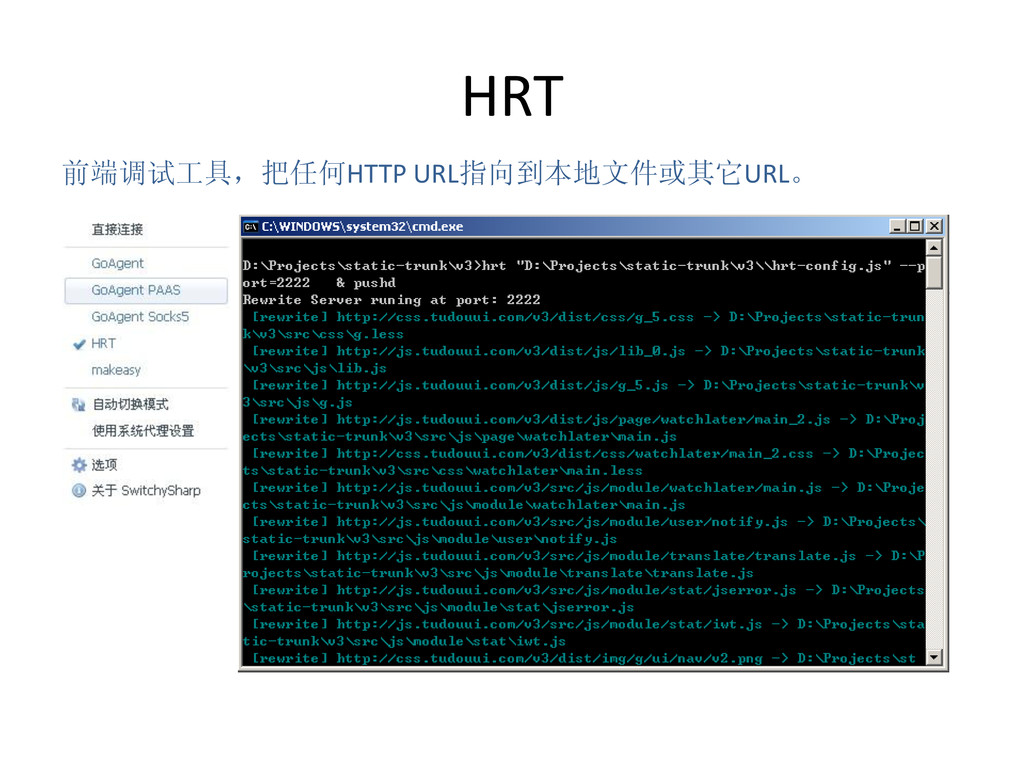
HRT 前端调试工具,把任何HTTP URL指向到本地文件或其它URL。
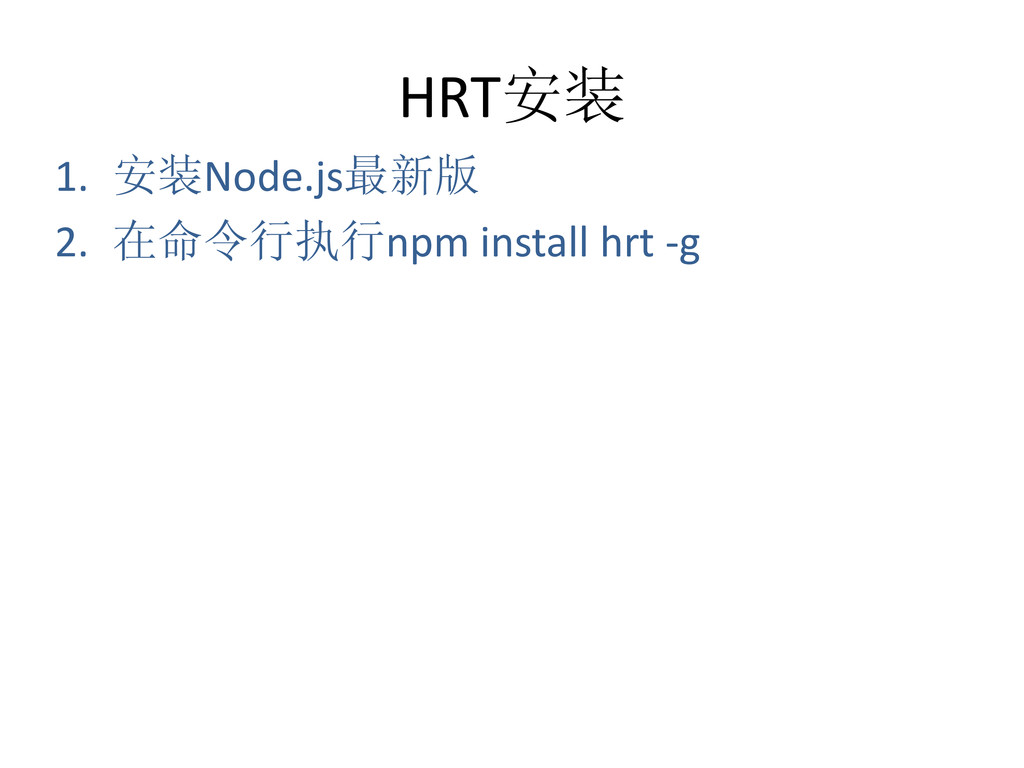
HRT安装 1. 安装Node.js最新版 2. 在命令行执行npm install hrt -g
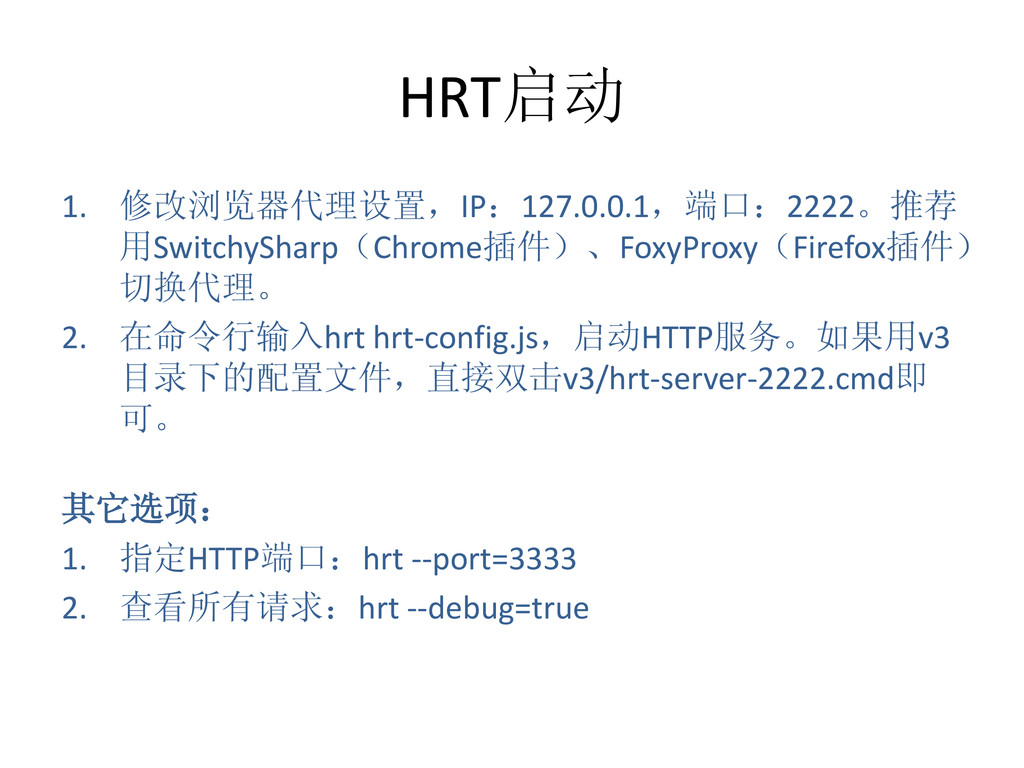
HRT启动 1. 修改浏览器代理设置,IP:127.0.0.1,端口:2222。推荐 用SwitchySharp(Chrome插件)、FoxyProxy(Firefox插件) 切换代理。 2. 在命令行输入hrt hrt-config.js,启动HTTP服务。如果用v3 目录下的配置文件,直接双击v3/hrt-server-2222.cmd即 可。
其它选项: 1. 指定HTTP端口:hrt --port=3333 2. 查看所有请求:hrt --debug=true
跳转规则(hrt-config.js) exports.map = [ // 代理文件 ['http://js.tudouui.com/v3/dist/js/g.js', 'D:\\static\\v3\\src\\js\\g.js’], // 代理目录
['http://js.tudouui.com/v3/dist/js', 'D:\\static\\v3\\src\\js‘], // 指向到其它URL ['http://js.tudouui.com/v3/dist/js', 'http://jstest.tudouui.com/v3/dist/js‘], ];
预处理(hrt-config.js) exports.before = function(url) { // 移除版本号 return url.replace(/([^?]+)_\d+(\.(?:js|css))/, '$1$2');
}; // 返回undefined时,跳过此URL。 exports.before = function(url) { // Bugfix:Chrome的LESS调试插件请求less文件,所以less文件不能跳转 if (/\.less$/.test(url)) { return; } };
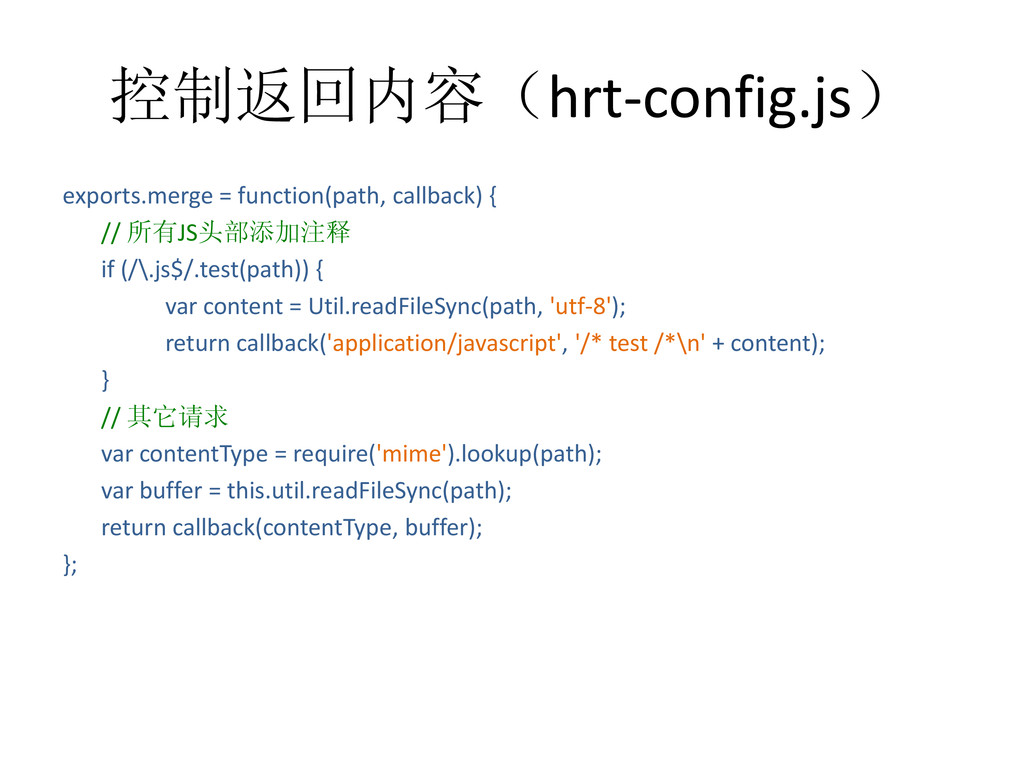
控制返回内容(hrt-config.js) exports.merge = function(path, callback) { // 所有JS头部添加注释 if (/\.js$/.test(path))
{ var content = Util.readFileSync(path, 'utf-8'); return callback('application/javascript', '/* test /*\n' + content); } // 其它请求 var contentType = require('mime').lookup(path); var buffer = this.util.readFileSync(path); return callback(contentType, buffer); };
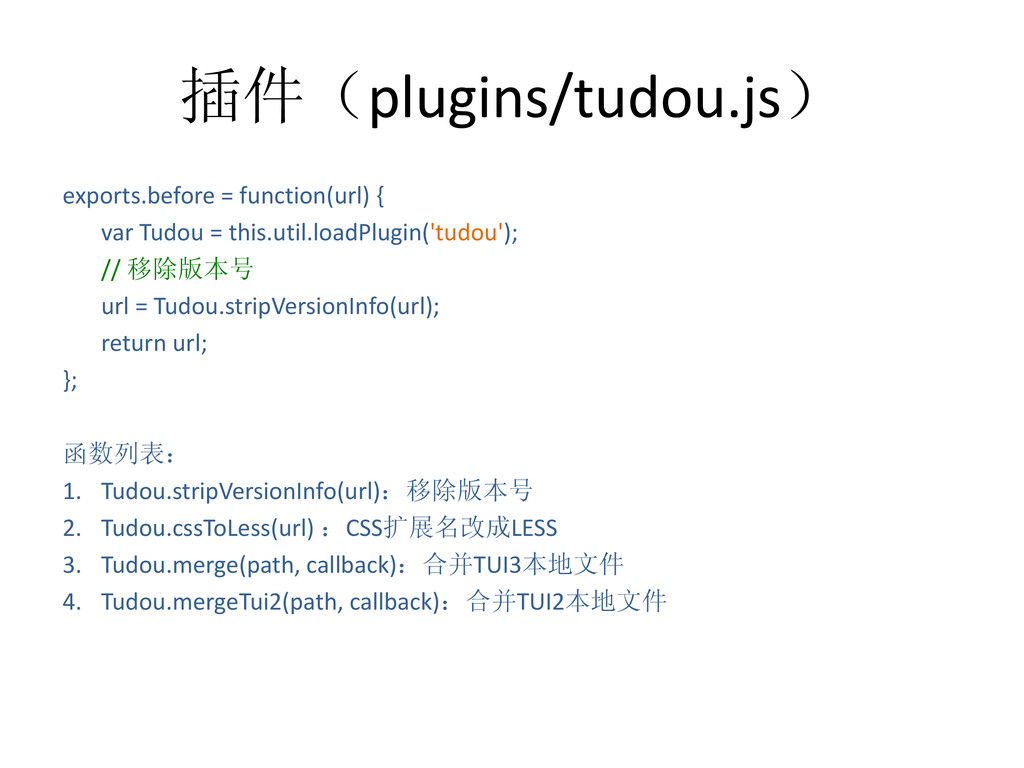
插件(plugins/tudou.js) exports.before = function(url) { var Tudou = this.util.loadPlugin('tudou'); //
移除版本号 url = Tudou.stripVersionInfo(url); return url; }; 函数列表: 1. Tudou.stripVersionInfo(url):移除版本号 2. Tudou.cssToLess(url) :CSS扩展名改成LESS 3. Tudou.merge(path, callback):合并TUI3本地文件 4. Tudou.mergeTui2(path, callback):合并TUI2本地文件
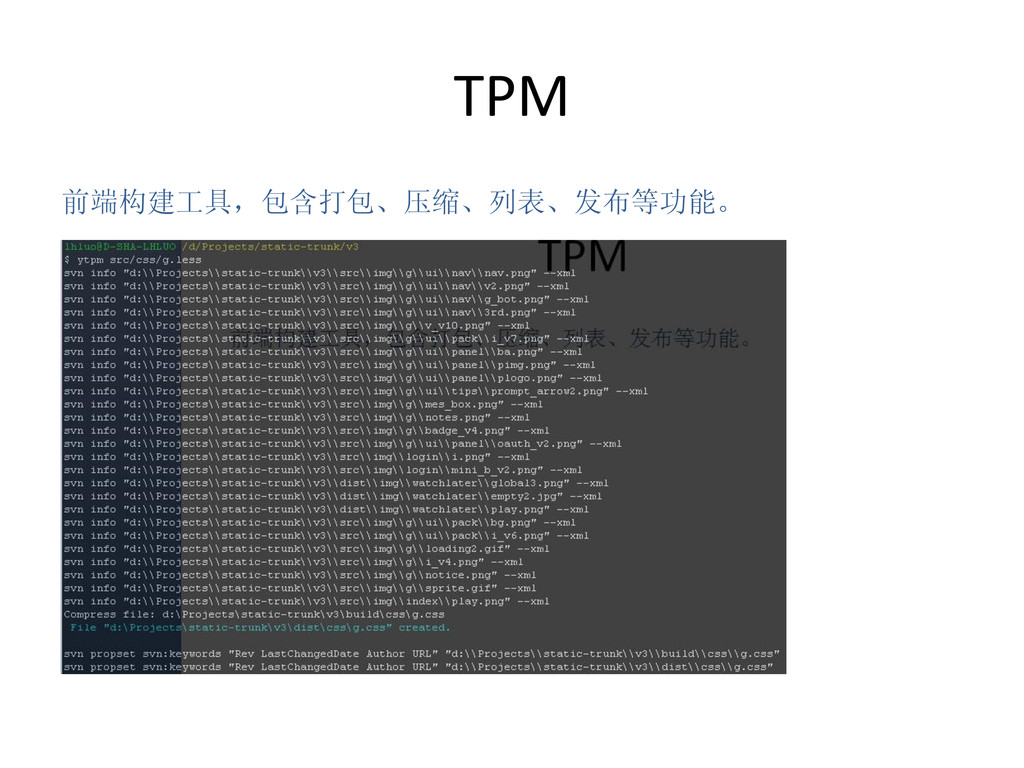
TPM 前端构建工具,包含打包、压缩、列表、发布等功能。
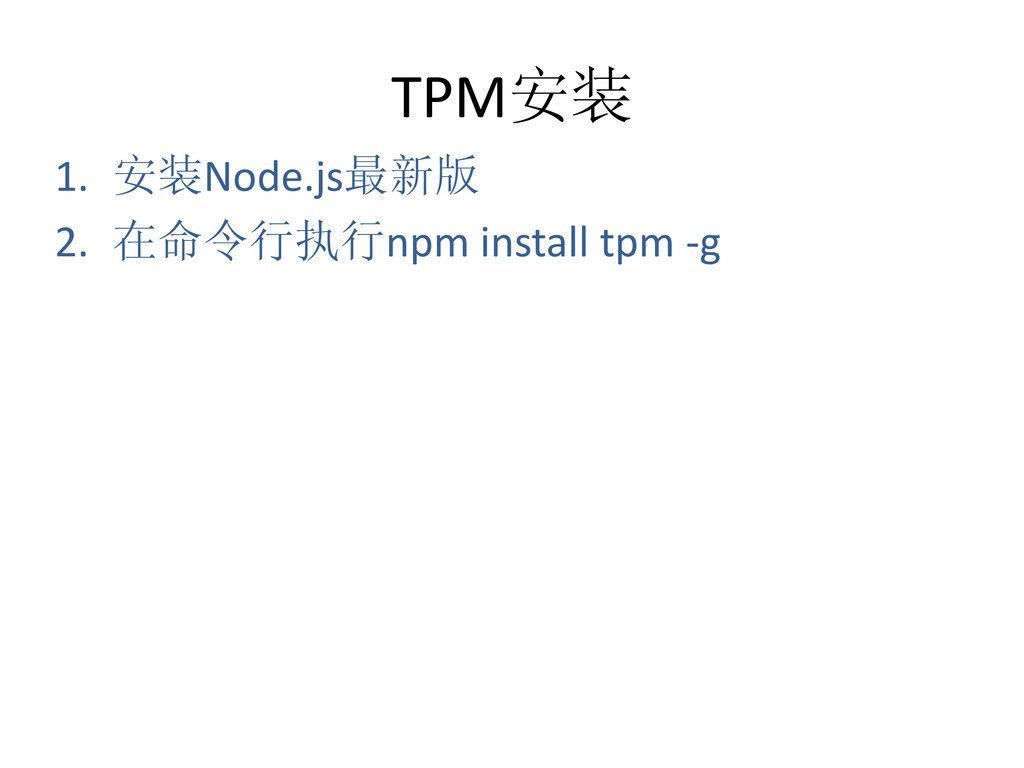
TPM安装 1. 安装Node.js最新版 2. 在命令行执行npm install tpm -g
构建文件(打包、压缩) $ ytpm [PATH] PATH可指定文件或目录,CSS和JS只构建 v3/tpm-config.js里配好的入口文件。
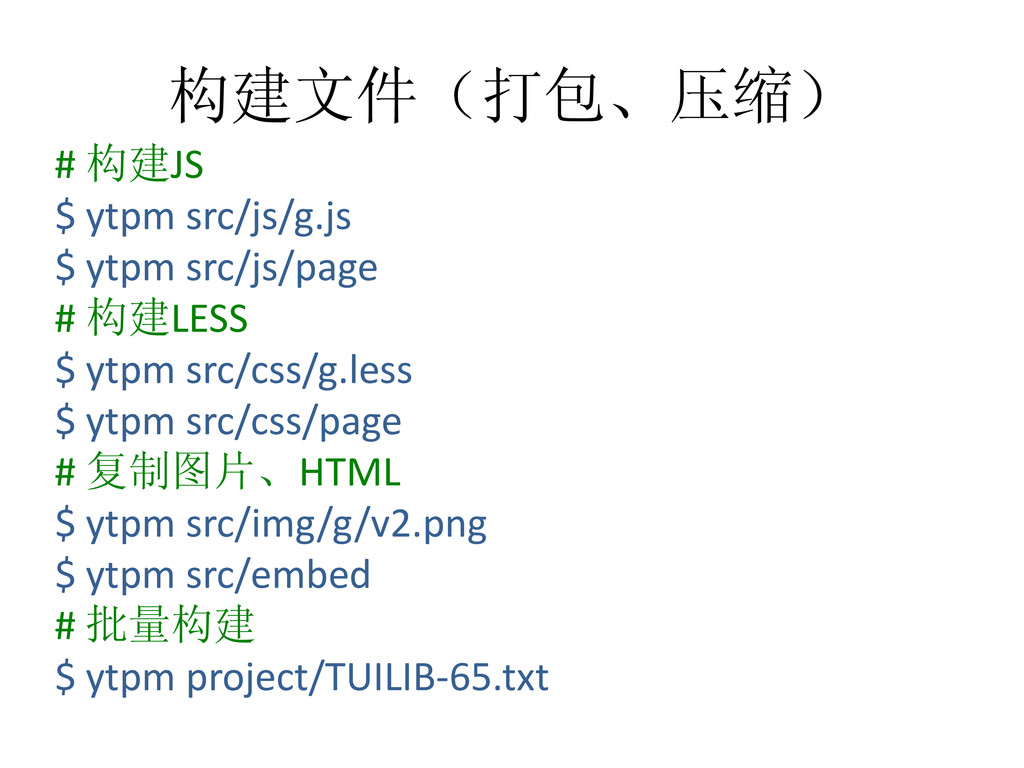
构建文件(打包、压缩) # 构建JS $ ytpm src/js/g.js $ ytpm src/js/page #
构建LESS $ ytpm src/css/g.less $ ytpm src/css/page # 复制图片、HTML $ ytpm src/img/g/v2.png $ ytpm src/embed # 批量构建 $ ytpm project/TUILIB-65.txt
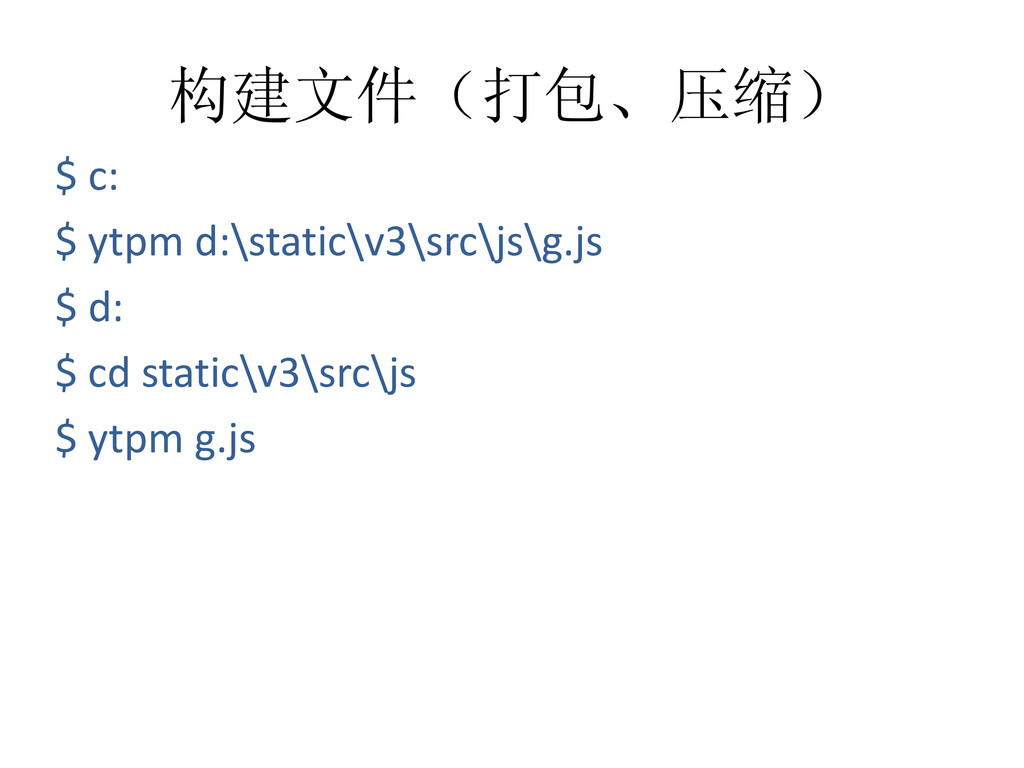
构建文件(打包、压缩) $ c: $ ytpm d:\static\v3\src\js\g.js $ d: $ cd
static\v3\src\js $ ytpm g.js
压缩代码 $ ytpm min [PATH] $ ytpm min build/js/g.js $
ytpm min build/js/page $ ytpm min build/css/g.css $ ytpm min build/css/page
获取文件列表 $ ytpm list [REVISION] 打开新建邮件窗口,列出指定版本之后新增/ 修改过的文件和最新版本号。 $ ytpm list
29885 $ ytpm list [PATH] 打开新建邮件窗口,列出project文件里的文 件和最新版本号。 $ ytpm list project/TUILIB-65.txt
发布文件 $ ytpm deploy [PATH][ENV] 通过FTP或SSH将指定文件发布到指定服务器。 PATH为静态文件路径或project路径,ENV目前 只支持beta。 $ ytpm
deploy dist/js/g.js beta $ ytpm deploy dist/js beta $ ytpm deploy project/TUILIB-65.txt beta
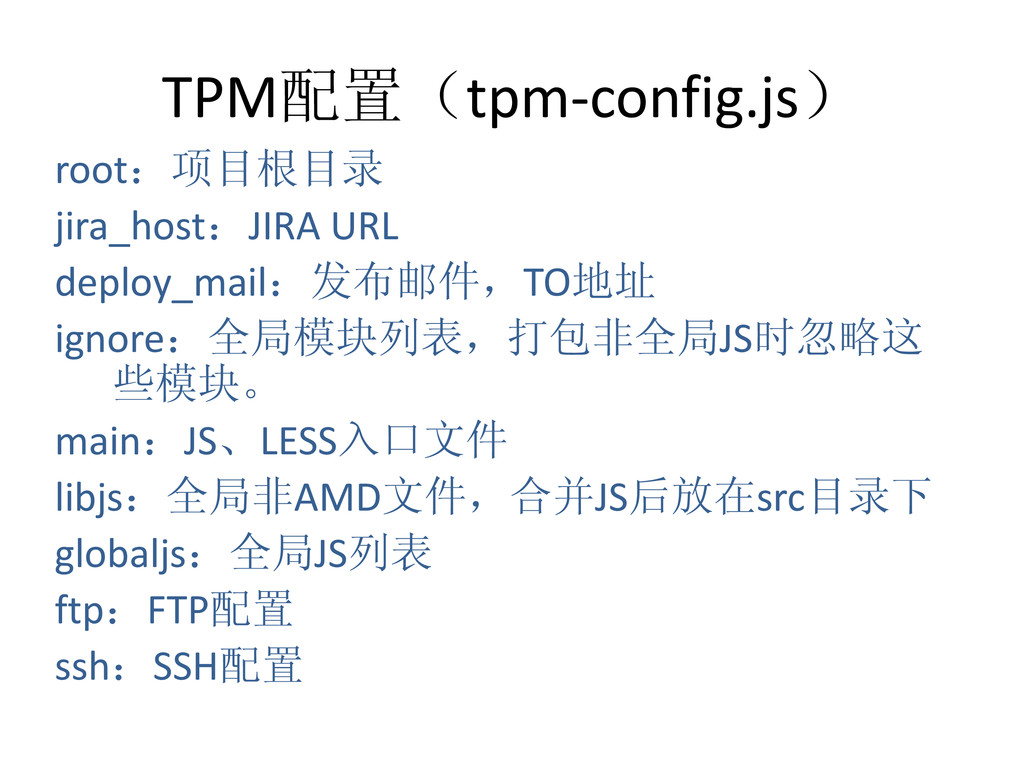
TPM配置(tpm-config.js) root:项目根目录 jira_host:JIRA URL deploy_mail:发布邮件,TO地址 ignore:全局模块列表,打包非全局JS时忽略这 些模块。 main:JS、LESS入口文件 libjs:全局非AMD文件,合并JS后放在src目录下 globaljs:全局JS列表
ftp:FTP配置 ssh:SSH配置
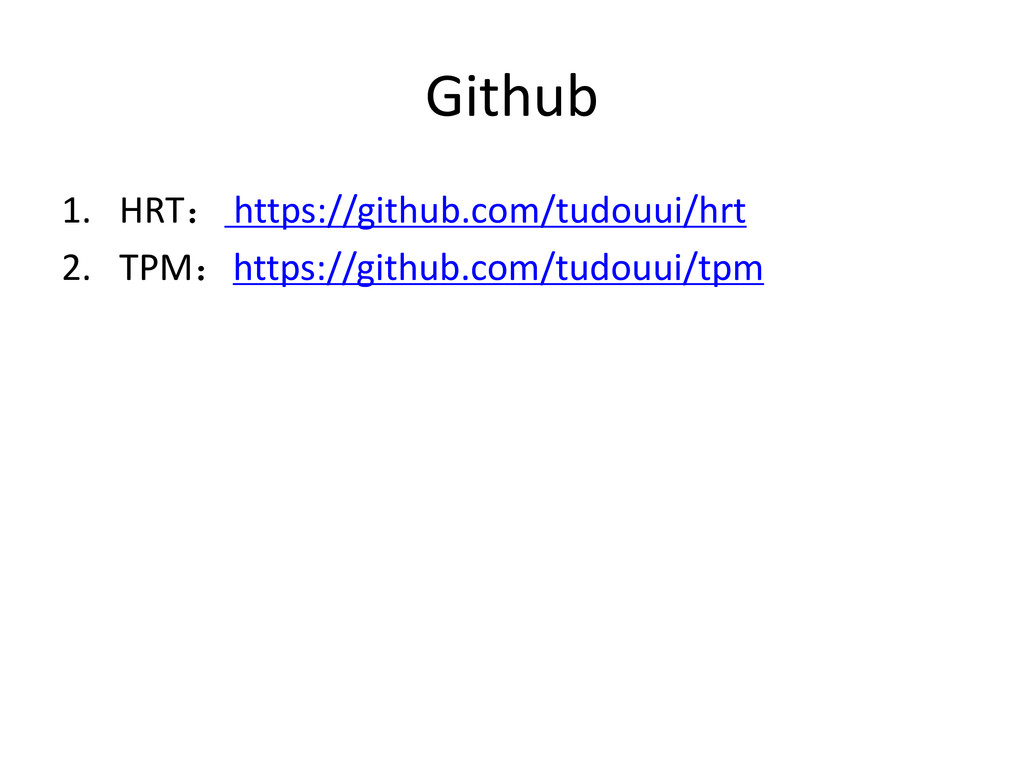
Github 1. HRT: https://github.com/tudouui/hrt 2. TPM:https://github.com/tudouui/tpm


 luolonghao
 yoshiakiyamasaki
 inariku
 sansantech
 nasuvitz
 ennael
 oracle4engineer
 elmodev09
 leveragestech
 yutakaosada
 yayoi_dd
 raybugg
 kitagawaz
 thirion
 destraynor
 chrislema
 michielstock
 cassininazir
 honnibal
.png) helenjbeal
helenjbeal
 greggifford
.jpg) cargoodrich
cargoodrich
 tmiket
 kneath
 minecr
![跳转规则(hrt-config.js) exports.map = [ // 代理文件 ['http://js.tudouui.com/v3/dist/js/g.js', 'D:\\static\\v3\\src\\js\\g.js’], // 代理目录](https://files.speakerdeck.com/presentations/816f8fb0a64701303b6126014617d1bb/slide_4.jpg)
![预处理(hrt-config.js) exports.before = function(url) { // 移除版本号 return url.replace(/([^?]+)_\d+(\.(?:js|css))/, '$1$2');](https://files.speakerdeck.com/presentations/816f8fb0a64701303b6126014617d1bb/slide_5.jpg)
![构建文件(打包、压缩) $ ytpm [PATH] PATH可指定文件或目录,CSS和JS只构建 v3/tpm-config.js里配好的入口文件。](https://files.speakerdeck.com/presentations/816f8fb0a64701303b6126014617d1bb/slide_10.jpg)
![压缩代码 $ ytpm min [PATH] $ ytpm min build/js/g.js $](https://files.speakerdeck.com/presentations/816f8fb0a64701303b6126014617d1bb/slide_13.jpg)
![获取文件列表 $ ytpm list [REVISION] 打开新建邮件窗口,列出指定版本之后新增/ 修改过的文件和最新版本号。 $ ytpm list](https://files.speakerdeck.com/presentations/816f8fb0a64701303b6126014617d1bb/slide_14.jpg)
![发布文件 $ ytpm deploy [PATH][ENV] 通过FTP或SSH将指定文件发布到指定服务器。 PATH为静态文件路径或project路径,ENV目前 只支持beta。 $ ytpm](https://files.speakerdeck.com/presentations/816f8fb0a64701303b6126014617d1bb/slide_15.jpg)