Database Handling in Python: SQLite3, MySQL and CRUD Operations
A practical guide to database management in Python, covering SQLite3, MySQL, CRUD operations, SQL queries, transactions, and applied practice problems, useful for students developing database applications.
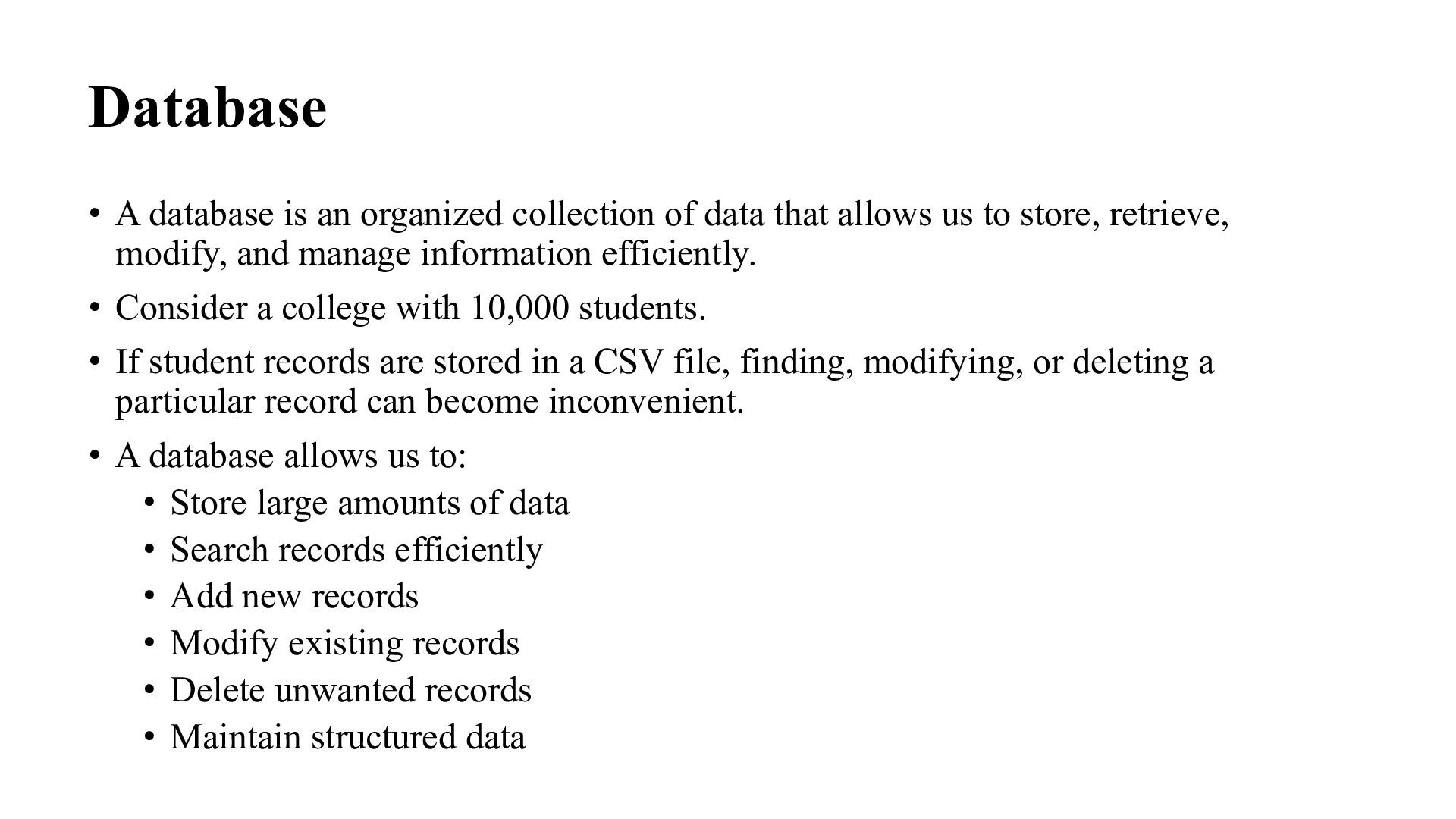
that allows us to store, retrieve, modify, and manage information efficiently. • Consider a college with 10,000 students. • If student records are stored in a CSV file, finding, modifying, or deleting a particular record can become inconvenient. • A database allows us to: • Store large amounts of data • Search records efficiently • Add new records • Modify existing records • Delete unwanted records • Maintain structured data
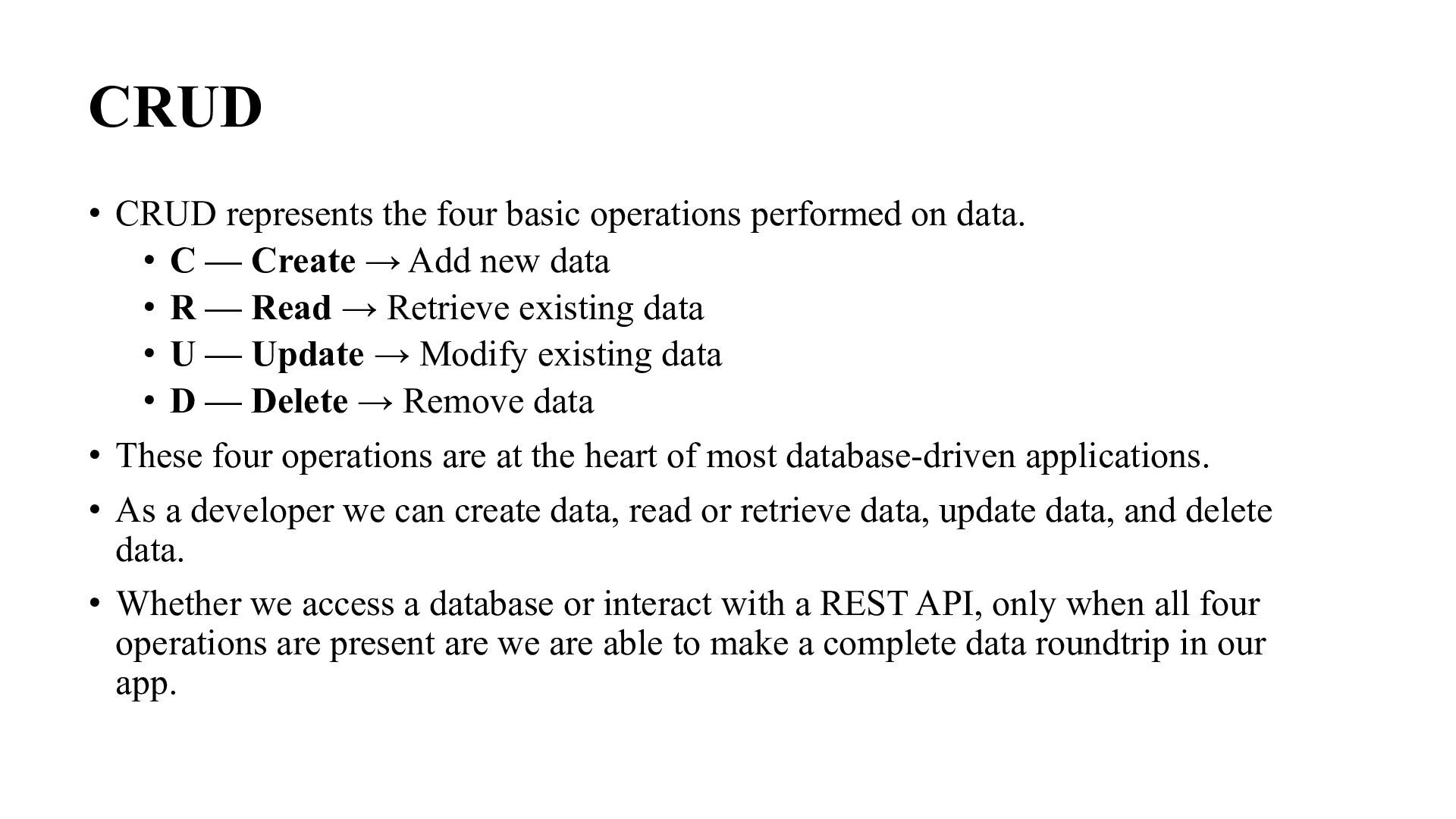
data. • C — Create → Add new data • R — Read → Retrieve existing data • U — Update → Modify existing data • D — Delete → Remove data • These four operations are at the heart of most database-driven applications. • As a developer we can create data, read or retrieve data, update data, and delete data. • Whether we access a database or interact with a REST API, only when all four operations are present are we are able to make a complete data roundtrip in our app.
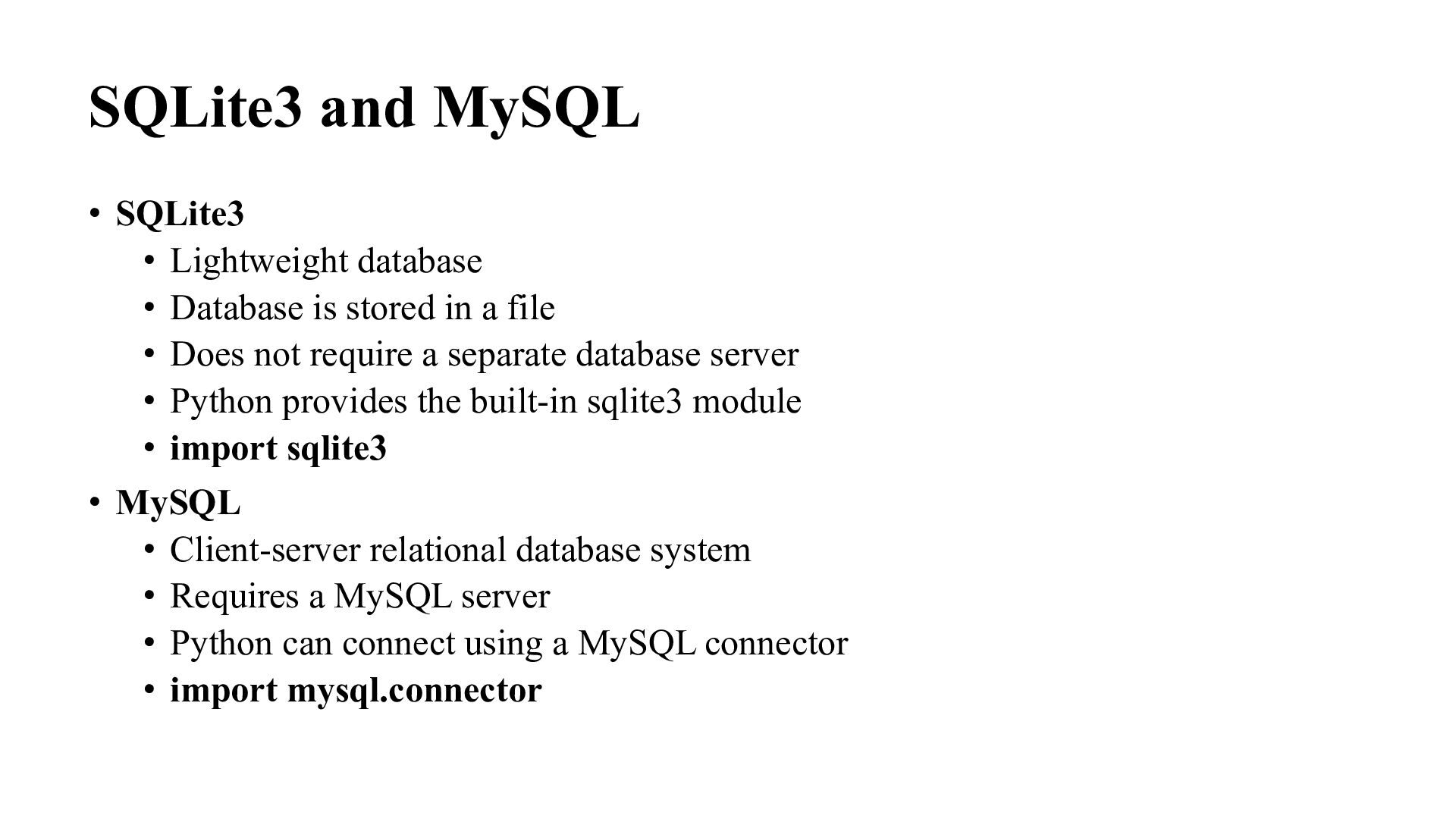
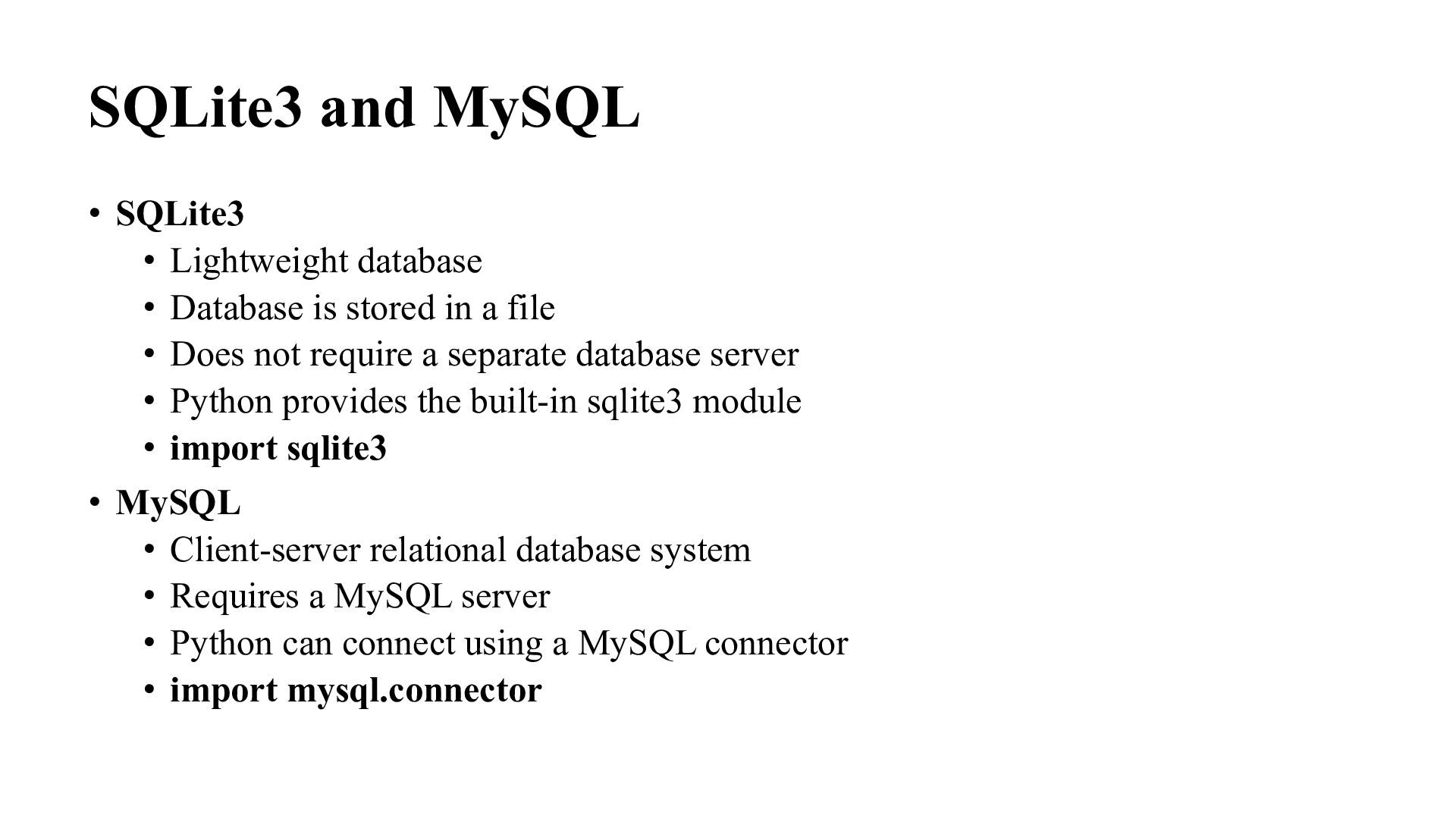
is stored in a file • Does not require a separate database server • Python provides the built-in sqlite3 module • import sqlite3 • MySQL • Client-server relational database system • Requires a MySQL server • Python can connect using a MySQL connector • import mysql.connector
is stored in a file • Does not require a separate database server • Python provides the built-in sqlite3 module • import sqlite3 • MySQL • Client-server relational database system • Requires a MySQL server • Python can connect using a MySQL connector • import mysql.connector
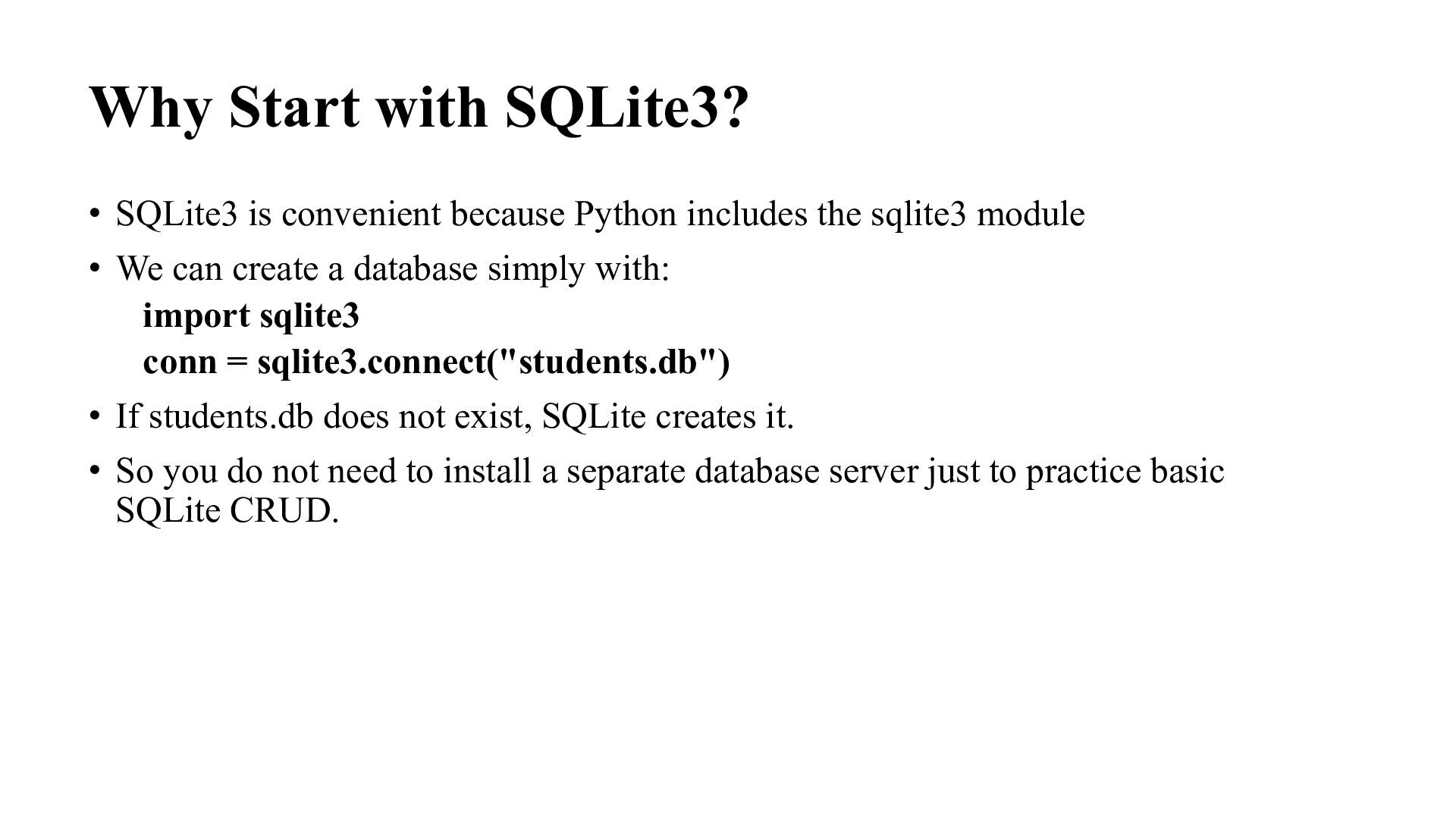
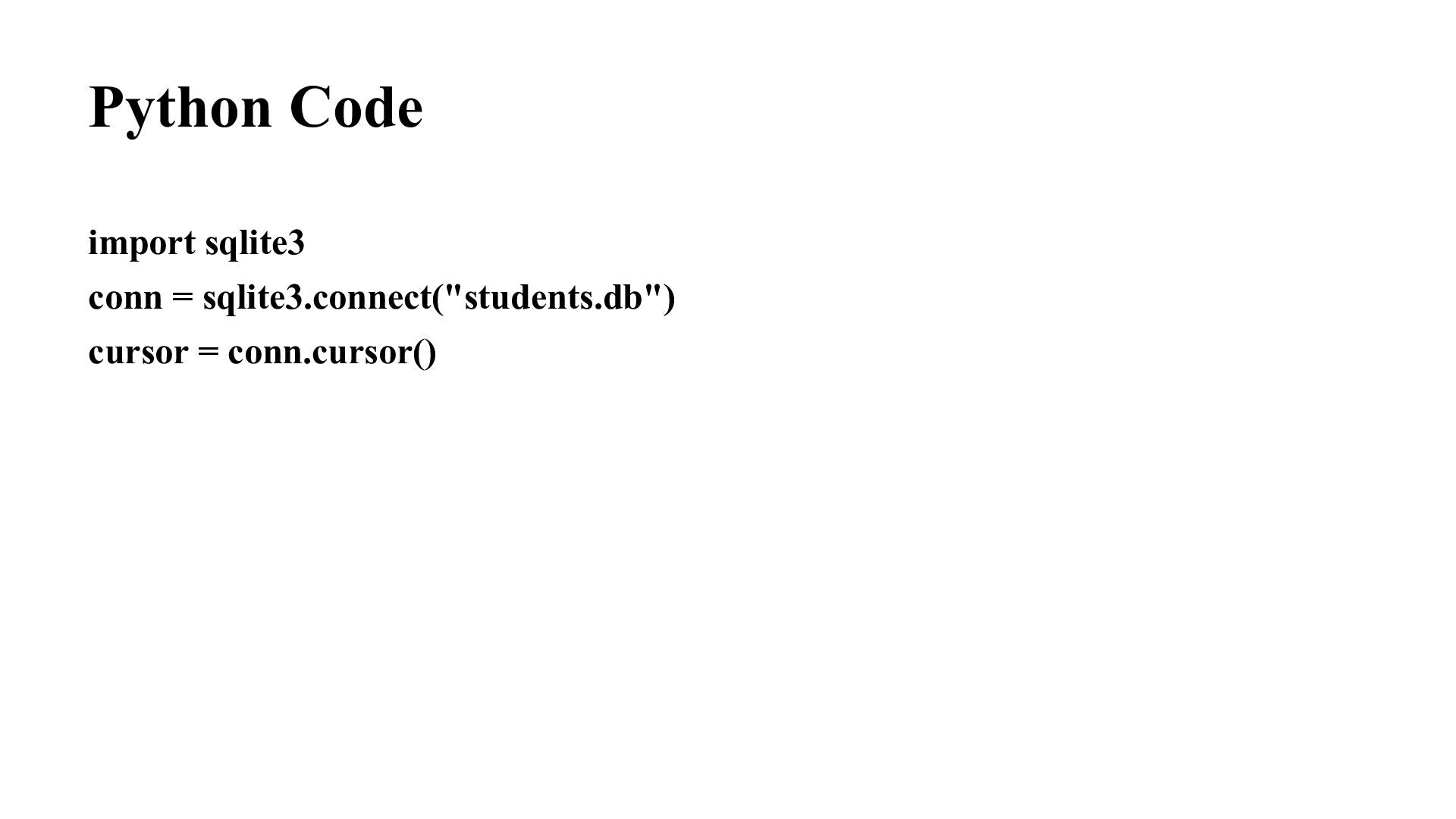
includes the sqlite3 module • We can create a database simply with: import sqlite3 conn = sqlite3.connect("students.db") • If students.db does not exist, SQLite creates it. • So you do not need to install a separate database server just to practice basic SQLite CRUD.
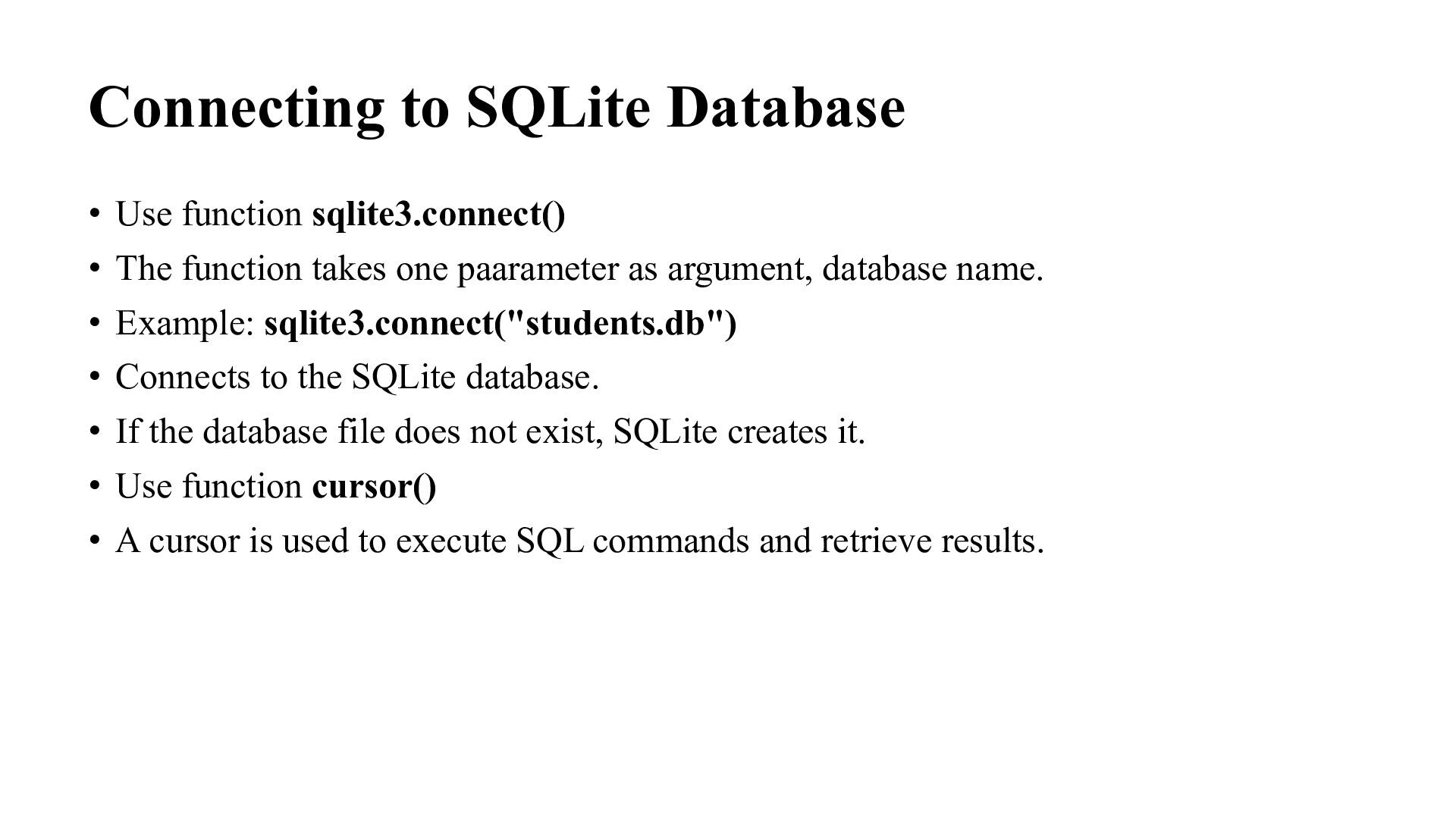
function takes one paarameter as argument, database name. • Example: sqlite3.connect("students.db") • Connects to the SQLite database. • If the database file does not exist, SQLite creates it. • Use function cursor() • A cursor is used to execute SQL commands and retrieve results.
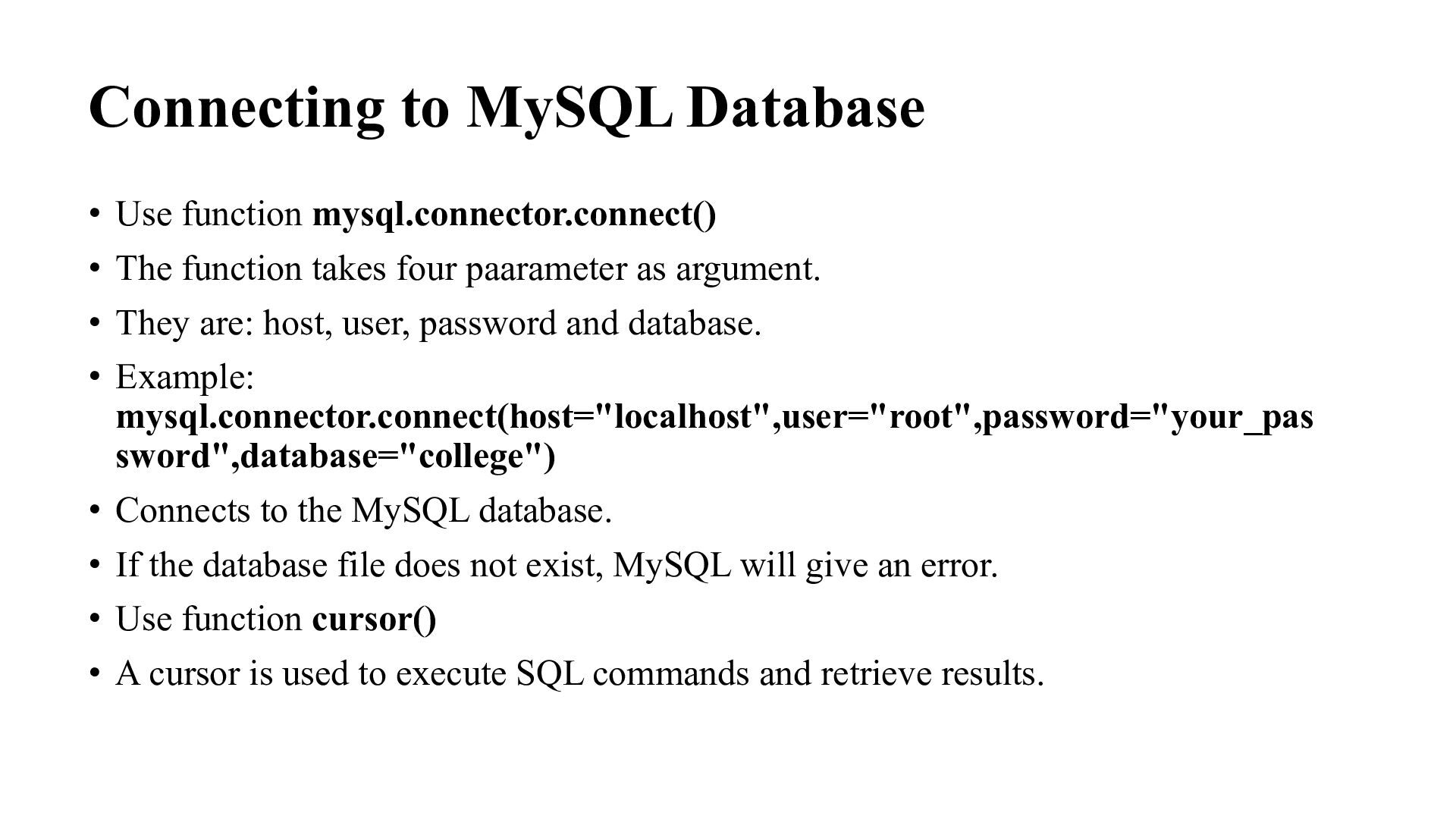
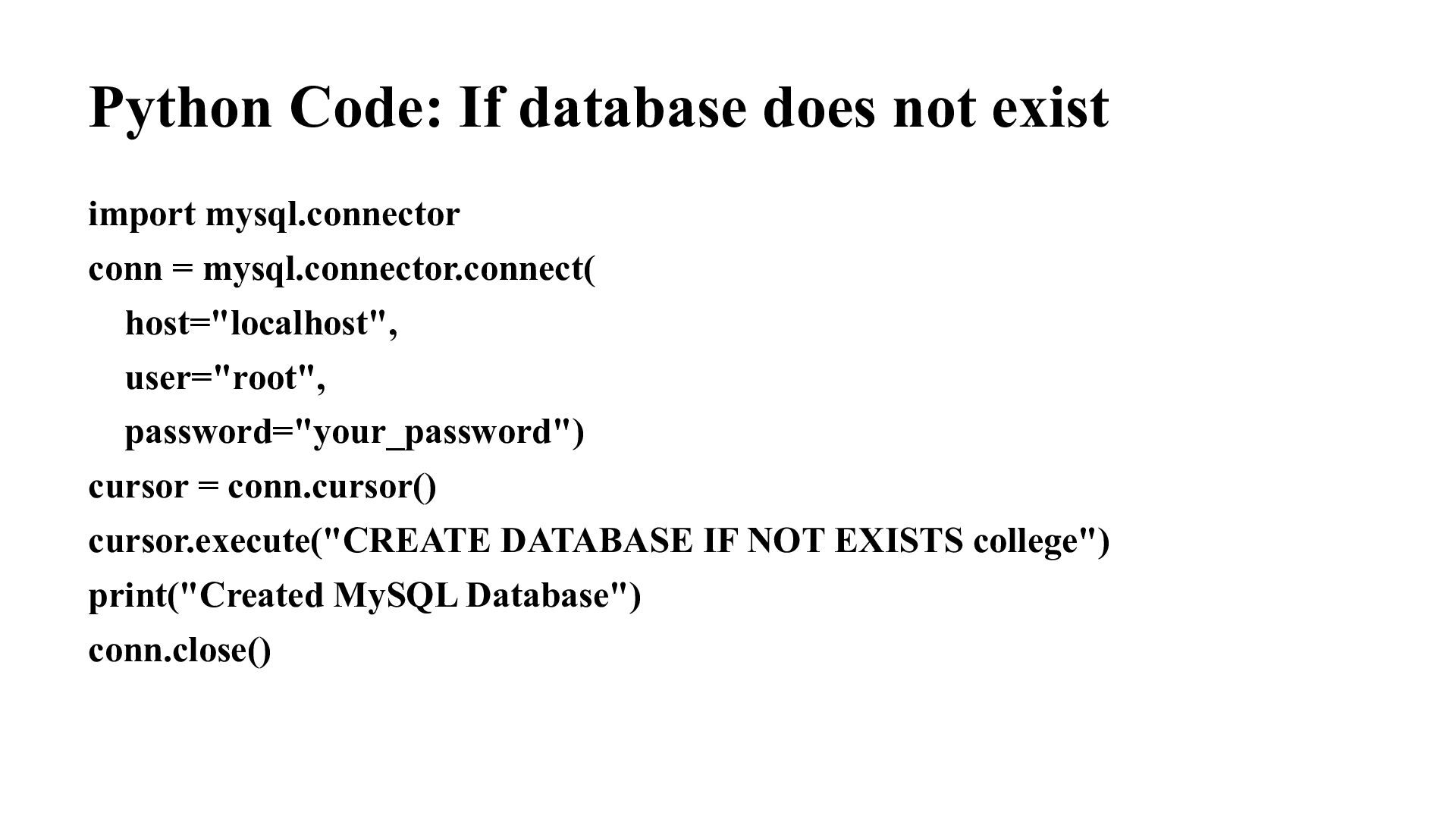
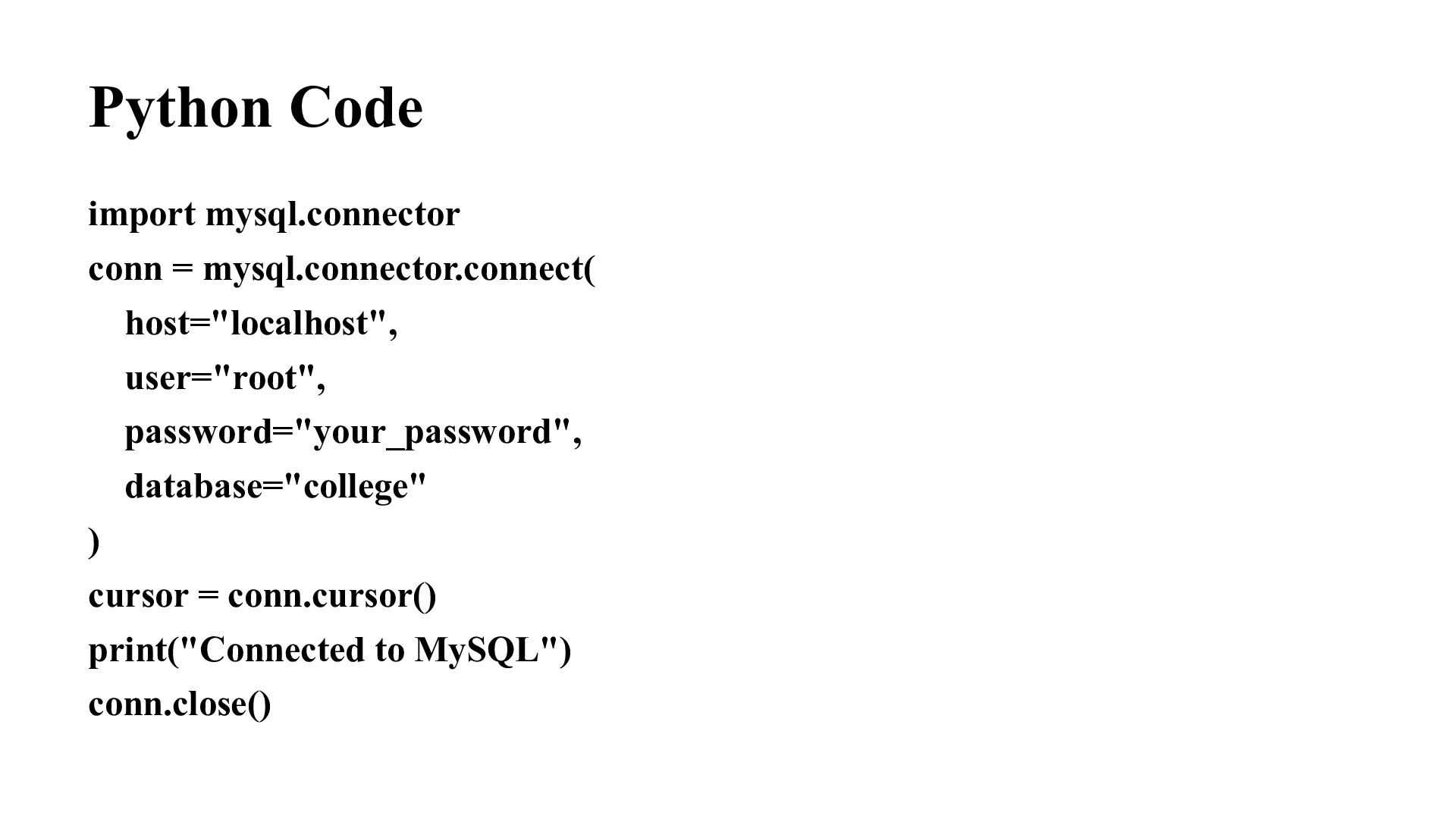
function takes four paarameter as argument. • They are: host, user, password and database. • Example: mysql.connector.connect(host="localhost",user="root",password="your_pas sword",database="college") • Connects to the MySQL database. • If the database file does not exist, MySQL will give an error. • Use function cursor() • A cursor is used to execute SQL commands and retrieve results.
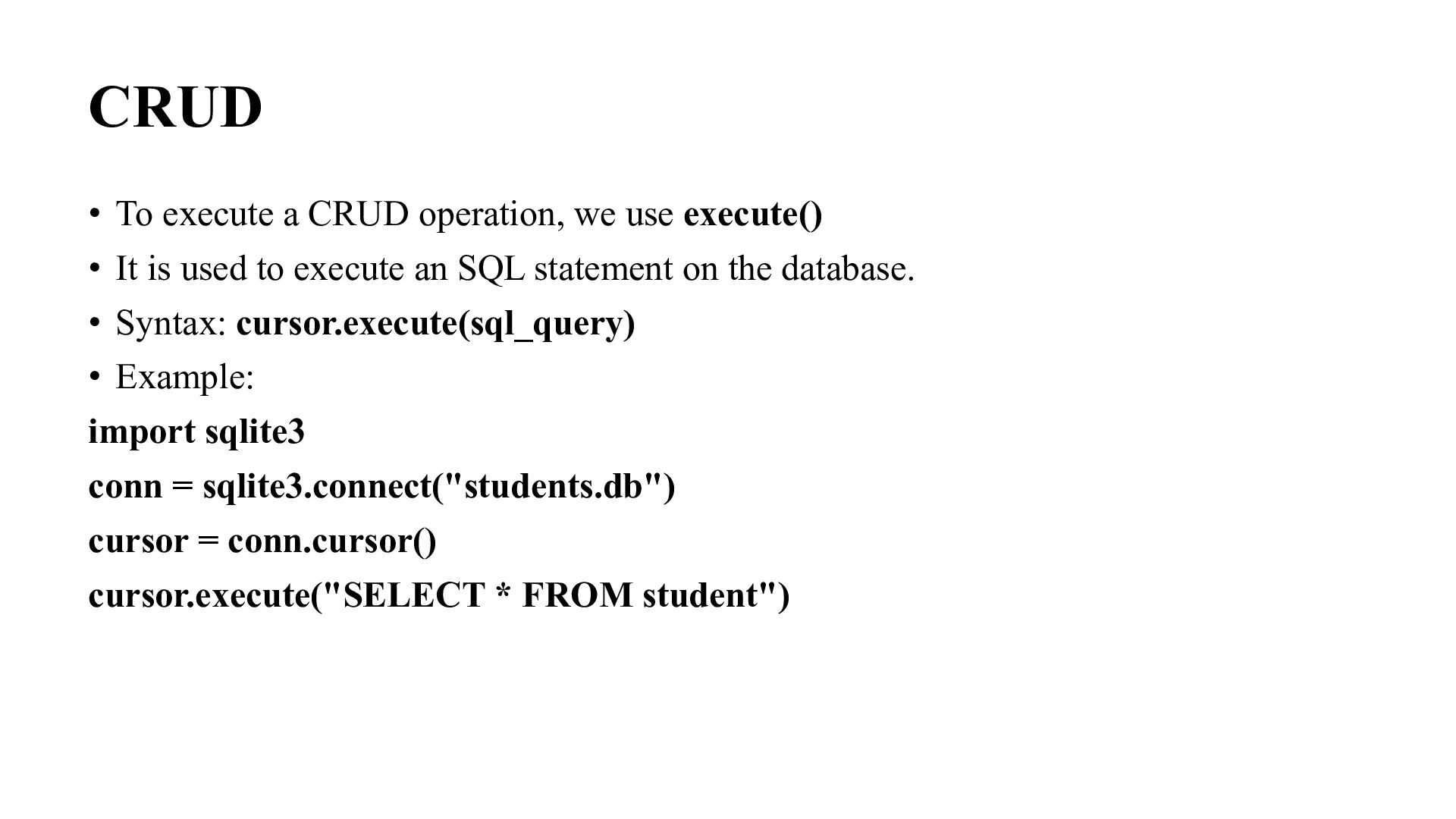
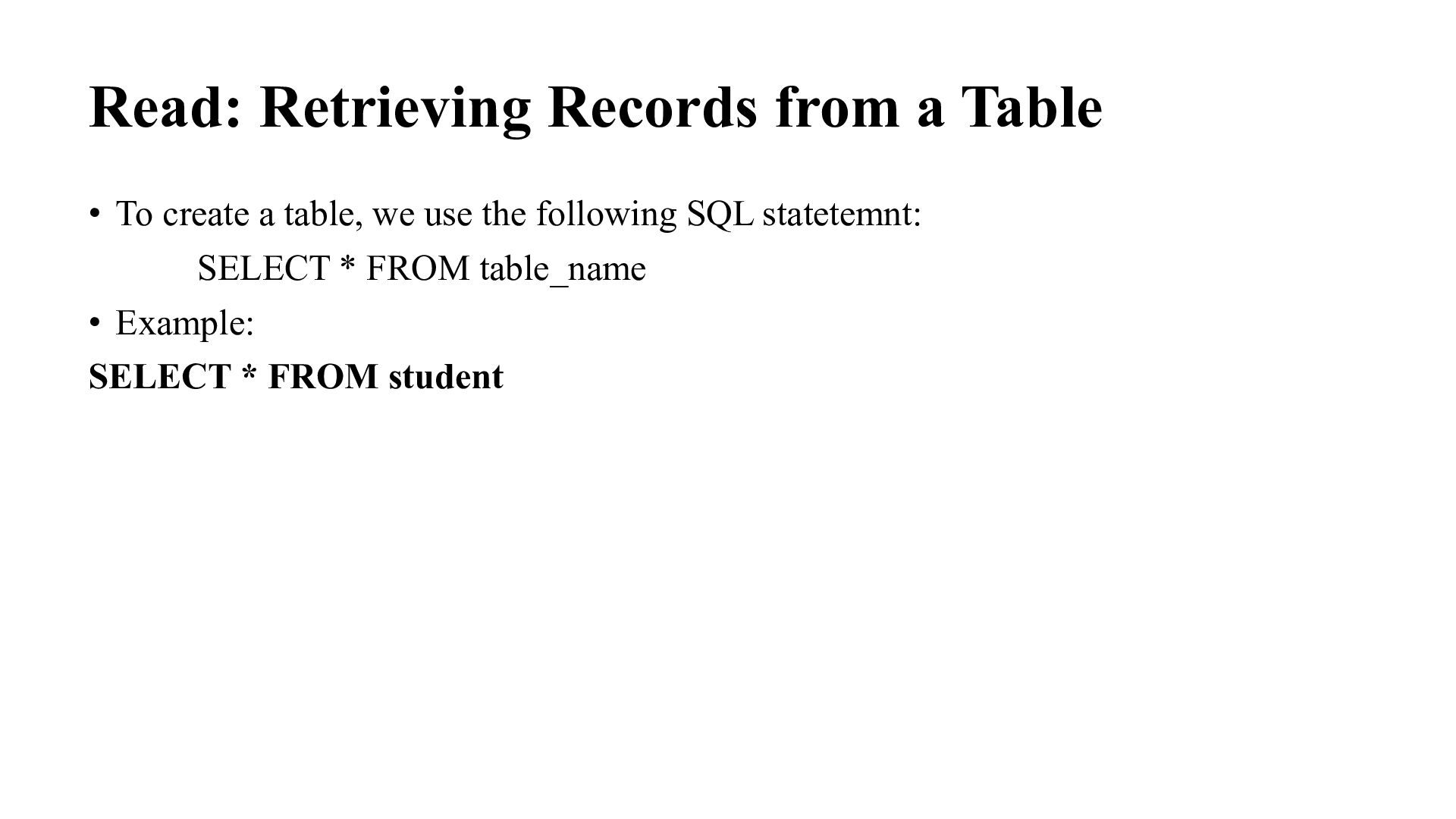
• It is used to execute an SQL statement on the database. • Syntax: cursor.execute(sql_query) • Example: import sqlite3 conn = sqlite3.connect("students.db") cursor = conn.cursor() cursor.execute("SELECT * FROM student")
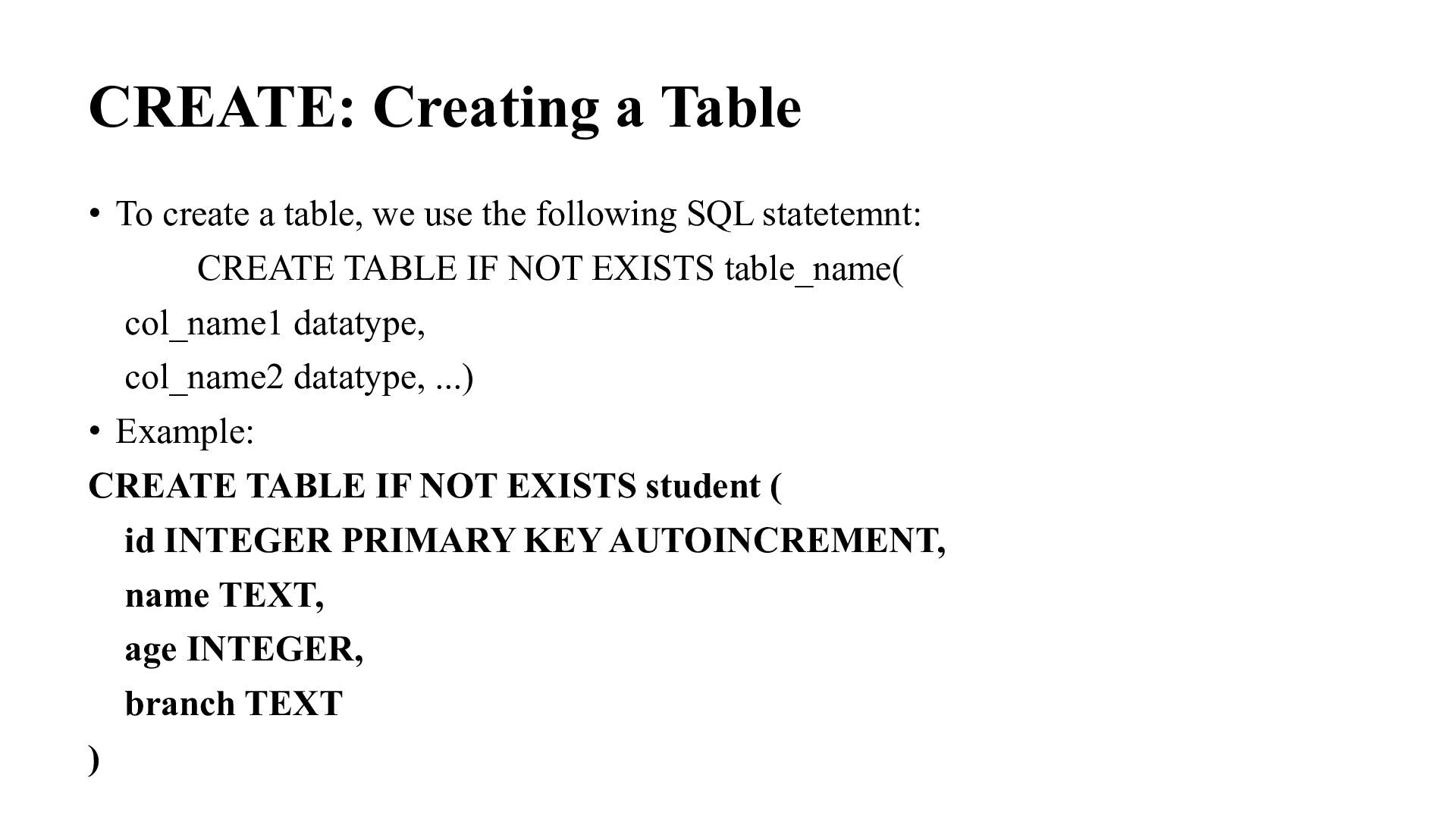
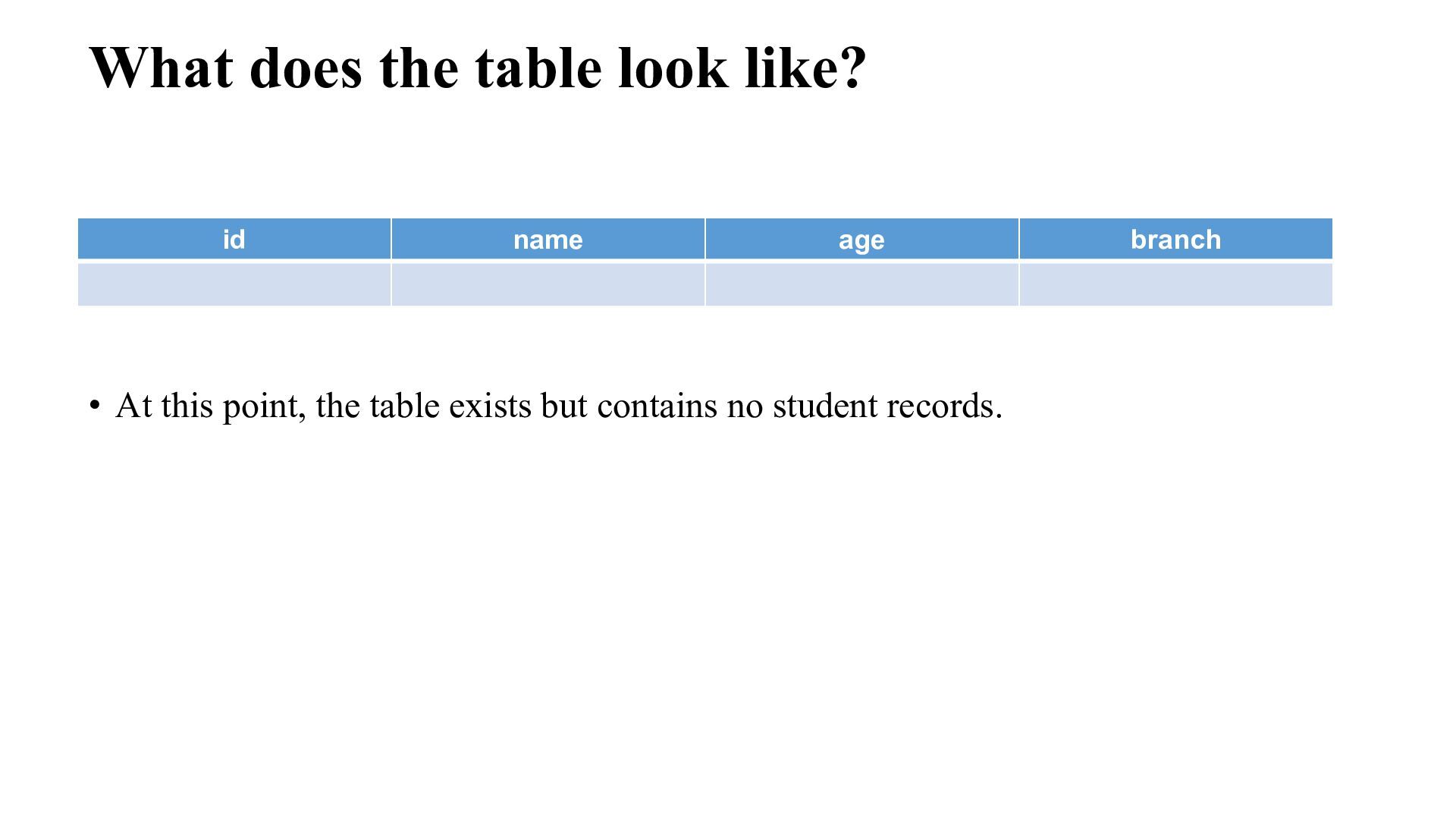
use the following SQL statetemnt: CREATE TABLE IF NOT EXISTS table_name( col_name1 datatype, col_name2 datatype, ...) • Example: CREATE TABLE IF NOT EXISTS student ( id INTEGER PRIMARY KEY AUTOINCREMENT, name TEXT, age INTEGER, branch TEXT )
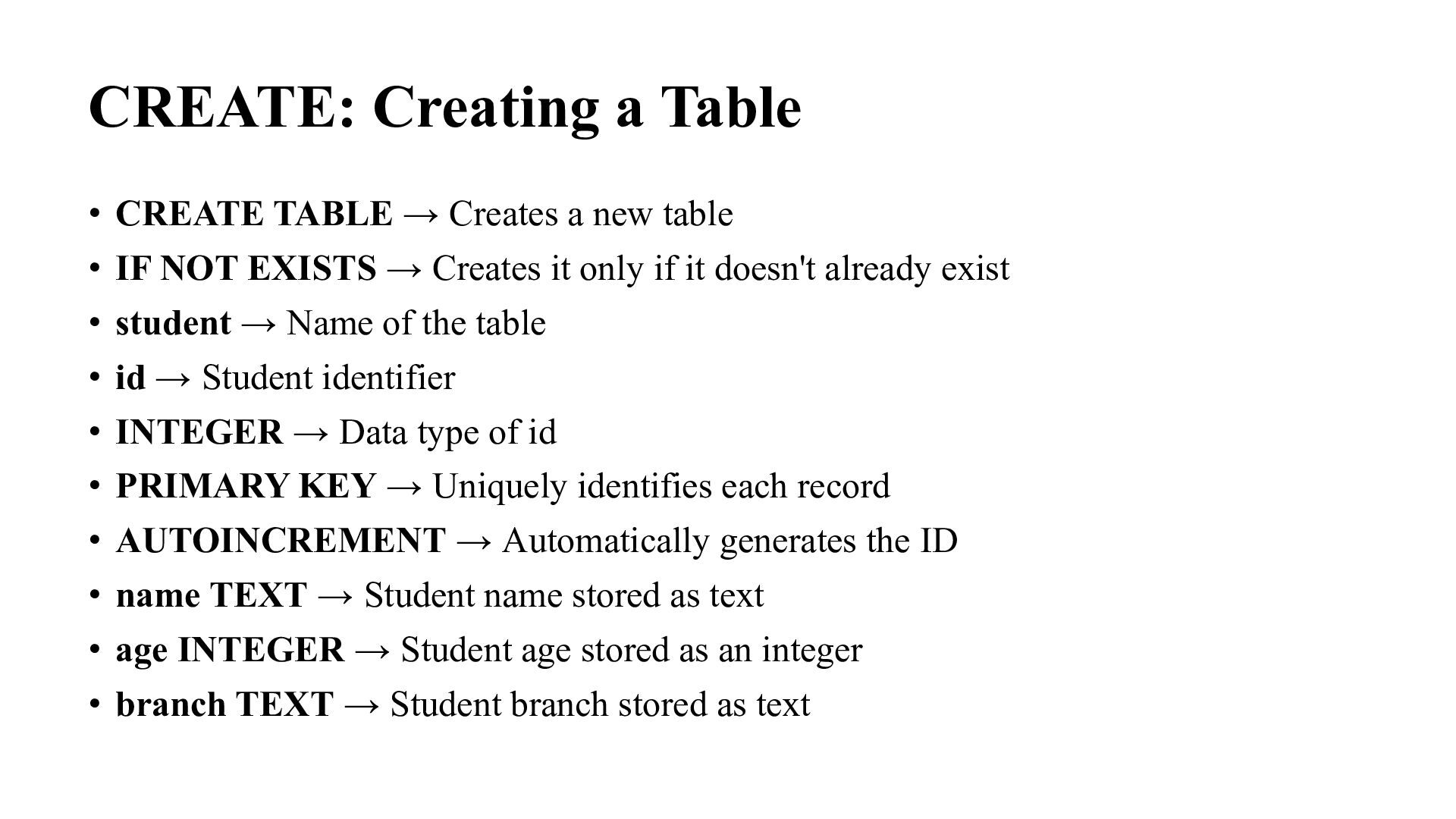
new table • IF NOT EXISTS → Creates it only if it doesn't already exist • student → Name of the table • id → Student identifier • INTEGER → Data type of id • PRIMARY KEY → Uniquely identifies each record • AUTOINCREMENT → Automatically generates the ID • name TEXT → Student name stored as text • age INTEGER → Student age stored as an integer • branch TEXT → Student branch stored as text
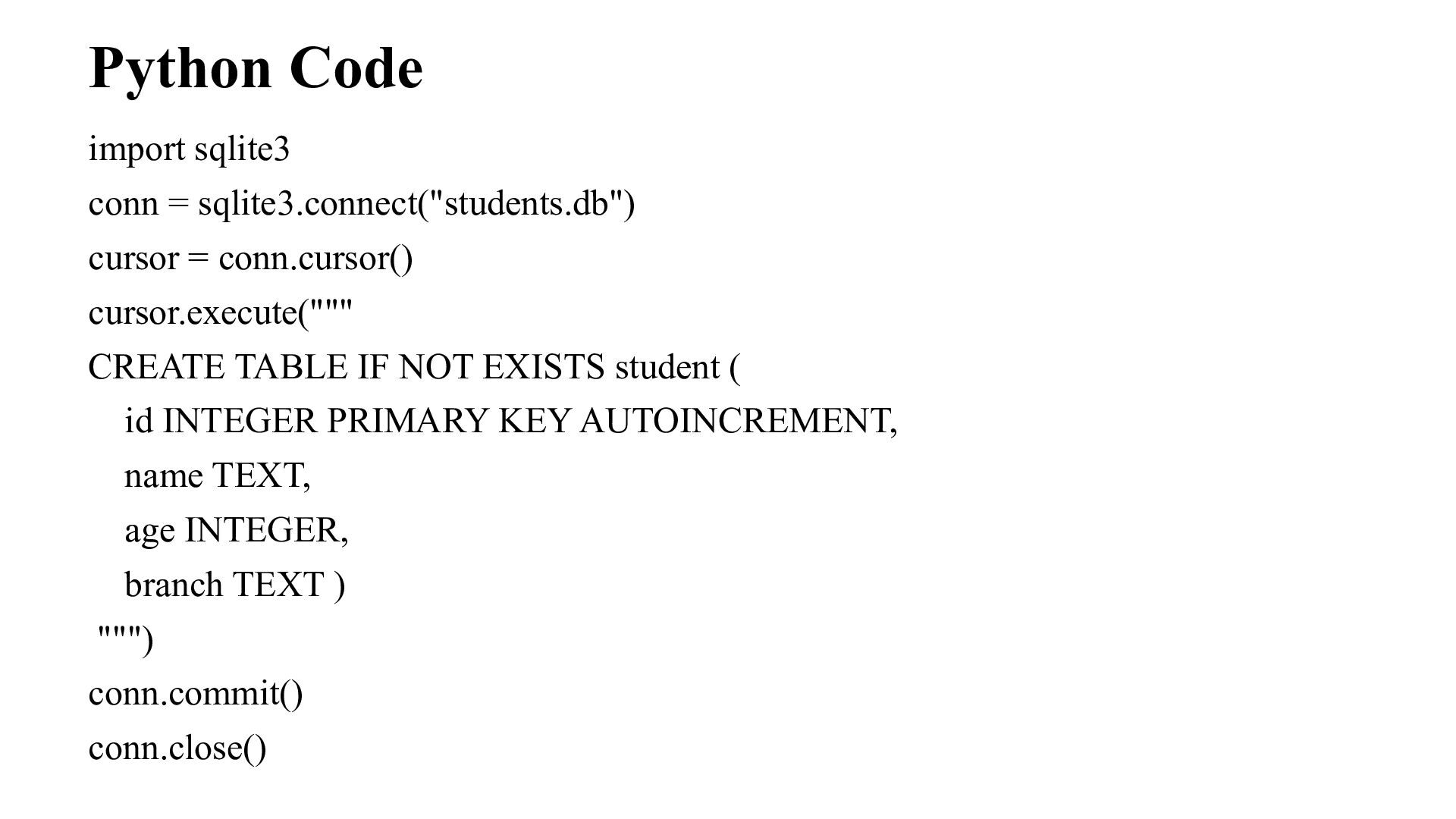
cursor.execute(""" CREATE TABLE IF NOT EXISTS student ( id INTEGER PRIMARY KEY AUTOINCREMENT, name TEXT, age INTEGER, branch TEXT ) """) conn.commit() conn.close()
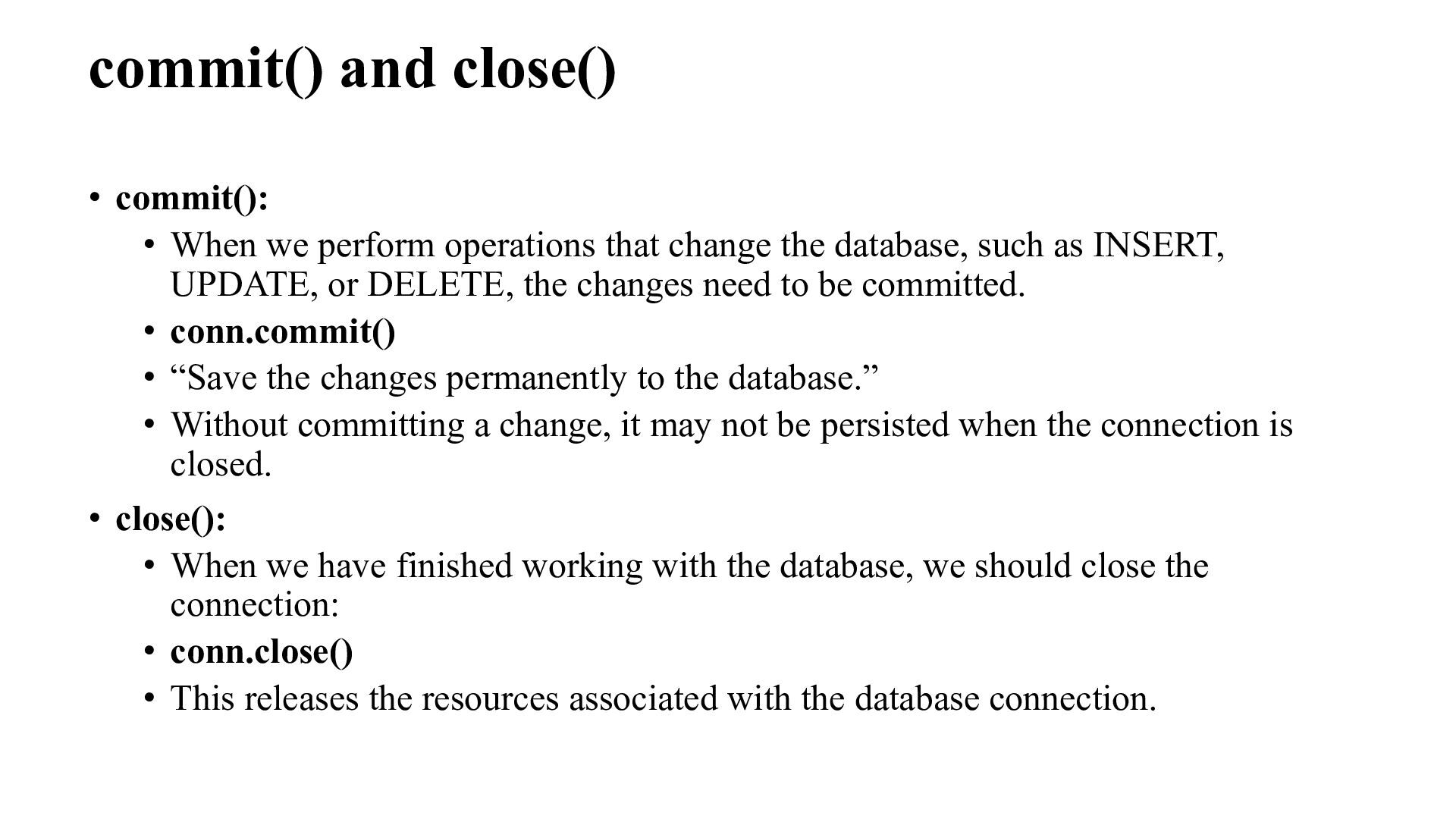
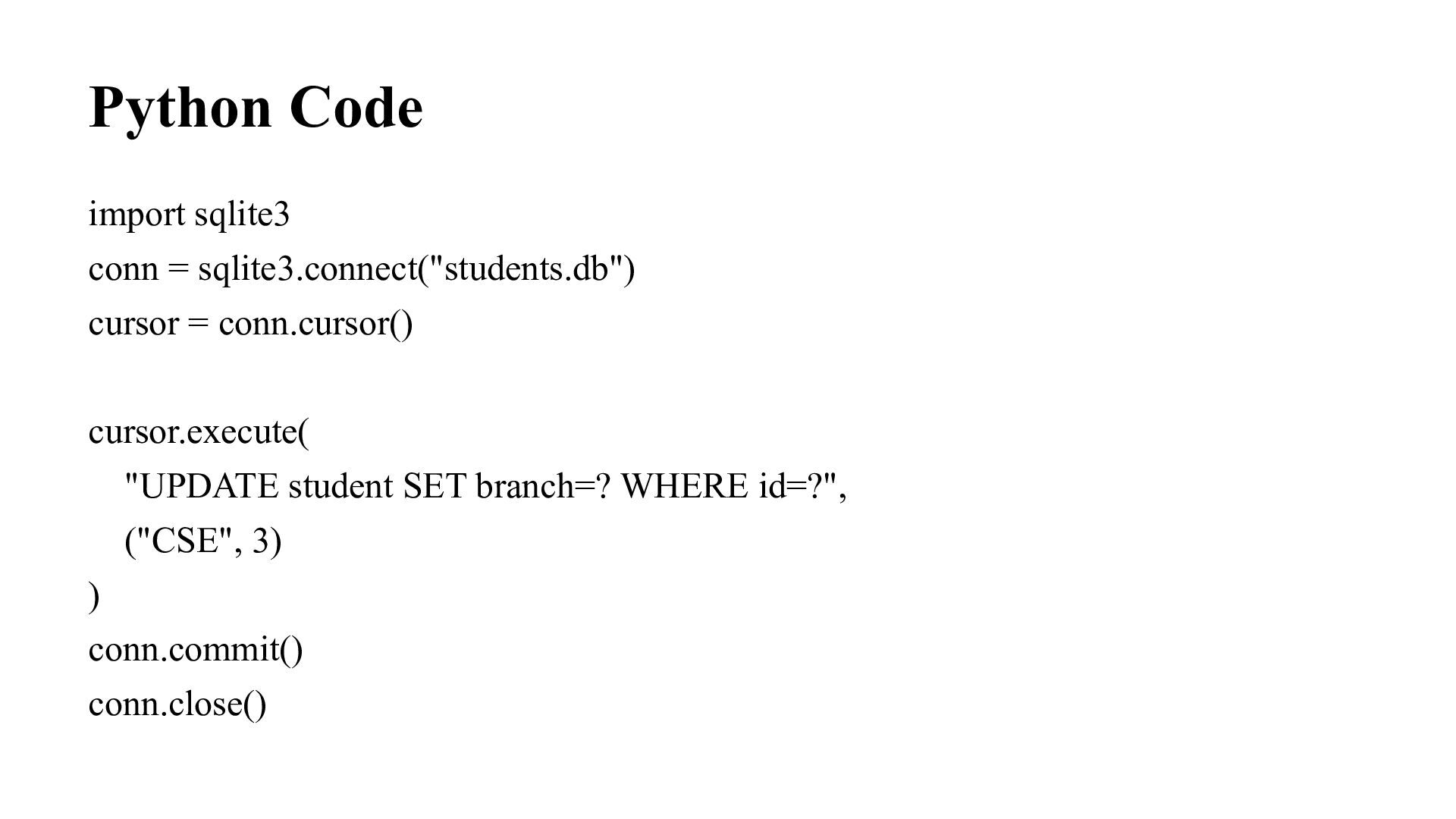
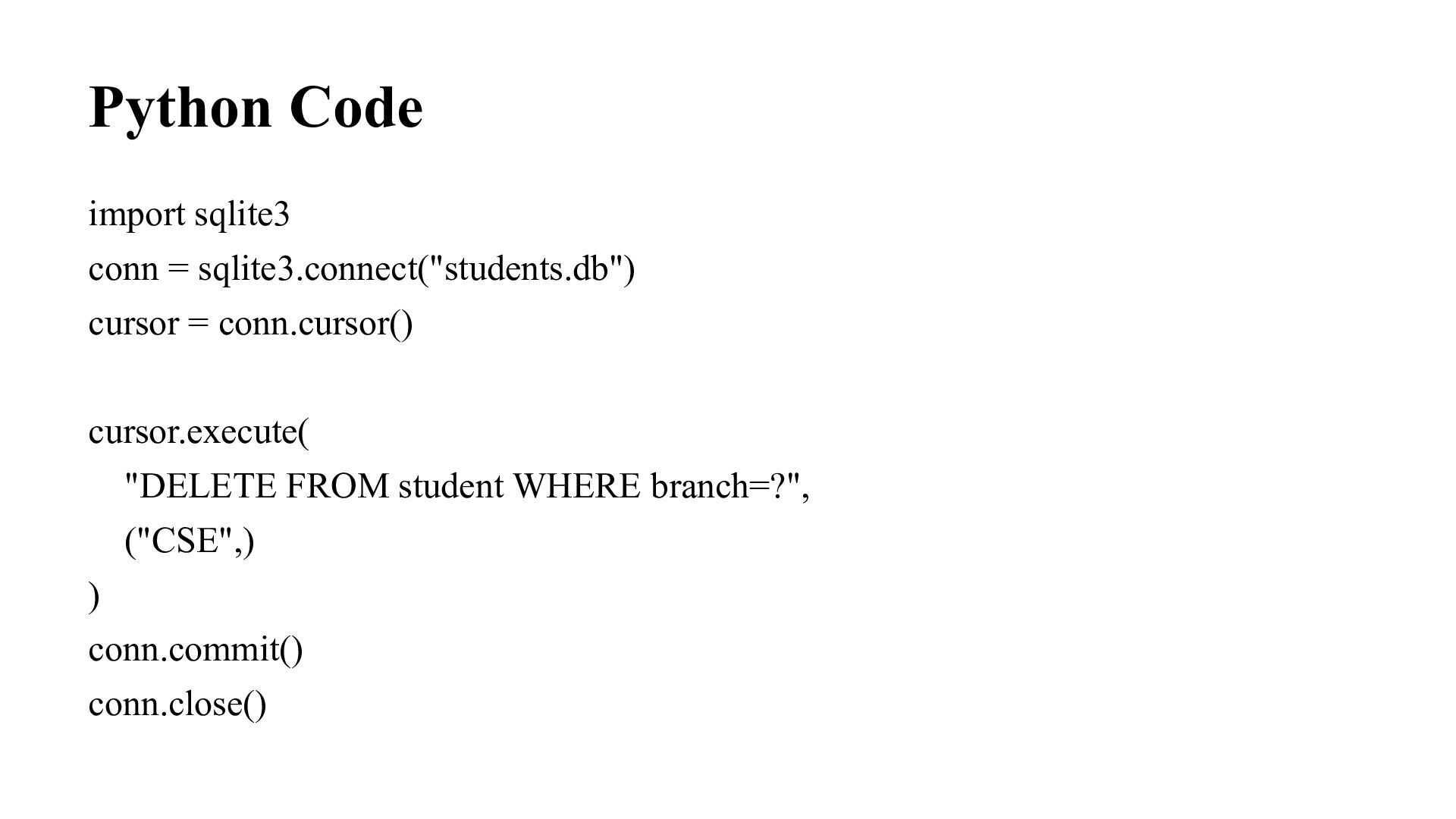
that change the database, such as INSERT, UPDATE, or DELETE, the changes need to be committed. • conn.commit() • “Save the changes permanently to the database.” • Without committing a change, it may not be persisted when the connection is closed. • close(): • When we have finished working with the database, we should close the connection: • conn.close() • This releases the resources associated with the database connection.
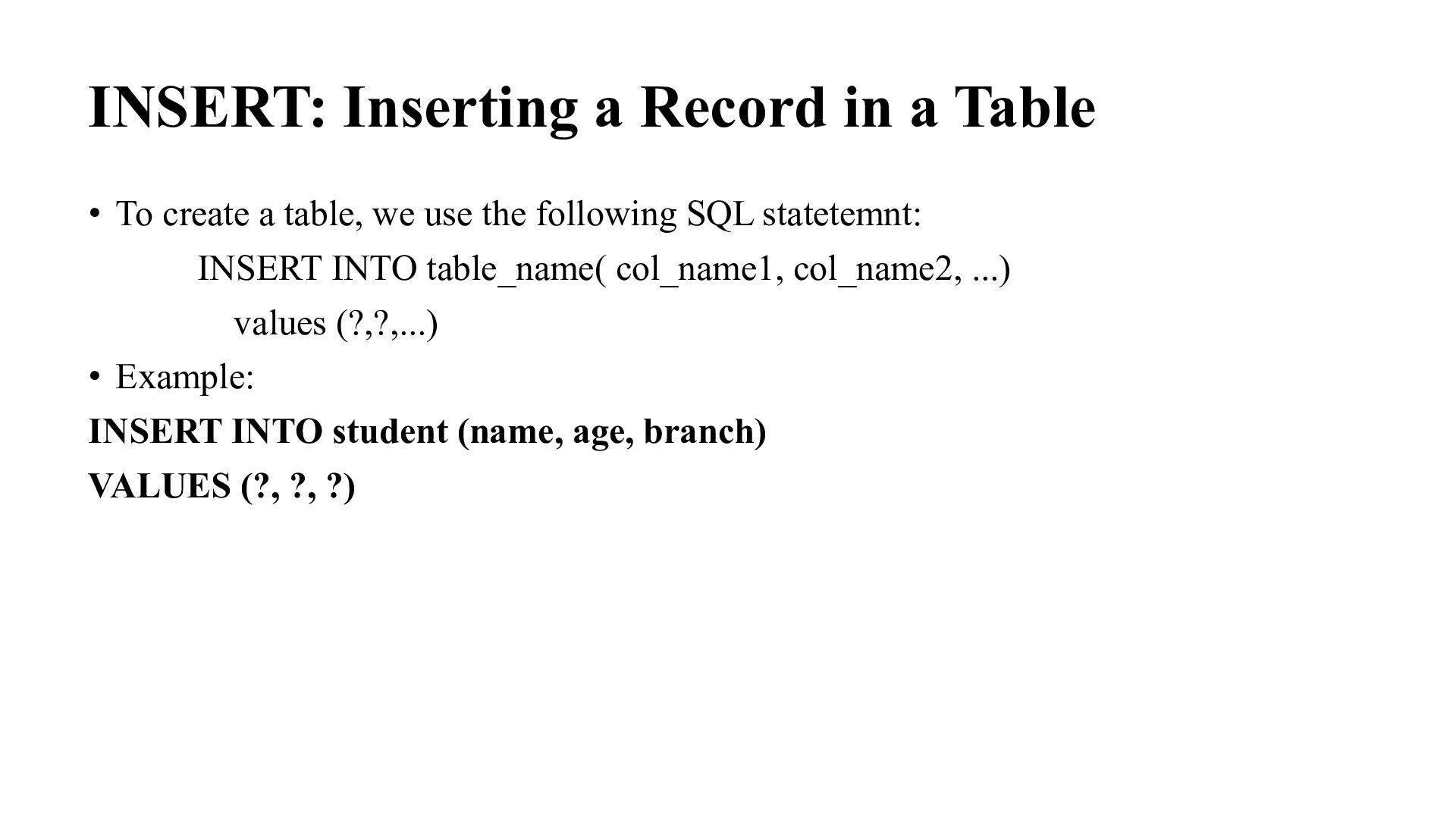
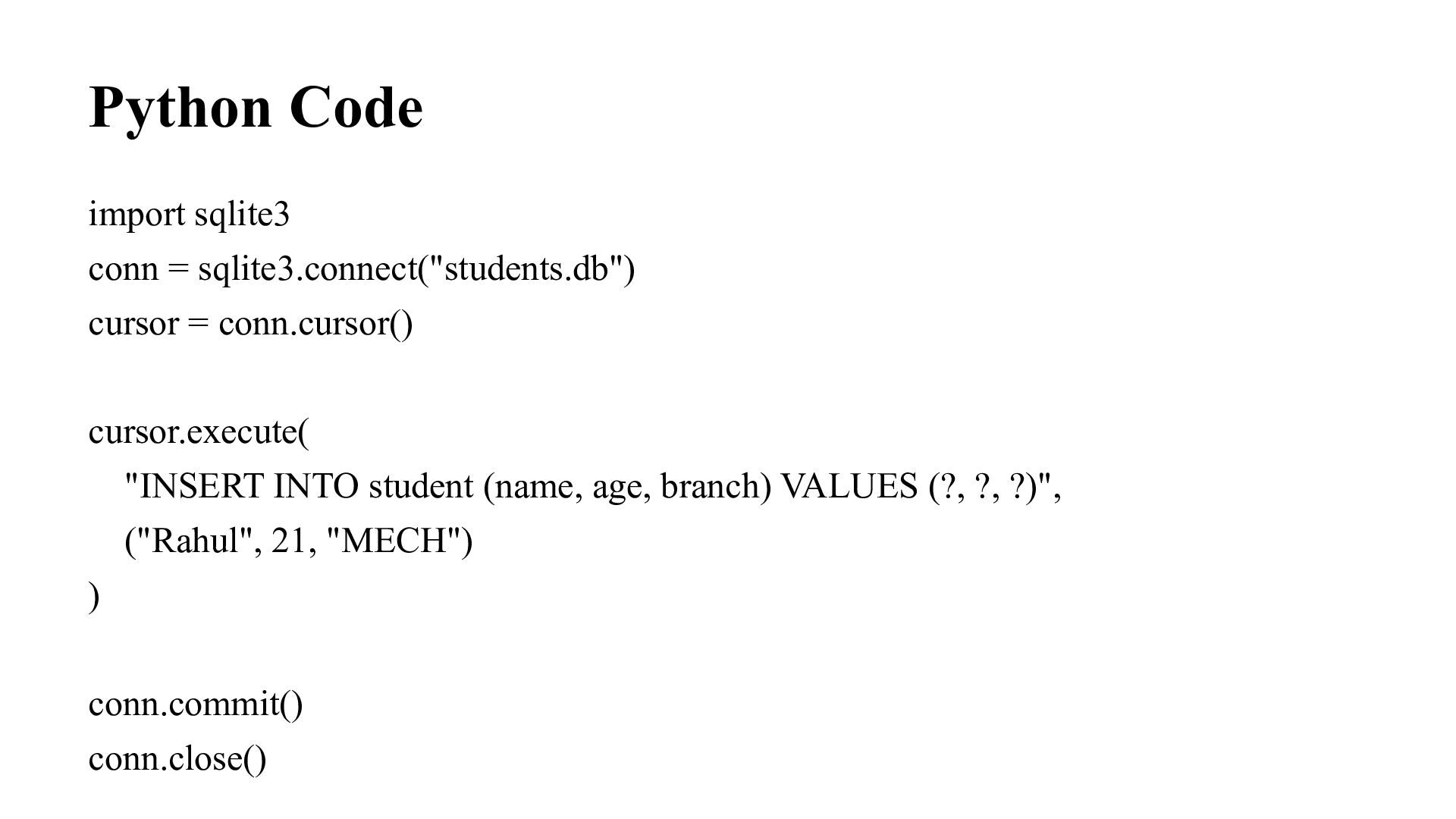
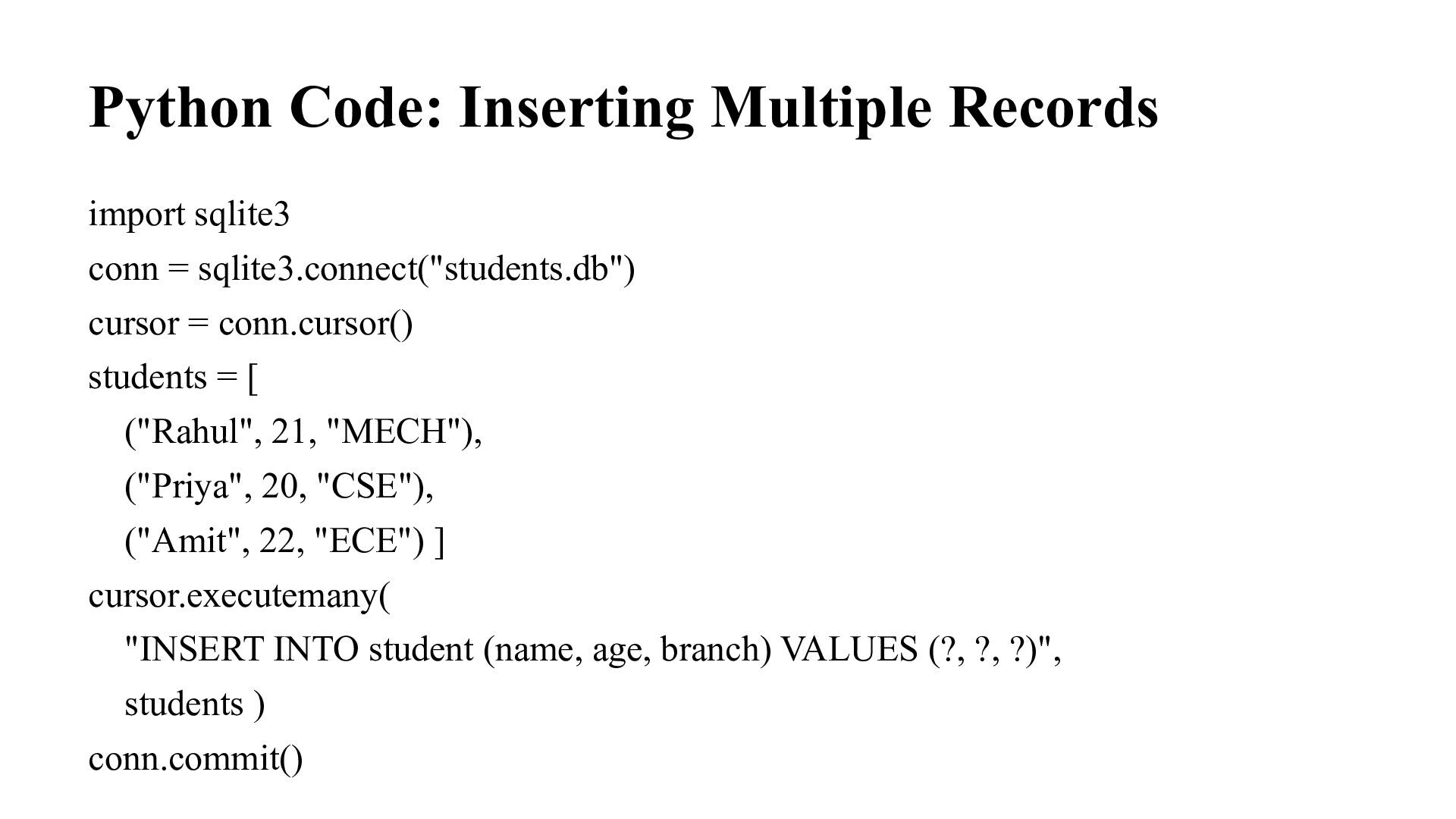
a table, we use the following SQL statetemnt: INSERT INTO table_name( col_name1, col_name2, ...) values (?,?,...) • Example: INSERT INTO student (name, age, branch) VALUES (?, ?, ?)
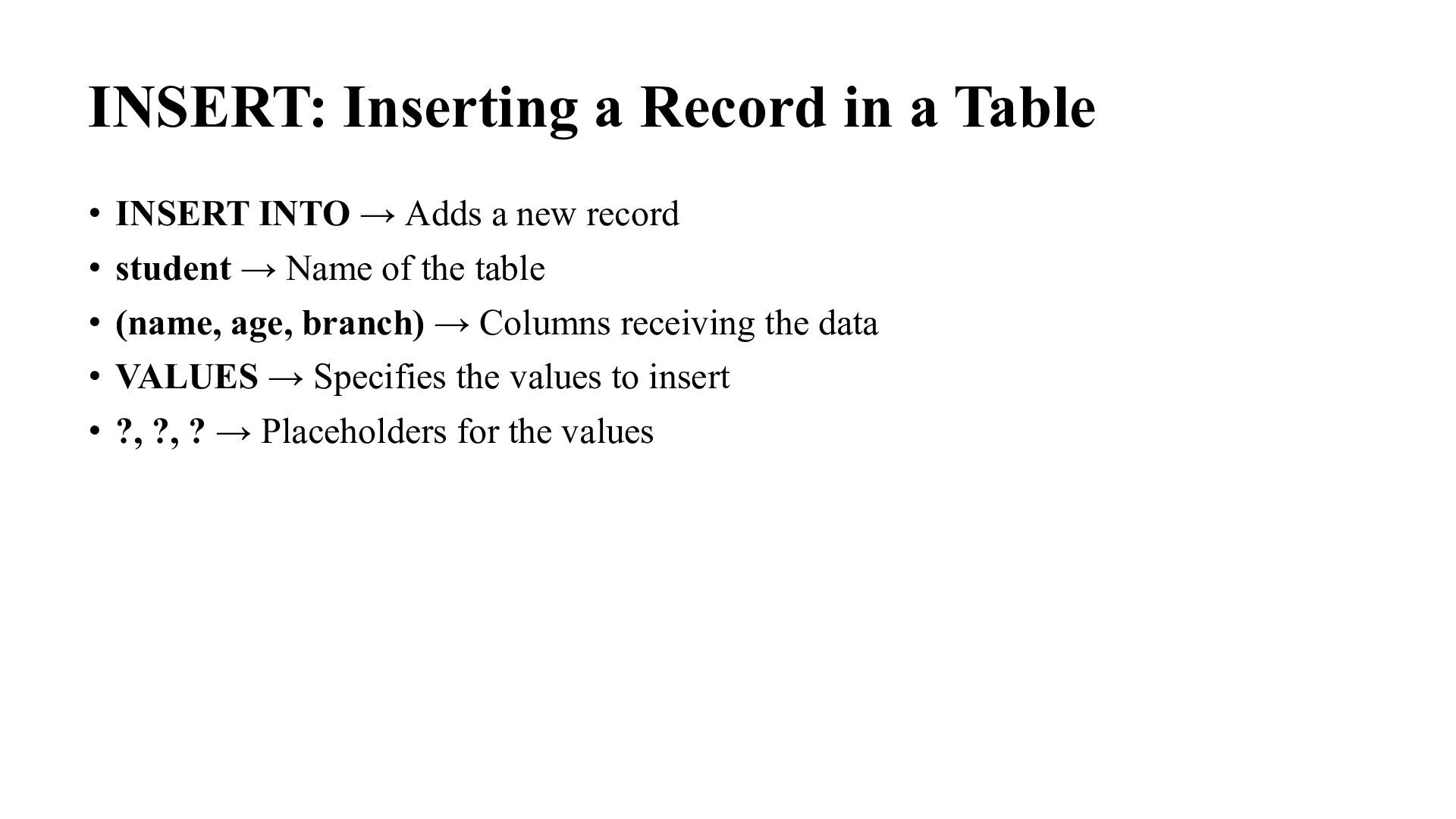
→ Adds a new record • student → Name of the table • (name, age, branch) → Columns receiving the data • VALUES → Specifies the values to insert • ?, ?, ? → Placeholders for the values
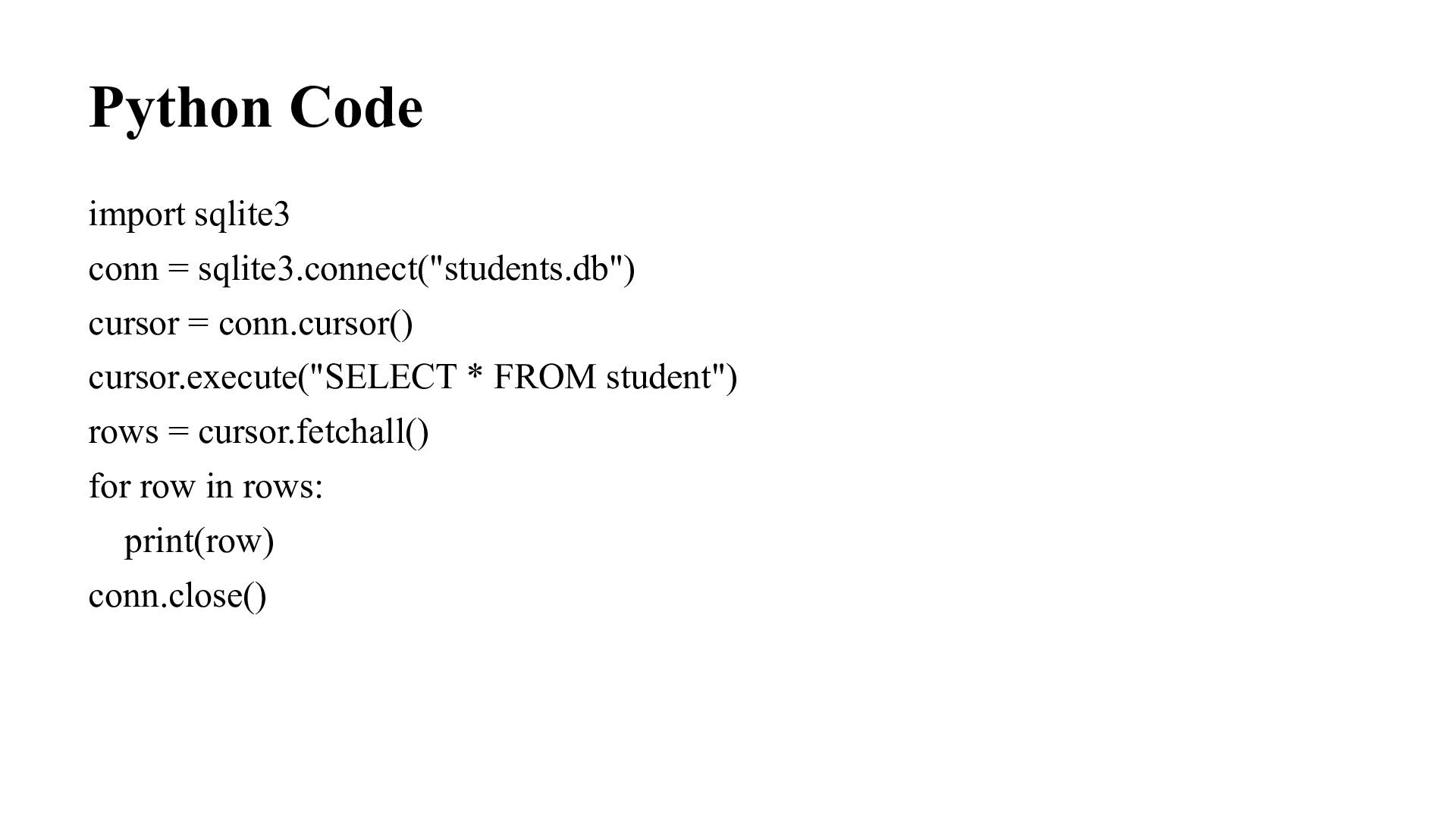
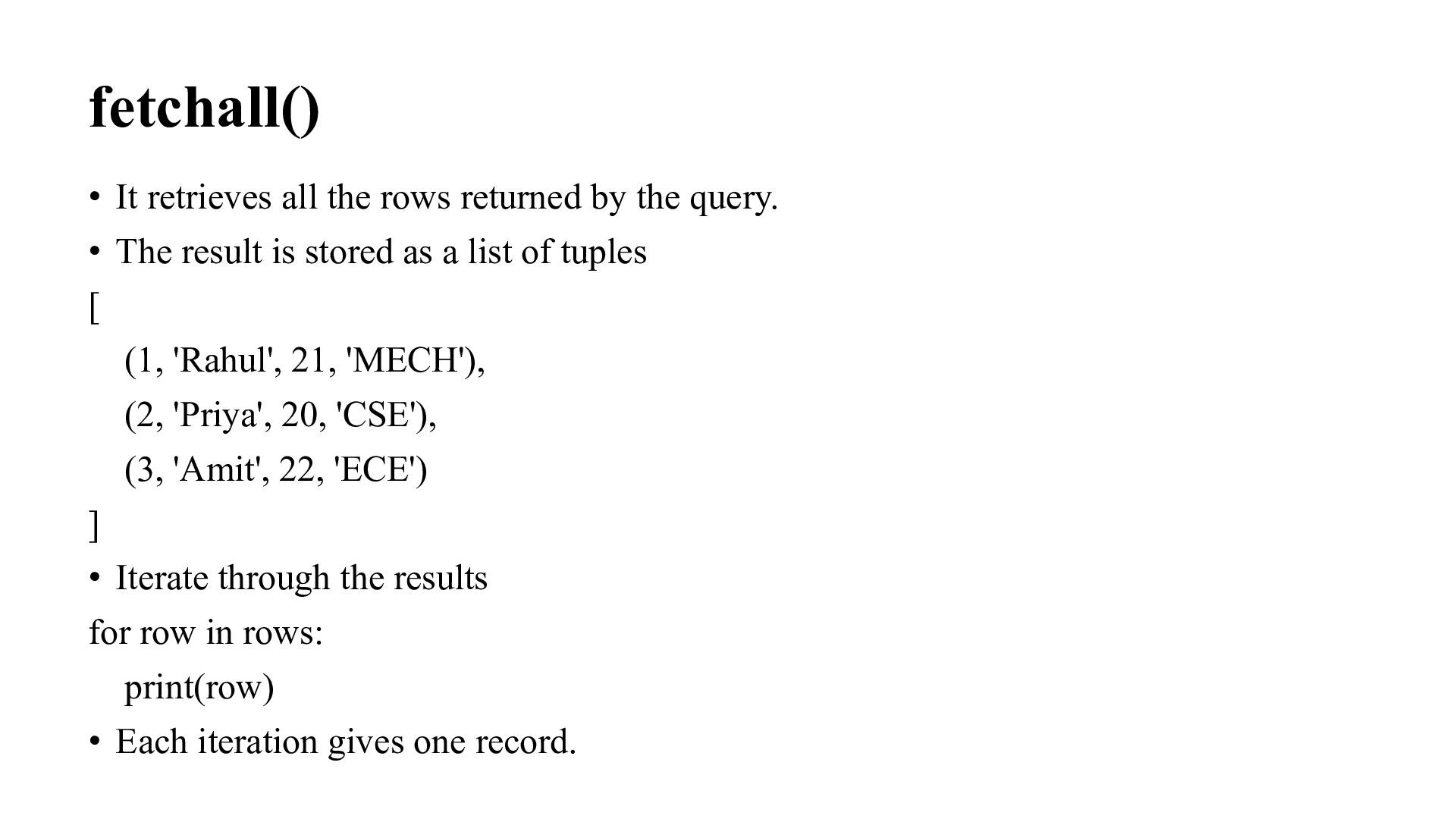
query. • The result is stored as a list of tuples [ (1, 'Rahul', 21, 'MECH'), (2, 'Priya', 20, 'CSE'), (3, 'Amit', 22, 'ECE') ] • Iterate through the results for row in rows: print(row) • Each iteration gives one record.
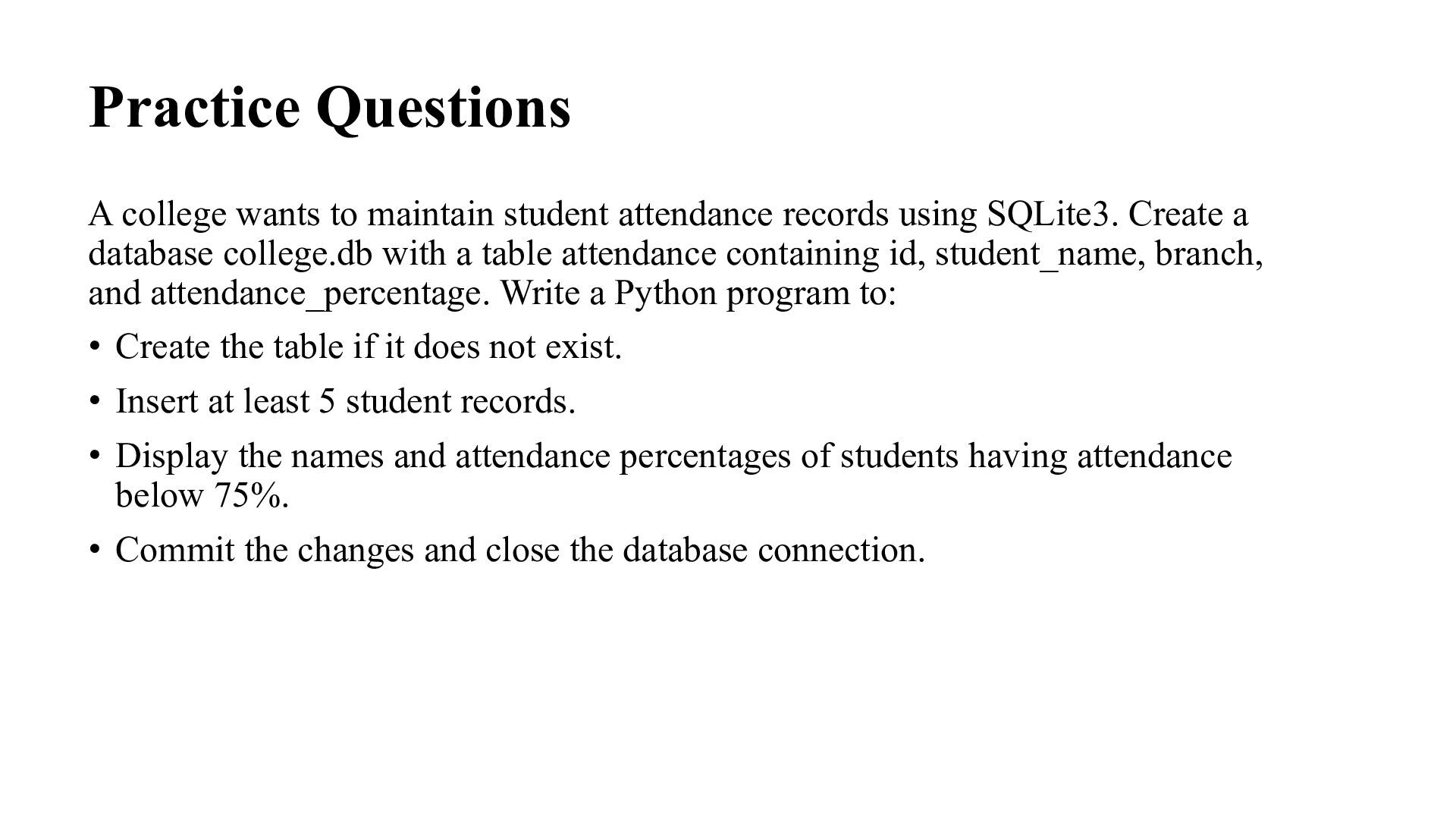
using SQLite3. Create a database college.db with a table attendance containing id, student_name, branch, and attendance_percentage. Write a Python program to: • Create the table if it does not exist. • Insert at least 5 student records. • Display the names and attendance percentages of students having attendance below 75%. • Commit the changes and close the database connection.
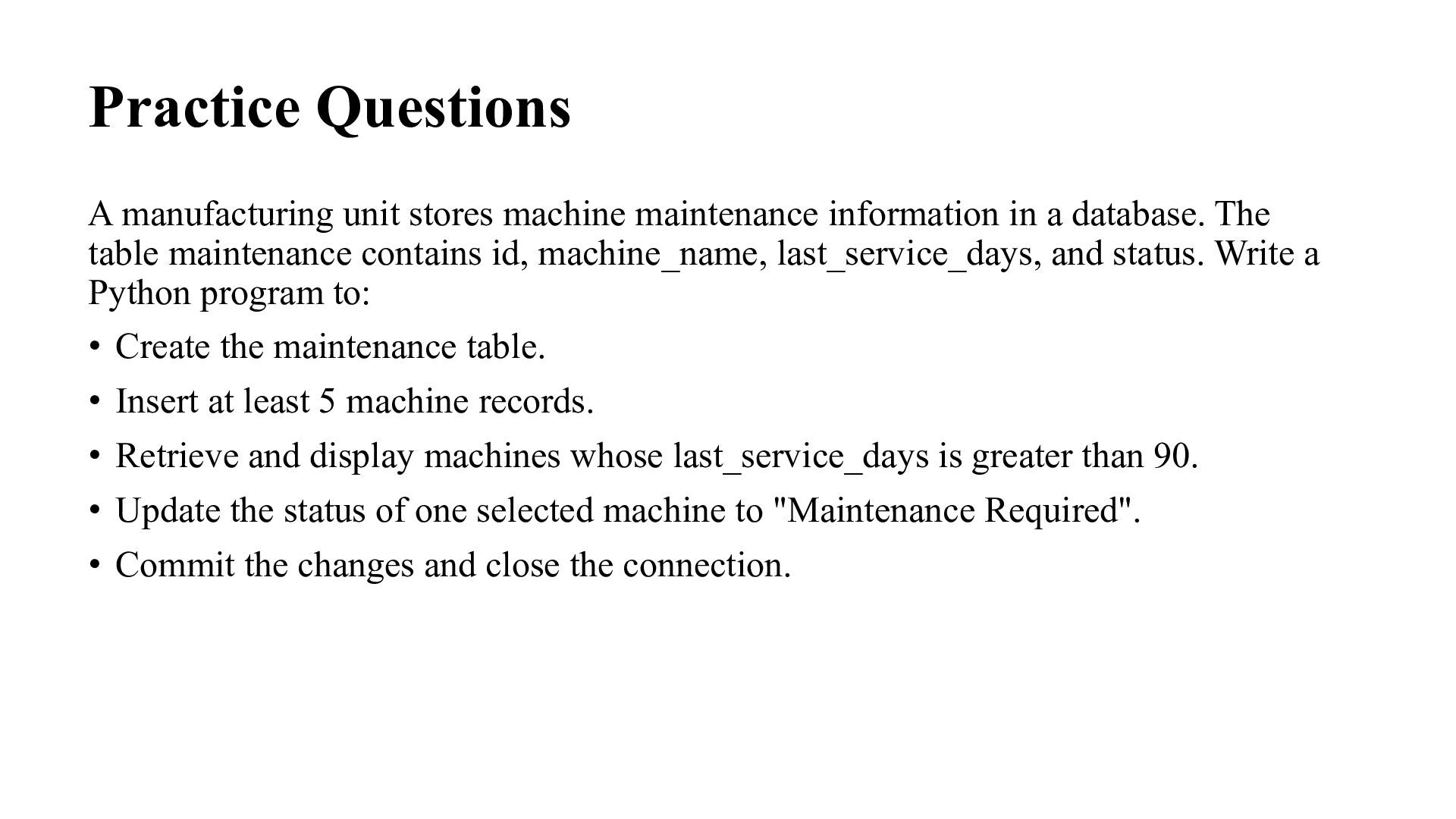
a database. The table maintenance contains id, machine_name, last_service_days, and status. Write a Python program to: • Create the maintenance table. • Insert at least 5 machine records. • Retrieve and display machines whose last_service_days is greater than 90. • Update the status of one selected machine to "Maintenance Required". • Commit the changes and close the connection.
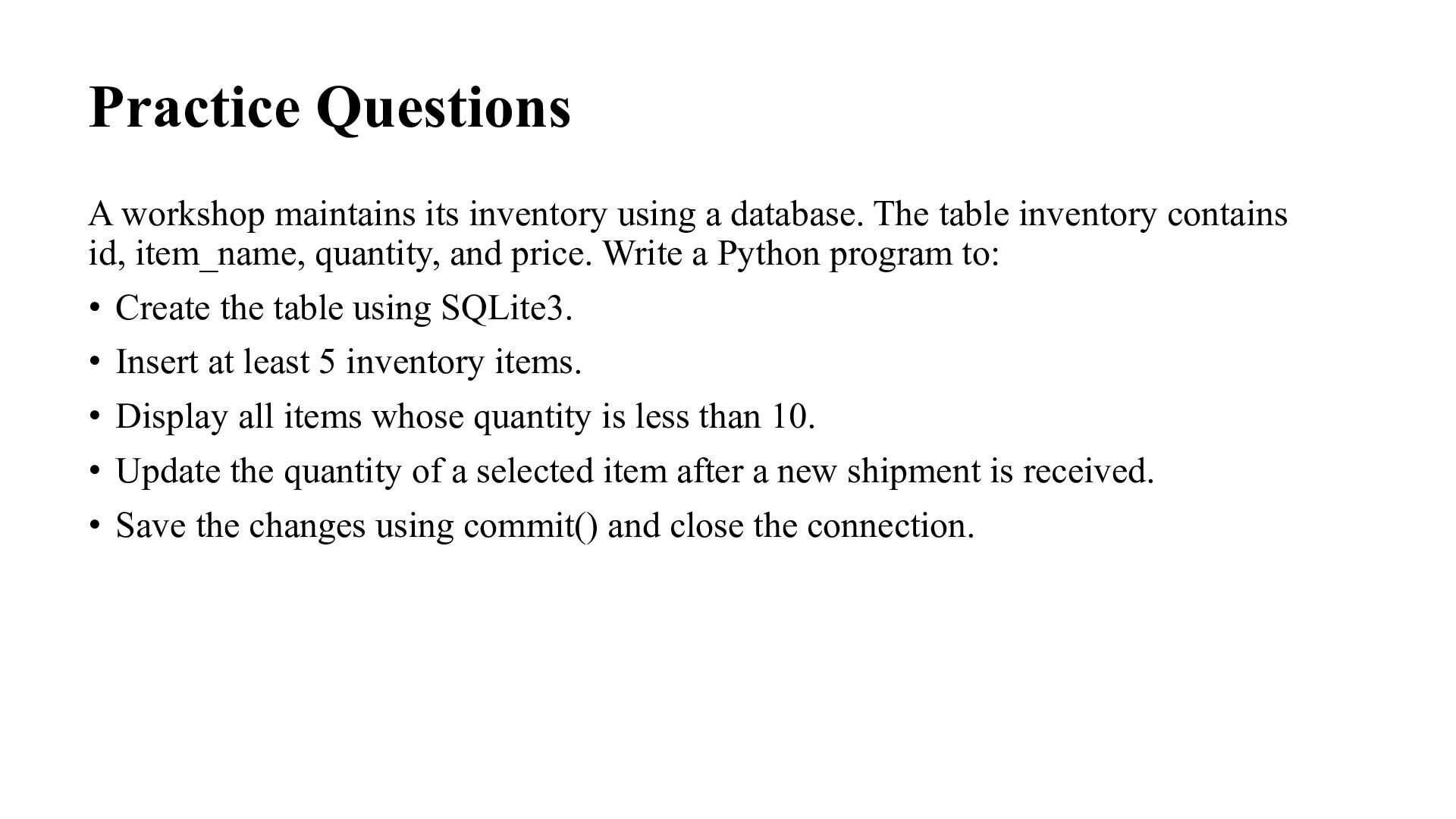
The table inventory contains id, item_name, quantity, and price. Write a Python program to: • Create the table using SQLite3. • Insert at least 5 inventory items. • Display all items whose quantity is less than 10. • Update the quantity of a selected item after a new shipment is received. • Save the changes using commit() and close the connection.
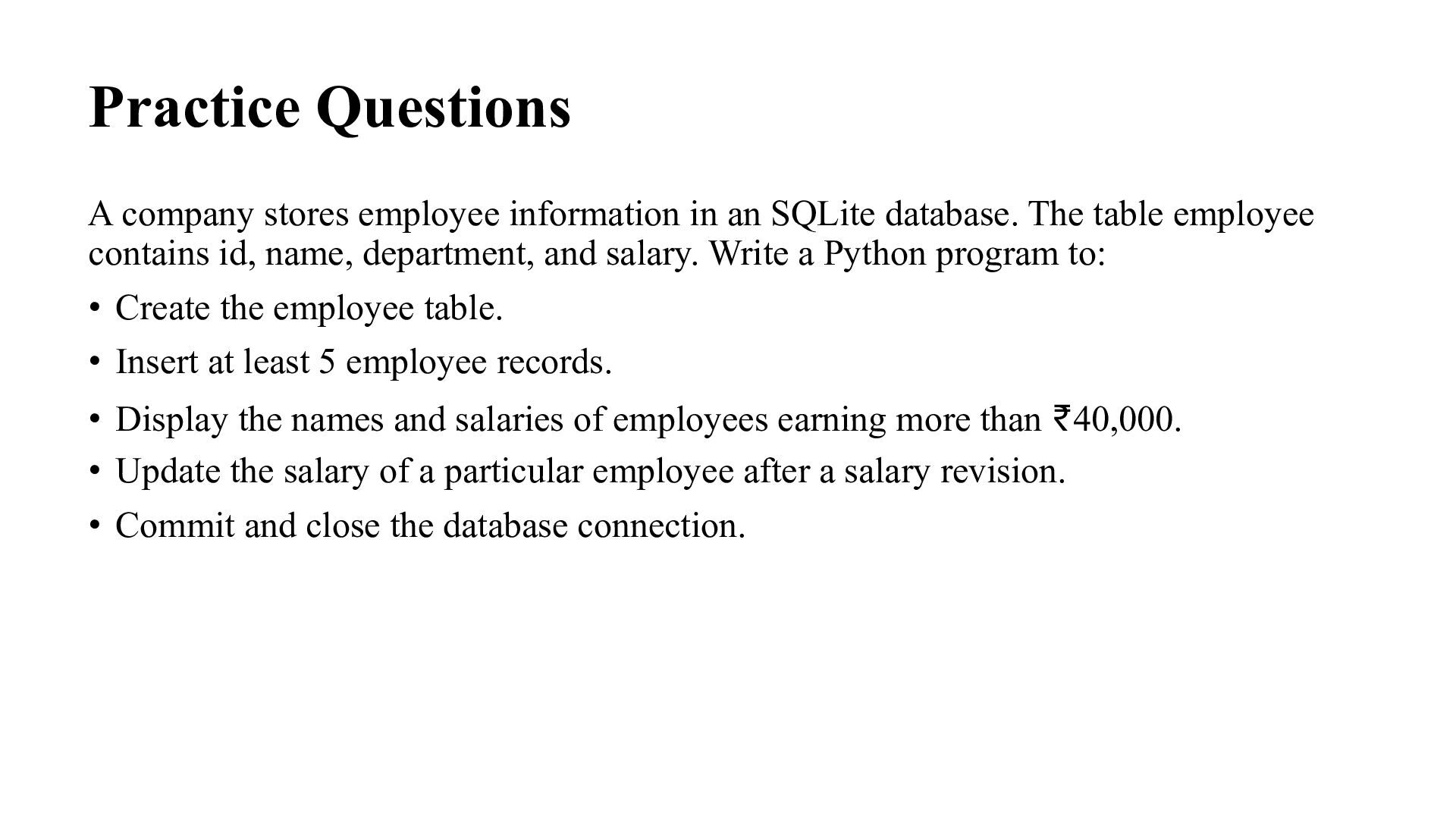
database. The table employee contains id, name, department, and salary. Write a Python program to: • Create the employee table. • Insert at least 5 employee records. • Display the names and salaries of employees earning more than ₹40,000. • Update the salary of a particular employee after a salary revision. • Commit and close the database connection.
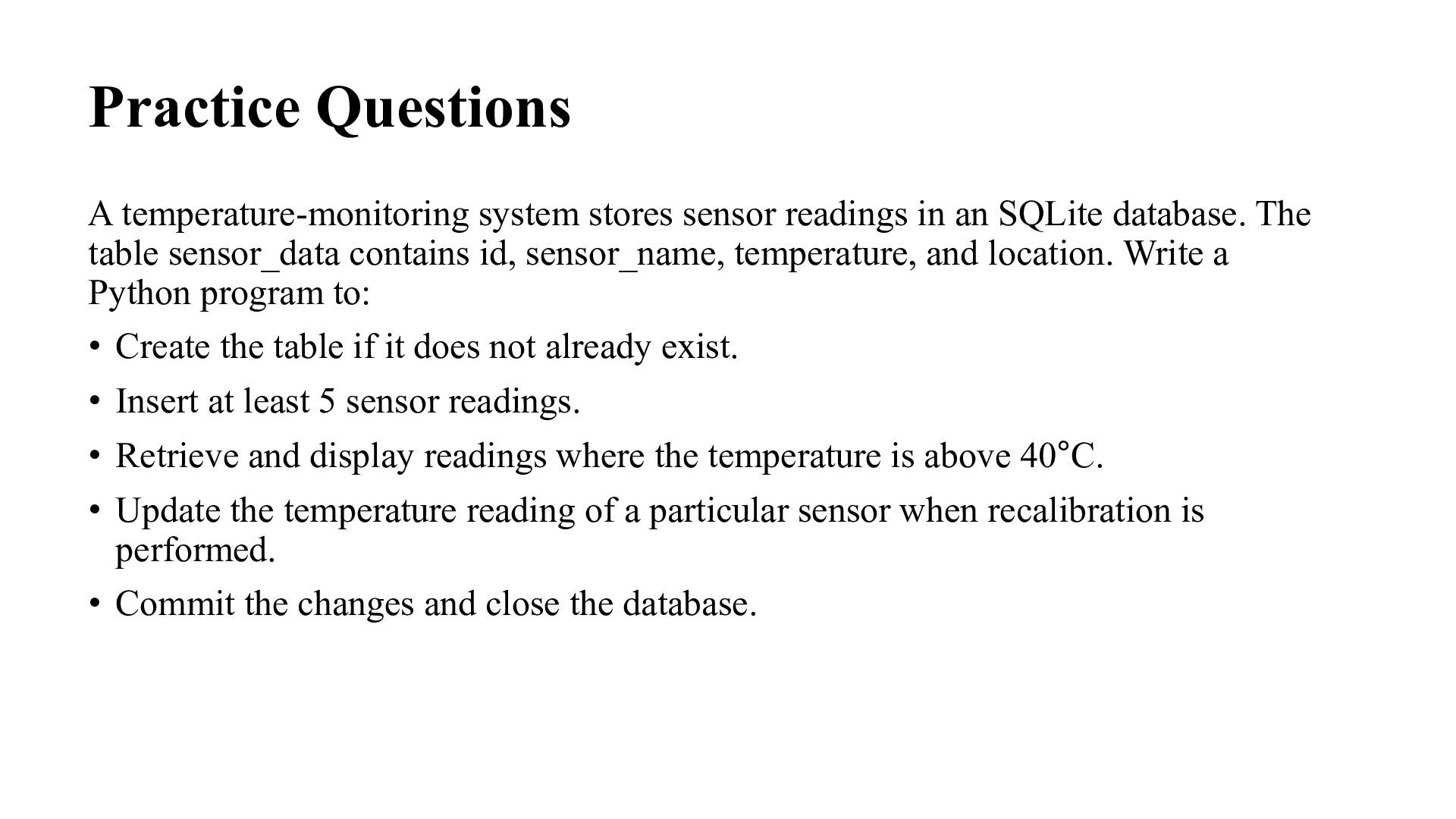
SQLite database. The table sensor_data contains id, sensor_name, temperature, and location. Write a Python program to: • Create the table if it does not already exist. • Insert at least 5 sensor readings. • Retrieve and display readings where the temperature is above 40°C. • Update the temperature reading of a particular sensor when recalibration is performed. • Commit the changes and close the database.
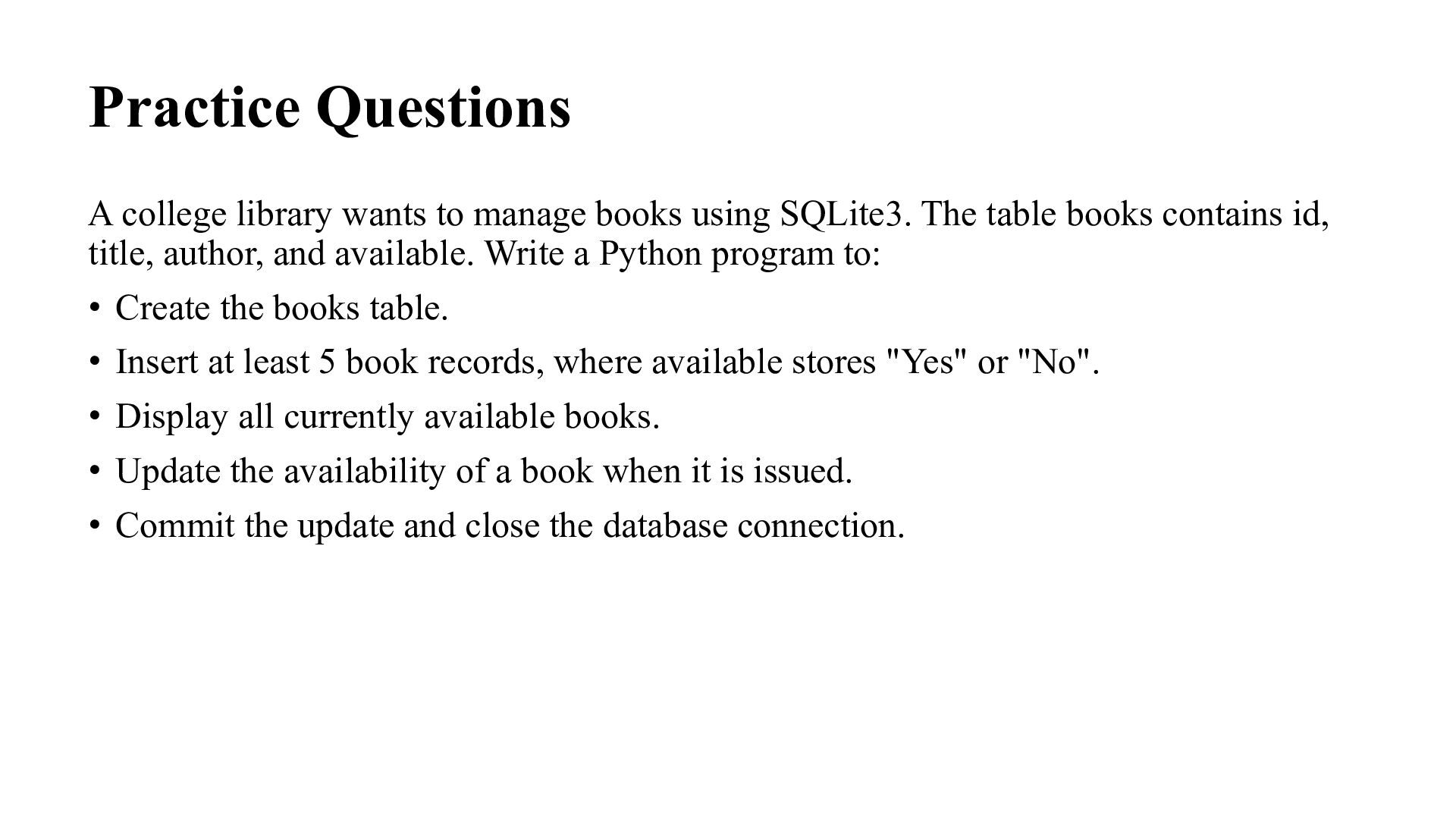
SQLite3. The table books contains id, title, author, and available. Write a Python program to: • Create the books table. • Insert at least 5 book records, where available stores "Yes" or "No". • Display all currently available books. • Update the availability of a book when it is issued. • Commit the update and close the database connection.
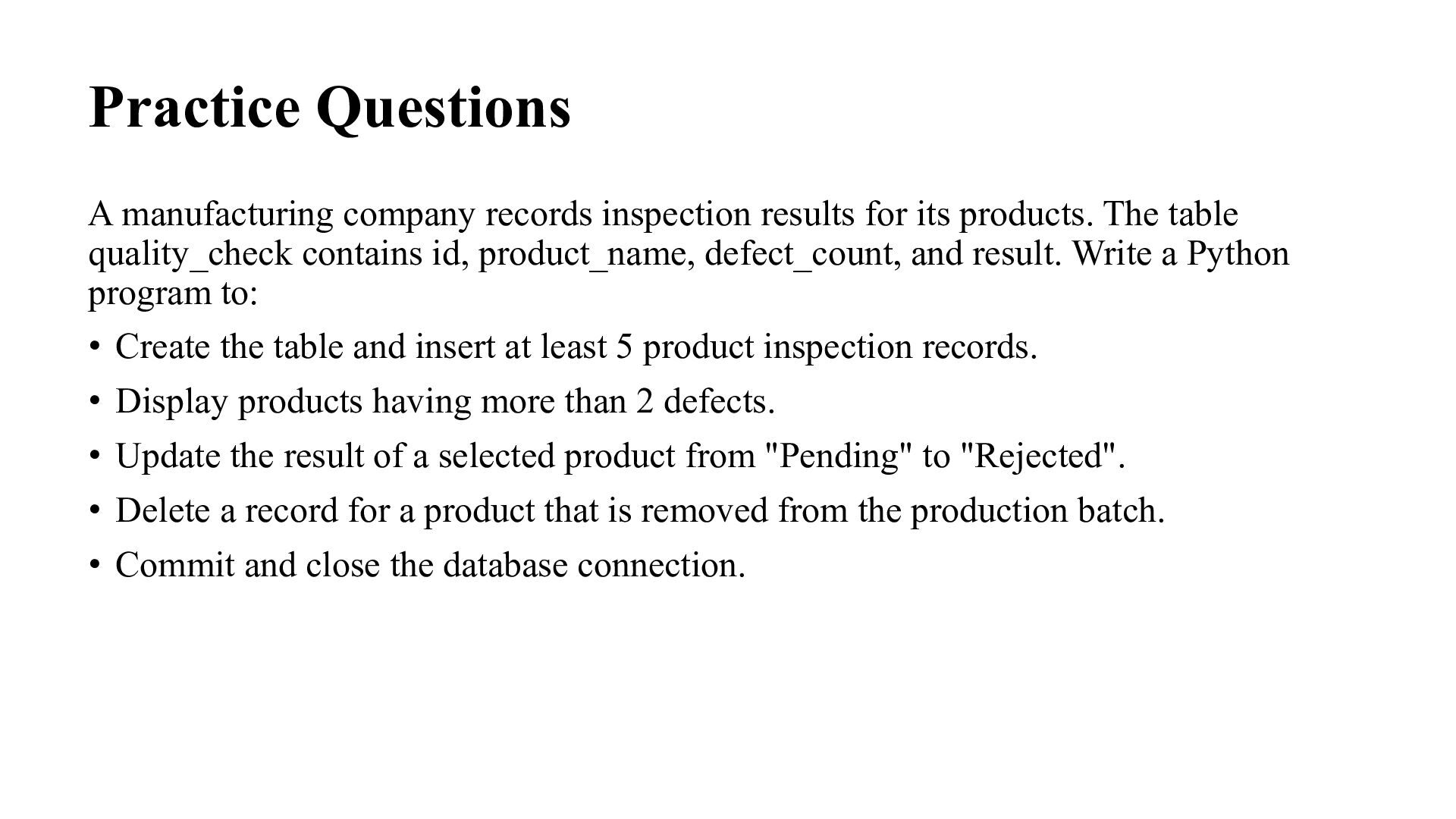
products. The table quality_check contains id, product_name, defect_count, and result. Write a Python program to: • Create the table and insert at least 5 product inspection records. • Display products having more than 2 defects. • Update the result of a selected product from "Pending" to "Rejected". • Delete a record for a product that is removed from the production batch. • Commit and close the database connection.
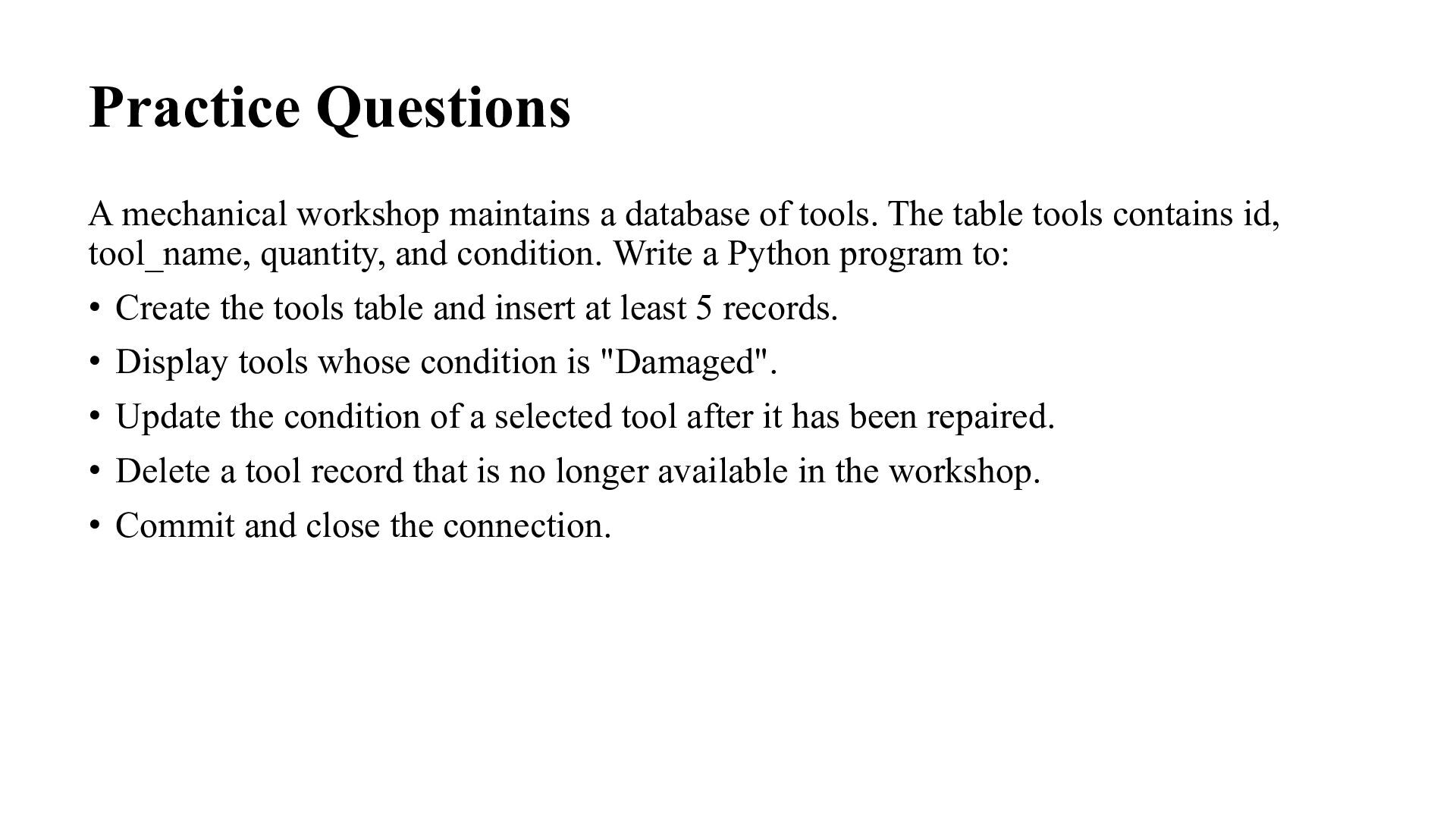
The table tools contains id, tool_name, quantity, and condition. Write a Python program to: • Create the tools table and insert at least 5 records. • Display tools whose condition is "Damaged". • Update the condition of a selected tool after it has been repaired. • Delete a tool record that is no longer available in the workshop. • Commit and close the connection.
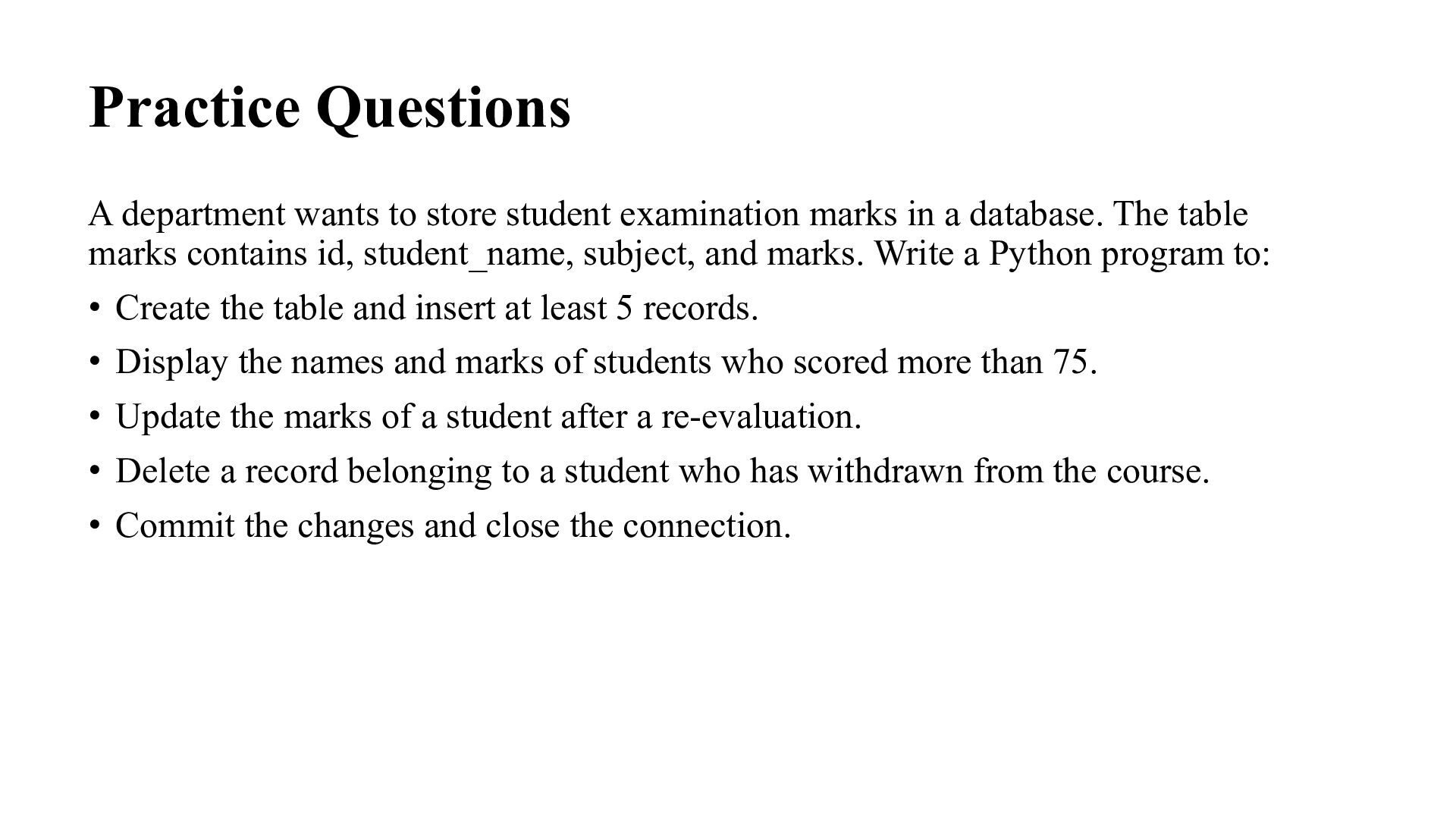
in a database. The table marks contains id, student_name, subject, and marks. Write a Python program to: • Create the table and insert at least 5 records. • Display the names and marks of students who scored more than 75. • Update the marks of a student after a re-evaluation. • Delete a record belonging to a student who has withdrawn from the course. • Commit the changes and close the connection.
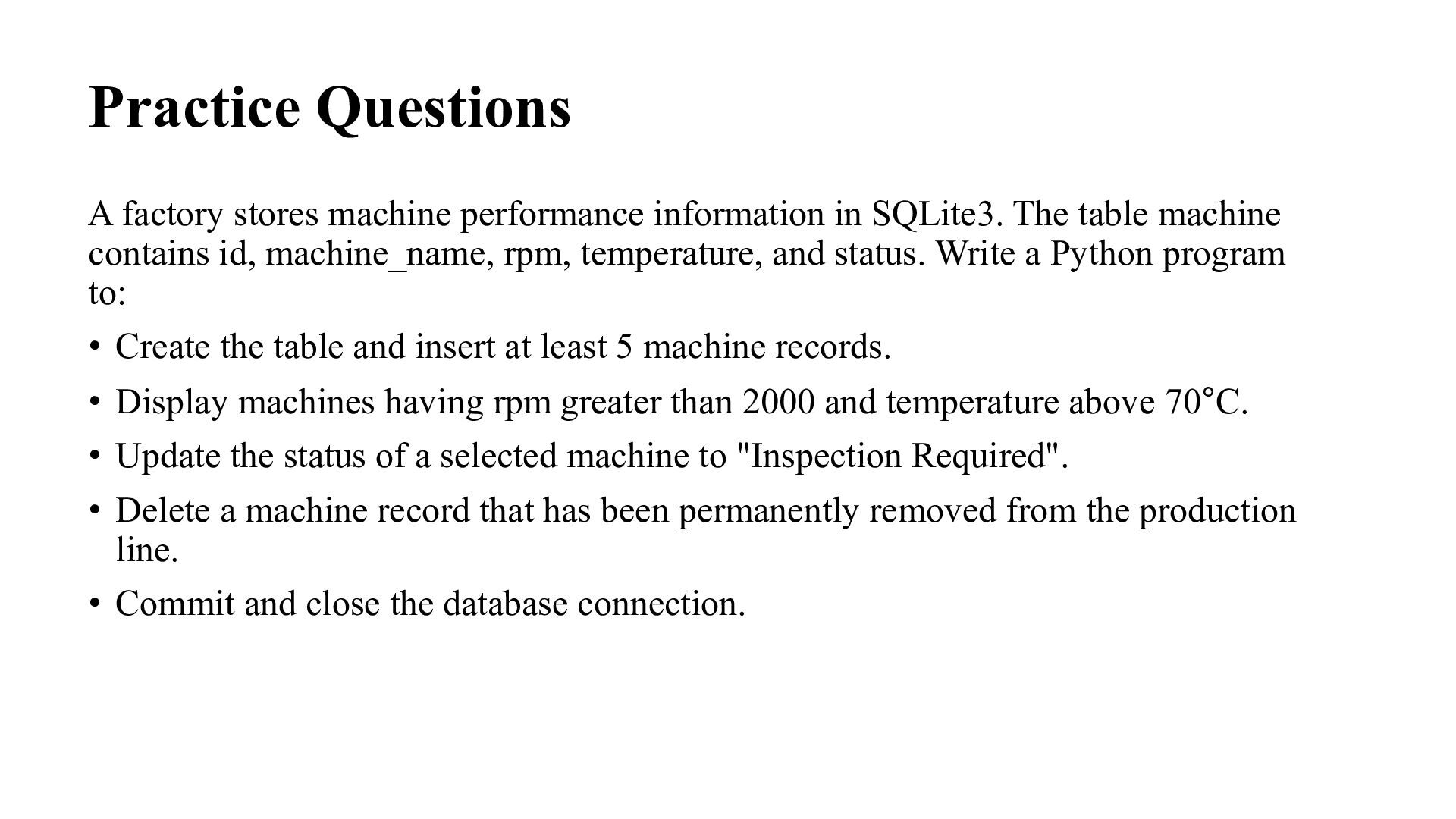
The table machine contains id, machine_name, rpm, temperature, and status. Write a Python program to: • Create the table and insert at least 5 machine records. • Display machines having rpm greater than 2000 and temperature above 70°C. • Update the status of a selected machine to "Inspection Required". • Delete a machine record that has been permanently removed from the production line. • Commit and close the database connection.


 madhuri28
 cbtlibrary
 drpoonamkc
 pawan_pharm
 tasusu
 bvr7352
 frievea
 dragon2
 signer
 auctria
 ainischool
 inesmontani
 shpigford
 deanohume
 ipullrank
 cassininazir
 raygrieselhuber
 soudai
 nikkihalliwell
 honzajavorek
 katiecoart
 maltzj
 mkilby