$30 off During Our Annual Pro Sale. View Details »

Composed for Success - Automatic Instrumentatio...

Composed for Success - Automatic Instrumentation in Jetpack Compose

As Jetpack Compose gains popularity for developing Android apps, it's crucial to ensure that apps built with it are reliable and bug-free. At Sentry, we've been working on making it easier for developers to monitor their apps by providing automatic instrumentation for capturing user interactions and navigation breadcrumbs.

In this talk, we'll discuss our journey of adding automatic instrumentation to the open-source Sentry Android SDK for Jetpack Compose and share best practices for capturing and analyzing user interactions and navigation events.

We’ll dive into

- Global Android system hooks
- Jetpack Compose internals
- Accessing Compose internals from Java and why
- A bit of Bytecode Manipulation
- Kotlin Compiler Plugins

Avatar for Markus Hi

Markus Hi

July 06, 2023
Tweet

Other Decks in Programming

Transcript

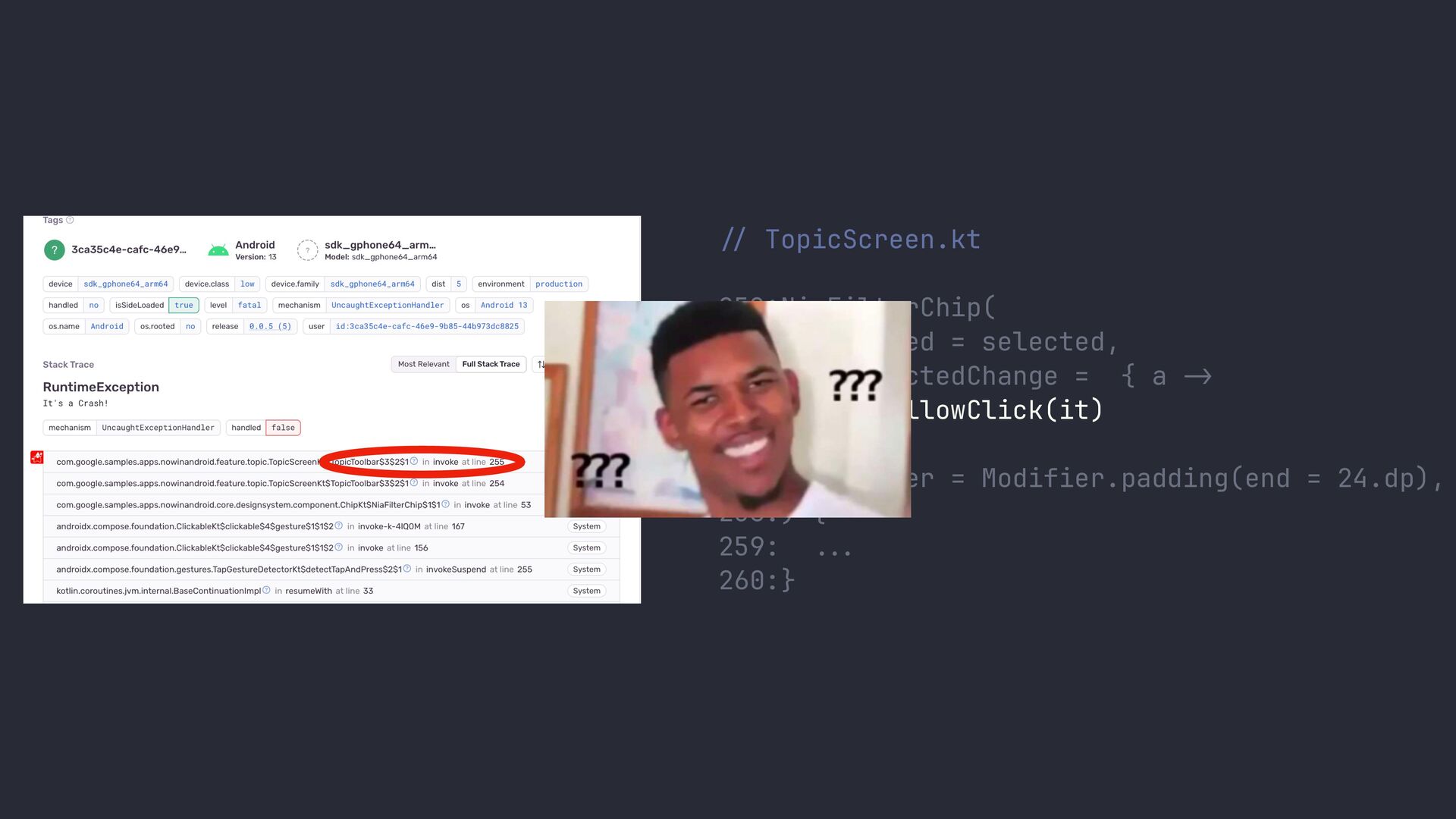
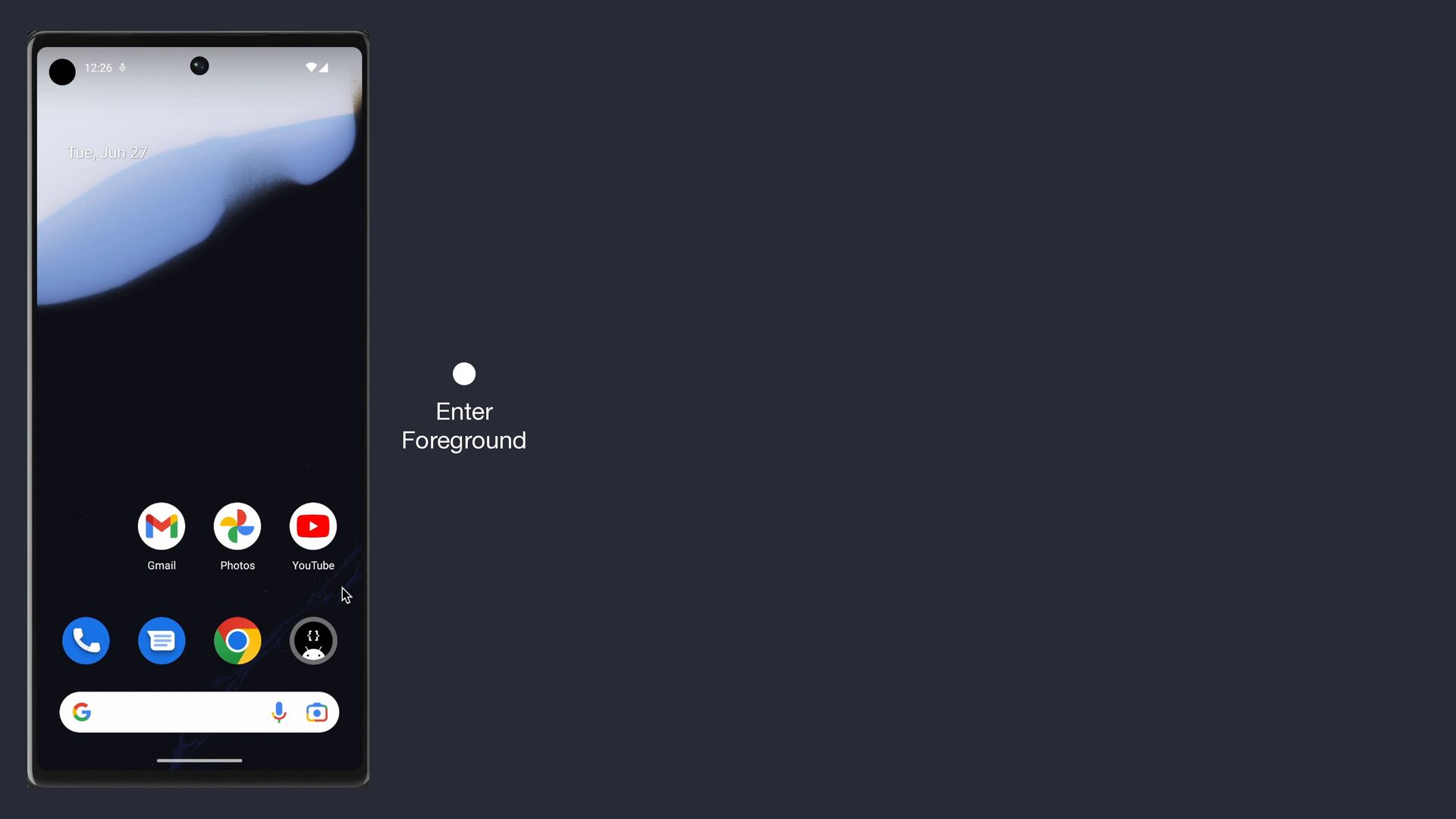
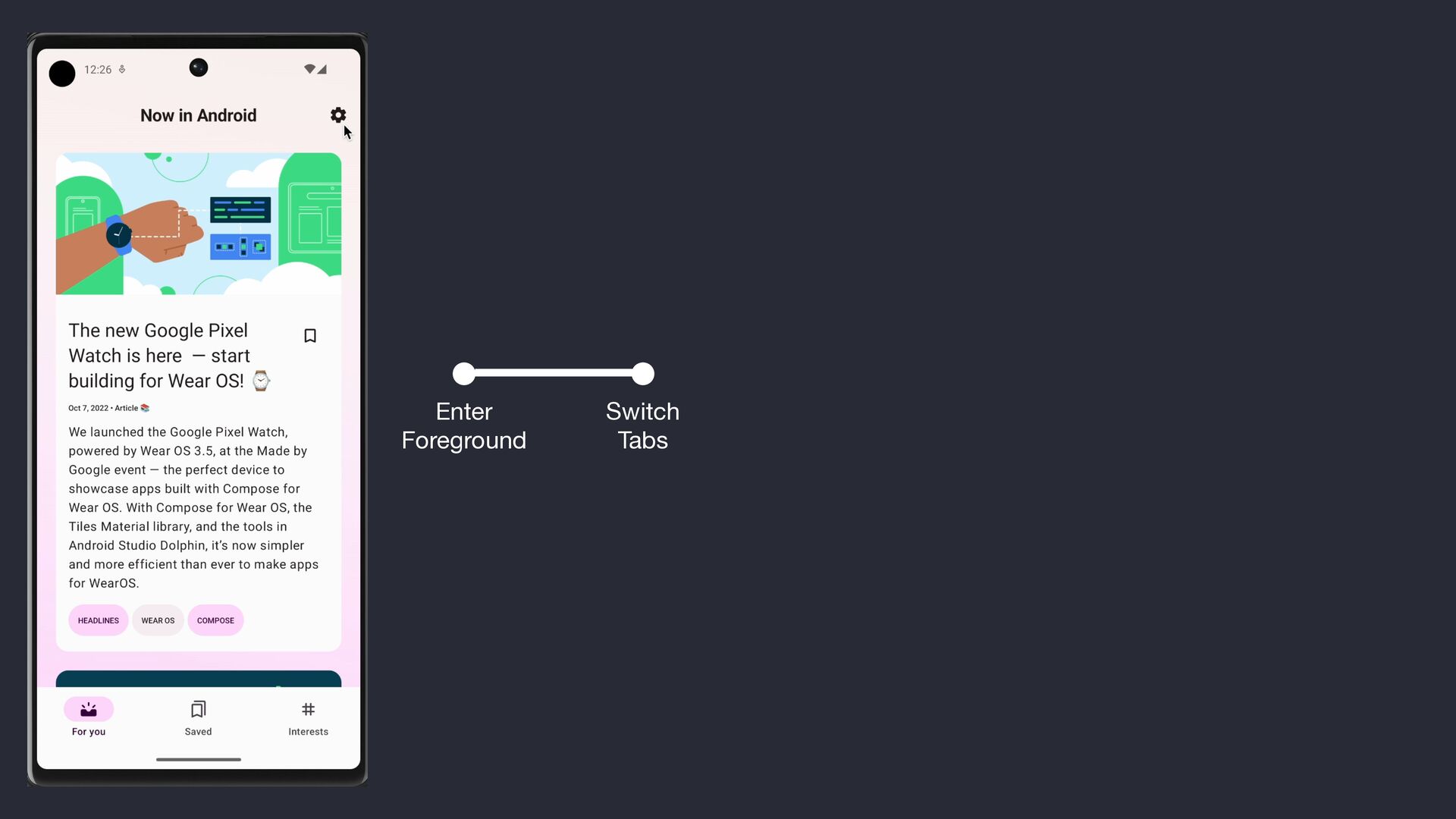
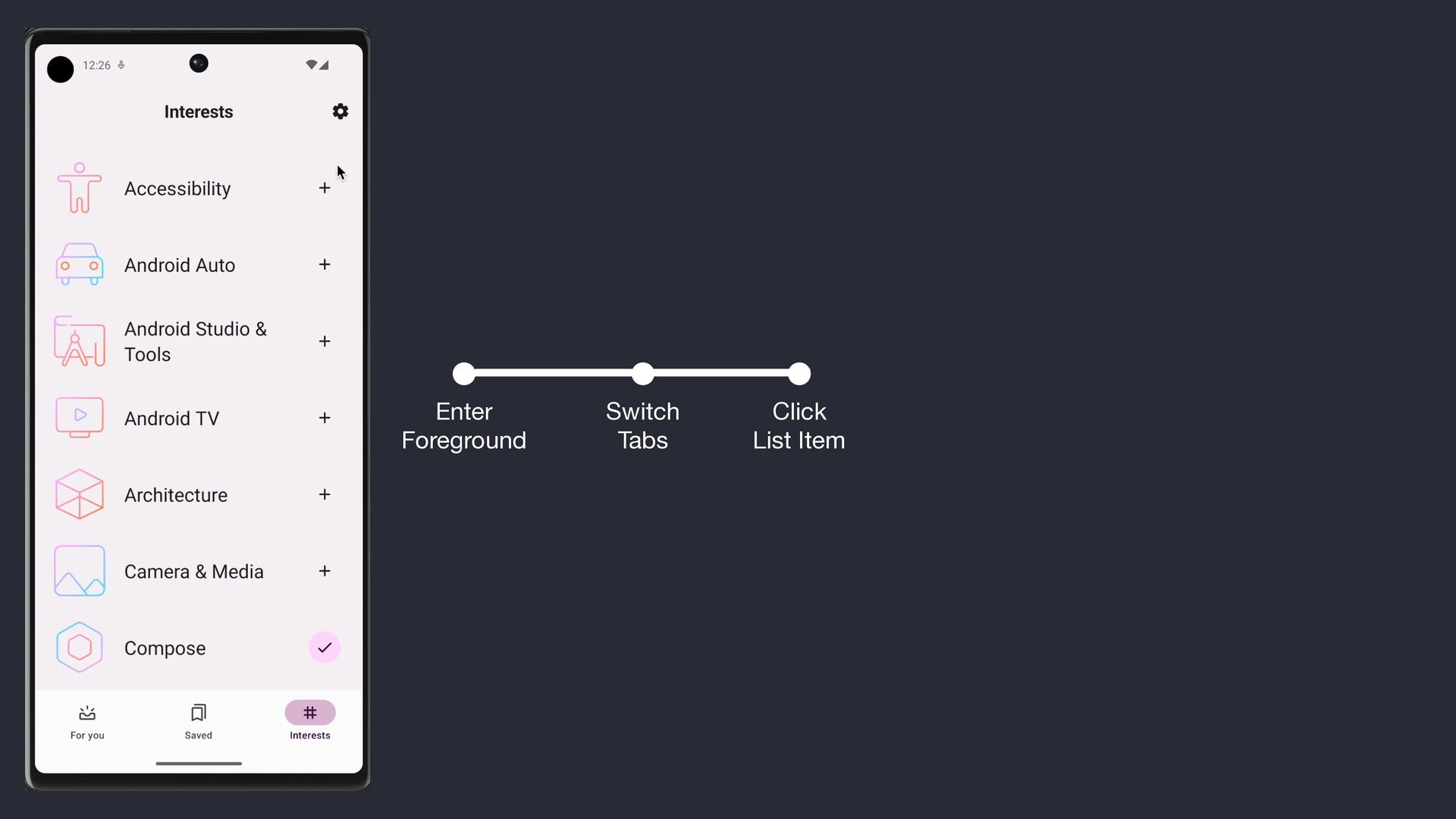
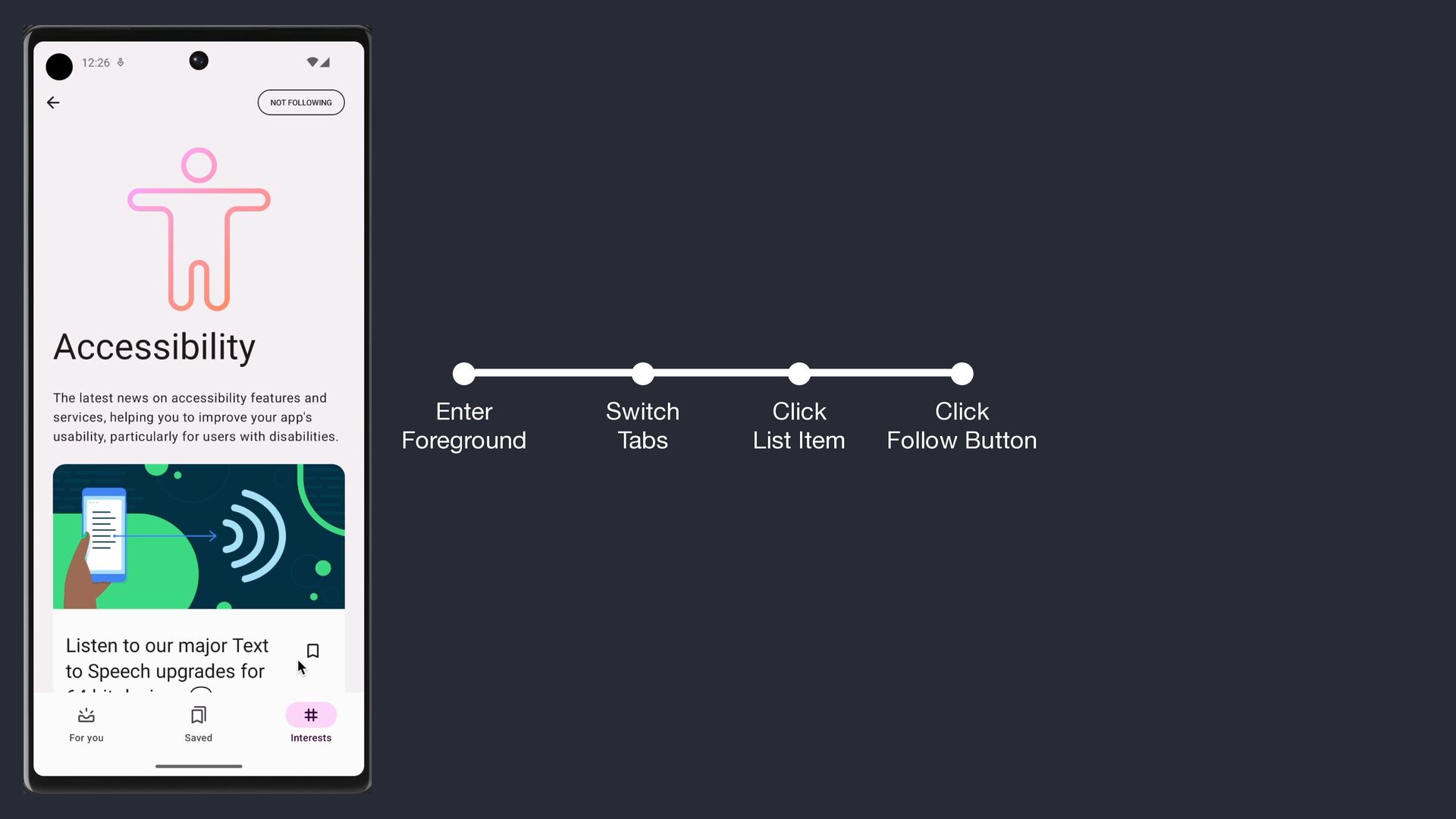
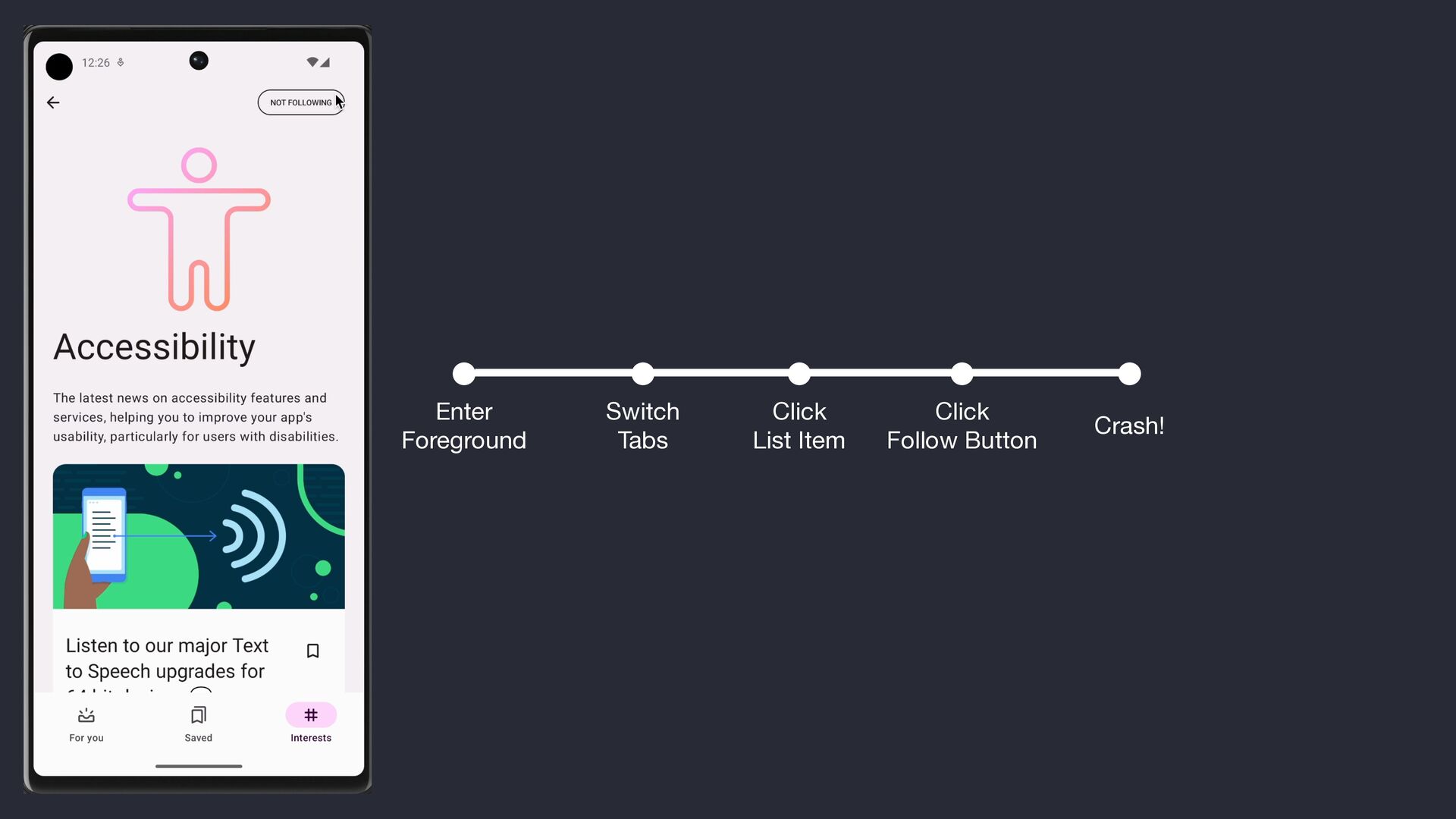
  1. // TopicScreen.kt 252 : NiaFilterChip( 253: selected = selected, 254:

    onSelectedChange = { a -> 255: onFollowClick(it) 256: }, 257: modifier = Modifier.padding(end = 24.dp), 258:) { 259: .. . 260:}
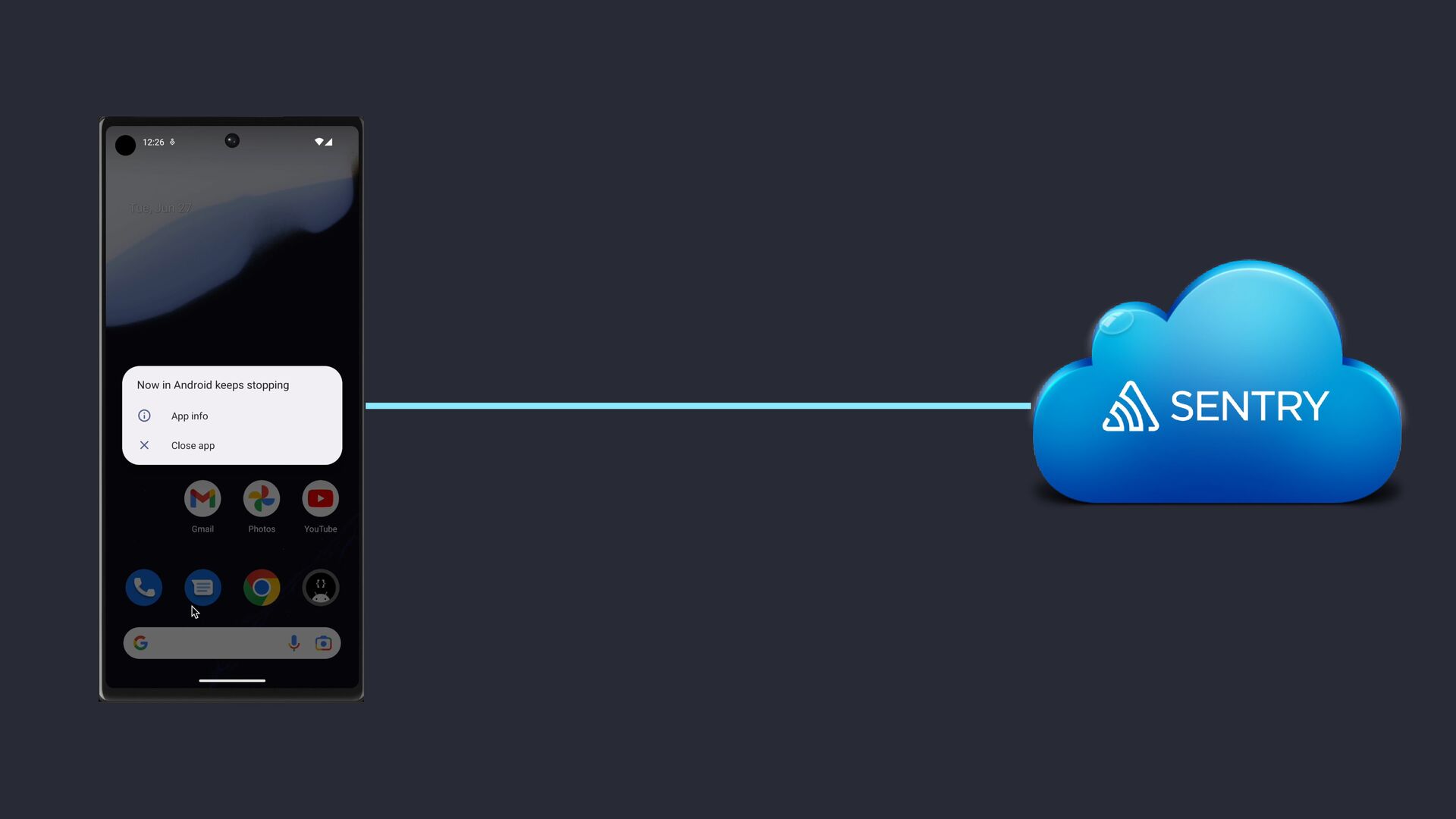
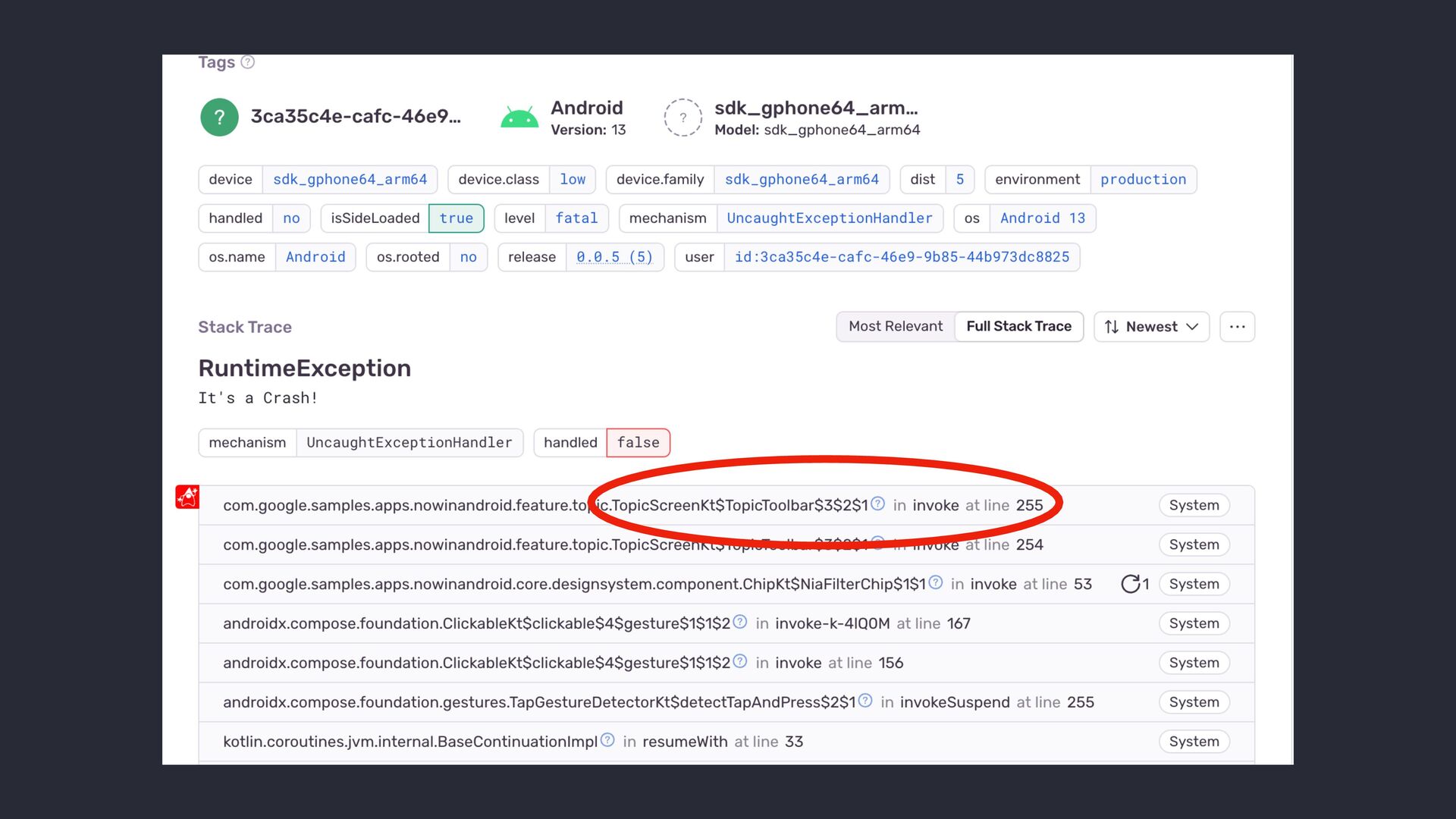
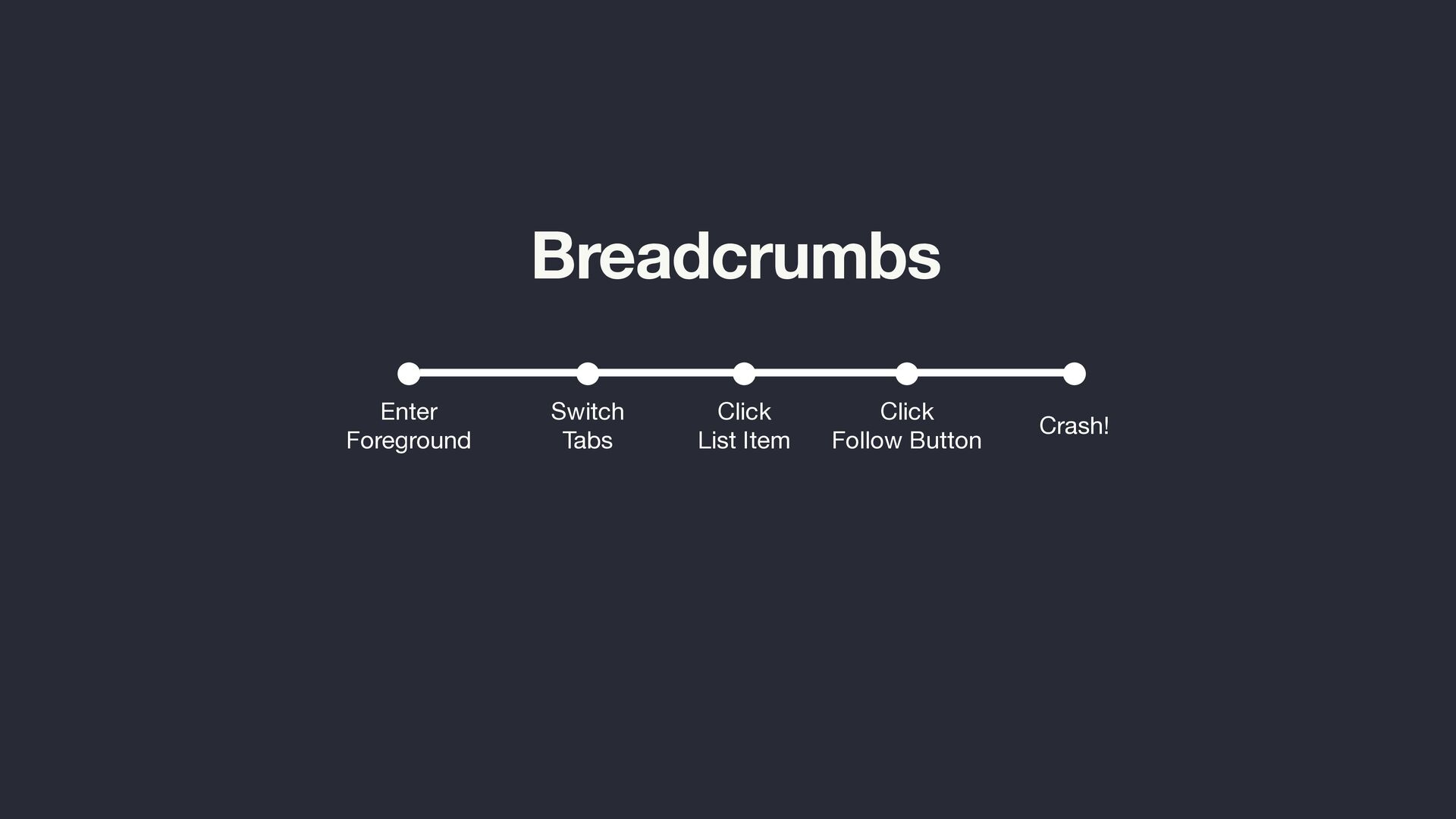
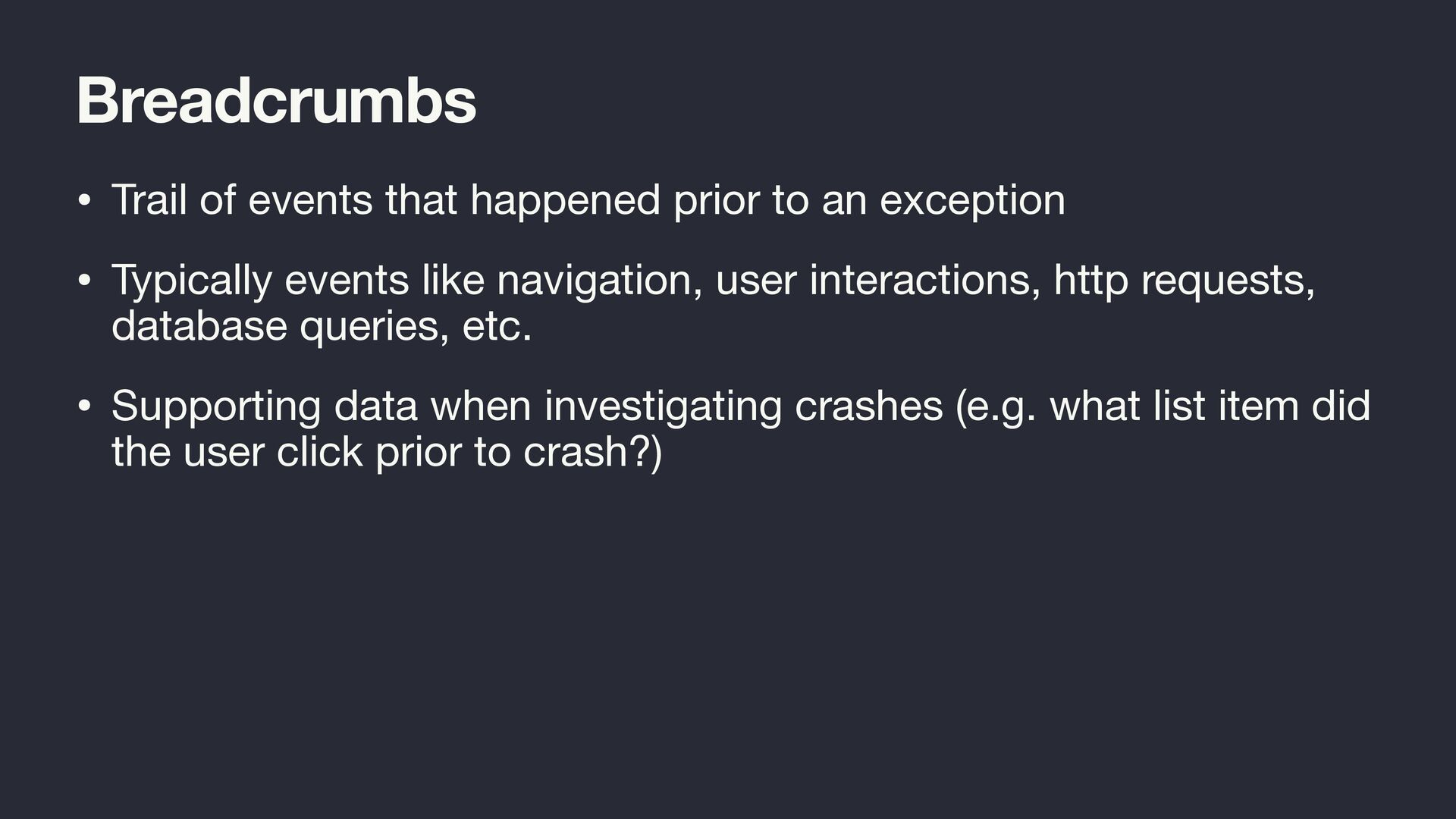
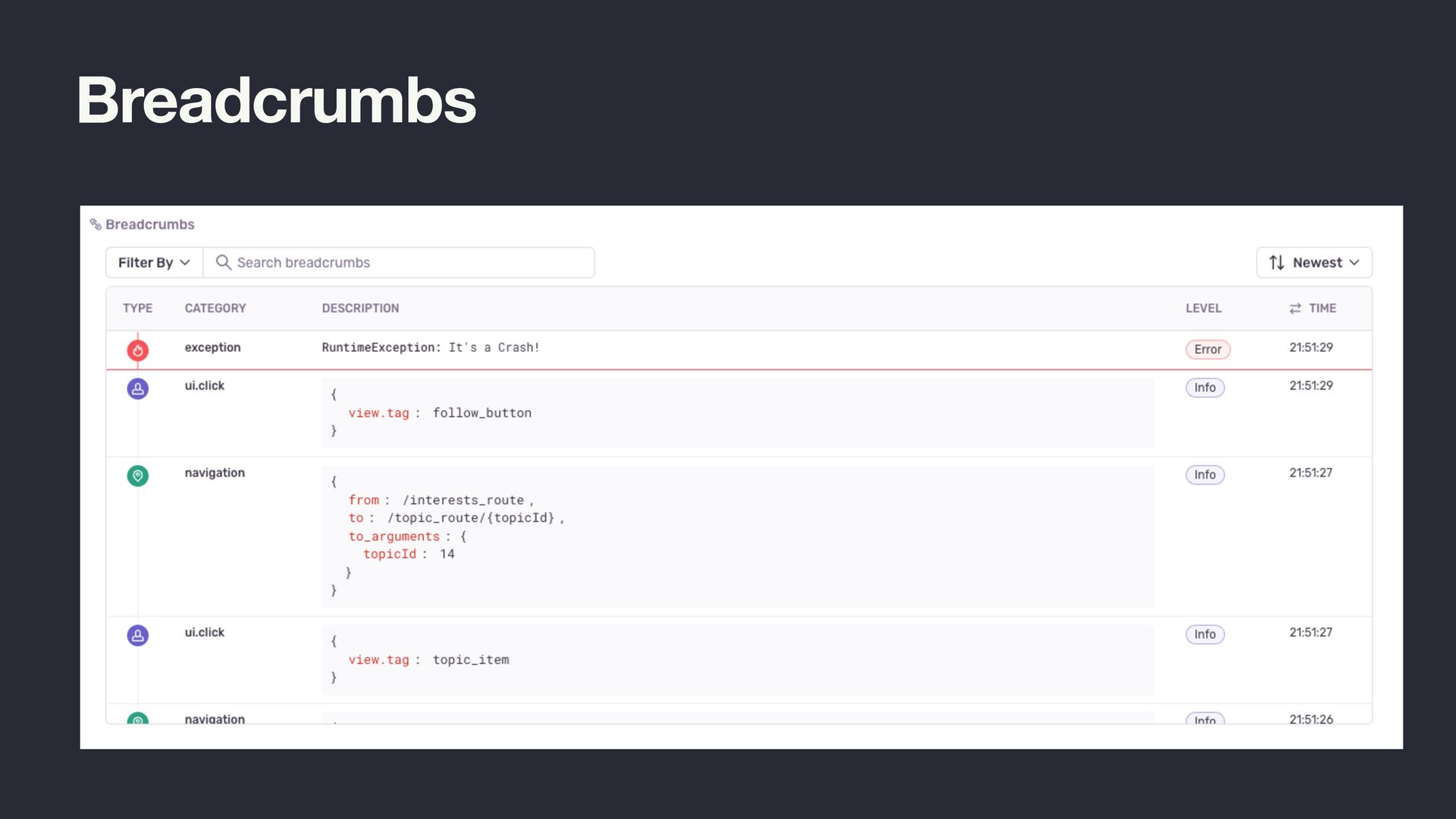
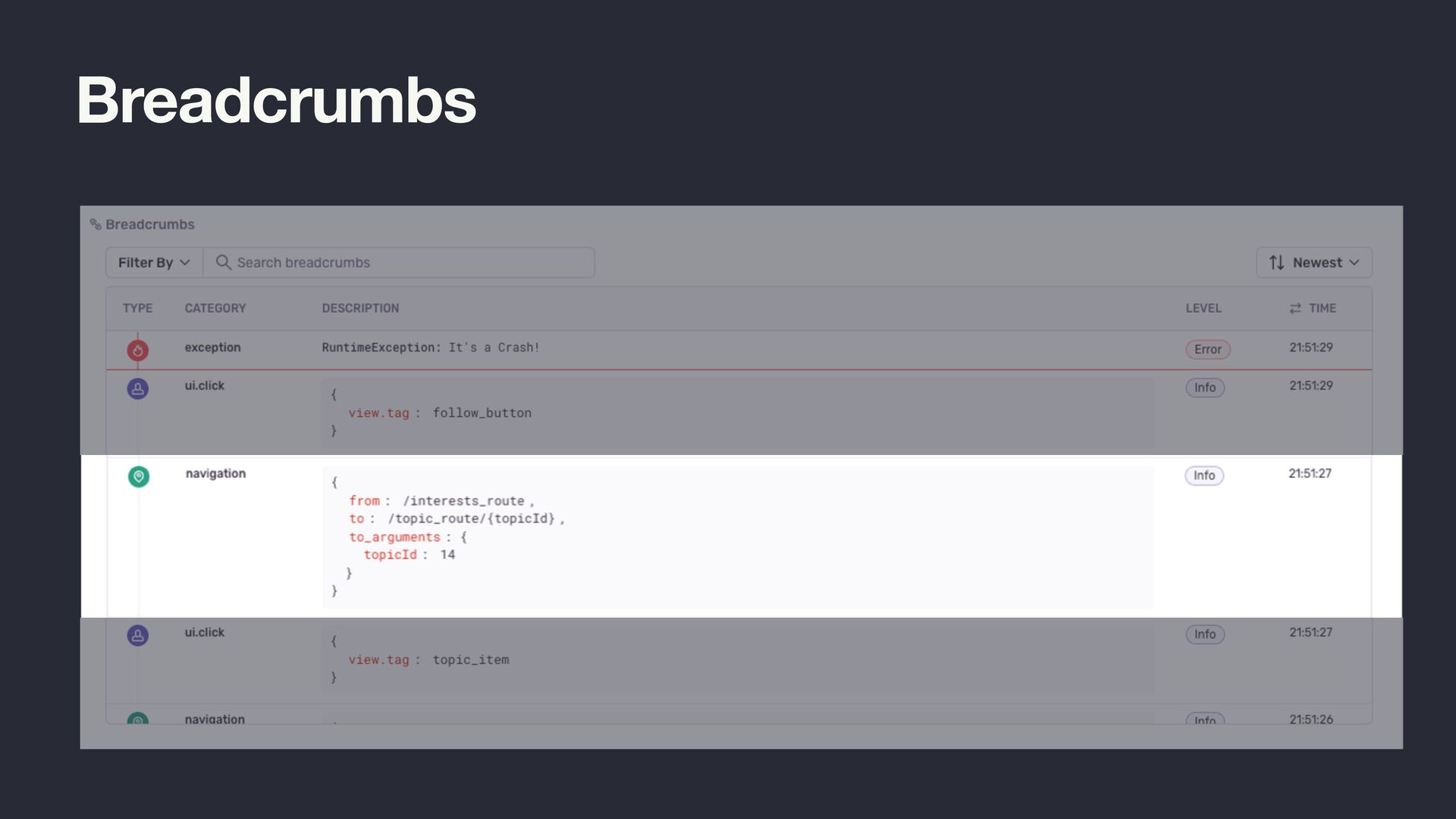
  2. Breadcrumbs • Trail of events that happened prior to an

    exception • Typically events like navigation, user interactions, http requests, database queries, etc. • Supporting data when investigating crashes (e.g. what list item did the user click prior to crash?)
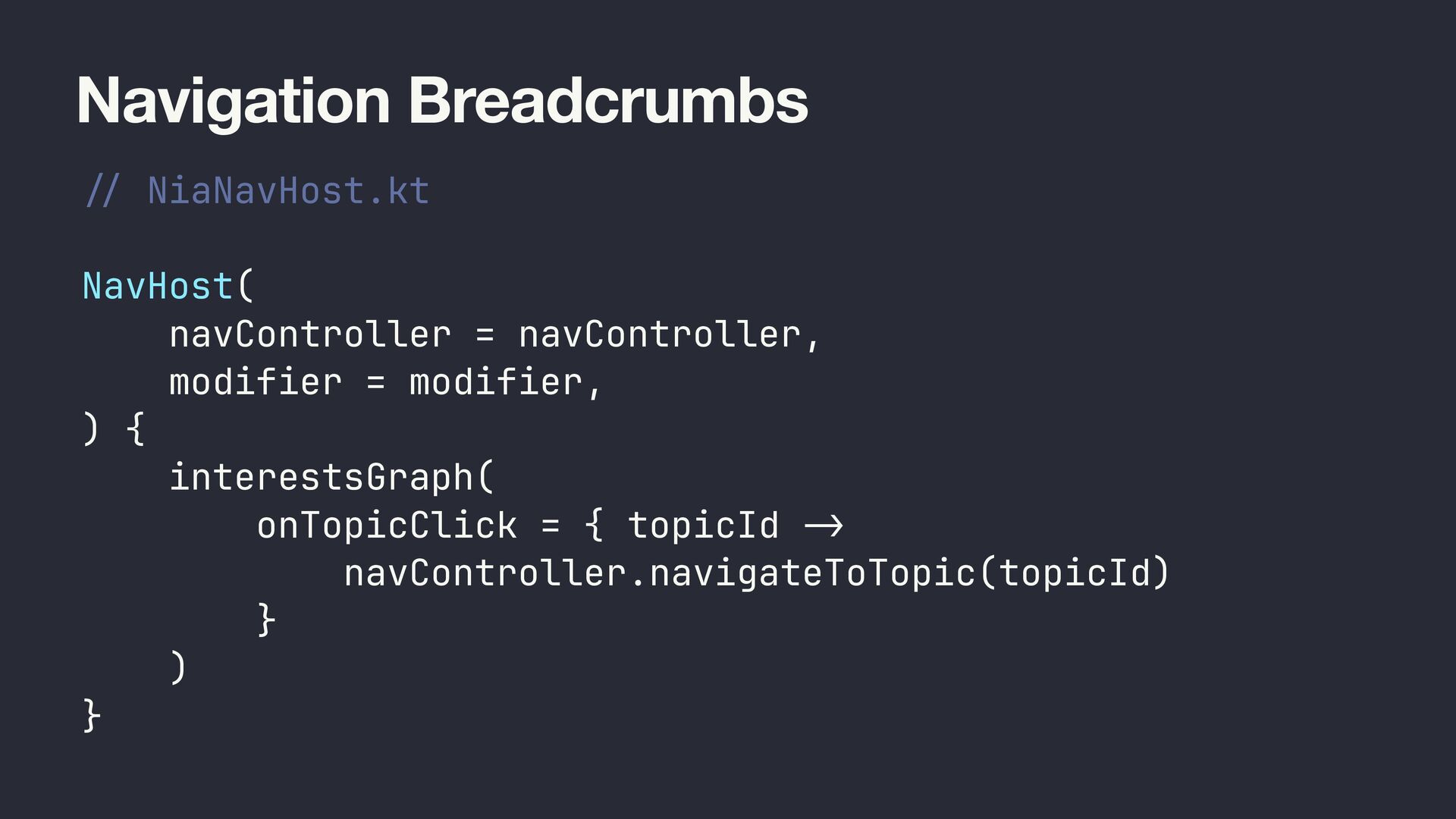
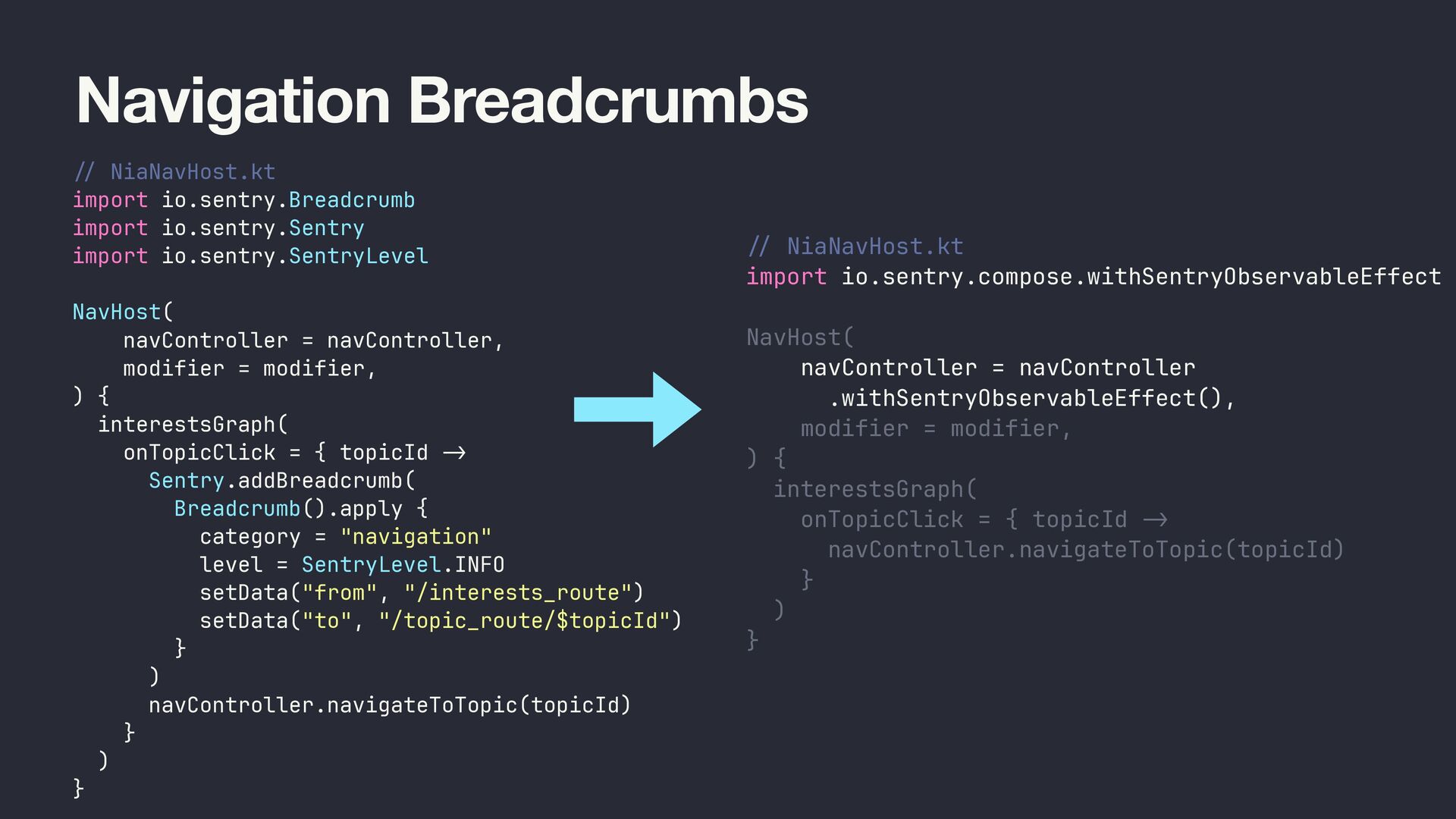
  3. Navigation Breadcrumbs / / NiaNavHost.kt NavHost( navController = navController, modifier

    = modifier, ) { interestsGraph( onTopicClick = { topicId - > navController.navigateToTopic(topicId) } ) }
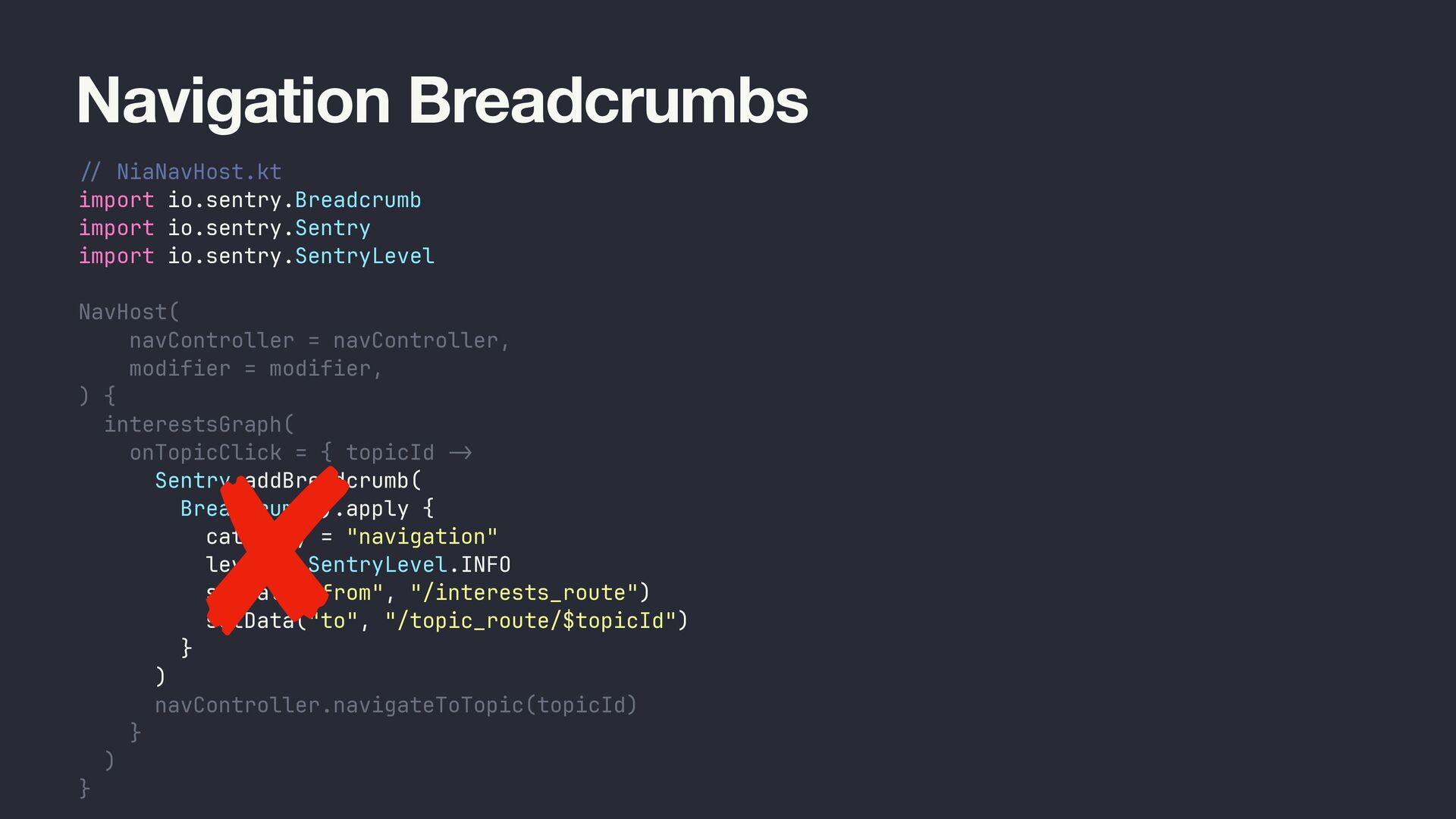
  4. Navigation Breadcrumbs // NiaNavHost.kt import io.sentry.Breadcrumb import io.sentry.Sentry import io.sentry.SentryLevel

    NavHost( navController = navController, modifier = modifier, ) { interestsGraph( onTopicClick = { topicId -> Sentry.addBreadcrumb( Breadcrumb().apply { category = "navigation" level = SentryLevel.INFO setData("from", "/interests_route") setData("to", "/topic_route/$topicId") } ) navController.navigateToTopic(topicId) } ) }
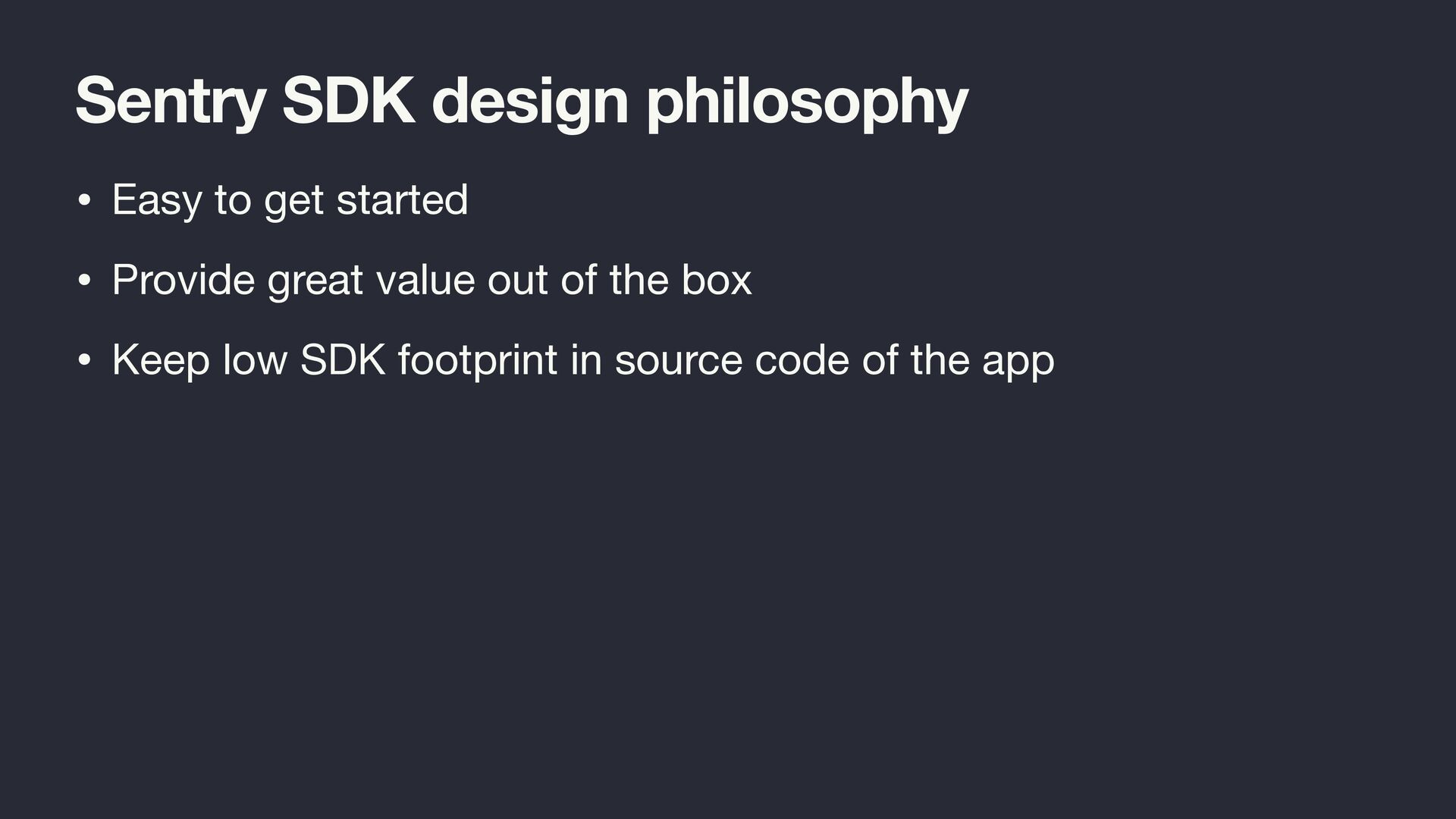
  5. Sentry SDK design philosophy • Easy to get started •

    Provide great value out of the box • Keep low SDK footprint in source code of the app
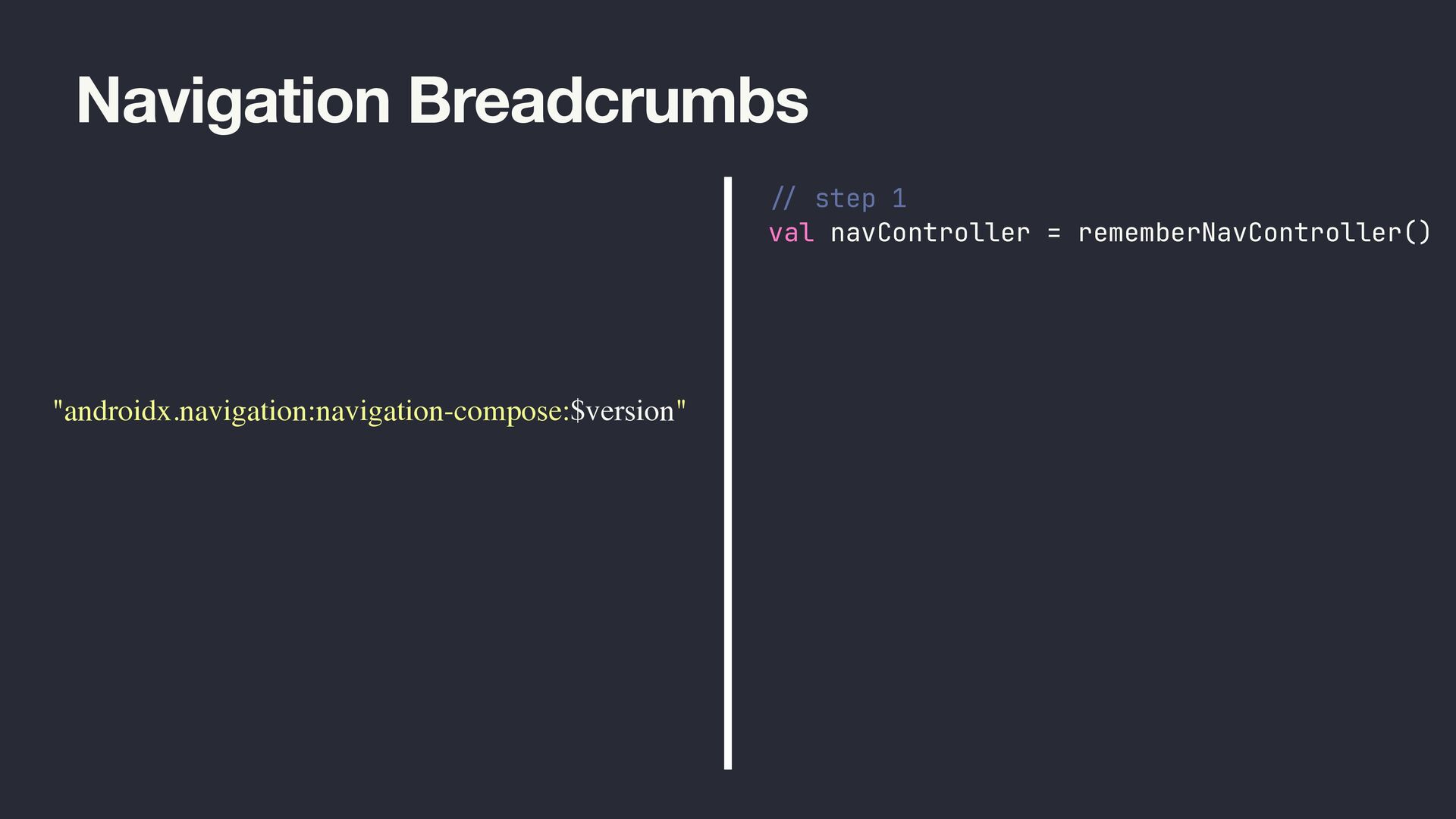
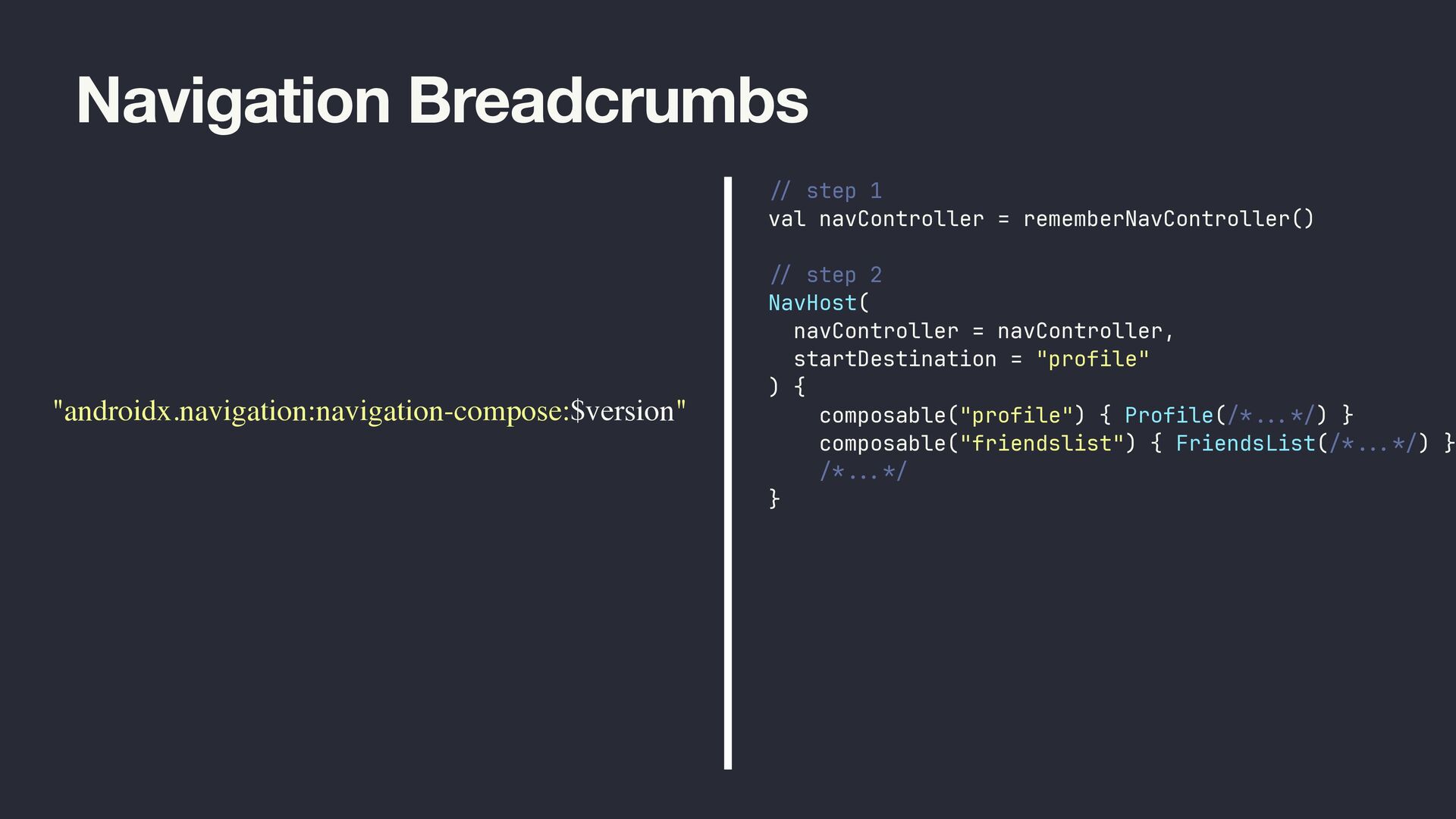
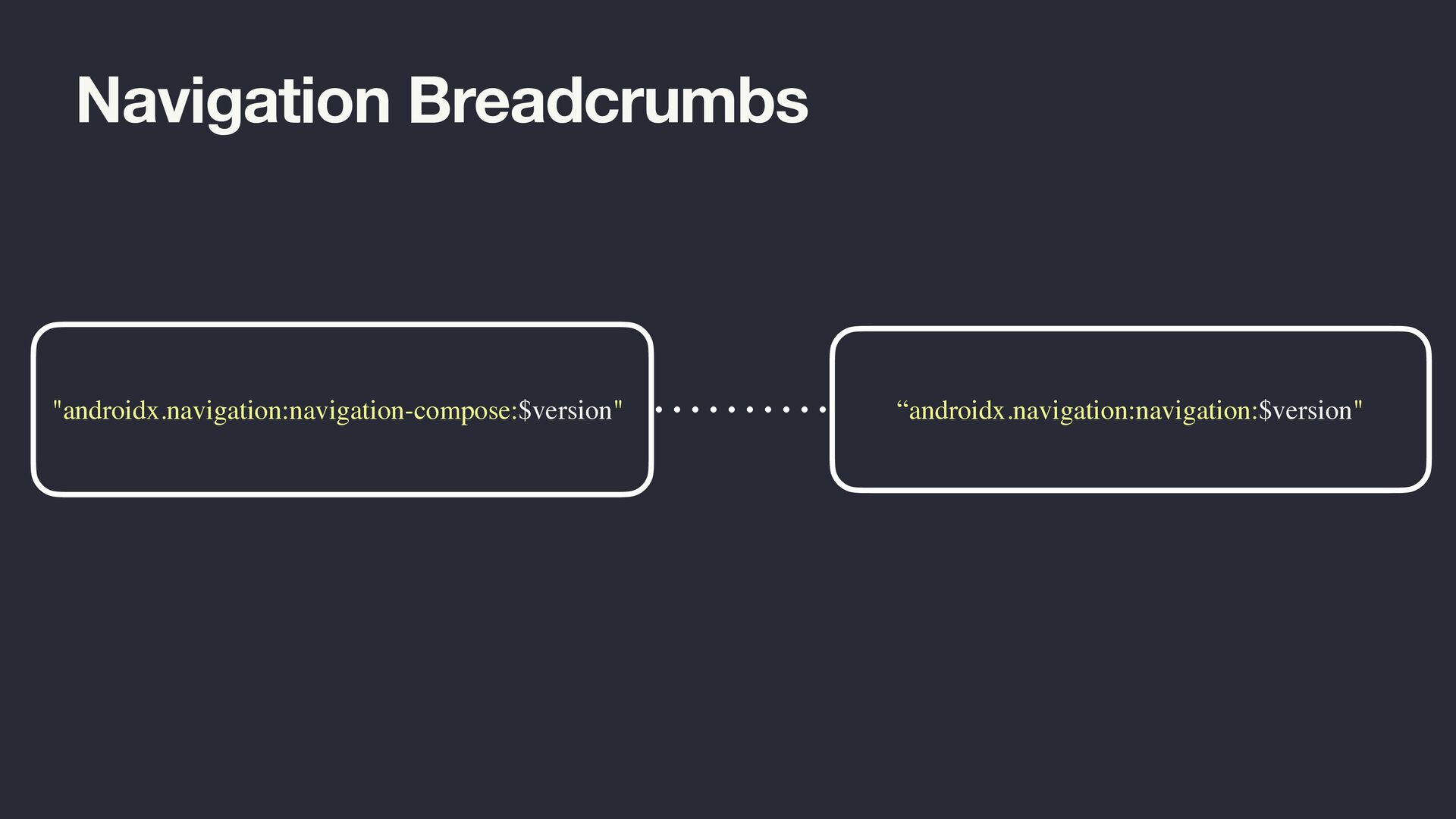
  6. Navigation Breadcrumbs "androidx.navigation:navigation-compose:$version" // step 1 val navController = rememberNavController()

    // step 2 NavHost( navController = navController, startDestination = "profile" ) { composable("profile") { Profile(/* . .. */) } composable("friendslist") { FriendsList(/* . .. */) } /* ... */ }
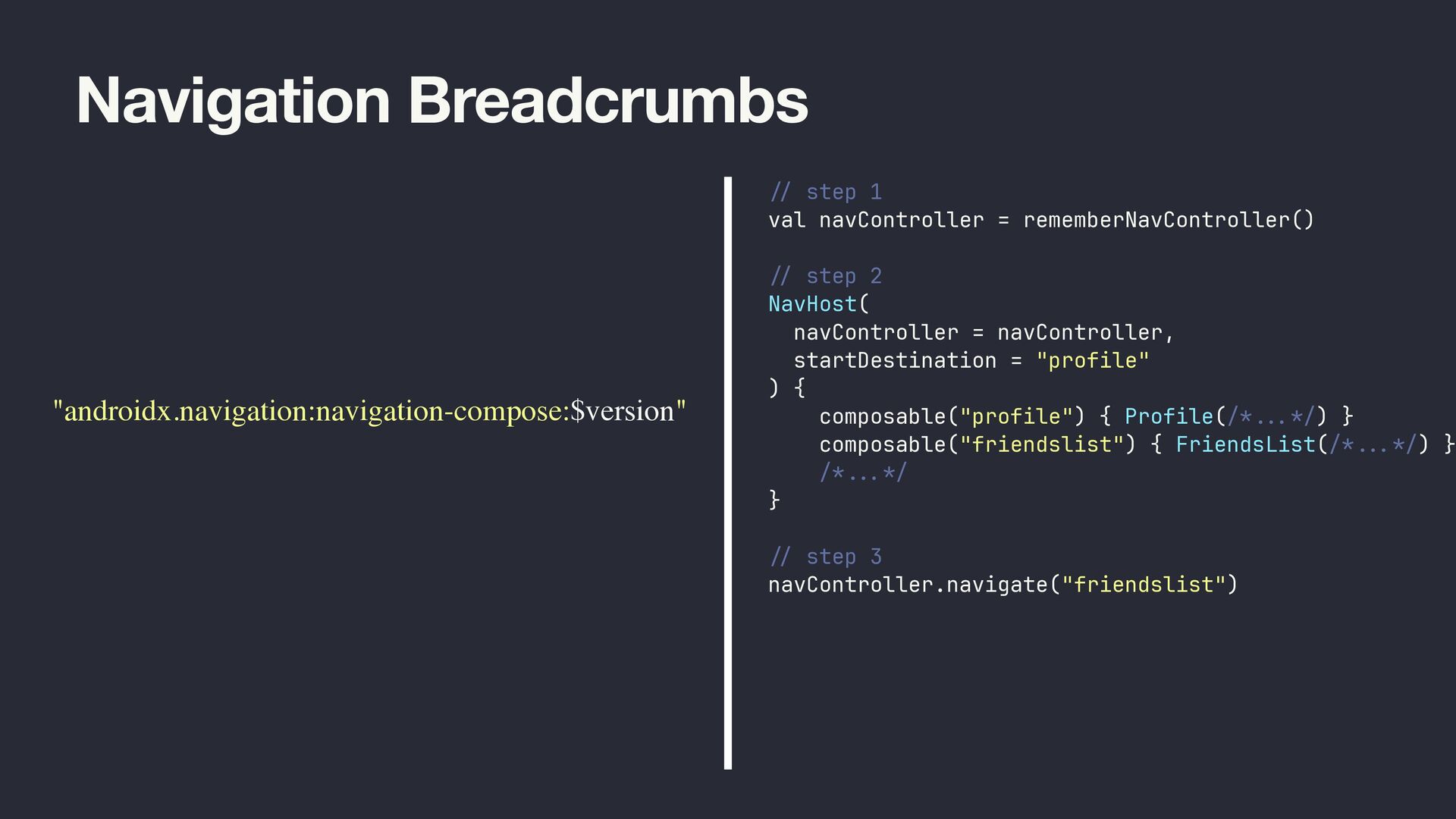
  7. Navigation Breadcrumbs "androidx.navigation:navigation-compose:$version" // step 1 val navController = rememberNavController()

    // step 2 NavHost( navController = navController, startDestination = "profile" ) { composable("profile") { Profile(/* . .. */) } composable("friendslist") { FriendsList(/* . .. */) } /* ... */ } // step 3 navController.navigate("friendslist")
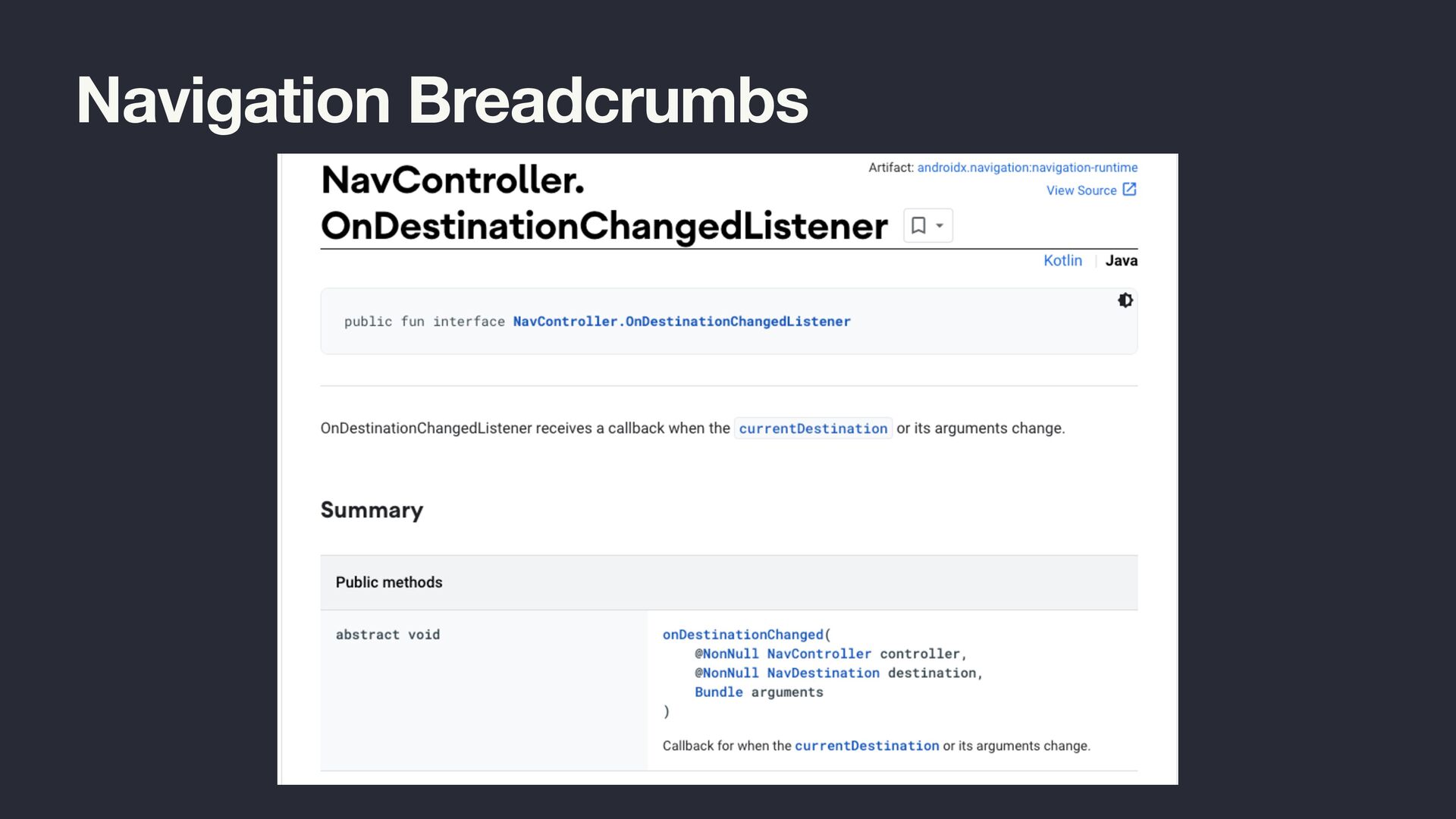
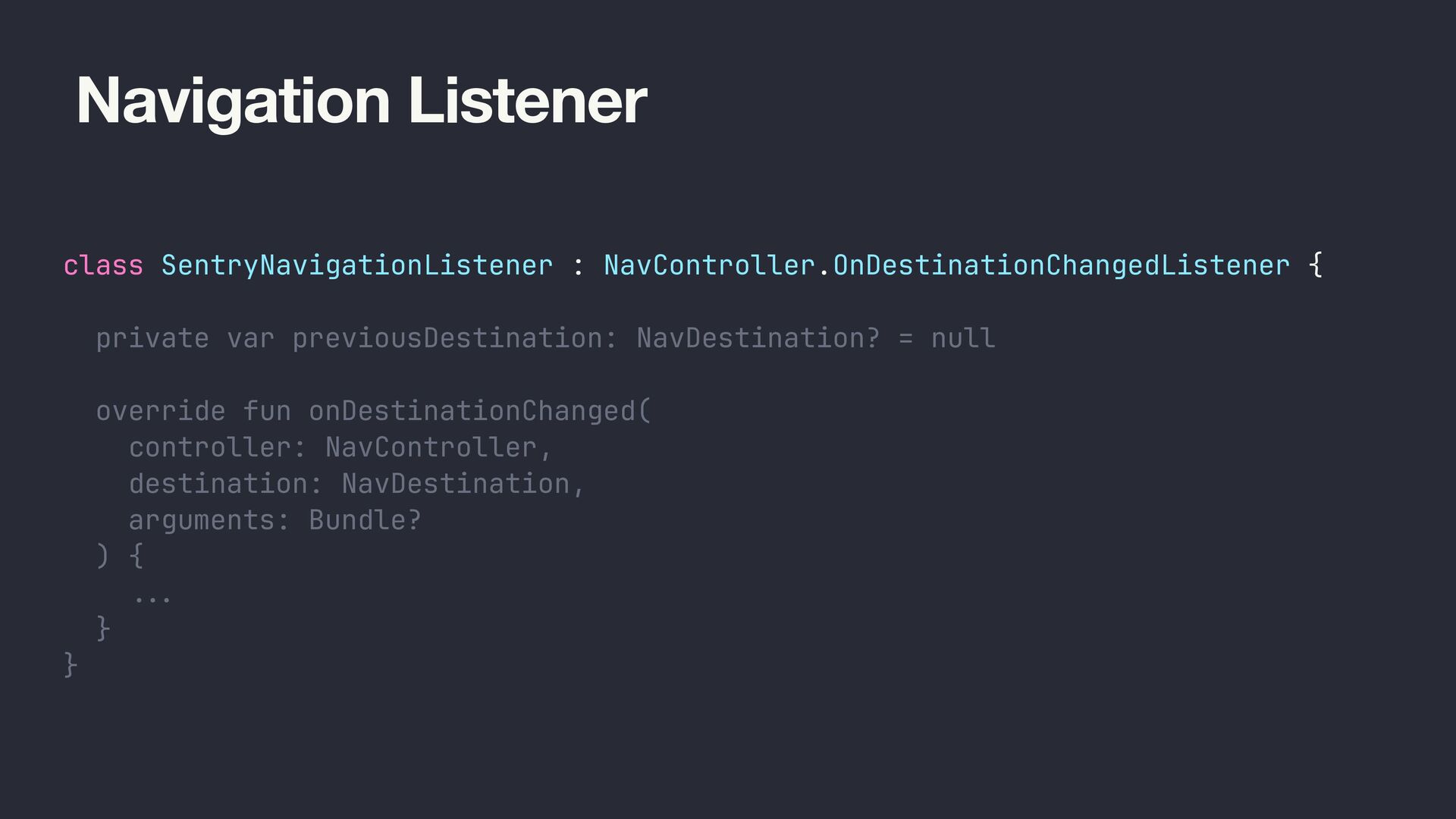
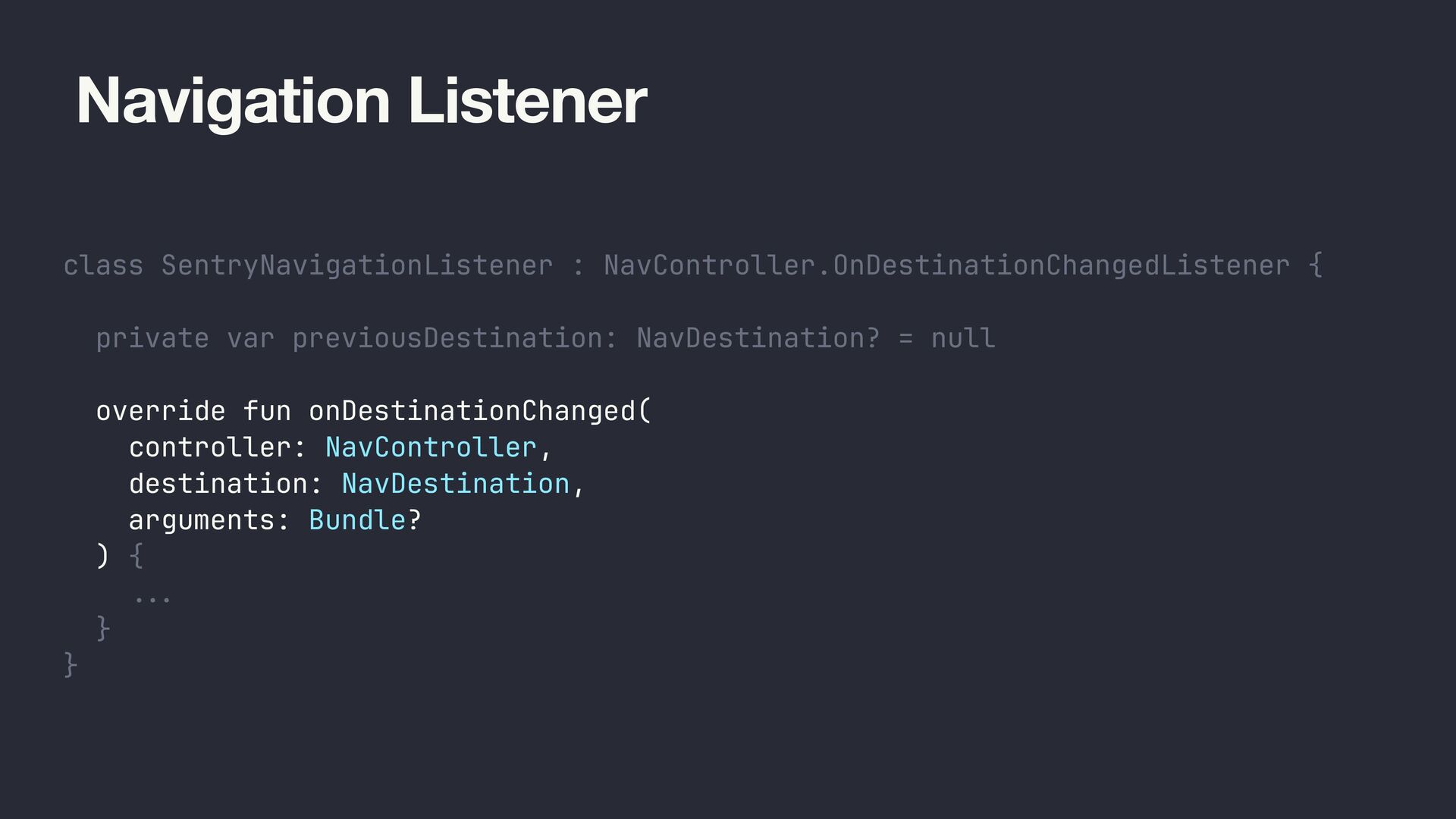
  8. Navigation Listener class SentryNavigationListener : NavController.OnDestinationChangedListener { private var previousDestination:

    NavDestination? = null override fun onDestinationChanged( controller: NavController, destination: NavDestination, arguments: Bundle? ) { ... } }
  9. Navigation Listener class SentryNavigationListener : NavController.OnDestinationChangedListener { private var previousDestination:

    NavDestination? = null override fun onDestinationChanged( controller: NavController, destination: NavDestination, arguments: Bundle? ) { ... } }
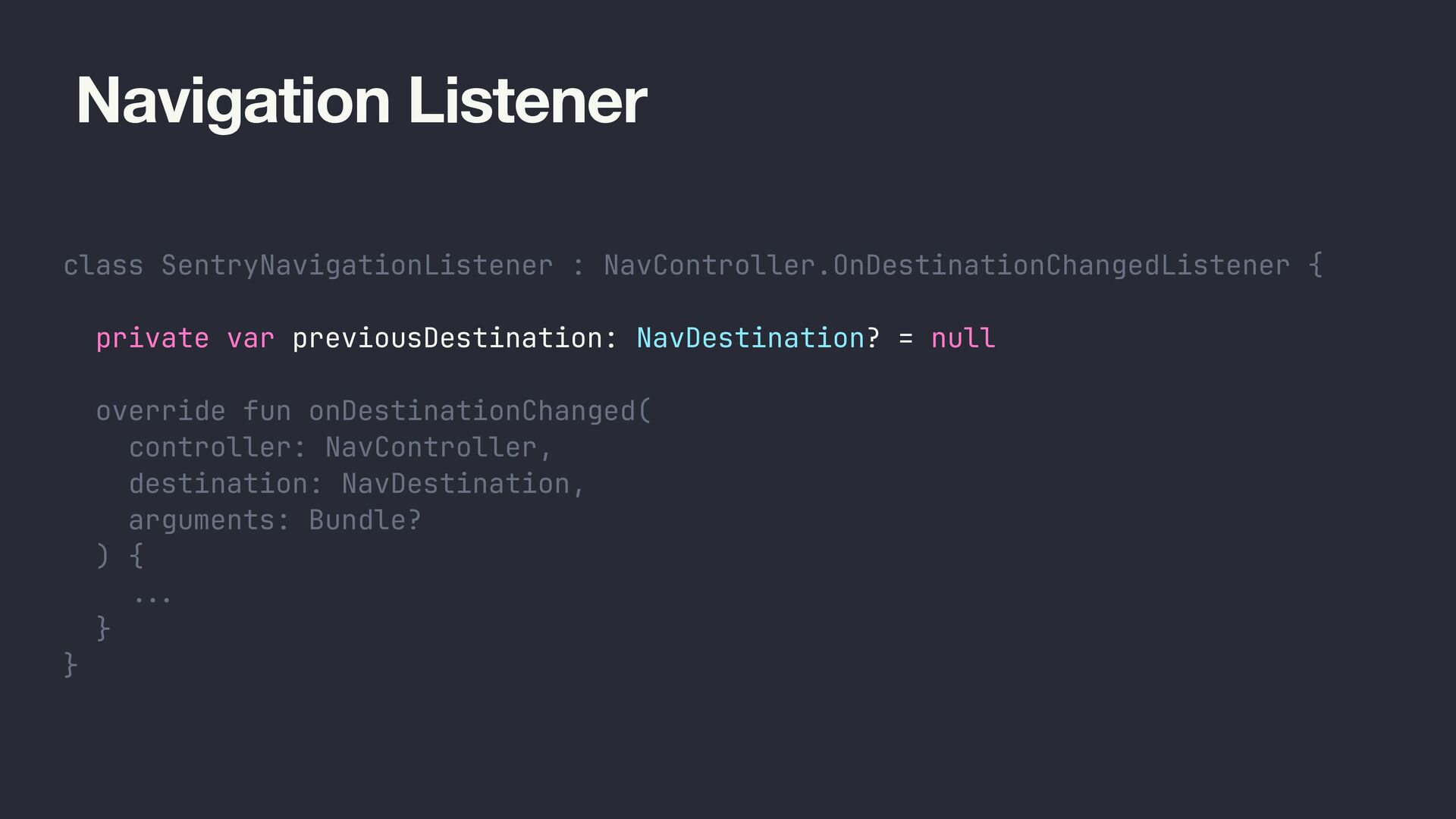
  10. Navigation Listener class SentryNavigationListener : NavController.OnDestinationChangedListener { private var previousDestination:

    NavDestination? = null override fun onDestinationChanged( controller: NavController, destination: NavDestination, arguments: Bundle? ) { ... } }
  11. Navigation Listener class SentryNavigationListener : NavController.OnDestinationChangedListener { private var previousDestination:

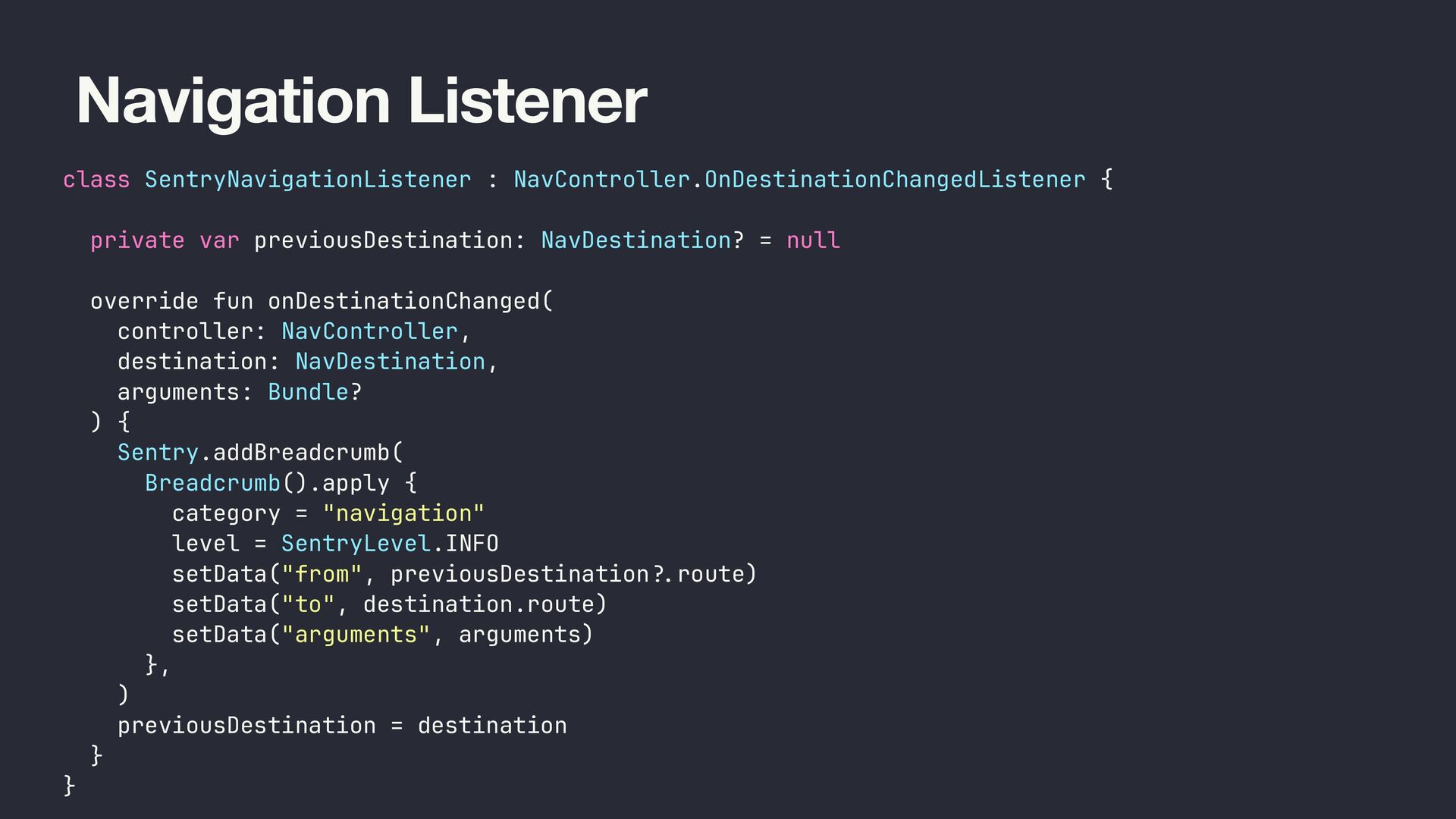
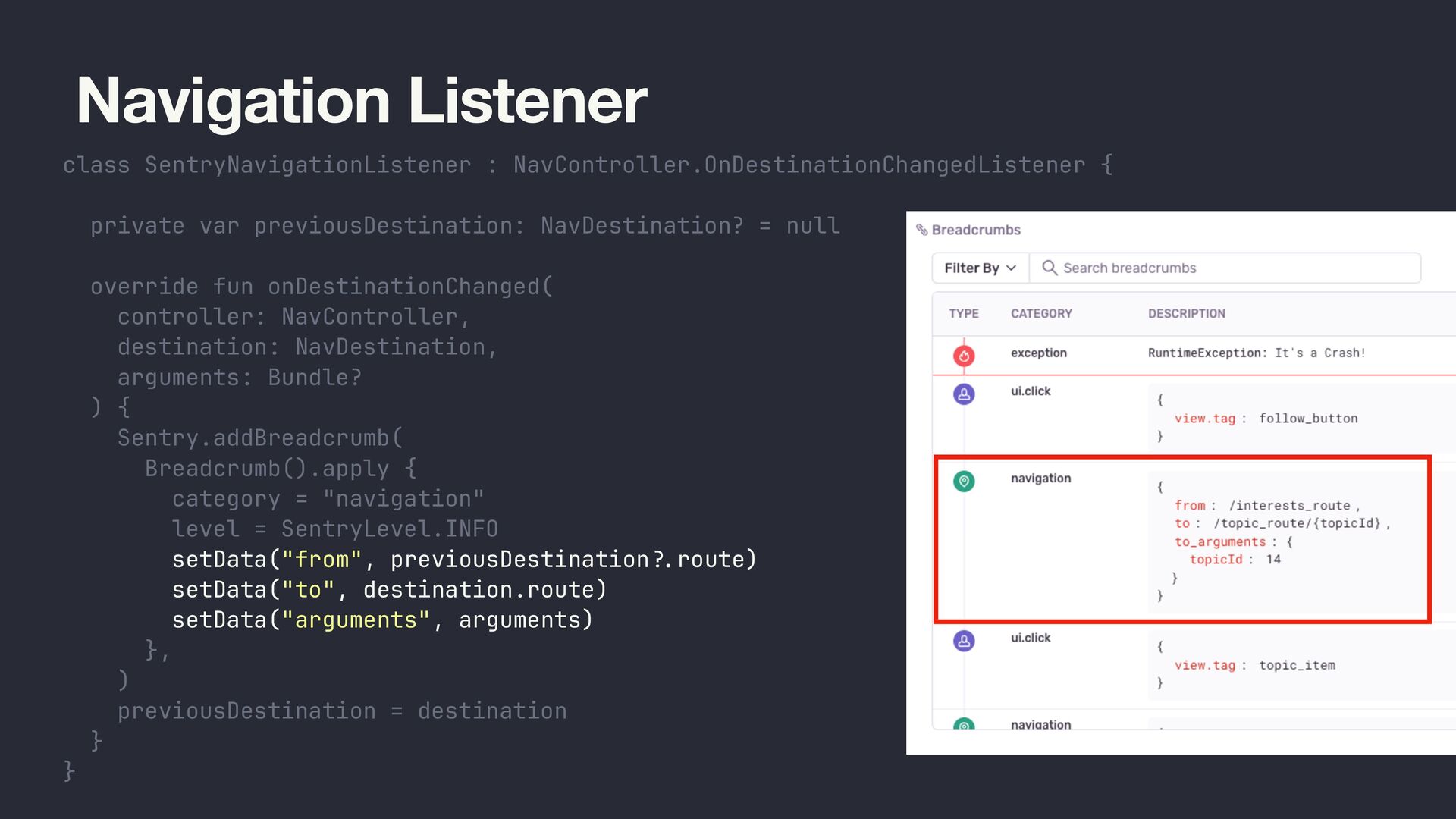
    NavDestination? = null override fun onDestinationChanged( controller: NavController, destination: NavDestination, arguments: Bundle? ) { Sentry.addBreadcrumb( Breadcrumb().apply { category = "navigation" level = SentryLevel.INFO setData("from", previousDestination ?. route) setData("to", destination.route) setData("arguments", arguments) }, ) previousDestination = destination } }
  12. Navigation Listener class SentryNavigationListener : NavController.OnDestinationChangedListener { private var previousDestination:

    NavDestination? = null override fun onDestinationChanged( controller: NavController, destination: NavDestination, arguments: Bundle? ) { Sentry.addBreadcrumb( Breadcrumb().apply { category = "navigation" level = SentryLevel.INFO setData("from", previousDestination ?. route) setData("to", destination.route) setData("arguments", arguments) }, ) previousDestination = destination } }
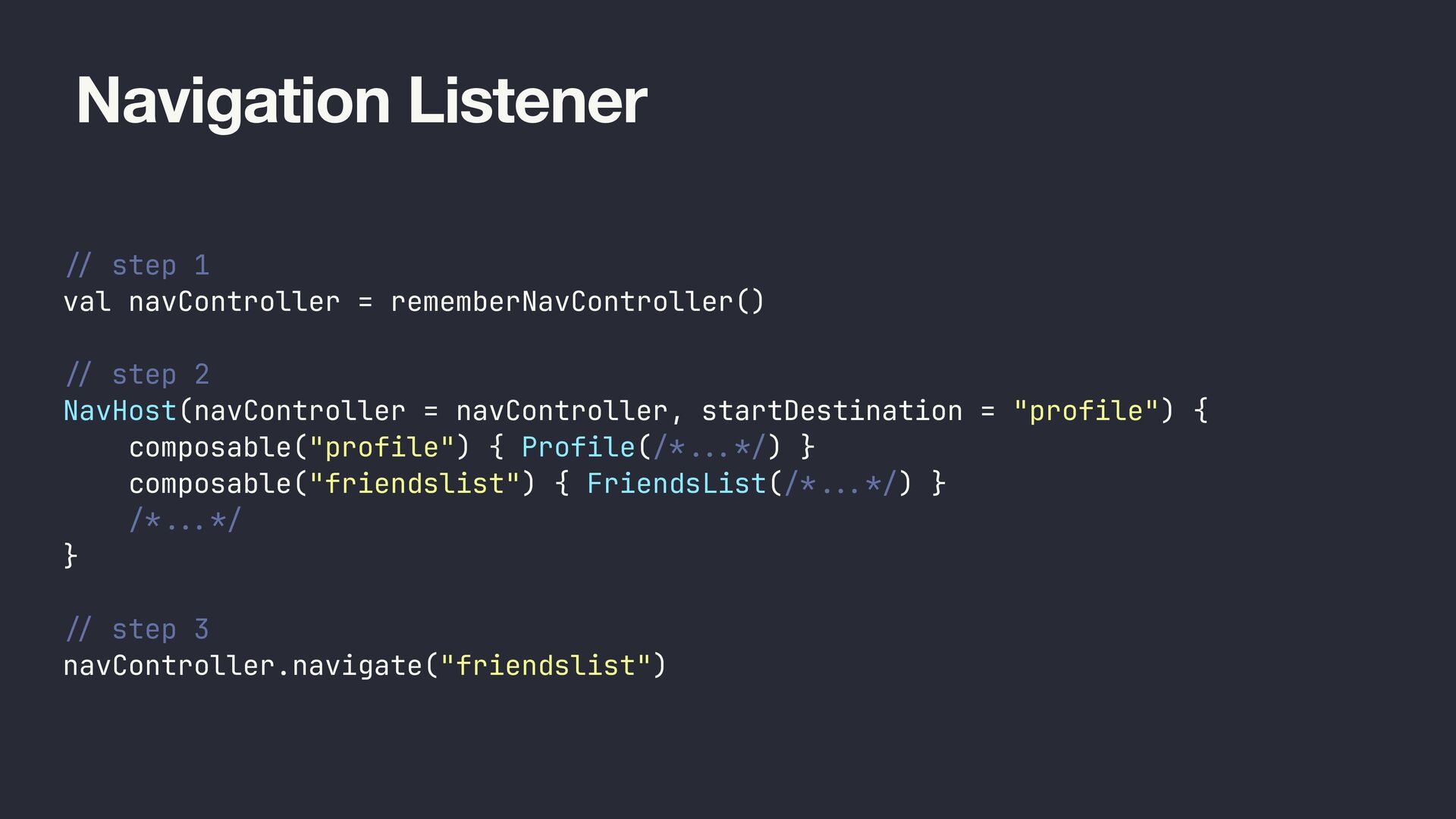
  13. Navigation Listener / / step 1 val navController = rememberNavController()

    / / step 2 NavHost(navController = navController, startDestination = "profile") { composable("profile") { Profile(/* ... */) } composable("friendslist") { FriendsList(/* ... */) } /* .. . */ } / / step 3 navController.navigate("friendslist")
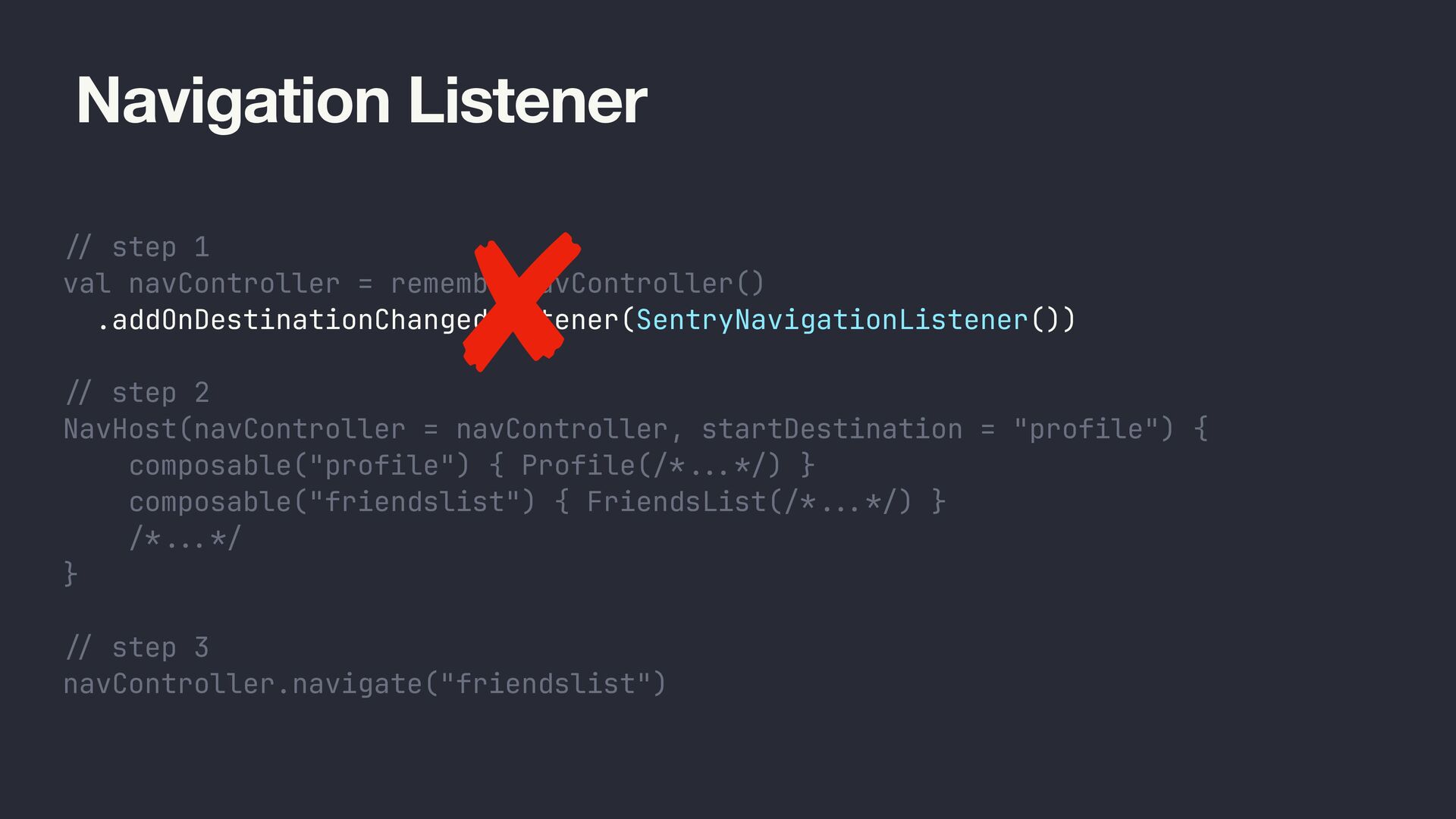
  14. Navigation Listener / / step 1 val navController = rememberNavController()

    .addOnDestinationChangedListener(SentryNavigationListener()) / / step 2 NavHost(navController = navController, startDestination = "profile") { composable("profile") { Profile(/* ... */) } composable("friendslist") { FriendsList(/* ... */) } /* .. . */ } / / step 3 navController.navigate("friendslist")
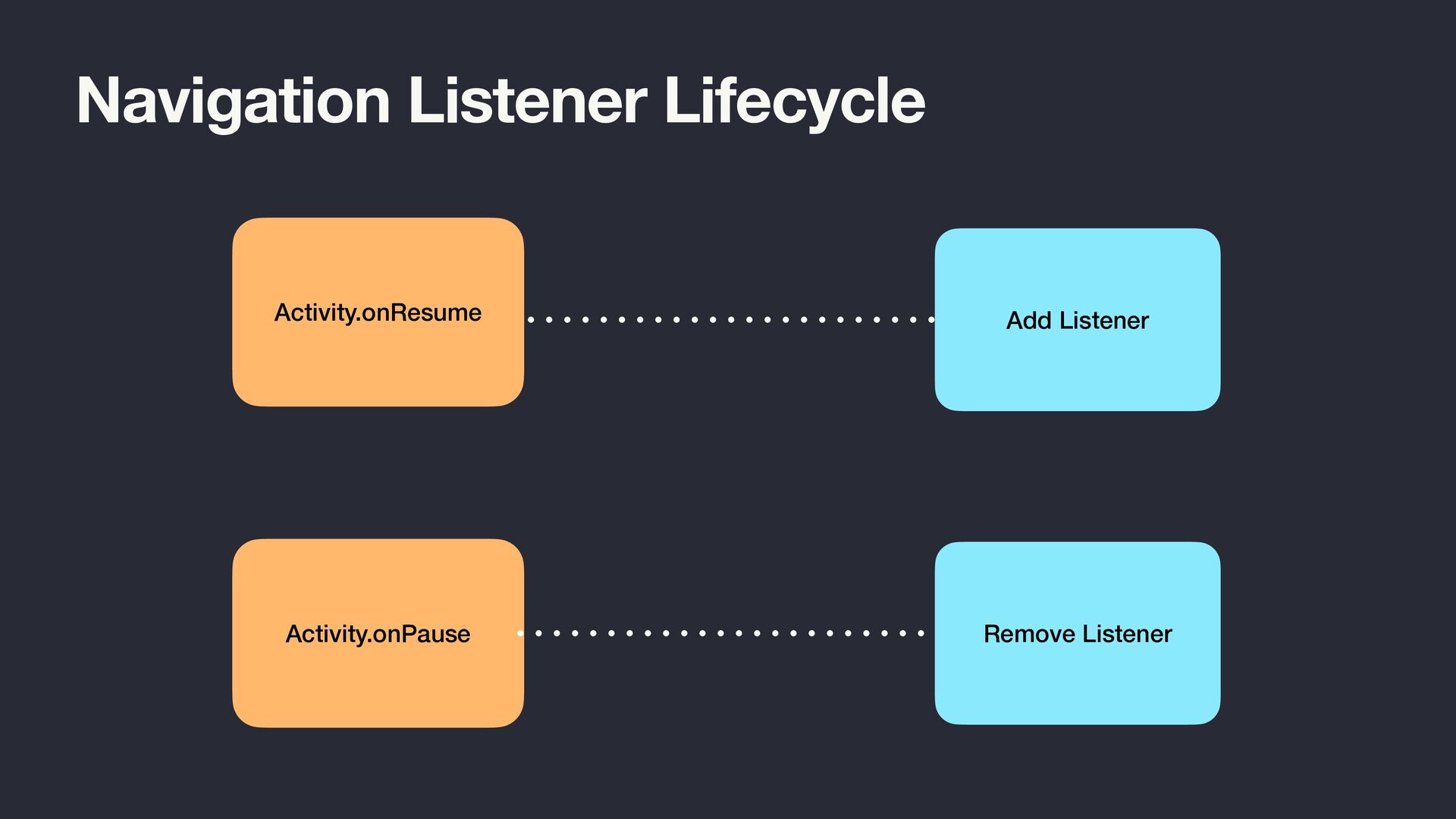
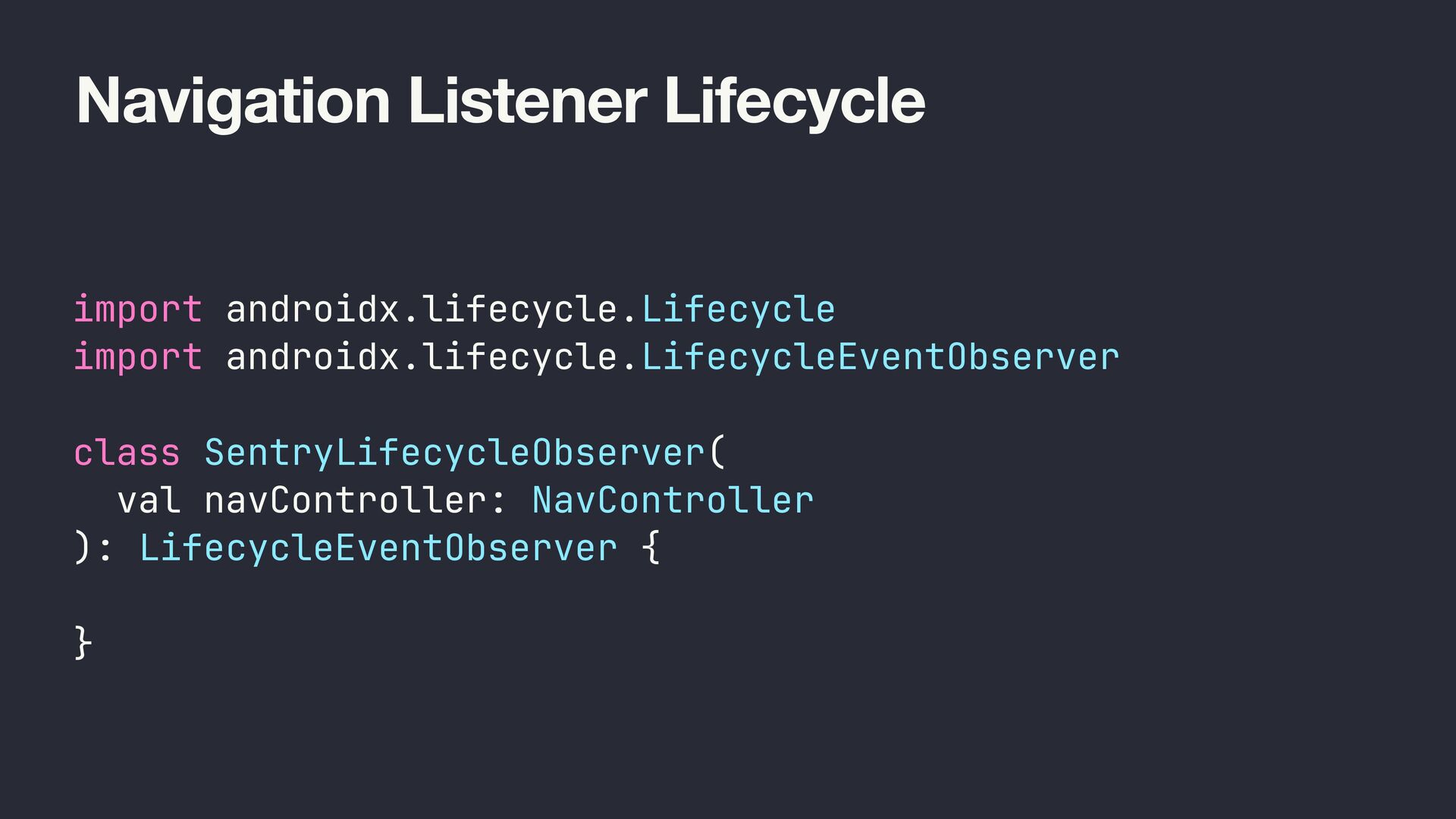
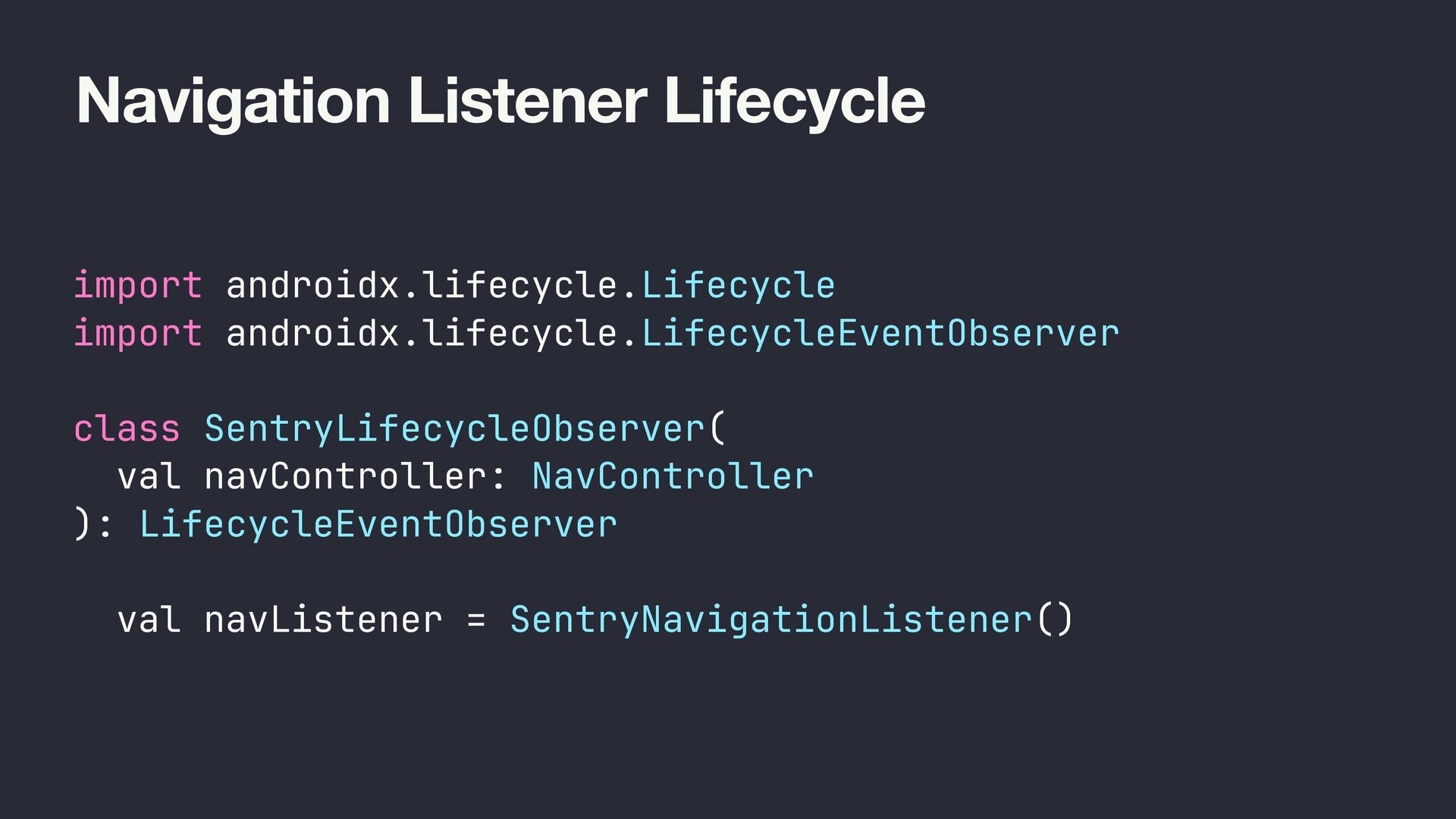
  15. Navigation Listener Lifecycle import androidx.lifecycle.Lifecycle import androidx.lifecycle.LifecycleEventObserver class SentryLifecycleObserver( val

    navController: NavController ): LifecycleEventObserver { val navListener = SentryNavigationListener() }
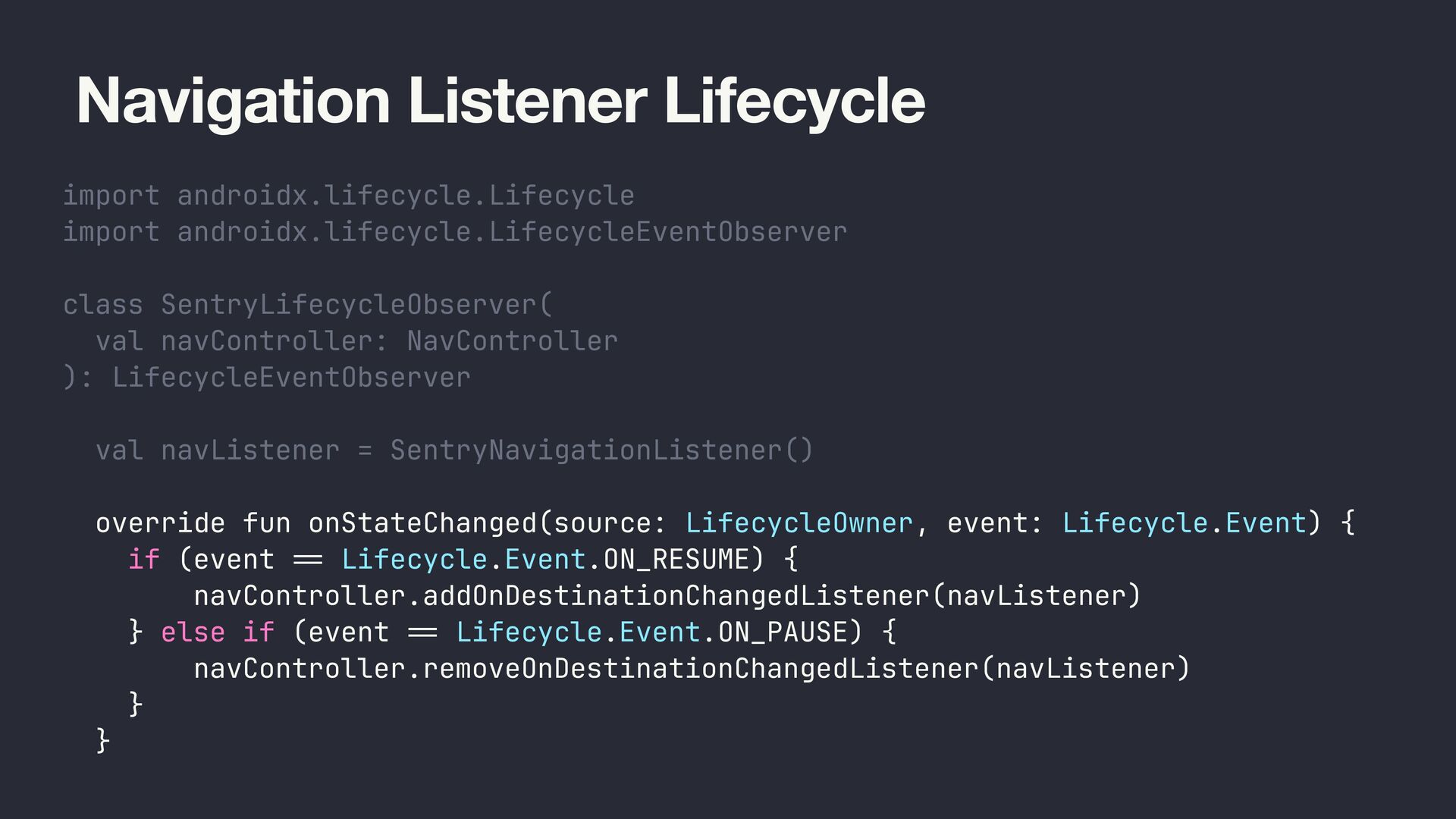
  16. Navigation Listener Lifecycle import androidx.lifecycle.Lifecycle import androidx.lifecycle.LifecycleEventObserver class SentryLifecycleObserver( val

    navController: NavController ): LifecycleEventObserver { val navListener = SentryNavigationListener() override fun onStateChanged(source: LifecycleOwner, event: Lifecycle.Event) { if (event == Lifecycle.Event.ON_RESUME) { navController.addOnDestinationChangedListener(navListener) } else if (event = = Lifecycle.Event.ON_PAUSE) { navController.removeOnDestinationChangedListener(navListener) } } }
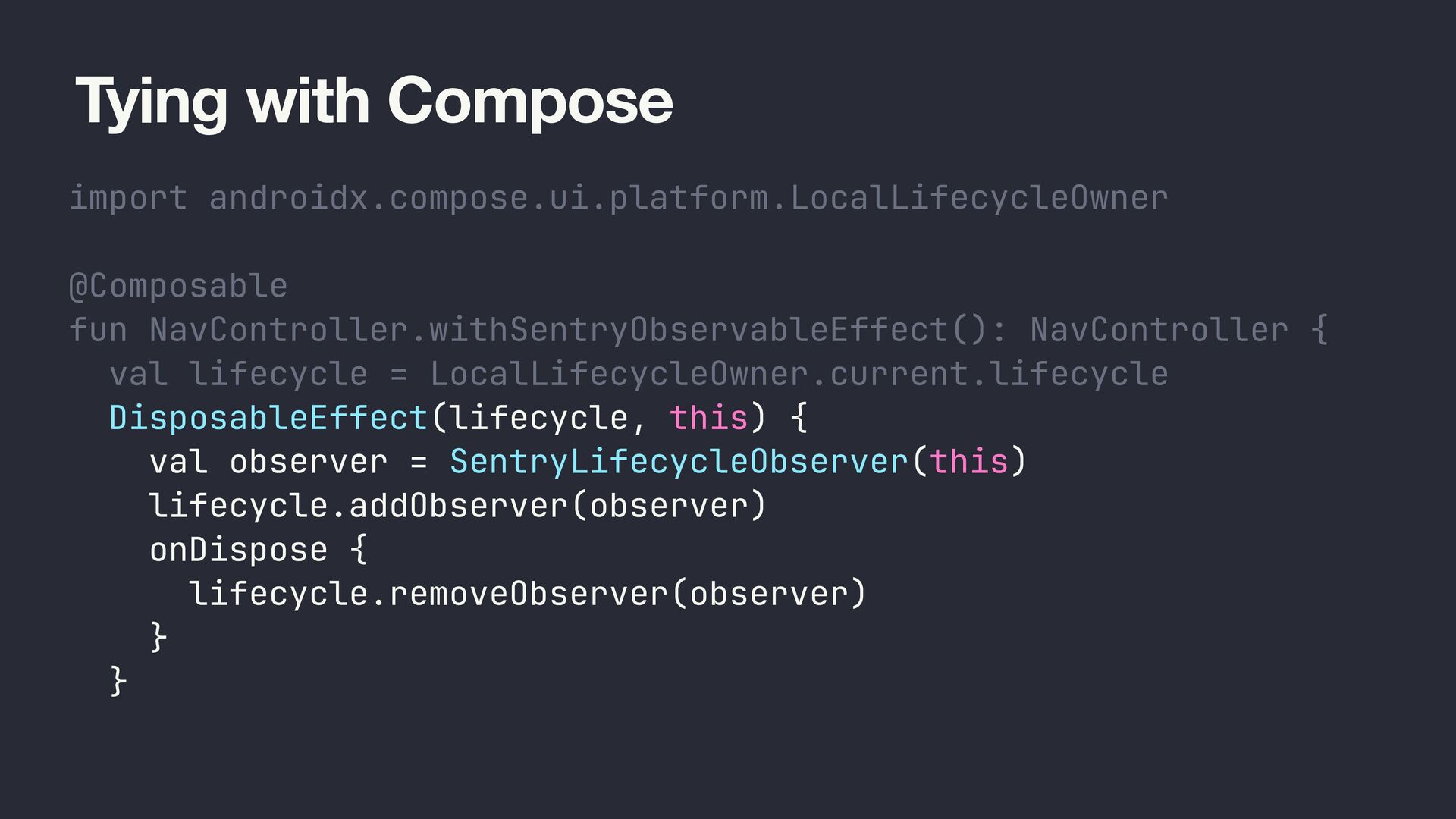
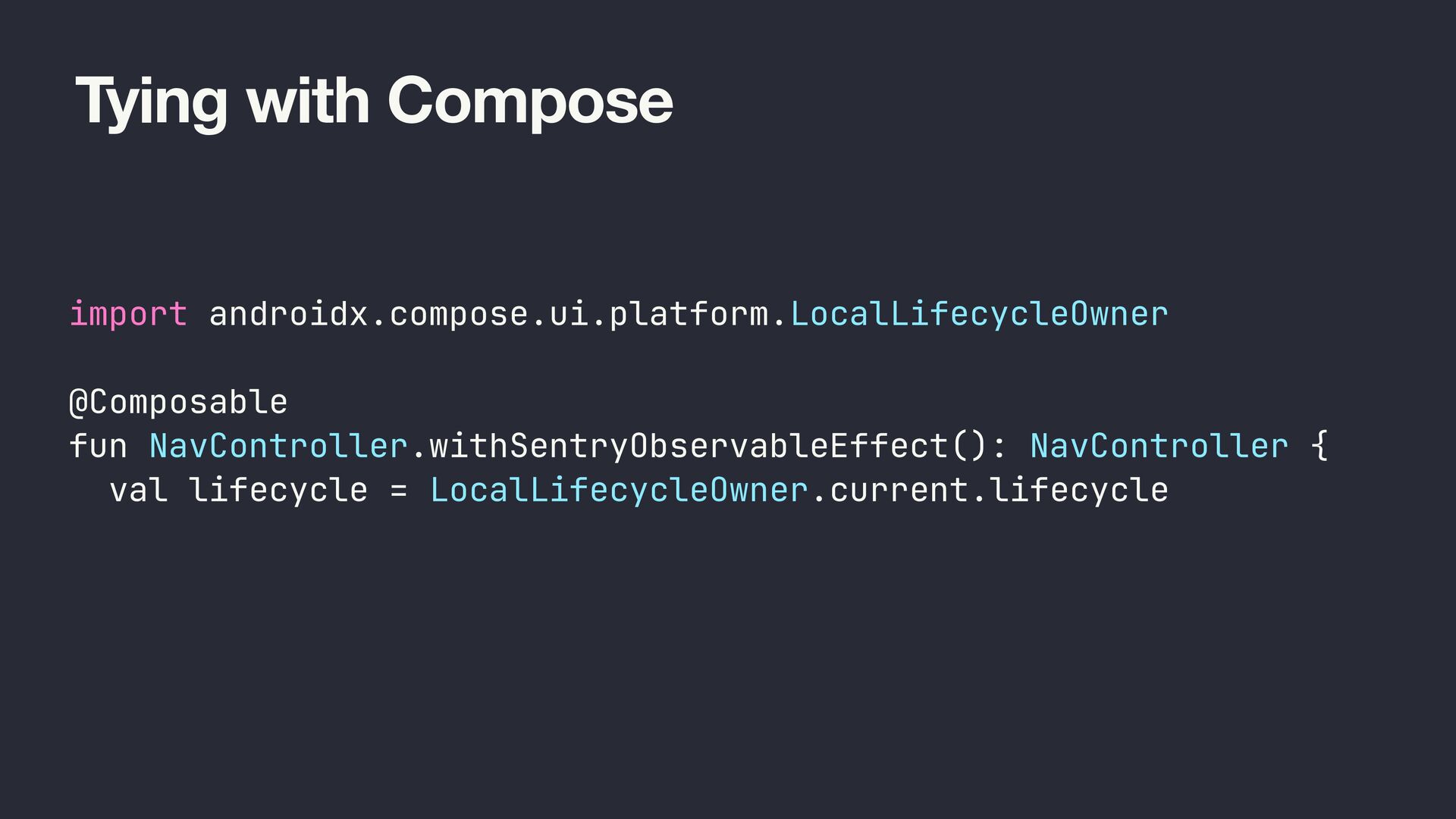
  17. Tying with Compose import androidx.compose.ui.platform.LocalLifecycleOwner @Composable fun NavController.withSentryObservableEffect(): NavController {

    val lifecycle = LocalLifecycleOwner.current.lifecycle DisposableEffect(lifecycle, this) { val observer = SentryLifecycleObserver(this) lifecycle.addObserver(observer) onDispose { lifecycle.removeObserver(observer) } } }
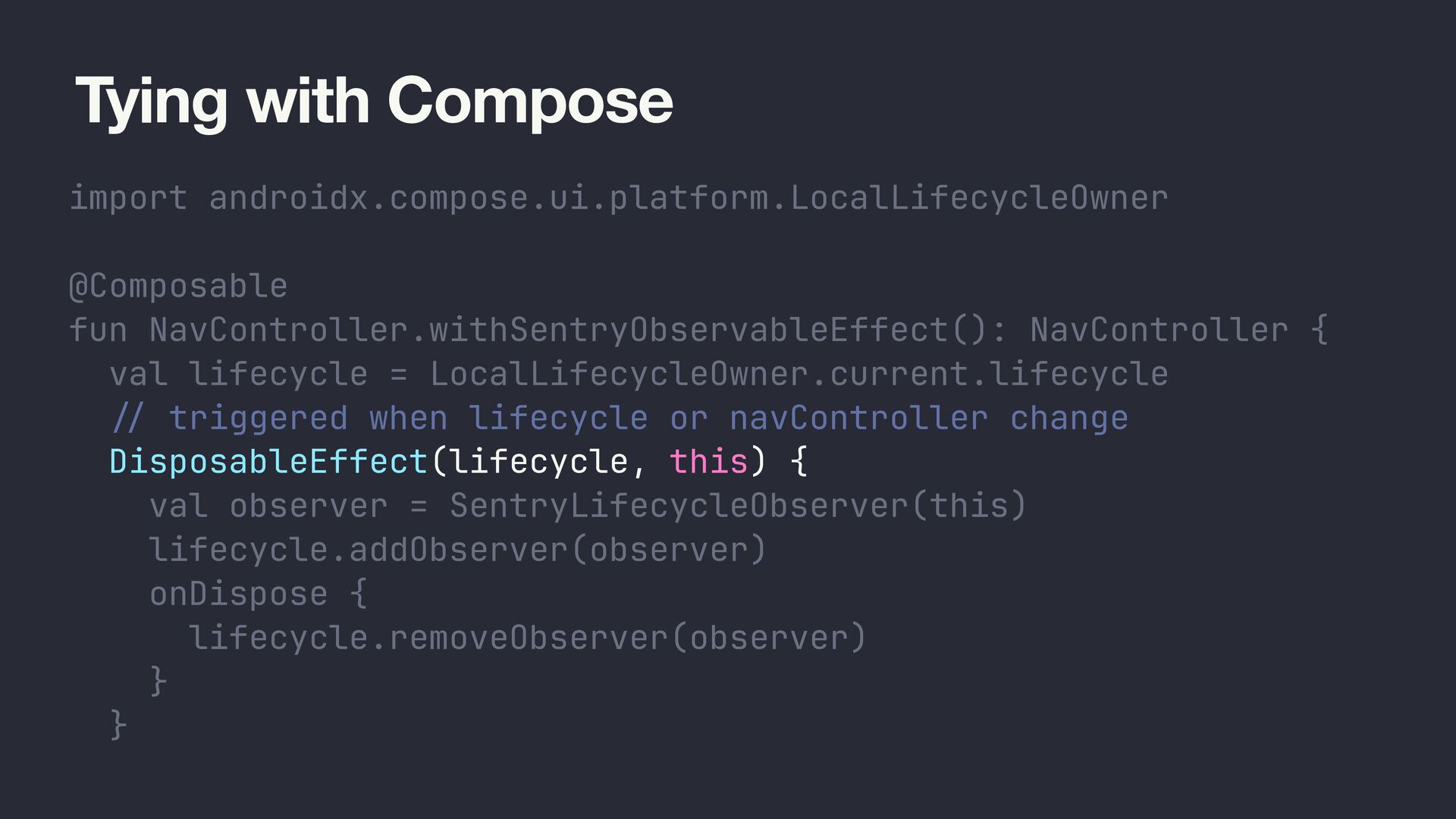
  18. Tying with Compose import androidx.compose.ui.platform.LocalLifecycleOwner @Composable fun NavController.withSentryObservableEffect(): NavController {

    val lifecycle = LocalLifecycleOwner.current.lifecycle / / triggered when lifecycle or navController change DisposableEffect(lifecycle, this) { val observer = SentryLifecycleObserver(this) lifecycle.addObserver(observer) onDispose { lifecycle.removeObserver(observer) } } }
  19. Navigation Breadcrumbs // NiaNavHost.kt import io.sentry.Breadcrumb import io.sentry.Sentry import io.sentry.SentryLevel

    NavHost( navController = navController, modifier = modifier, ) { interestsGraph( onTopicClick = { topicId -> Sentry.addBreadcrumb( Breadcrumb().apply { category = "navigation" level = SentryLevel.INFO setData("from", "/interests_route") setData("to", "/topic_route/$topicId") } ) navController.navigateToTopic(topicId) } ) } // NiaNavHost.kt import io.sentry.compose.withSentryObservableEffect NavHost( navController = navController .withSentryObservableEffect(), modifier = modifier, ) { interestsGraph( onTopicClick = { topicId -> navController.navigateToTopic(topicId) } ) }
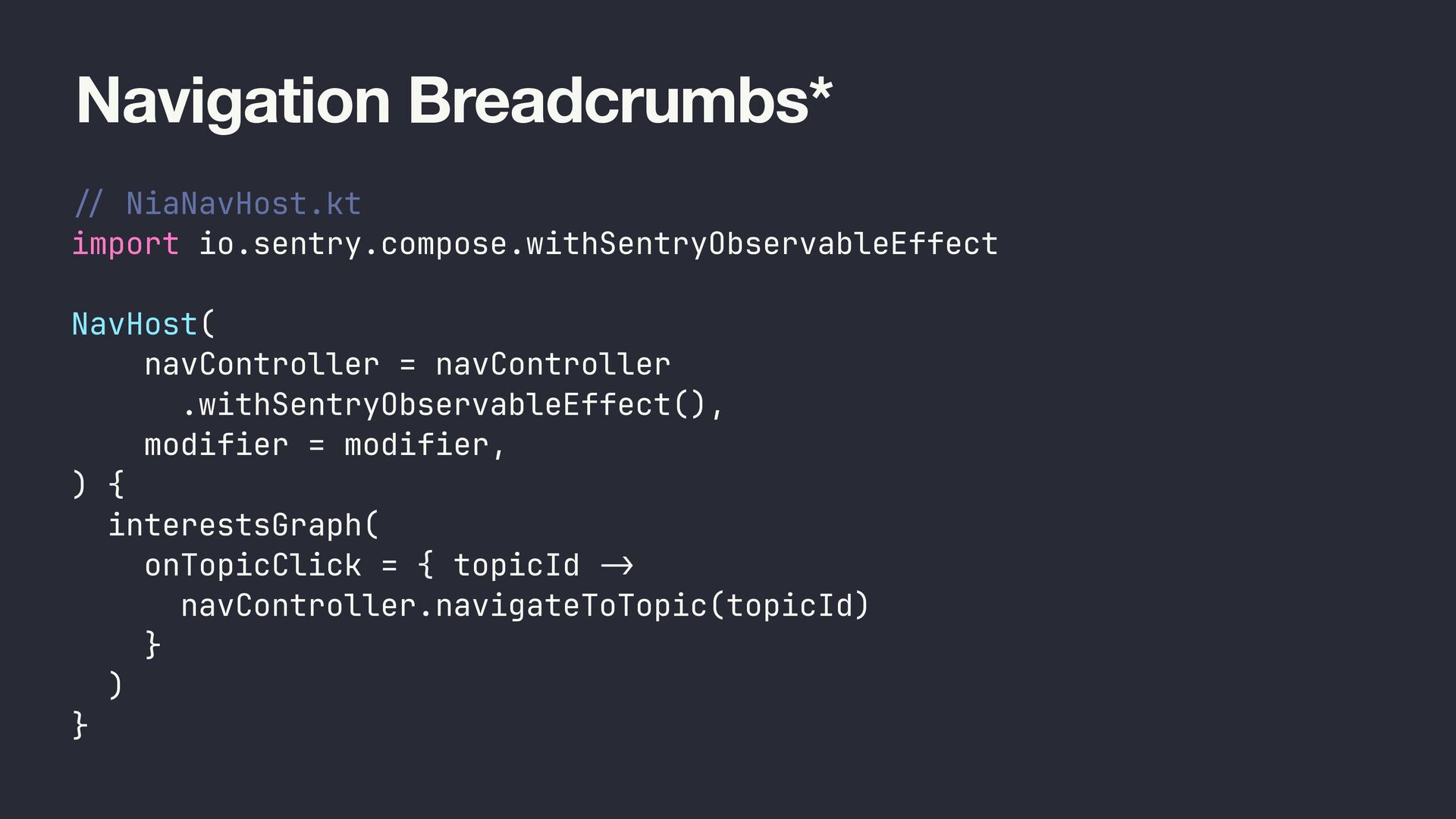
  20. Navigation Breadcrumbs* // NiaNavHost.kt import io.sentry.compose.withSentryObservableEffect NavHost( navController = navController

    .withSentryObservableEffect(), modifier = modifier, ) { interestsGraph( onTopicClick = { topicId -> navController.navigateToTopic(topicId) } ) }
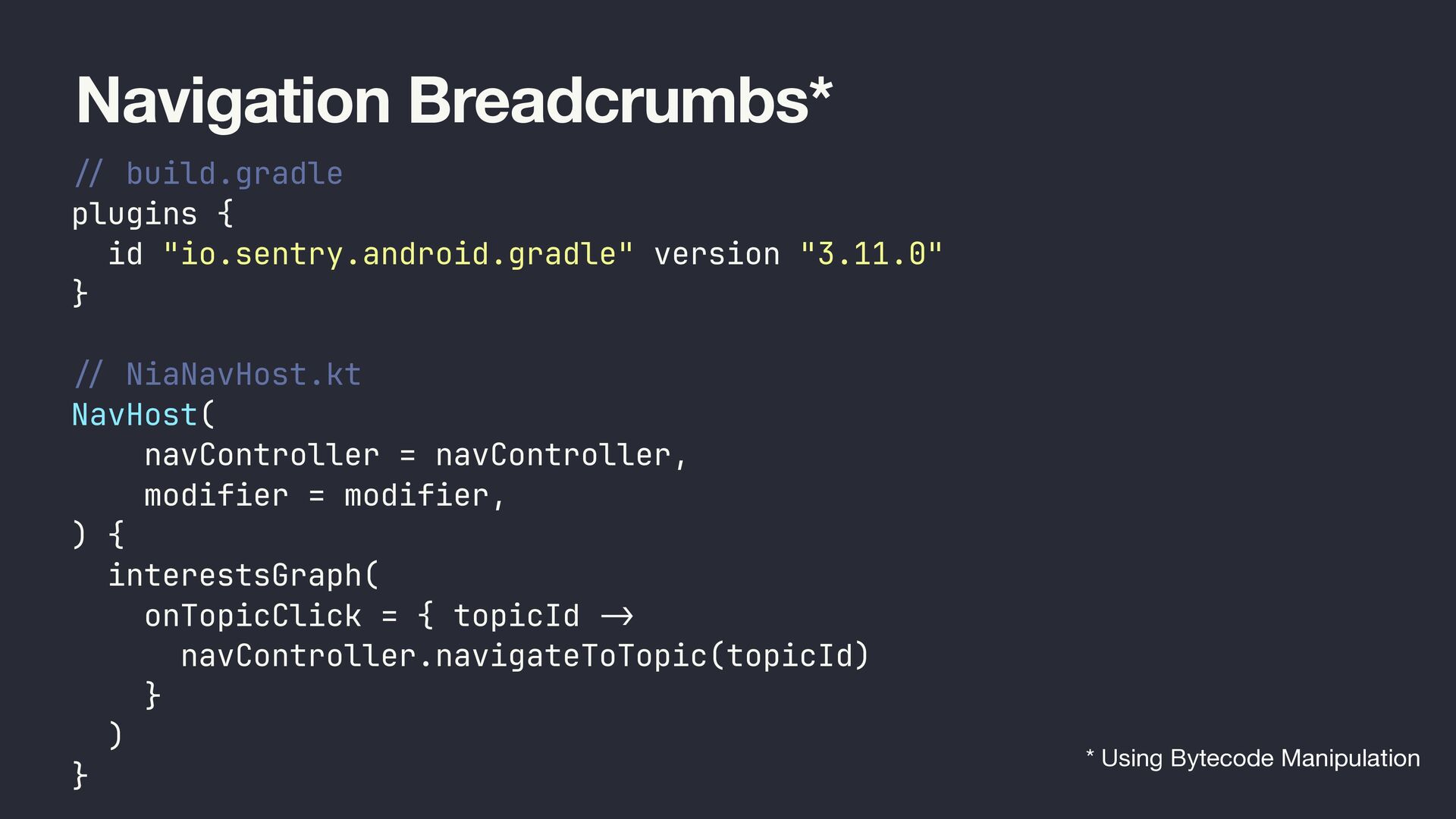
  21. Navigation Breadcrumbs* // build.gradle plugins { id "io.sentry.android.gradle" version "3.11.0"

    } // NiaNavHost.kt NavHost( navController = navController, modifier = modifier, ) { interestsGraph( onTopicClick = { topicId -> navController.navigateToTopic(topicId) } ) } * Using Bytecode Manipulation
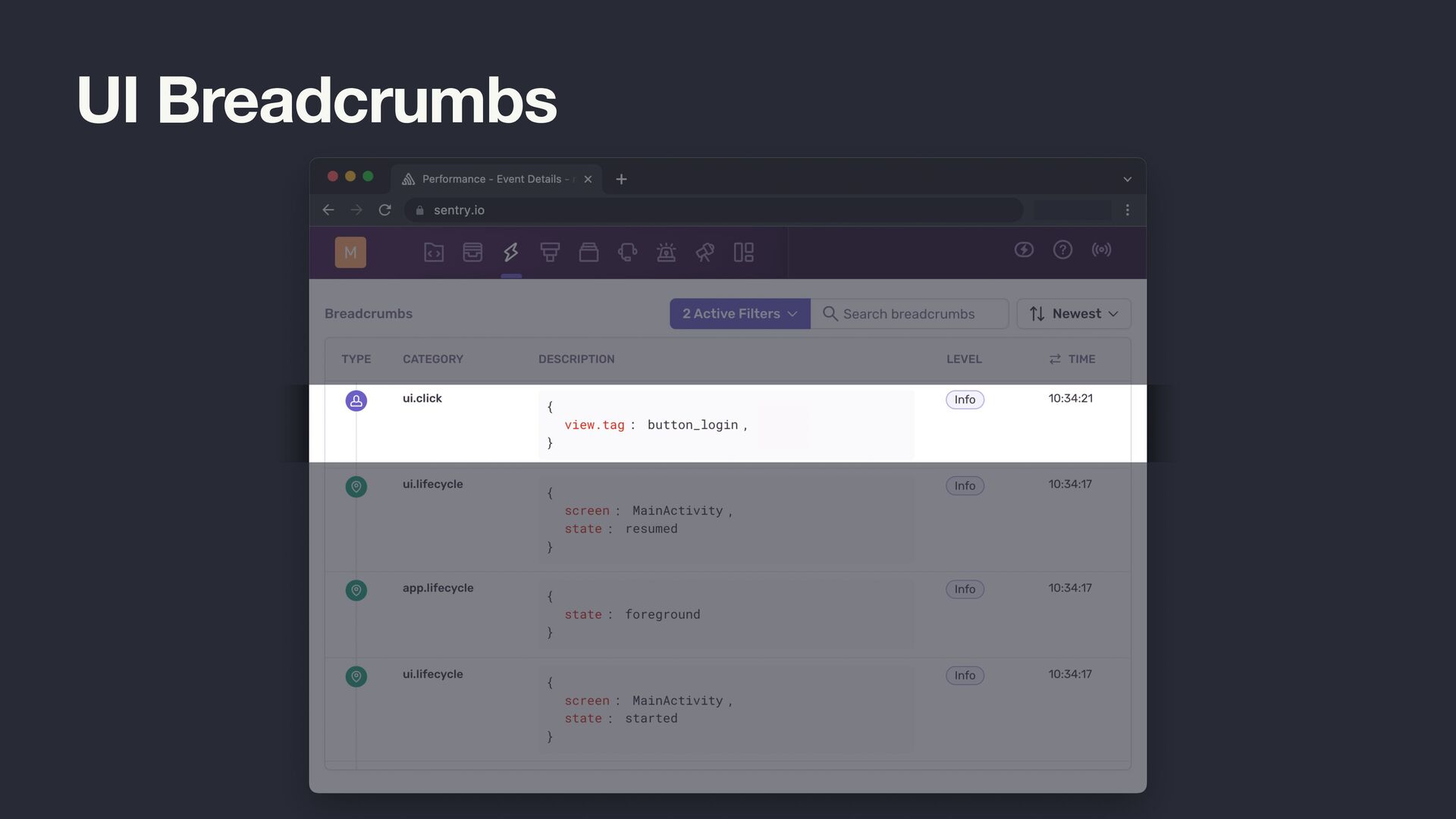
  22. UI Breadcrumbs @Composable fun LoginScreen(onLoginClicked: () -> Unit) { Column

    { Button(onClick = { onLoginClicked() }) { Text(text = "Login") } } }
  23. UI Breadcrumbs @Composable fun LoginScreen(onLoginClicked: () -> Unit) { Column

    { Button(onClick = { Sentry.addBreadcrumb(Breadcrumb().apply { category = "ui.click" message = "button_login" }) onLoginClicked() }) { Text(text = "Login") } } }
  24. UI Breadcrumbs @Composable fun LoginScreen(onLoginClicked: () -> Unit) { Column

    { Button(onClick = { Sentry.addBreadcrumb(Breadcrumb().apply { category = "ui.click" message = "button_login" }) onLoginClicked() }) { Text(text = "Login") } } }
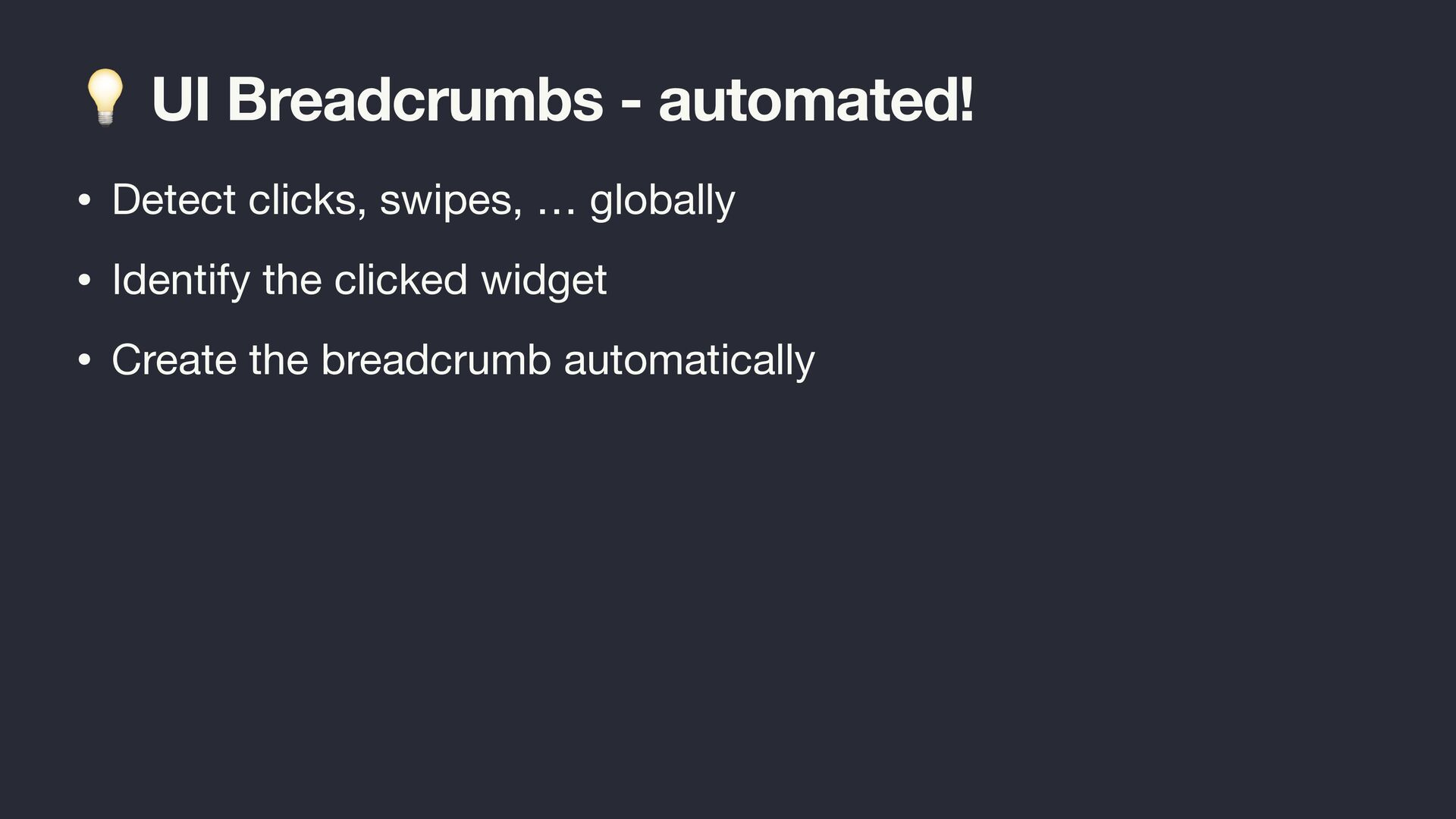
  25. 💡 UI Breadcrumbs - automated! • Detect clicks, swipes, …

    globally • Identify the clicked widget • Create the breadcrumb automatically
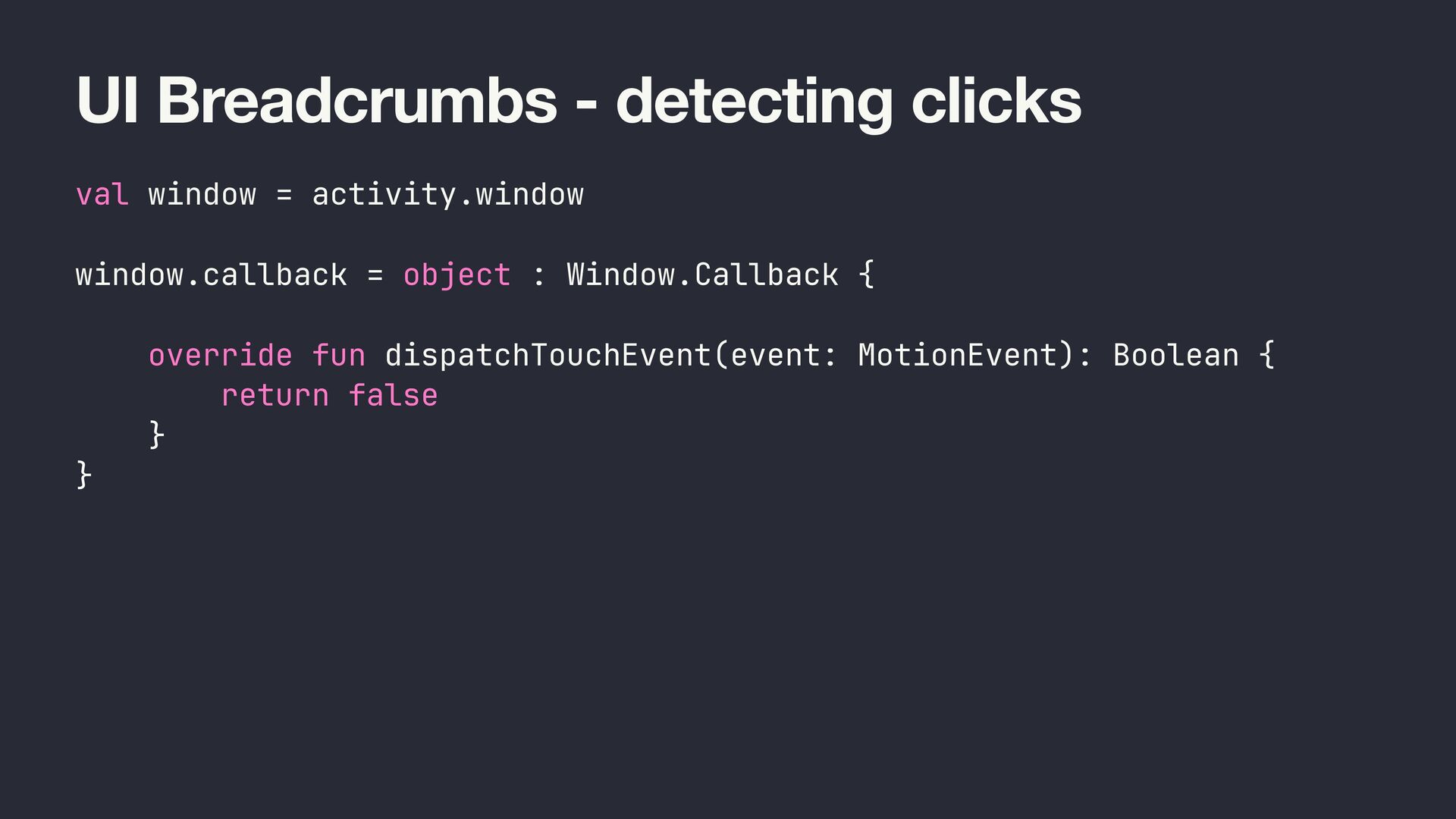
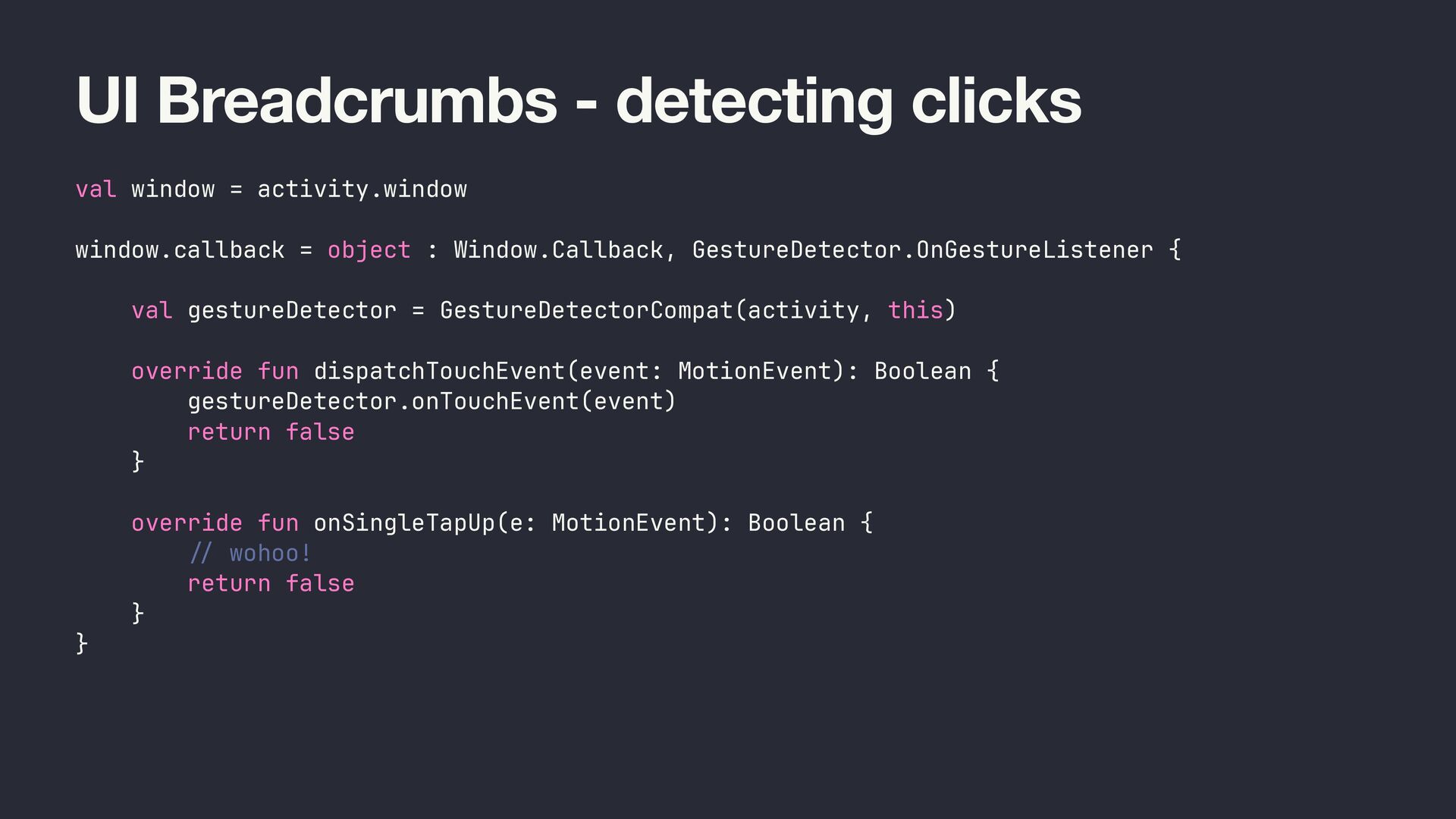
  26. UI Breadcrumbs - detecting clicks val window = activity.window window.callback

    = object : Window.Callback { override fun dispatchTouchEvent(event: MotionEvent): Boolean { return false } }
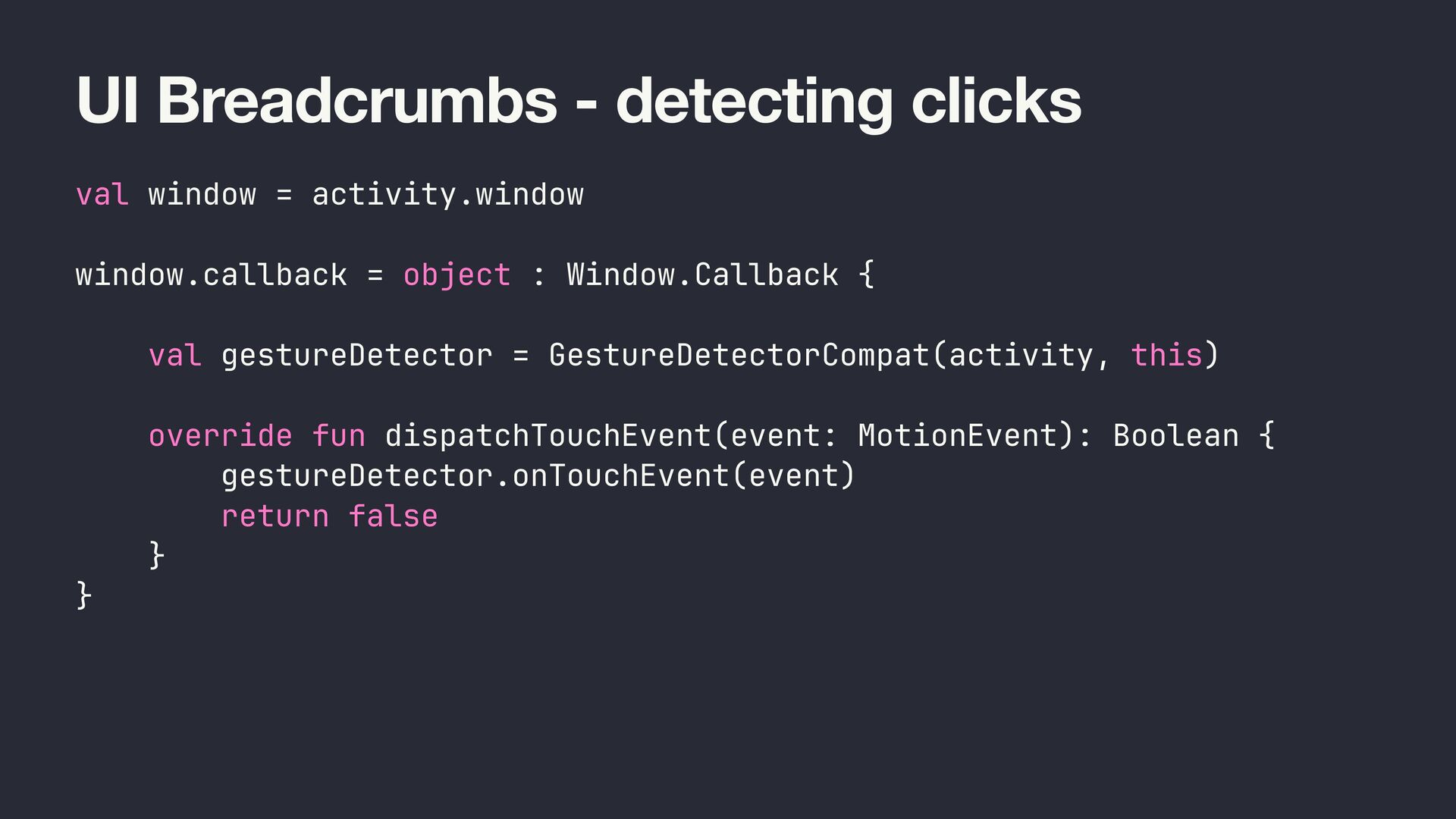
  27. UI Breadcrumbs - detecting clicks val window = activity.window window.callback

    = object : Window.Callback { val gestureDetector = GestureDetectorCompat(activity, this) override fun dispatchTouchEvent(event: MotionEvent): Boolean { gestureDetector.onTouchEvent(event) return false } }
  28. UI Breadcrumbs - detecting clicks val window = activity.window window.callback

    = object : Window.Callback, GestureDetector.OnGestureListener { val gestureDetector = GestureDetectorCompat(activity, this) override fun dispatchTouchEvent(event: MotionEvent): Boolean { gestureDetector.onTouchEvent(event) return false } override fun onSingleTapUp(e: MotionEvent): Boolean { / / wohoo! return false } }
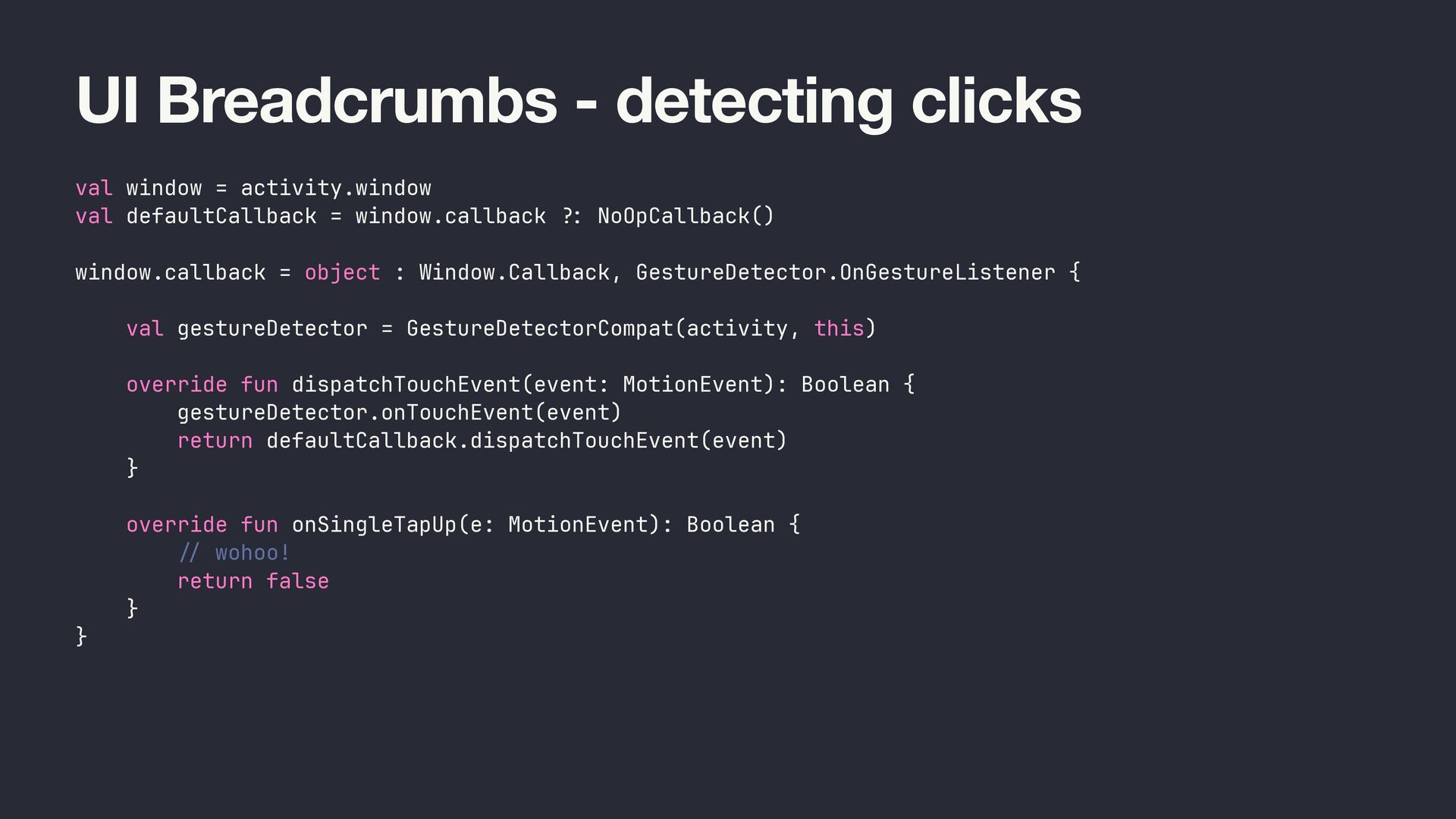
  29. UI Breadcrumbs - detecting clicks val window = activity.window val

    defaultCallback = window.callback ? : NoOpCallback() window.callback = object : Window.Callback, GestureDetector.OnGestureListener { val gestureDetector = GestureDetectorCompat(activity, this) override fun dispatchTouchEvent(event: MotionEvent): Boolean { gestureDetector.onTouchEvent(event) return defaultCallback.dispatchTouchEvent(event) } override fun onSingleTapUp(e: MotionEvent): Boolean { / / wohoo! return false } }
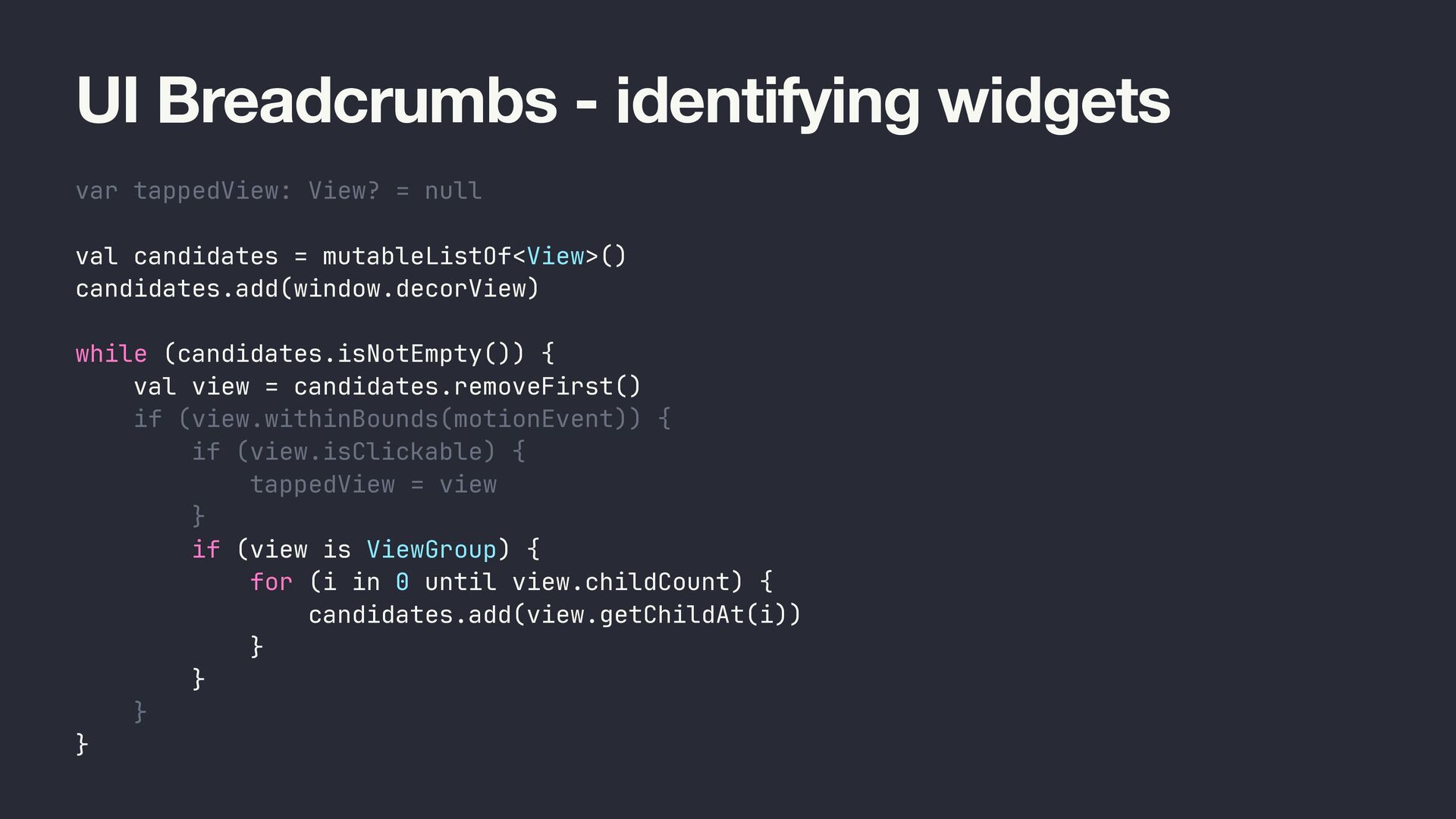
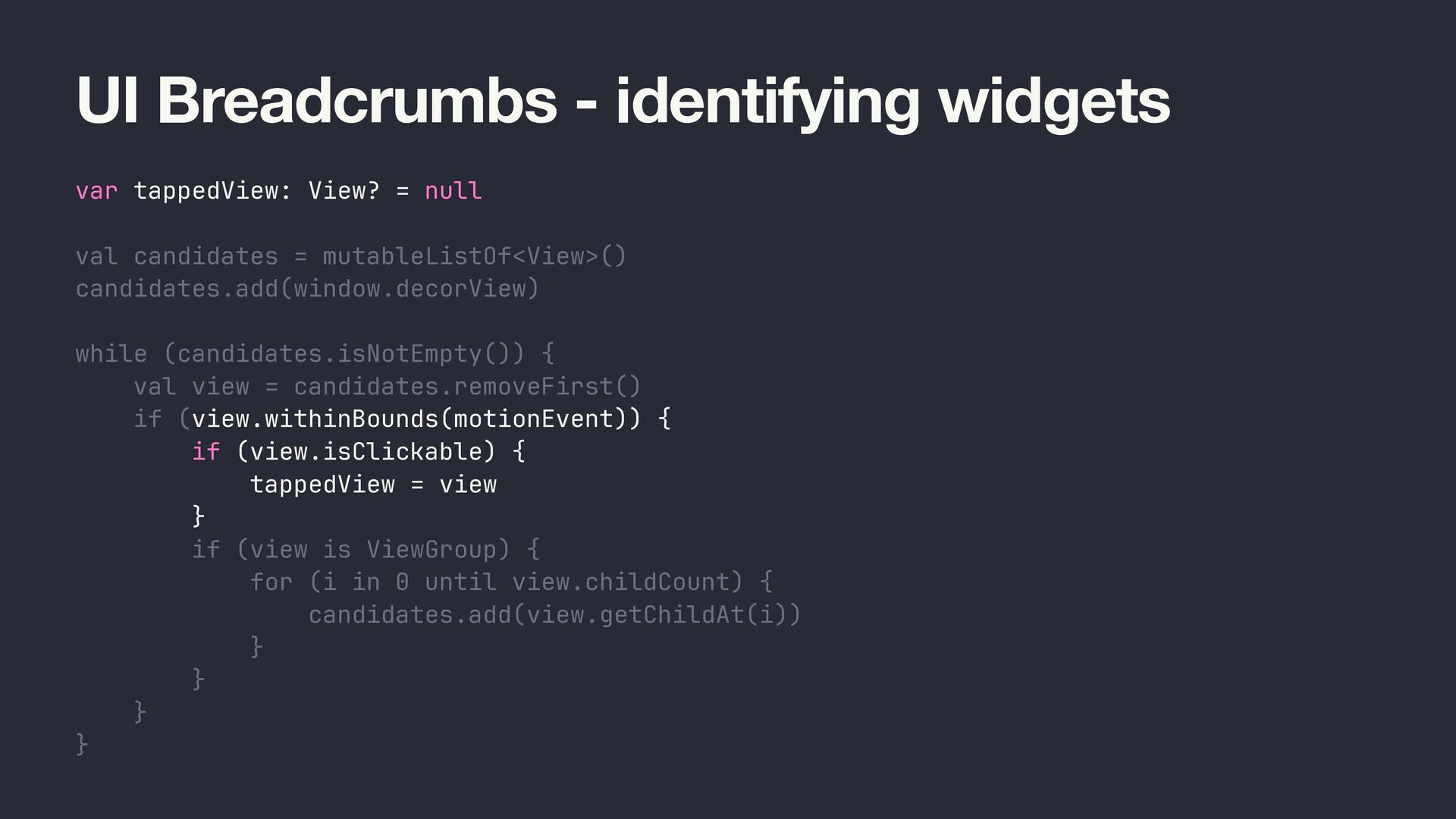
  30. UI Breadcrumbs - identifying widgets var tappedView: View? = null

    val candidates = mutableListOf<View>() candidates.add(window.decorView) while (candidates.isNotEmpty()) { val view = candidates.removeFirst() if (view.withinBounds(motionEvent)) { if (view.isClickable) { tappedView = view } if (view is ViewGroup) { for (i in 0 until view.childCount) { candidates.add(view.getChildAt(i)) } } } }
  31. UI Breadcrumbs - identifying widgets var tappedView: View? = null

    val candidates = mutableListOf<View>() candidates.add(window.decorView) while (candidates.isNotEmpty()) { val view = candidates.removeFirst() if (view.withinBounds(motionEvent)) { if (view.isClickable) { tappedView = view } if (view is ViewGroup) { for (i in 0 until view.childCount) { candidates.add(view.getChildAt(i)) } } } }
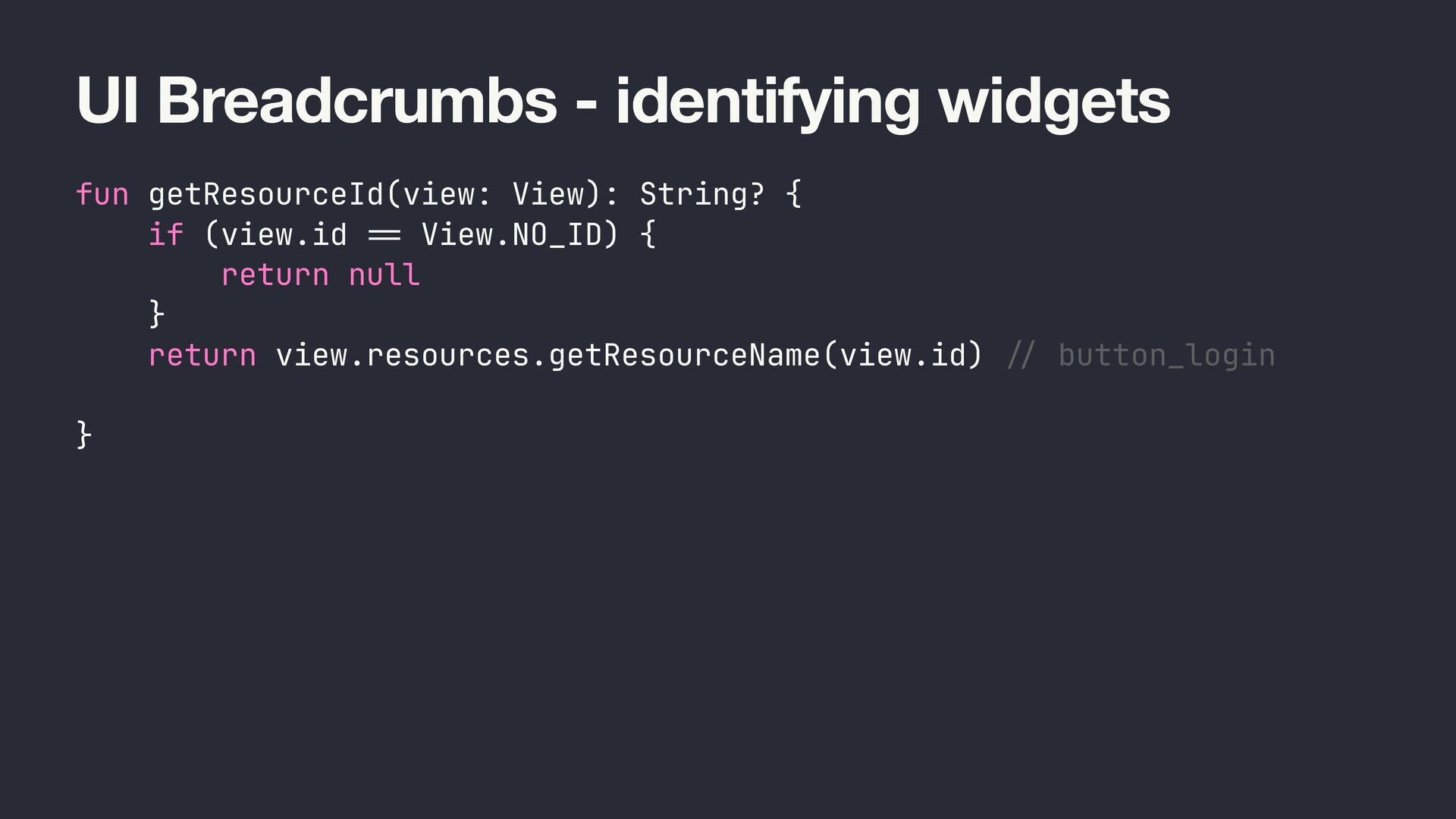
  32. UI Breadcrumbs - identifying widgets fun getResourceId(view: View): String? {

    if (view.id == View.NO_ID) { return null } return view.resources.getResourceName(view.id) // button_login }
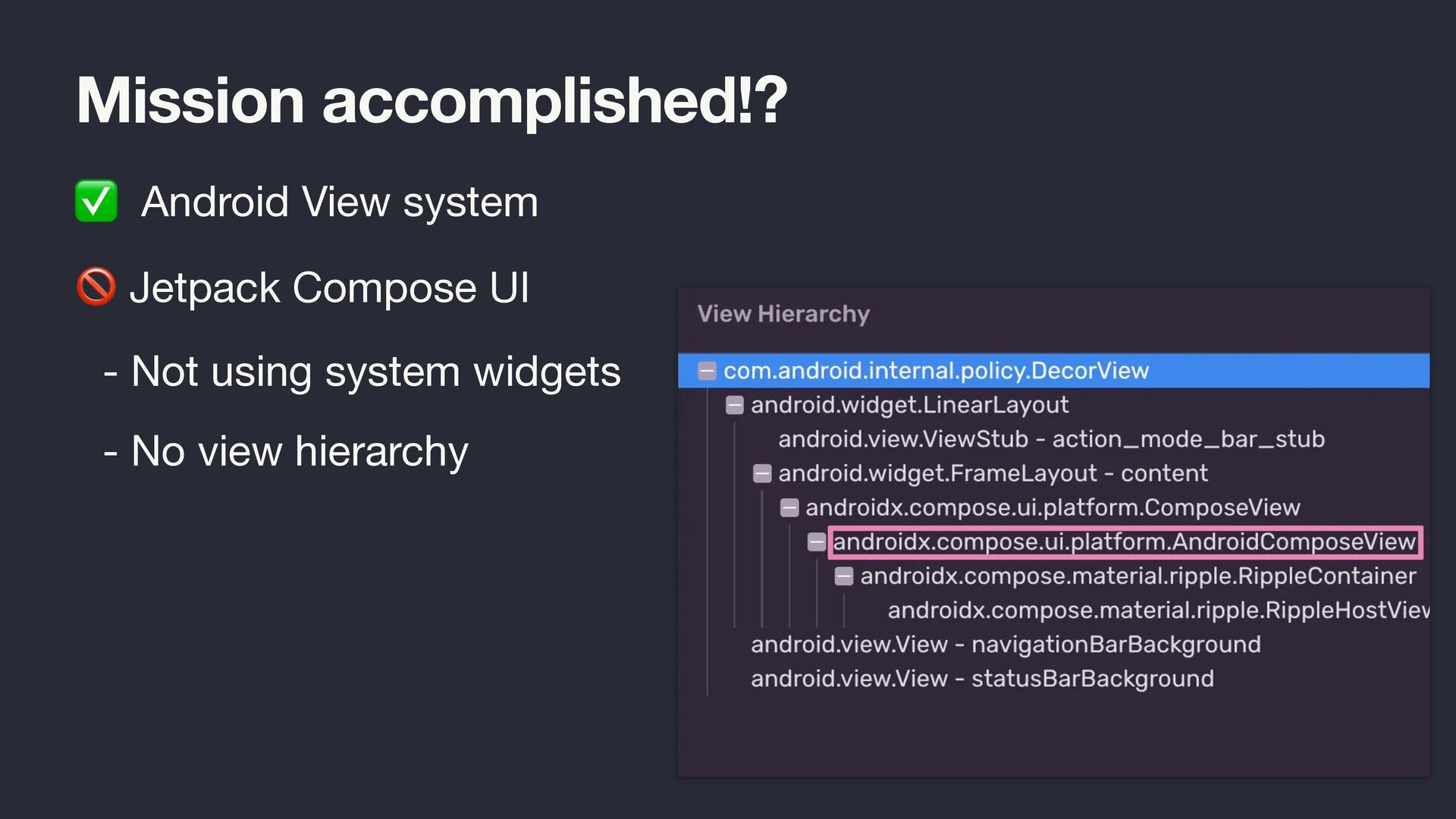
  33. Mission accomplished!? ✅ Android View system 🚫 Jetpack Compose UI

    - Not using system widgets - No view hierarchy
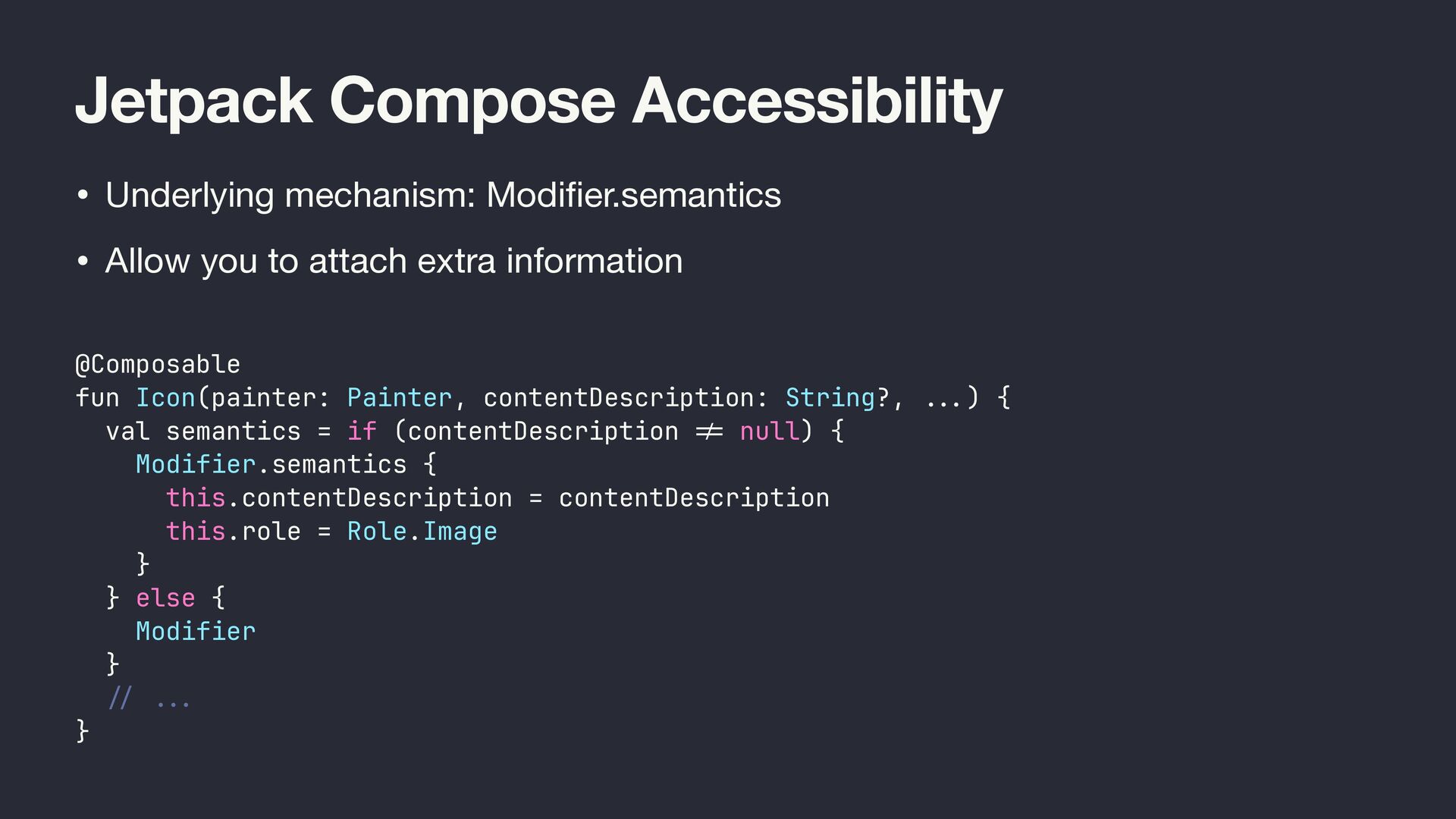
  34. Jetpack Compose Accessibility • Underlying mechanism: Modi fi er.semantics •

    Allow you to attach extra information @Composable fun Icon(painter: Painter, contentDescription: String?, .. . ) { val semantics = if (contentDescription != null) { Modifier.semantics { this.contentDescription = contentDescription this.role = Role.Image } } else { Modifier } / / ... }
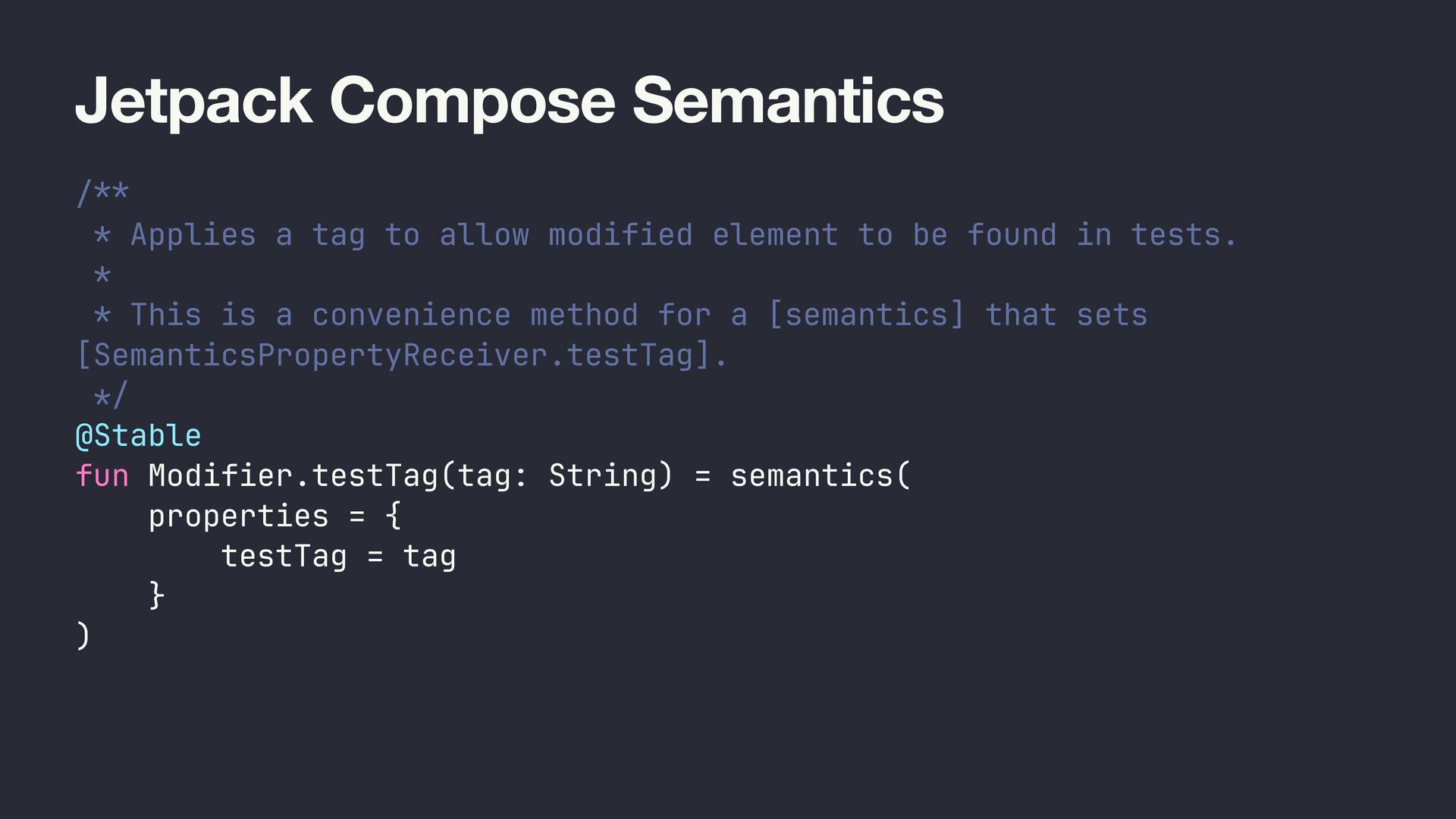
  35. Jetpack Compose Semantics /** * Applies a tag to allow

    modified element to be found in tests. * * This is a convenience method for a [semantics] that sets [SemanticsPropertyReceiver.testTag]. */ @Stable fun Modifier.testTag(tag: String) = semantics( properties = { testTag = tag } )
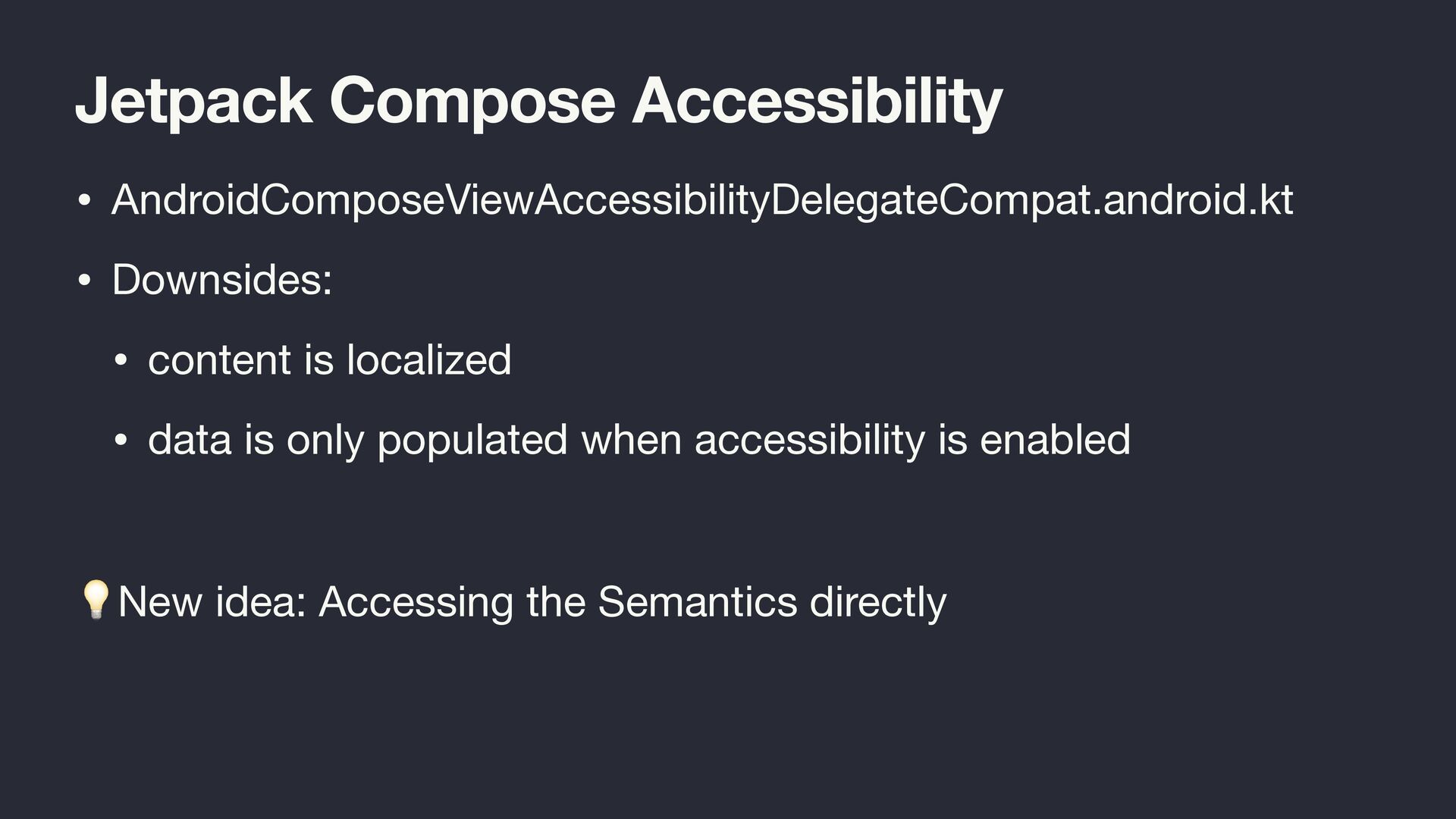
  36. Jetpack Compose Accessibility • AndroidComposeViewAccessibilityDelegateCompat.android.kt • Downsides: • content is

    localized • data is only populated when accessibility is enabled 💡New idea: Accessing the Semantics directly
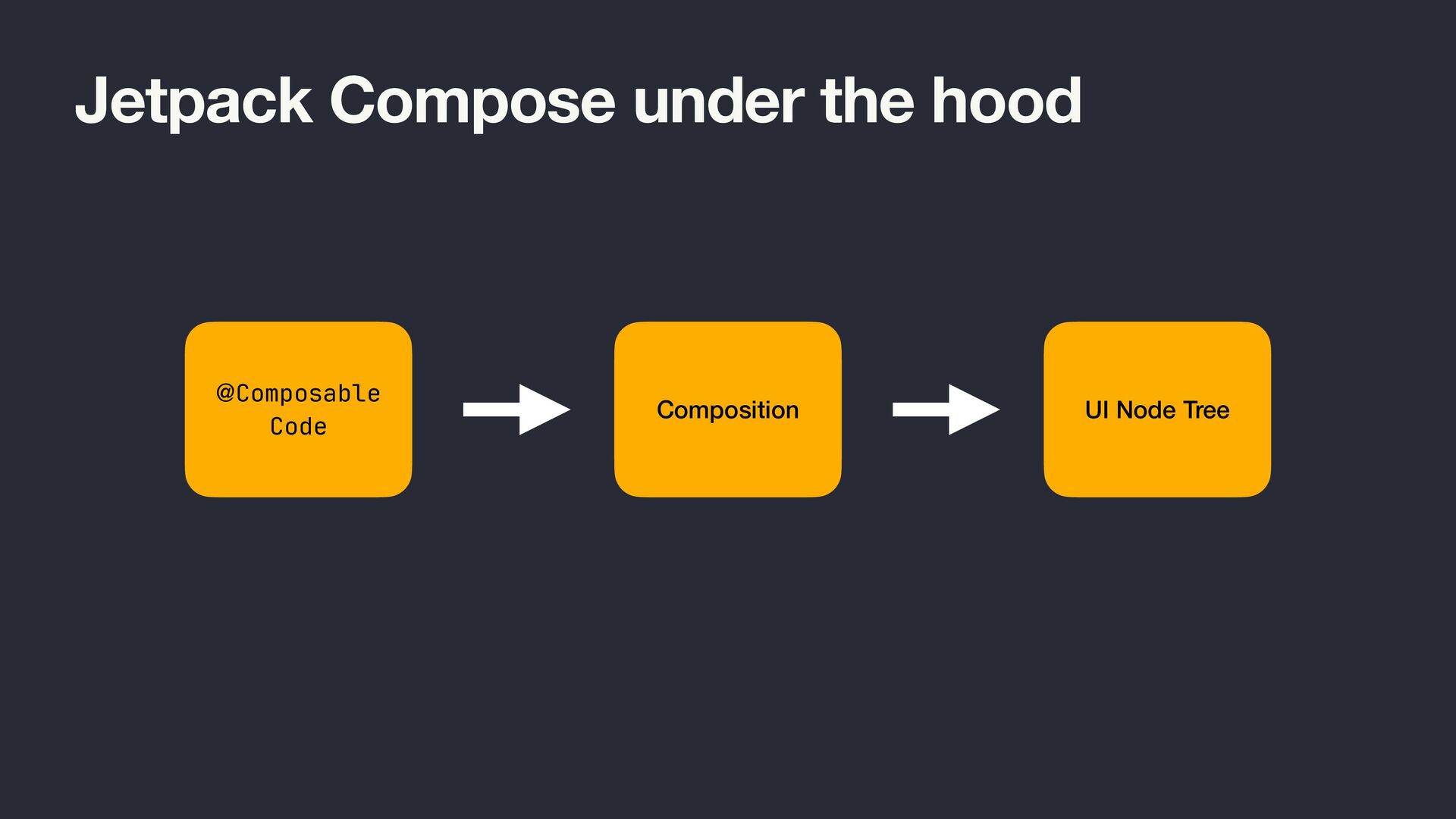
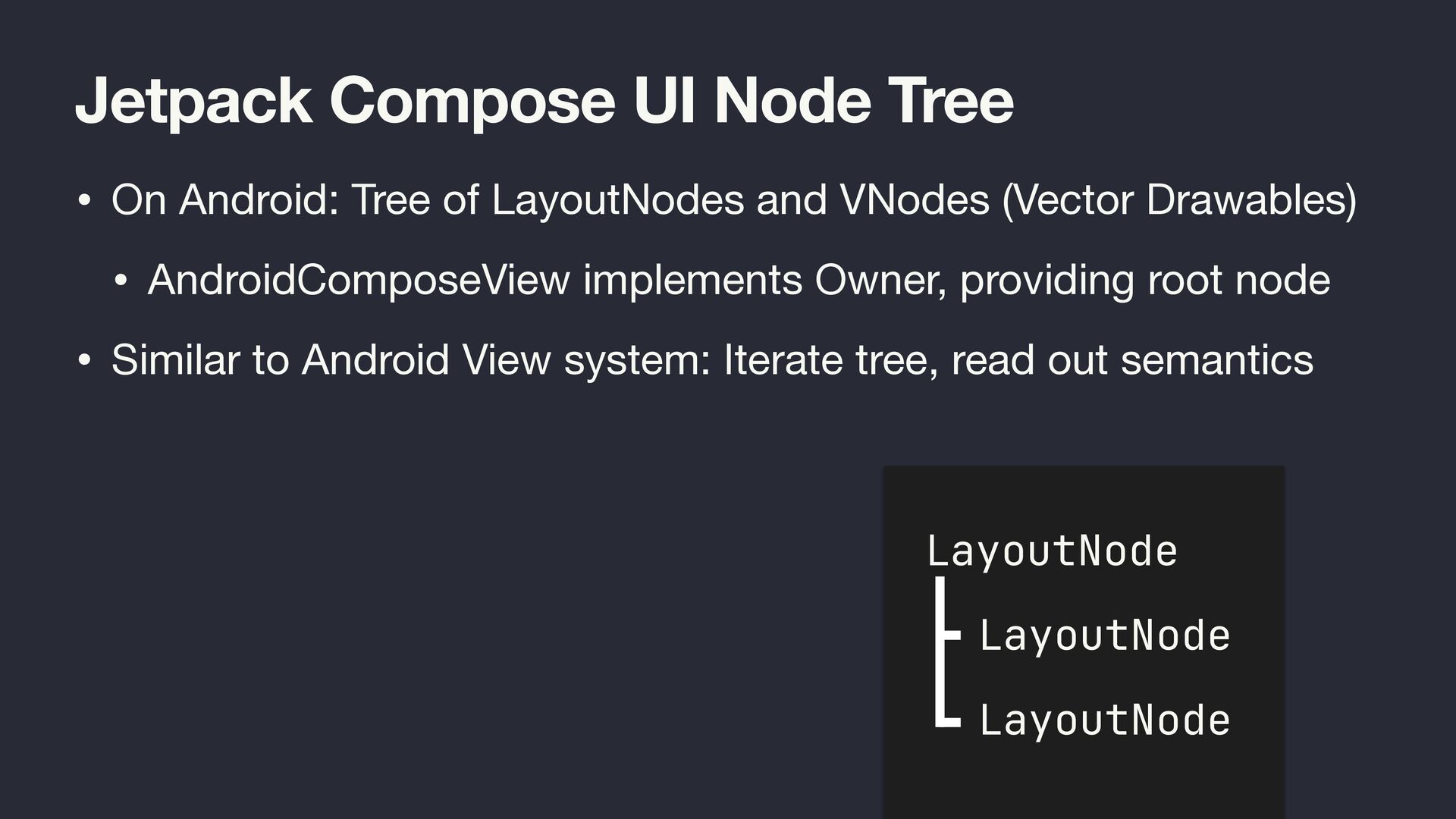
  37. Jetpack Compose UI Node Tree • On Android: Tree of

    LayoutNodes and VNodes (Vector Drawables) • AndroidComposeView implements Owner, providing root node • Similar to Android View system: Iterate tree, read out semantics LayoutNode LayoutNode LayoutNode
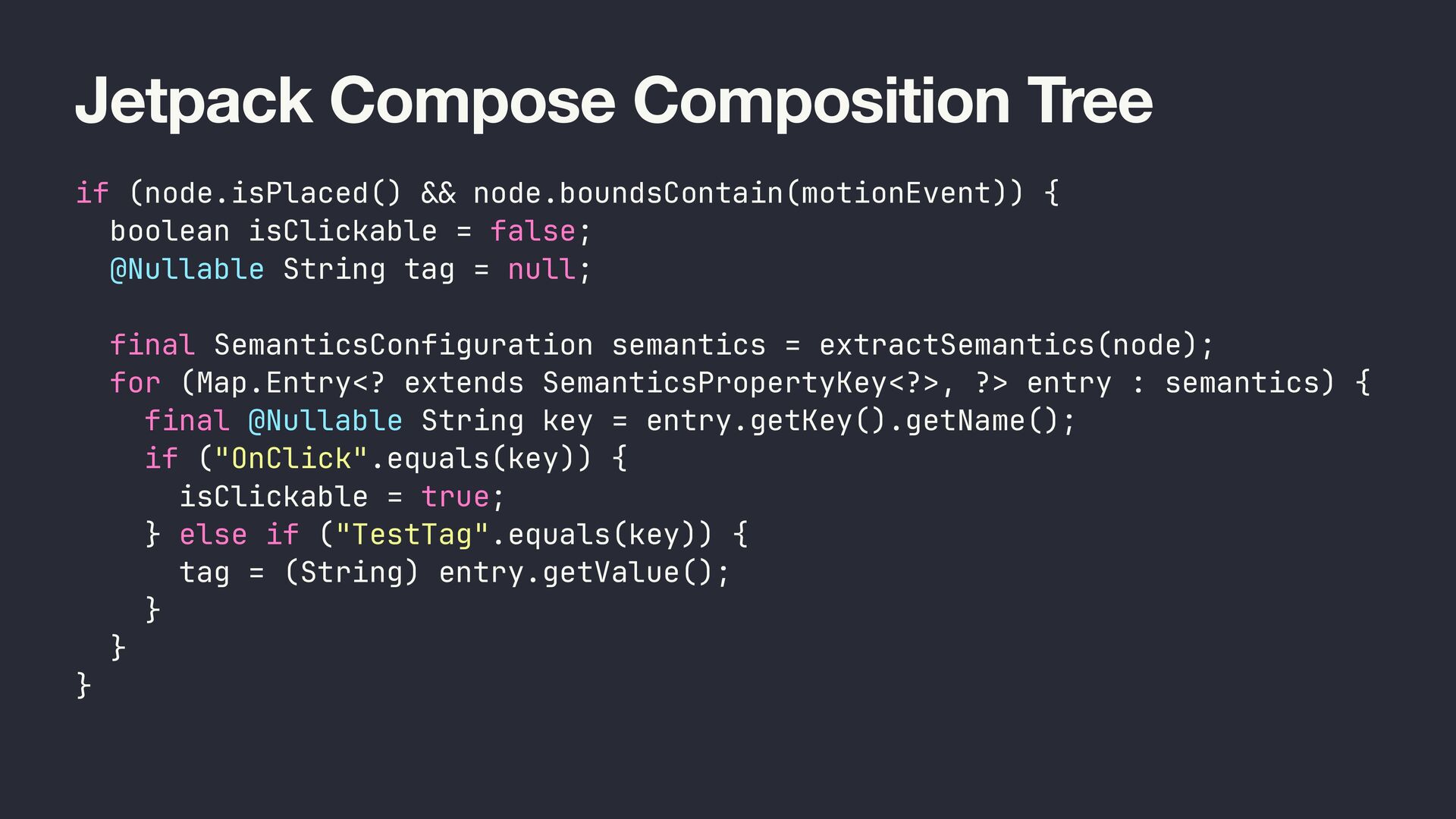
  38. Jetpack Compose Composition Tree if (node.isPlaced() && node.boundsContain(motionEvent)) { boolean

    isClickable = false; @Nullable String tag = null; final SemanticsConfiguration semantics = extractSemantics(node); for (Map.Entry<? extends SemanticsPropertyKey<?>, ?> entry : semantics) { final @Nullable String key = entry.getKey().getName(); if ("OnClick".equals(key)) { isClickable = true; } else if ("TestTag".equals(key)) { tag = (String) entry.getValue(); } } }
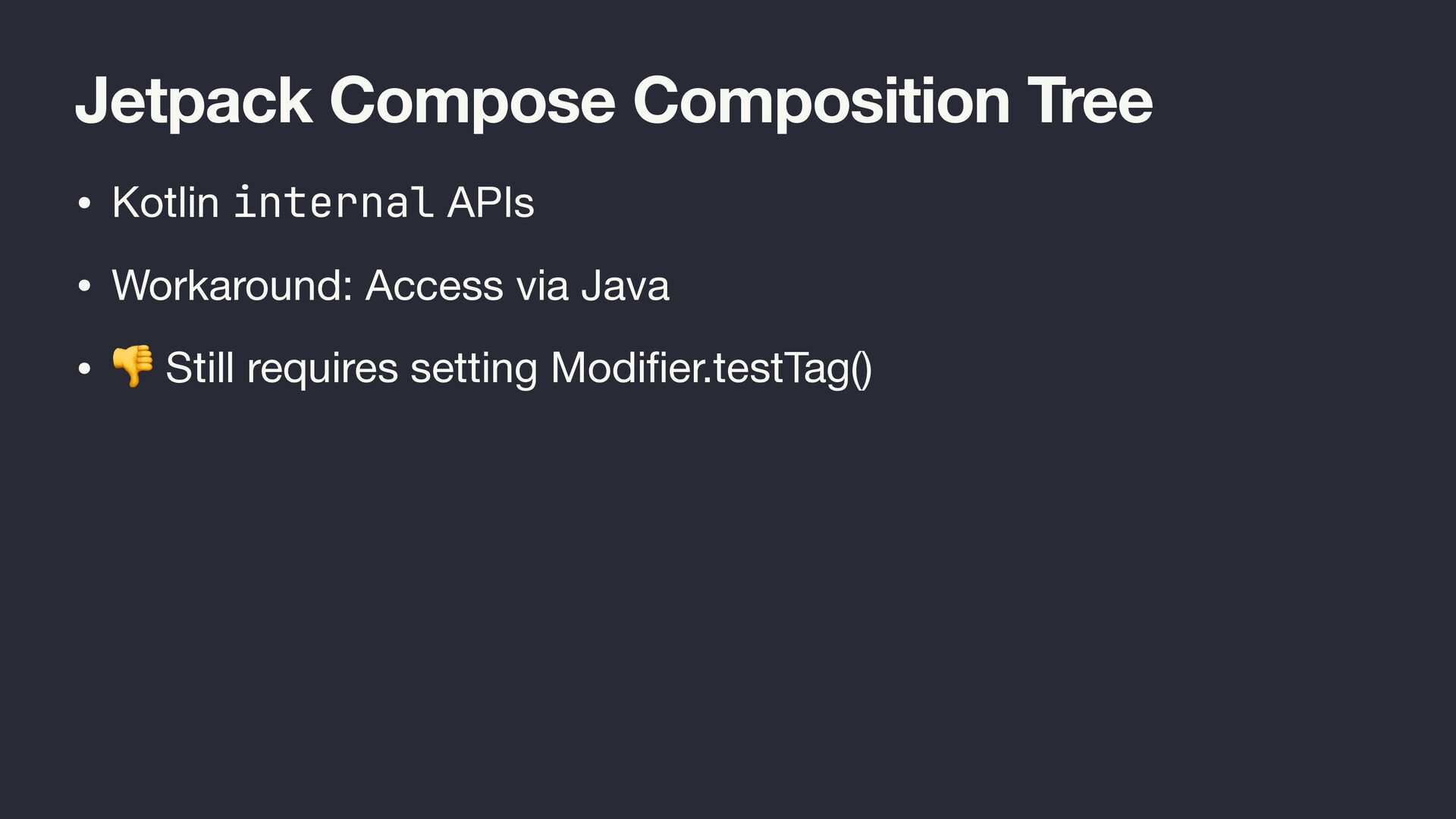
  39. Jetpack Compose Composition Tree • Kotlin internal APIs • Workaround:

    Access via Java • 👎 Still requires setting Modi fi er.testTag()
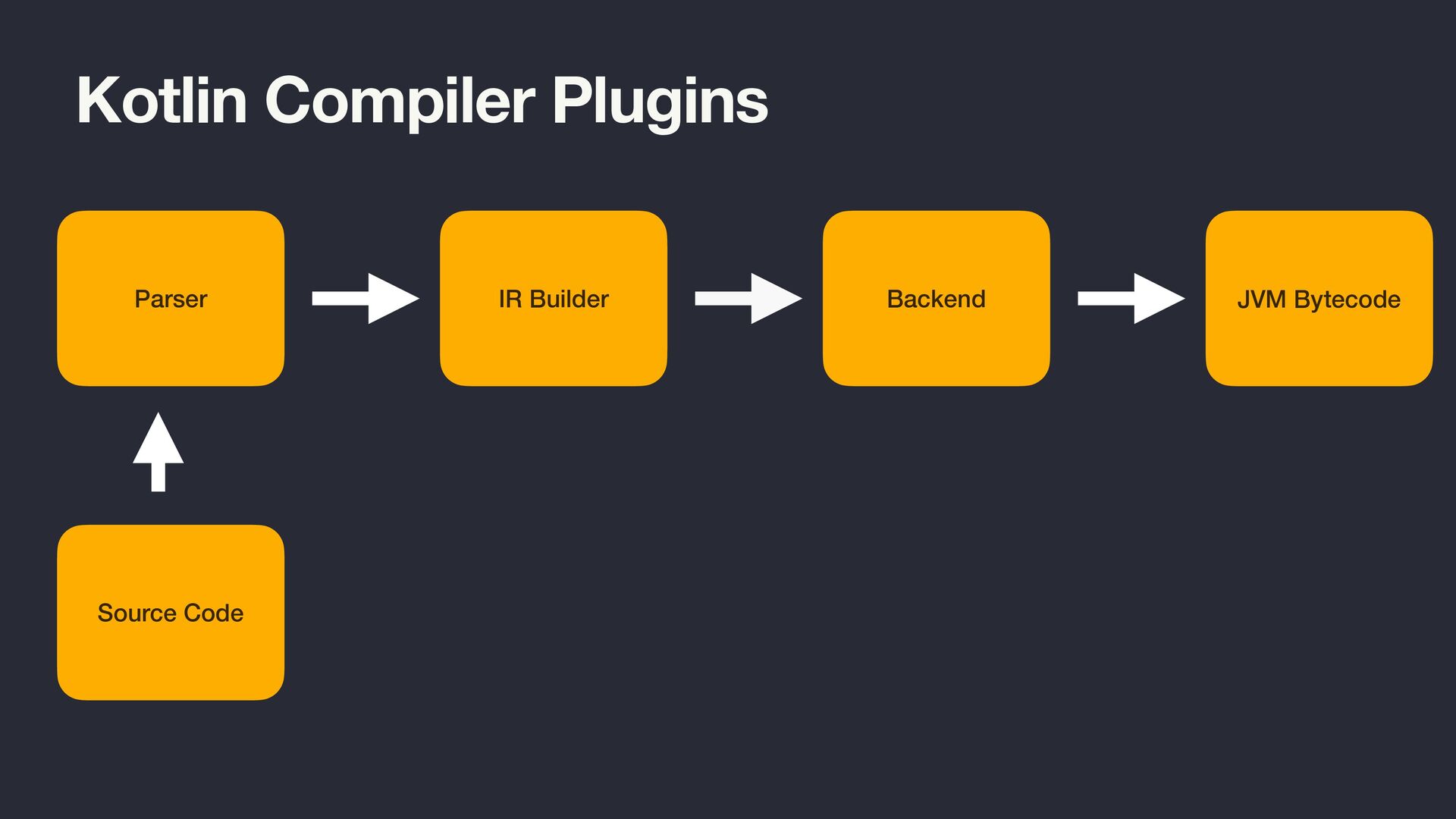
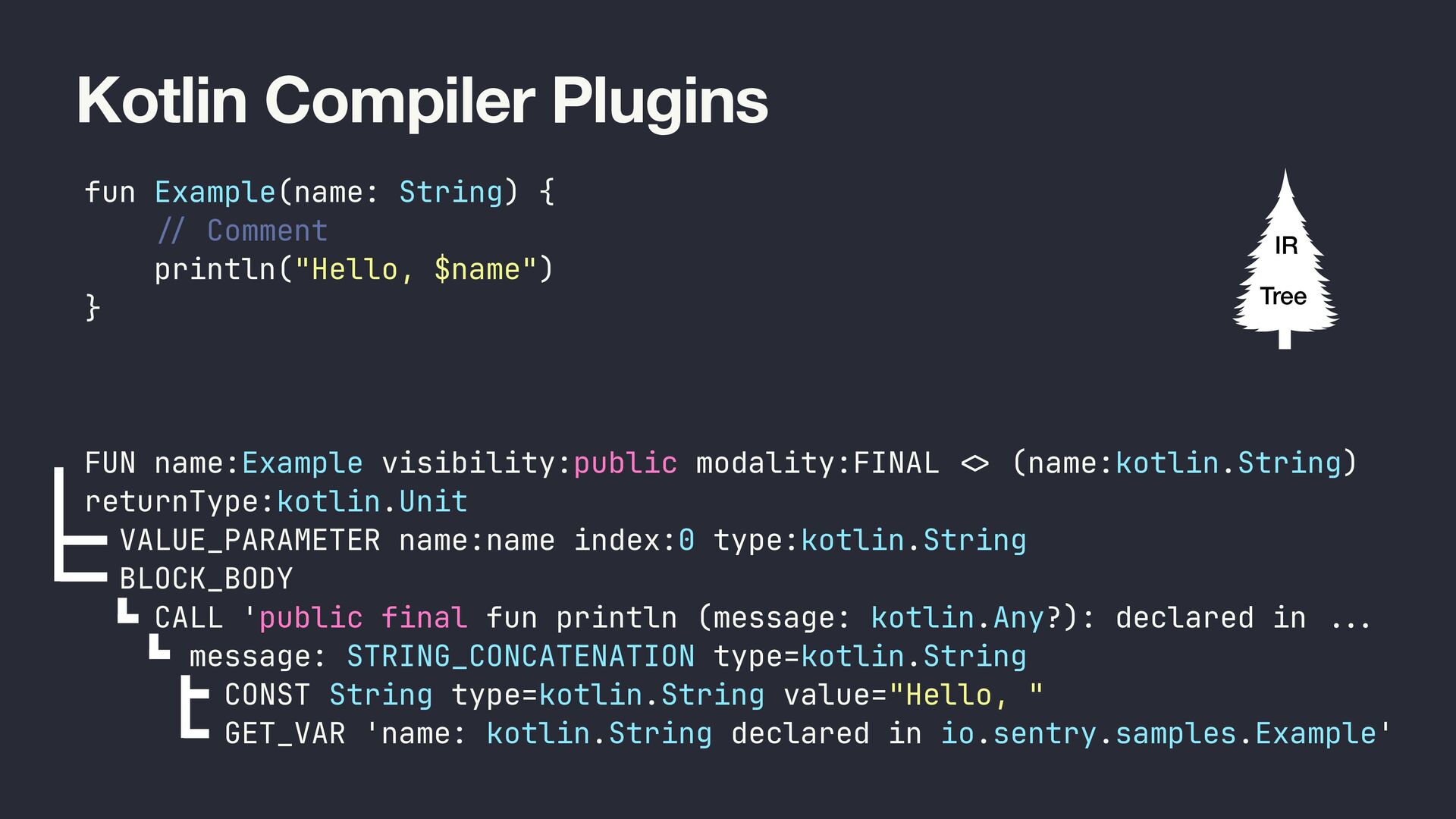
  40. Kotlin Compiler Plugins fun Example(name: String) { / / Comment

    println("Hello, $name") } FUN name:Example visibility:public modality:FINAL <> (name:kotlin.String) returnType:kotlin.Unit VALUE_PARAMETER name:name index:0 type:kotlin.String BLOCK_BODY CALL 'public final fun println (message: kotlin.Any?): declared in .. . message: STRING_CONCATENATION type=kotlin.String CONST String type=kotlin.String value="Hello, " GET_VAR 'name: kotlin.String declared in io.sentry.samples.Example' IR Tree
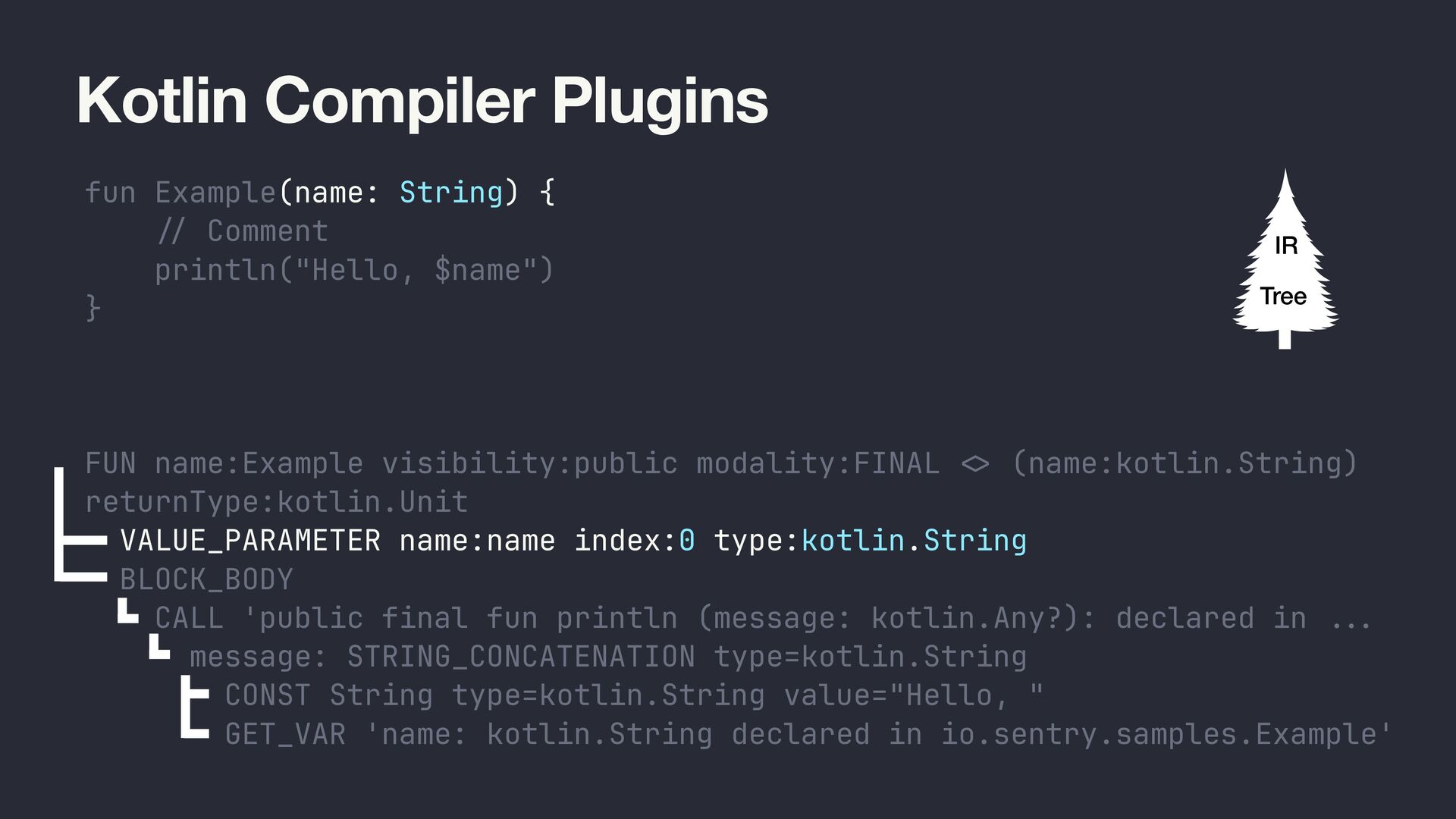
  41. Kotlin Compiler Plugins fun Example(name: String) { / / Comment

    println("Hello, $name") } FUN name:Example visibility:public modality:FINAL <> (name:kotlin.String) returnType:kotlin.Unit VALUE_PARAMETER name:name index:0 type:kotlin.String BLOCK_BODY CALL 'public final fun println (message: kotlin.Any?): declared in .. . message: STRING_CONCATENATION type=kotlin.String CONST String type=kotlin.String value="Hello, " GET_VAR 'name: kotlin.String declared in io.sentry.samples.Example' IR Tree
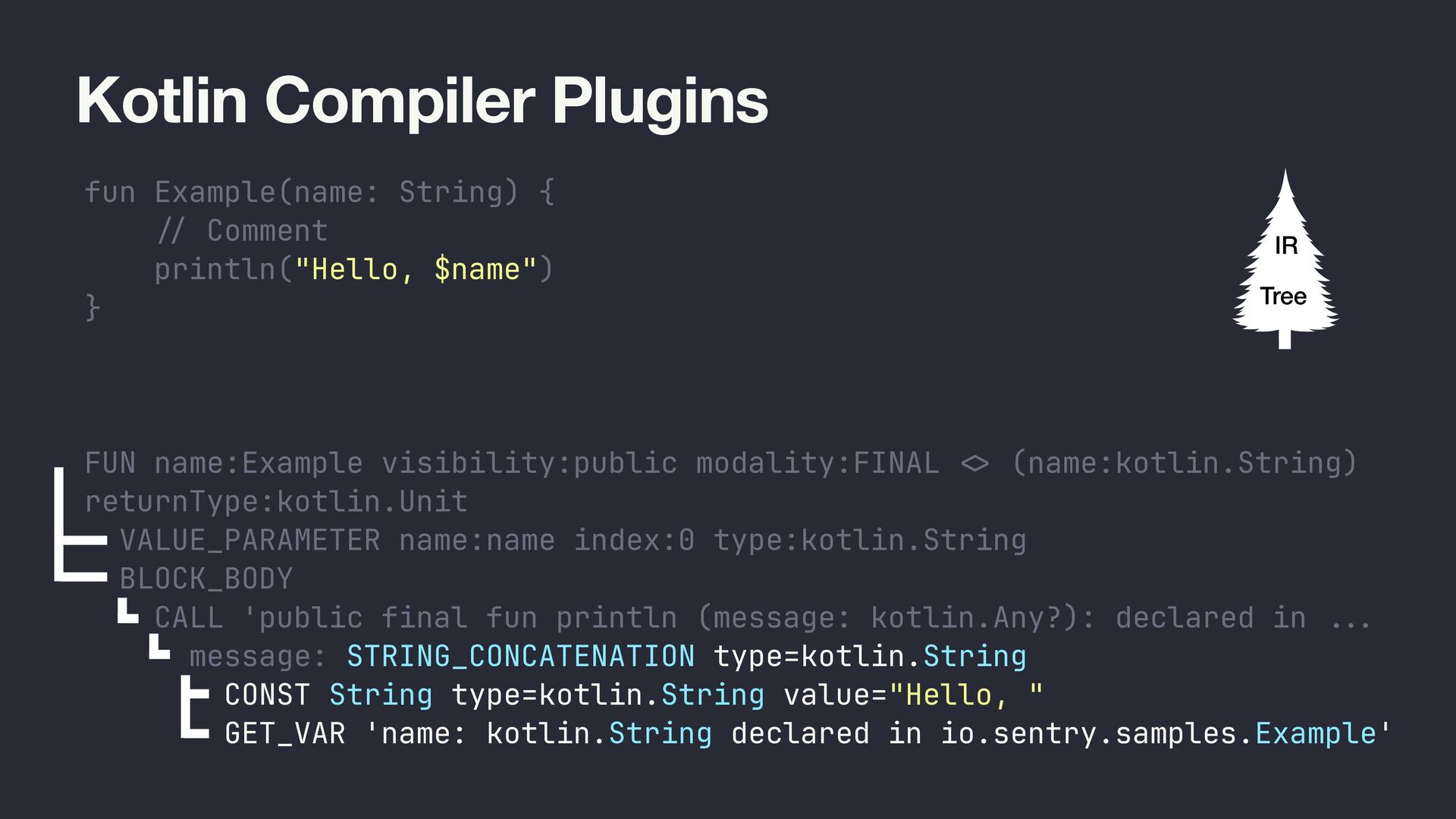
  42. Kotlin Compiler Plugins fun Example(name: String) { / / Comment

    println("Hello, $name") } FUN name:Example visibility:public modality:FINAL <> (name:kotlin.String) returnType:kotlin.Unit VALUE_PARAMETER name:name index:0 type:kotlin.String BLOCK_BODY CALL 'public final fun println (message: kotlin.Any?): declared in .. . message: STRING_CONCATENATION type=kotlin.String CONST String type=kotlin.String value="Hello, " GET_VAR 'name: kotlin.String declared in io.sentry.samples.Example' IR Tree
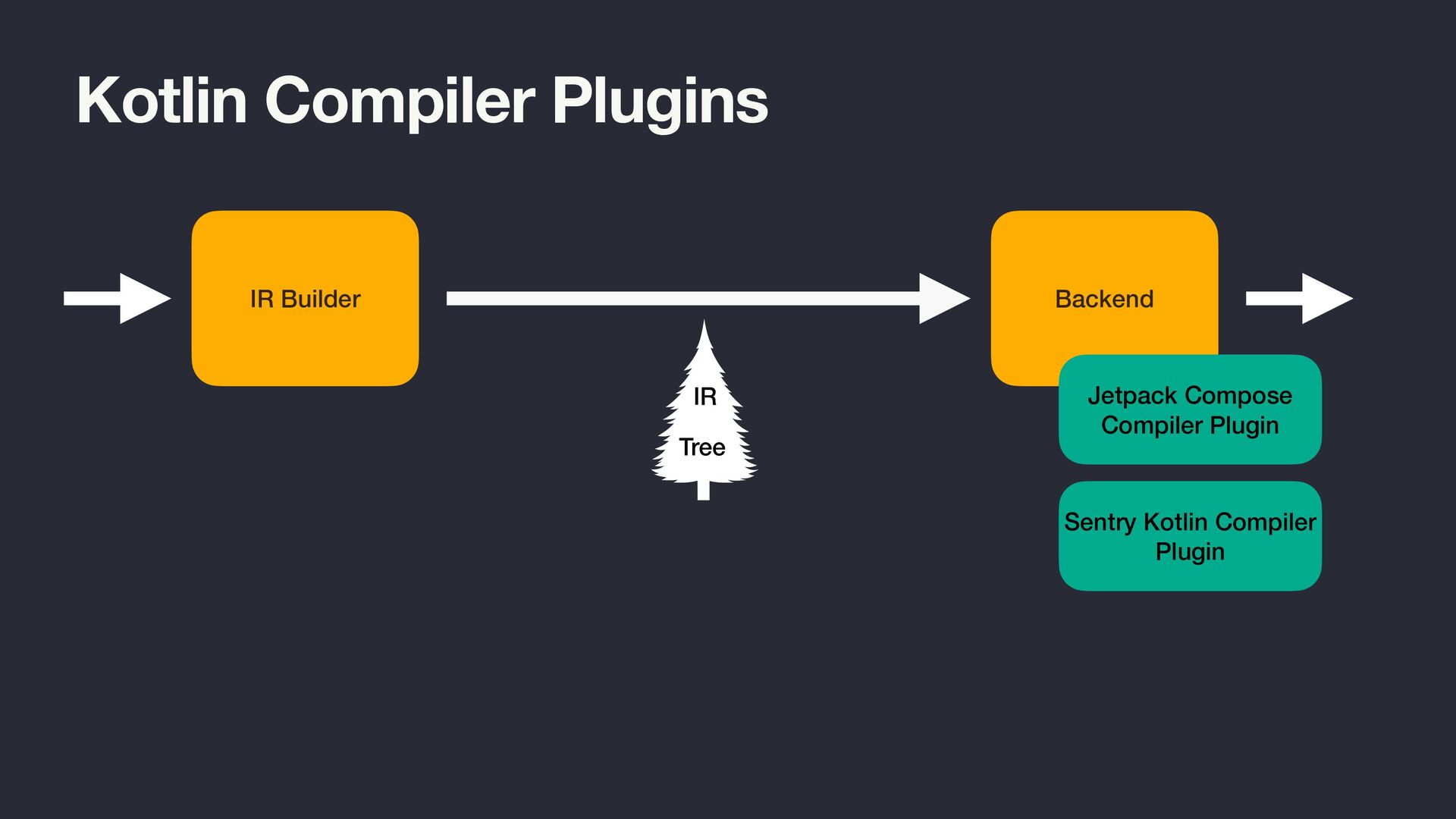
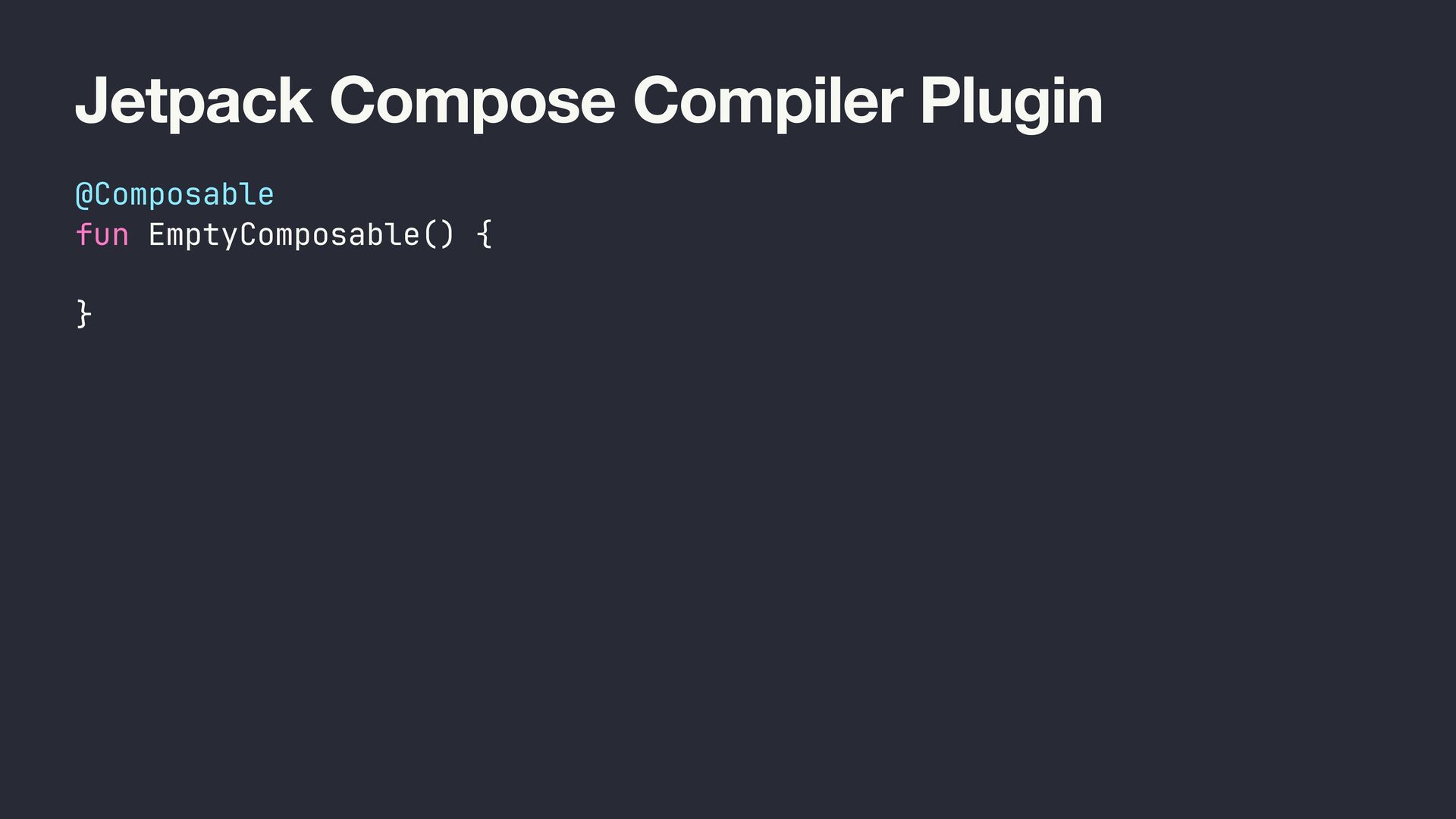
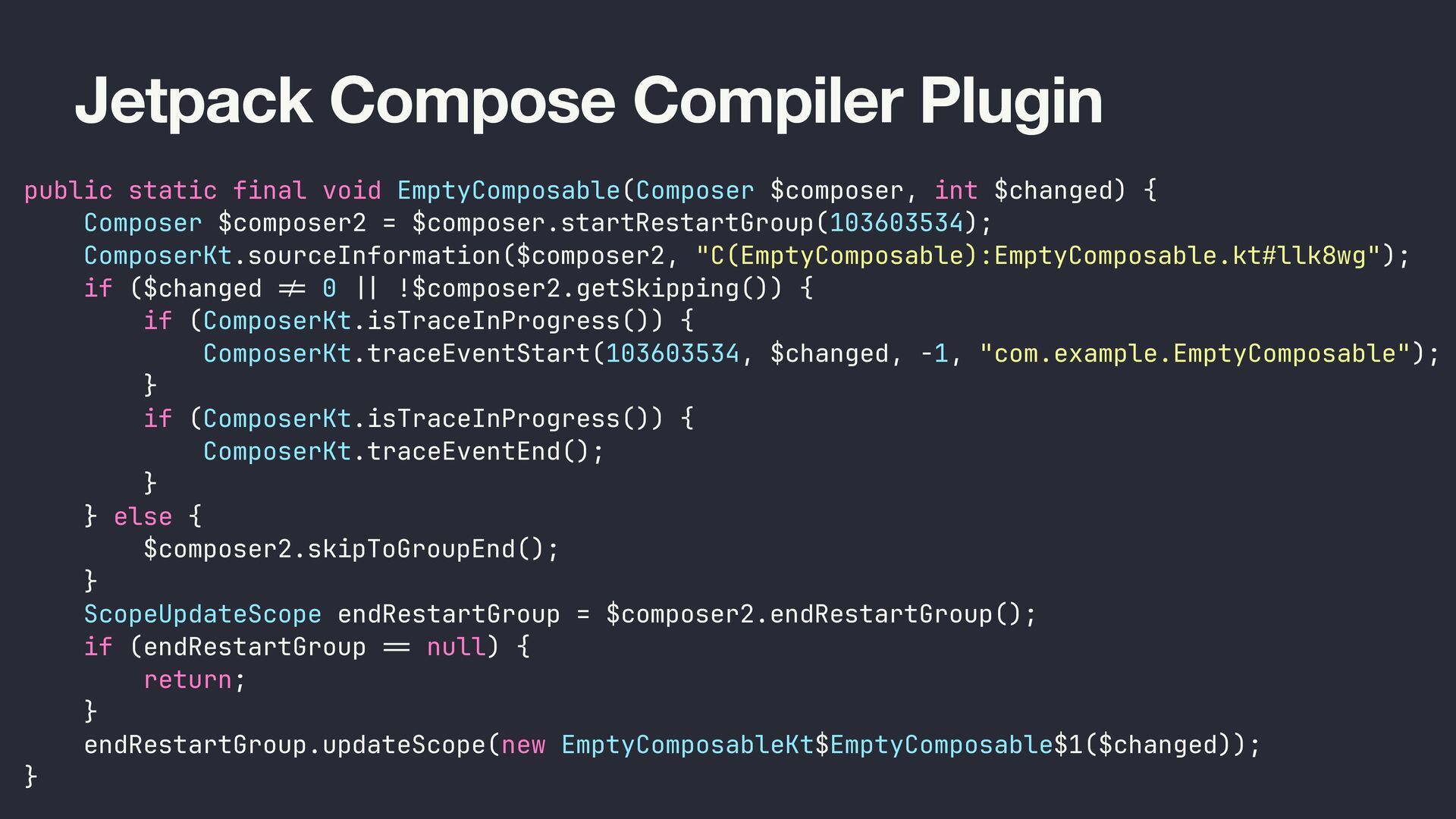
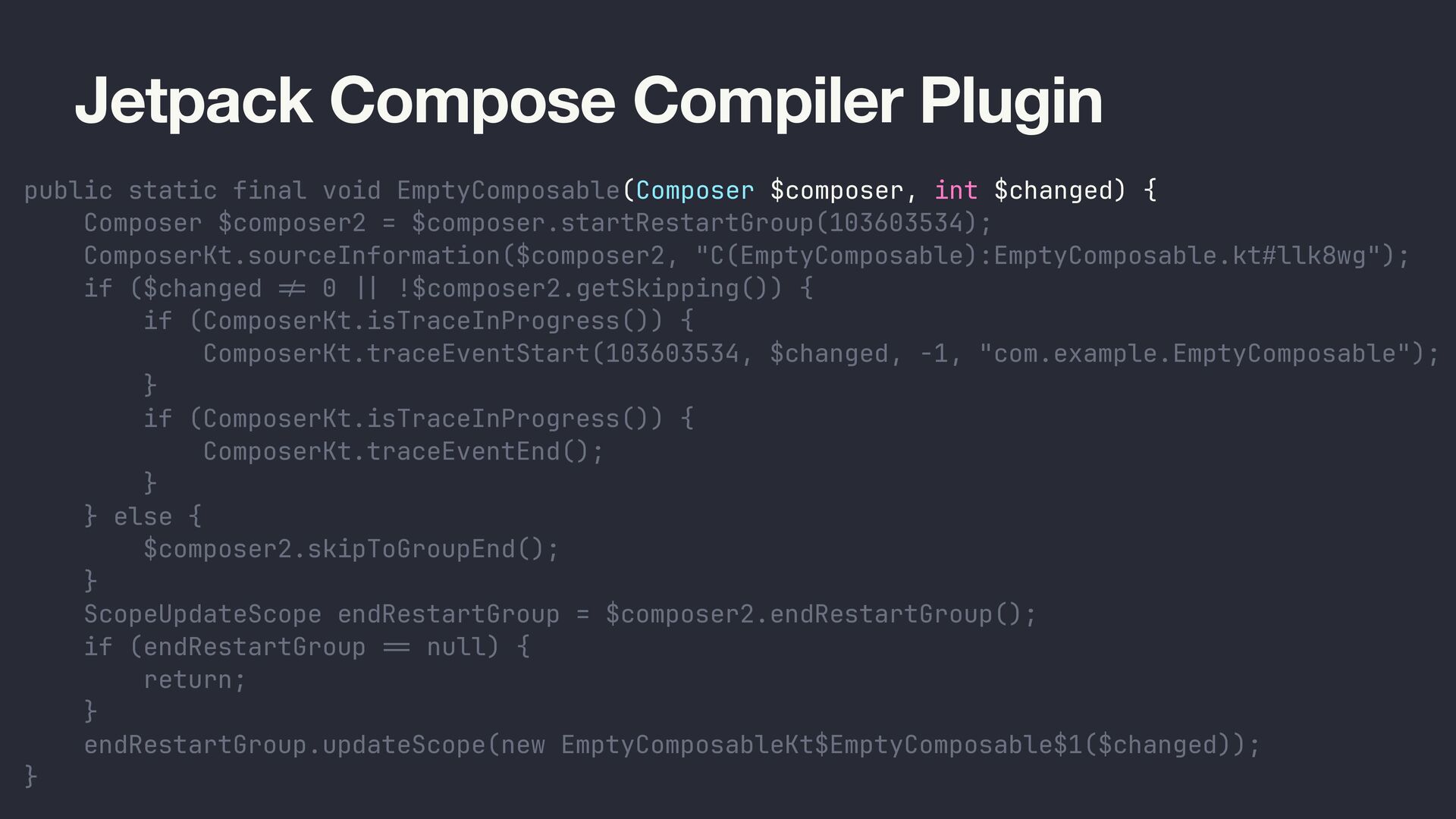
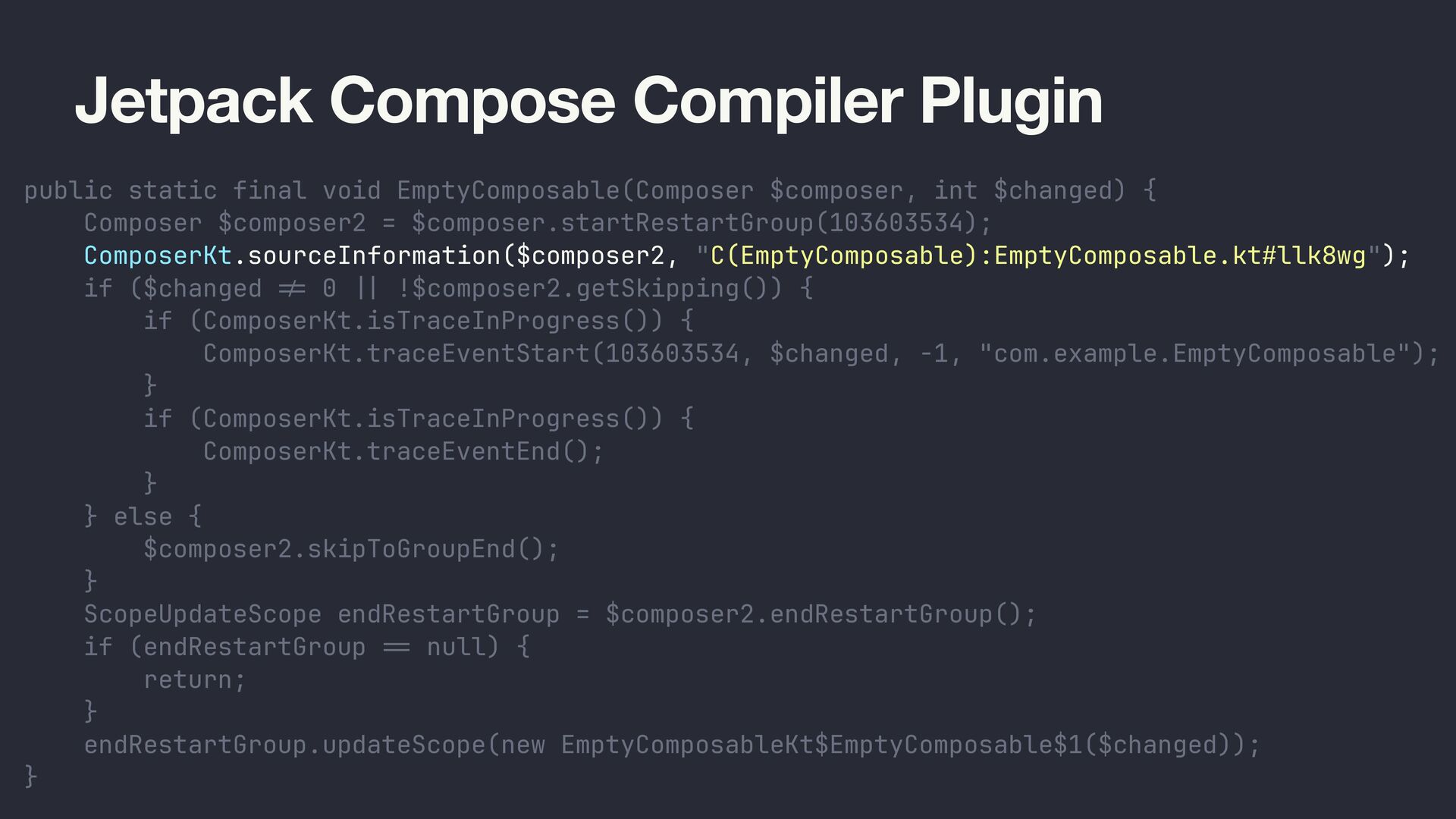
  43. Jetpack Compose Compiler Plugin public static final void EmptyComposable(Composer $composer,

    int $changed) { Composer $composer2 = $composer.startRestartGroup(103603534); ComposerKt.sourceInformation($composer2, "C(EmptyComposable):EmptyComposable.kt#llk8wg"); if ($changed != 0 | | !$composer2.getSkipping()) { if (ComposerKt.isTraceInProgress()) { ComposerKt.traceEventStart(103603534, $changed, -1, "com.example.EmptyComposable"); } if (ComposerKt.isTraceInProgress()) { ComposerKt.traceEventEnd(); } } else { $composer2.skipToGroupEnd(); } ScopeUpdateScope endRestartGroup = $composer2.endRestartGroup(); if (endRestartGroup == null) { return; } endRestartGroup.updateScope(new EmptyComposableKt$EmptyComposable$1($changed)); }
  44. Jetpack Compose Compiler Plugin public static final void EmptyComposable(Composer $composer,

    int $changed) { Composer $composer2 = $composer.startRestartGroup(103603534); ComposerKt.sourceInformation($composer2, "C(EmptyComposable):EmptyComposable.kt#llk8wg"); if ($changed != 0 | | !$composer2.getSkipping()) { if (ComposerKt.isTraceInProgress()) { ComposerKt.traceEventStart(103603534, $changed, -1, "com.example.EmptyComposable"); } if (ComposerKt.isTraceInProgress()) { ComposerKt.traceEventEnd(); } } else { $composer2.skipToGroupEnd(); } ScopeUpdateScope endRestartGroup = $composer2.endRestartGroup(); if (endRestartGroup == null) { return; } endRestartGroup.updateScope(new EmptyComposableKt$EmptyComposable$1($changed)); }
  45. Jetpack Compose Compiler Plugin public static final void EmptyComposable(Composer $composer,

    int $changed) { Composer $composer2 = $composer.startRestartGroup(103603534); ComposerKt.sourceInformation($composer2, "C(EmptyComposable):EmptyComposable.kt#llk8wg"); if ($changed != 0 | | !$composer2.getSkipping()) { if (ComposerKt.isTraceInProgress()) { ComposerKt.traceEventStart(103603534, $changed, -1, "com.example.EmptyComposable"); } if (ComposerKt.isTraceInProgress()) { ComposerKt.traceEventEnd(); } } else { $composer2.skipToGroupEnd(); } ScopeUpdateScope endRestartGroup = $composer2.endRestartGroup(); if (endRestartGroup == null) { return; } endRestartGroup.updateScope(new EmptyComposableKt$EmptyComposable$1($changed)); }
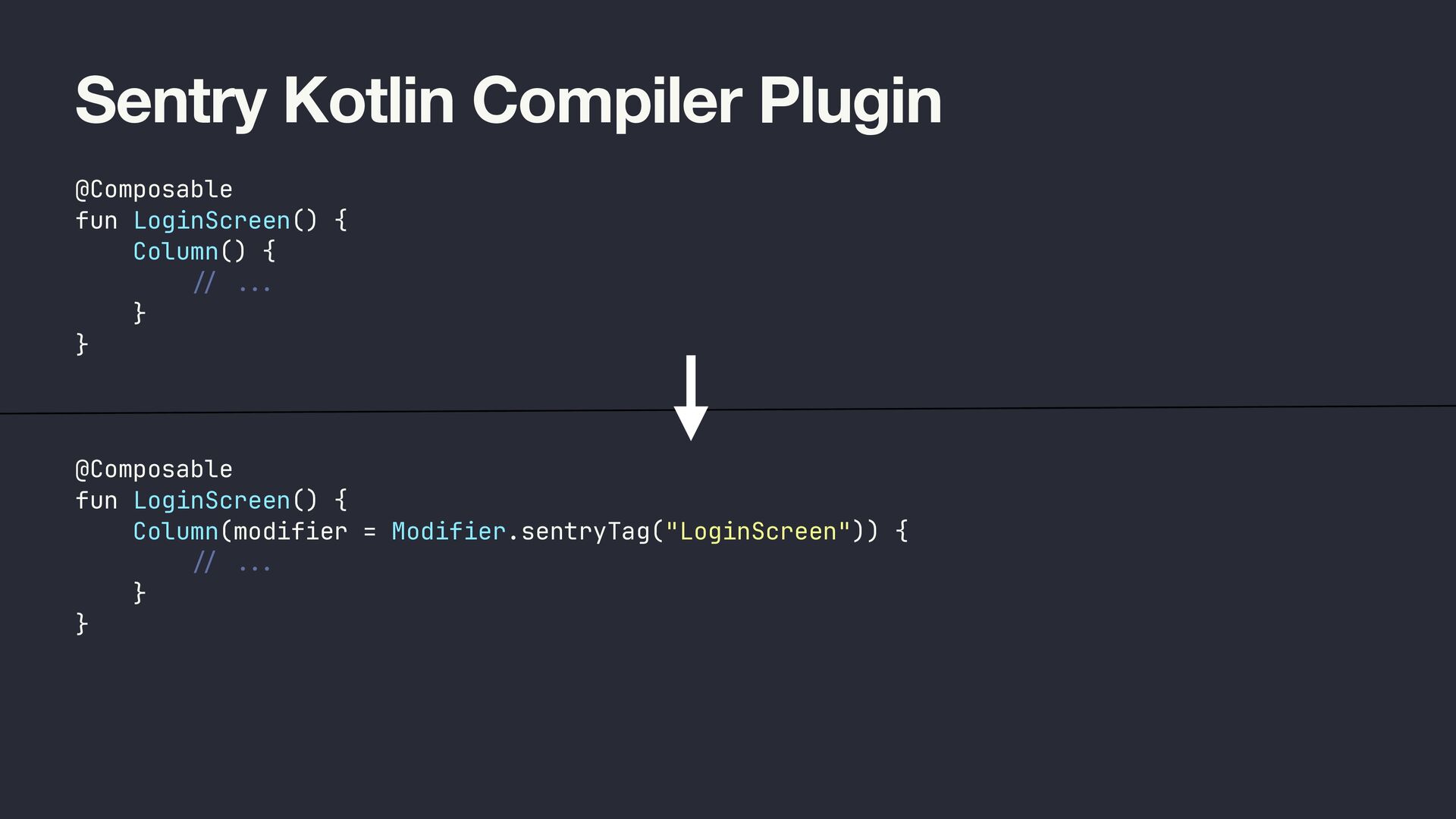
  46. Sentry Kotlin Compiler Plugin @Composable fun LoginScreen() { Column() {

    / / ... } } @Composable fun LoginScreen() { Column(modifier = Modifier.sentryTag("LoginScreen")) { / / ... } }
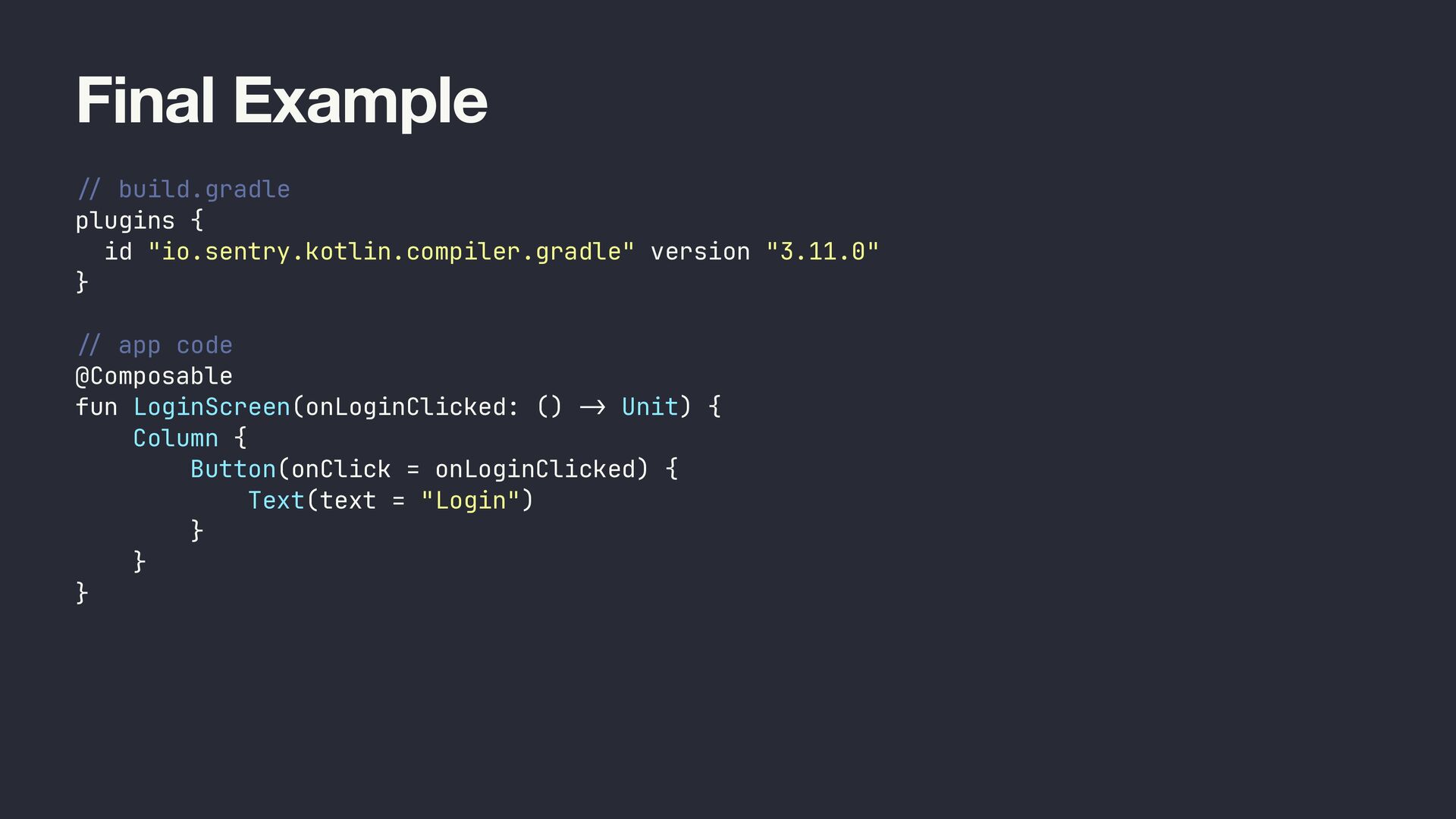
  47. Final Example / / build.gradle plugins { id "io.sentry.kotlin.compiler.gradle" version

    "3.11.0" } / / app code @Composable fun LoginScreen(onLoginClicked: () - > Unit) { Column { Button(onClick = onLoginClicked) { Text(text = "Login") } } }
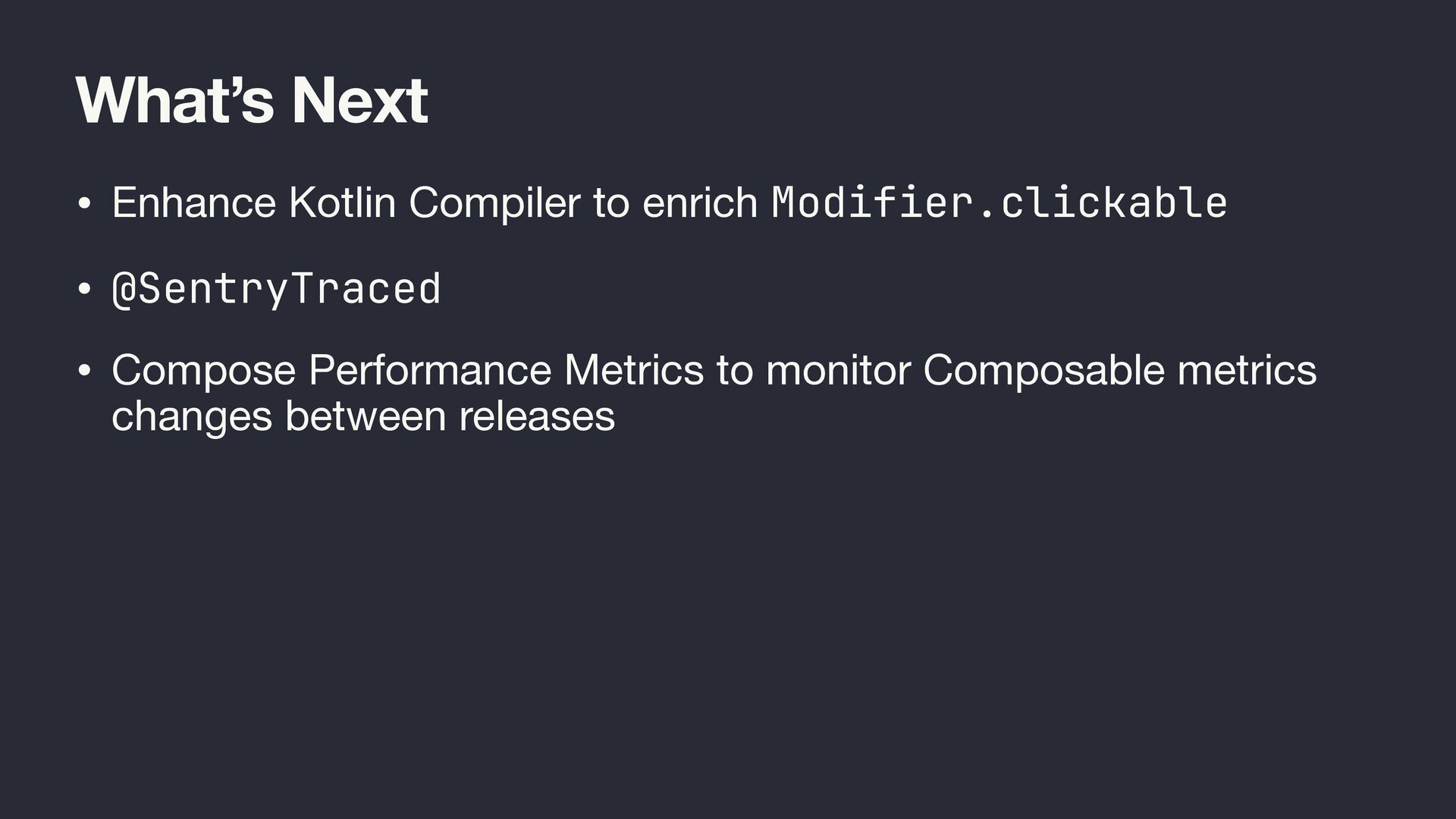
  48. What’s Next • Enhance Kotlin Compiler to enrich Modifier.clickable •

    @SentryTraced • Compose Performance Metrics to monitor Composable metrics changes between releases
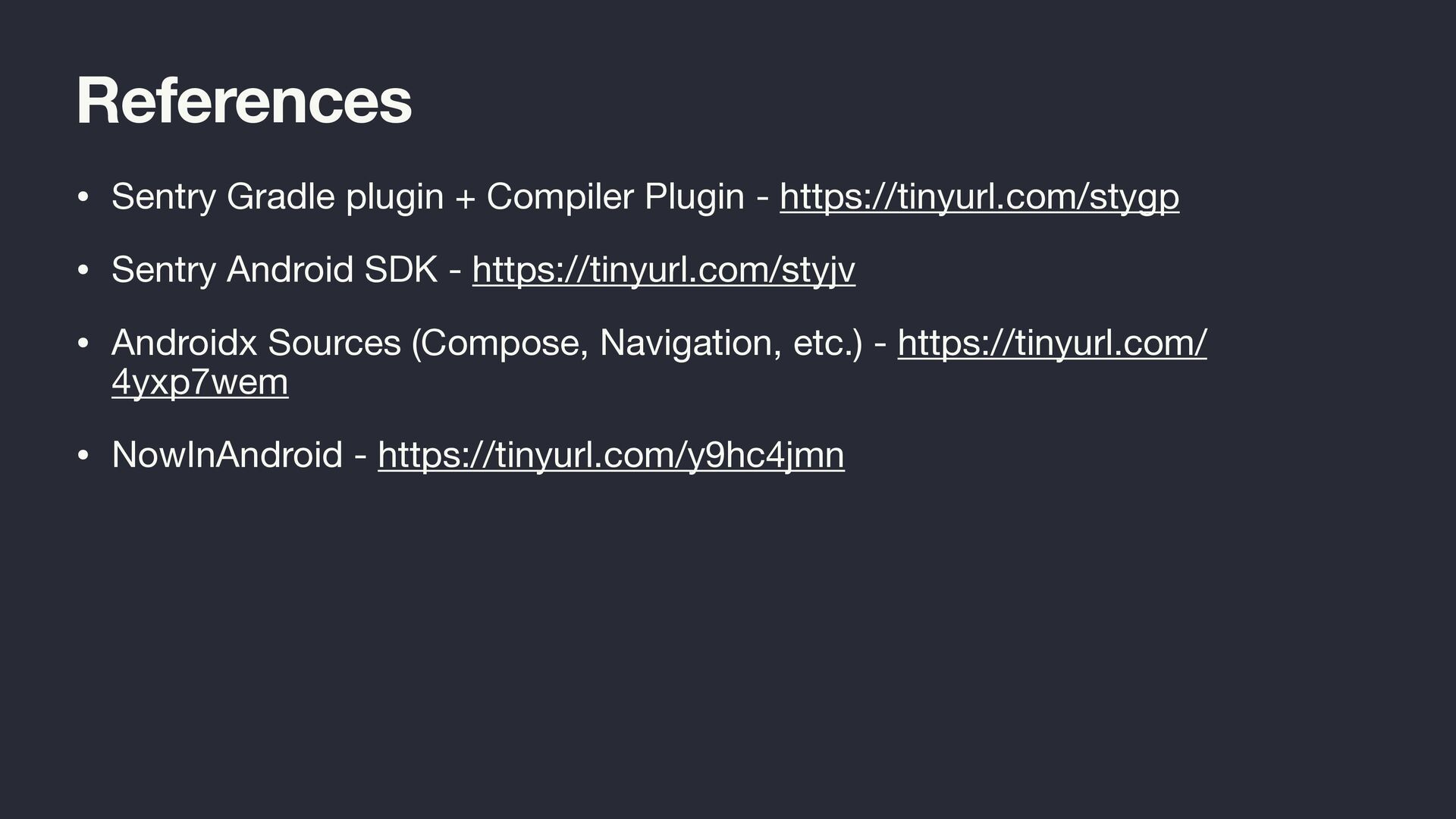
  49. References • Sentry Gradle plugin + Compiler Plugin - https://tinyurl.com/stygp

    • Sentry Android SDK - https://tinyurl.com/styjv • Androidx Sources (Compose, Navigation, etc.) - https://tinyurl.com/ 4yxp7wem • NowInAndroid - https://tinyurl.com/y9hc4jmn