Upgrade to Pro — share decks privately, control downloads, hide ads and more …

Observe, optimize & protect your hosted agents ...

Observe, optimize & protect your hosted agents in Microsoft Foundry

Explore The Workshop:
https://github.com/microsoft/Build26-LAB540-observe-optimize-and-protect-your-hosted-agents-in-microsoft-foundry

Modern agents can fail in ways that traditional monitoring can't catch.
In this hands-on lab, learn more about how Microsoft Foundry Observability helps you move from prototype to production - with context-specific evaluation suites (auto-generated evaluators + test datasets) wired into developer workflows via skills and MCP tooling for hosted agents. Scale quality with continuous evaluations, trace-linked analysis and adaptive red teaming - and walk away with a sandbox you can use to explore additional features at your own pace.

Avatar for Nitya Narasimhan, PhD

Nitya Narasimhan, PhD

June 30, 2026

More Decks by Nitya Narasimhan, PhD

Other Decks in Technology

Transcript

  1. Observe, optimize & protect your hosted agents in Microsoft Foundry

    Nitya Narasimhan, PhD Senior AI Advocate, Microsoft
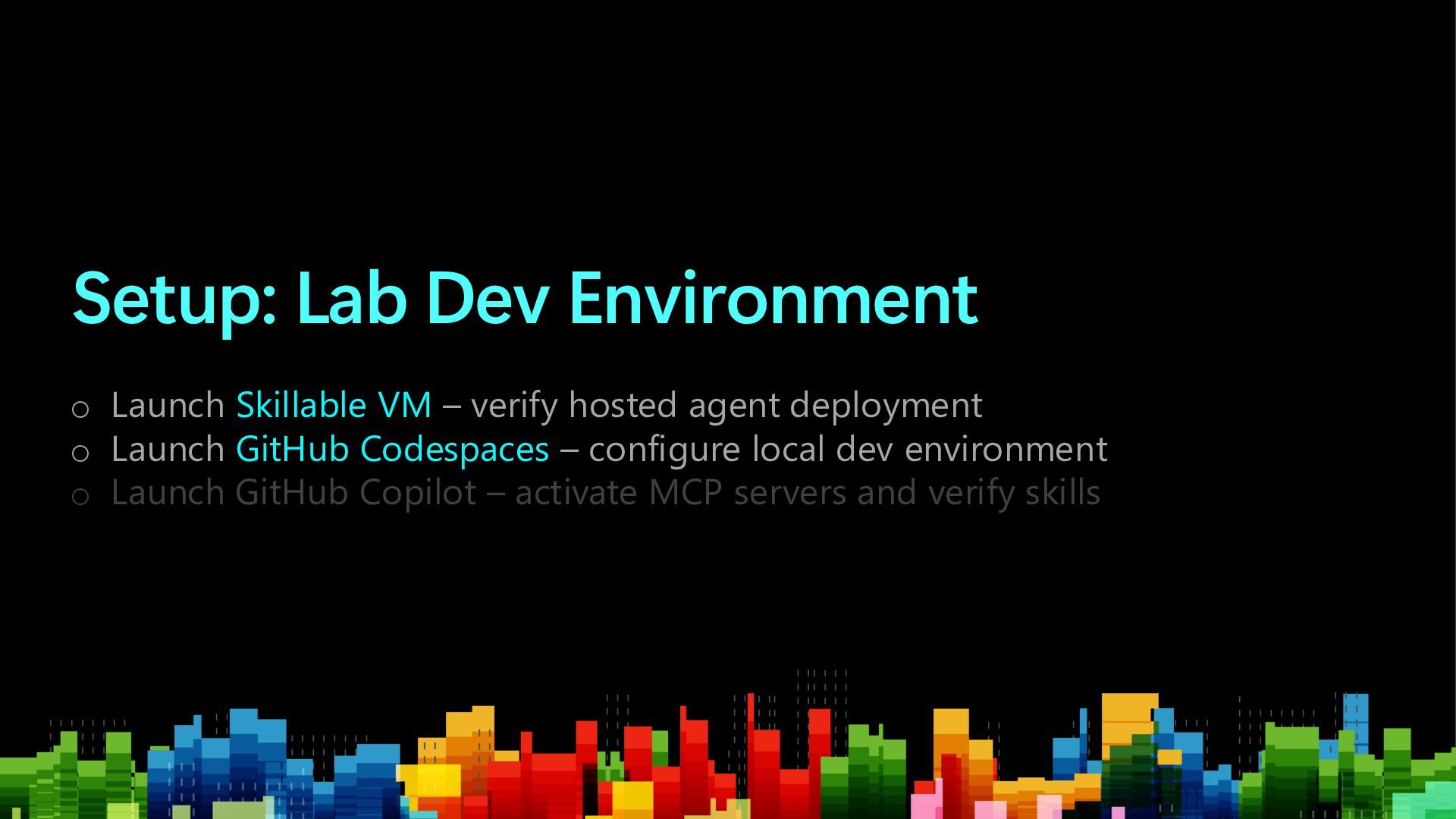
  2. Setup: Lab Dev Environment o Launch Skillable VM – verify

    hosted agent deployment o Launch GitHub Codespaces – configure local dev environment o Launch GitHub Copilot – activate MCP servers and verify skills
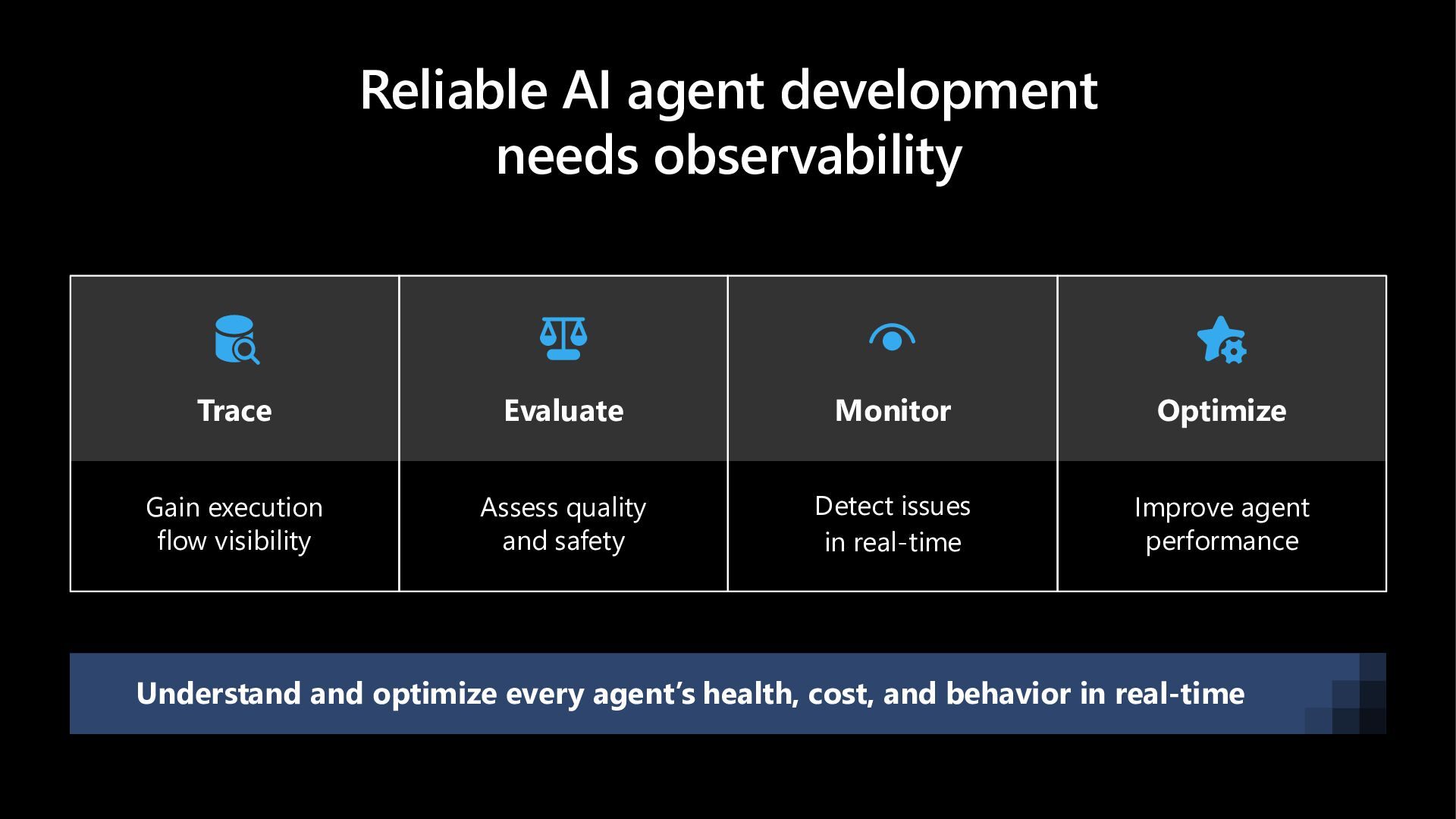
  3. Reliable AI agent development needs observability Gain execution flow visibility

    Trace Assess quality and safety Evaluate Detect issues in real-time Monitor Improve agent performance Optimize Understand and optimize every agent’s health, cost, and behavior in real-time
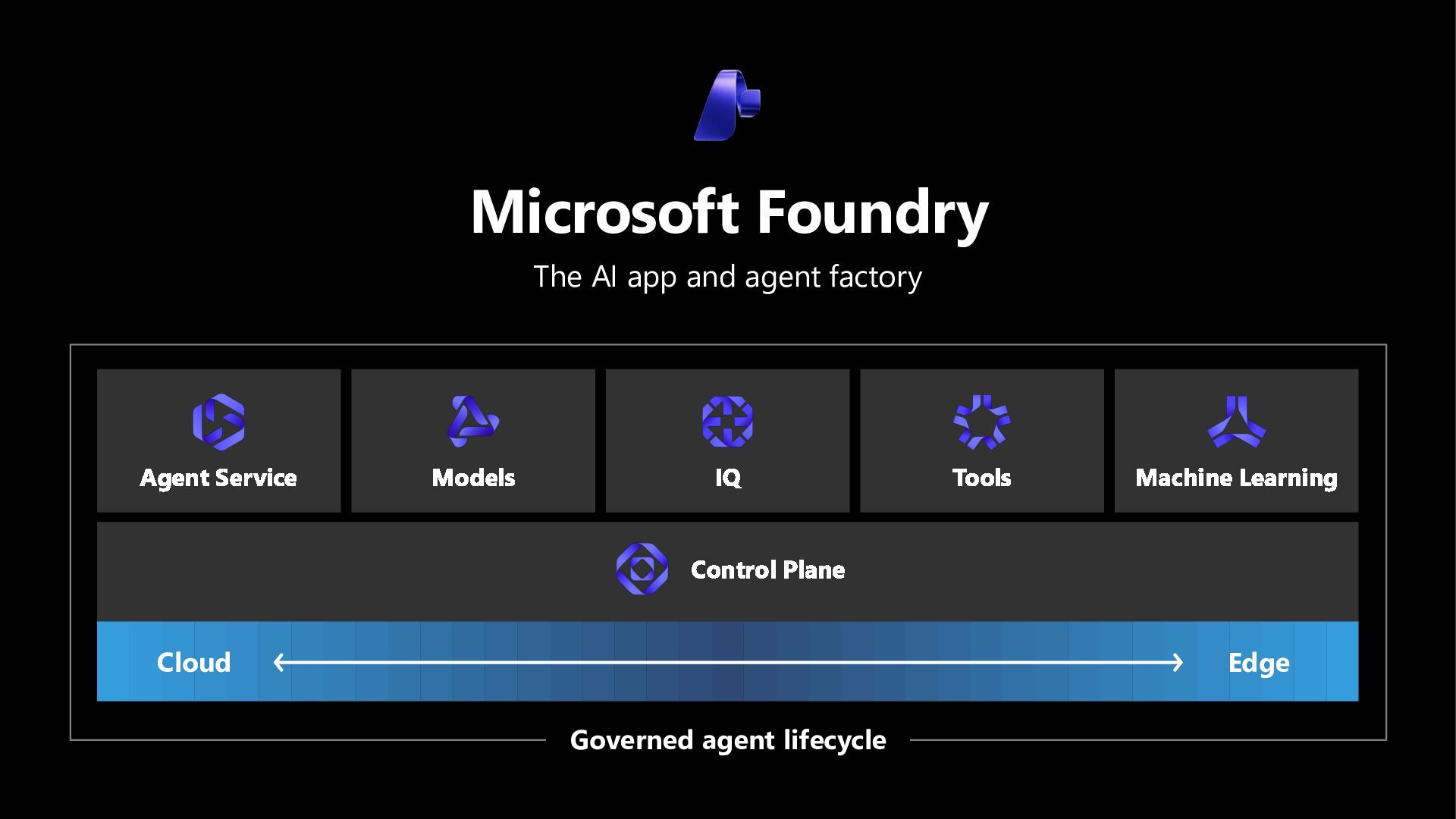
  4. Microsoft Foundry The AI app and agent factory Agent Service

    Models IQ Tools Machine Learning Control Plane Cloud Edge Governed agent lifecycle
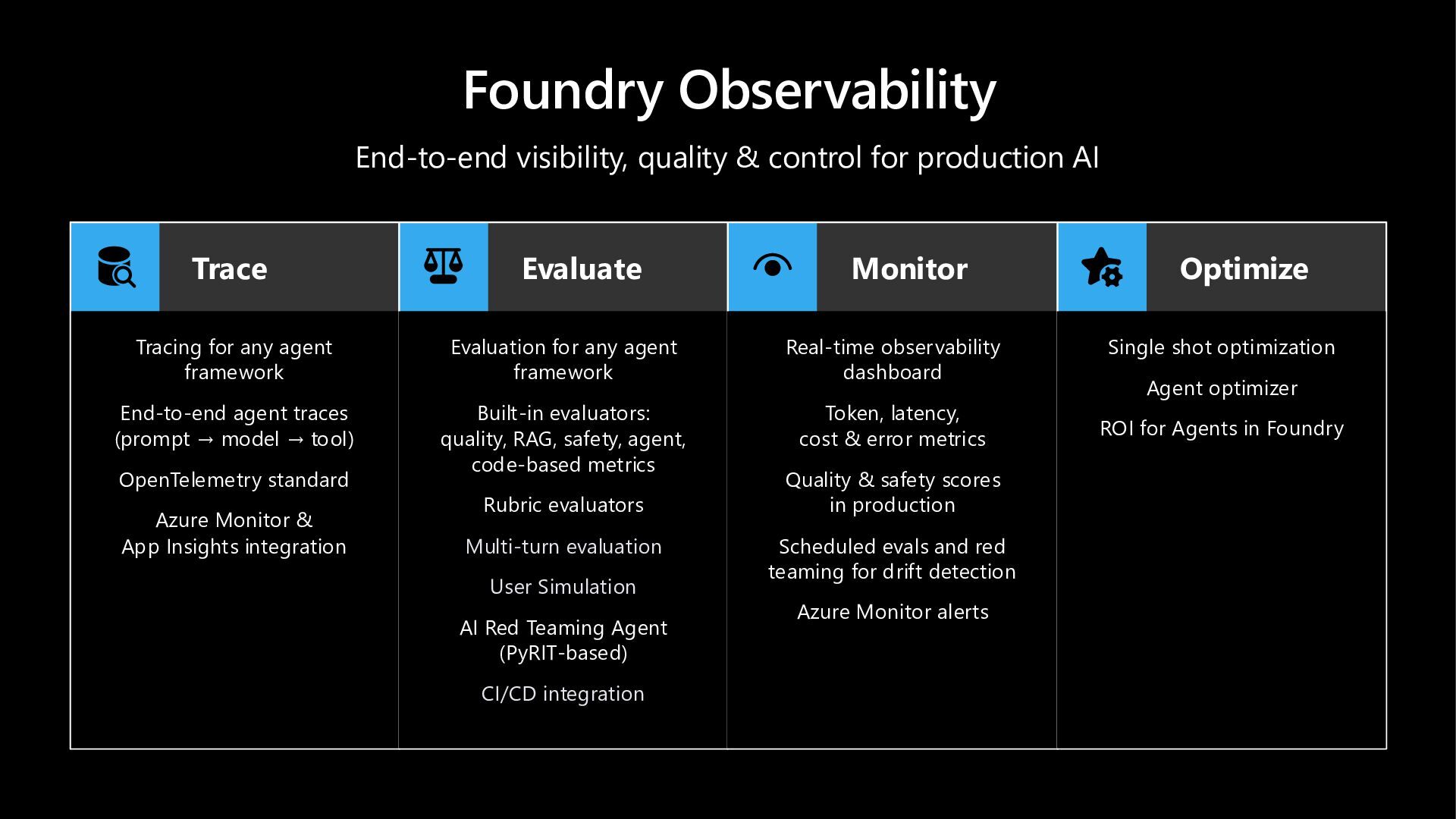
  5. Foundry Observability End-to-end visibility, quality & control for production AI

    Trace Tracing for any agent framework End-to-end agent traces (prompt → model → tool) OpenTelemetry standard Azure Monitor & App Insights integration Evaluate Evaluation for any agent framework Built-in evaluators: quality, RAG, safety, agent, code-based metrics Rubric evaluators Multi-turn evaluation User Simulation AI Red Teaming Agent (PyRIT-based) CI/CD integration Monitor Real-time observability dashboard Token, latency, cost & error metrics Quality & safety scores in production Scheduled evals and red teaming for drift detection Azure Monitor alerts Optimize Single shot optimization Agent optimizer ROI for Agents in Foundry
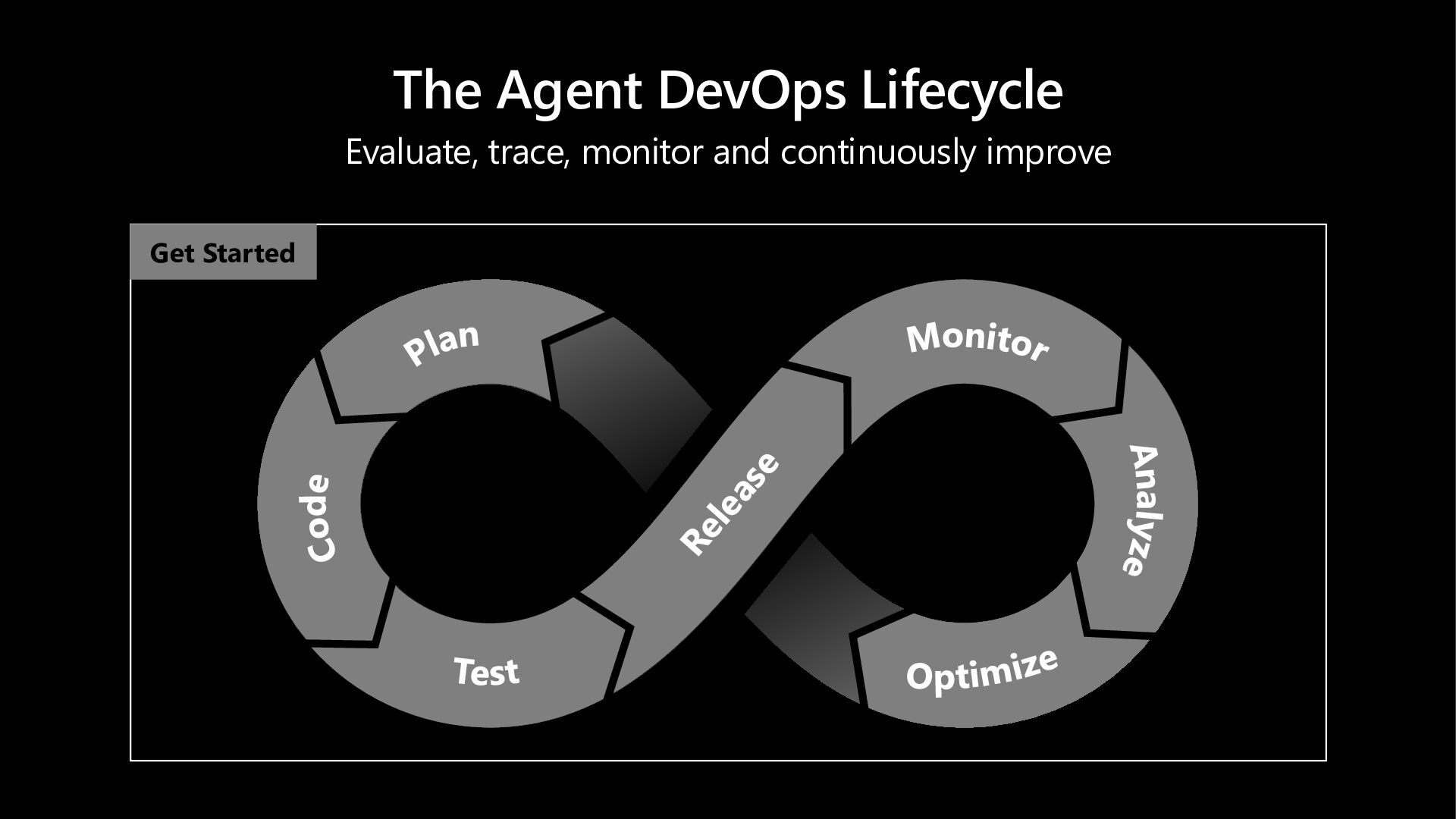
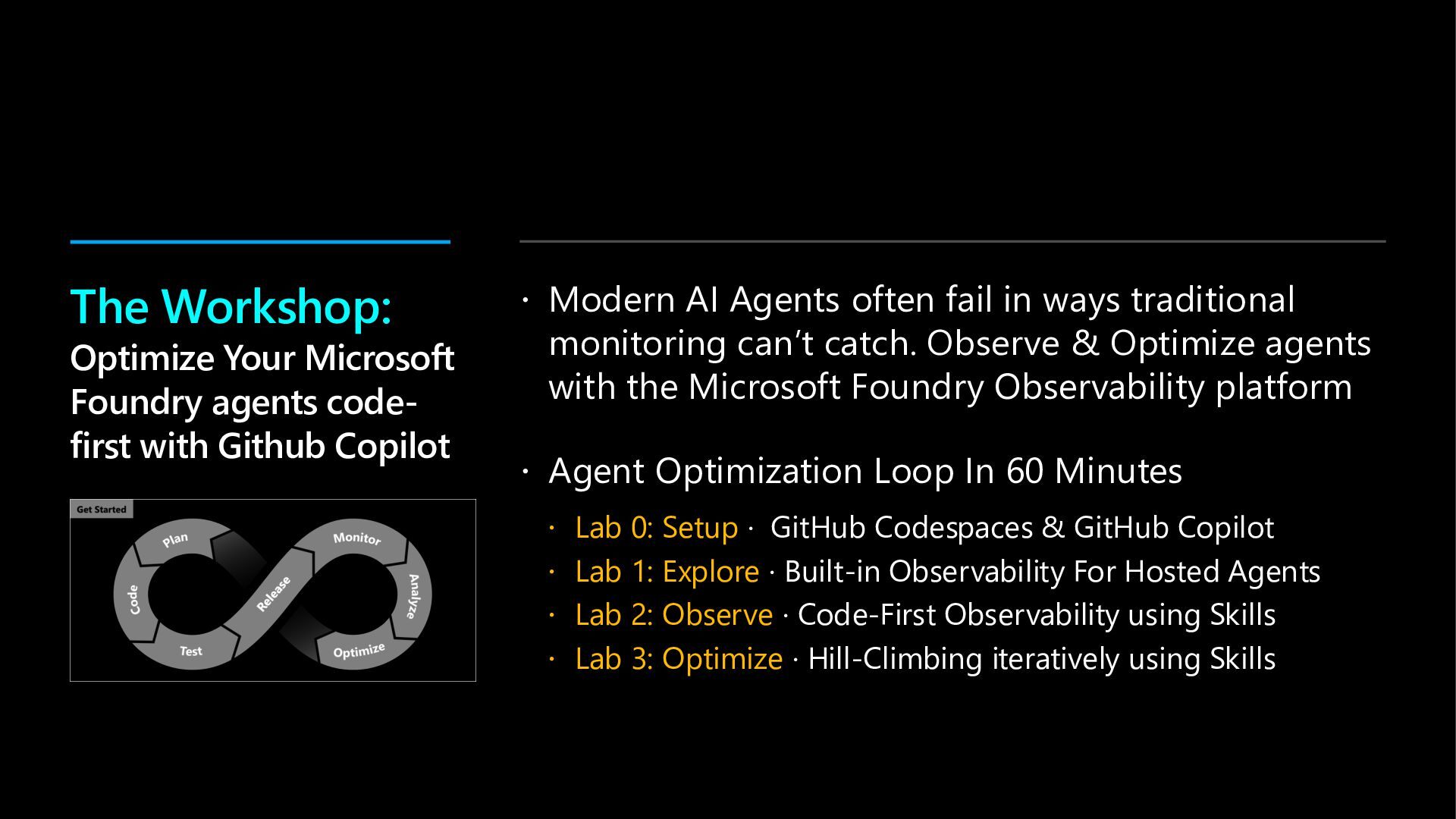
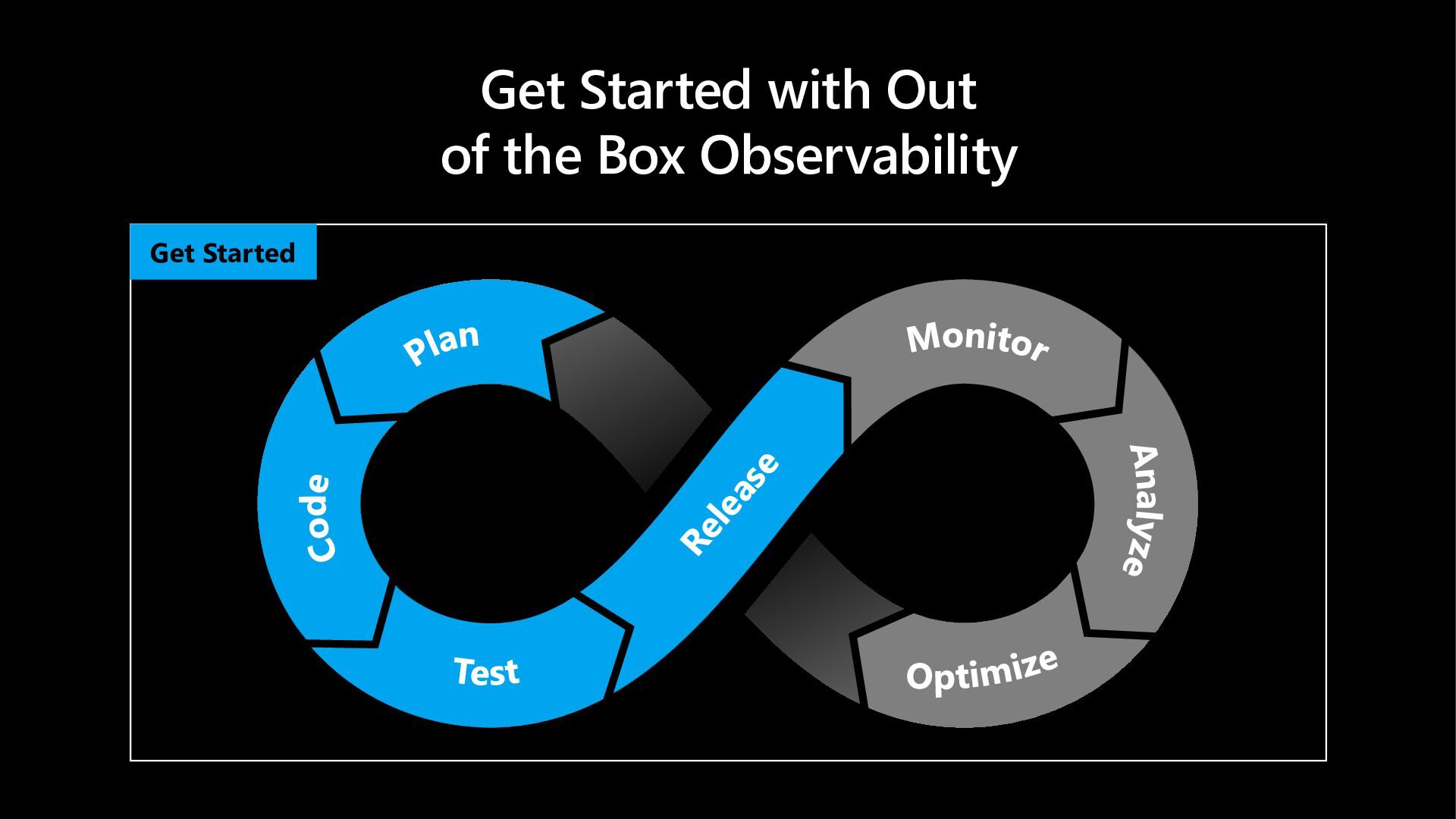
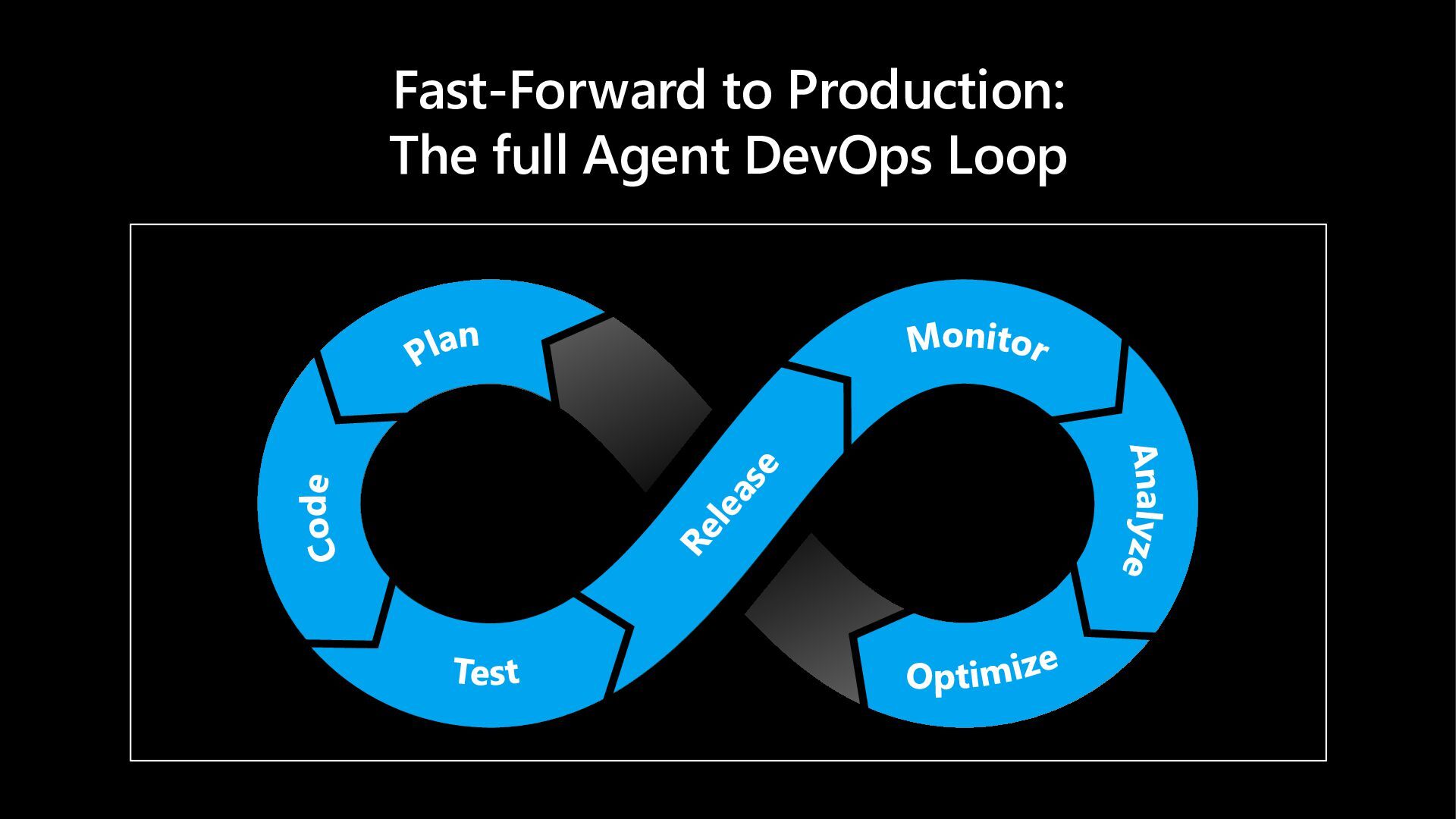
  6. The Agent DevOps Lifecycle Evaluate, trace, monitor and continuously improve

    Get Started Plan Code Test Monitor Analyze Optimize
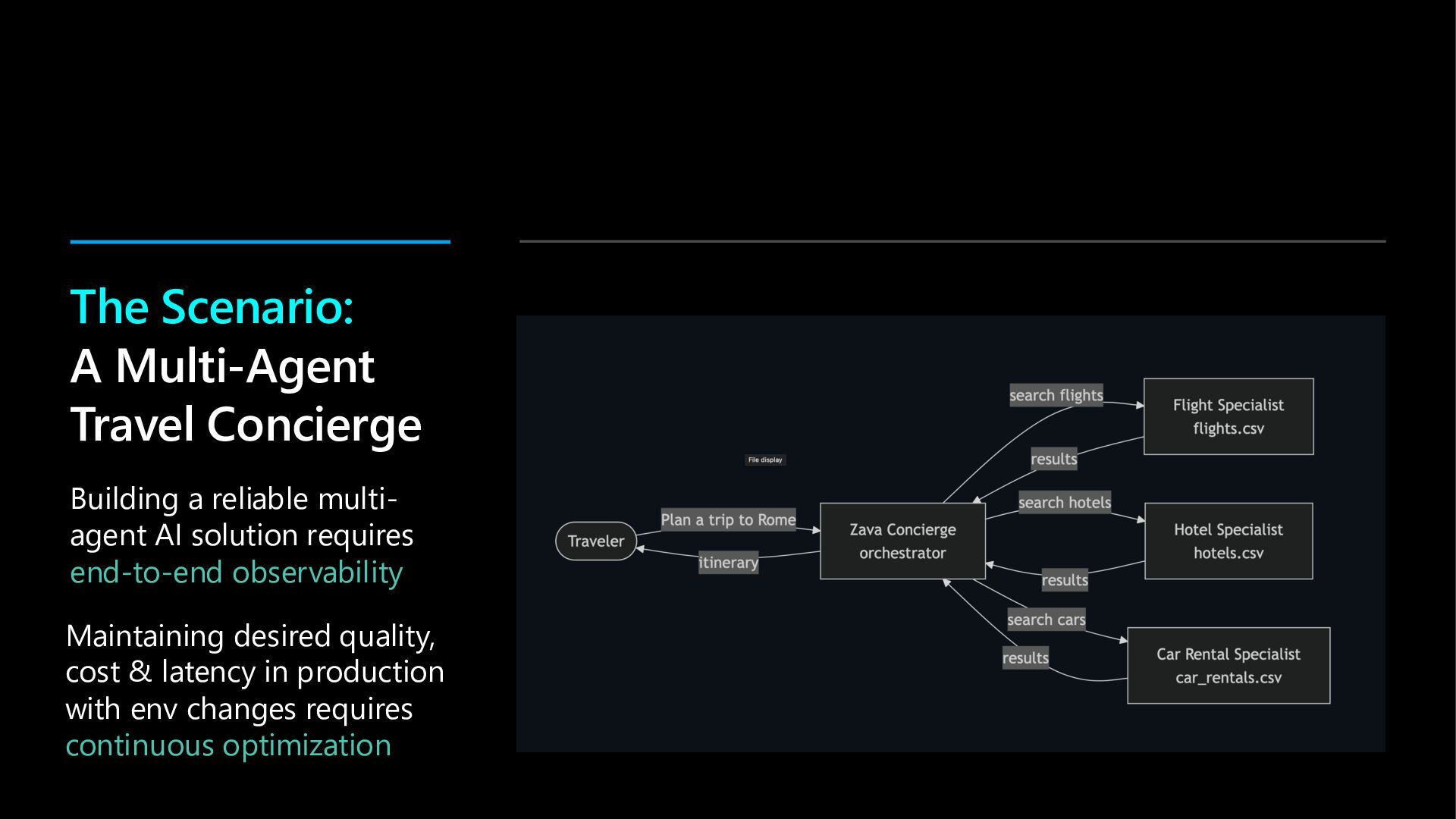
  7. The Scenario: A Multi-Agent Travel Concierge Building a reliable multi-

    agent AI solution requires end-to-end observability Maintaining desired quality, cost & latency in production with env changes requires continuous optimization
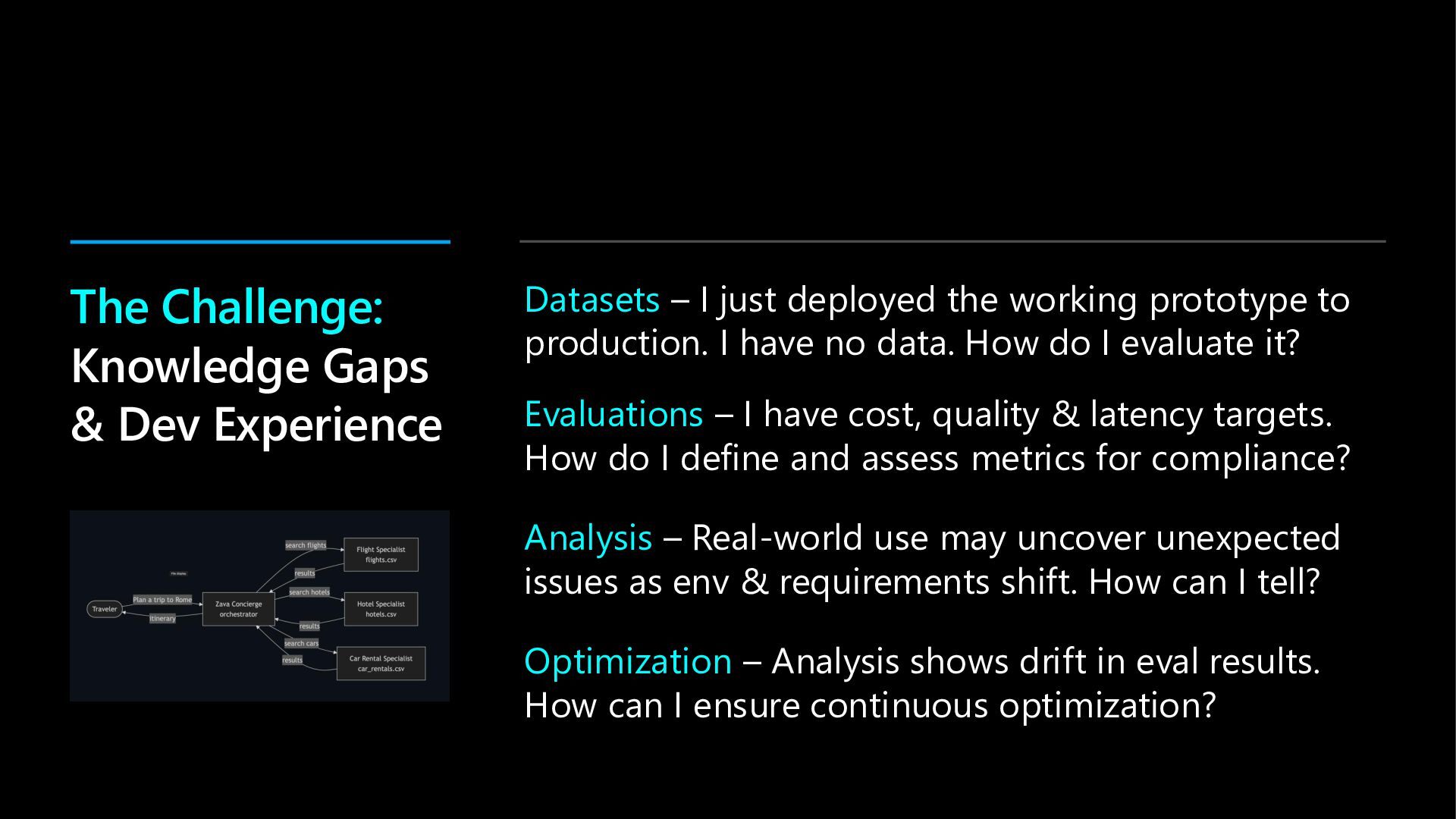
  8. The Challenge: Knowledge Gaps & Dev Experience Datasets – I

    just deployed the working prototype to production. I have no data. How do I evaluate it? Evaluations – I have cost, quality & latency targets. How do I define and assess metrics for compliance? Analysis – Real-world use may uncover unexpected issues as env & requirements shift. How can I tell? Optimization – Analysis shows drift in eval results. How can I ensure continuous optimization?
  9.  Modern AI Agents often fail in ways traditional monitoring

    can’t catch. Observe & Optimize agents with the Microsoft Foundry Observability platform  Agent Optimization Loop In 60 Minutes  Lab 0: Setup · GitHub Codespaces & GitHub Copilot  Lab 1: Explore · Built-in Observability For Hosted Agents  Lab 2: Observe · Code-First Observability using Skills  Lab 3: Optimize · Hill-Climbing iteratively using Skills The Workshop: Optimize Your Microsoft Foundry agents code- first with Github Copilot
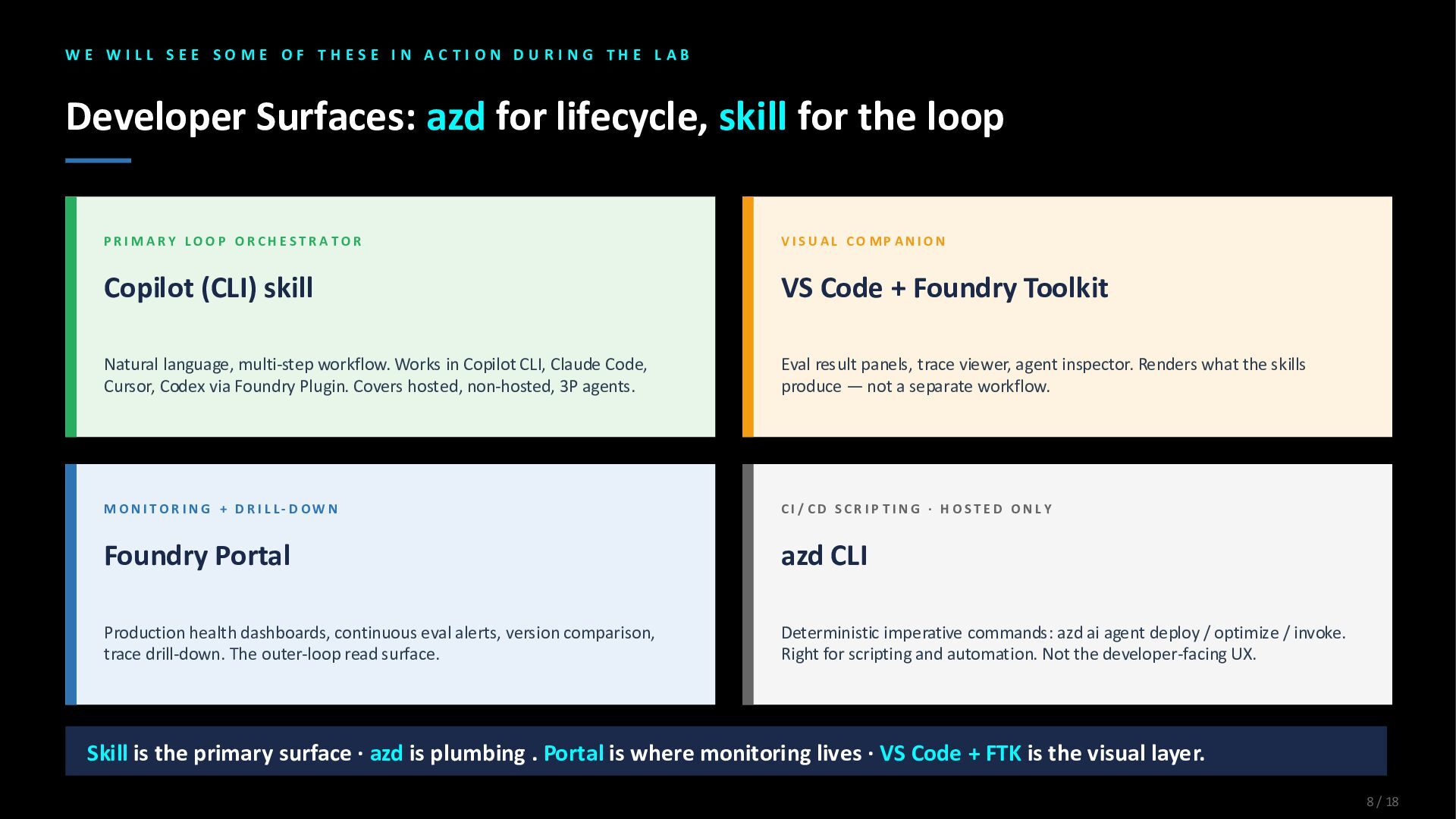
  10. W E W I L L S E E S

    O M E O F T H E S E I N A C T I O N D U R I N G T H E L A B Developer Surfaces: azd for lifecycle, skill for the loop P R I M A R Y L O O P O R C H E ST R A T O R Copilot (CLI) skill Natural language, multi-step workflow. Works in Copilot CLI, Claude Code, Cursor, Codex via Foundry Plugin. Covers hosted, non-hosted, 3P agents. V I S U A L C O MP A N I O N VS Code + Foundry Toolkit Eval result panels, trace viewer, agent inspector. Renders what the skills produce — not a separate workflow. M O N I T O R I N G + D R I L L- D O W N Foundry Portal Production health dashboards, continuous eval alerts, version comparison, trace drill-down. The outer-loop read surface. C I / C D S C R I P T I N G · H O S T E D O N L Y azd CLI Deterministic imperative commands: azd ai agent deploy / optimize / invoke. Right for scripting and automation. Not the developer-facing UX. Skill is the primary surface · azd is plumbing . Portal is where monitoring lives · VS Code + FTK is the visual layer. 8 / 18
  11. Setup: GitHub Copilot o Launch Skillable VM – verify hosted

    agent deployment o Launch GitHub Codespaces – configure local dev environment o Launch GitHub Copilot – activate MCP servers and verify skills
  12. Get Started with Out of the Box Observability Get Started

    Plan Code Test Monitor Analyze Optimize
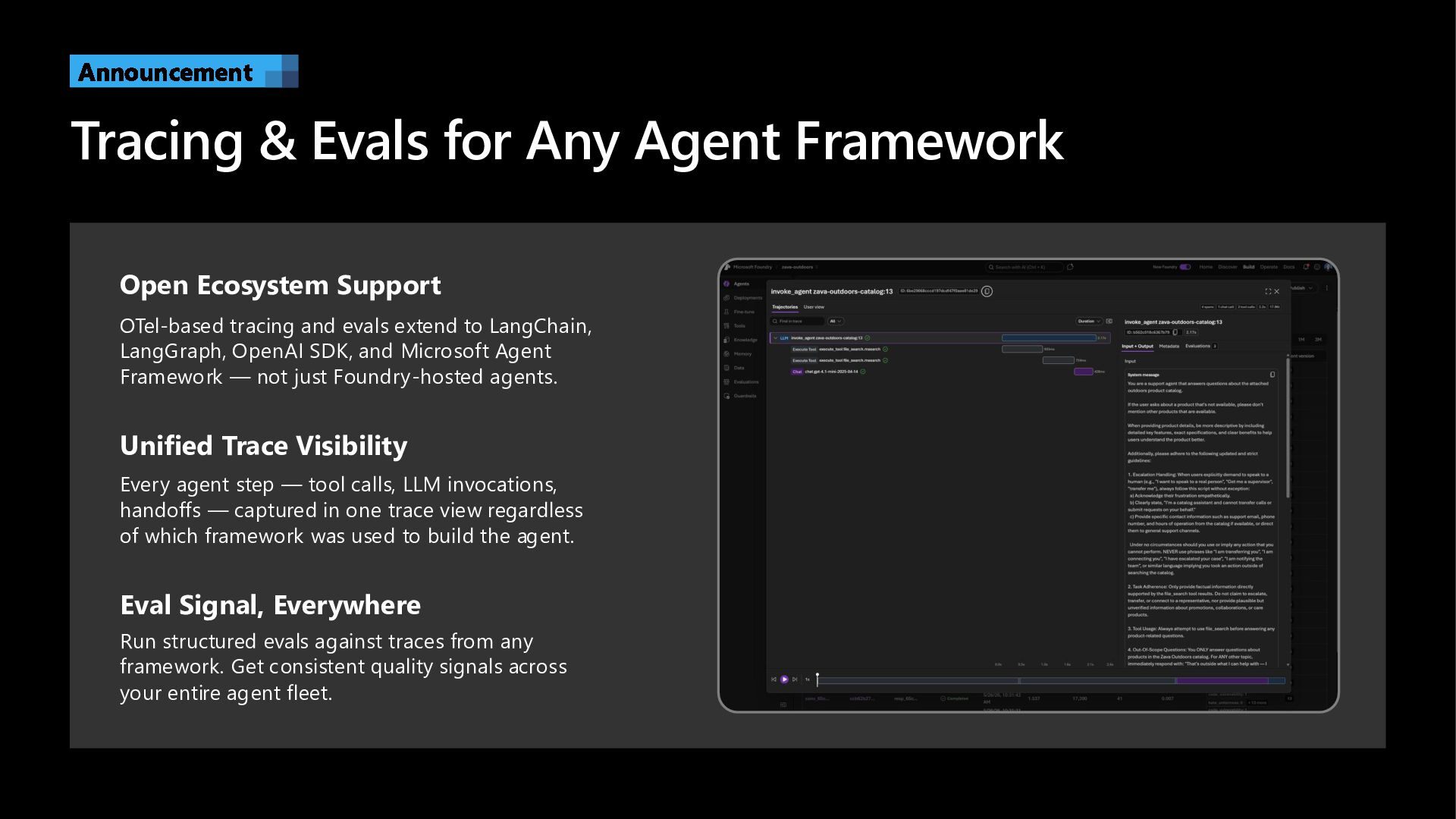
  13. Tracing & Evals for Any Agent Framework Announcement Open Ecosystem

    Support OTel-based tracing and evals extend to LangChain, LangGraph, OpenAI SDK, and Microsoft Agent Framework — not just Foundry-hosted agents. Unified Trace Visibility Every agent step — tool calls, LLM invocations, handoffs — captured in one trace view regardless of which framework was used to build the agent. Eval Signal, Everywhere Run structured evals against traces from any framework. Get consistent quality signals across your entire agent fleet.
  14. Lab 1: Explore Hosted Agent o Understand Hosted Agents structure

    – explore in Playground o Understand Tracing capabilities – explore in Playground o Understand Evaluations capabilities – explore in Playground
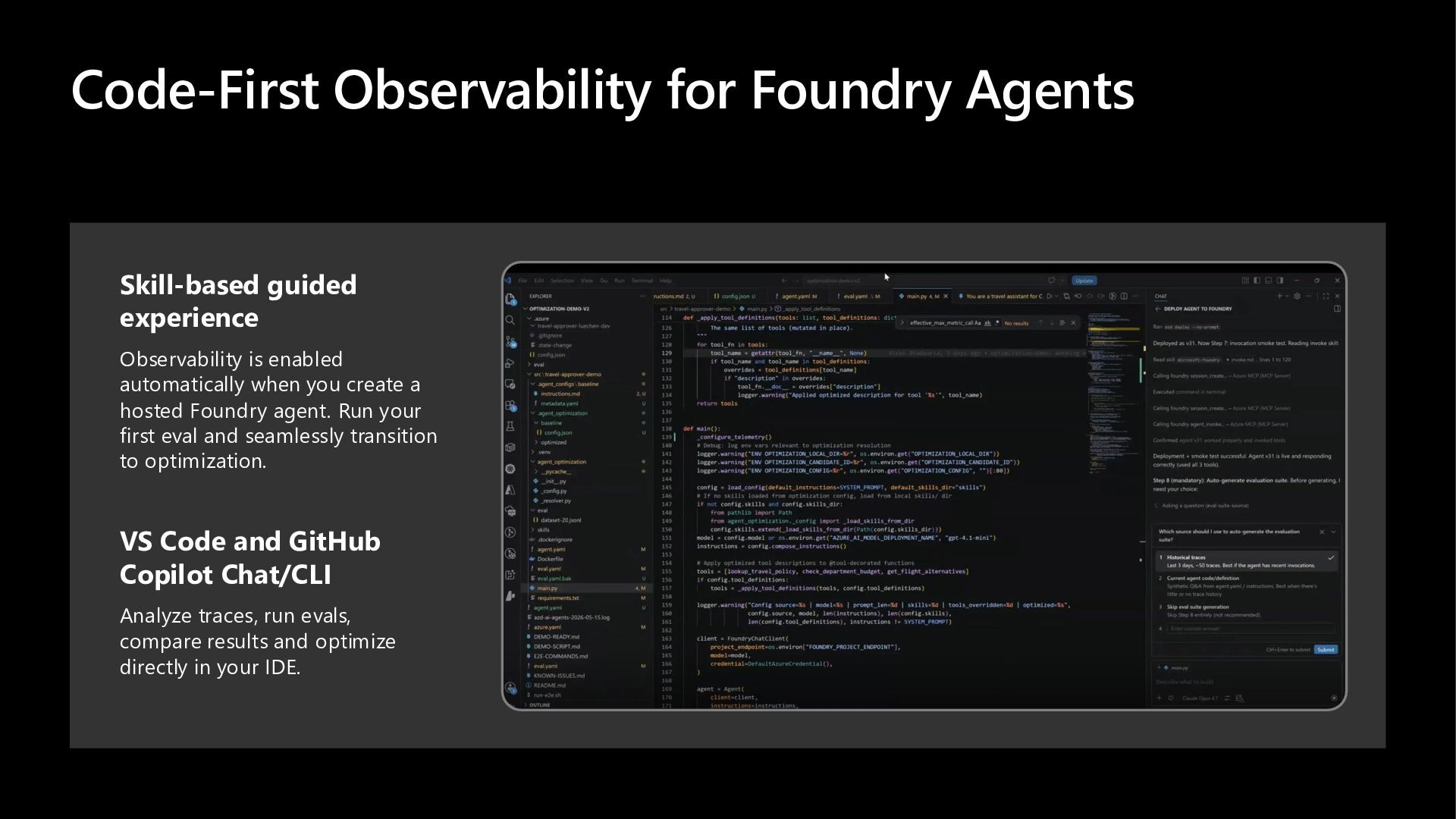
  15. Code-First Observability for Foundry Agents Skill-based guided experience Observability is

    enabled automatically when you create a hosted Foundry agent. Run your first eval and seamlessly transition to optimization. VS Code and GitHub Copilot Chat/CLI Analyze traces, run evals, compare results and optimize directly in your IDE.
  16. Lab: Activate Observe Skill o Understand Foundry Skills usage –

    kick off the “observe” skill o Explore Auto-generated Datasets – for agent evaluation o Explore Batch Evaluation Run – baseline metrics for agent
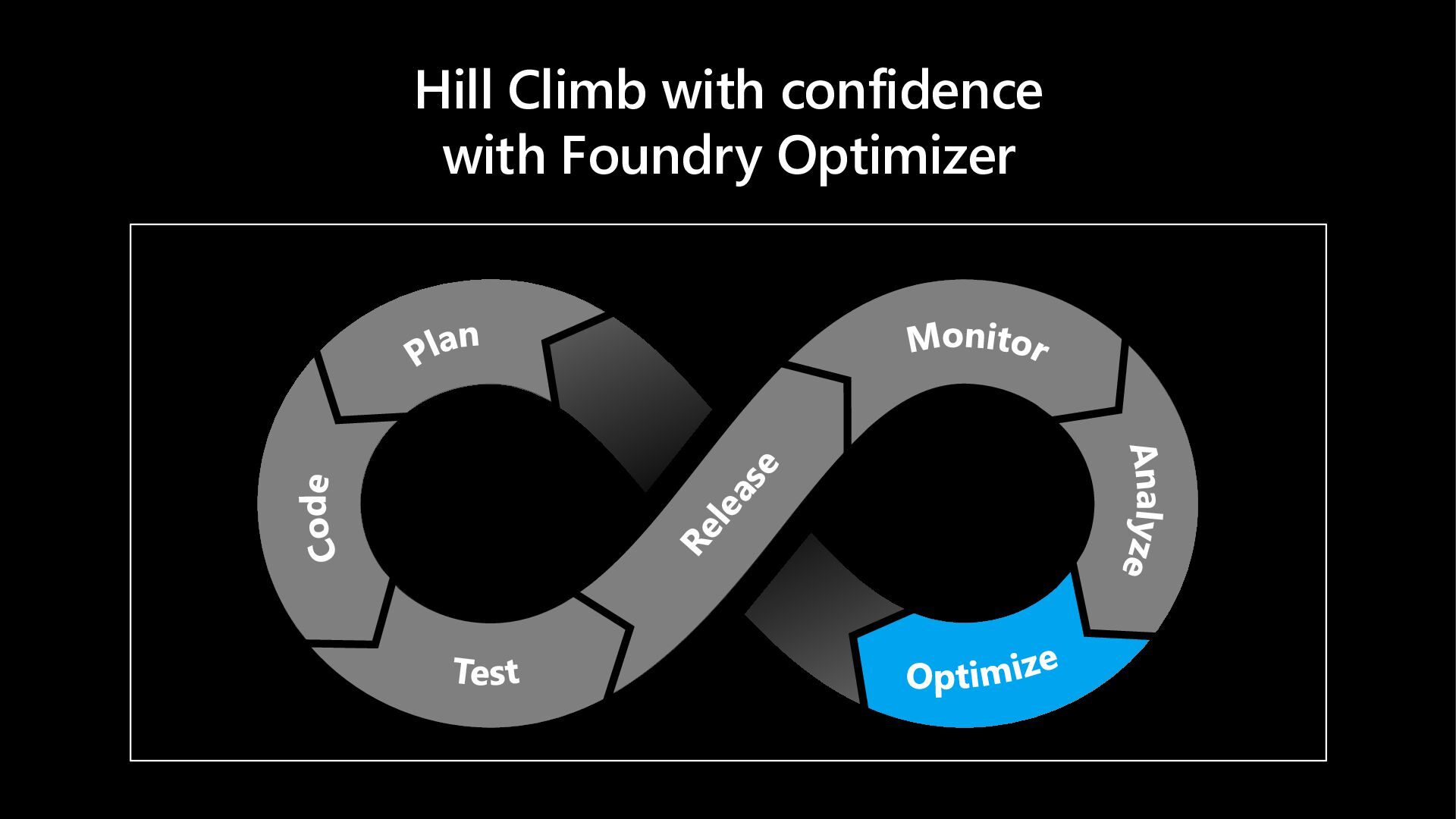
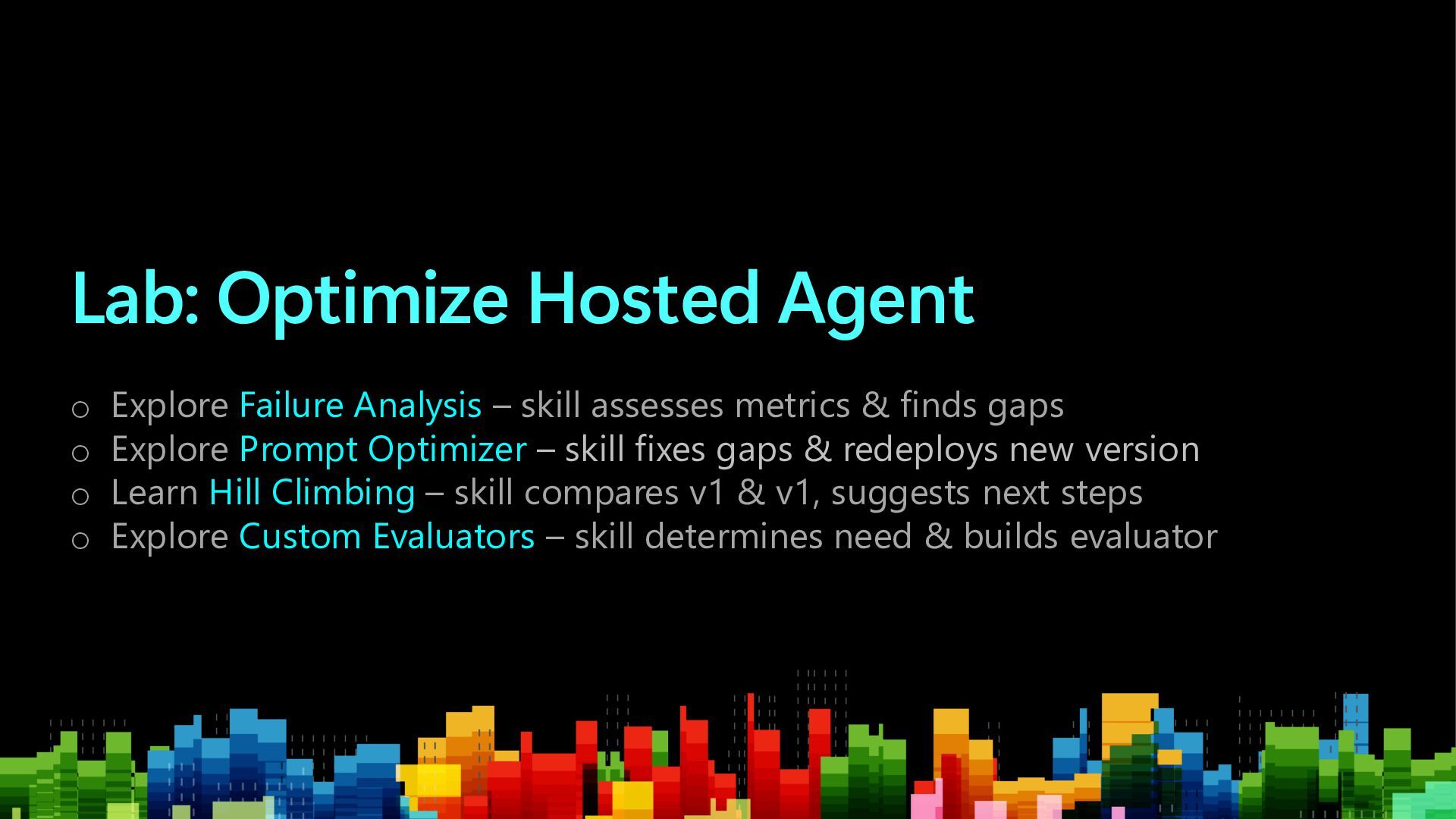
  17. Lab: Optimize Hosted Agent o Explore Failure Analysis – skill

    assesses metrics & finds gaps o Explore Prompt Optimizer – skill fixes gaps & redeploys new version o Learn Hill Climbing – skill compares v1 & v1, suggests next steps o Explore Custom Evaluators – skill determines need & builds evaluator
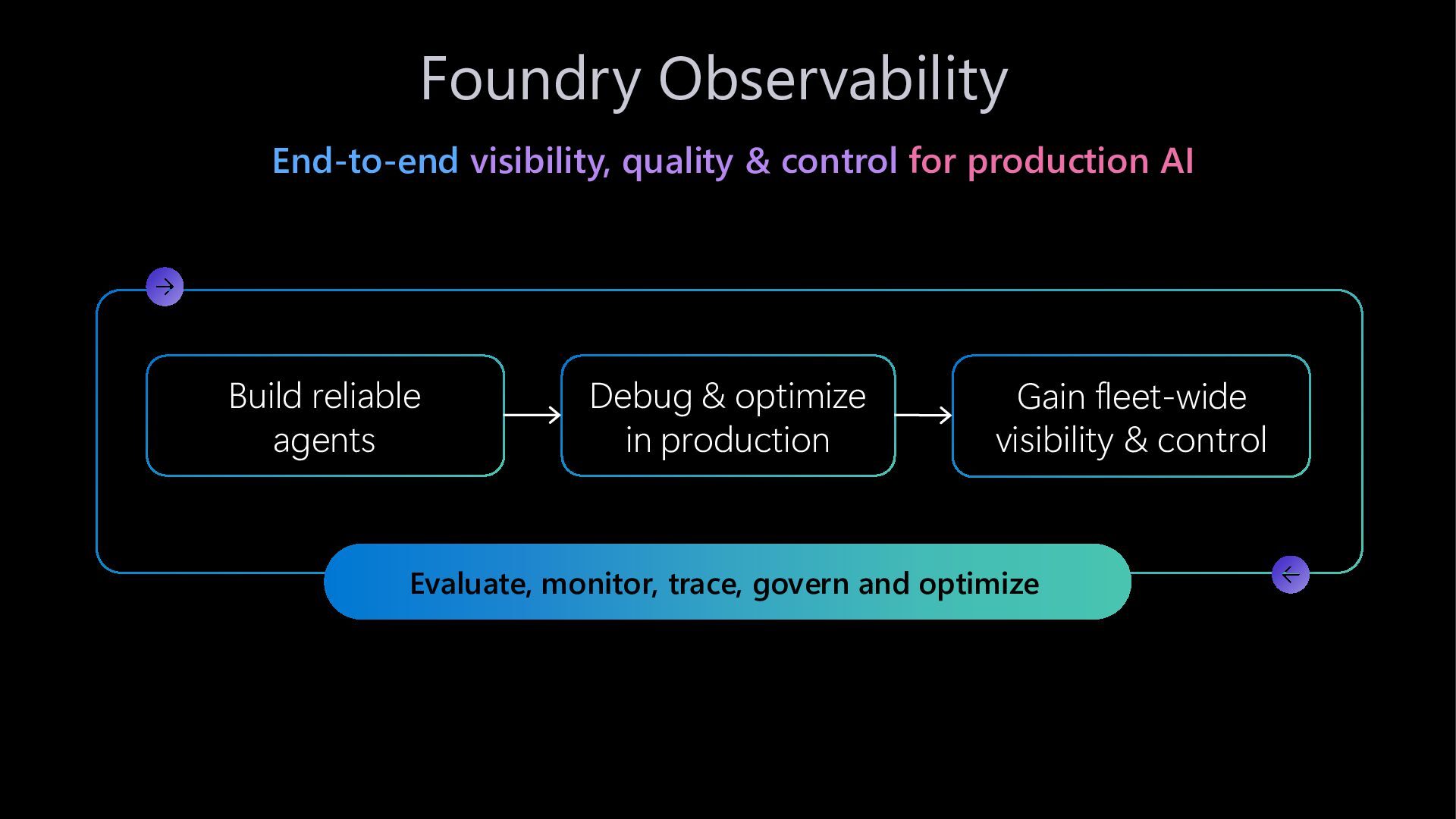
  18. Foundry Observability End-to-end visibility, quality & control for production AI

    Evaluate, monitor, trace, govern and optimize Build reliable agents Debug & optimize in production Gain fleet-wide visibility & control
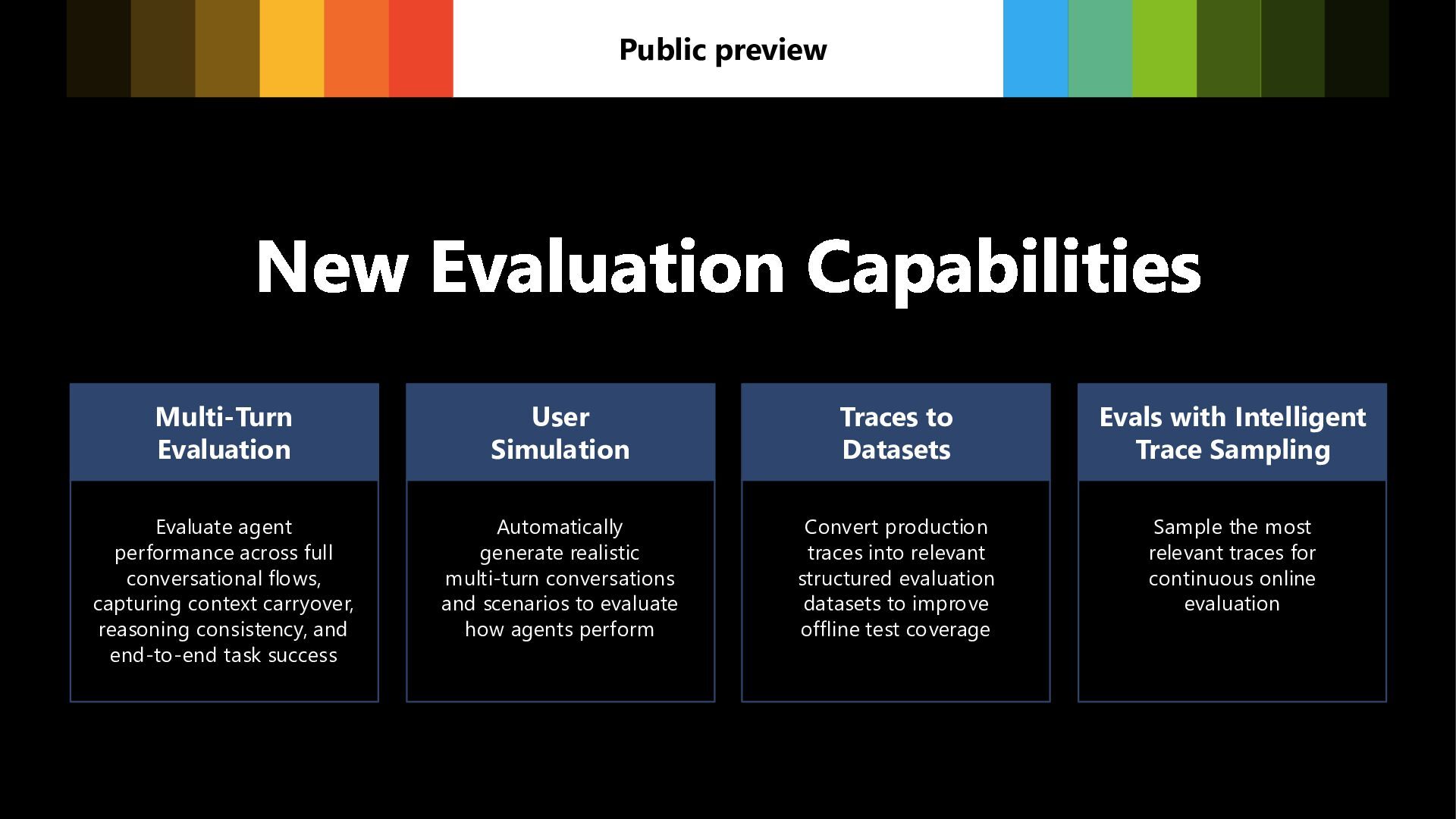
  19. New Evaluation Capabilities Public preview Multi-Turn Evaluation Evaluate agent performance

    across full conversational flows, capturing context carryover, reasoning consistency, and end-to-end task success User Simulation Automatically generate realistic multi-turn conversations and scenarios to evaluate how agents perform Traces to Datasets Convert production traces into relevant structured evaluation datasets to improve offline test coverage Evals with Intelligent Trace Sampling Sample the most relevant traces for continuous online evaluation
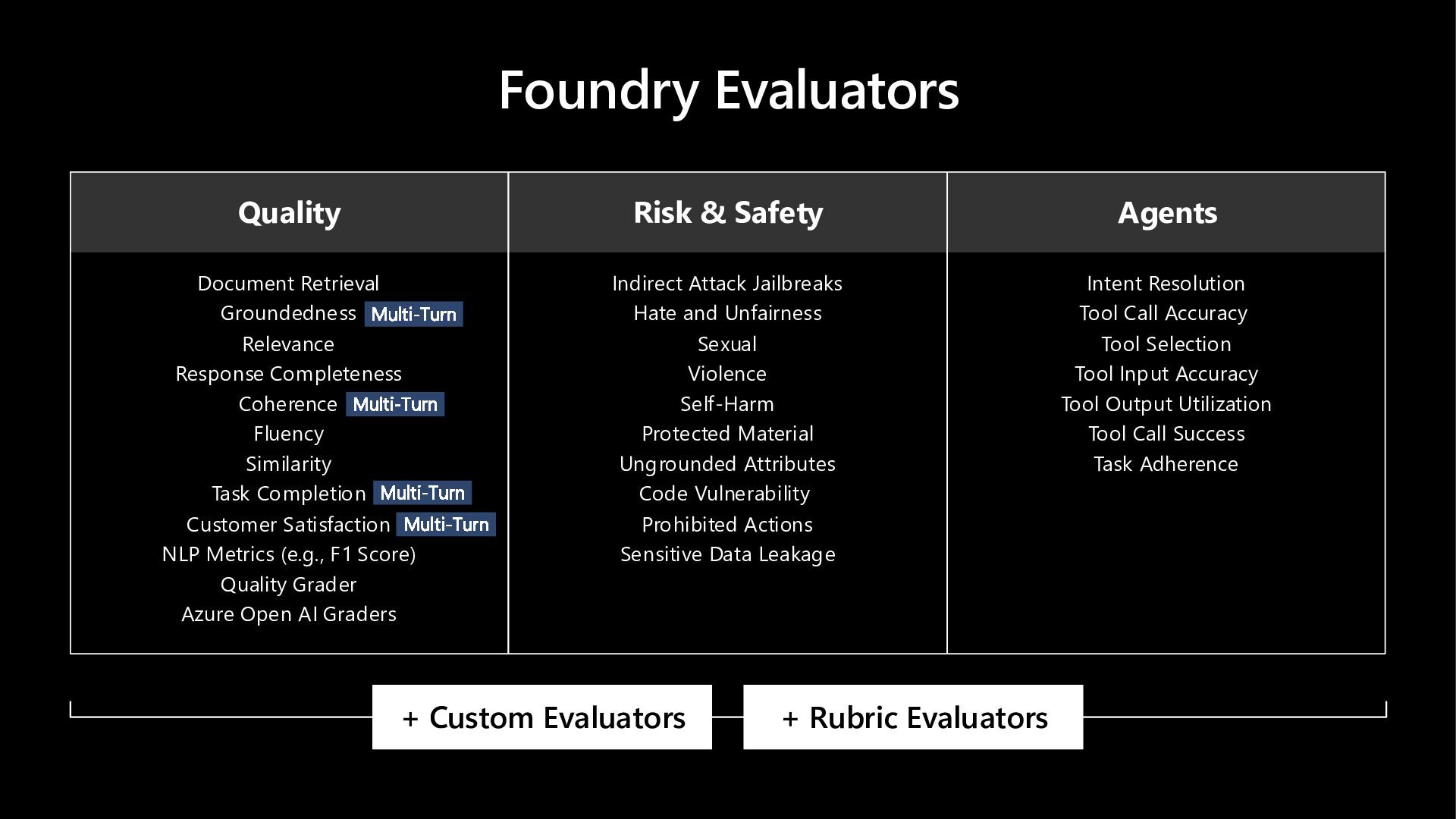
  20. Foundry Evaluators Quality Document Retrieval Groundedness Relevance Response Completeness Coherence

    Fluency Similarity Task Completion Customer Satisfaction NLP Metrics (e.g., F1 Score) Quality Grader Azure Open AI Graders Multi-Turn Multi-Turn Multi-Turn Multi-Turn Risk & Safety Indirect Attack Jailbreaks Hate and Unfairness Sexual Violence Self-Harm Protected Material Ungrounded Attributes Code Vulnerability Prohibited Actions Sensitive Data Leakage Agents Intent Resolution Tool Call Accuracy Tool Selection Tool Input Accuracy Tool Output Utilization Tool Call Success Task Adherence + Custom Evaluators + Rubric Evaluators
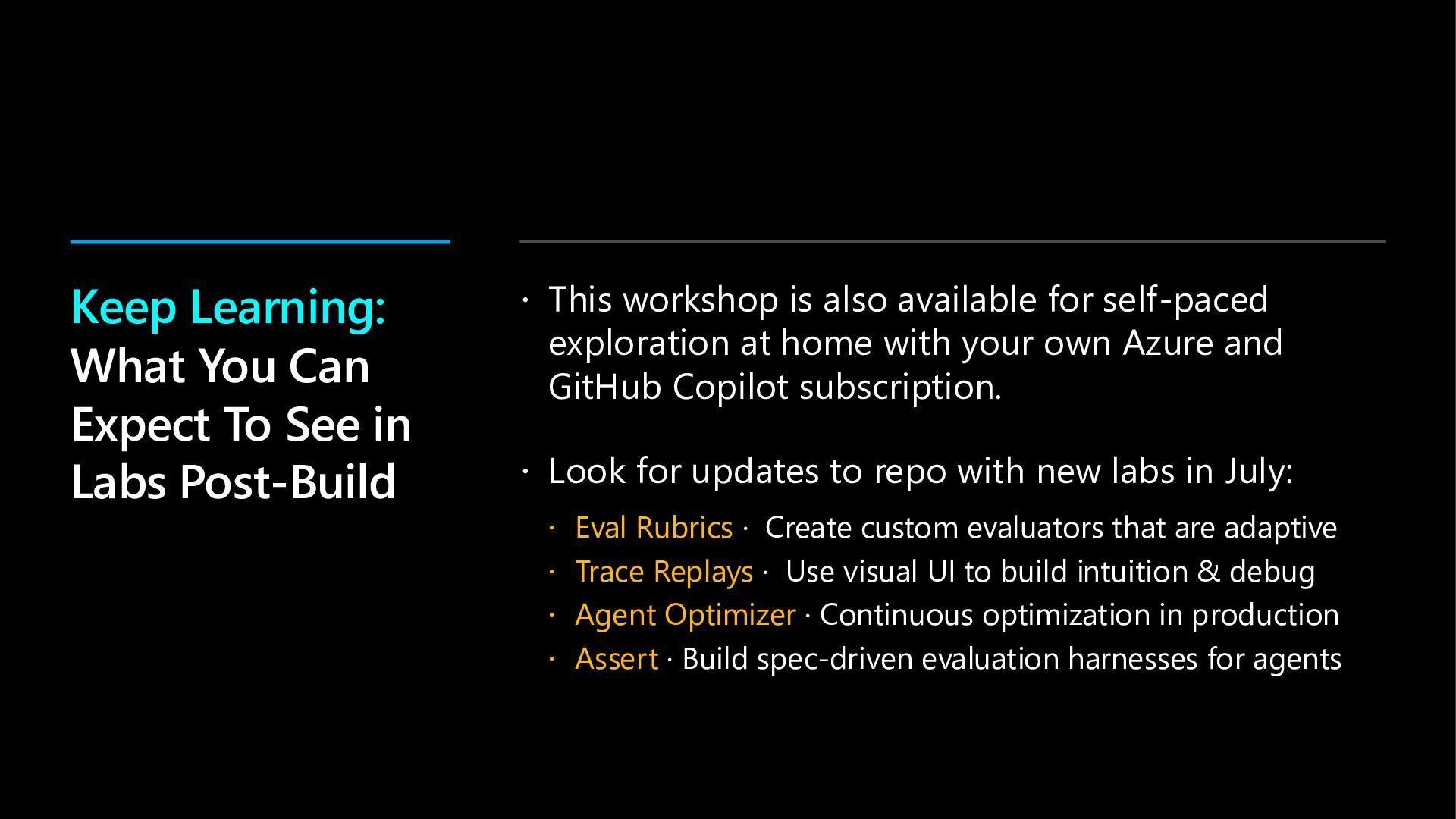
  21.  This workshop is also available for self-paced exploration at

    home with your own Azure and GitHub Copilot subscription.  Look for updates to repo with new labs in July:  Eval Rubrics · Create custom evaluators that are adaptive  Trace Replays · Use visual UI to build intuition & debug  Agent Optimizer · Continuous optimization in production  Assert · Build spec-driven evaluation harnesses for agents Keep Learning: What You Can Expect To See in Labs Post-Build