$30 off During Our Annual Pro Sale. View Details »

RealityKitでカメラを自由に操れ!任意視点レンダリングへの挑戦

Avatar for TAAT TAAT
December 05, 2025

 RealityKitでカメラを自由に操れ!任意視点レンダリングへの挑戦

visionOS TC 2025 LTセッションでの発表資料です
https://visionos-tc.com

Avatar for TAAT

TAAT

December 05, 2025
Tweet

More Decks by TAAT

Other Decks in Technology

Transcript

  1. タイトル TAAT TAAT626 taatn0te Software Engineer at Cluster, Inc. iOS,

    visionOS, Unity Metaverse, Spatial Computing, AI Coding
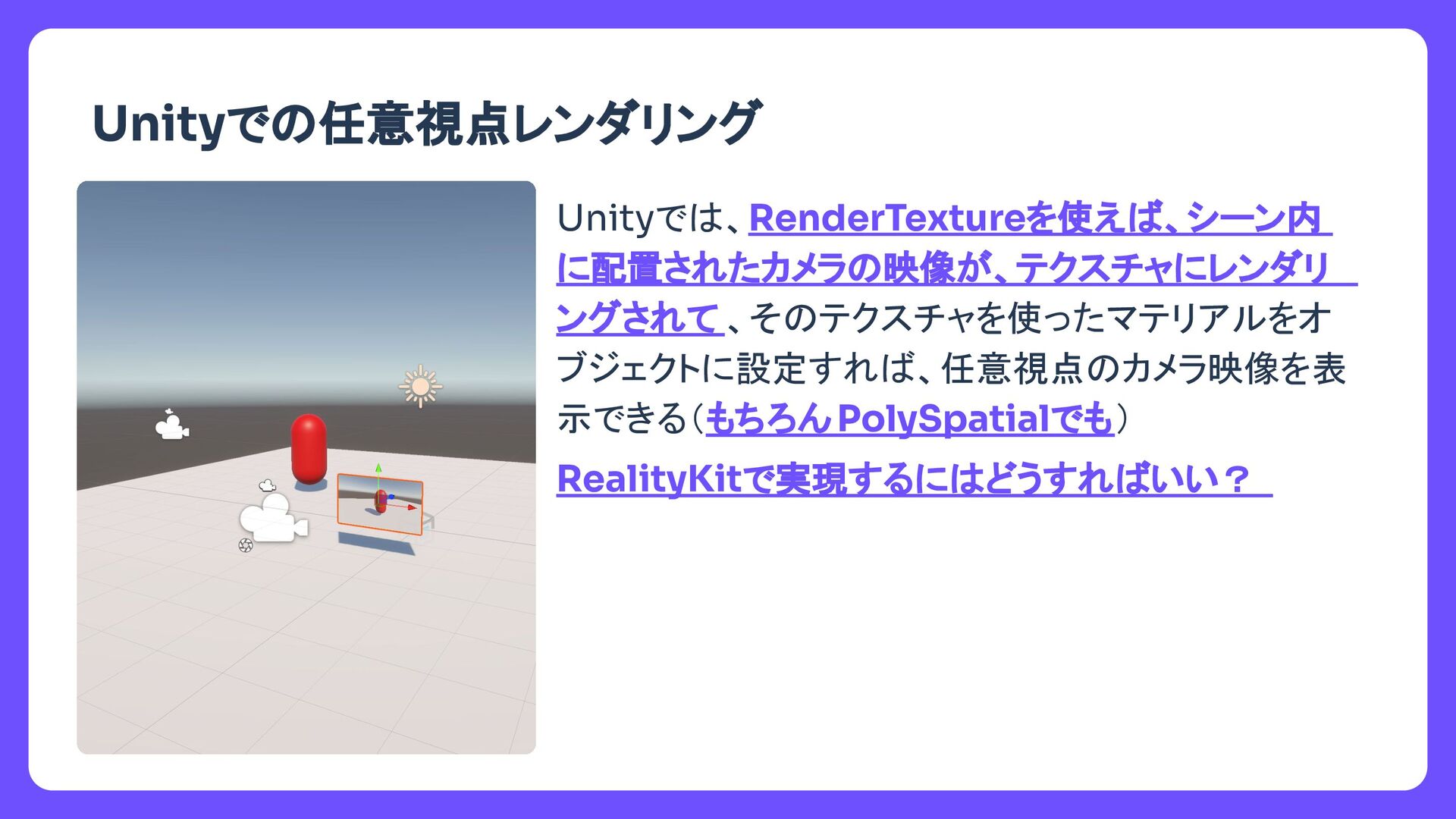
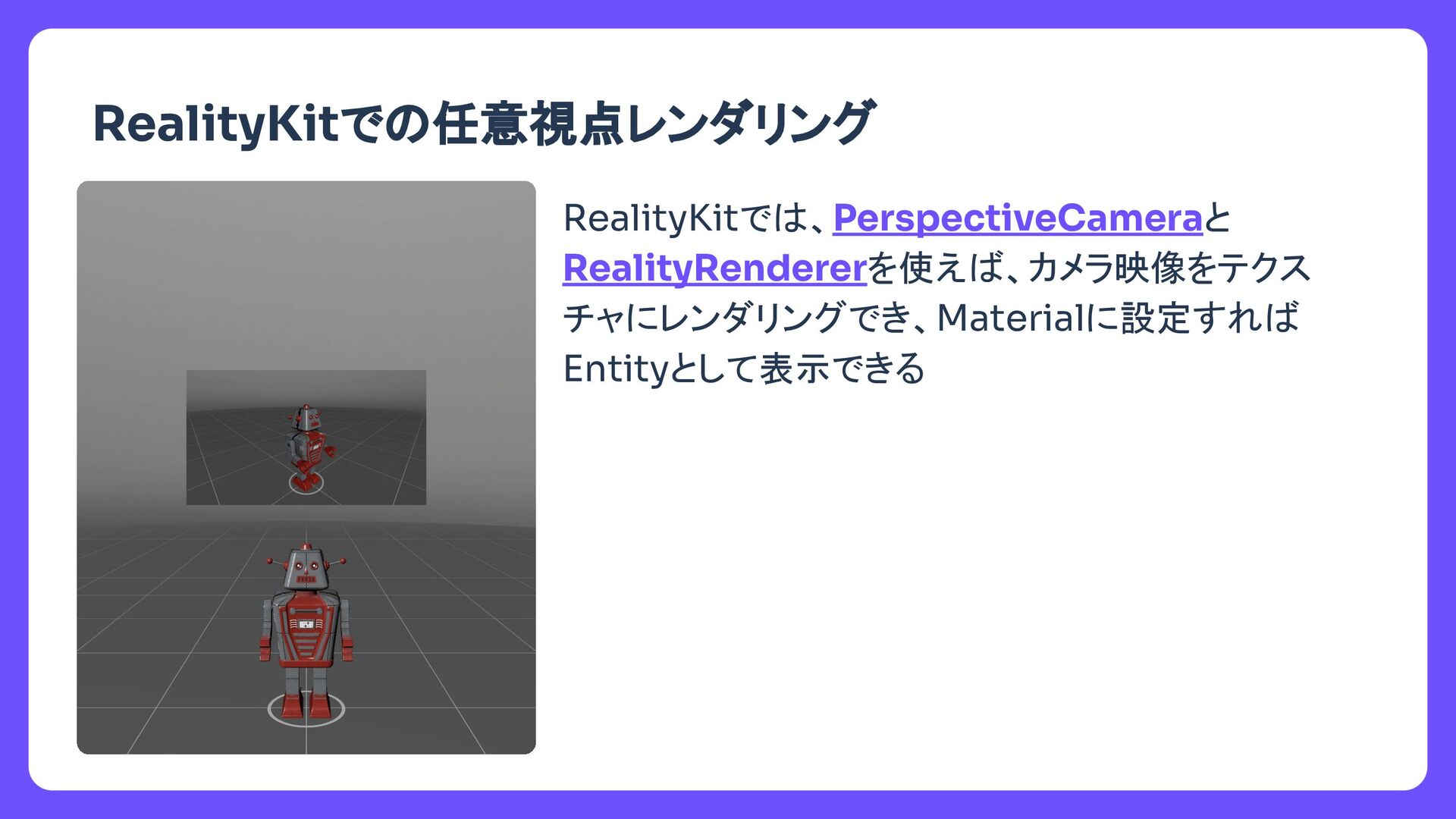
  2. タイトル Unityで 任意視点レンダリング Unityで 、RenderTextureを使え 、シーン内 に配置されたカメラ 映像が、テクスチャにレンダリ ングされて 、そ

    テクスチャを使ったマテリアルをオ ブジェクトに設定すれ 、任意視点 カメラ映像を表 示できる(もちろんPolySpatialでも) RealityKitで実現するに どうすれ いい?
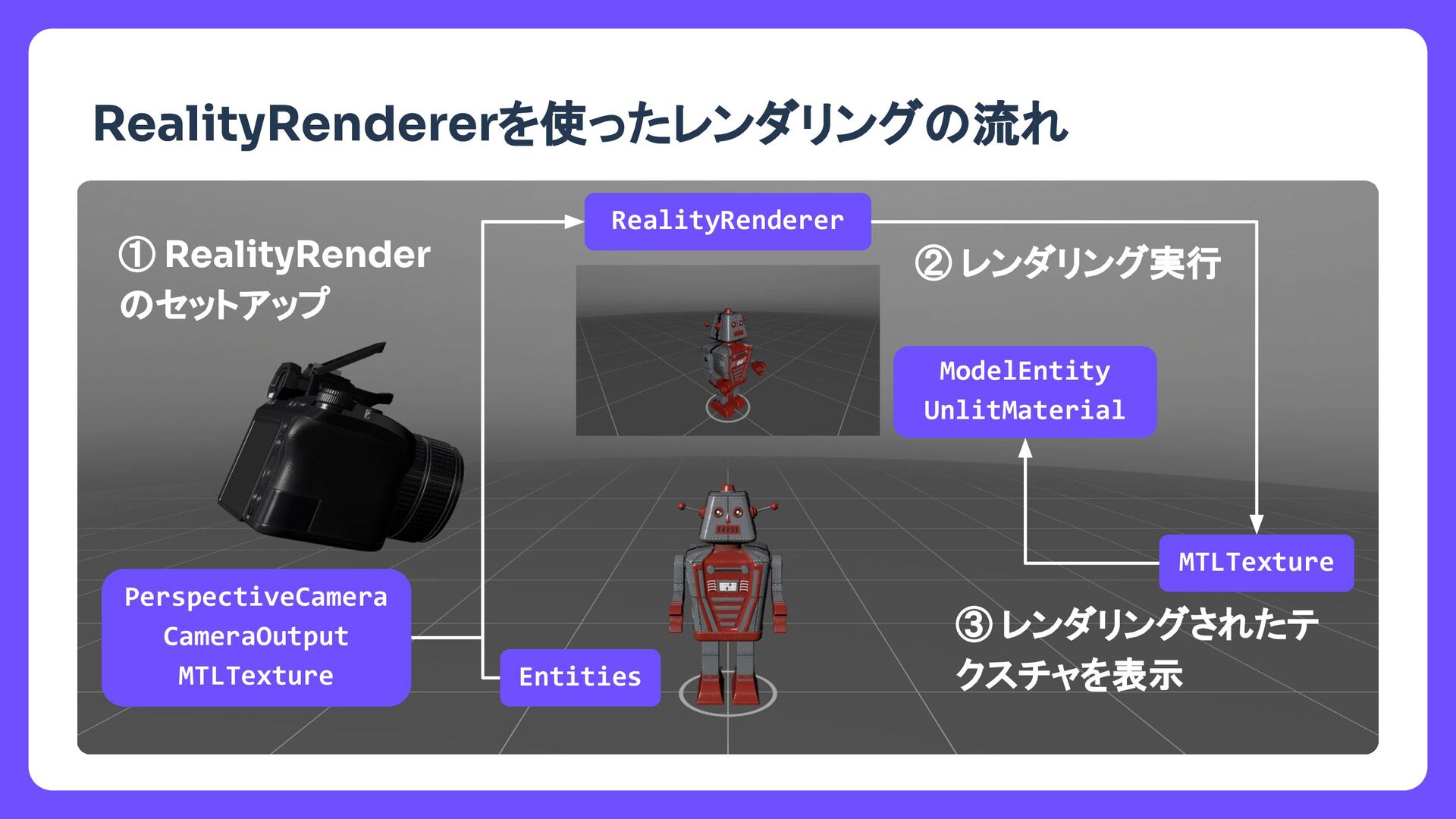
  3. タイトル RealityRendererを使ったレンダリング 流れ RealityRenderer MTLTexture ① RealityRender セットアップ ② レンダリング実行

    ③ レンダリングされたテ クスチャを表示 PerspectiveCamera CameraOutput MTLTexture Entities ModelEntity UnlitMaterial
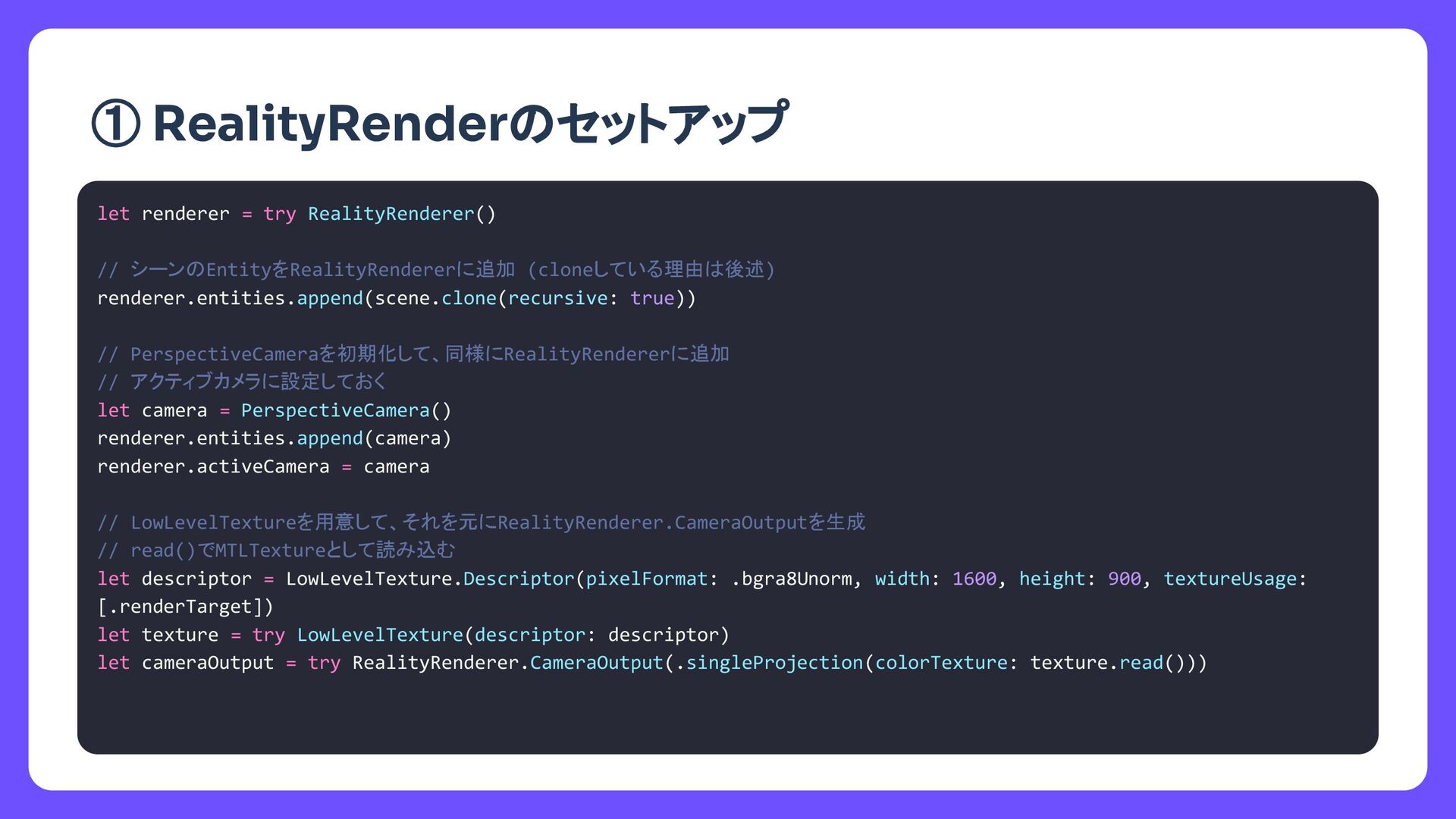
  4. タイトル let renderer = try RealityRenderer() // シーン EntityをRealityRendererに追加 (cloneしている理由

    後述) renderer.entities.append(scene.clone(recursive: true)) // PerspectiveCameraを初期化して、同様にRealityRendererに追加 // アクティブカメラに設定しておく let camera = PerspectiveCamera() renderer.entities.append(camera) renderer.activeCamera = camera // レンダリングターゲットとなるテクスチャを用意 // それを使ってRealityRenderer.CameraOutputを生成 let descriptor = LowLevelTexture.Descriptor(pixelFormat: .bgra8Unorm, width: 1600, height: 900, textureUsage: [.renderTarget]) let texture = try LowLevelTexture(descriptor: descriptor) let cameraOutput = try RealityRenderer.CameraOutput(.singleProjection(colorTexture: texture.read())) ① RealityRender セットアップ
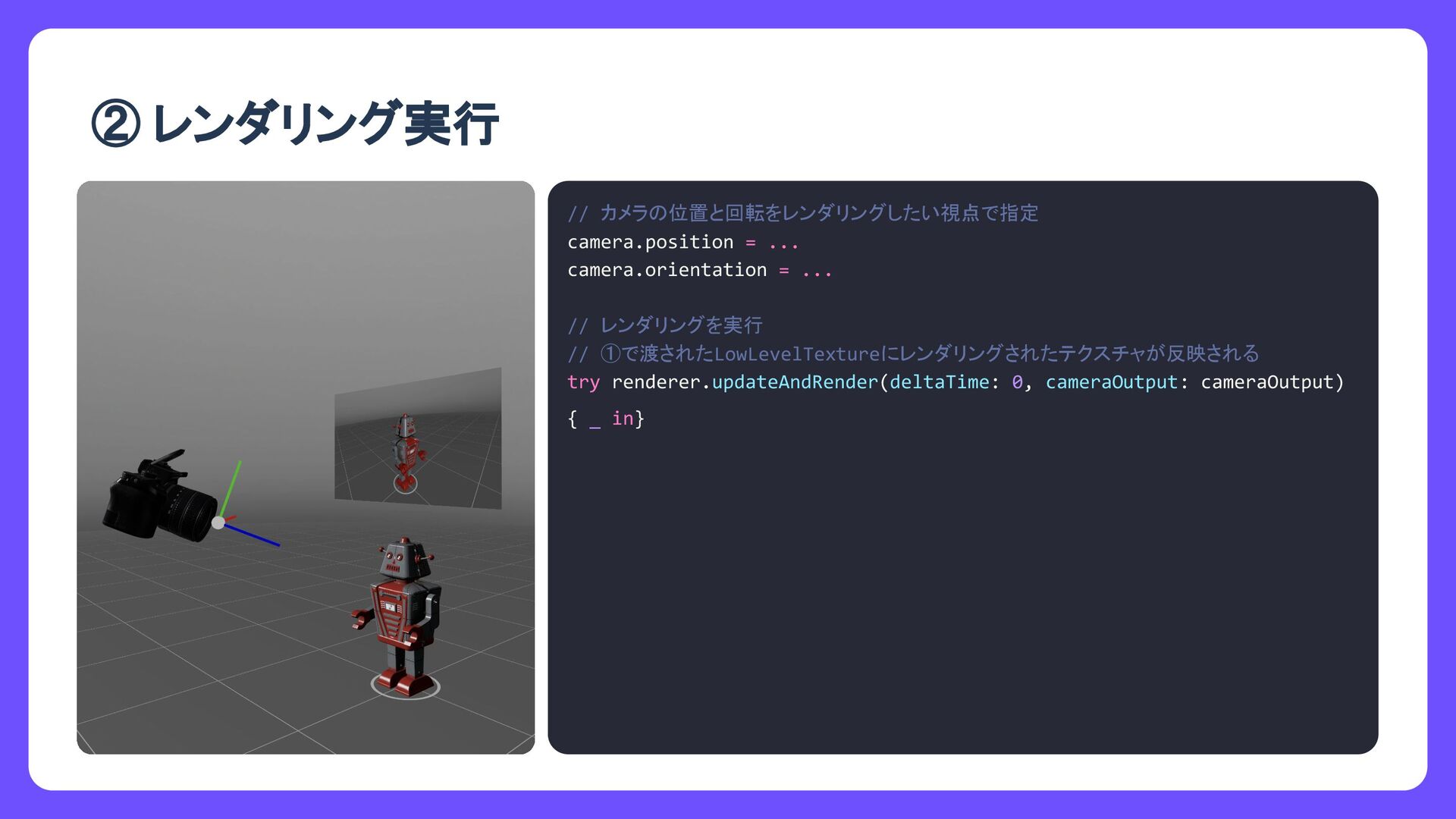
  5. タイトル // カメラ 位置と回転をレンダリングしたい視点で指定 camera.position = ... camera.orientation = ...

    // レンダリングを実行 // ①で渡されたテクスチャにレンダリング結果が反映される try renderer.updateAndRender(deltaTime: 0, cameraOutput: cameraOutput) { _ in} ② レンダリング実行
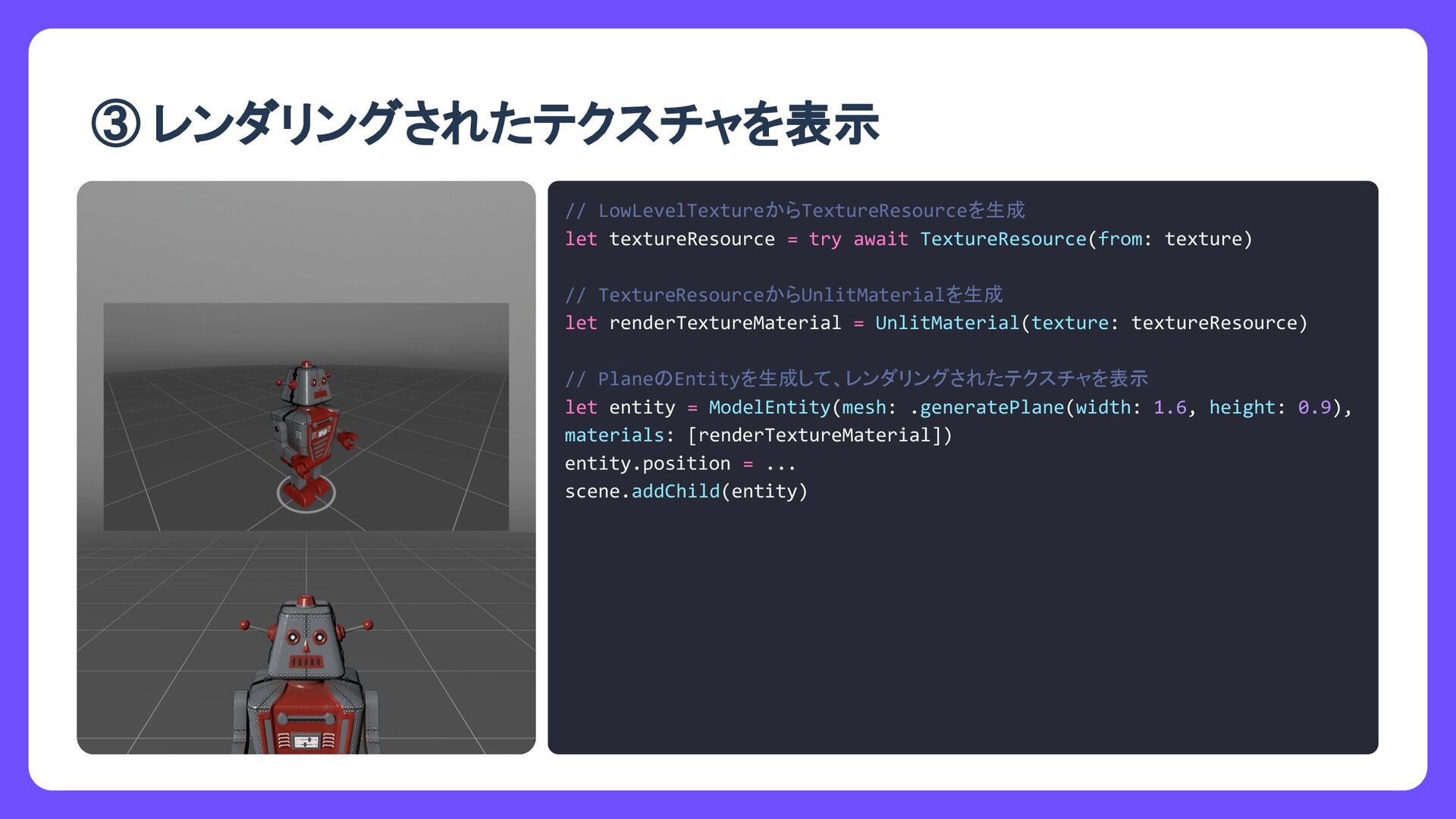
  6. タイトル // LowLevelTextureからTextureResourceを生成 let textureResource = try await TextureResource(from: texture)

    // TextureResourceからUnlitMaterialを生成 let renderTextureMaterial = UnlitMaterial(texture: textureResource) // Plane Entityを生成して、レンダリングされたテクスチャを表示 let entity = ModelEntity(mesh: .generatePlane(width: 1.6, height: 0.9), materials: [renderTextureMaterial]) entity.position = ... scene.addChild(entity) ③ レンダリングされたテクスチャを表示
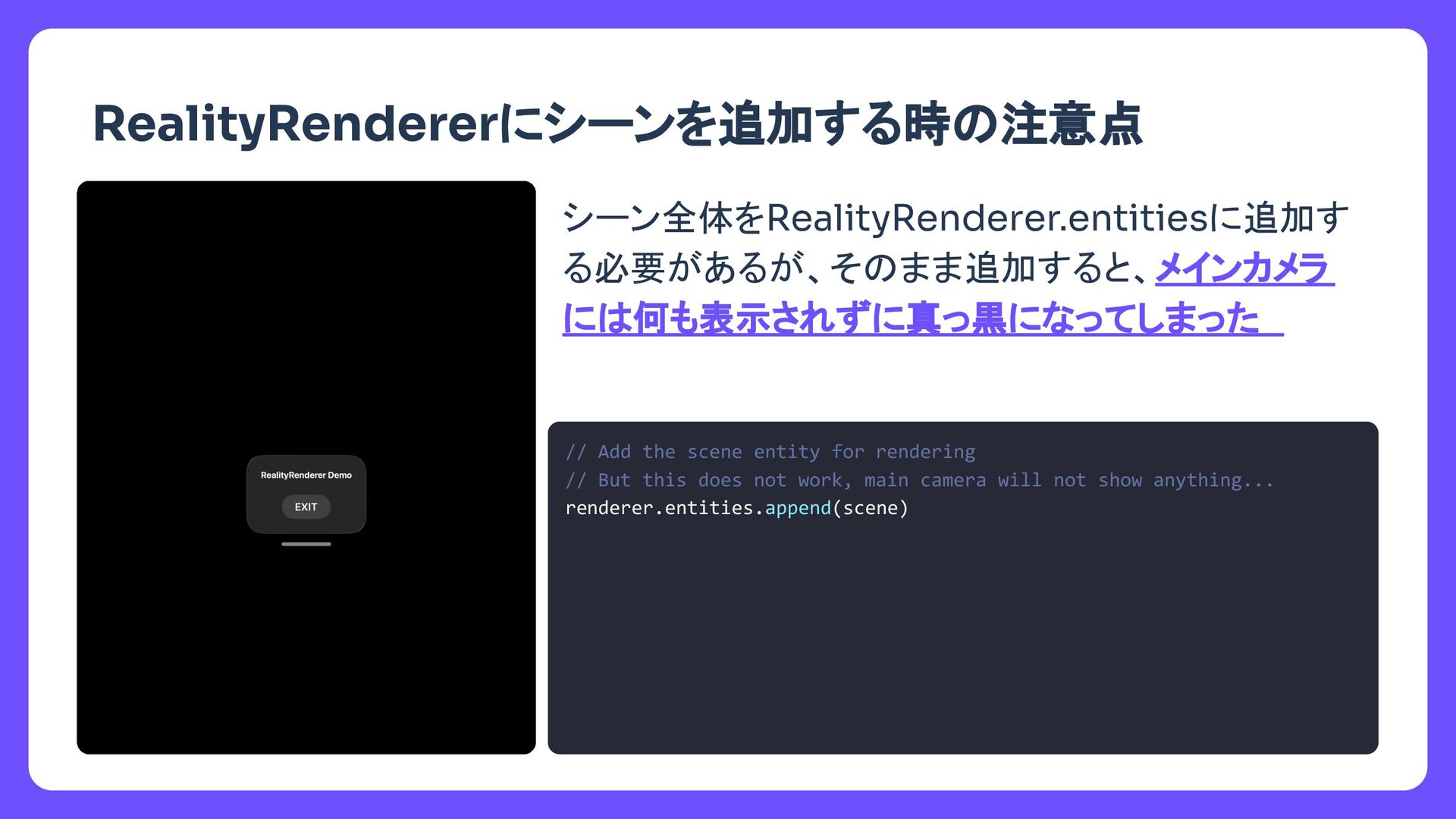
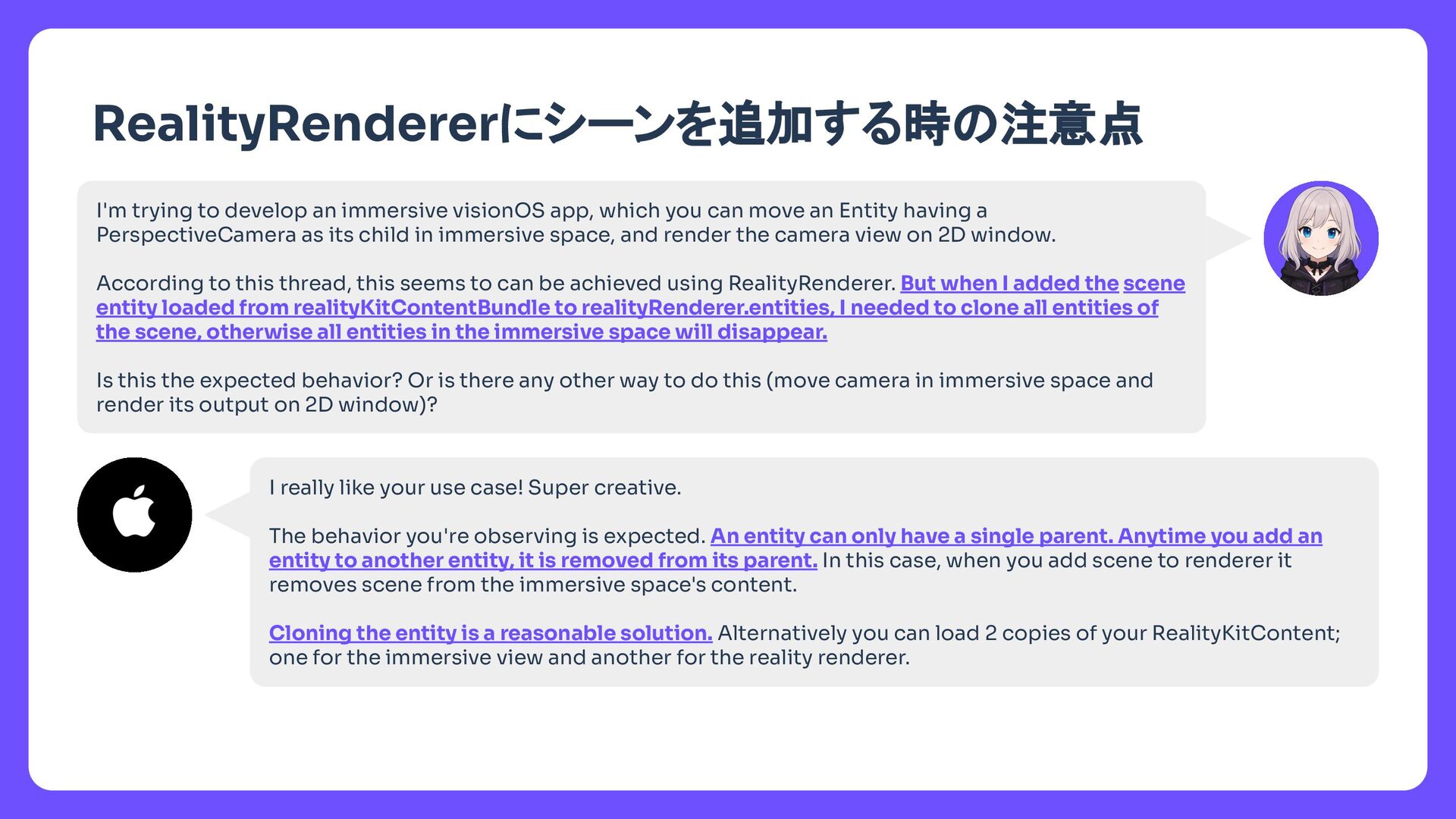
  7. タイトル RealityRendererにシーンを追加する時 注意点 I'm trying to develop an immersive visionOS

    app, which you can move an Entity having a PerspectiveCamera as its child in immersive space, and render the camera view on 2D window. According to this thread, this seems to can be achieved using RealityRenderer. But when I added the scene entity loaded from realityKitContentBundle to realityRenderer.entities, I needed to clone all entities of the scene, otherwise all entities in the immersive space will disappear. Is this the expected behavior? Or is there any other way to do this (move camera in immersive space and render its output on 2D window)? I really like your use case! Super creative. The behavior you're observing is expected. An entity can only have a single parent. Anytime you add an entity to another entity, it is removed from its parent. In this case, when you add scene to renderer it removes scene from the immersive space's content. Cloning the entity is a reasonable solution. Alternatively you can load 2 copies of your RealityKitContent; one for the immersive view and another for the reality renderer.
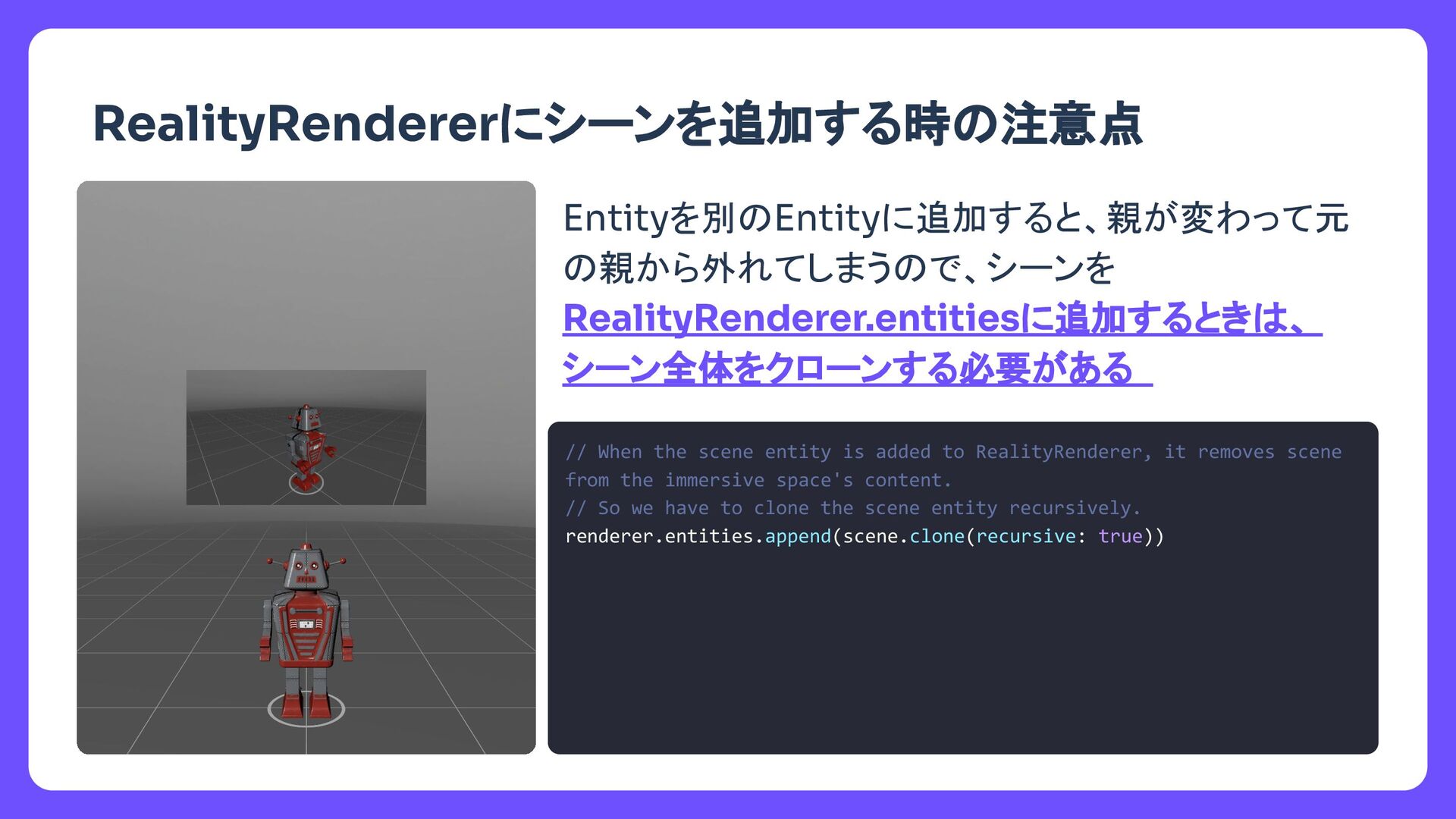
  8. タイトル RealityRendererにシーンを追加する時 注意点 Entityを別 Entityに追加すると、親が変わって元 親から外れてしまう で、シーンを RealityRenderer.entitiesに追加するとき 、 シーン全体をクローンする必要がある

    // When the scene entity is added to RealityRenderer, it removes scene from the immersive space's content. // So we have to clone the scene entity recursively. renderer.entities.append(scene.clone(recursive: true))
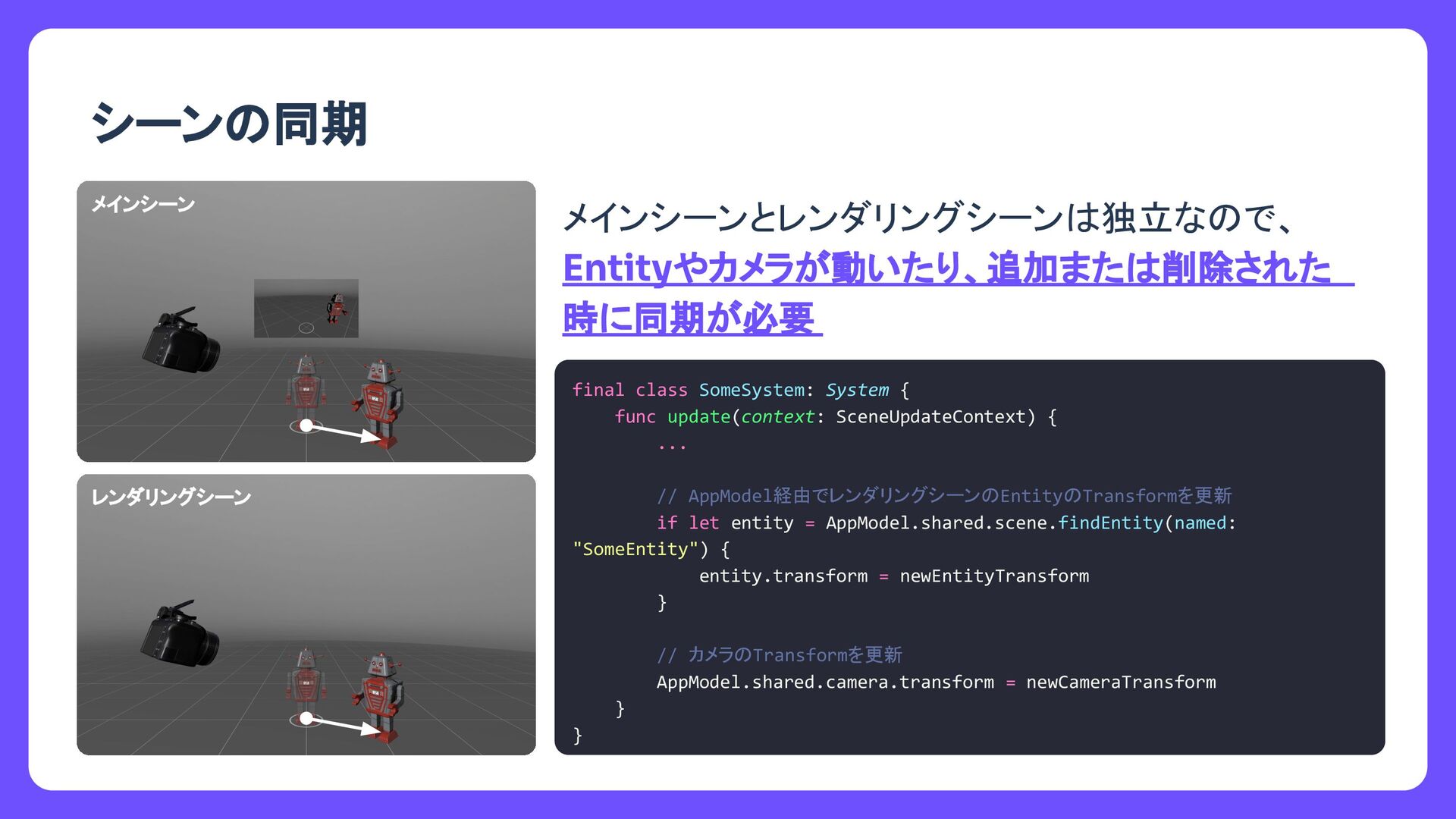
  9. タイトル シーン 同期 メインシーン メインシーンとレンダリングシーン 独立な で、 Entityが動いたり、追加また 削除された時に同 期が必要

    final class SomeSystem: System { func update(context: SceneUpdateContext) { ... // レンダリングシーンから対象 Entityを取得して同期を行う if let entity = AppModel.shared.scene.findEntity(named: "SomeEntity") { entity.transform = newEntityTransform entity.removeFromParent() } } } レンダリングシーン
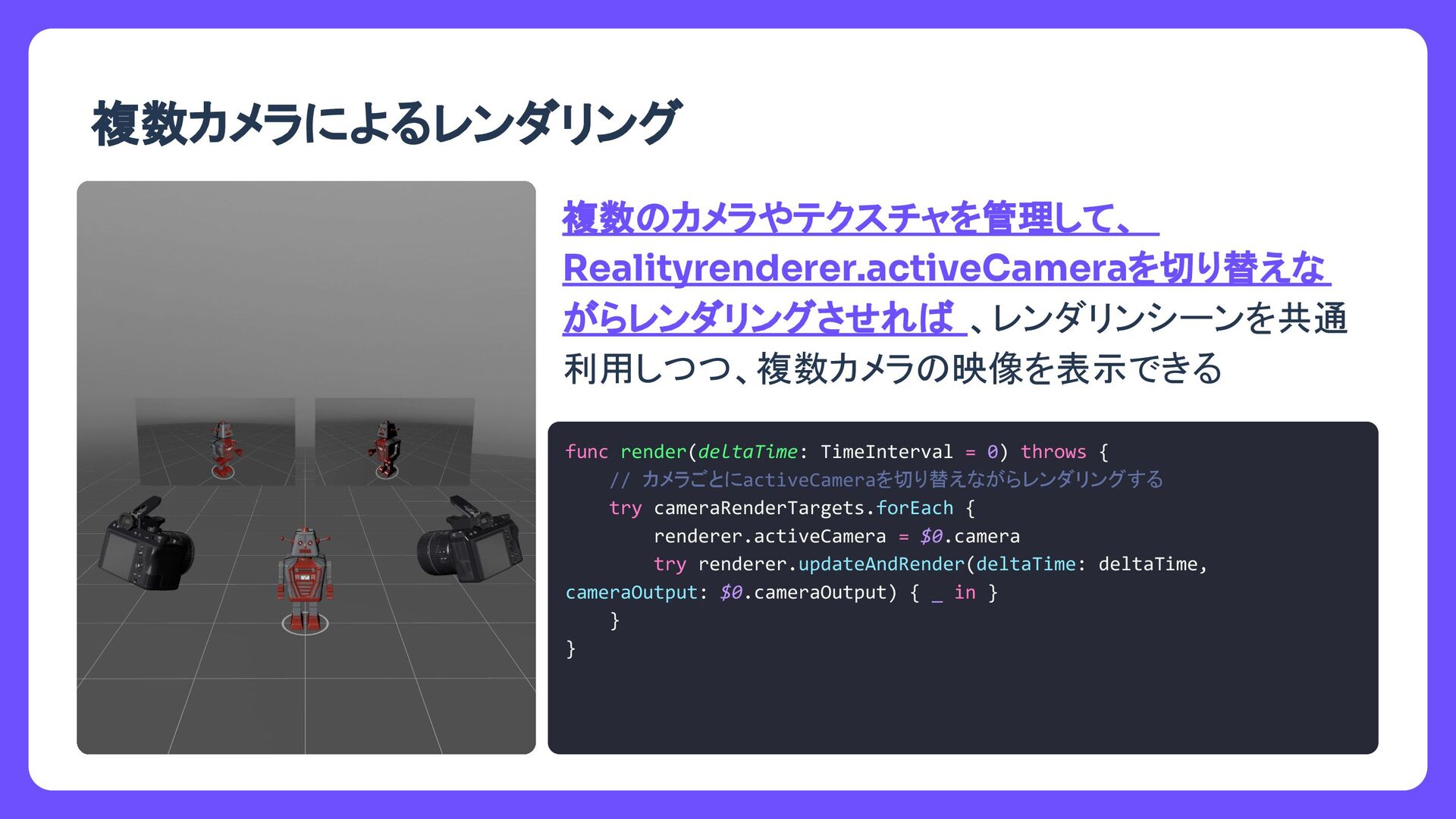
  10. タイトル 複数カメラによるレンダリング 複数 カメラやテクスチャを管理して、 Realityrenderer.activeCameraを切り替えな がらレンダリングさせれ 、レンダリンシーンを共通 利用しつつ、複数カメラ 映像を表示できる func

    render(deltaTime: TimeInterval = 0) throws { // カメラごとにactiveCameraを切り替えながらレンダリングする try cameraRenderTargets.forEach { renderer.activeCamera = $0.camera try renderer.updateAndRender(deltaTime: deltaTime, cameraOutput: $0.cameraOutput) { _ in } } }
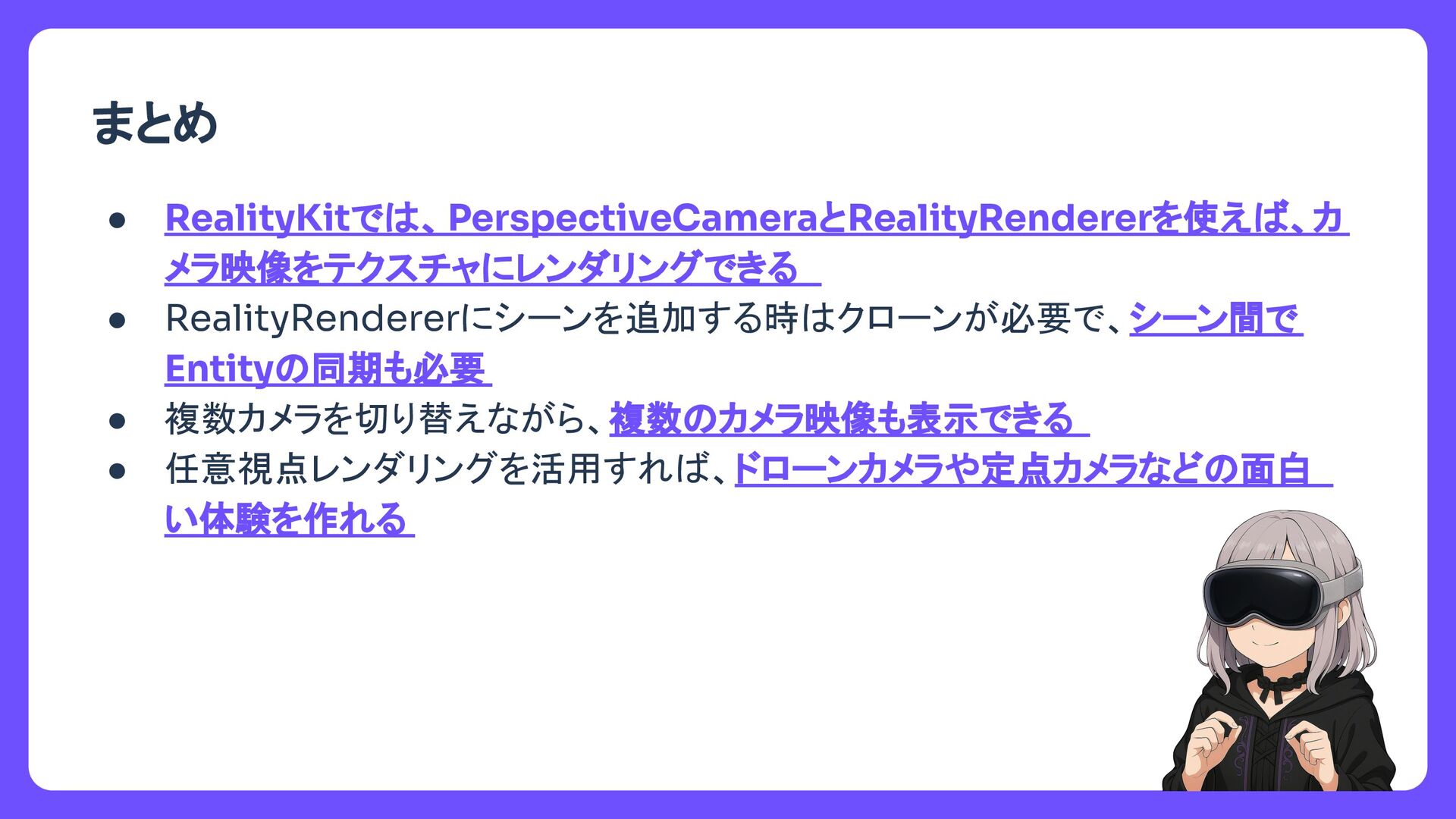
  11. タイトル まとめ • RealityKitで 、PerspectiveCameraとRealityRendererを使え 、カ メラ映像をテクスチャにレンダリングできる • RealityRendererにシーンを追加する時 クローンが必要で、シーン間で

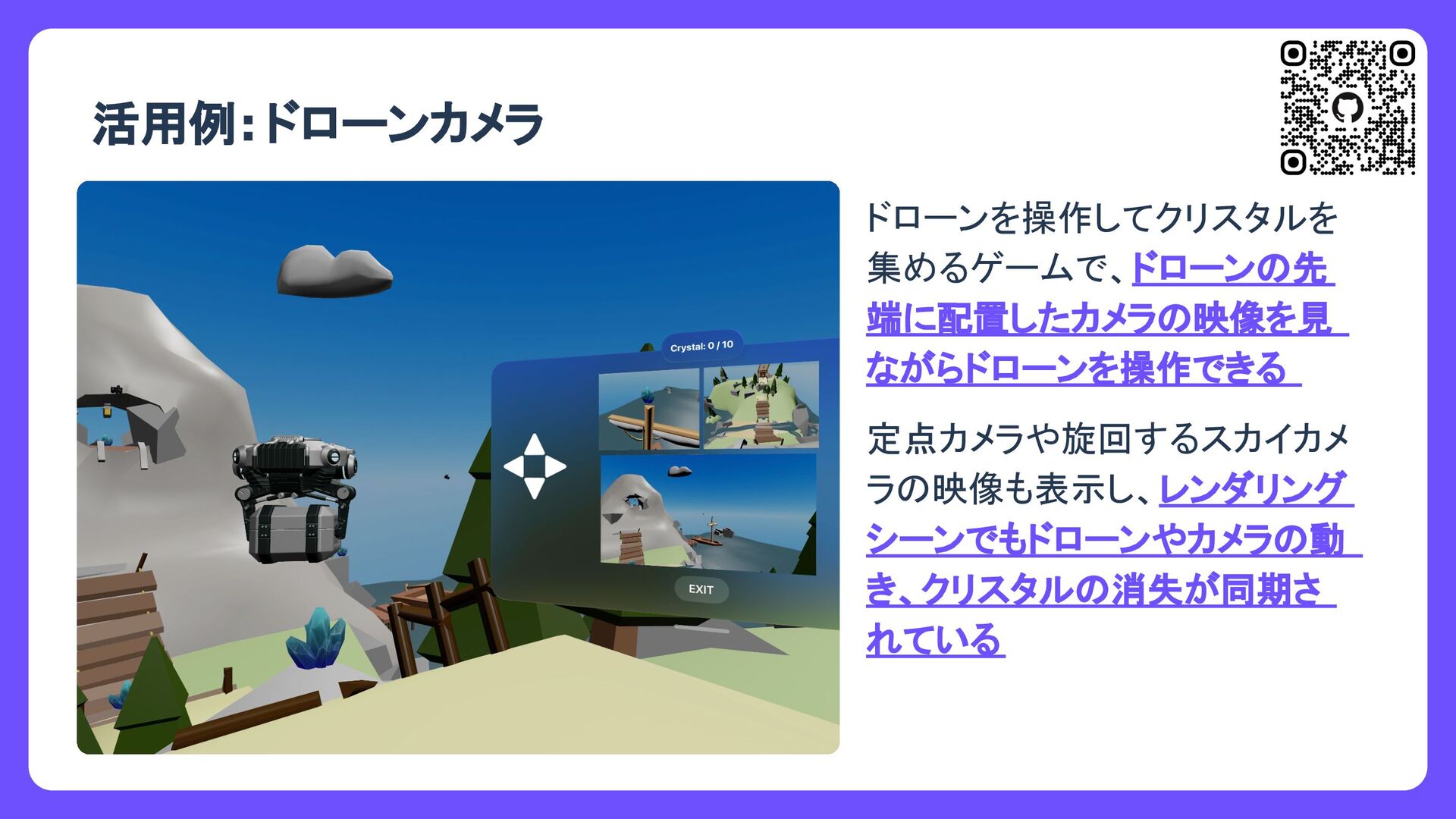
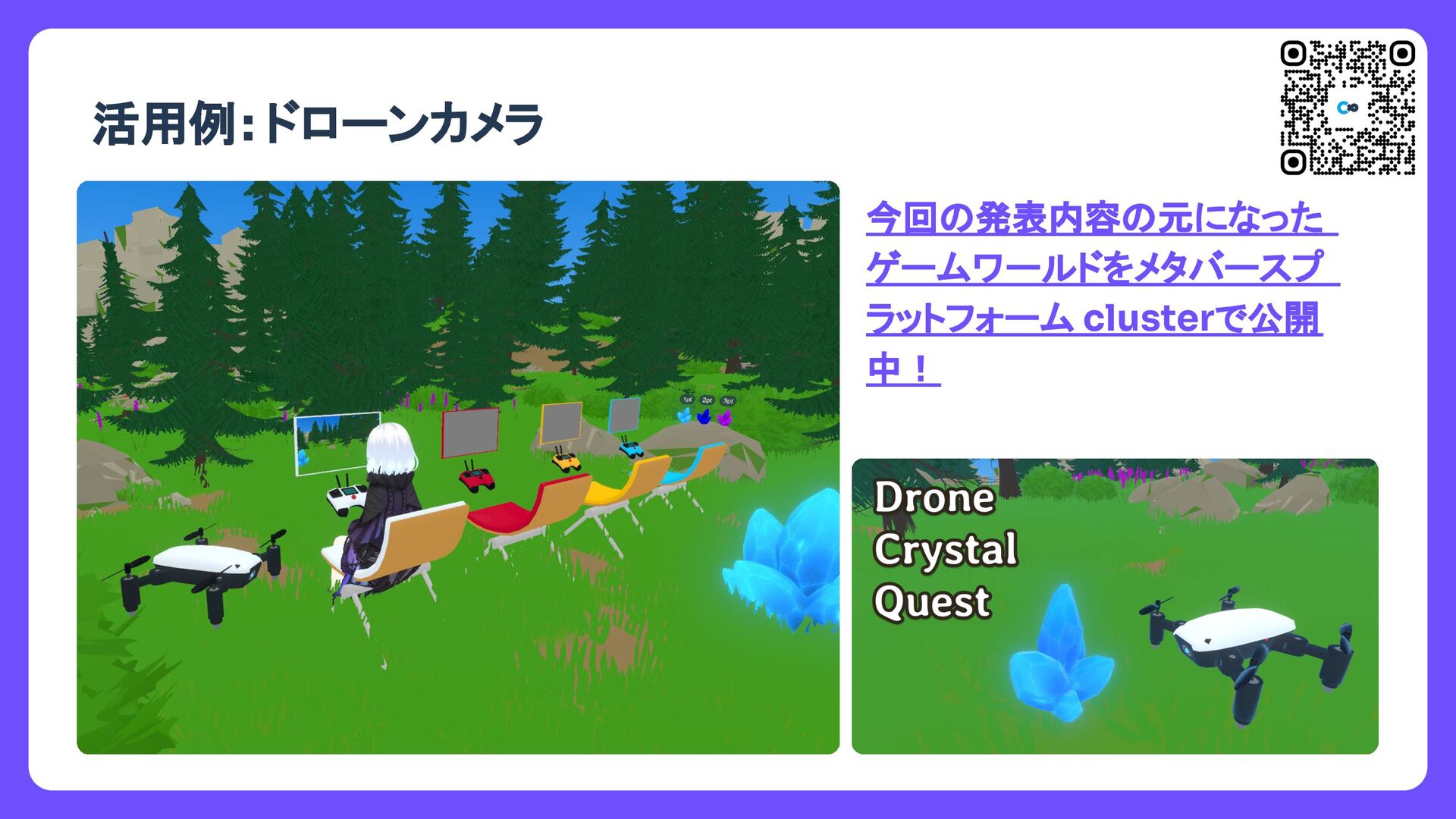
    Entity 同期も必要 • 複数カメラを切り替えながら、複数 カメラ映像も表示できる • 任意視点レンダリングを活用すれ 、ドローンカメラや定点カメラなど 面白 い体験を作れる
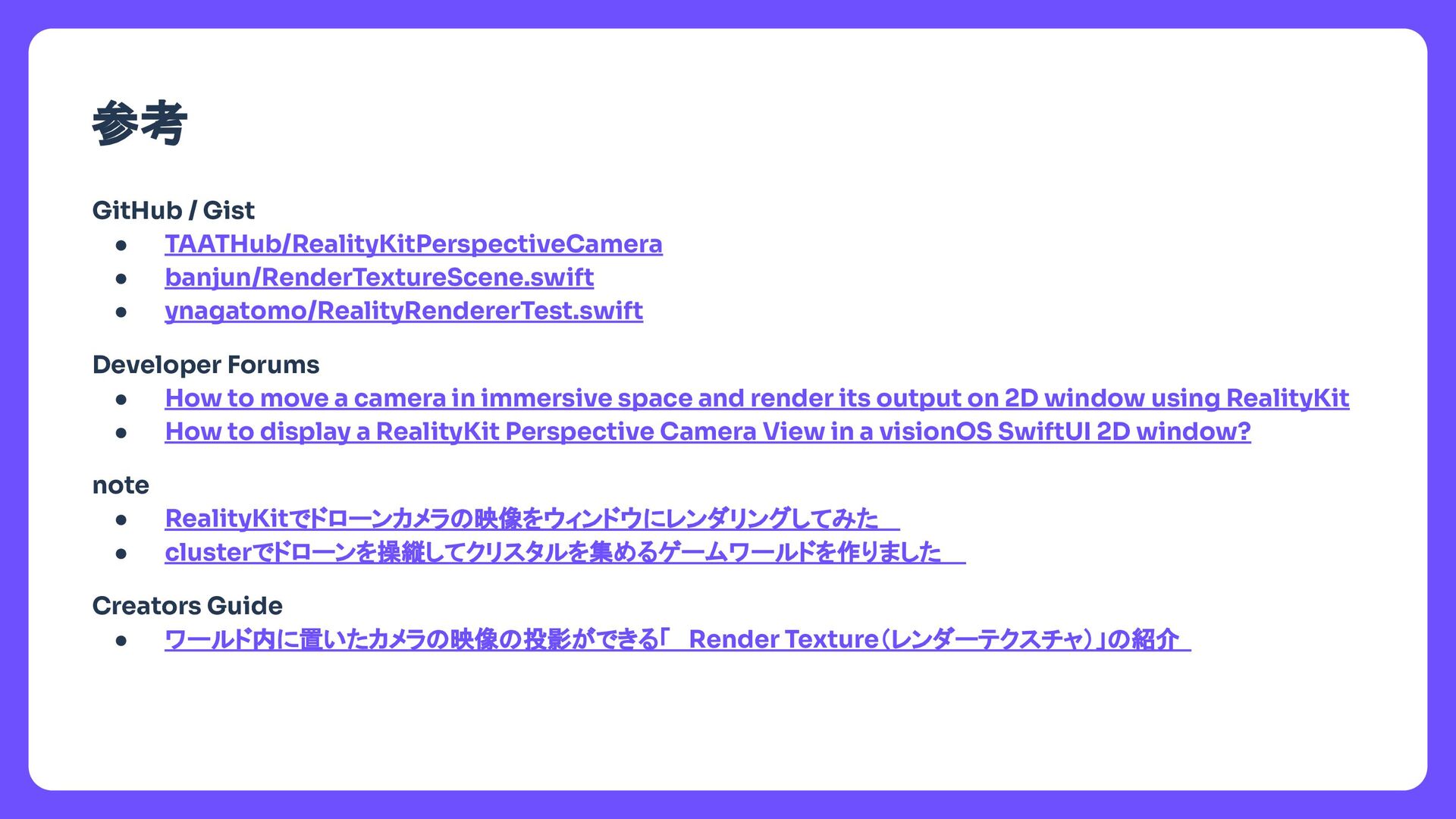
  12. タイトル 参考 GitHub / Gist • TAATHub/RealityKitPerspectiveCamera • banjun/RenderTextureScene.swift •

    ynagatomo/RealityRendererTest.swift Developer Forums • How to move a camera in immersive space and render its output on 2D window using RealityKit • How to display a RealityKit Perspective Camera View in a visionOS SwiftUI 2D window? note • RealityKitでドローンカメラ 映像をウィンドウにレンダリングしてみた • clusterでドローンを操縦してクリスタルを集めるゲームワールドを作りました Creators Guide • ワールド内に置いたカメラ 映像 投影ができる「 Render Texture(レンダーテクスチャ)」 紹介