How to Do a Technical SEO Audit: Trace One Finding

Share
Embed
How to Do a Technical SEO Audit: Trace One Finding
Learn how to do a technical SEO audit by tracing one finding from crawl evidence to a testable engineering ticket. This workshop deck covers scope, rendering, directives, HTTP behavior and post-deployment validation. Use this guide to practice how to do a technical SEO audit with your team: https://guaranteedseoservices.com/how-to-do-a-technical-seo-audit/?utm_source=speakerdeck&utm_medium=referral&utm_campaign=blog-how-to-do-a-technical-seo-audit

GuaranteedSEOServices
October 26, 2026
Transcript
22 slides
-
How to Do a Technical SEO Audit: Trace One Finding
to a Verified Fix A mechanism-first workshop for technical SEOs and developers: move from an unreproducible crawl report to evidence, a testable engineering ticket, and a verified deployment. GuaranteedSEOServices.com October 27, 2026 -
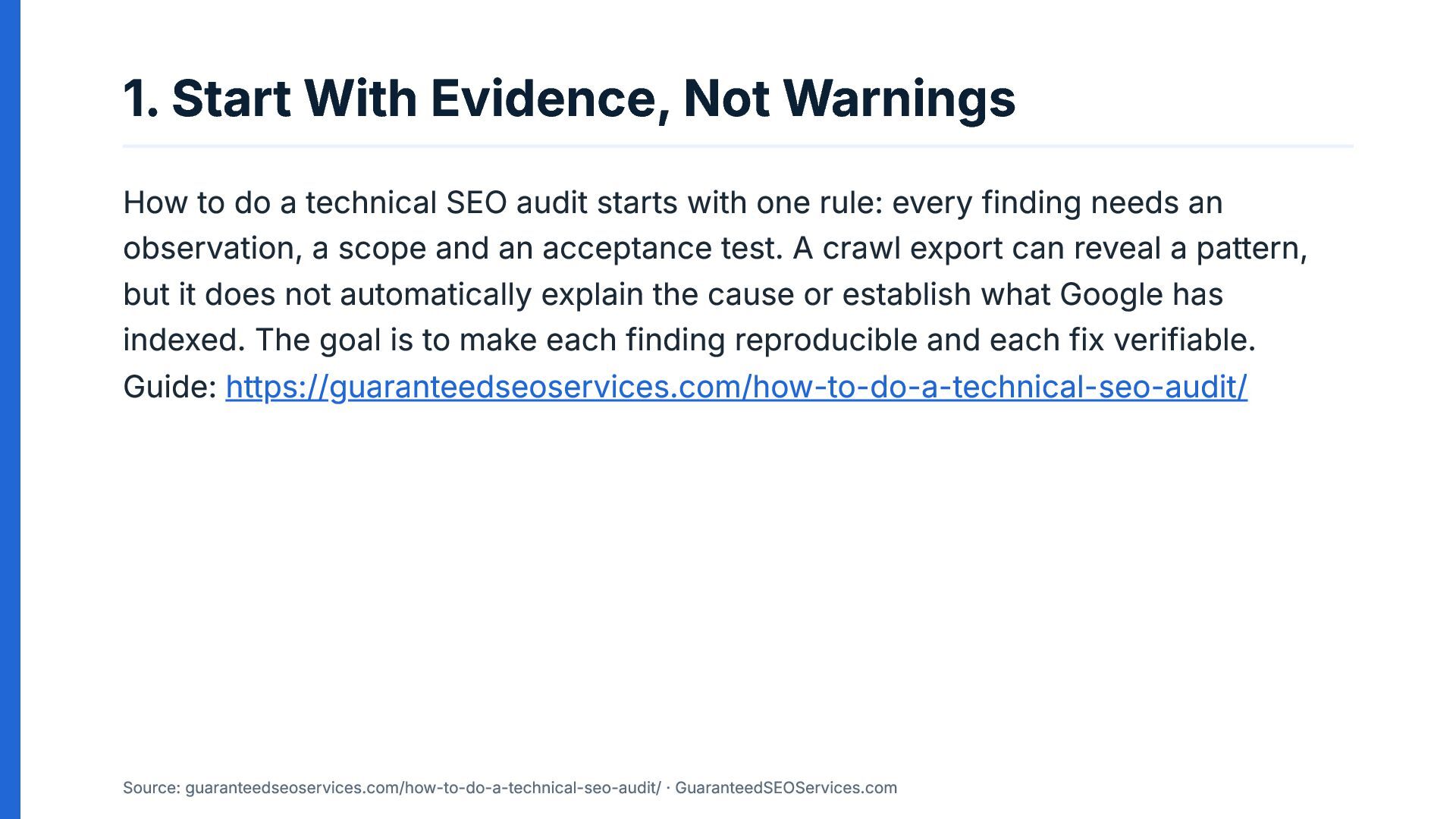
1. Start With Evidence, Not Warnings How to do a
technical SEO audit starts with one rule: every finding needs an observation, a scope and an acceptance test. A crawl export can reveal a pattern, but it does not automatically explain the cause or establish what Google has indexed. The goal is to make each finding reproducible and each fix verifiable. Guide: https://guaranteedseoservices.com/how-to-do-a-technical-seo-audit/ Source: guaranteedseoservices.com/how-to-do-a-technical-seo-audit/ · GuaranteedSEOServices.com -
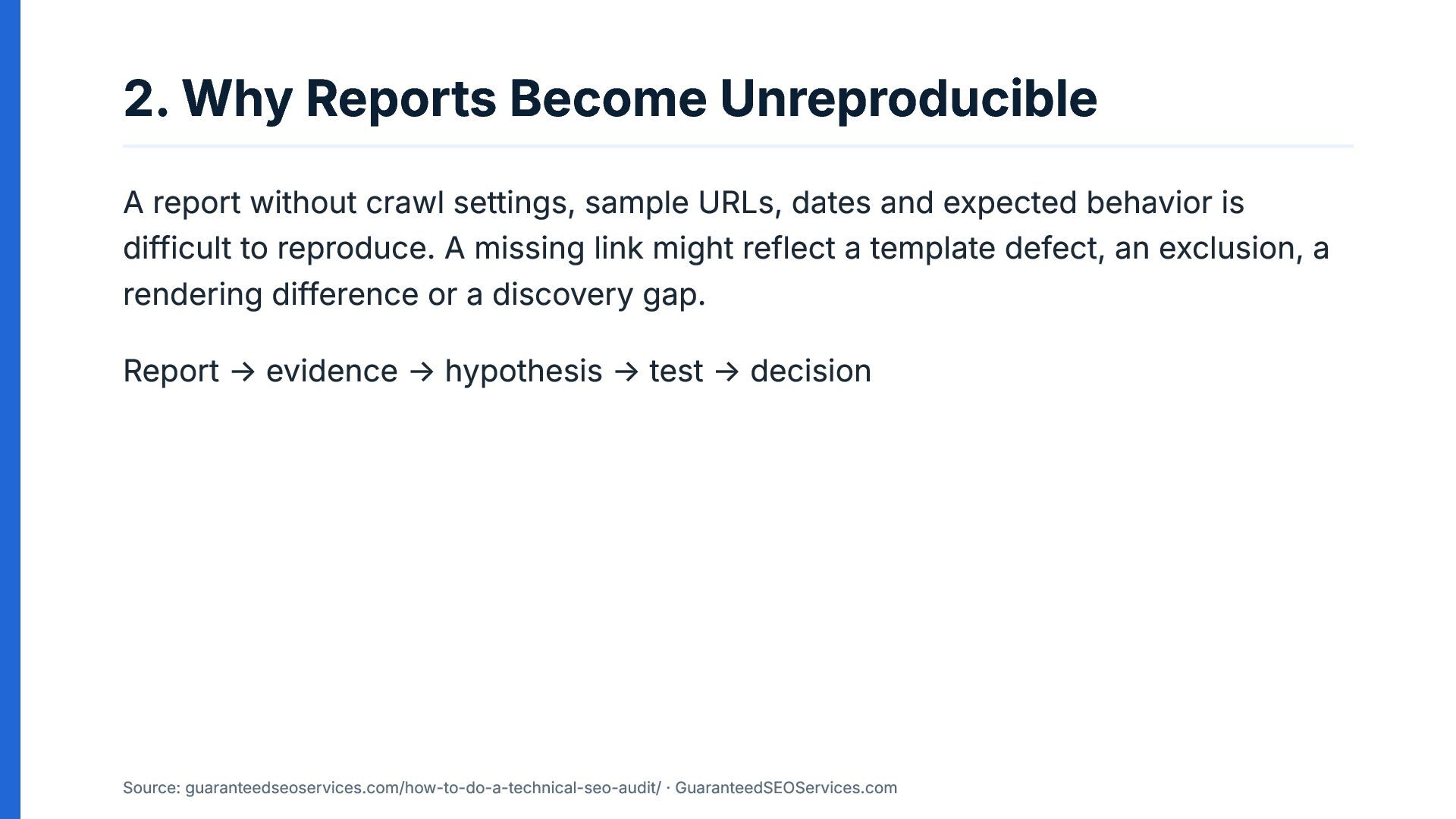
2. Why Reports Become Unreproducible A report without crawl settings,
sample URLs, dates and expected behavior is difficult to reproduce. A missing link might reflect a template defect, an exclusion, a rendering difference or a discovery gap. Report → evidence → hypothesis → test → decision Source: guaranteedseoservices.com/how-to-do-a-technical-seo-audit/ · GuaranteedSEOServices.com -
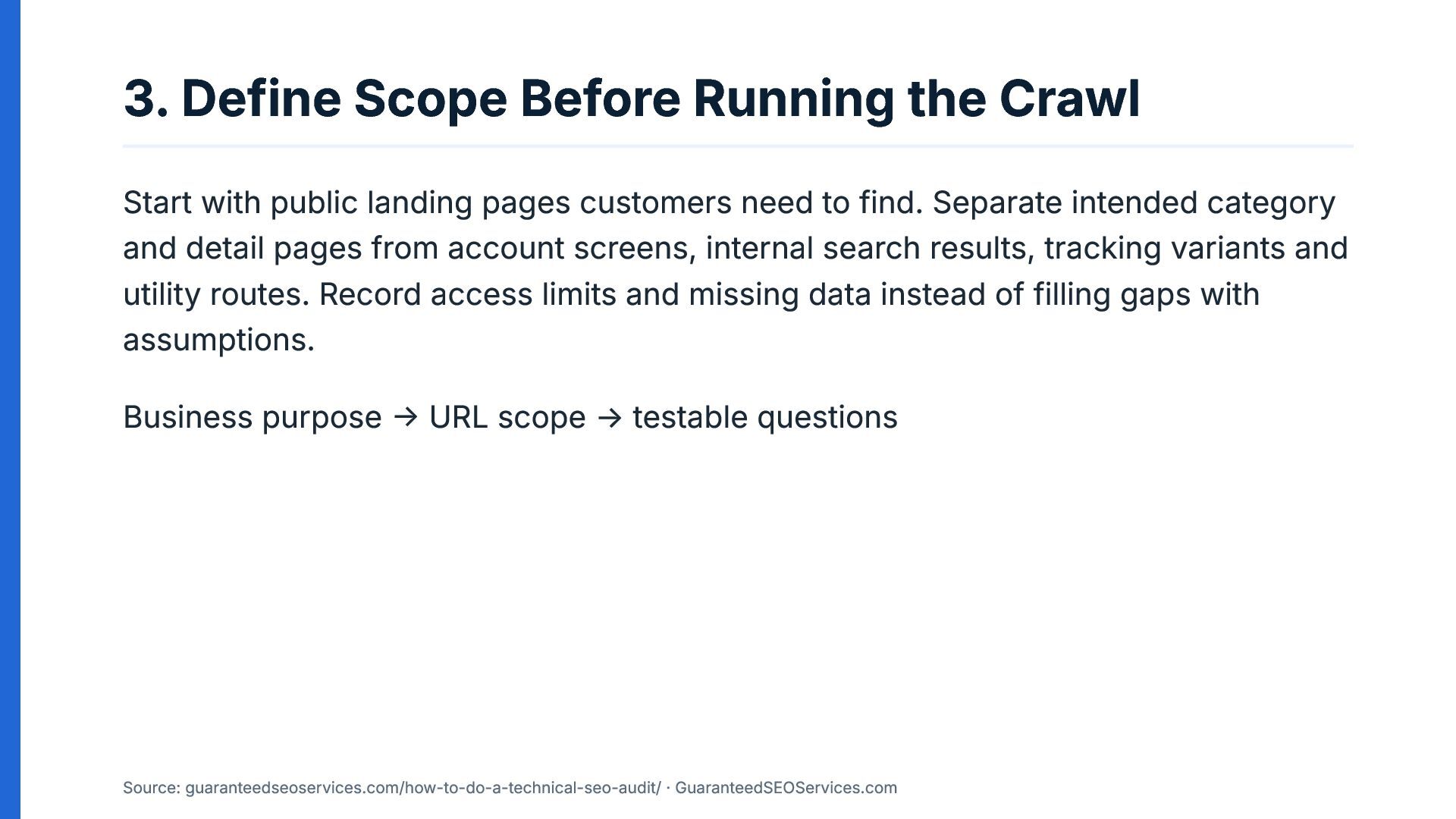
3. Define Scope Before Running the Crawl Start with public
landing pages customers need to find. Separate intended category and detail pages from account screens, internal search results, tracking variants and utility routes. Record access limits and missing data instead of filling gaps with assumptions. Business purpose → URL scope → testable questions Source: guaranteedseoservices.com/how-to-do-a-technical-seo-audit/ · GuaranteedSEOServices.com -
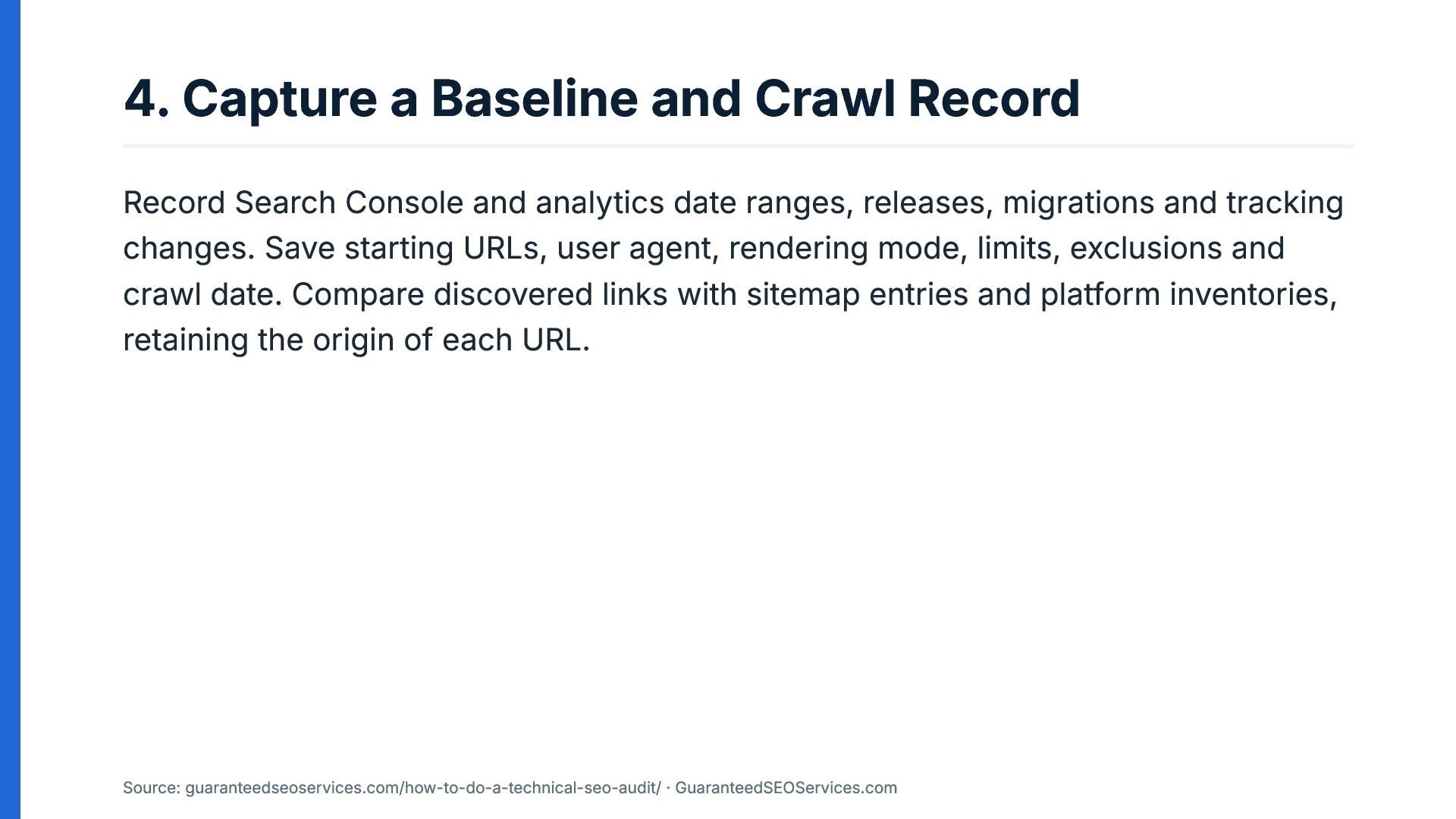
4. Capture a Baseline and Crawl Record Record Search Console
and analytics date ranges, releases, migrations and tracking changes. Save starting URLs, user agent, rendering mode, limits, exclusions and crawl date. Compare discovered links with sitemap entries and platform inventories, retaining the origin of each URL. Source: guaranteedseoservices.com/how-to-do-a-technical-seo-audit/ · GuaranteedSEOServices.com -
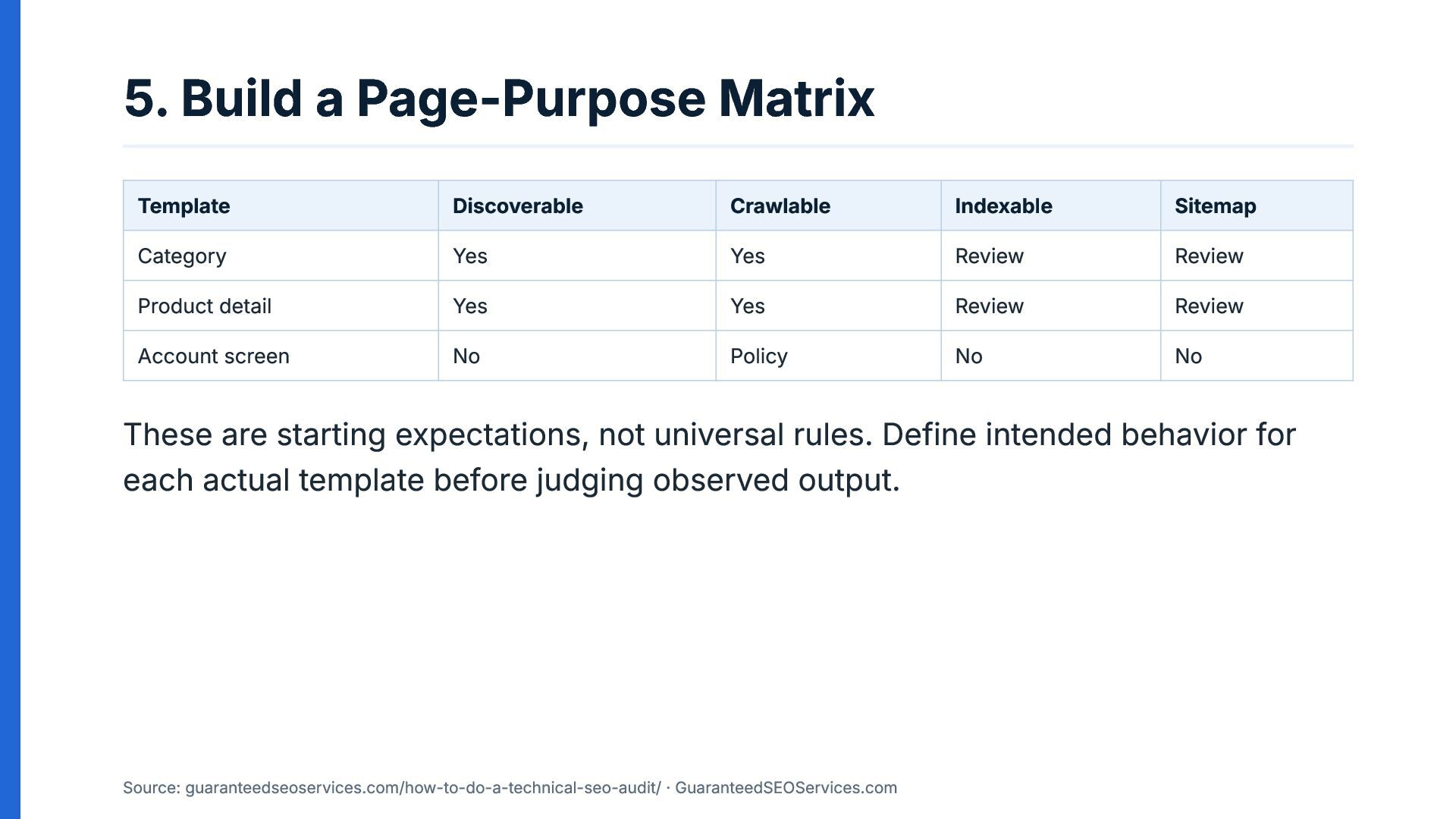
5. Build a Page-Purpose Matrix Template Discoverable Crawlable Indexable Sitemap
Category Yes Yes Review Review Product detail Yes Yes Review Review Account screen No Policy No No These are starting expectations, not universal rules. Define intended behavior for each actual template before judging observed output. Source: guaranteedseoservices.com/how-to-do-a-technical-seo-audit/ · GuaranteedSEOServices.com -
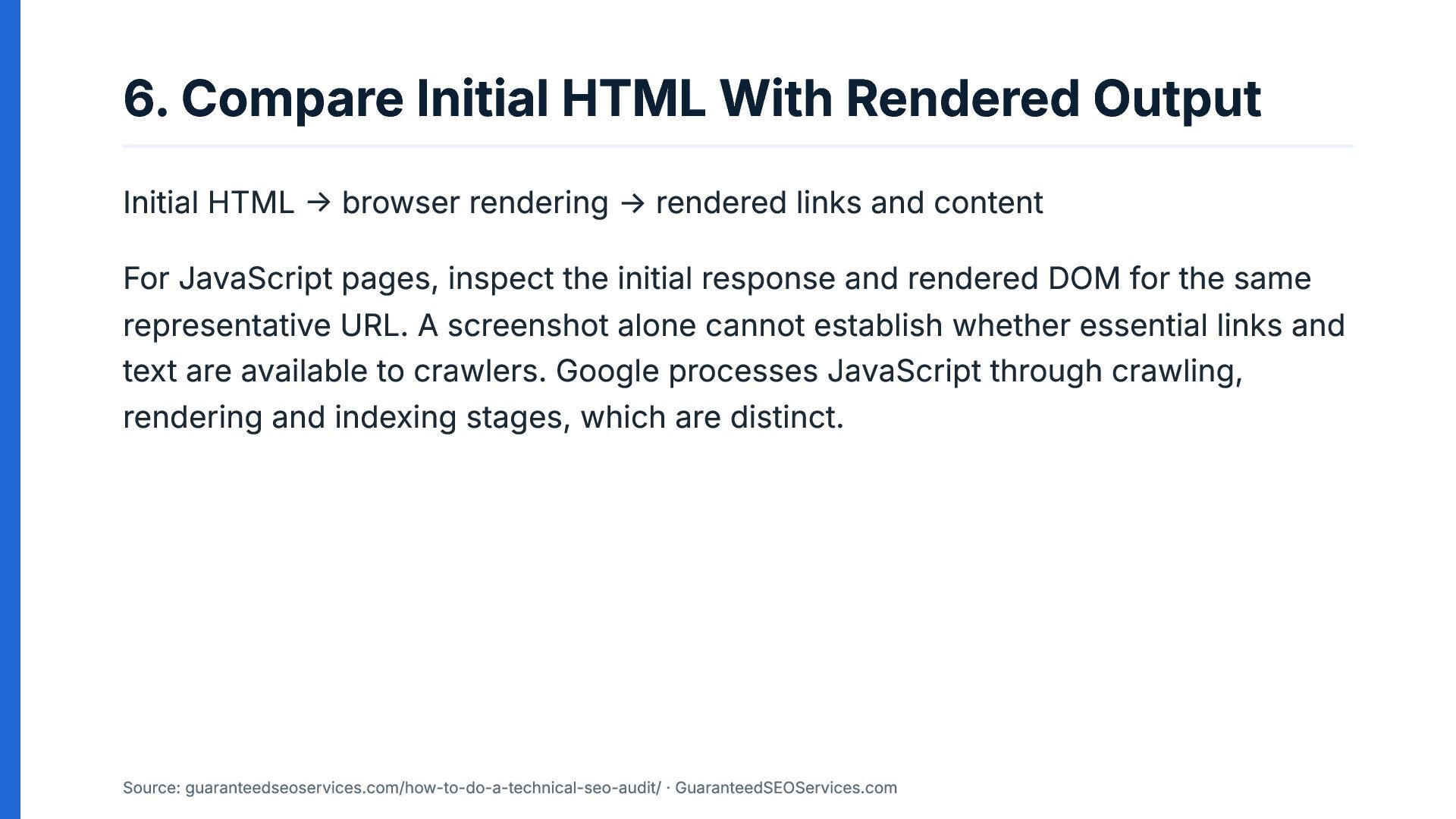
6. Compare Initial HTML With Rendered Output Initial HTML →
browser rendering → rendered links and content For JavaScript pages, inspect the initial response and rendered DOM for the same representative URL. A screenshot alone cannot establish whether essential links and text are available to crawlers. Google processes JavaScript through crawling, rendering and indexing stages, which are distinct. Source: guaranteedseoservices.com/how-to-do-a-technical-seo-audit/ · GuaranteedSEOServices.com -
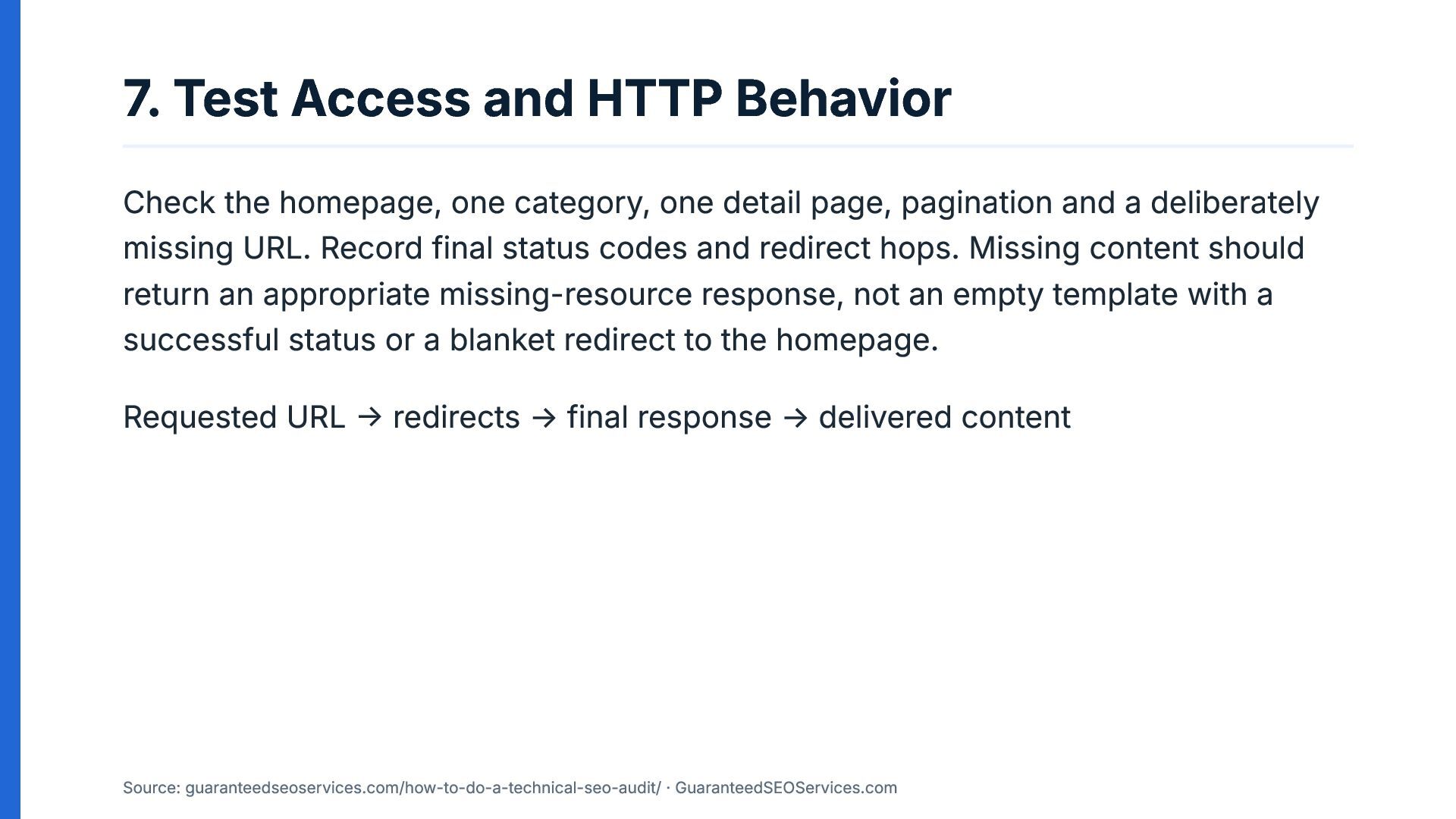
7. Test Access and HTTP Behavior Check the homepage, one
category, one detail page, pagination and a deliberately missing URL. Record final status codes and redirect hops. Missing content should return an appropriate missing-resource response, not an empty template with a successful status or a blanket redirect to the homepage. Requested URL → redirects → final response → delivered content Source: guaranteedseoservices.com/how-to-do-a-technical-seo-audit/ · GuaranteedSEOServices.com -
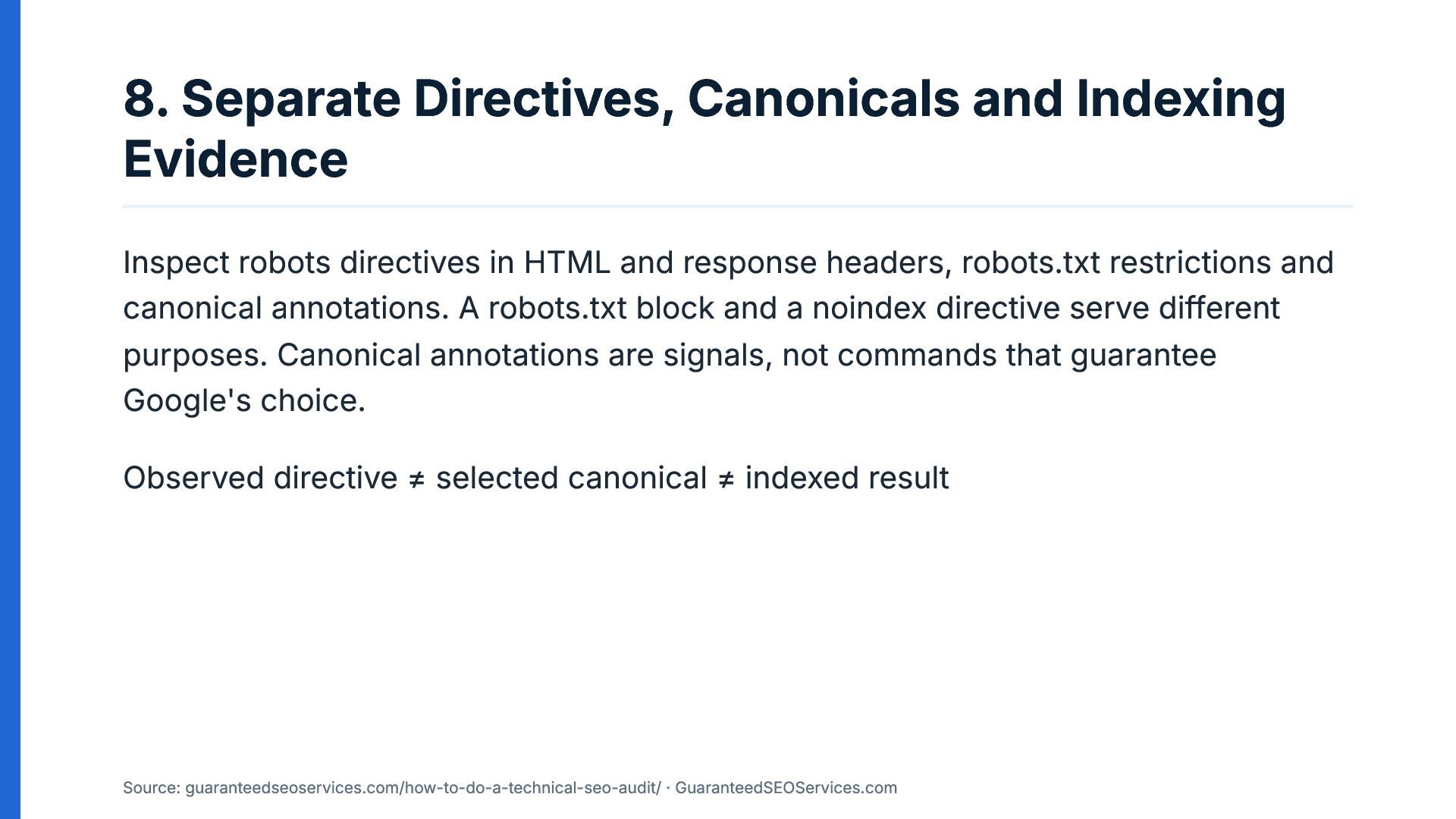
8. Separate Directives, Canonicals and Indexing Evidence Inspect robots directives
in HTML and response headers, robots.txt restrictions and canonical annotations. A robots.txt block and a noindex directive serve different purposes. Canonical annotations are signals, not commands that guarantee Google's choice. Observed directive ≠ selected canonical ≠ indexed result Source: guaranteedseoservices.com/how-to-do-a-technical-seo-audit/ · GuaranteedSEOServices.com -
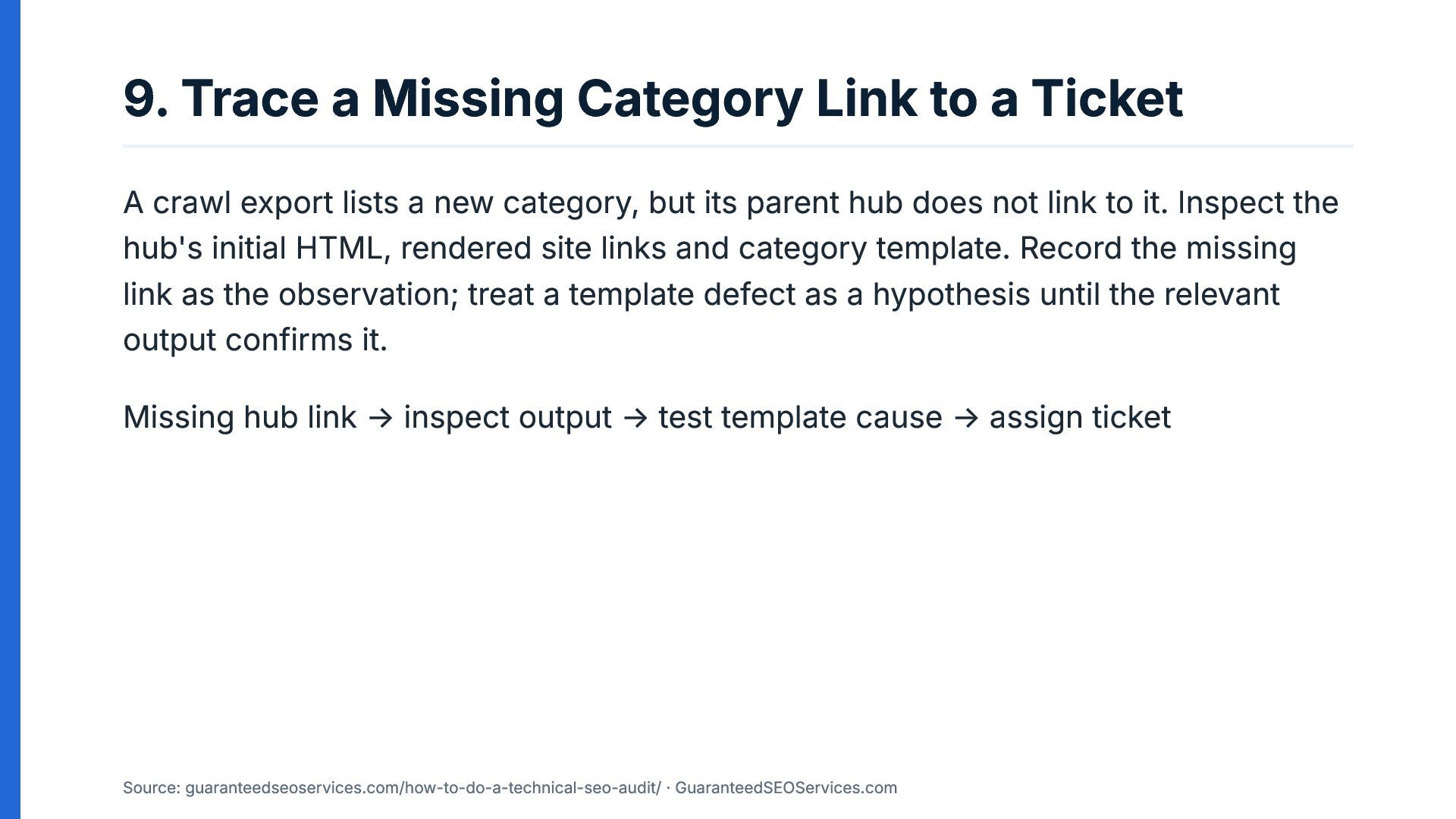
9. Trace a Missing Category Link to a Ticket A
crawl export lists a new category, but its parent hub does not link to it. Inspect the hub's initial HTML, rendered site links and category template. Record the missing link as the observation; treat a template defect as a hypothesis until the relevant output confirms it. Missing hub link → inspect output → test template cause → assign ticket Source: guaranteedseoservices.com/how-to-do-a-technical-seo-audit/ · GuaranteedSEOServices.com -
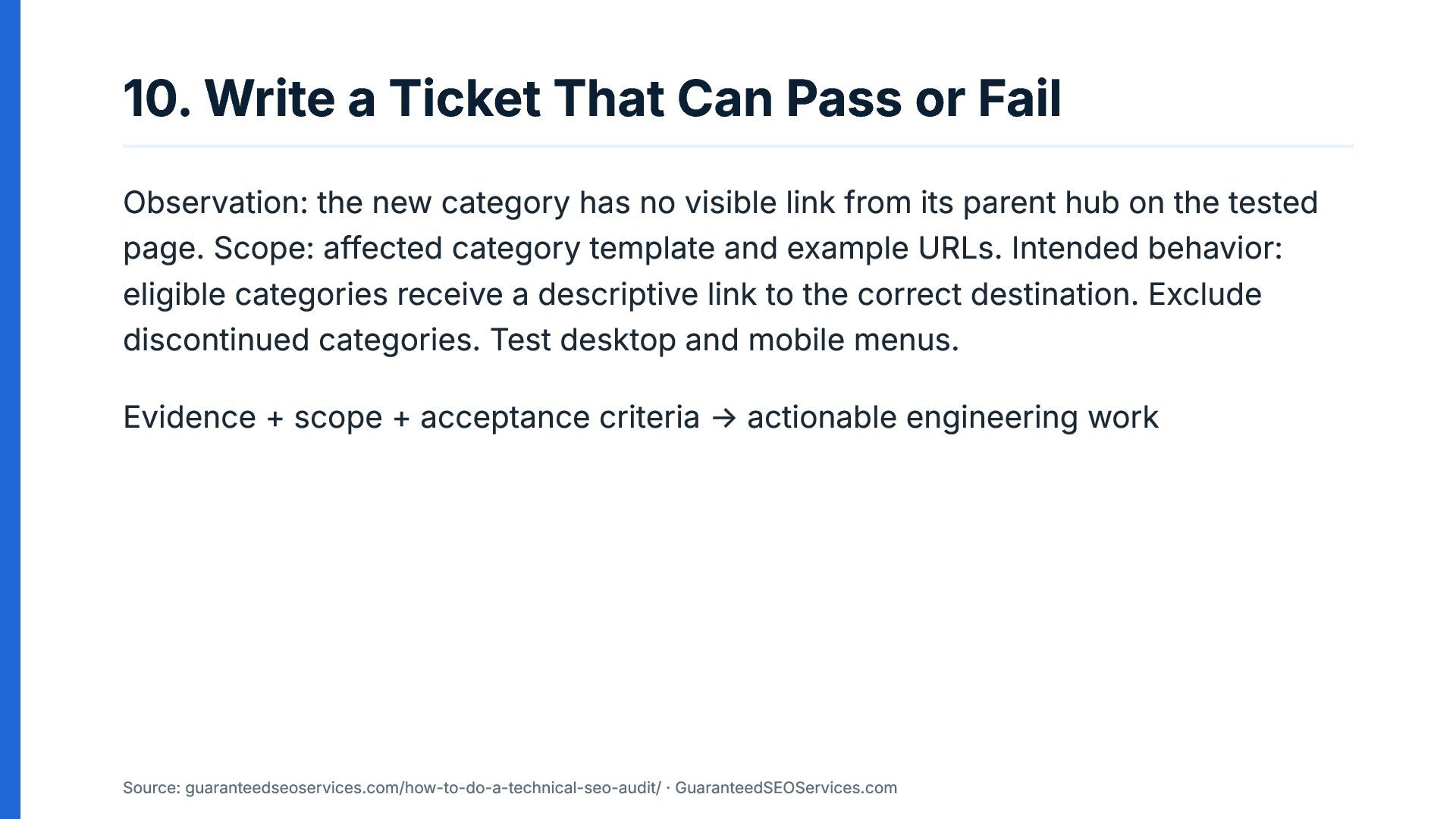
10. Write a Ticket That Can Pass or Fail Observation:
the new category has no visible link from its parent hub on the tested page. Scope: affected category template and example URLs. Intended behavior: eligible categories receive a descriptive link to the correct destination. Exclude discontinued categories. Test desktop and mobile menus. Evidence + scope + acceptance criteria → actionable engineering work Source: guaranteedseoservices.com/how-to-do-a-technical-seo-audit/ · GuaranteedSEOServices.com -
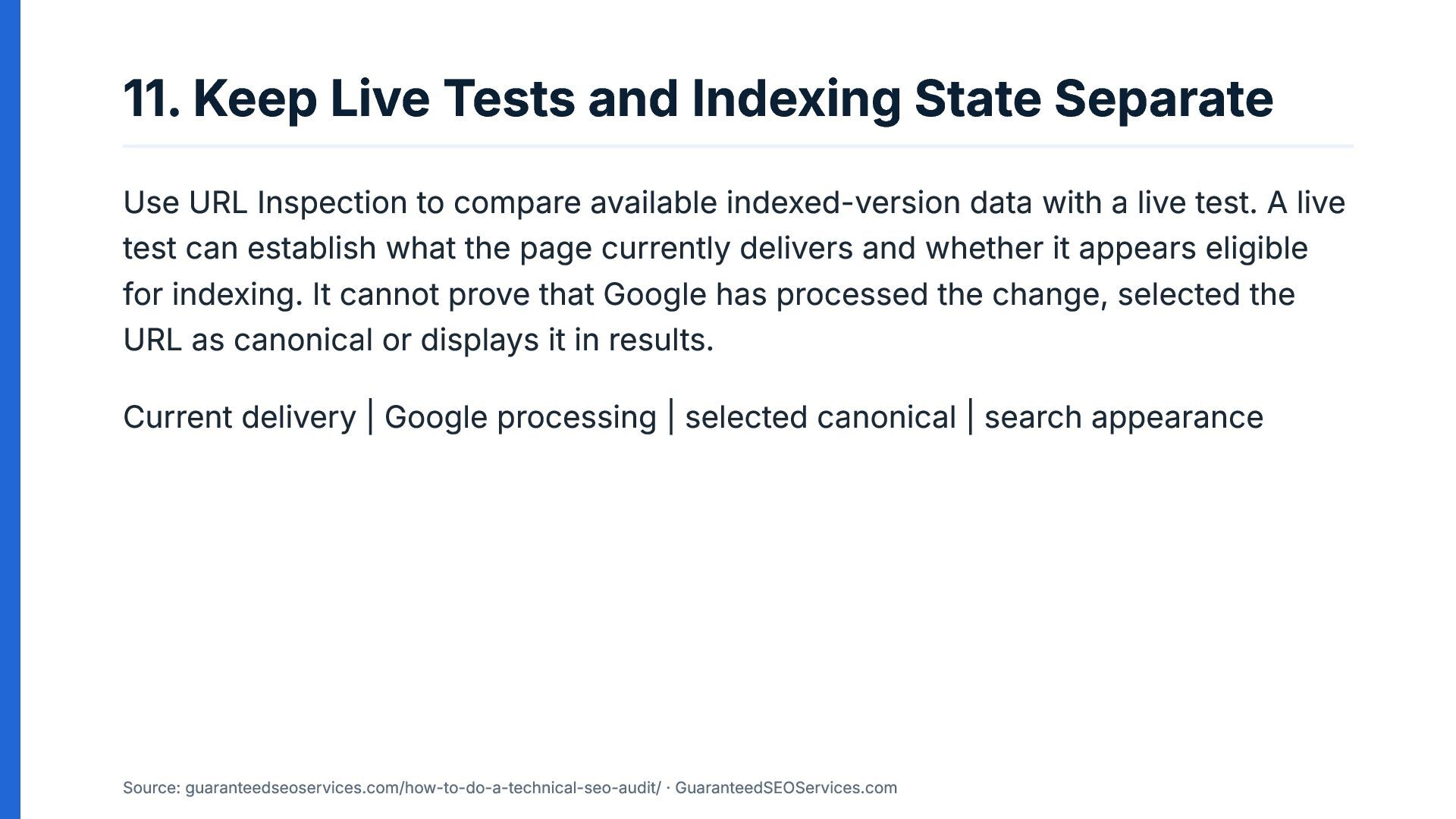
11. Keep Live Tests and Indexing State Separate Use URL
Inspection to compare available indexed-version data with a live test. A live test can establish what the page currently delivers and whether it appears eligible for indexing. It cannot prove that Google has processed the change, selected the URL as canonical or displays it in results. Current delivery | Google processing | selected canonical | search appearance Source: guaranteedseoservices.com/how-to-do-a-technical-seo-audit/ · GuaranteedSEOServices.com -
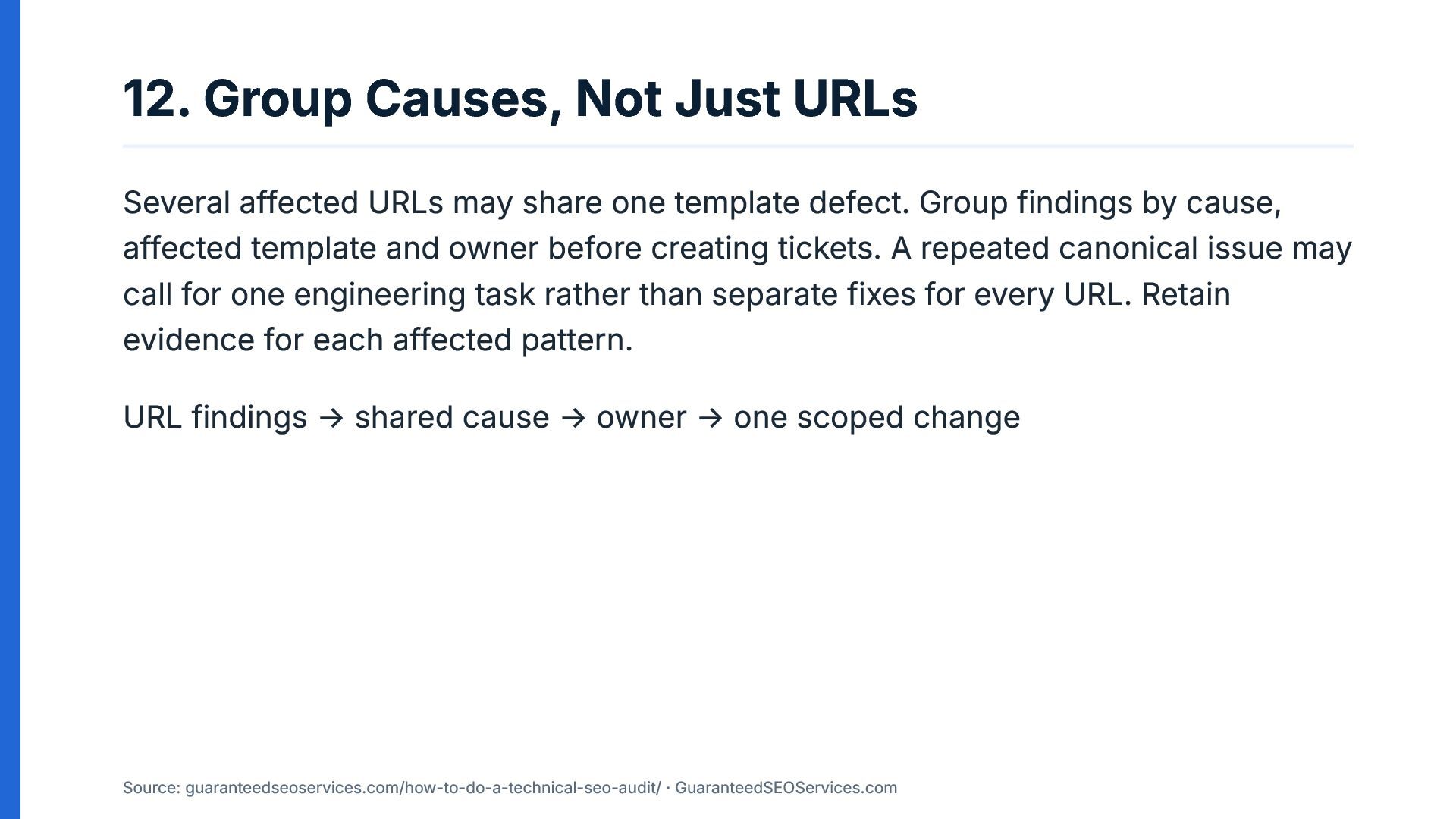
12. Group Causes, Not Just URLs Several affected URLs may
share one template defect. Group findings by cause, affected template and owner before creating tickets. A repeated canonical issue may call for one engineering task rather than separate fixes for every URL. Retain evidence for each affected pattern. URL findings → shared cause → owner → one scoped change Source: guaranteedseoservices.com/how-to-do-a-technical-seo-audit/ · GuaranteedSEOServices.com -
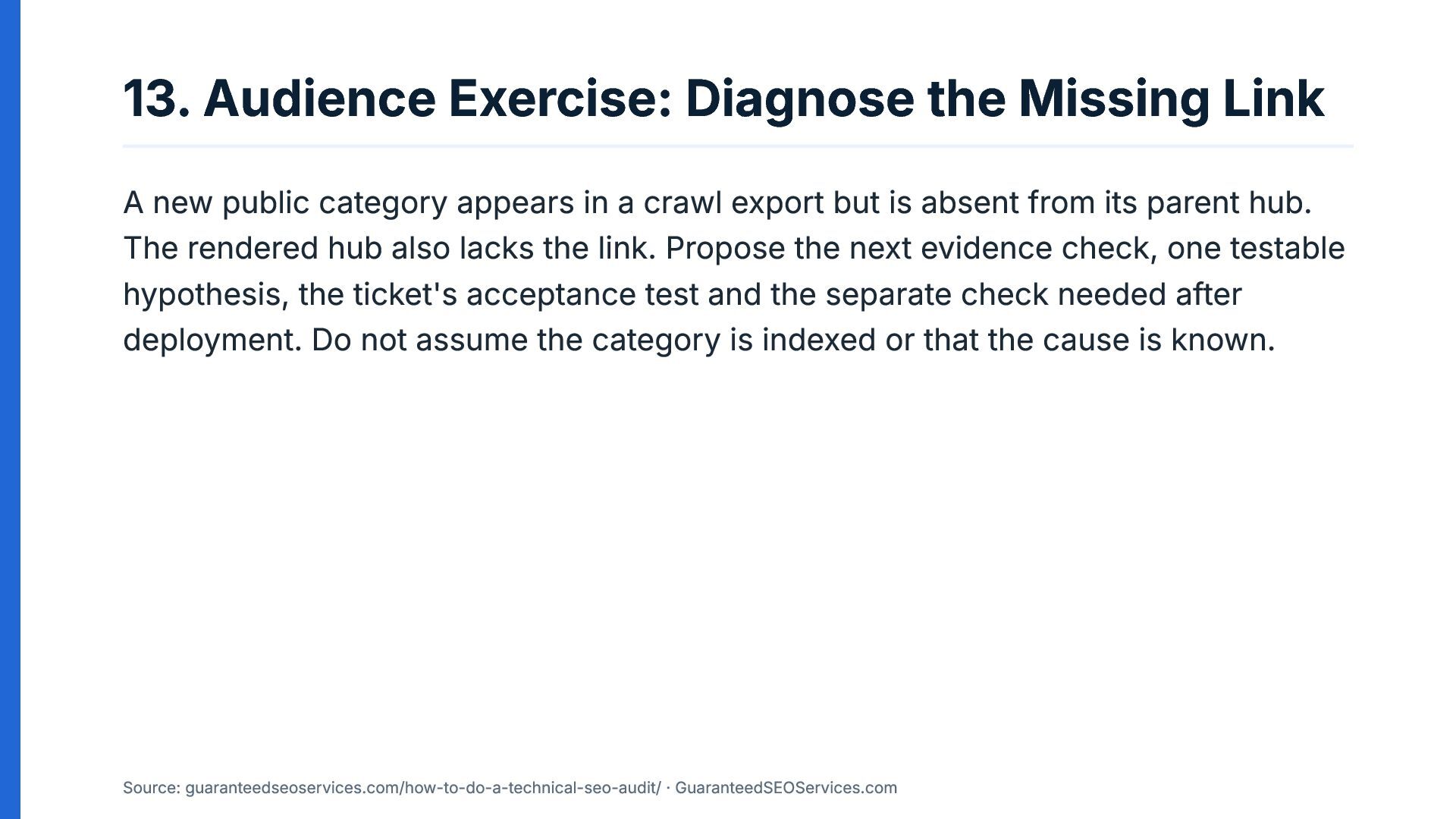
13. Audience Exercise: Diagnose the Missing Link A new public
category appears in a crawl export but is absent from its parent hub. The rendered hub also lacks the link. Propose the next evidence check, one testable hypothesis, the ticket's acceptance test and the separate check needed after deployment. Do not assume the category is indexed or that the cause is known. Source: guaranteedseoservices.com/how-to-do-a-technical-seo-audit/ · GuaranteedSEOServices.com -
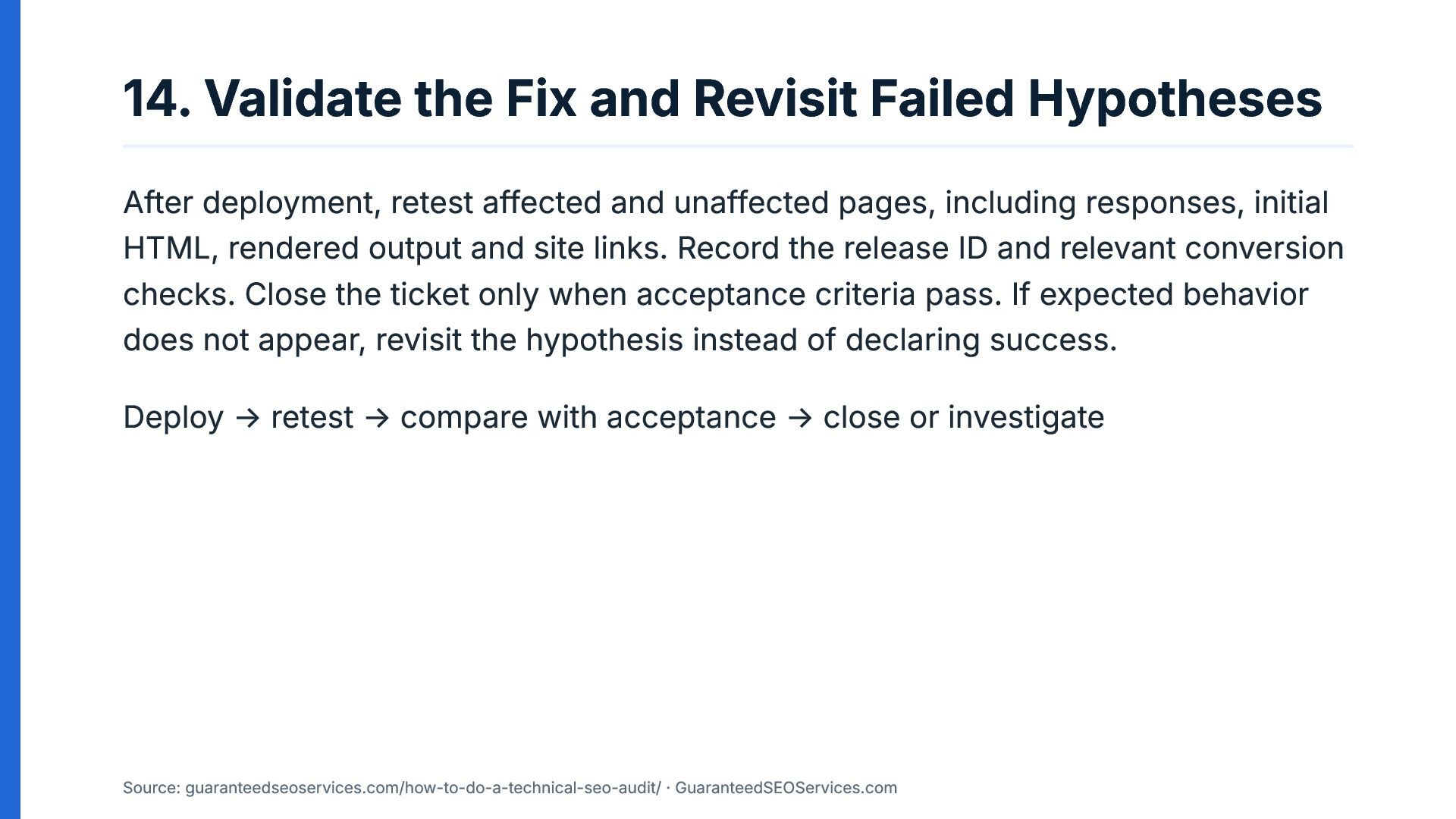
14. Validate the Fix and Revisit Failed Hypotheses After deployment,
retest affected and unaffected pages, including responses, initial HTML, rendered output and site links. Record the release ID and relevant conversion checks. Close the ticket only when acceptance criteria pass. If expected behavior does not appear, revisit the hypothesis instead of declaring success. Deploy → retest → compare with acceptance → close or investigate Source: guaranteedseoservices.com/how-to-do-a-technical-seo-audit/ · GuaranteedSEOServices.com -
15. How to Do a Technical SEO Audit With Your
Team Try the workshop exercise with your team: choose one representative template, reproduce one finding and write a ticket with a measurable acceptance test. Keep current delivery separate from Google's indexing decisions. Guide: https://guaranteedseoservices.com/how-to-do-a-technical-seo-audit/ Primary sources: Google documentation on JavaScript SEO, HTTP status codes, canonical URLs, URL Inspection and verifying Google requests. Source: guaranteedseoservices.com/how-to-do-a-technical-seo-audit/ · GuaranteedSEOServices.com -
Speaker Notes Slide 1 Open by asking what makes a
technical SEO finding useful to a developer. It is not the number of warnings in an export, but whether someone else can reproduce the observation and test the proposed change. Introduce the three required parts: observation, scope and acceptance test. Explain that the workshop follows one finding from discovery to deployment rather than treating an audit as a list of scores. Slide 2 Show how a crawl report can identify a missing link without proving why it is missing. The crawl may have excluded a URL, missed a rendered link or exposed a genuine template defect. These possibilities are hypotheses until tested against the relevant evidence. The sequence on the slide gives the team a shared method for distinguishing observations from questions that still need investigation. Slide 3 Ask the audience which pages the business actually wants customers to discover. Create a scope list before running tools, separating public landing pages from account screens, internal search results, tracking variants and utility routes. Document access restrictions and unavailable logs because these limitations affect the conclusions that can be drawn. A clear scope prevents irrelevant URLs from becoming accidental requirements. Slide 4 -
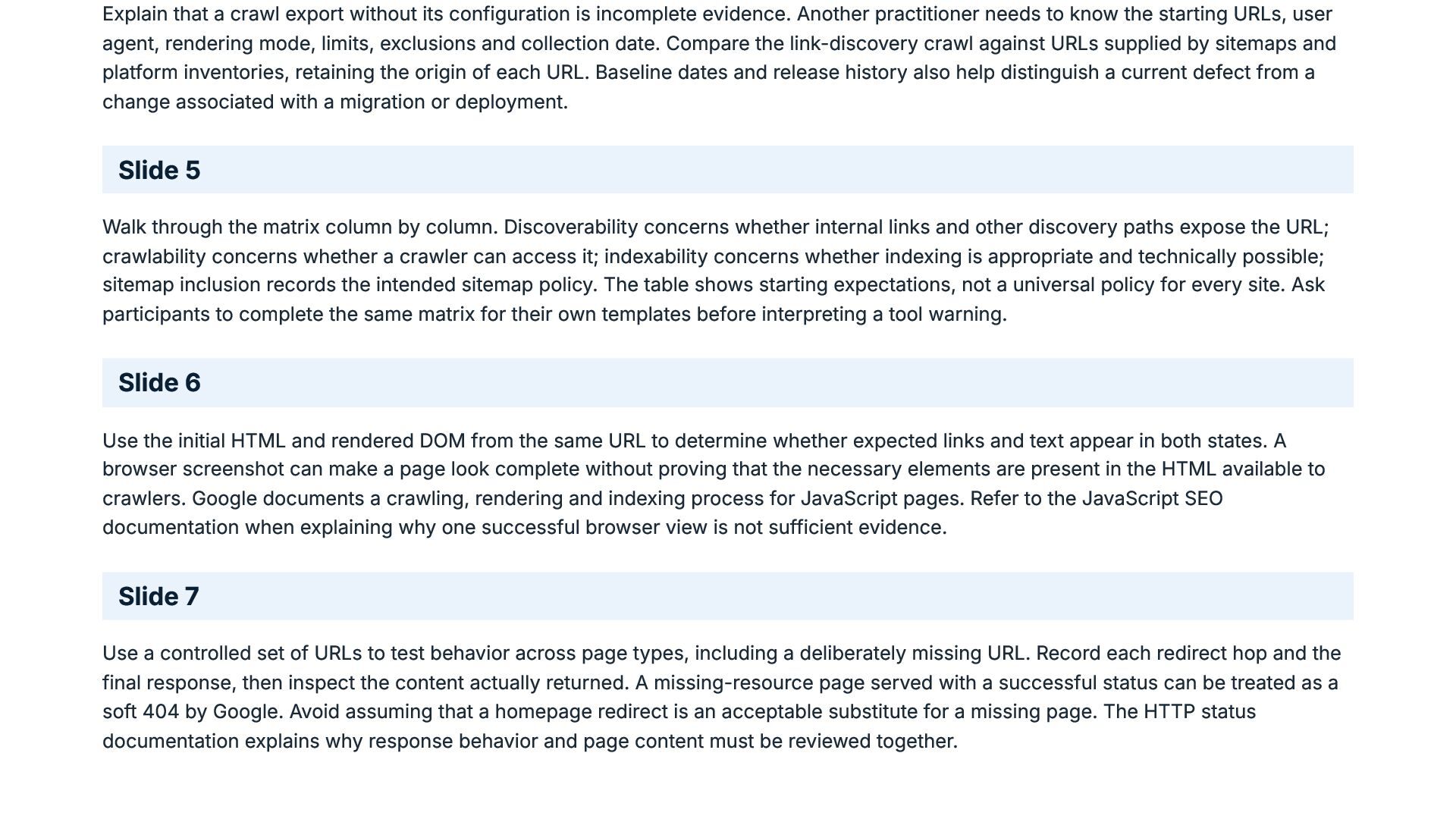
Explain that a crawl export without its configuration is incomplete
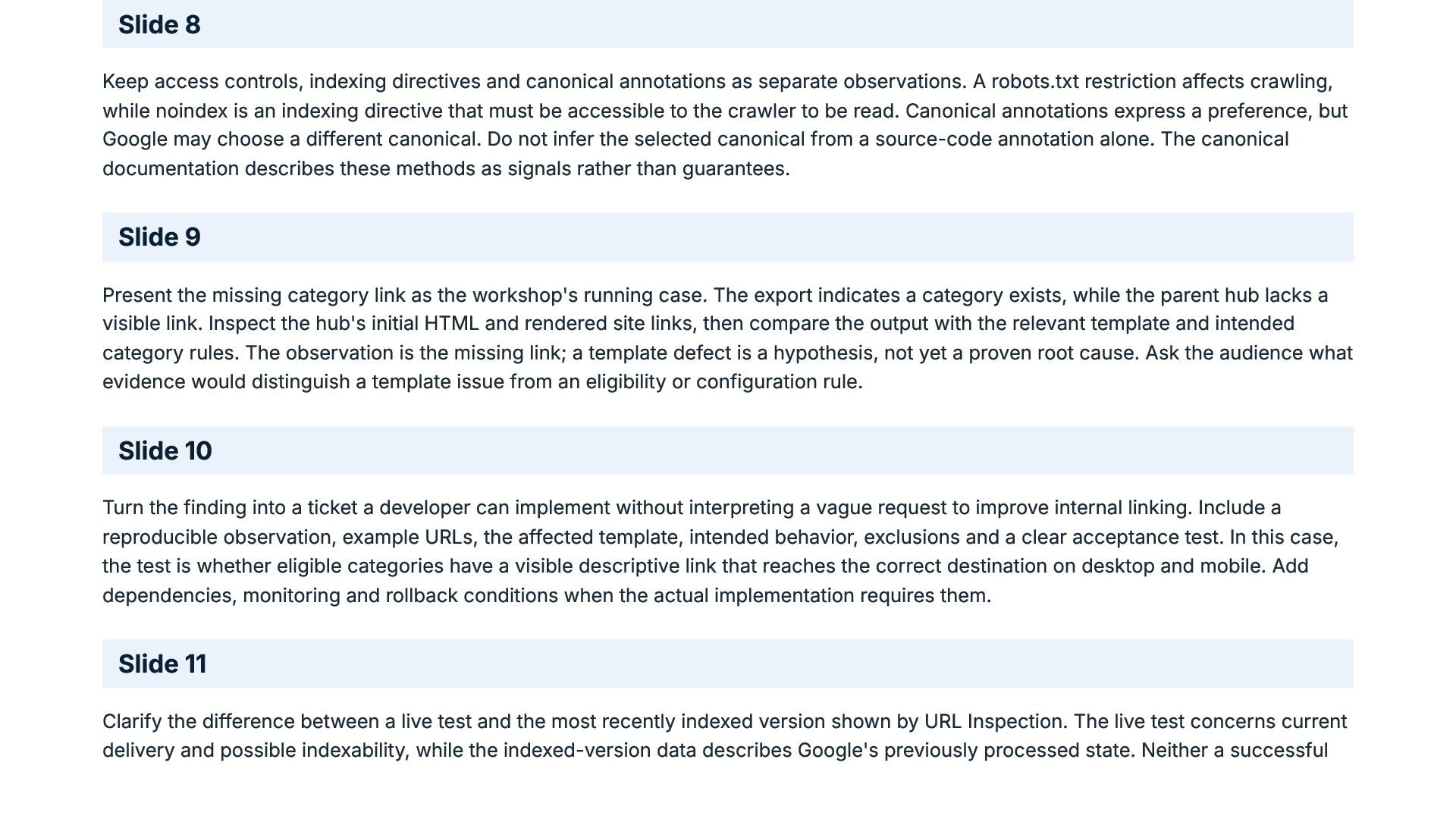
evidence. Another practitioner needs to know the starting URLs, user agent, rendering mode, limits, exclusions and collection date. Compare the link-discovery crawl against URLs supplied by sitemaps and platform inventories, retaining the origin of each URL. Baseline dates and release history also help distinguish a current defect from a change associated with a migration or deployment. Slide 5 Walk through the matrix column by column. Discoverability concerns whether internal links and other discovery paths expose the URL; crawlability concerns whether a crawler can access it; indexability concerns whether indexing is appropriate and technically possible; sitemap inclusion records the intended sitemap policy. The table shows starting expectations, not a universal policy for every site. Ask participants to complete the same matrix for their own templates before interpreting a tool warning. Slide 6 Use the initial HTML and rendered DOM from the same URL to determine whether expected links and text appear in both states. A browser screenshot can make a page look complete without proving that the necessary elements are present in the HTML available to crawlers. Google documents a crawling, rendering and indexing process for JavaScript pages. Refer to the JavaScript SEO documentation when explaining why one successful browser view is not sufficient evidence. Slide 7 Use a controlled set of URLs to test behavior across page types, including a deliberately missing URL. Record each redirect hop and the final response, then inspect the content actually returned. A missing-resource page served with a successful status can be treated as a soft 404 by Google. Avoid assuming that a homepage redirect is an acceptable substitute for a missing page. The HTTP status documentation explains why response behavior and page content must be reviewed together. -
Slide 8 Keep access controls, indexing directives and canonical annotations
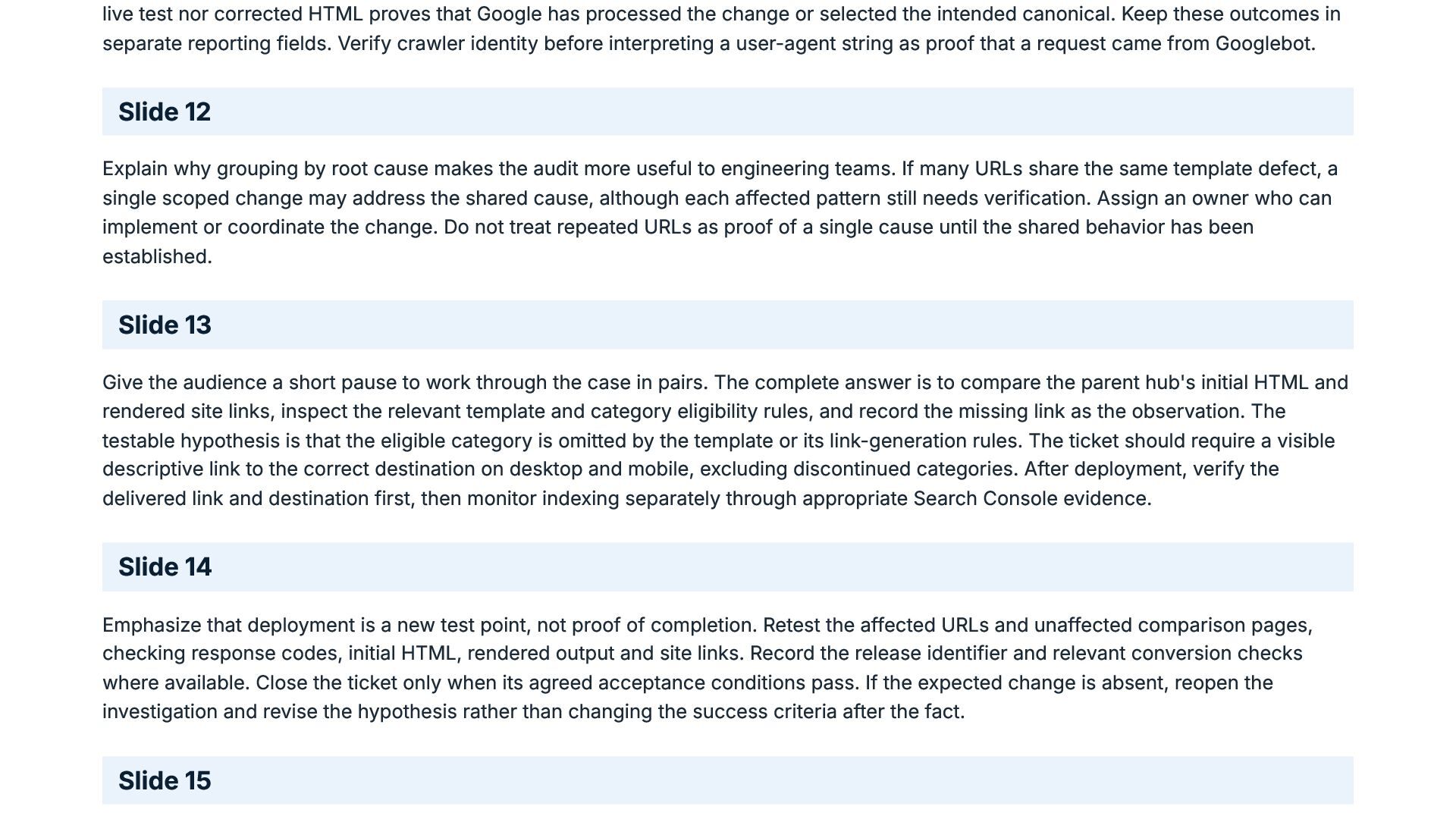
as separate observations. A robots.txt restriction affects crawling, while noindex is an indexing directive that must be accessible to the crawler to be read. Canonical annotations express a preference, but Google may choose a different canonical. Do not infer the selected canonical from a source-code annotation alone. The canonical documentation describes these methods as signals rather than guarantees. Slide 9 Present the missing category link as the workshop's running case. The export indicates a category exists, while the parent hub lacks a visible link. Inspect the hub's initial HTML and rendered site links, then compare the output with the relevant template and intended category rules. The observation is the missing link; a template defect is a hypothesis, not yet a proven root cause. Ask the audience what evidence would distinguish a template issue from an eligibility or configuration rule. Slide 10 Turn the finding into a ticket a developer can implement without interpreting a vague request to improve internal linking. Include a reproducible observation, example URLs, the affected template, intended behavior, exclusions and a clear acceptance test. In this case, the test is whether eligible categories have a visible descriptive link that reaches the correct destination on desktop and mobile. Add dependencies, monitoring and rollback conditions when the actual implementation requires them. Slide 11 Clarify the difference between a live test and the most recently indexed version shown by URL Inspection. The live test concerns current delivery and possible indexability, while the indexed-version data describes Google's previously processed state. Neither a successful -
live test nor corrected HTML proves that Google has processed
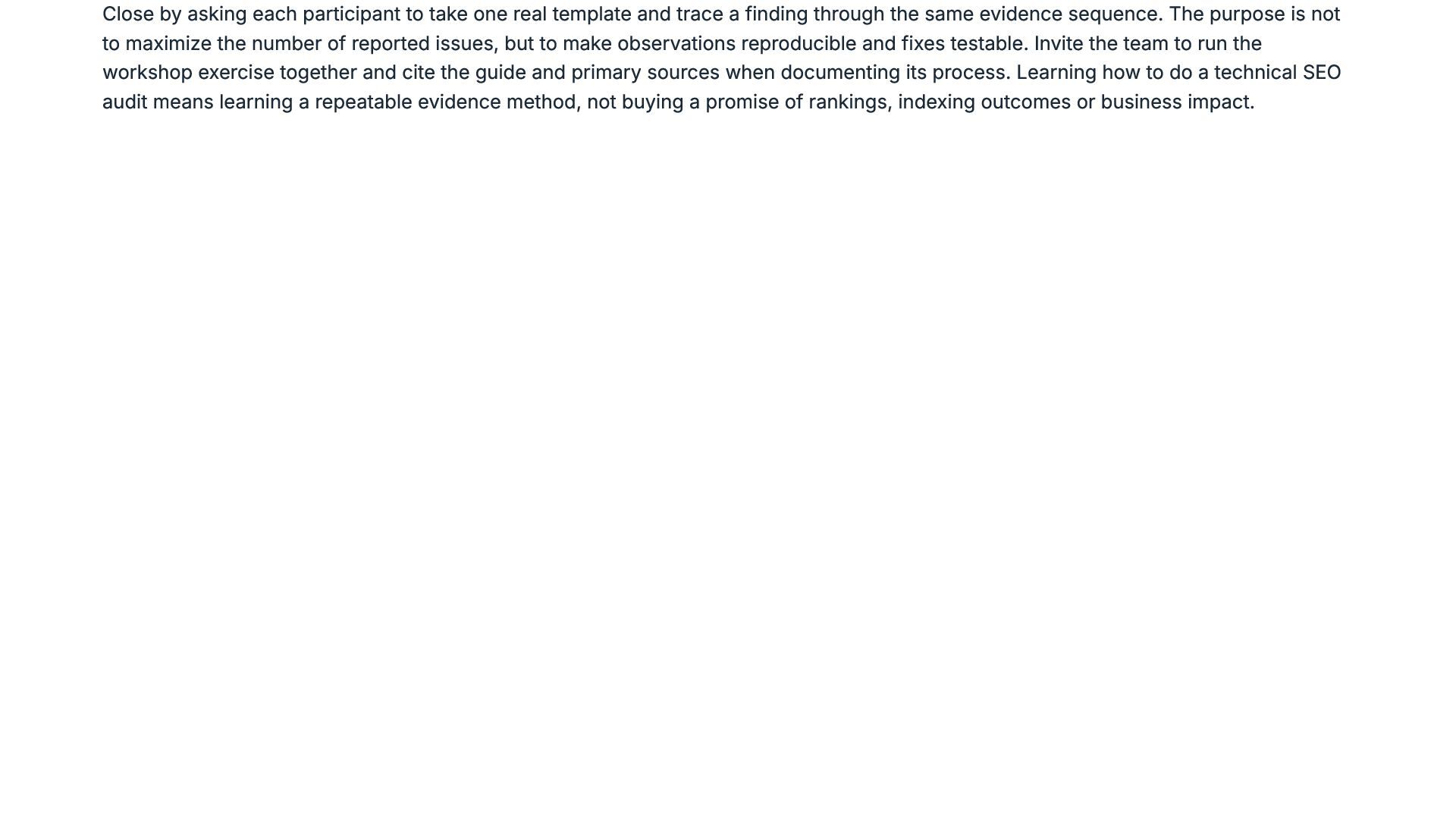
the change or selected the intended canonical. Keep these outcomes in separate reporting fields. Verify crawler identity before interpreting a user-agent string as proof that a request came from Googlebot. Slide 12 Explain why grouping by root cause makes the audit more useful to engineering teams. If many URLs share the same template defect, a single scoped change may address the shared cause, although each affected pattern still needs verification. Assign an owner who can implement or coordinate the change. Do not treat repeated URLs as proof of a single cause until the shared behavior has been established. Slide 13 Give the audience a short pause to work through the case in pairs. The complete answer is to compare the parent hub's initial HTML and rendered site links, inspect the relevant template and category eligibility rules, and record the missing link as the observation. The testable hypothesis is that the eligible category is omitted by the template or its link-generation rules. The ticket should require a visible descriptive link to the correct destination on desktop and mobile, excluding discontinued categories. After deployment, verify the delivered link and destination first, then monitor indexing separately through appropriate Search Console evidence. Slide 14 Emphasize that deployment is a new test point, not proof of completion. Retest the affected URLs and unaffected comparison pages, checking response codes, initial HTML, rendered output and site links. Record the release identifier and relevant conversion checks where available. Close the ticket only when its agreed acceptance conditions pass. If the expected change is absent, reopen the investigation and revise the hypothesis rather than changing the success criteria after the fact. Slide 15 -
Close by asking each participant to take one real template
and trace a finding through the same evidence sequence. The purpose is not to maximize the number of reported issues, but to make observations reproducible and fixes testable. Invite the team to run the workshop exercise together and cite the guide and primary sources when documenting its process. Learning how to do a technical SEO audit means learning a repeatable evidence method, not buying a promise of rankings, indexing outcomes or business impact.
 guaranteedseoservices
 athenseo
 speedyindexteam
 graydotco
 diije
 greggifford
 chrisleverseo
 rosshudgens
 alexgalinos
 katarinadahlin
 joshbly
 zjchahalis
 cassininazir
 reverentgeek
 leimatthew05
 destraynor
 kevinliebholz
 mfonobong
 jnunemaker
 tanoku
 jonrohan
 lfama
 aarron