Upgrade to Pro — share decks privately, control downloads, hide ads and more …

What Is SEO Site Architecture? Links, Paginatio...

Sponsored · Your Podcast. Everywhere. Effortlessly. Share. Educate. Inspire. Entertain. You do you. We'll handle the rest. →

What Is SEO Site Architecture? Links, Pagination and Filters

What is SEO site architecture, and how do links, pagination and filters affect page discovery? This workshop deck explains crawlable links, paginated lists and faceted URLs with practical diagrams and a team exercise. For a practical explanation of what is SEO site architecture, read the guide: https://guaranteedseoservices.com/seo-site-architecture/?utm_source=speakerdeck&utm_medium=referral&utm_campaign=blog-seo-site-architecture

GuaranteedSEOServices

October 26, 2026

Transcript

19 slides
  1. What Is SEO Site Architecture? Map Links, Pagination and Filters

    Learn how link discovery, paginated lists and filter-generated URLs affect page discovery, then test the routes before changing URL folders. GuaranteedSEOServices.com October 27, 2026
  2. 1. What Is SEO Site Architecture? If a crawler has

    to click it, it may never see it. A service exists, but customers can reach it only through a search box or filters. No ordinary menu link leads to the destination. The page exists. Its discovery path is the question. Guide: https://guaranteedseoservices.com/seo-site-architecture/ Source: guaranteedseoservices.com/seo-site-architecture/ · GuaranteedSEOServices.com
  3. 2. The Problem Is a Missing Relationship Picture a store

    with a useful product category hidden behind several filters. The database contains the destination, but the category page does not link to it. Creating another folder does not repair that relationship. Diagnostic question: Can a person or crawler discover the destination through an ordinary, meaningful route? Source: guaranteedseoservices.com/seo-site-architecture/ · GuaranteedSEOServices.com
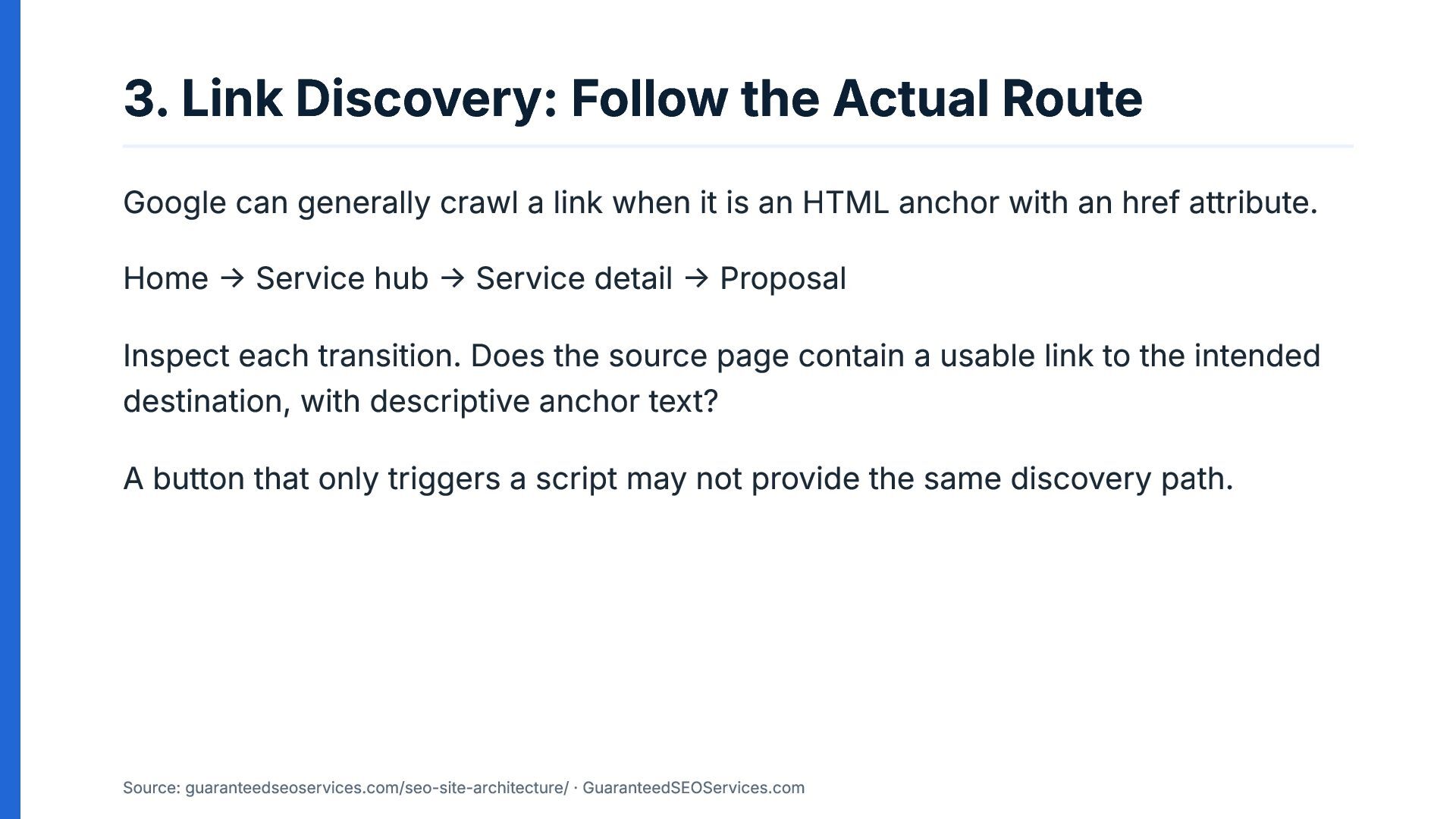
  4. 3. Link Discovery: Follow the Actual Route Google can generally

    crawl a link when it is an HTML anchor with an href attribute. Home → Service hub → Service detail → Proposal Inspect each transition. Does the source page contain a usable link to the intended destination, with descriptive anchor text? A button that only triggers a script may not provide the same discovery path. Source: guaranteedseoservices.com/seo-site-architecture/ · GuaranteedSEOServices.com
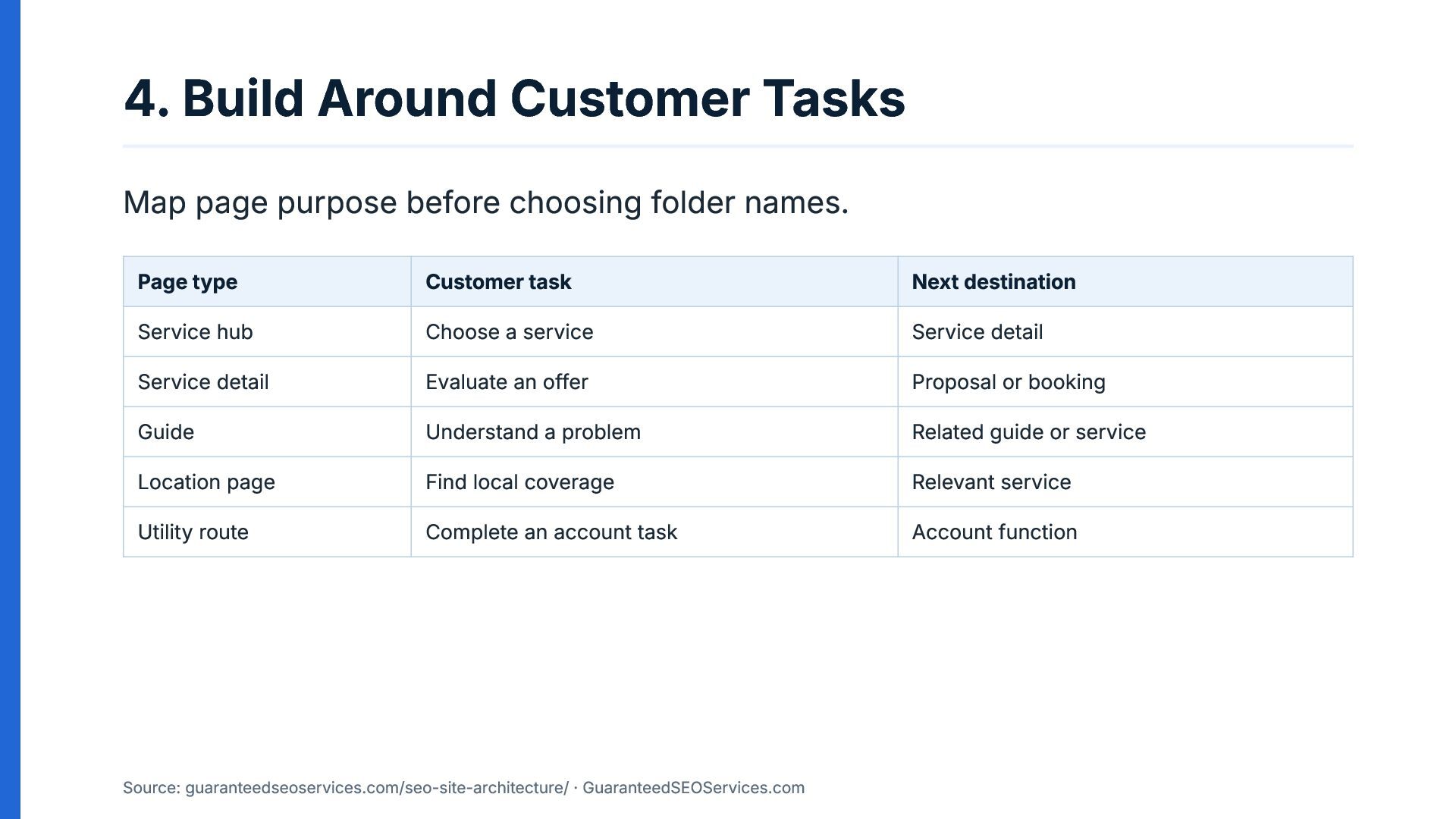
  5. 4. Build Around Customer Tasks Map page purpose before choosing

    folder names. Page type Customer task Next destination Service hub Choose a service Service detail Service detail Evaluate an offer Proposal or booking Guide Understand a problem Related guide or service Location page Find local coverage Relevant service Utility route Complete an account task Account function Source: guaranteedseoservices.com/seo-site-architecture/ · GuaranteedSEOServices.com
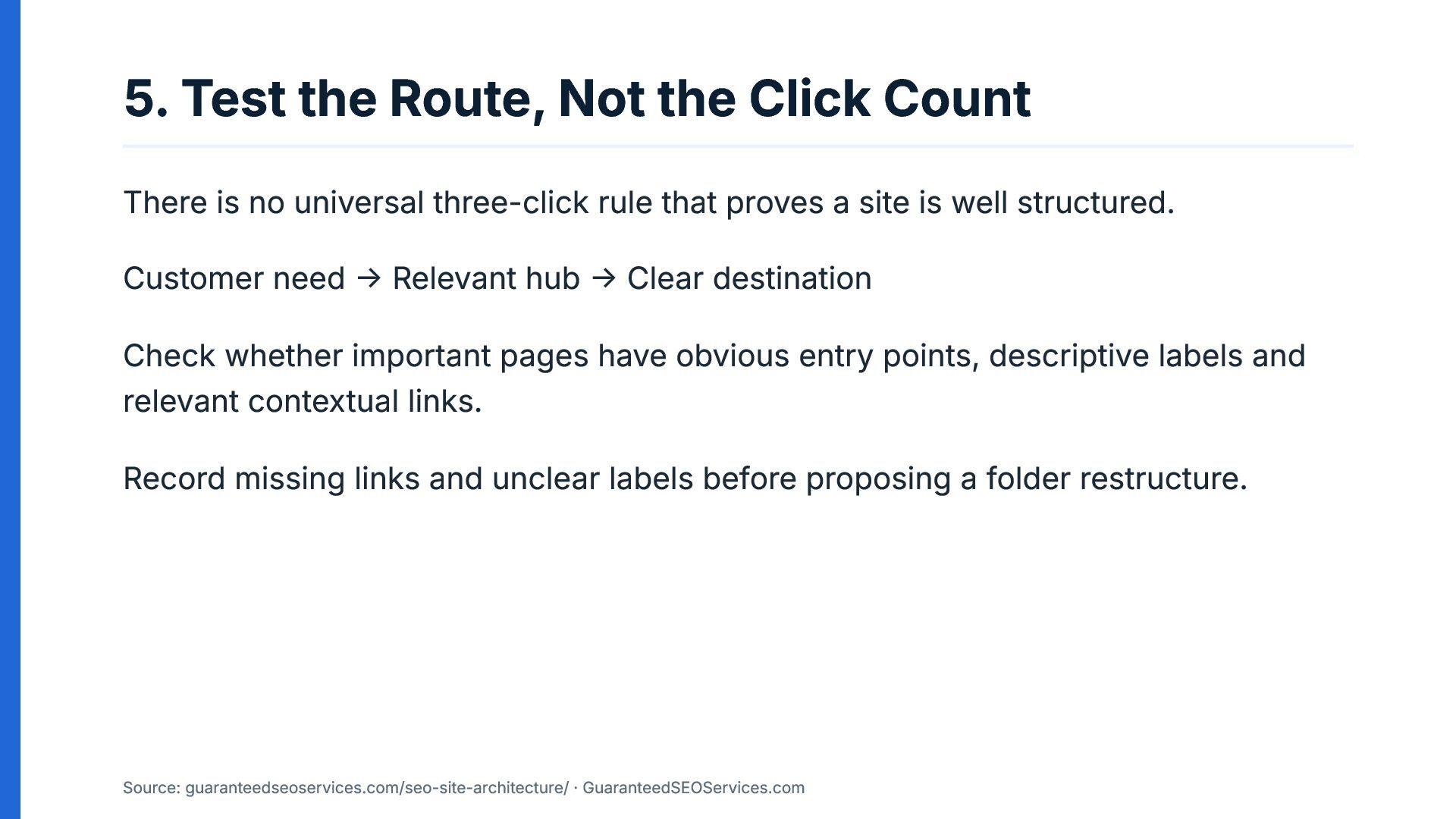
  6. 5. Test the Route, Not the Click Count There is

    no universal three-click rule that proves a site is well structured. Customer need → Relevant hub → Clear destination Check whether important pages have obvious entry points, descriptive labels and relevant contextual links. Record missing links and unclear labels before proposing a folder restructure. Source: guaranteedseoservices.com/seo-site-architecture/ · GuaranteedSEOServices.com
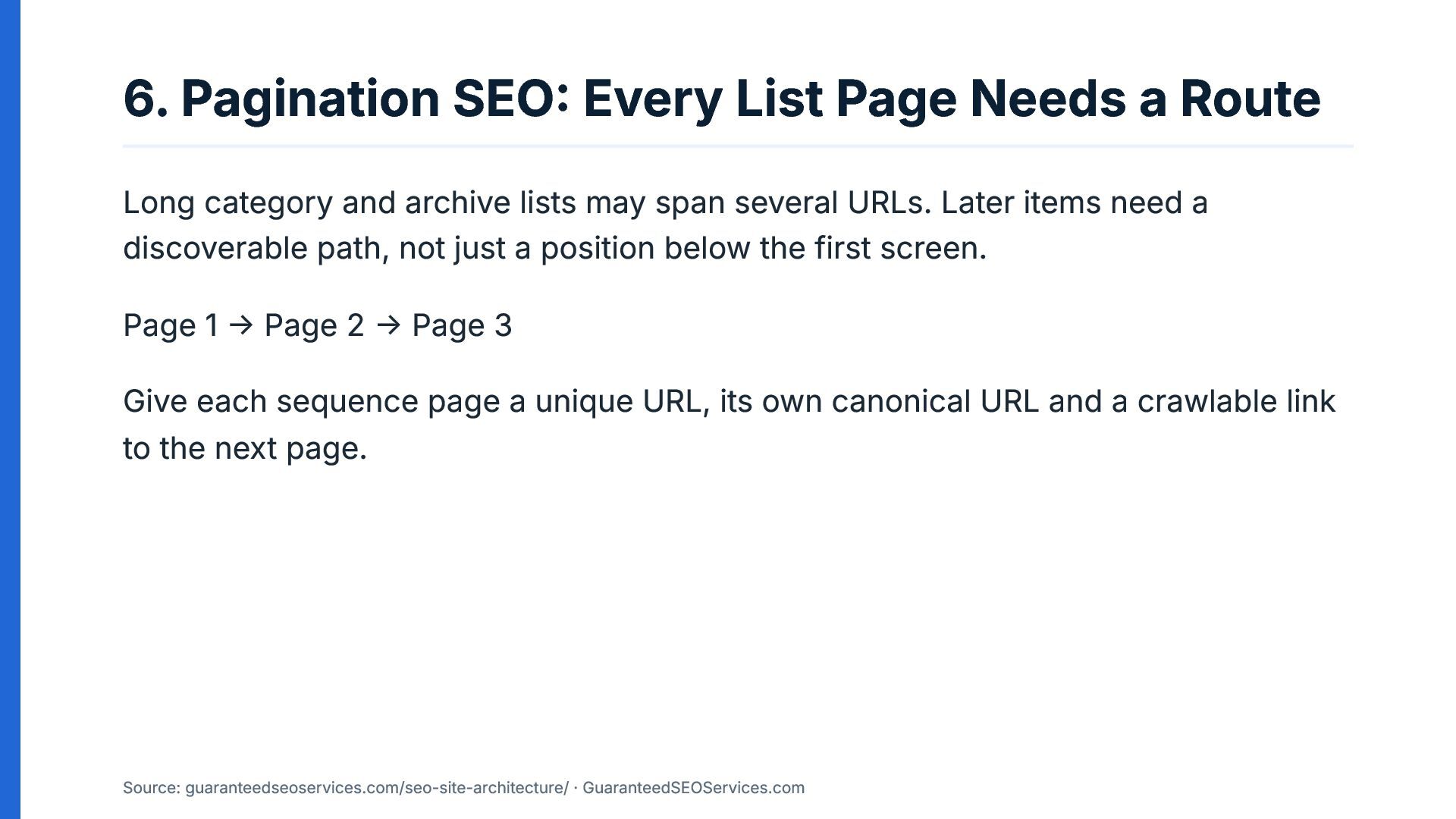
  7. 6. Pagination SEO: Every List Page Needs a Route Long

    category and archive lists may span several URLs. Later items need a discoverable path, not just a position below the first screen. Page 1 → Page 2 → Page 3 Give each sequence page a unique URL, its own canonical URL and a crawlable link to the next page. Source: guaranteedseoservices.com/seo-site-architecture/ · GuaranteedSEOServices.com
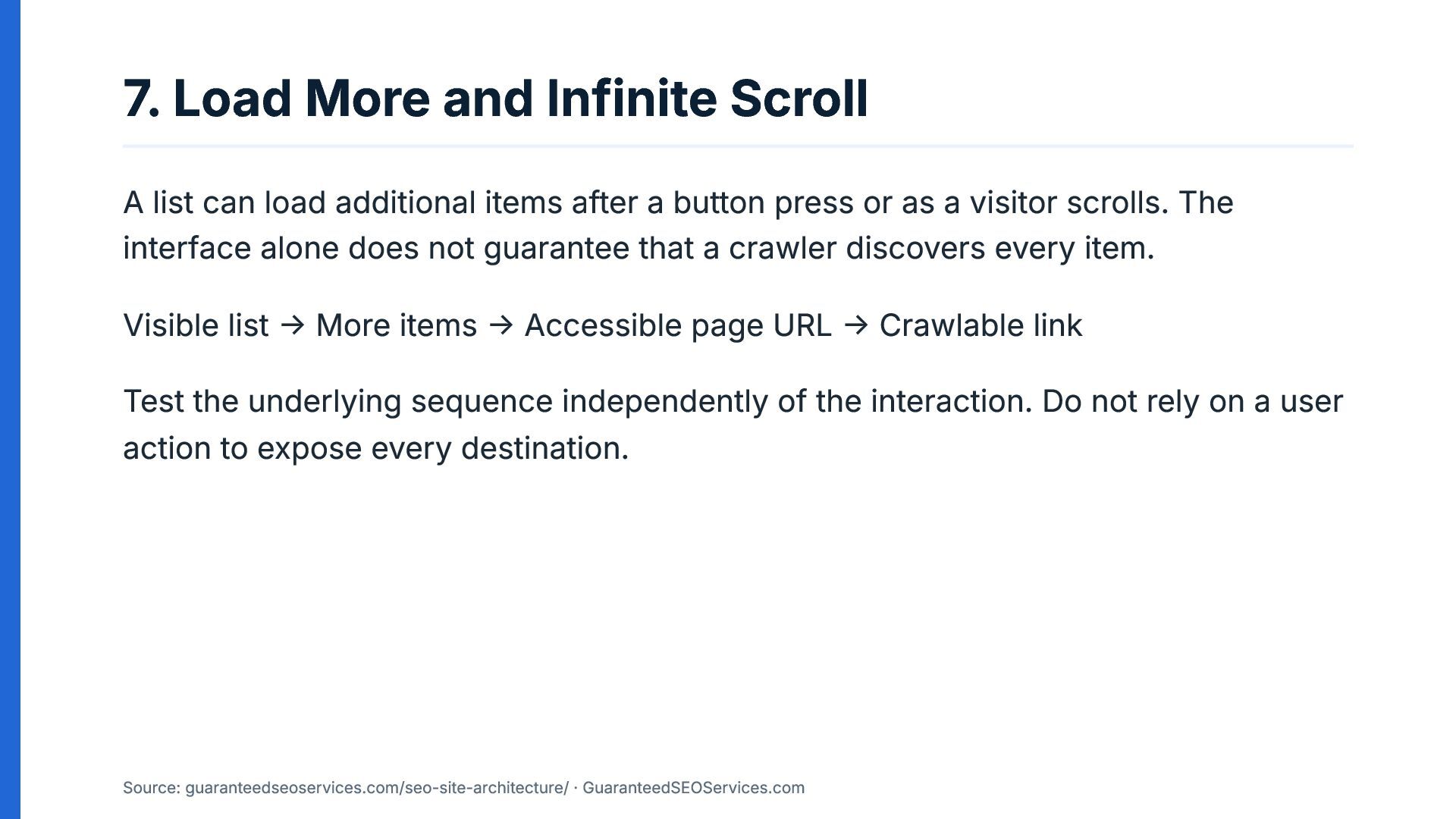
  8. 7. Load More and Infinite Scroll A list can load

    additional items after a button press or as a visitor scrolls. The interface alone does not guarantee that a crawler discovers every item. Visible list → More items → Accessible page URL → Crawlable link Test the underlying sequence independently of the interaction. Do not rely on a user action to expose every destination. Source: guaranteedseoservices.com/seo-site-architecture/ · GuaranteedSEOServices.com
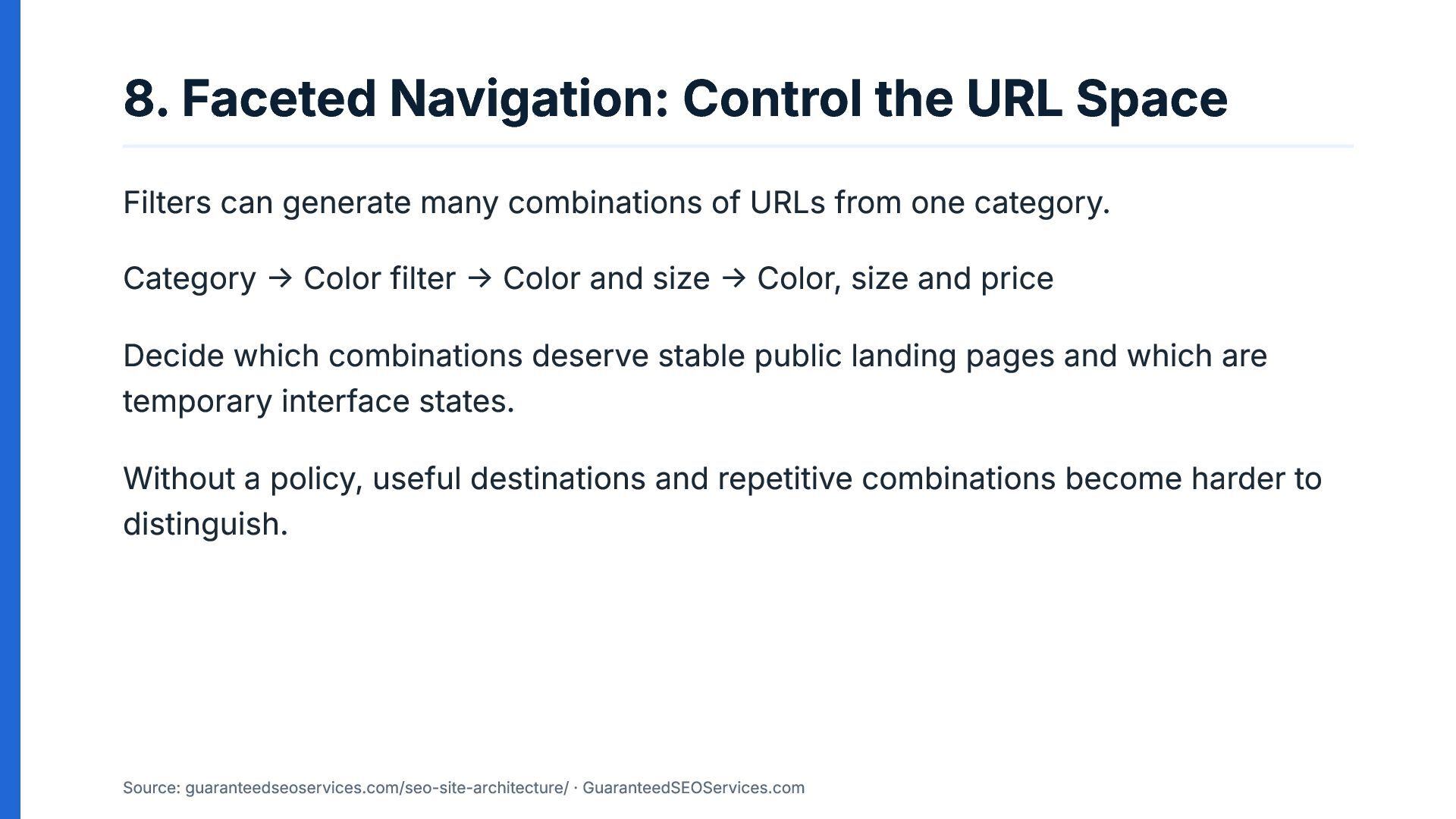
  9. 8. Faceted Navigation: Control the URL Space Filters can generate

    many combinations of URLs from one category. Category → Color filter → Color and size → Color, size and price Decide which combinations deserve stable public landing pages and which are temporary interface states. Without a policy, useful destinations and repetitive combinations become harder to distinguish. Source: guaranteedseoservices.com/seo-site-architecture/ · GuaranteedSEOServices.com
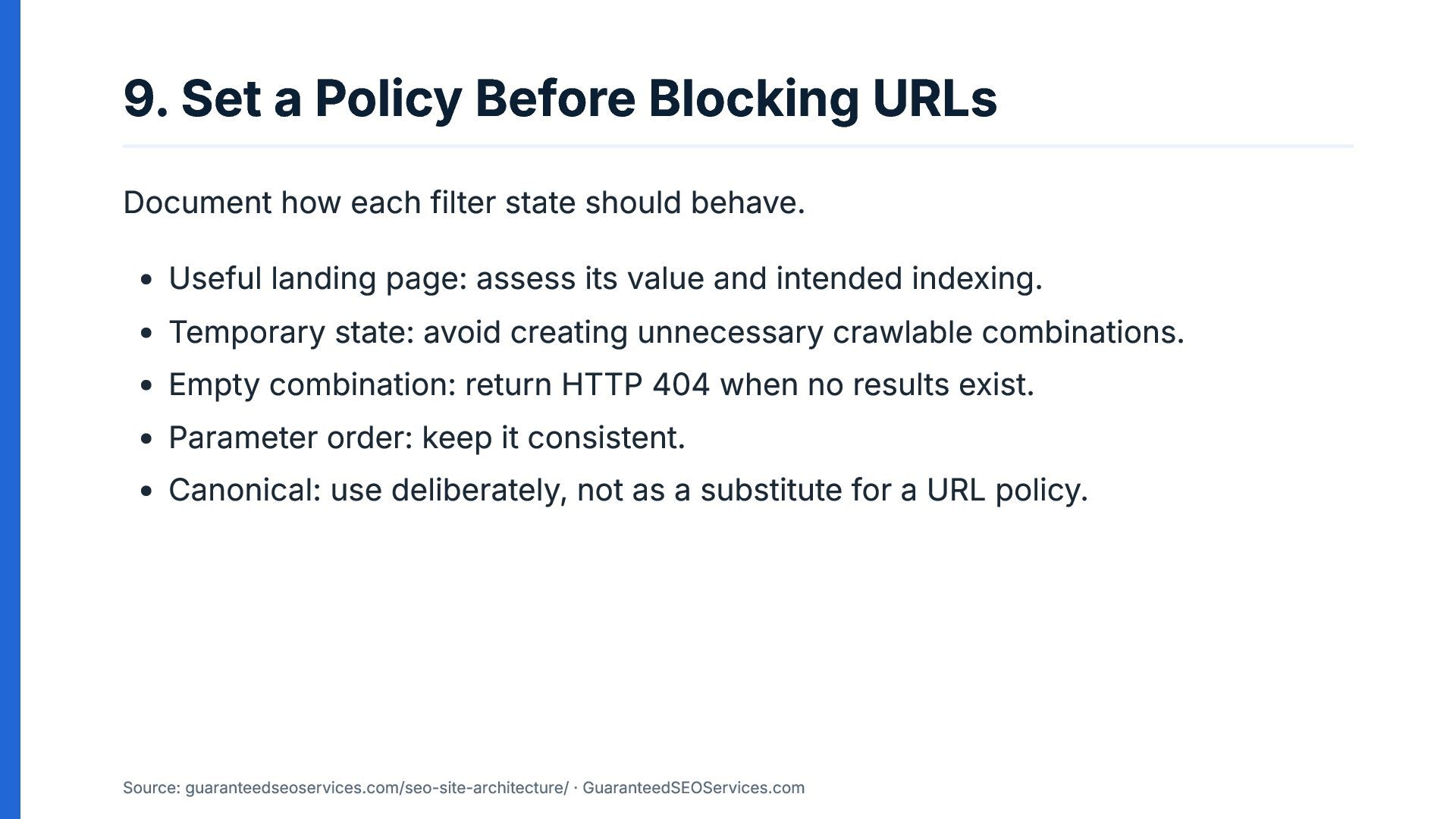
  10. 9. Set a Policy Before Blocking URLs Document how each

    filter state should behave. Useful landing page: assess its value and intended indexing. Temporary state: avoid creating unnecessary crawlable combinations. Empty combination: return HTTP 404 when no results exist. Parameter order: keep it consistent. Canonical: use deliberately, not as a substitute for a URL policy. Source: guaranteedseoservices.com/seo-site-architecture/ · GuaranteedSEOServices.com
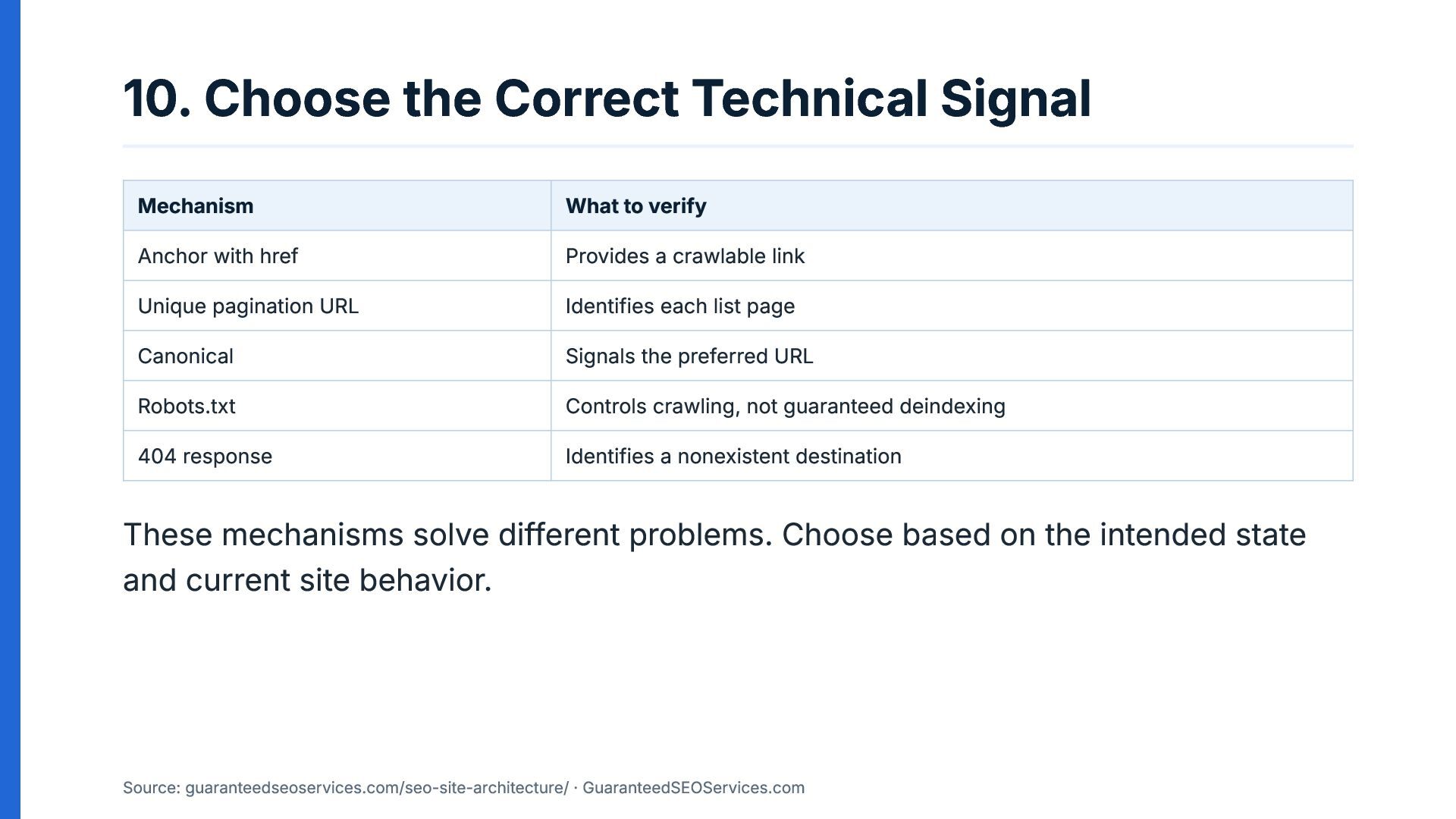
  11. 10. Choose the Correct Technical Signal Mechanism What to verify

    Anchor with href Provides a crawlable link Unique pagination URL Identifies each list page Canonical Signals the preferred URL Robots.txt Controls crawling, not guaranteed deindexing 404 response Identifies a nonexistent destination These mechanisms solve different problems. Choose based on the intended state and current site behavior. Source: guaranteedseoservices.com/seo-site-architecture/ · GuaranteedSEOServices.com
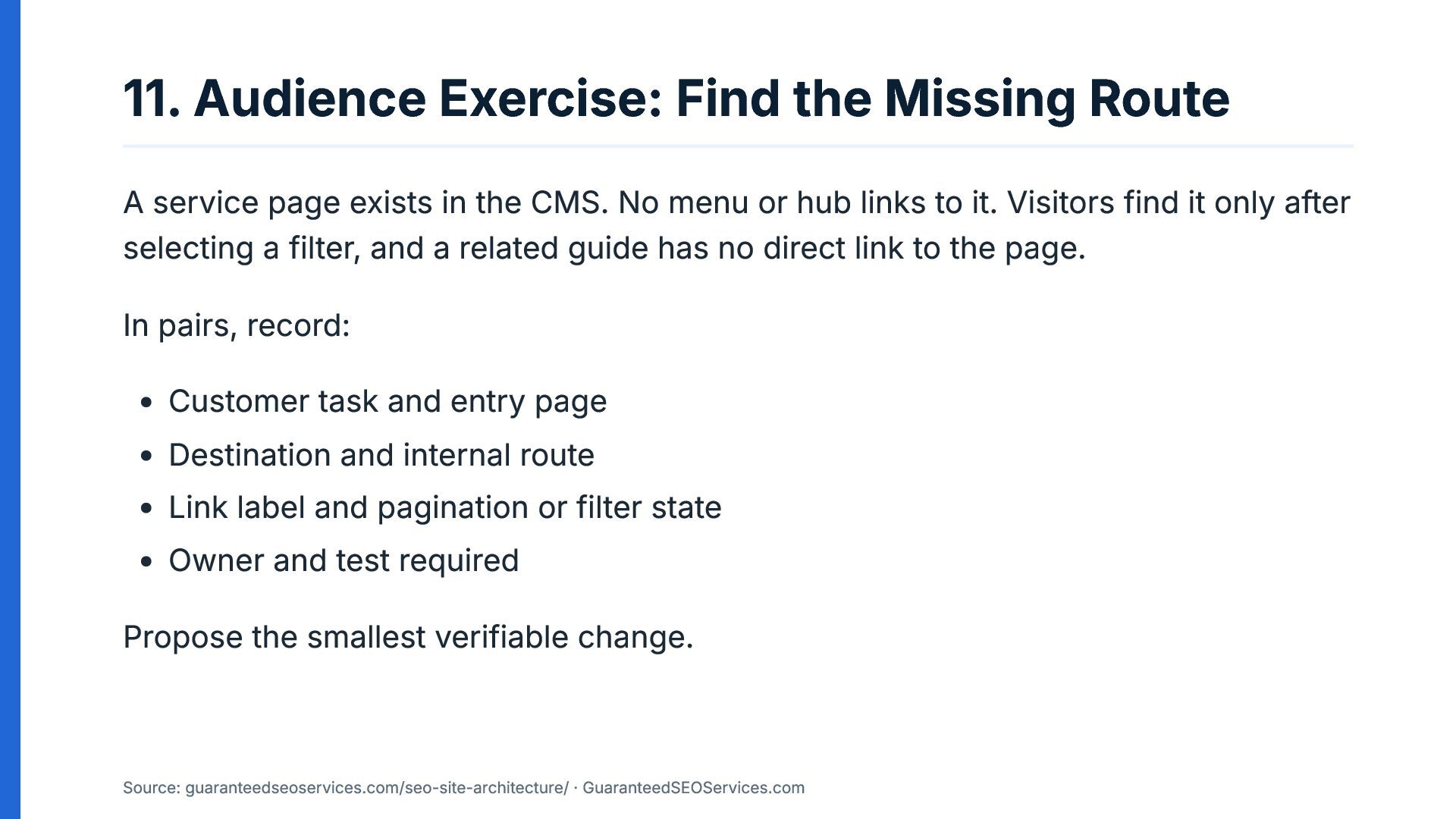
  12. 11. Audience Exercise: Find the Missing Route A service page

    exists in the CMS. No menu or hub links to it. Visitors find it only after selecting a filter, and a related guide has no direct link to the page. In pairs, record: Customer task and entry page Destination and internal route Link label and pagination or filter state Owner and test required Propose the smallest verifiable change. Source: guaranteedseoservices.com/seo-site-architecture/ · GuaranteedSEOServices.com
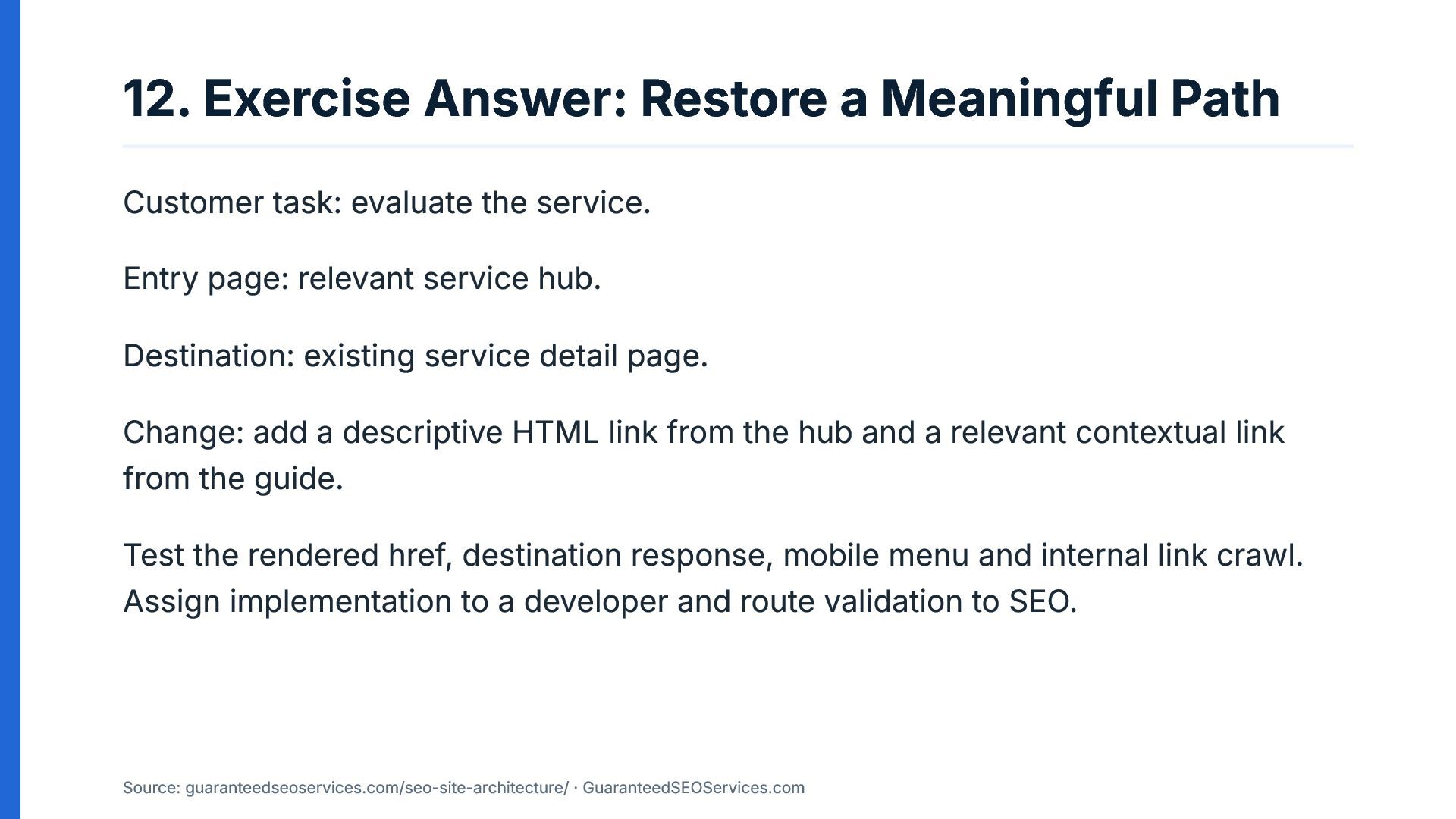
  13. 12. Exercise Answer: Restore a Meaningful Path Customer task: evaluate

    the service. Entry page: relevant service hub. Destination: existing service detail page. Change: add a descriptive HTML link from the hub and a relevant contextual link from the guide. Test the rendered href, destination response, mobile menu and internal link crawl. Assign implementation to a developer and route validation to SEO. Source: guaranteedseoservices.com/seo-site-architecture/ · GuaranteedSEOServices.com
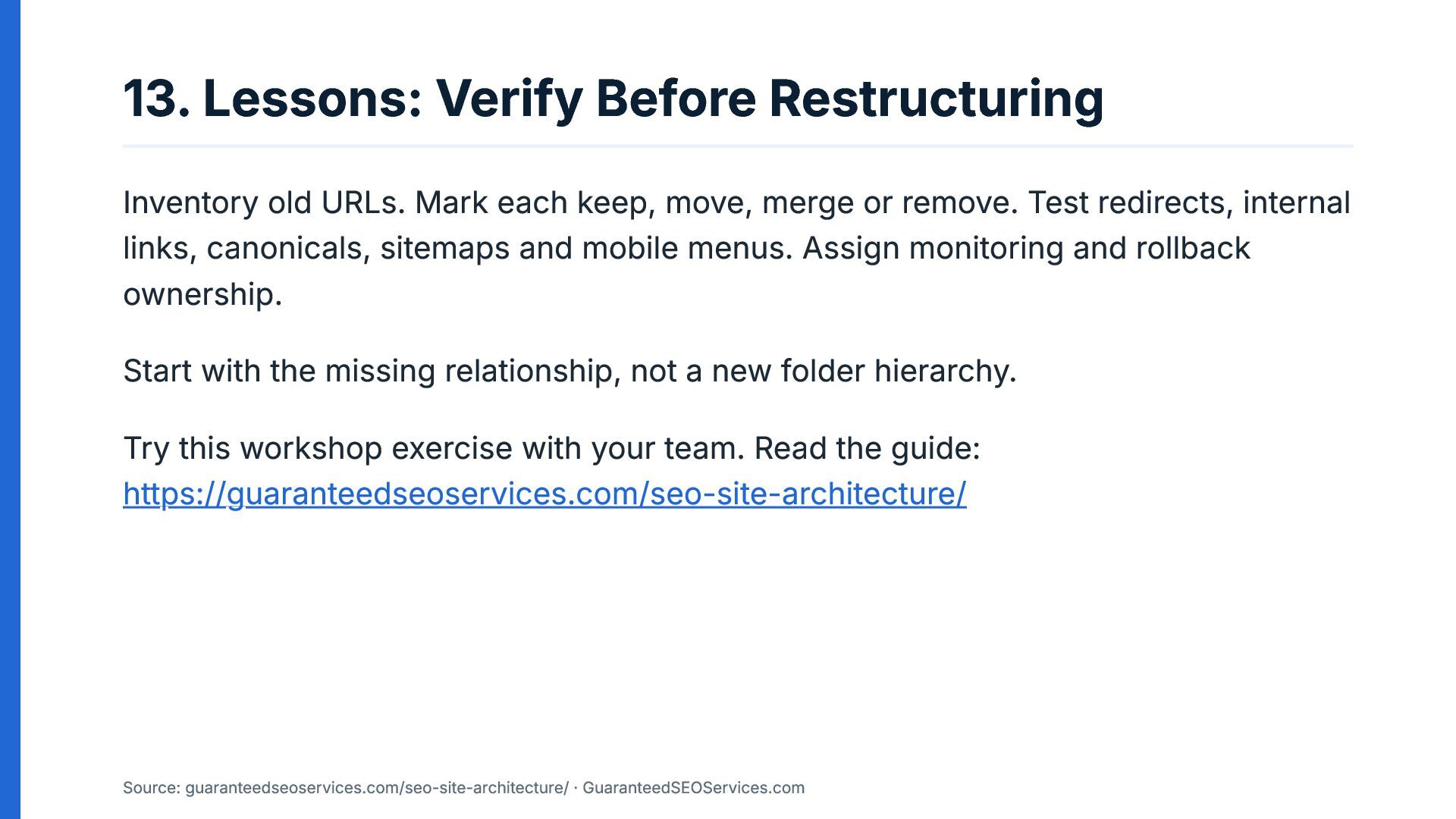
  14. 13. Lessons: Verify Before Restructuring Inventory old URLs. Mark each

    keep, move, merge or remove. Test redirects, internal links, canonicals, sitemaps and mobile menus. Assign monitoring and rollback ownership. Start with the missing relationship, not a new folder hierarchy. Try this workshop exercise with your team. Read the guide: https://guaranteedseoservices.com/seo-site-architecture/ Source: guaranteedseoservices.com/seo-site-architecture/ · GuaranteedSEOServices.com
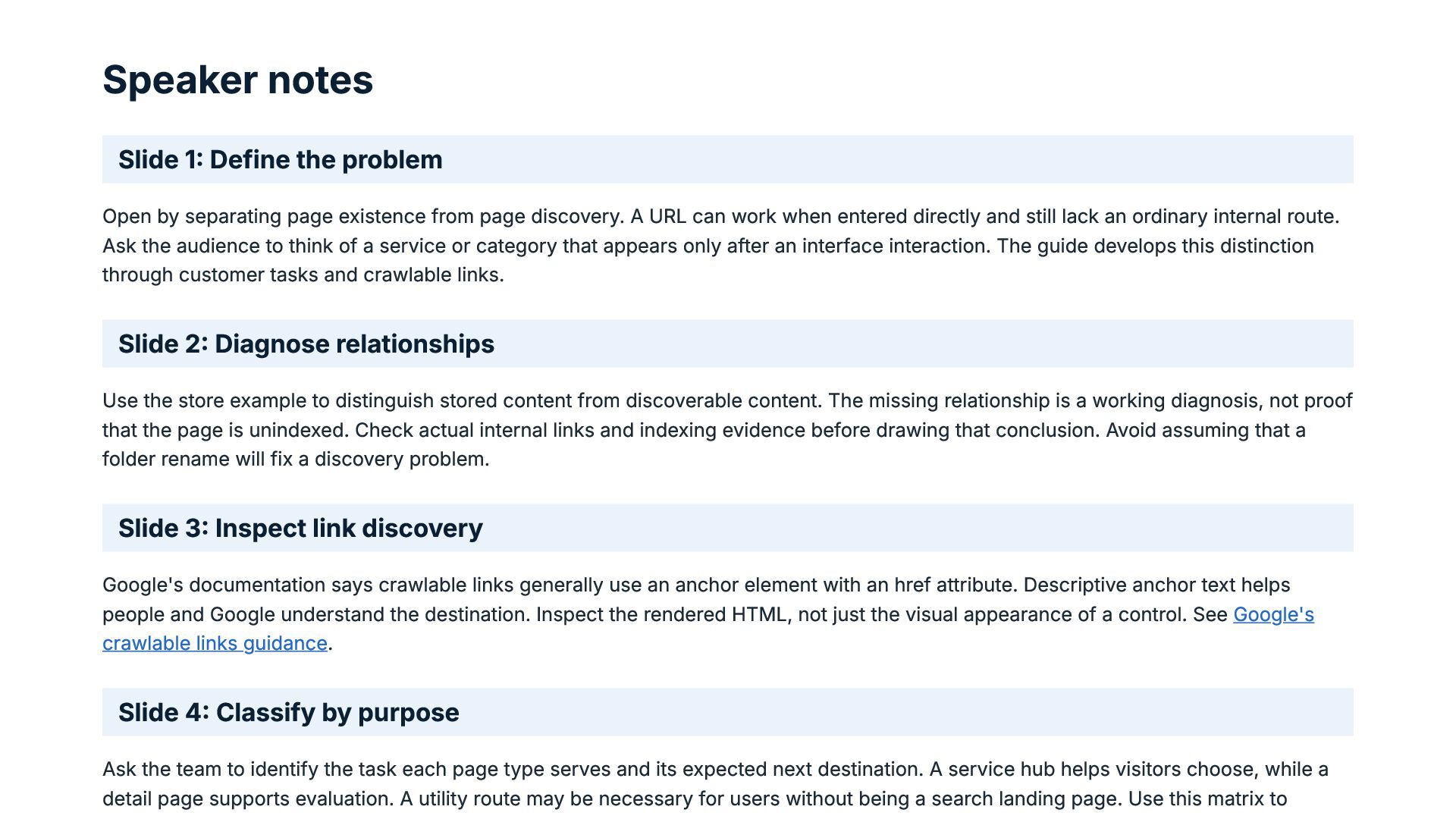
  15. Speaker notes Slide 1: Define the problem Open by separating

    page existence from page discovery. A URL can work when entered directly and still lack an ordinary internal route. Ask the audience to think of a service or category that appears only after an interface interaction. The guide develops this distinction through customer tasks and crawlable links. Slide 2: Diagnose relationships Use the store example to distinguish stored content from discoverable content. The missing relationship is a working diagnosis, not proof that the page is unindexed. Check actual internal links and indexing evidence before drawing that conclusion. Avoid assuming that a folder rename will fix a discovery problem. Slide 3: Inspect link discovery Google's documentation says crawlable links generally use an anchor element with an href attribute. Descriptive anchor text helps people and Google understand the destination. Inspect the rendered HTML, not just the visual appearance of a control. See Google's crawlable links guidance. Slide 4: Classify by purpose Ask the team to identify the task each page type serves and its expected next destination. A service hub helps visitors choose, while a detail page supports evaluation. A utility route may be necessary for users without being a search landing page. Use this matrix to
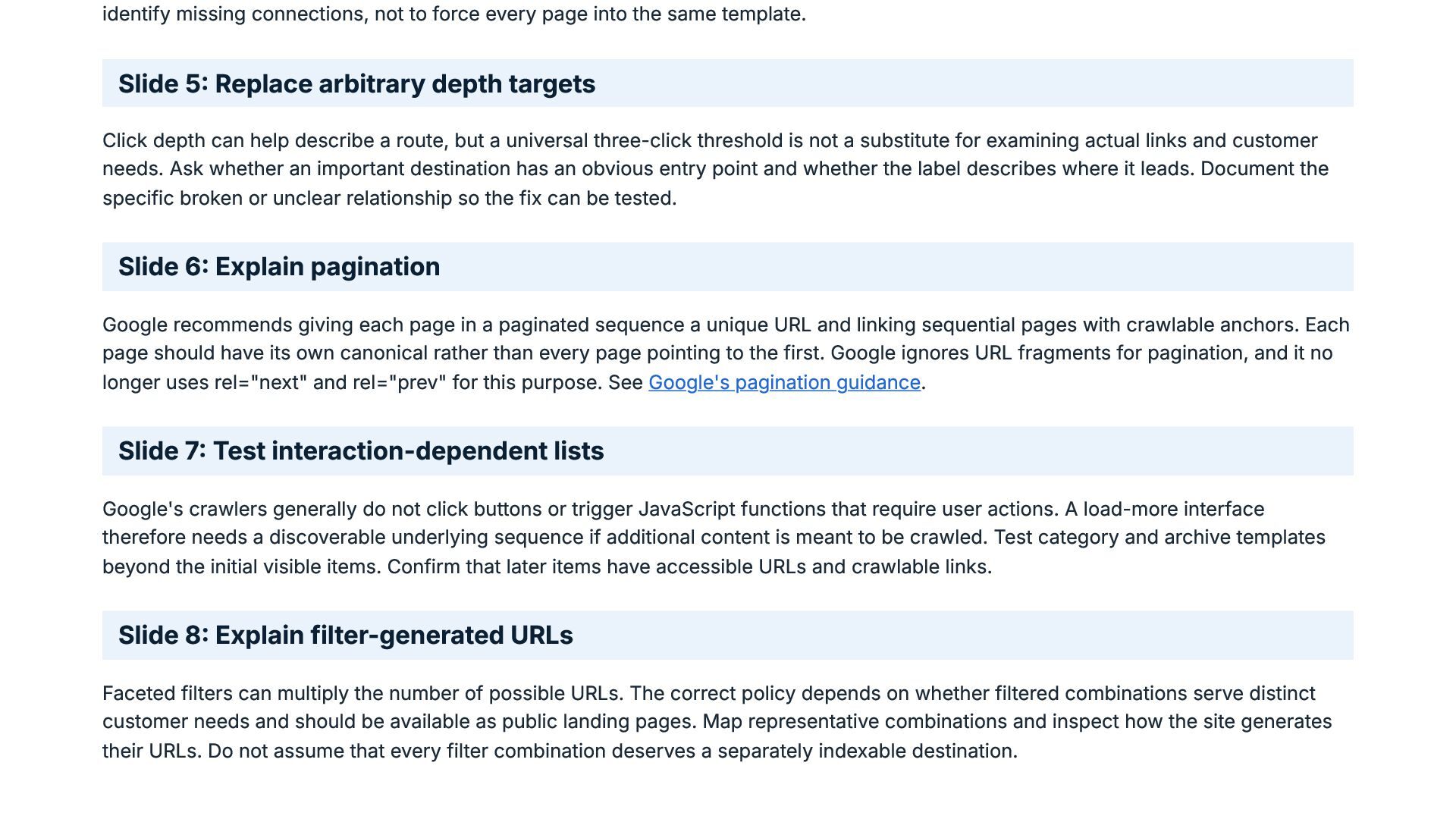
  16. identify missing connections, not to force every page into the

    same template. Slide 5: Replace arbitrary depth targets Click depth can help describe a route, but a universal three-click threshold is not a substitute for examining actual links and customer needs. Ask whether an important destination has an obvious entry point and whether the label describes where it leads. Document the specific broken or unclear relationship so the fix can be tested. Slide 6: Explain pagination Google recommends giving each page in a paginated sequence a unique URL and linking sequential pages with crawlable anchors. Each page should have its own canonical rather than every page pointing to the first. Google ignores URL fragments for pagination, and it no longer uses rel="next" and rel="prev" for this purpose. See Google's pagination guidance. Slide 7: Test interaction-dependent lists Google's crawlers generally do not click buttons or trigger JavaScript functions that require user actions. A load-more interface therefore needs a discoverable underlying sequence if additional content is meant to be crawled. Test category and archive templates beyond the initial visible items. Confirm that later items have accessible URLs and crawlable links. Slide 8: Explain filter-generated URLs Faceted filters can multiply the number of possible URLs. The correct policy depends on whether filtered combinations serve distinct customer needs and should be available as public landing pages. Map representative combinations and inspect how the site generates their URLs. Do not assume that every filter combination deserves a separately indexable destination.
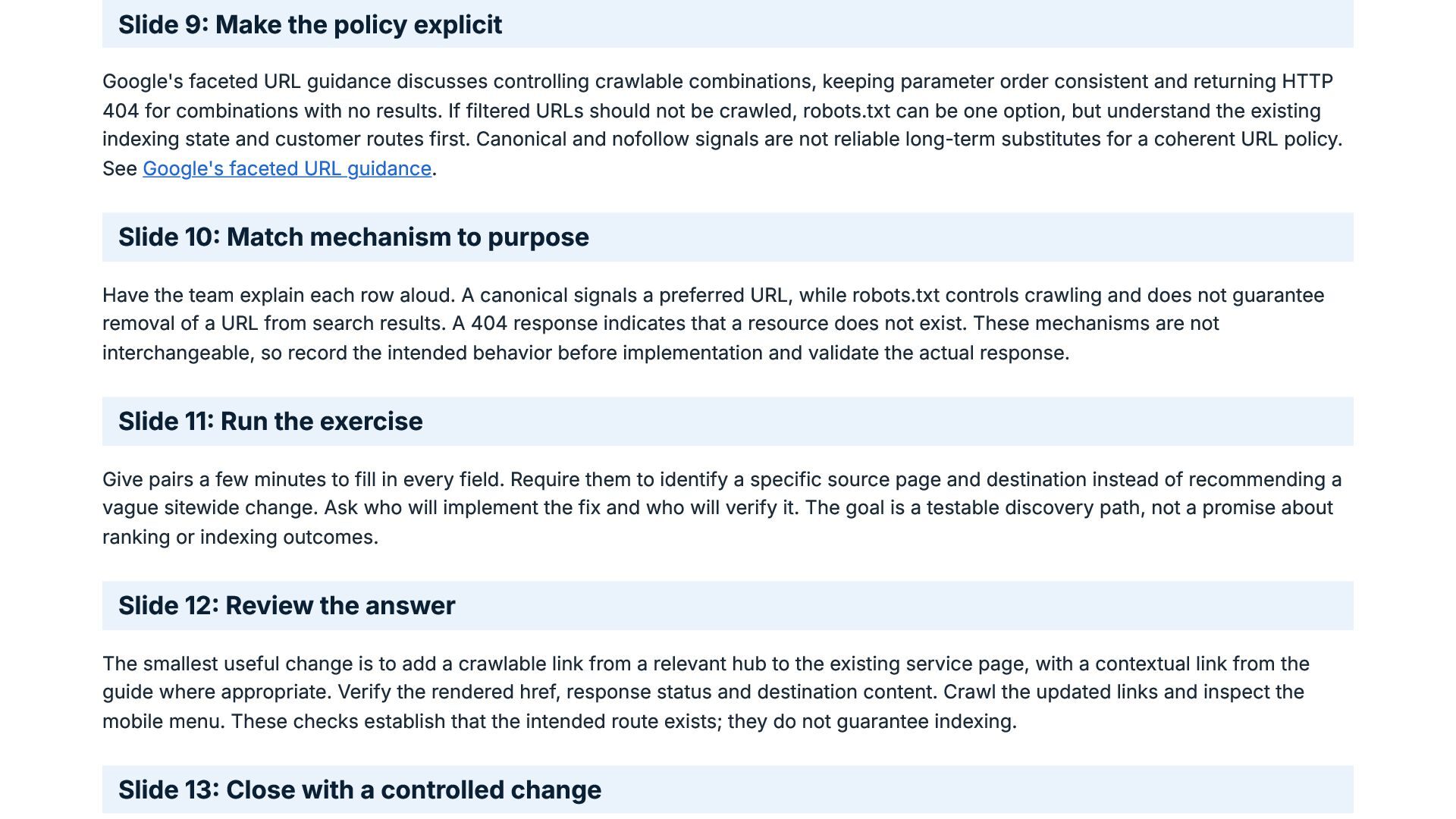
  17. Slide 9: Make the policy explicit Google's faceted URL guidance

    discusses controlling crawlable combinations, keeping parameter order consistent and returning HTTP 404 for combinations with no results. If filtered URLs should not be crawled, robots.txt can be one option, but understand the existing indexing state and customer routes first. Canonical and nofollow signals are not reliable long-term substitutes for a coherent URL policy. See Google's faceted URL guidance. Slide 10: Match mechanism to purpose Have the team explain each row aloud. A canonical signals a preferred URL, while robots.txt controls crawling and does not guarantee removal of a URL from search results. A 404 response indicates that a resource does not exist. These mechanisms are not interchangeable, so record the intended behavior before implementation and validate the actual response. Slide 11: Run the exercise Give pairs a few minutes to fill in every field. Require them to identify a specific source page and destination instead of recommending a vague sitewide change. Ask who will implement the fix and who will verify it. The goal is a testable discovery path, not a promise about ranking or indexing outcomes. Slide 12: Review the answer The smallest useful change is to add a crawlable link from a relevant hub to the existing service page, with a contextual link from the guide where appropriate. Verify the rendered href, response status and destination content. Crawl the updated links and inspect the mobile menu. These checks establish that the intended route exists; they do not guarantee indexing. Slide 13: Close with a controlled change
  18. Before restructuring, inventory existing URLs and assign a keep, move,

    merge or remove decision to each relevant destination. Validate redirects, internal links, canonicals, sitemaps and mobile menus, then assign monitoring and rollback ownership. Ask the audience to repeat the exercise with a real route in their own site. To understand what is SEO site architecture in practice, read the guide at https://guaranteedseoservices.com/seo-site-architecture/.
  19. Sources SEO Site Architecture: Structure a Website Around Customer Tasks

    Google: Understand how crawlable links work Google: Pagination and incremental page loading Google: Manage crawling of faceted navigation URLs

More Decks by GuaranteedSEOServices

Other Decks in Marketing & SEO