What Is Technical SEO? Trace One URL From Relea...
Sponsored
·
 Your Podcast. Everywhere. Effortlessly.
Share. Educate. Inspire. Entertain. You do you. We'll handle the rest.
→
Your Podcast. Everywhere. Effortlessly.
Share. Educate. Inspire. Entertain. You do you. We'll handle the rest.
→

Share
Embed
What Is Technical SEO? Trace One URL From Release to Search Eligibility
What is technical SEO when you look at it from the release pipeline? This workshop deck follows one new service page through discovery, crawling, rendering, indexing and serving, with the evidence to collect at each checkpoint. It ends with a pair exercise on ownership and acceptance tests, plus a full answer in the speaker notes. For the complete answer to what is technical SEO, read the guide: https://guaranteedseoservices.com/what-is-technical-seo/?utm_source=speakerdeck&utm_medium=referral&utm_campaign=blog-what-is-technical-seo

GuaranteedSEOServices
October 26, 2026
Transcript
21 slides
-
What Is Technical SEO? Trace One URL From Release to
Search Eligibility You shipped the page. Google hasn't met it yet. Trace the evidence from discovery through crawling, rendering, indexing and serving, then assign an owner and an observable acceptance test. GuaranteedSEOServices.com October 27, 2026 -
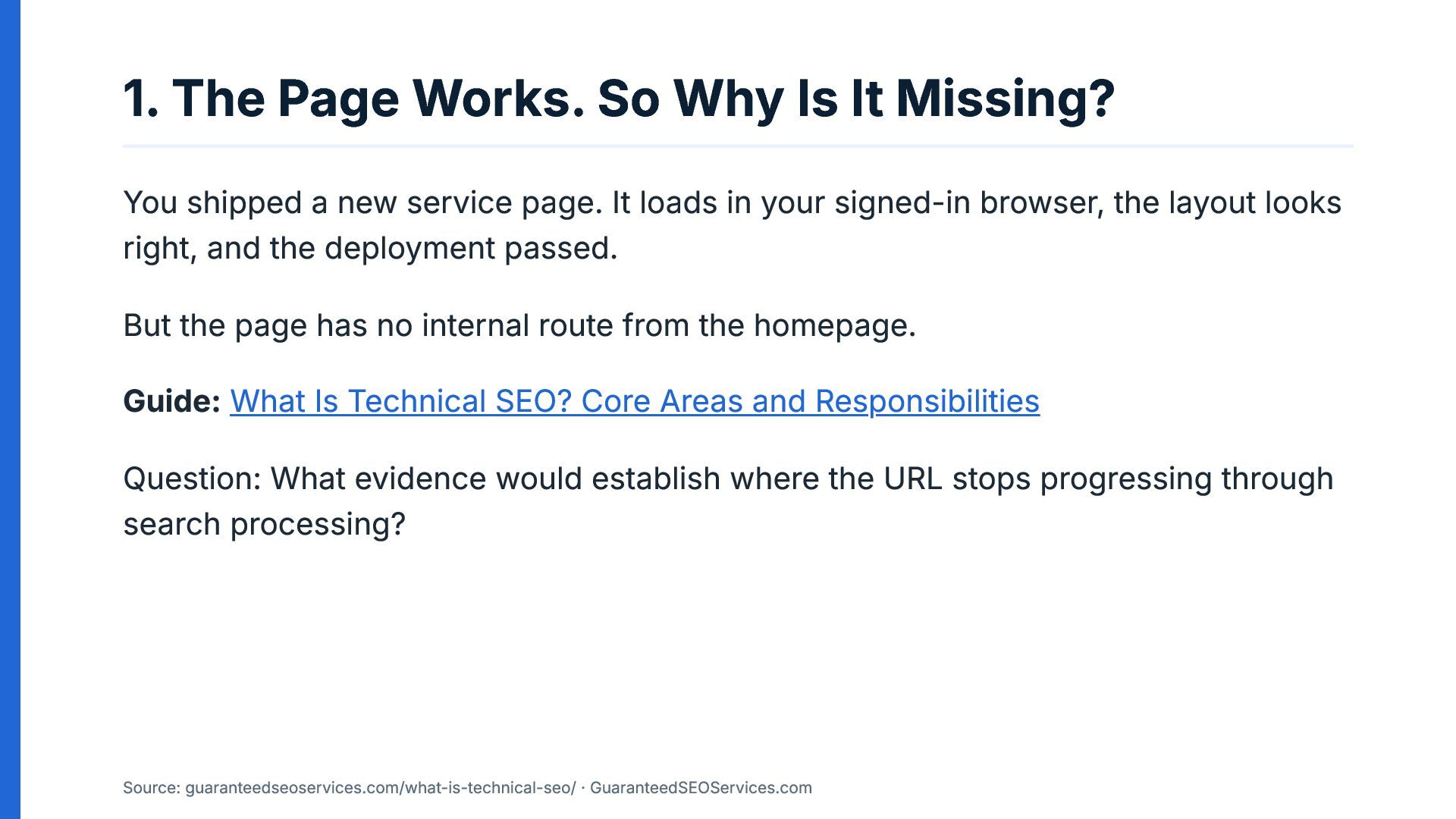
1. The Page Works. So Why Is It Missing? You
shipped a new service page. It loads in your signed-in browser, the layout looks right, and the deployment passed. But the page has no internal route from the homepage. Guide: What Is Technical SEO? Core Areas and Responsibilities Question: What evidence would establish where the URL stops progressing through search processing? Source: guaranteedseoservices.com/what-is-technical-seo/ · GuaranteedSEOServices.com -
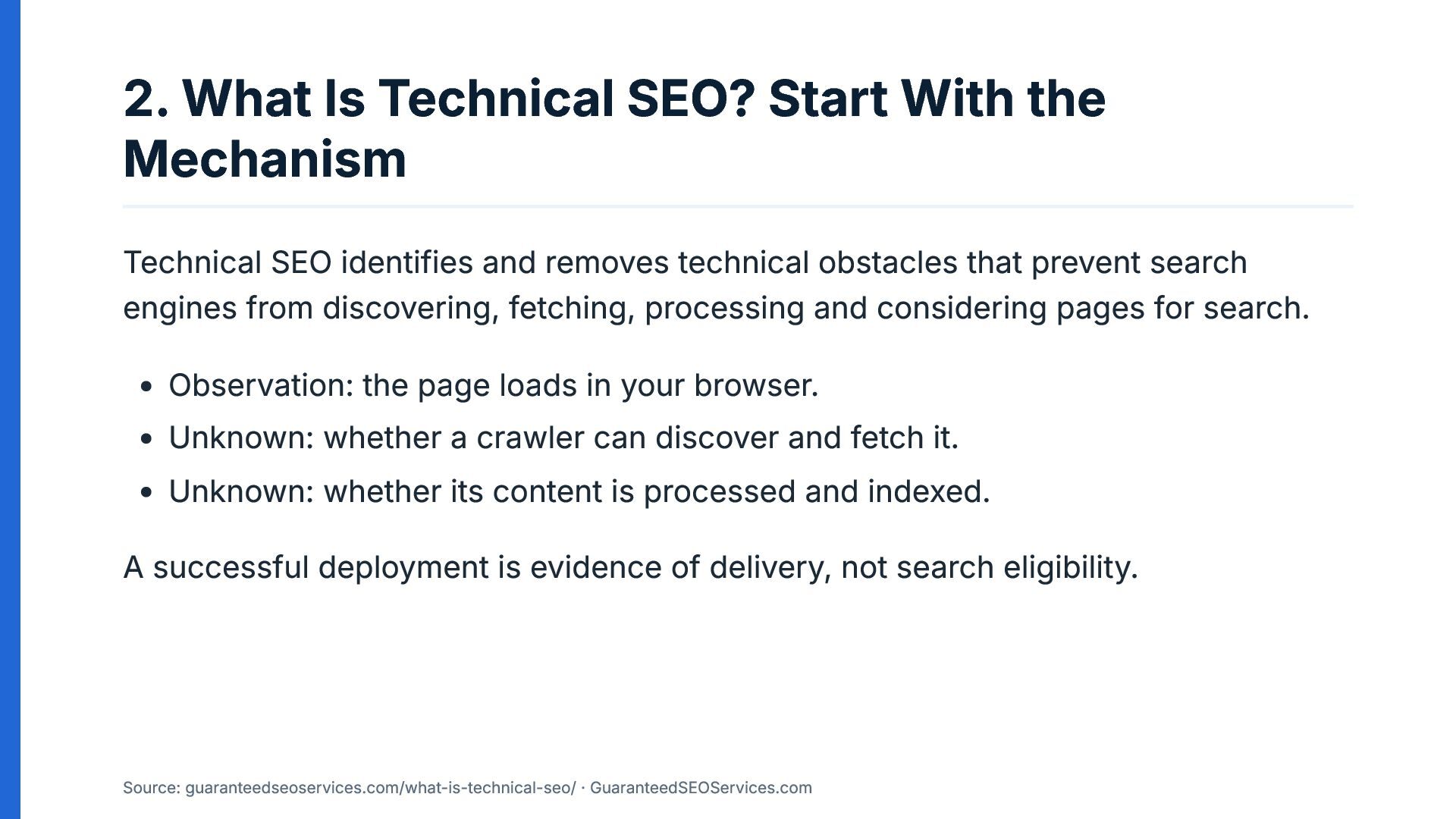
2. What Is Technical SEO? Start With the Mechanism Technical
SEO identifies and removes technical obstacles that prevent search engines from discovering, fetching, processing and considering pages for search. Observation: the page loads in your browser. Unknown: whether a crawler can discover and fetch it. Unknown: whether its content is processed and indexed. A successful deployment is evidence of delivery, not search eligibility. Source: guaranteedseoservices.com/what-is-technical-seo/ · GuaranteedSEOServices.com -
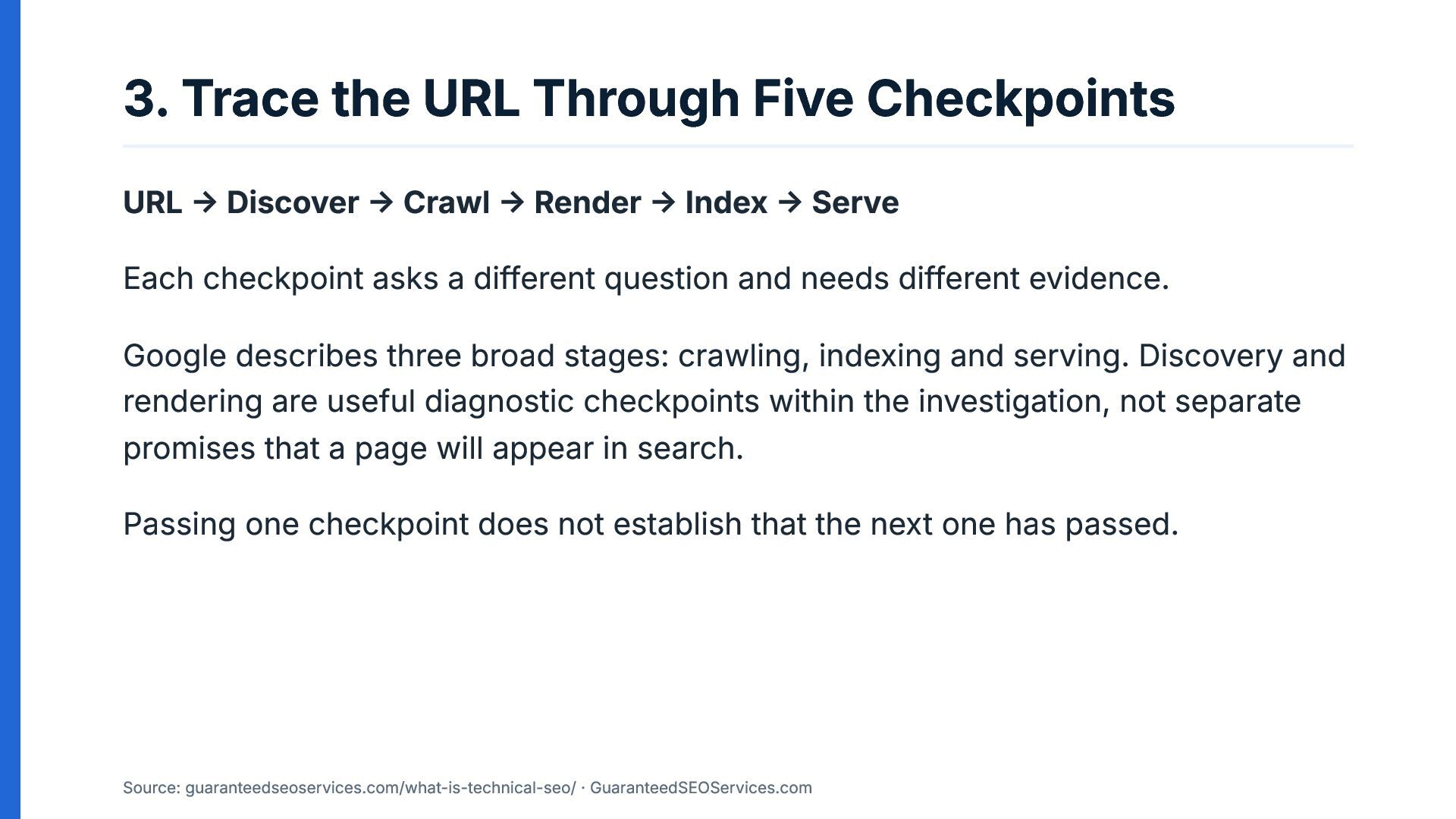
3. Trace the URL Through Five Checkpoints URL → Discover
→ Crawl → Render → Index → Serve Each checkpoint asks a different question and needs different evidence. Google describes three broad stages: crawling, indexing and serving. Discovery and rendering are useful diagnostic checkpoints within the investigation, not separate promises that a page will appear in search. Passing one checkpoint does not establish that the next one has passed. Source: guaranteedseoservices.com/what-is-technical-seo/ · GuaranteedSEOServices.com -
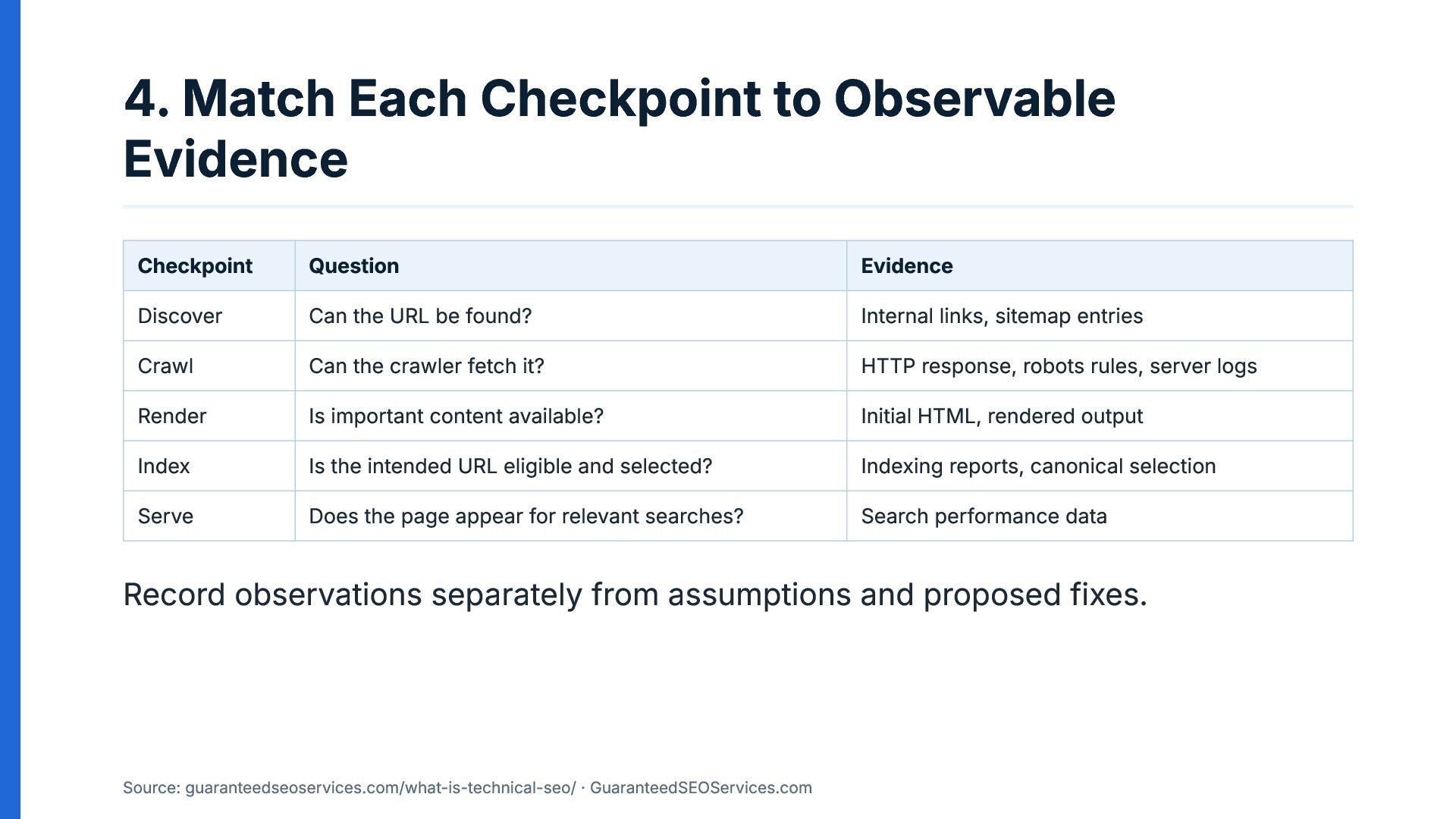
4. Match Each Checkpoint to Observable Evidence Checkpoint Question Evidence
Discover Can the URL be found? Internal links, sitemap entries Crawl Can the crawler fetch it? HTTP response, robots rules, server logs Render Is important content available? Initial HTML, rendered output Index Is the intended URL eligible and selected? Indexing reports, canonical selection Serve Does the page appear for relevant searches? Search performance data Record observations separately from assumptions and proposed fixes. Source: guaranteedseoservices.com/what-is-technical-seo/ · GuaranteedSEOServices.com -
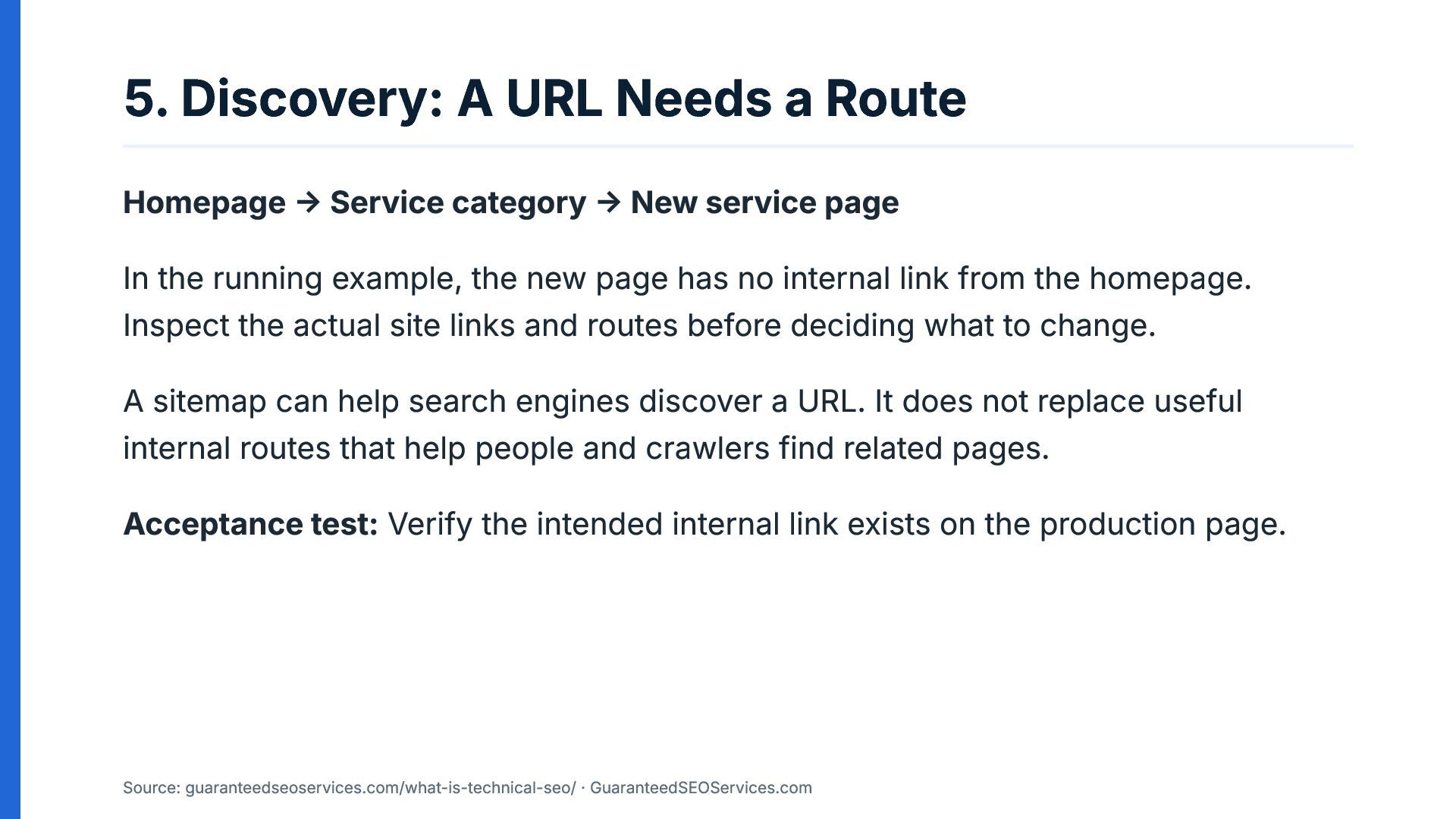
5. Discovery: A URL Needs a Route Homepage → Service
category → New service page In the running example, the new page has no internal link from the homepage. Inspect the actual site links and routes before deciding what to change. A sitemap can help search engines discover a URL. It does not replace useful internal routes that help people and crawlers find related pages. Acceptance test: Verify the intended internal link exists on the production page. Source: guaranteedseoservices.com/what-is-technical-seo/ · GuaranteedSEOServices.com -
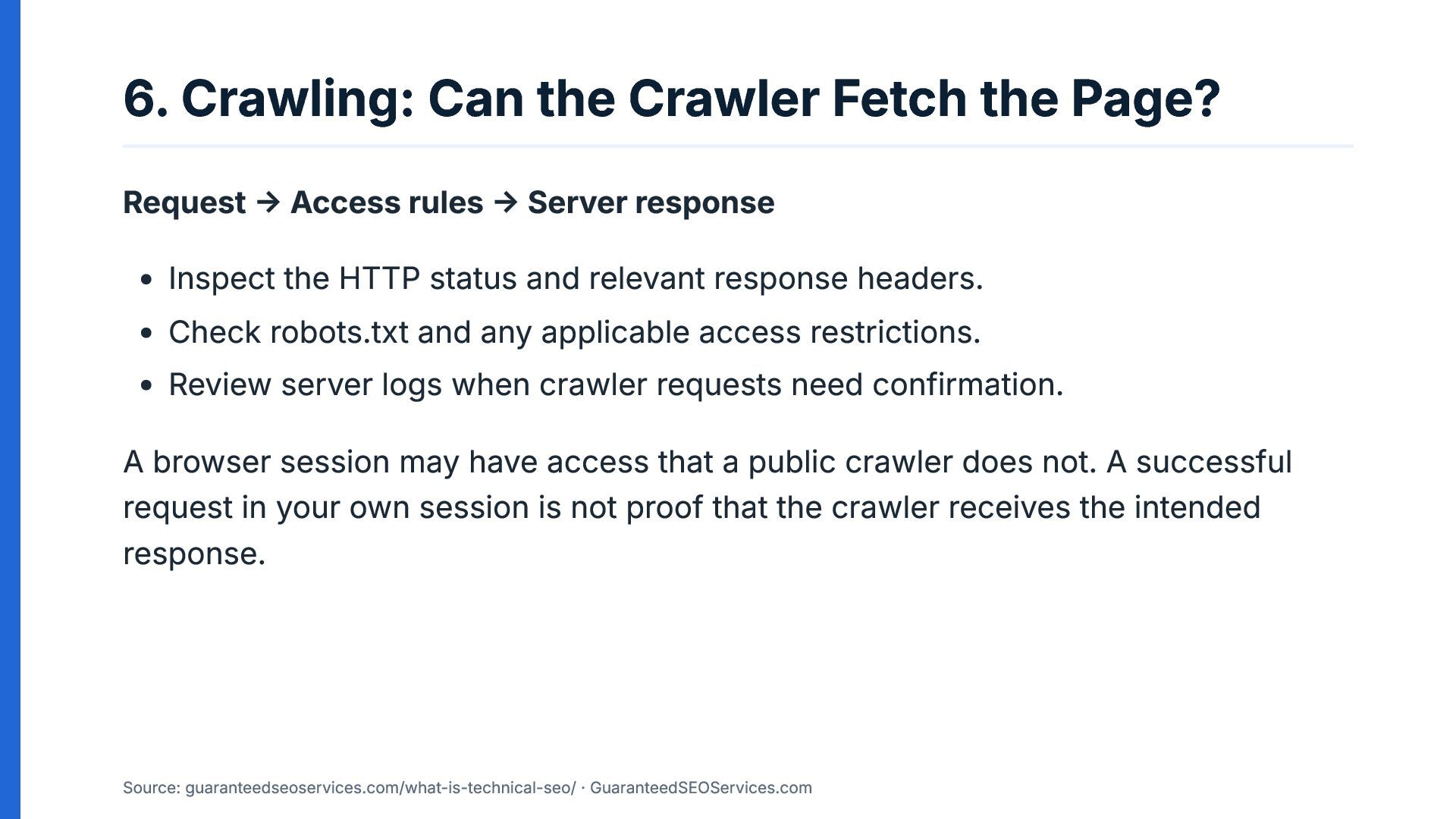
6. Crawling: Can the Crawler Fetch the Page? Request →
Access rules → Server response Inspect the HTTP status and relevant response headers. Check robots.txt and any applicable access restrictions. Review server logs when crawler requests need confirmation. A browser session may have access that a public crawler does not. A successful request in your own session is not proof that the crawler receives the intended response. Source: guaranteedseoservices.com/what-is-technical-seo/ · GuaranteedSEOServices.com -
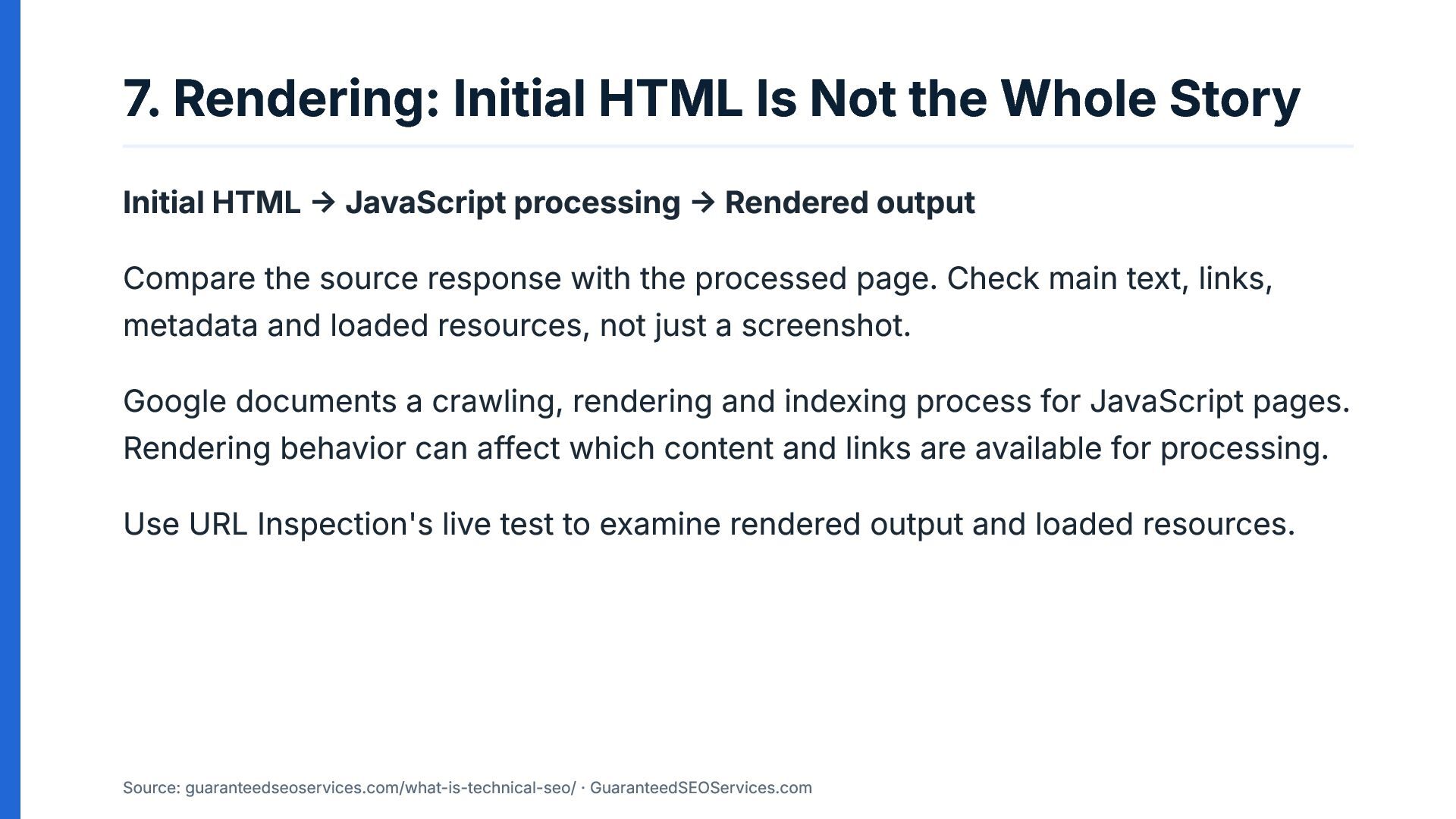
7. Rendering: Initial HTML Is Not the Whole Story Initial
HTML → JavaScript processing → Rendered output Compare the source response with the processed page. Check main text, links, metadata and loaded resources, not just a screenshot. Google documents a crawling, rendering and indexing process for JavaScript pages. Rendering behavior can affect which content and links are available for processing. Use URL Inspection's live test to examine rendered output and loaded resources. Source: guaranteedseoservices.com/what-is-technical-seo/ · GuaranteedSEOServices.com -
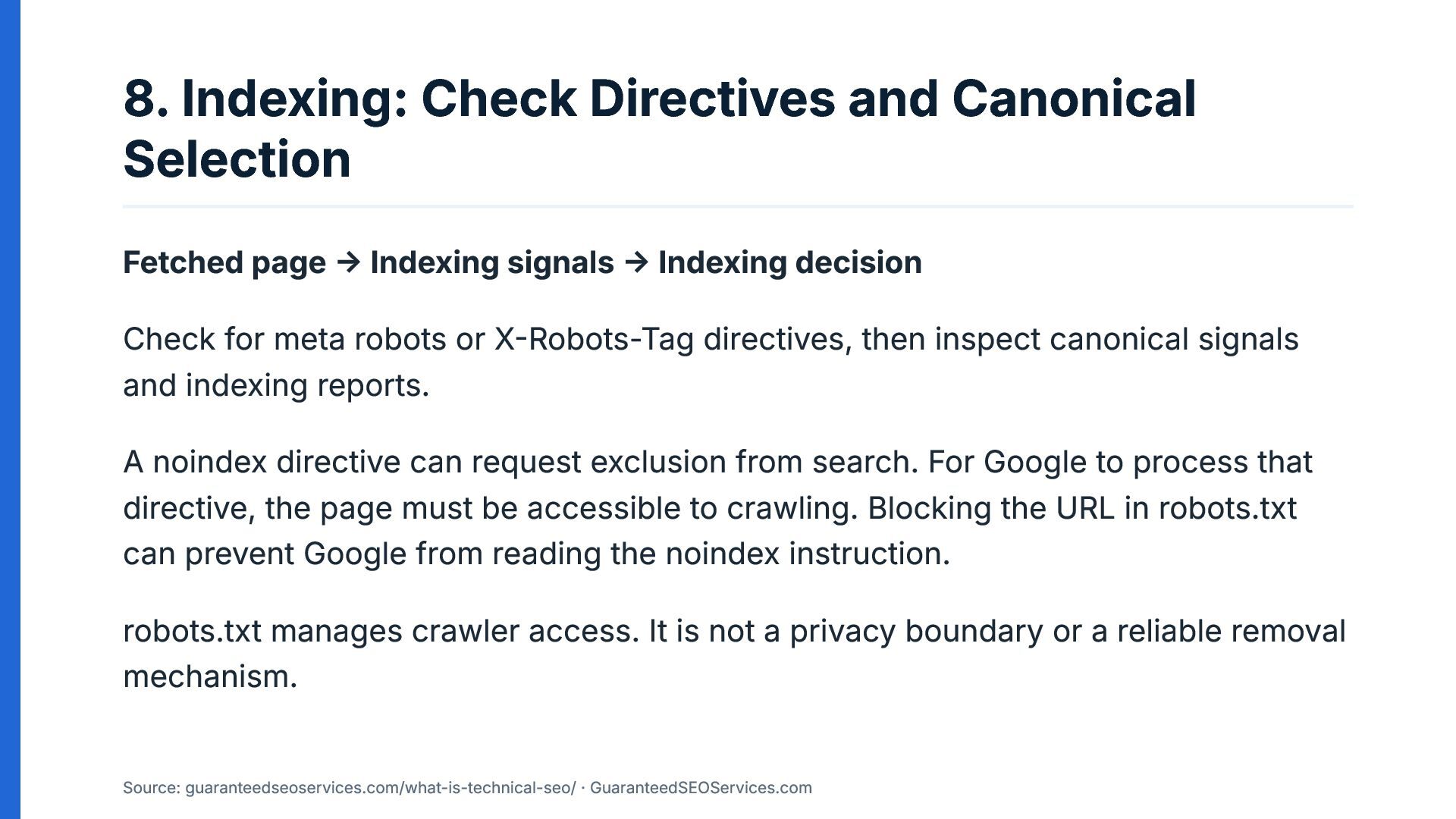
8. Indexing: Check Directives and Canonical Selection Fetched page →
Indexing signals → Indexing decision Check for meta robots or X-Robots-Tag directives, then inspect canonical signals and indexing reports. A noindex directive can request exclusion from search. For Google to process that directive, the page must be accessible to crawling. Blocking the URL in robots.txt can prevent Google from reading the noindex instruction. robots.txt manages crawler access. It is not a privacy boundary or a reliable removal mechanism. Source: guaranteedseoservices.com/what-is-technical-seo/ · GuaranteedSEOServices.com -
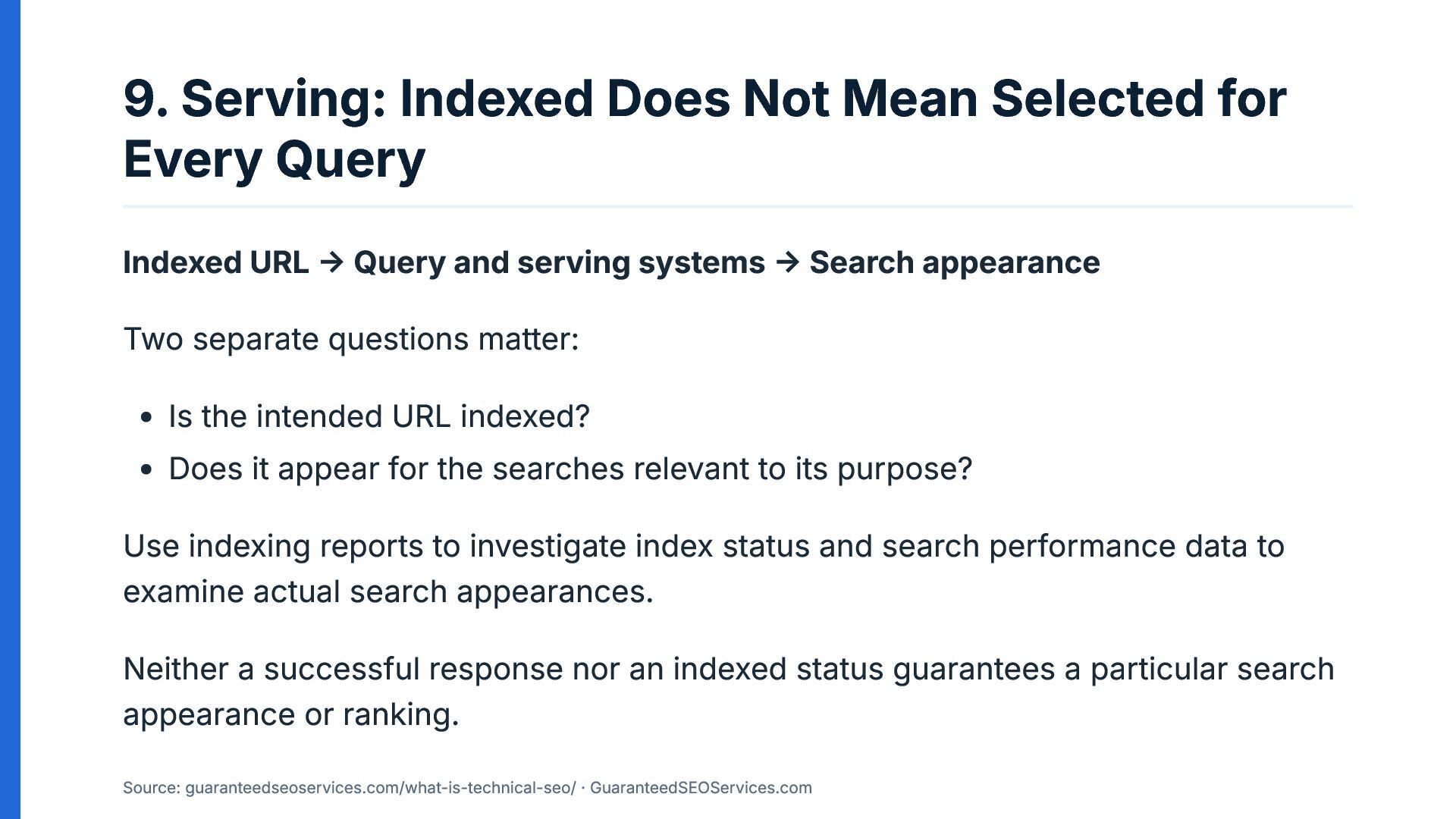
9. Serving: Indexed Does Not Mean Selected for Every Query
Indexed URL → Query and serving systems → Search appearance Two separate questions matter: Is the intended URL indexed? Does it appear for the searches relevant to its purpose? Use indexing reports to investigate index status and search performance data to examine actual search appearances. Neither a successful response nor an indexed status guarantees a particular search appearance or ranking. Source: guaranteedseoservices.com/what-is-technical-seo/ · GuaranteedSEOServices.com -
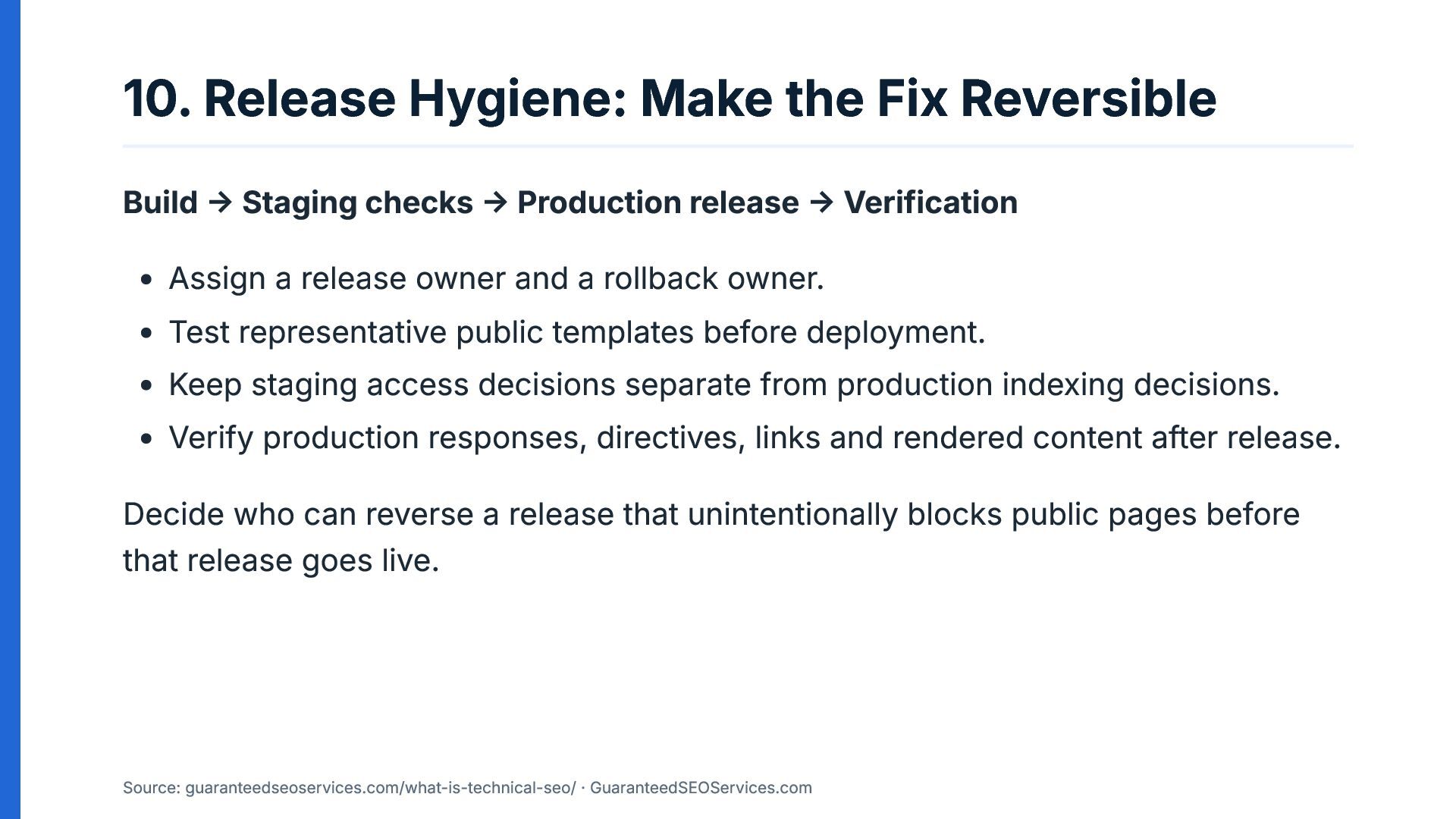
10. Release Hygiene: Make the Fix Reversible Build → Staging
checks → Production release → Verification Assign a release owner and a rollback owner. Test representative public templates before deployment. Keep staging access decisions separate from production indexing decisions. Verify production responses, directives, links and rendered content after release. Decide who can reverse a release that unintentionally blocks public pages before that release goes live. Source: guaranteedseoservices.com/what-is-technical-seo/ · GuaranteedSEOServices.com -
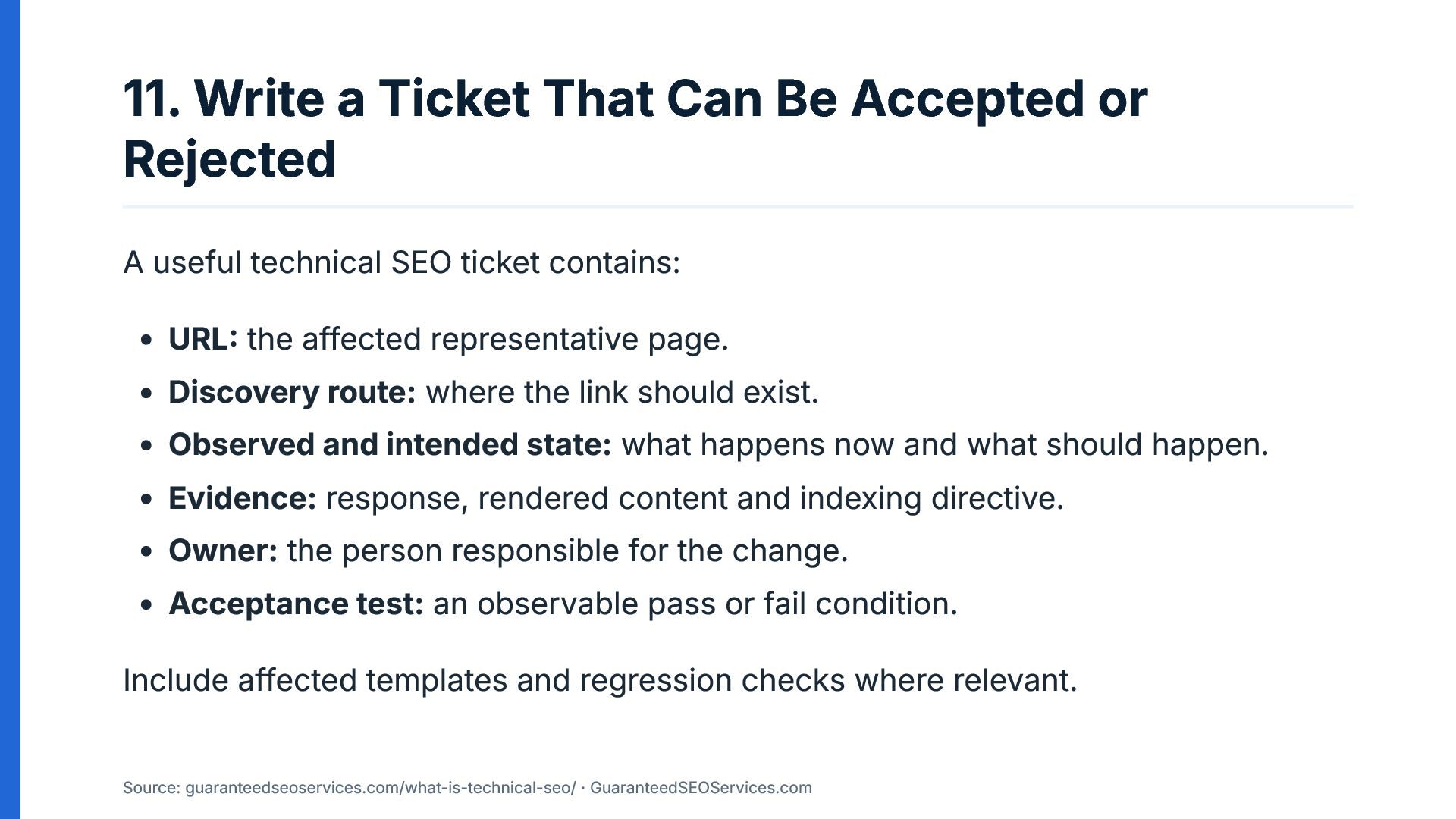
11. Write a Ticket That Can Be Accepted or Rejected
A useful technical SEO ticket contains: URL: the affected representative page. Discovery route: where the link should exist. Observed and intended state: what happens now and what should happen. Evidence: response, rendered content and indexing directive. Owner: the person responsible for the change. Acceptance test: an observable pass or fail condition. Include affected templates and regression checks where relevant. Source: guaranteedseoservices.com/what-is-technical-seo/ · GuaranteedSEOServices.com -
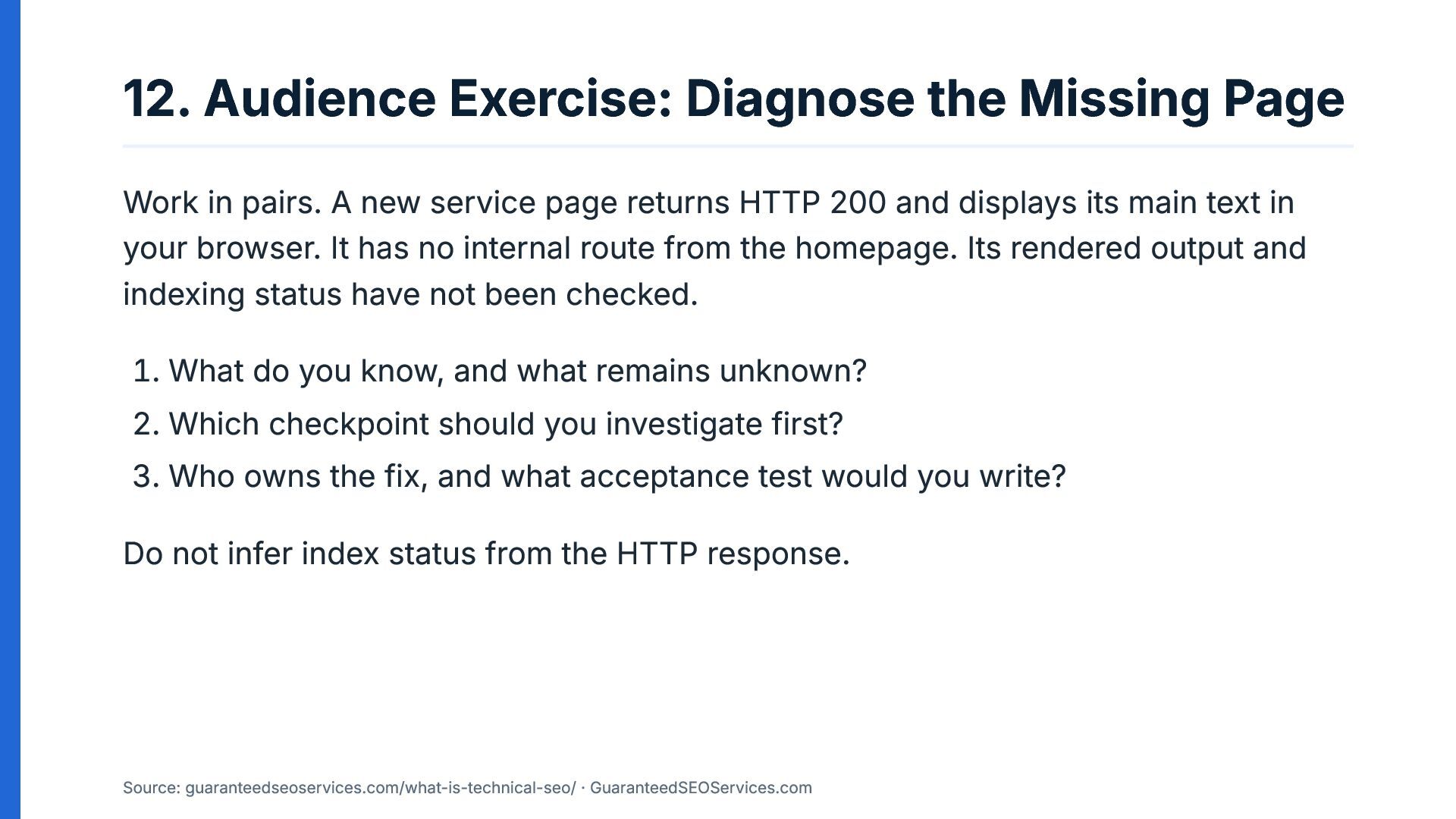
12. Audience Exercise: Diagnose the Missing Page Work in pairs.
A new service page returns HTTP 200 and displays its main text in your browser. It has no internal route from the homepage. Its rendered output and indexing status have not been checked. 1. What do you know, and what remains unknown? 2. Which checkpoint should you investigate first? 3. Who owns the fix, and what acceptance test would you write? Do not infer index status from the HTTP response. Source: guaranteedseoservices.com/what-is-technical-seo/ · GuaranteedSEOServices.com -
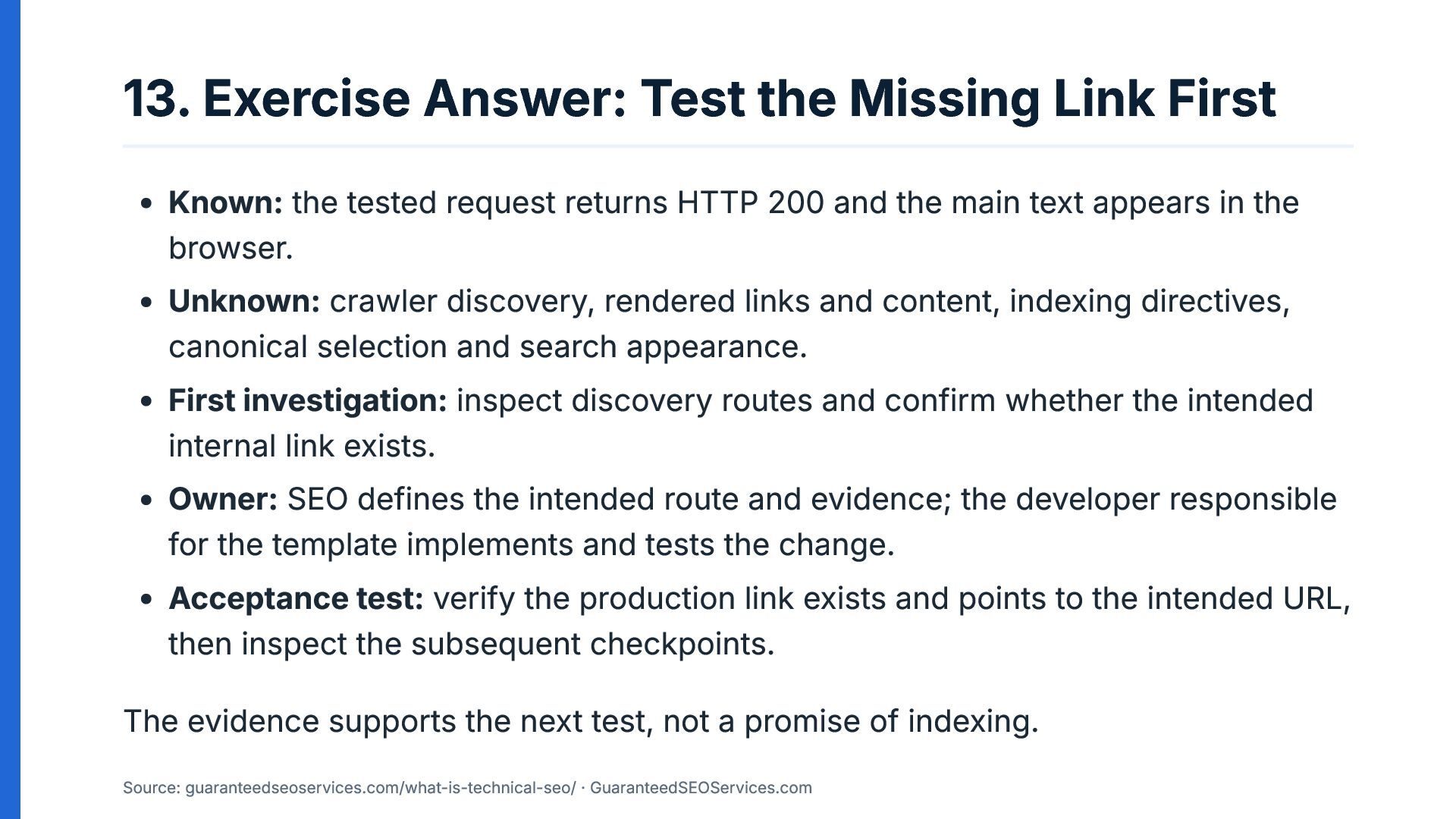
13. Exercise Answer: Test the Missing Link First Known: the
tested request returns HTTP 200 and the main text appears in the browser. Unknown: crawler discovery, rendered links and content, indexing directives, canonical selection and search appearance. First investigation: inspect discovery routes and confirm whether the intended internal link exists. Owner: SEO defines the intended route and evidence; the developer responsible for the template implements and tests the change. Acceptance test: verify the production link exists and points to the intended URL, then inspect the subsequent checkpoints. The evidence supports the next test, not a promise of indexing. Source: guaranteedseoservices.com/what-is-technical-seo/ · GuaranteedSEOServices.com -
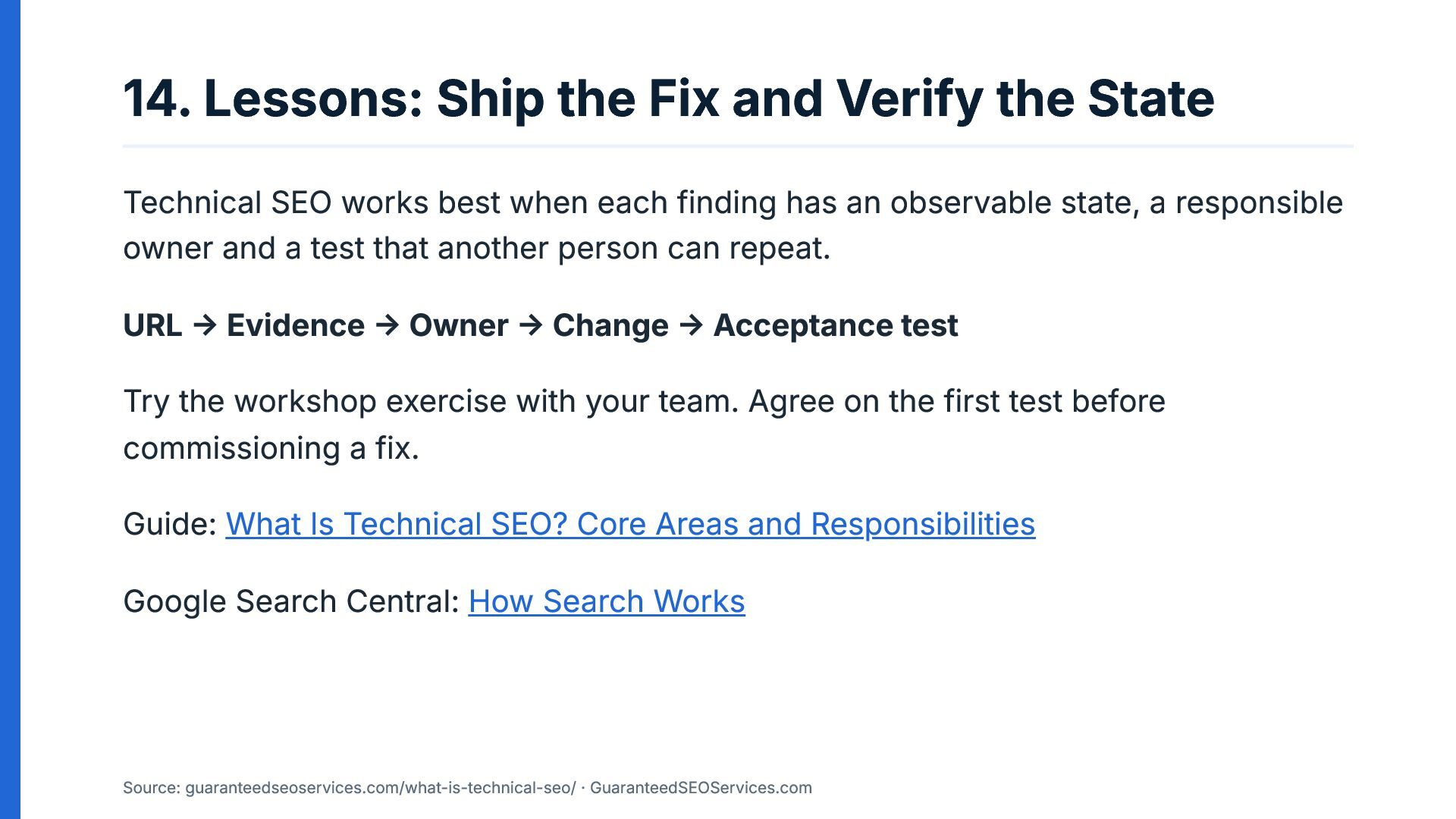
14. Lessons: Ship the Fix and Verify the State Technical
SEO works best when each finding has an observable state, a responsible owner and a test that another person can repeat. URL → Evidence → Owner → Change → Acceptance test Try the workshop exercise with your team. Agree on the first test before commissioning a fix. Guide: What Is Technical SEO? Core Areas and Responsibilities Google Search Central: How Search Works Source: guaranteedseoservices.com/what-is-technical-seo/ · GuaranteedSEOServices.com -
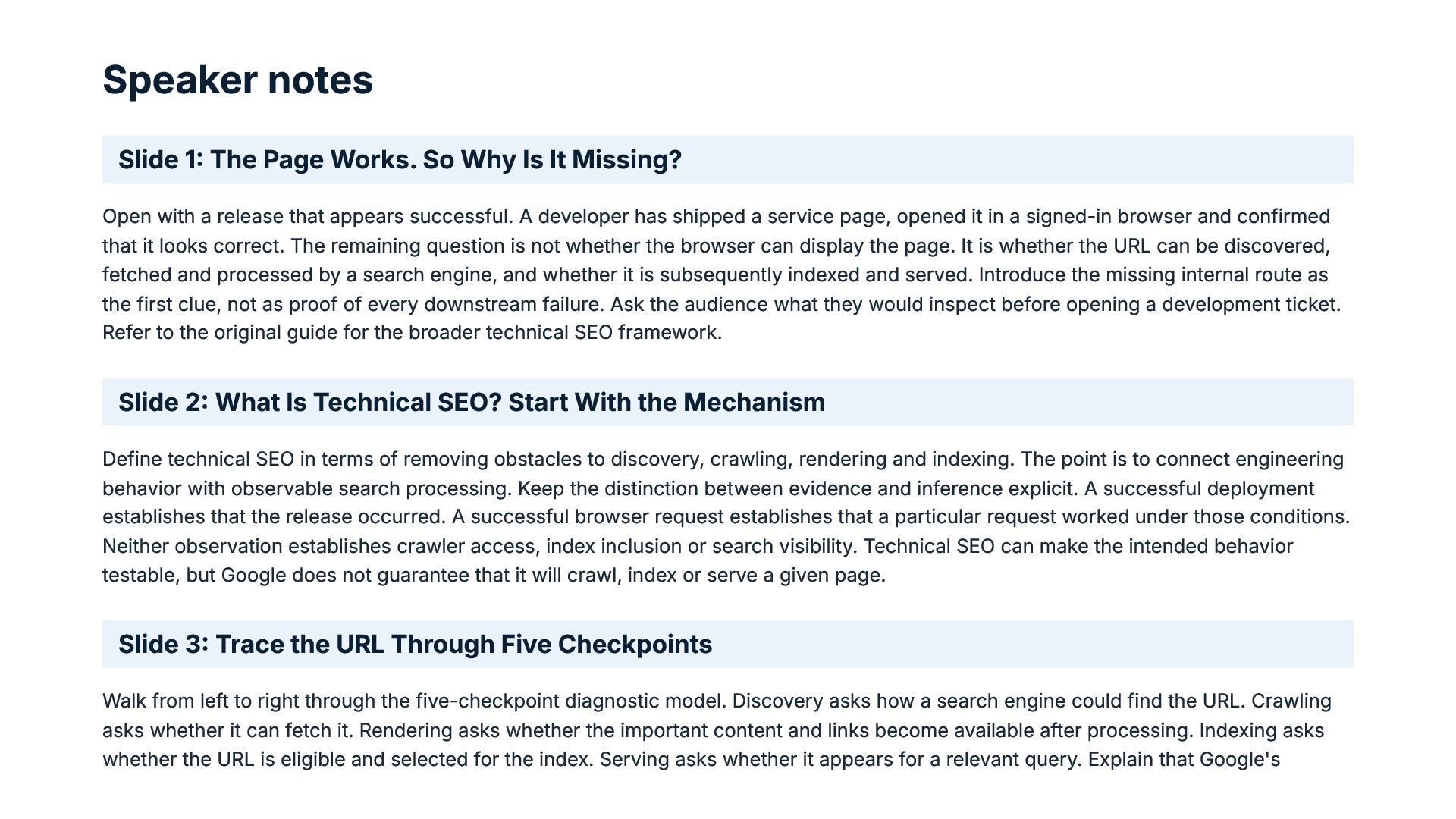
Speaker notes Slide 1: The Page Works. So Why Is
It Missing? Open with a release that appears successful. A developer has shipped a service page, opened it in a signed-in browser and confirmed that it looks correct. The remaining question is not whether the browser can display the page. It is whether the URL can be discovered, fetched and processed by a search engine, and whether it is subsequently indexed and served. Introduce the missing internal route as the first clue, not as proof of every downstream failure. Ask the audience what they would inspect before opening a development ticket. Refer to the original guide for the broader technical SEO framework. Slide 2: What Is Technical SEO? Start With the Mechanism Define technical SEO in terms of removing obstacles to discovery, crawling, rendering and indexing. The point is to connect engineering behavior with observable search processing. Keep the distinction between evidence and inference explicit. A successful deployment establishes that the release occurred. A successful browser request establishes that a particular request worked under those conditions. Neither observation establishes crawler access, index inclusion or search visibility. Technical SEO can make the intended behavior testable, but Google does not guarantee that it will crawl, index or serve a given page. Slide 3: Trace the URL Through Five Checkpoints Walk from left to right through the five-checkpoint diagnostic model. Discovery asks how a search engine could find the URL. Crawling asks whether it can fetch it. Rendering asks whether the important content and links become available after processing. Indexing asks whether the URL is eligible and selected for the index. Serving asks whether it appears for a relevant query. Explain that Google's -
documented high-level process has three stages: crawling, indexing and serving.
Discovery and rendering are practical diagnostic checkpoints that help teams isolate a failure. The sequence is a troubleshooting model, not a guaranteed progression. Slide 4: Match Each Checkpoint to Observable Evidence Ask the audience to name one piece of evidence for each stage before revealing the table. For discovery, inspect internal links and sitemap entries. For crawling, inspect HTTP responses, robots rules and server logs. For rendering, compare initial HTML with the processed output. For indexing, use indexing reports and canonical information. For serving, use search performance data. These sources answer different questions and should not be treated as interchangeable. A sitemap entry is not proof of indexing. A successful response is not proof of rendering. An indexed URL is not proof that it will appear for every query. Slide 5: Discovery: A URL Needs a Route Return to the service page with no internal route from the homepage. Inspect the actual site links and internal routes to establish whether the intended route exists. A sitemap can help Google discover URLs, but it does not substitute for a useful site structure. The acceptance test should be concrete: inspect the production page and confirm that the expected link points to the correct URL. If the route is generated by a shared template, identify the affected templates and include a regression check. Avoid claiming that adding a link guarantees crawling or indexing. It changes an observable site condition and makes the intended route available. Slide 6: Crawling: Can the Crawler Fetch the Page? Once discovery has been investigated, test whether the crawler can fetch the URL as intended. Inspect the response code and relevant headers, review robots.txt, and examine server logs when request evidence is needed. Be careful about access differences: a developer may be authenticated, have network access or use a browser state unavailable to a public crawler. Explain that robots.txt manages crawler access, while access controls can prevent public retrieval for other reasons. If the response is unexpected, record the observed response and intended response in the ticket. Assign the change to the team responsible for the relevant application, server or hosting layer. -
Slide 7: Rendering: Initial HTML Is Not the Whole Story
Explain the difference between the HTML returned by the server and the output after JavaScript processing. A page can appear complete in an interactive browser while important text, links or metadata depend on processing or resources that are not available as expected during crawling. Compare initial HTML with rendered output and inspect the main text, links, metadata and loaded resources. Google's JavaScript SEO documentation describes crawling, rendering and indexing phases, and explains that Google processes JavaScript pages through a rendering system. Use the live URL test in Search Console to inspect rendered output. A screenshot alone cannot establish that the right links and metadata are present. Slide 8: Indexing: Check Directives and Canonical Selection After verifying crawling and rendering, examine indexing eligibility and selection. Inspect meta robots directives, X-Robots-Tag response headers and canonical signals. Google's documentation explains that a noindex instruction must be accessible to Google for the instruction to be processed. Blocking a URL in robots.txt can prevent the crawler from reading that instruction. This is why robots.txt should not be presented as a reliable way to remove a URL from search. It also is not a privacy control. Use URL Inspection and indexing reports to examine the observed state, then record the intended state and the test that will confirm the implementation. Slide 9: Serving: Indexed Does Not Mean Selected for Every Query Separate index status from search performance. Indexing evidence helps establish whether Google reports a URL as indexed and which canonical it has selected. Search performance data helps teams investigate impressions, clicks and queries where data is available. An indexed page can still fail to appear for a particular query. Relevance and Google's serving systems affect what is shown. Do not turn an indexing fix into a ranking promise, and do not use a lack of observed impressions alone to conclude that crawling failed. State exactly what the data establishes, what remains uncertain and what the next diagnostic question should be. Slide 10: Release Hygiene: Make the Fix Reversible -
Technical SEO should be part of release readiness rather than
an investigation that begins after a public page disappears. Establish who owns the release and who can roll it back if a change blocks public pages or adds an unintended indexing directive. Test representative templates in staging, but make deliberate decisions about staging access and production indexing separately. After deployment, verify the public response, directives, links and rendered content. Include regression tests for shared templates where a single change can affect multiple URLs. The goal is to make unintended changes observable and reversible, not to suggest that a checklist guarantees search visibility. Slide 11: Write a Ticket That Can Be Accepted or Rejected Show how a vague ticket such as “fix SEO on the new page” can be turned into a testable engineering task. Include the representative URL, discovery route, observed state, intended state, affected templates, responsible owner and acceptance criteria. Attach evidence from the relevant diagnostic tools. SEO should identify the issue, document evidence, define intended behavior and validate the result. Developers should own code and template changes and regression checks. Content owners, DevOps or hosting teams and the business owner may need to contribute according to the cause and priority. Acceptance confirms delivery of the defined work. It does not guarantee rankings, traffic or indexing. Slide 12: Audience Exercise: Diagnose the Missing Page Give pairs two minutes to discuss the example. The page returns HTTP 200 and its main text appears in a browser, but it has no internal route from the homepage. Rendered output and indexing status remain unchecked. Ask participants to list known facts before proposing fixes. They should identify the missing internal route as the first investigation because it is already an observable gap in the intended site structure. They should not claim that this alone explains every possible indexing outcome. Ask them to write an acceptance test and name the person responsible for implementation. Encourage them to distinguish the first fix from the subsequent diagnostic checks. Slide 13: Exercise Answer: Test the Missing Link First -
Confirm the facts in order. The tested request returned HTTP
200, and the main text was visible in the browser. The intended internal route is absent. Those observations do not establish whether Google has discovered, rendered or indexed the page. The first test is to verify the expected internal link on the production page and ensure that it points to the intended URL. SEO defines the intended route and validates the evidence; the developer responsible for the relevant template implements the change and checks for regressions. Afterward, investigate crawling, rendering and indexing separately. A passing link test confirms the link was delivered, not that the page will be indexed. Slide 14: Lessons: Ship the Fix and Verify the State Close with the working sequence: URL, evidence, owner, change and acceptance test. The same approach applies to technical SEO findings involving response codes, rendering, indexing directives and canonical selection. Ask the audience to take one open technical SEO ticket and rewrite it so another engineer can reproduce the observation and verify the intended result. Invite teams to use the workshop exercise before commissioning a fix. Direct readers to the original guide and Google's primary documentation for the underlying mechanisms. What is technical SEO in practice? It is the disciplined process of identifying technical obstacles, documenting evidence, assigning ownership and verifying the agreed change without promising search visibility. -
Sources What Is Technical SEO? Core Areas and Responsibilities, GuaranteedSEOServices.com.
The source guide for the diagnostic checkpoints, ownership model and ticket structure. Google Search Central: How Search Works. Google's explanation of crawling, indexing and serving, including the lack of a guarantee that a page will be crawled, indexed or served. Google Search Central: JavaScript SEO Basics. Google's documentation on crawling, JavaScript rendering and indexing. Google Search Central: Block Search Indexing with noindex. Documentation on meta tag and HTTP header directives and the need for Google to access a page to read the directive. Google Search Central: Introduction to robots.txt. Documentation explaining crawler access controls and the limits of robots.txt as an indexing exclusion method. Google Search Console Help: URL Inspection Tool. Documentation for live URL testing and inspection of rendered output and loaded resources.
 guaranteedseoservices
 portentint
 shosanhr
 decabbit
 speedyindexteam
 zjchahalis
 pavelungr
 aleyda
 samtorres
 pelogia
 metehanyesilyurt
 carmenintech
 ryanjones
 katarinadahlin
 maggiecrowley
 hatefulcrawdad
 varn
 aarron
 tanoku
 techseoconnect
 bethany
 mza