Upgrade to PRO for Only $50/Year—Limited-Time Offer! 🔥

Key Insights from Using Kafka in Large-Scale Pr...

Key Insights from Using Kafka in Large-Scale Projects

This presentation distills critical insights and lessons from using Kafka in a large-scale project involving 100 developers. We will delve into common misunderstandings and pitfalls that teams encounter when integrating Kafka into their workflows, highlighting practical examples and solutions. The focus will be on the most important learnings garnered from our experiences, offering attendees a roadmap to navigate the complexities of using Kafka effectively in big projects

Avatar for Posedio

Posedio PRO

May 15, 2024
Tweet

More Decks by Posedio

Other Decks in Programming

Transcript

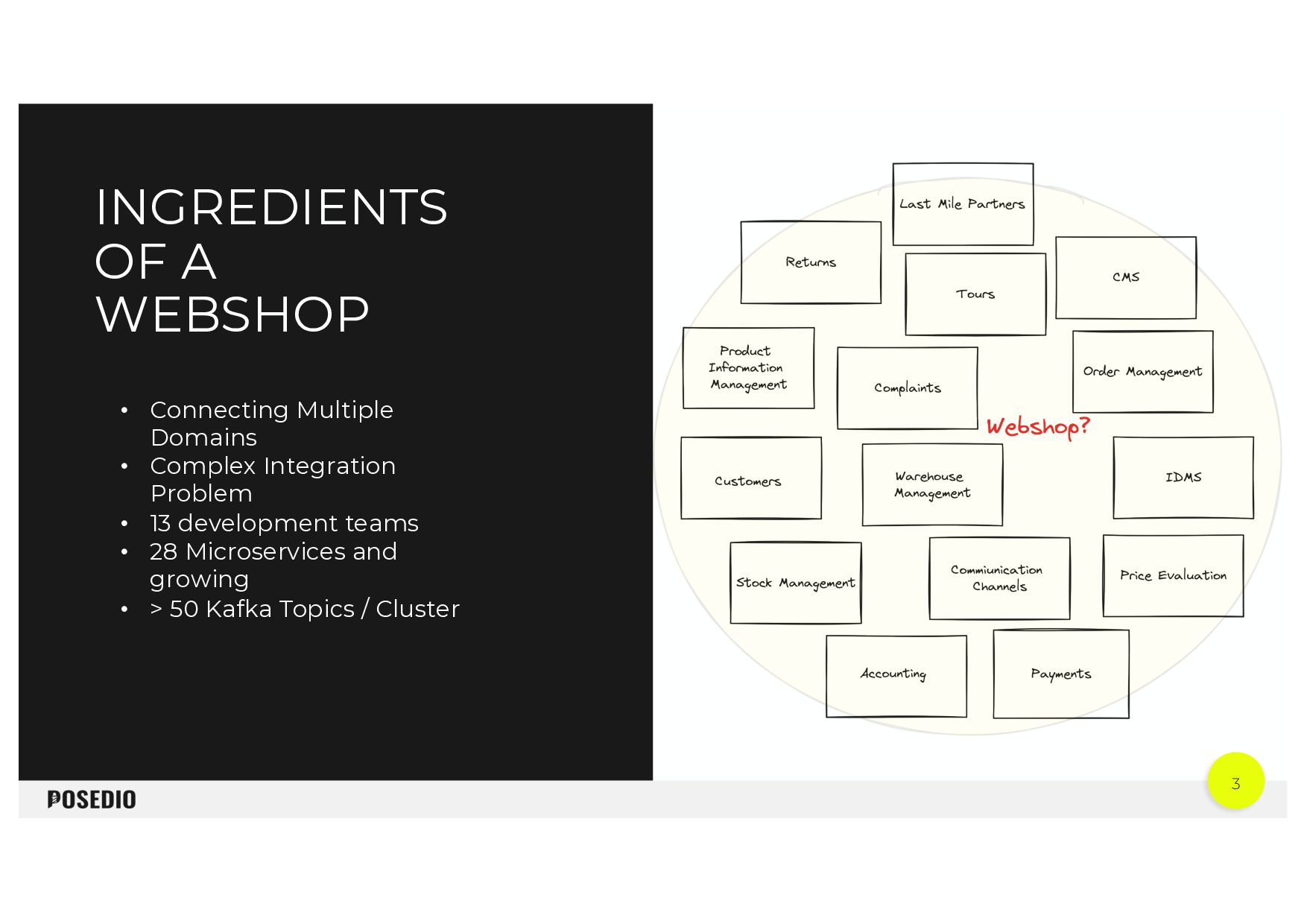
  1. 3 INGREDIENTS OF A WEBSHOP • Connecting Multiple Domains •

    Complex Integration Problem • 13 development teams • 28 Microservices and growing • > 50 Kafka Topics / Cluster
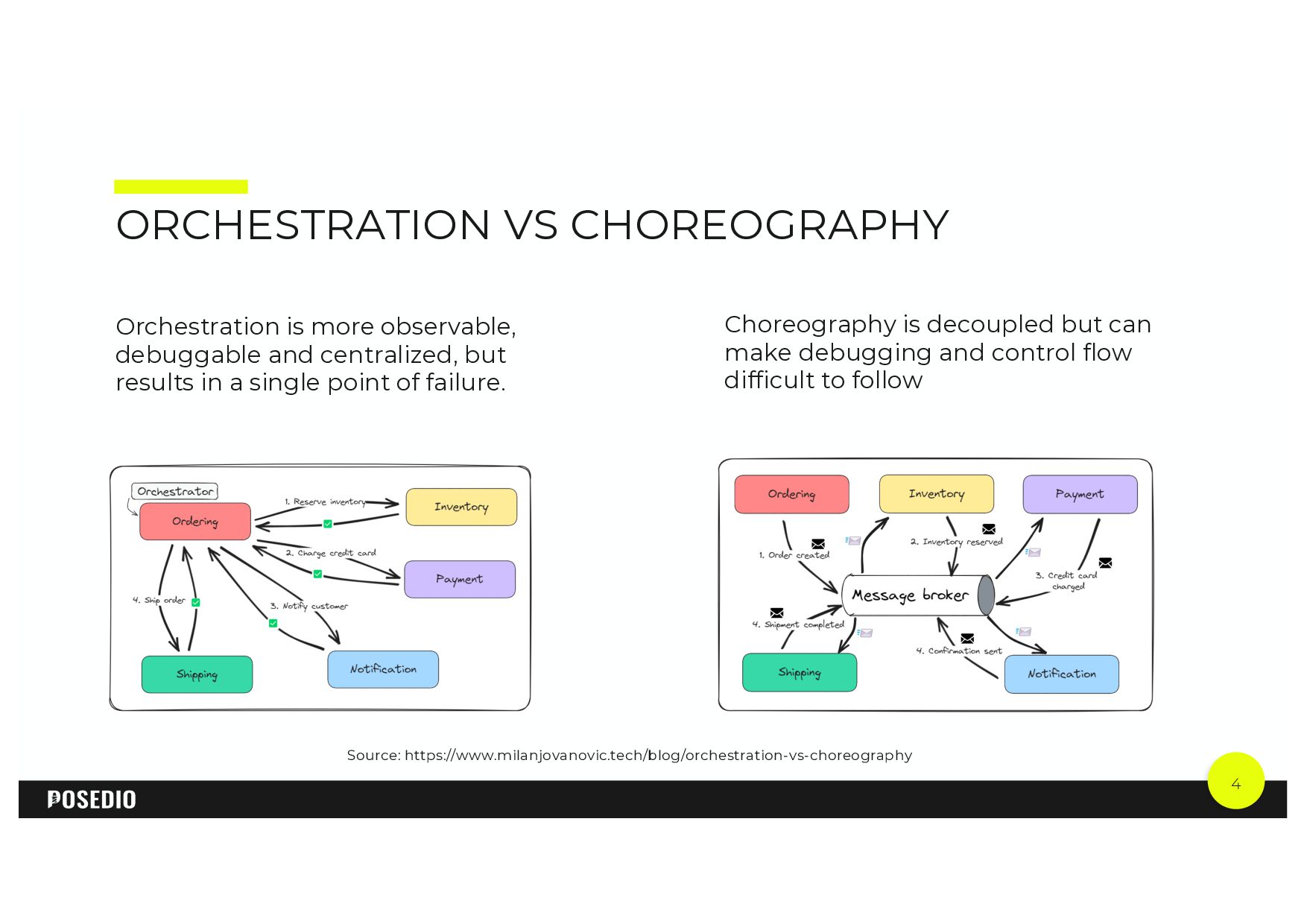
  2. 4 ORCHESTRATION VS CHOREOGRAPHY Choreography is decoupled but can make

    debugging and control flow difficult to follow Orchestration is more observable, debuggable and centralized, but results in a single point of failure. Source: https://www.milanjovanovic.tech/blog/orchestration-vs-choreography
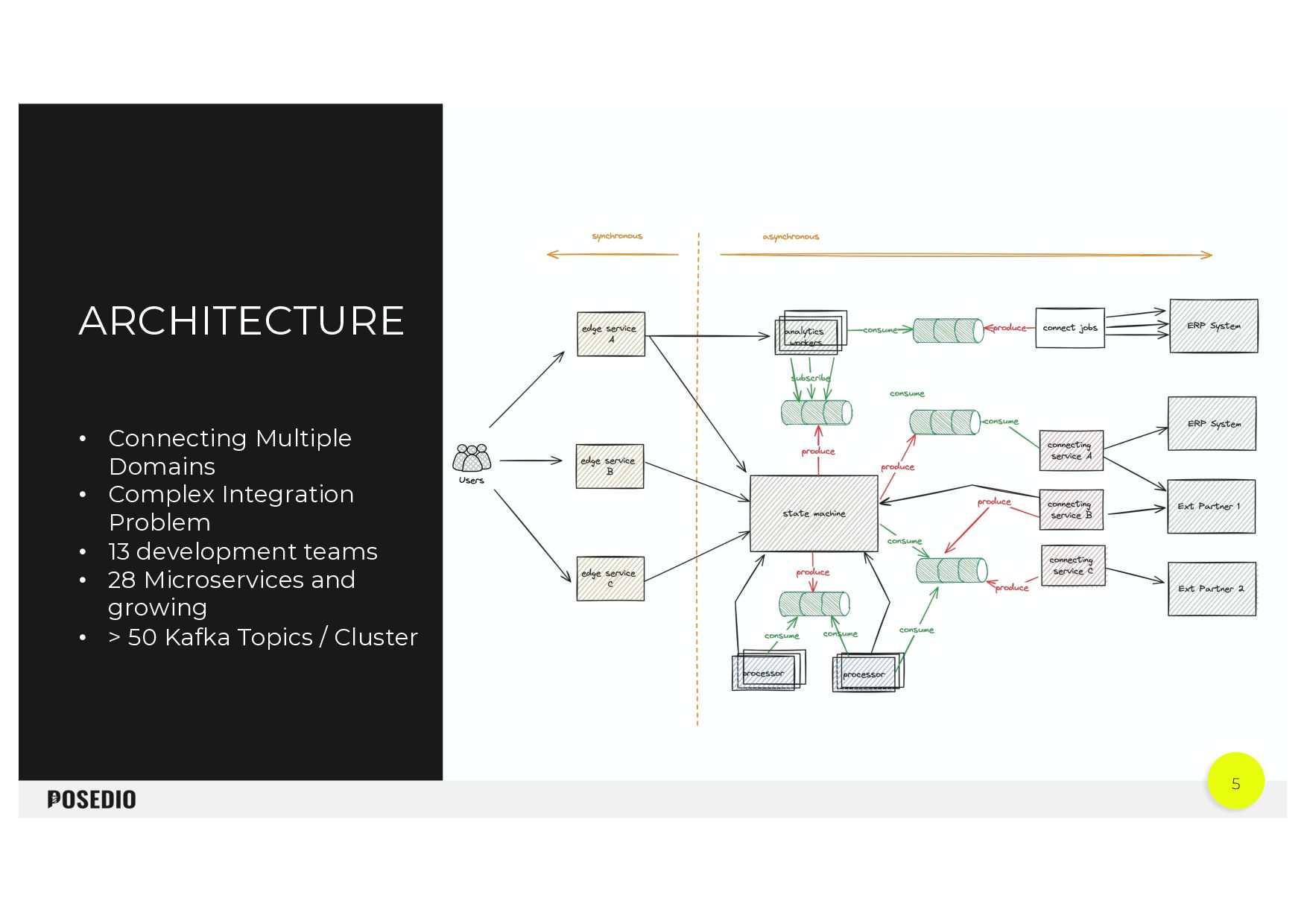
  3. 5 ARCHITECTURE • Connecting Multiple Domains • Complex Integration Problem

    • 13 development teams • 28 Microservices and growing • > 50 Kafka Topics / Cluster
  4. 6 8 TIPS HOW TO MAKE YOUR JOURNEY WITH KAFKA

    AS UNPLEASANT AS POSSIBLE Tested in the field
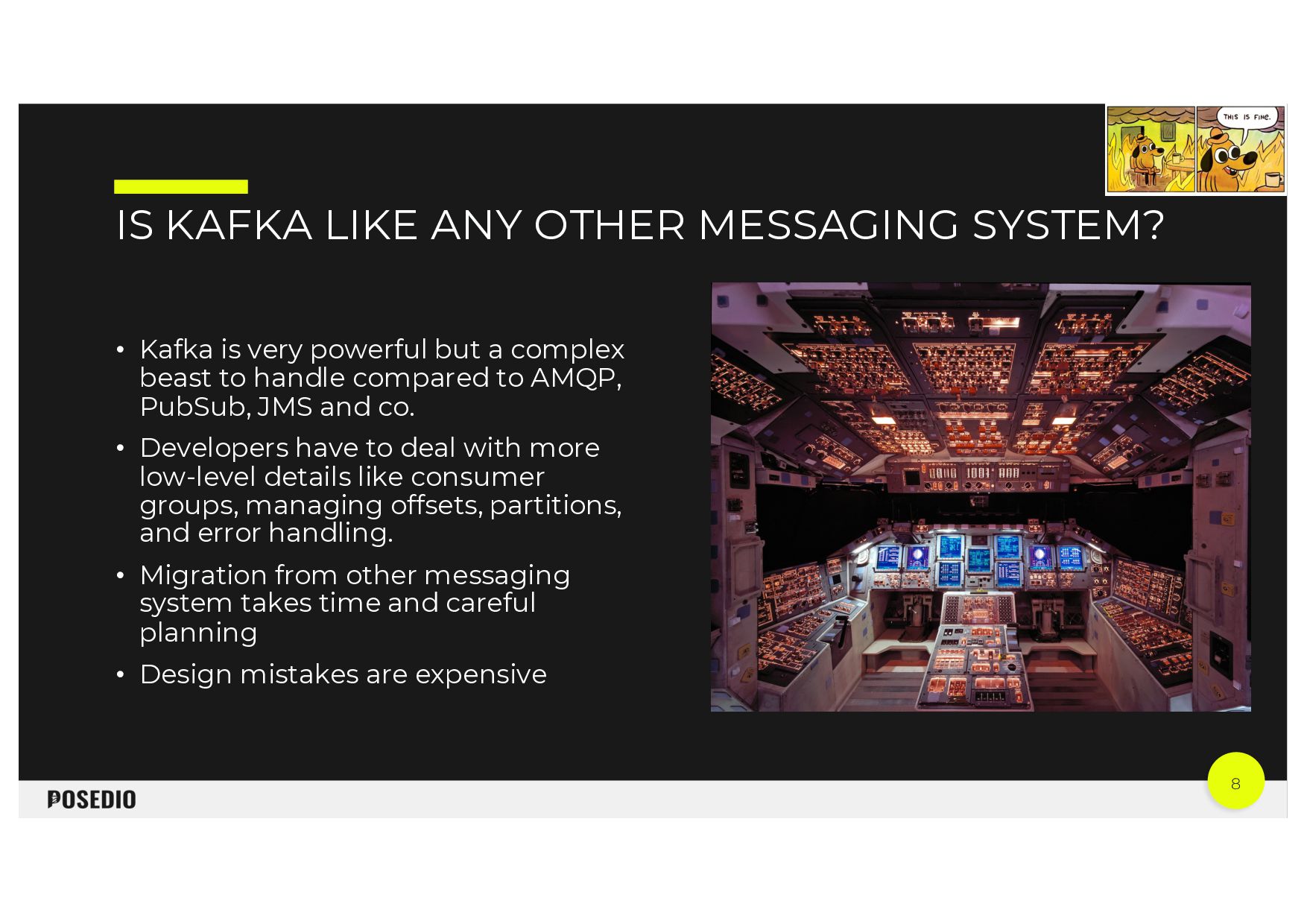
  5. 8 IS KAFKA LIKE ANY OTHER MESSAGING SYSTEM? • Kafka

    is very powerful but a complex beast to handle compared to AMQP, PubSub, JMS and co. • Developers have to deal with more low-level details like consumer groups, managing offsets, partitions, and error handling. • Migration from other messaging system takes time and careful planning • Design mistakes are expensive
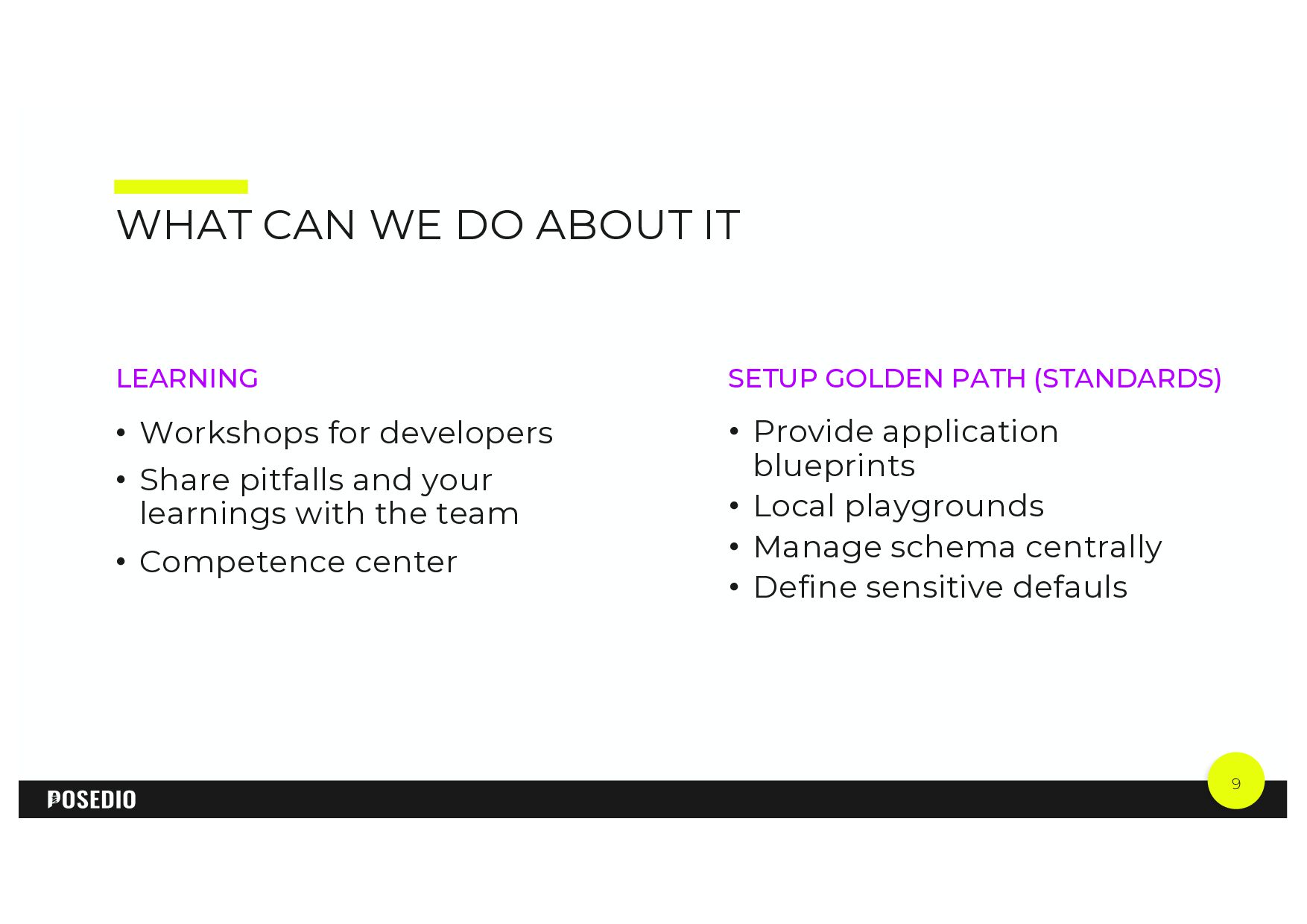
  6. 9 WHAT CAN WE DO ABOUT IT SETUP GOLDEN PATH

    (STANDARDS) • Provide application blueprints • Local playgrounds • Manage schema centrally • Define sensitive defauls LEARNING • Workshops for developers • Share pitfalls and your learnings with the team • Competence center
  7. BUILD A DISTRIBUTED MONOLITH 2 Building an event based system

    but still maintaining strong dependencies between services
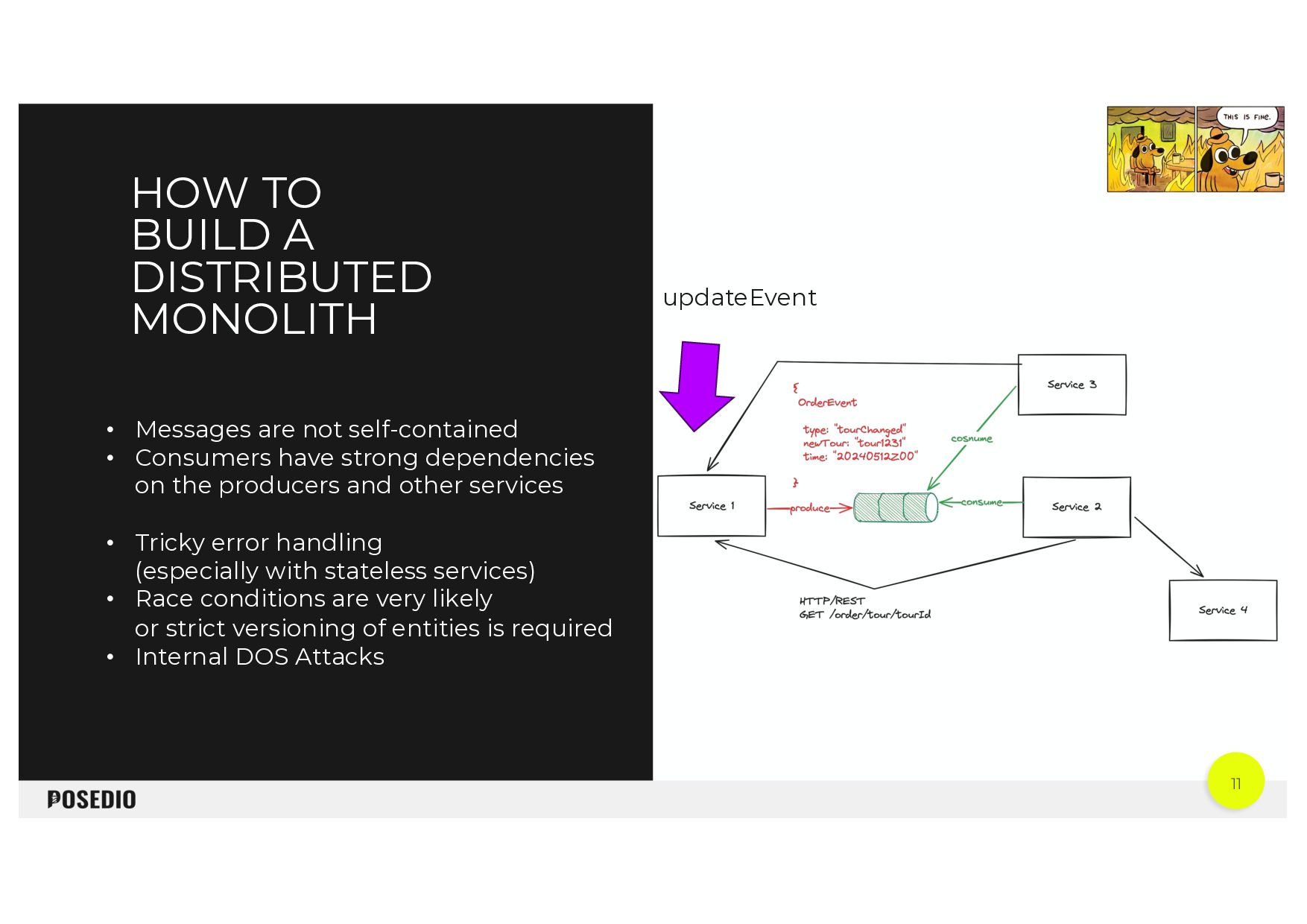
  8. 11 HOW TO BUILD A DISTRIBUTED MONOLITH • Messages are

    not self-contained • Consumers have strong dependencies on the producers and other services • Tricky error handling (especially with stateless services) • Race conditions are very likely or strict versioning of entities is required • Internal DOS Attacks updateEvent
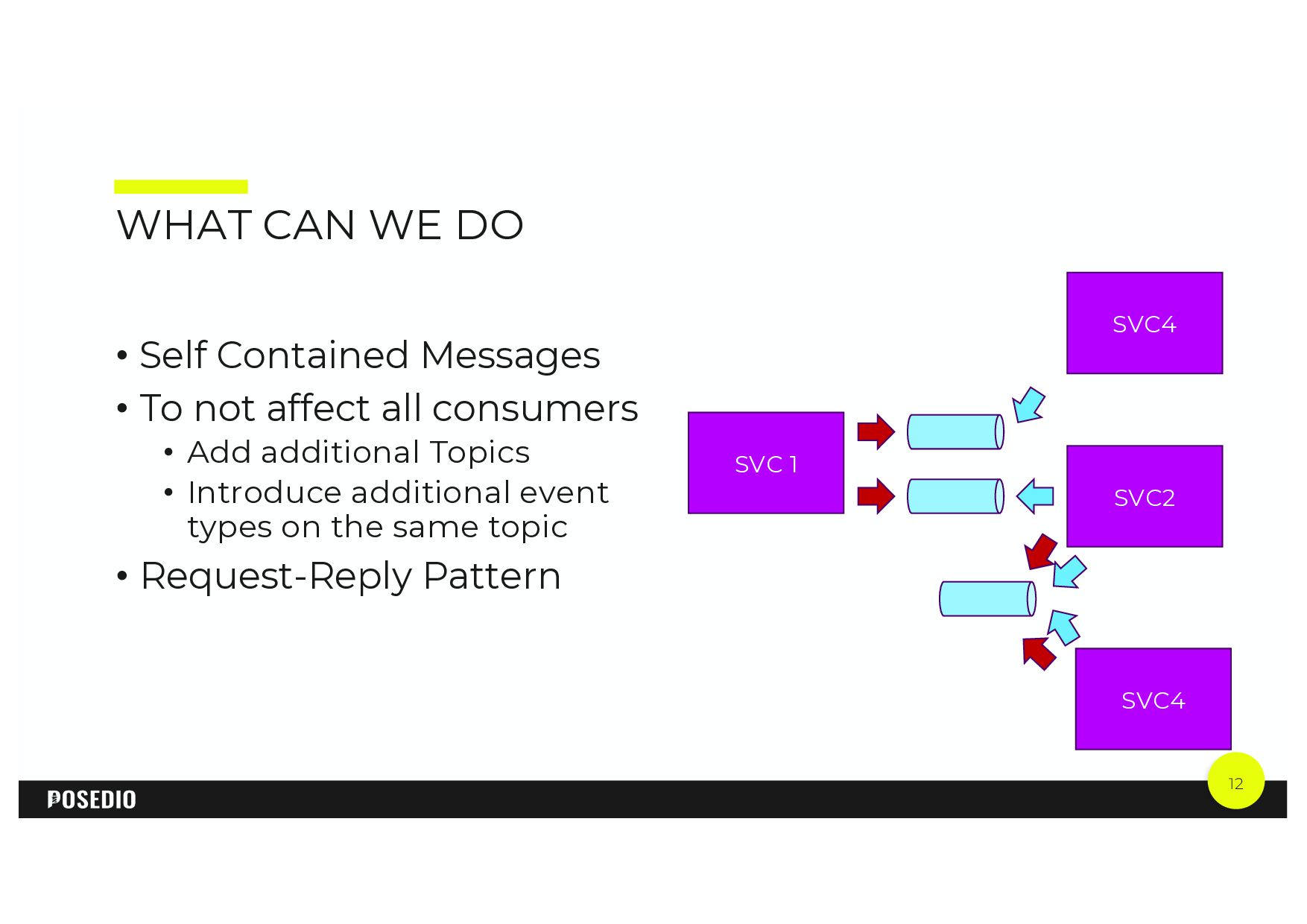
  9. 12 WHAT CAN WE DO • Self Contained Messages •

    To not affect all consumers • Add additional Topics • Introduce additional event types on the same topic • Request-Reply Pattern SVC 1 SVC2 SVC4 SVC4
  10. EVERYTHING IN KAFKA IS AN EVENT 3 Current IT trends

    and literature guides us into thinking that using Kafka is equal to building an event-based system always.
  11. 14 ARE THERE ONLY EVENTS IN KAFKA? A pure “event-based”

    system comes with preconditions and design constraints. Example: Rendering Receipt Documents (Invoice) The side effect is - If I just create invoices on event states, I have to recreate the event state to retrigger invoices - This may have side effects on other things and is not clean (because it was an artificial state change) - And it will usually always be created unless I take extra measures - But it is very likely I want to recreate invoices at any time not just for specific events
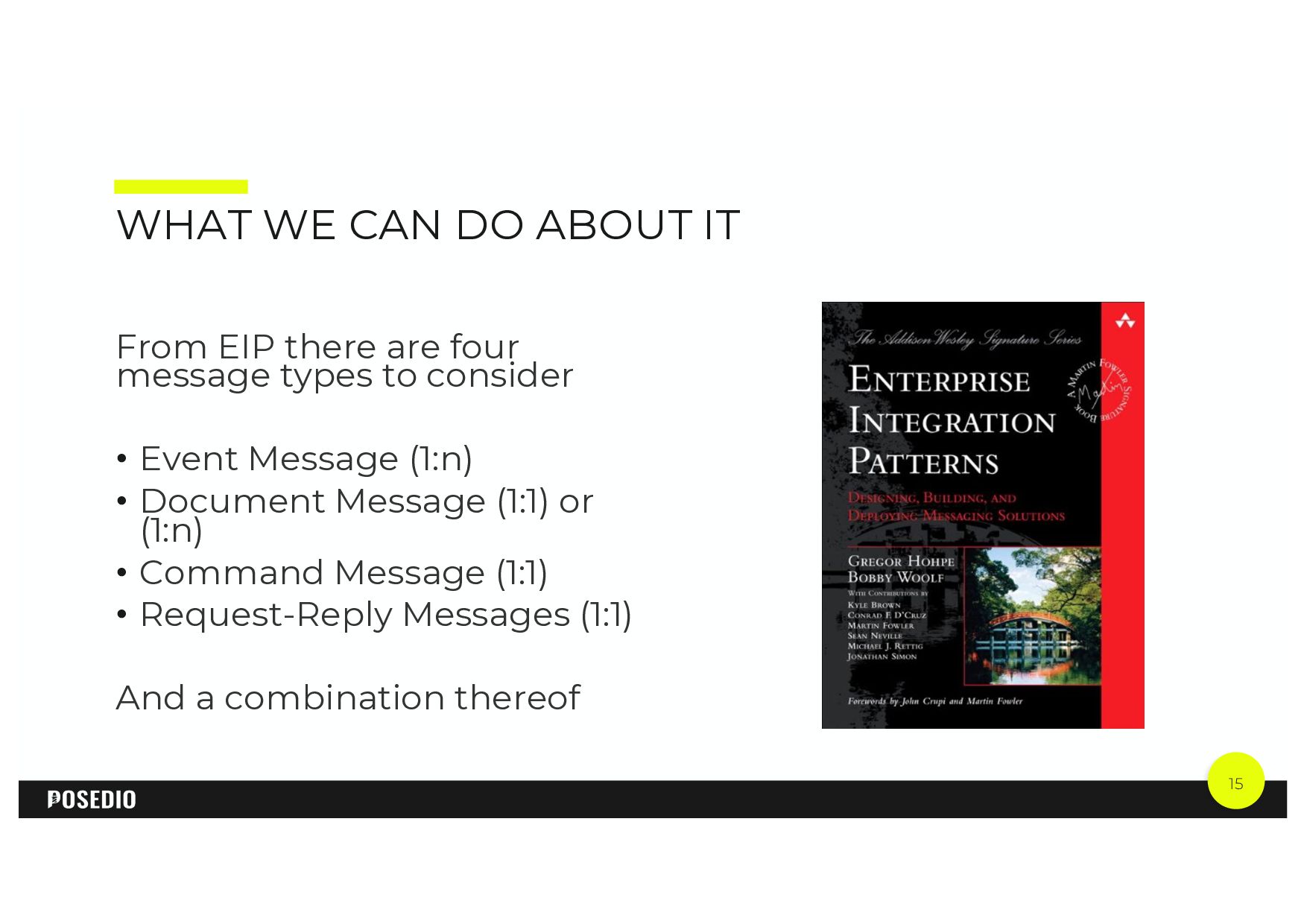
  12. 15 WHAT WE CAN DO ABOUT IT From EIP there

    are four message types to consider • Event Message (1:n) • Document Message (1:1) or (1:n) • Command Message (1:1) • Request-Reply Messages (1:1) And a combination thereof
  13. 16 HOW WE SOLVED IT • Make deliberate choice what

    kind of message pattern you want to use (e.g. events, documents, commands) • Make the choice transparent, e.g. in the topic and record name. • Follow a consistent pattern for constructing the schema • Use consistent schema upgrade policy • FORWARD(_TRANSITIVE) is a good fit for ”event” and “document” topics, the producer owns the schema • BACKWARD(_TRANSITIVE) is a good fit for ”command” topics, the consumer owns the schema Make the message intent clear
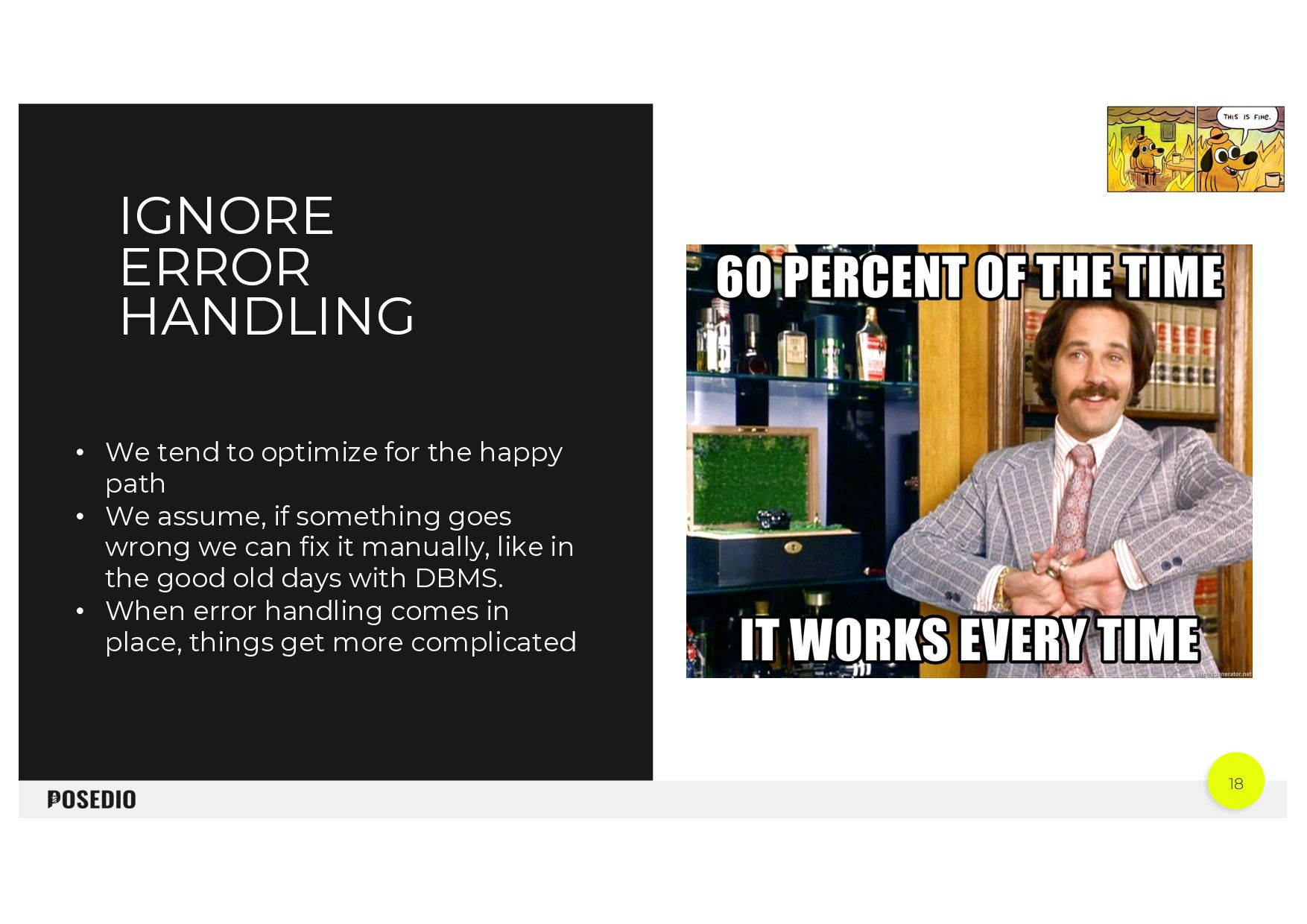
  14. 18 • We tend to optimize for the happy path

    • We assume, if something goes wrong we can fix it manually, like in the good old days with DBMS. • When error handling comes in place, things get more complicated IGNORE ERROR HANDLING
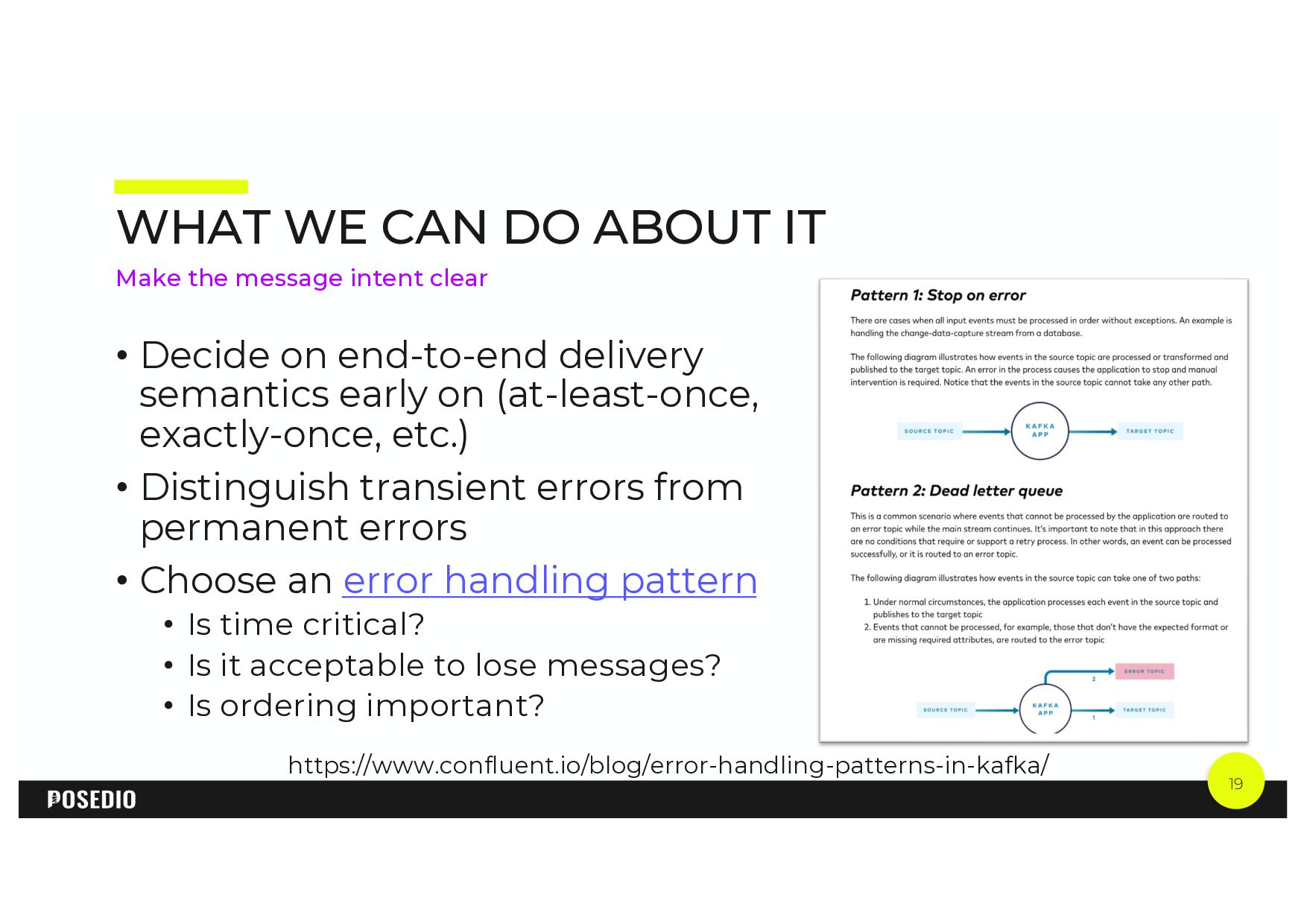
  15. 19 WHAT WE CAN DO ABOUT IT • Decide on

    end-to-end delivery semantics early on (at-least-once, exactly-once, etc.) • Distinguish transient errors from permanent errors • Choose an error handling pattern • Is time critical? • Is it acceptable to lose messages? • Is ordering important? Make the message intent clear https://www.confluent.io/blog/error-handling-patterns-in-kafka/
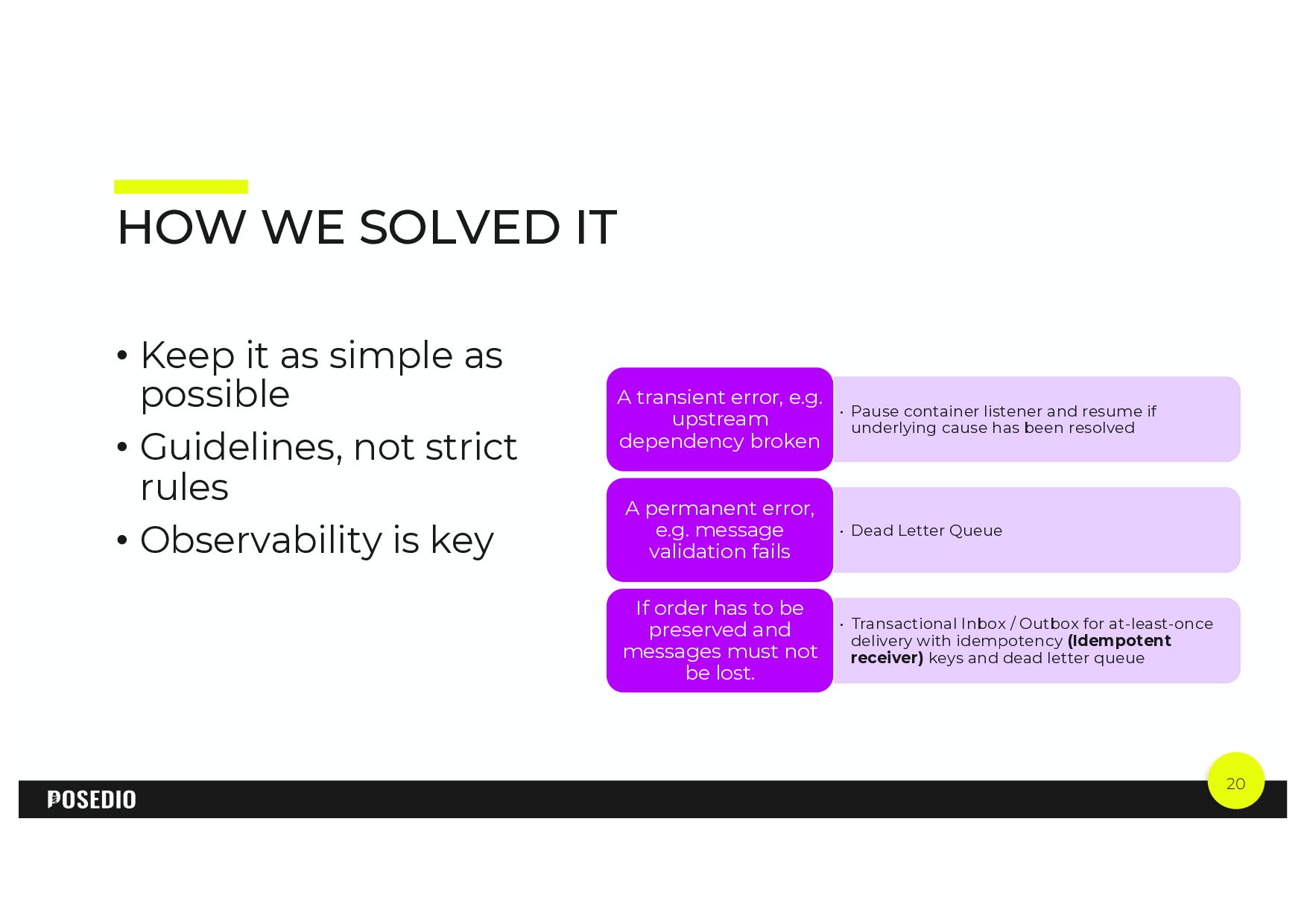
  16. 20 HOW WE SOLVED IT • Pause container listener and

    resume if underlying cause has been resolved A transient error, e.g. upstream dependency broken • Dead Letter Queue A permanent error, e.g. message validation fails • Transactional Inbox / Outbox for at-least-once delivery with idempotency (Idempotent receiver) keys and dead letter queue If order has to be preserved and messages must not be lost. • Keep it as simple as possible • Guidelines, not strict rules • Observability is key
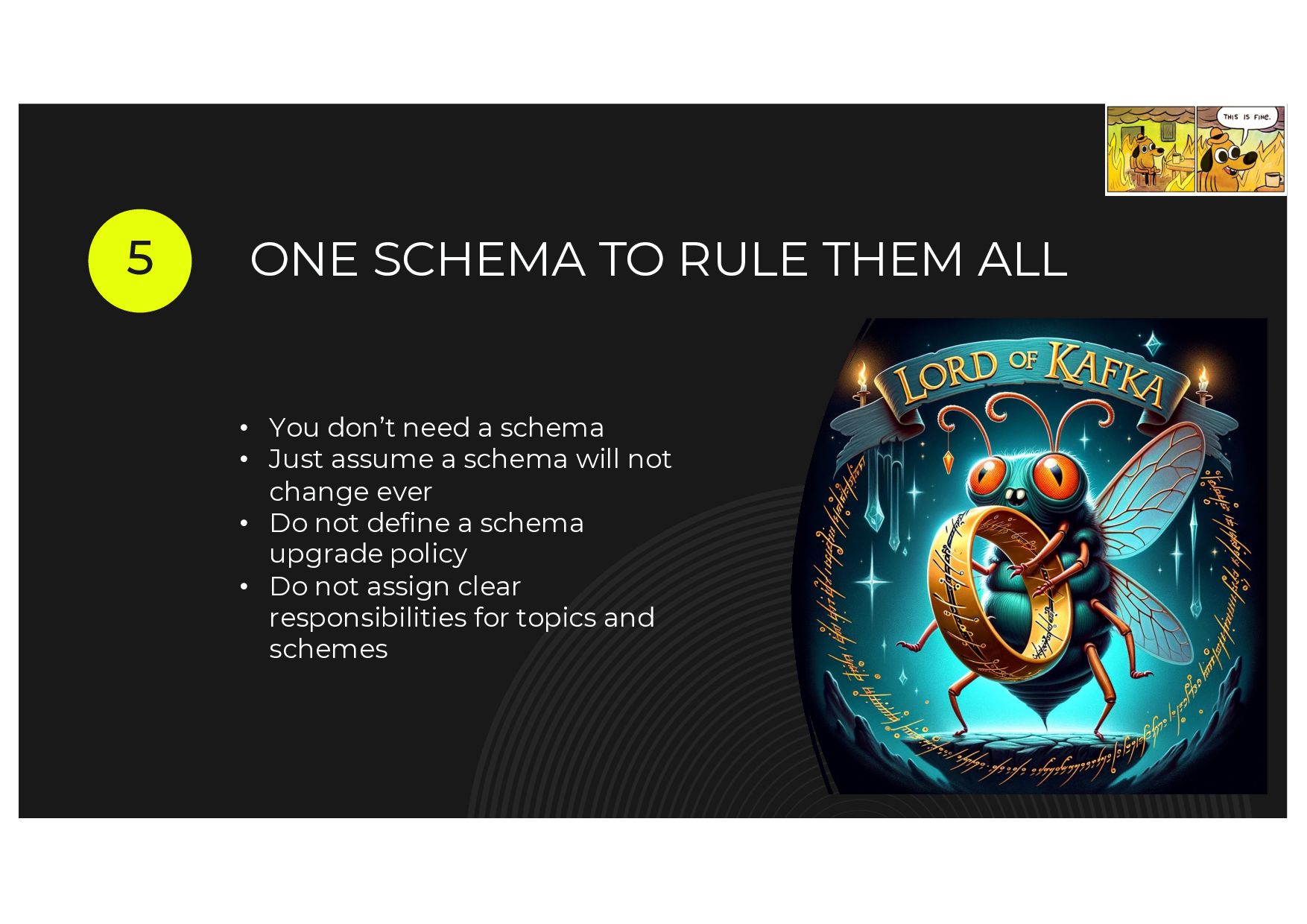
  17. ONE SCHEMA TO RULE THEM ALL 5 • You don’t

    need a schema • Just assume a schema will not change ever • Do not define a schema upgrade policy • Do not assign clear responsibilities for topics and schemes
  18. 22 IS THERE ONLY ONE SCHEMA FOR A TOPIC ALWAYS?

    • Requirements are likely to change • Inventing schemes later is tricky • Schema registry is an add-on convention, so is it really needed?
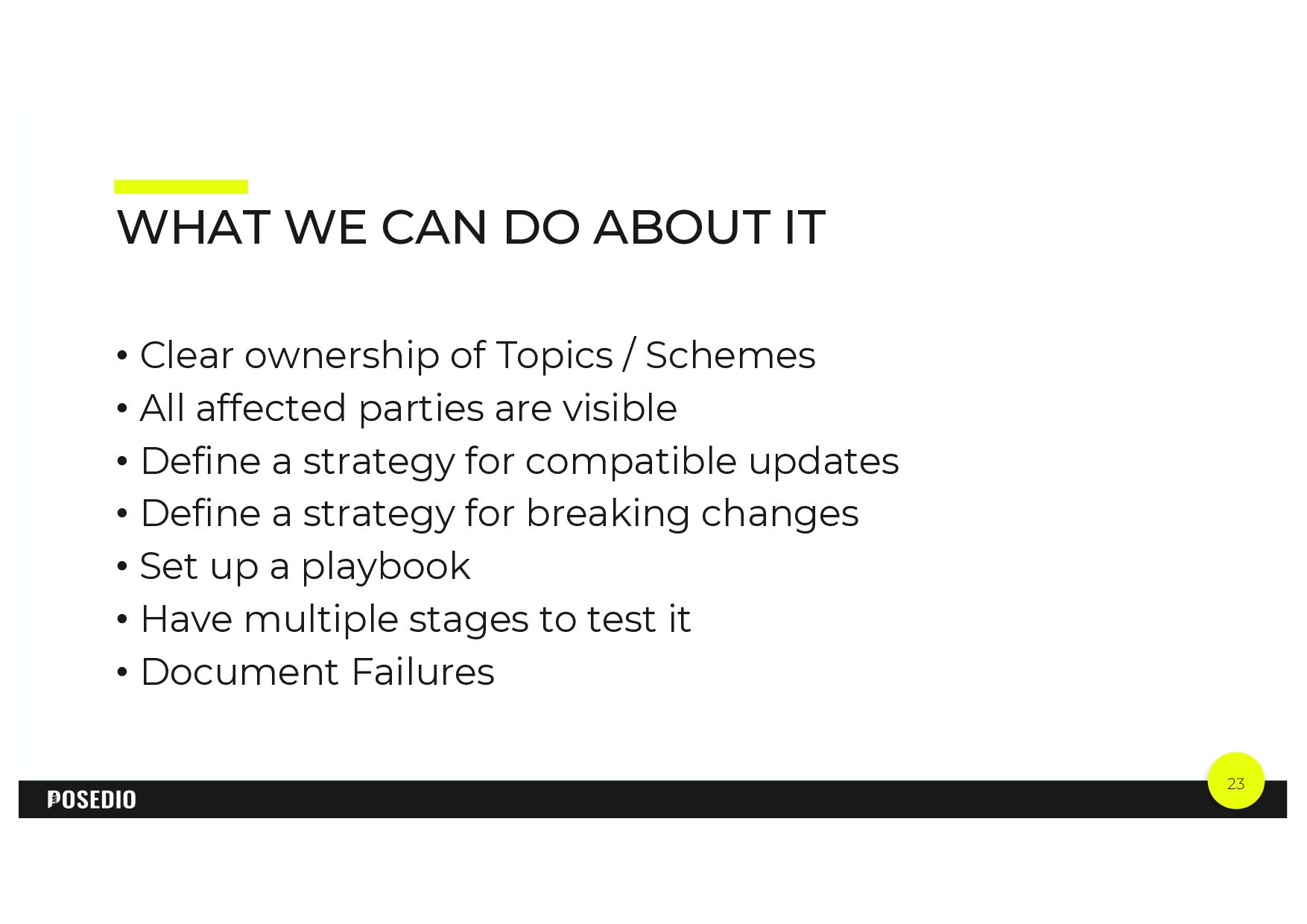
  19. 23 WHAT WE CAN DO ABOUT IT • Clear ownership

    of Topics / Schemes • All affected parties are visible • Define a strategy for compatible updates • Define a strategy for breaking changes • Set up a playbook • Have multiple stages to test it • Document Failures
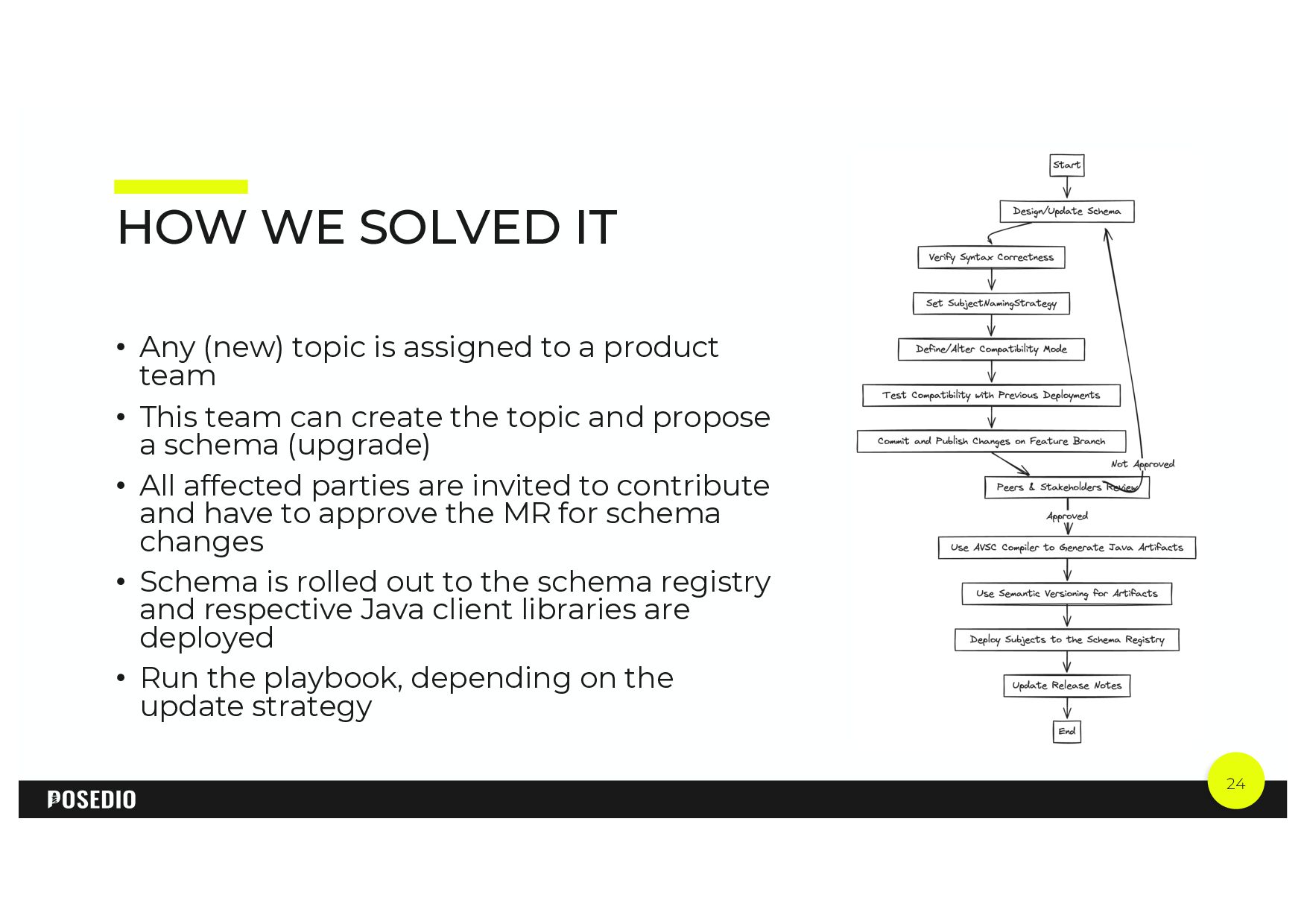
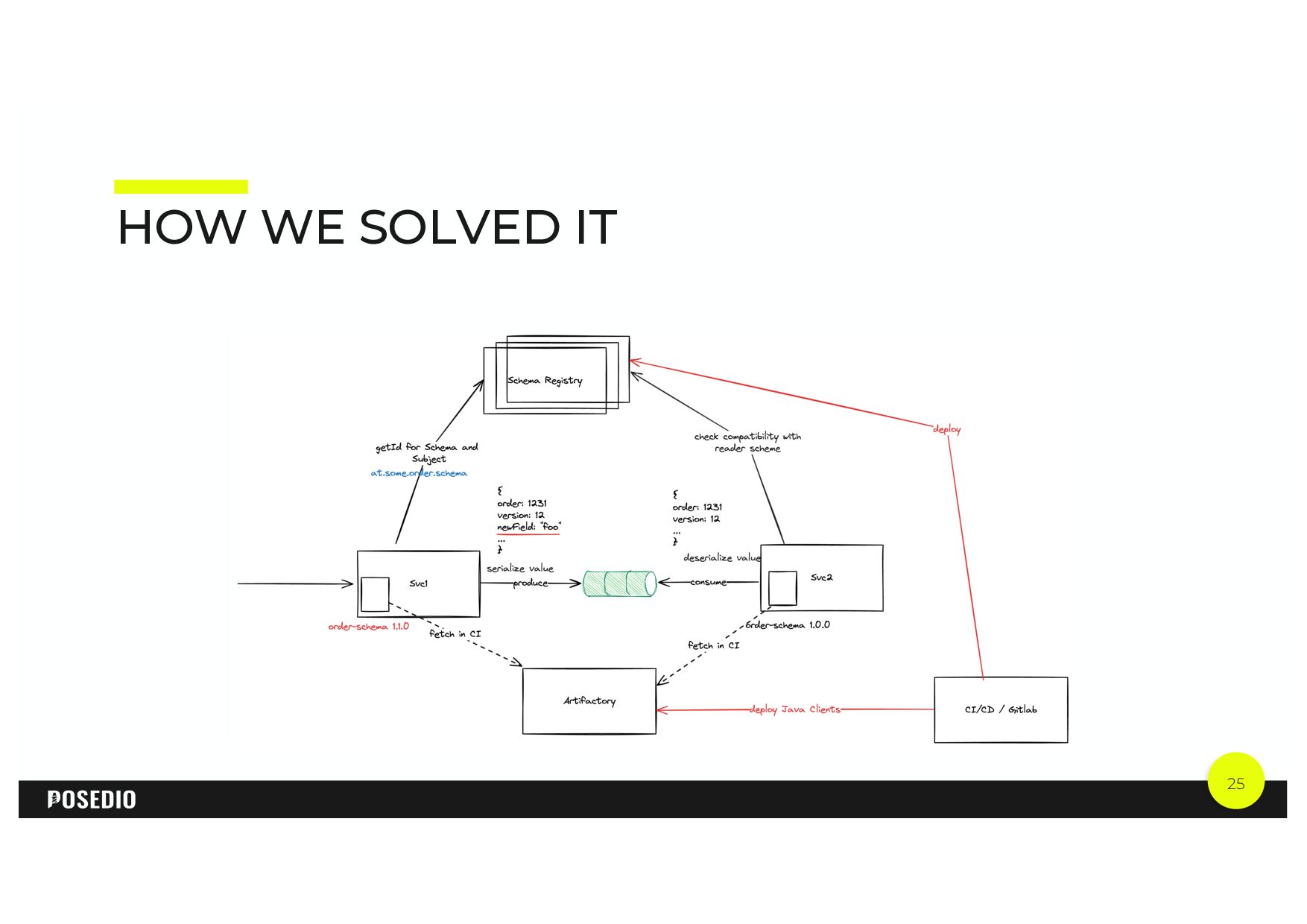
  20. 24 HOW WE SOLVED IT • Any (new) topic is

    assigned to a product team • This team can create the topic and propose a schema (upgrade) • All affected parties are invited to contribute and have to approve the MR for schema changes • Schema is rolled out to the schema registry and respective Java client libraries are deployed • Run the playbook, depending on the update strategy
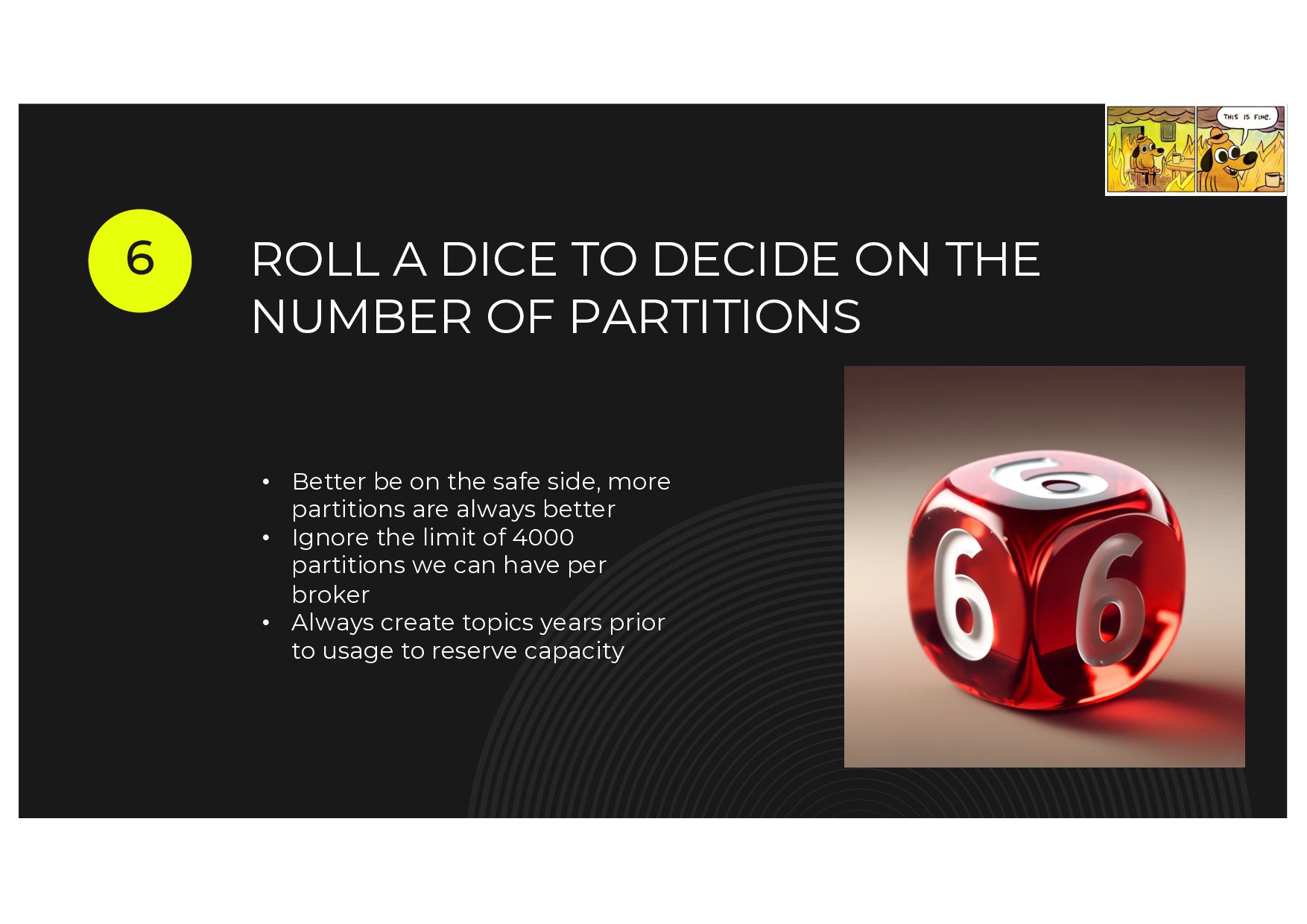
  21. ROLL A DICE TO DECIDE ON THE NUMBER OF PARTITIONS

    6 • Better be on the safe side, more partitions are always better • Ignore the limit of 4000 partitions we can have per broker • Always create topics years prior to usage to reserve capacity
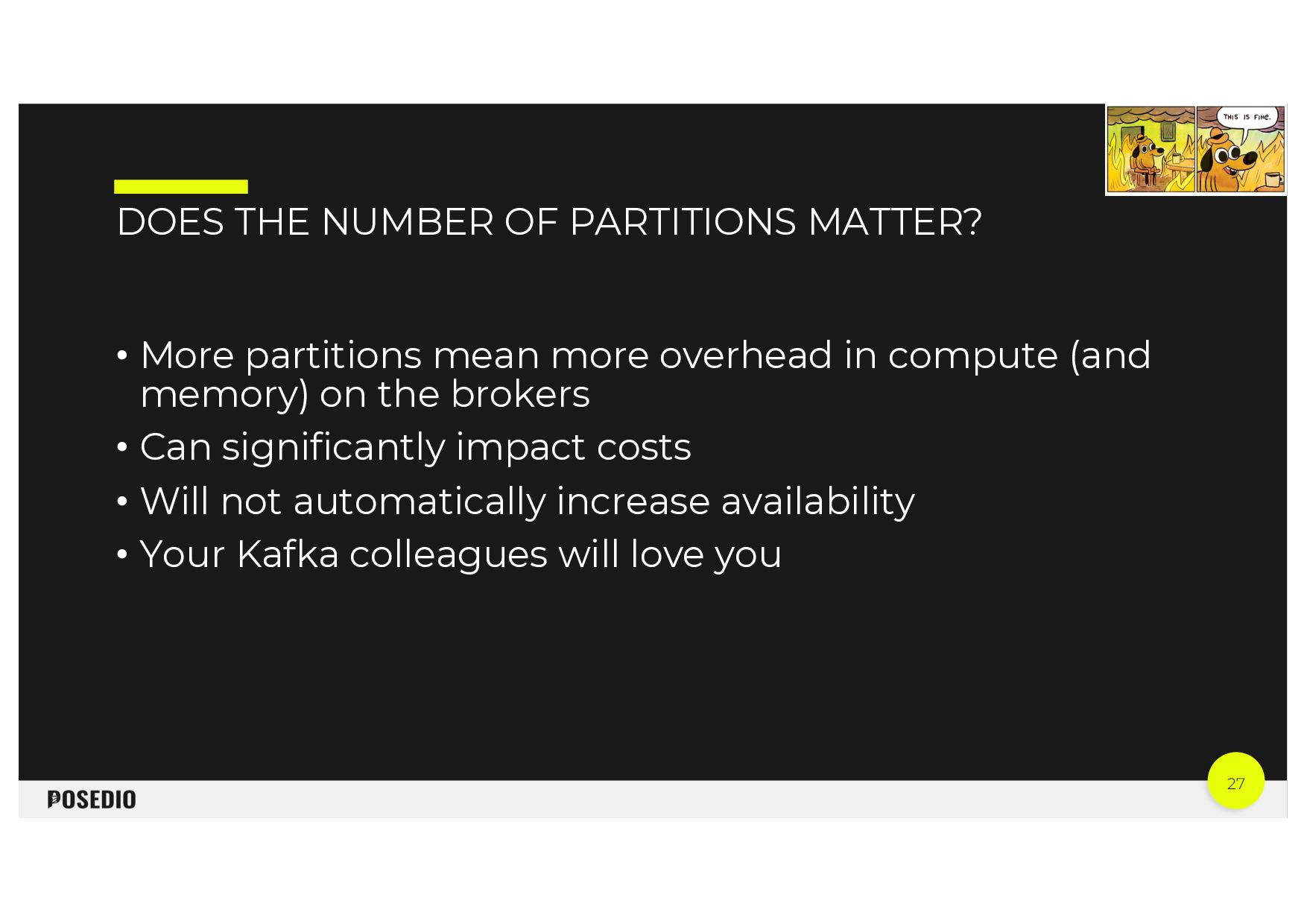
  22. 27 DOES THE NUMBER OF PARTITIONS MATTER? • More partitions

    mean more overhead in compute (and memory) on the brokers • Can significantly impact costs • Will not automatically increase availability • Your Kafka colleagues will love you
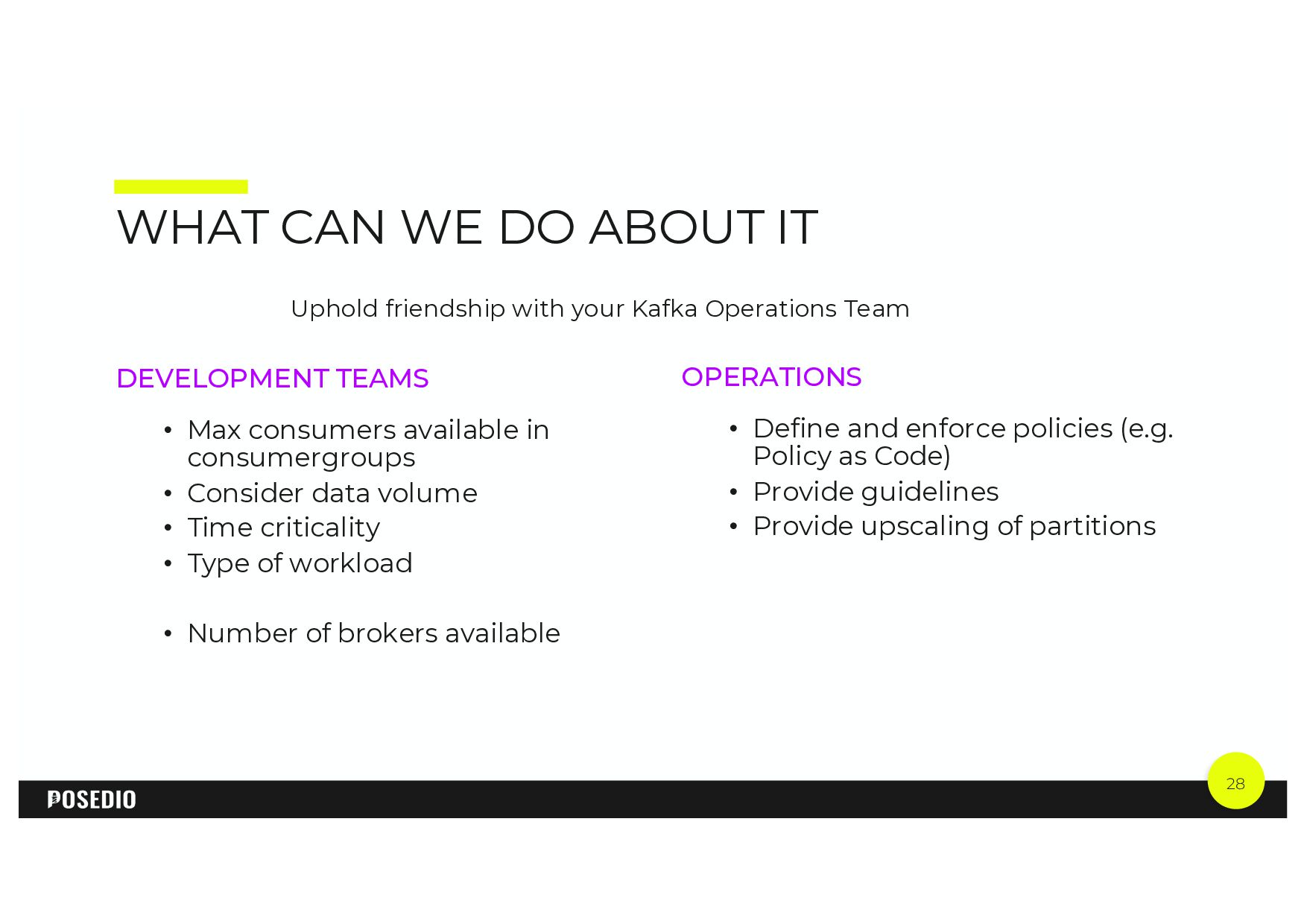
  23. 28 WHAT CAN WE DO ABOUT IT OPERATIONS • Define

    and enforce policies (e.g. Policy as Code) • Provide guidelines • Provide upscaling of partitions DEVELOPMENT TEAMS • Max consumers available in consumergroups • Consider data volume • Time criticality • Type of workload • Number of brokers available Uphold friendship with your Kafka Operations Team
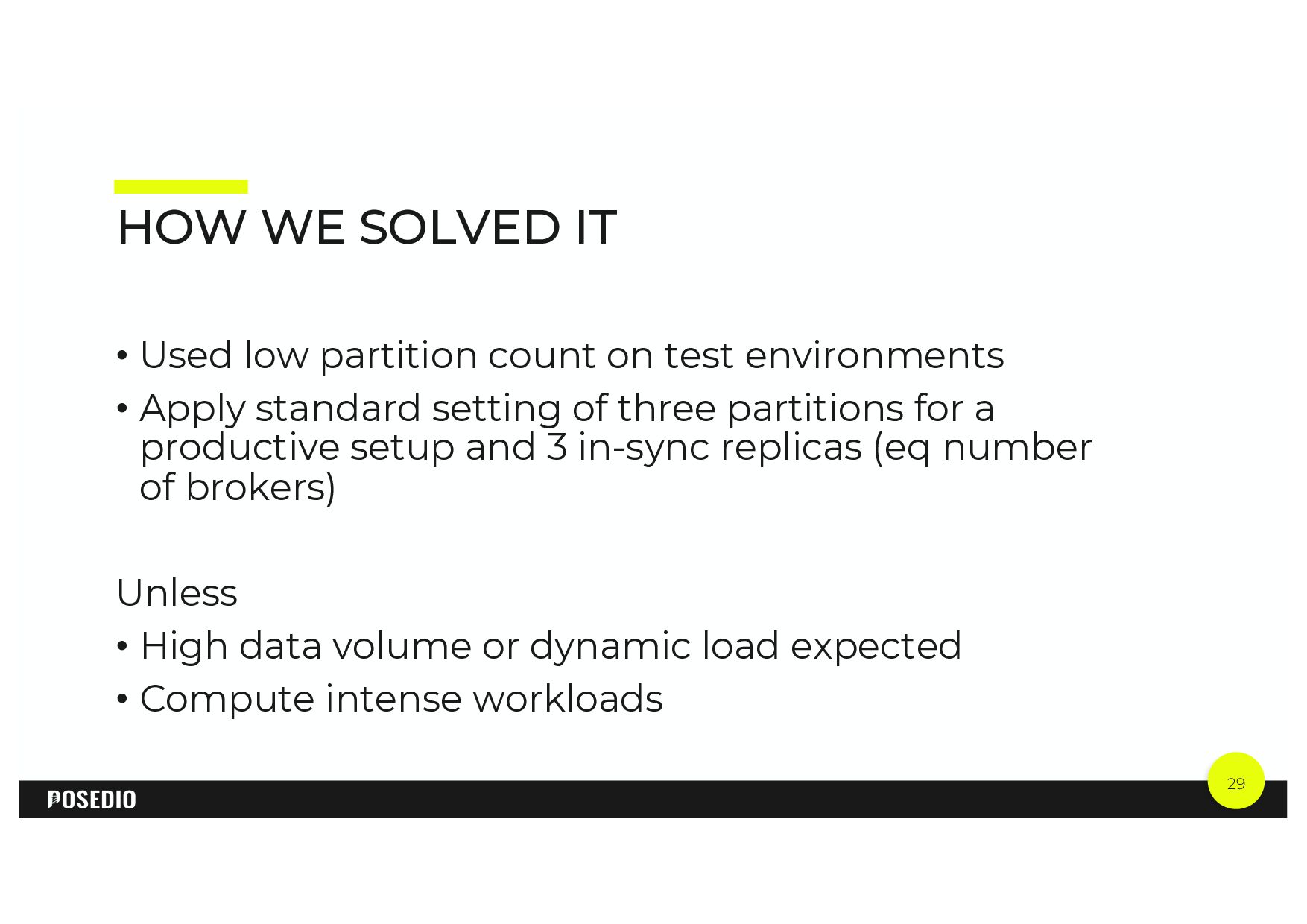
  24. 29 HOW WE SOLVED IT • Used low partition count

    on test environments • Apply standard setting of three partitions for a productive setup and 3 in-sync replicas (eq number of brokers) Unless • High data volume or dynamic load expected • Compute intense workloads
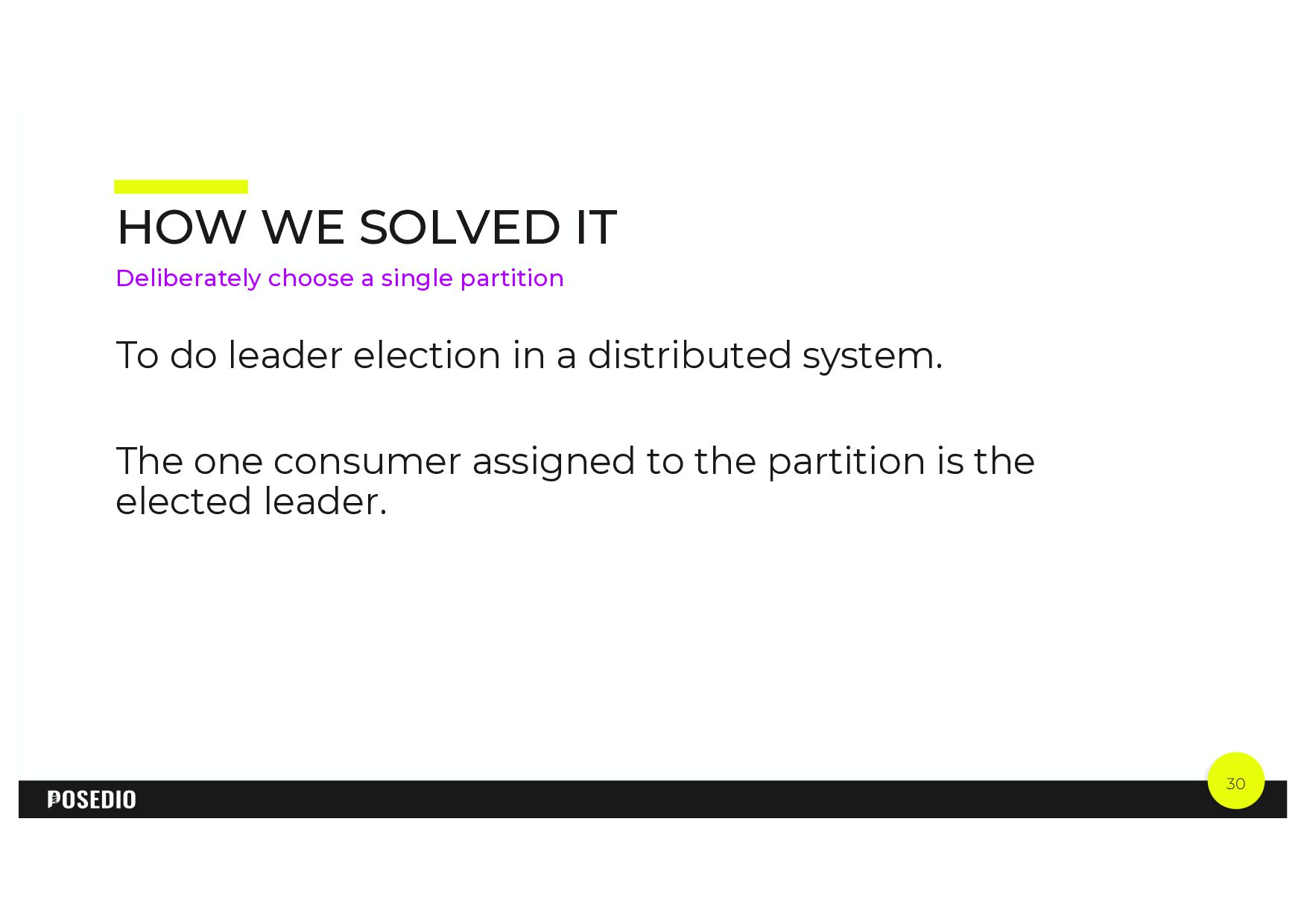
  25. 30 HOW WE SOLVED IT To do leader election in

    a distributed system. The one consumer assigned to the partition is the elected leader. Deliberately choose a single partition
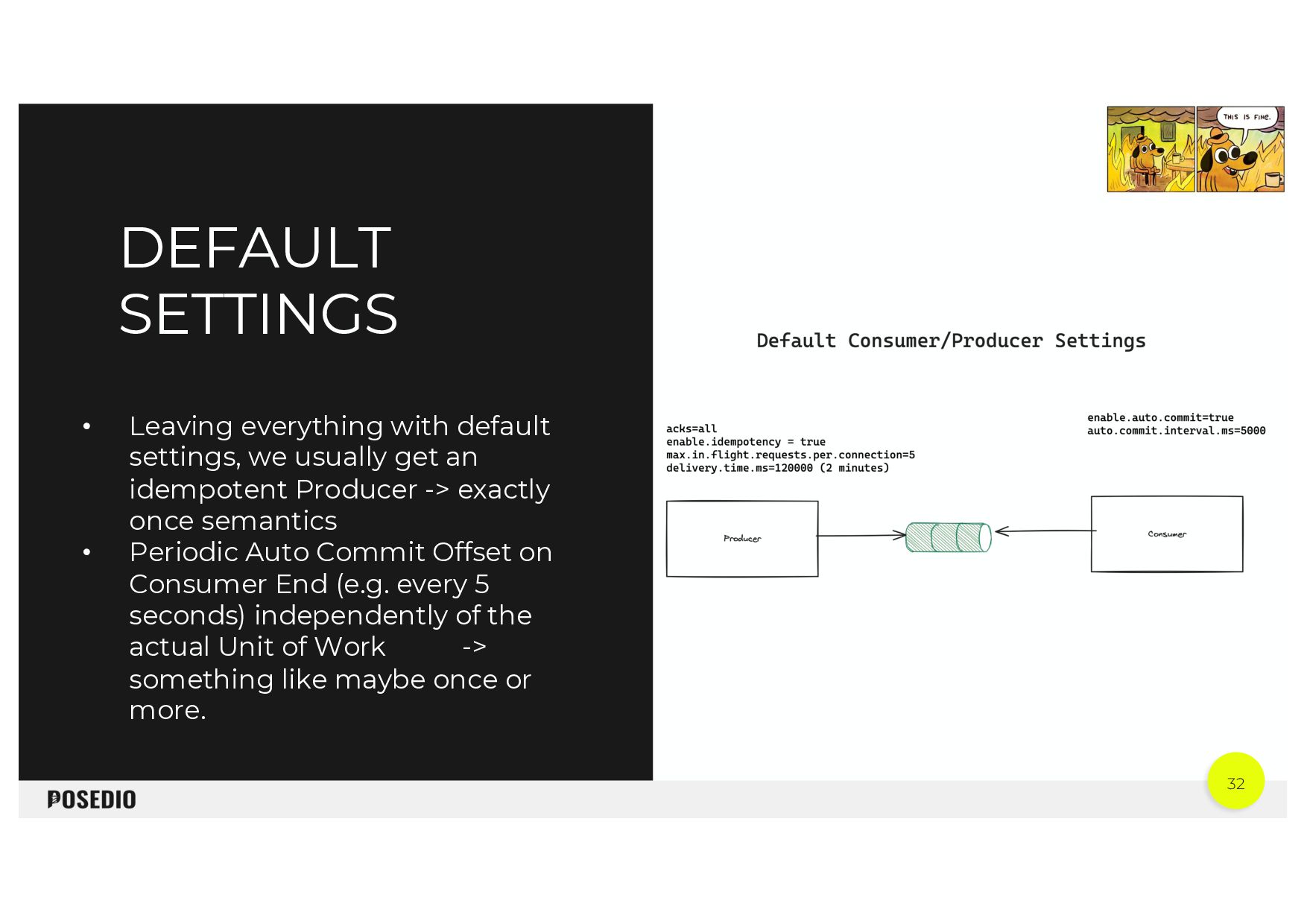
  26. 32 • Leaving everything with default settings, we usually get

    an idempotent Producer -> exactly once semantics • Periodic Auto Commit Offset on Consumer End (e.g. every 5 seconds) independently of the actual Unit of Work -> something like maybe once or more. DEFAULT SETTINGS
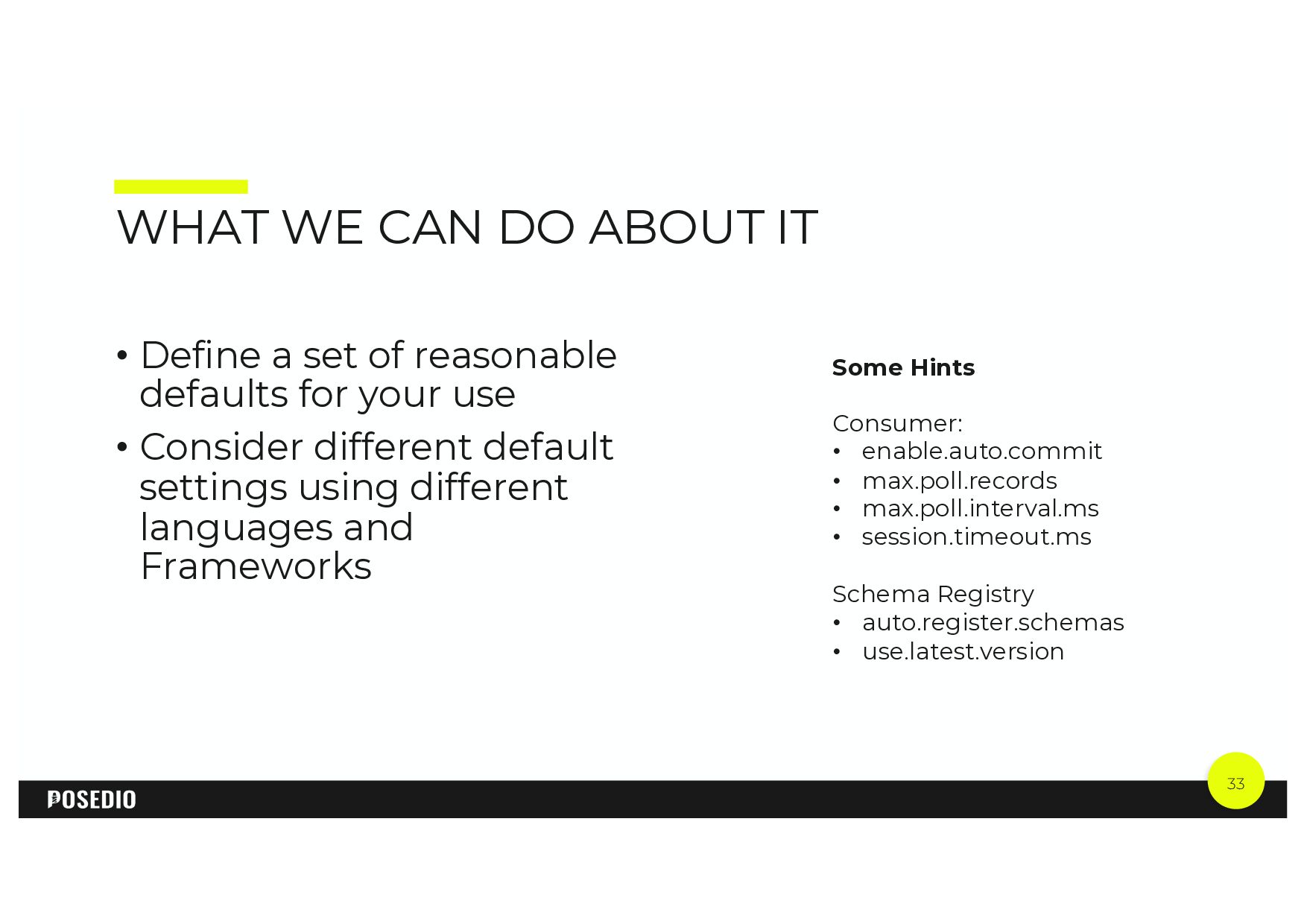
  27. 33 WHAT WE CAN DO ABOUT IT • Define a

    set of reasonable defaults for your use • Consider different default settings using different languages and Frameworks Some Hints Consumer: • enable.auto.commit • max.poll.records • max.poll.interval.ms • session.timeout.ms Schema Registry • auto.register.schemas • use.latest.version
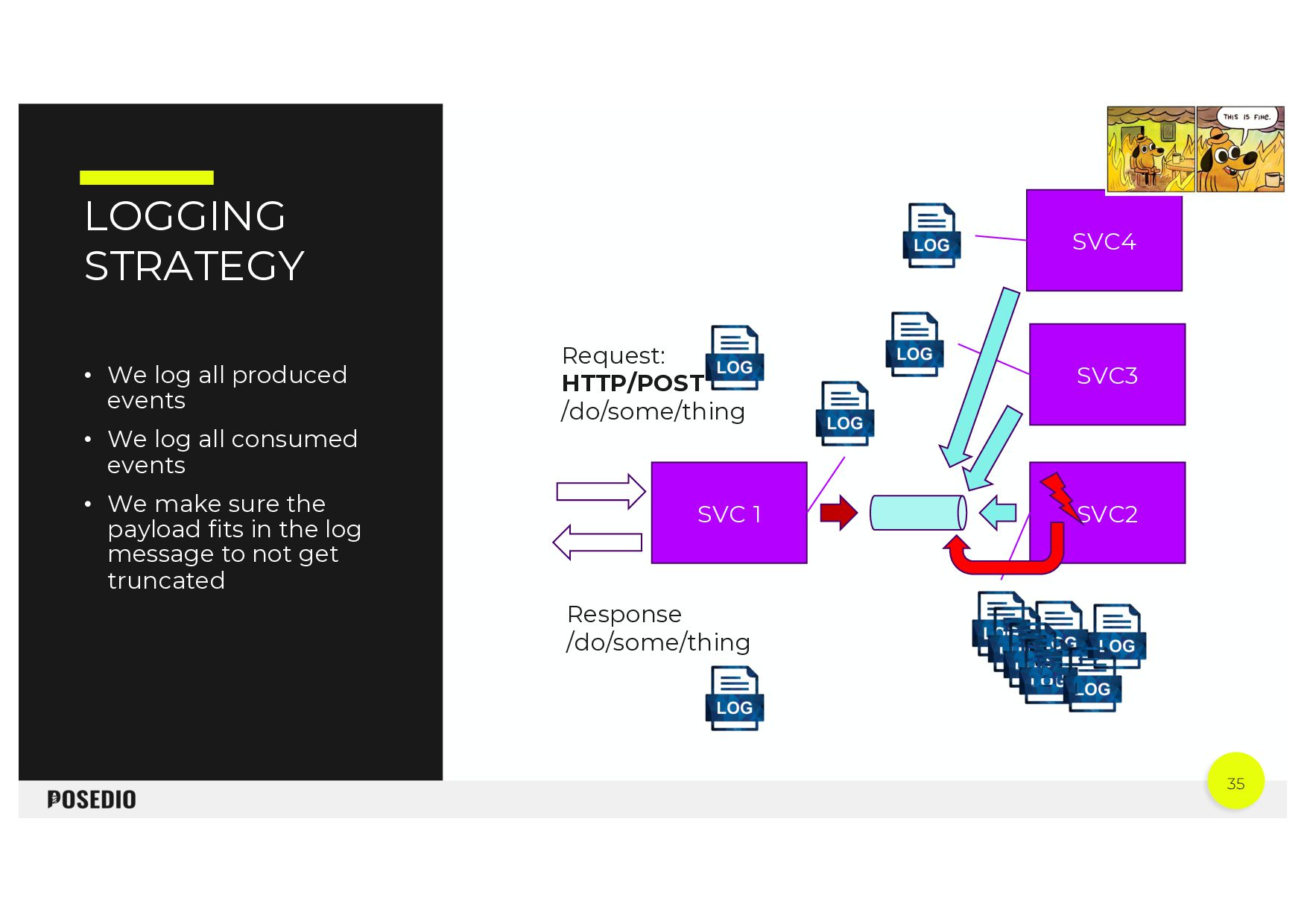
  28. 35 LOGGING STRATEGY • We log all produced events •

    We log all consumed events • We make sure the payload fits in the log message to not get truncated SVC 1 SVC2 Request: HTTP/POST /do/some/thing Response /do/some/thing SVC3 SVC4
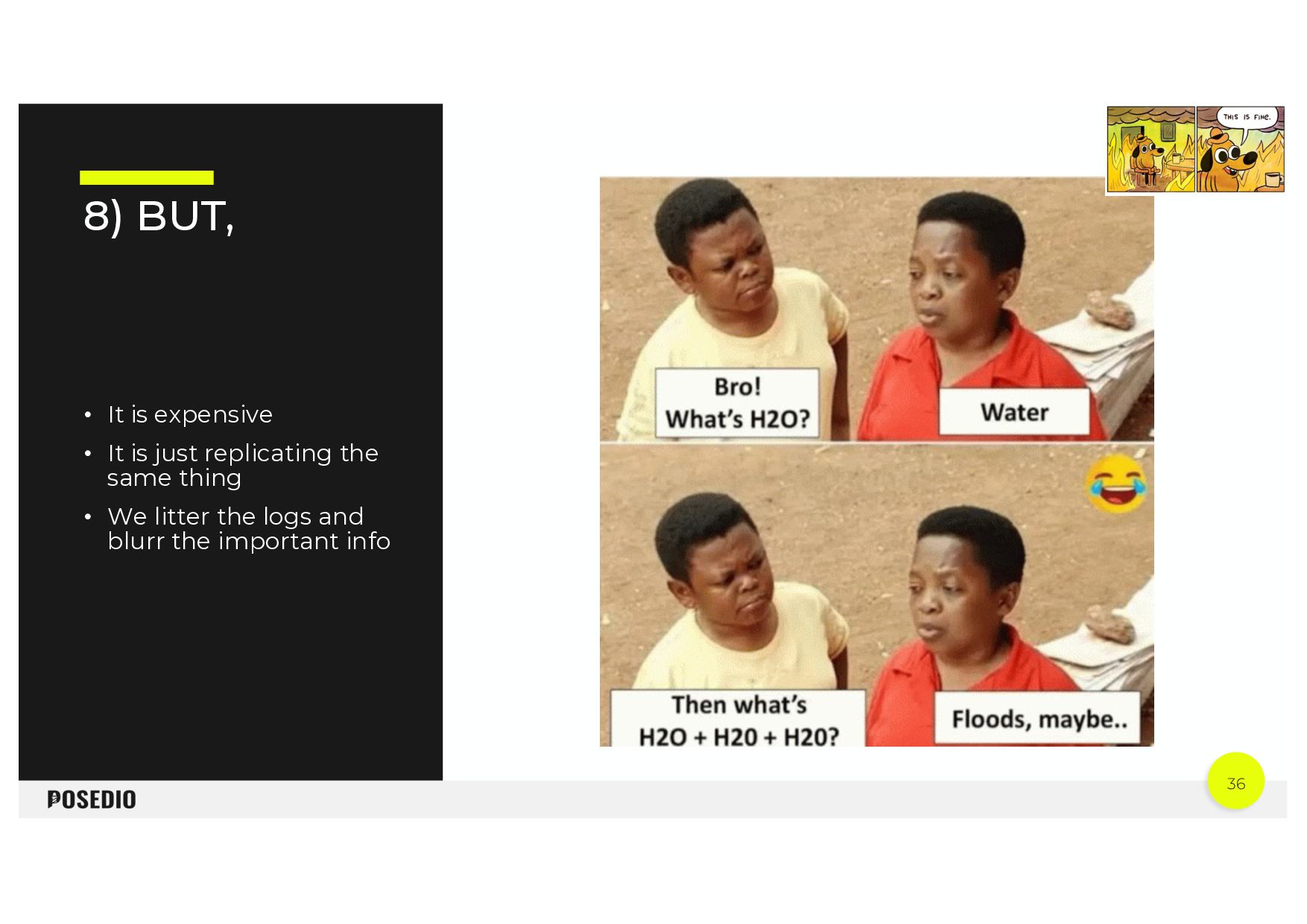
  29. 36 8) BUT, • It is expensive • It is

    just replicating the same thing • We litter the logs and blurr the important info
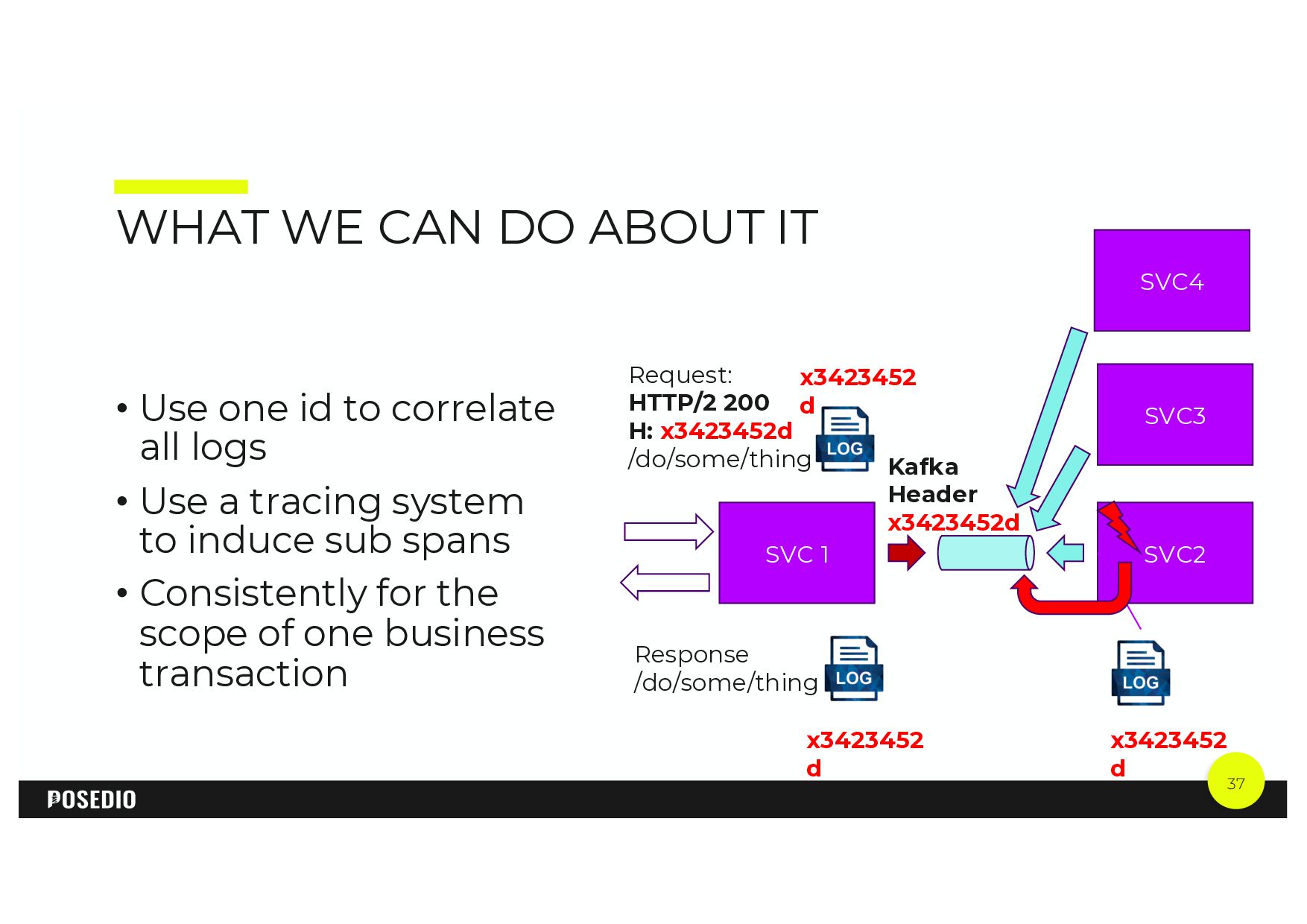
  30. 37 WHAT WE CAN DO ABOUT IT • Use one

    id to correlate all logs • Use a tracing system to induce sub spans • Consistently for the scope of one business transaction SVC 1 SVC2 Request: HTTP/2 200 H: x3423452d /do/some/thing Response /do/some/thing SVC3 SVC4 x3423452 d x3423452 d Kafka Header x3423452d x3423452 d
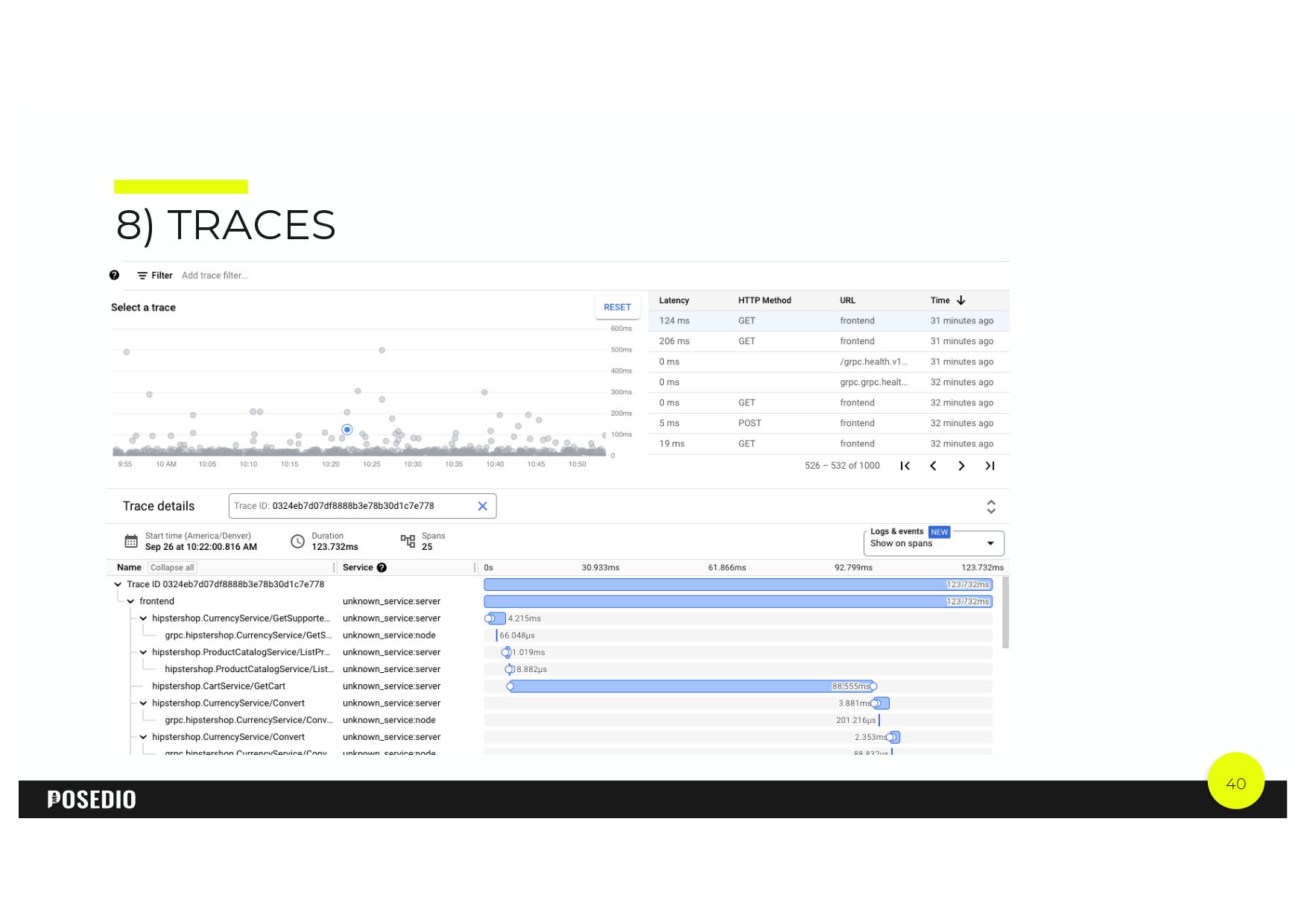
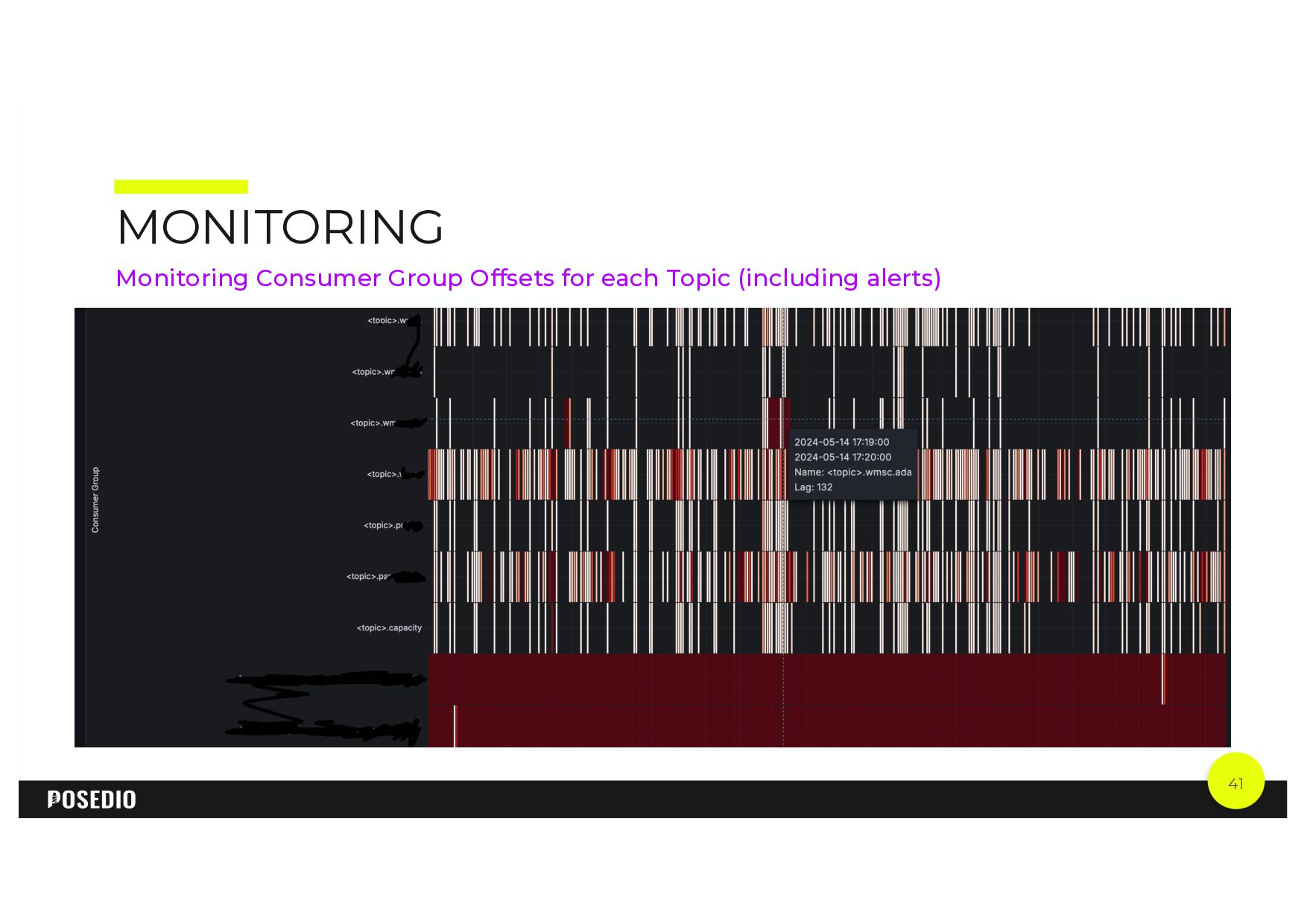
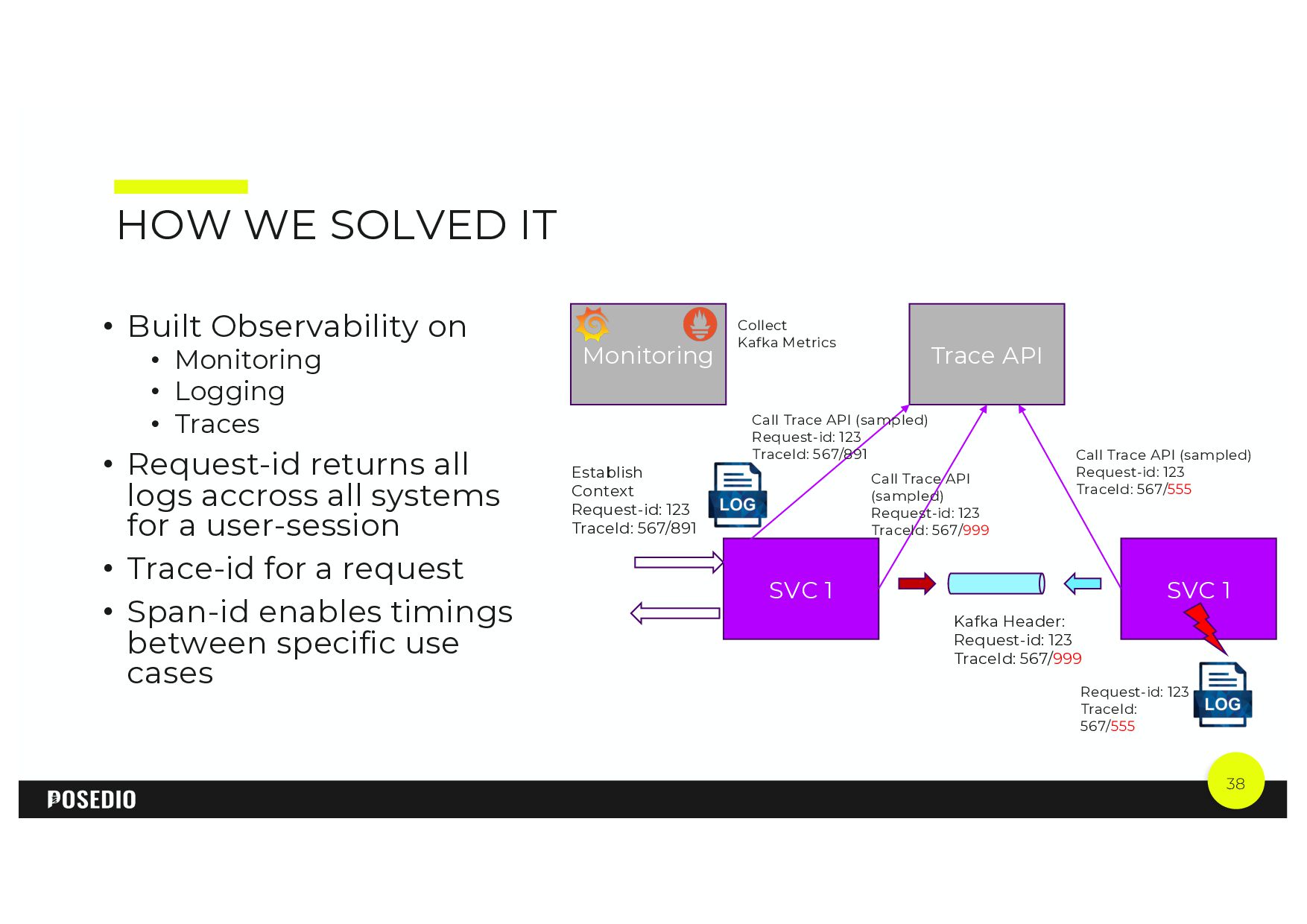
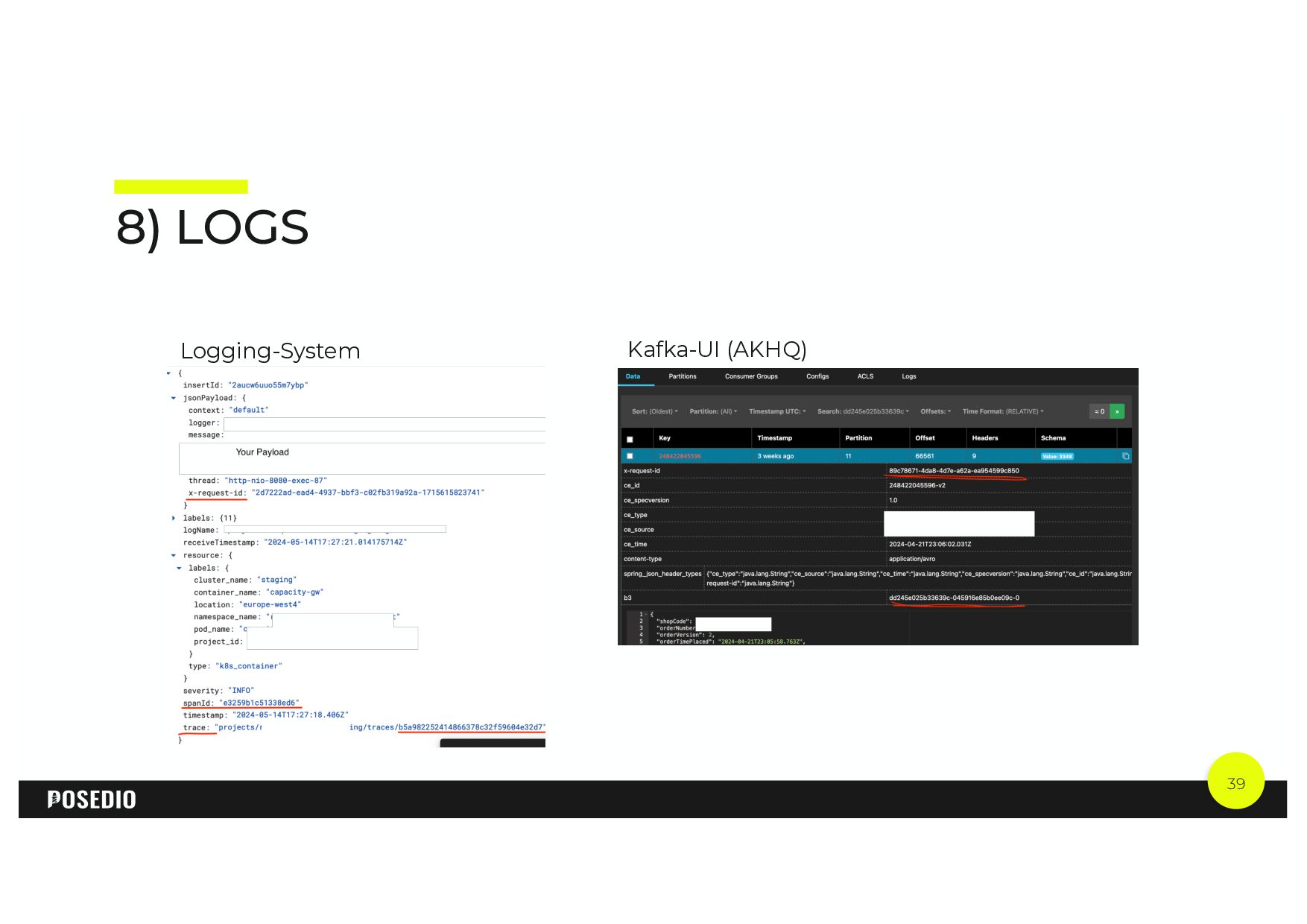
  31. 38 HOW WE SOLVED IT • Built Observability on •

    Monitoring • Logging • Traces • Request-id returns all logs accross all systems for a user-session • Trace-id for a request • Span-id enables timings between specific use cases SVC 1 SVC 1 Trace API Establish Context Request-id: 123 TraceId: 567/891 Call Trace API (sampled) Request-id: 123 TraceId: 567/891 Call Trace API (sampled) Request-id: 123 TraceId: 567/999 Call Trace API (sampled) Request-id: 123 TraceId: 567/555 Kafka Header: Request-id: 123 TraceId: 567/999 Monitoring Request-id: 123 TraceId: 567/555 Collect Kafka Metrics
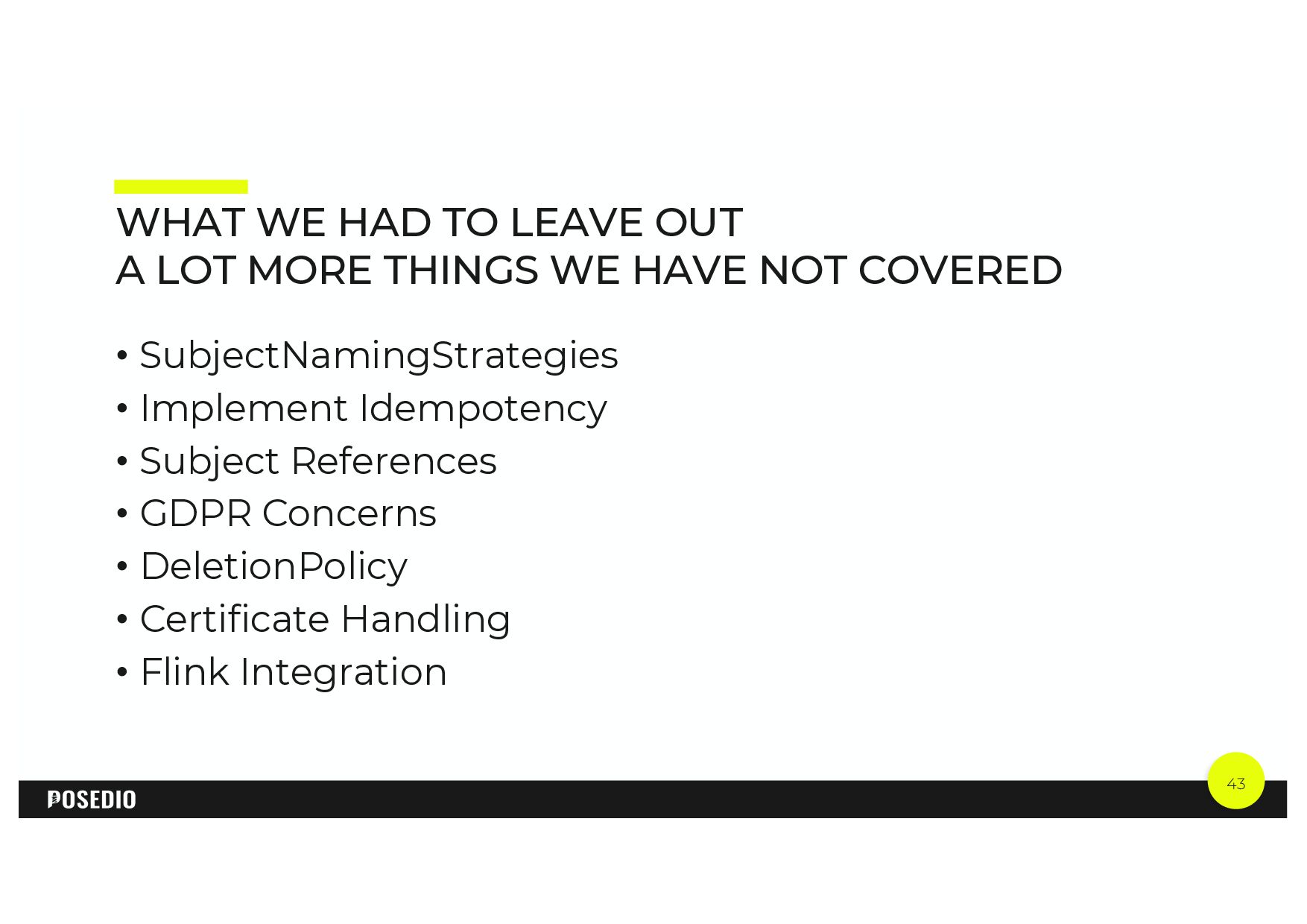
  32. 43 WHAT WE HAD TO LEAVE OUT A LOT MORE

    THINGS WE HAVE NOT COVERED • SubjectNamingStrategies • Implement Idempotency • Subject References • GDPR Concerns • DeletionPolicy • Certificate Handling • Flink Integration