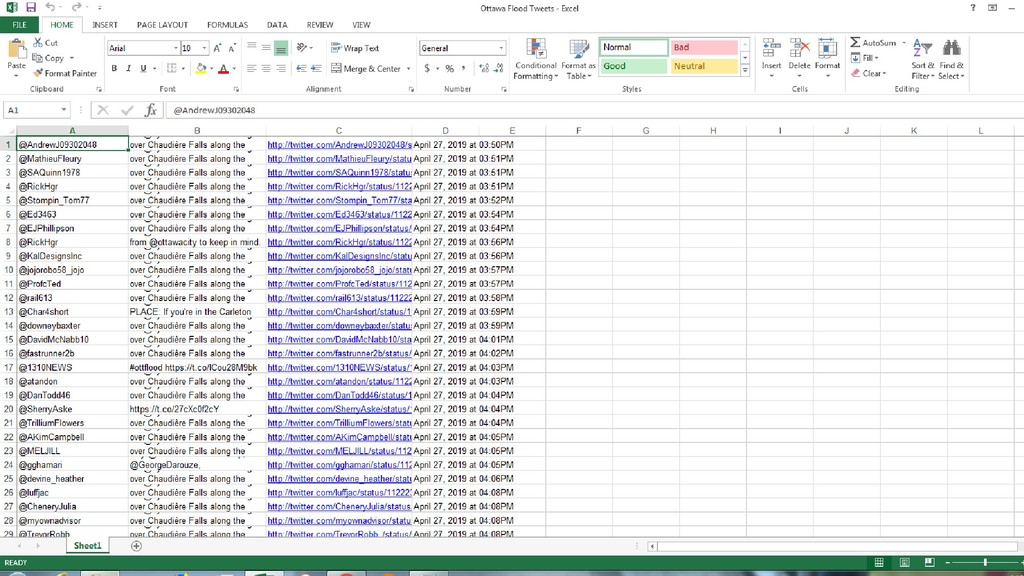
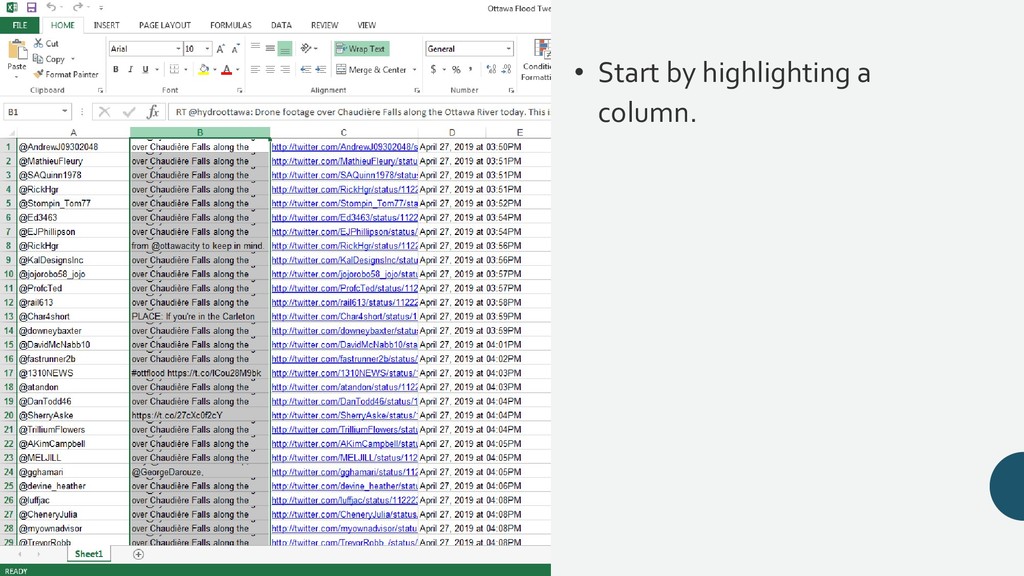
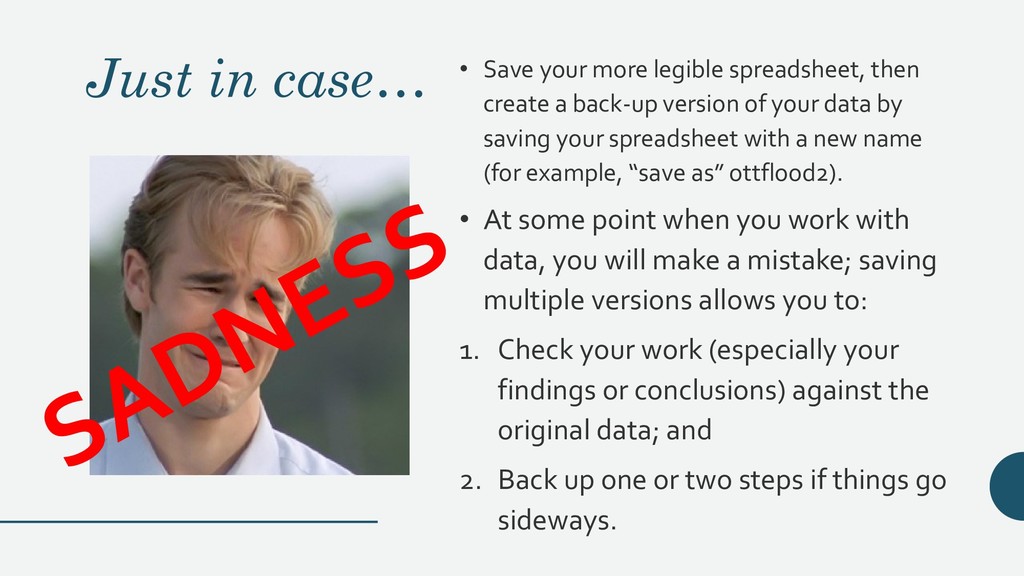
create a back-up version of your data by saving your spreadsheet with a new name (for example, “save as” ottflood2). • At some point when you work with data, you will make a mistake; saving multiple versions allows you to: 1. Check your work (especially your findings or conclusions) against the original data; and 2. Back up one or two steps if things go sideways.
three different data visualizations based on the data set: 1. A map 2. A word cloud 3. A graph to show how #ottflood was used in conversation with other topics


 taudette
 hiola
hiola
 yatabe
 kaityo256
 bunnchinn3
 coderdojojapan
 jdbedics
 signer
 bvr7352
 rashwhitman
 sciencetokyo
 terasawat
 oripsolob
 reverentgeek
 aleyda
 sachag
 geshan
 lara
lara
 irinanazarova
 greggifford
 cassininazir
 tenderlove
 dougneiner