Upgrade to Pro — share decks privately, control downloads, hide ads and more …

Django for AI: Deploying Machine Learning Model...

Django for AI: Deploying Machine Learning Models with Django

DjangoCon US 2025 talk. Full notes available here.

William S. Vincent

September 11, 2025

Transcript

59 slides
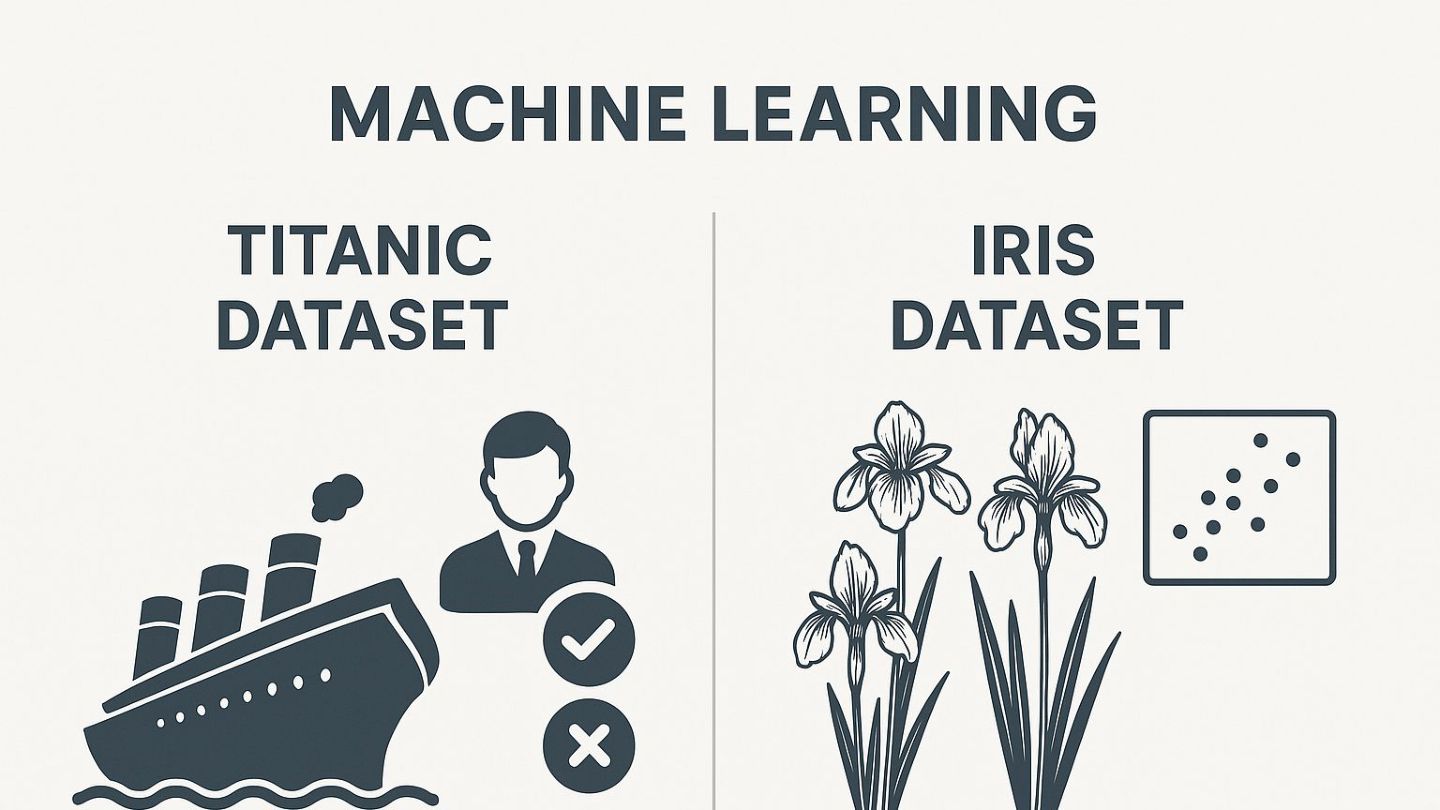
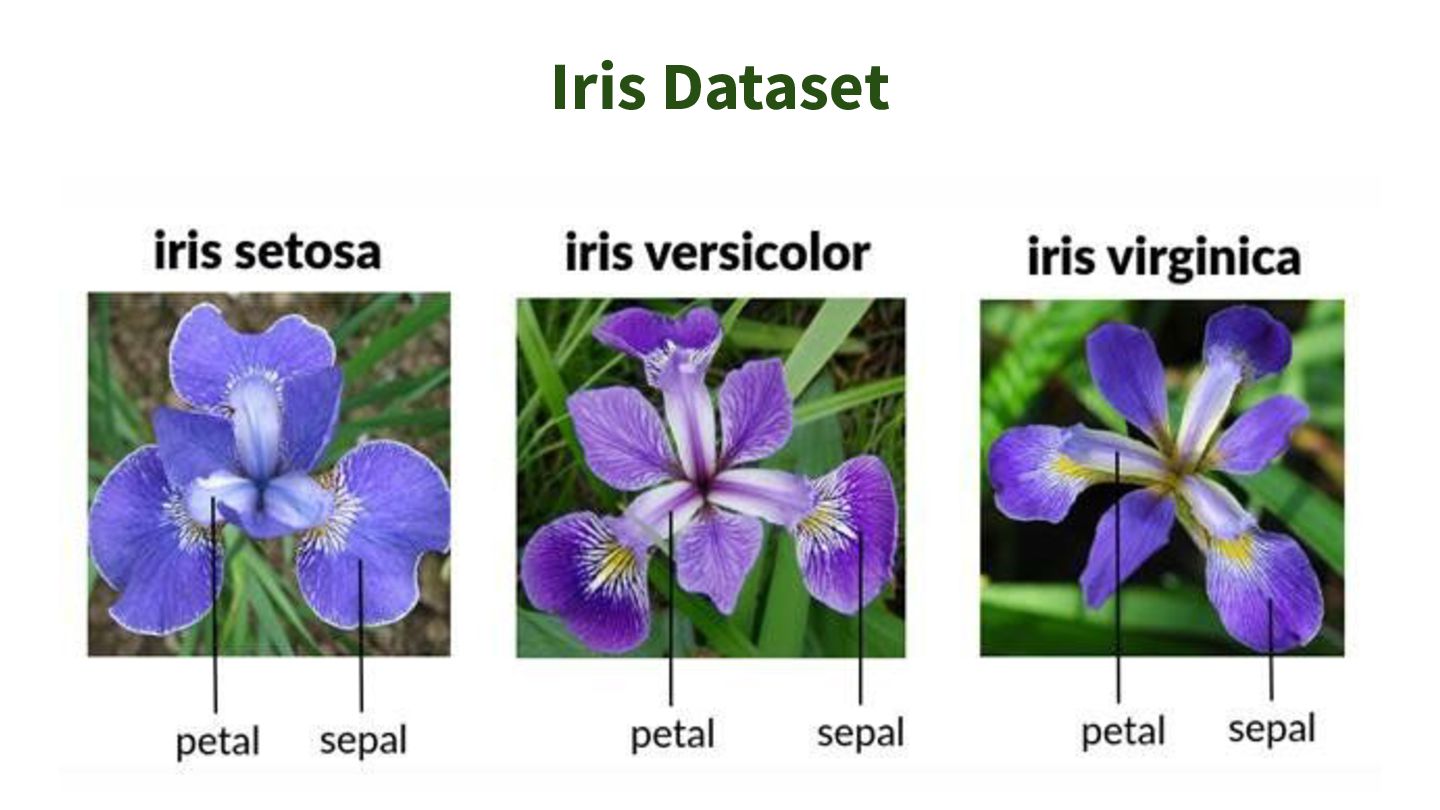
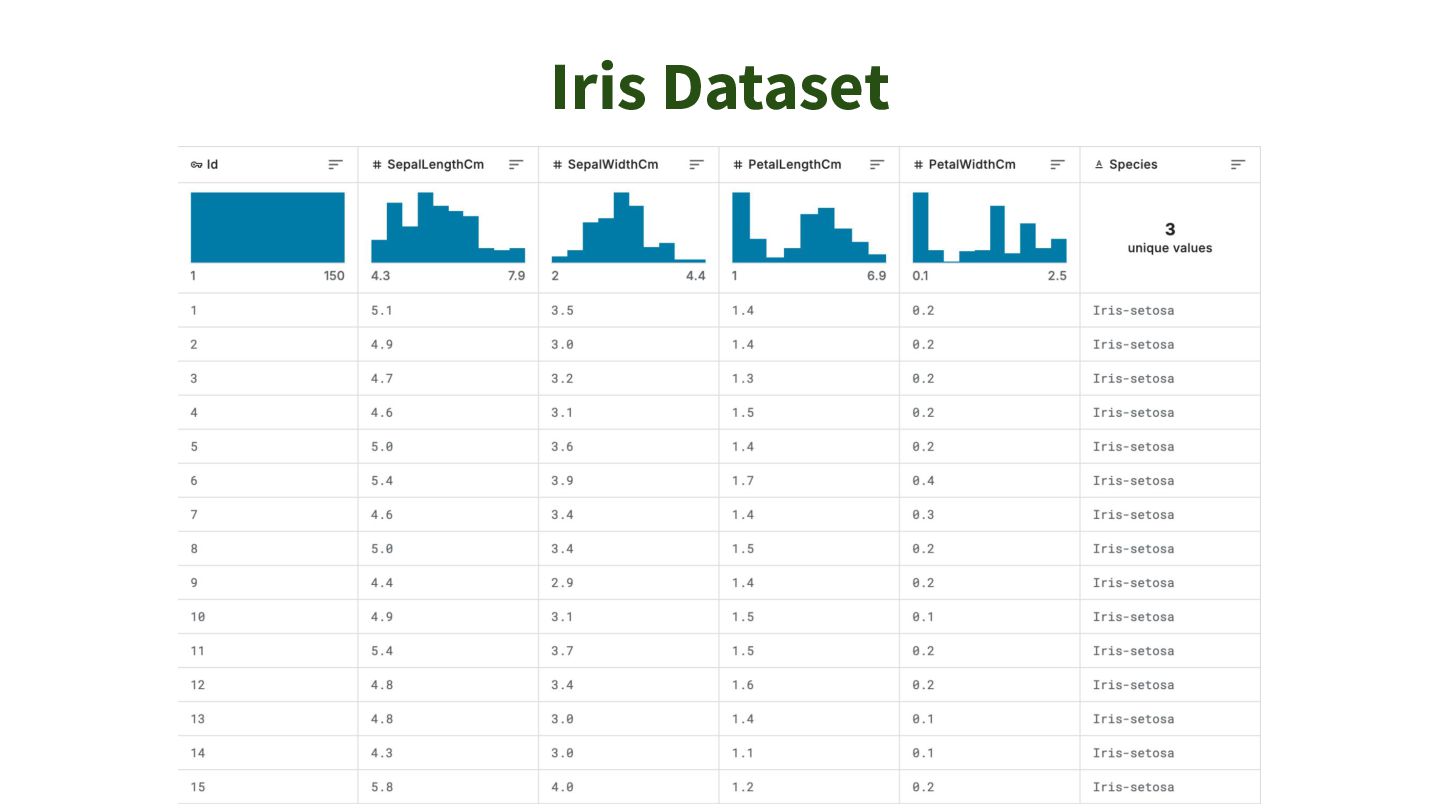
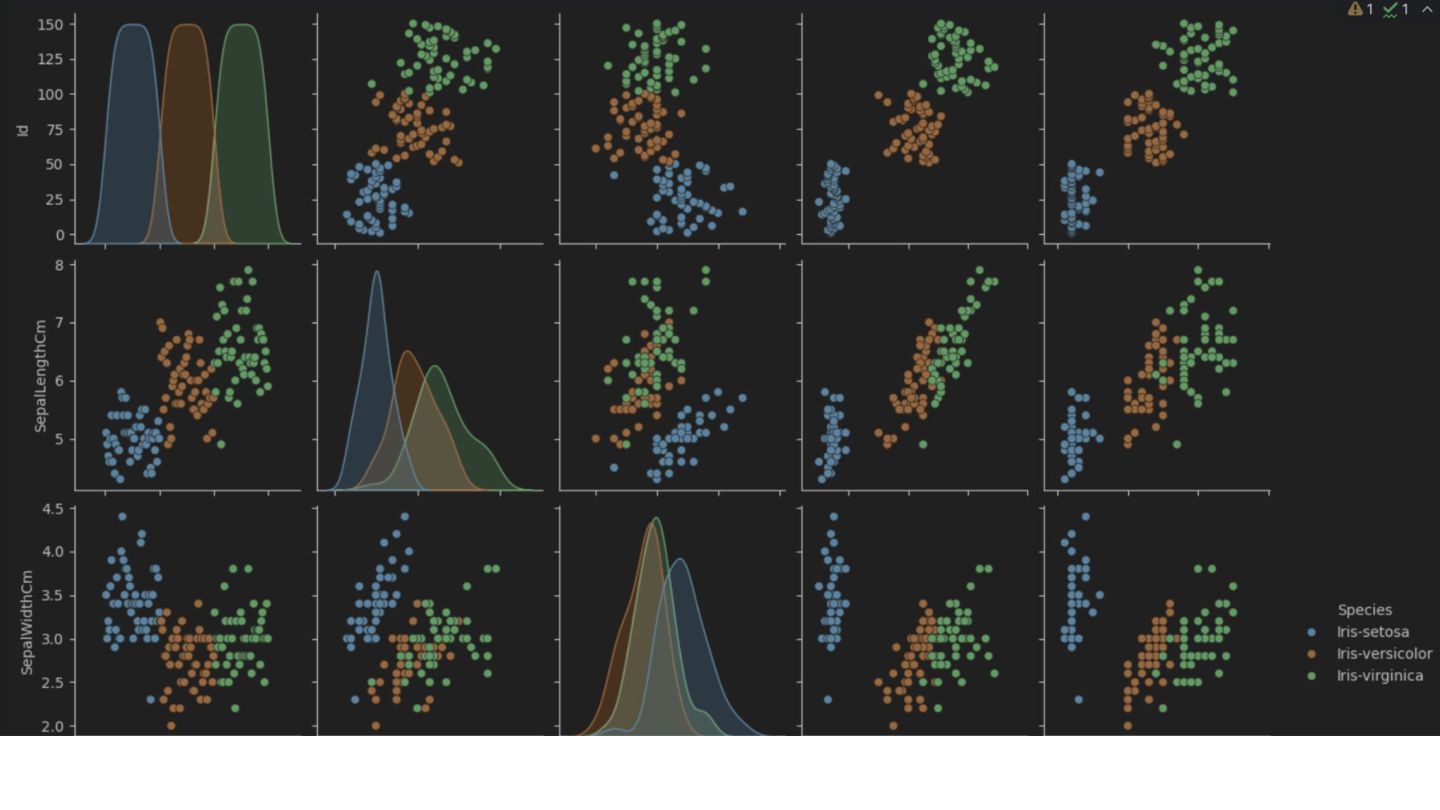
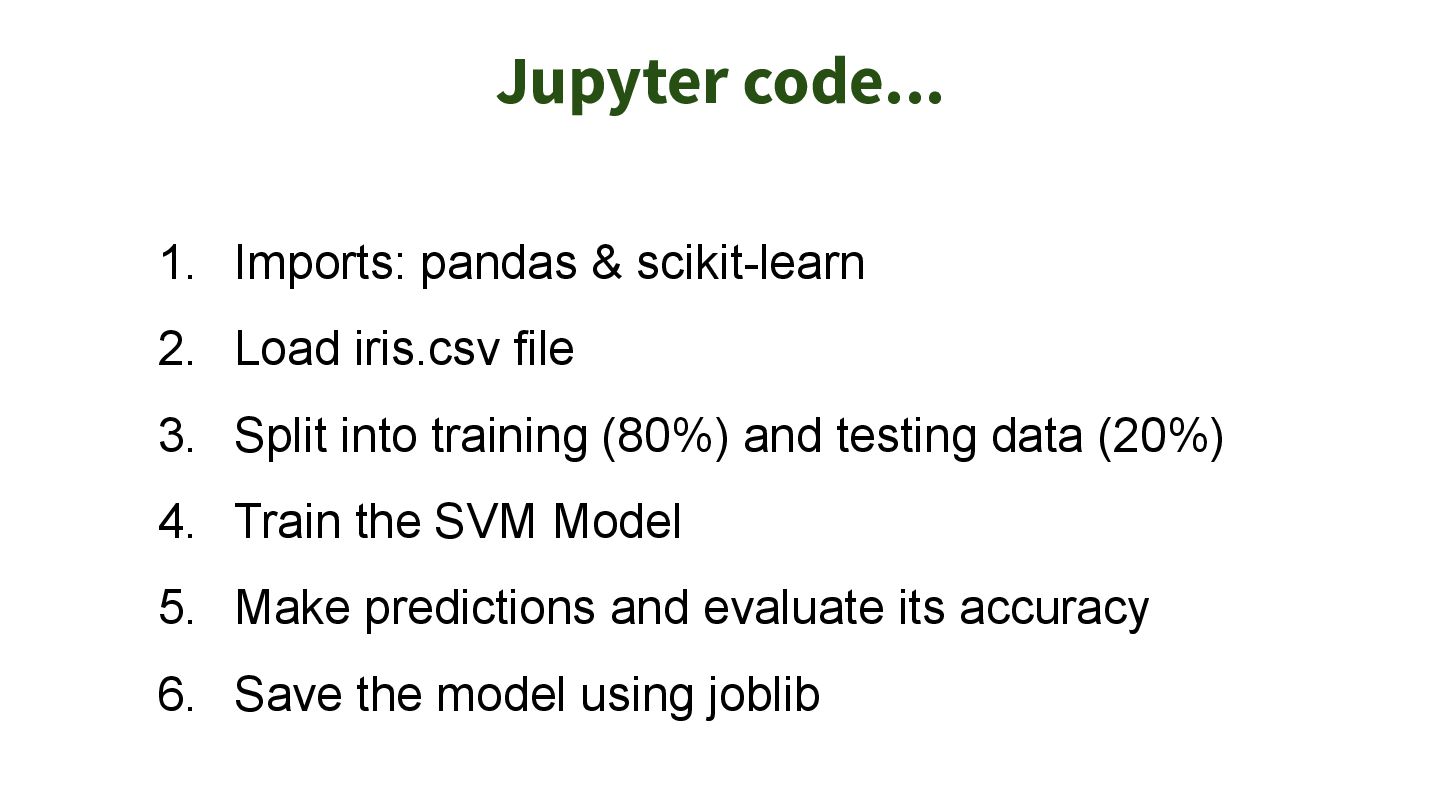
  1. Jupyter code... 1. Imports: pandas & scikit-learn 2. Load iris.csv

    file 3. Split into training (80%) and testing data (20%) 4. Train the SVM Model 5. Make predictions and evaluate its accuracy 6. Save the model using joblib
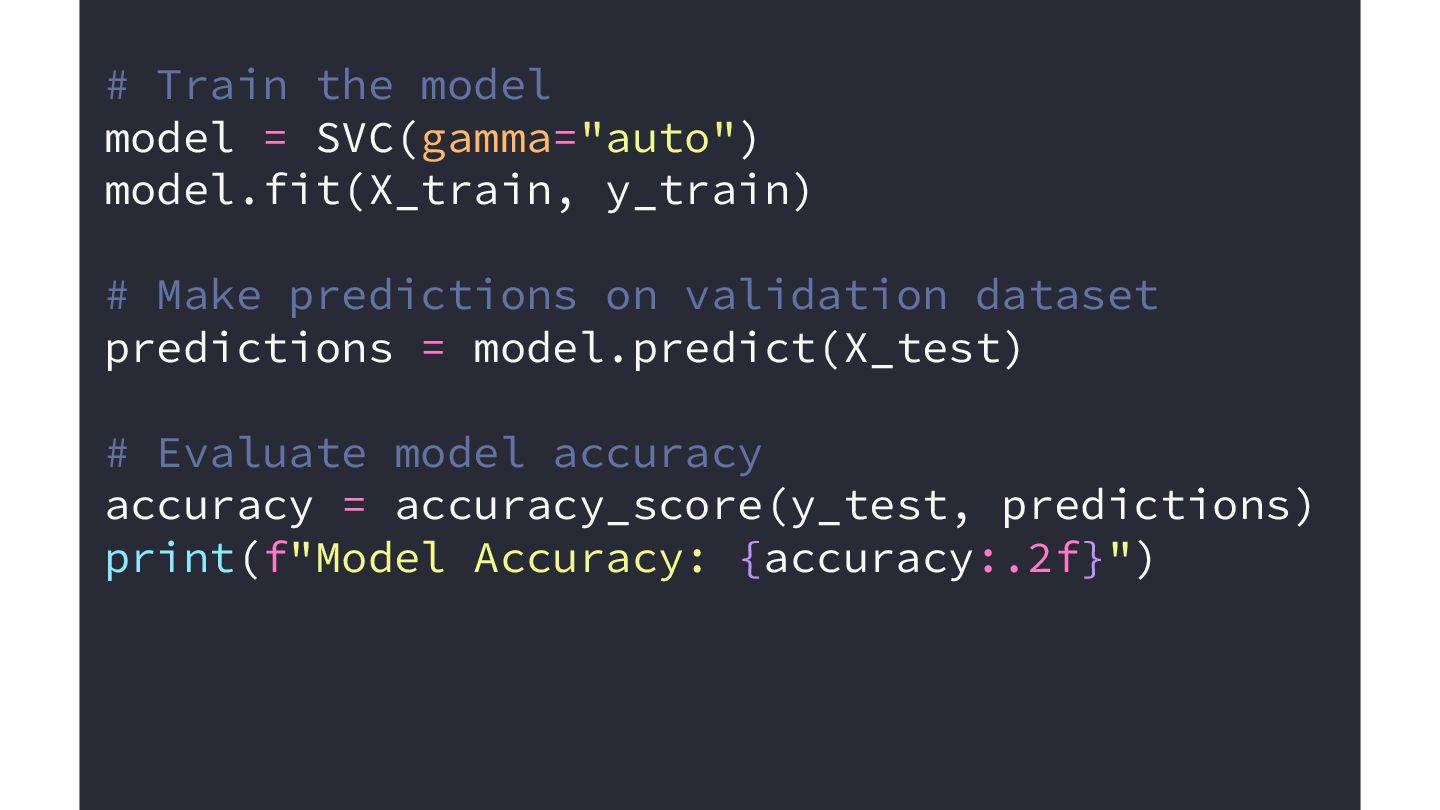
  2. Jupyter Notebook # Train the model model = SVC(gamma="auto") model.fit(X_train,

    y_train) # Make predictions on validation dataset predictions = model.predict(X_test) # Evaluate model accuracy accuracy = accuracy_score(y_test, predictions) print(f"Model Accuracy: {accuracy:.2f}")
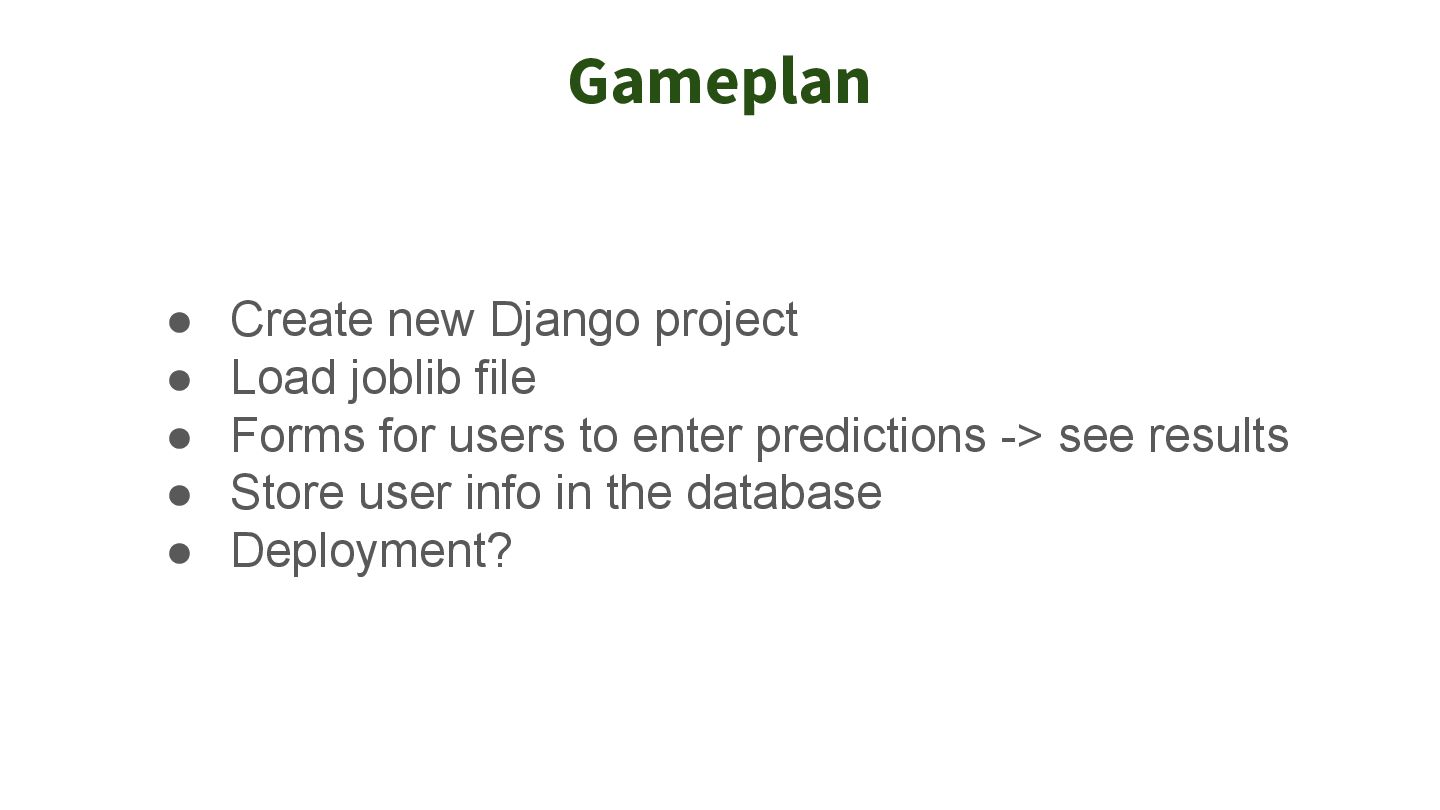
  3. Gameplan • Create new Django project • Load joblib file

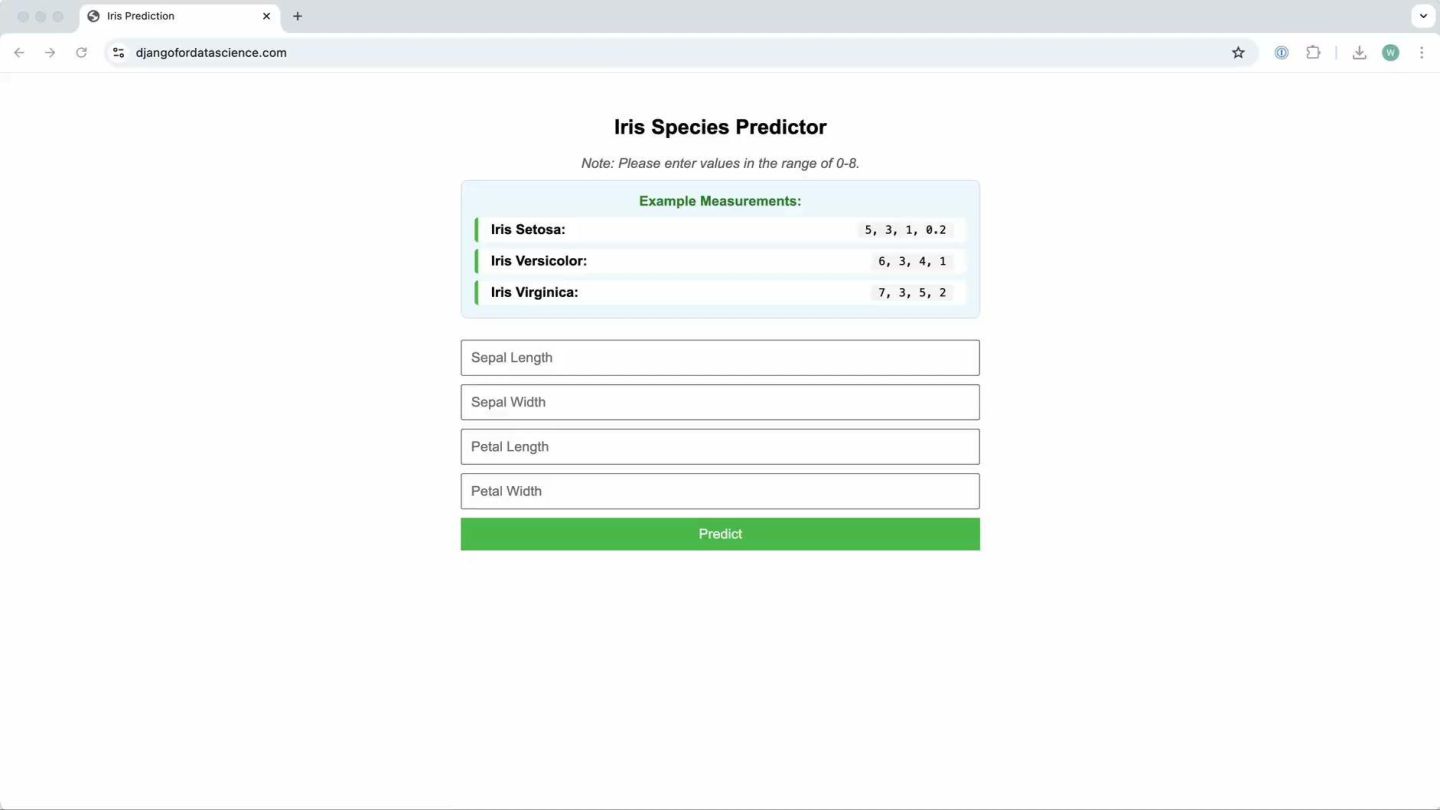
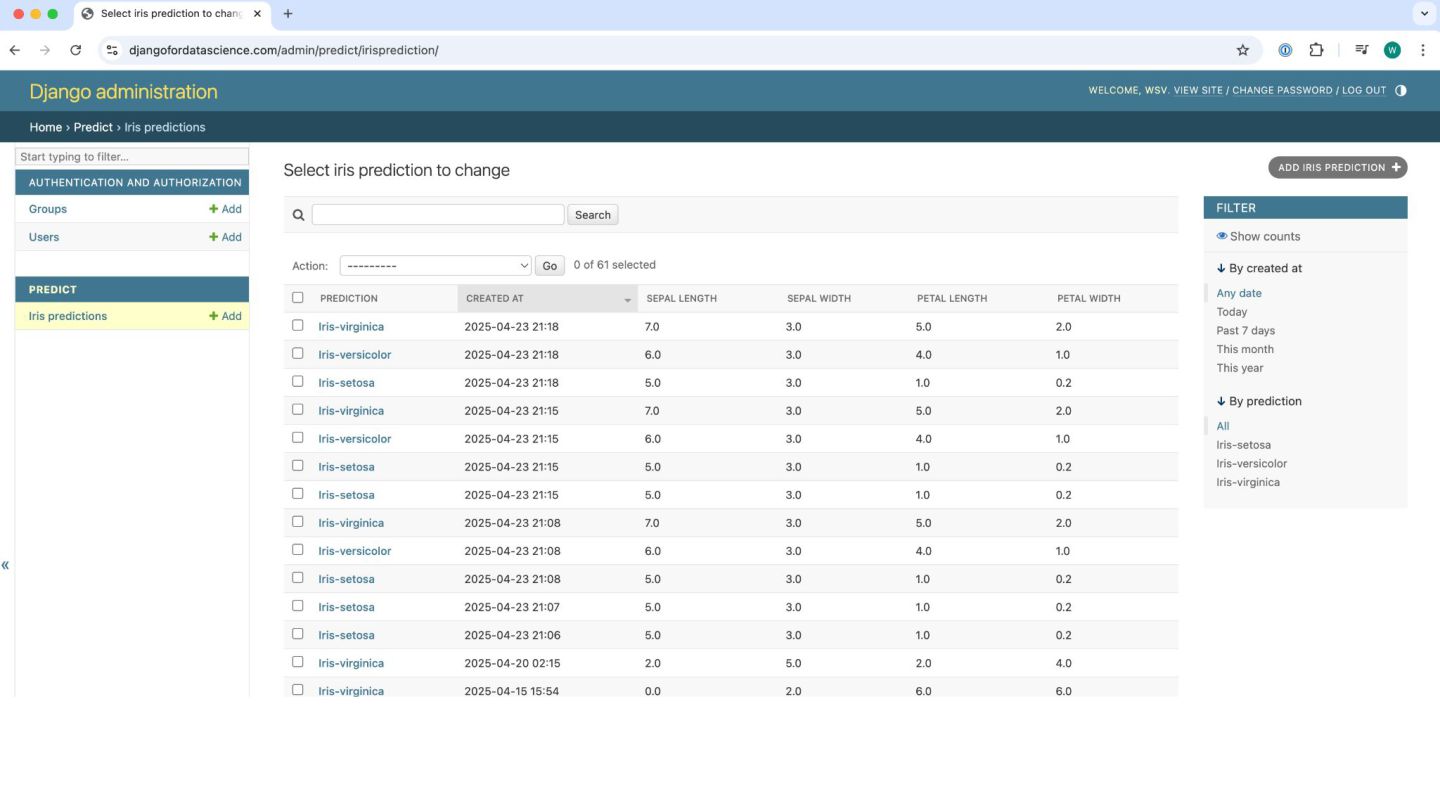
    • Forms for users to enter predictions -> see results • Store user info in the database • Deployment?
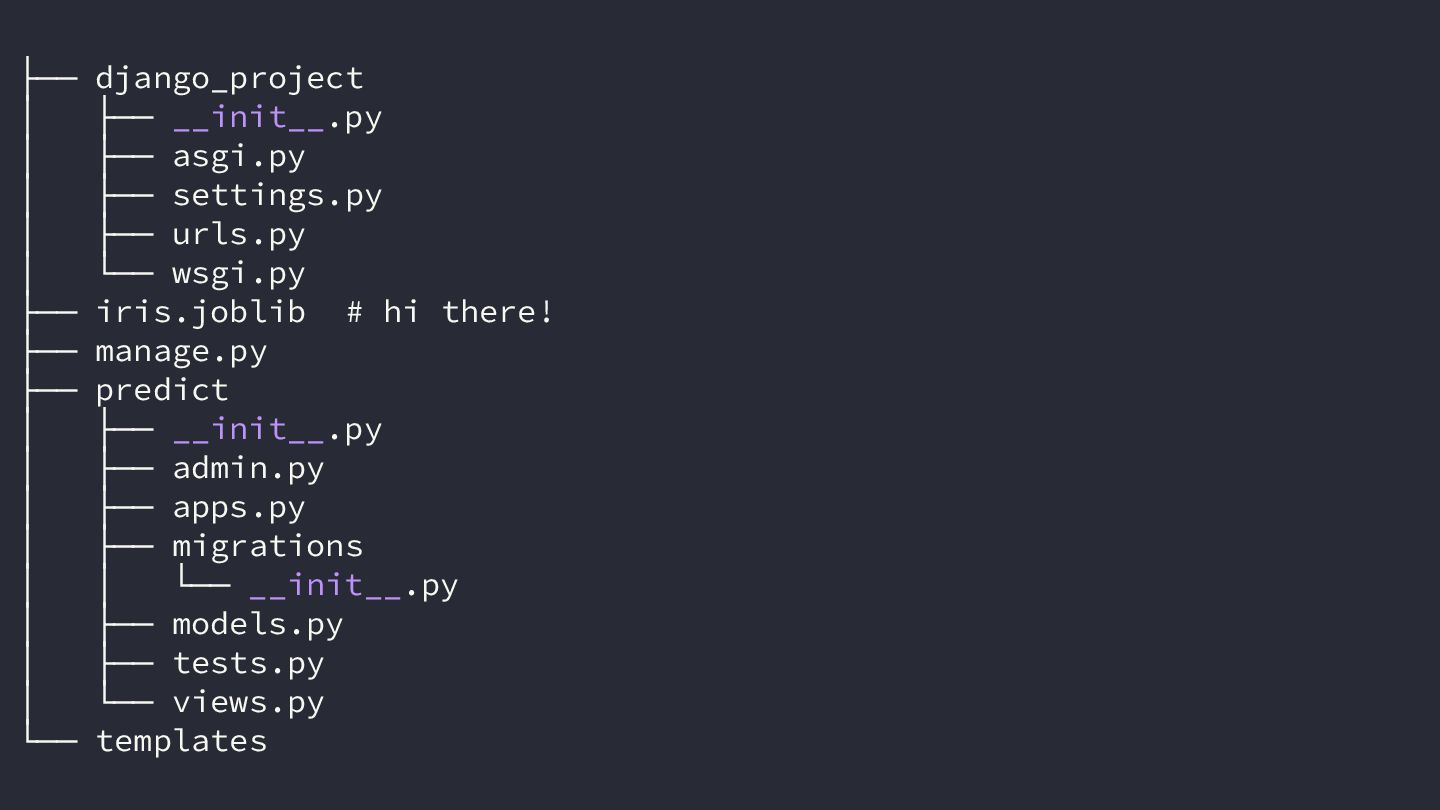
  4. ├── django_project │ ├── __init__.py │ ├── asgi.py │ ├──

    settings.py │ ├── urls.py │ └── wsgi.py ├── iris.joblib # hi there! ├── manage.py ├── predict │ ├── __init__.py │ ├── admin.py │ ├── apps.py │ ├── migrations │ │ └── __init__.py │ ├── models.py │ ├── tests.py │ └── views.py └── templates
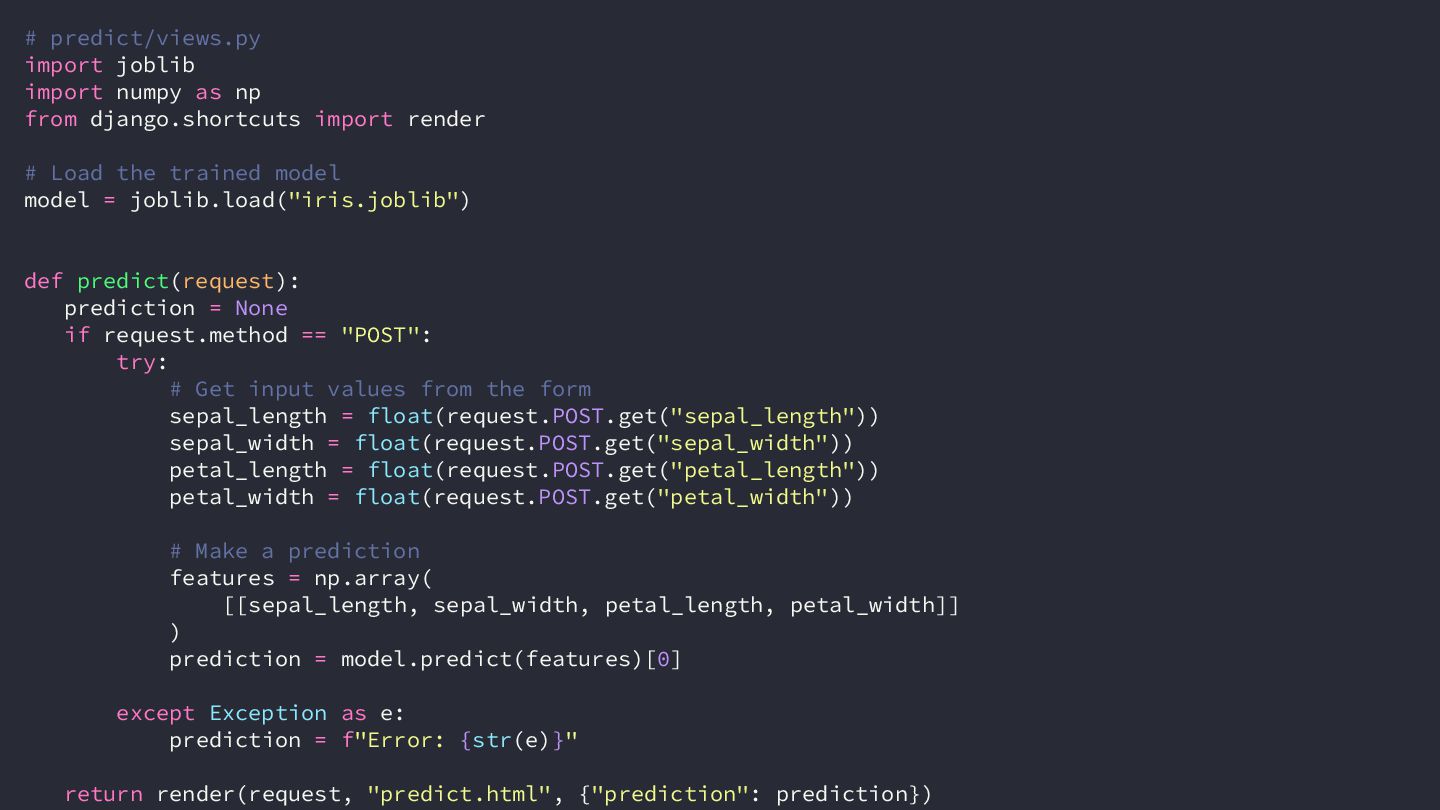
  5. # predict/views.py import joblib import numpy as np from django.shortcuts

    import render # Load the trained model model = joblib.load("iris.joblib") def predict(request): prediction = None if request.method == "POST": try: # Get input values from the form sepal_length = float(request.POST.get("sepal_length")) sepal_width = float(request.POST.get("sepal_width")) petal_length = float(request.POST.get("petal_length")) petal_width = float(request.POST.get("petal_width")) # Make a prediction features = np.array( [[sepal_length, sepal_width, petal_length, petal_width]] ) prediction = model.predict(features)[0] except Exception as e: prediction = f"Error: {str(e)}" return render(request, "predict.html", {"prediction": prediction})
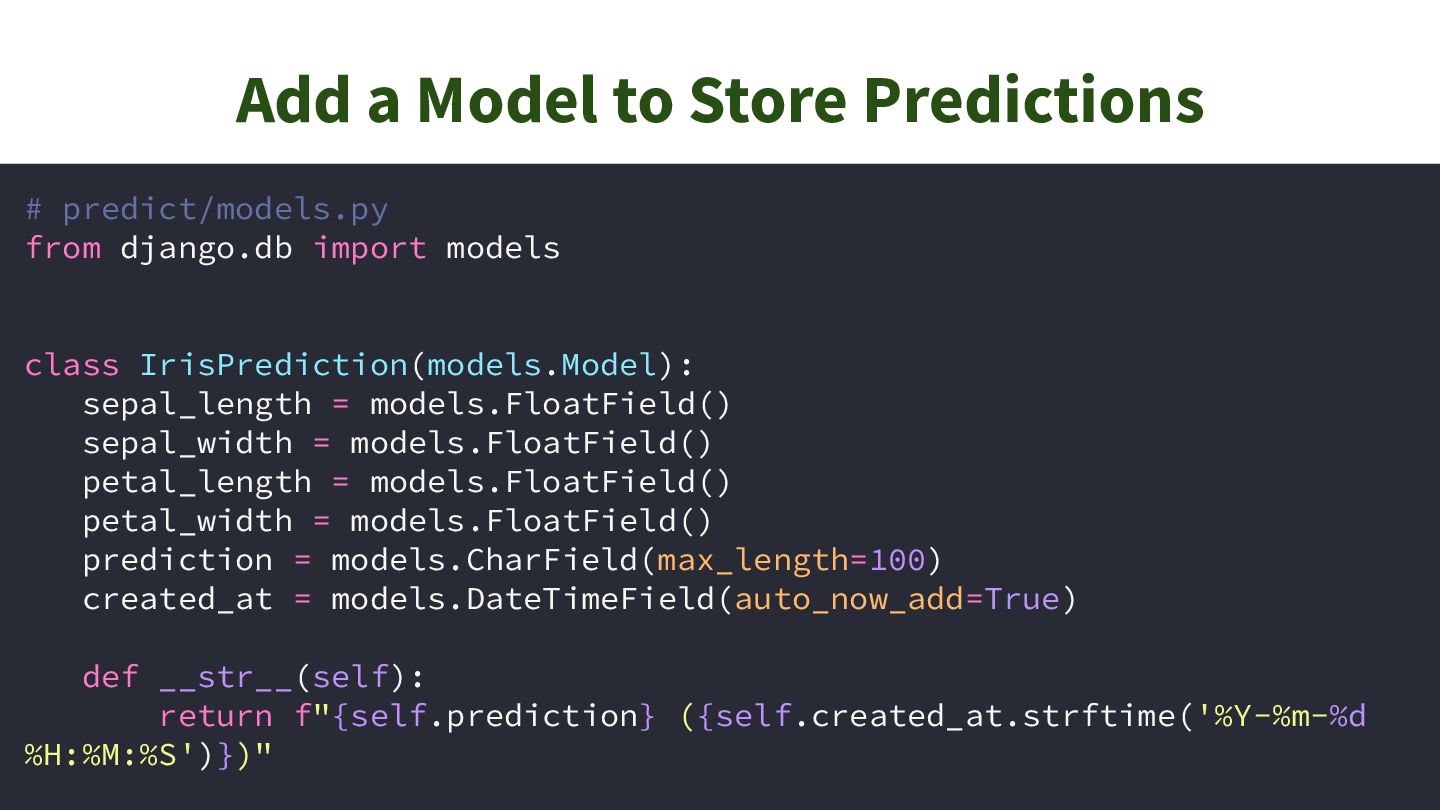
  6. Add a Model to Store Predictions # predict/models.py from django.db

    import models class IrisPrediction(models.Model): sepal_length = models.FloatField() sepal_width = models.FloatField() petal_length = models.FloatField() petal_width = models.FloatField() prediction = models.CharField(max_length=100) created_at = models.DateTimeField(auto_now_add=True) def __str__(self): return f"{self.prediction} ({self.created_at.strftime('%Y-%m-%d %H:%M:%S')})"
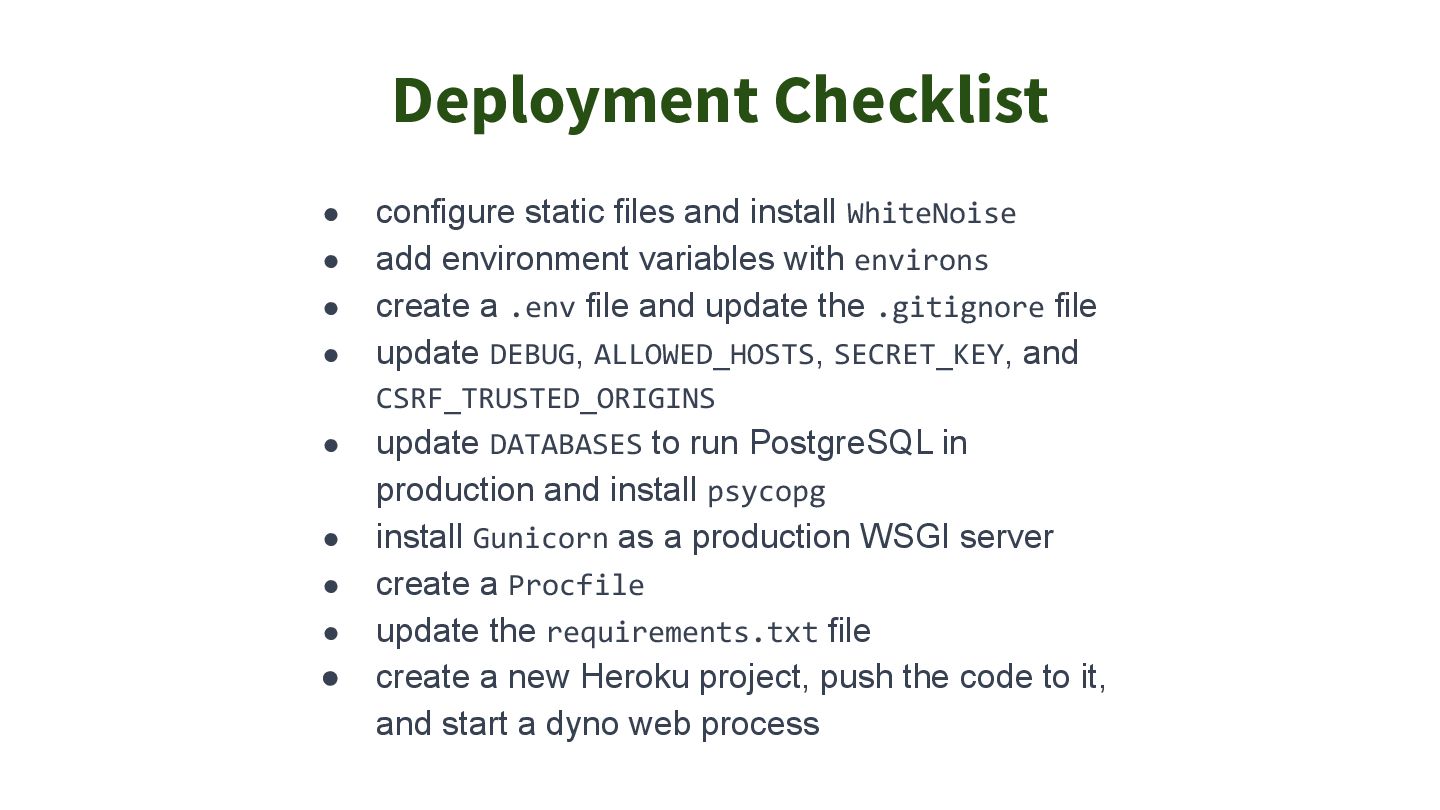
  7. Deployment Checklist • configure static files and install WhiteNoise •
    add environment variables with environs • create a .env file and update the .gitignore file • update DEBUG, ALLOWED_HOSTS, SECRET_KEY, and CSRF_TRUSTED_ORIGINS • update DATABASES to run PostgreSQL in production and install psycopg • install Gunicorn as a production WSGI server • create a Procfile • update the requirements.txt file • create a new Heroku project, push the code to it, and start a dyno web process

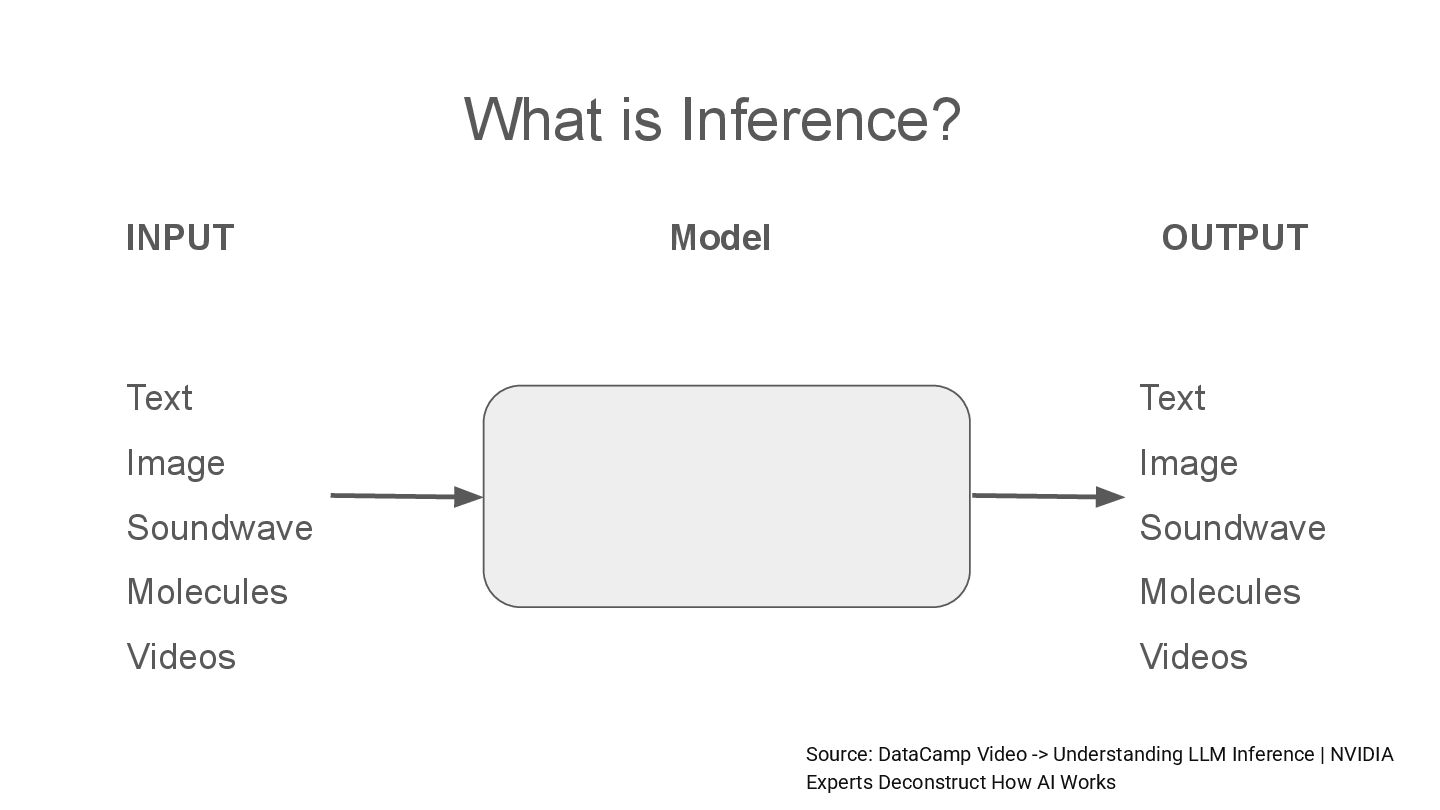
  8. What is Inference? Model OUTPUT INPUT Text Image Soundwave Molecules

    Videos Text Image Soundwave Molecules Videos Source: DataCamp Video -> Understanding LLM Inference | NVIDIA Experts Deconstruct How AI Works
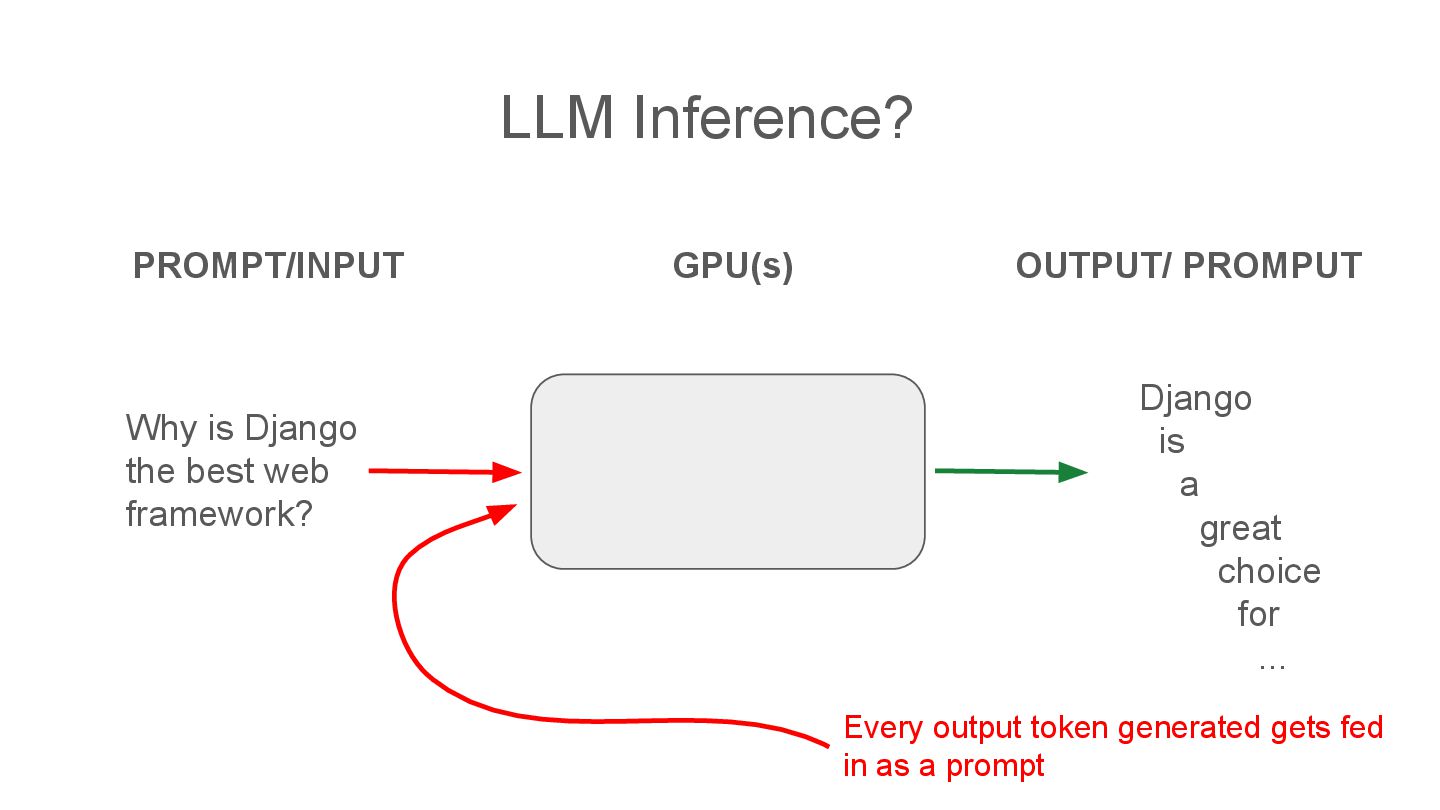
  9. LLM Inference? GPU(s) OUTPUT/ PROMPUT PROMPT/INPUT Why is Django the

    best web framework? Django is a great choice for ... Every output token generated gets fed in as a prompt
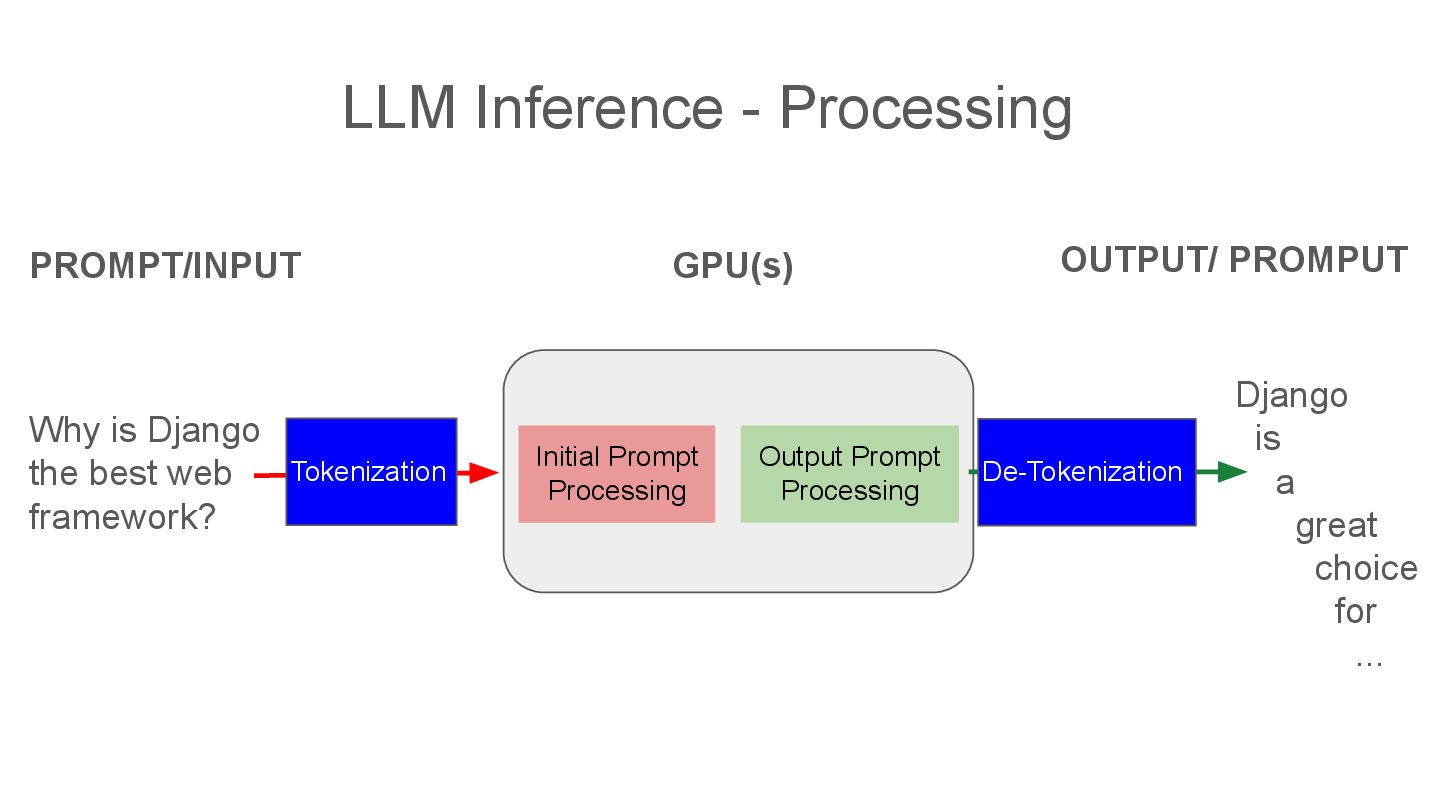
  10. LLM Inference - Processing GPU(s) OUTPUT/ PROMPUT PROMPT/INPUT Why is

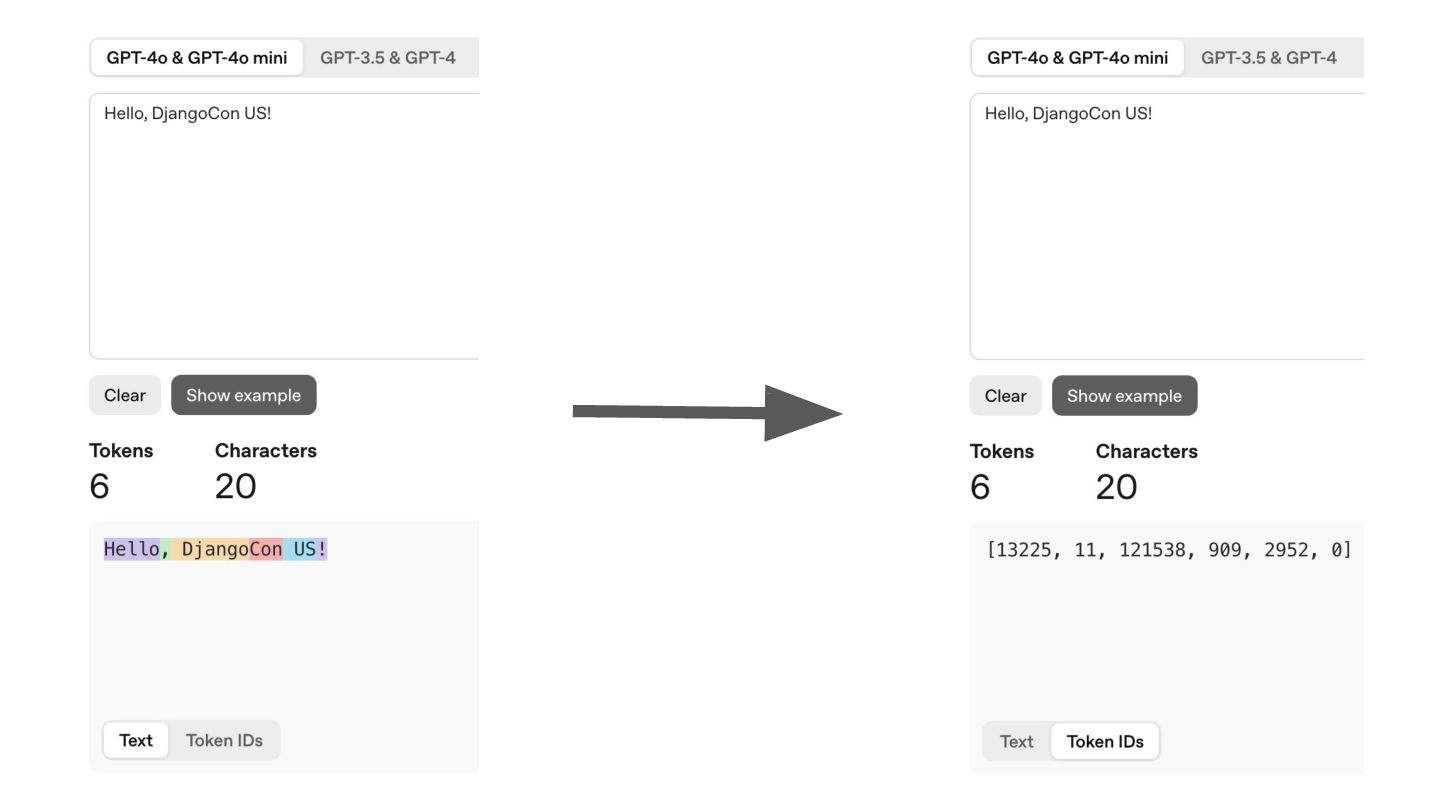
    Django the best web framework? Django is a great choice for ... Tokenization De-Tokenization Initial Prompt Processing Output Prompt Processing

More Decks by William S. Vincent

Other Decks in Technology