Upgrade to Pro — share decks privately, control downloads, hide ads and more …

Rendering is the New Ranking Factor - HiveMCR 2026

Sponsored · SiteGround - Reliable hosting with speed, security, and support you can count on.

Rendering is the New Ranking Factor - HiveMCR 2026

Nikki Halliwell dives into the hidden technical failures that are holding back modern, JavaScript-heavy websites - especially when it comes to LLMs. These issues often go unnoticed but have a direct impact on indexation, loading, and performance in AI-powered search.
This session cuts through the noise to explain the real differences between CSR, SSR, and more, and shows how to diagnose rendering issues at scale.

Avatar for Nikki Halliwell

Nikki Halliwell

May 26, 2026

More Decks by Nikki Halliwell

Other Decks in Marketing & SEO
Transcript

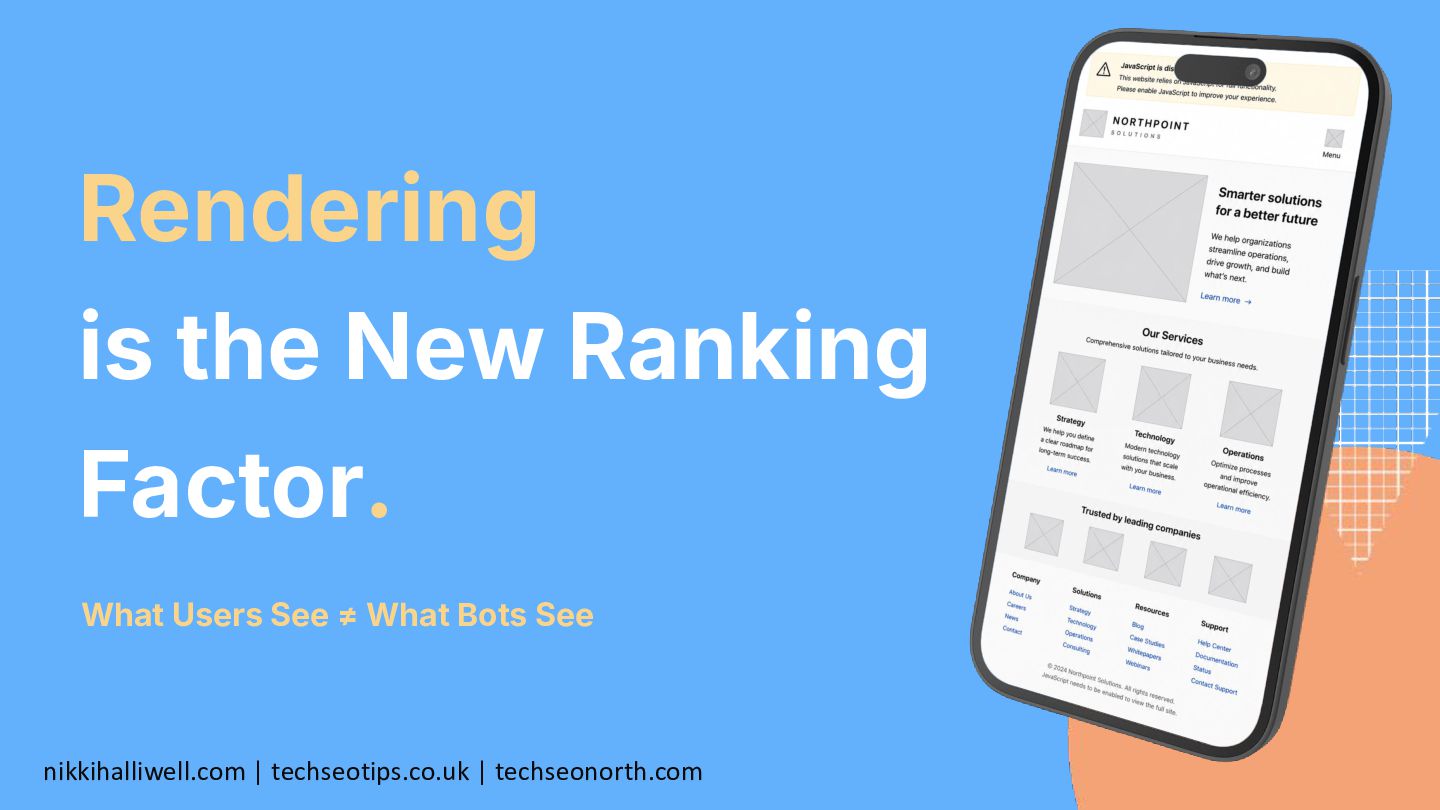
  1. Rendering is the New Ranking Factor. nikkihalliwell.com | techseotips.co.uk |

    techseonorth.com What Users See ≠ What Bots See
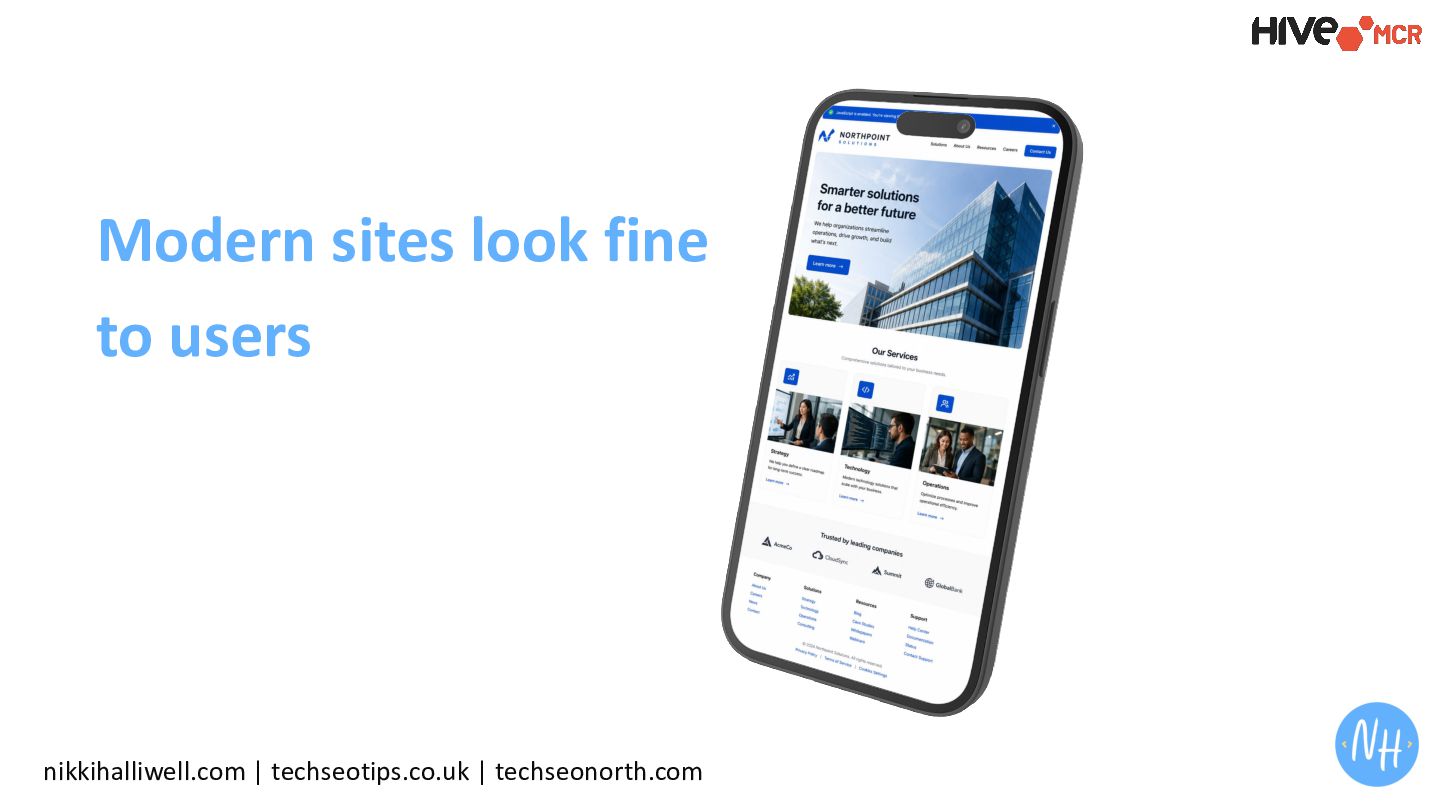
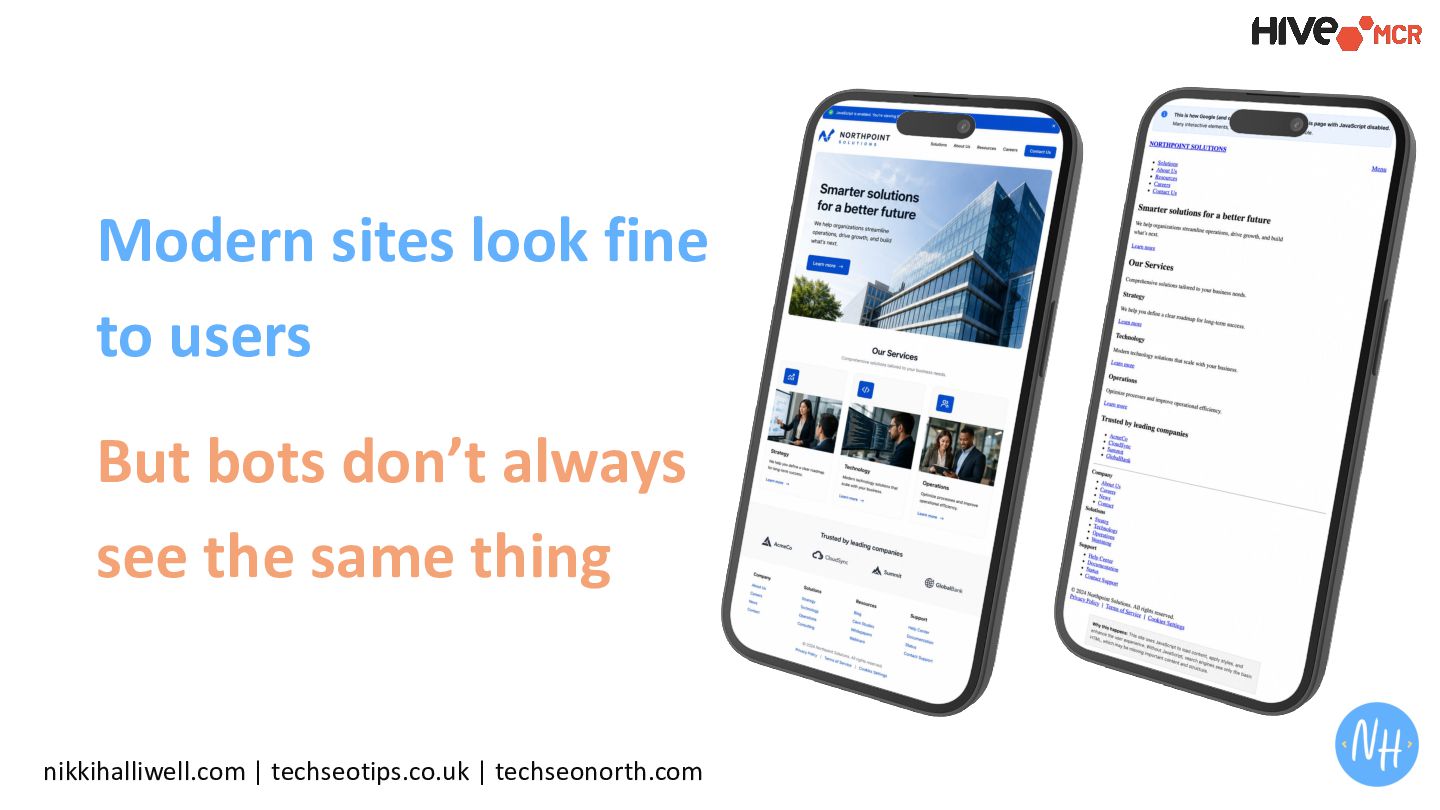
  2. “If it works in the browser, it works for SEO…

    right?” The Illusion nikkihalliwell.com | techseotips.co.uk | techseonorth.com
  3. While it is true that search engines have got a

    lot better at rendering JS nikkihalliwell.com | techseotips.co.uk | techseonorth.com
  4. The same cannot be said for AI and LLMs nikkihalliwell.com

    | techseotips.co.uk | techseonorth.com
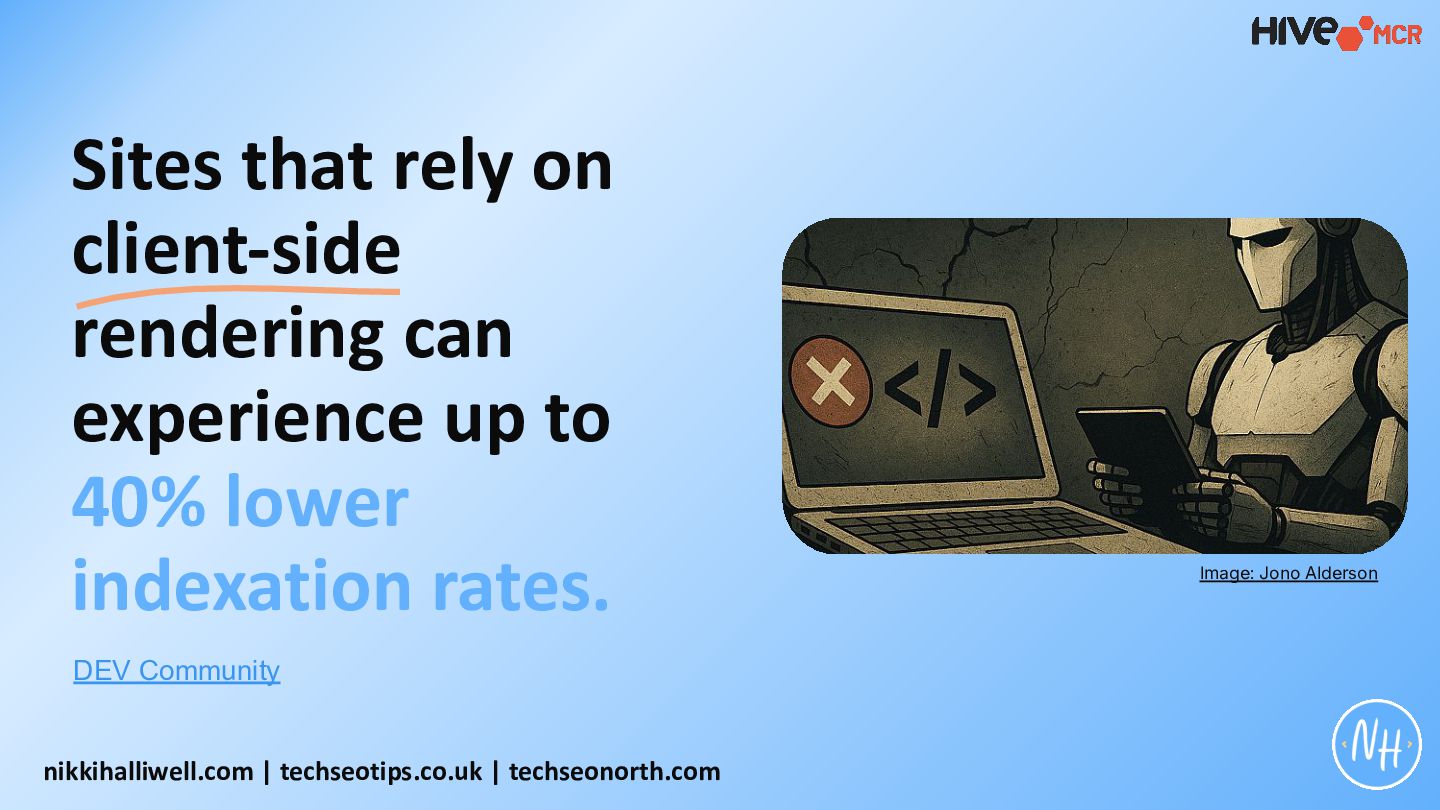
  5. Sites that rely on client-side rendering can experience up to

    40% lower indexation rates. DEV Community nikkihalliwell.com | techseotips.co.uk | techseonorth.com Image: Jono Alderson
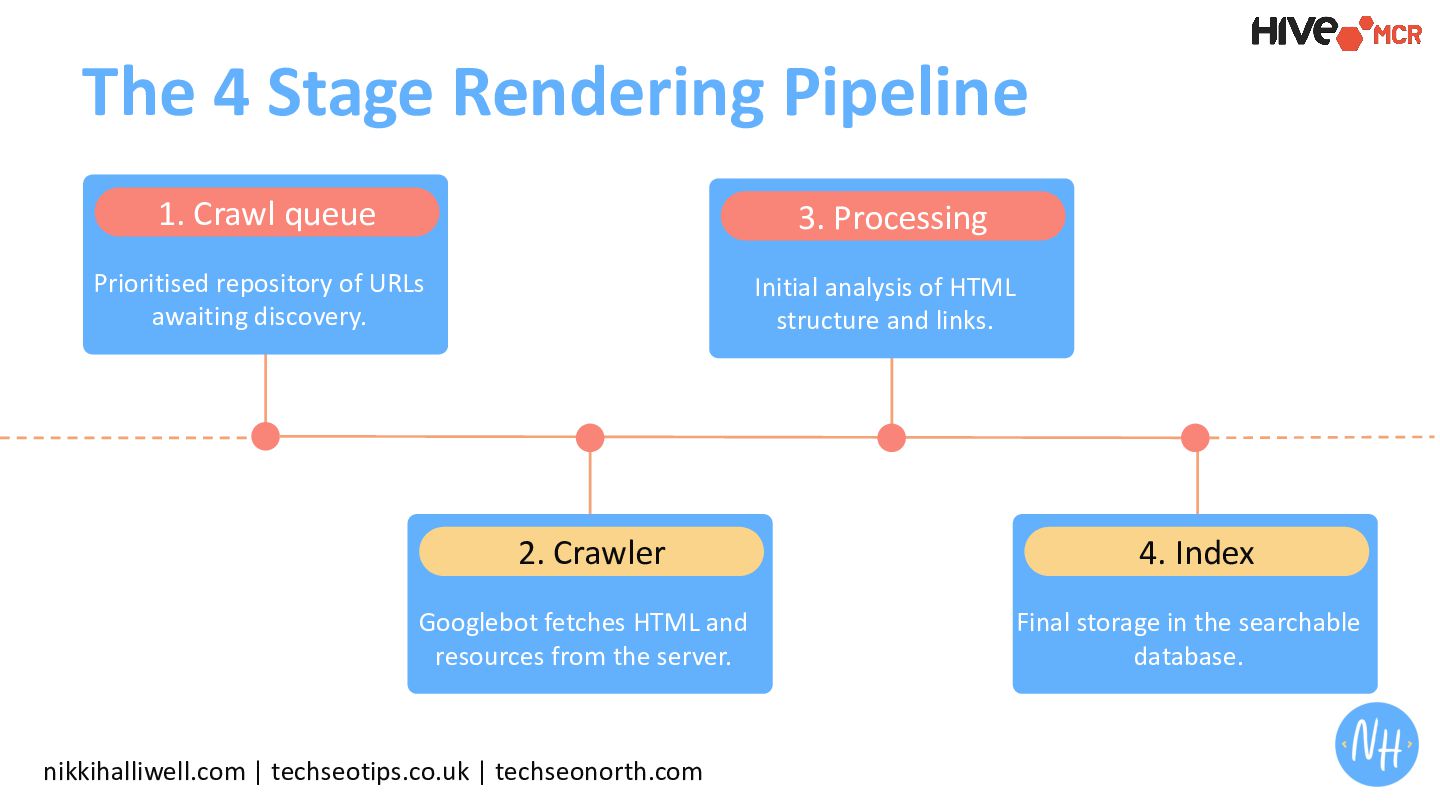
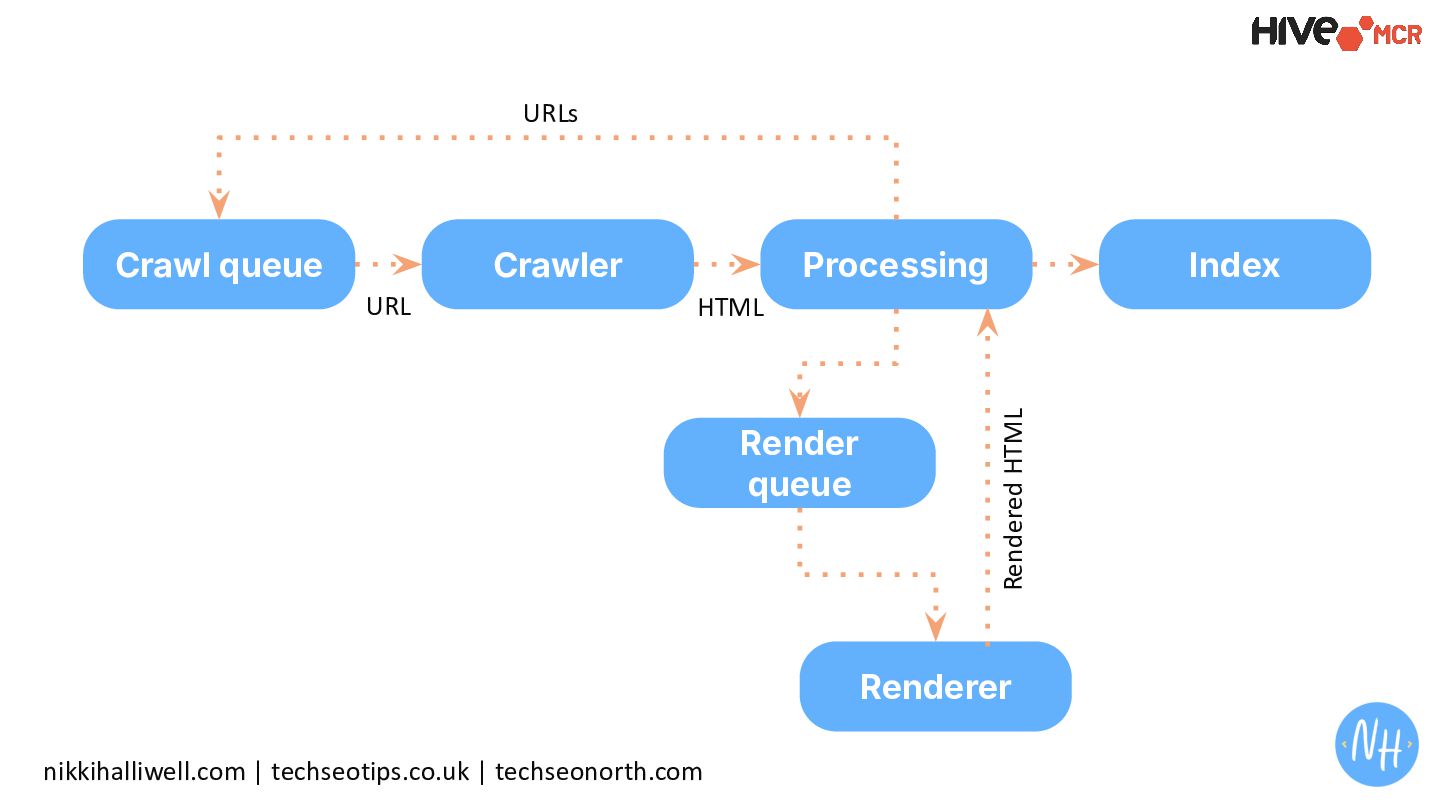
  6. The 4 Stage Rendering Pipeline 1. Crawl queue Prioritised repository

    of URLs awaiting discovery. 2. Crawler Googlebot fetches HTML and resources from the server. 3. Processing Initial analysis of HTML structure and links. 4. Index Final storage in the searchable database. nikkihalliwell.com | techseotips.co.uk | techseonorth.com
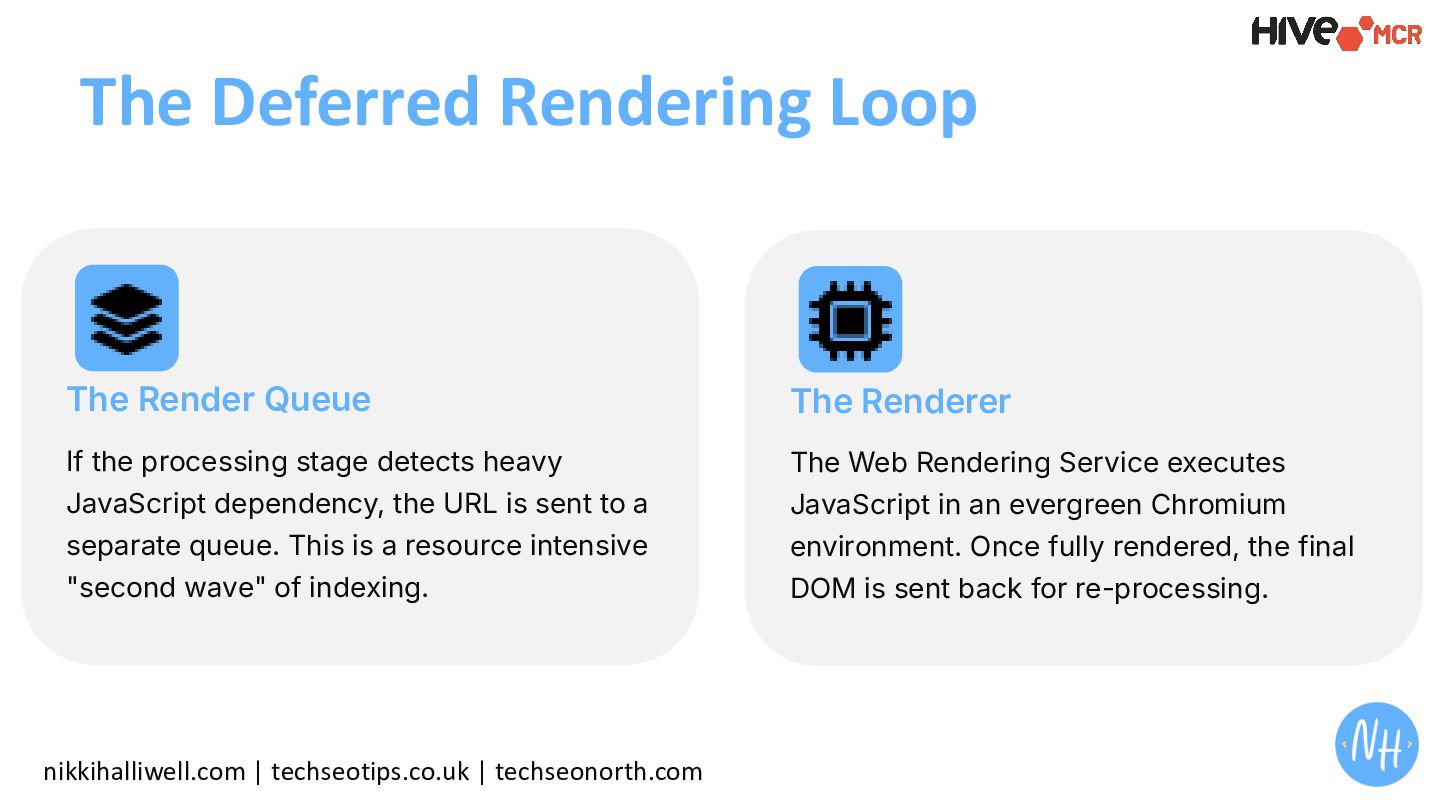
  7. nikkihalliwell.com | techseotips.co.uk | techseonorth.com The Deferred Rendering Loop The

    Render Queue If the processing stage detects heavy JavaScript dependency, the URL is sent to a separate queue. This is a resource intensive "second wave" of indexing. The Renderer The Web Rendering Service executes JavaScript in an evergreen Chromium environment. Once fully rendered, the final DOM is sent back for re-processing.
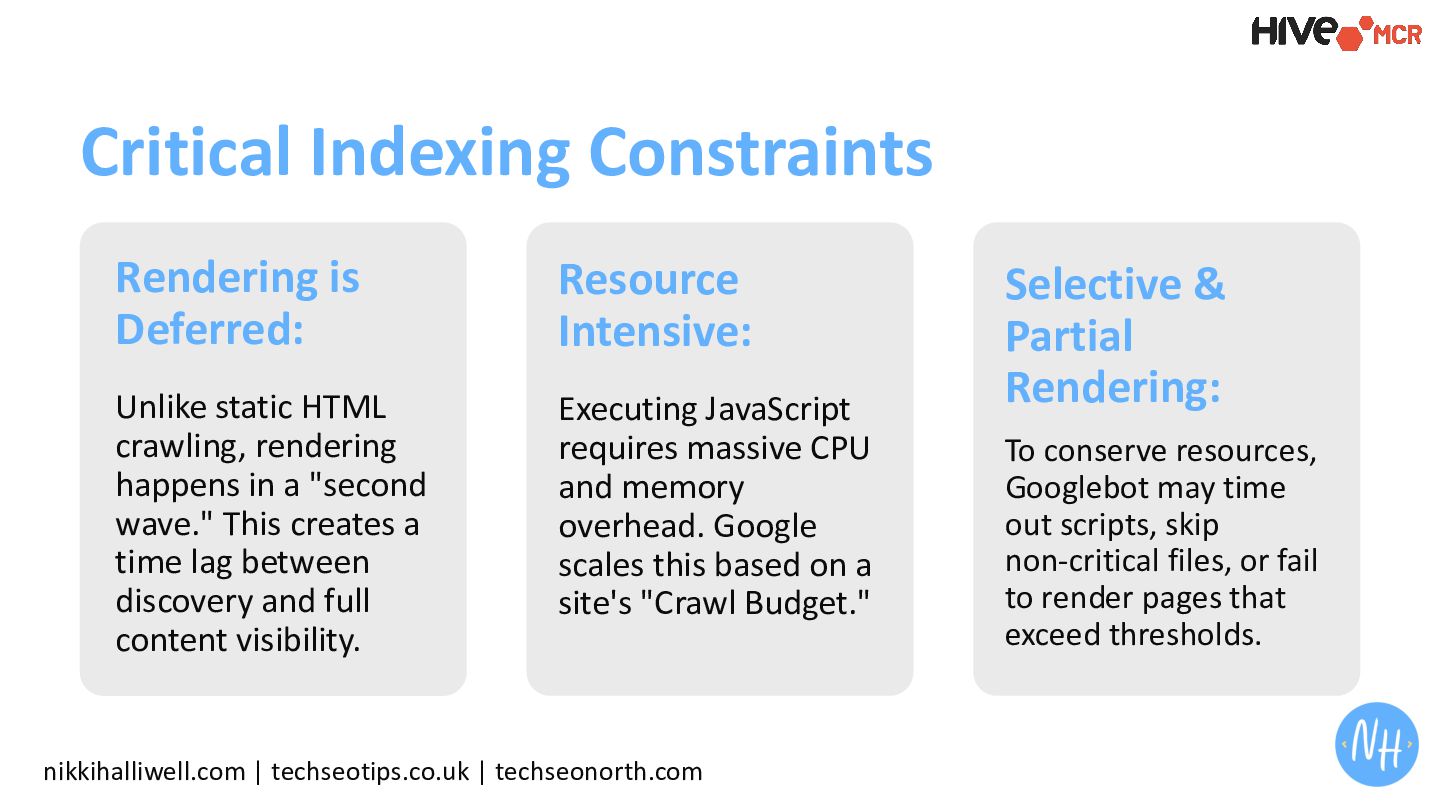
  8. Rendering is Deferred: Unlike static HTML crawling, rendering happens in

    a "second wave." This creates a time lag between discovery and full content visibility. nikkihalliwell.com | techseotips.co.uk | techseonorth.com Critical Indexing Constraints Resource Intensive: Executing JavaScript requires massive CPU and memory overhead. Google scales this based on a site's "Crawl Budget." Selective & Partial Rendering: To conserve resources, Googlebot may time out scripts, skip non-critical files, or fail to render pages that exceed thresholds.
  9. + JavaScript rendered sites aren't really an issue for search

    anymore nikkihalliwell.com | techseotips.co.uk | techseonorth.com All of that to say …
  10. We Need To Understand How LLMs Process Pages Differently …

    nikkihalliwell.com | techseotips.co.uk | techseonorth.com +
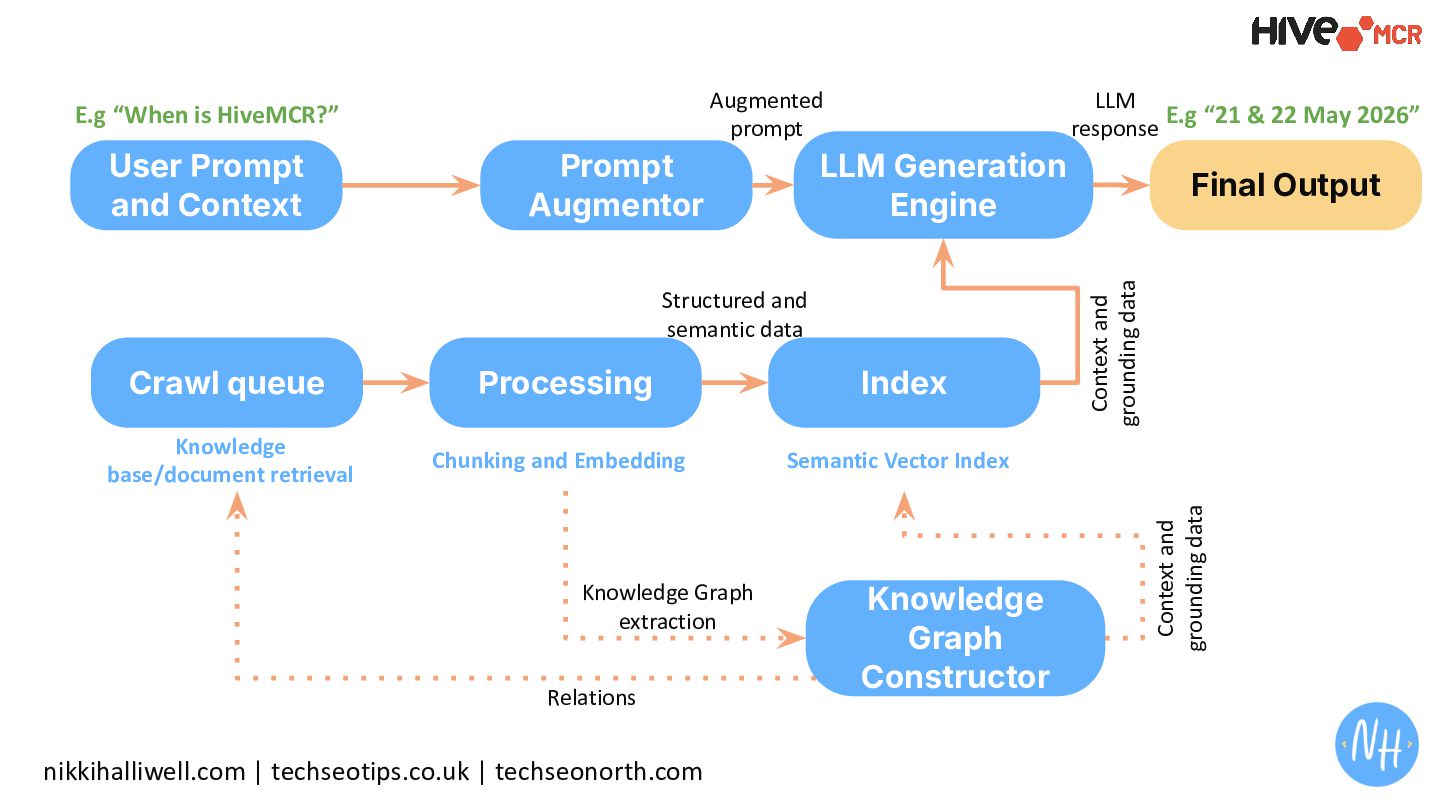
  11. nikkihalliwell.com | techseotips.co.uk | techseonorth.com Crawl queue Processing Index User

    Prompt and Context E.g “When is HiveMCR?” Structured and semantic data Prompt Augmentor LLM Generation Engine Final Output Context and grounding data Augmented prompt LLM response Knowledge Graph Constructor Context and grounding data Knowledge base/document retrieval Chunking and Embedding Semantic Vector Index Relations Knowledge Graph extraction E.g “21 & 22 May 2026”
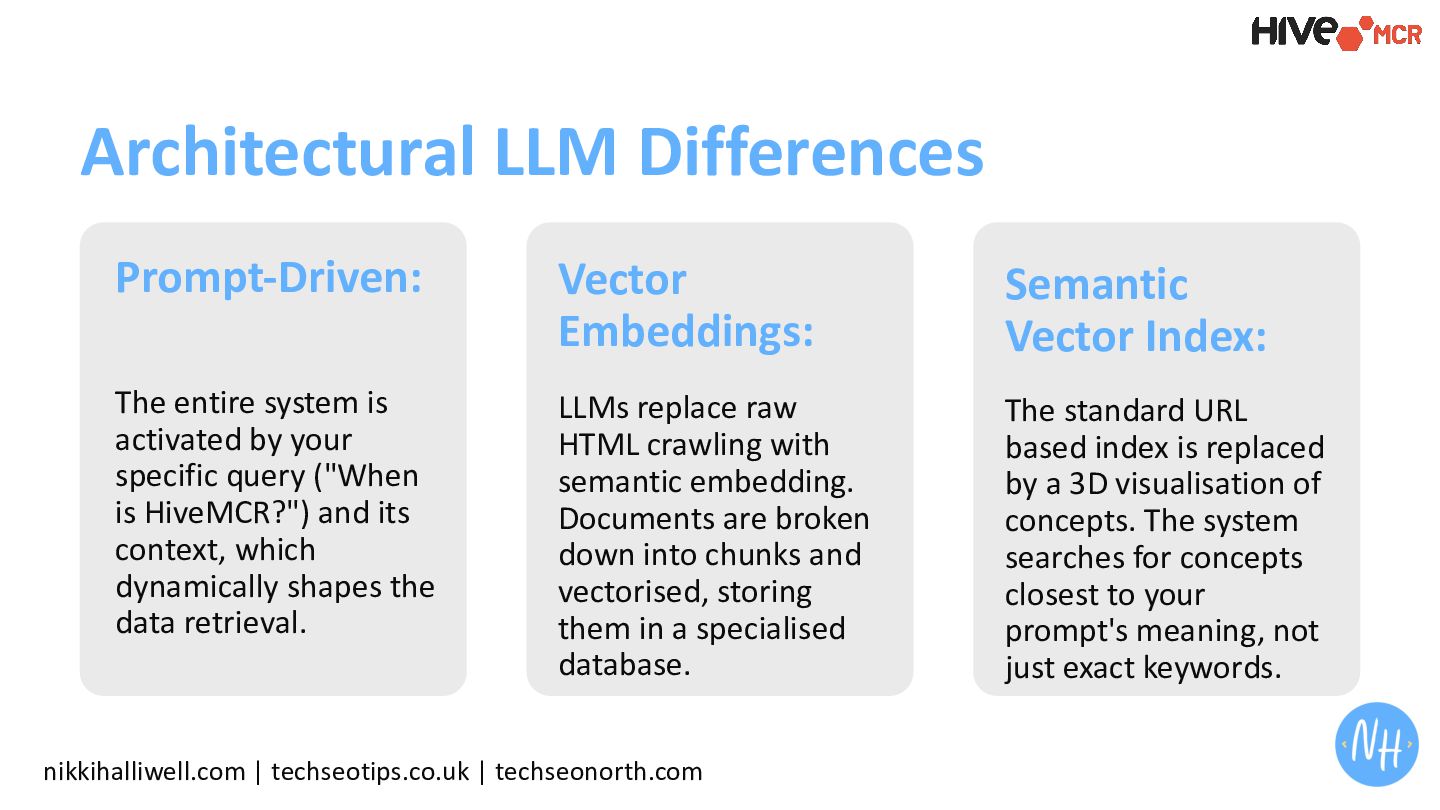
  12. Prompt-Driven: The entire system is activated by your specific query

    ("When is HiveMCR?") and its context, which dynamically shapes the data retrieval. nikkihalliwell.com | techseotips.co.uk | techseonorth.com Architectural LLM Differences Vector Embeddings: LLMs replace raw HTML crawling with semantic embedding. Documents are broken down into chunks and vectorised, storing them in a specialised database. Semantic Vector Index: The standard URL based index is replaced by a 3D visualisation of concepts. The system searches for concepts closest to your prompt's meaning, not just exact keywords.
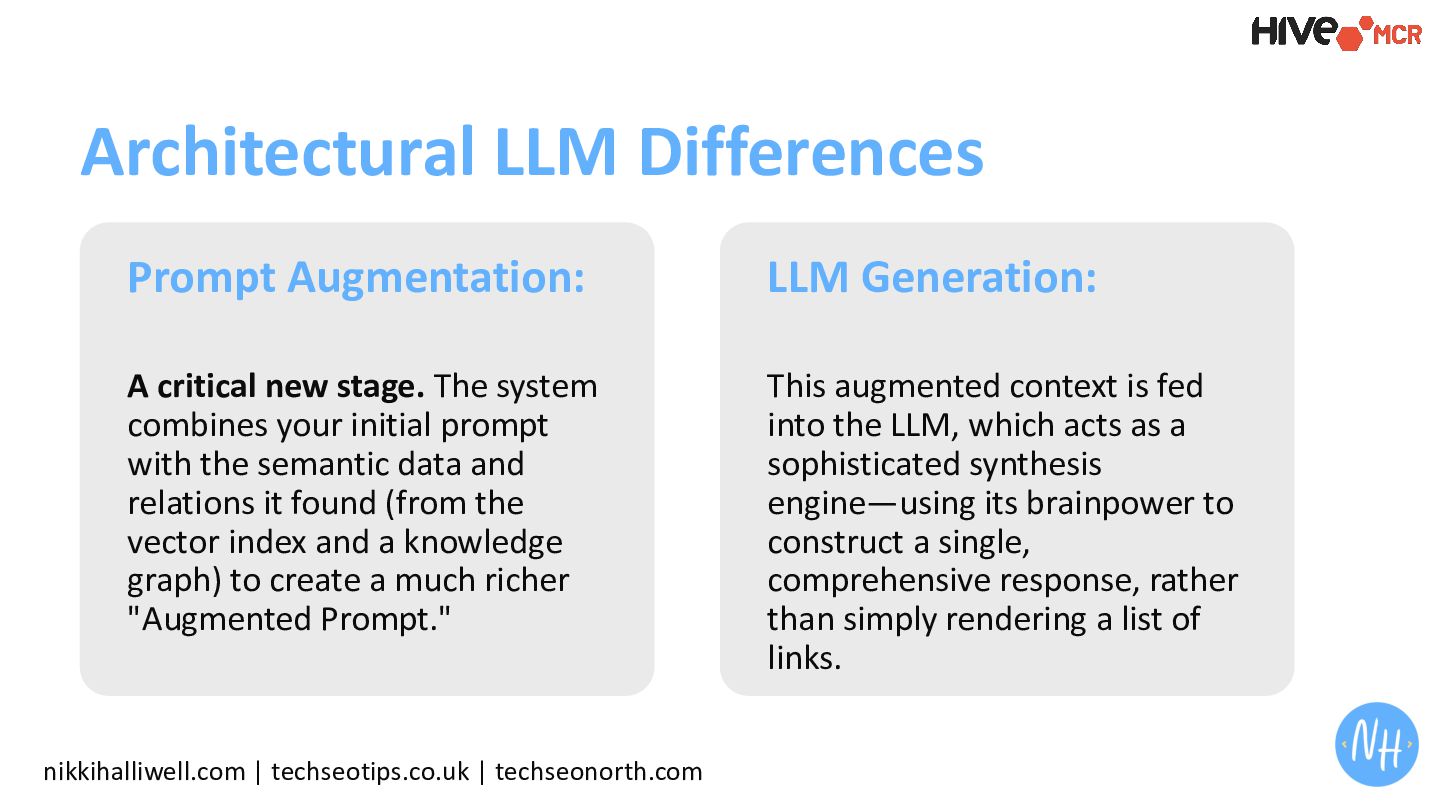
  13. Prompt Augmentation: A critical new stage. The system combines your

    initial prompt with the semantic data and relations it found (from the vector index and a knowledge graph) to create a much richer "Augmented Prompt." nikkihalliwell.com | techseotips.co.uk | techseonorth.com Architectural LLM Differences LLM Generation: This augmented context is fed into the LLM, which acts as a sophisticated synthesis engine—using its brainpower to construct a single, comprehensive response, rather than simply rendering a list of links.
  14. + This is where JS is a problem nikkihalliwell.com |

    techseotips.co.uk | techseonorth.com
  15. nikkihalliwell.com | techseotips.co.uk | techseonorth.com Crawl & Fetch Issues Search

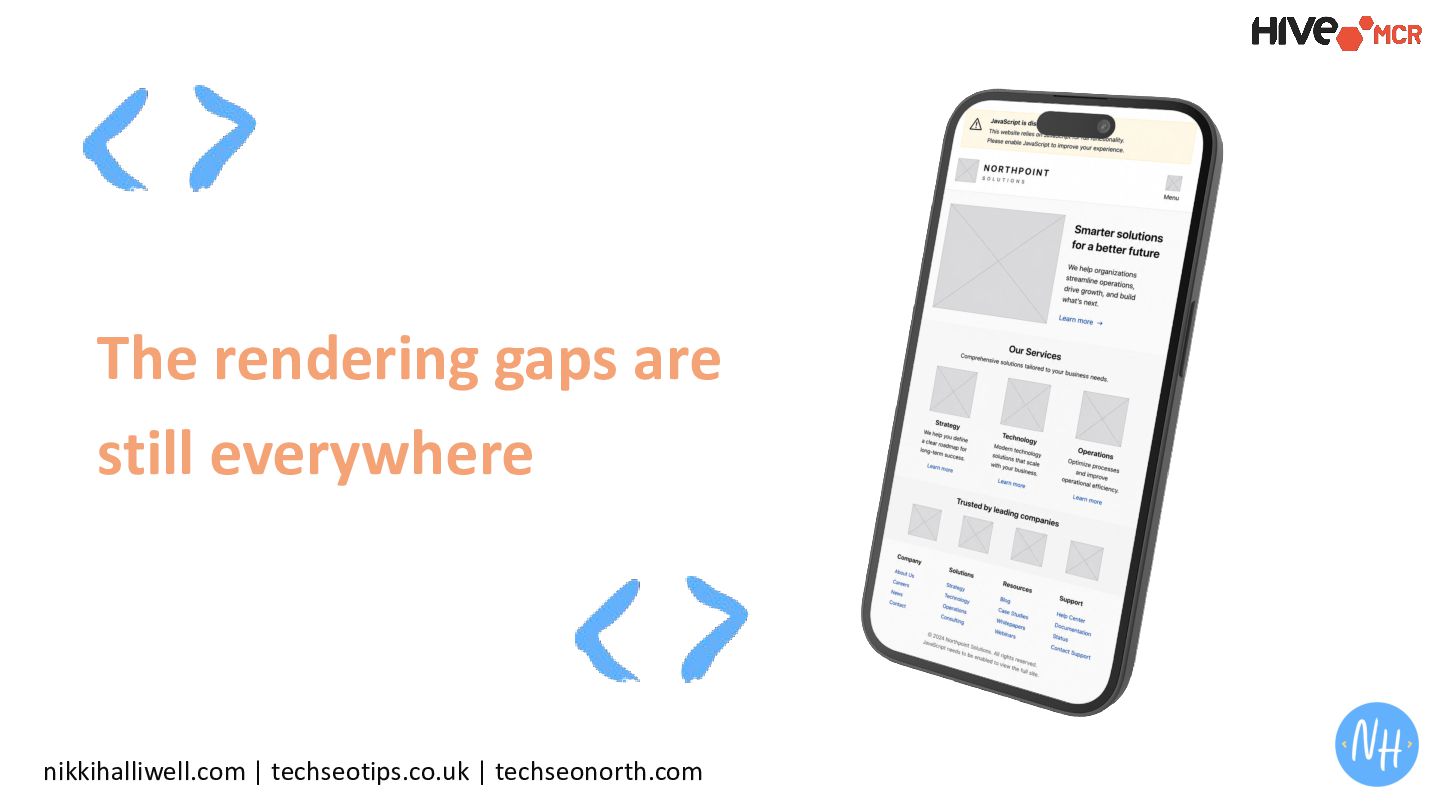
    bots and LLM scrapers primarily see the Initial HTML. If your content is injected via JS, the bot initially sees a blank page or a loading spinner.
  16. nikkihalliwell.com | techseotips.co.uk | techseonorth.com Crawl & Fetch Issues Why

    it matters: Most basic scrapers and crawlers that are used to feed LLM training data or RAG (Retrieval-Augmented Generation) systems don't have a built-in browser engine. If the data isn't in the raw HTML, it effectively doesn't exist to them.
  17. nikkihalliwell.com | techseotips.co.uk | techseonorth.com Resource-Intensive Render Queue Rendering requires

    a full headless browser (like Chromium) to execute scripts, download secondary payloads, and wait for the Final DOM.
  18. nikkihalliwell.com | techseotips.co.uk | techseonorth.com Resource-Intensive Render Queue Why it

    matters: It is 100x more expensive to compute than reading flat HTML. For Google: They may defer rendering for days or weeks. For LLMs: They will "time out" if your JS takes more than a few seconds to execute, leading to incomplete or hallucinated answers.
  19. nikkihalliwell.com | techseotips.co.uk | techseonorth.com Chunking is Problematic For LLMs,

    the text needs to be broken into "chunks" to be vectorised. If JavaScript is used for Infinite Scroll or "Click to Load" patterns, the retriever only gets the first few paragraphs.
  20. nikkihalliwell.com | techseotips.co.uk | techseonorth.com Chunking is Problematic Why it

    matters: The "Semantic Vector Index" relies on having the full context of a page. If the JS prevents the bot from seeing your content, the LLM won't be able to find that information when a user asks a relevant question. It creates a "Knowledge Gap" in the vector space.
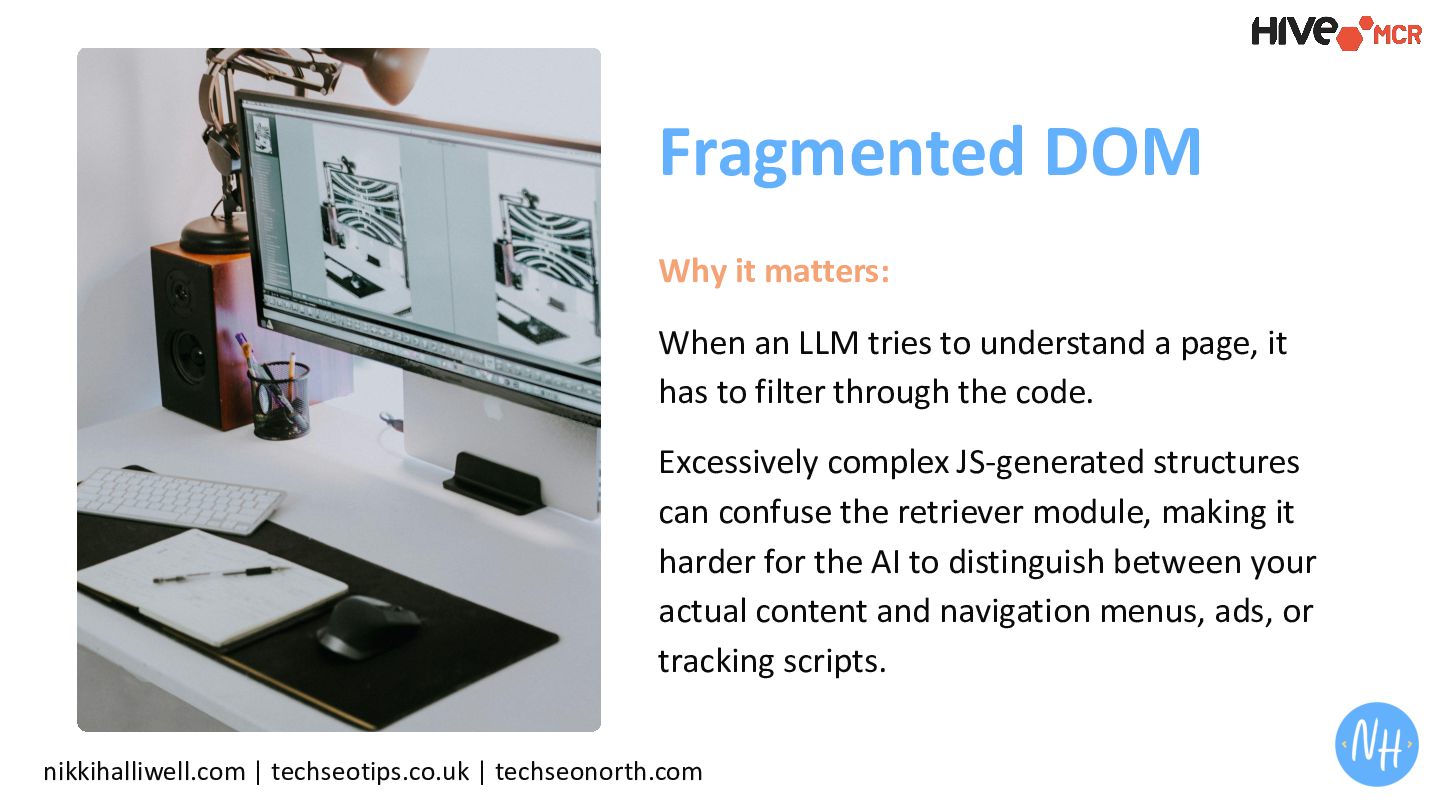
  21. nikkihalliwell.com | techseotips.co.uk | techseonorth.com Fragmented DOM Modern JS frameworks

    (like React or Vue) often create complex, nested structures. All of that adds massive amounts of noise to the process.
  22. nikkihalliwell.com | techseotips.co.uk | techseonorth.com Fragmented DOM Why it matters:

    When an LLM tries to understand a page, it has to filter through the code. Excessively complex JS-generated structures can confuse the retriever module, making it harder for the AI to distinguish between your actual content and navigation menus, ads, or tracking scripts.
  23. "If they can't render it, they can't retrieve it." The

    Barrier nikkihalliwell.com | techseotips.co.uk | techseonorth.com
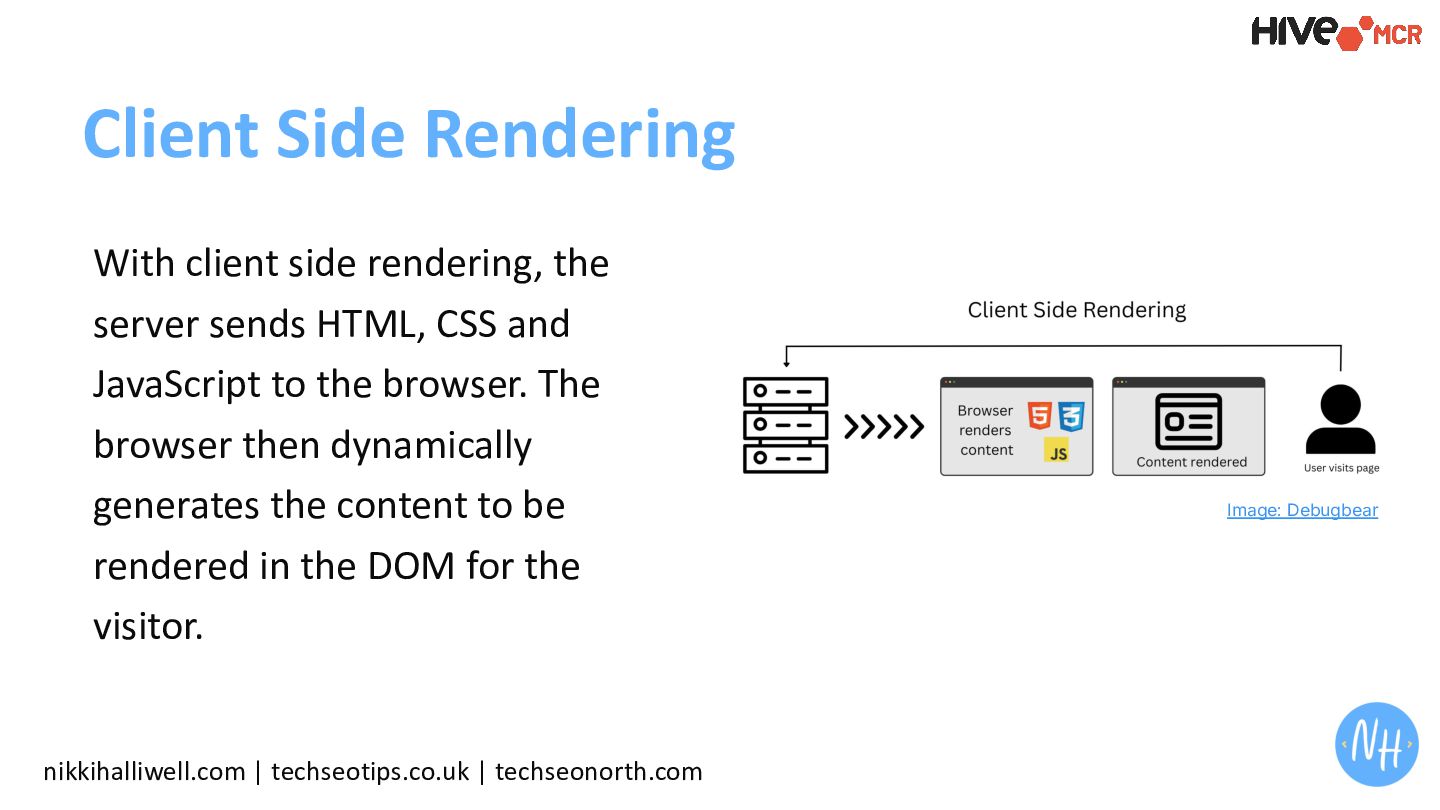
  24. Client Side Rendering nikkihalliwell.com | techseotips.co.uk | techseonorth.com With client

    side rendering, the server sends HTML, CSS and JavaScript to the browser. The browser then dynamically generates the content to be rendered in the DOM for the visitor. Image: Debugbear
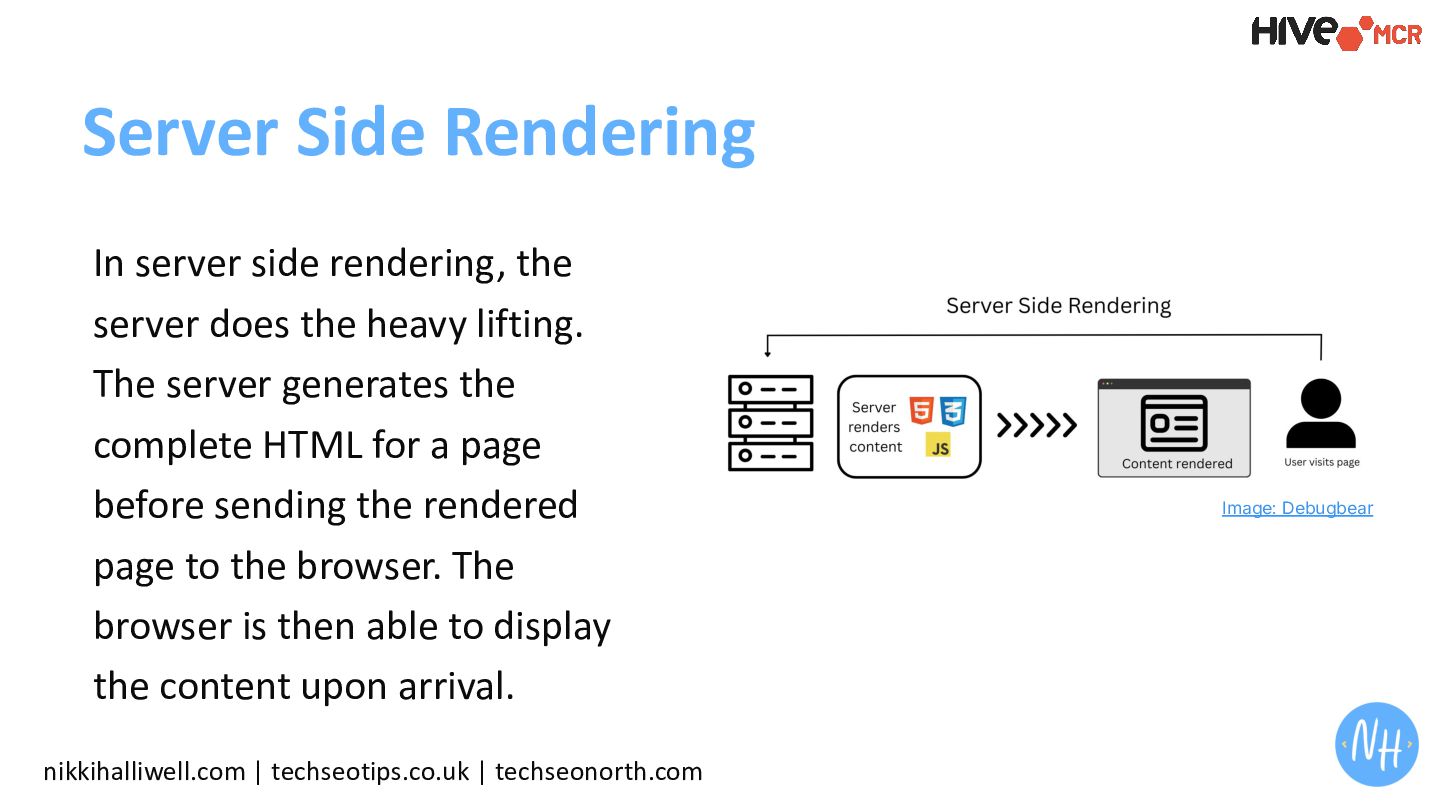
  25. Server Side Rendering nikkihalliwell.com | techseotips.co.uk | techseonorth.com In server

    side rendering, the server does the heavy lifting. The server generates the complete HTML for a page before sending the rendered page to the browser. The browser is then able to display the content upon arrival. Image: Debugbear
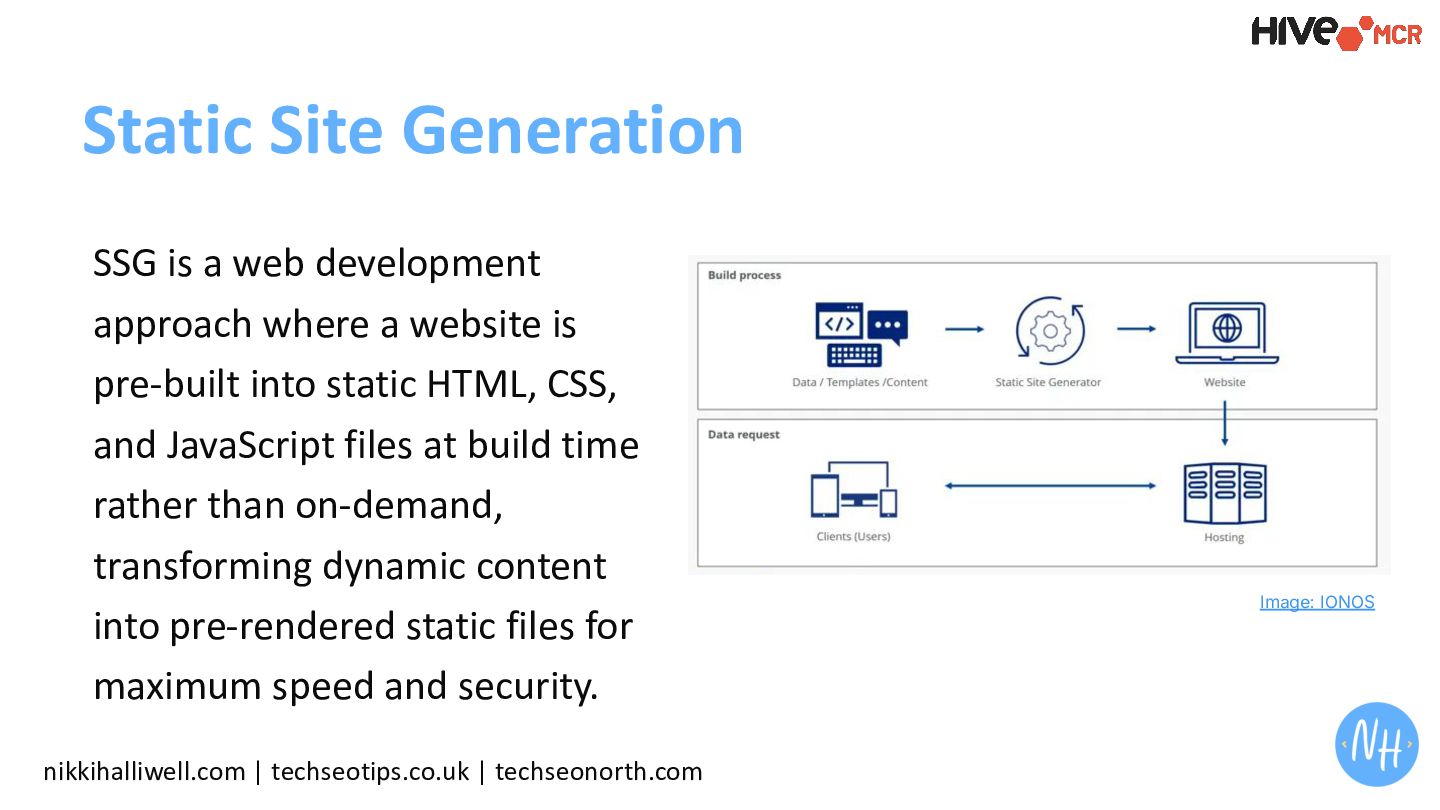
  26. nikkihalliwell.com | techseotips.co.uk | techseonorth.com Static Site Generation SSG is

    a web development approach where a website is pre-built into static HTML, CSS, and JavaScript files at build time rather than on-demand, transforming dynamic content into pre-rendered static files for maximum speed and security. Image: IONOS
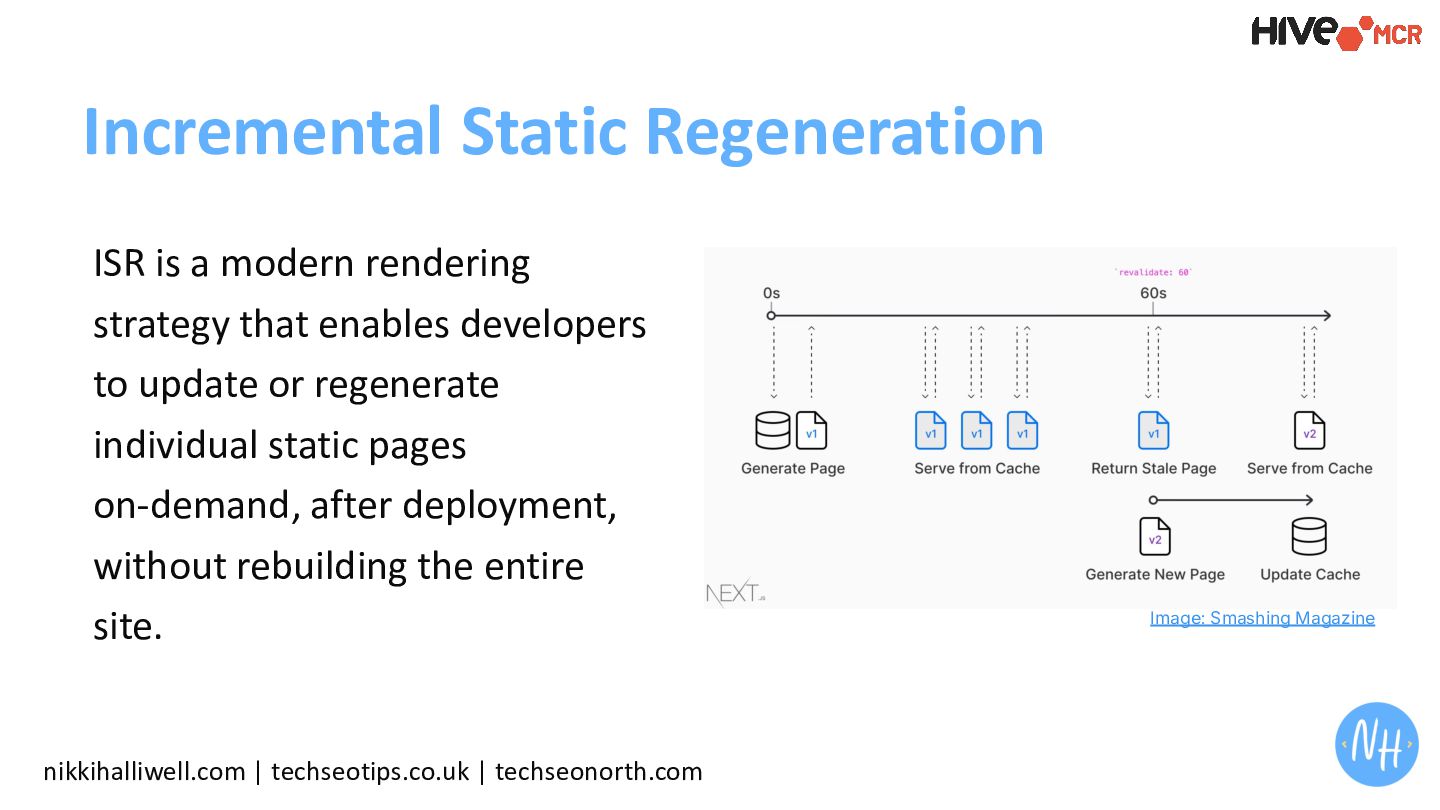
  27. Incremental Static Regeneration nikkihalliwell.com | techseotips.co.uk | techseonorth.com ISR is

    a modern rendering strategy that enables developers to update or regenerate individual static pages on-demand, after deployment, without rebuilding the entire site. Image: Smashing Magazine
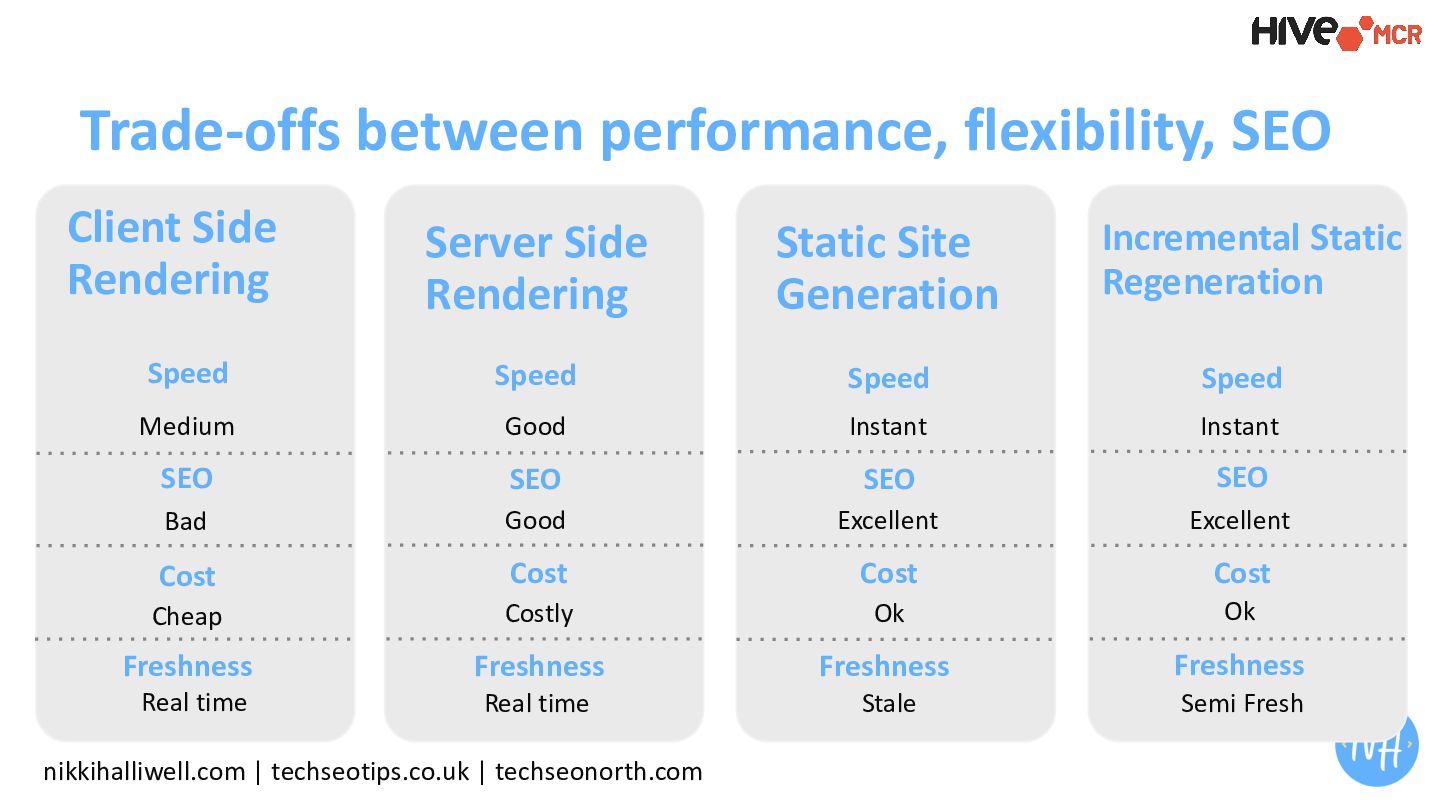
  28. nikkihalliwell.com | techseotips.co.uk | techseonorth.com Trade-offs between performance, flexibility, SEO

    Client Side Rendering Server Side Rendering Static Site Generation Incremental Static Regeneration Speed Speed Speed Speed SEO SEO SEO SEO Cost Cost Cost Cost Freshness Medium Good Instant Instant Bad Good Excellent Excellent Cheap Costly Ok Ok Freshness Freshness Freshness Real time Real time Stale Semi Fresh
  29. If you want your site to be AI-ready and Search-ready,

    use Server-Side Rendering SSR. nikkihalliwell.com | techseotips.co.uk | techseonorth.com
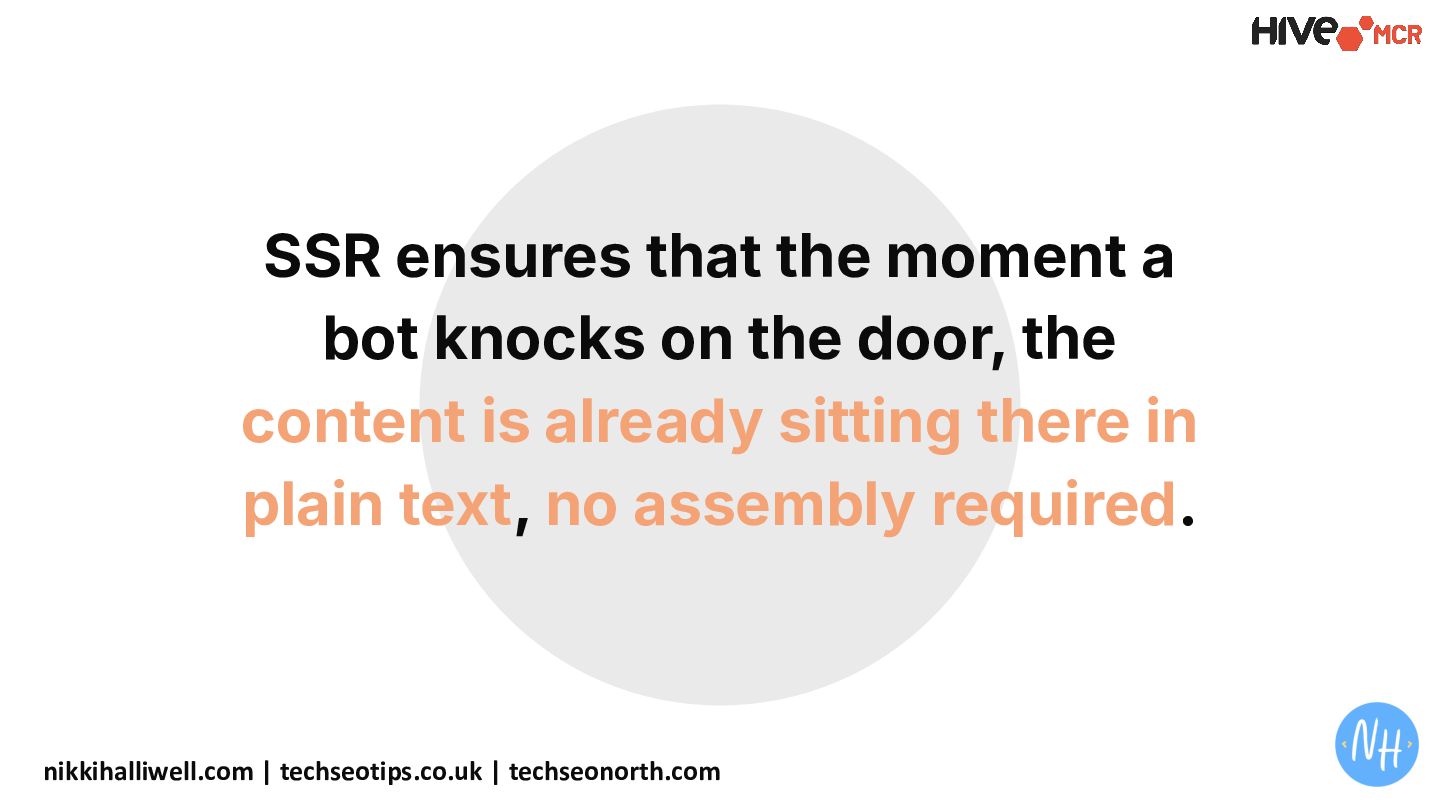
  30. SSR ensures that the moment a bot knocks on the

    door, the content is already sitting there in plain text, no assembly required. nikkihalliwell.com | techseotips.co.uk | techseonorth.com
  31. “Most teams don’t test what bots are actually rendering.” The

    Blocker nikkihalliwell.com | techseotips.co.uk | techseonorth.com
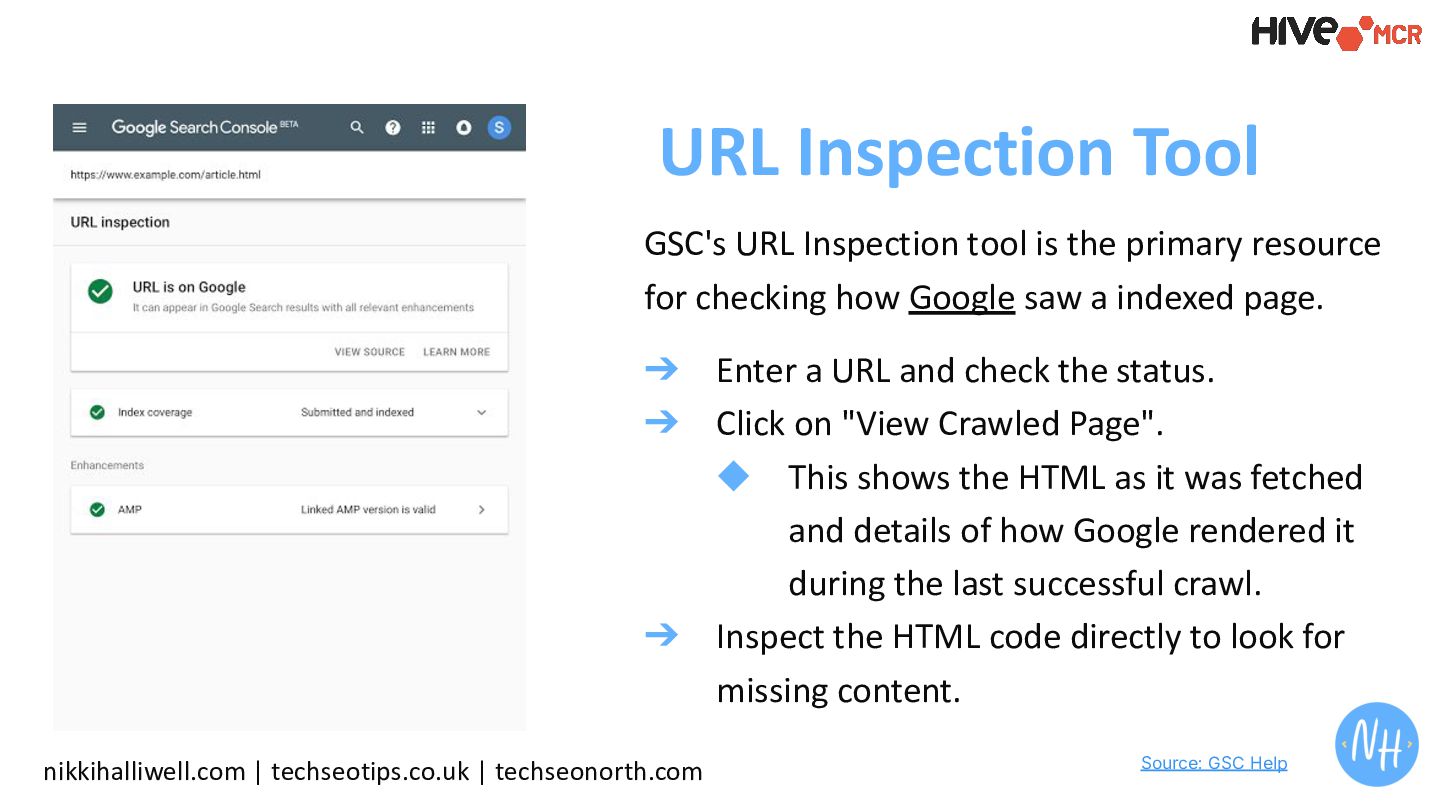
  32. GSC's URL Inspection tool is the primary resource for checking

    how Google saw a indexed page. ➔ Enter a URL and check the status. ➔ Click on "View Crawled Page". ◆ This shows the HTML as it was fetched and details of how Google rendered it during the last successful crawl. ➔ Inspect the HTML code directly to look for missing content. nikkihalliwell.com | techseotips.co.uk | techseonorth.com URL Inspection Tool Source: GSC Help
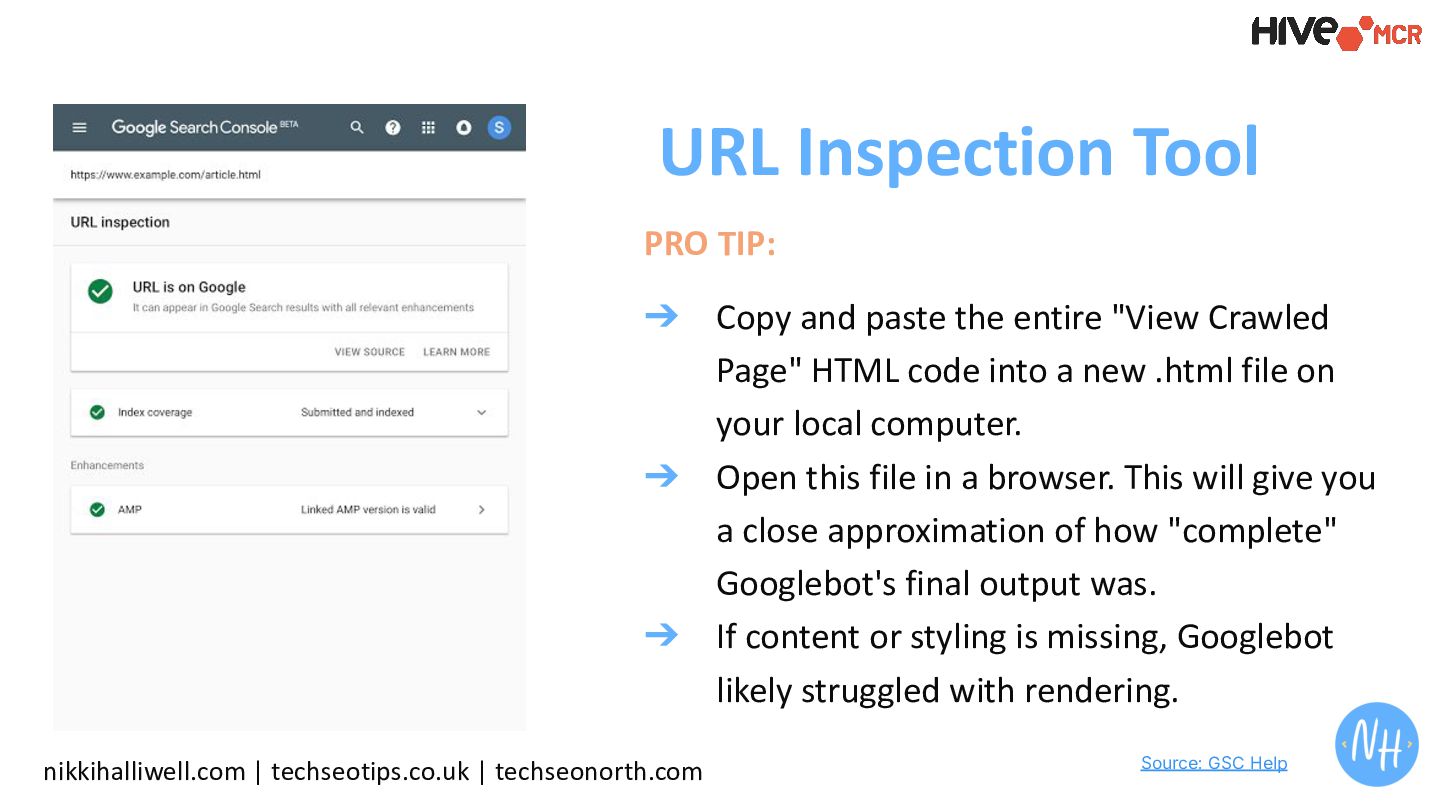
  33. PRO TIP: ➔ Copy and paste the entire "View Crawled

    Page" HTML code into a new .html file on your local computer. ➔ Open this file in a browser. This will give you a close approximation of how "complete" Googlebot's final output was. ➔ If content or styling is missing, Googlebot likely struggled with rendering. nikkihalliwell.com | techseotips.co.uk | techseonorth.com URL Inspection Tool Source: GSC Help
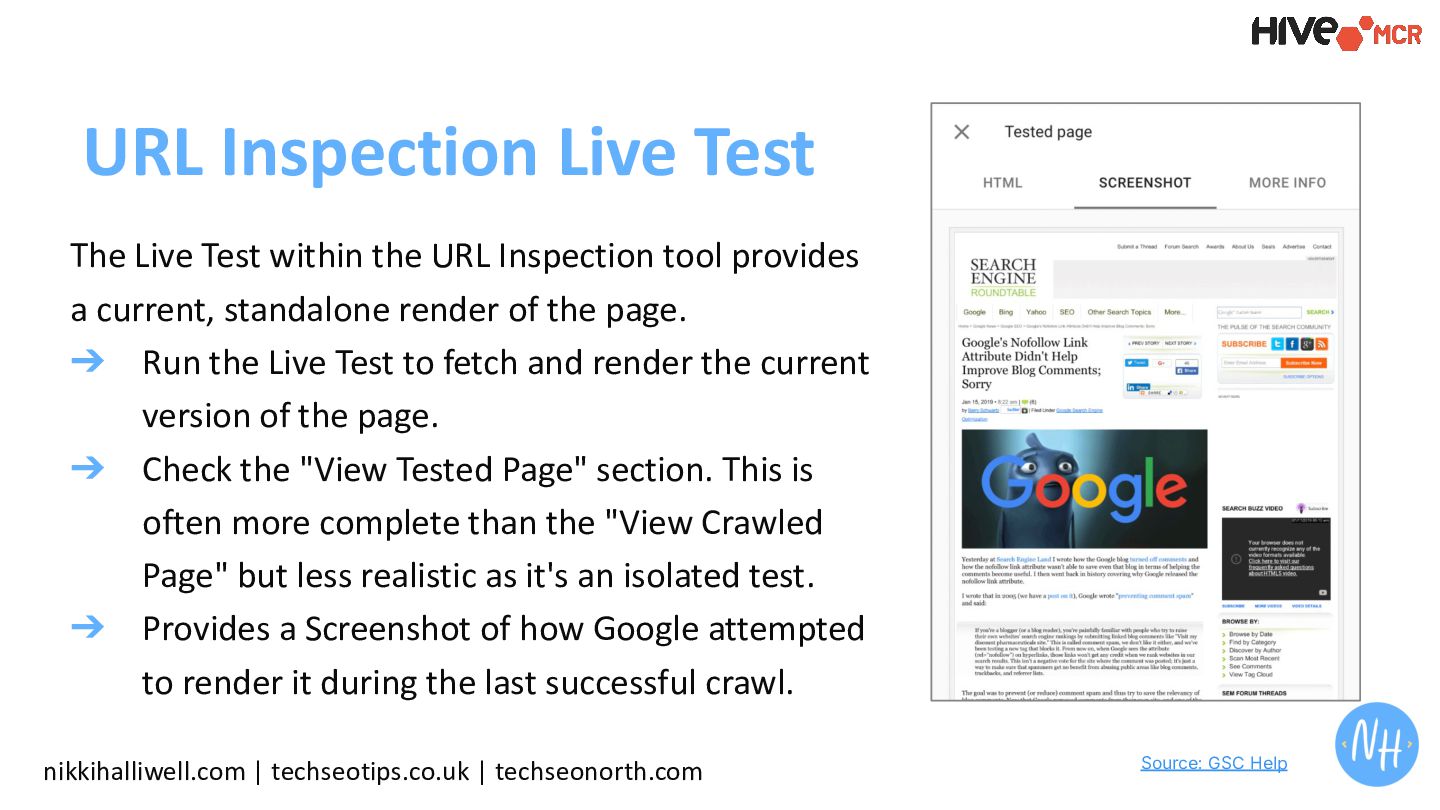
  34. The Live Test within the URL Inspection tool provides a

    current, standalone render of the page. ➔ Run the Live Test to fetch and render the current version of the page. ➔ Check the "View Tested Page" section. This is often more complete than the "View Crawled Page" but less realistic as it's an isolated test. ➔ Provides a Screenshot of how Google attempted to render it during the last successful crawl. nikkihalliwell.com | techseotips.co.uk | techseonorth.com URL Inspection Live Test Source: GSC Help
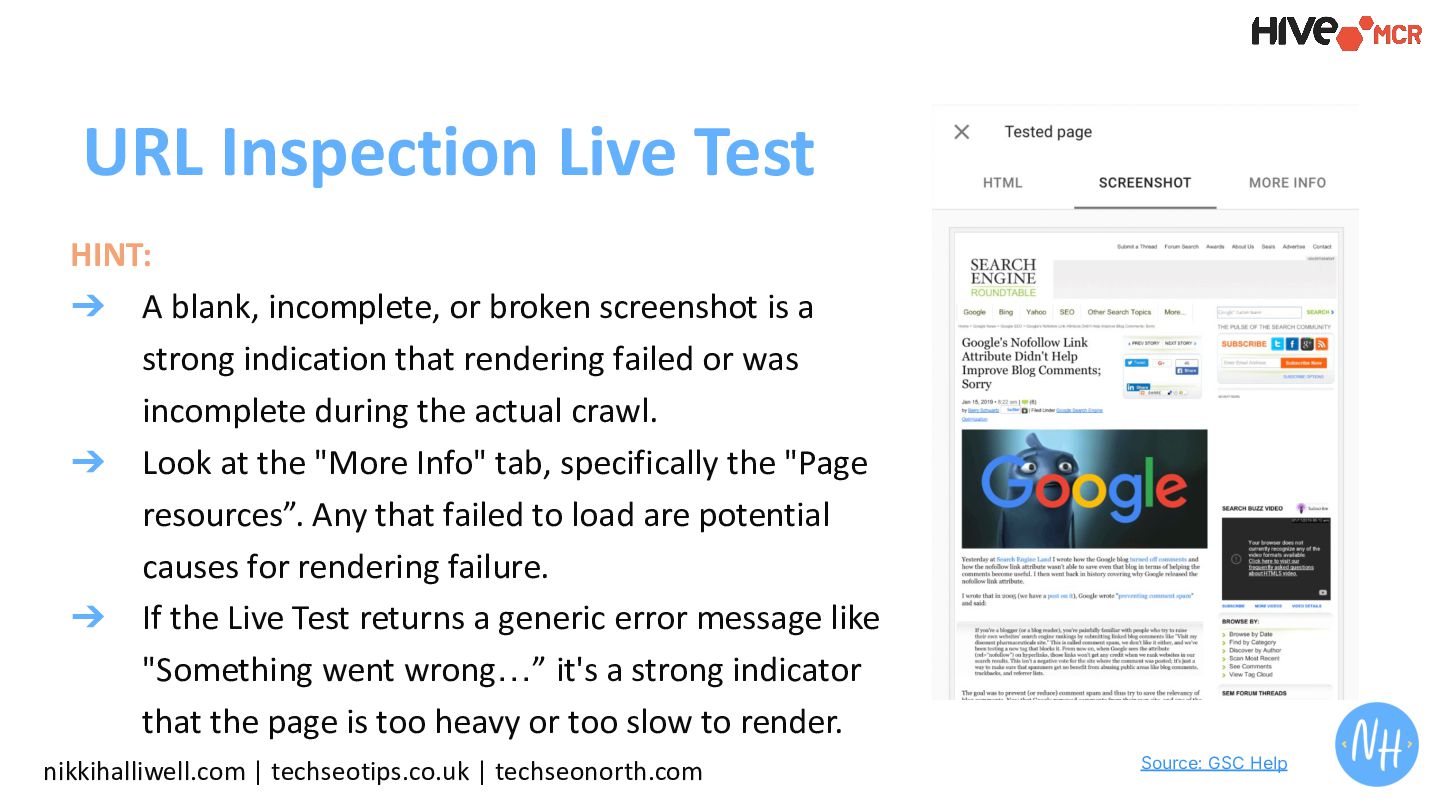
  35. HINT: ➔ A blank, incomplete, or broken screenshot is a

    strong indication that rendering failed or was incomplete during the actual crawl. ➔ Look at the "More Info" tab, specifically the "Page resources”. Any that failed to load are potential causes for rendering failure. ➔ If the Live Test returns a generic error message like "Something went wrong…” it's a strong indicator that the page is too heavy or too slow to render. nikkihalliwell.com | techseotips.co.uk | techseonorth.com URL Inspection Live Test Source: GSC Help
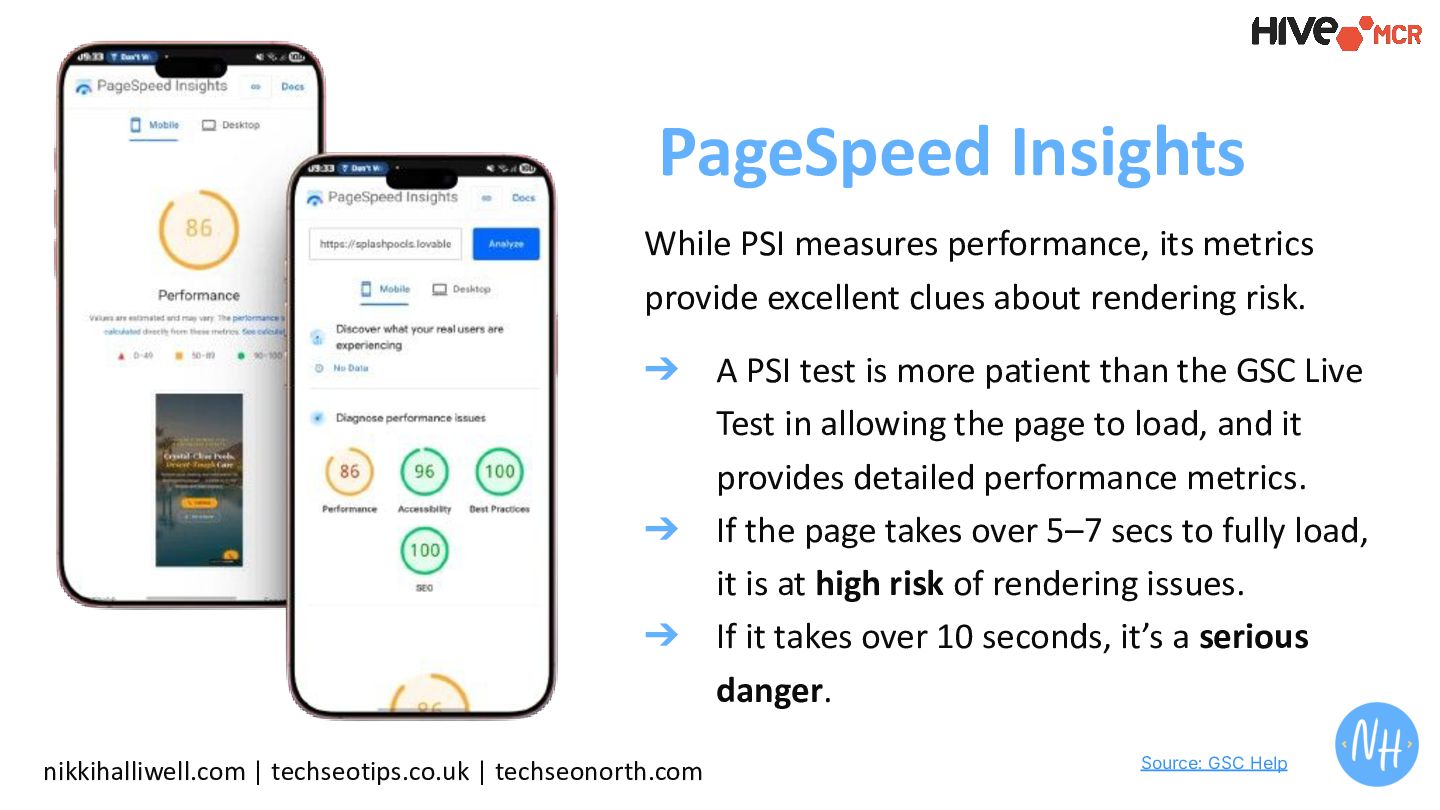
  36. nikkihalliwell.com | techseotips.co.uk | techseonorth.com PageSpeed Insights While PSI measures

    performance, its metrics provide excellent clues about rendering risk. ➔ A PSI test is more patient than the GSC Live Test in allowing the page to load, and it provides detailed performance metrics. ➔ If the page takes over 5–7 secs to fully load, it is at high risk of rendering issues. ➔ If it takes over 10 seconds, it’s a serious danger. Source: GSC Help
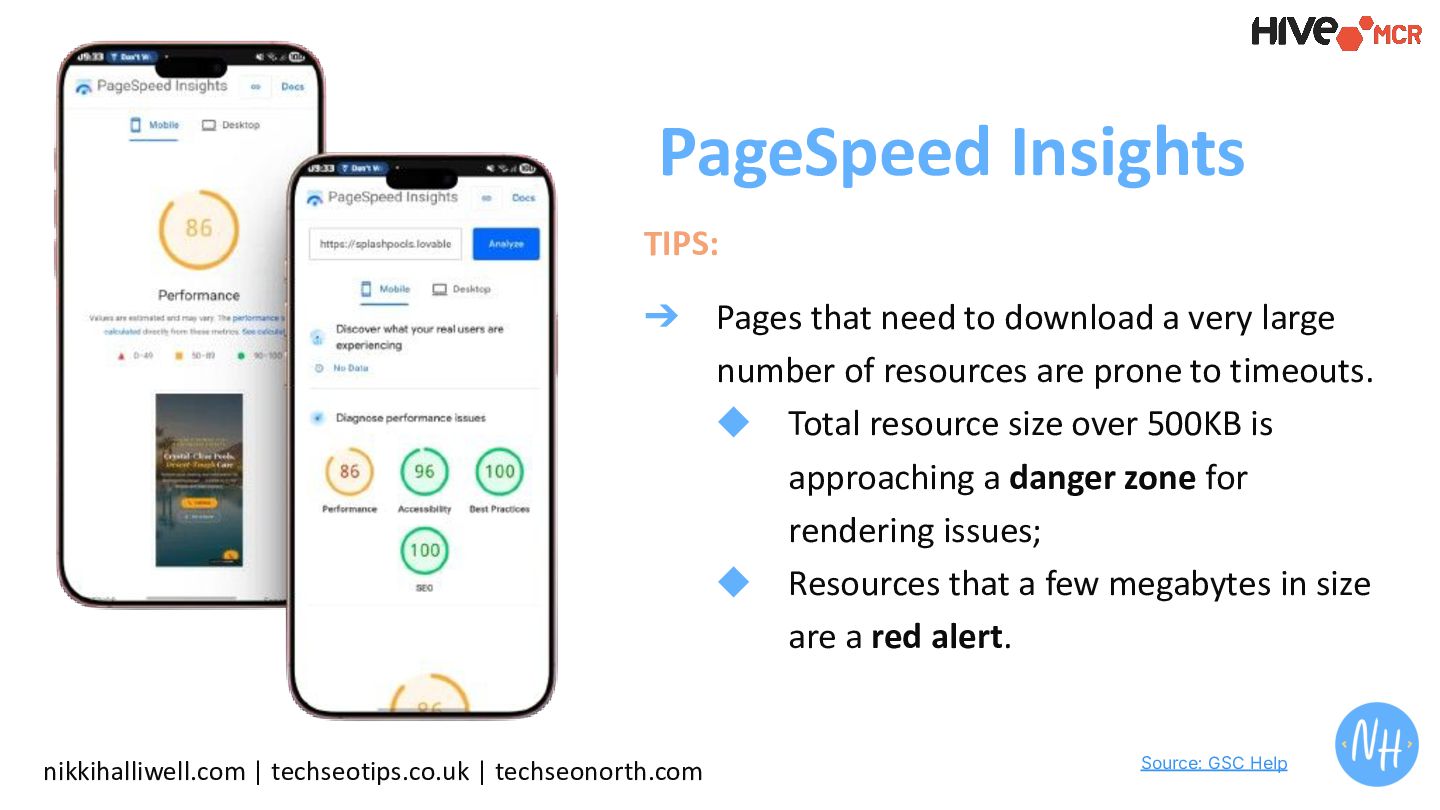
  37. nikkihalliwell.com | techseotips.co.uk | techseonorth.com PageSpeed Insights TIPS: ➔ Pages

    that need to download a very large number of resources are prone to timeouts. ◆ Total resource size over 500KB is approaching a danger zone for rendering issues; ◆ Resources that a few megabytes in size are a red alert. Source: GSC Help
  38. + Slower and heavier pages are exponentially more likely to

    suffer from rendering failures. nikkihalliwell.com | techseotips.co.uk | techseonorth.com
  39. + If search engines are struggling to render, it will

    be an even bigger issue for LLMs. LLMs cannot render JS. nikkihalliwell.com | techseotips.co.uk | techseonorth.com
  40. “I don’t know how to design a site for bots

    without harming UX” The Problem nikkihalliwell.com | techseotips.co.uk | techseonorth.com
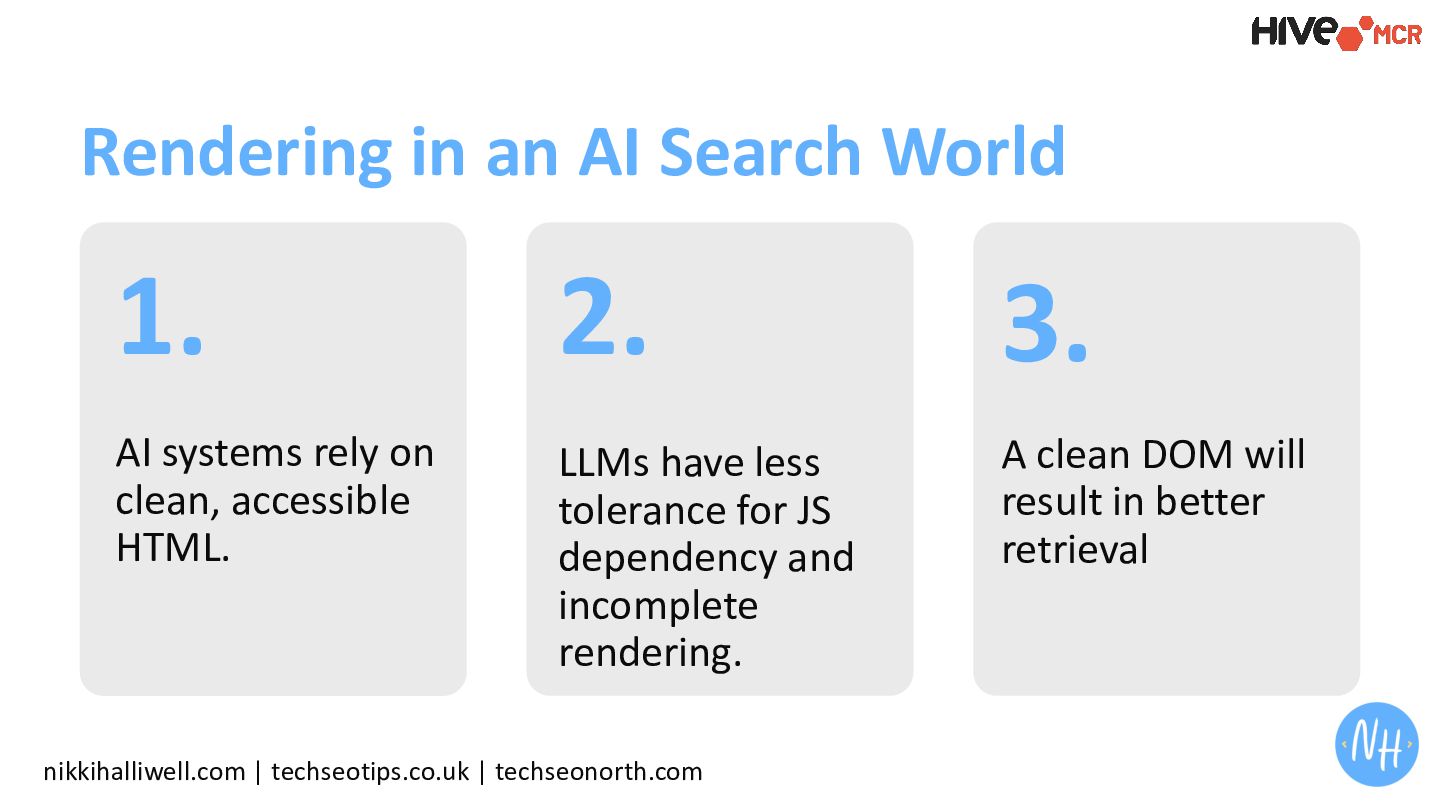
  41. nikkihalliwell.com | techseotips.co.uk | techseonorth.com Rendering in an AI Search

    World 1. AI systems rely on clean, accessible HTML. 2. LLMs have less tolerance for JS dependency and incomplete rendering. 3. A clean DOM will result in better retrieval
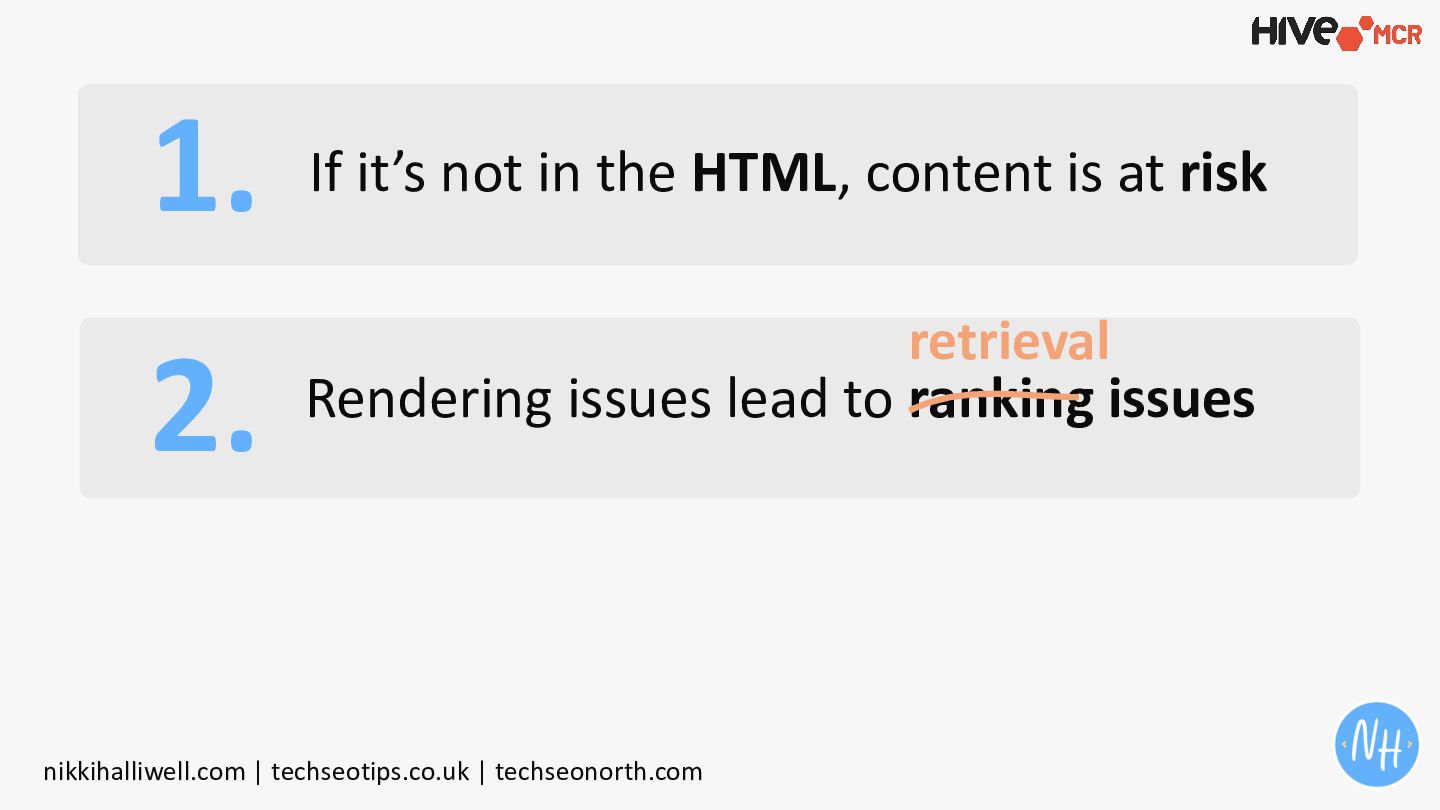
  42. 1. 2. nikkihalliwell.com | techseotips.co.uk | techseonorth.com If it’s not

    in the HTML, content is at risk Rendering issues lead to ranking issues retrieval
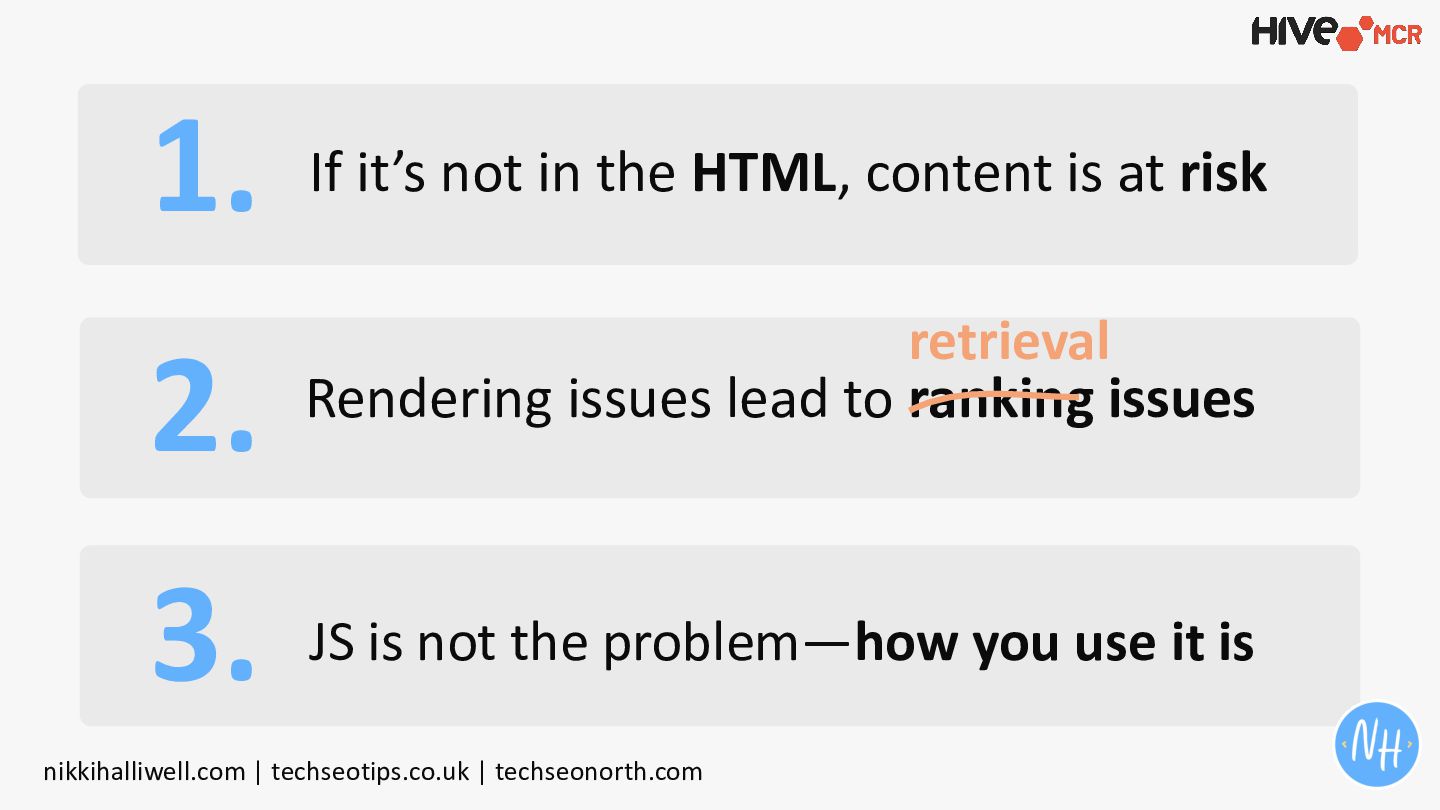
  43. 1. If it’s not in the HTML, content is at

    risk 2. Rendering issues lead to ranking issues 3. JS is not the problem—how you use it is nikkihalliwell.com | techseotips.co.uk | techseonorth.com retrieval
  44. Hey, I’m Nikki, I can diagnose your rendering issues at

    scale. + Let’s Connect nikkihalliwell.com https://speakerdeck.com/nikkihalliwell