How to Do SEO for a Landing Page: Trace Intent ...
Sponsored
·
 Your Podcast. Everywhere. Effortlessly.
Share. Educate. Inspire. Entertain. You do you. We'll handle the rest.
→
Your Podcast. Everywhere. Effortlessly.
Share. Educate. Inspire. Entertain. You do you. We'll handle the rest.
→

Share
Embed
How to Do SEO for a Landing Page: Trace Intent to Action
Learn how to do SEO for a landing page by tracing five technical layers, from HTTP status and indexing directives to rendered content and completed form submissions. Which layer would you test first when search visits fail to produce completed inquiries, and what evidence would guide your choice? The full guide on how to do SEO for a landing page is here: https://guaranteedseoservices.com/landing-page-seo/?utm_source=speakerdeck&utm_medium=referral&utm_campaign=blog-landing-page-seo

GuaranteedSEOServices
October 26, 2026
Transcript
22 slides
-
How to Do SEO for a Landing Page: Trace Intent
to Action A technical workshop on search intent, rendered content, indexability and end-to-end conversion testing for front-end developers, QA engineers and web teams. GuaranteedSEOServices.com October 27, 2026 -
The CMS said the image was set. The page said
otherwise. The CMS said the image was set. The page said otherwise. Learning how to do seo for a landing page means checking what search engines and visitors actually receive, not what the editor claims is configured. Start with the live URL, trace the content and links, then test the action path. Guide: https://guaranteedseoservices.com/landing-page-seo/ Source: guaranteedseoservices.com/landing-page-seo/ · GuaranteedSEOServices.com -
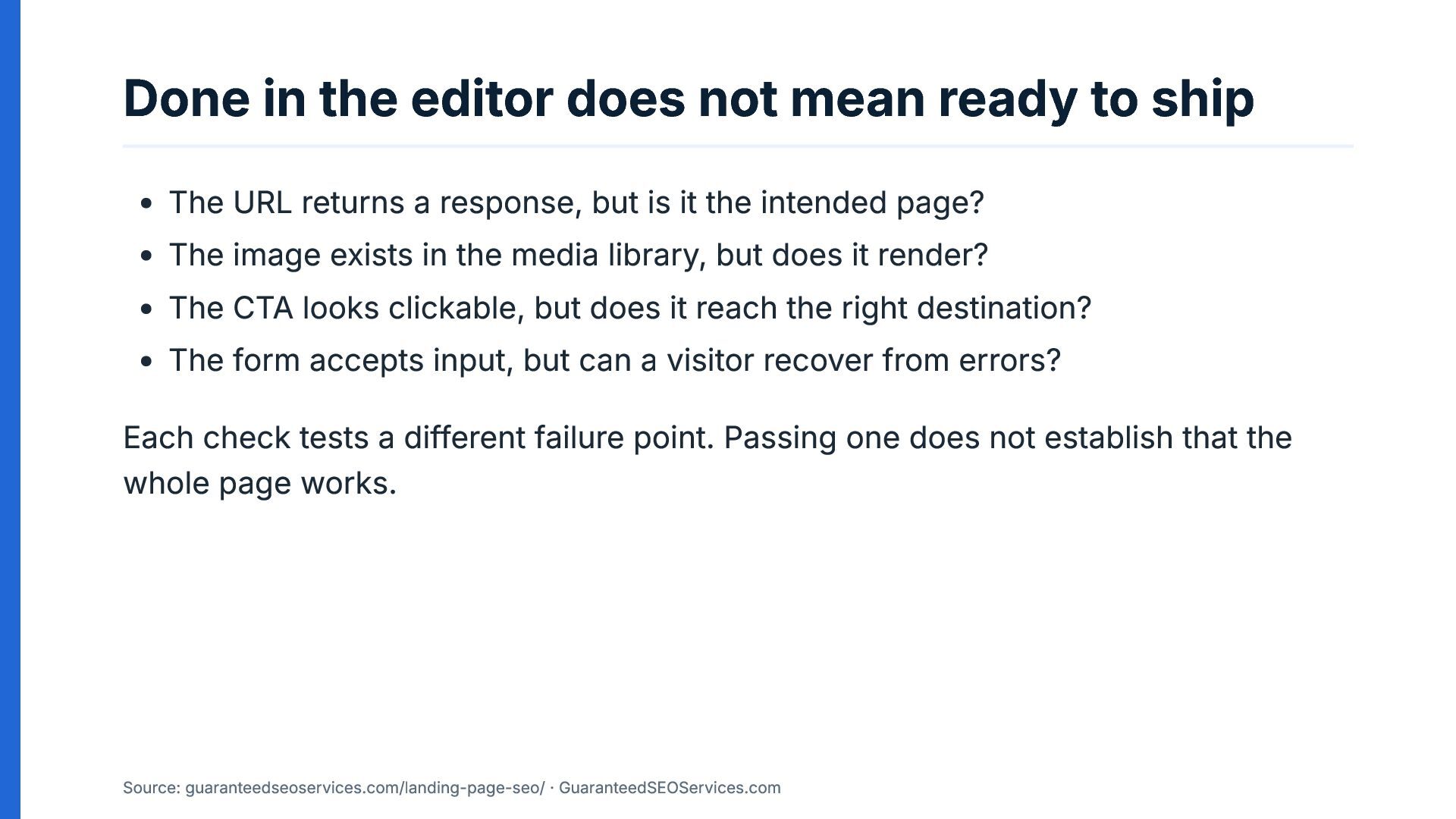
Done in the editor does not mean ready to ship
The URL returns a response, but is it the intended page? The image exists in the media library, but does it render? The CTA looks clickable, but does it reach the right destination? The form accepts input, but can a visitor recover from errors? Each check tests a different failure point. Passing one does not establish that the whole page works. Source: guaranteedseoservices.com/landing-page-seo/ · GuaranteedSEOServices.com -
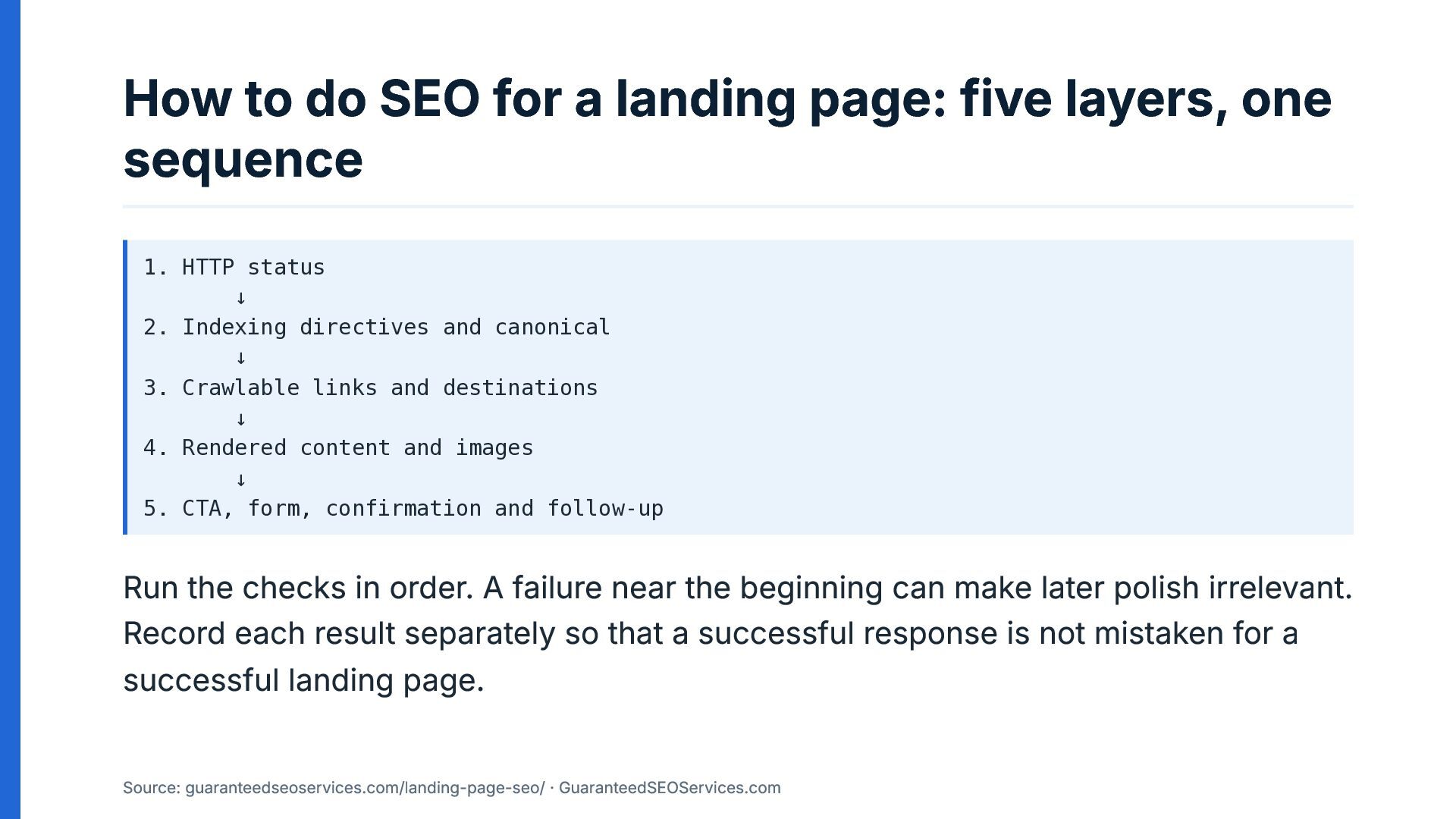
How to do SEO for a landing page: five layers,
one sequence 1. HTTP status ↓ 2. Indexing directives and canonical ↓ 3. Crawlable links and destinations ↓ 4. Rendered content and images ↓ 5. CTA, form, confirmation and follow-up Run the checks in order. A failure near the beginning can make later polish irrelevant. Record each result separately so that a successful response is not mistaken for a successful landing page. Source: guaranteedseoservices.com/landing-page-seo/ · GuaranteedSEOServices.com -
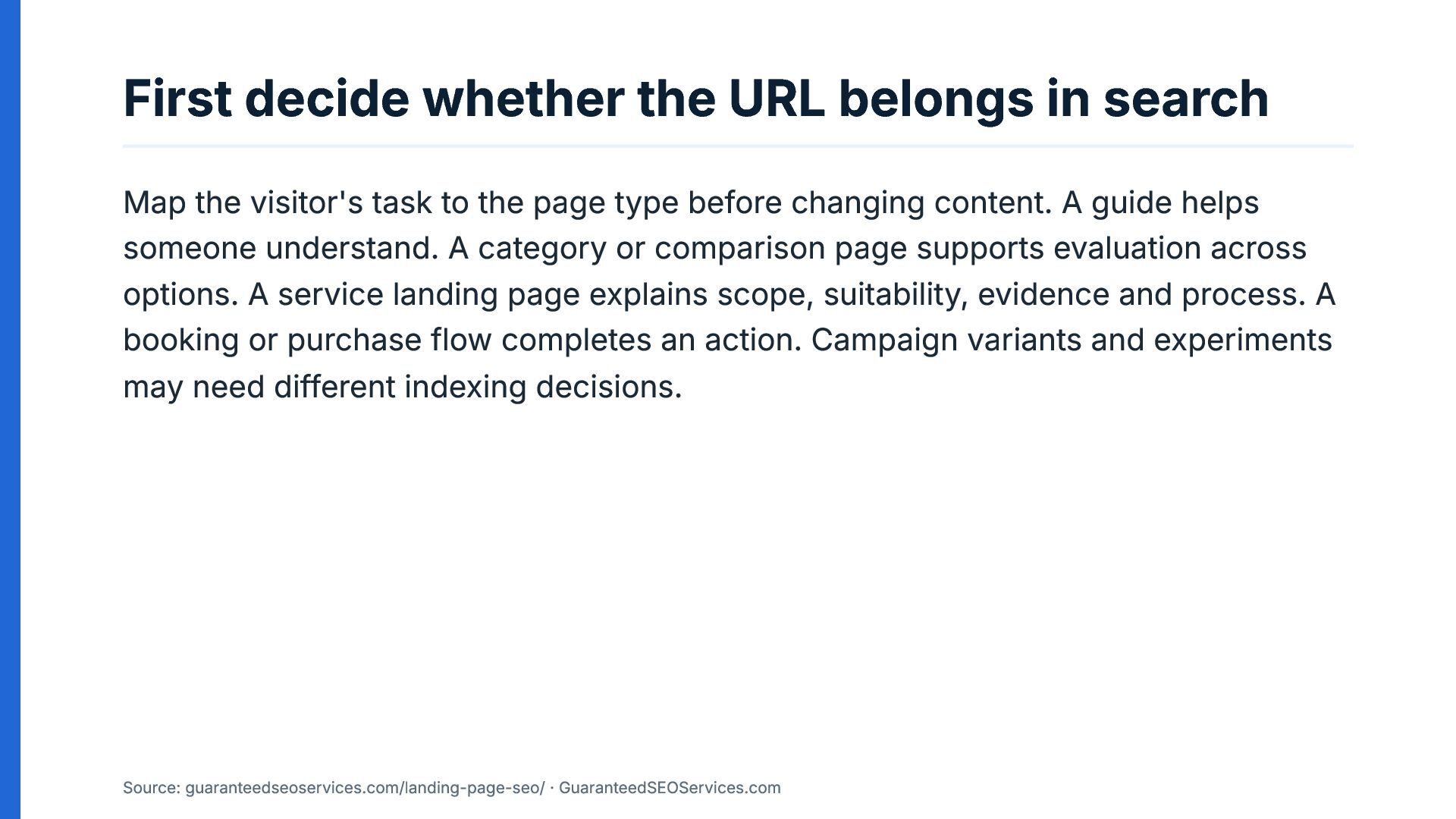
First decide whether the URL belongs in search Map the
visitor's task to the page type before changing content. A guide helps someone understand. A category or comparison page supports evaluation across options. A service landing page explains scope, suitability, evidence and process. A booking or purchase flow completes an action. Campaign variants and experiments may need different indexing decisions. Source: guaranteedseoservices.com/landing-page-seo/ · GuaranteedSEOServices.com -
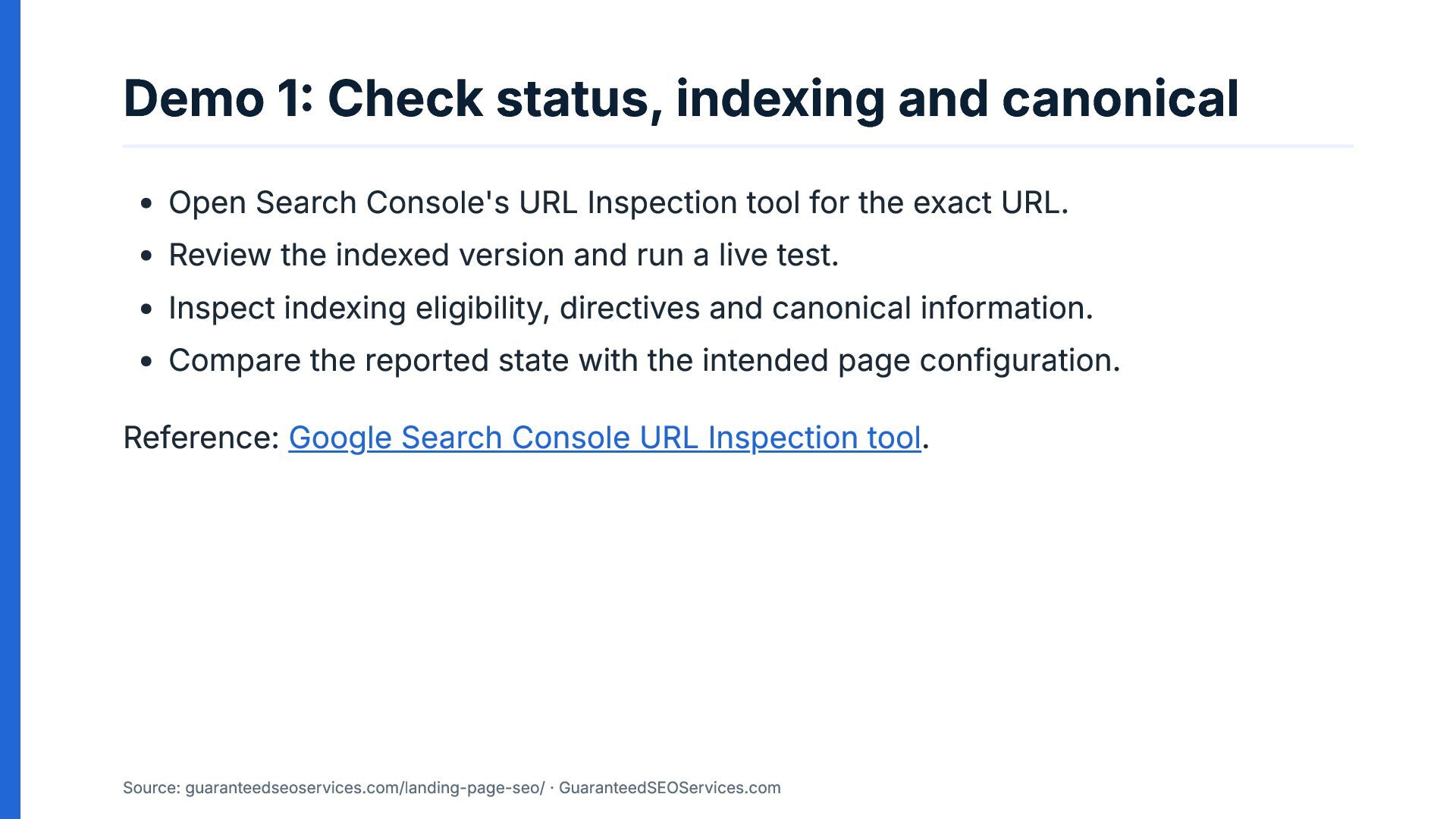
Demo 1: Check status, indexing and canonical Open Search Console's
URL Inspection tool for the exact URL. Review the indexed version and run a live test. Inspect indexing eligibility, directives and canonical information. Compare the reported state with the intended page configuration. Reference: Google Search Console URL Inspection tool. Source: guaranteedseoservices.com/landing-page-seo/ · GuaranteedSEOServices.com -
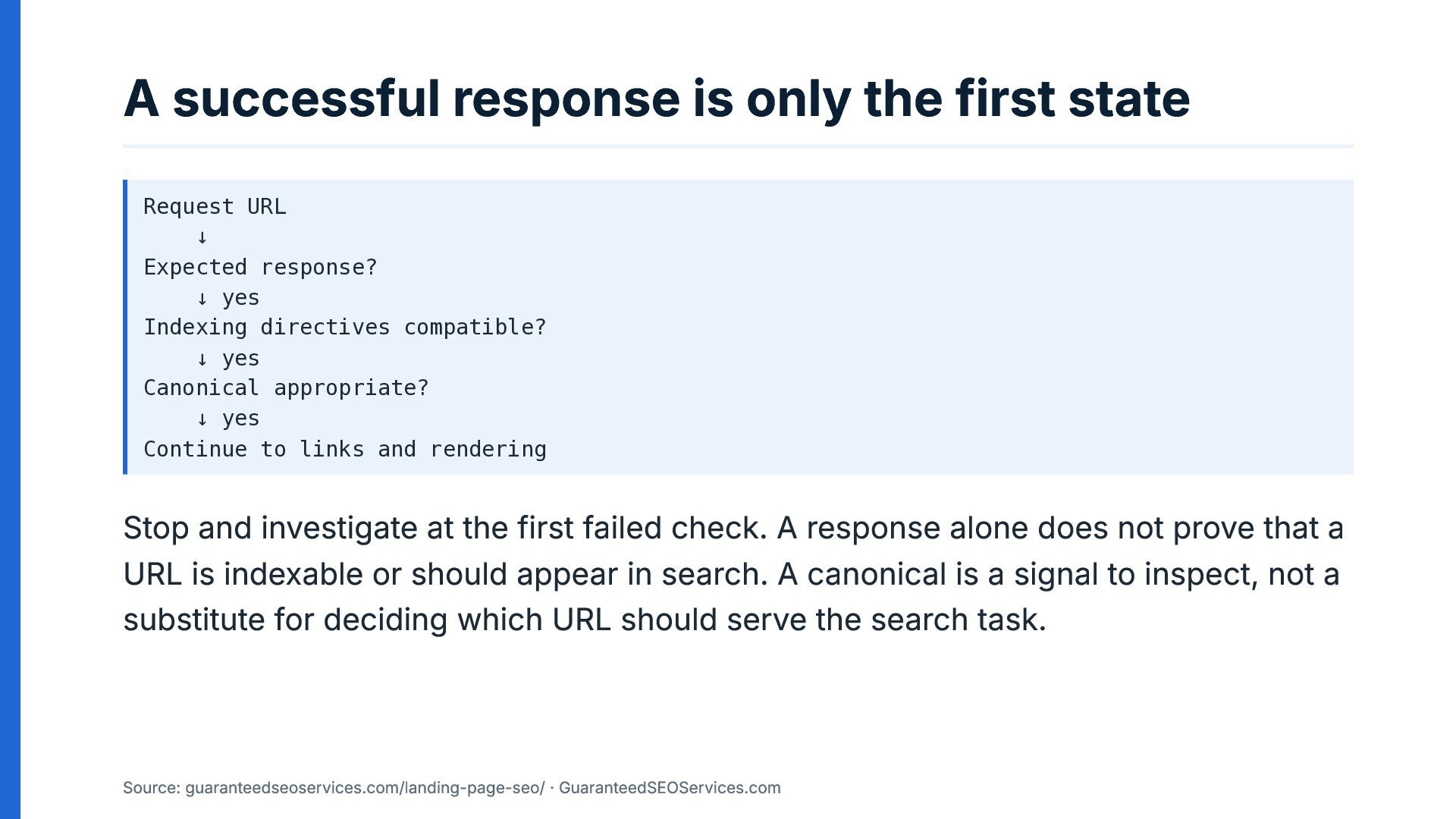
A successful response is only the first state Request URL
↓ Expected response? ↓ yes Indexing directives compatible? ↓ yes Canonical appropriate? ↓ yes Continue to links and rendering Stop and investigate at the first failed check. A response alone does not prove that a URL is indexable or should appear in search. A canonical is a signal to inspect, not a substitute for deciding which URL should serve the search task. Source: guaranteedseoservices.com/landing-page-seo/ · GuaranteedSEOServices.com -
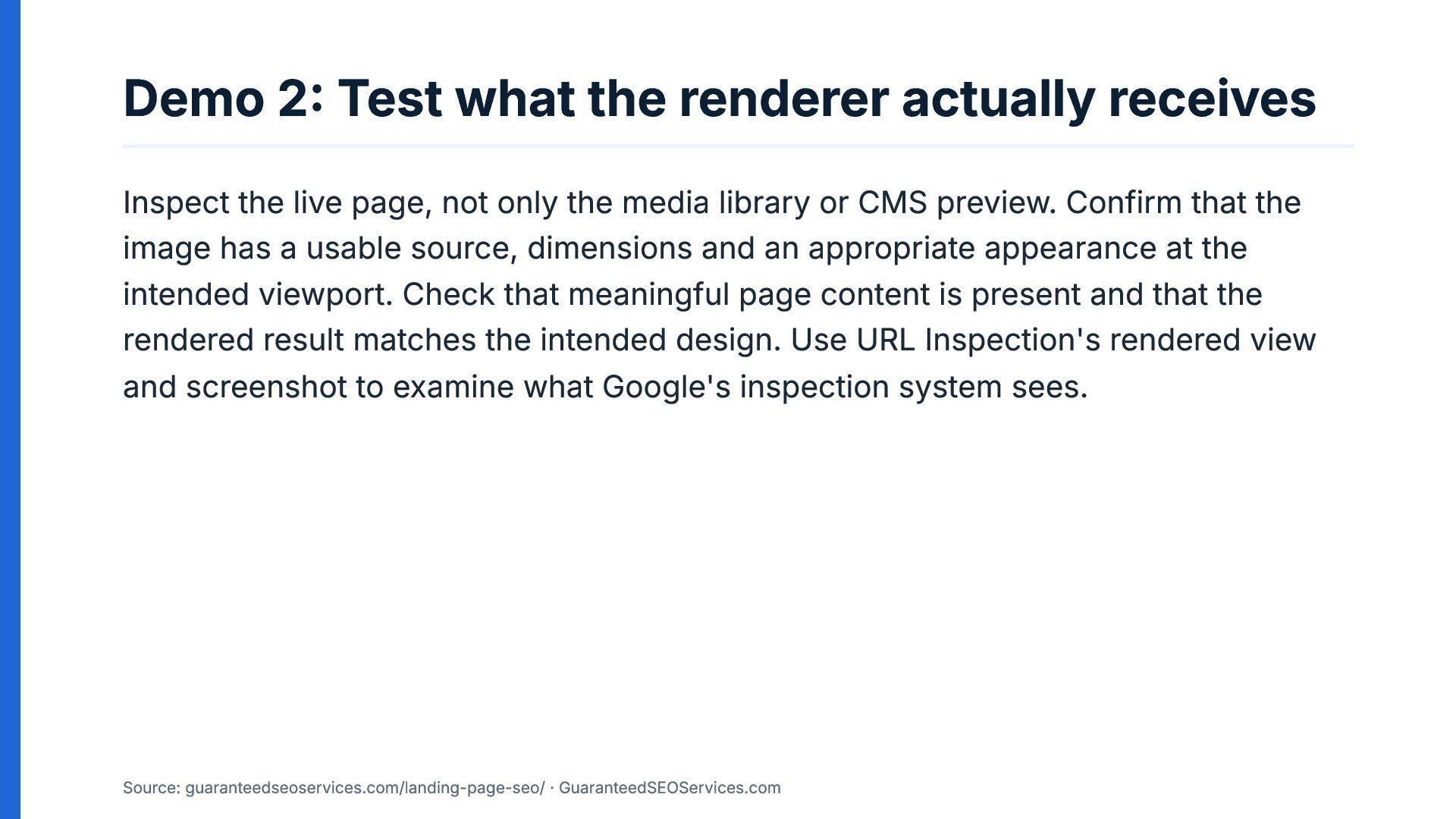
Demo 2: Test what the renderer actually receives Inspect the
live page, not only the media library or CMS preview. Confirm that the image has a usable source, dimensions and an appropriate appearance at the intended viewport. Check that meaningful page content is present and that the rendered result matches the intended design. Use URL Inspection's rendered view and screenshot to examine what Google's inspection system sees. Source: guaranteedseoservices.com/landing-page-seo/ · GuaranteedSEOServices.com -
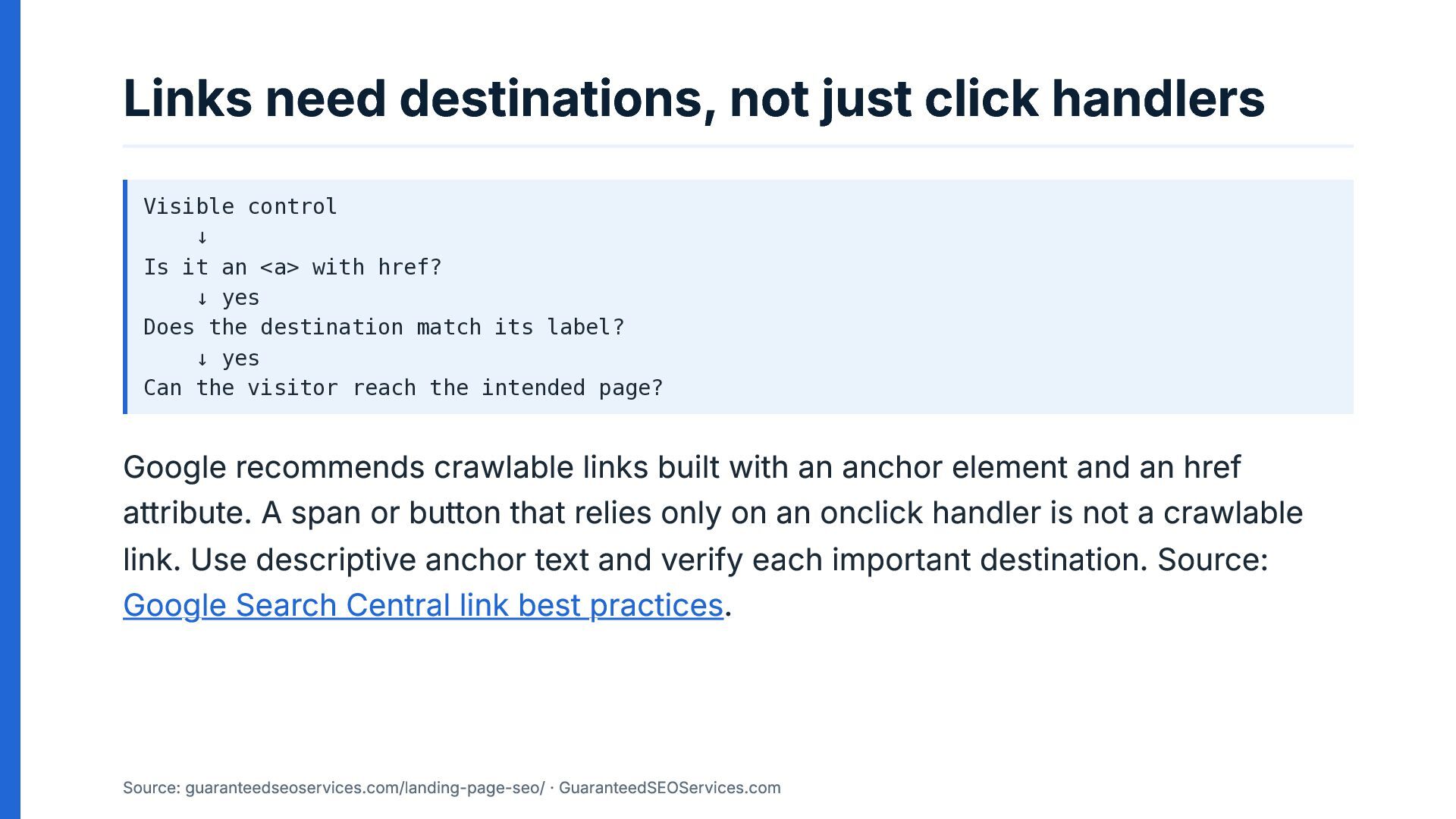
Links need destinations, not just click handlers Visible control ↓
Is it an <a> with href? ↓ yes Does the destination match its label? ↓ yes Can the visitor reach the intended page? Google recommends crawlable links built with an anchor element and an href attribute. A span or button that relies only on an onclick handler is not a crawlable link. Use descriptive anchor text and verify each important destination. Source: Google Search Central link best practices. Source: guaranteedseoservices.com/landing-page-seo/ · GuaranteedSEOServices.com -
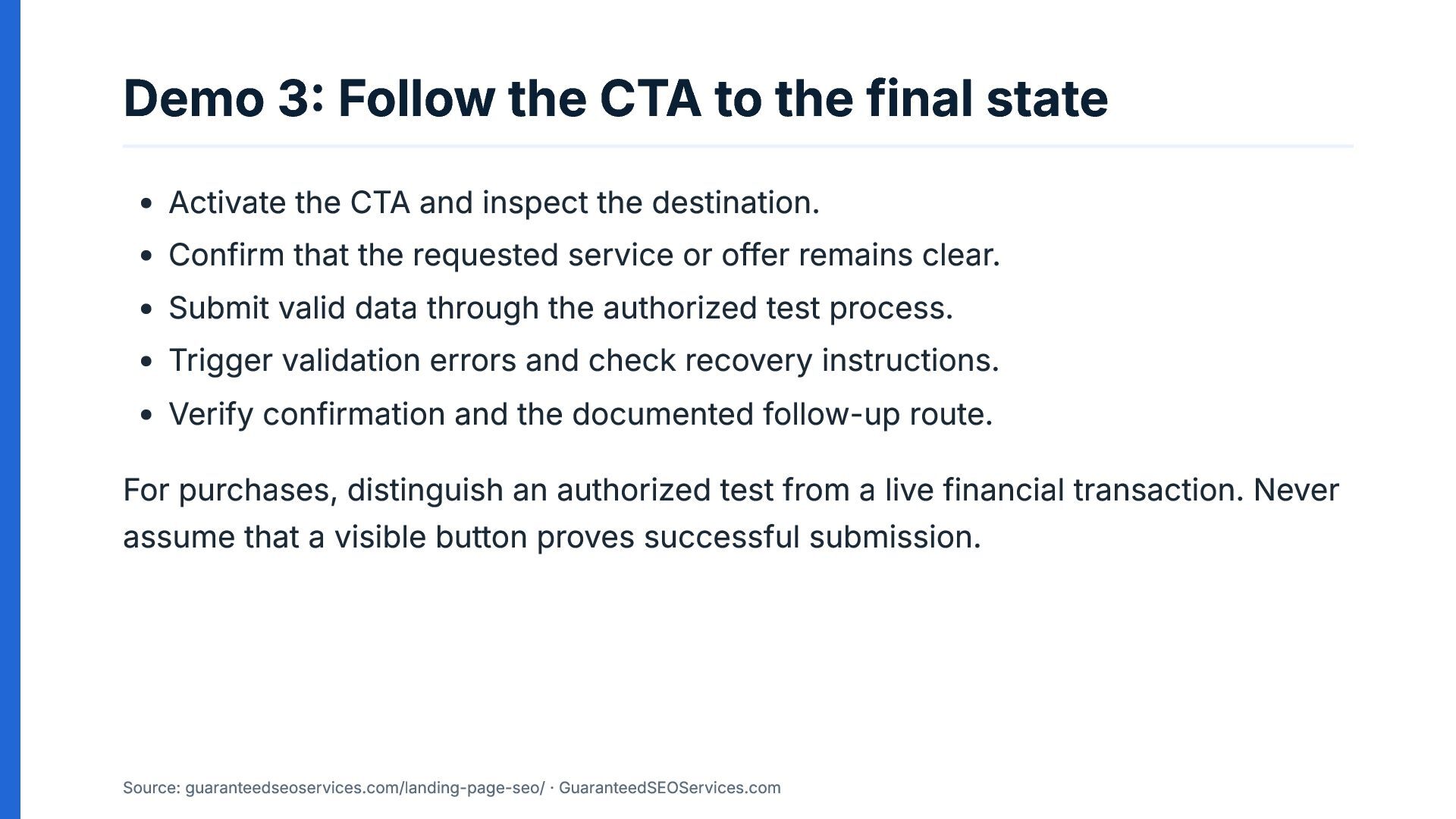
Demo 3: Follow the CTA to the final state Activate
the CTA and inspect the destination. Confirm that the requested service or offer remains clear. Submit valid data through the authorized test process. Trigger validation errors and check recovery instructions. Verify confirmation and the documented follow-up route. For purchases, distinguish an authorized test from a live financial transaction. Never assume that a visible button proves successful submission. Source: guaranteedseoservices.com/landing-page-seo/ · GuaranteedSEOServices.com -
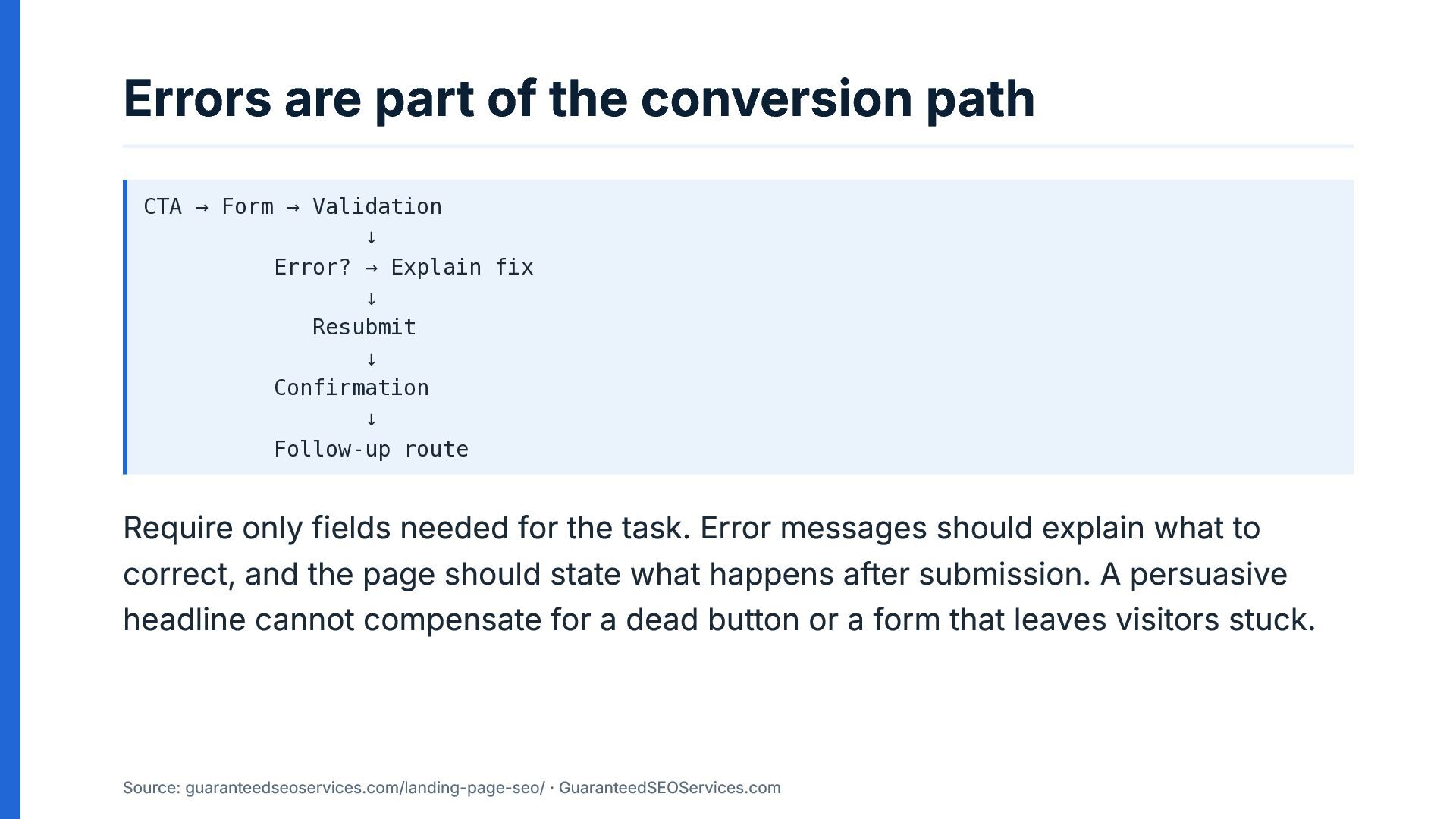
Errors are part of the conversion path CTA → Form
→ Validation ↓ Error? → Explain fix ↓ Resubmit ↓ Confirmation ↓ Follow-up route Require only fields needed for the task. Error messages should explain what to correct, and the page should state what happens after submission. A persuasive headline cannot compensate for a dead button or a form that leaves visitors stuck. Source: guaranteedseoservices.com/landing-page-seo/ · GuaranteedSEOServices.com -
Place decision information where questions arise Search visitors may arrive
with less context than visitors who have already seen a paid ad. Explain the problem, offer, suitability and supporting evidence to the extent the decision requires. Put pricing conditions beside the price, eligibility beside the offer, and technical requirements before a form that cannot accept a visitor's situation. Source: guaranteedseoservices.com/landing-page-seo/ · GuaranteedSEOServices.com -
Audience exercise: Diagnose the missing decision A conversion page has
a clear CTA but lacks enough detail to answer the visitor's purchase questions. In your team, define the visitor intent, the decision question, where its answer belongs, the supporting evidence, the CTA, the contact path and one test. Keep the existing CTA as a starting point. Identify the smallest change that addresses the missing information. Source: guaranteedseoservices.com/landing-page-seo/ · GuaranteedSEOServices.com -
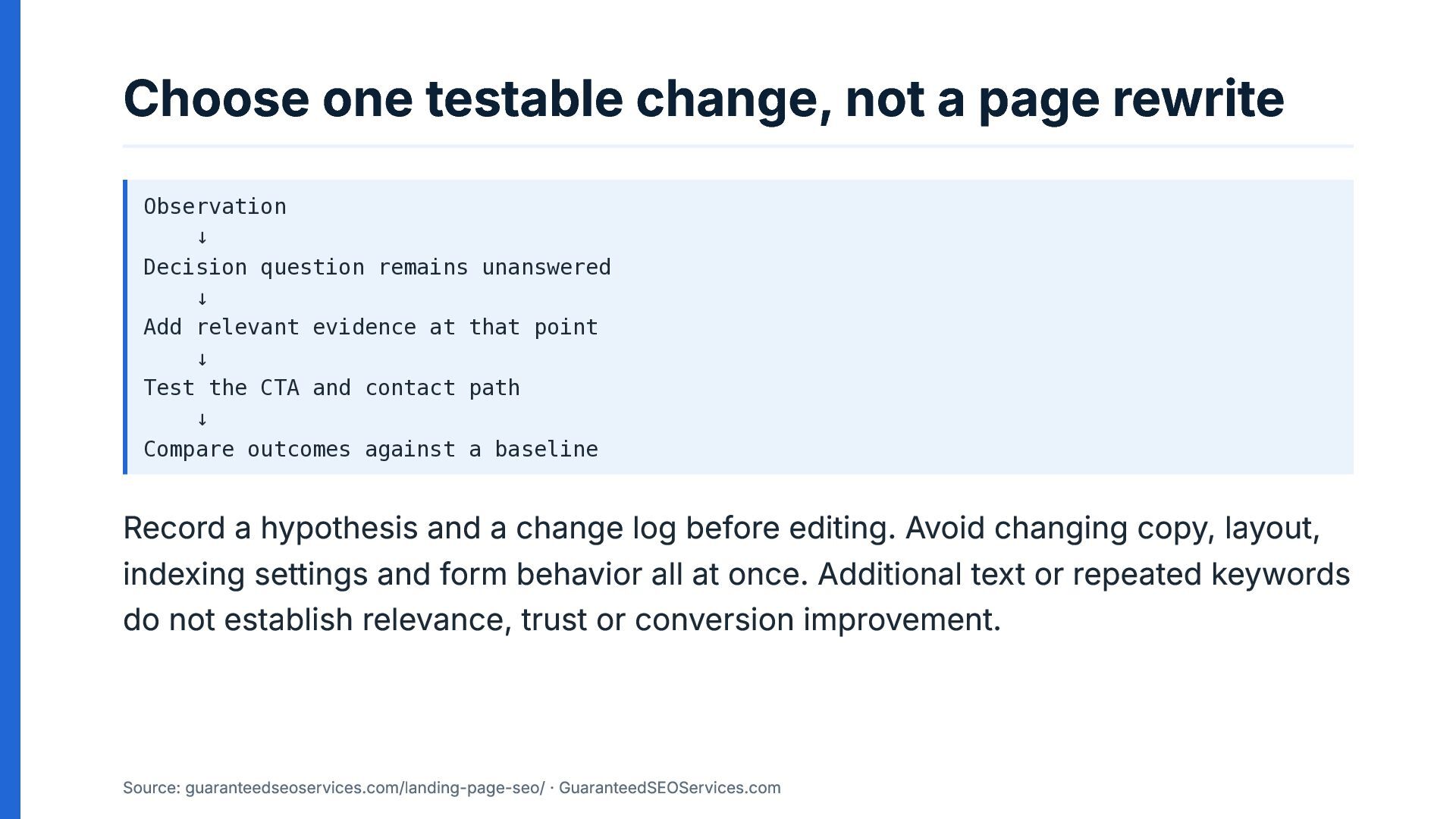
Choose one testable change, not a page rewrite Observation ↓
Decision question remains unanswered ↓ Add relevant evidence at that point ↓ Test the CTA and contact path ↓ Compare outcomes against a baseline Record a hypothesis and a change log before editing. Avoid changing copy, layout, indexing settings and form behavior all at once. Additional text or repeated keywords do not establish relevance, trust or conversion improvement. Source: guaranteedseoservices.com/landing-page-seo/ · GuaranteedSEOServices.com -
Measure the chain, not a single number Track impressions and
clicks for the page and relevant query group. Then examine visits, meaningful actions, lead quality and sales where those outcomes can be measured. Separate observed data from interpretation. Tool metrics are estimates, and a change that coincides with a result does not establish that the change caused it. Source: guaranteedseoservices.com/landing-page-seo/ · GuaranteedSEOServices.com -
Take the diagnostic sequence back to your team Use the
five-layer sequence to find where the page stops matching its intended task. Guide: https://guaranteedseoservices.com/landing-page-seo/. Primary sources: URL Inspection tool and Link best practices. Try the workshop exercise with your team. Which layer would you test first on a landing page that receives search visits but fails to produce completed inquiries, and what evidence would make you choose it? Source: guaranteedseoservices.com/landing-page-seo/ · GuaranteedSEOServices.com -
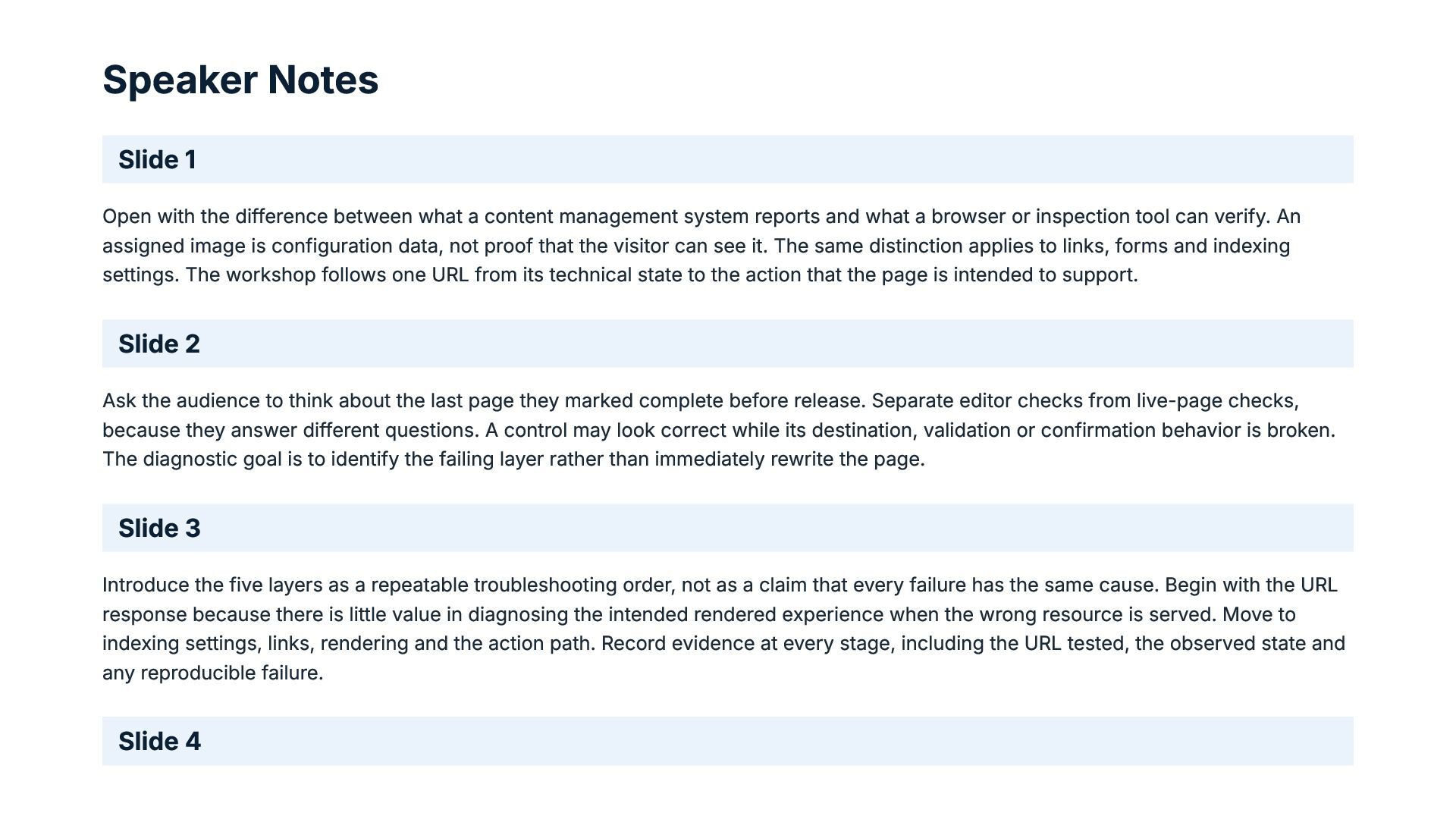
Speaker Notes Slide 1 Open with the difference between what
a content management system reports and what a browser or inspection tool can verify. An assigned image is configuration data, not proof that the visitor can see it. The same distinction applies to links, forms and indexing settings. The workshop follows one URL from its technical state to the action that the page is intended to support. Slide 2 Ask the audience to think about the last page they marked complete before release. Separate editor checks from live-page checks, because they answer different questions. A control may look correct while its destination, validation or confirmation behavior is broken. The diagnostic goal is to identify the failing layer rather than immediately rewrite the page. Slide 3 Introduce the five layers as a repeatable troubleshooting order, not as a claim that every failure has the same cause. Begin with the URL response because there is little value in diagnosing the intended rendered experience when the wrong resource is served. Move to indexing settings, links, rendering and the action path. Record evidence at every stage, including the URL tested, the observed state and any reproducible failure. Slide 4 -
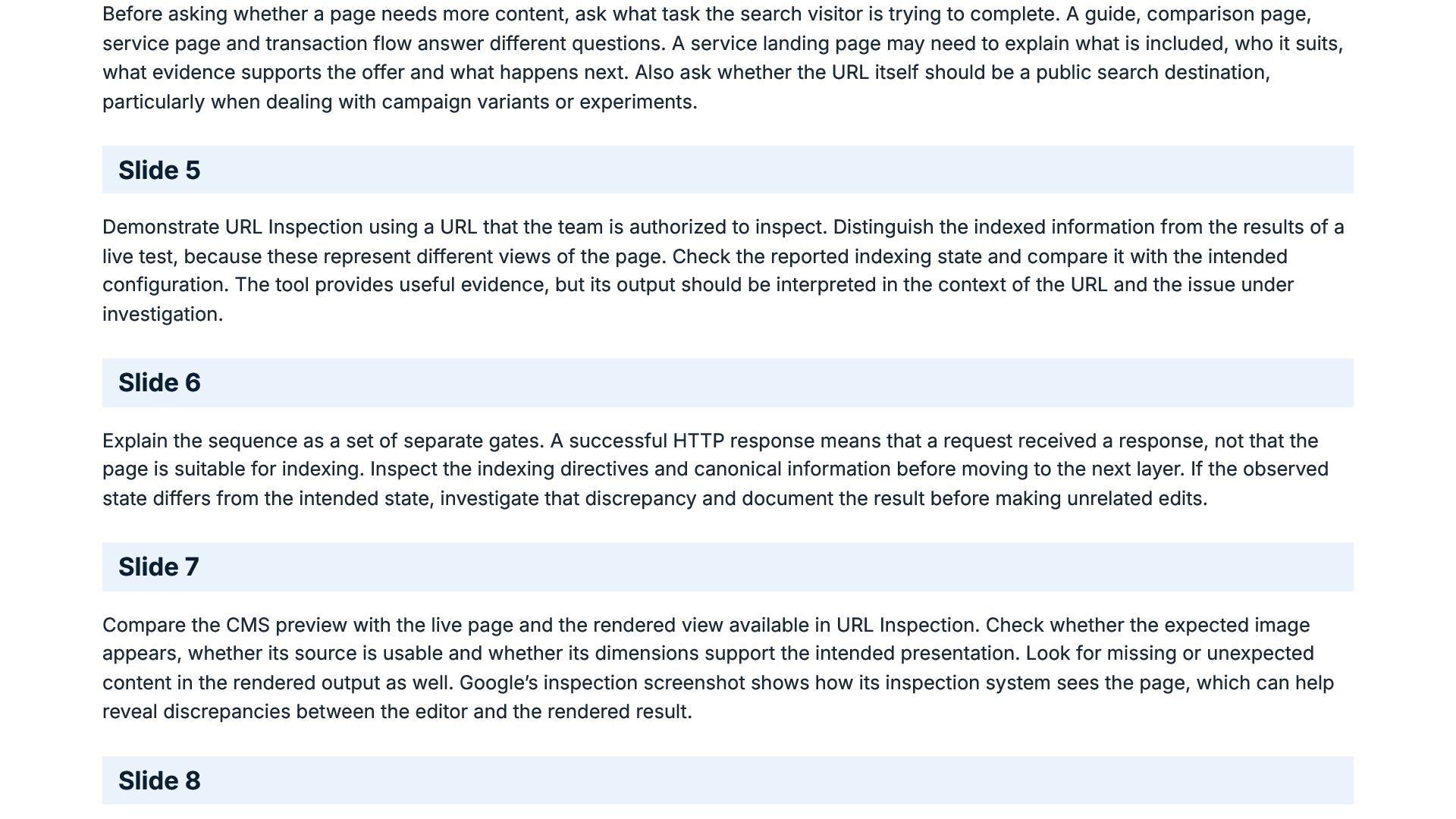
Before asking whether a page needs more content, ask what
task the search visitor is trying to complete. A guide, comparison page, service page and transaction flow answer different questions. A service landing page may need to explain what is included, who it suits, what evidence supports the offer and what happens next. Also ask whether the URL itself should be a public search destination, particularly when dealing with campaign variants or experiments. Slide 5 Demonstrate URL Inspection using a URL that the team is authorized to inspect. Distinguish the indexed information from the results of a live test, because these represent different views of the page. Check the reported indexing state and compare it with the intended configuration. The tool provides useful evidence, but its output should be interpreted in the context of the URL and the issue under investigation. Slide 6 Explain the sequence as a set of separate gates. A successful HTTP response means that a request received a response, not that the page is suitable for indexing. Inspect the indexing directives and canonical information before moving to the next layer. If the observed state differs from the intended state, investigate that discrepancy and document the result before making unrelated edits. Slide 7 Compare the CMS preview with the live page and the rendered view available in URL Inspection. Check whether the expected image appears, whether its source is usable and whether its dimensions support the intended presentation. Look for missing or unexpected content in the rendered output as well. Google’s inspection screenshot shows how its inspection system sees the page, which can help reveal discrepancies between the editor and the rendered result. Slide 8 -
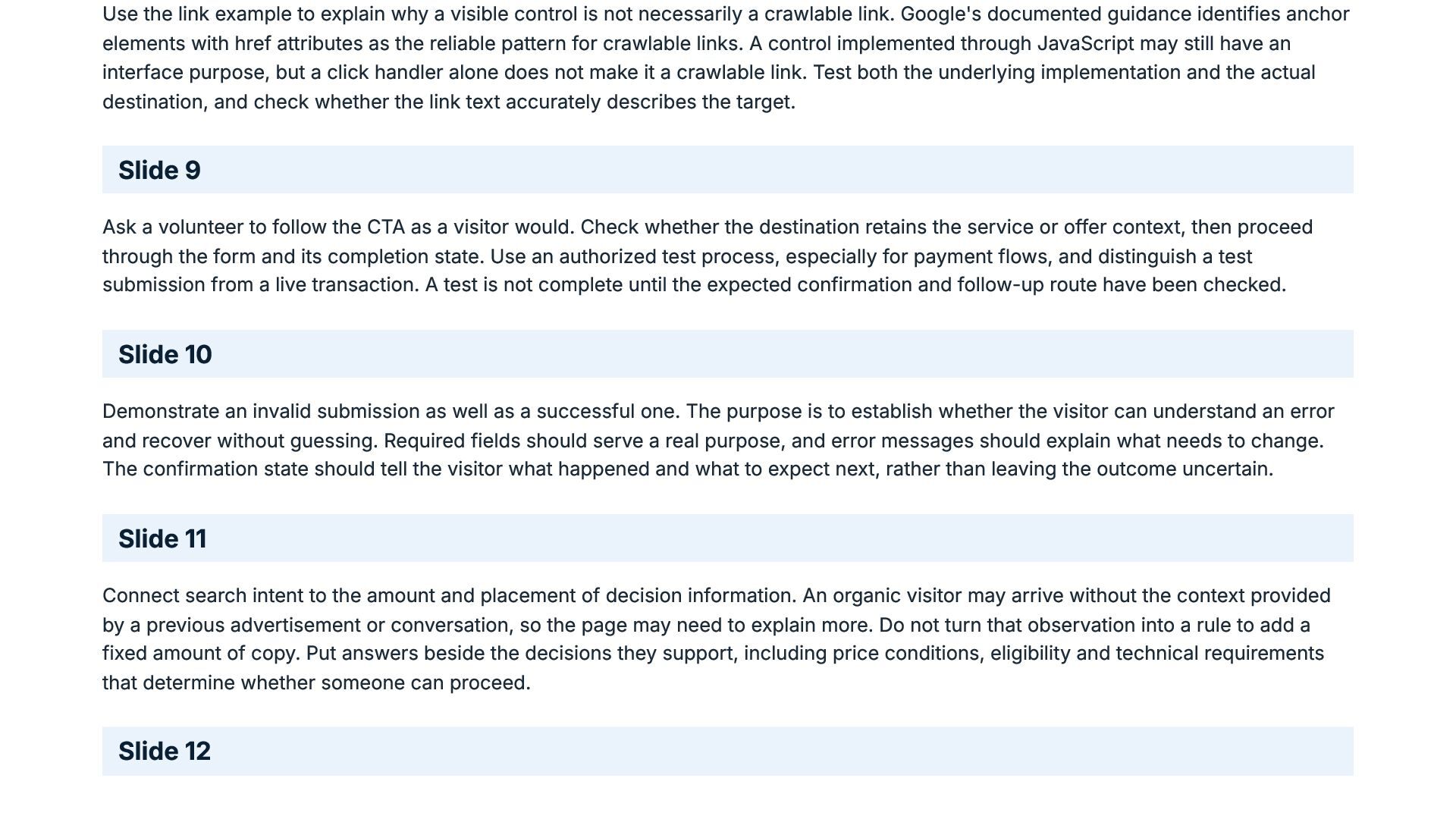
Use the link example to explain why a visible control
is not necessarily a crawlable link. Google's documented guidance identifies anchor elements with href attributes as the reliable pattern for crawlable links. A control implemented through JavaScript may still have an interface purpose, but a click handler alone does not make it a crawlable link. Test both the underlying implementation and the actual destination, and check whether the link text accurately describes the target. Slide 9 Ask a volunteer to follow the CTA as a visitor would. Check whether the destination retains the service or offer context, then proceed through the form and its completion state. Use an authorized test process, especially for payment flows, and distinguish a test submission from a live transaction. A test is not complete until the expected confirmation and follow-up route have been checked. Slide 10 Demonstrate an invalid submission as well as a successful one. The purpose is to establish whether the visitor can understand an error and recover without guessing. Required fields should serve a real purpose, and error messages should explain what needs to change. The confirmation state should tell the visitor what happened and what to expect next, rather than leaving the outcome uncertain. Slide 11 Connect search intent to the amount and placement of decision information. An organic visitor may arrive without the context provided by a previous advertisement or conversation, so the page may need to explain more. Do not turn that observation into a rule to add a fixed amount of copy. Put answers beside the decisions they support, including price conditions, eligibility and technical requirements that determine whether someone can proceed. Slide 12 -
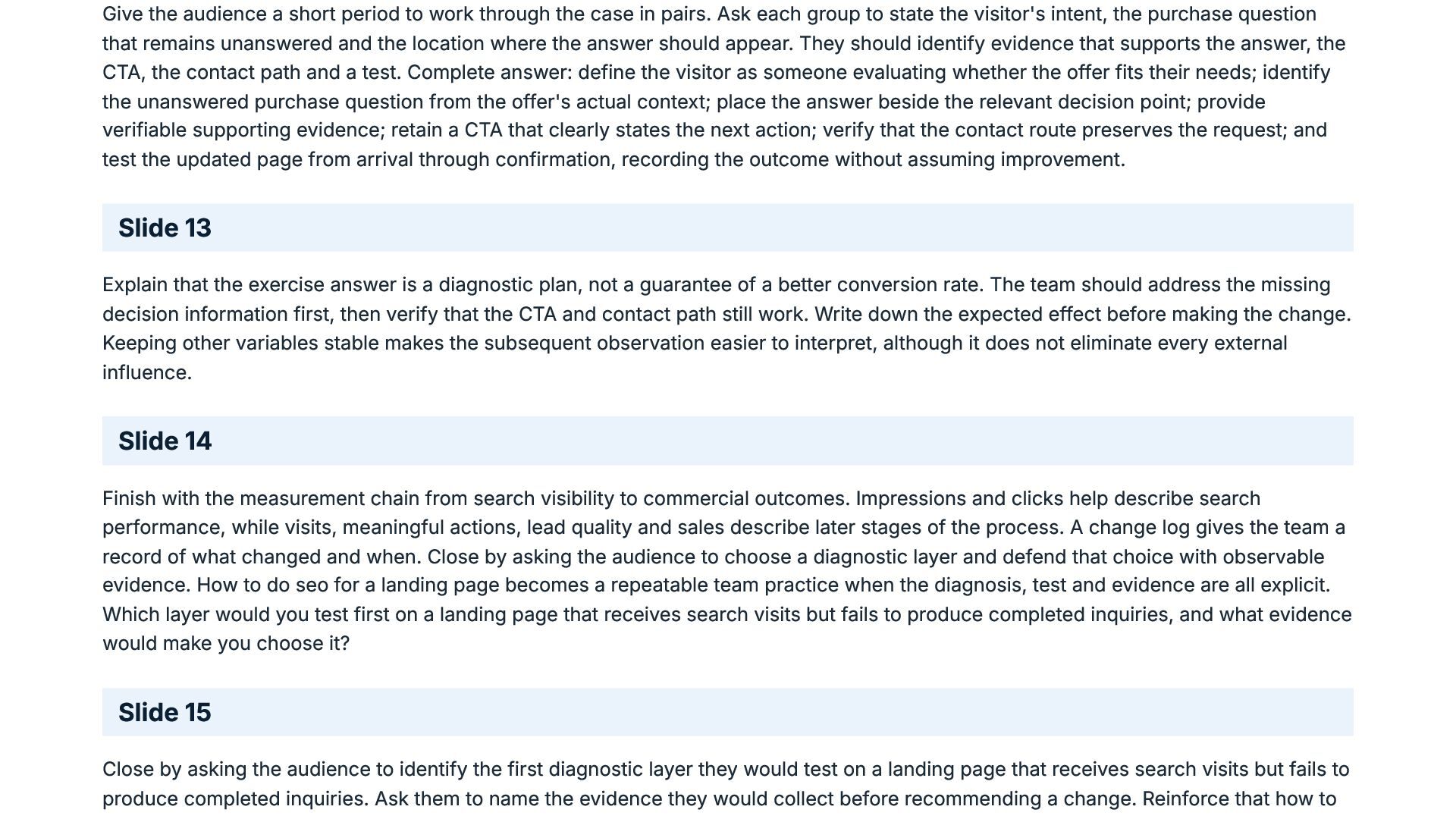
Give the audience a short period to work through the
case in pairs. Ask each group to state the visitor's intent, the purchase question that remains unanswered and the location where the answer should appear. They should identify evidence that supports the answer, the CTA, the contact path and a test. Complete answer: define the visitor as someone evaluating whether the offer fits their needs; identify the unanswered purchase question from the offer's actual context; place the answer beside the relevant decision point; provide verifiable supporting evidence; retain a CTA that clearly states the next action; verify that the contact route preserves the request; and test the updated page from arrival through confirmation, recording the outcome without assuming improvement. Slide 13 Explain that the exercise answer is a diagnostic plan, not a guarantee of a better conversion rate. The team should address the missing decision information first, then verify that the CTA and contact path still work. Write down the expected effect before making the change. Keeping other variables stable makes the subsequent observation easier to interpret, although it does not eliminate every external influence. Slide 14 Finish with the measurement chain from search visibility to commercial outcomes. Impressions and clicks help describe search performance, while visits, meaningful actions, lead quality and sales describe later stages of the process. A change log gives the team a record of what changed and when. Close by asking the audience to choose a diagnostic layer and defend that choice with observable evidence. How to do seo for a landing page becomes a repeatable team practice when the diagnosis, test and evidence are all explicit. Which layer would you test first on a landing page that receives search visits but fails to produce completed inquiries, and what evidence would make you choose it? Slide 15 Close by asking the audience to identify the first diagnostic layer they would test on a landing page that receives search visits but fails to produce completed inquiries. Ask them to name the evidence they would collect before recommending a change. Reinforce that how to -
do SEO for a landing page means tracing observable failures
from the URL response through rendering and the complete conversion path. Which layer would you test first on a landing page that receives search visits but fails to produce completed inquiries, and what evidence would make you choose it? -
Sources https://guaranteedseoservices.com/landing-page-seo/ Search Console Help: URL Inspection tool Google Search
Central: Link best practices
 guaranteedseoservices
 awsjcpm
 speedyindexteam
 tribal
 cargoodrich
 samtorres
 diije
 katarinadahlin
 portentint
 aleyda
 zjchahalis
 kevinki
 addyosmani
 nwiizo
 honzajavorek
 marketingsoph
 aki_iinuma
 marktimemedia
 gurzu
 katiecoart
 destraynor
 ivargrimstad
 emna__ayadi
 coloredviolet